
Repair problem
Bundle Installation Needed Troubleshooting Guides
Published FixGraph guidance for diagnosing and responding to bundle installation needed.
Matching published guides
Choose a guide that matches the service, equipment, and conditions you are seeing.
-
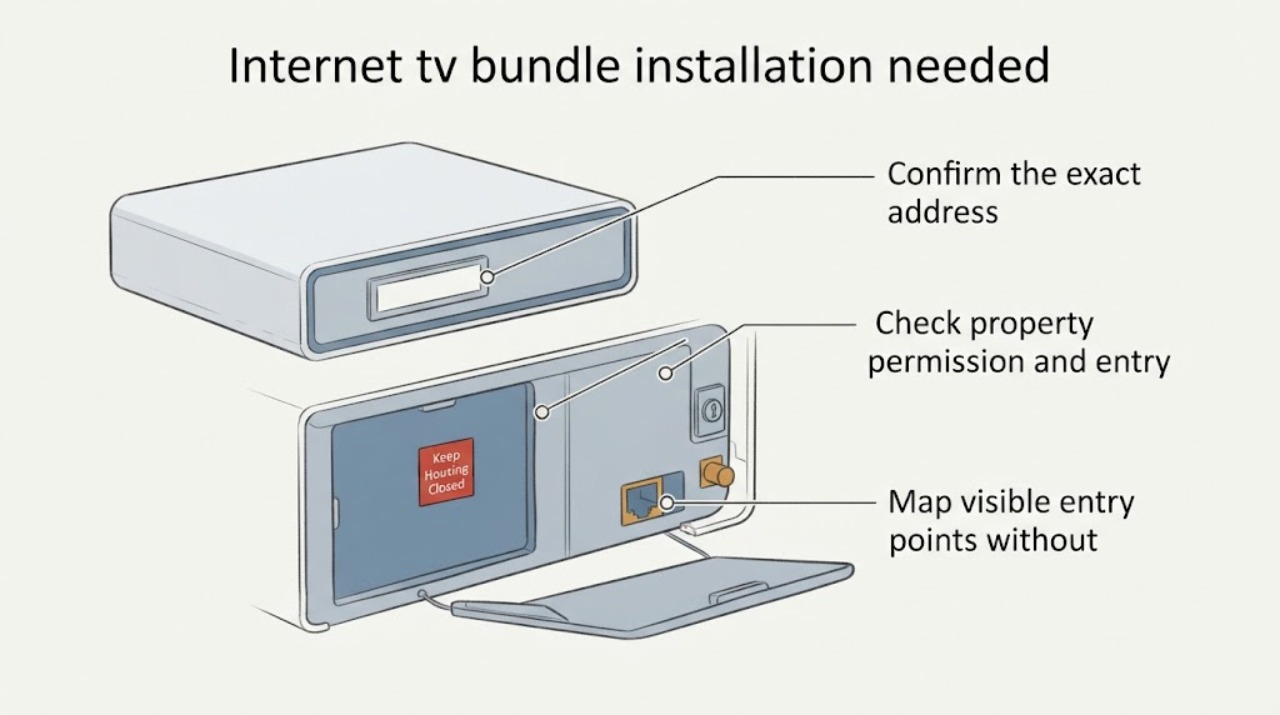
Internet tv bundle installation needed: What to Check and What to Do Next
For a new internet-and-TV bundle, first confirm that the exact address and unit are serviceable, then verify property permission and installer access. From safe, accessible areas, note existing coax or network entry points, suitable dry equipment locations, TV locations, and power availability.
-
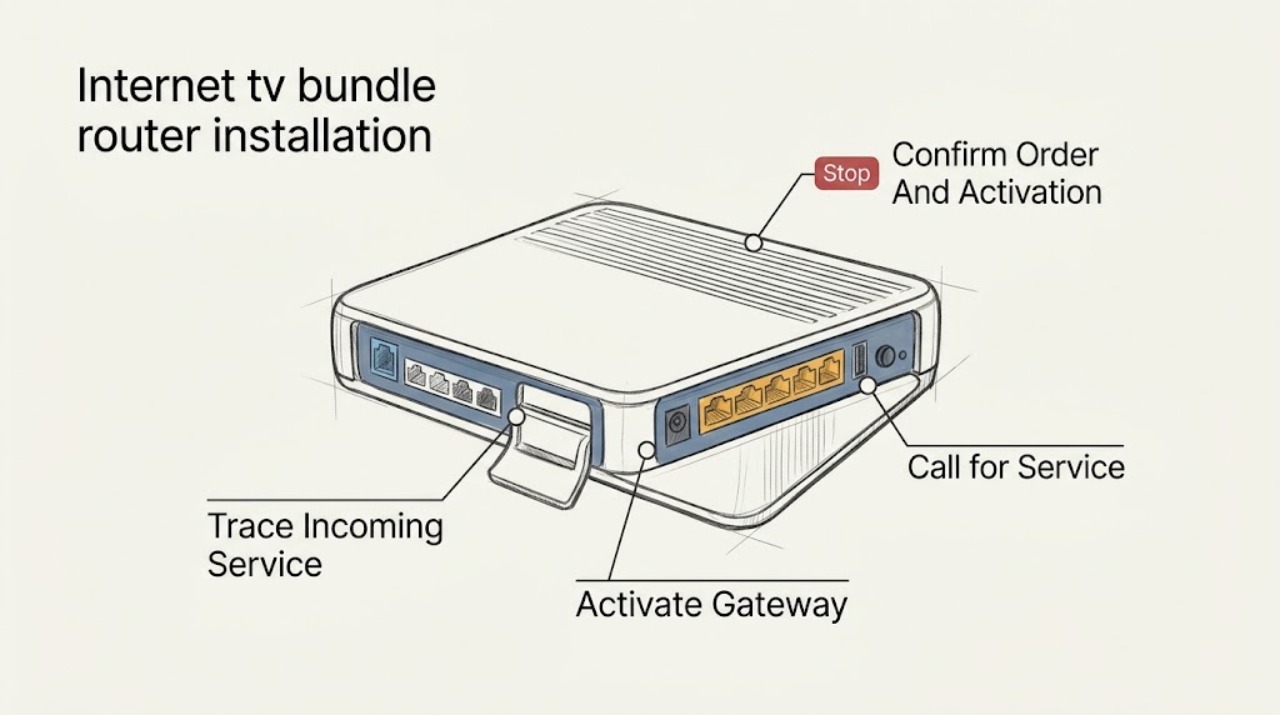
Internet tv bundle router installation needed: What to Check and What to Do Next
An internet-and-TV bundle that says installation is needed is usually waiting for account activation, the provider's incoming connection, or the TV equipment setup; the message alone does not identify a failed router. Confirm the order and activation window first, then connect the provider-approved incoming line to the router's WAN or Internet path, power it with the supplied adapter, and complete the provider's activation flow.