
Repair problem
Not Calling For Heat Or Cooling Troubleshooting Guides
Published FixGraph guidance for diagnosing and responding to not calling for heat or cooling.
Matching published guides
Choose a guide that matches the service, equipment, and conditions you are seeing.
-
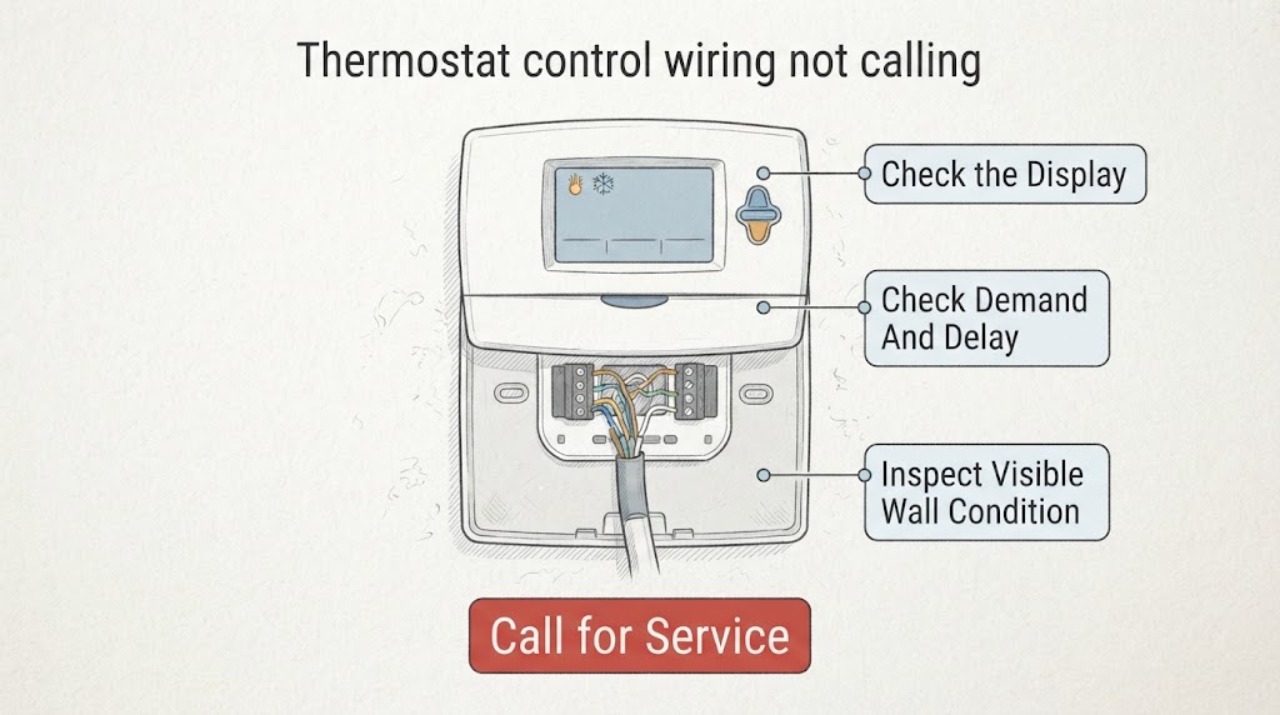
Thermostat control wiring not calling for heat or cooling: What to Check and What to Do Next
If a thermostat does not show a heat or cool call, first separate a demand problem from a wiring or equipment problem. Confirm that the display is powered and responsive, the correct system mode is selected, the setpoint actually demands heating or cooling, and the screen is not showing a temporary delay or lockout.
-
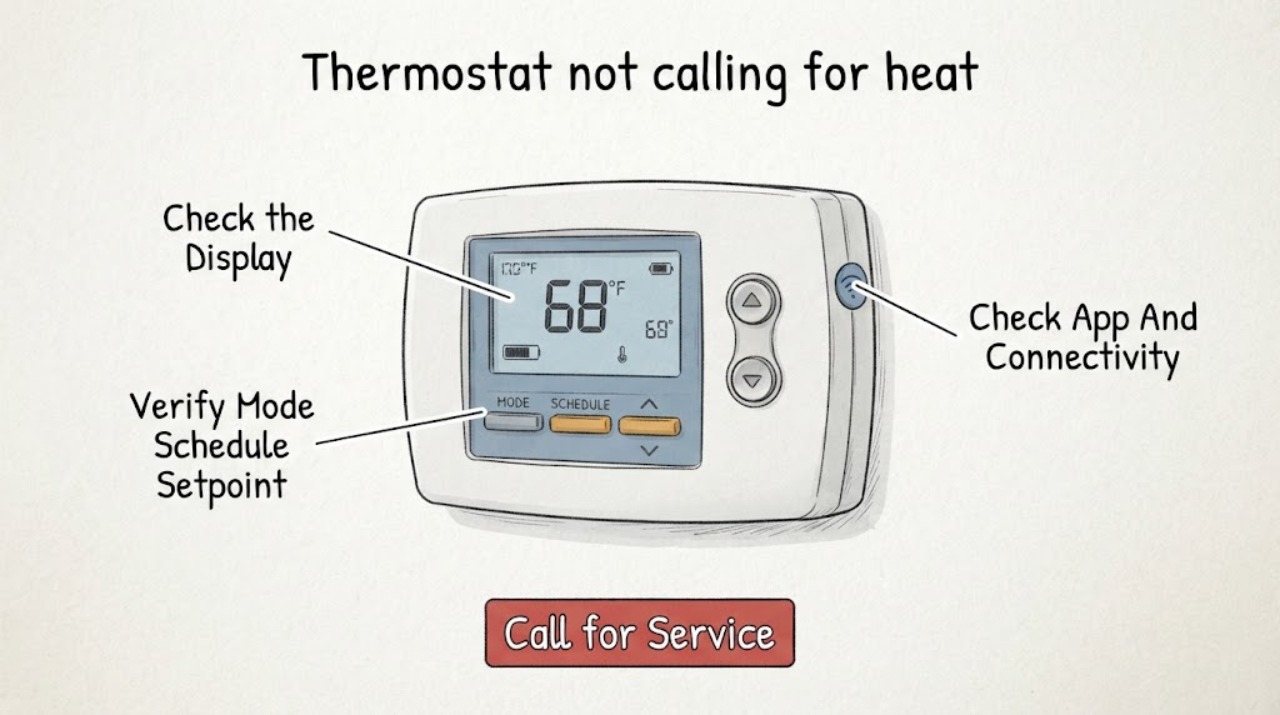
Thermostat not calling for heat or cooling: What to Check and What to Do Next
If a thermostat is not calling for heat or cooling, first check its display, mode, schedule or hold state, setpoint, app connection, and any visible HVAC status without opening the thermostat or touching wires. Select the intended Heat or Cool mode and make one ordinary setpoint adjustment within the thermostat's instructions; then observe whether a call or system status appears.