
Repair problem
Solar Monitoring Upgrade Troubleshooting Guides
Published FixGraph guidance for diagnosing and responding to solar monitoring upgrade.
Matching published guides
Choose a guide that matches the service, equipment, and conditions you are seeing.
-
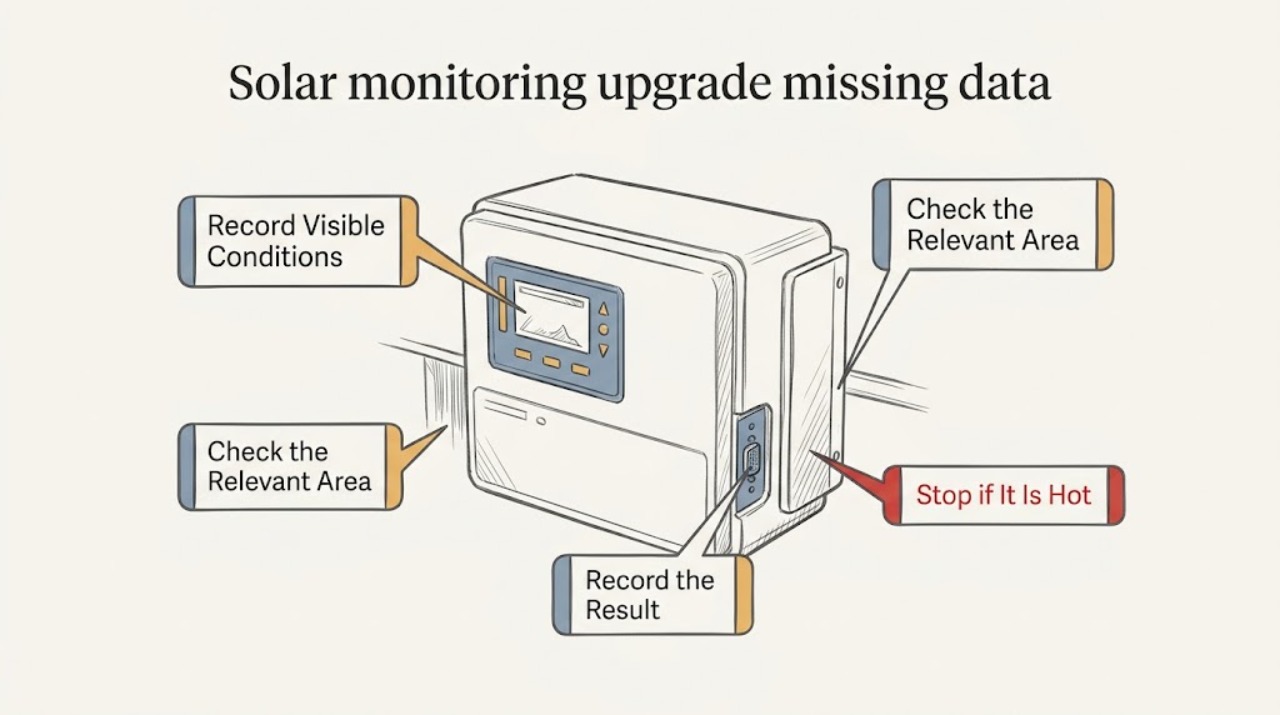
Solar monitoring upgrade missing data: What to Check and What to Do Next
For missing solar monitoring data after an upgrade, first compare the last complete timestamp and first gap with the upgrade date, then separate actual production from the app's telemetry. Use only the app, account pages, utility records, accessible displays, and readable equipment labels to distinguish gateway, meter, inverter, account migration, historical backfill, and real production issues.
-
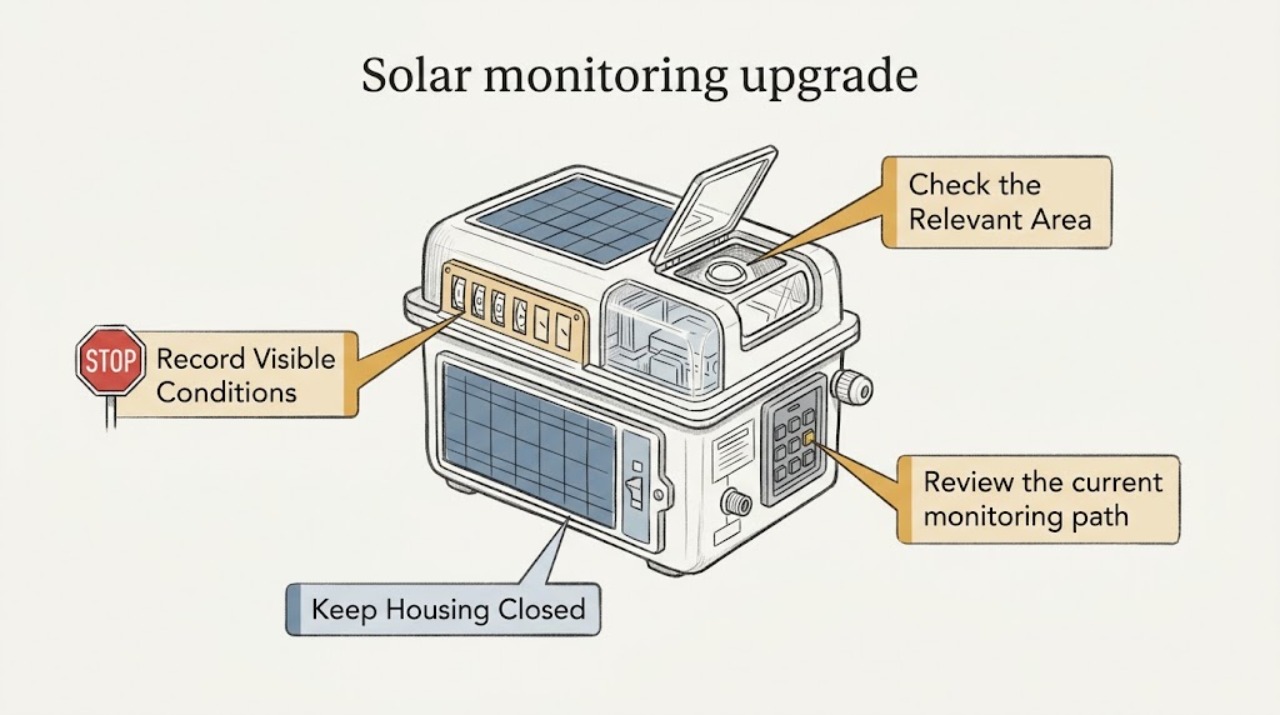
Solar monitoring upgrade: What to Check and What to Do Next
Upgrading monitoring for an existing solar system starts with defining what you want to see—production, consumption, alerts, system-wide output, or device-level detail—and documenting the equipment and current data path. A monitoring platform may use inverter instrumentation, added metering, a gateway, a home network, or a cloud service, so compatibility cannot be assumed from the app name or a connector photo.