
On this page
Start here
Quick answer
Upgrading monitoring for an existing solar system starts with defining what you want to see—production, consumption, alerts, system-wide output, or device-level detail—and documenting the equipment and current data path. A monitoring platform may use inverter instrumentation, added metering, a gateway, a home network, or a cloud service, so compatibility cannot be assumed from the app name or a connector photo. Gather the inverter and panel information, current monitoring access, ownership and warranty documents, and the reason for the upgrade. Have a qualified solar professional design and install any new monitoring hardware; do not open the inverter, panels, combiner, or meter enclosure or perform live electrical testing.
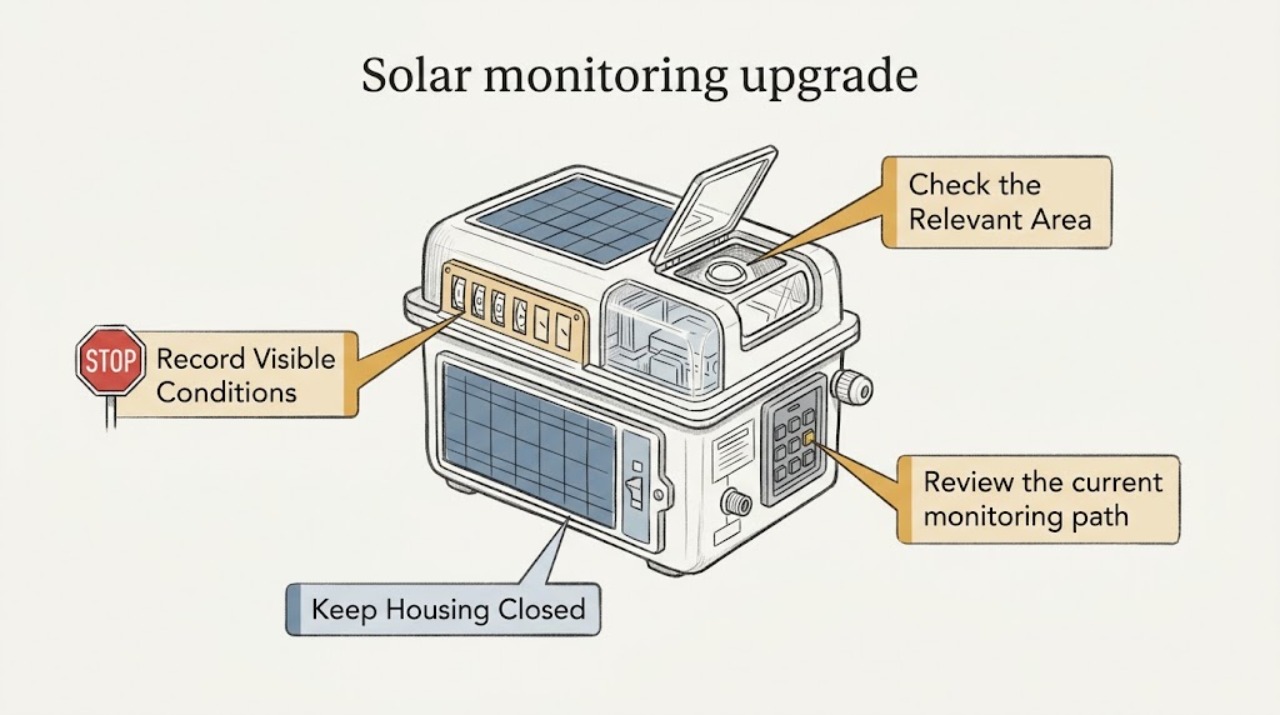
Work through in order
Diagnostic checks
Use only checks that match the exact appliance or system and its official guide.
-
Check 1
Write down the monitoring outcome you want: whole-system production, household consumption, export to the grid, alerts, historical reports, or device-level detail. Note which of these is missing today without changing any equipment or account settings.
Expected result: A request for production-only visibility differs from a request for consumption data, per-device detail, or automatic fault alerts. The current app may already provide some views while lacking others.
Next step: Make a short must-have and nice-to-have list and share it with the installer. Ask which data will be measured directly, which will be estimated or modeled, and how alerts and historical data will be retained.
Stop if: Stop planning a hardware purchase if the desired data type, accuracy, retention, or ownership of the data has not been explained in writing.
Why this matters
Why: The monitoring goal determines whether the project is primarily an account or software change, a communications upgrade, added metering, or a broader system integration. A vague request can lead to incompatible or unnecessary hardware.
-
Check 2
From existing paperwork, the current app, or labels visible without opening equipment, record the inverter or microinverter manufacturer and model family, current gateway or communications device, monitoring platform name, and the last date data appeared.
Expected result: An identified platform and a recent data timestamp provide a starting point for an upgrade. Missing model information, mixed equipment brands, no current login, or a long data gap means the installer must identify the system before recommending a monitor.
Next step: Photograph only accessible labels from a safe position and collect the installation manual, commissioning record, warranty details, and app screenshots. Ask the professional to confirm compatibility against the exact system records.
Stop if: Do not remove an inverter cover, combiner cover, panel, meter cover, or communications enclosure to find a label. Stop if identification would require live electrical access or roof work.
Why this matters
Why: Monitoring hardware and software are not universally interchangeable. The equipment family and existing data path are compatibility inputs, not proof that a proposed energy monitor will work.
-
Check 3
Review the current monitoring path at the user level: whether the app or web portal opens, whether it shows current and historical production, whether alerts arrive, and whether the system is connected through home internet, cellular service, or an installer-managed account.
Expected result: A working portal with incomplete views suggests a feature or metering gap. A portal that is inaccessible, stale, or owned by a former installer may be an account-transfer or communications issue rather than an equipment-upgrade need.
Next step: Record the visible status message and last update date, and ask the original installer or platform support how ownership, credentials, data export, and warranty support are handled. Do not reset or reconfigure hardware to test connectivity.
Stop if: Stop if an app request leads to a demand for unsafe equipment access, an unknown account transfer, or a reset that could erase monitoring history before it is backed up.
Why this matters
Why: Separating access and connectivity from missing measurement prevents replacing functioning equipment for an account problem. It also tells the installer what history might need to be preserved or transferred.
-
Check 4
Review the system documents and contract for ownership, installer responsibility, warranty, lease or power-purchase terms, utility interconnection, and any stated monitoring service. Note whether the original installer is available.
Expected result: A system under a lease, service agreement, or active warranty may require approval or a specific provider for monitoring changes. A homeowner-owned system with complete records may offer more installer options, but local requirements still apply.
Next step: Ask the owner, lender, provider, utility, or certified installer which approvals are required and whether existing data and warranties transfer. Keep copies of the proposal, equipment list, and commissioning records.
Stop if: Do not authorize an upgrade that changes system wiring, metering, or communications responsibility until ownership, warranty, and utility implications are clear.
Why this matters
Why: Contract and warranty status can affect who may change monitoring hardware, who owns data, and whether a change affects support or interconnection obligations.
-
Check 5
Describe the desired installation boundary to the professional: no roof or panel work if possible, a location for any indoor gateway, available network or cellular coverage, and whether consumption monitoring is required in addition to solar production.
Expected result: A plan that can use existing inverter data may differ from one requiring added sensors or a communications path. Network availability, meter location, and access constraints can change the design without changing the panels themselves.
Next step: Request a written scope naming the data points, hardware categories, installation locations, account ownership, commissioning test, and support handoff. Ask how the proposal preserves existing system operation and records.
Stop if: Stop the project if the proposal requires homeowner disassembly, live testing, unsupported compatibility claims, or roof/panel access without a qualified installer and appropriate safety plan.
Why this matters
Why: This information helps the installer compare a software-only path, a gateway or data connection, and added metering while keeping the solar generation equipment untouched unless a qualified assessment says otherwise.
Use your observations
Decision map
Find the observation that best matches what you see, then follow the next safe action.
-
PATH 01Next step
What you see
The current app works and already provides the desired production data, but the homeowner wants a different dashboard or historical export.
Do this next
Ask the current provider about account, software, data-export, or platform options before adding hardware. Preserve existing credentials and history.
-
PATH 02Next step
What you see
Production data exists but consumption data, export information, or desired alerts are missing.
Do this next
Ask a qualified installer whether added metering or a compatible platform is required. Request a written explanation of what is directly measured and what is estimated.
-
PATH 03Next step
What you see
The portal is stale or inaccessible, the gateway is unknown, or the system has mixed or unidentified equipment.
Do this next
Treat this as an identification, account-transfer, or communications diagnosis first. Do not buy a monitor until the system family, ownership, and existing data path are confirmed.
-
PATH 04Next step
What you see
The system is leased, under warranty, tied to an installer service plan, or subject to utility or interconnection requirements.
Do this next
Obtain the required provider, owner, and utility approvals before modifying monitoring hardware or accounts. Ask how the change affects warranty and data ownership.
-
PATH 05Next step
What you see
The proposed work involves an inverter, combiner, meter, roof, panel, or energized wiring.
Do this next
Stop homeowner work and use a qualified solar professional. Do not open, disconnect, probe, or test the equipment yourself.
Helpful context
Understand the symptom
What an upgrade can change
Monitoring can be software access, a communications gateway, additional power metering, or a broader platform that combines production and consumption data. The right path depends on whether the existing inverter already reports data, whether the current platform is proprietary, what the homeowner wants to observe, and whether the installation's ownership or warranty terms limit changes. An app that shows no data is not automatically evidence that new hardware is needed.
Keep the homeowner check observational
This page is for planning and documentation only. Read information from the app, paperwork, equipment labels that are visible without opening anything, and the utility bill or meter portal. Do not remove covers, disconnect communications or power wiring, climb onto the roof, access the panel field, or probe any energized equipment. A certified installer should confirm compatibility, code requirements, and the safe installation path.
Only after diagnosis
Potential parts
- energy-monitor
Consider an energy monitor only after a qualified installer confirms the desired data type, existing inverter and meter architecture, communications path, and local requirements.
Do not assume universal compatibility; verify the exact inverter or microinverter family, measurement location, data protocol, service plan, and installation method before ordering.
When checks do not resolve it
Need a professional?
Arrange a qualified solar professional for any monitoring upgrade that adds metering, gateways, communications hardware, account migration, or wiring changes, or when the existing system is unidentified, stale, inaccessible, under warranty, leased, or subject to utility requirements.
Have this ready
- Provide the system and inverter information from safe labels or records, current app screenshots and last-update date, desired data and alerts, ownership and warranty documents, installer availability, network or cellular constraints, and any utility or contract conditions.
Common questions
FAQ
Can I add monitoring to an existing solar system without replacing the panels?
Sometimes, but it depends on the inverter or microinverter architecture, existing communications path, desired data, ownership, and local requirements. A qualified installer should confirm the design; do not assume an add-on is compatible from the app name or a photo.
Do I need a new energy monitor if my solar app is not updating?
Not necessarily. A stale app can reflect an account, gateway, network, cellular, or provider issue rather than failed monitoring hardware. Record the last update and visible status, preserve the account history, and have the existing data path diagnosed first.
What records should I gather before requesting a monitoring upgrade?
Gather the inverter or microinverter information, current monitoring platform and login status, app screenshots, installation and commissioning records, warranty or lease documents, installer details, utility conditions, and a list of the data and alerts you want.
Can I install a solar monitoring sensor myself?
Do not open or modify energized solar equipment or meter enclosures. If the project needs added metering, a gateway, wiring, or roof or panel access, use a qualified solar professional to confirm compatibility and complete the installation.
Read the exact guide
Official sources
- A Consumer's Guide to Buying a House with Solar PanelsU.S. Department of Energy · Supports collecting inverter and installer information, warranty and ownership records, and existing production-monitoring access before changing an installed system.
- Monitoring Platforms for Solar Photovoltaic SystemsU.S. Department of Energy Federal Energy Management Program · Supports the distinction between platform software, device or inverter instrumentation, added metering, connectivity, alerts, reporting, and maintenance documentation; residential applicability depends on the actual system architecture.
- Homeowner's Guide to SolarU.S. Department of Energy · Supports using a qualified professional and considering roof, system, installer, and system-specific constraints when planning solar work; it is not a compatibility claim for any monitoring product.
Community feedback
Share a repair observation
Share a plain-text repair observation. Accepted observations are published automatically; this page may take a moment to update.