
Repair service
Solar Guides
Solar equipment, installation, and maintenance guidance.
Published solar guides
Choose the guide that best matches the service and problem you are seeing.
-
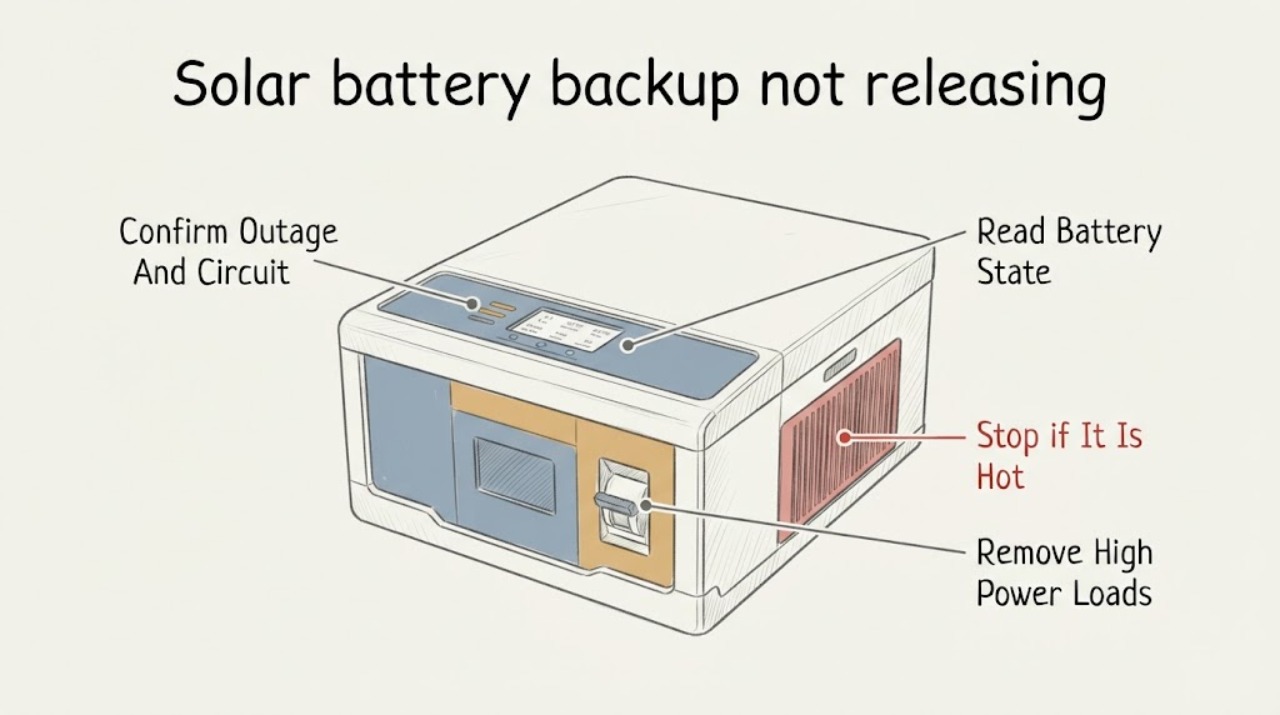
Solar battery backup not releasing no backup power: What to Check and What to Do Next
When a solar battery does not release power during an outage, first determine whether the home is actually in the system's backup state, whether the affected outlet is on a backed-up circuit, and what the app or local display says about charge, overload, standby, or a fault. Solar panels alone normally shut off when the grid fails; backup requires a properly configured inverter, storage, and transfer equipment.
-
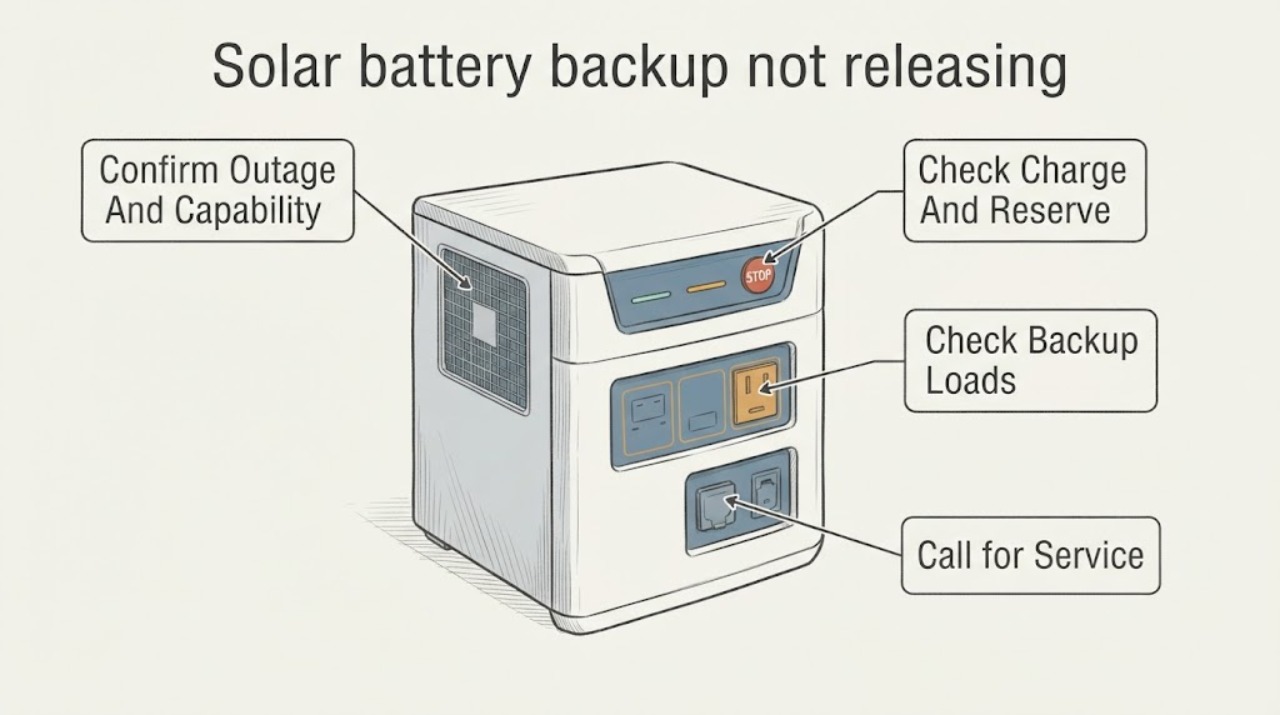
Solar battery backup not releasing grid outage: What to Check and What to Do Next
A solar battery will not power a home during an outage unless the installation includes a storage system, an inverter that can form a safe local electrical system, and the correct transfer or backup equipment. First confirm that the utility is actually out and record the battery, inverter, gateway, and app status without opening equipment or changing switches.
-
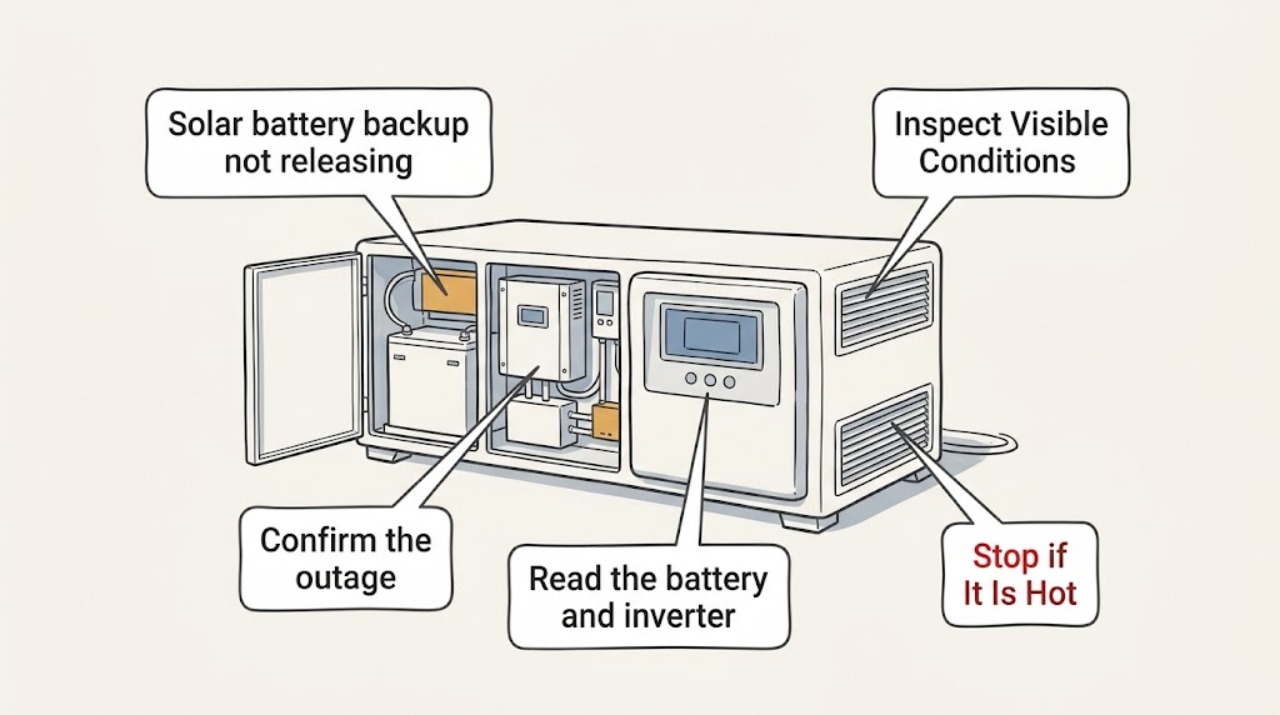
Solar battery backup not releasing: What to Check and What to Do Next
First confirm that the home is actually in an outage or approved backup state and check the battery app for charge level, reserve, overload, breaker, inverter, or system-fault messages. A solar-plus-storage system must detect the grid loss and form a safe island before it can discharge; a battery that is empty, reserved, overloaded, disconnected, or configured only for selected circuits may appear not to release power.
-
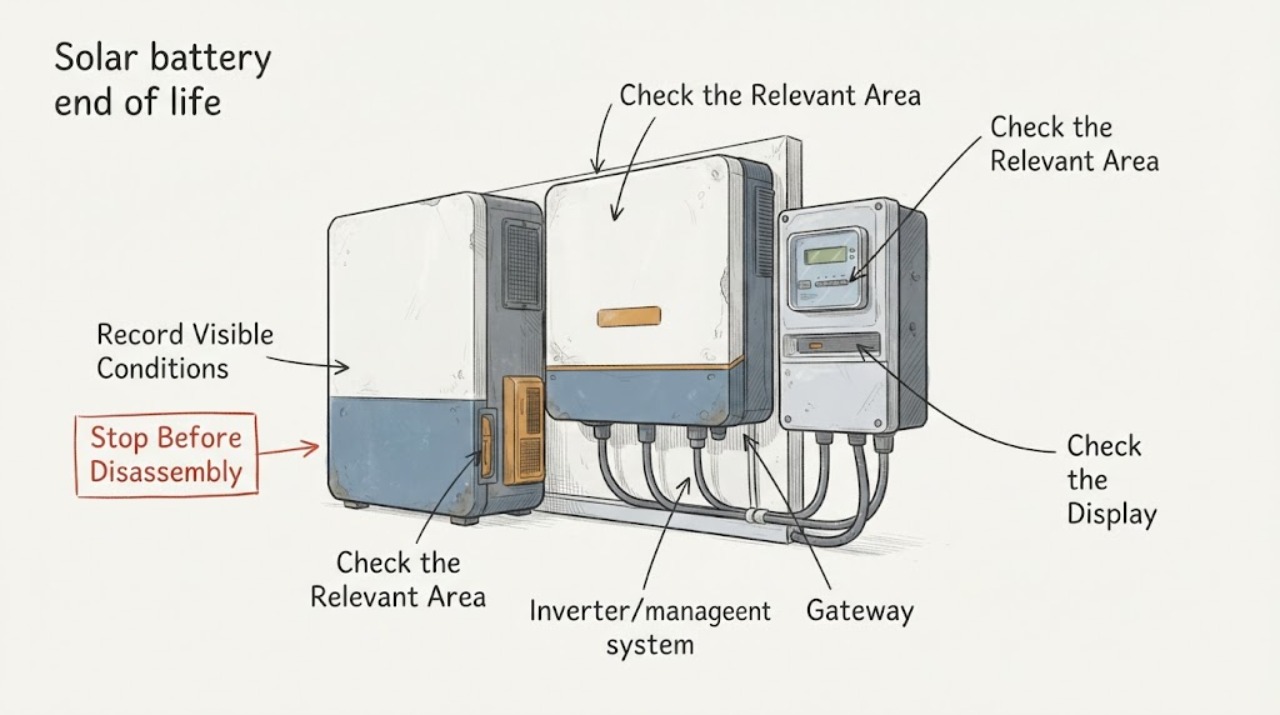
Solar battery end of life age related: What to Check and What to Do Next
A solar battery does not become unsafe or unusable merely because it reaches a certain age, and a reduced backup runtime does not by itself prove end of life. First record the model, installation or activation date, service history, state of charge, usable runtime under a comparable ordinary load, and any exact alert.
-
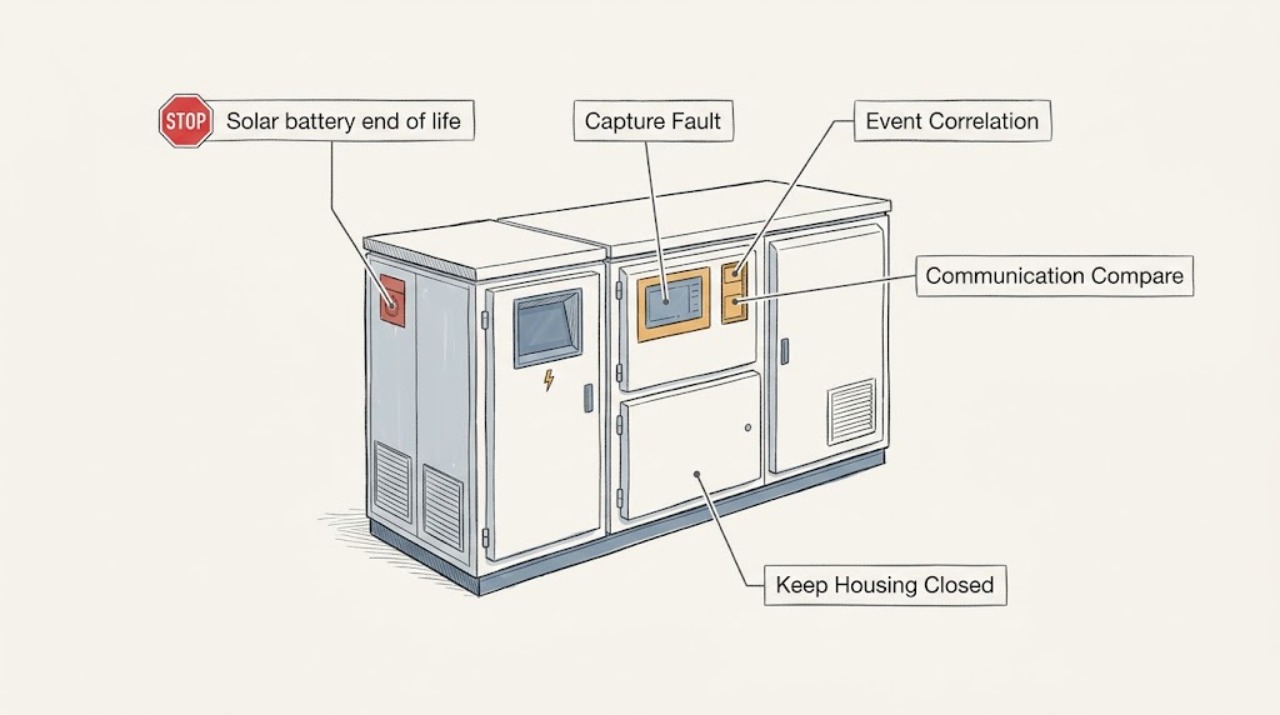
Solar battery end of life repeated faults: What to Check and What to Do Next
Repeated faults on a solar battery do not prove that the battery has reached end of life. First capture the exact code or message in the app and on the local display, with its timestamp and operating state.
-
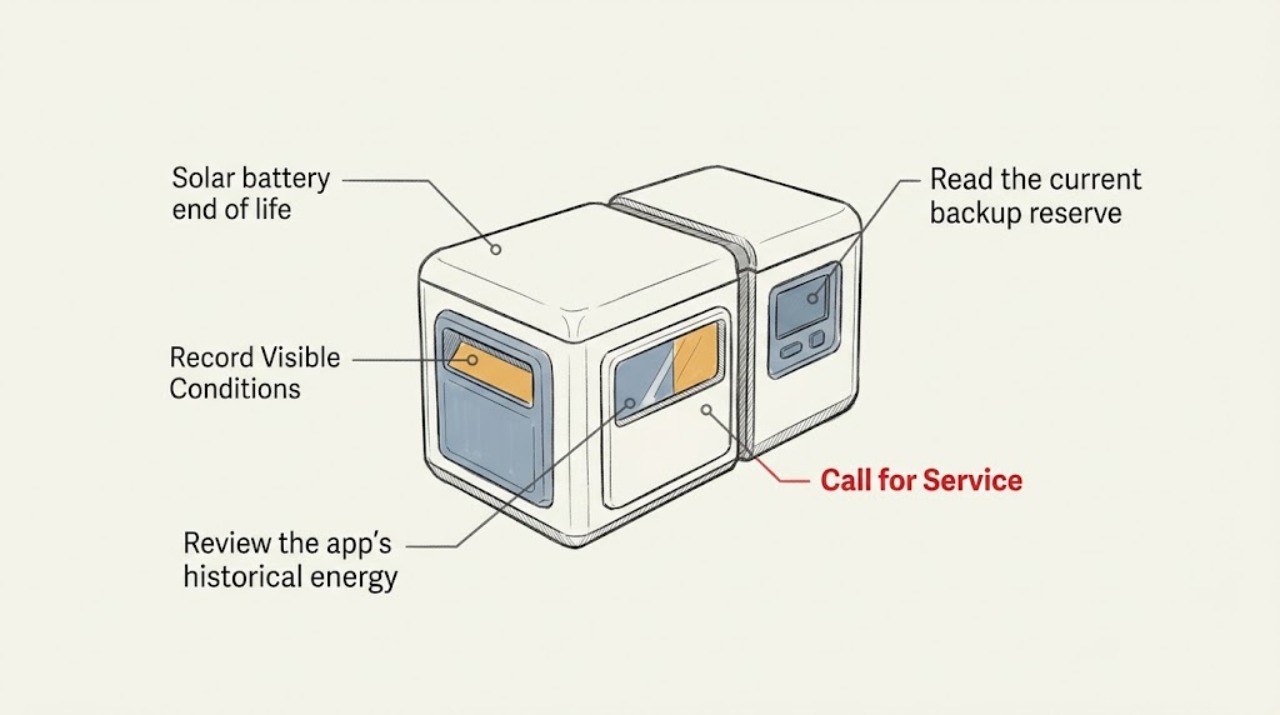
Solar battery end of life: What to Check and What to Do Next
Do not open, handle, remove, rebuild, or electrically test a solar-storage battery. First use the system app and any normal exterior display to record the battery state of charge, available-energy or power status if shown, alerts, connectivity, and recent charge/discharge history.
-
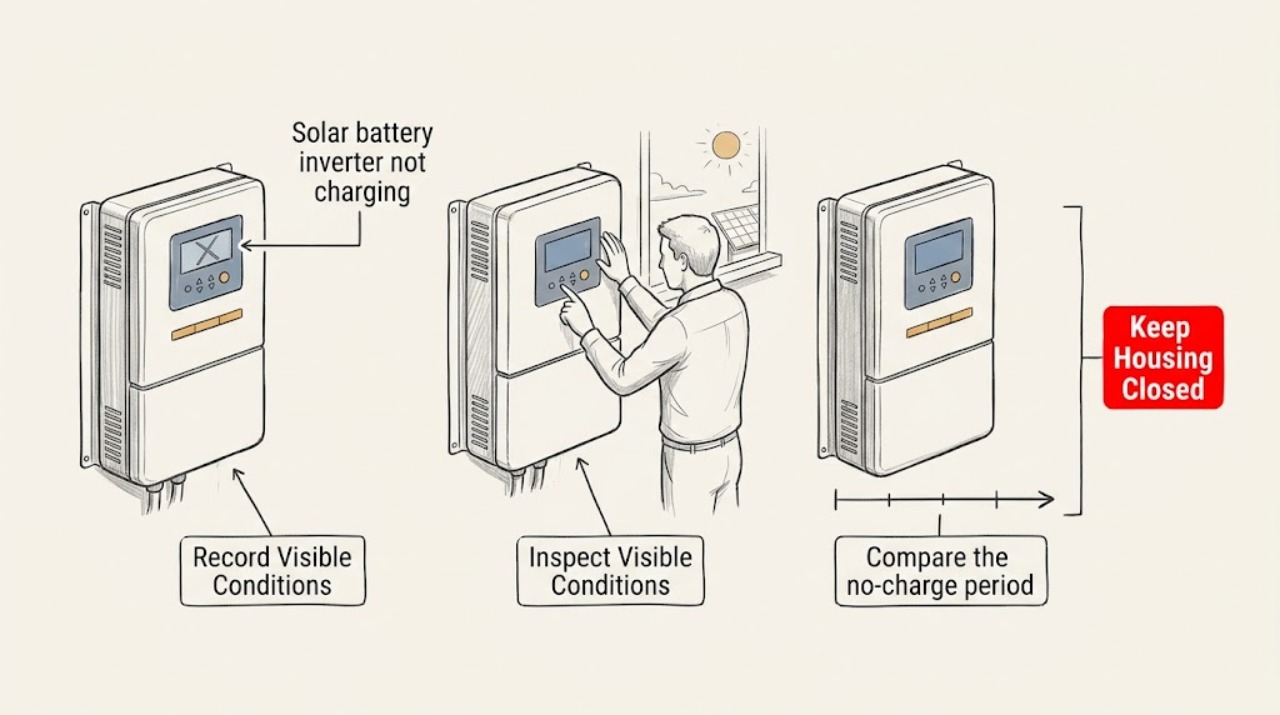
Solar battery inverter not charging: What to Check and What to Do Next
Start with the monitoring app or visible system status, not the battery or inverter enclosure. Record the battery state of energy, charge status, solar or grid power flow, reserve setting, alerts, and the time the problem began.
-
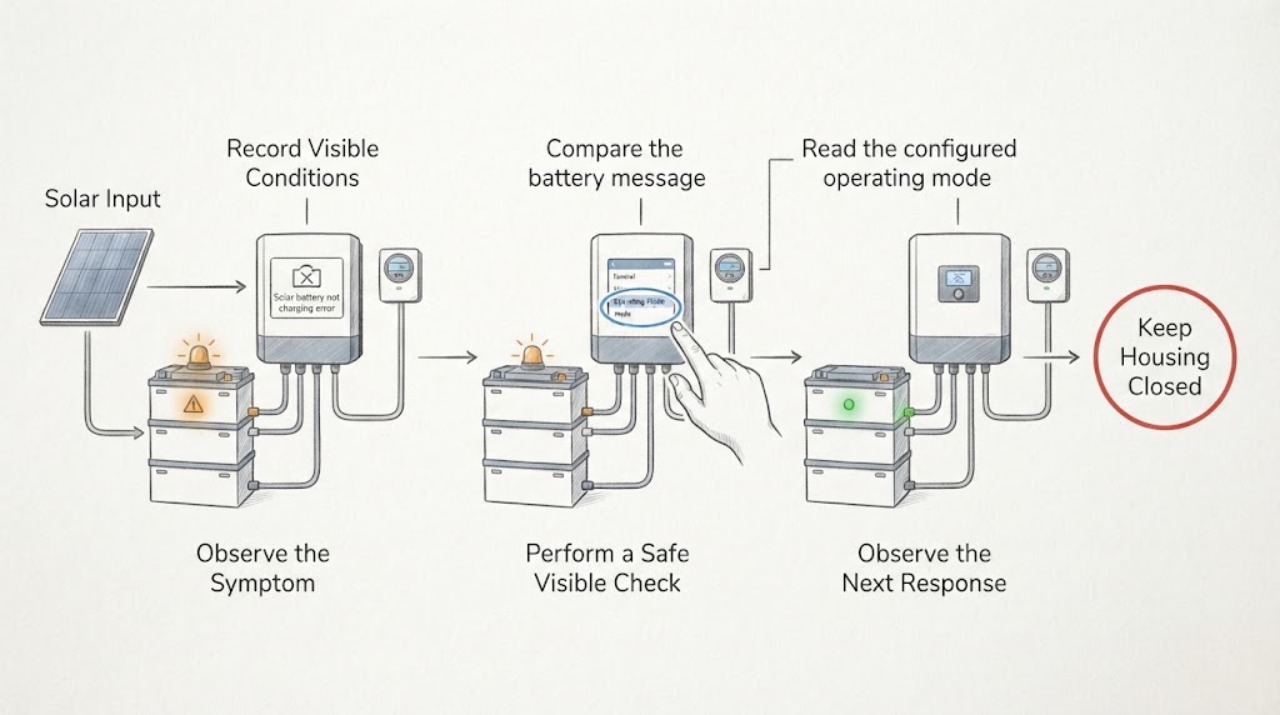
Solar battery not charging error message: What to Check and What to Do Next
When a solar battery says it is not charging, save the exact error text and the time, then compare the battery state with solar production, state of charge, operating mode, and the local status indicator from a safe location. A full reserve, no excess solar, low-temperature startup, calibration, overload, stale app telemetry, an open system path, or a real equipment fault can look similar; the exact message and model manual decide which path applies.
-
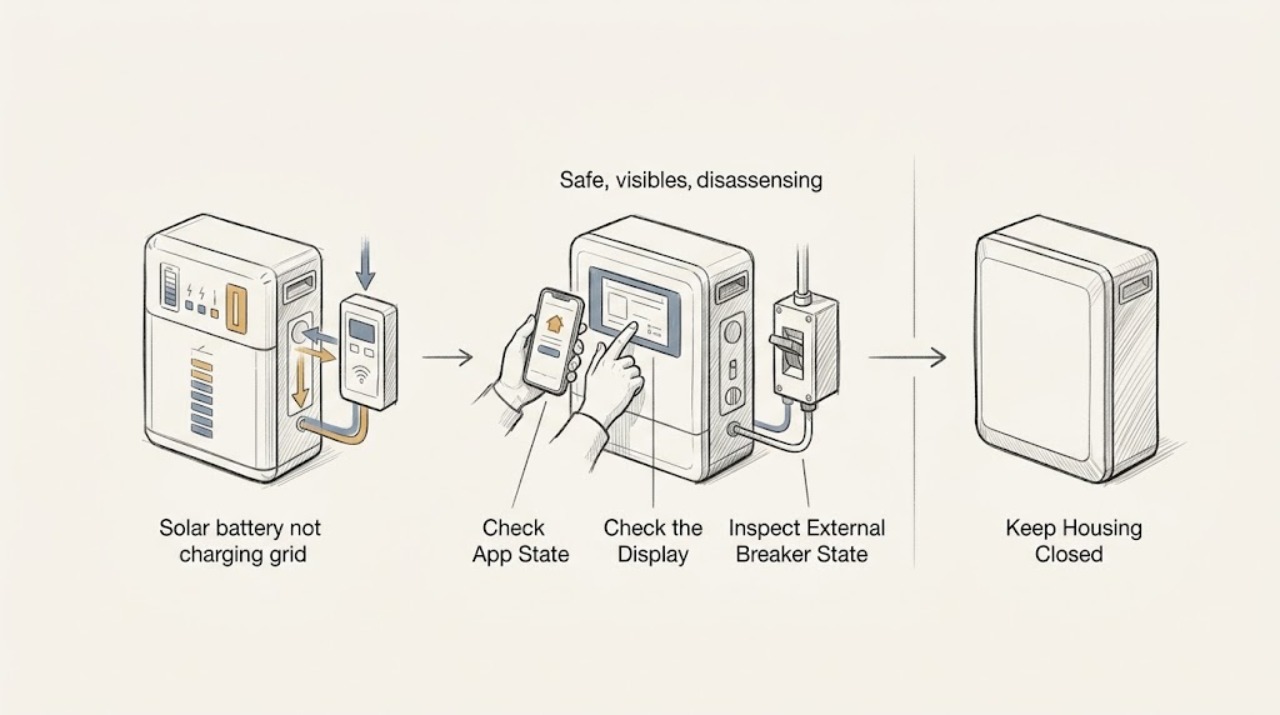
Solar battery not charging grid available: What to Check and What to Do Next
When a solar battery is not charging while grid power is available, first confirm the operating state rather than assuming a failed battery. Use the app or display to record battery state of charge, backup-reserve status, schedule or operating mode, alerts, and last communication; view status lights and breaker indicators only from outside.
-
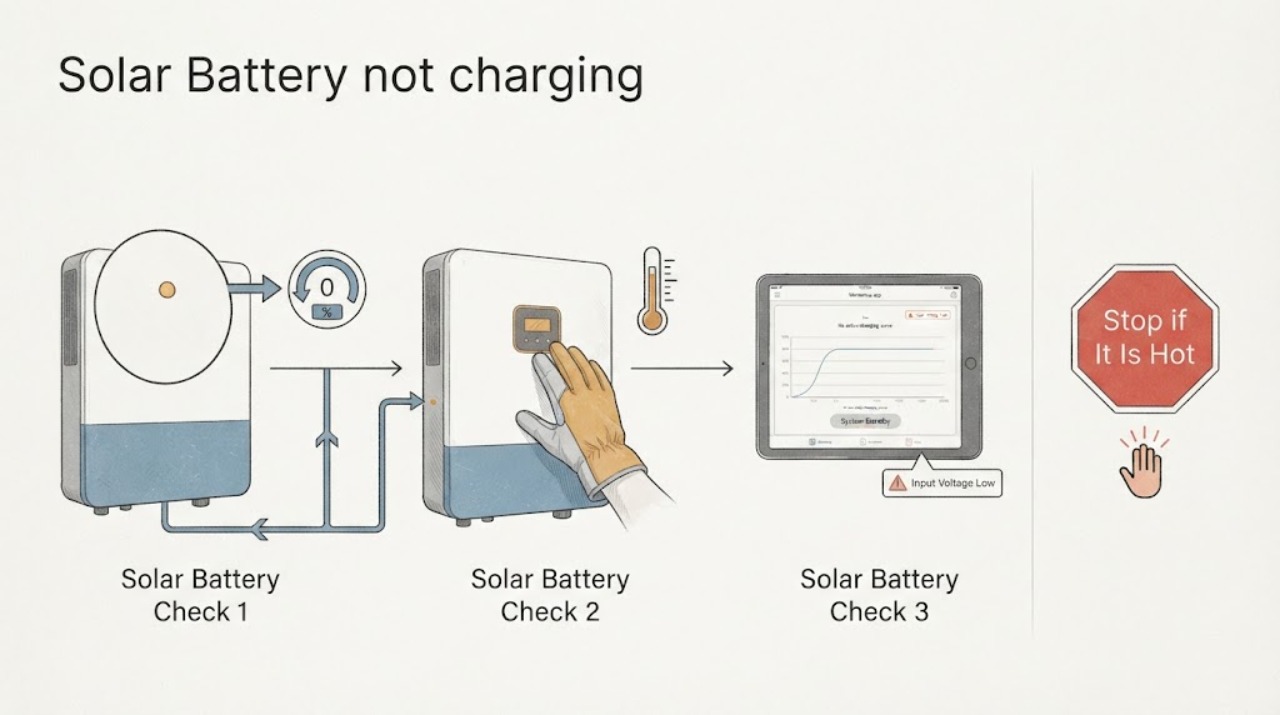
Solar battery not charging: What to Check and What to Do Next
Start with the monitoring app and the visible system status, not the battery enclosure. Record whether the app shows charging, waiting for solar, an outage, a communication fault, or a service-required alert; compare that with current daylight, weather, grid status, and the solar-production indicator.
-
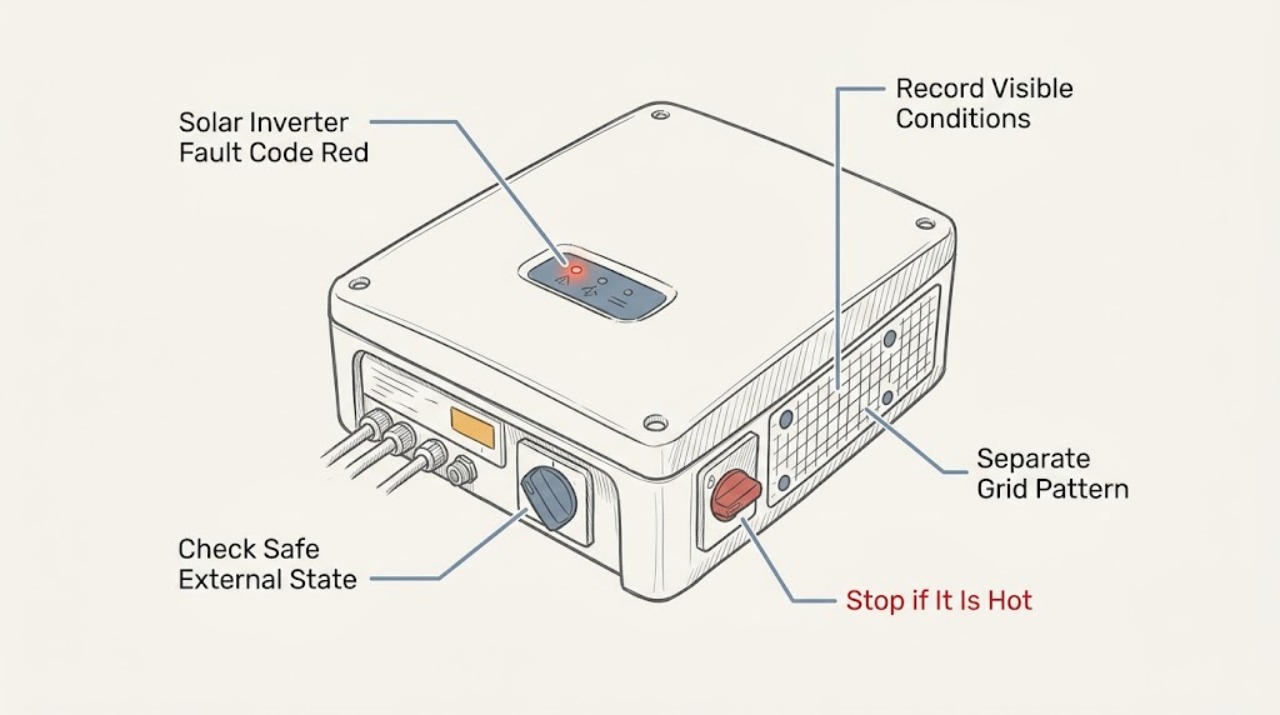
Solar Inverter Fault Code Red Light Grid Voltage Error
A red inverter light with a grid-voltage or isolation message means the system has stopped or limited production for a protective reason, but the light and wording are not universal across manufacturers. Record the exact model, displayed event text or number, LED pattern, time, weather, and whether other system devices show the same condition.
-
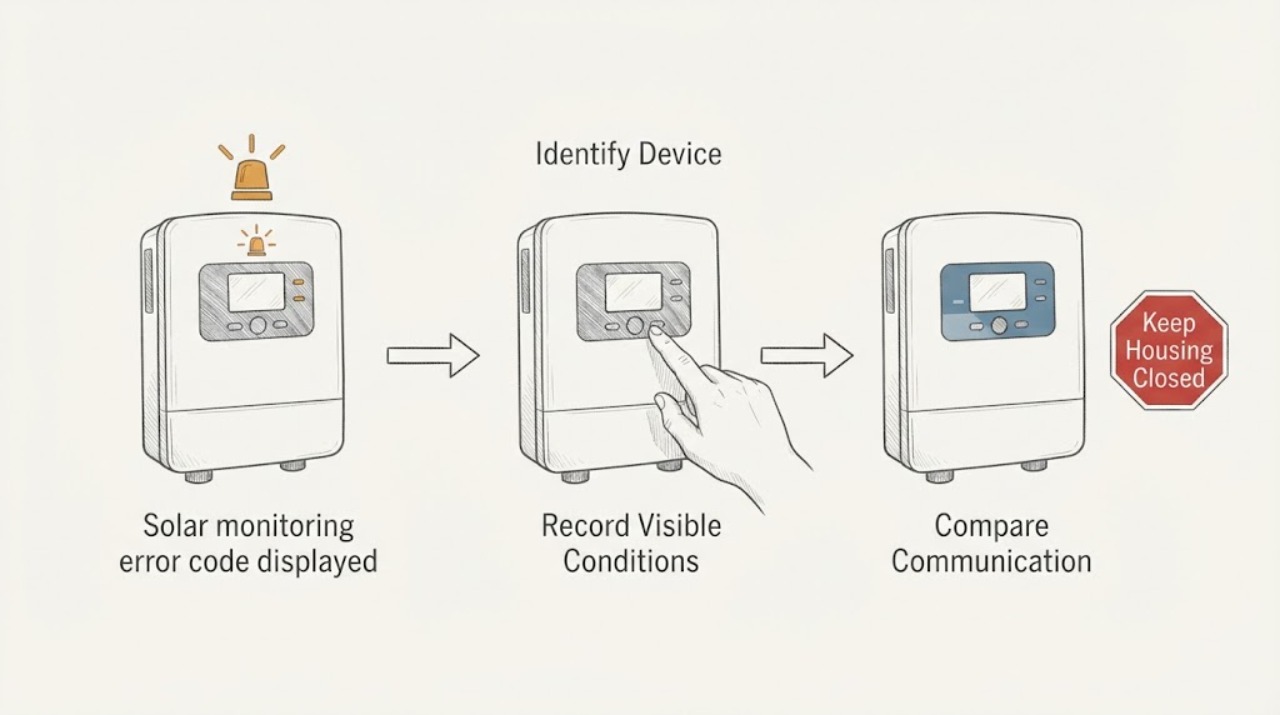
Solar monitoring error code displayed warning light: What to Check and What to Do Next
A warning light beside a solar monitoring error code is useful only when you identify exactly which device is lit and match its color and flash pattern to that brand and model's official guide. Record whether the light is on the inverter, gateway, battery, or another controller; whether it is off, solid, or flashing; the exact timing; and the app message.
-
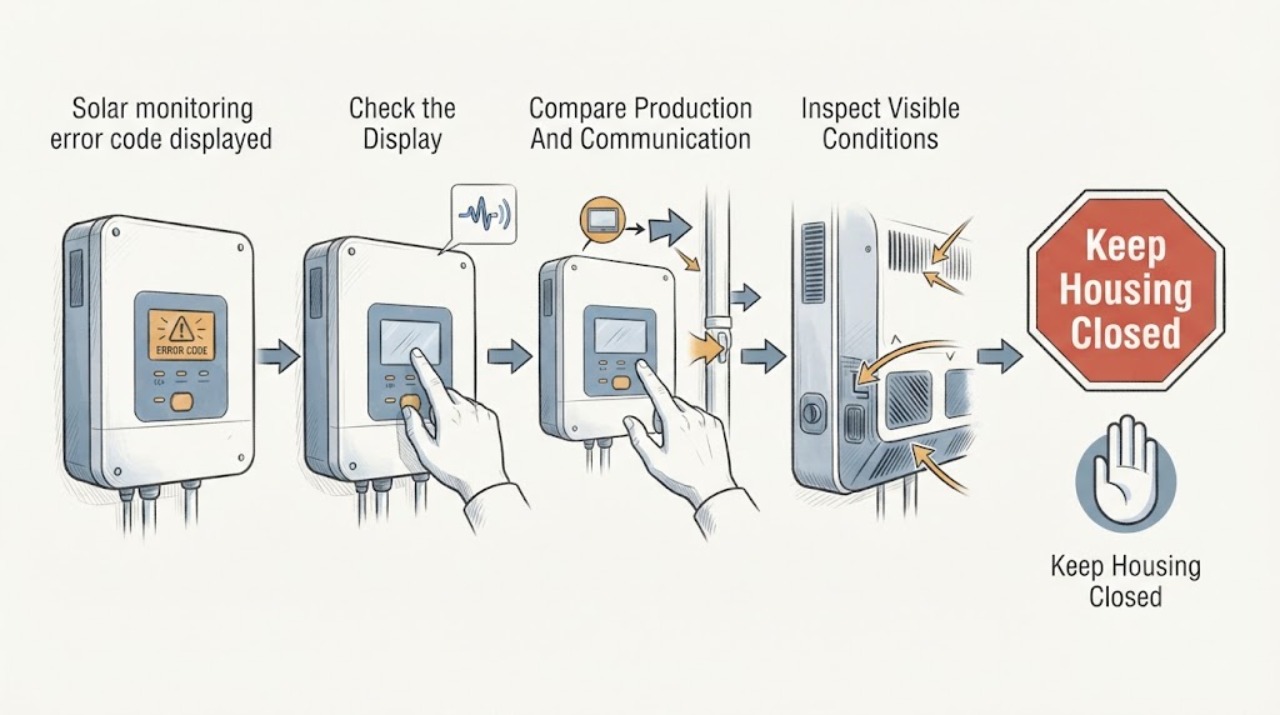
Solar monitoring error code displayed: What to Check and What to Do Next
Do not guess what a solar monitoring error code means: the same-looking alert can represent a communication problem, a production problem, or a safety-related inverter fault depending on the manufacturer and exact code. Capture the code exactly as displayed, the app or device where it appeared, its timestamp, current production/last-update information, and any visible warning indicator from a safe ground-level position.
-
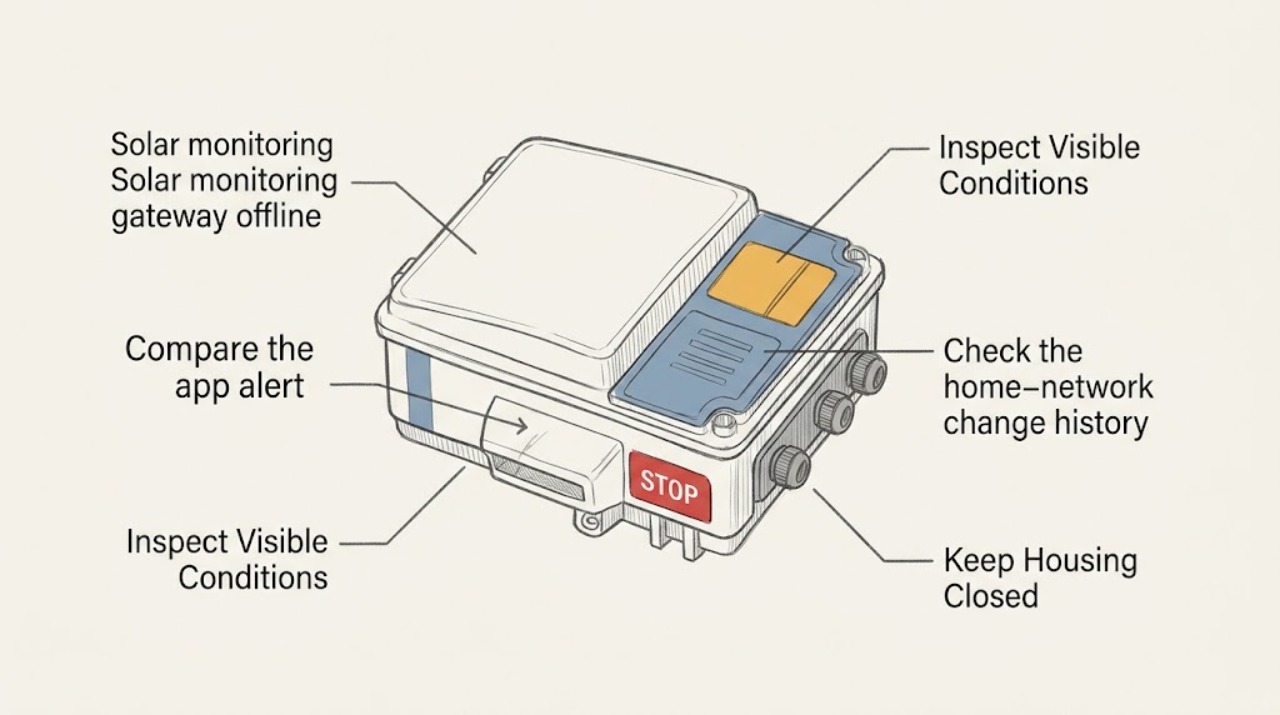
Solar monitoring gateway offline: What to Check and What to Do Next
A solar monitoring gateway marked offline usually means the monitoring path has lost power, home-network connectivity, gateway-to-inverter communication, or the service connection, and it does not by itself prove that the solar array has stopped producing. Compare the app's offline message with the inverter's externally visible status, the gateway's visible power or status indicator, the home router's normal status, and the time the data stopped updating.
-
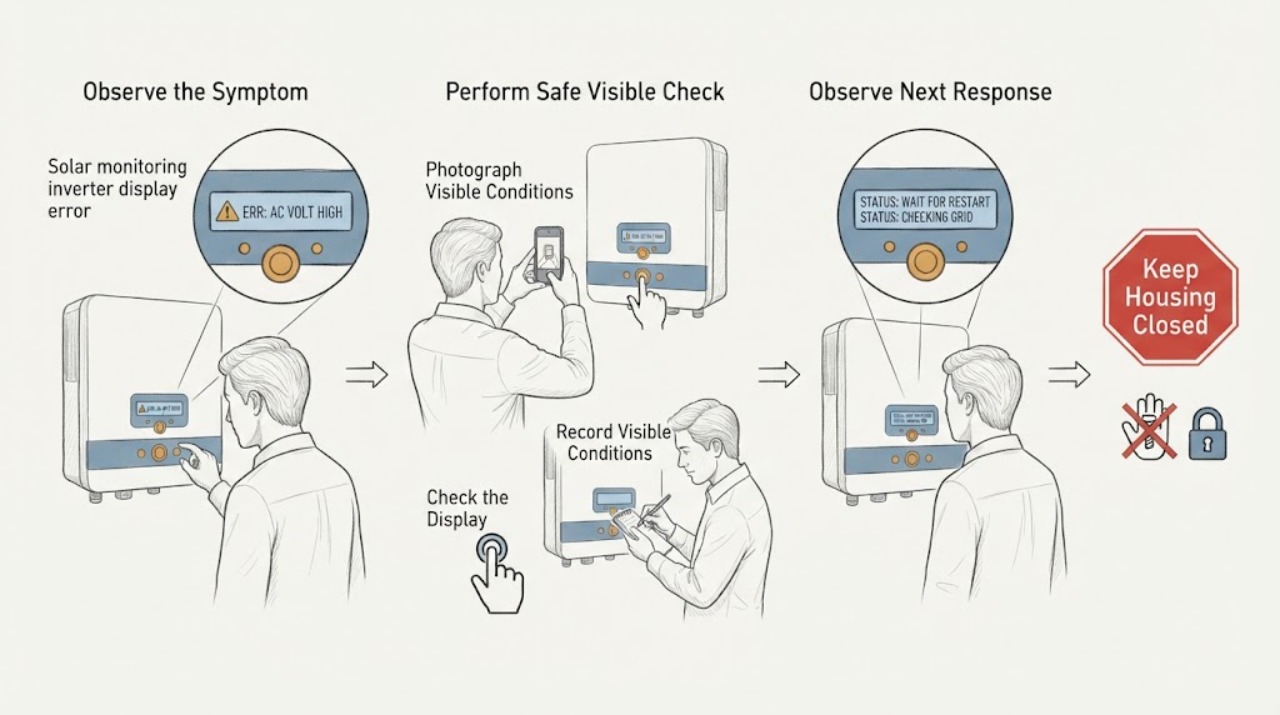
Solar monitoring inverter display error code displayed: What to Check and What to Do Next
Do not guess what a solar inverter error code means or open the equipment to test it. From a safe position, record the code exactly as shown, the time, weather, monitoring-app state, and any visible inverter indicator.
-
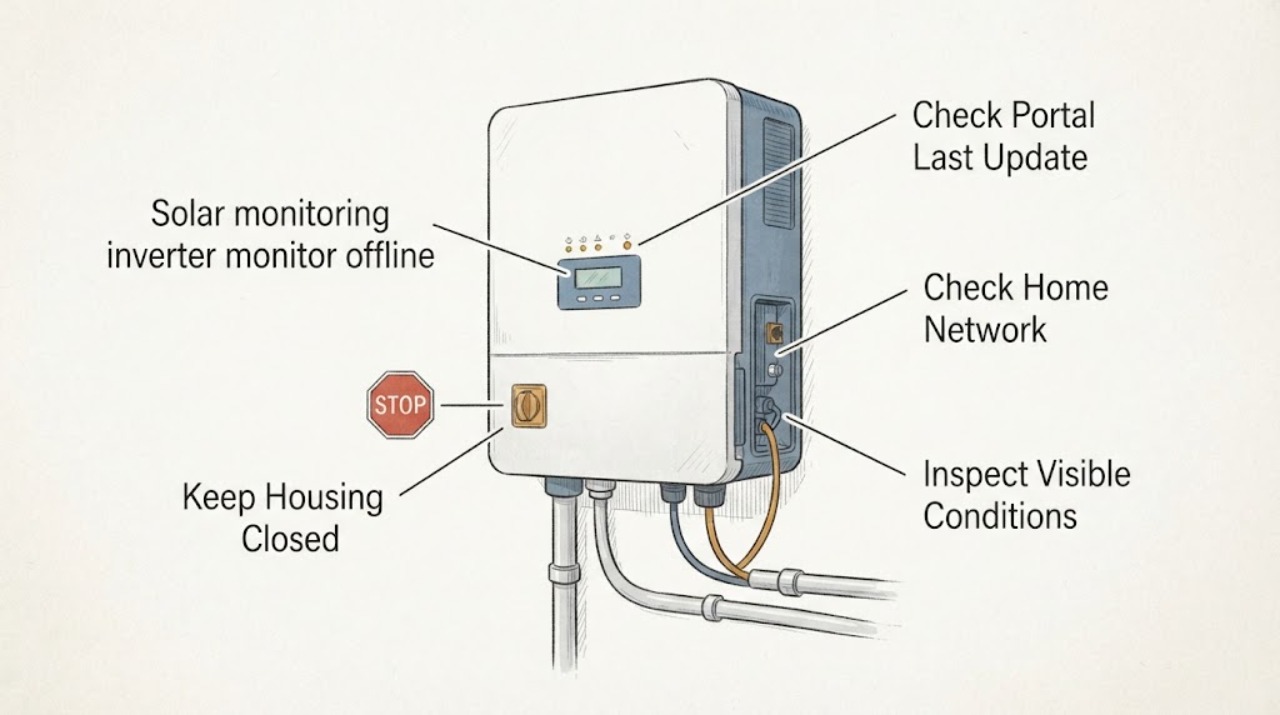
Solar monitoring inverter monitor offline: What to Check and What to Do Next
An offline solar monitor does not by itself prove that the inverter or panels have stopped producing. Separate a portal or app outage from a home-network or communication-device problem, then compare the app's last-update time with the inverter's visible external status display or lights.
-
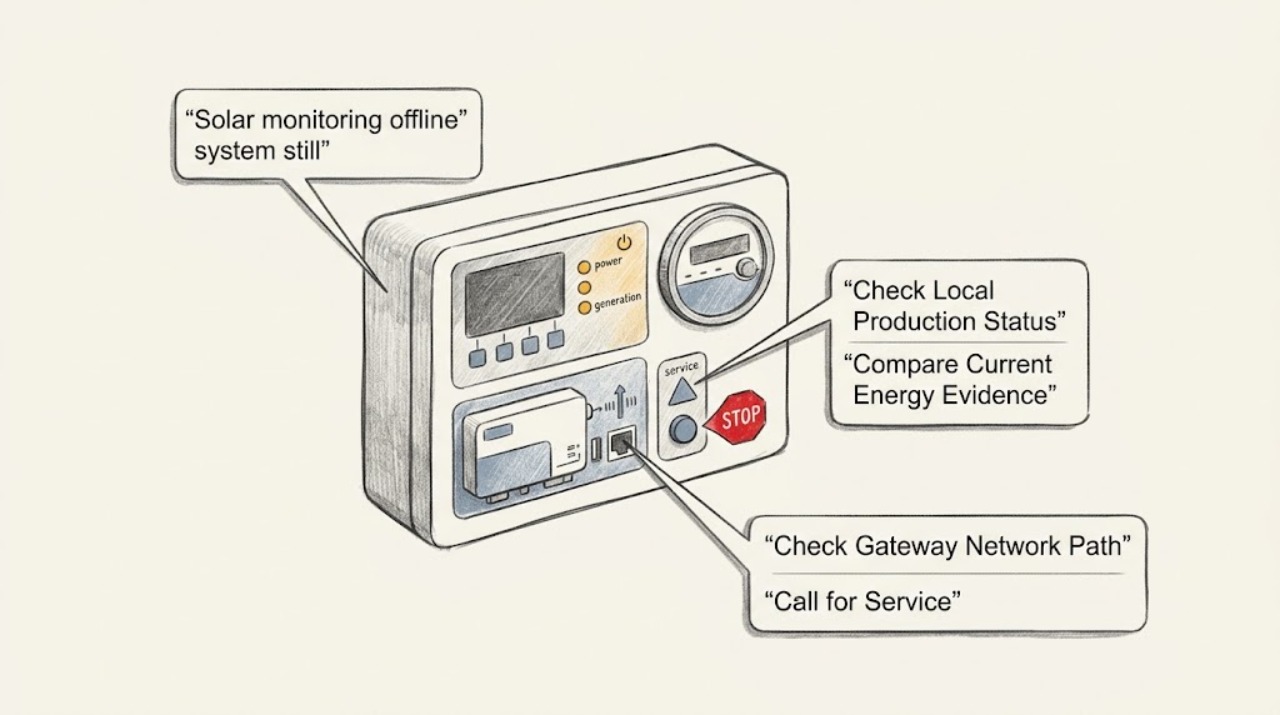
Solar monitoring offline system still running: What to Check and What to Do Next
An offline solar-monitoring alert does not automatically mean the array stopped producing. A monitoring platform may lose the internet, gateway, meter, or cloud path while the inverter continues converting power; production and communication are separate functions on many systems.
-
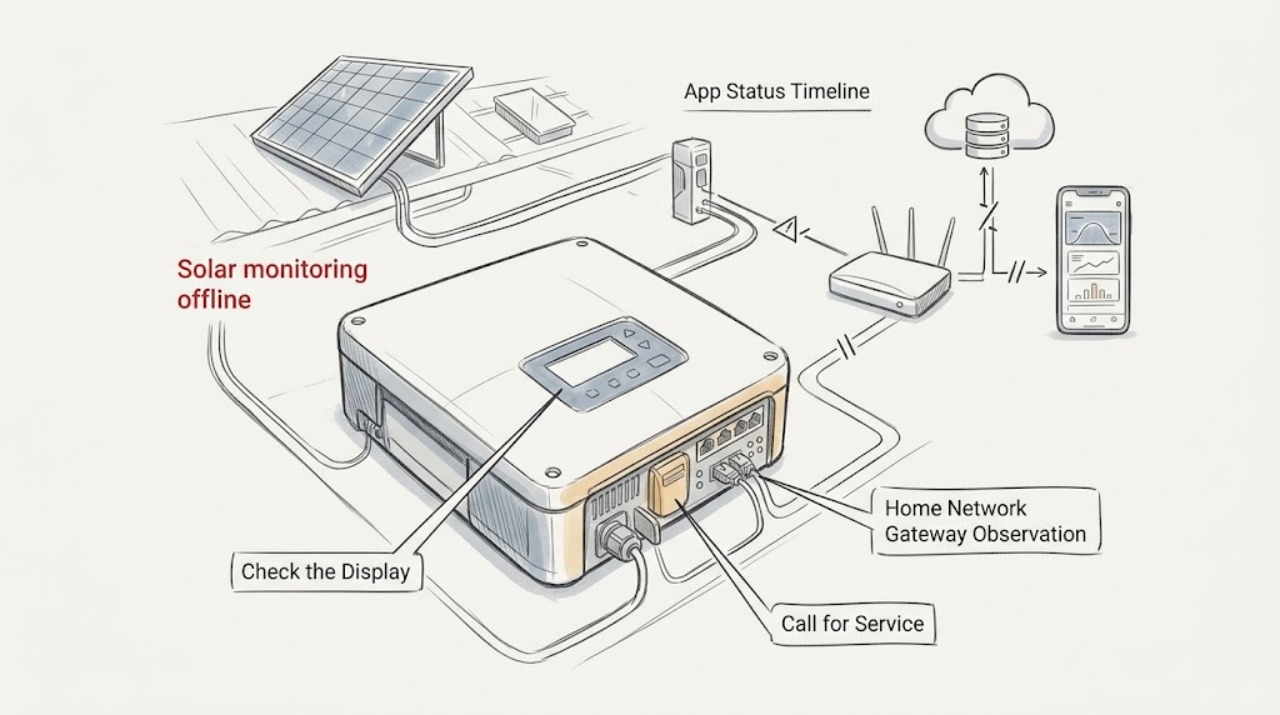
Solar monitoring offline: What to Check and What to Do Next
An offline monitoring message does not by itself prove that the panels stopped generating. It can mean the app account, home internet path, gateway, inverter communication, or cloud data is unavailable.
-
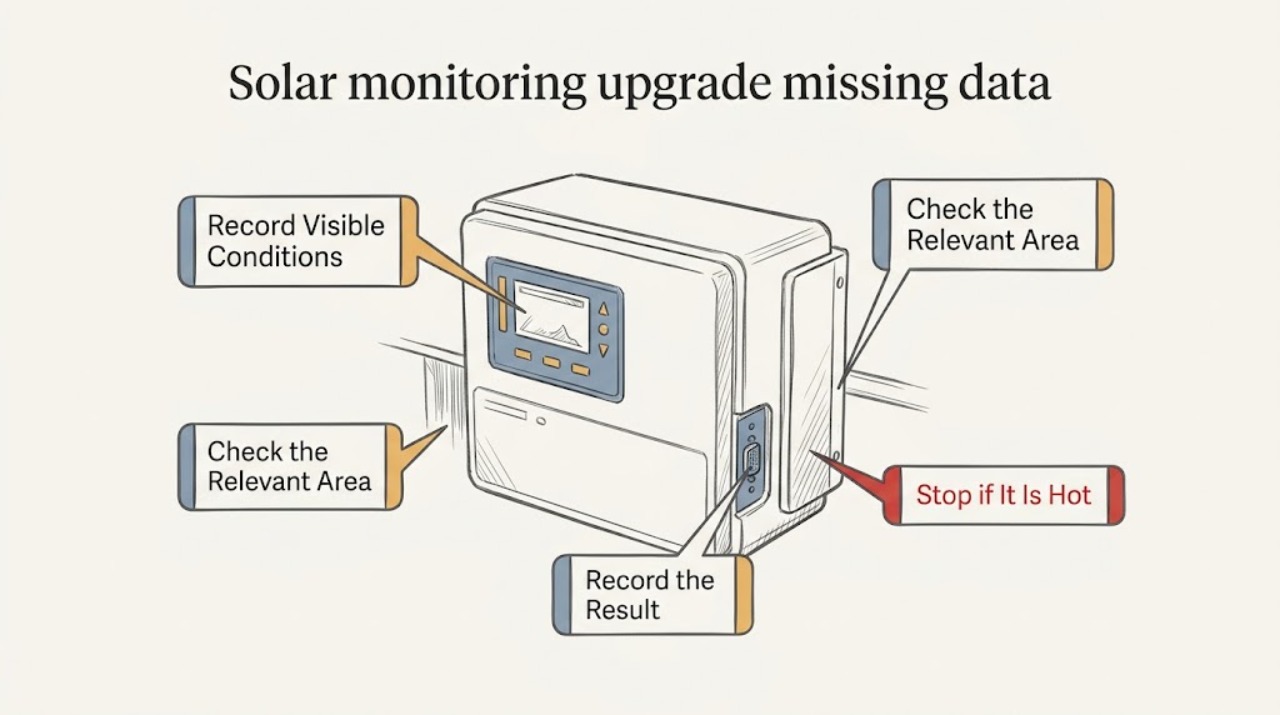
Solar monitoring upgrade missing data: What to Check and What to Do Next
For missing solar monitoring data after an upgrade, first compare the last complete timestamp and first gap with the upgrade date, then separate actual production from the app's telemetry. Use only the app, account pages, utility records, accessible displays, and readable equipment labels to distinguish gateway, meter, inverter, account migration, historical backfill, and real production issues.
-
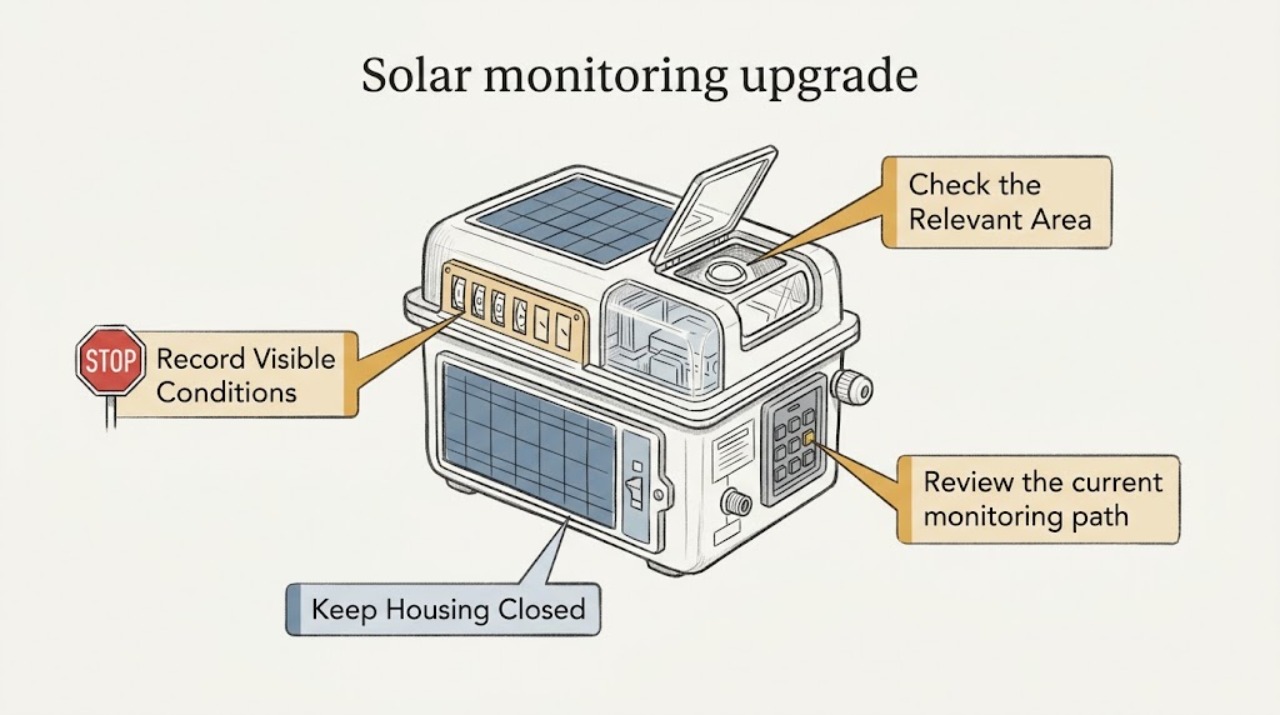
Solar monitoring upgrade: What to Check and What to Do Next
Upgrading monitoring for an existing solar system starts with defining what you want to see—production, consumption, alerts, system-wide output, or device-level detail—and documenting the equipment and current data path. A monitoring platform may use inverter instrumentation, added metering, a gateway, a home network, or a cloud service, so compatibility cannot be assumed from the app name or a connector photo.
-
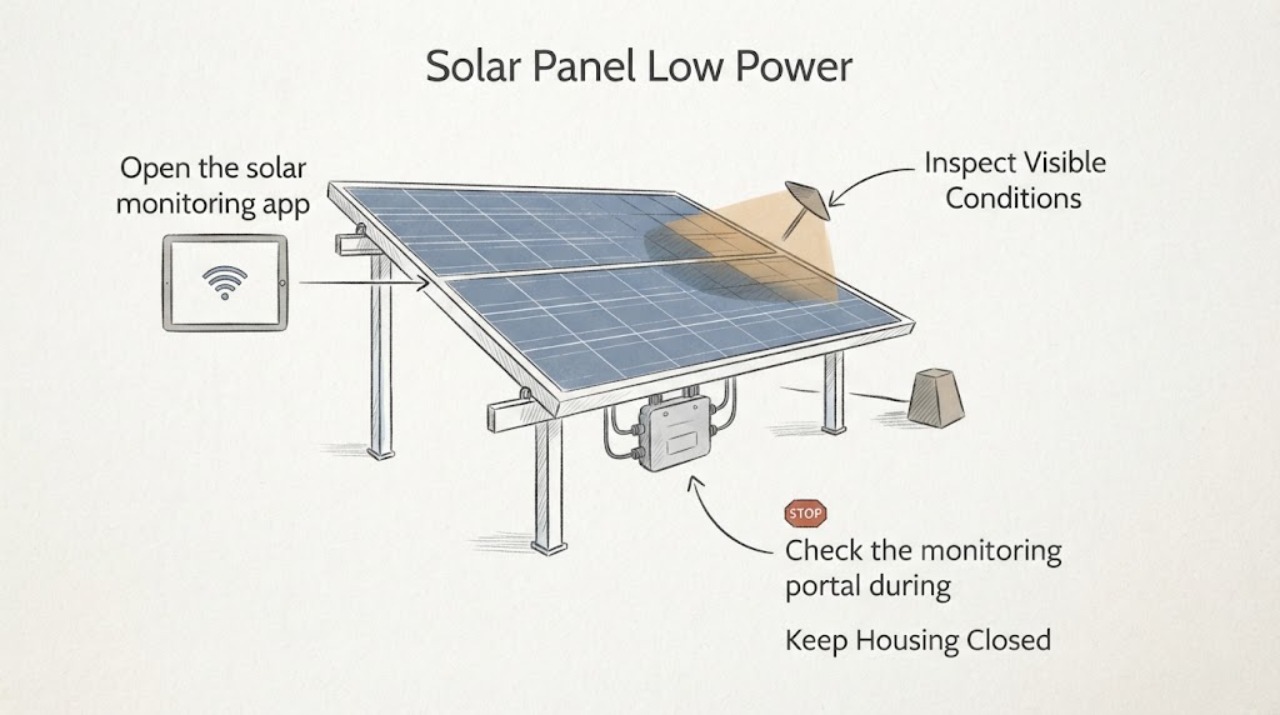
Solar Panel Low Power: Microinverter Communication Loss or Shading?
A low-power alert with microinverter communication loss can mean two different things: the panel or microinverter is producing less, or the gateway is simply missing the device's data. First compare the monitoring pattern with daylight and shade from the ground.
-
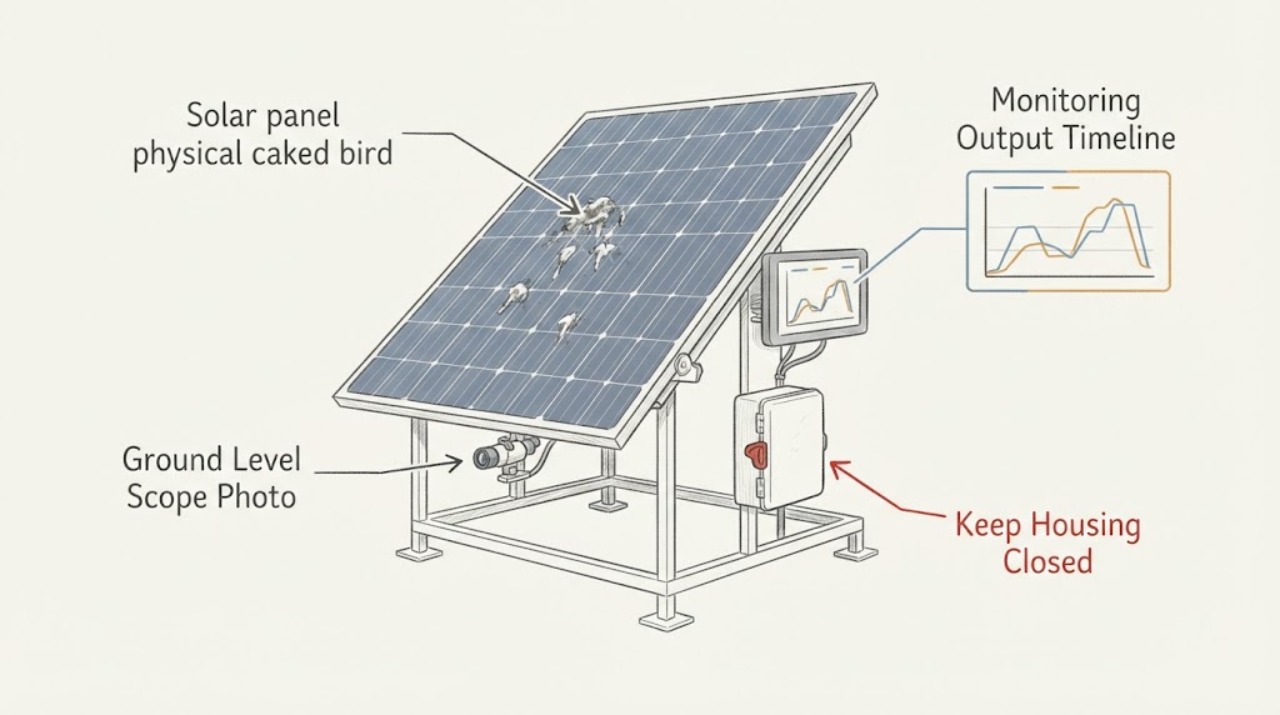
Solar panel physical caked bird droppings: What to Check and What to Do Next
Treat caked bird droppings as a maintenance and safety decision, not a reason to climb onto a roof. From the ground or an existing safe viewing point, document where the debris is visible, whether it appears on one module or a larger area, and whether the monitoring trend changed at the same time.
-
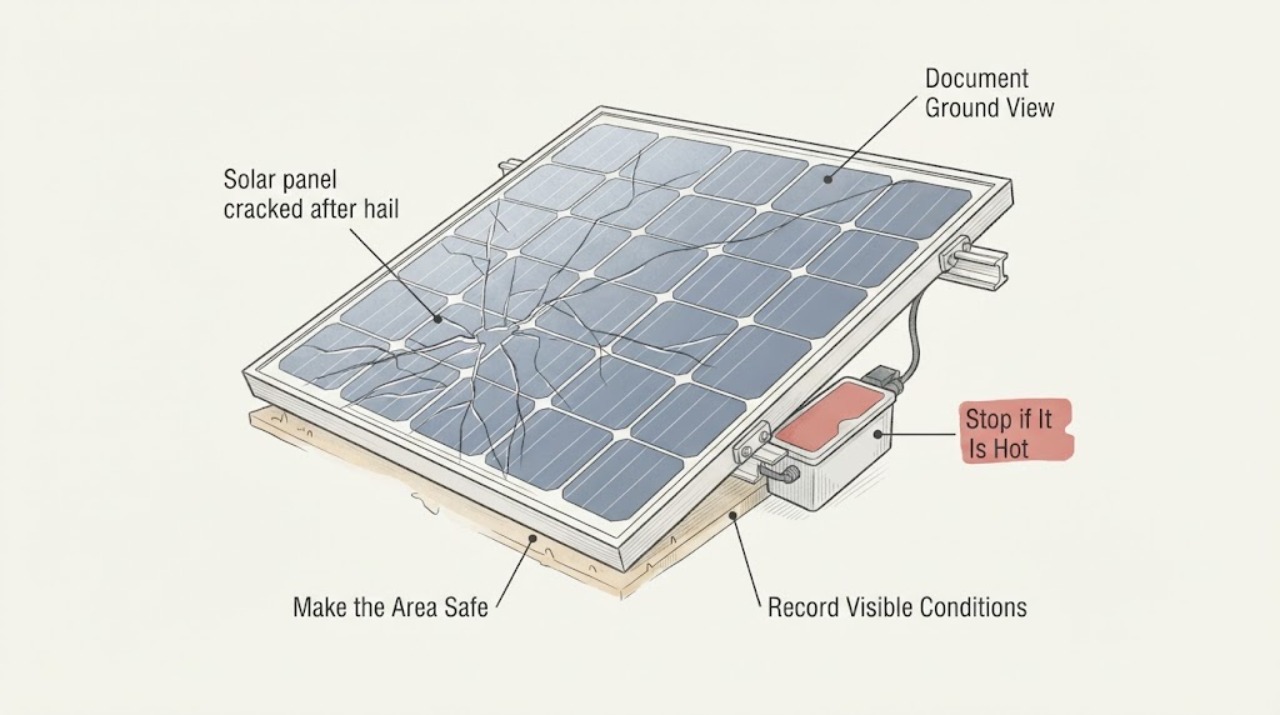
Solar panel cracked after hail: What to Check and What to Do Next
A cracked or shattered solar-module surface after hail is not a cosmetic clearance. From the ground, keep people and pets away, photograph the affected area, and note any loose module, displaced frame, exposed cable, inverter warning, smoke, heat, or water entry.
-
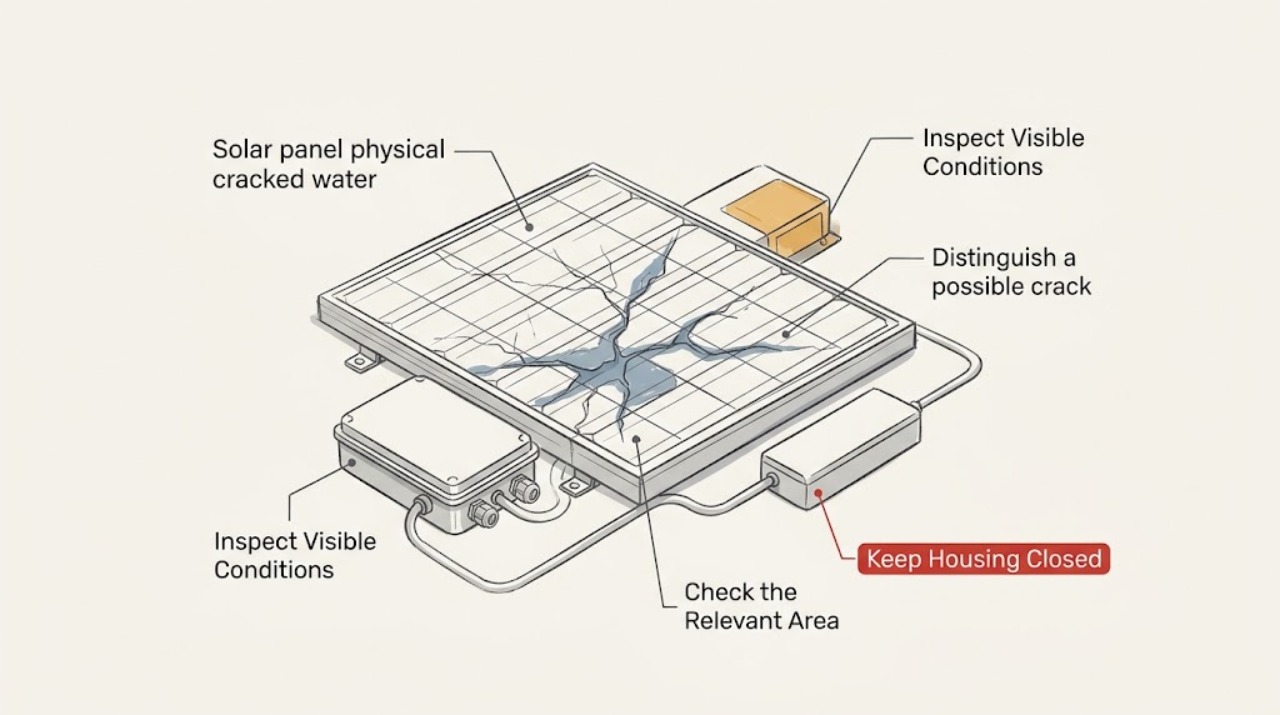
Solar panel physical cracked water ingress: What to Check and What to Do Next
For a cracked solar panel with suspected water ingress, use only ground-level or indoor observation. Compare a fixed fracture, edge or backsheet damage, frame separation, and post-rain darkening or clouding with ordinary dirt, residue, shadow, or reflection.
-
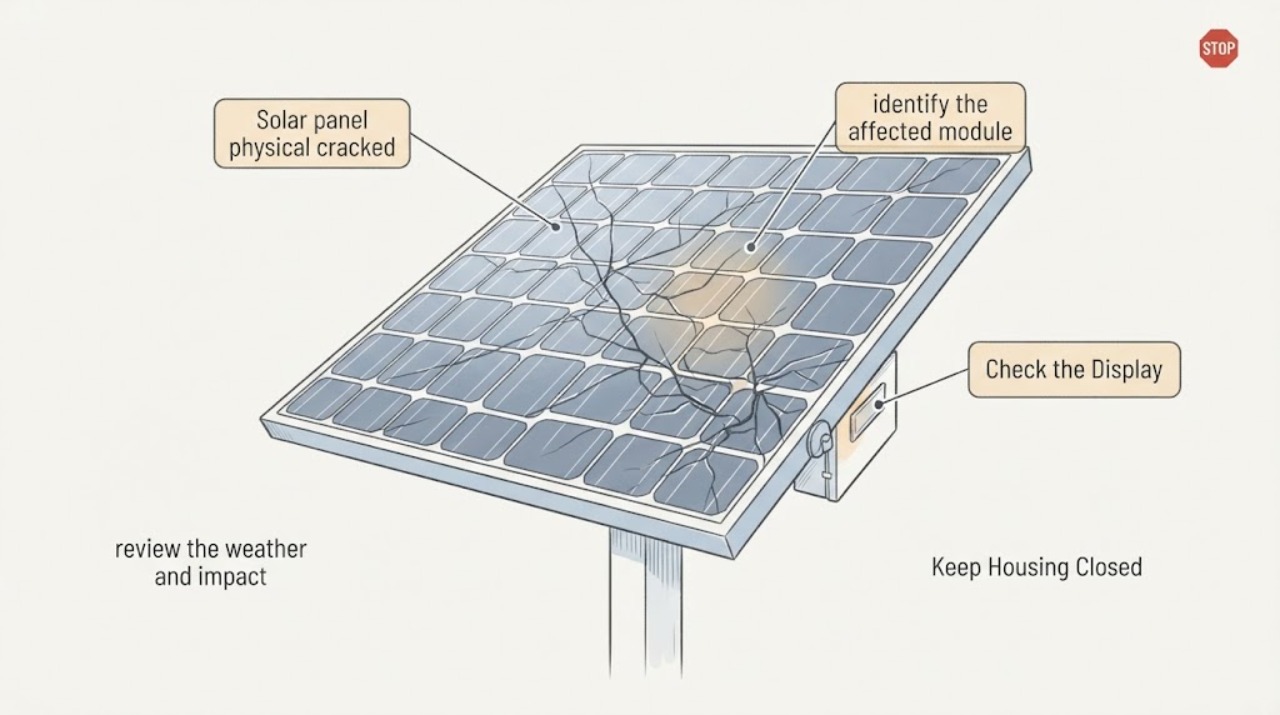
Solar panel physical cracked: What to Check and What to Do Next
Treat a visibly cracked solar panel as a professional inspection issue, even if the system still appears to produce power. Observe the crack, weather or impact history, visible debris or loose parts, safe monitoring warnings, and any odor or sound from the ground or a normal indoor display.
-
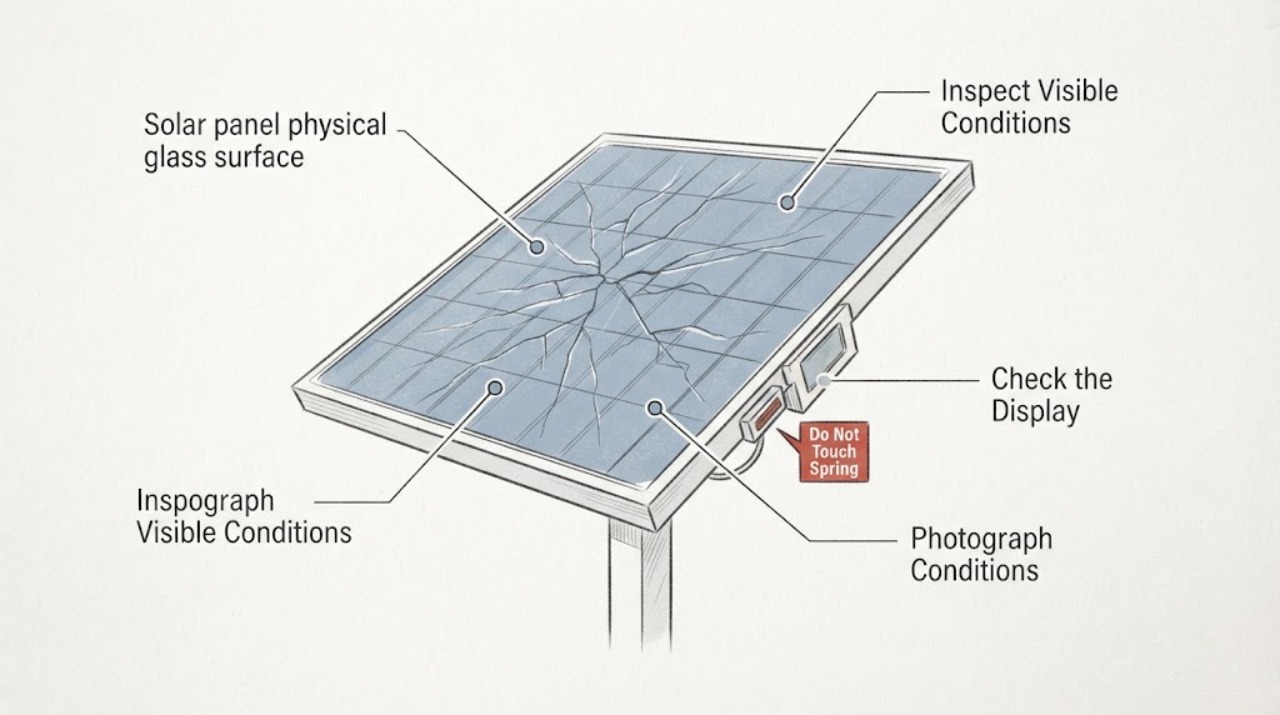
Solar panel physical glass surface cracked: What to Check and What to Do Next
Treat cracked solar-panel glass as a damaged PV module, not a cosmetic surface defect. From the ground or another already safe viewpoint, document the crack, shattered areas, loose frame or cables, weather event, and any inverter or monitoring warning; do not climb onto the roof, touch the module, test live DC, wash it, patch it, or remove it.
-
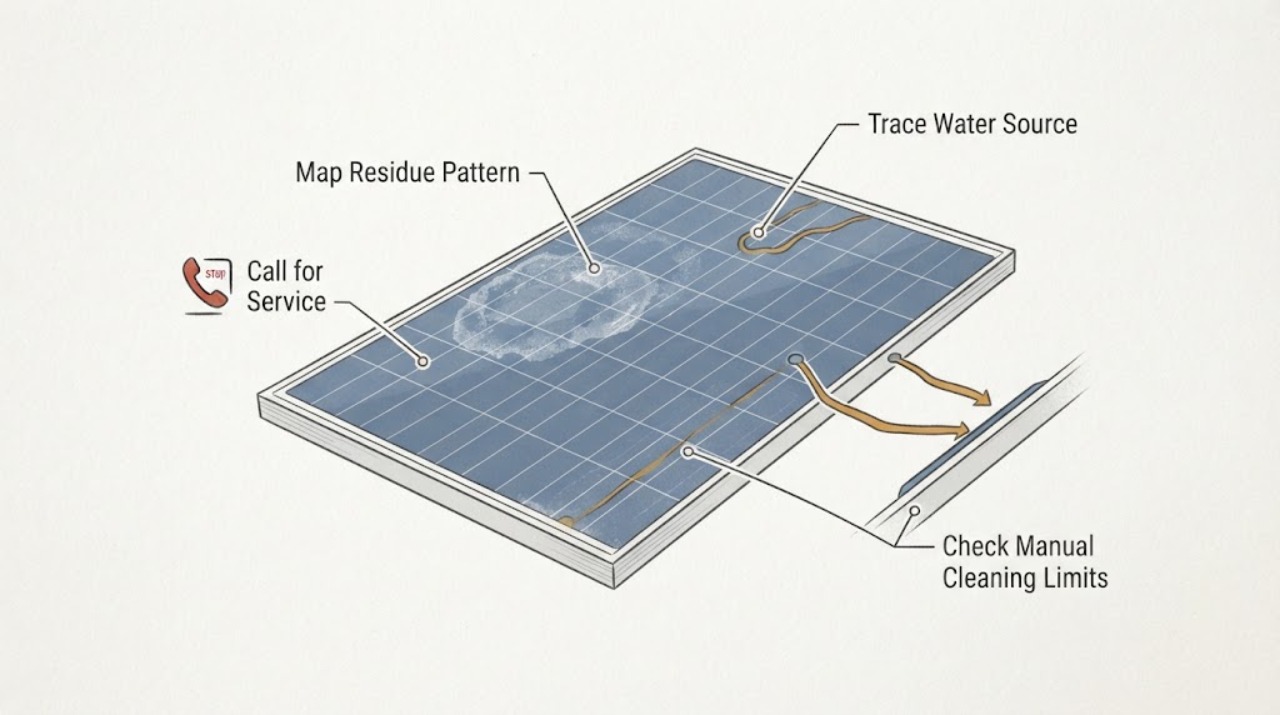
Solar panel physical glass surface hard water residue: What to Check and What to Do Next
White, chalky marks on solar-panel glass are often dried minerals left by hard water, sprinkler overspray, or runoff, but the appearance alone does not prove that the glass or its coating is sound. From a safe position, photograph the pattern, identify what water reached the panel, and check the exact module manual before any cleaning.
-
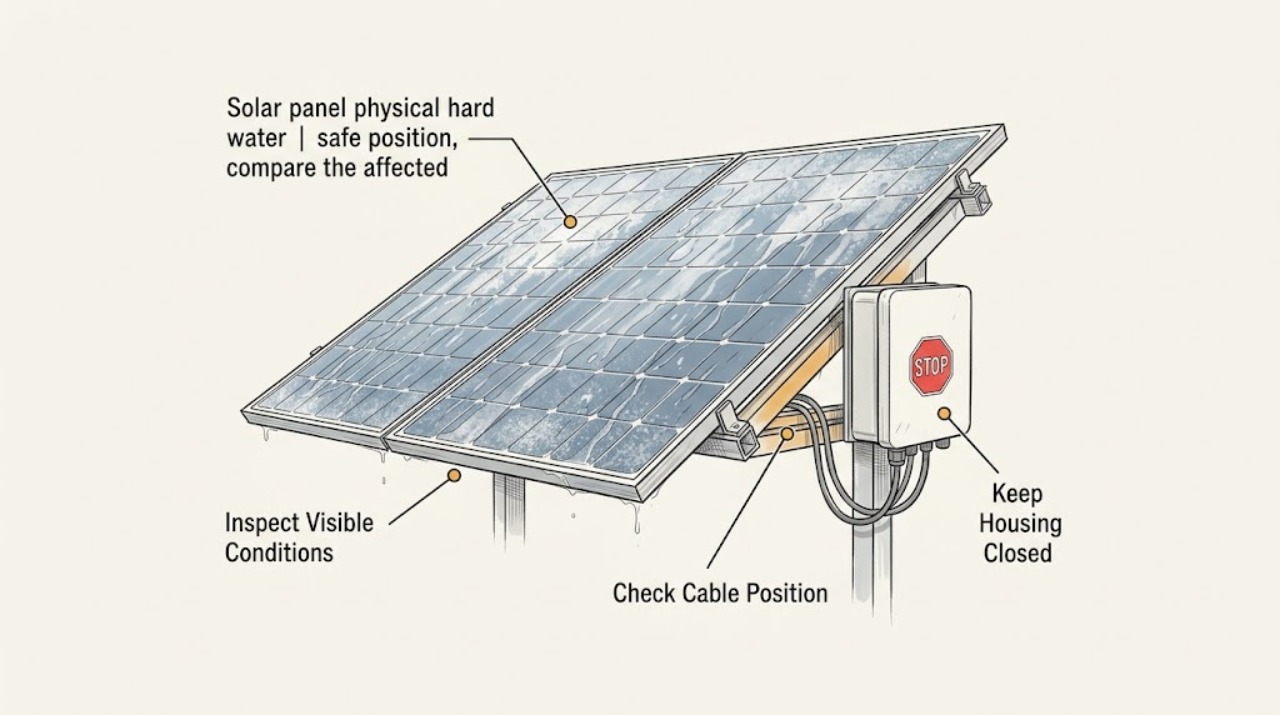
Solar panel physical hard water residue sprinkler exposure: What to Check and What to Do Next
White rings or a chalky film concentrated where irrigation spray reaches a solar panel are usually a surface mineral-residue problem, not proof that the panel has failed. First document the spray pattern and inspect the glass and frame from a safe position.
-
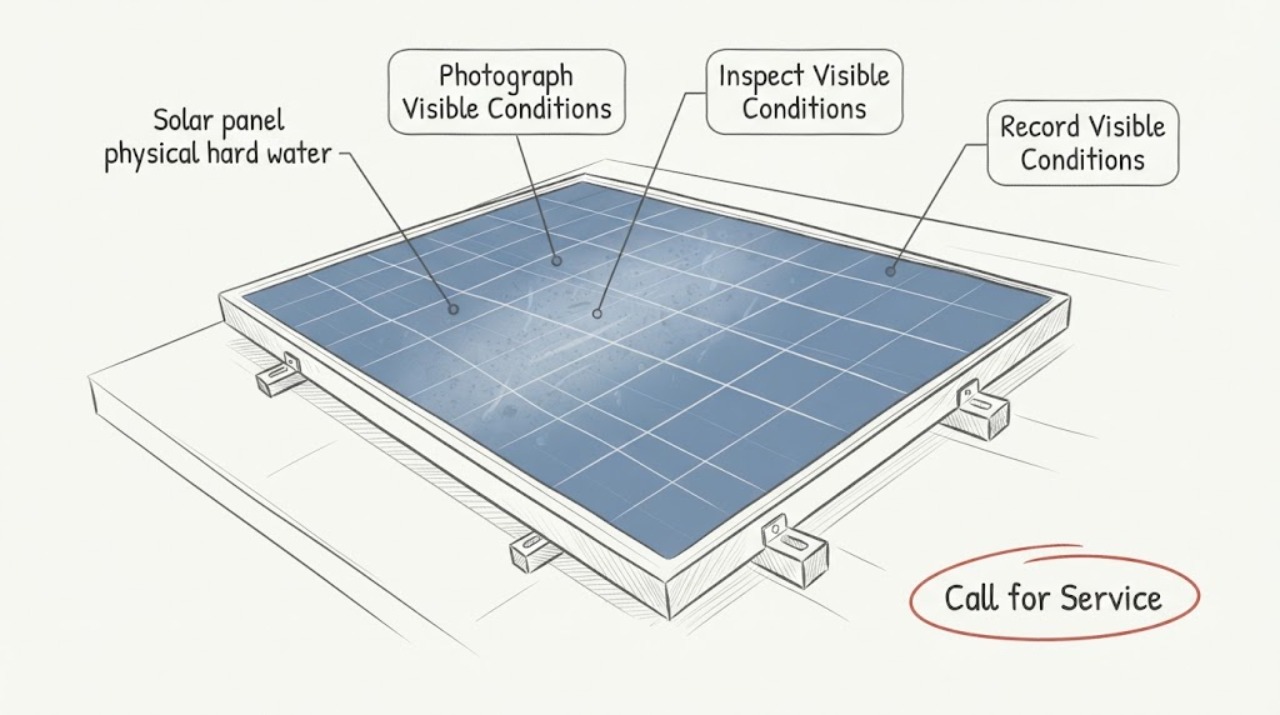
Solar panel physical hard water residue: What to Check and What to Do Next
White spots, rings, or streaks on a solar panel may be mineral residue from hard water, irrigation, runoff, or a previous wash, but a visual mark alone cannot establish its source or impact. From the ground, photograph the residue pattern, identify nearby water sources, and compare the system's normal monitoring history with similar weather and shading conditions.
-
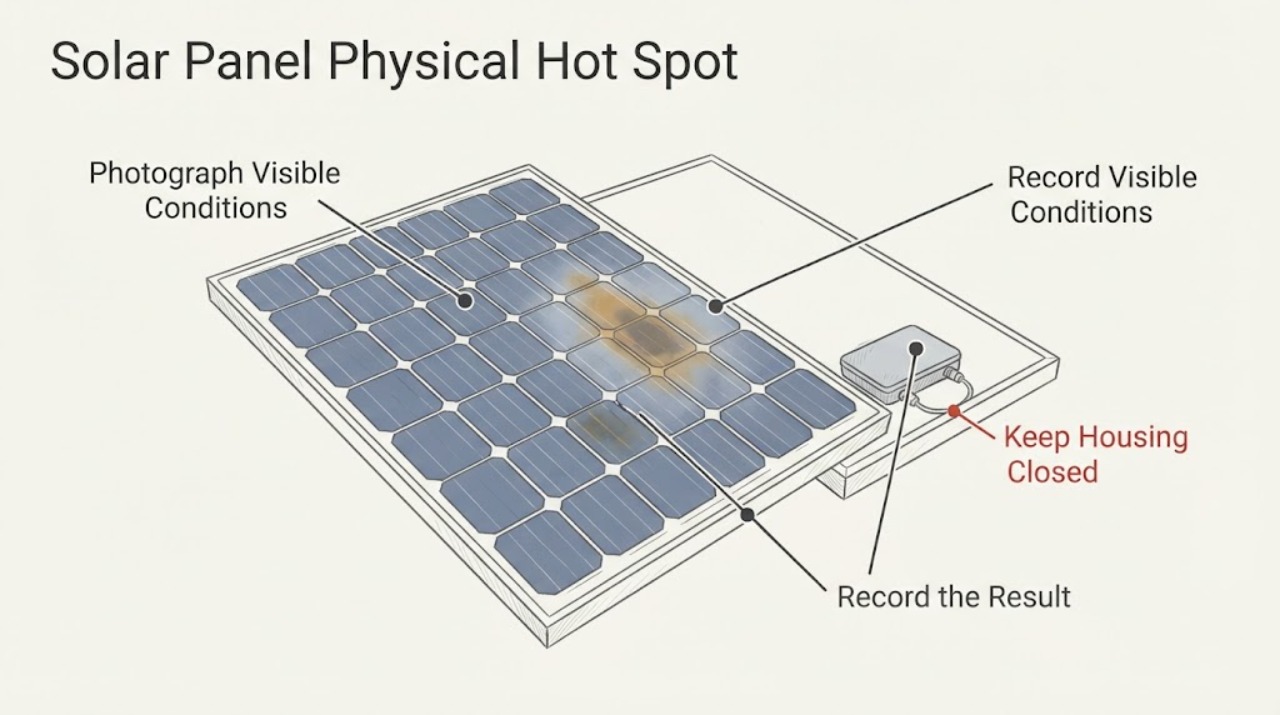
Solar Panel Physical Hot Spot Localized Discoloration: What to Check and What to Do Next
A brown, yellow, gray, or black patch on one solar panel is not enough to prove a thermal hot spot: it may be surface soiling, laminate or encapsulant aging, storm damage, or an electrical defect. Treat a localized mark as a condition to document and investigate, not as permission to touch, clean aggressively, walk on, or remove the module.
-
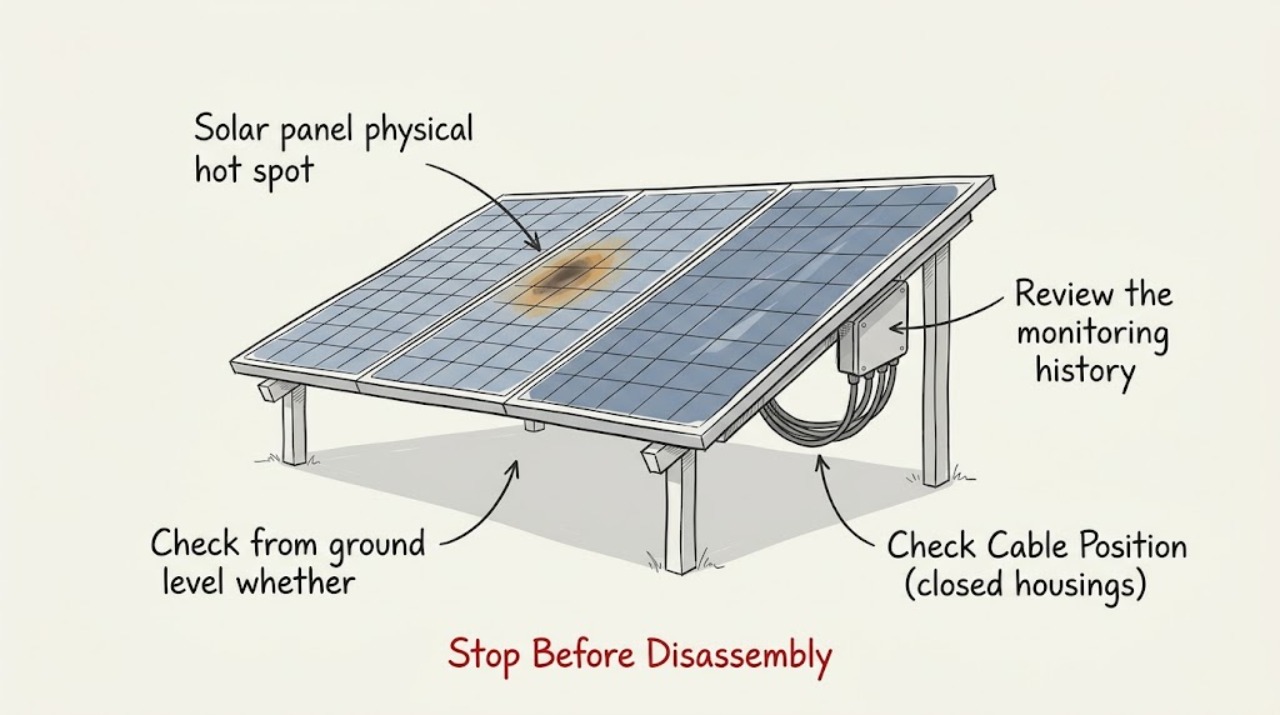
Solar panel physical hot spot production drop: What to Check and What to Do Next
A visible or thermally confirmed hot spot together with a production drop should be treated as possible module damage, not as ordinary dirt or a normal cold-weather effect. First compare the affected panel or string with its own expected output and check for temporary shade, snow, or debris from the ground.
-
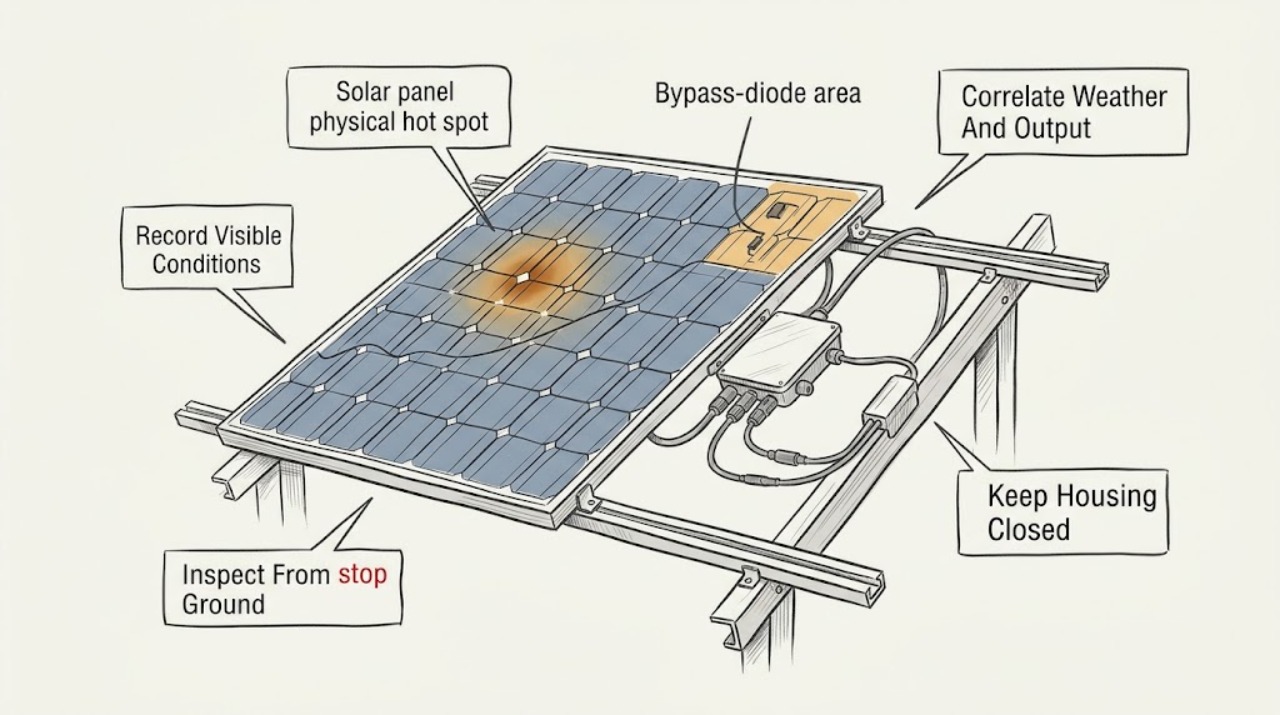
Solar panel physical hot spot thermal warning: What to Check and What to Do Next
Treat a solar-panel hot-spot or thermal warning as a diagnostic and electrical-safety issue, not as a cue to touch, wash, shade, or open the panel. From ordinary safe access, save the inverter or monitoring warning, time, weather, output change, and ground-visible damage; keep people away from a damaged array.
-
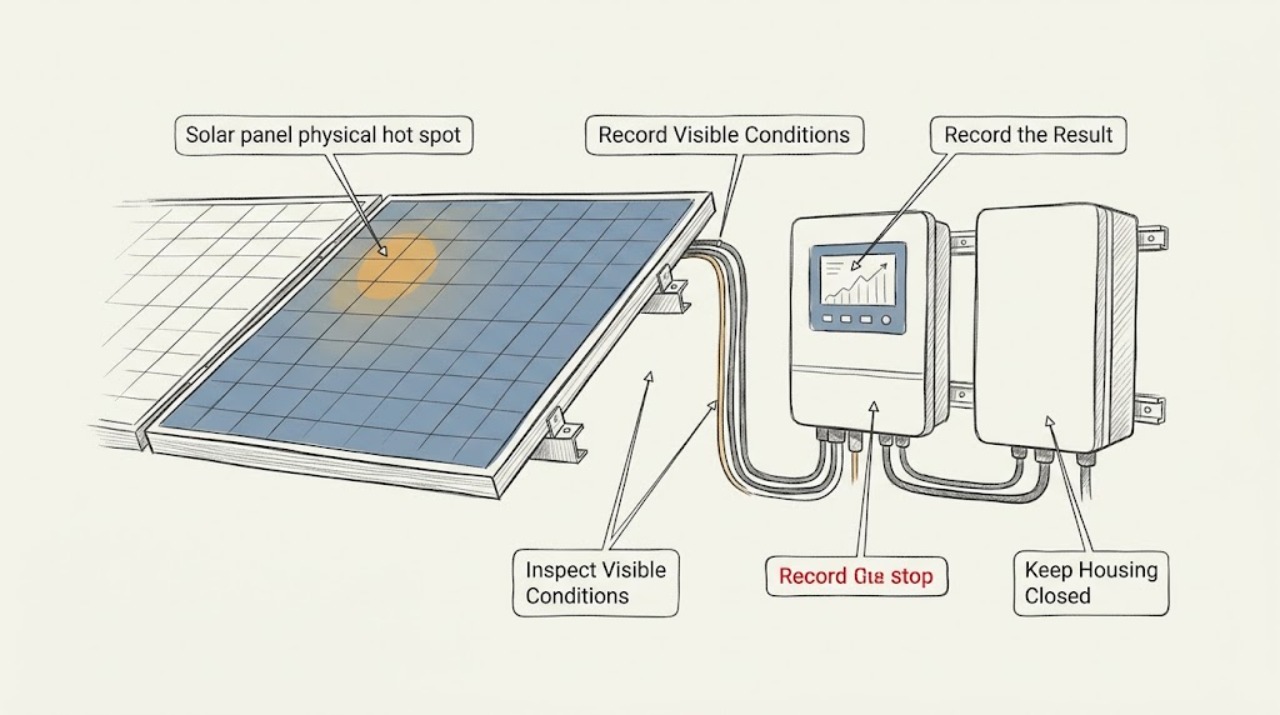
Solar panel physical hot spot: What to Check and What to Do Next
Treat a physical solar-panel hot spot as a professional inspection issue, not a cleaning or repair project. From a safe ground-level viewpoint or the monitoring interface, record the apparent panel or array location, visible dark or discolored areas, cracks or delamination, recent hail or storm exposure, and the time and pattern of any production change.
-
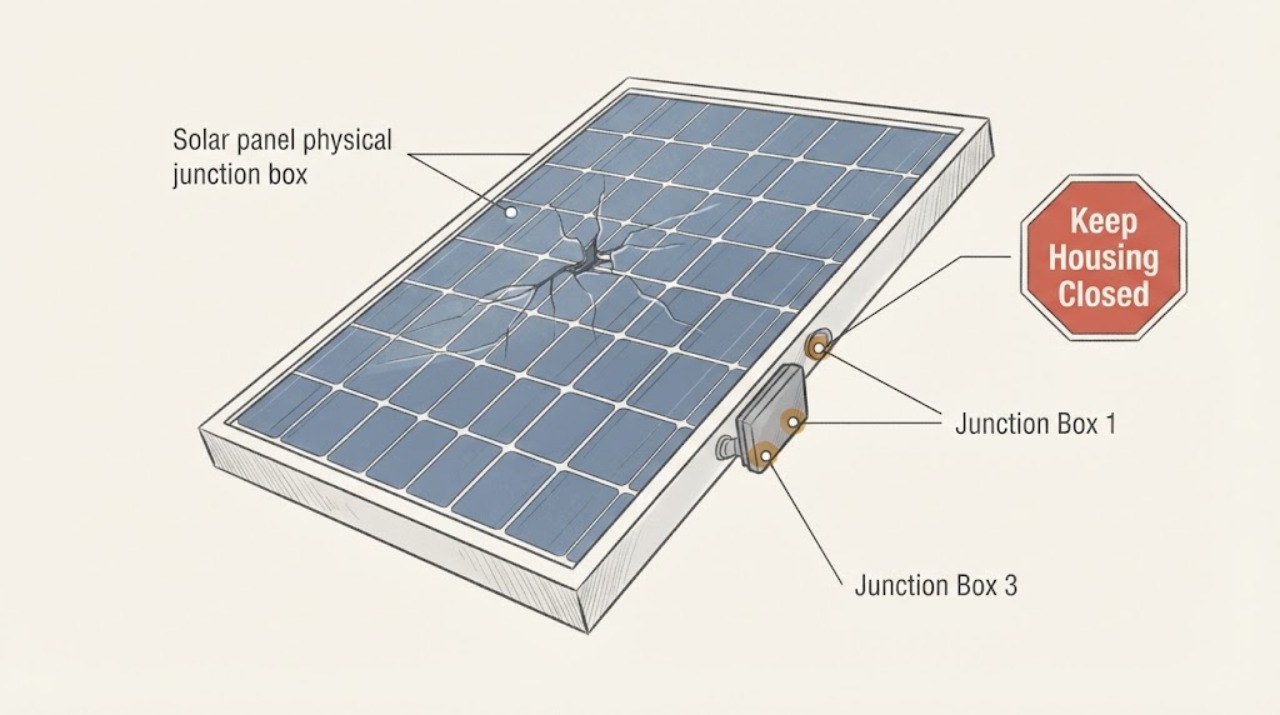
Solar panel physical junction box cracked: What to Check and What to Do Next
A cracked photovoltaic module junction box is not a routine homeowner repair. From ground level or another already safe viewing position, document the crack, any separation, exposed cable, moisture entry, discoloration, or loose hardware, then compare the inverter or monitoring status with the time of the damage.
-
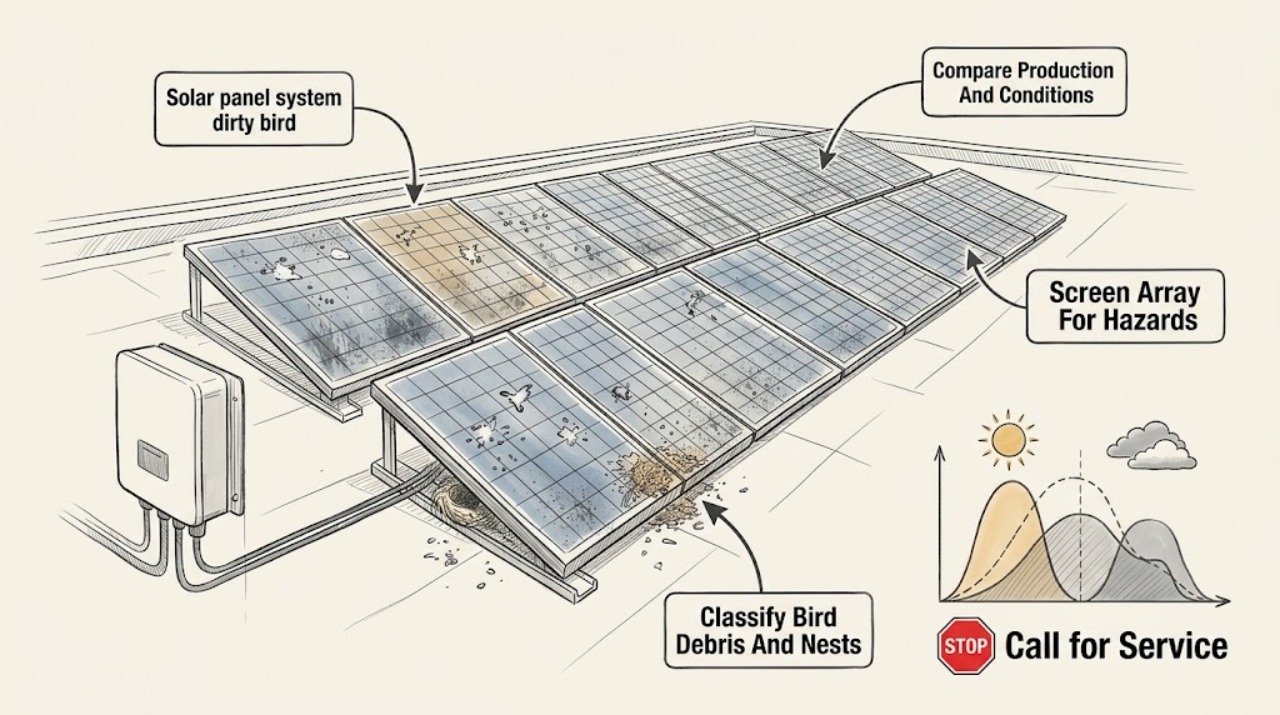
Solar panel system dirty bird debris: What to Check and What to Do Next
Bird droppings and nesting debris can shade the glass and reduce solar production, but a dirty panel is not automatically a failed panel or inverter. First check the system from the ground for cracked glass, loose or exposed wiring, a displaced module, nest material, and signs of heat or storm damage; compare production with recent weather and shade rather than relying on one cloudy-day reading.
-
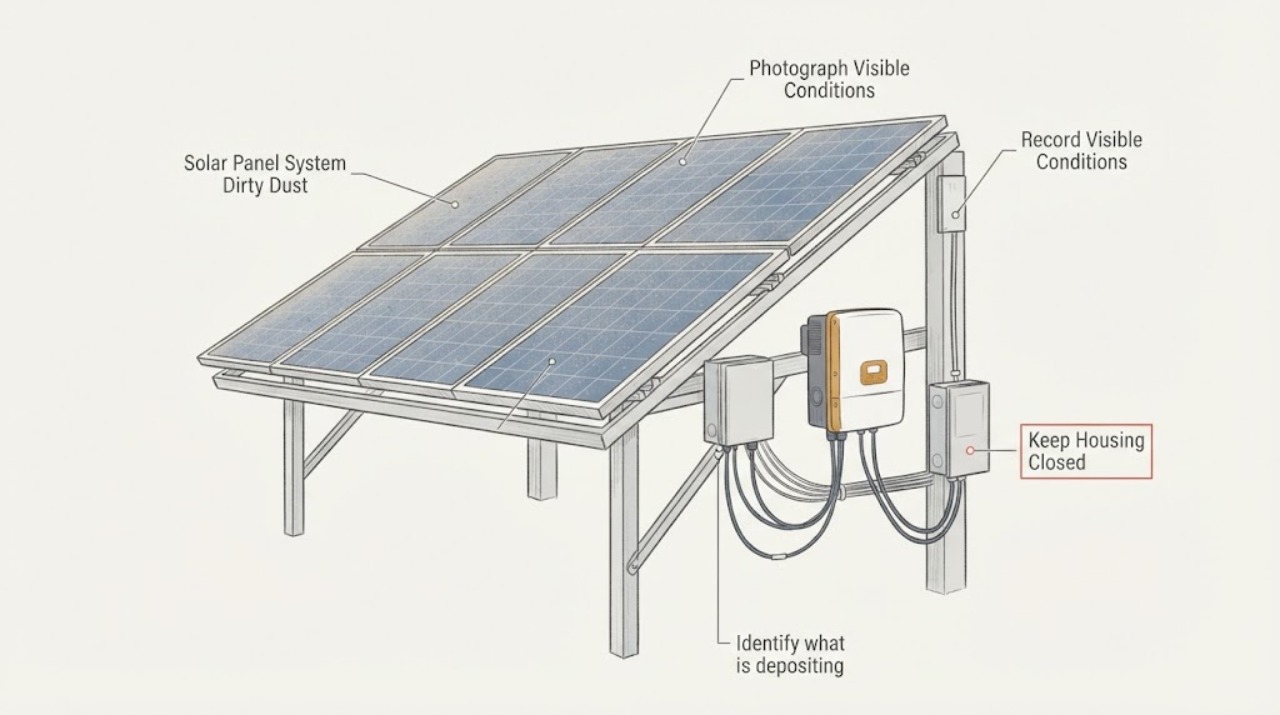
Solar Panel System Dirty Dust: What to Check and What to Do Next
Dust on a solar-panel system is a soiling condition that can reduce sunlight reaching the modules, but a dirty-looking surface does not prove it is the main cause of low production. First compare the visible dust pattern with the system's production trend under similar sunlight and check the inverter or monitoring status without opening electrical equipment.
-
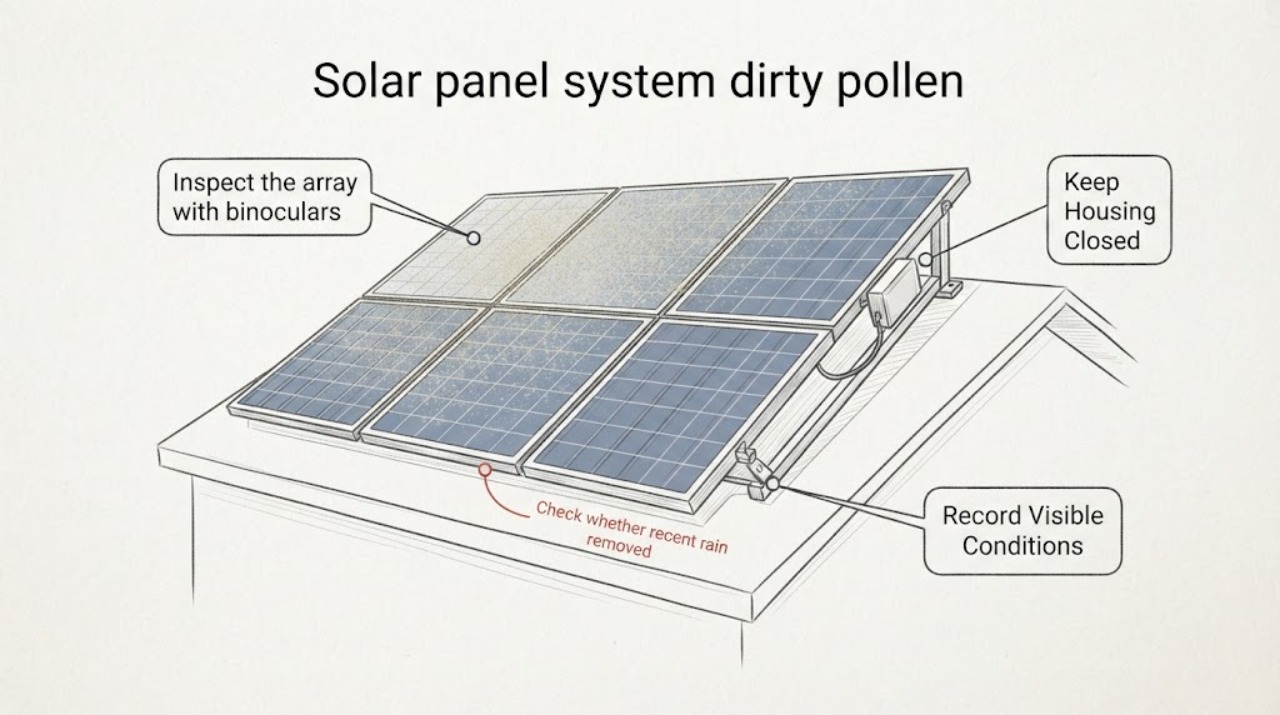
Solar panel system dirty pollen: What to Check and What to Do Next
Pollen on a solar panel system is a form of soiling: it can block light and reduce production, and rainfall may not remove enough of it in every location. Start from the ground or another safe access point by photographing the panel surface and checking the system monitor for a production change, while separating pollen from cloud, shade, inverter, or grid effects.
-
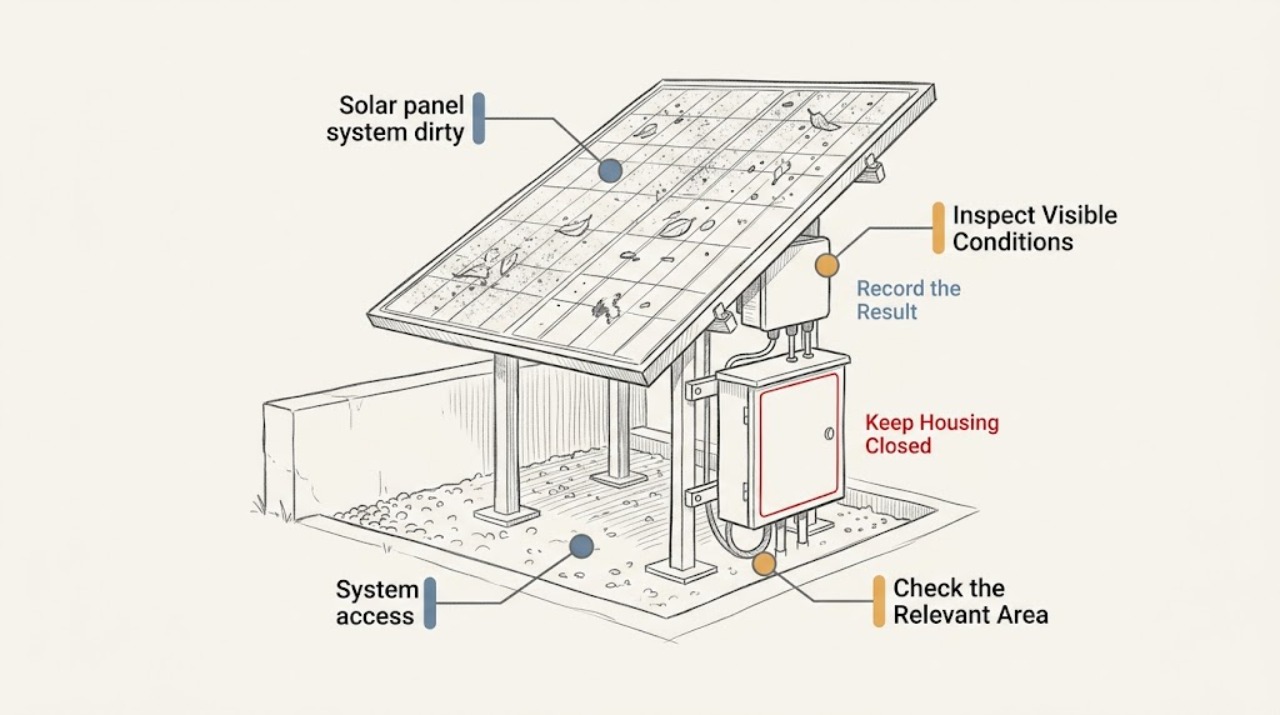
Solar panel system dirty: What to Check and What to Do Next
First separate visible soiling from a system fault. From a safe ground-level or window viewpoint, record what is visible on the array, its location and extent, nearby shade or debris, and any cracks, loose material, exposed wiring, burning odor, or unusual hot-spot report.