
On this page
Start here
Quick answer
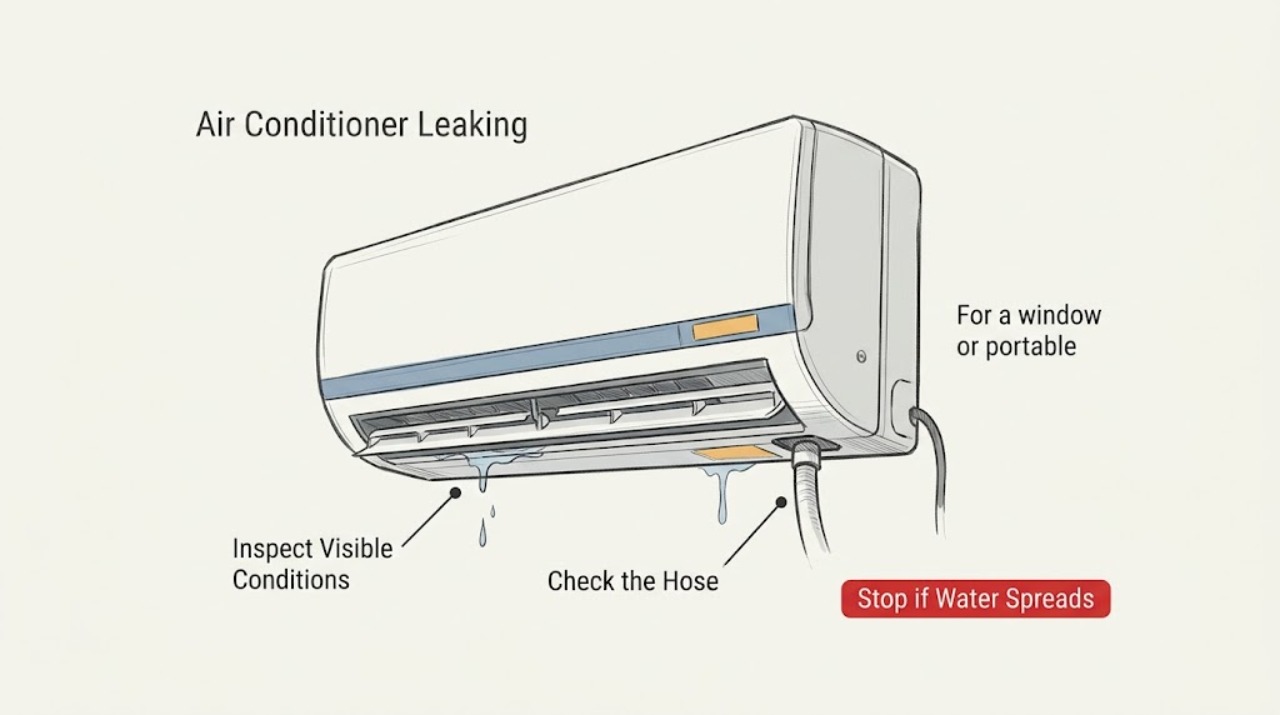
First identify whether the water is normal condensation at the outlet, a drain-hose or drain-pan overflow, or water entering after rain. Turn the unit off if water reaches electrical parts, then check the accessible filter, drain path, drain plug, hose routing, and installation level for the model type.
Work through in order
Diagnostic checks
Use only checks that match the exact appliance or system and its official guide.
-
Check 1
Observe where water first appears and whether it occurs only as droplets near the cold outlet, or forms a pool under or inside the unit.
Expected result: Only fine droplets or mist appear during humid cooling, with no pooling; or water is pooling indoors.
Next step: For droplets, wipe the surface and reduce humidity; for pooling, turn the unit off and continue only with safe external checks.
Stop if: Continue to the filter and drain path.
Why this matters
Why: Droplets can be condensation, while pooling indicates drainage, installation, or cooling-system diagnosis.
-
Check 2
Turn off the air conditioner, clean the accessible filter as directed, and inspect the drain hose or drain plug for a loose connection, kink, bend, or submerged end.
Expected result: The filter is dirty, the hose is loose or blocked, the plug is missing, or the hose end is under water.
Next step: Correct only the accessible connection or routing for the model, keep the hose draining freely, and retest.
Stop if: Continue to the unit-type installation check.
Why this matters
Why: Dust can combine with condensate and restrict flow; poor hose routing or a missing plug can return water into the unit.
-
Check 3
For a window or portable unit, check externally that the unit is level or rearward-draining as the model instructions require; do not dismantle a wall or ceiling system.
Expected result: The unit is tilted toward the room, recently installed or moved, or water appears after heavy rain while off.
Next step: Stop operation and have the installation corrected or inspected.
Stop if: If weak cooling and leakage occur together, arrange professional refrigerant/drain diagnosis.
Why this matters
Why: Incorrect installation or rain entry can overflow the pan independently of normal cooling condensation.
Use your observations
Decision map
Find the observation that best matches what you see, then follow the next safe action.
-
PATH 01Next step
What you see
Water appears only as droplets around the cold outlet in humid weather
Do this next
Wipe the surface, widen the outlet, improve room ventilation, and monitor for pooling.
-
PATH 02Next step
What you see
Water pools indoors or the drain hose is kinked, loose, blocked, or submerged
Do this next
Turn the unit off, correct only accessible hose/filter issues, and arrange service if the leak returns.
-
PATH 03Next step
What you see
Leakage is paired with weak cooling
Do this next
Stop DIY disassembly and arrange qualified service.
Helpful context
Understand the symptom
Location changes the diagnosis
LG describes different causes for window, portable, wall-mounted, ceiling, and outdoor units. A little condensation near a cold outlet can be normal, while indoor pooling, a submerged hose, a kink, or incorrect tilt can prevent drainage.
When checks do not resolve it
Need a professional?
Use LG or qualified HVAC service when accessible drainage and filter checks do not stop indoor leakage.
Common questions
FAQ
Is every drop of water from an LG air conditioner a fault?
No. LG says droplets or light mist can be normal condensation in humid conditions. Indoor pooling or water near electrical parts is different and requires the unit to be stopped and checked.
Can I keep using the air conditioner while it leaks?
Do not keep using it when water pools indoors or reaches electrical parts. Isolate the hazard safely and arrange service.
Read the exact guide
Official sources
- [LG Air Conditioner] Why is water dripping or condensation forming on the air conditioner?LG USA Support · LG air-conditioner condensation, drainage, hose, plug, and installation leakage guidance
Community feedback
Share a repair observation
Share a plain-text repair observation. Accepted observations are published automatically; this page may take a moment to update.