
On this page
Start here
Quick answer
Note which phase stops: fill, wash, spin, or dry, and record any code before resetting the appliance. A wash or spin cycle that ends with water or very wet clothes usually needs a drain-hose, pump-filter, or load-balance check. A drying cycle that ends early can be normal with a small load or a target-dry sensor, but it can also follow interrupted power, poor water supply, a pooled drain hose, or a drying fault such as dHE. Check the door, visible hoses, load, and controls only from the outside; if water leaks, a code returns, the appliance overheats, or it will not restart after a safe reset, stop using it and arrange LG service.
Before you begin
Safety first
- Do not open covers or work on the door lock, pump, motor, fan, heater, wiring, or control board; keep the appliance off when a recurring code or hazard is present.
Work through in order
Diagnostic checks
Use only checks that match the exact appliance or system and its official guide.
-
Check 1
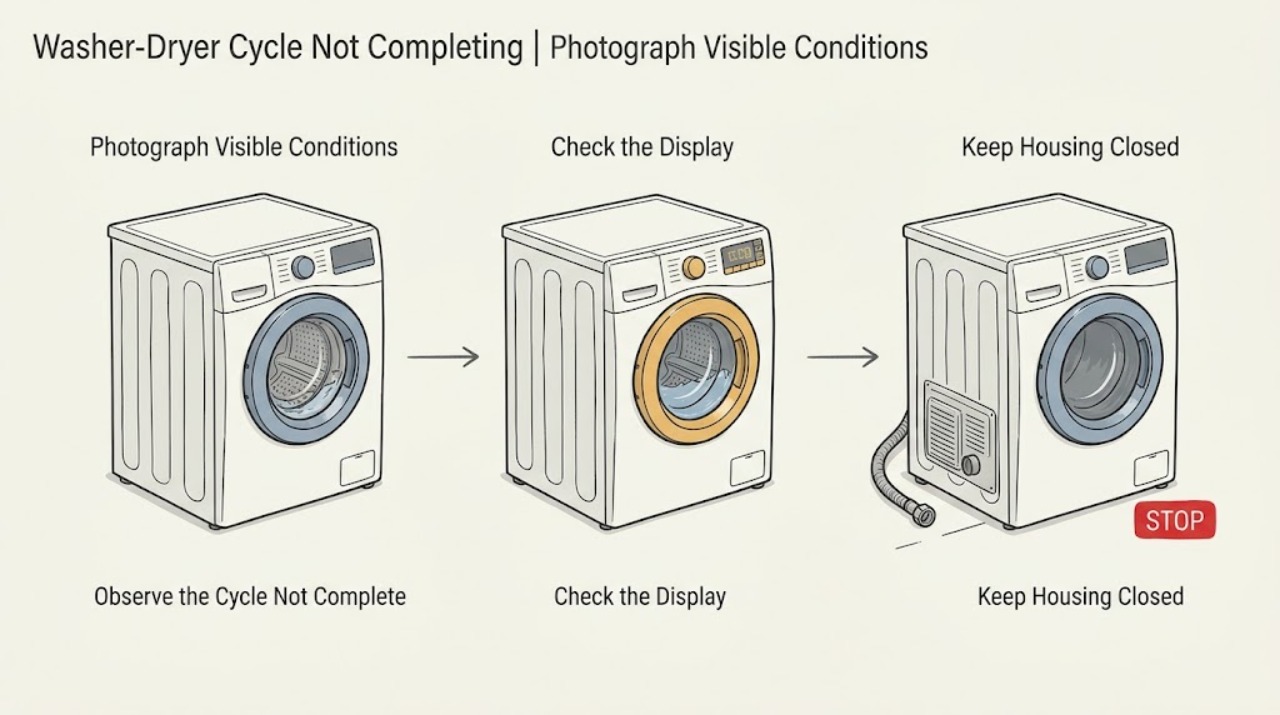
Run the symptom once in your notes rather than repeatedly: identify whether the LG washer-dryer stops during fill, wash, rinse, spin, or dry, and photograph or record any code, blinking indicator, remaining time, drum motion, and water left in the tub.
Expected result: Water left in the tub or very wet clothes points toward drain or spin completion. A dry cycle that ends with the time dropping quickly can be a small-load or moisture-sensor condition, while a named code such as dHE points toward the drying system.
Next step: Use the wash or spin branch when water remains or clothes are wet, and the drying branch when the unit ends during dry or displays a drying-related code.
Why this matters
Why: The phase and code narrow the next check; a general reset without that information can erase useful evidence and does not fix a blocked drain, unbalanced load, or drying fault.
-
Check 2
Check the door and visible controls before opening any service area: make sure the door is fully closed, the selected program is appropriate for a washer-dryer combo, no child lock or pause state is active, and the display is not showing a door or other fault code.
Expected result: If closing the door or clearing a documented lock state lets the cycle start, the earlier stop was a control or door-interlock condition. If the door will not latch, the display stays in an error state, or the control panel goes blank, do not force the door or keep restarting the cycle.
Next step: Record the code and model number, then follow the model-specific LG guidance or arrange service when the door or controls remain abnormal.
Why this matters
Why: The washer cannot safely tumble or spin without a confirmed door state, and a blank or recurring fault can indicate an electrical or control problem rather than a load problem.
-
Check 3
For a wash or spin stop, look at the external drain hose and standpipe or sink: check for kinks, crushing, a visible blockage, or a hose loop that is not installed as the manual specifies. If the load contains one bulky item or is tangled on one side, pause only when the controls allow it and redistribute the laundry evenly.
Expected result: A hose that cannot drain, water remaining after the spin, or an unbalanced bulky or single-item load explains why the washer may reduce spin or fail to finish. If the hose is clear and the load is balanced but the drum will not spin, service may be required.
Next step: Run the model's rinse-and-spin or spin-only test once after the safe external checks. If water still remains, a pump filter is blocked, or the drum still will not spin, power off and use the owner manual's contained-drain procedure or arrange service.
Why this matters
Why: LG identifies drain restriction and imbalance as separate reasons for wet clothes and an incomplete spin. The appliance may reduce spin to limit vibration, so a long or stopped cycle is not automatically a failed motor.
-
Check 4
For a dry stop or a timer that drops to a few minutes, compare the load with the model's maximum dry capacity, check that the water supply valves are open, and inspect the visible drain hose for a pooled or U-shaped section. Clean only the accessible moisture-sensor area as the owner manual directs.
Expected result: A very small load may not contact the moisture sensors and can finish early; an overloaded or thick load may remain damp; closed water valves or a pooled drain hose can reduce drying performance. If the cycle repeatedly stops with a cold drum or a drying code, the issue is not just load size.
Next step: Try one correctly sized dry cycle with the water supply available. Do not continue testing if the unit is unusually hot, smells burnt, leaks, or shows a recurring drying code.
Why this matters
Why: LG washer-dryer combos use water and drainage during drying, and sensor-controlled time can differ from the initial estimate. Load and hose conditions can therefore look like an incomplete cycle without a failed heater.
-
Check 5
If the display shows dHE, or if the combo stops during dry and will not recover, switch the unit off and unplug it for the period specified in LG's guidance, then run one dry-only test. Do not open the appliance to inspect the fan, heater, or high-voltage wiring.
Expected result: If the dry-only test completes and the code does not return, a temporary power or system condition may have cleared. If dHE or the same stop returns, or the unit does not power back on, the drying fan, heater, or electrical control needs inspection.
Next step: Stop using the appliance and schedule LG service for a recurring dHE, a cold or overheated drum, a leak, or any control or power failure.
Why this matters
Why: LG describes dHE as a drying-system safety condition and warns that the fan and nearby parts can remain hot or carry high voltage. A reset is a diagnostic step, not permission to use the washer with a recurring fault.
Use your observations
Decision map
Find the observation that best matches what you see, then follow the next safe action.
-
PATH 01Next step
What you see
The wash or spin phase ends with water in the tub or very wet clothes.
Do this next
Check the visible drain hose and load balance. If the hose is clear and the problem remains, follow the model-specific contained-drain and pump-filter instructions or arrange service.
-
PATH 02Next step
What you see
The cycle pauses or stops because the load is a single bulky item, tangled, or overloaded.
Do this next
Redistribute or reduce the load within the model's limits and run one rinse-and-spin test. Repeated imbalance with normal loads needs inspection.
-
PATH 03Next step
What you see
The dry timer drops quickly or the unit ends early with a small load.
Do this next
Use a suitable load size, clean the accessible sensor area according to the manual, and choose the documented timed or alternate dry option if appropriate. A recurring early stop with normal loads needs service.
-
PATH 04Next step
What you see
Drying performance is poor and the water supply is closed or the drain hose pools water.
Do this next
Restore the water supply only if there is no leak and straighten the visible drain hose according to the manual. Test once; if the cycle still stops or remains damp, arrange service.
-
PATH 05Next step
What you see
The display shows dHE or the combo repeatedly stops in dry.
Do this next
Power the unit down and perform the model-approved reset once. Do not disassemble it; if the code returns, stop using the unit and request LG inspection.
-
PATH 06Next step
What you see
The door will not latch, the control panel is blank, water leaks, the unit overheats, or the breaker trips again.
Do this next
Stop the appliance, close water valves if safe, isolate power when appropriate, and arrange qualified appliance or electrical service.
Helpful context
Understand the symptom
Use the stopping phase as the first clue
“Cycle not completing” can mean the timer pauses, the unit stops with water inside, the spin never begins, or the dry time drops and ends early. The right next check changes with that phase. Write down the selected cycle, the remaining time, whether the drum was moving, the water level, and every displayed code before trying a reset.
Prevent flooding, heat, and electrical injury
Stop the cycle and unplug the appliance if there is a leak, smoke, burning smell, unusual heat, damaged cord, or repeated breaker trip. Keep the door closed if hot water or steam may be present. Do not remove panels, reach into a moving drum, bypass the door lock, or disassemble the heater, fan, pump, or wiring. If water remains and you cannot safely contain it using the exact owner-manual procedure, close the supply valves and request service.
Safety boundary
Stop conditions
- Stop immediately for a leak, smoke, burning odor, damaged cord, repeated breaker trip, unusual heat, or a door that will not latch.
- Do not reach into a moving drum, bypass the door lock, remove covers, or work on the heater, drying fan, pump, motor, wiring, or control board.
- Do not keep using the washer-dryer after a recurring dHE or other fault code, or after a safe external check and one documented reset fail to restore a complete cycle.
Only after diagnosis
Potential parts
- drain pump or pump filter assembly
Only consider this class when a technician confirms a drain restriction is not in the external hose and the pump or filter cannot complete draining.
Confirm the exact model and the manufacturer's fit information; do not infer a pump match from the appliance family alone. - door latch or door sensor
Only consider this class after the door is physically aligned and the machine still reports a door condition or will not start a cycle.
Use model-specific service documentation and qualified installation support before ordering or fitting this class. - drying fan or heater assembly
Only consider this class when a recurring drying code or professional test identifies the drying fan, heater, or related circuit after safe reset and load checks.
Drying components can be hot or high voltage; confirm exact model fitment and use qualified service.
When checks do not resolve it
Need a professional?
Arrange LG or qualified appliance service when the cycle repeatedly stops with a normal load, water remains after a clear external drain check, the drum will not spin, the door will not latch, dHE or another fault returns, the unit will not power back on, or there is a leak, overheating, smoke, or electrical problem.
Safety scope: Do not open covers or work on the door lock, pump, motor, fan, heater, wiring, or control board; keep the appliance off when a recurring code or hazard is present.
Common questions
FAQ
Why does my LG washer-dryer stop before the cycle finishes?
The cause depends on the phase. Wash or spin stops often follow drain restriction or load imbalance; dry cycles can end early when a small load does not contact the sensor, when capacity or water and drain conditions are wrong, or when a drying fault is detected.
Why does my LG combo dryer stop with six minutes left?
LG notes that sensor-controlled drying time can change and that a small load may finish early. Check load size, drying capacity, water supply, and a pooled drain hose. If the same symptom happens with normal loads or a code appears, request service.
Can I keep washing if my LG washer-dryer shows dHE?
LG says dHE indicates a drying-system condition and recommends inspection if it returns after a restart. Because nearby drying components can remain hot or carry high voltage, do not disassemble or continue using the unit with a recurring code.
Read the exact guide
Official sources
- LG Washer - Troubleshooting Washer Does Not Drain or Spin (Clothes Too Wet)LG USA Support · LG washers and washer-dryer combos with wet clothes or incomplete drain and spin
- LG Washer – Troubleshooting Washing Machine Drum Not SpinningLG USA Support · LG washer and washer-dryer models where the drum will not spin or starts and stops
- [LG Dryer] Dryer Drum Not TurningLG USA Support · LG dryers and washer-dryer combos where the drying drum stops or does not turn
- [LG Washer] Dryer Performance TroubleshootingLG USA Support · LG washer-dryer combos and washer models with a drying function
- [LG Washer][Drying Function] Dry Time Stops at 6minutesLG USA Support · LG washer-dryer combo drying functions where the displayed dry time reaches six minutes
- Power Issues - Laundry DryerLG USA Support · LG dryers and washer-dryer drying functions covered by the support article
- Why the dHE error code appears during a dry cycle on your LG washer dryer combo, and how to fix itLG USA Support · LG washer-dryer combo models that display dHE during drying
Community feedback
Share a repair observation
Share a plain-text repair observation. Accepted observations are published automatically; this page may take a moment to update.