
On this page
Start here
Quick answer
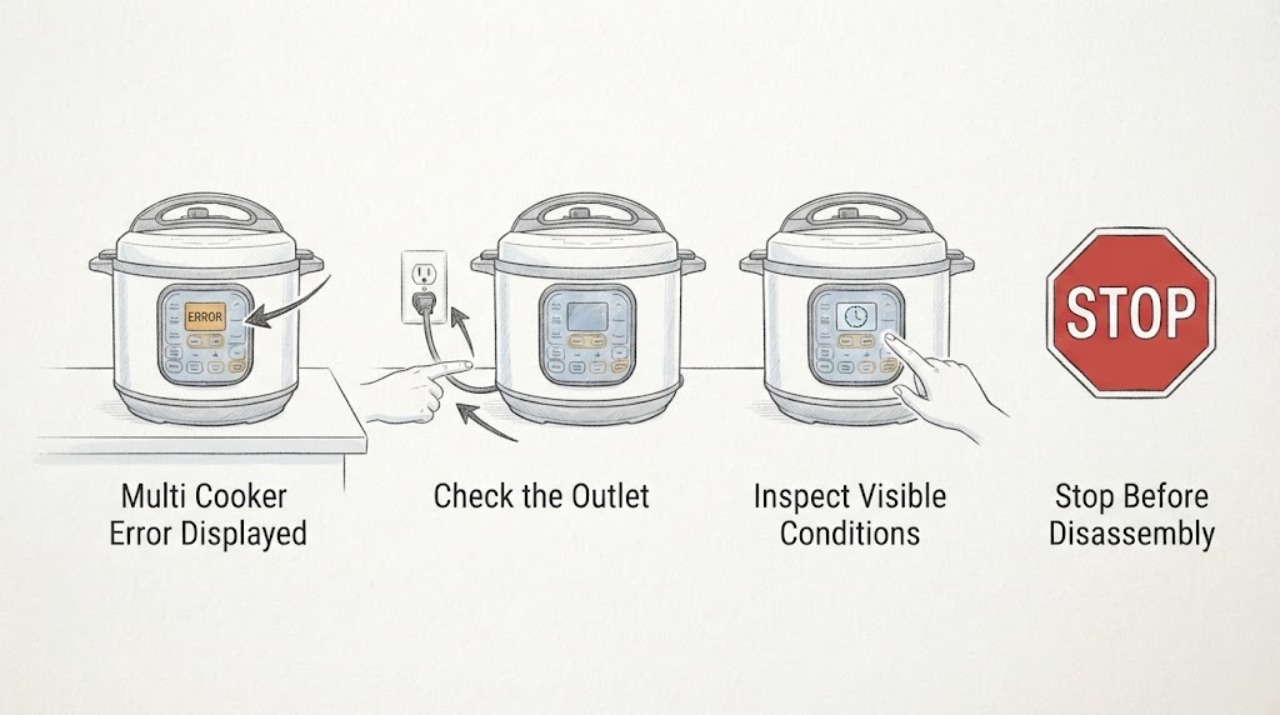
Record the exact error and whether the cooker is pressurized, cooling, or in Keep Warm. Use the matching model manual, reseat only cool removable parts, and try one approved reset; repeated codes, a blank panel, or an incomplete cycle require service.
Work through in order
Diagnostic checks
Use only checks that match the exact appliance or system and its official guide.
-
Check 1
Record the exact displayed code or message, beeps, and whether the cooker is hot, pressurized, or already in Keep Warm; do not force the lid.
Expected result: The display shows a repeatable code, counts upward after cooking, or is blank/unresponsive.
Next step: Use the exact model manual for the code before restarting; keep the cooker off if pressure remains.
Why this matters
Why: A code is model-specific; a Keep Warm count can mean the pressure cycle has completed, while a blank panel or circuit-related code needs service.
-
Check 2
Unplug the cooker once it is safe and inspect only the outer cord, outlet, lid position, removable bowl, and visible moisture or food on the controls.
Expected result: The cord/outlet is sound, the bowl or lid is misseated, or liquid/debris is on the control panel or base.
Next step: Dry external controls and reseat removable parts only when cool and depressurized; do not open the base.
Why this matters
Why: Breville identifies incorrect bowl placement for one display condition and circuit errors as service issues; Instant Pot says a wet/unresponsive panel needs cleaning and drying.
-
Check 3
After the unit is cool and depressurized, run only the model-approved reset or test cycle and observe whether the same code returns.
Expected result: The code clears, the cycle completes, it switches early to Keep Warm, or the code repeats with beeps.
Next step: Stop using it and contact the manufacturer or qualified service for repeated errors or an incomplete cycle.
Why this matters
Why: A one-time state or heat issue may clear after cooling/reset; a repeat code or early stop indicates a persistent control, sensor, or circuit condition.
Use your observations
Decision map
Find the observation that best matches what you see, then follow the next safe action.
-
PATH 01Next step
What you see
The display is counting upward after the selected pressure cook time and the lid is safely depressurized.
Do this next
Confirm the cooker is depressurized before opening and check the model manual for display meaning.
Why this path and its safety boundary
Why it matters: On some pressure cookers this is the Keep Warm elapsed time after cycle completion, not an error.
-
PATH 02Next step
What you see
A circuit-related code repeats, the controls stay blank, or the unit stops before completion after a safe reset.
Do this next
Unplug and arrange qualified service; do not bypass lid or pressure safety devices.
Why this path and its safety boundary
Why it matters: The fault is beyond a user adjustment and may involve electronics or sensors.
Helpful context
Understand the symptom
This guide focuses on multi cooker error displayed and uses the observed symptom to choose the next safe check.
When checks do not resolve it
Need a professional?
Arrange qualified service if the checks do not restore normal operation or if the appliance shows damaged wiring, burning smell, smoke, gas odor, sparking, or repeated tripping.
Common questions
FAQ
Does an error code have the same meaning on every multi cooker?
No. Record the exact code and use the model manual; the Breville manual assigns specific meanings to its own codes.
Why is the timer counting up after cooking?
Some Instant Pot models count upward during Keep Warm after the pressure cycle ends. Confirm pressure is released before opening.
Can I force the lid open to end the cycle?
Never. Wait for pressure release and the float valve or display to indicate opening is safe.
Read the exact guide
Official sources
- Troubleshooting GuideBreville · multi cooker display errors and cycle controls
- Frequently Asked Questions – Instant PotInstant Pot · pressure cooker error and control behavior
Community feedback
Share a repair observation
Share a plain-text repair observation. Accepted observations are published automatically; this page may take a moment to update.