
Repair problem
Error Displayed Troubleshooting Guides
Published FixGraph guidance for diagnosing and responding to error displayed.
Matching published guides
Choose a guide that matches the service, equipment, and conditions you are seeing.
-
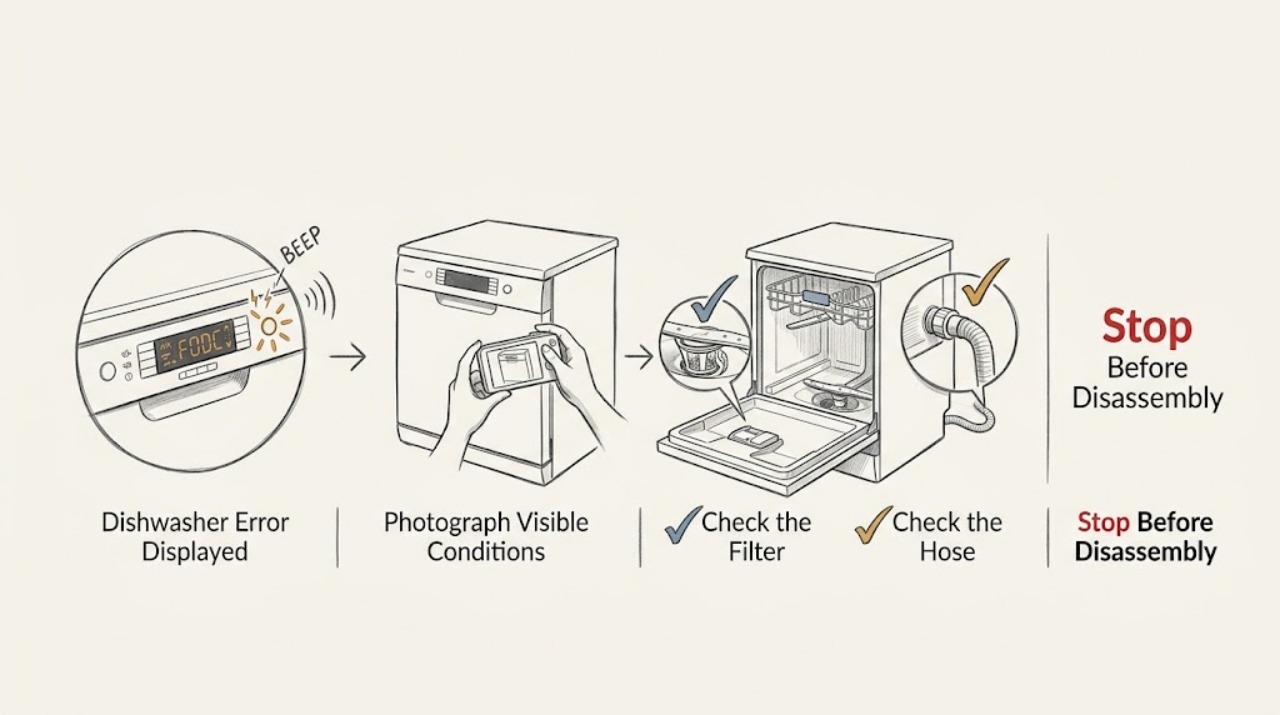
AEG Dishwasher Error Displayed: Identify the Code Before You Reset It
An AEG dishwasher error display is a symptom category, not one diagnosis. Record the complete code exactly as shown, or count the beeps or warning-light flashes, and note whether the dishwasher is filling, draining, washing, leaking, or heating.
-
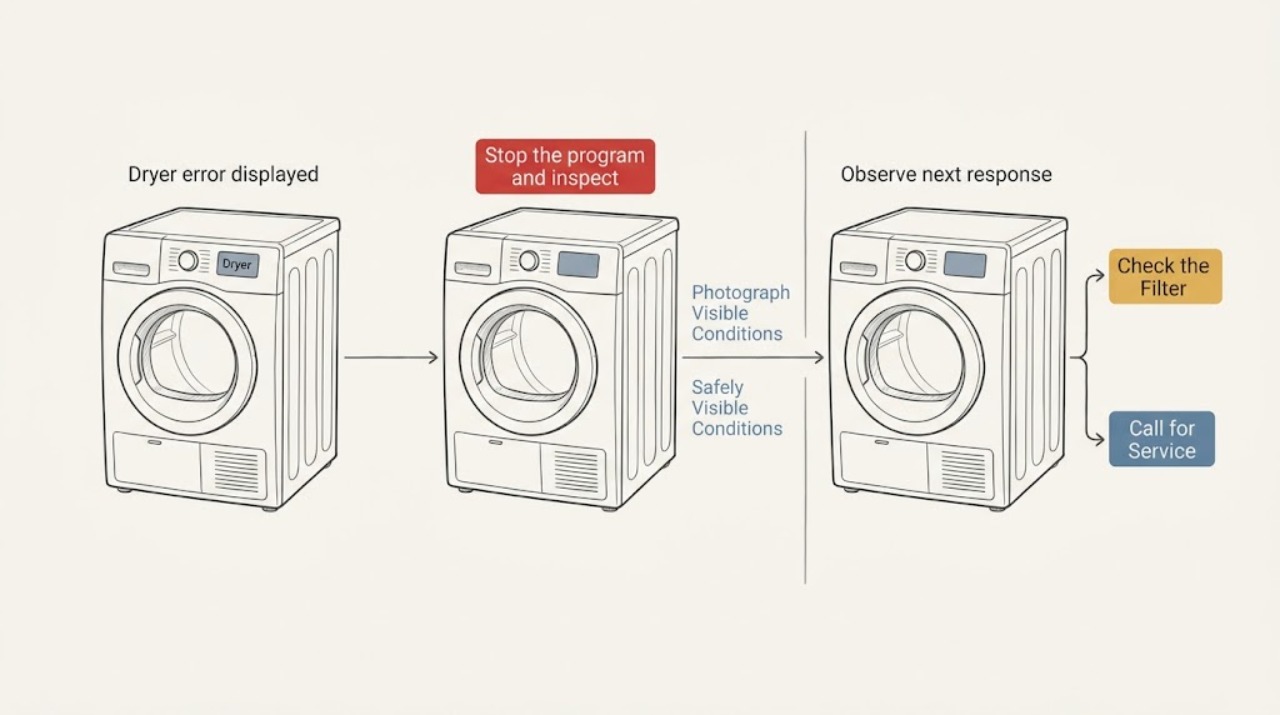
Aeg dryer error displayed: identify the code and reset safely
Write down the exact code, symbols, beeps, and what the dryer was doing before the message appeared. With the dryer inactive and no burning smell, damage, or wet electrical area, check the door, load, filter, and accessible water container or drain, then use the model's instructions for one reset.
-
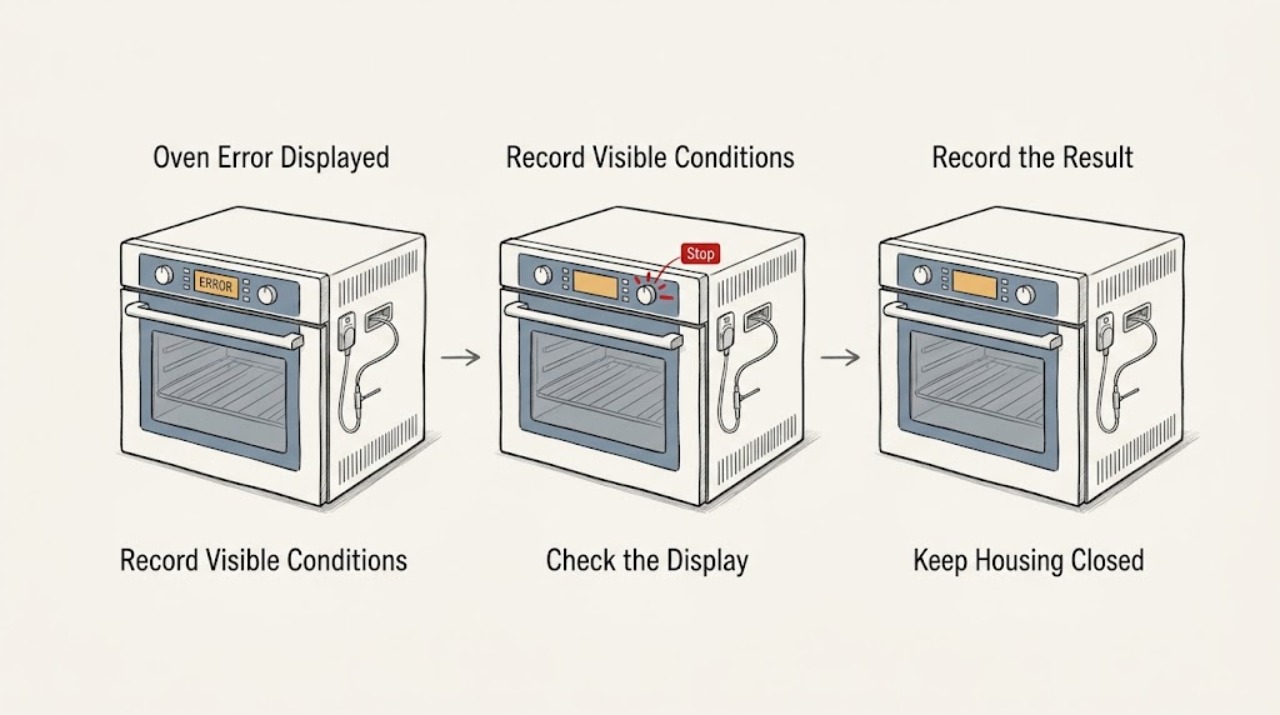
AEG Oven Error Displayed: Identify the Code Safely
Write down the complete AEG oven code exactly as shown, along with the selected programme, whether the oven is hot, and whether the door is closed. A code is model- and function-specific: AEG says F21 indicates too high a starting temperature, F11/F111/F129 can indicate a food-probe connection or fault, F602/F603 on a connected oven indicate unavailable Wi-Fi, and C1-C4 are tied to specific pyrolytic-cleaning conditions.
-
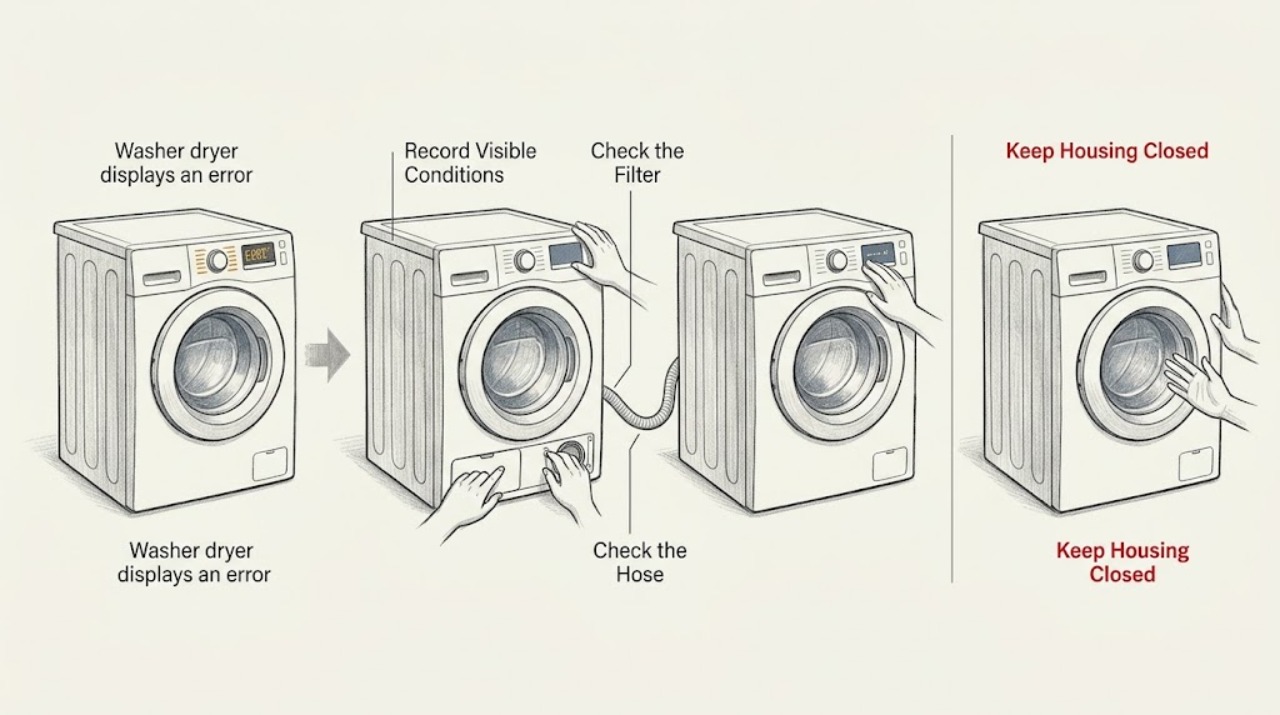
AEG washer dryer displays an error: identify the code and troubleshoot safely
Write down the complete AEG display message, including any beeps or flashing pattern, then match it to the relevant branch below. A paused cycle or a simple door, water-supply, drain, or visible-leak problem can be checked safely; a persistent motor, heating, electronic, or internal-water fault is a stop-use condition. If the code is not listed, use the exact model manual and give the recorded code to an authorised service centre.
-
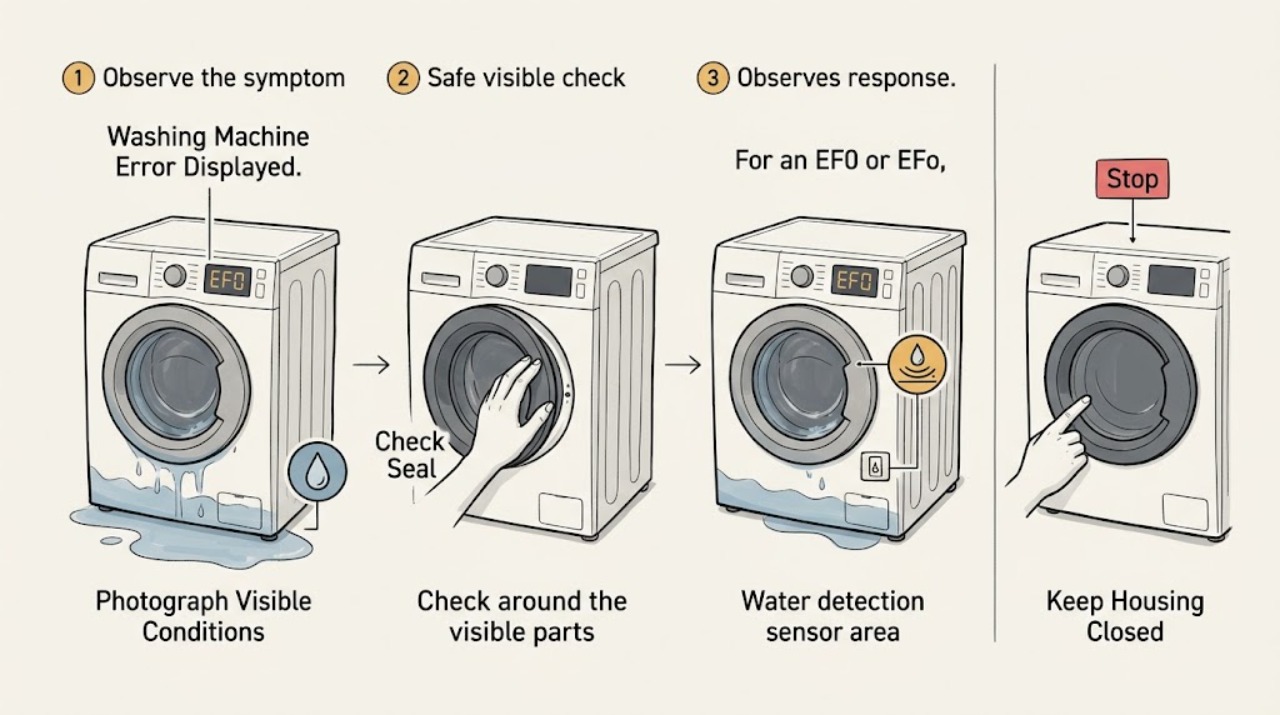
AEG Washing Machine Error Displayed: Identify the Code Safely
When an AEG washing machine displays an error, first record the exact code, flashing pattern or warning symbol and whether the machine is leaking, stopped filling, stopped draining, or will not start. Use the manual for that exact model; the same-looking family of codes can lead to different checks.
-
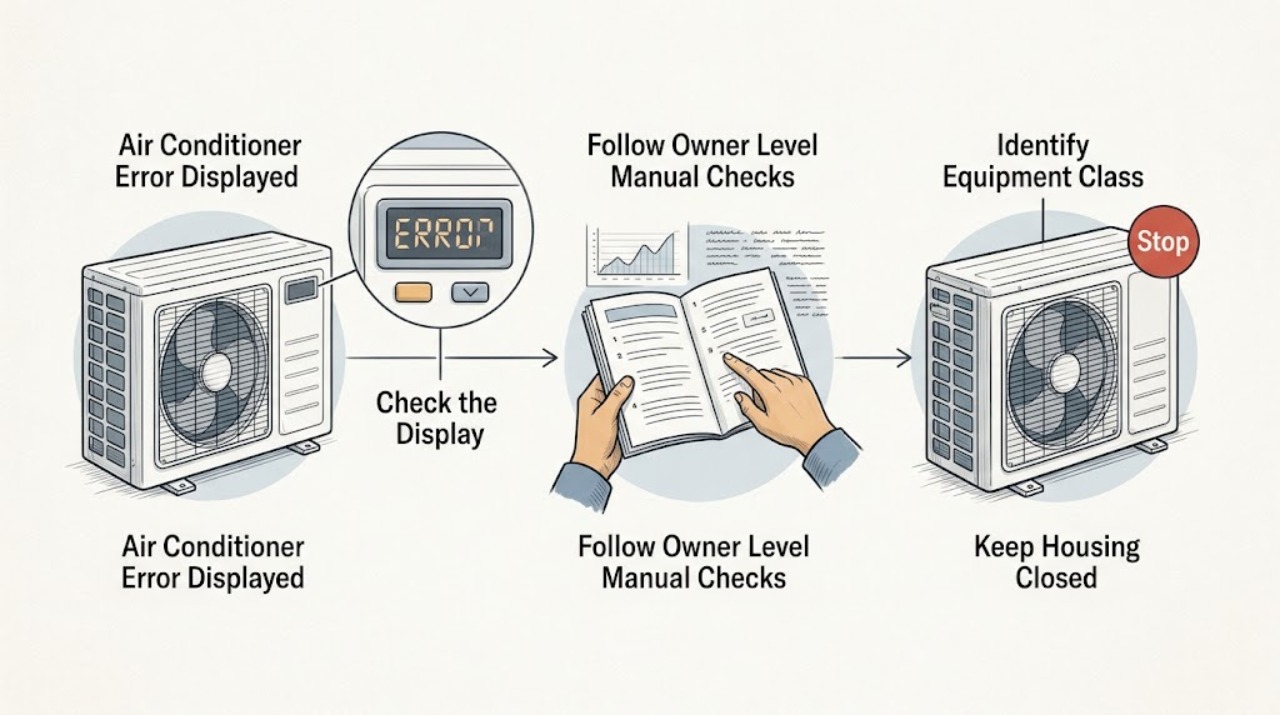
Amana Air Conditioner Error Displayed
Do not diagnose an Amana air-conditioner display from the code alone. First photograph or write the complete message exactly as shown and identify whether the equipment is a room or portable unit, PTAC/TTW/WRAC unit, or central HVAC system.
-
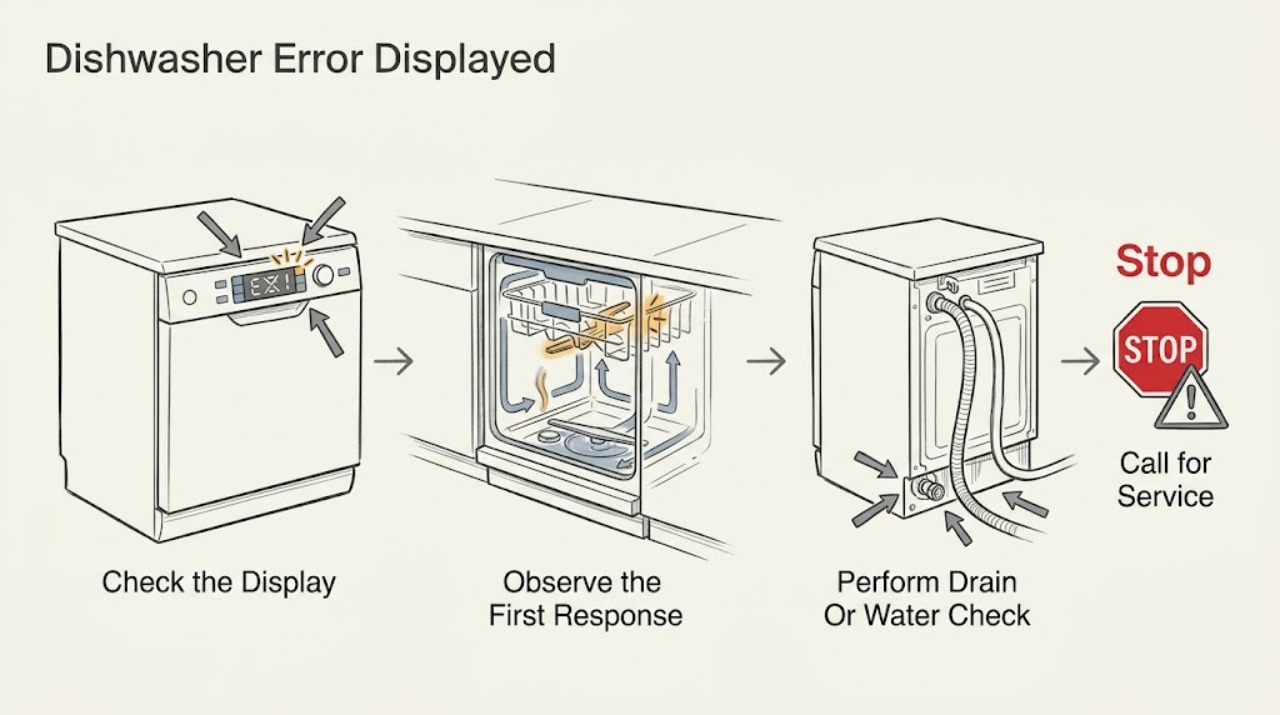
Amana Dishwasher Error Displayed
An Amana dishwasher error display is a symptom, not one universal diagnosis. Record the exact digital code or the two-part flashing pattern, then match it to the exact model manual.
-
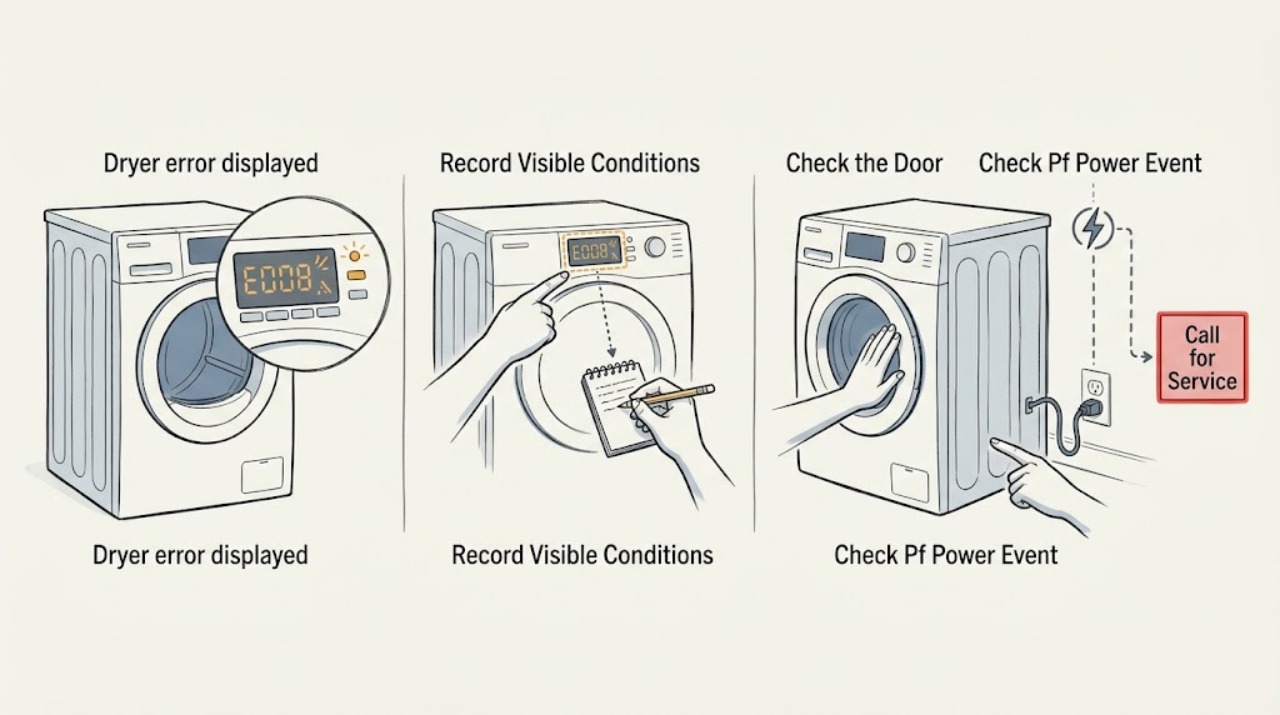
Amana dryer error displayed: identify the code before trying a reset
Read the exact code and keep it with the model number before clearing anything. On Amana dryers, ERR usually means the door is not fully latched, PF points to an interrupted power event, AF or F4 E3 points to restricted airflow, and an F# E# code generally requires service; L2 or F4 E4 can indicate a power-supply problem. If the code returns after the model-appropriate reset, stop repeating resets and arrange qualified service rather than opening the dryer.
-
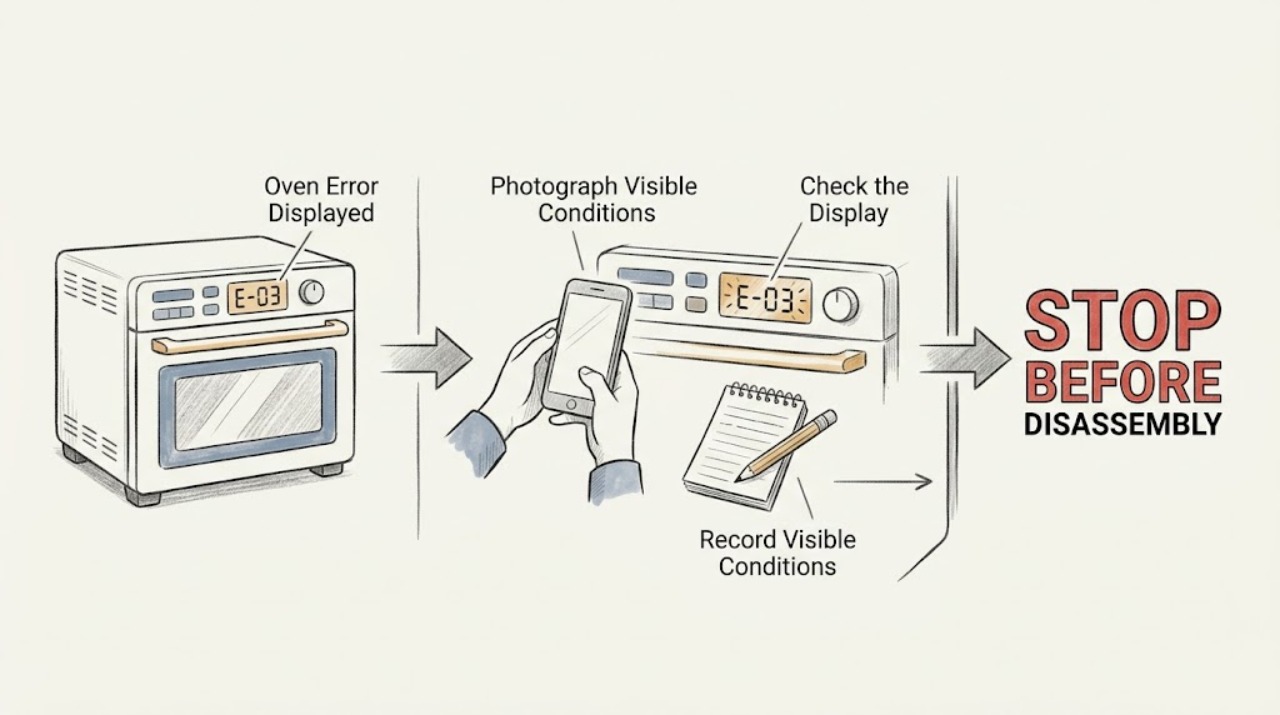
Amana Oven Error Displayed: Identify the Code Safely
An Amana oven error display does not have one universal meaning: the exact characters, the oven model, and what the oven was doing determine the next step. Record the full code or message before clearing it.
-
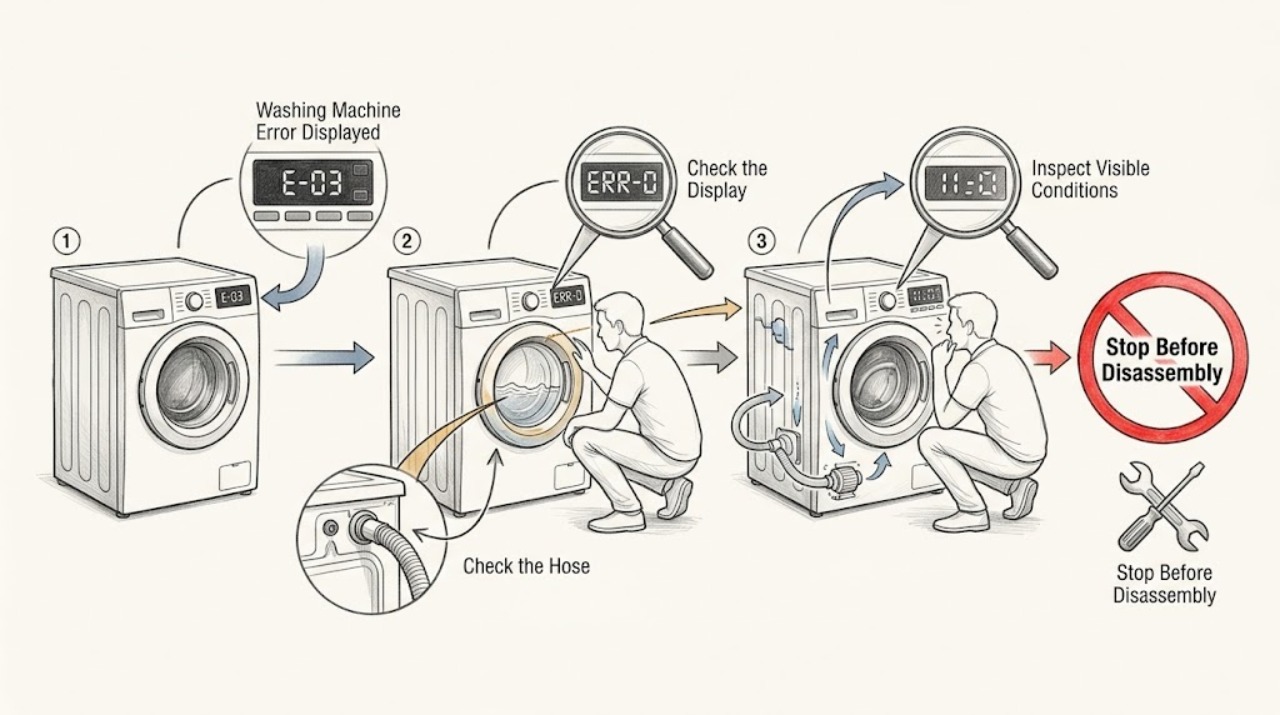
Amana Washing Machine Error Displayed: Read the Code Safely
When an Amana washing machine displays an error, record the exact characters, whether it is a front-load or top-load model, and what the washer was doing when the code appeared. Amana's code tables are model-family specific, so use the owner's manual and the matching Amana Product Help page rather than guessing from a similar-looking code.
-
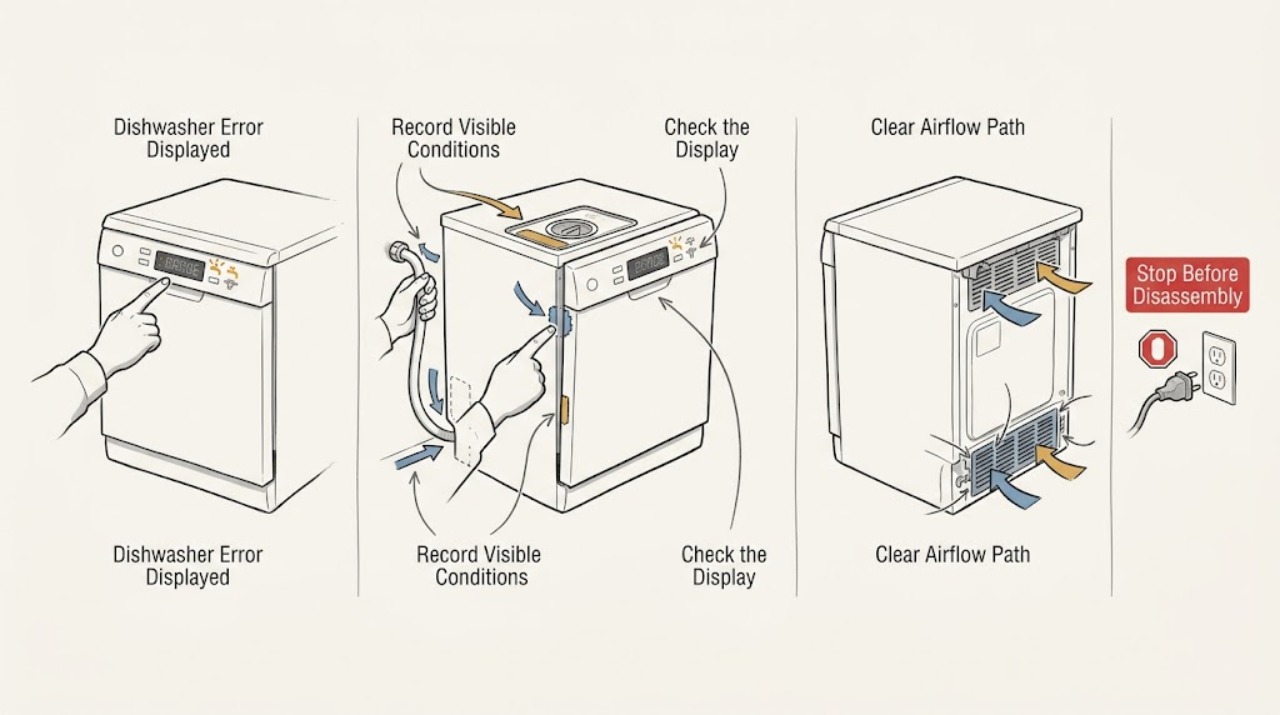
Ariston Dishwasher Error Displayed: Match the Code to Your Model
An Ariston dishwasher code is meaningful only when matched to the exact appliance model and display pattern. Record every character, symbol, and flashing light before switching the machine off, then use the model's Ariston manual.
-
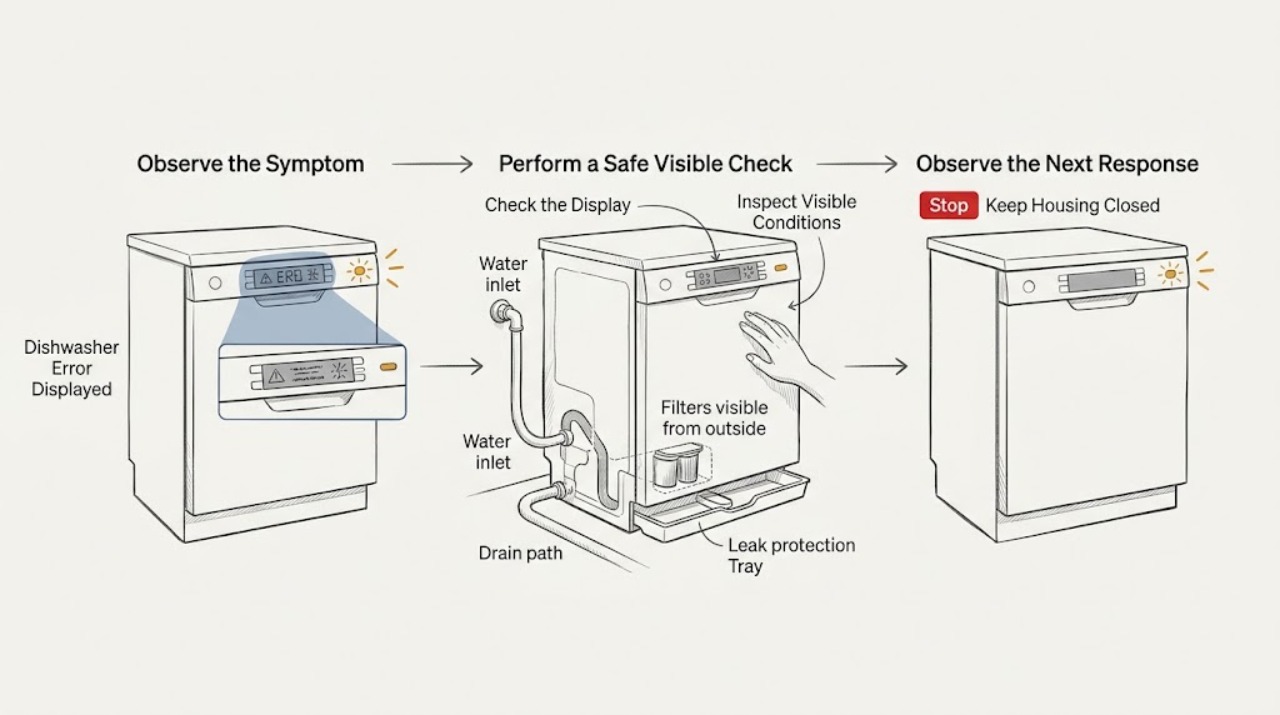
Asko Dishwasher Error Displayed: Record the Code and Follow the Safe Branch
Record the exact code or symbol, the model number, what the dishwasher was doing, and whether there is standing water, a leak, a continuously running pump, or no water entering. Asko error meanings and reset steps vary by model, so use the manual for that exact appliance instead of treating every code as interchangeable.
-
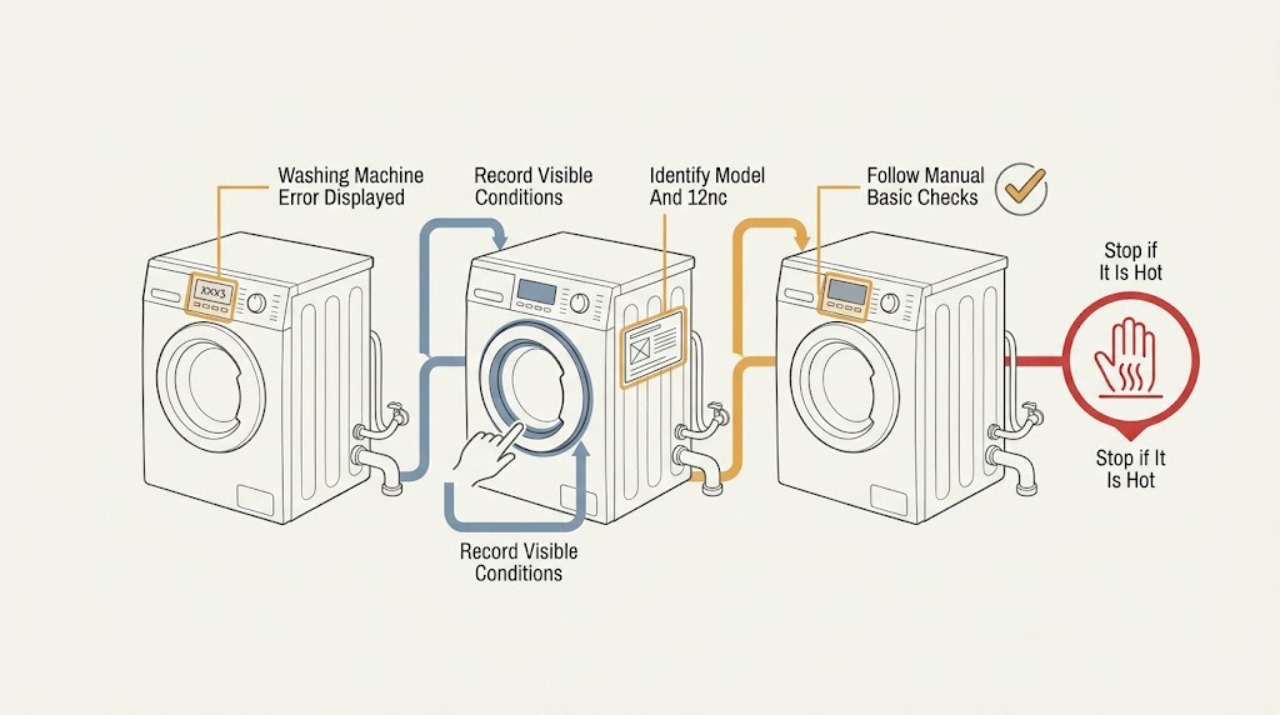
Bauknecht Washing Machine Error Displayed: Identify the Code Safely
Do not guess what a Bauknecht washing-machine error display means from a partial symbol or a code copied from another model. Photograph or write down the complete display and the machine's behavior, then use the exact model number or 12 NC to open the correct Bauknecht Owner's Manual.
-
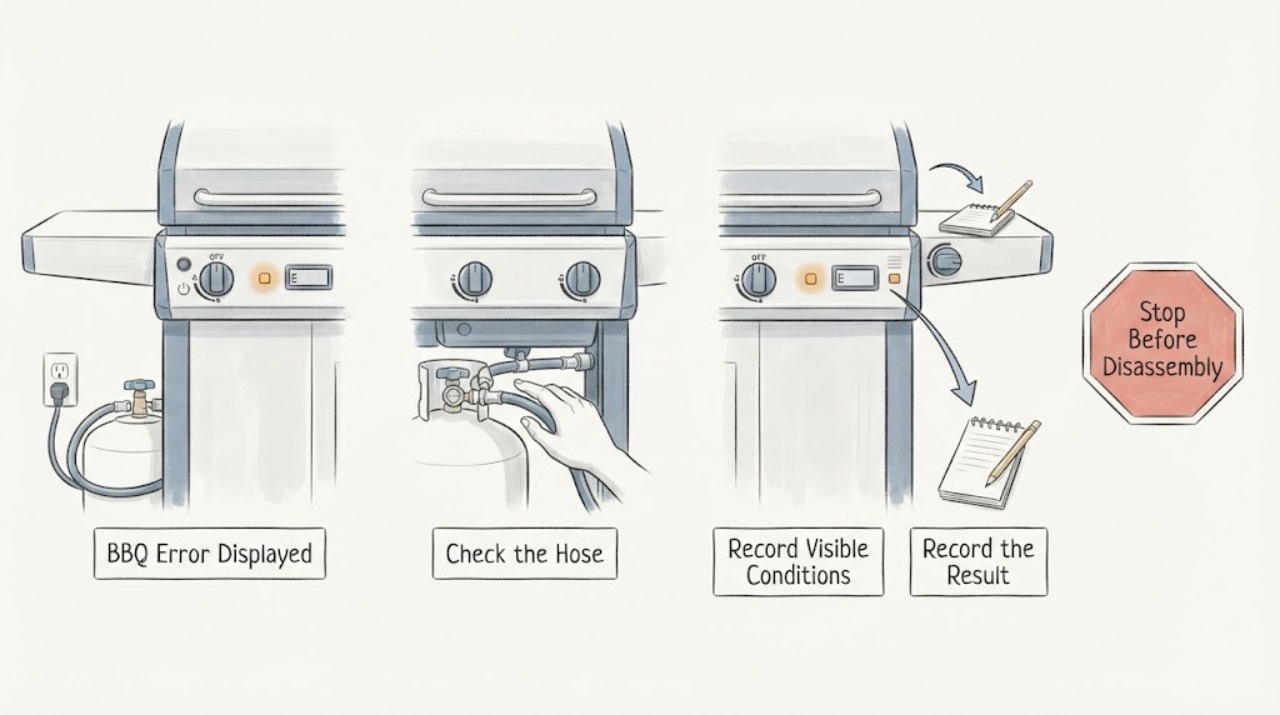
BBQ Error Displayed: Record the Code and Check Fuel, Power, and Airflow
Record the exact BBQ error before clearing it, then check the model manual for its meaning. Safe external checks include gas supply, electrical power or GFCI, burner cleanliness, hose kinks, and ventilation. Wolf's official grill guidance says to turn a burner off if it does not light promptly and to contact certified service for unresolved ignition or gas problems. Stop for a gas smell, delayed ignition, uncontrolled flame, or damaged hose.
-
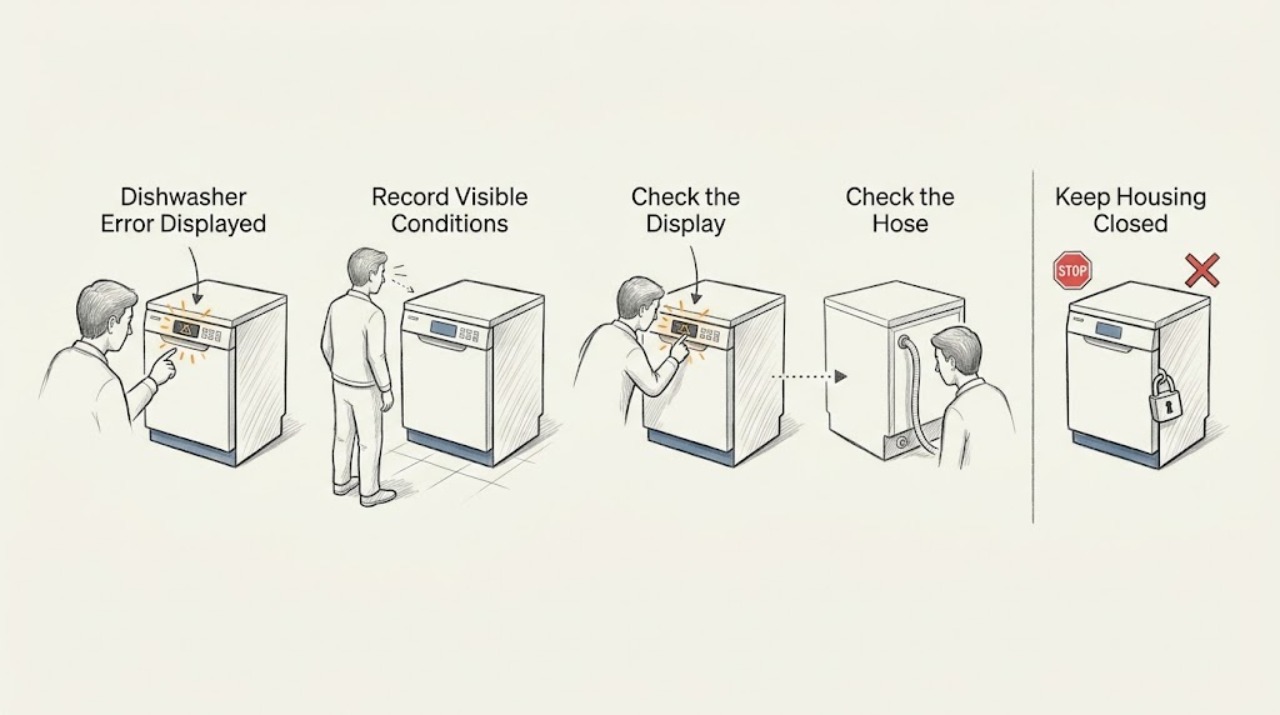
Beko Dishwasher Error Displayed
Treat a Beko dishwasher error display as a clue, not as a universal code: write down the exact characters or lights and the dishwasher model before choosing a fix, because the code table is model-specific. Check only the external power, door, and water-supply conditions described in your model manual.
-
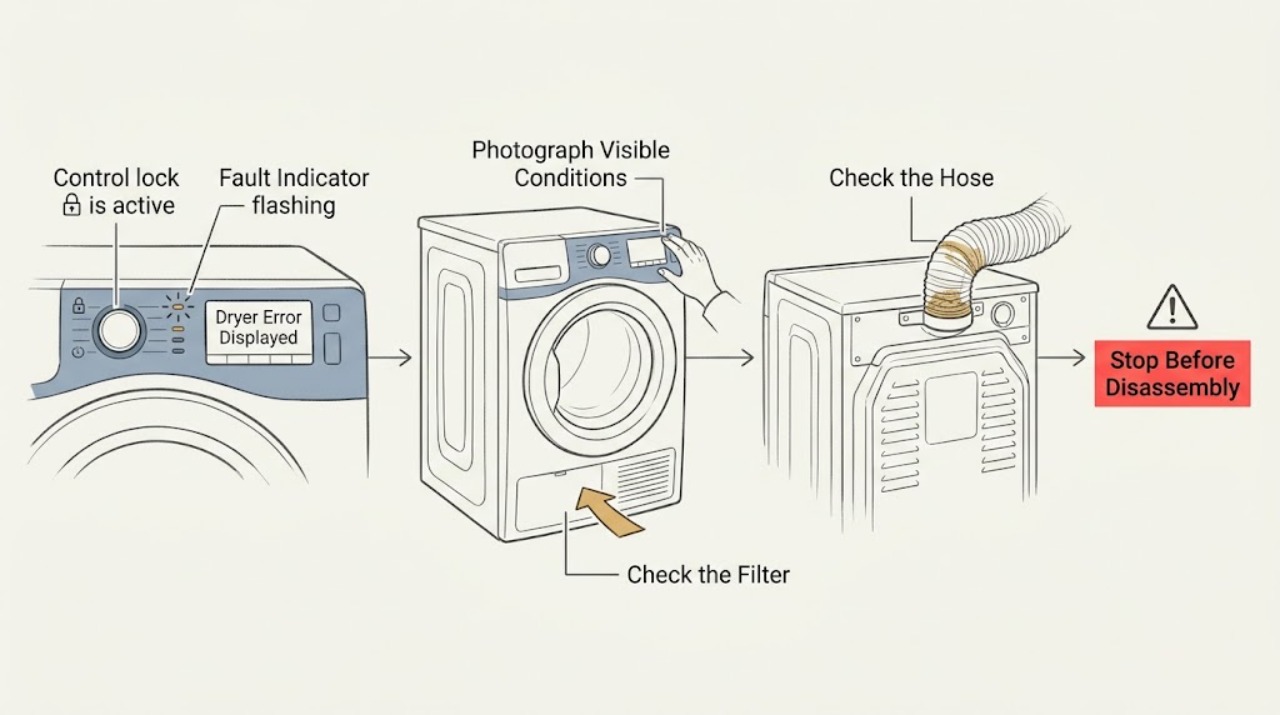
Beko Dryer Error Displayed: Identify the Alert and Choose the Safe Next Step
When a Beko dryer displays an error or warning, photograph or write down the exact code, symbol, and when it appeared before clearing anything; Beko error meanings and controls vary by model. With the dryer cool, use only the model manual's user checks: clean and correctly refit the lint filter, clean the condenser or evaporator only if your model specifies it, empty a full water tank, check an accessible drain hose for a kink, and make sure the door is fully closed.
-
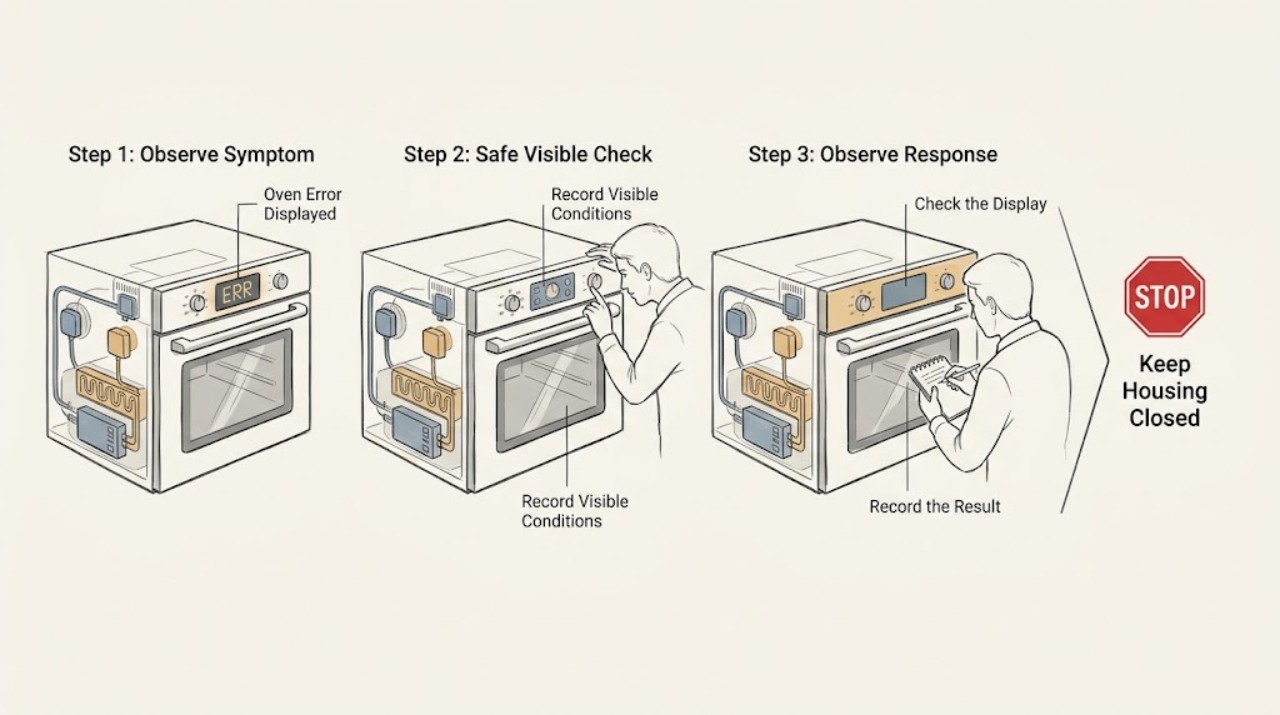
Beko Oven Error Displayed: Identify the Code Safely
When a Beko oven displays an error, write down the exact code or message and the model before switching anything off. Beko manuals use different code ranges for communication, sensor, heating, component, safety, and timer faults, so a generic code list cannot safely identify a part.
-
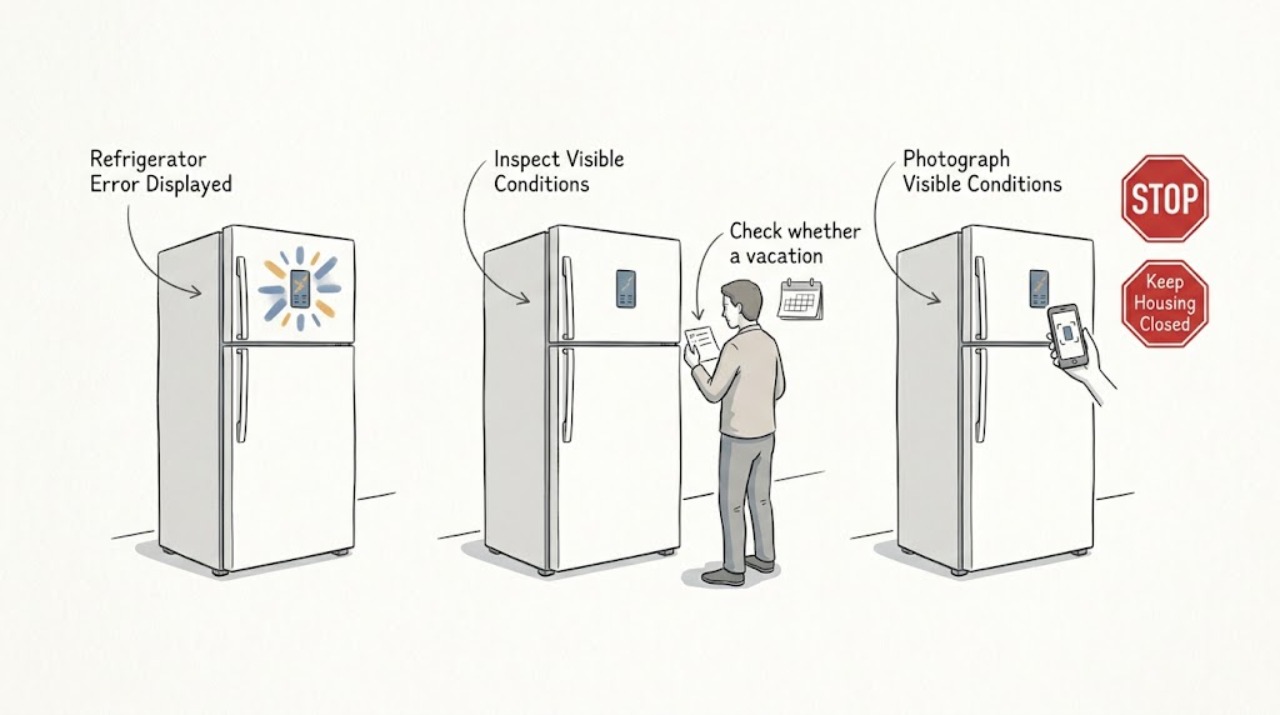
Beko Refrigerator Error Displayed
If a Beko refrigerator is displaying an error or warning, do not assume that every icon means the same thing on every model. First record the exact symbol or flashing temperature combination and the model number.
-
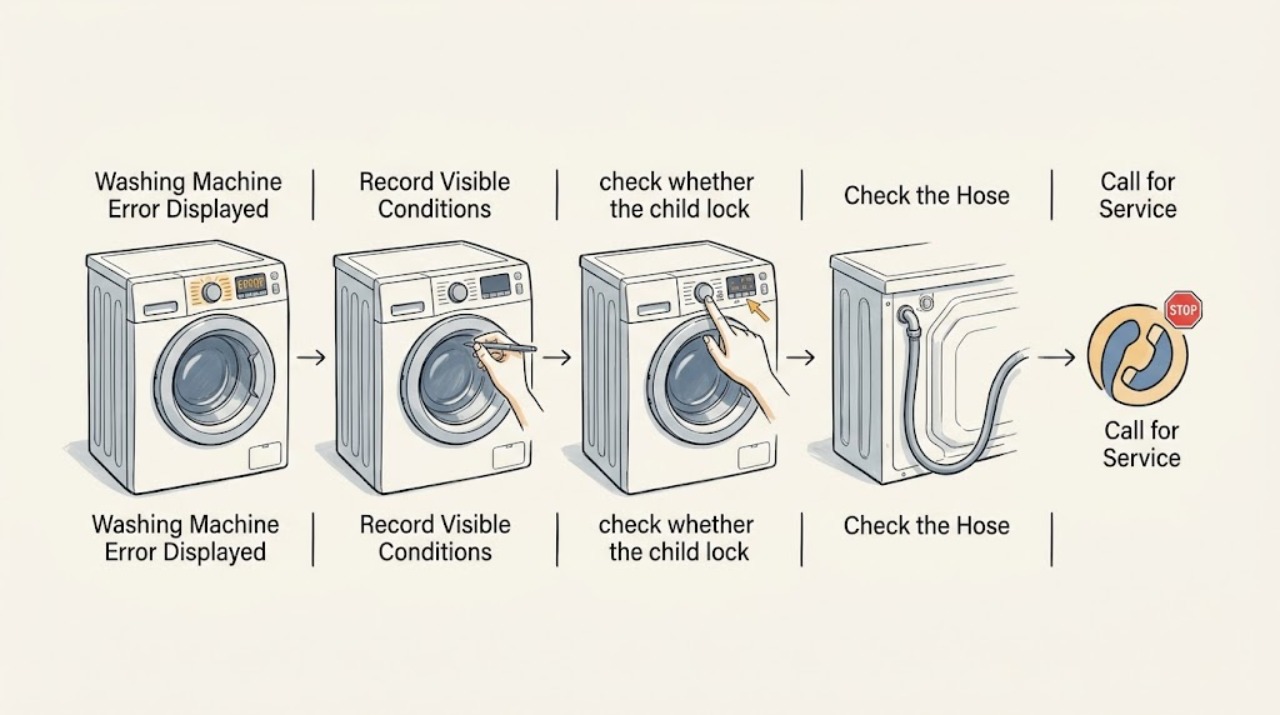
Beko Washing Machine Error Displayed
First write down the exact characters or symbol on the Beko washing machine display and check them against the manual for your model. A displayed padlock or no-water symbol may be a status or control-lock indication rather than a fault.
-
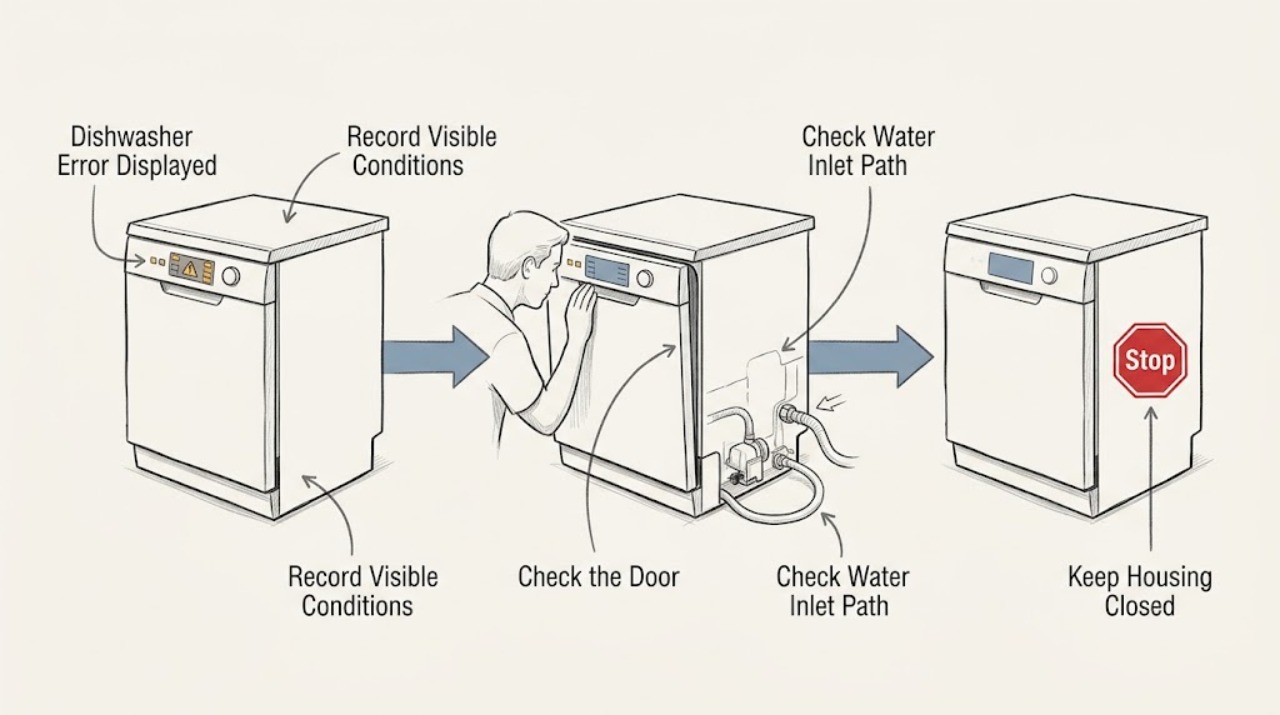
Blomberg Dishwasher Error Displayed: Identify the Code Safely
When a Blomberg dishwasher displays an error, first record the exact code or flashing-light pattern, whether the tub contains water, and whether the door, water supply, and drain path are normal. Do not apply a code list from another model: Blomberg provides model-specific manuals, and its support pages require the appliance model or serial information to find the right instructions.
-
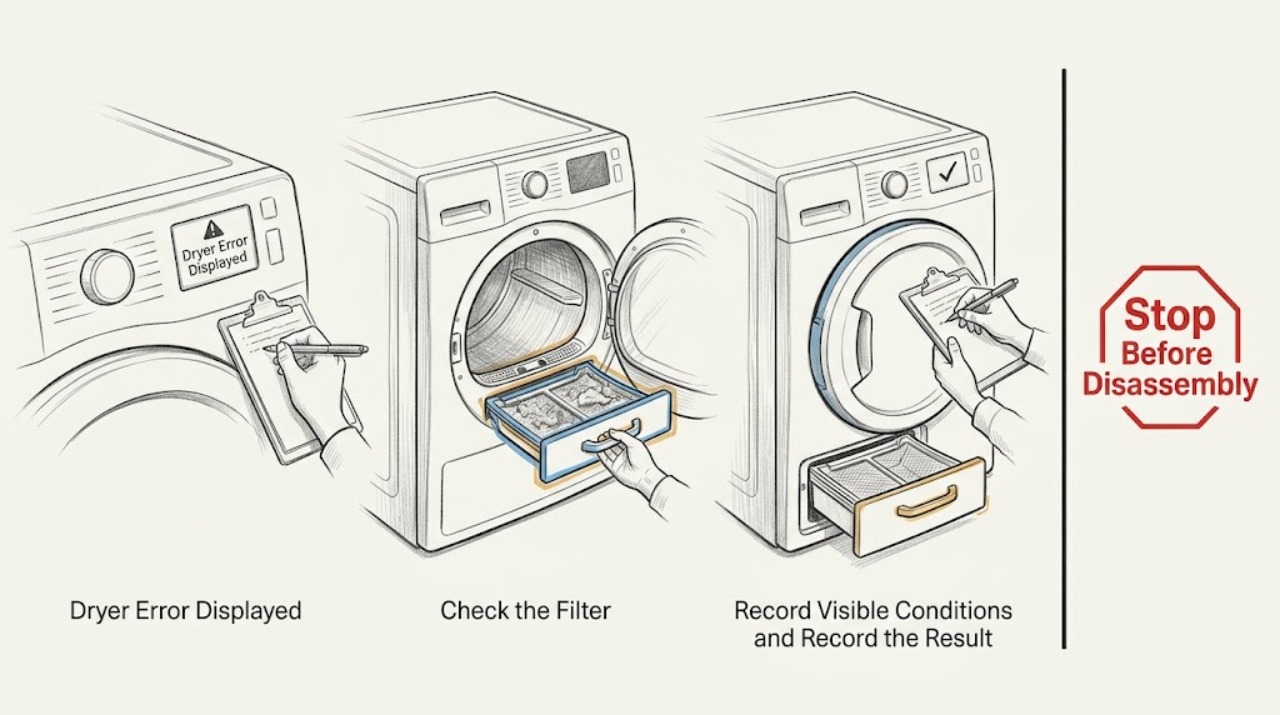
Blomberg Dryer Error Displayed: Identify the Warning Safely
When a Blomberg dryer shows an error or warning, first photograph or write down the exact symbol, text, and whether it is steady or flashing, then identify the model from its rating label and use that model's manual. Many Blomberg dryer displays use maintenance or status warnings for the lint filter, filter drawer, water tank, loading door, child lock, or end of cycle rather than a universal numeric fault code.
-
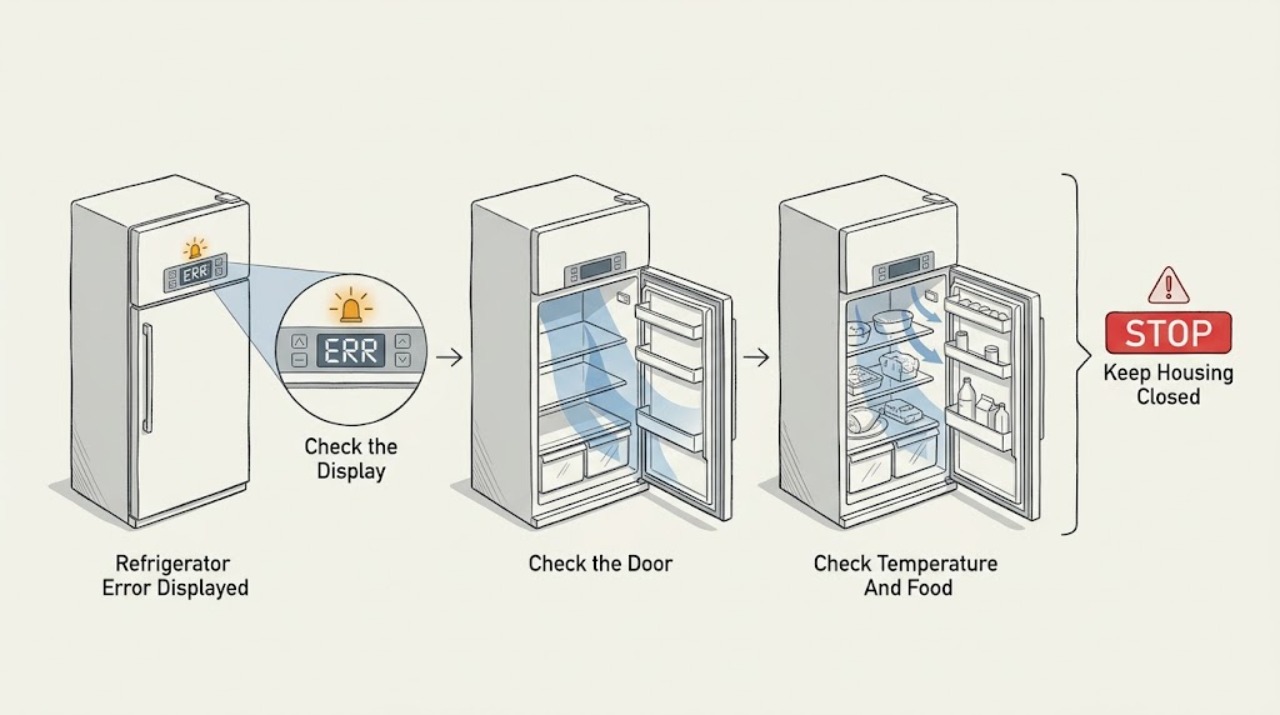
Blomberg Refrigerator Error Displayed
A Blomberg refrigerator error display is model-dependent, so do not treat an E number, symbol, or flashing temperature as a universal Blomberg code. Photograph or transcribe the complete display, note which compartment is affected, and find the exact model and serial number so you can open the matching Blomberg manual.
-
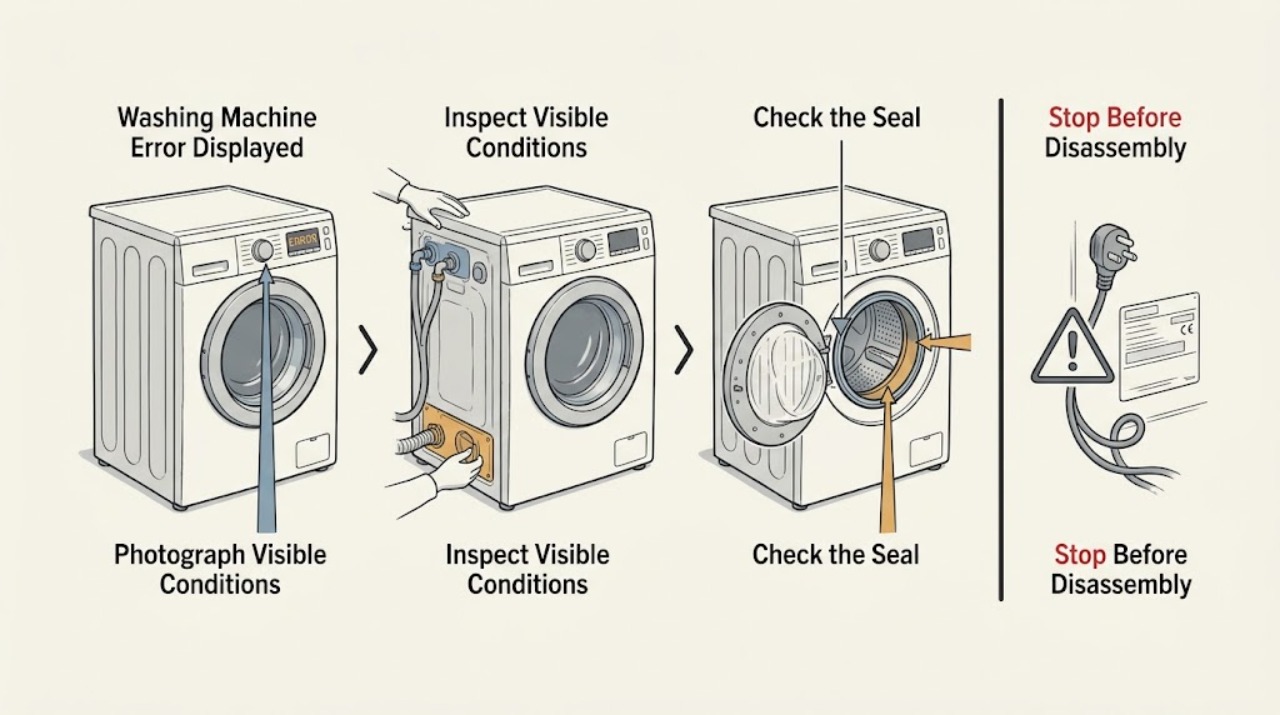
Blomberg Washing Machine Error Displayed: Read It Safely and Choose the Next Check
A Blomberg washing-machine error display cannot be interpreted safely from the code alone because meanings and reset procedures vary by model. First photograph or write down the exact display, note when it appeared, and identify the model and serial number so you can open the matching manual.
-
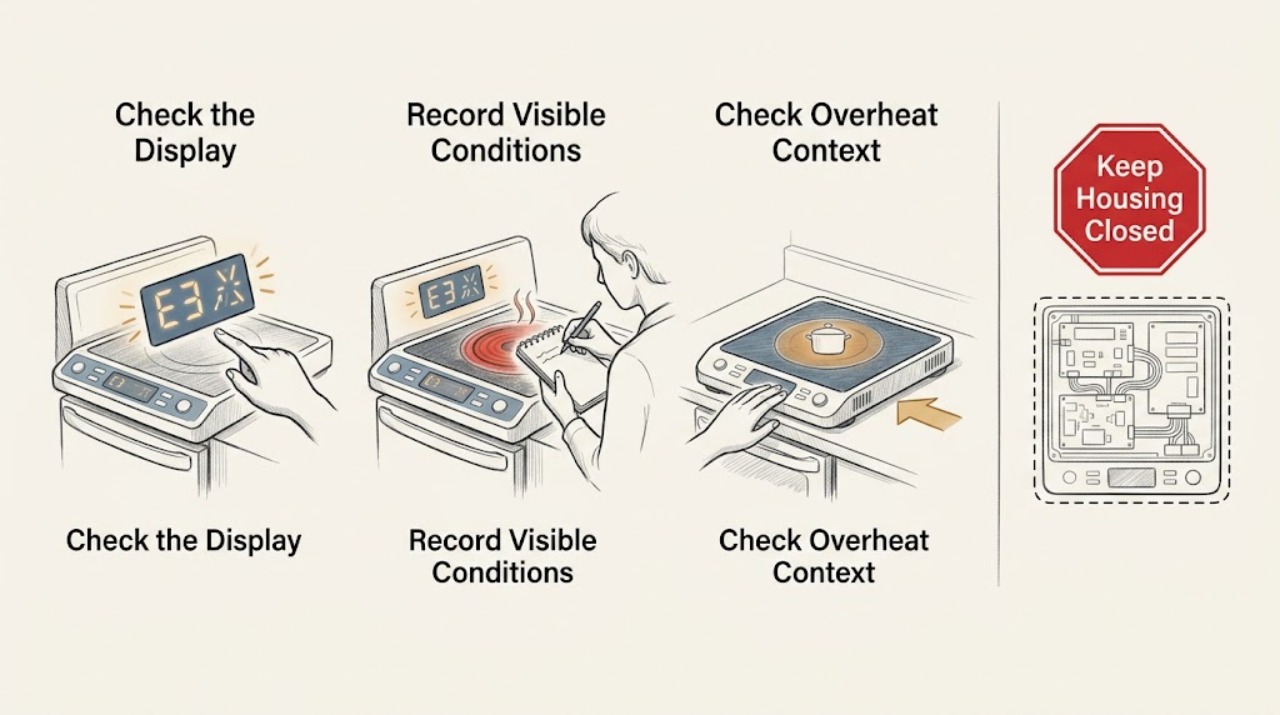
Bosch Cooktop Error Displayed: Identify the Code Before Resetting
Do not guess what a Bosch cooktop display means from a single letter or symbol. Record the complete code exactly as shown, the cooktop type, the affected zone, and whether all indicators are flashing.
-
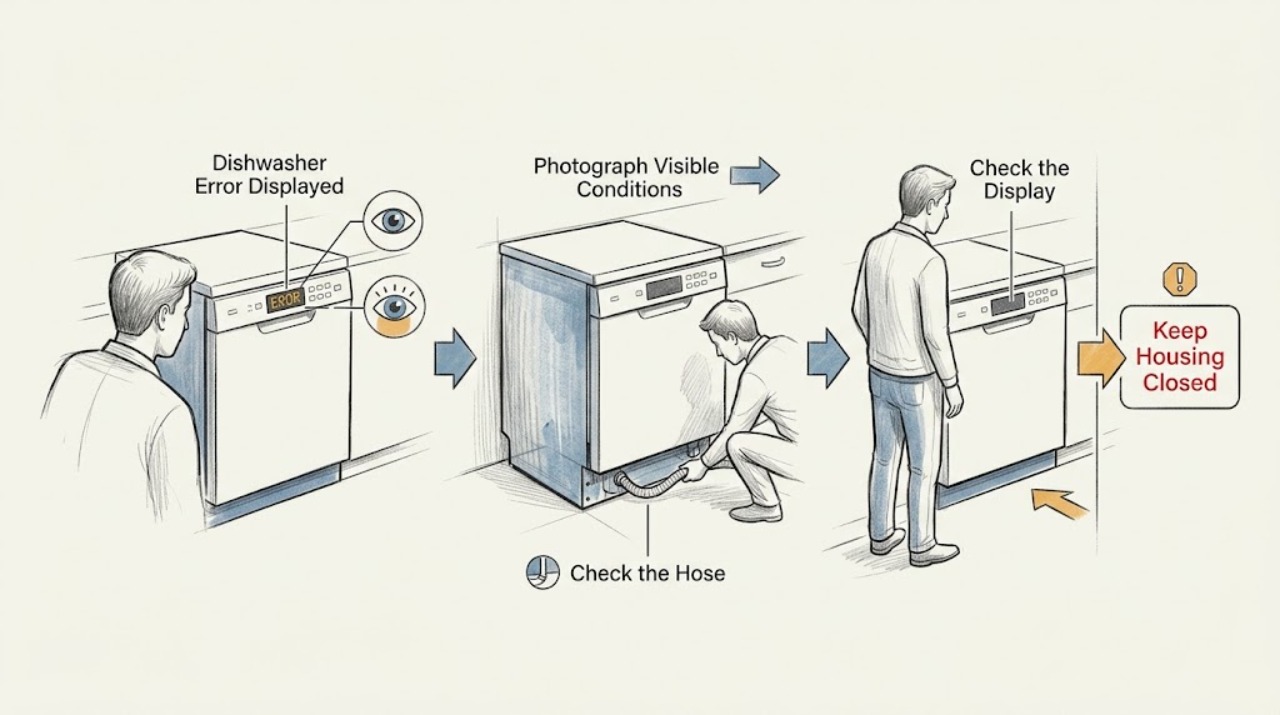
Bosch Dishwasher Error Displayed
Do not diagnose from the word “error” alone: record the exact code or flashing-light pattern and the dishwasher model first. Bosch assigns different actions to different codes.
-
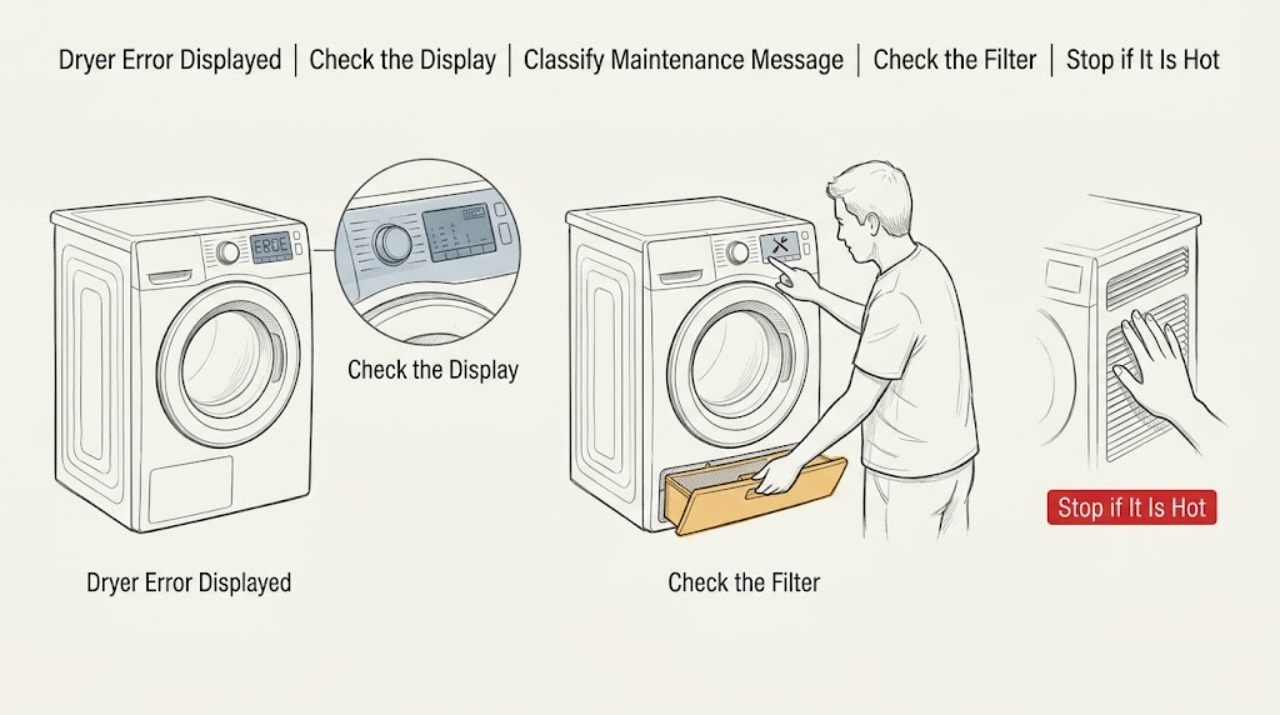
Bosch Dryer Error Displayed: Read the Code and Choose the Safe Next Step
When a Bosch dryer displays an error, photograph or write down the exact code and model before resetting anything. The code may be a maintenance prompt rather than a failure: Bosch identifies E01/E02 on its current error page with a blocked lint filter, E03 with a kinked or blocked condensation-drain hose, E04 with overloading, E16 or DR with a door condition, and CrE as a care-program reminder rather than an error.
-
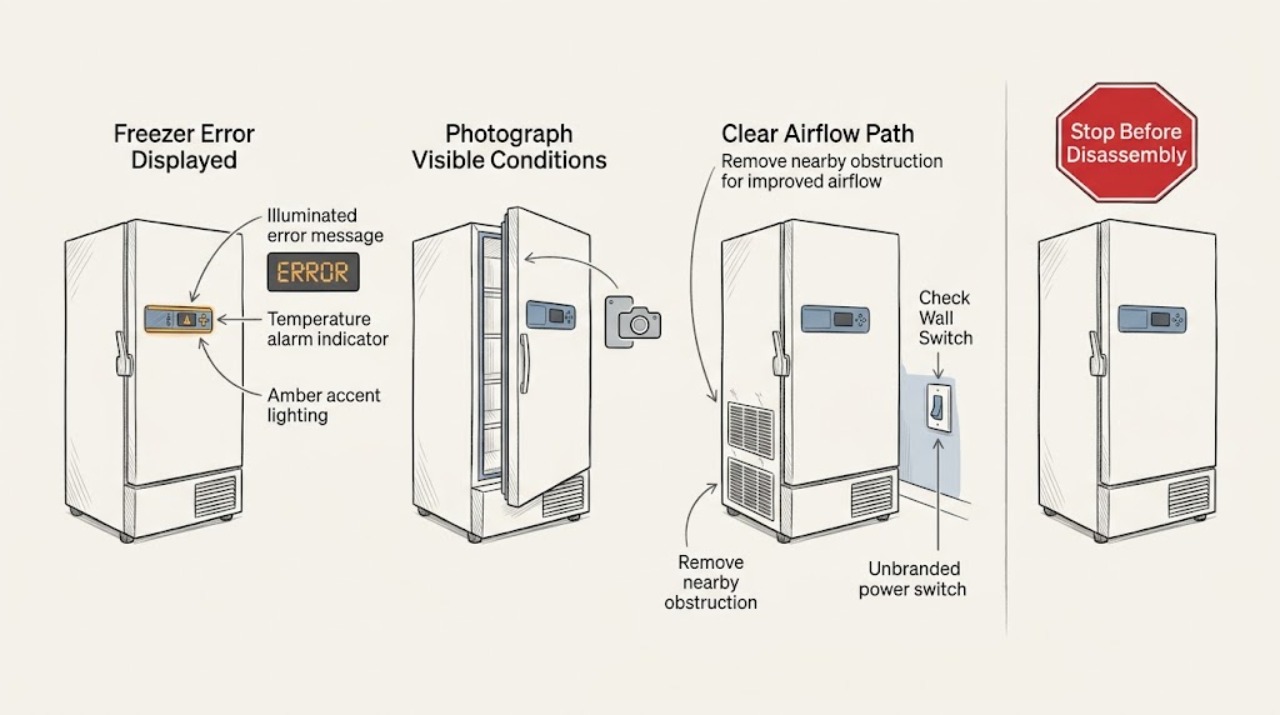
Bosch Freezer Error Displayed: Identify the Code and Reset Safely
Record the exact Bosch display code and whether the freezer is cooling, warm, frosted, or alarming before clearing anything. For a generic E or D indication, Bosch's refrigeration guidance is to switch the appliance off, disconnect it by unplugging it or using the circuit breaker, reconnect it after five minutes, and arrange service if the indication returns.
-
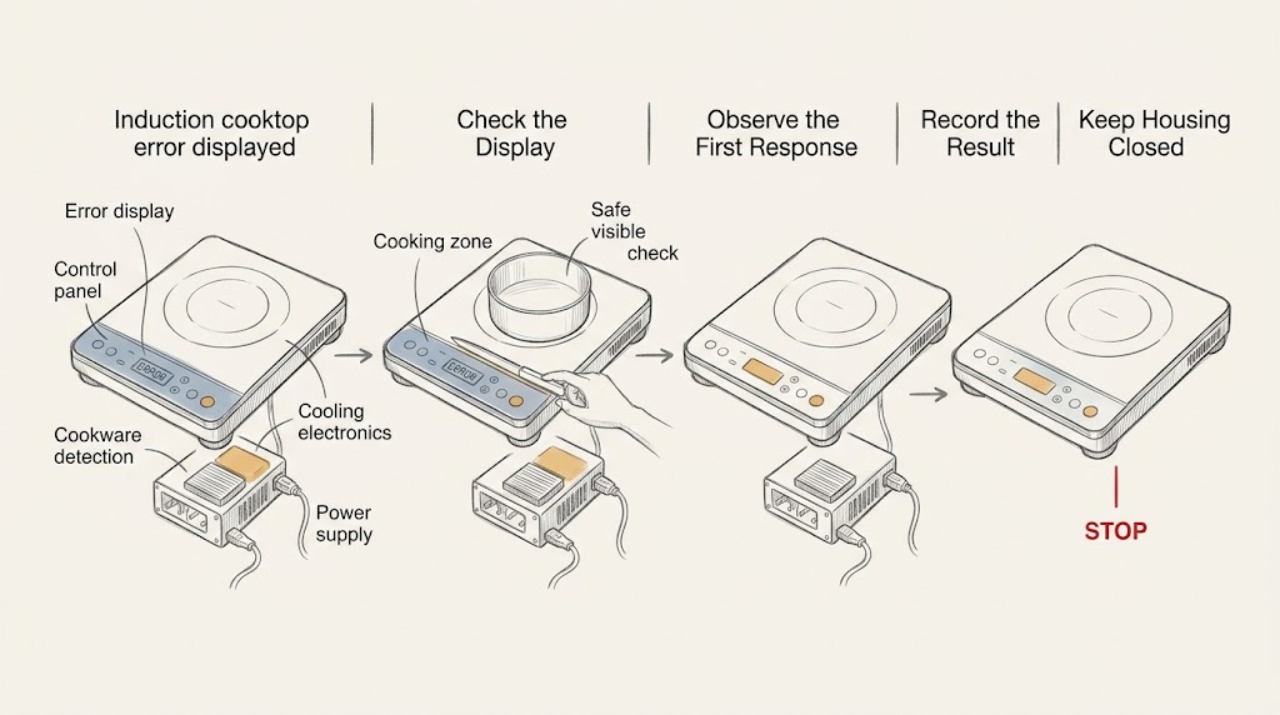
Bosch induction cooktop error displayed: Read the exact code before resetting
Do not diagnose a Bosch induction cooktop from the words “error displayed” alone. Photograph or write down the exact code, symbol, flashing pattern, beeps, affected cooking zone, and whether the panel responds.
-
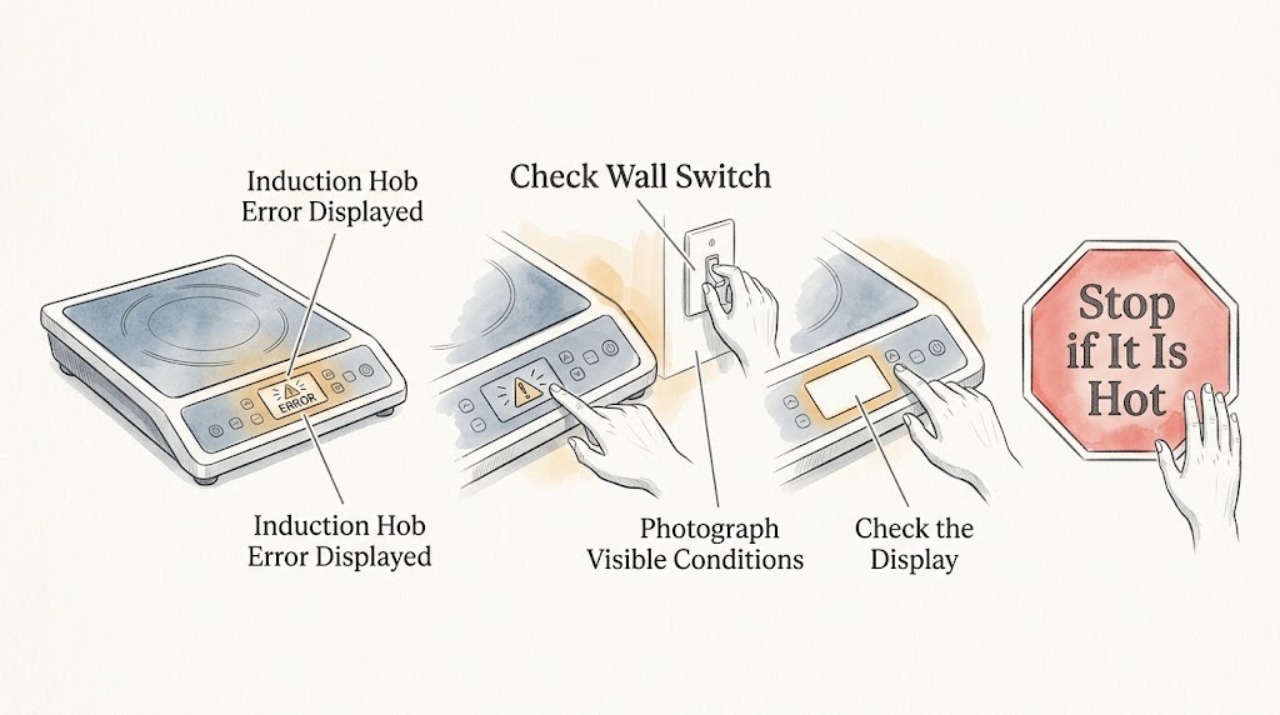
Bosch Induction Hob Error Displayed: Identify the Code Safely
When a Bosch induction hob displays an error, first record the exact code and check whether the panel is wet, covered by an object, locked, or showing a cookware or overheating warning. Bosch maps different displays to different actions: dry or clear a wet panel, remove cookware from the controls, let an overheated zone cool, or follow the model manual for a child lock or demo mode.
-
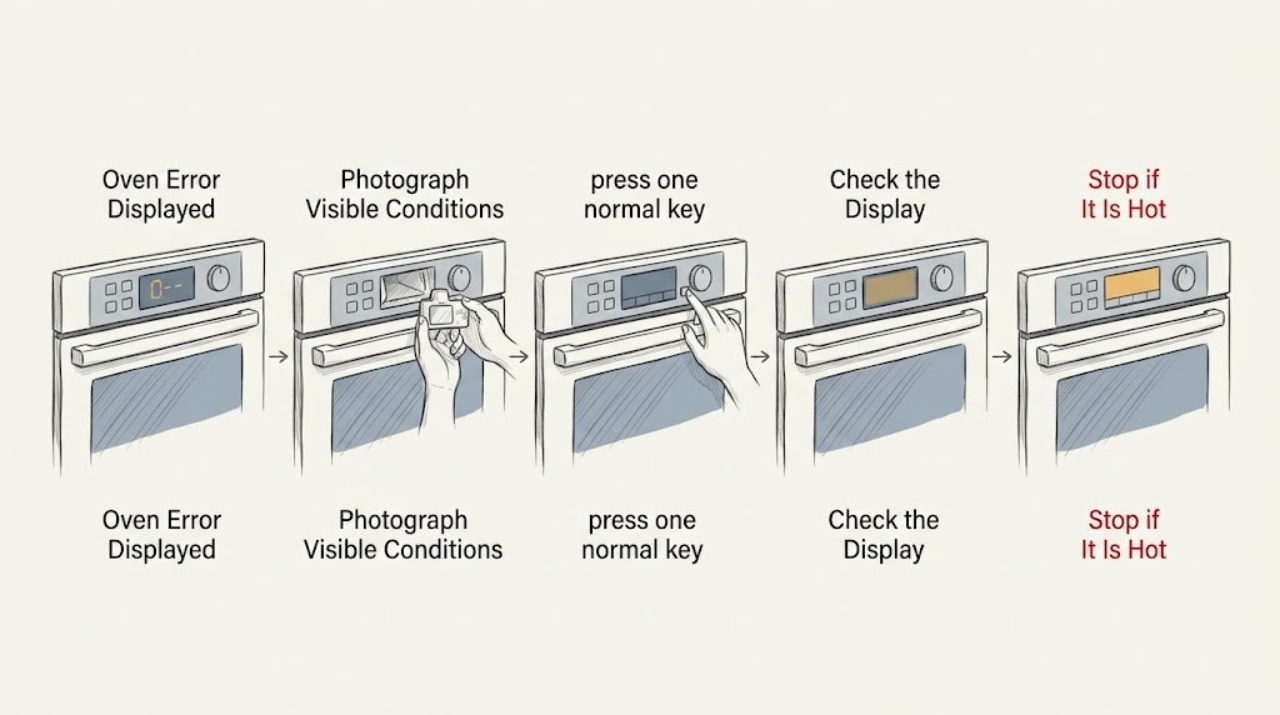
Bosch Oven Error Displayed
When a Bosch oven displays an error, write down the complete code and note whether the control is beeping or the keys are unresponsive. Press a key to stop the beeping if the panel permits it, then follow the reset procedure for the exact model in its owner information.
-
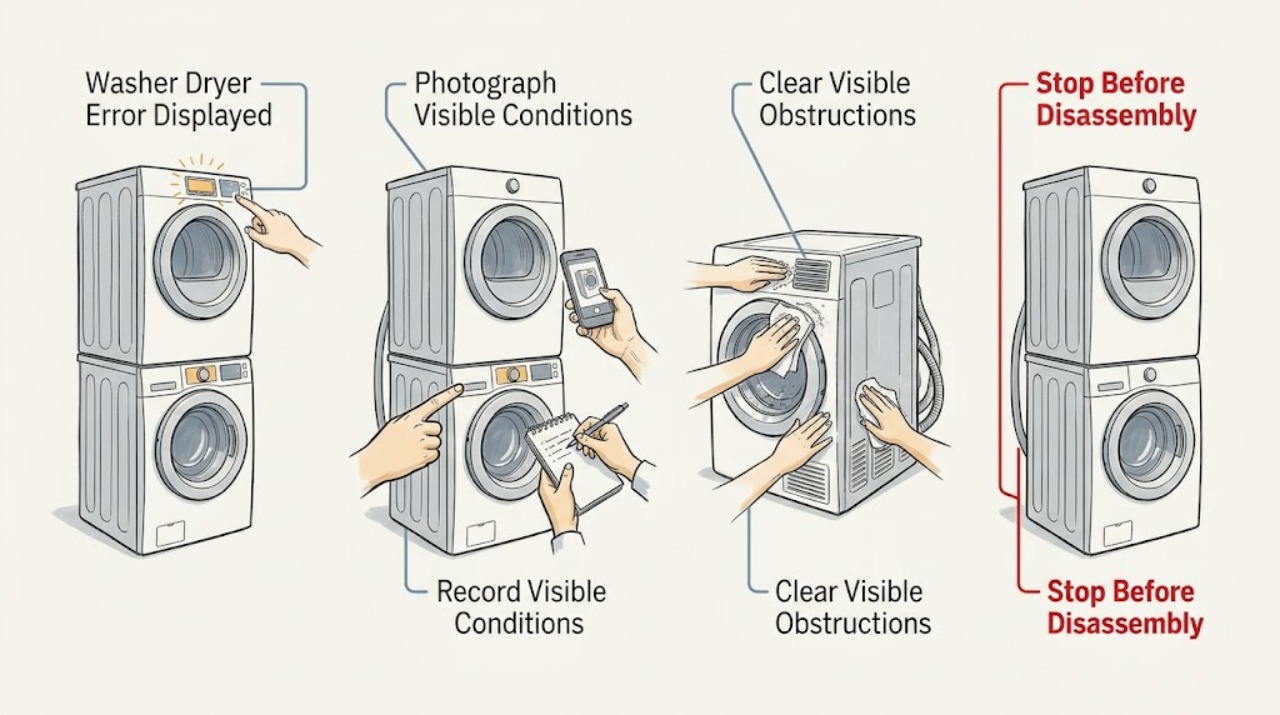
Bosch Washer Dryer Error Displayed: Identify the Fault Safely
A Bosch washer-dryer error display is a symptom, not one universal fault: the meaning depends on the exact model and the characters or symbol shown. Photograph or write down the full display before switching the machine off.
-
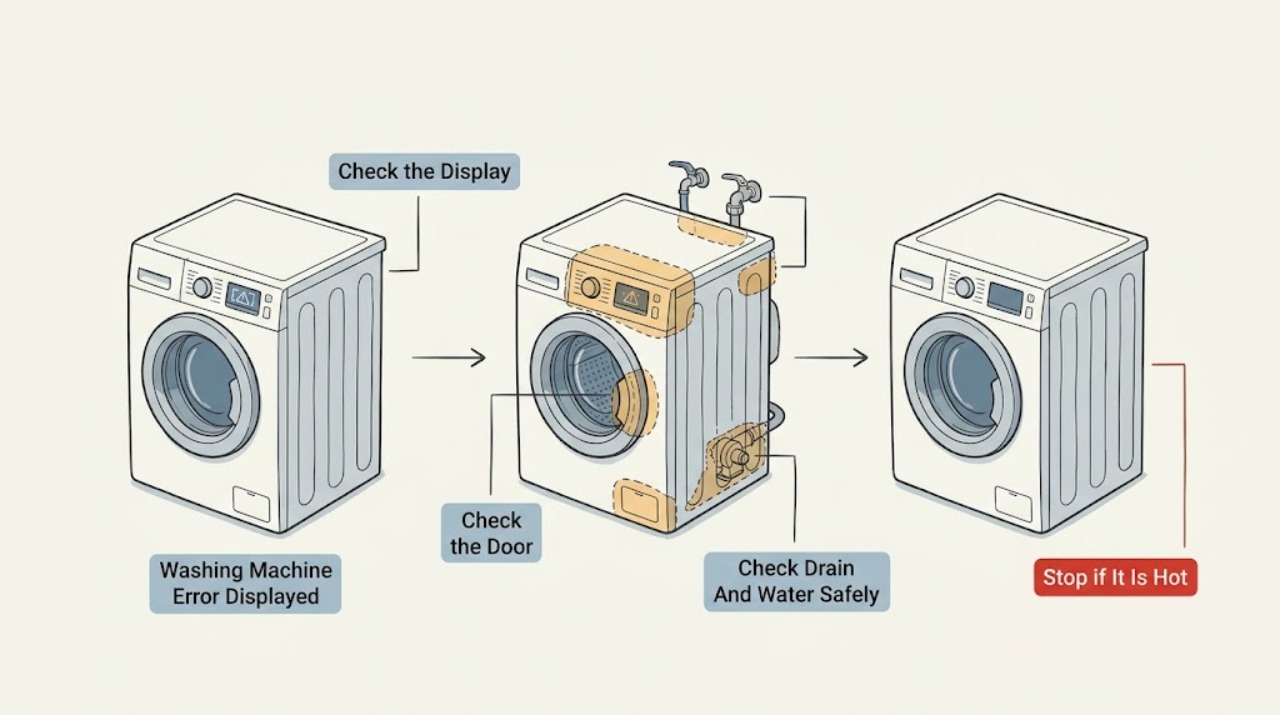
Bosch Washing Machine Error Displayed: Decode the Symbol Before Resetting
A Bosch washer display can show a normal status, a user-correctable condition, or a fault that requires service, and the exact model determines the meaning. Photograph the complete symbol or code first.
-
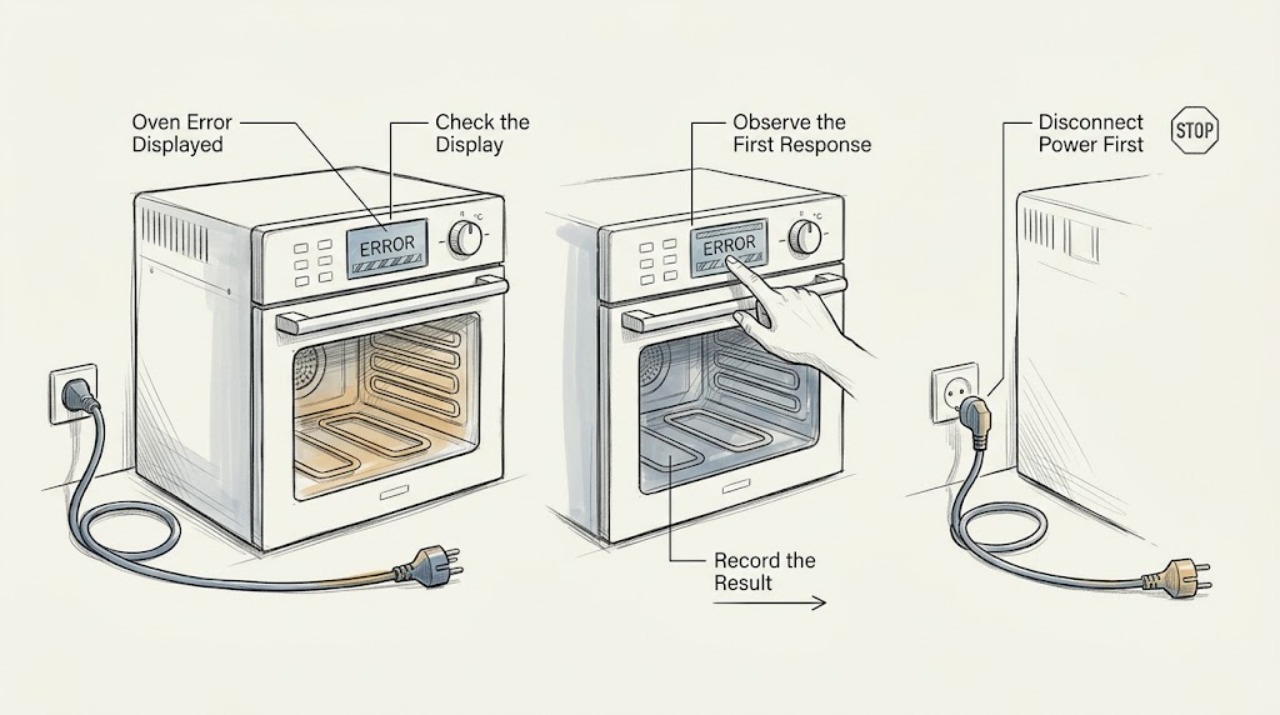
Breville Oven Error Displayed: Read the Code and Choose the Safe Next Step
A Breville countertop oven error message is not one universal fault: the exact code and model manual determine the response. First stop the cooking cycle, note the complete code and model, and keep the oven clear and safe.
-
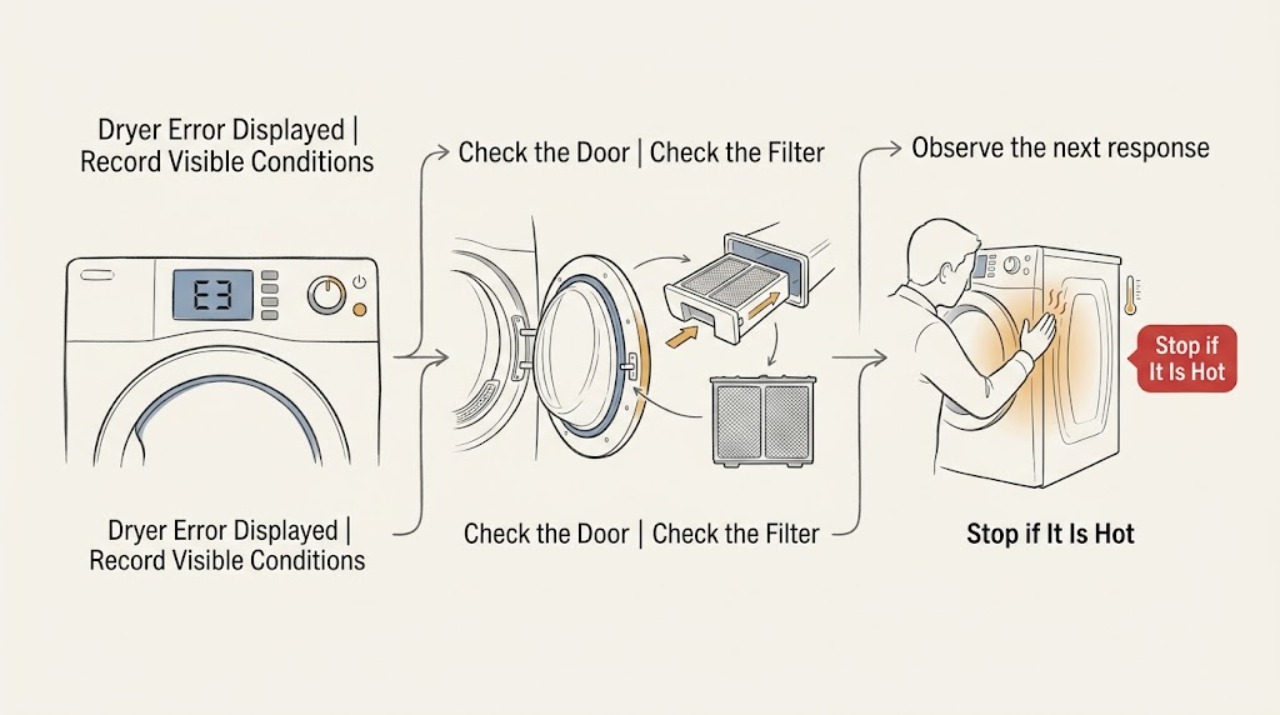
Candy Dryer Error Displayed: Record the Code and Check the Safe External Causes
When a Candy dryer displays an error, stop the cycle and record the exact characters, symbols, affected programme, and any filter, tank, or door indicator. Do not assume that a code has the same meaning on every Candy model: use the full model or product code to obtain the matching manual, and use hOn or simply-Fi only when that model supports it.
-
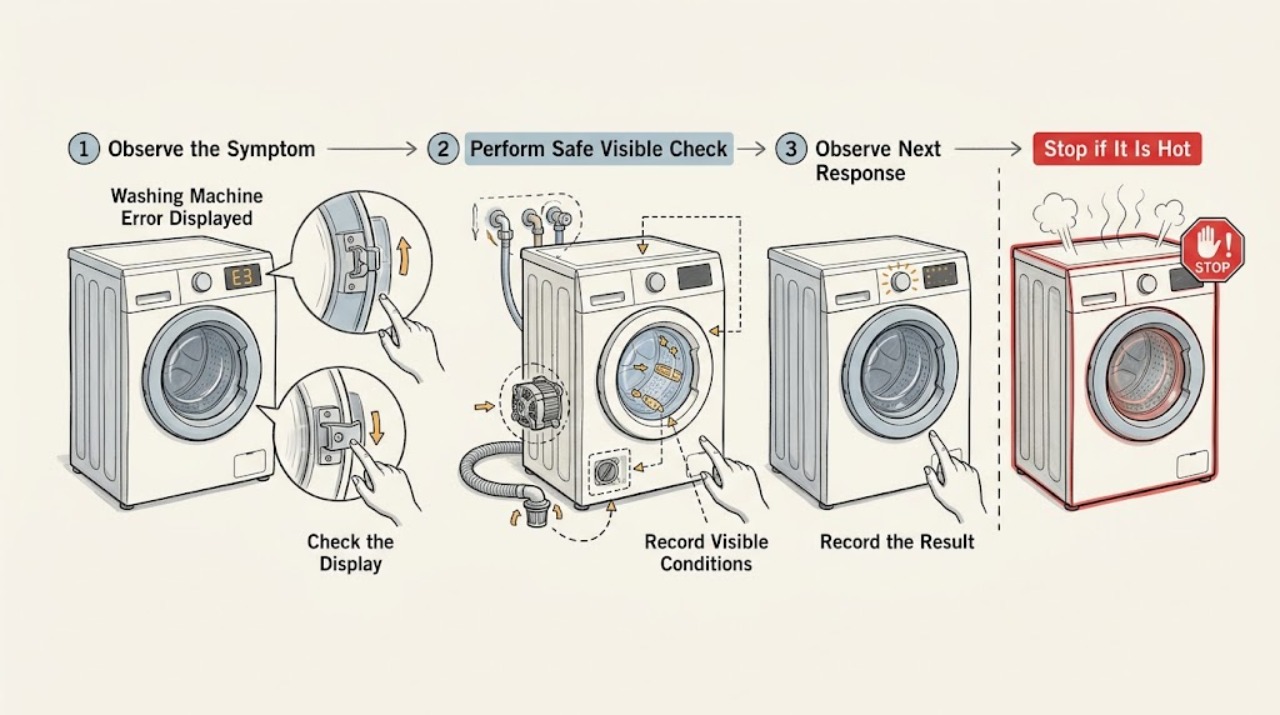
Candy Washing Machine Error Displayed: Safe Checks
Do not diagnose a Candy washing-machine error from the code alone because the meaning varies by model and display type. Photograph or write down the exact code, identify the complete model and serial number, and open the matching Candy instruction manual or its support guide.
-
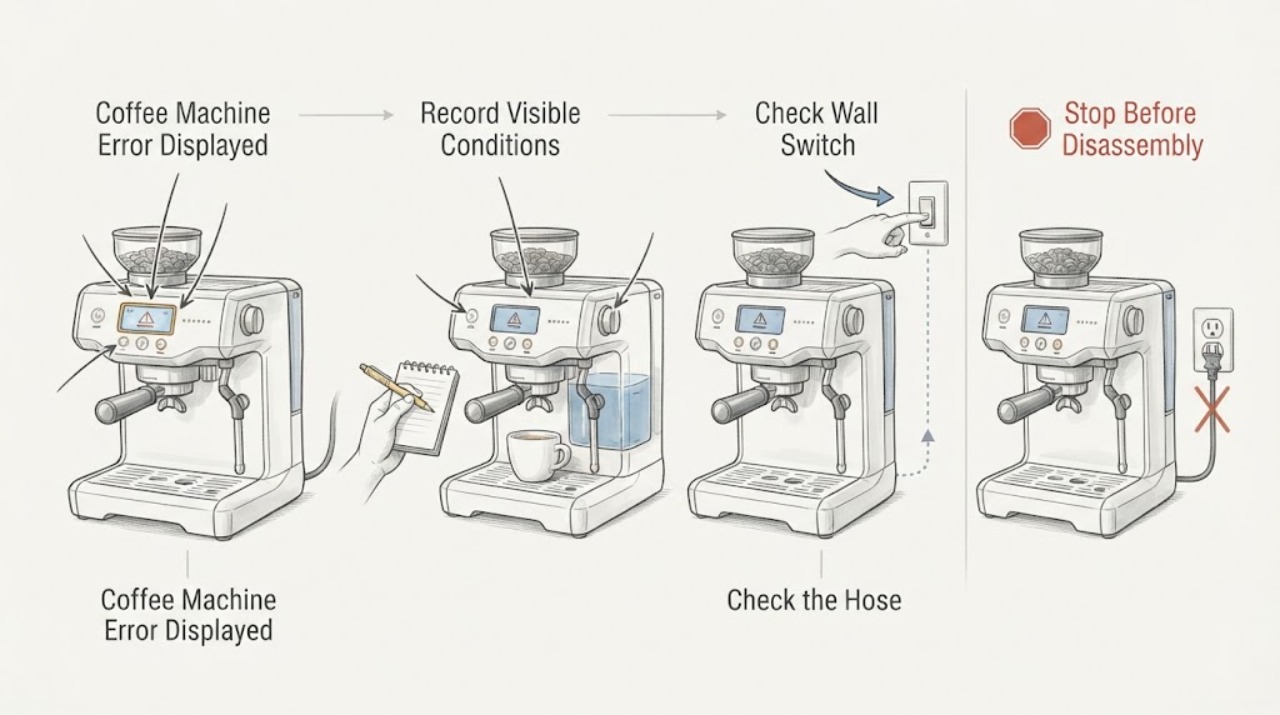
Coffee Machine Error Displayed
Record the exact error, model, timing, and function before clearing it. Use the exact manufacturer's manual because codes vary by model. Check water, container/basket, cleaning, and power conditions only as documented; a returning code or unsafe symptom needs service.
-
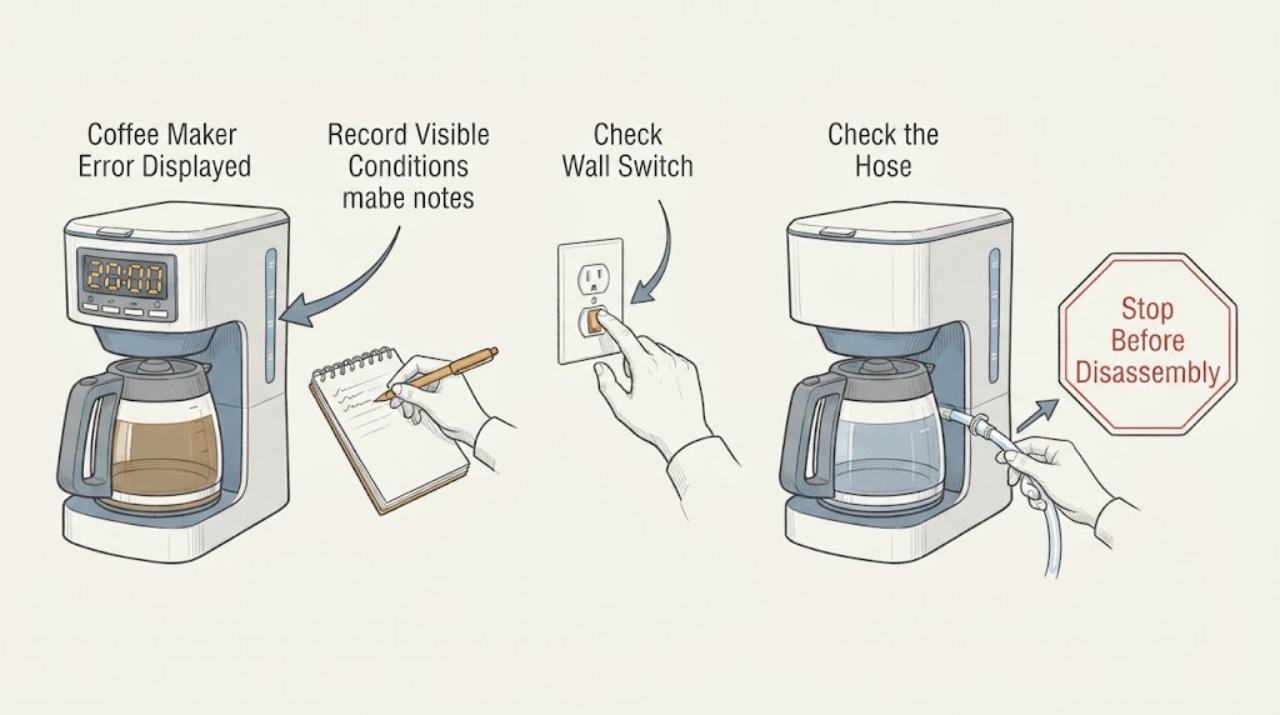
Coffee Maker Error Displayed
Record the exact error, model, timing, and function before clearing it. Use the exact manufacturer's manual because codes vary by model. Check water, container/basket, cleaning, and power conditions only as documented; a returning code or unsafe symptom needs service.
-
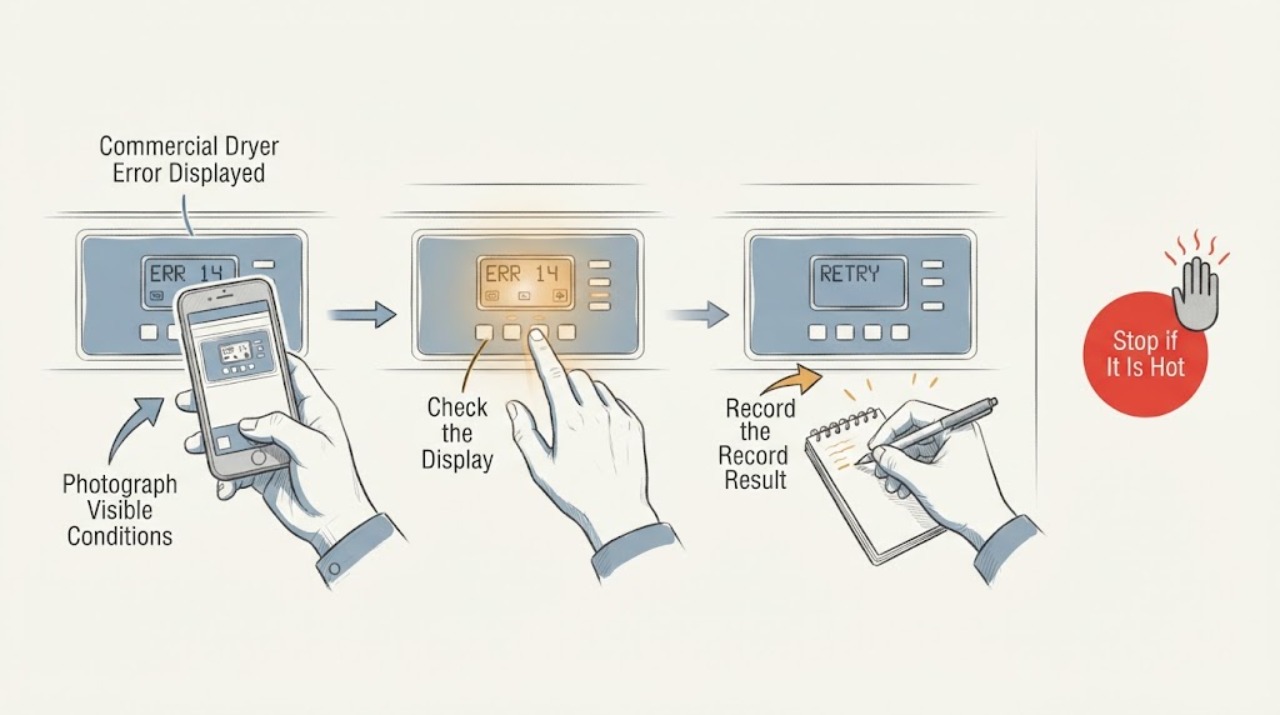
Commercial Dryer Error Displayed
A commercial dryer display code is model-specific: photograph the exact code, note when it appears, and use the matching owner or service manual. Before service, make only the safe checks supported for that code, such as door, lint/airflow, load size, level, or supply power. A code that returns after the model-approved reset, a heat or gas symptom, or any electrical or fire warning needs qualified commercial-laundry service.
-
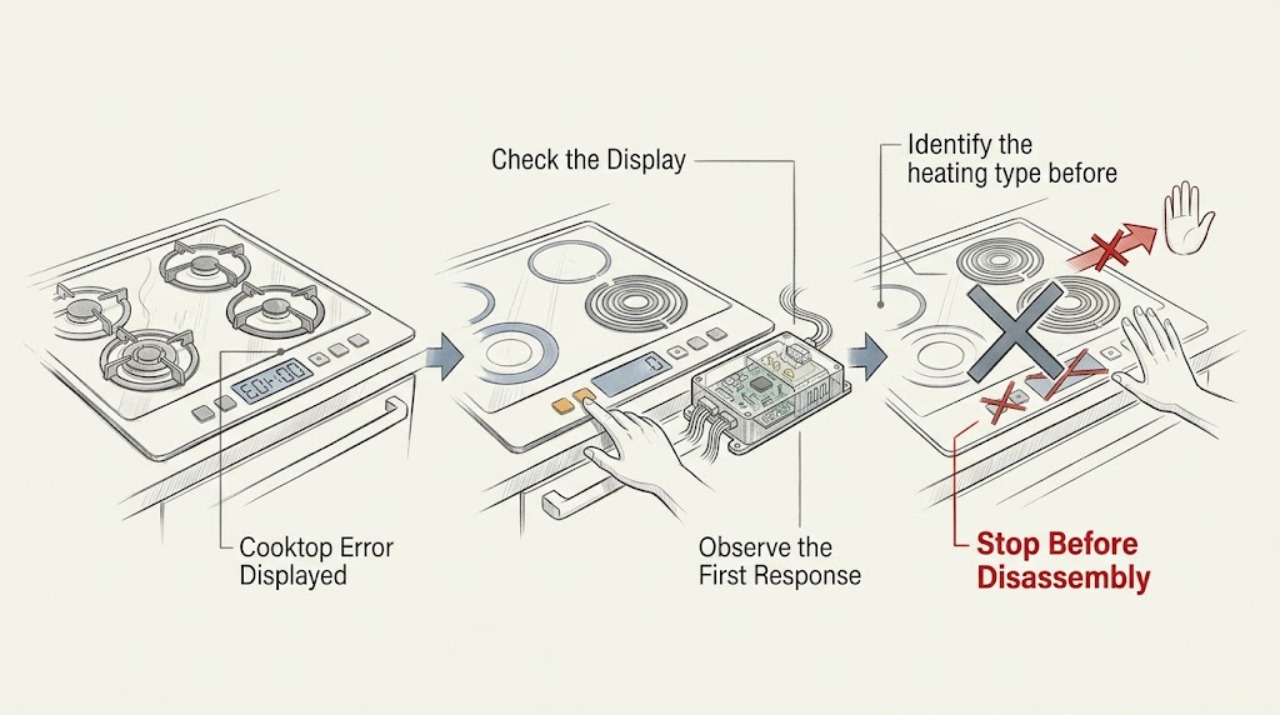
Cooktop Error Displayed: Identify the Code Without Guessing
A cooktop error display is not a universal code: record every character exactly, the appliance model, whether it is gas, electric radiant, or induction, and what was happening when the message appeared. Use that model's instructions to interpret it.
-
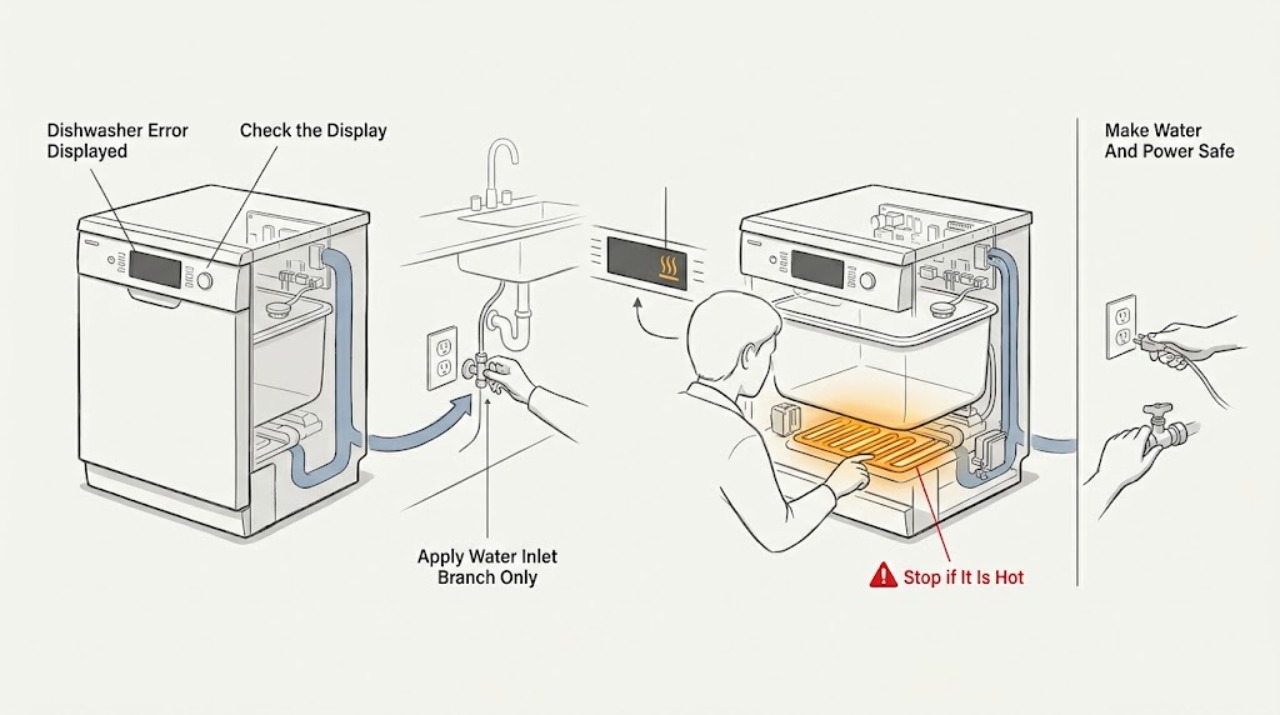
Danby Dishwasher Error Displayed: Identify the Model Before Troubleshooting
Do not diagnose a Danby dishwasher error from the code alone: first photograph the display and read the full model number from the rating label. Danby's official DDW631WDB/DDW631SDB manual assigns E1 to insufficient water, E3 to a temperature problem, E4 to overflow, and Ed to a control-board communication fault; a separate DDW18D1 series manual instead uses FF for a water-inlet warning and F1 for an overflow warning.
-
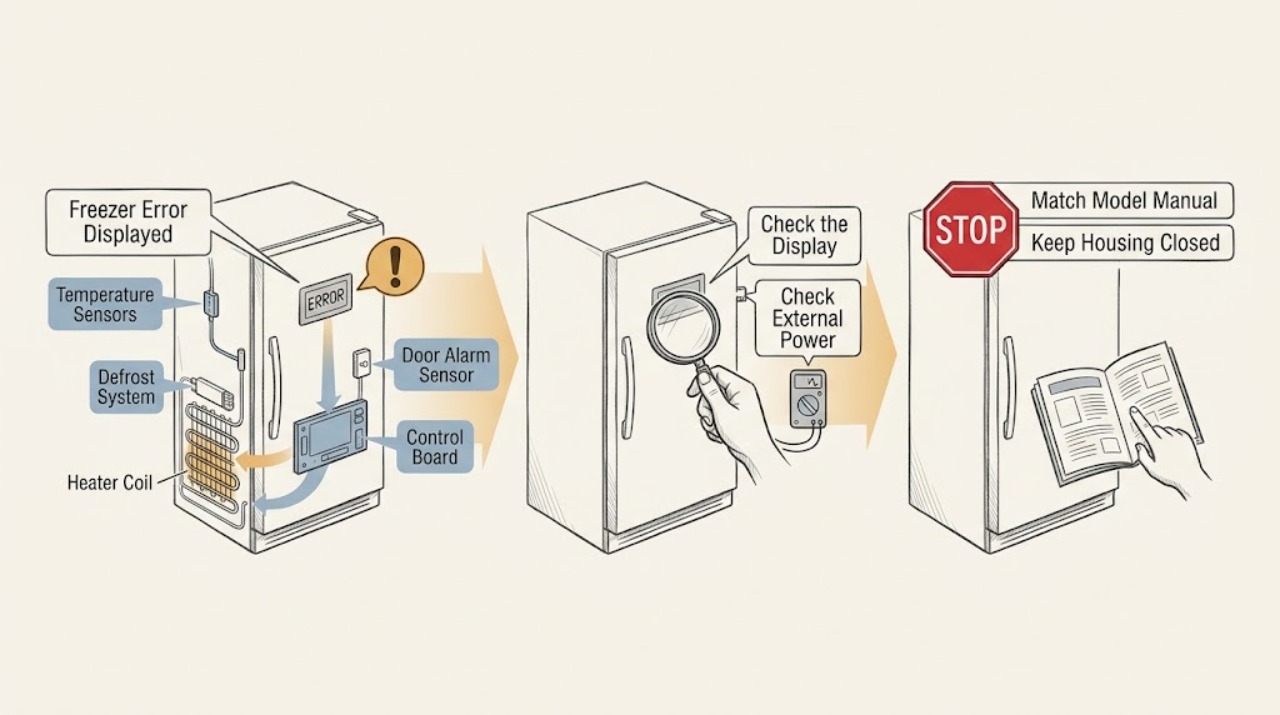
Danby Freezer Error Displayed: Identify the Code Safely
When a Danby freezer shows an error, record the complete code and confirm the exact model or PNC before interpreting it; Danby code meanings and reset steps vary by model. Use the matching owner's manual to check the normal power connection, door closure, temperature or airflow conditions, and any documented one-time power reset.
-
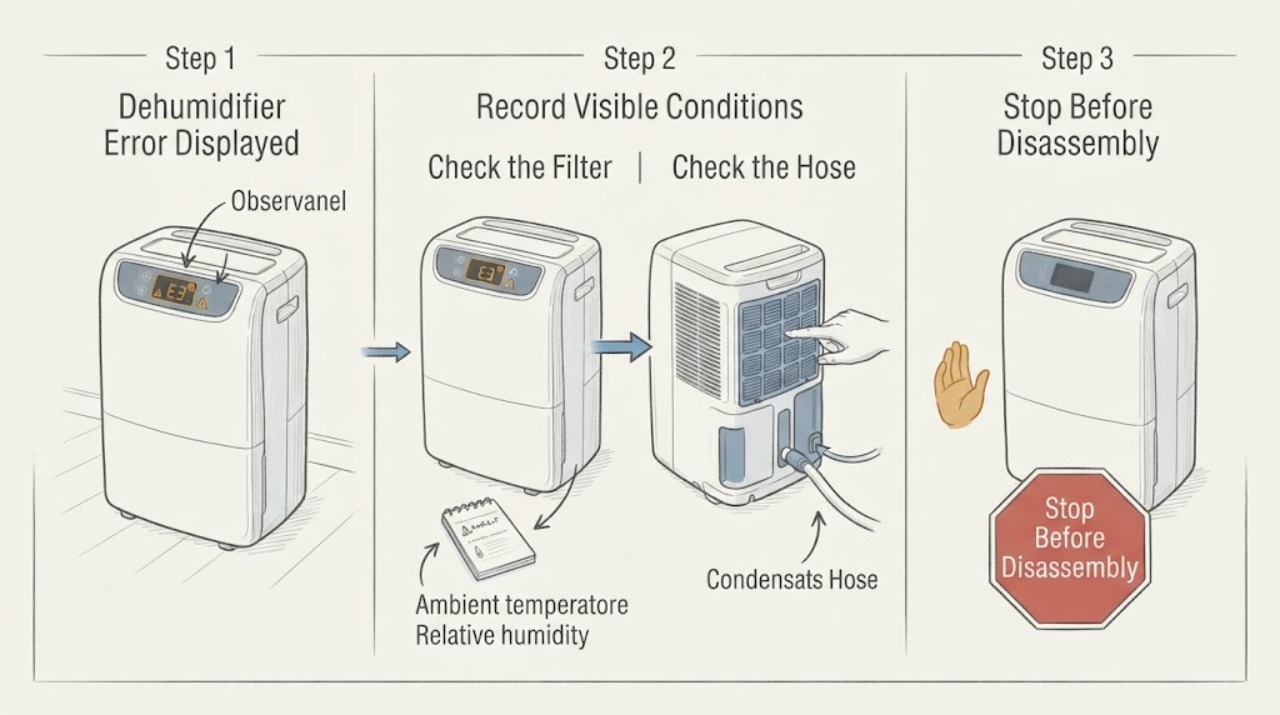
Dehumidifier Error Displayed: Record the Code Before Resetting
A dehumidifier error display is only useful when the exact code and behavior are recorded. Frigidaire’s official guide routes sensor, sealed-system, and electronic-control codes to service, while some overload or pump-out codes allow filter, clearance, hose, bucket, cool-down, or one restart check. Use the exact model manual and do not open the sealed system.
-
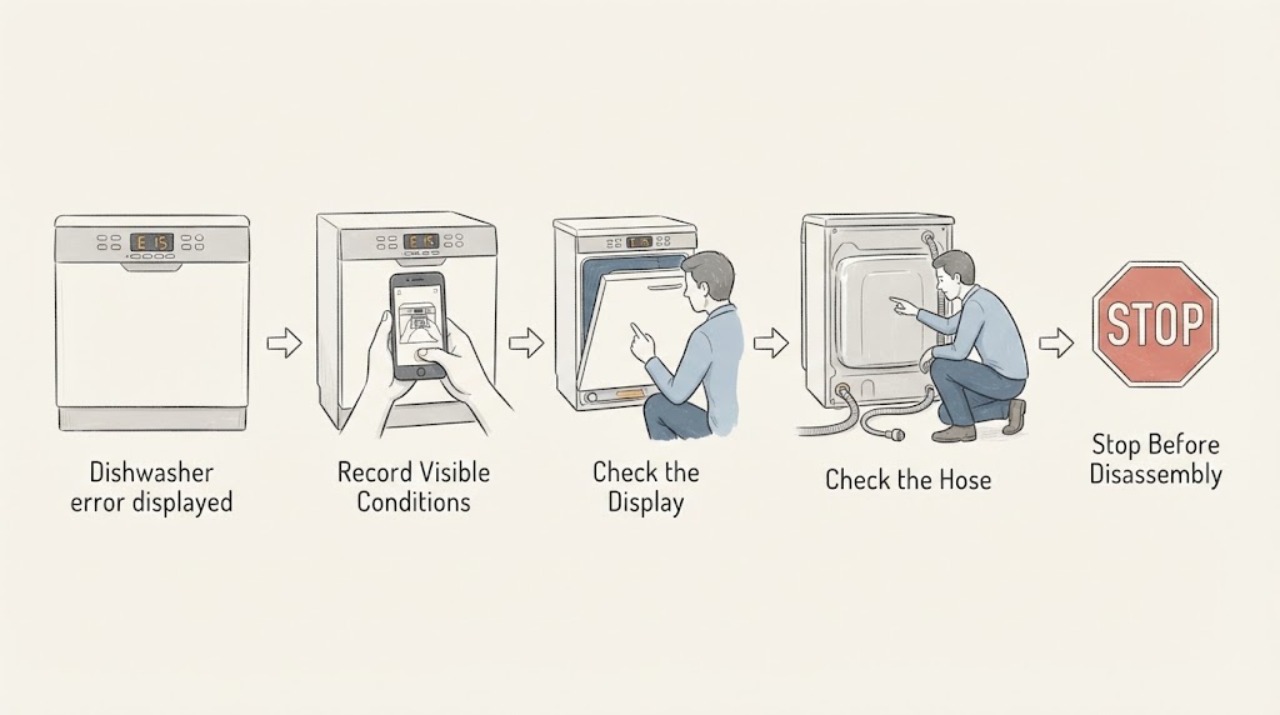
Dishwasher error displayed
When a dishwasher displays an error, record the exact code or light-flash sequence before resetting. Meanings vary by model; use the matching owner manual, then perform only its accessible check or one power cycle. A returning code, leak, fill/drain failure, or electrical warning needs qualified service.
-
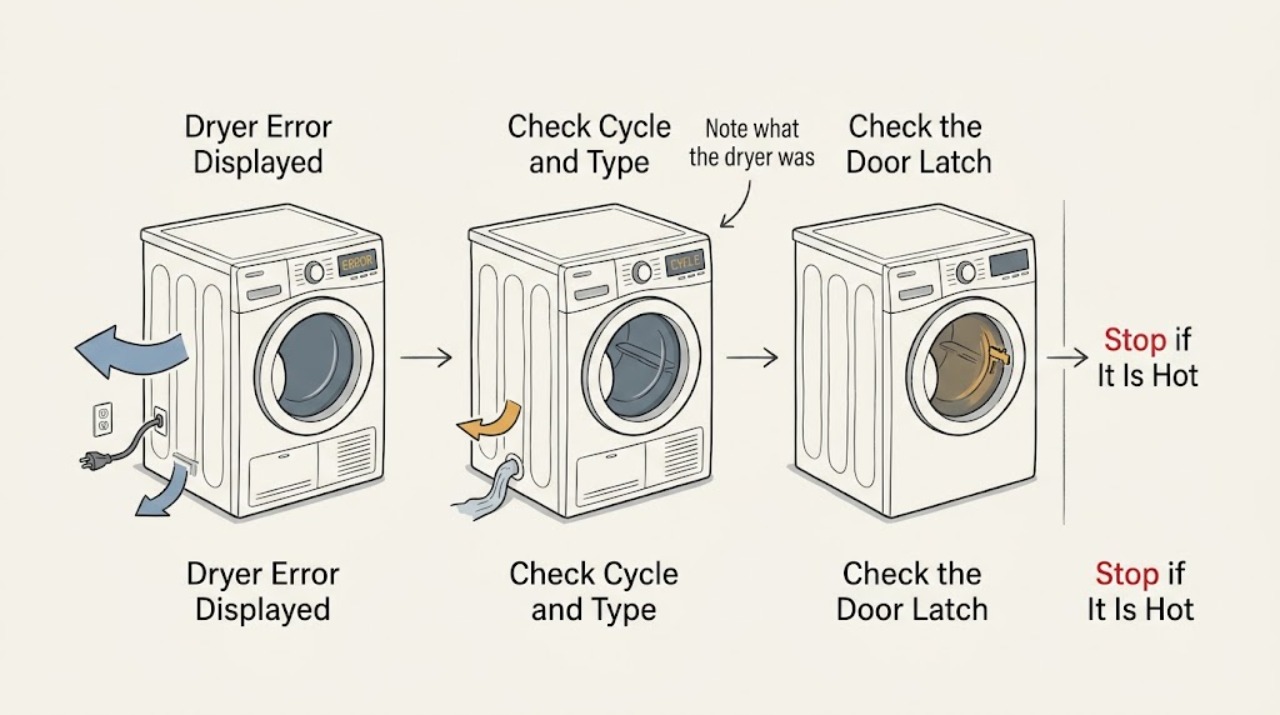
Dryer Error Displayed: Capture the Code and Follow the Safe Model-Specific Path
A dryer error displayed on the panel is a symptom, not a universal diagnosis. Write down the complete code or icon, the brand and model, whether the dryer is electric, gas, vented, condenser, or heat-pump, and the cycle stage when it appeared.
-
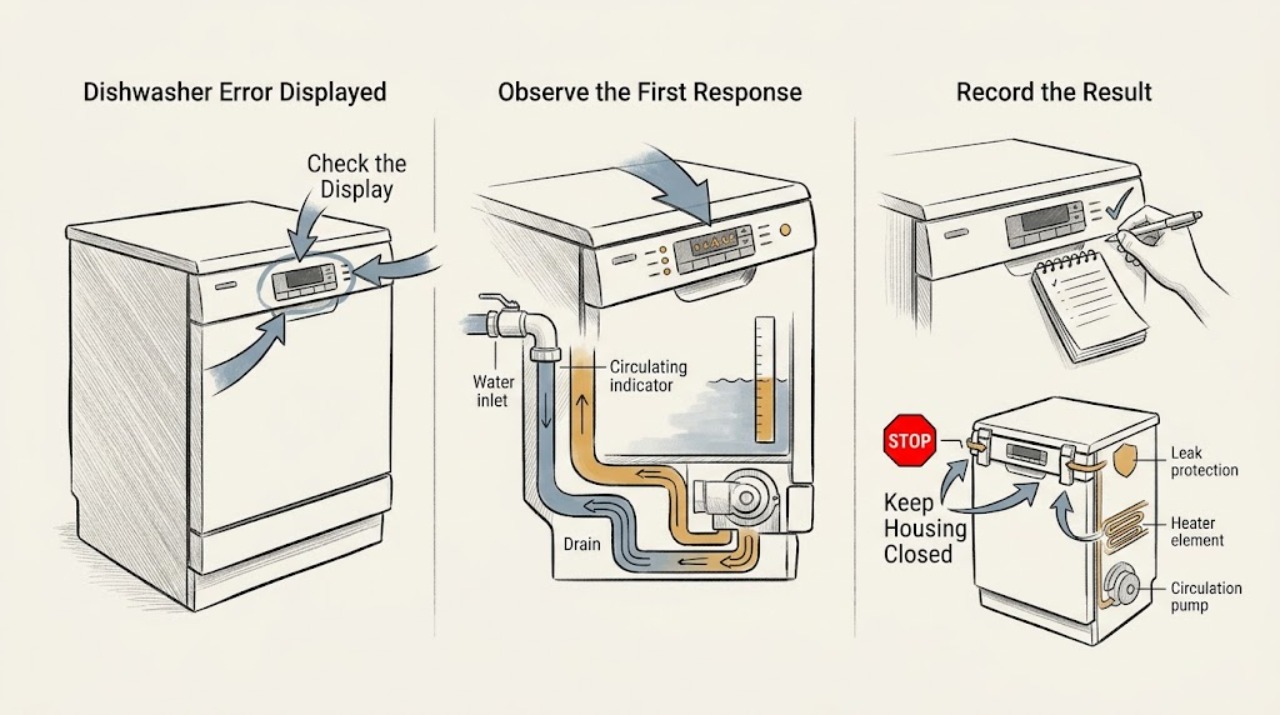
Electrolux Dishwasher Error Displayed: Identify the Code Safely
Do not diagnose an Electrolux dishwasher from a generic code list. First photograph or write down the exact display characters, flashing-light or beep pattern, the cycle stage, and the appliance model, product number, and region.
-
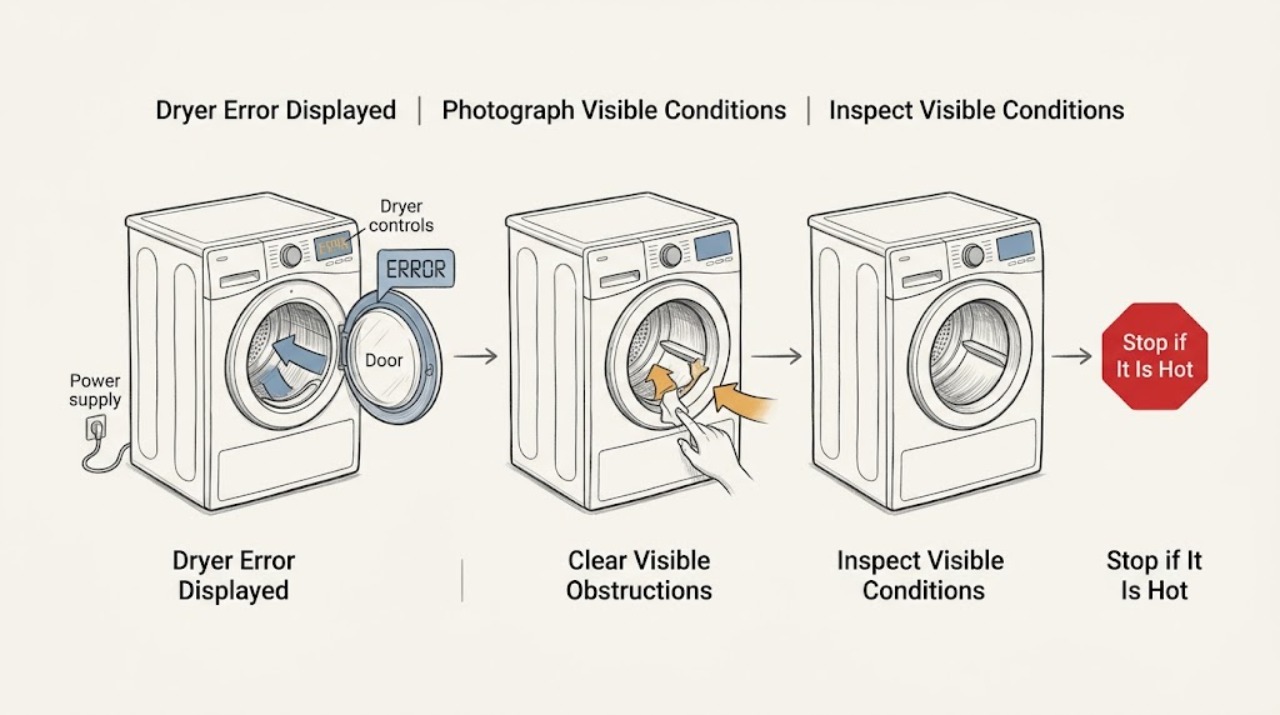
Electrolux Dryer Error Displayed
When an Electrolux dryer displays an error, write down the exact code or message and the model number before clearing it.
-
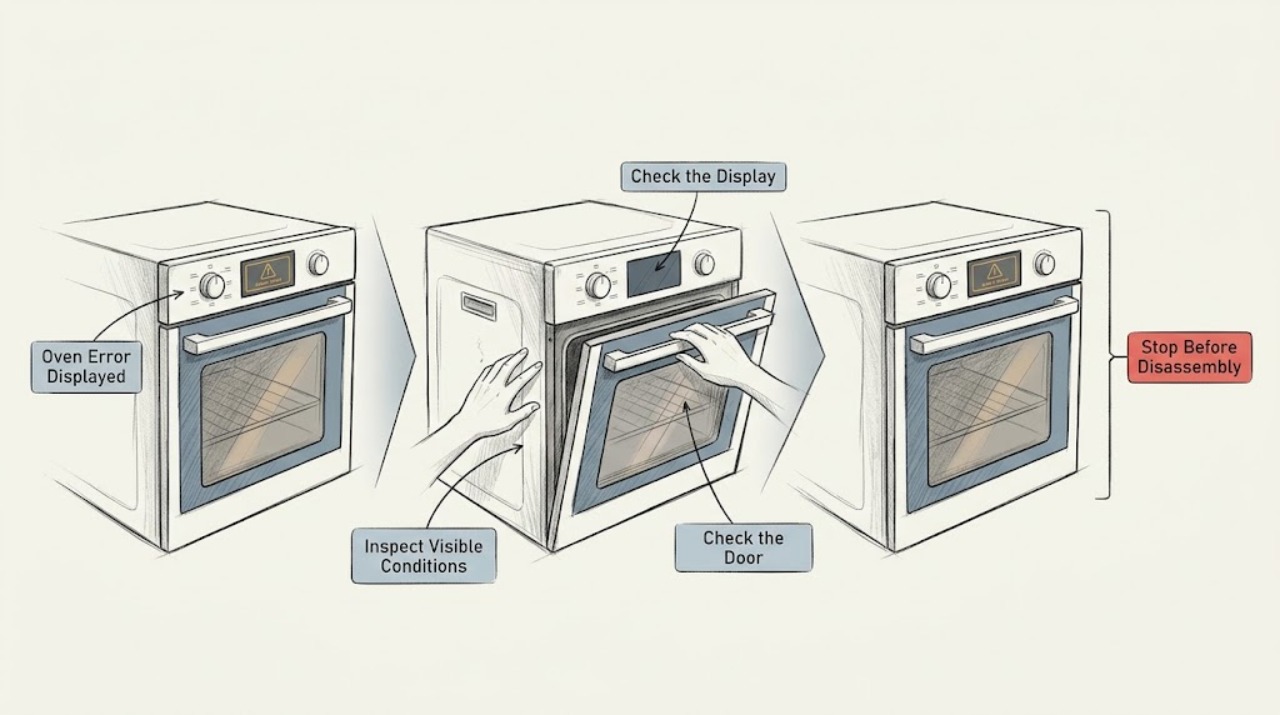
Electrolux Oven Error Displayed: Safe Checks and Next Steps
Write down the complete message exactly as shown, including letters, numbers, dashes, and whether the display is blinking. If there is smoke, a burning or gas smell, sparking, uncontrolled heat, or a door that will not behave safely, stop using the oven and isolate it only if you can do so safely.
-
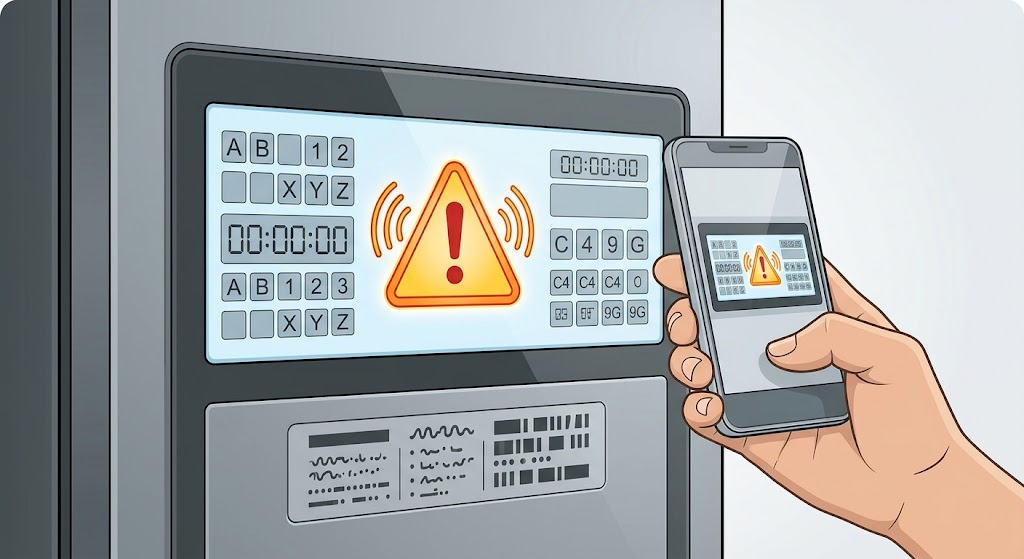
Electrolux Refrigerator Error Displayed: Identify the Code Before Resetting
An Electrolux refrigerator does not have one universal meaning for an error display; the exact code, icons, alarm, model, and recent event matter. Photograph or write down the complete display before clearing anything, including spaces, dashes, letters, and flashing indicators, and find the model-specific Use & Care manual.