
Repair problem
Error Displayed Troubleshooting Guides – Page 2
Published FixGraph guidance for diagnosing and responding to error displayed.
Matching published guides
Choose a guide that matches the service, equipment, and conditions you are seeing.
-
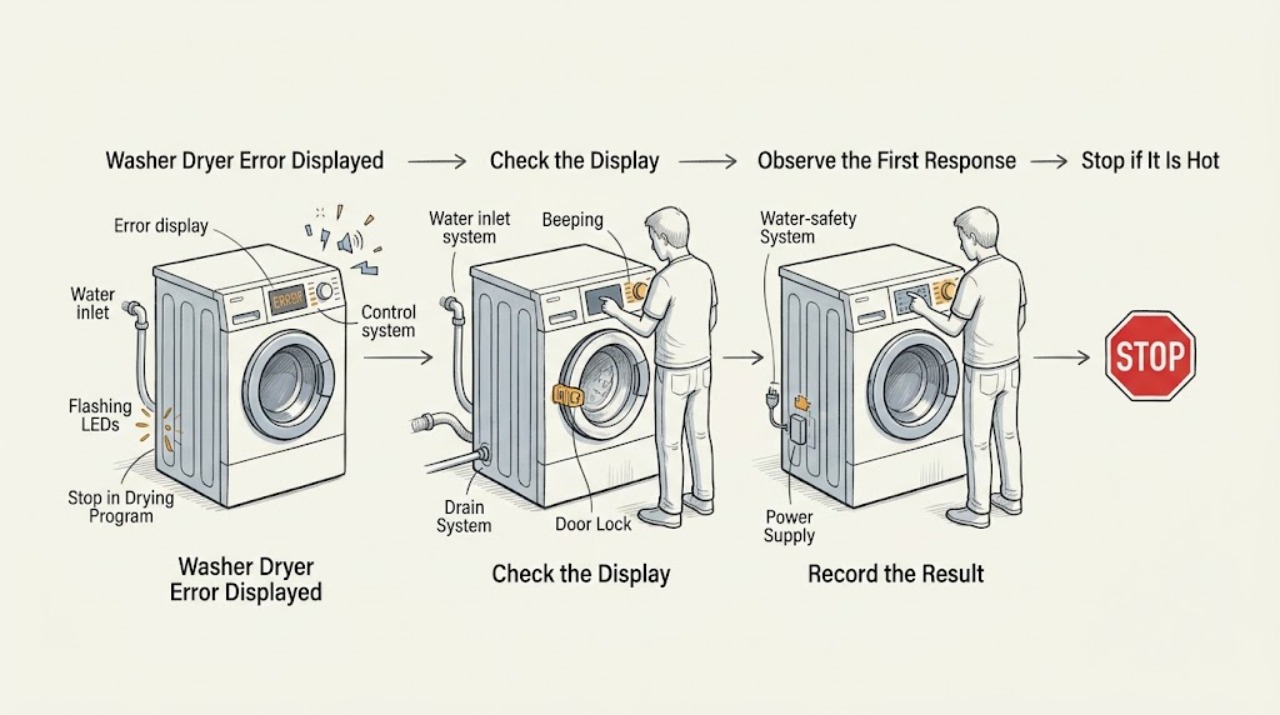
Electrolux Washer Dryer Error Displayed: Identify the Code and Choose the Safe Next Step
An Electrolux washer dryer error is a routing clue, not a complete diagnosis, and the exact meaning can vary by model. Write down the full code, beeps or flashes and the point where the programme stopped, then use the model's manual or Electrolux support page.
-
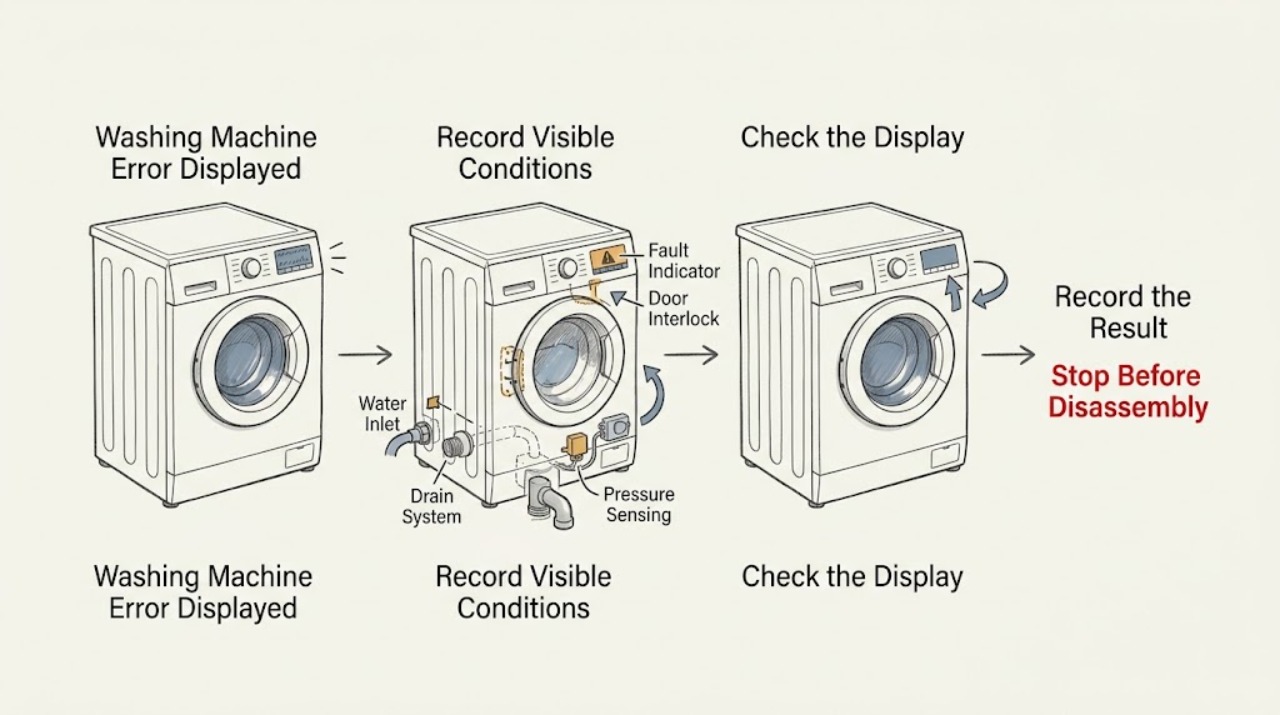
Electrolux Washing Machine Error Displayed: Record the Code and Follow the Safe Branch
When an Electrolux washing machine displays an error, record the exact code and model, then use the user guide or the matching Electrolux support article rather than guessing a part. Some codes identify a control lock, a long fill, a slow drain, a door-switch condition, a reversed inlet hose, or an overfill indication, but code meanings and recovery steps vary by model.
-
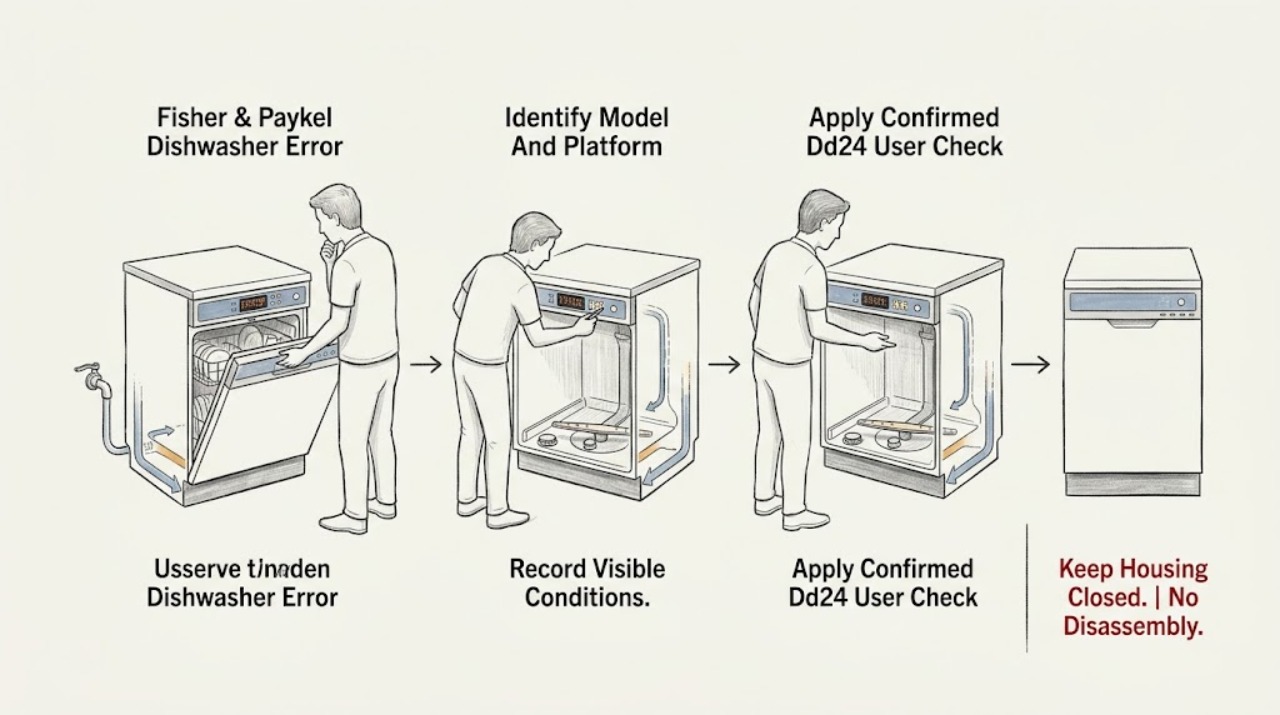
Fisher & Paykel Dishwasher Error Displayed: Identify the Code Before Resetting
Do not diagnose a Fisher & Paykel dishwasher from a generic code list. First record the complete model code, whether the appliance is a DishDrawer or a drop-door dishwasher, the exact letters/numbers or flashing indicators, any beeps, and which drawer or door is affected.
-
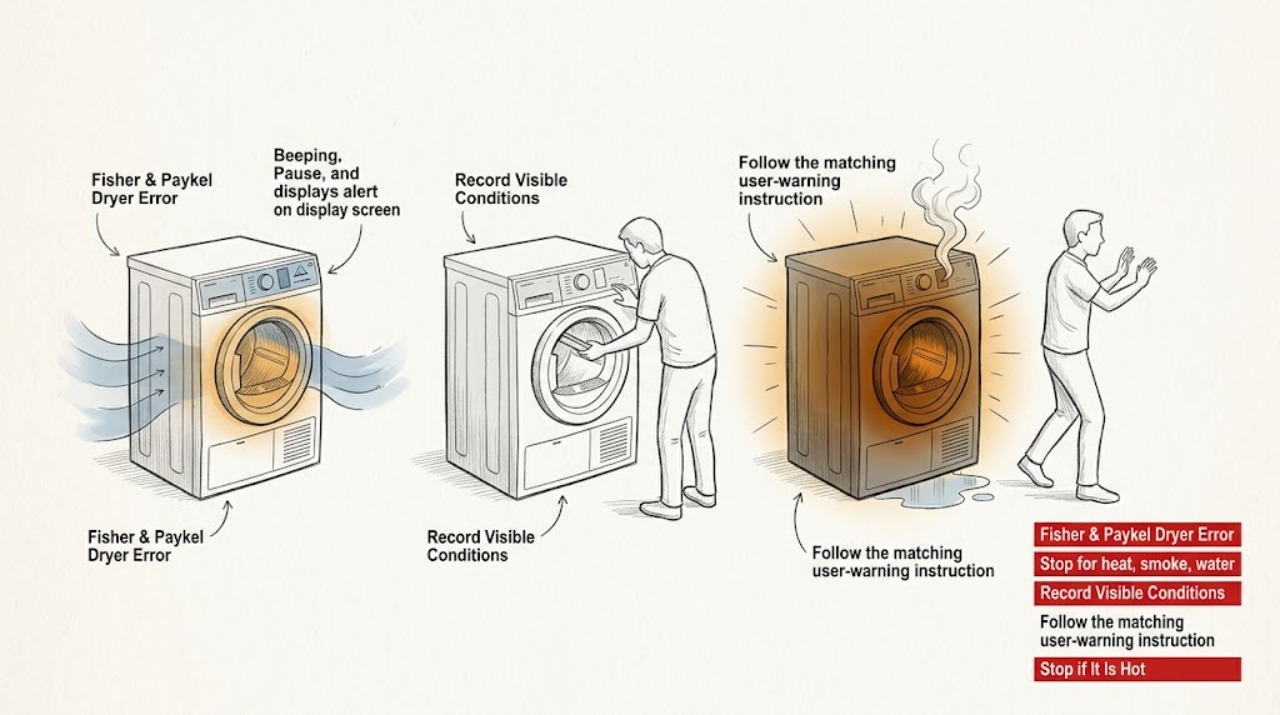
Fisher & Paykel Dryer Error Displayed
Write down the exact Fisher & Paykel alert or fault code and the model before clearing anything. If there is smoke, a burning smell, a hot or damaged cord, water near electricity, a damaged cabinet, or a drum that will not stop safely, turn the dryer off and leave it disconnected from a safe dry location.
-
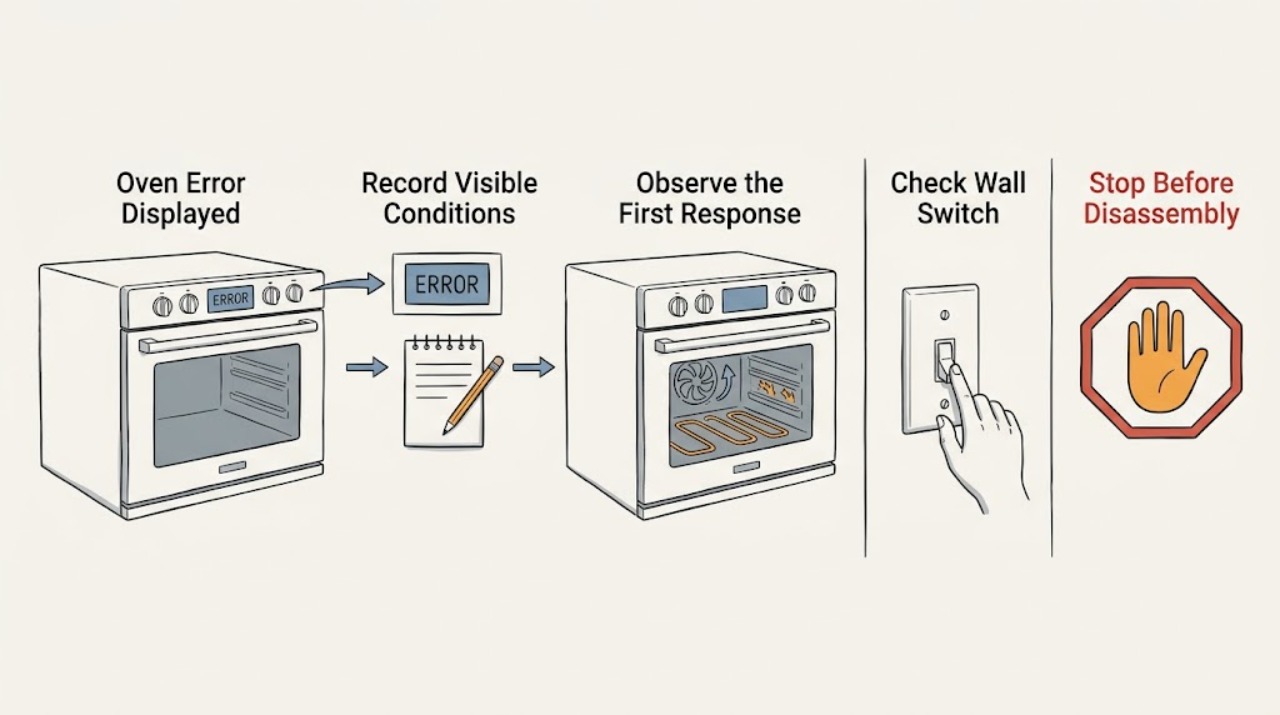
Fisher & Paykel Oven Error Displayed: Record the Code and Follow the Safe Branch
When a Fisher & Paykel oven beeps and displays an alert or fault code, record the exact code and follow the on-screen instruction or the fault-code table for the exact model. Do not switch off the wall power while the oven is hot unless that model's instructions specifically say to do so, because cooling fans may still be protecting the oven and cabinetry.
-
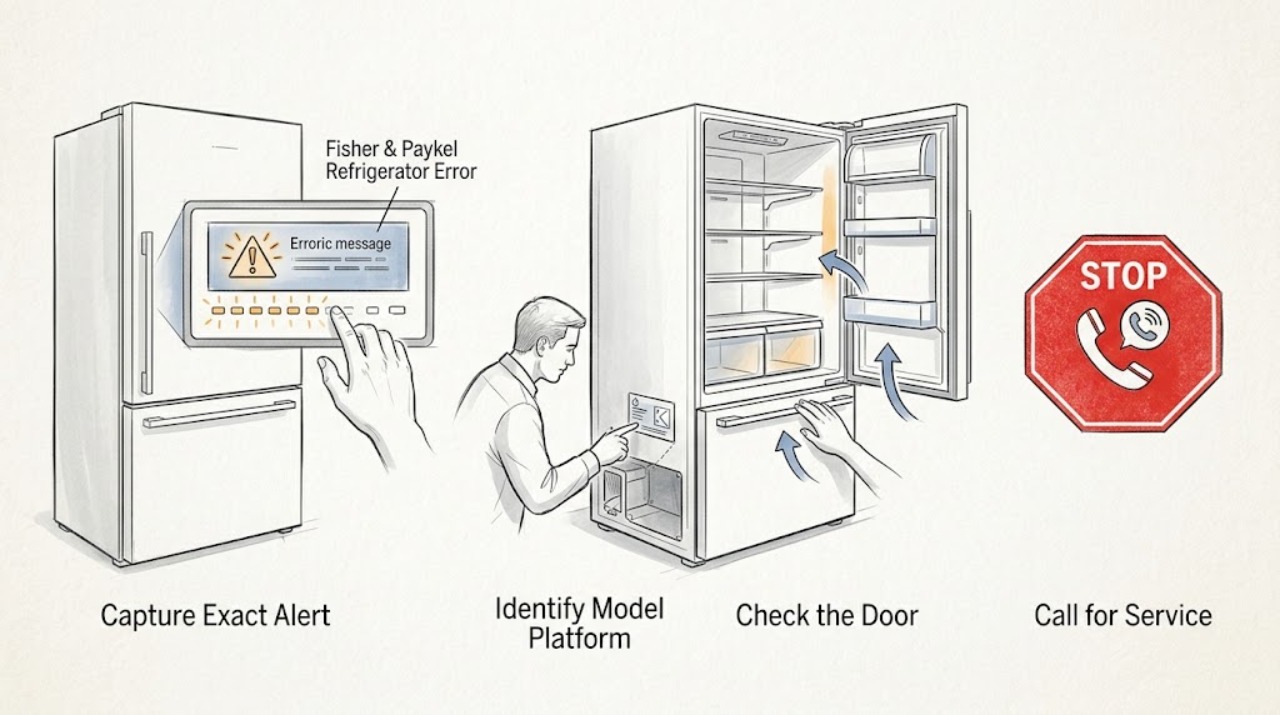
Fisher & Paykel Refrigerator Error Displayed: Record the Alert Before Resetting
Do not decode a Fisher & Paykel refrigerator alert by combining codes from different models. First photograph or write down the exact display text or icon, count the beeps and note their sequence, record which temperature lights flash and in what order, and identify whether the alarm occurs when a refrigerator door or drawer is opened.
-
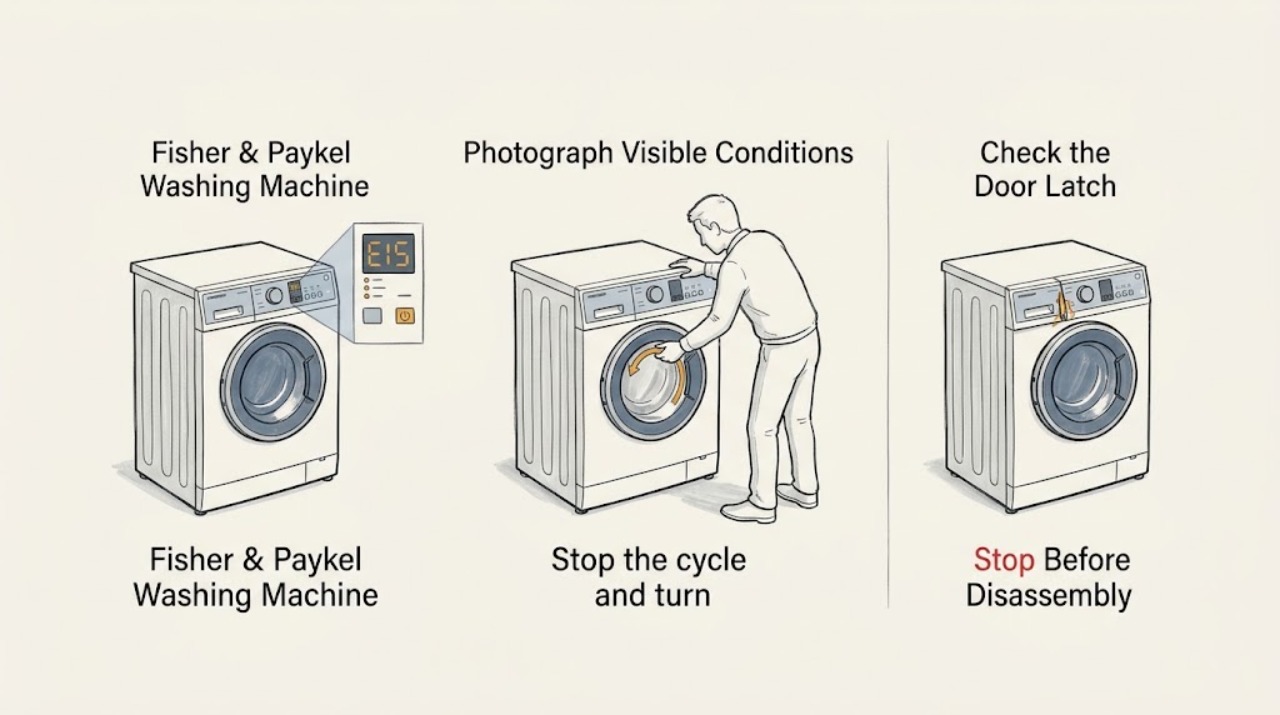
Fisher & Paykel Washing Machine Error Displayed: Safe Next Steps
Treat the displayed Fisher & Paykel washer error as a diagnostic clue, not as a part number. Record the exact code, model and serial information, then follow the matching user-guide section: turn the washer off at the power point, wait for the manual's reset interval, remove the load if directed, and run only the indicated test cycle.
-
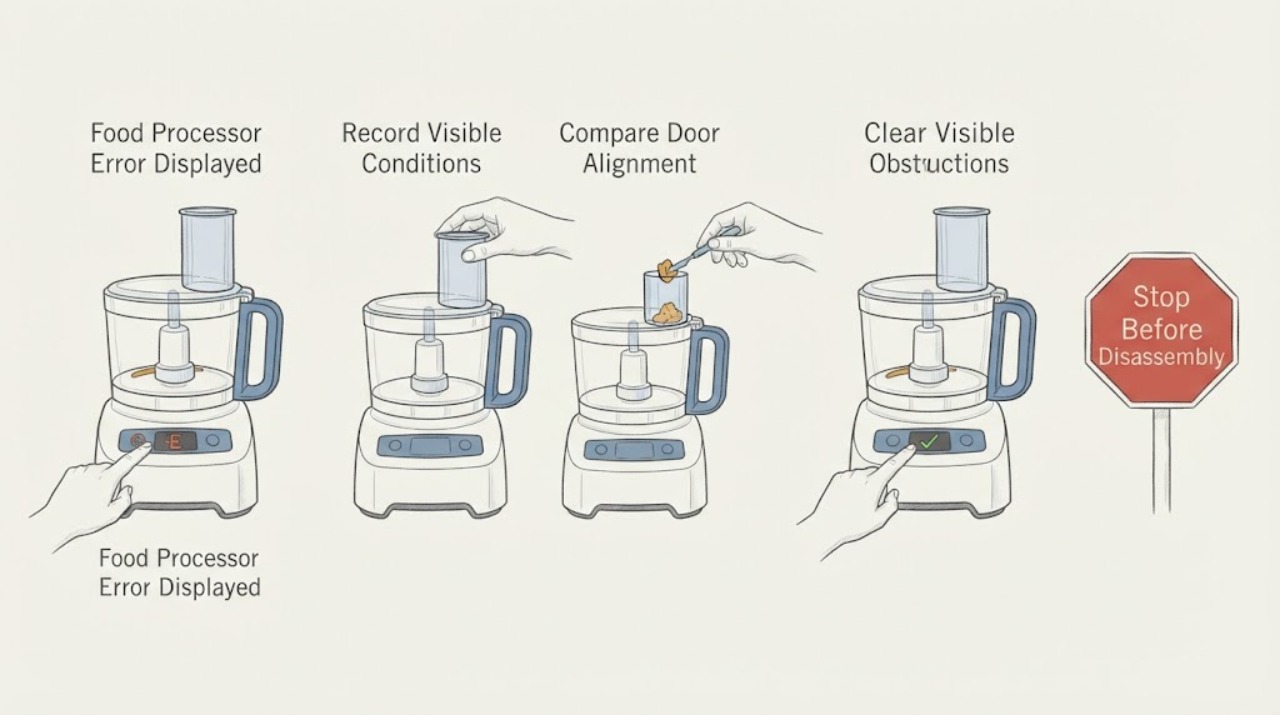
Food Processor Error Displayed: Record the Display and Check the Lock State
A food processor error display must be read with the bowl/lid lock, motor temperature, load, and power state. KitchenAid guidance supports checking bowl/lid alignment, allowing a hot motor to cool, resetting a locked motor with the documented control, and verifying a grounded outlet. Record the exact display and use the model manual; do not bypass the interlock or open the base.
-
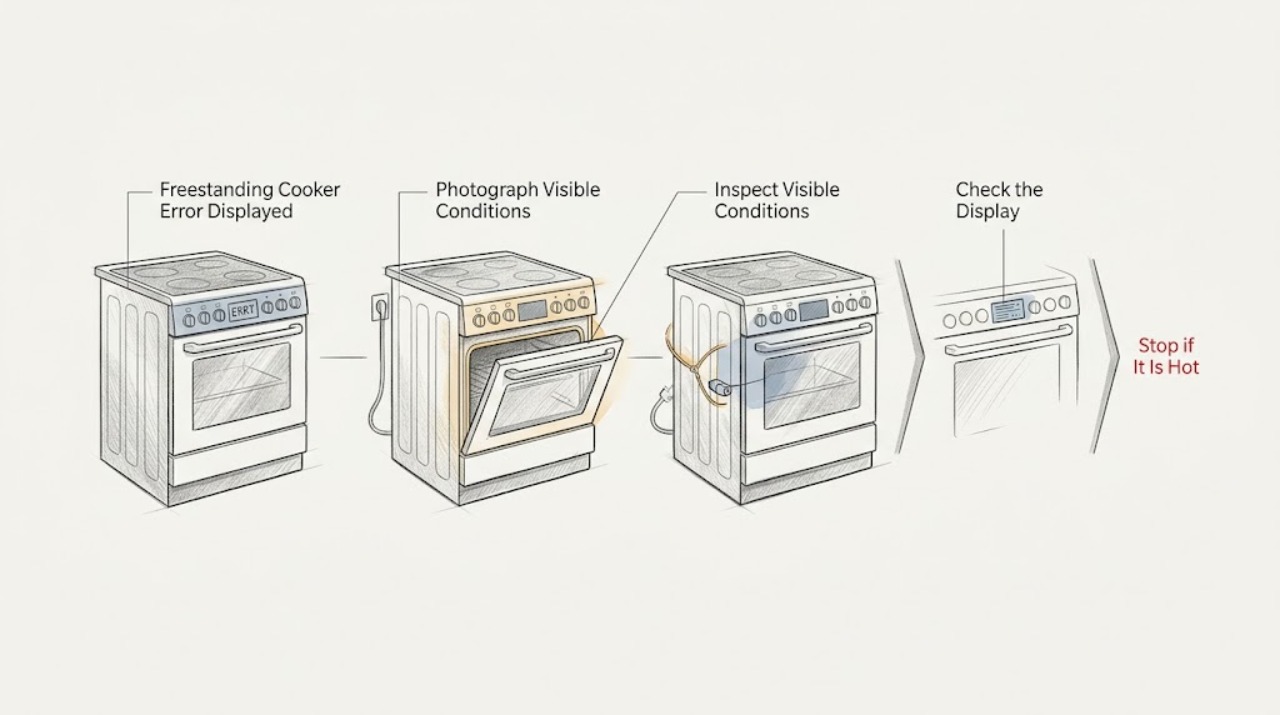
Freestanding Cooker Error Displayed
A freestanding cooker error display must be read together with the complete code, model number, energy type, and operating phase. Do not apply a code meaning from another brand or model.
-
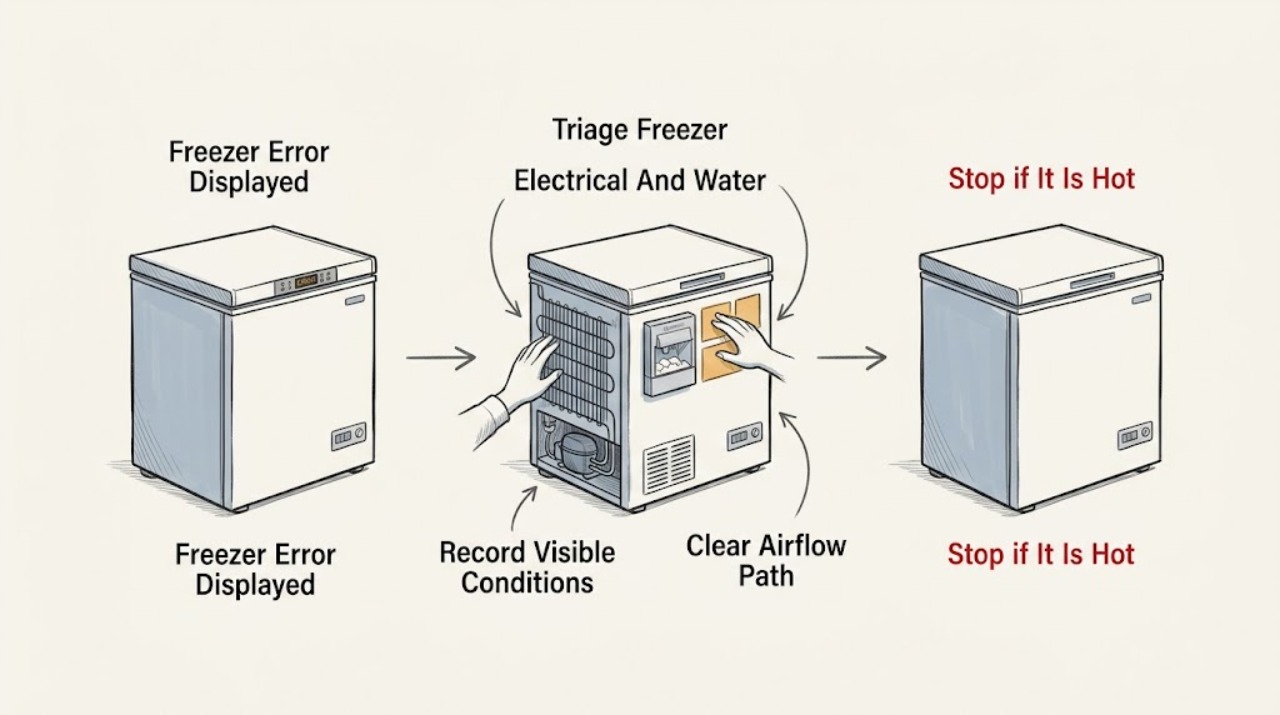
Freezer Error Displayed: Record the Code, Protect Food, and Check Safely
When a freezer displays an error, do not interpret the code from another brand or model. Photograph or write down the exact code, model number, freezer temperature, and when the message appeared.
-
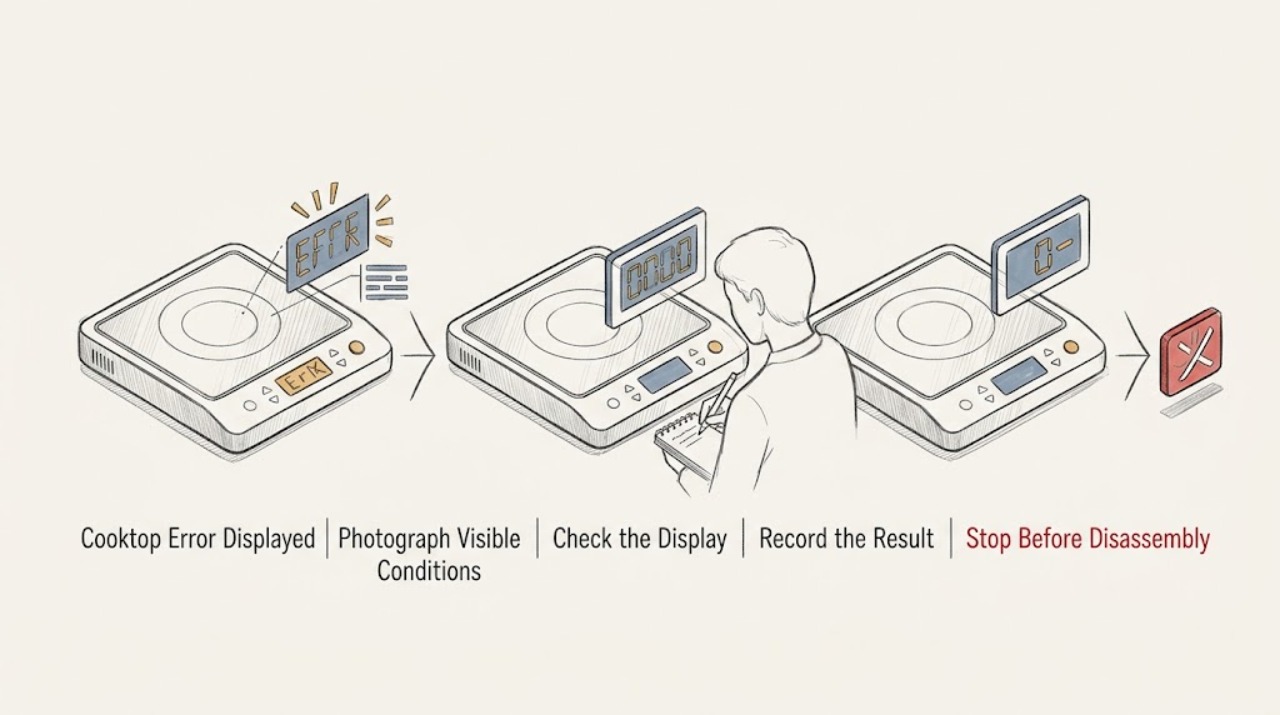
Frigidaire Cooktop Error Displayed: Identify the Code and Reset Safely
Record the exact code or icon before resetting: Frigidaire display meanings vary by model, and the owner manual is the authority for that model. For an F40 or F41 cooktop lockout on an electric Frigidaire range or cooktop, disconnect power for up to 30 seconds and restore it once; if the code returns, arrange service.
-
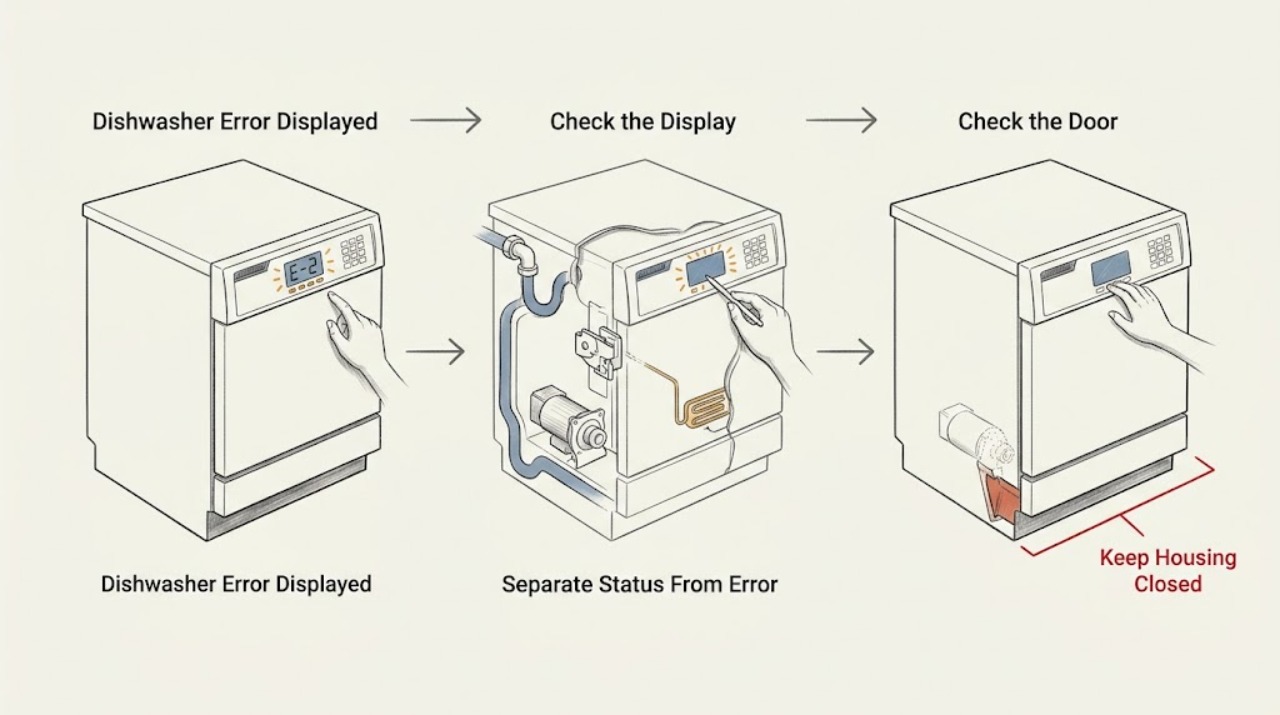
Frigidaire Dishwasher Error Displayed: Capture the Exact Code Before Troubleshooting
Do not start by guessing what a Frigidaire dishwasher code means. Photograph the display or count the flashing lights, write down the complete model number, note whether the message appeared at power-up, after pressing Start, during filling/washing/draining, or after a leak, and record whether the tub contains water or the unit is safe to touch.
-
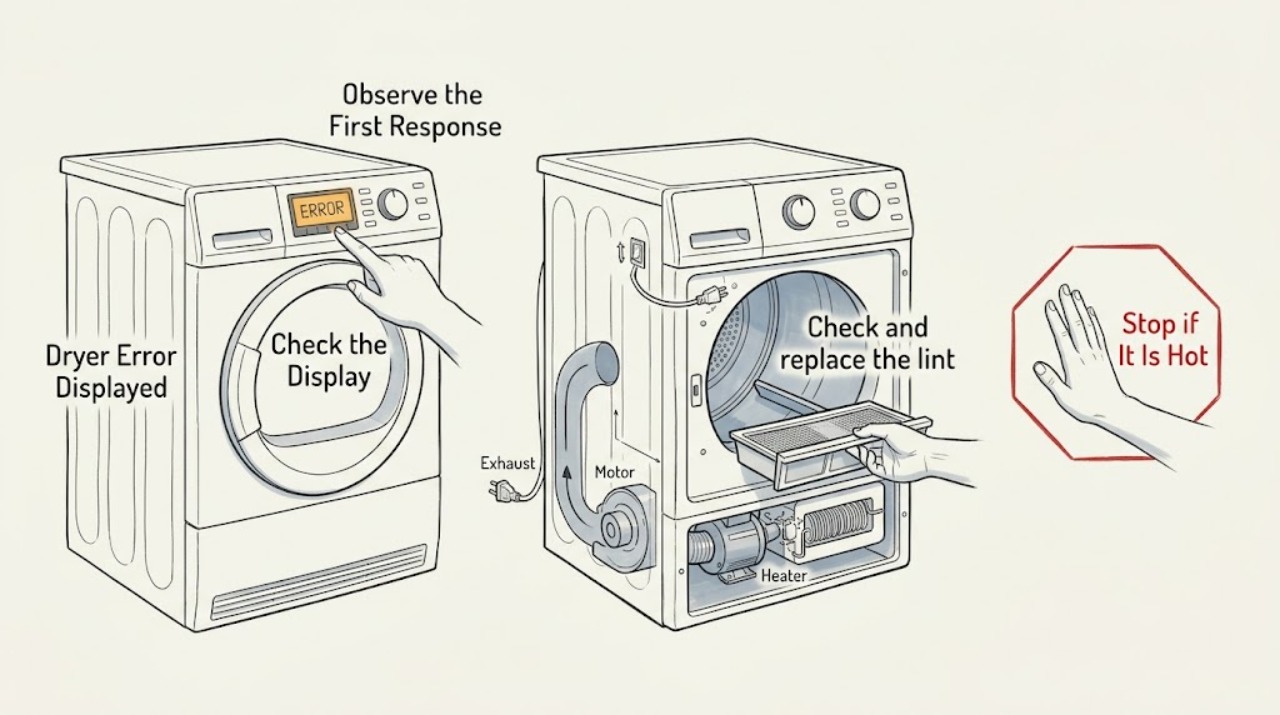
Frigidaire Dryer Error Displayed: Safe Checks
Record the exact Frigidaire dryer message or code, its flashing pattern, the model number, and what the dryer was doing before it appeared. Frigidaire's alarms-and-codes page applies to dryers but does not make one generic code list safe for every model, so use the manual matched to your model.
-
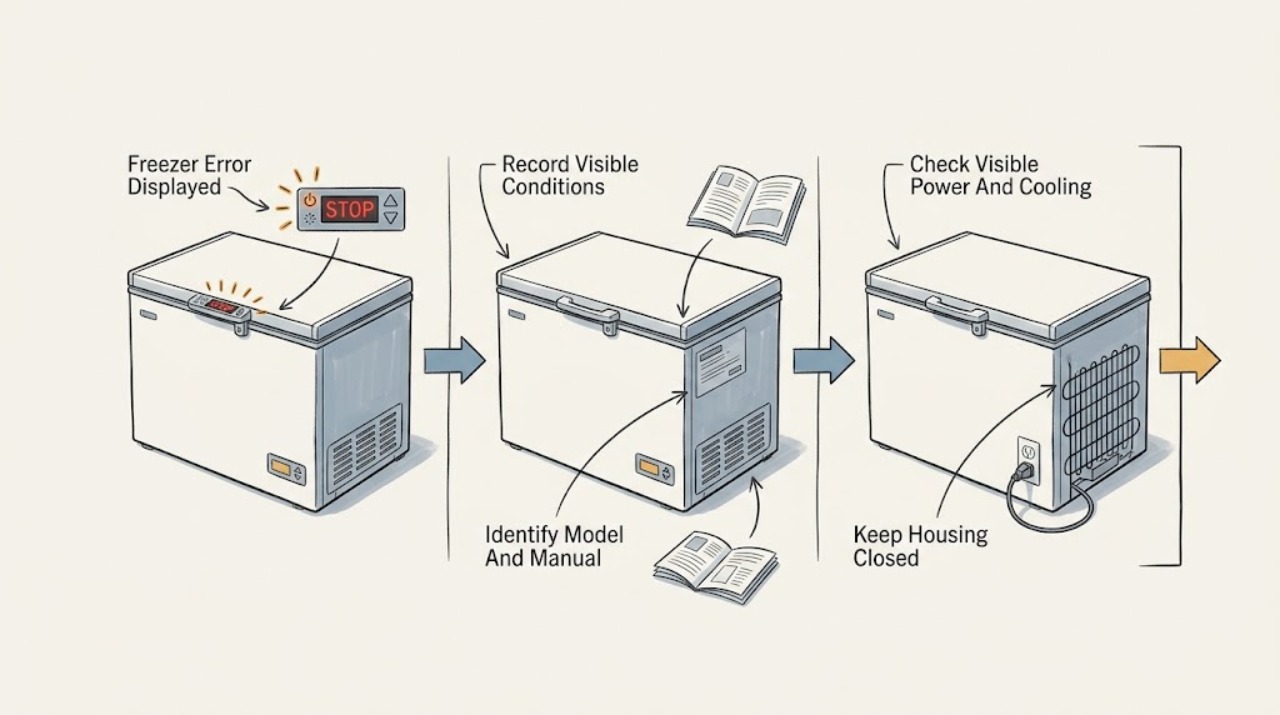
Frigidaire Freezer Error Displayed: Safe Checks and Service Signs
A Frigidaire freezer error or alarm cannot be interpreted safely without the exact model and the complete display. Common display states can indicate a power event, high temperature, an open door, a mode such as Sabbath or demo, or a model-specific fault.
-
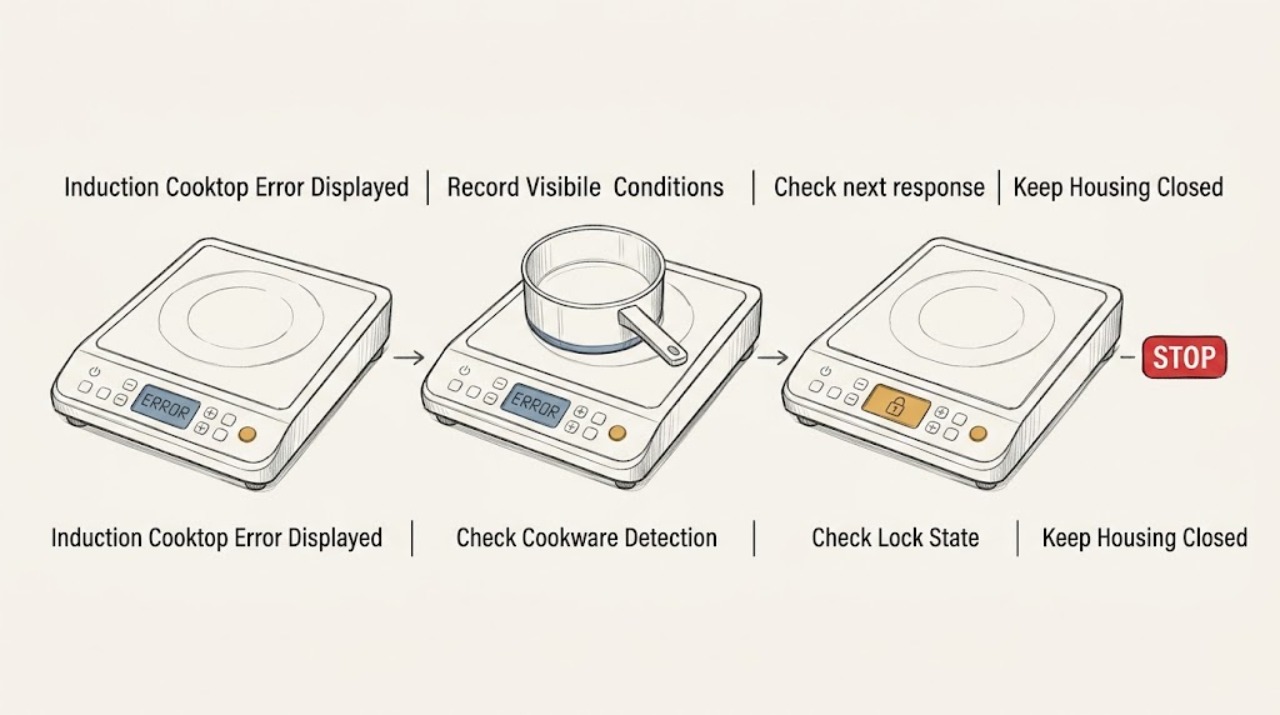
Frigidaire Induction Cooktop Error Displayed: Identify the Message Safely
Record the exact characters on the Frigidaire induction cooktop before trying to clear them. A flashing power level can mean the zone is not detecting suitable cookware, while H means the surface is still hot and L means the controls are locked; these are status messages rather than proof of a failed part.
-
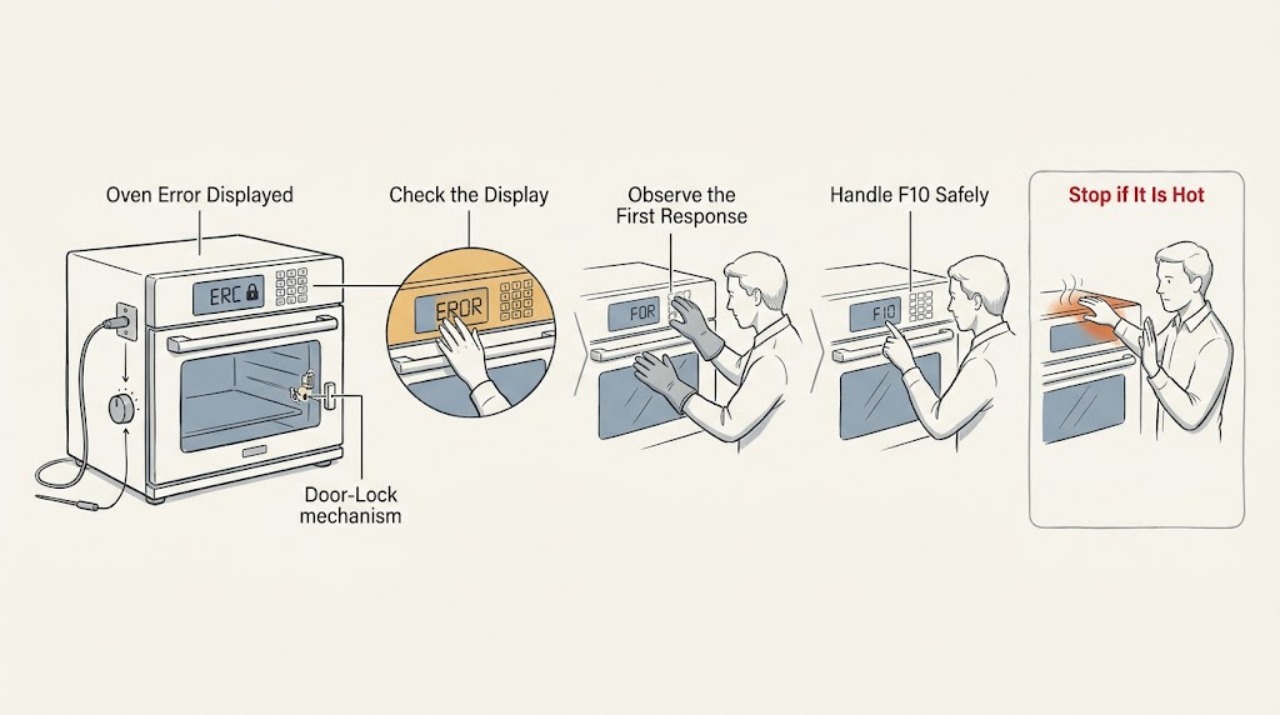
Frigidaire Oven Error Displayed: read the code and choose a safe next step
Do not diagnose a Frigidaire oven error from the beep or from a code remembered from another model. Photograph the complete display, record what the oven was doing, and match the exact code to the Frigidaire error guide and the model's Owner's Manual.
-
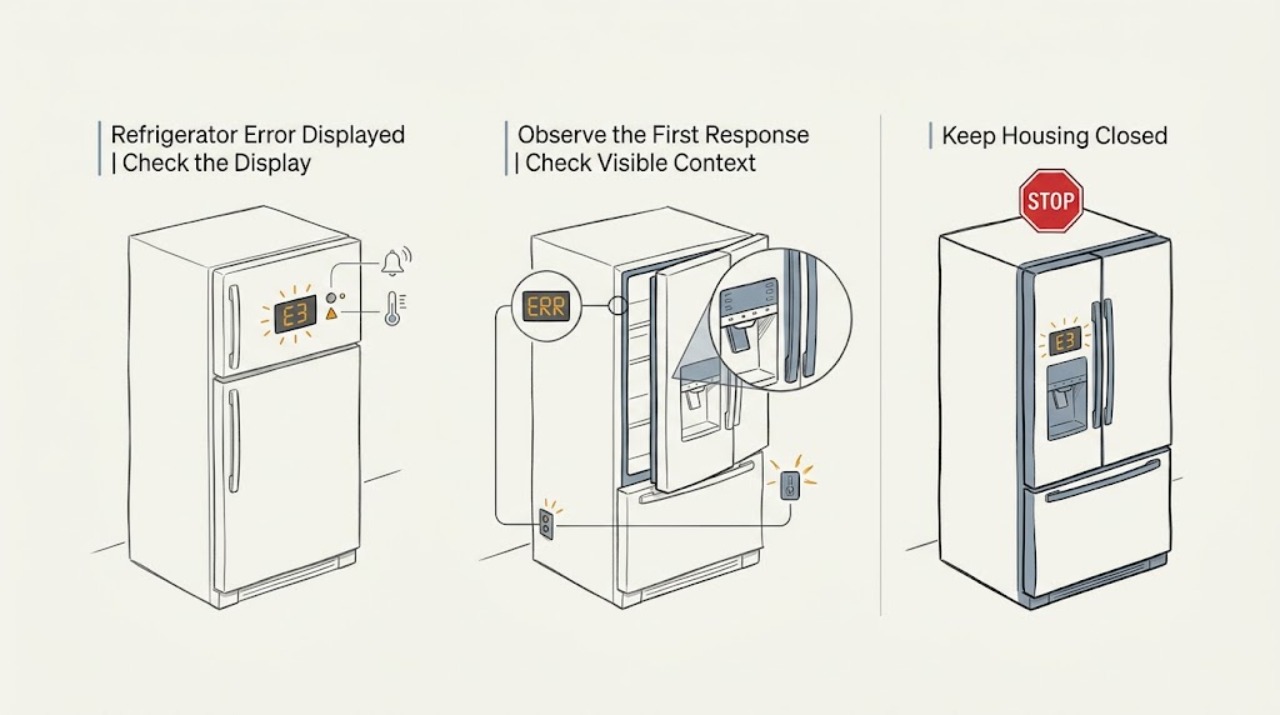
Frigidaire Refrigerator Error Displayed: Capture the Exact Code Before Clearing It
Do not apply a generic Frigidaire code list to every refrigerator. Before pressing CLEAR ALERTS, unplugging the unit, or resetting a breaker, photograph and transcribe the exact characters, capitalization, spaces, blinking or solid state, lamp order, tone pattern, affected compartment, and the complete model number.
-
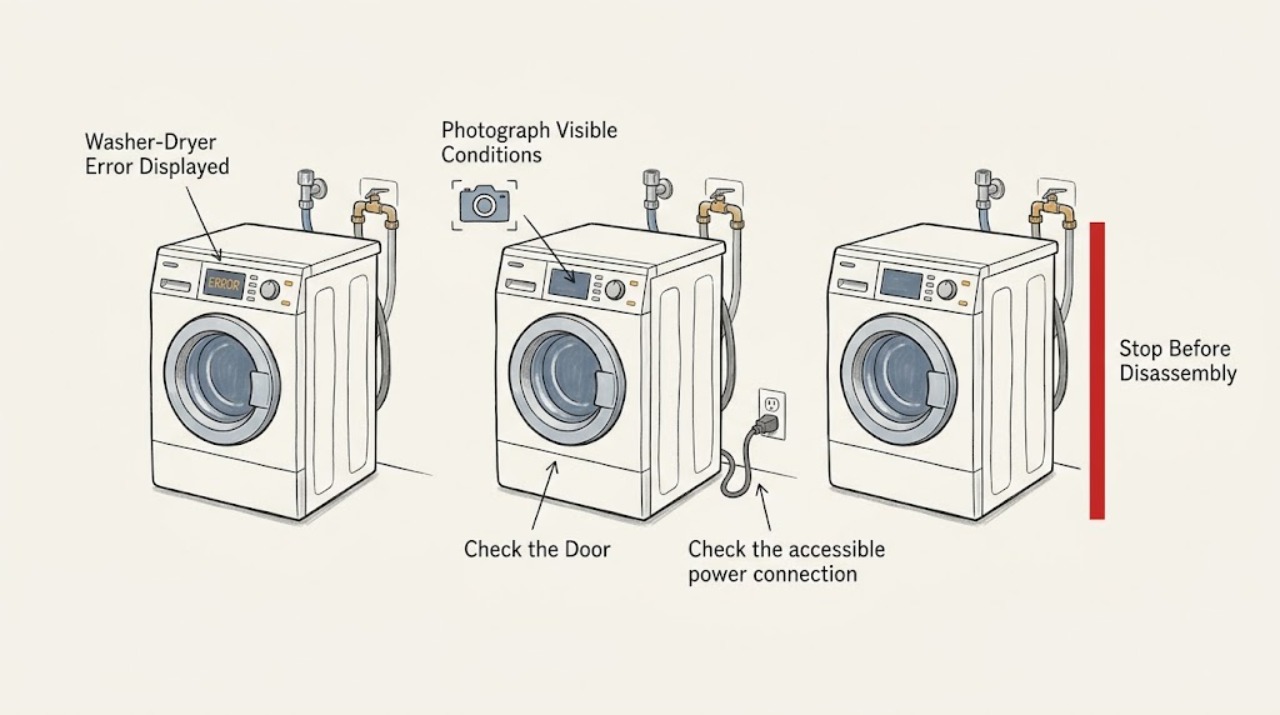
Frigidaire Washer-Dryer Error Displayed: Decode the Message Before Resetting
Record the exact code, words, icon, beeps, and whether the washer or dryer side is affected before changing anything. On Frigidaire Laundry Centers, some messages are normal prompts: Close Washer Lid, Close Dryer Door, Balance Load, and Clean Lint can describe an action or routine maintenance rather than a failed control.
-
Frigidaire Washing Machine Error Displayed: Identify the Code and Choose the Safe Next Step
When a Frigidaire washing machine displays an error, photograph and write down the complete code or message before clearing it, along with whether the washer is top-load, front-load, or part of a laundry center.
-
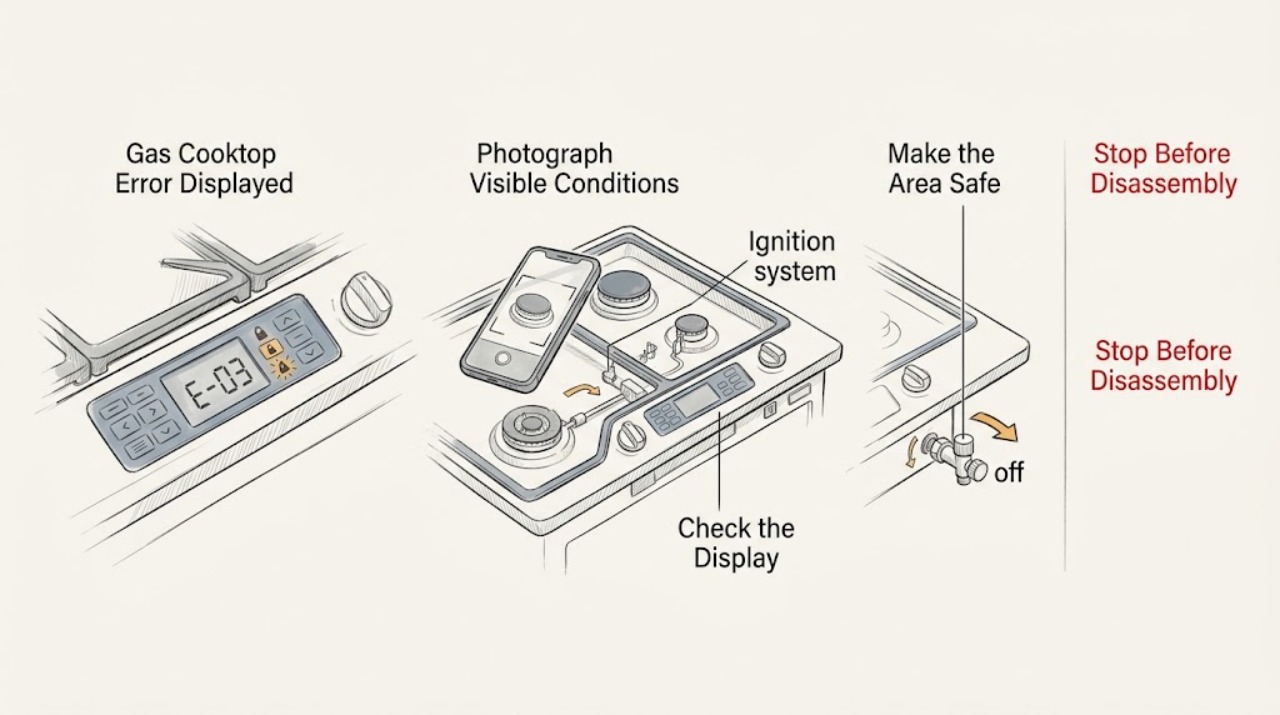
Gas Cooktop Error Displayed: Record the Code and Check Safe Causes
Do not guess what a gas-cooktop code means across brands. Photograph or write the complete code, model number, fuel type, affected burner, and when the message appeared.
-
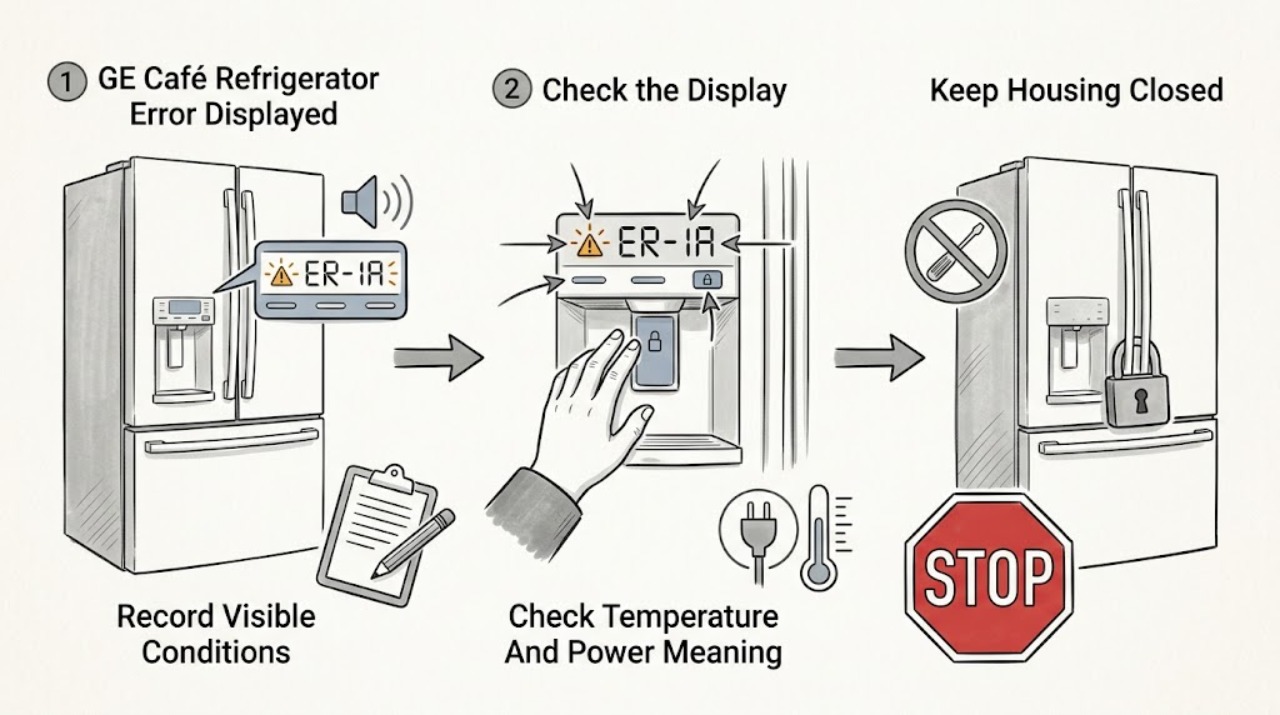
GE Café Refrigerator Error Displayed: Record the Code Before Resetting
Photograph and write down the complete GE Café model number, exact display text including capitalization, flashing lights, beeps, and what the refrigerator is doing before attempting a reset.
-
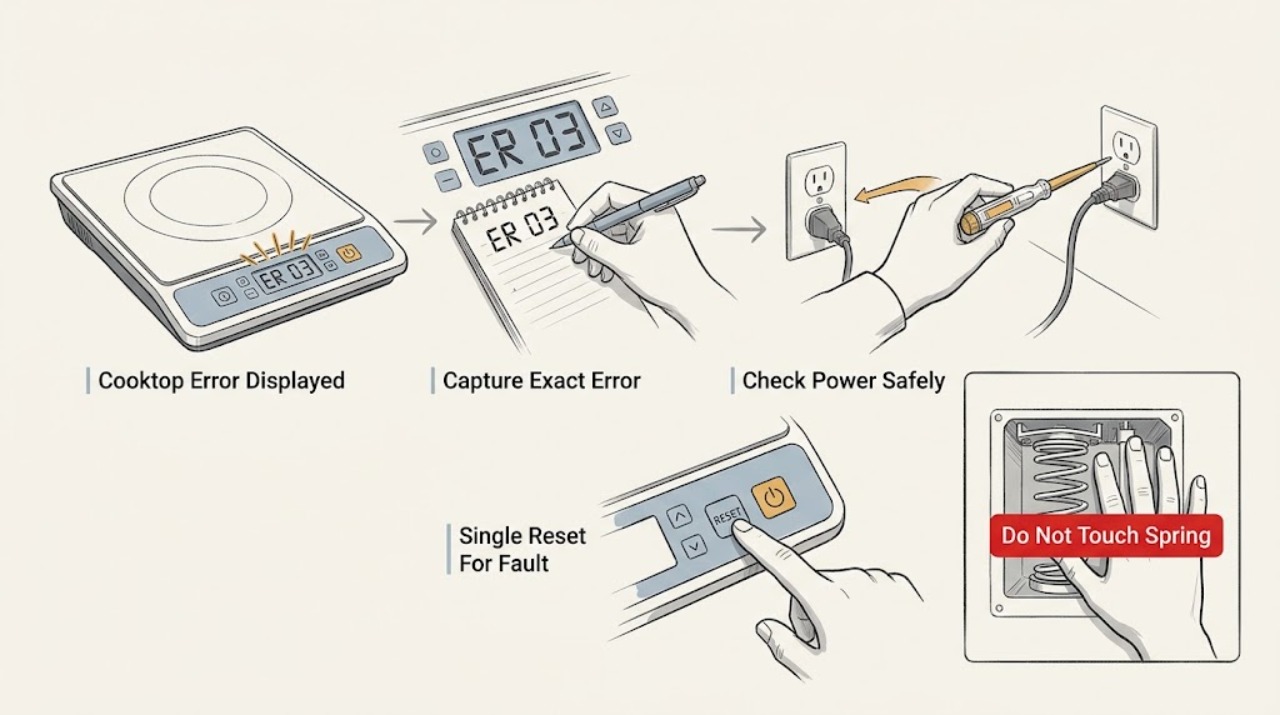
GE Cooktop Error Displayed: Identify the Message and Decide What to Do
Treat a GE cooktop error display as model-specific: photograph the exact characters, note whether the cooktop is otherwise responsive, and record the model before trying a reset. GE says an electronic FXX fault should be diagnosed by a trained service technician; switching the cooktop circuit off for 30 seconds may clear a code sometimes, but service is required in most cases.
-
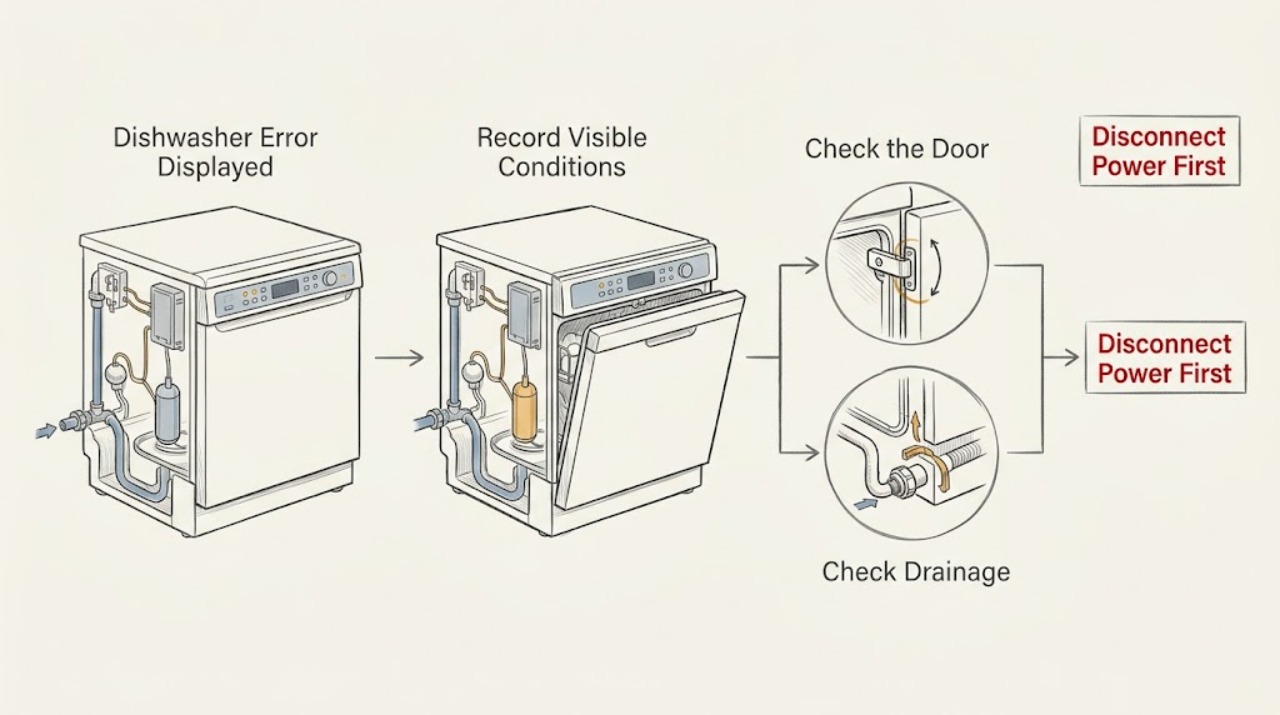
GE Dishwasher Error Displayed
If a GE dishwasher displays an error, record the exact code or words, model number, whether there is standing water or a visible leak, and whether the cycle will start. GE says error, fault, and function codes are not universal across models; most codes need the exact Owner's Manual and many require a technician.
-
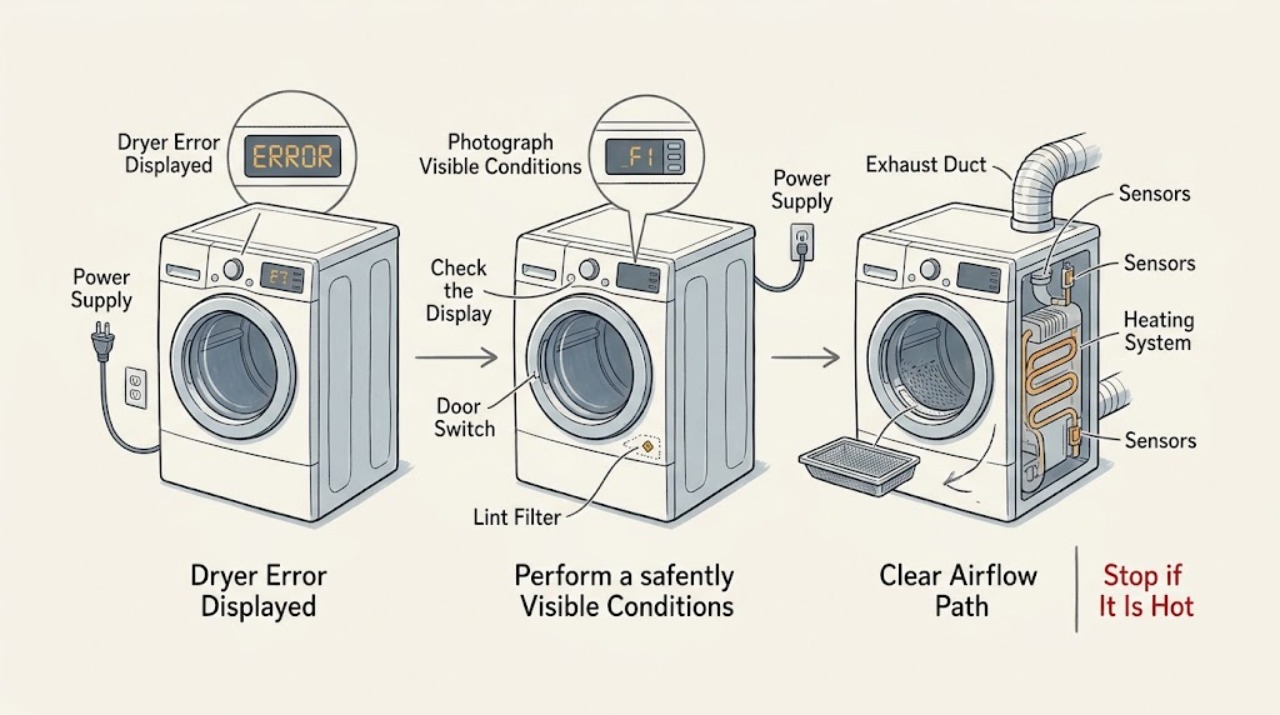
GE Dryer Error Displayed
A GE dryer display code is a symptom label, not a universal diagnosis. Write down the exact characters, whether the dryer tumbles or heats, and whether the code returns after the cycle is stopped.
-
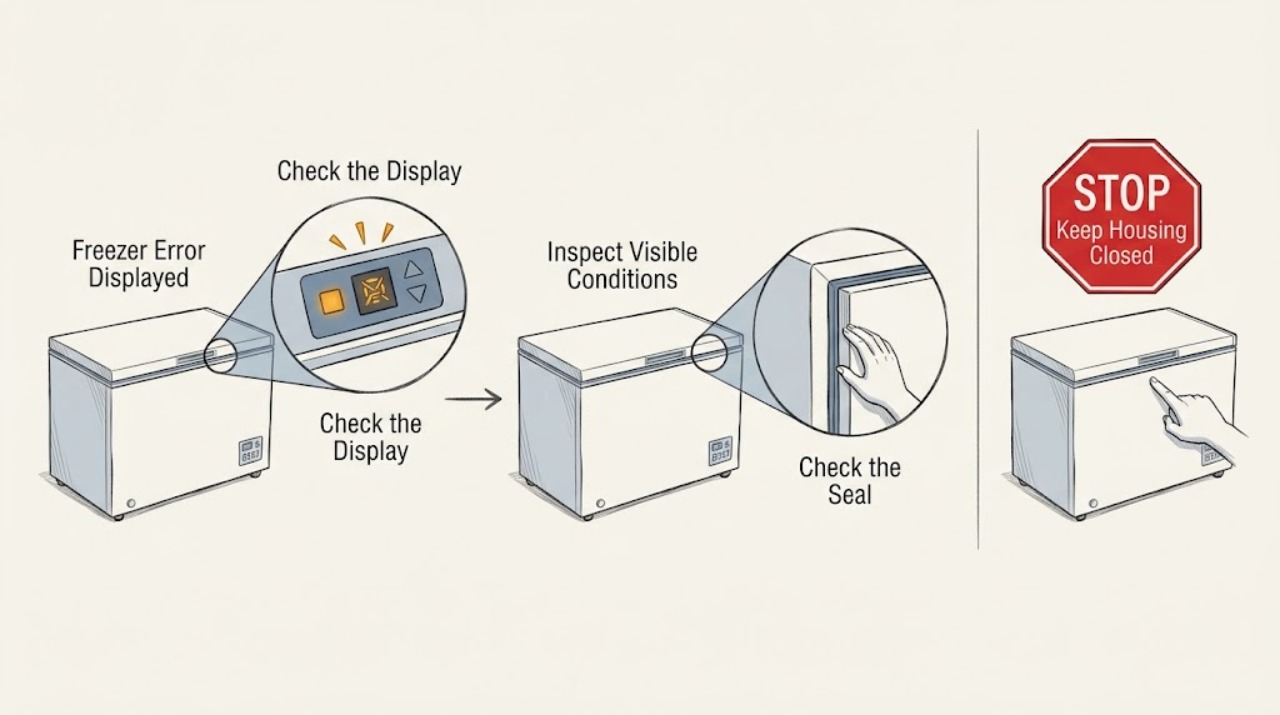
GE Freezer Error Displayed: Decode the Message and Know When to Call
A GE freezer display may be showing a high-temperature or door alarm rather than a failed part, or it may be showing a model-specific electronic fault. Record the exact message before resetting it.
-
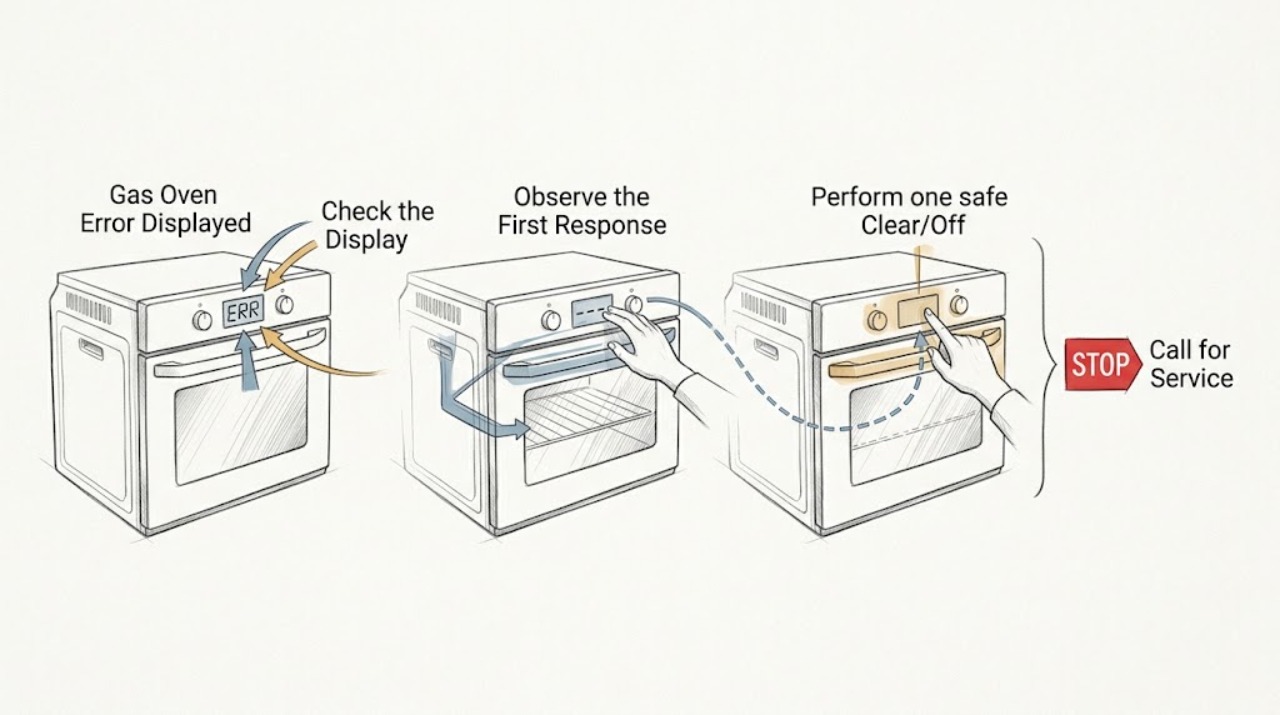
GE Gas Oven Error Displayed: Identify the Code Before Resetting
When a GE gas oven displays an error, record the exact letters, numbers, and symbols before touching the controls. A function code that starts with F, a keypanel or control message, LOC or LOC DOOR, ERR, OFF, or a power-related message can have a different meaning.
-
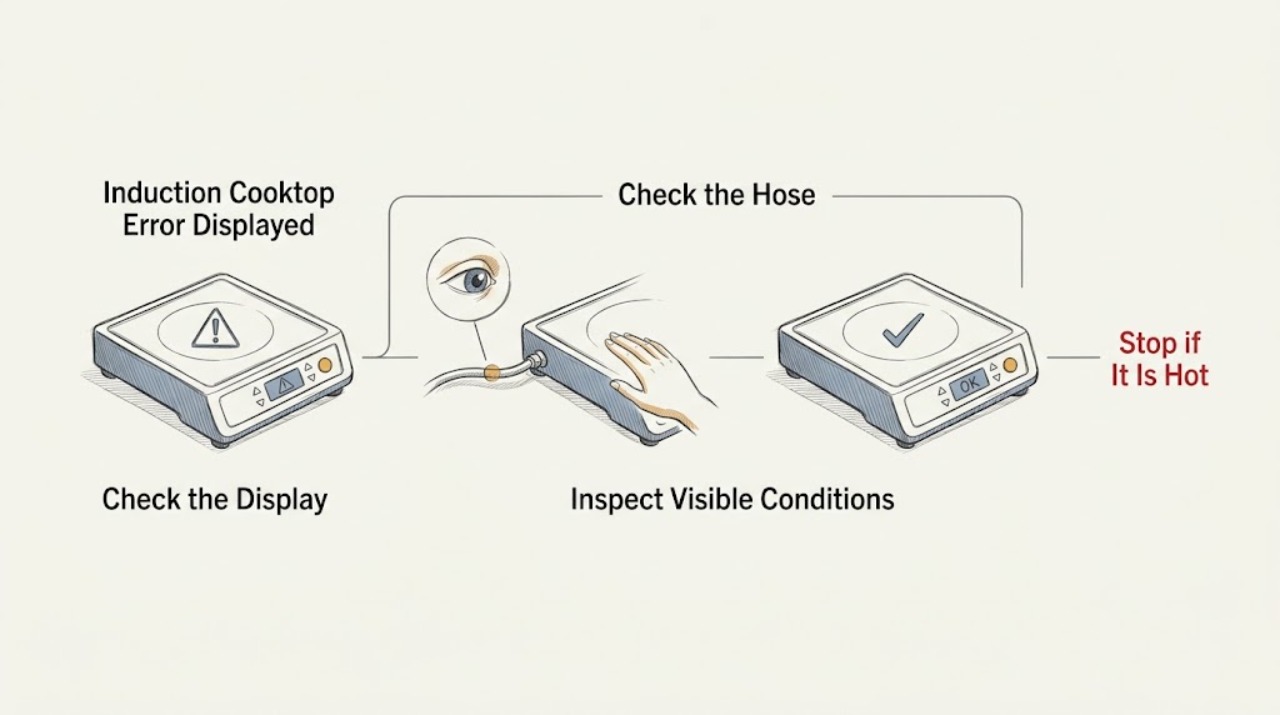
GE Induction Cooktop Error Displayed: Identify the Code and Safe Next Step
A GE induction cooktop display can show a true fault code, an initialization message, or a pan-detection warning. Record the exact display first.
-
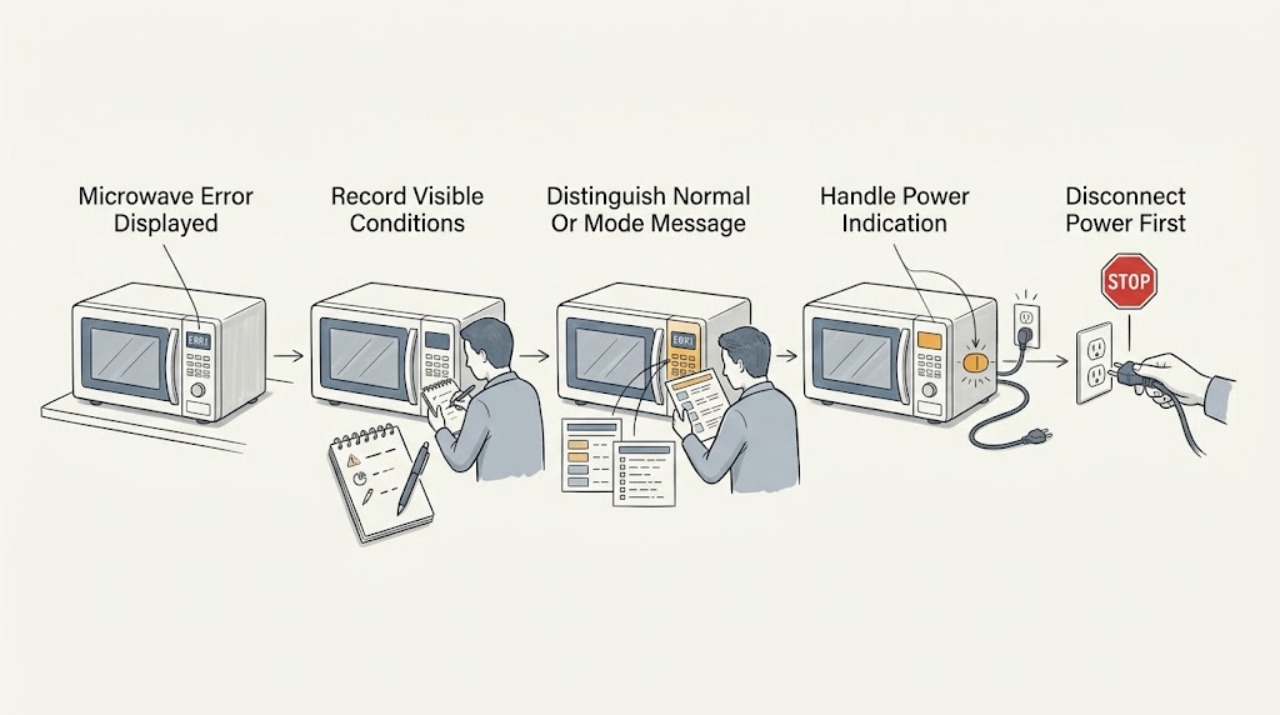
GE Microwave Error Displayed: Identify the Code Before You Reset It
Write down the exact characters, punctuation, and timing on the display, then identify the microwave model before interpreting the message. Do not assume that a code from another GE model or from a wall oven applies.
-
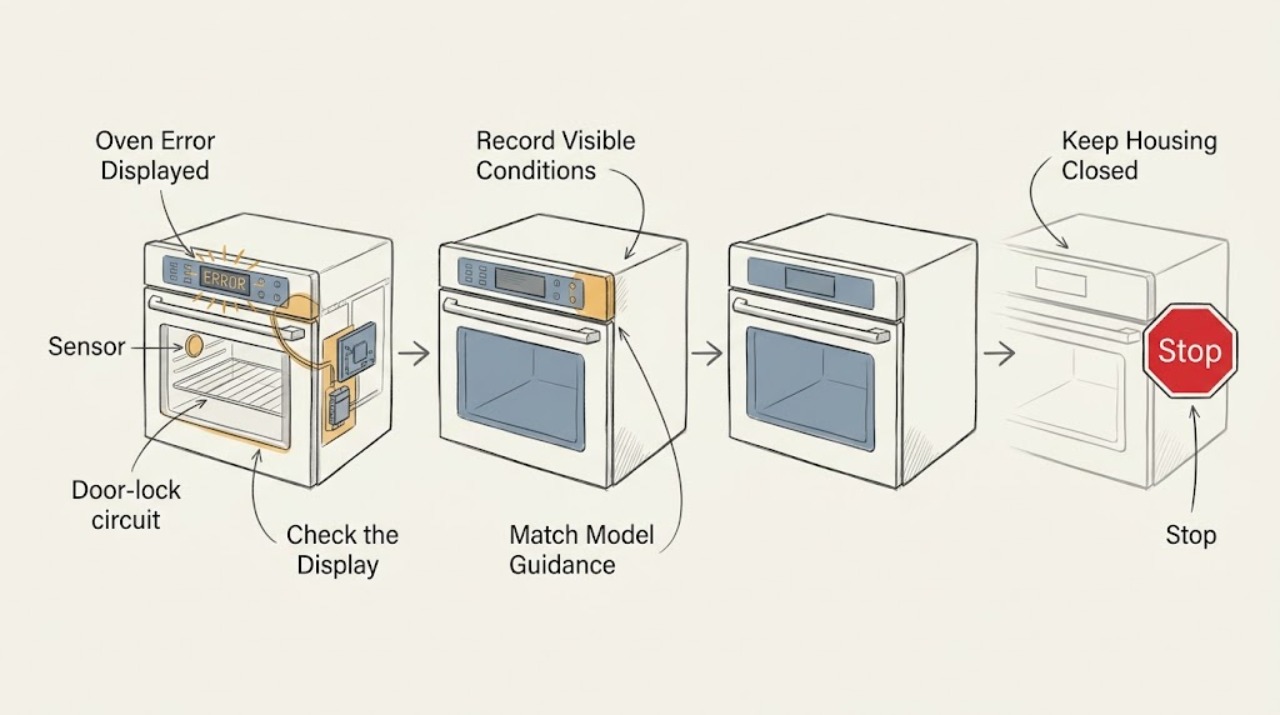
GE Oven Error Displayed: Identify the Code and Decide When to Stop
A GE oven error display is a diagnostic message, not a universal diagnosis. Photograph the exact letters, numbers, punctuation, and the operating mode, then use the owner manual or GE's model-specific error-code guidance.
-
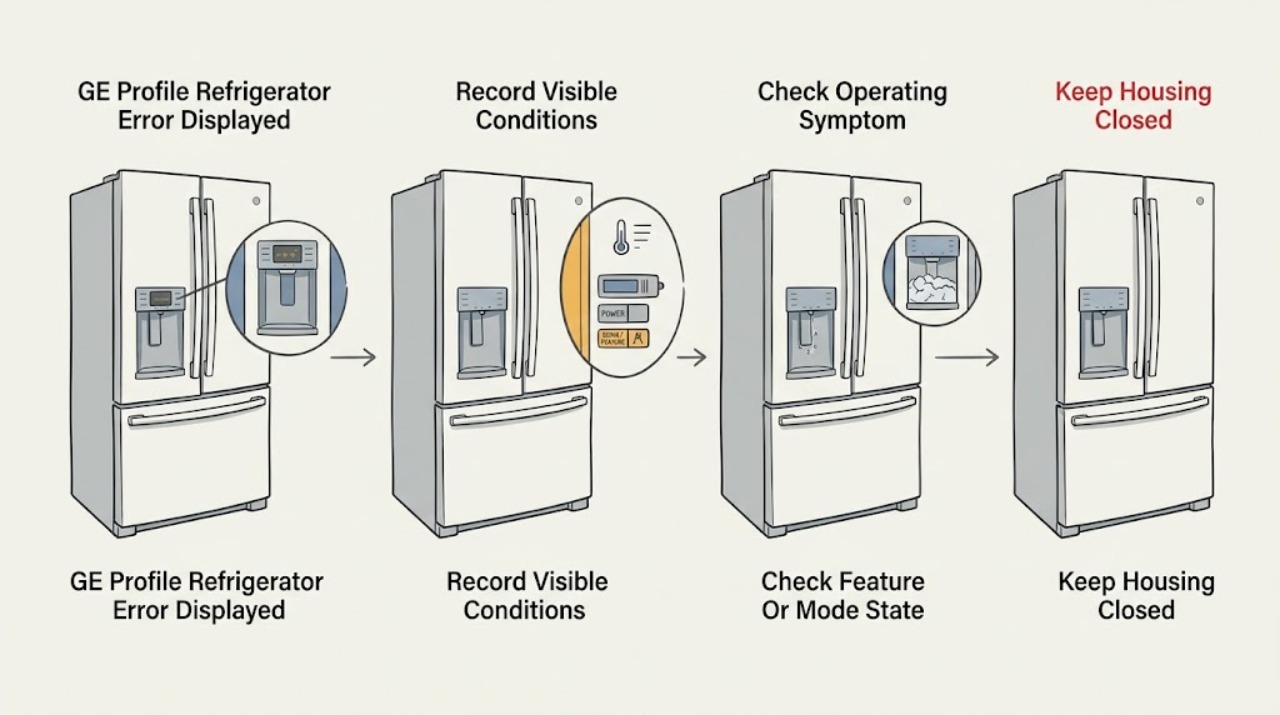
GE Profile Refrigerator Error Displayed: Identify the Code Before Resetting
Do not treat every displayed code as the same fault. Photograph or write the exact characters, capitalization, flashing pattern, beeps, and the refrigerator model before changing anything.
-
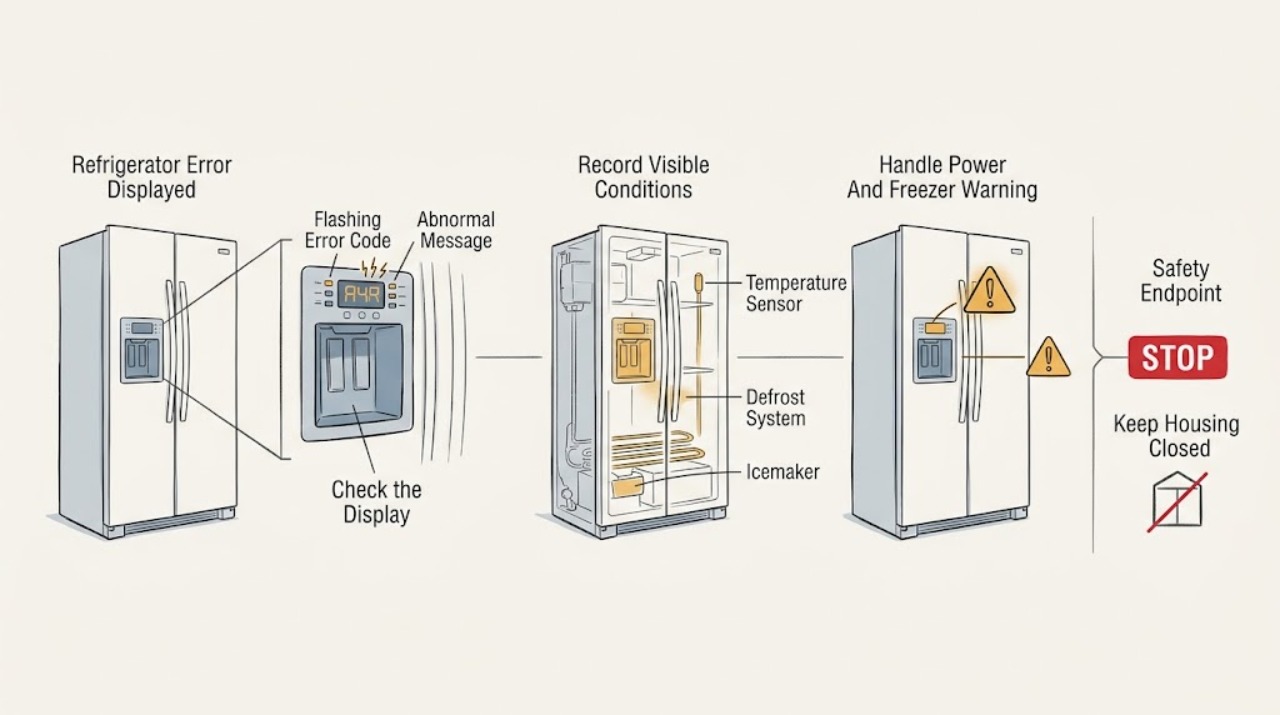
GE Refrigerator Error Displayed: Read the Exact Code and Model
Do not use a universal GE refrigerator error-code chart without first recording the exact model, display characters and whether the code is flashing or accompanied by beeps. GE says its published list contains only common codes for many refrigerators with electronic dispenser controls, not every possible code.
-
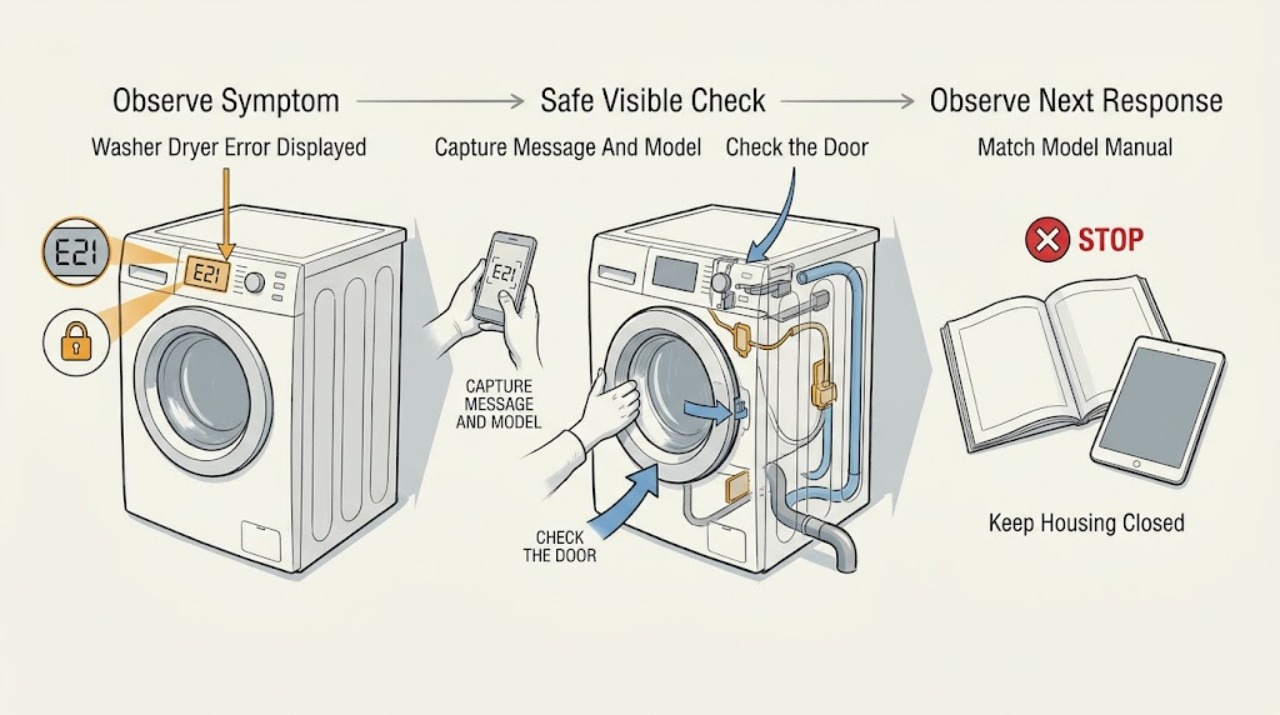
GE Washer Dryer Error Displayed: Identify the Code Safely
Do not diagnose a GE washer-dryer from the word “error” or from a code list for another model. Photograph or copy the exact display, note whether the message is on the washer or dryer side, and record the model and serial information.
-
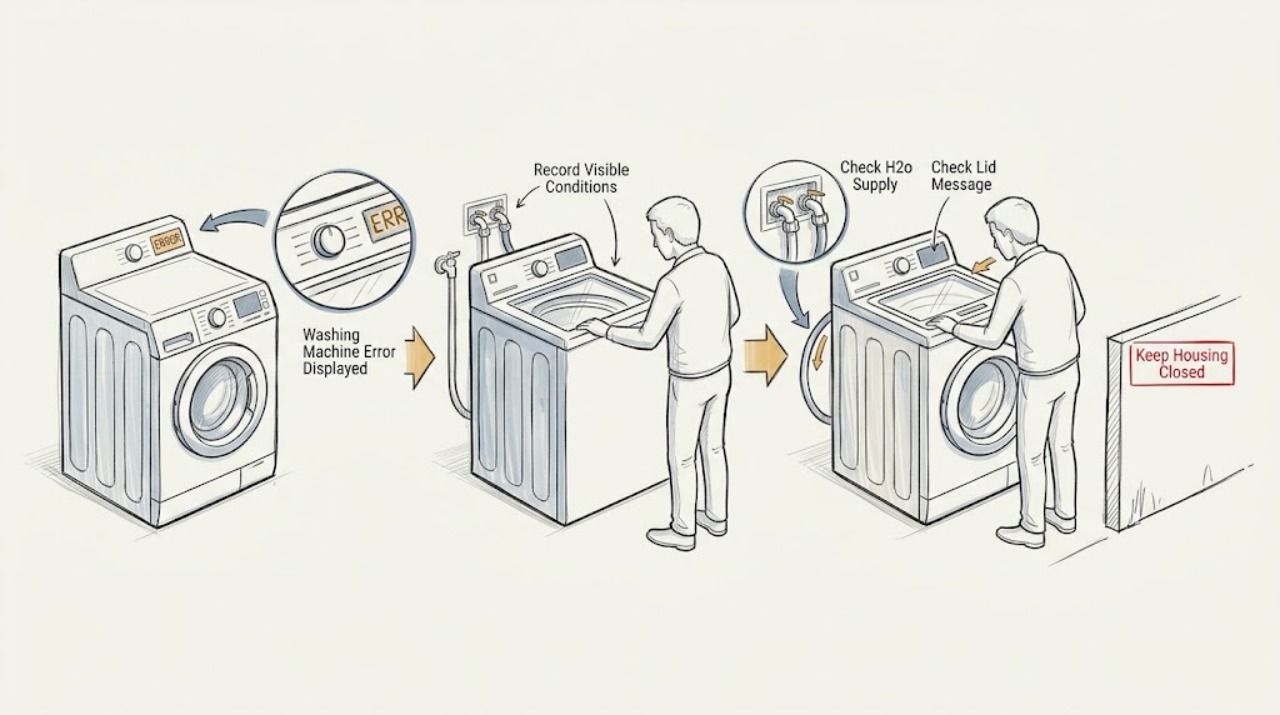
GE Washing Machine Error Displayed
First photograph the complete message and model tag, because GE display messages and remedies vary by washer model. A message such as H2O SUPPLY or IE points first to the household water supply and inlet path; dE or LId points to the lid being open; UE or a flashing Spin light points to an unbalanced load.
-
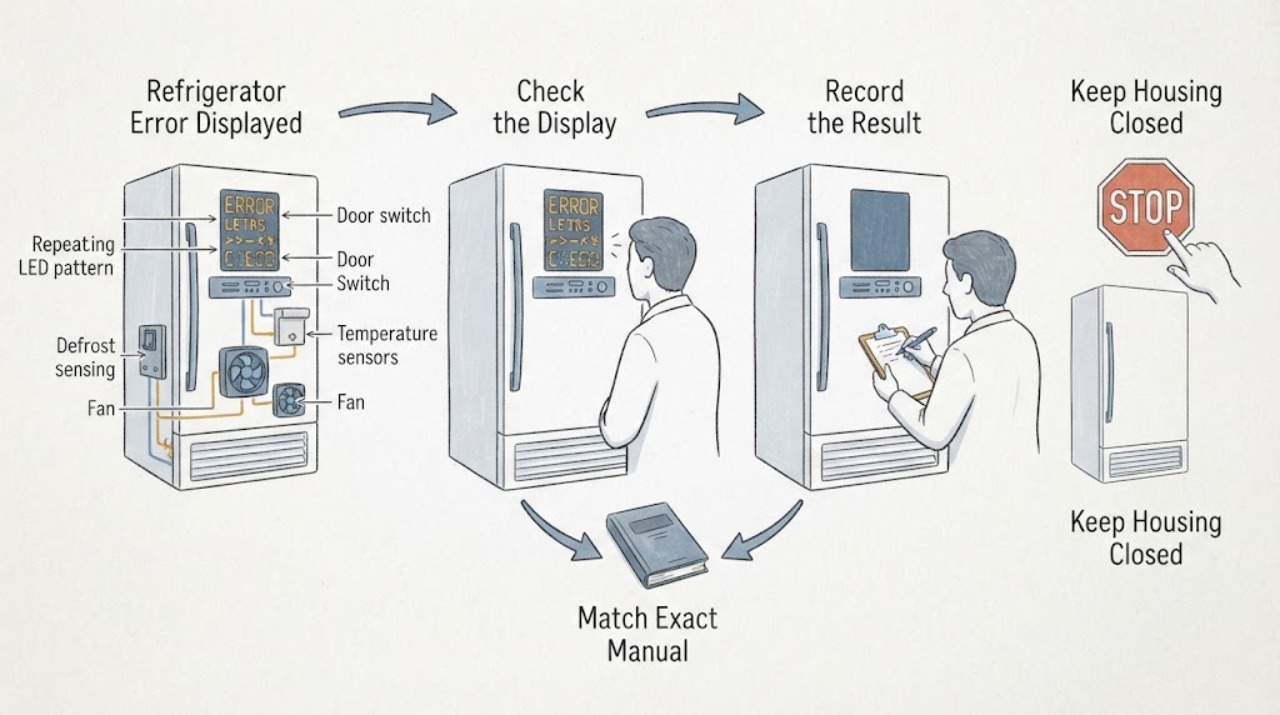
Haier Refrigerator Error Displayed: Identify the Exact Model Before Troubleshooting
Do not apply a Haier code list from another refrigerator, wine cellar, region, or series. Photograph the display or count the repeating flashes, record the complete model and product code, and use Haier's manual-download page to locate the matching manual.
-
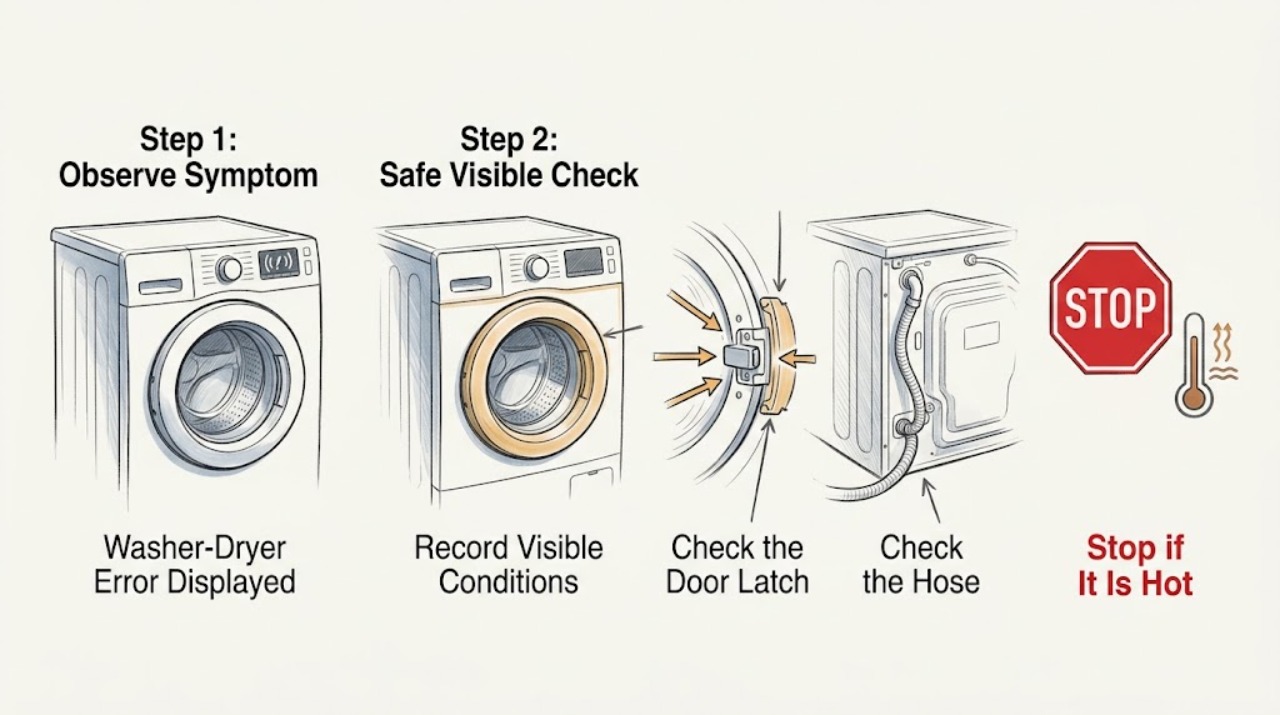
Haier Washer-Dryer Error Displayed
When a Haier washer-dryer displays an error, record the complete code and the point in the cycle where it appeared before resetting anything. Haier's combination washer-dryer chart separates door and drain codes from water-fill, motor, sensor, heating, and communication faults.
-
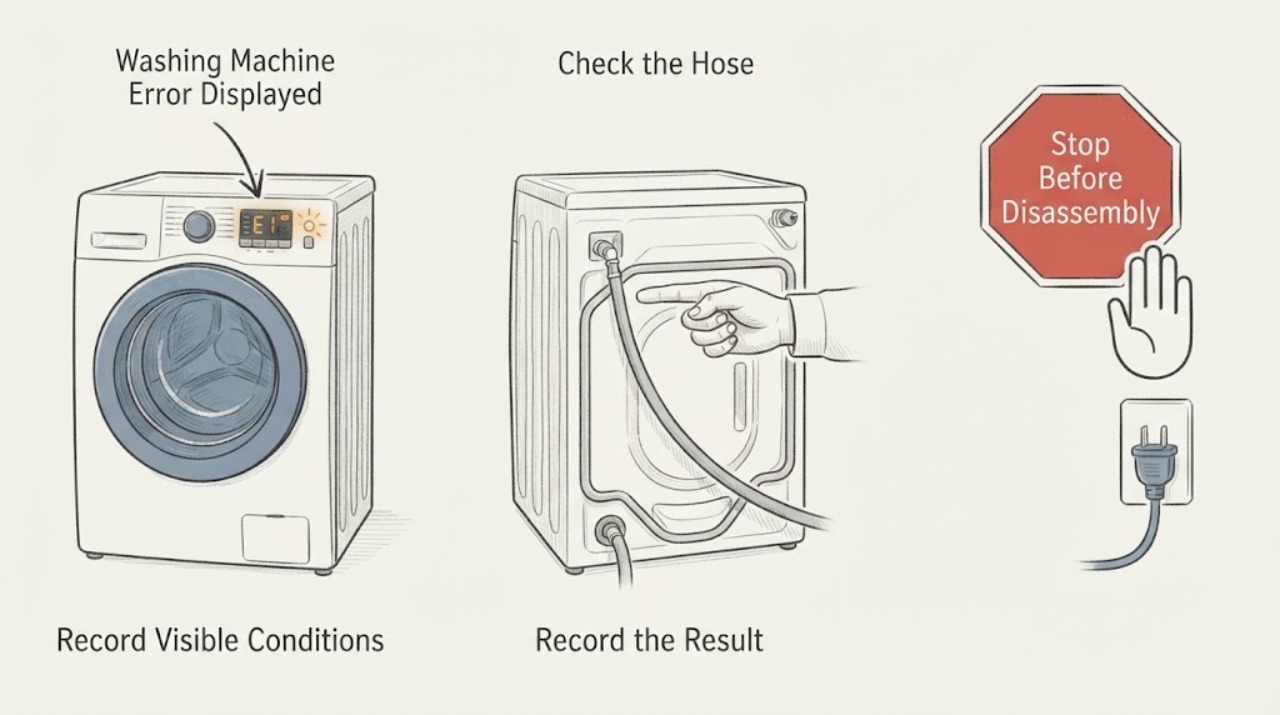
Haier Washing Machine Error Displayed: Record the Code Before Resetting
A Haier washing machine error must be read with the exact code, any alternating display, the model number, and the stage where it appeared. Do not guess from a generic list because codes and remedies vary by model.
-
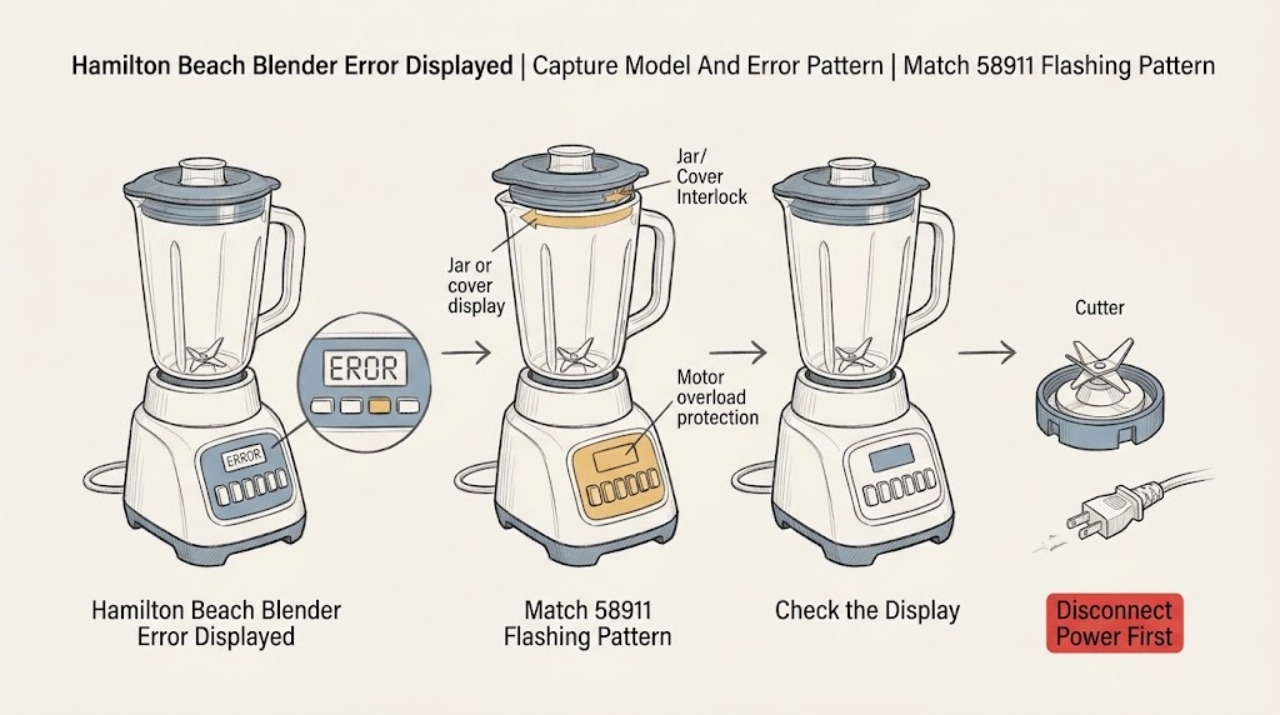
Hamilton Beach Blender Error Displayed: Match the Pattern to the Model
Do not apply a generic Hamilton Beach error-code list. Read the model, type, and series from the rating label on the bottom or rear of the motor housing, then photograph or write down the exact text, button names, and flashing sequence before pressing anything else.
-
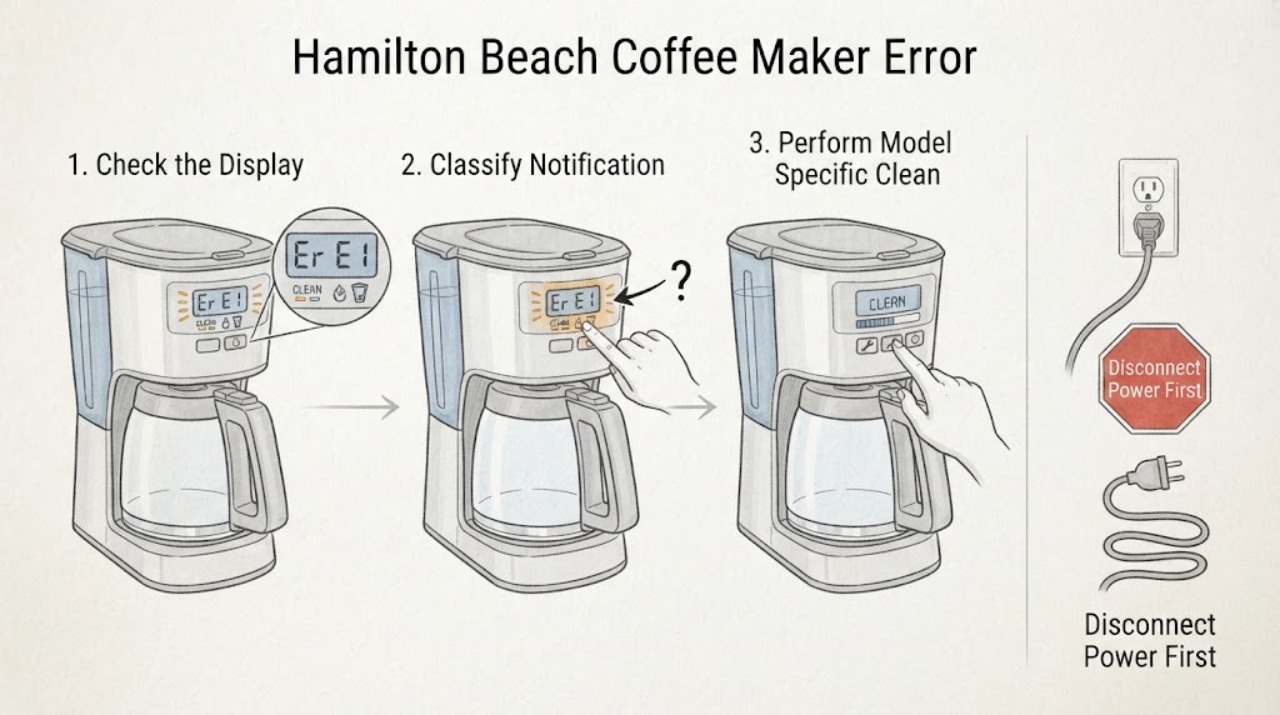
Hamilton Beach Coffee Maker Error Displayed: Identify the Model Before Clearing It
Do not assign a meaning to an alphanumeric code until you record the complete Hamilton Beach model, type, and series information and match the exact Use & Care guide. Hamilton Beach sells multiple coffee-maker designs, and the same-looking display symptom is not proof of the same fault.
-
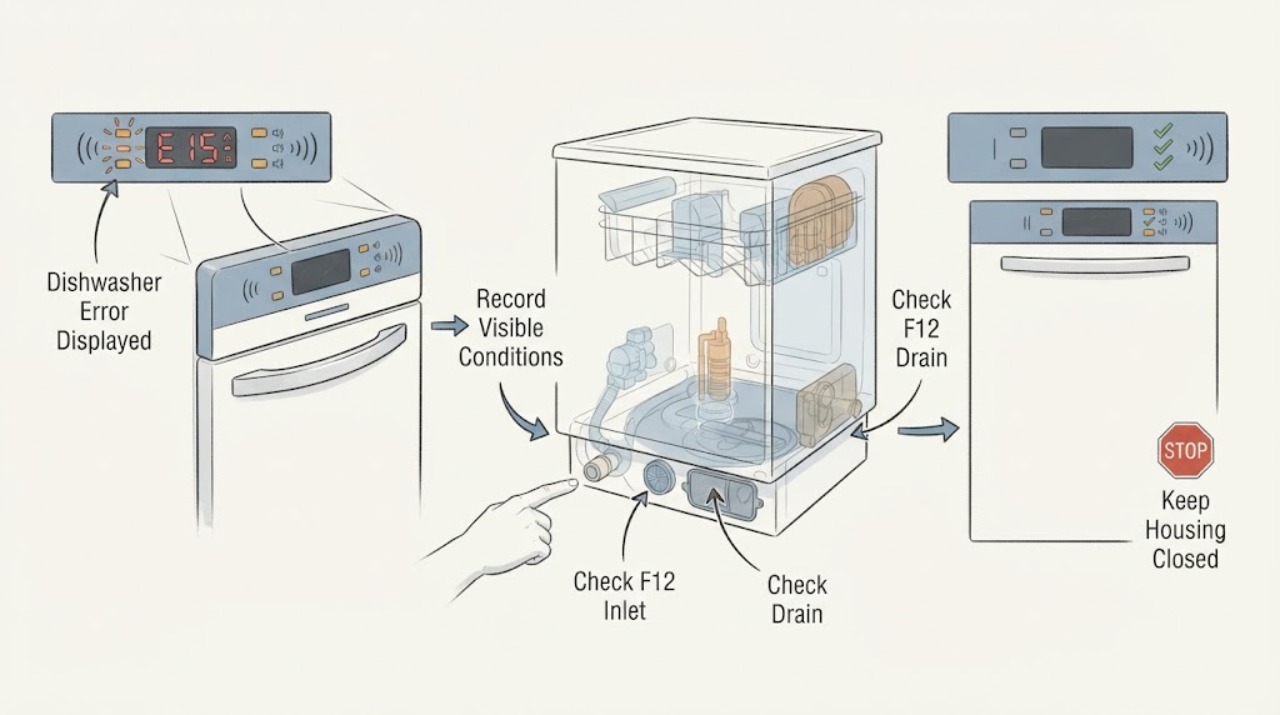
Hisense Dishwasher Error Displayed: Record the Code Before Clearing It
Photograph the display and record the exact model before clearing anything. Do not use a generic Hisense code list: the official HSAA16FS and HSAP16FB dishwasher manuals document F11, F12, F40, F41, F42, F43, F45, F54, F56, and F65 for those manual families, but another model may use different codes or actions.
-
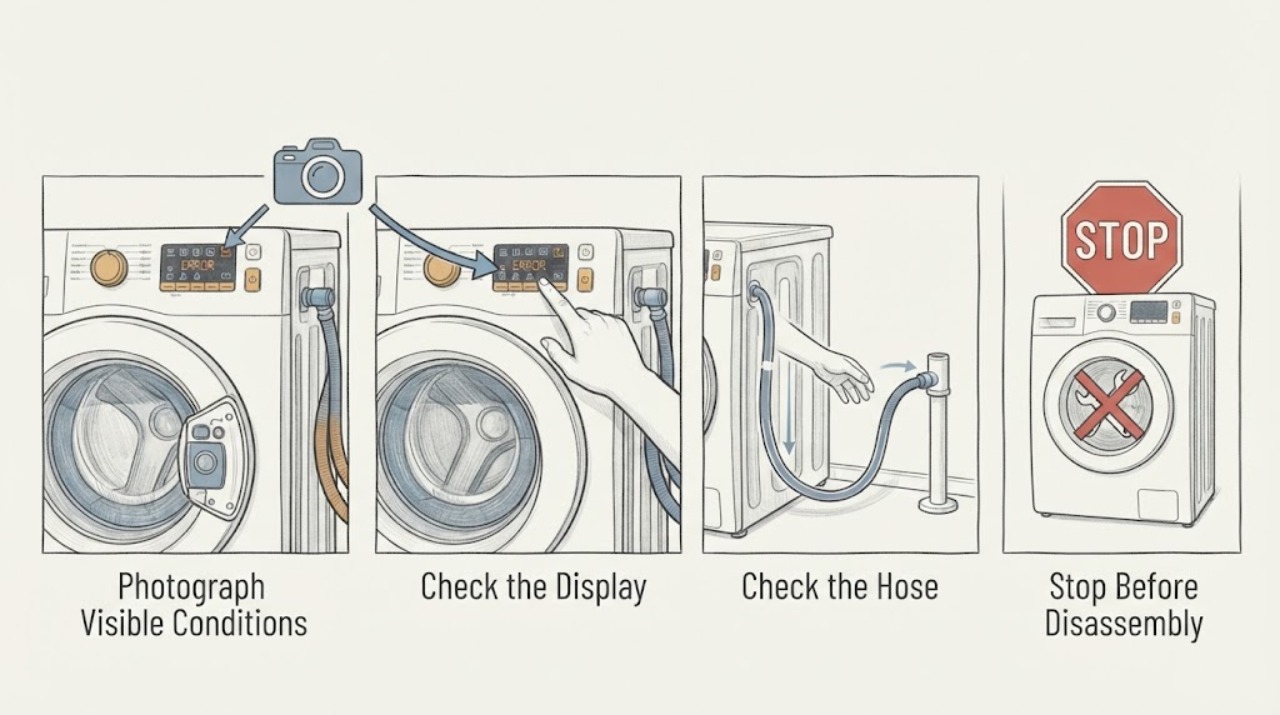
Hisense Washing Machine Error Displayed
When a Hisense washing machine displays an error, write down the exact code, the model and serial information, the cycle stage, and whether water is in the drum before trying to clear it. Code meanings vary by model, so use the fault table in the manual for that exact machine; do not apply a code meaning from a different Hisense washer.
-
Hoover Washer Dryer Error Displayed: Decode It Safely
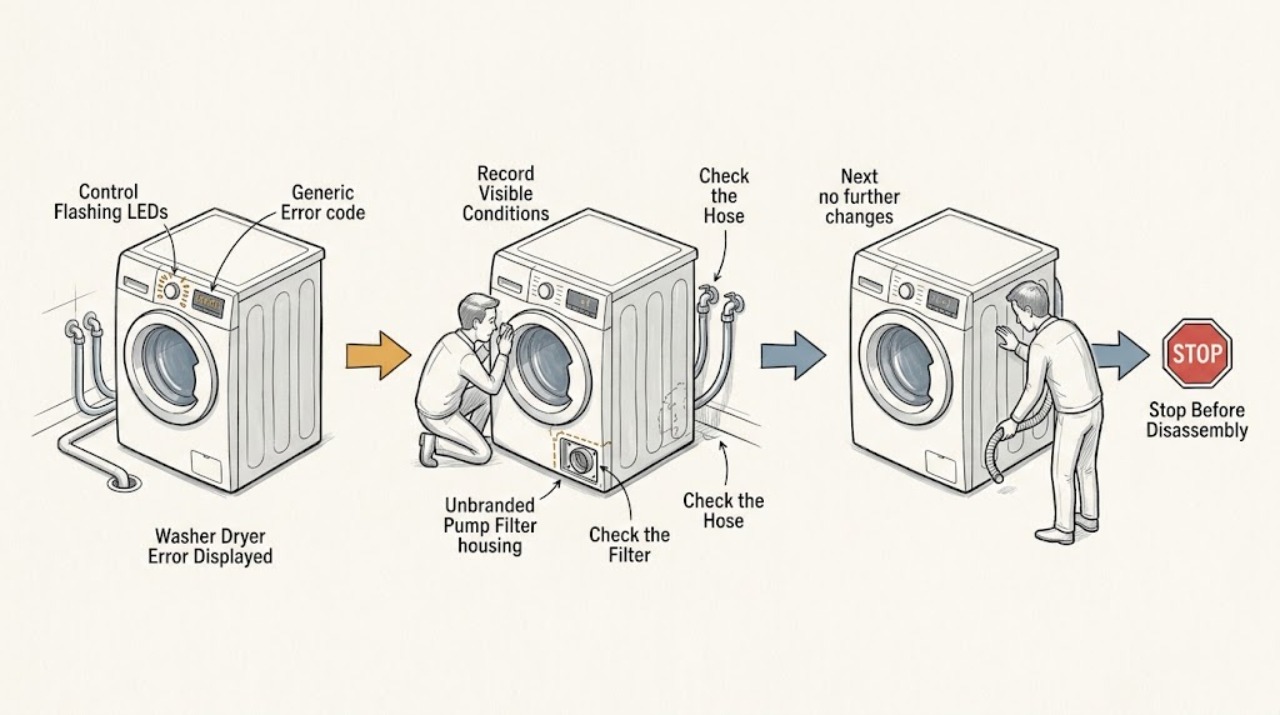
Record the exact code or LED-flash pattern and stop the Hoover washer dryer before examining it. Hoover uses different codes across models, but its advice commonly maps E02/E2 to a fill or water-supply problem, E03/E3 to a drain problem, E04/E4 to excess foam or water, E08 to an overloaded drum, E15 to a power reset, and E20 to a possible blocked drain pump.
-
Hoover Washing Machine Error Displayed: Identify the Code Safely
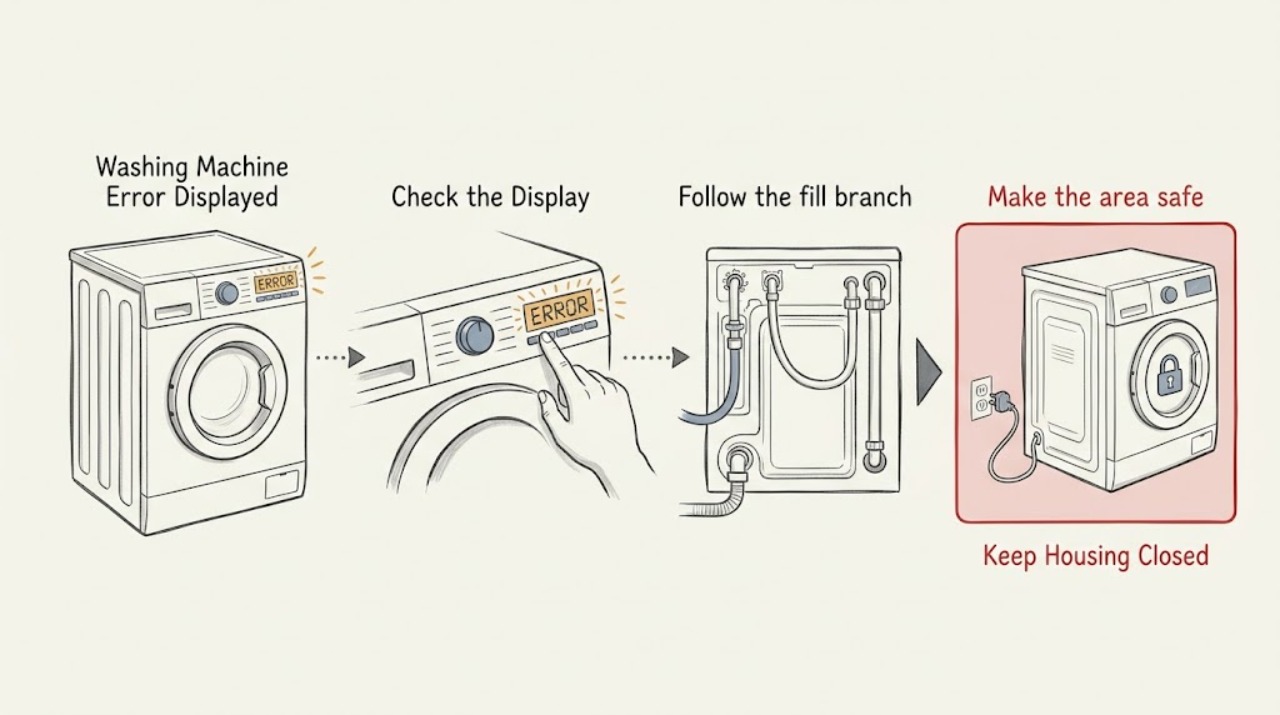
Do not diagnose a Hoover washing-machine code from its number alone: photograph the complete code or LED-flash pattern, record the exact model, cycle stage, and whether clean or dirty water remains, then use that model's Hoover manual.
-
Hotpoint Dishwasher Error Displayed
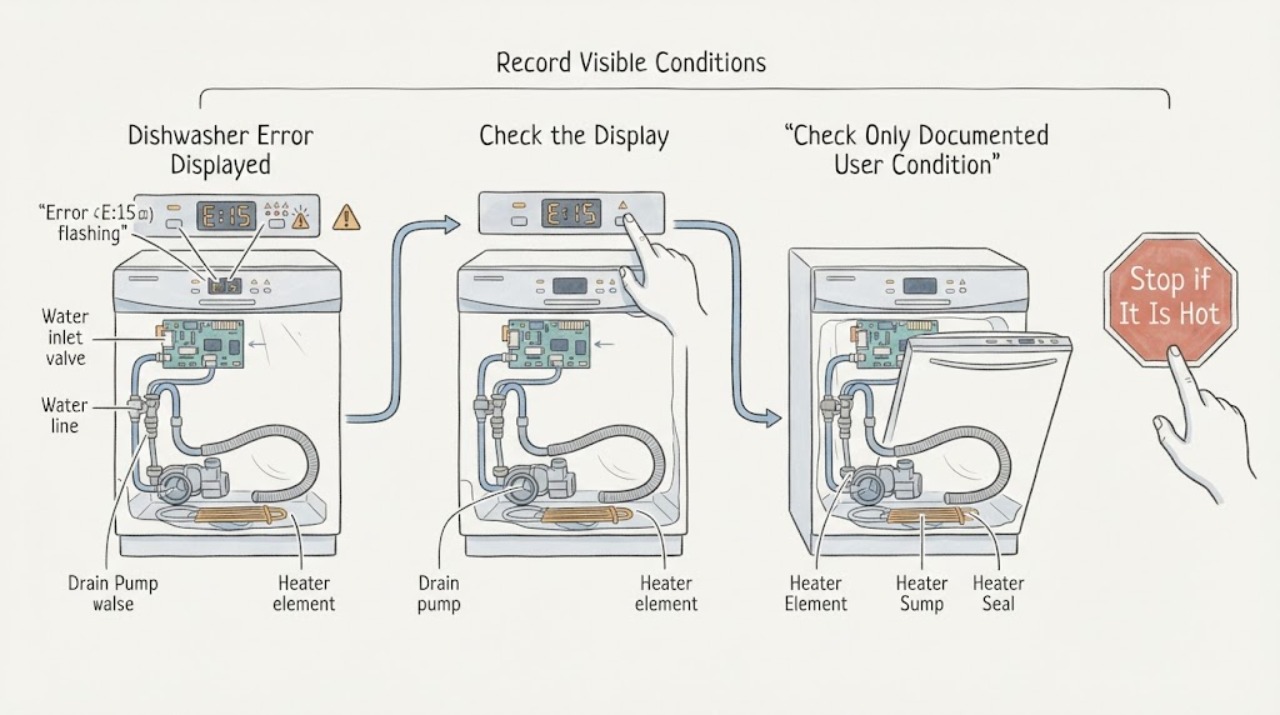
Do not assign a meaning to a Hotpoint dishwasher code from the code alone. Record the exact characters, every flashing LED and its order, whether the display is horizontal or vertical, the appliance model or product code, and what the dishwasher was doing when the indication appeared.
-
Hotpoint Dryer Error Displayed
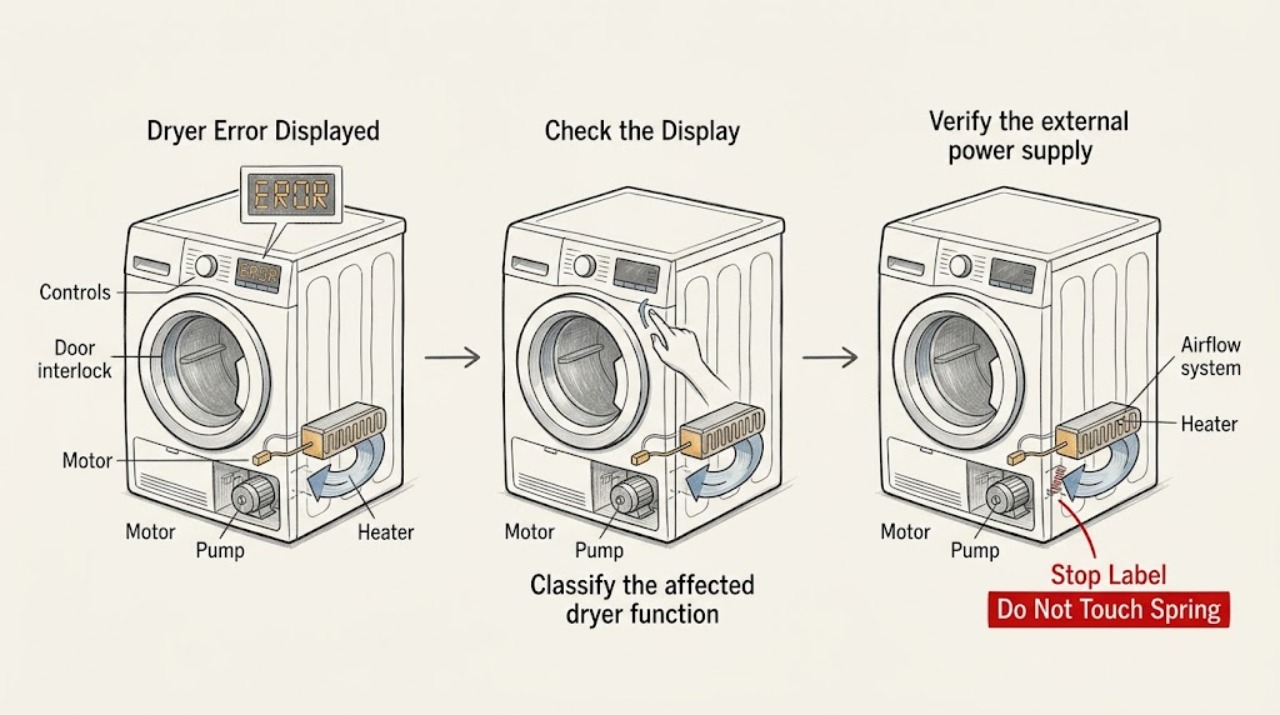
Record the exact code or flashing-light sequence before resetting a Hotpoint tumble dryer. Use the manual for the exact model because the same symptom can represent a control, motor, heating, pump, door-lock, software, or internal-data fault.
-
Hotpoint Freezer Error Displayed: Identify the Code Safely
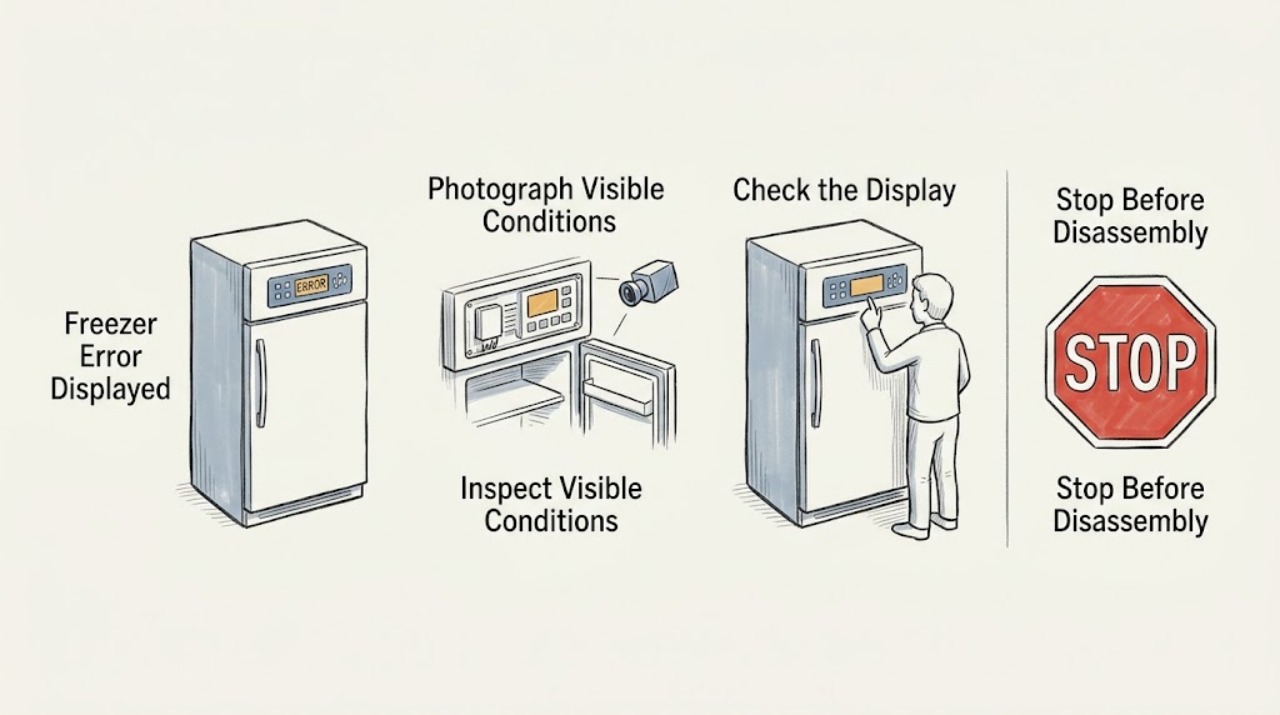
When a Hotpoint freezer displays an error, photograph or write down the exact letters, number, and flashing-light pattern before changing anything. Hotpoint's published freezer list includes E2 for a freezer sensor fault, E5 for a freezer defrost sensor fault, E6 for a control/display fault, E7 or E8 for an environmental-temperature sensor fault, E9 for a high-temperature alarm, and EE for an ice-maker circuit fault when fitted.
-
Hotpoint Oven Error Displayed
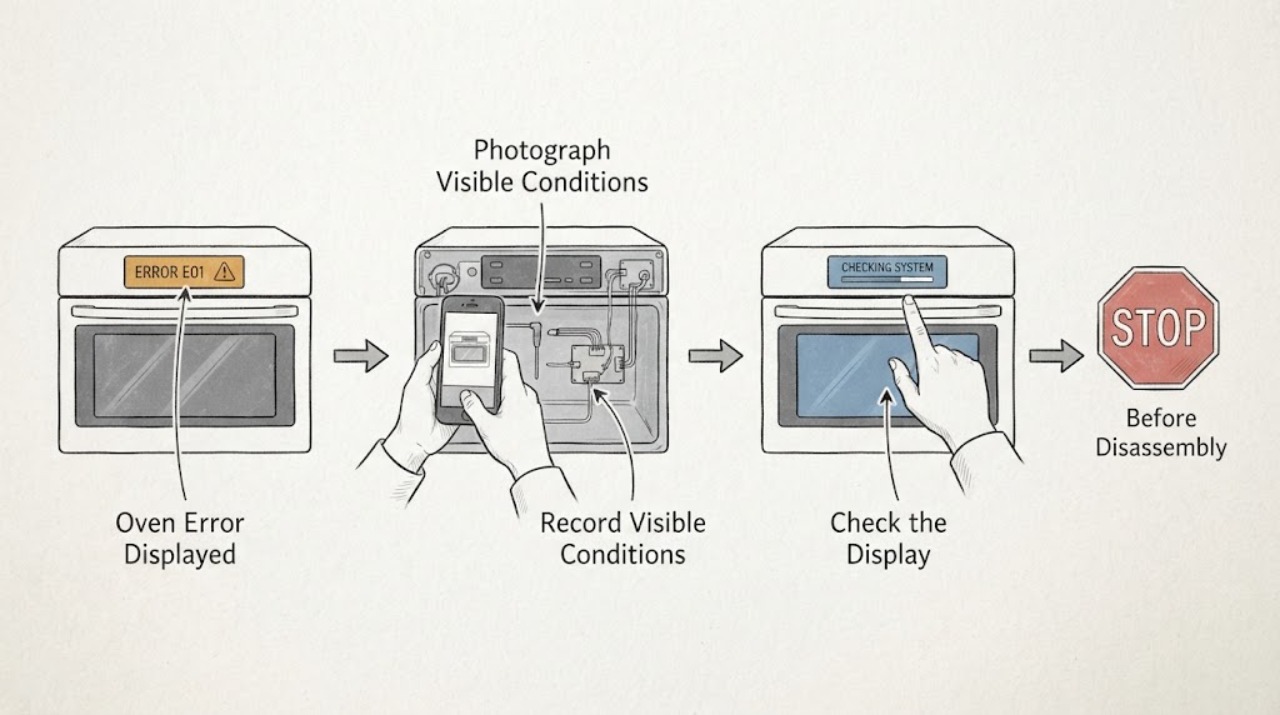
Do not guess a Hotpoint oven code from a partial display. Photograph the complete message or alternating sequence, record the exact model and whether the oven is electric or gas, and check that model's Hotpoint manual or support page.
-
Hotpoint Washing Machine Error Displayed: Read the Code Safely
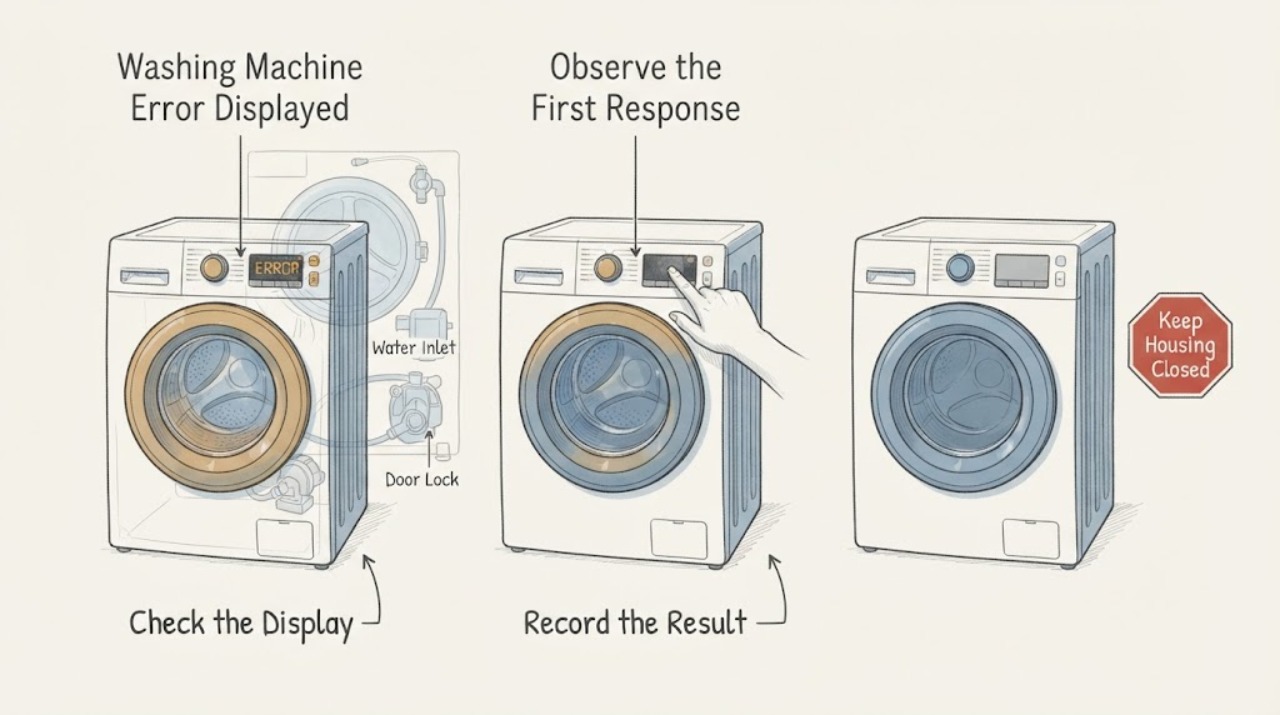
Do not diagnose a Hotpoint washing-machine error from the code alone. Photograph the complete code or flashing-light sequence, record the exact model, programme stage, water level, and whether the door is locked, then use the manual for that model and region.
-
Indesit Washing Machine Error Displayed: Read the Code and Choose the Safe Next Step
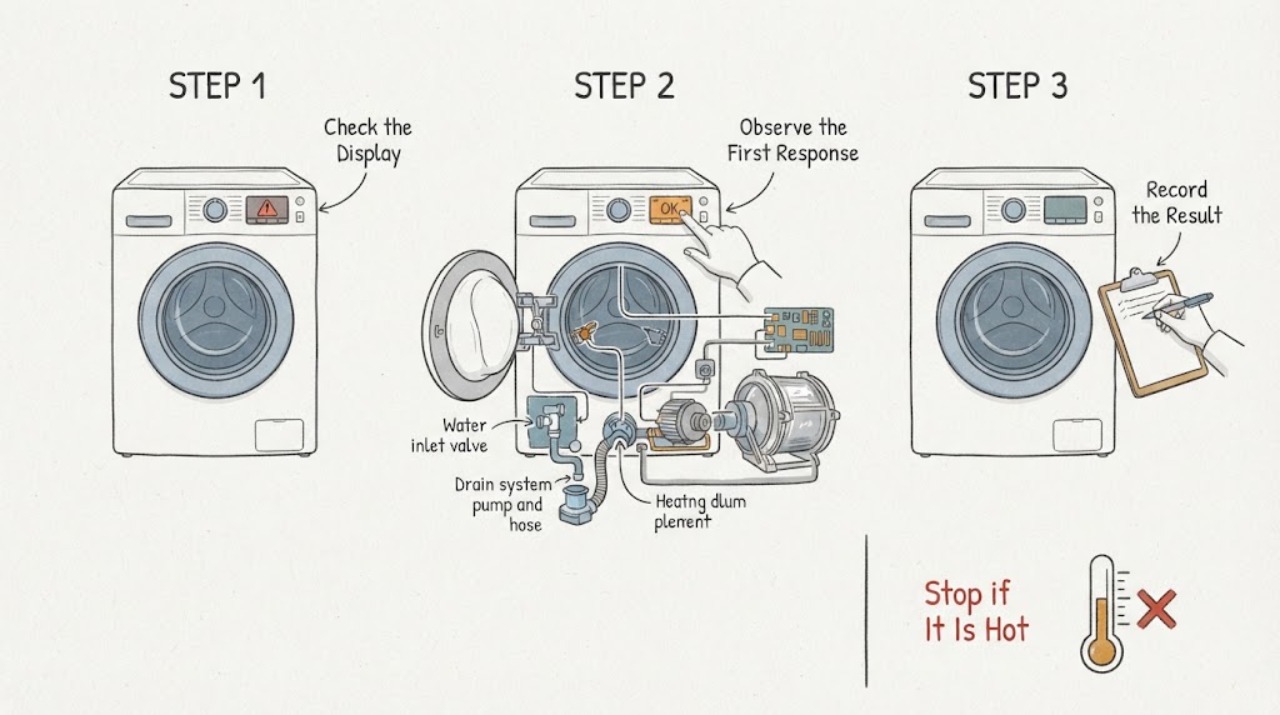
When an Indesit washing machine displays an error, photograph the complete code or record the exact flashing-light pattern, model number, programme stage, water level, and whether the drum or pump is moving before clearing anything.