
On this page
Start here
Quick answer
A GE induction cooktop display can show a true fault code, an initialization message, or a pan-detection warning. Record the exact display first. A flashing F or power level commonly means the pan is missing, too small, off-center, not flat, or not magnetic; a WAIT message can appear while the glass touch board initializes. Use an induction-compatible flat pan centered on the marked element, keep the control area clean and dry, and check the breaker only from the user-accessible side. If an FXX fault returns, WAIT remains after the documented reset, the glass is cracked, or the cooktop still operates abnormally, stop testing and arrange qualified service.
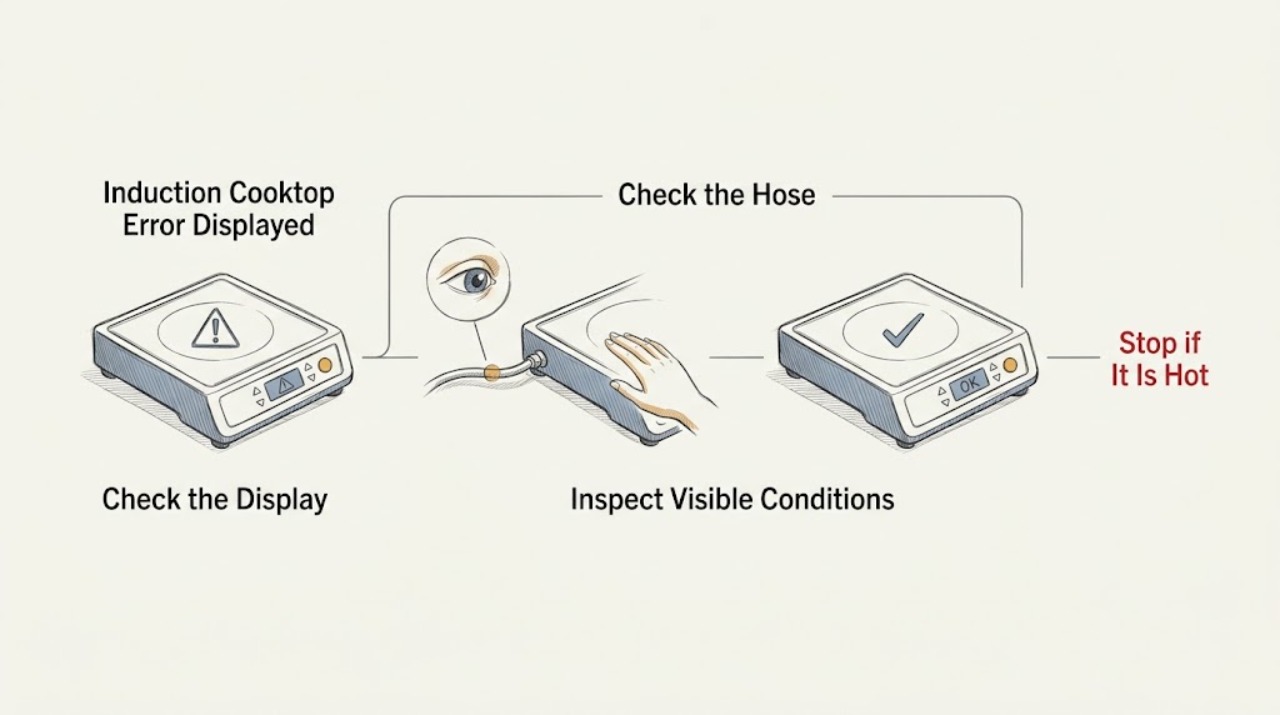
Work through in order
Diagnostic checks
Use only checks that match the exact appliance or system and its official guide.
-
Check 1
Read the display exactly, including whether it shows F, a flashing power level, WAIT, FXX, or another message. Note which burner is affected, whether a pan is present, whether the controls respond, and whether the cooktop otherwise heats normally.
Expected result: The message matches a pan-detection warning, WAIT initialization, a listed FXX fault family, or an unlisted code that returns.
Next step: Record the display and continue with the matching check. If it is a recurring FXX or unlisted code, stop user-level diagnosis and arrange qualified service.
Why this matters
Why: GE separates cookware-related flashing from the WAIT initialization message and from FXX electronic fault codes. The same visual symptom can have a different cause depending on the model and timing.
-
Check 2
For a flashing F or flashing power level, remove the pan, let the surface cool, and test with a flat, induction-capable pan whose bottom attracts a magnet. Center it fully inside the marked element and confirm that the pan sits flat on the glass.
Expected result: The replacement pan is magnetic, flat, large enough for the element, centered, and the display becomes stable, or the warning remains with a suitable pan.
Next step: If the warning clears, use compatible cookware centered on the element. If it remains with known suitable cookware on one or more elements, stop repeated heating tests and continue to the power and service checks.
Why this matters
Why: GE says a missing, too-small, off-center, non-flat, or non-magnetic pan can prevent an induction burner from starting and can cause the power display to flash.
-
Check 3
If the display says WAIT, switch the controls off and clean and dry the glass area around the touch keypad with the surface cool. Follow the model instructions for a user-accessible power reset at the cooktop breaker, then restore power once and observe whether WAIT returns.
Expected result: WAIT clears after initialization and the controls respond, or WAIT returns and the cooktop remains unusable.
Next step: If WAIT clears, operate the cooktop normally while keeping the control area dry. If it returns, do not remove the cooktop or repeat resets; arrange qualified service.
Why this matters
Why: GE describes WAIT as the touch board's initialization message. If initialization fails and the message remains after the documented clean-and-reset procedure, service is required.
-
Check 4
If all burners or the display are inactive, check for an obvious tripped household breaker or loss of power without opening the appliance. If only one burner or one display zone is affected, compare it with a suitable pan on another marked element only when the manual permits normal operation.
Expected result: Power is absent at the user interface, the breaker has tripped, or other elements operate while one zone still reports an error.
Next step: Use only the normal household reset described by the manual for an obvious breaker trip. If power is restored but the display or one zone remains abnormal, stop and arrange service; do not work inside the appliance.
Why this matters
Why: GE lists a tripped breaker or fuse as a possible no-power cause, while a single-zone failure with compatible cookware points away from pan detection and toward a cooktop fault.
-
Check 5
For an FXX code, a returning warning, a cracked glass surface, repeated beeping, or a cooktop that remains unusable after the applicable pan and control checks, record the code, affected zone, recent power event, and whether the surface is damaged.
Expected result: The code returns or operation remains abnormal, or the message clears and every affected zone works normally.
Next step: If the fault returns or the surface is damaged, stop using the cooktop and arrange qualified service. If it clears and normal operation is restored, monitor it and consult the model manual if the message reappears.
Why this matters
Why: GE states that FXX fault codes should be diagnosed and corrected by a trained service technician and that most electronic fault messages require service even if a breaker reset temporarily clears them.
Use your observations
Decision map
Find the observation that best matches what you see, then follow the next safe action.
-
PATH 01Safety boundary
What you see
The display is a flashing F or power level and the warning disappears when a suitable magnetic pan is centered on the marked element.
Do this next
Treat the message as pan detection: use a flat, induction-compatible pan with full contact and keep it centered on the element.
Why this path and its safety boundary
Safety stop: If the warning remains with suitable cookware, stop treating it as a pan problem and continue to the control, power, and service checks.
-
PATH 02Safety boundary
What you see
The display shows WAIT during startup and clears after the cool control area is cleaned and the model's user-accessible reset is completed once.
Do this next
Resume normal use while keeping liquid away from the glass touch controls.
Why this path and its safety boundary
Safety stop: If WAIT returns or the cooktop remains unusable, stop resetting and arrange qualified service for the touch board or control system.
-
PATH 03Safety boundary
What you see
The display shows an FXX fault code, a recurring unlisted code, or the cooktop is abnormal despite suitable cookware and normal power.
Do this next
Record the exact code and stop user-level troubleshooting; a trained technician should diagnose the cooktop.
Why this path and its safety boundary
Safety stop: If the message clears and all zones operate normally, monitor the cooktop and use the exact model manual for any recurrence.
-
PATH 04Safety boundary
What you see
The glass is cracked, controls behave erratically, or there is smoke, a burning smell, or another electrical symptom.
Do this next
Stop using the cooktop and arrange qualified appliance service. Do not touch damaged glass, remove panels, or probe the electrical system.
Why this path and its safety boundary
Safety stop: Continue only with the low-risk cookware and control checks that match the displayed message.
Helpful context
Understand the symptom
The display wording matters. GE uses digital messages for several different conditions: some are caused by cookware or a wet control area, some indicate the touch board is initializing, and an FXX fault code generally needs a trained service technician. Do not assume every letter is the same failure or keep repeating a high-power test before identifying it.
Let the glass and cookware cool before cleaning or repositioning a pan. Wipe spills from the touch controls with a suitable cloth and keep the surface dry. Do not remove the cooktop, expose the wiring, probe live voltage, or attempt to repair the electronic control or induction coil.
GE model families differ in their display symbols and control sequences. Treat the steps below as a decision path, then use the owner's manual for the exact model before changing a setting or resetting power.
When checks do not resolve it
Need a professional?
Escalate for a recurring FXX or unlisted code, persistent WAIT message, failed burner with suitable cookware, cracked glass, smoke, burning odor, or abnormal controls.
Have this ready
- Provide the exact display code, model number, affected burner, cookware type and position, any recent power event, and any crack, smoke, burning odor, or control symptom.
Common questions
FAQ
Why is my GE induction cooktop flashing F?
GE says a flashing F can indicate that cookware is absent, not centered, or not suitable for induction. Try a flat magnetic pan that meets the element's size requirement and center it fully on the marked zone. If the warning remains with suitable cookware, arrange service.
What does WAIT mean on a GE induction cooktop?
WAIT can appear while the glass touch board initializes after power is applied. Clean and dry the cool keypad area, follow the model's documented user-accessible reset once, and arrange service if WAIT returns or the cooktop remains unusable.
Do GE induction cooktop FXX codes clear on their own?
A breaker reset may temporarily clear some digital cooktop faults, but GE says FXX codes should be diagnosed by a trained service technician and that service is required in most cases. Record the exact code and do not repeatedly reset a returning fault.
When should I stop using a GE induction cooktop with an error display?
Stop for a recurring FXX or unlisted code, persistent WAIT, a burner that remains unusable with compatible cookware, cracked glass, smoke, burning odor, erratic controls, or other electrical symptoms. Do not remove panels or attempt internal electrical repairs.
Read the exact guide
Official sources
- Cooktop - Error, Fault, or Function CodesGE Appliances · Official GE Appliances guidance for cooktops with digital electronic controls; exact messages vary by model.
- Electric Range & Cooktop - Induction Cooktop FAQsGE Appliances · Official GE Appliances induction-cooktop FAQ for cookware compatibility and control behavior.
- Electric Cooktop "Wait" MessageGE Appliances · Official GE Appliances guidance for models that display WAIT while the glass touch board initializes.
- Electric Range & Cooktop - Induction Burners Not Working or Flashing Power LevelGE Appliances · Official GE Appliances guidance for induction cooktops and ranges when burners do not work or power levels flash.
Community feedback
Share a repair observation
Share a plain-text repair observation. Accepted observations are published automatically; this page may take a moment to update.