
Repair problem
Error Displayed Troubleshooting Guides – Page 3
Published FixGraph guidance for diagnosing and responding to error displayed.
Matching published guides
Choose a guide that matches the service, equipment, and conditions you are seeing.
-
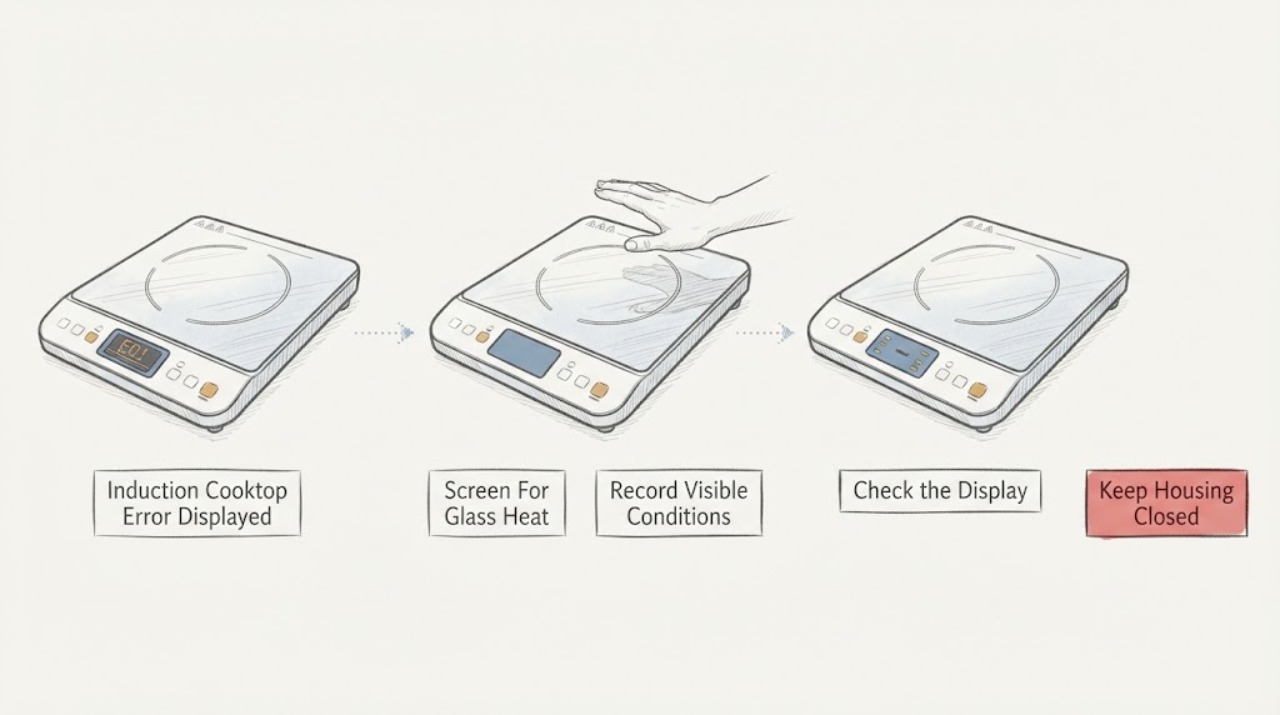
Induction Cooktop Error Displayed: Record the Code and Check It Safely
When an induction cooktop displays an error, photograph or write down the exact code, model, affected zone, and what was happening when it appeared. Do not guess a code's meaning from another brand or model.
-
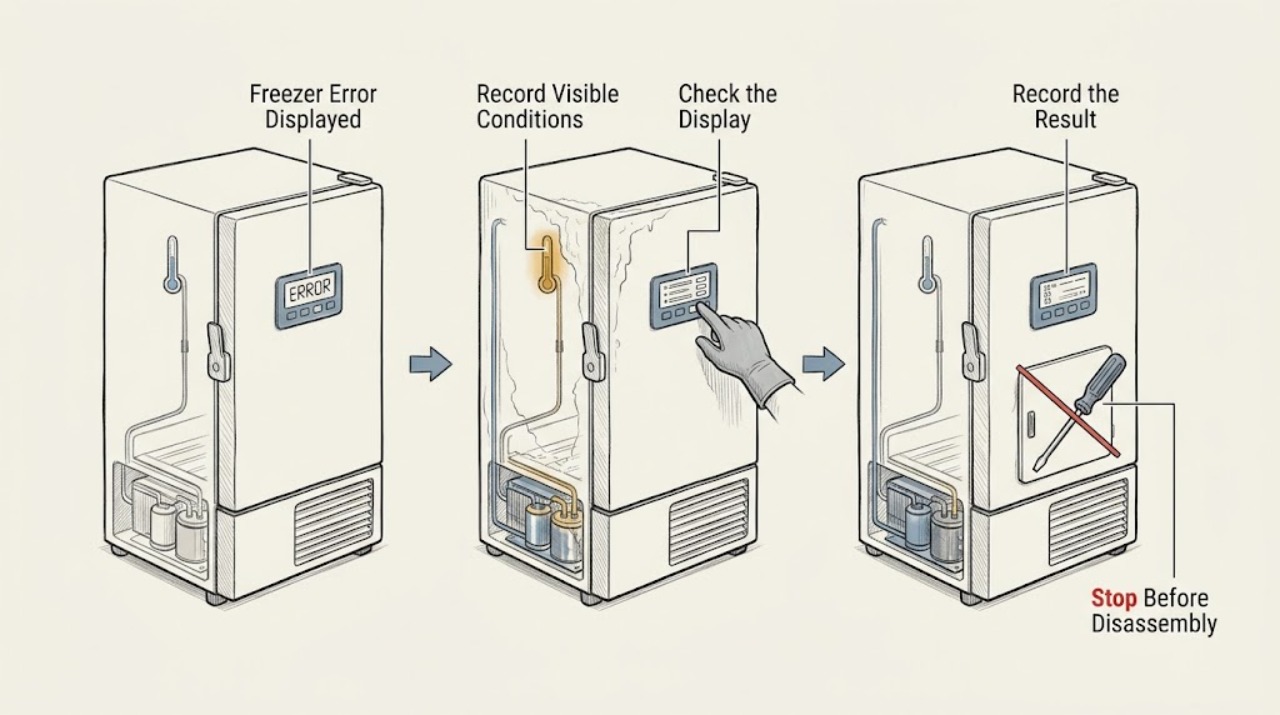
Insignia Freezer Error Displayed: Decode the Code Safely
When an Insignia freezer displays an error or temperature alert, record the exact code and model before resetting anything, keep the door closed, and check whether food is still staying frozen. Insignia's freezer FAQ identifies E2 as a temperature-sensor issue, E5 as a defrost-sensor issue, and E7 as an ambient-temperature-sensor issue for the covered models; temperature alerts can also result from blocked ventilation, frost buildup, a door-seal gap, or a warm room.
-
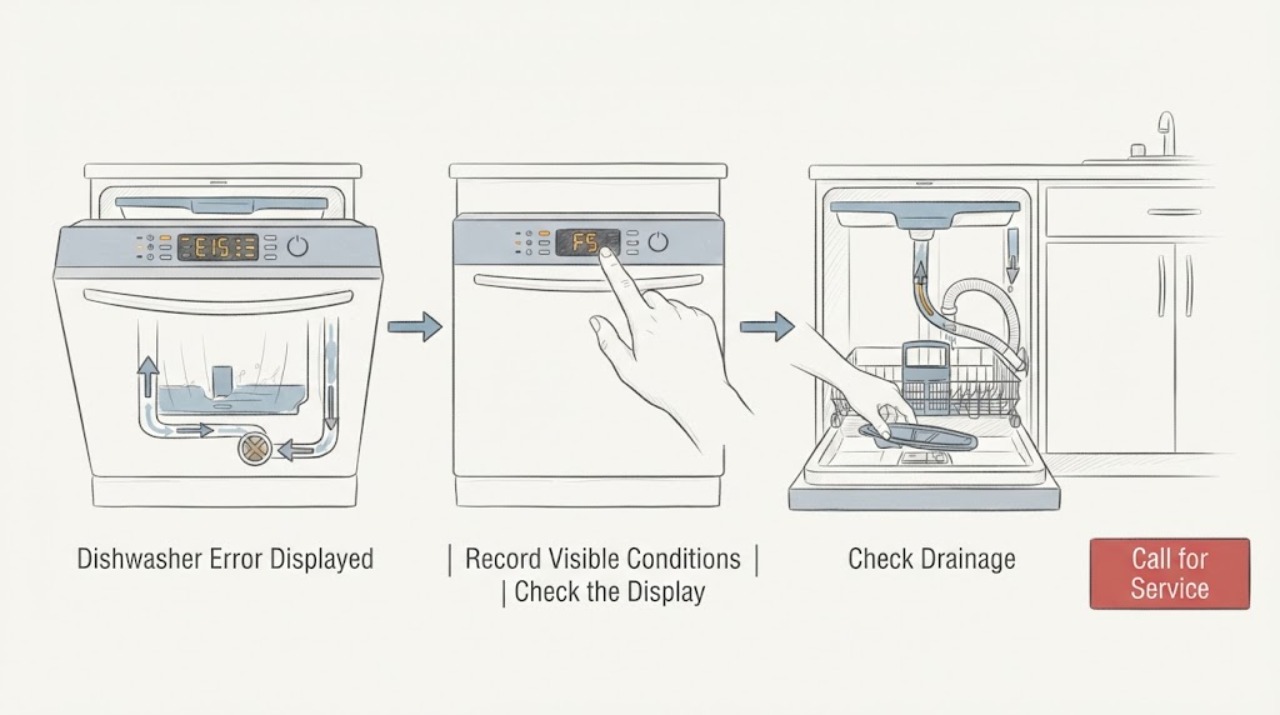
JennAir Dishwasher Error Displayed
Do not decode a JennAir dishwasher error from a universal chart. First record the exact model, the full digital code or the two groups of LED flashes, and whether the dishwasher is filling, draining, paused, or showing water or a leak.
-
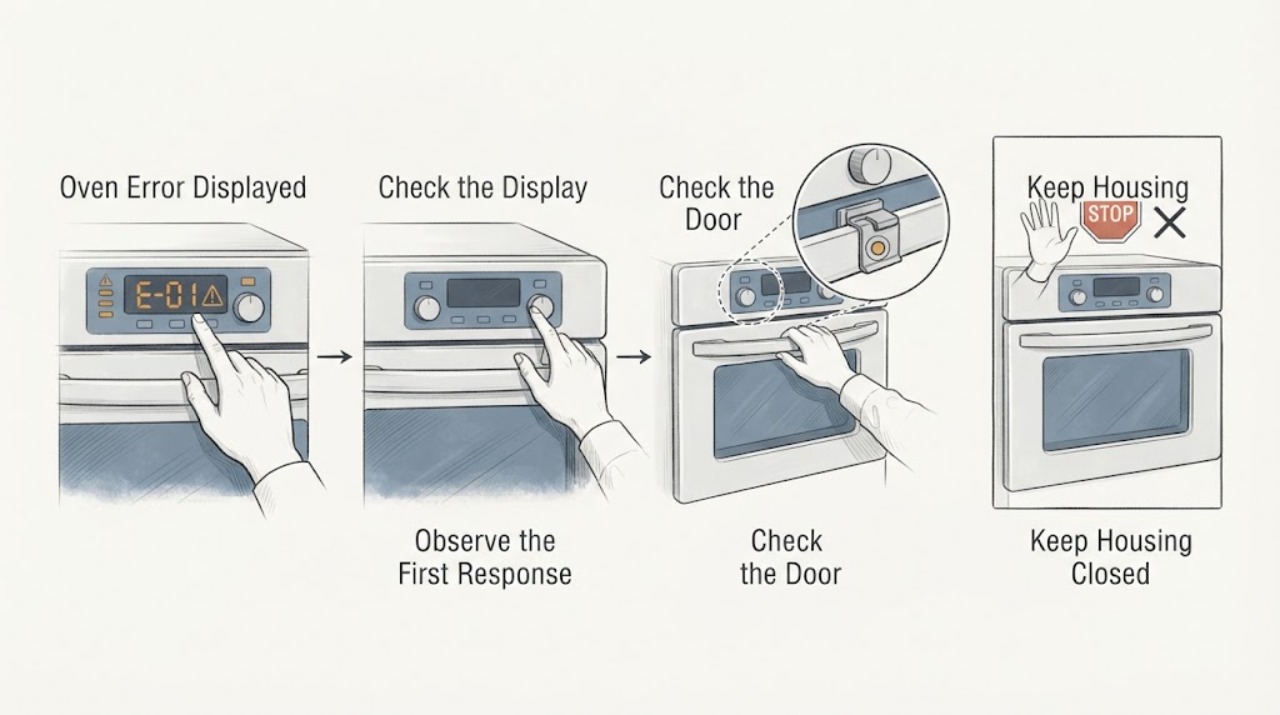
JennAir Oven Error Displayed: Capture the Exact Code Before Resetting
Do not guess what a JennAir oven error means from the letters alone. Record the exact display, model number, fuel type (electric, gas, or dual fuel), oven cavity, and stage when it appeared.
-
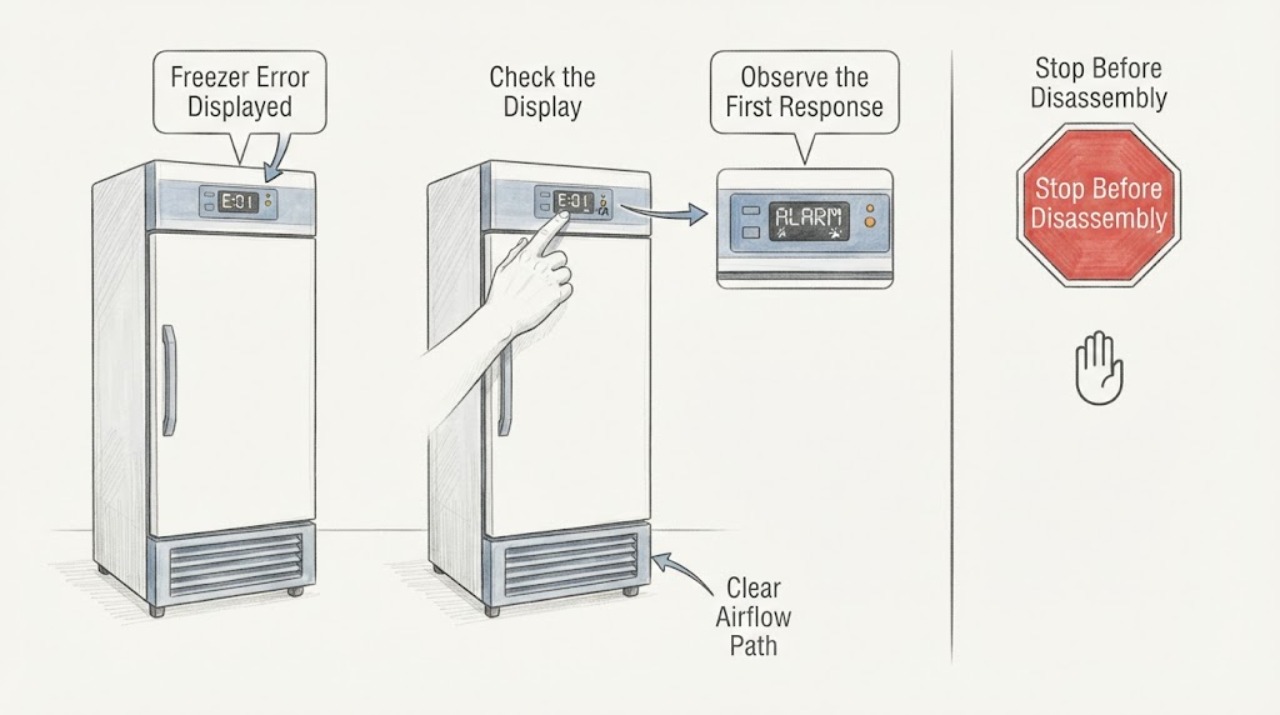
Kenmore Freezer Error Displayed: Identify the Code and Reset Safely
Write down the exact Kenmore freezer display, whether it is flashing or steady, and the model number before clearing it. Kenmore uses model-specific manuals for freezers, so a letter, number, temperature alarm, lock state, or OFF indication should be matched to the manual for that appliance rather than guessed from a generic chart.
-
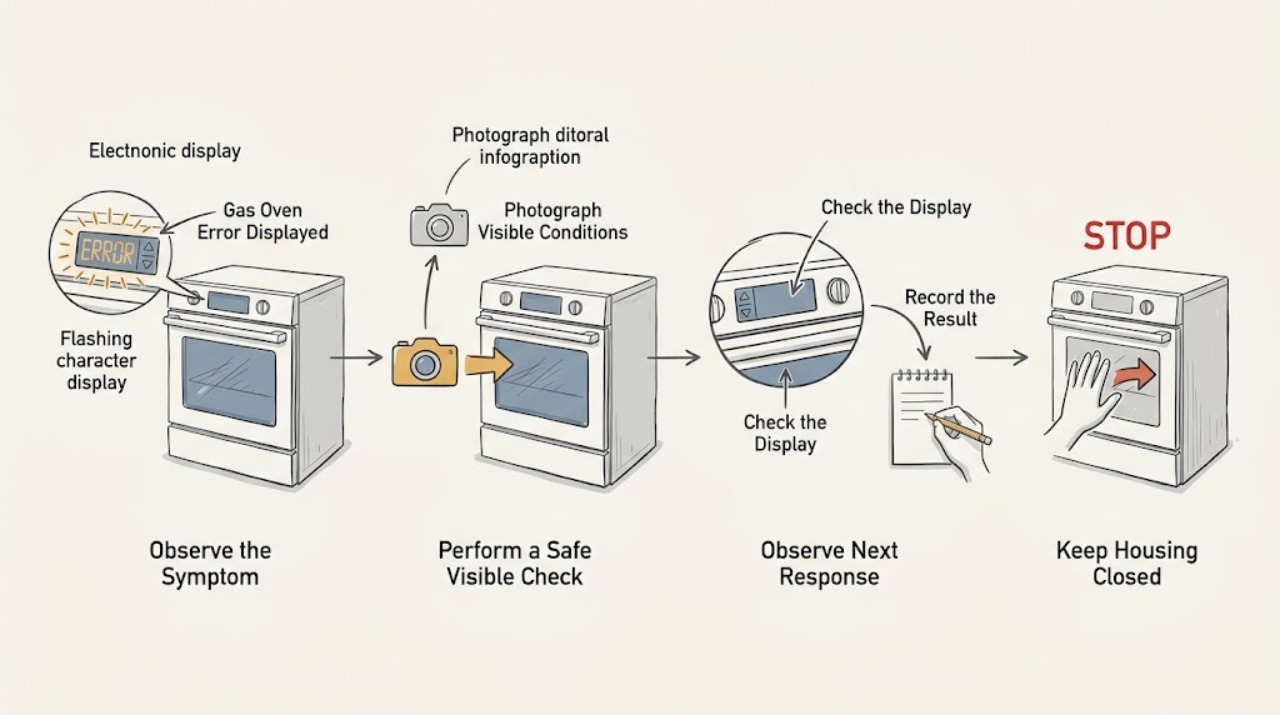
Kenmore Gas Oven Error Displayed: Identify the Code Safely
When a Kenmore gas oven displays an error, do not guess the meaning from the code alone: record the complete code exactly as shown, the full model number, and what the oven was doing when it appeared. Cancel the cycle only if the controls respond normally and the model manual permits that reset; do not keep restarting a gas appliance that smells of gas, ignites late, shows an abnormal flame, smokes, sparks, or trips a breaker.
-
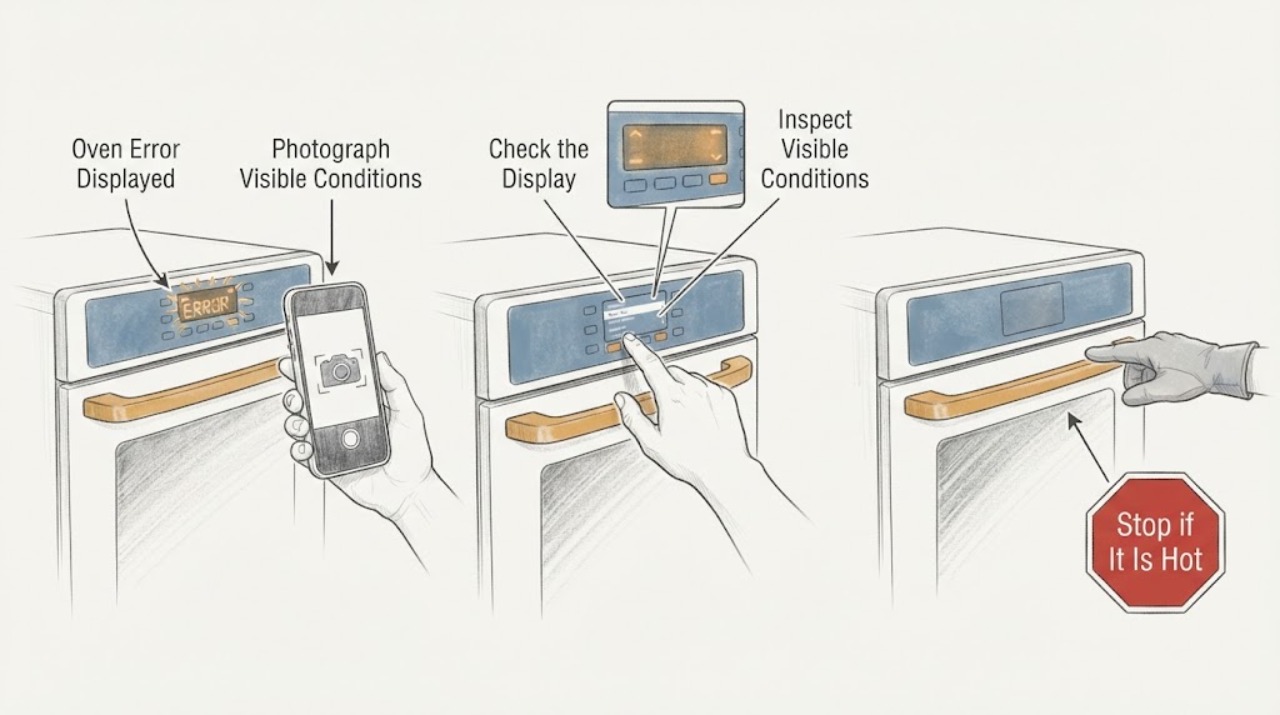
Kenmore Oven Error Displayed
A Kenmore oven error display is not enough to identify a part: record the complete code exactly as shown, the model number, whether the oven is electric or gas, and what the oven was doing when it appeared. Kenmore manuals are model-specific.
-
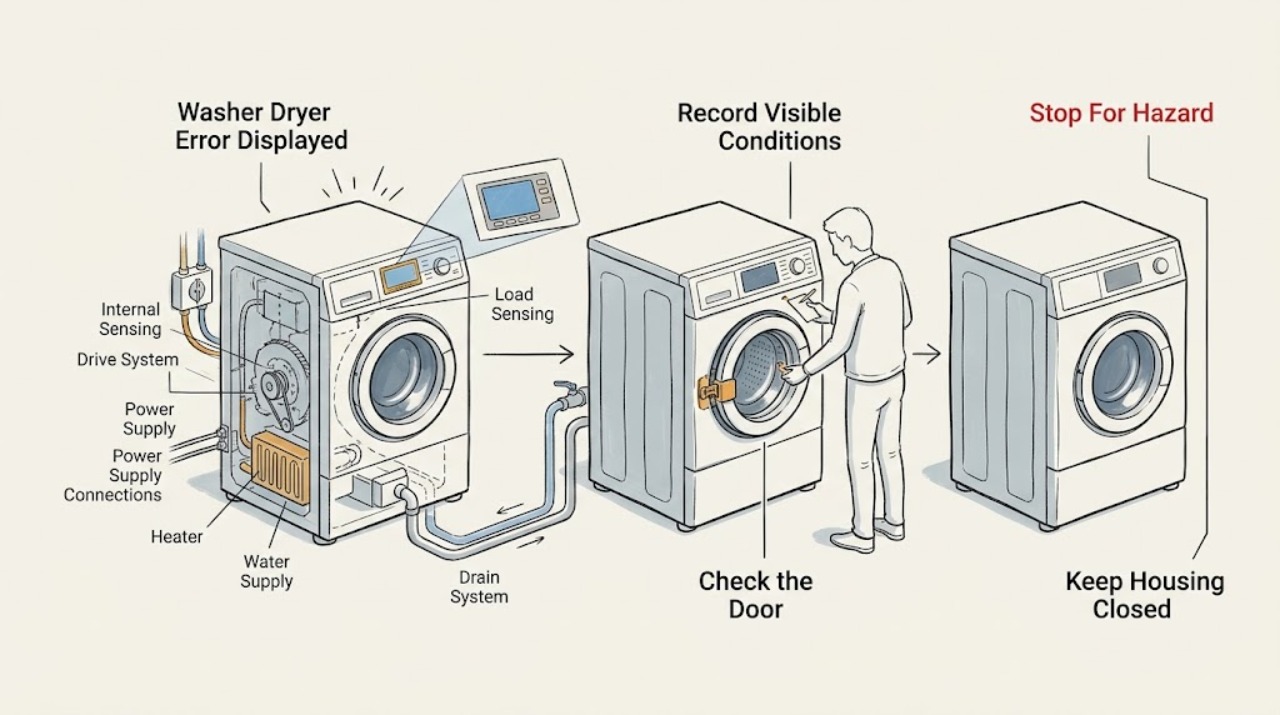
Kenmore Washer Dryer Error Displayed
Treat a Kenmore washer-dryer alert as model-specific until the exact code and model number are recorded. Stop immediately for smoke, a burning or electrical smell, a hot or damaged cord, water near electrical parts, an active leak or overflow, or a drum that will not stop safely.
-
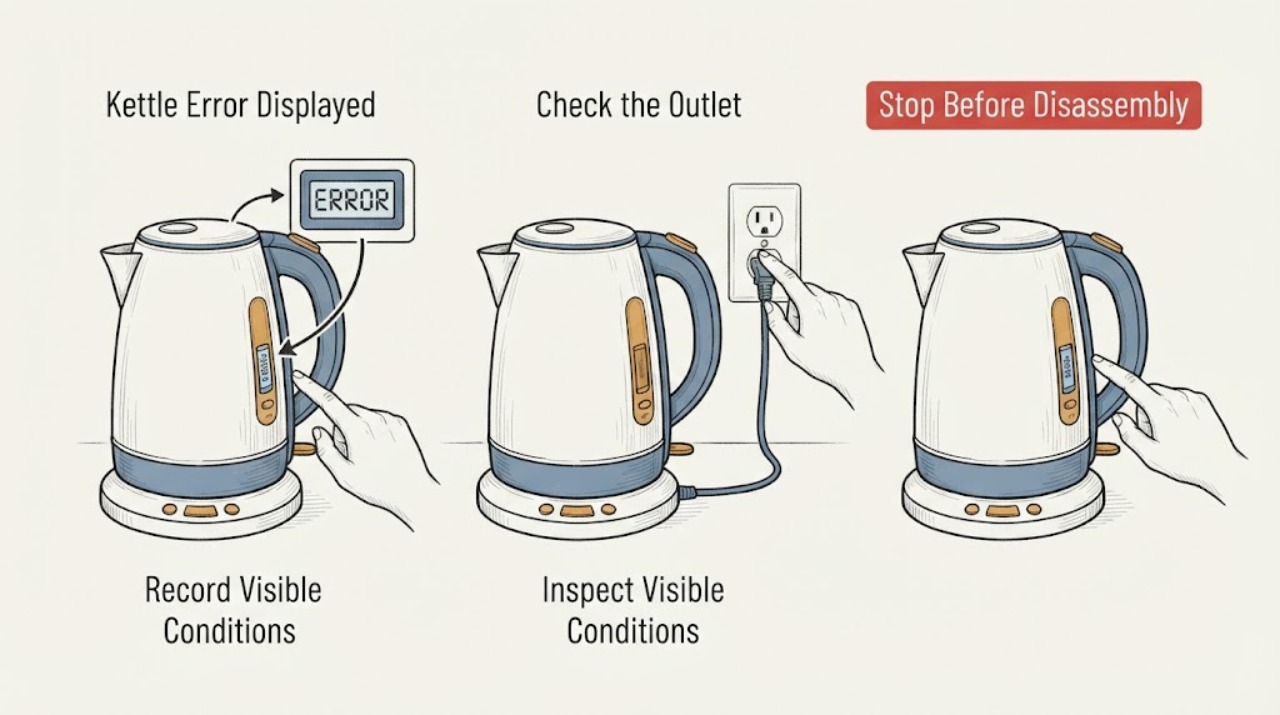
Kettle Error Displayed
A kettle error display must be read against the exact model manual because codes and automatic protections vary. Record the message, check water and power safely, and descale only when the manual links the symptom to scale. Philips’ opened table connects early shutoff with scale or boil-dry protection and sends unresolved problems to service.
-
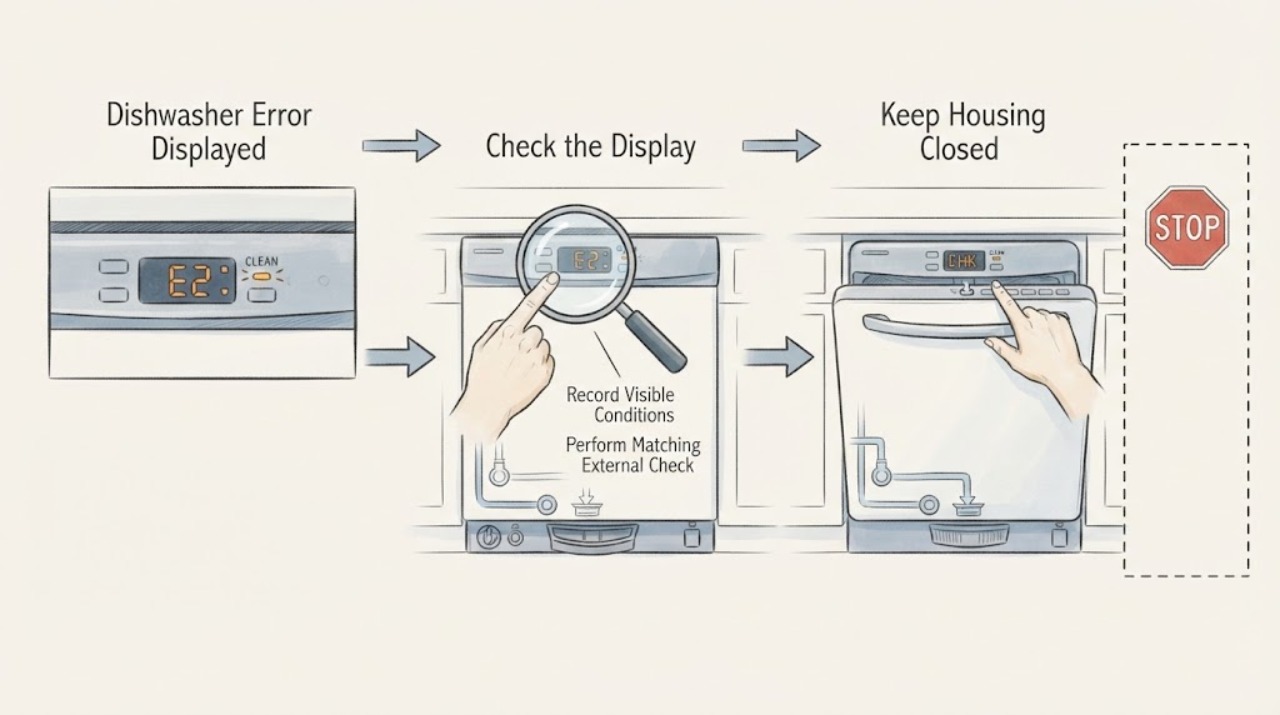
KitchenAid Dishwasher Error Displayed: Record the Exact Code or Light Pattern First
Do not guess from a single blinking light or combine code tables from different dishwasher models. Record the full KitchenAid model number, whether the panel shows a digital code or lights, and the complete repeating pattern, including pauses.
-
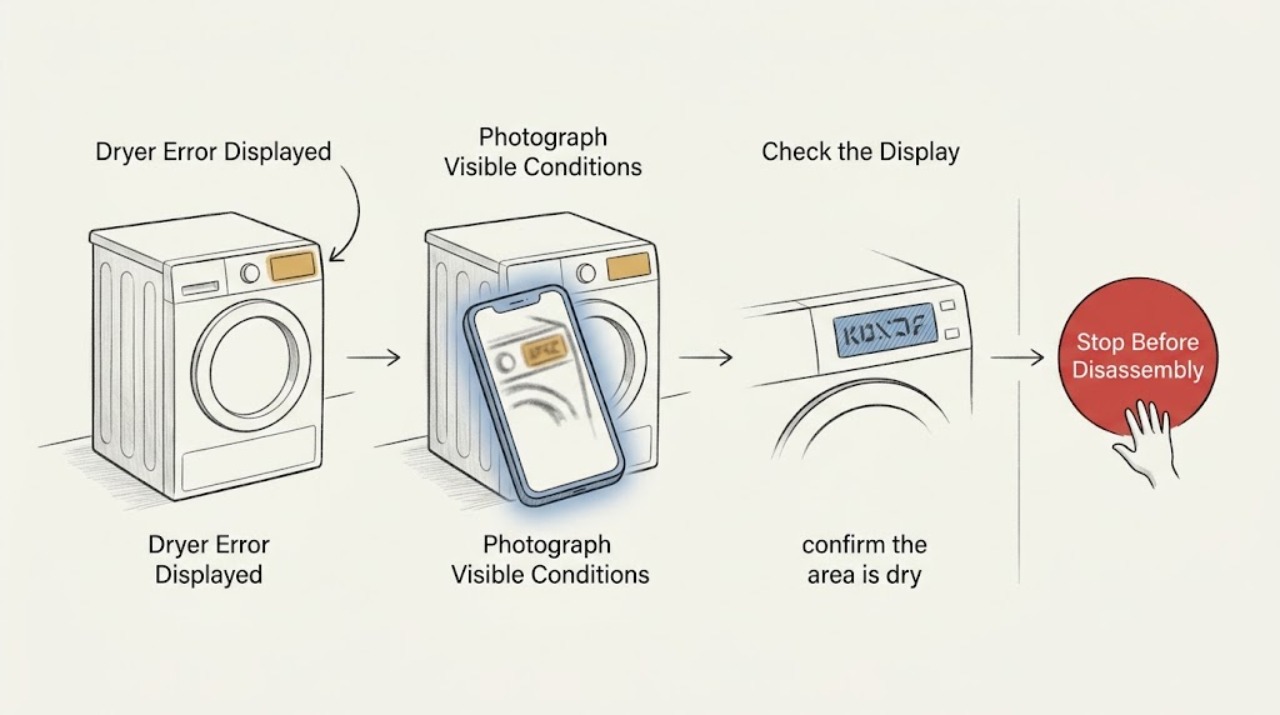
KitchenAid Dryer Error Displayed: Record the Exact Code Before Resetting
Record the exact characters on the display, whether they alternate, and the dryer's model number before trying to clear anything. KitchenAid's dryer instruction sheet distinguishes PF power-failure, L2 low-or-no-line-voltage, F# E# service, and Check Vent conditions; the correct meaning and reset depend on the model.
-
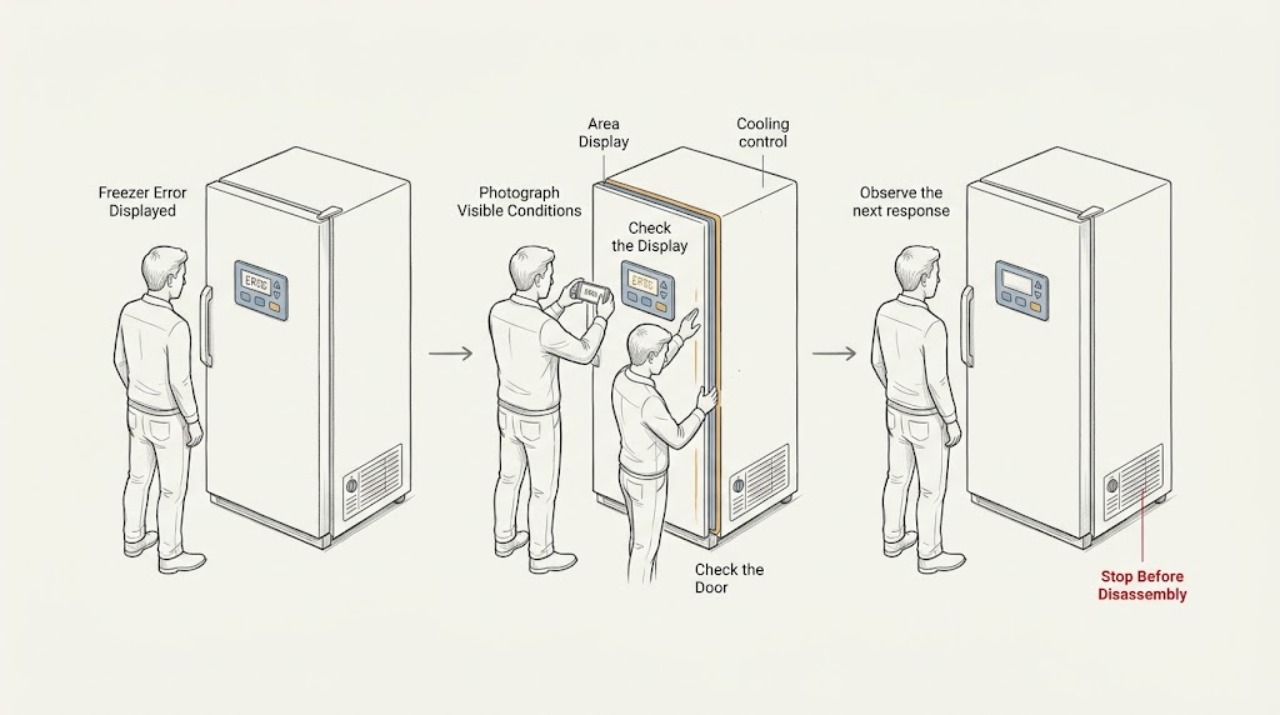
KitchenAid Freezer Error Displayed: Identify the Code and Reset Safely
When a KitchenAid freezer displays an error, photograph or write down the exact letters, numbers, and flashing pattern before clearing it. Check whether cooling is enabled and whether the message indicates a recent power interruption, temperature alarm, demo setting, or a service condition; the meaning and button sequence vary by model.
-
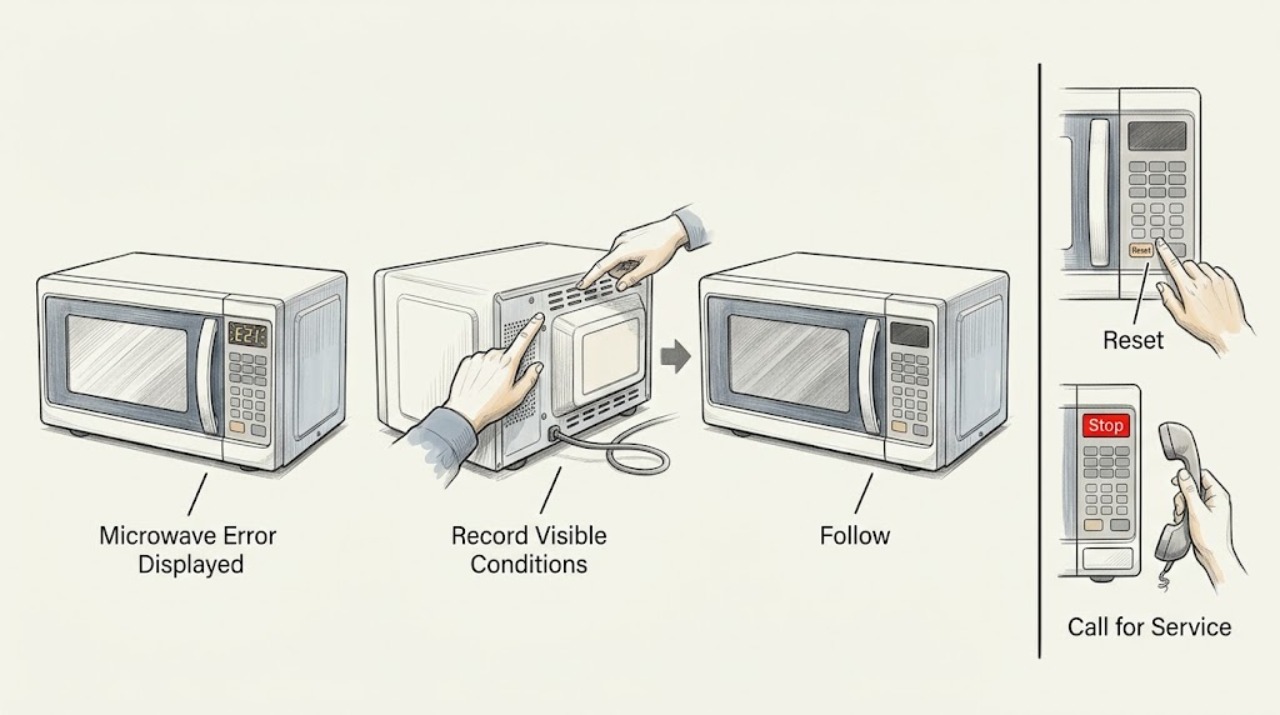
KitchenAid Microwave Error Displayed: Identify the Message Safely
Record the exact message and model first. KitchenAid says a fault message may clear after following the display instruction or removing power for one minute. If it returns, stop using the microwave and request service.
-
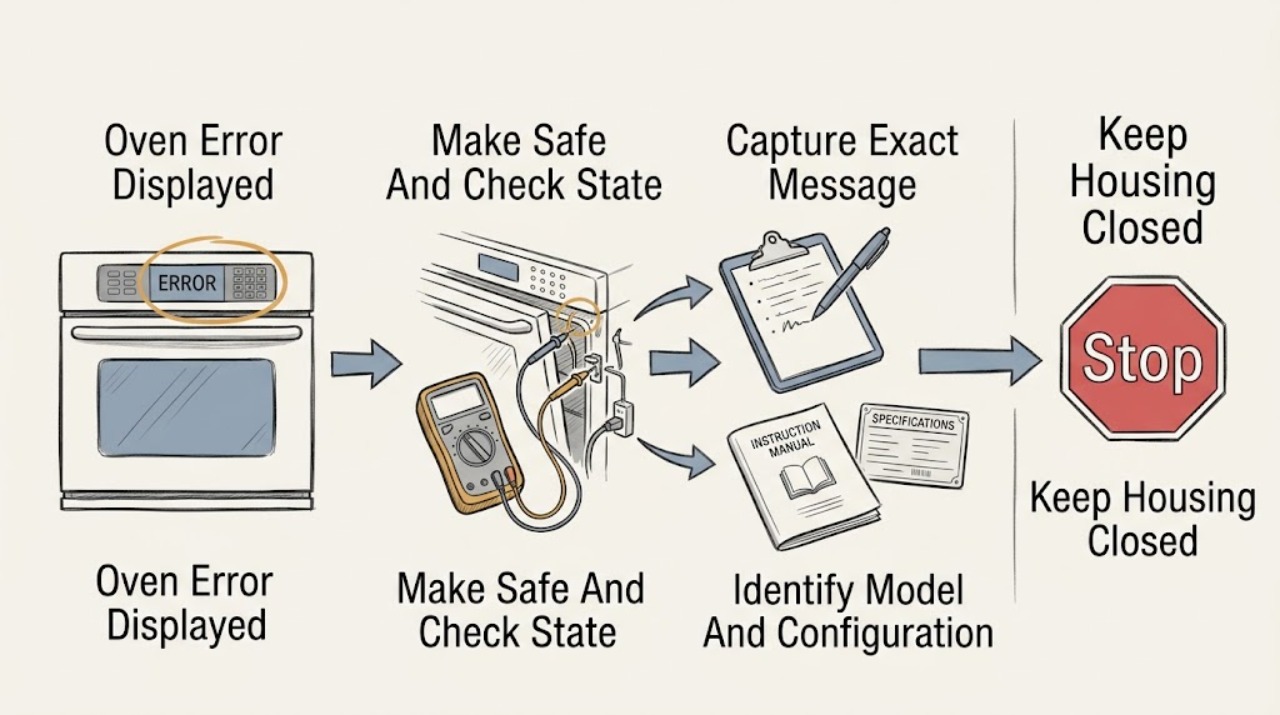
KitchenAid Oven Error Displayed
A KitchenAid oven message cannot be diagnosed safely from the word error alone: record the exact code or full wording, the model number, when it appeared, and whether the oven was hot, heating, locked, or completing a cycle.
-
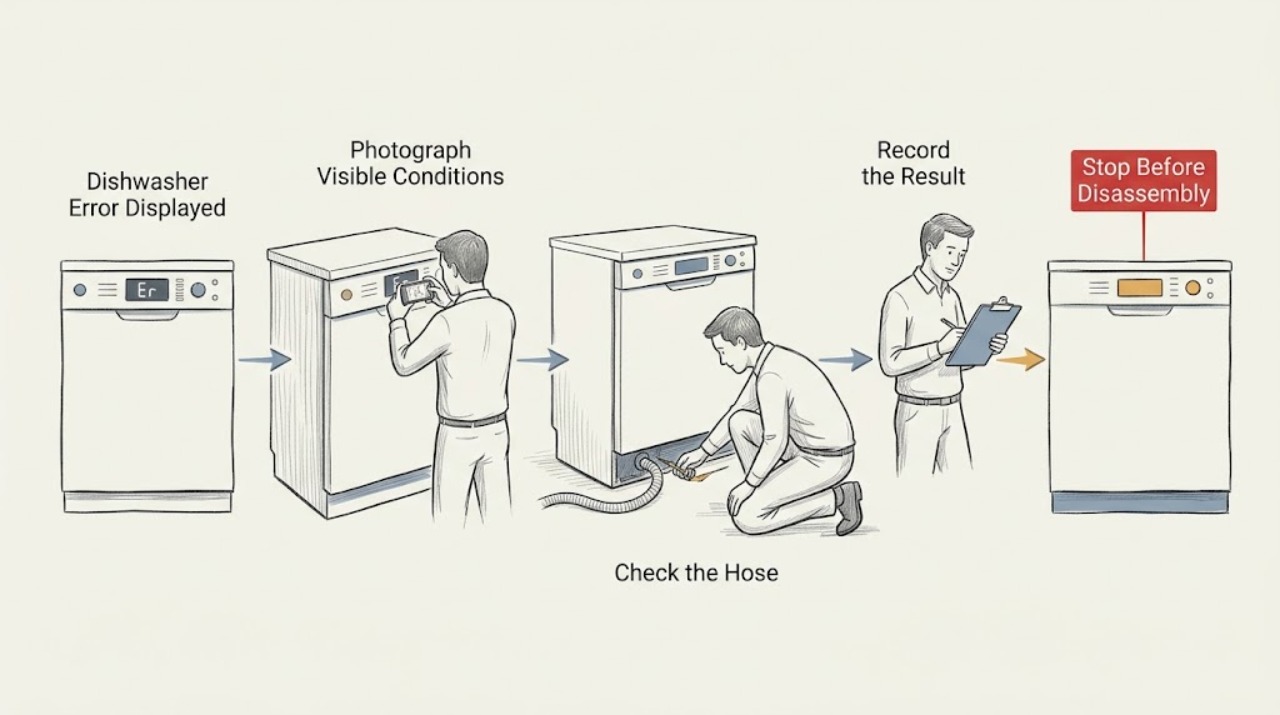
LG Dishwasher Error Displayed
Write down the exact LG dishwasher code before clearing it. Check the model-specific meaning, then perform only the safe check named for that code—such as a filter, hose, water-supply, lock, or door check. Codes that return after the listed correction need service.
-
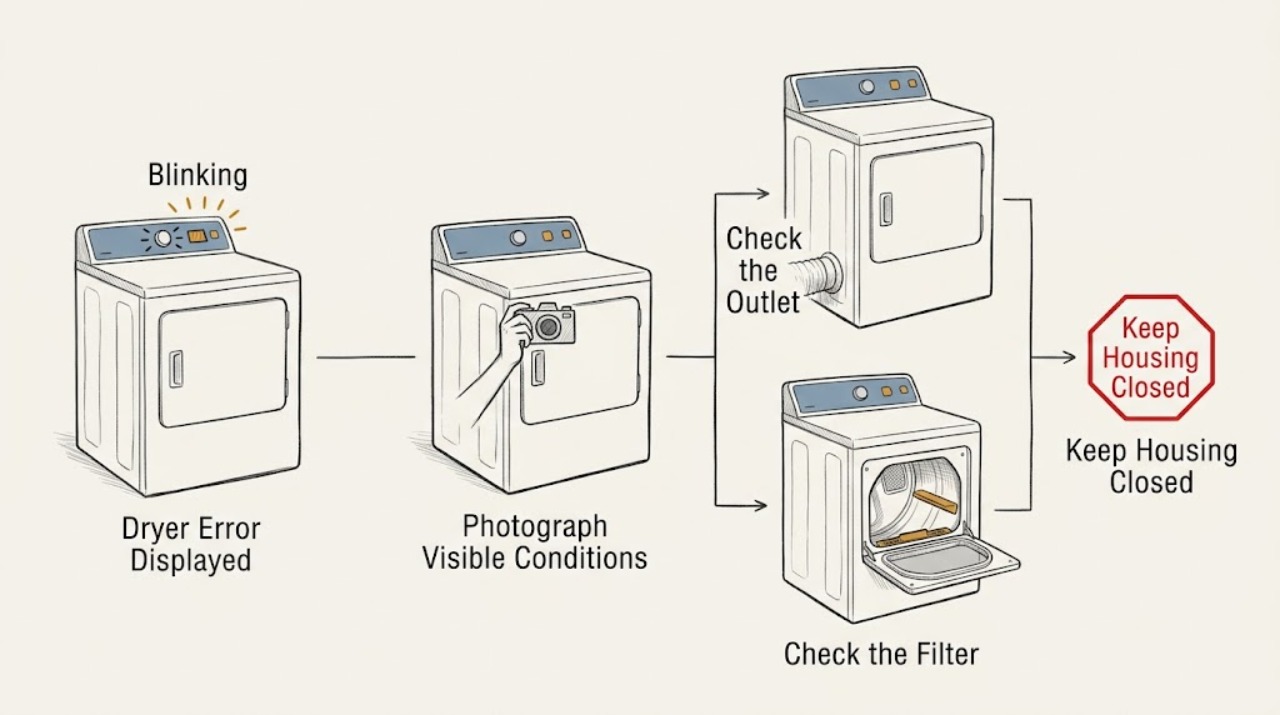
LG Dryer Error Displayed
When an LG dryer displays an error, photograph the complete code, including lower-case letters, spaces, alternating characters, indicator bars, and any insert-filter or cooling message, then record the exact model. LG's official dryer guide separates power codes such as nP, PS, and PF; airflow codes such as d80, d90, and d95; door and filter states such as dE, dE4, and FO; temperature, humidity, motor, gas, steam, drain, and communication codes.
-
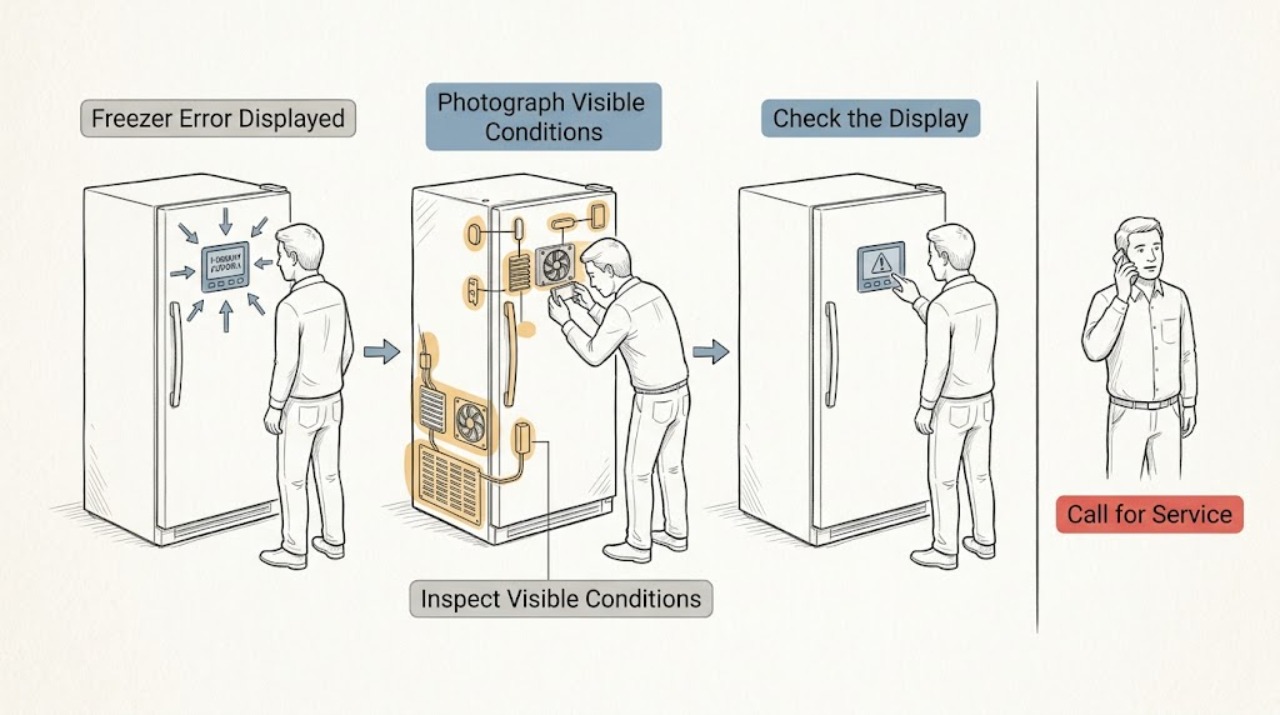
LG Freezer Error Displayed: Identify the Code and Choose the Safe Next Step
When an LG freezer displays an error, photograph the exact letters or LED pattern before resetting anything and use the manual for the exact model. Some displays are operating modes rather than faults: LG says O F F indicates Demo or Display Mode, which disables cooling.
-
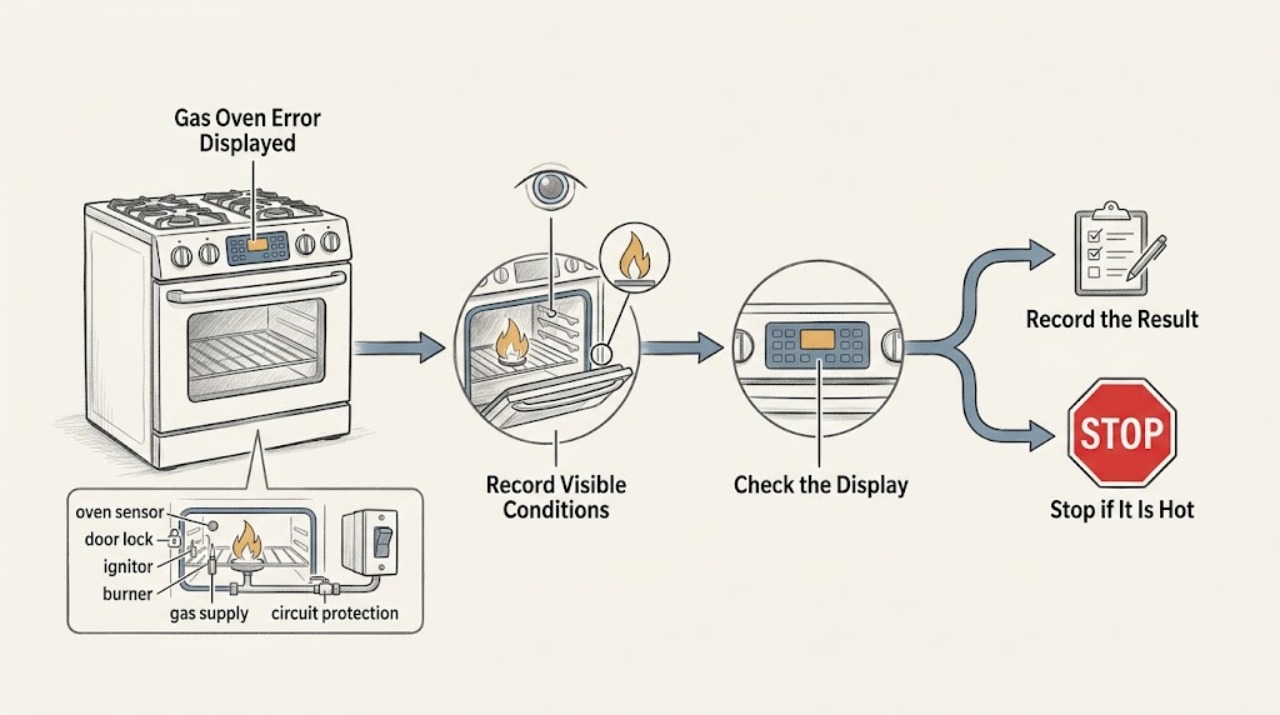
LG Gas Oven Error Displayed: Record the Code and Check Safely
Do not diagnose an LG gas-oven code by its number alone. Photograph or write the exact code, the full model, which oven function was selected, and when the code appeared; LG says error meanings and steps vary by range type and model.
-
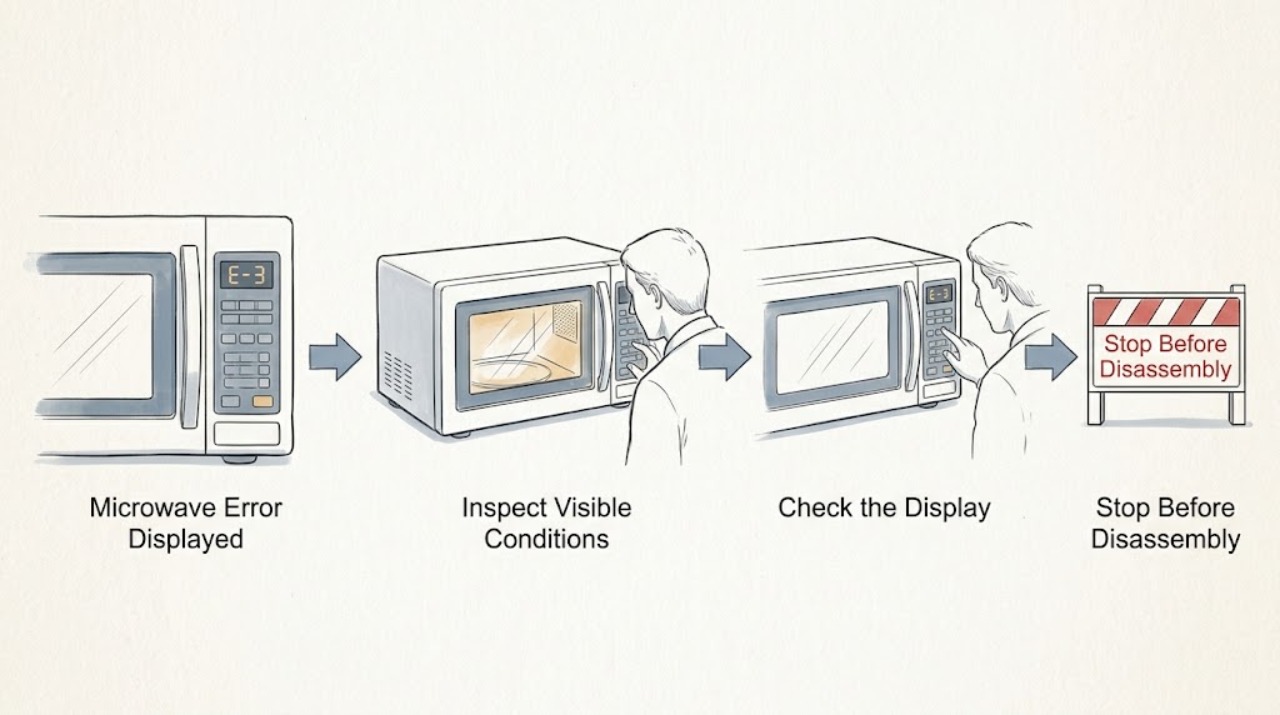
LG Microwave Error Displayed: Identify the Code Before Resetting
Write down the exact characters and when the LG microwave shows them before clearing power. Clean the touch panel only for visible residue, then perform one model-appropriate power reset. If the same code returns, the door is damaged, or the code indicates a fault you cannot identify in the manual, stop using the unit and arrange service.
-
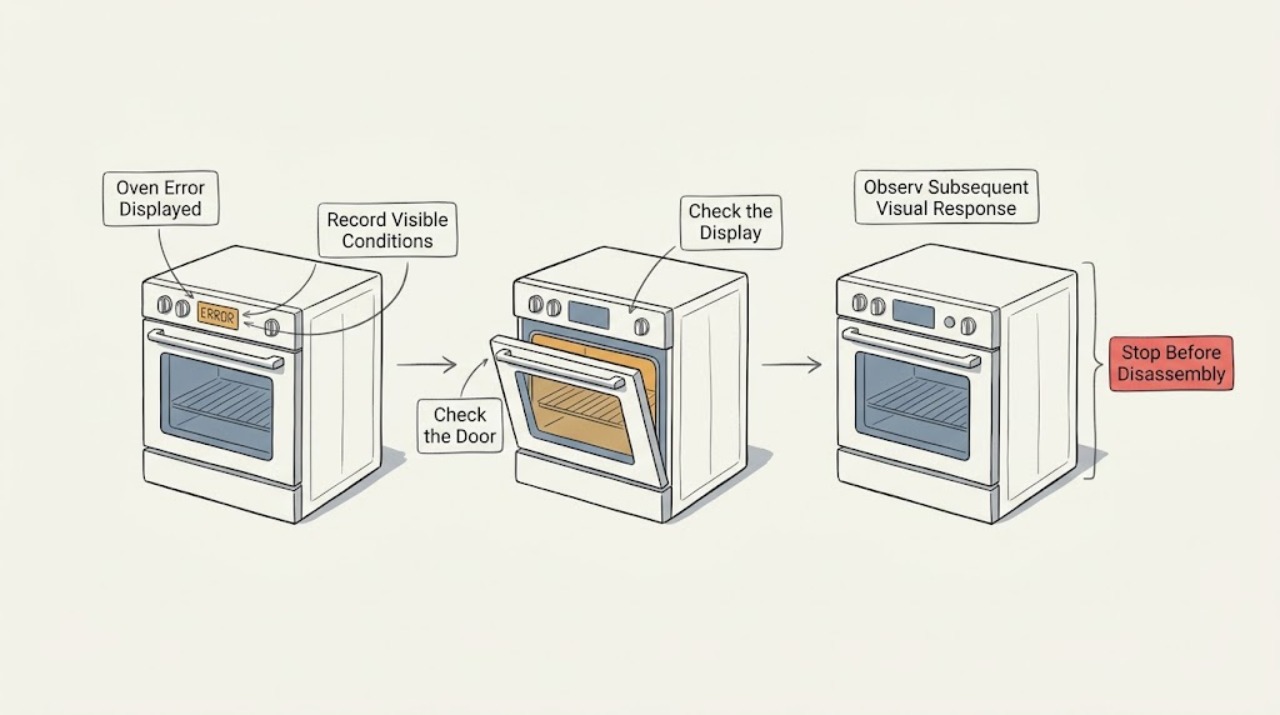
LG Oven Error Displayed: Record the Code Before Resetting
When an LG oven displays an error, photograph or write down the complete code, the exact model, whether the appliance is electric or gas, the cooking mode and what happened immediately before the message. Do not interpret a code from another LG model or from a cooktop as an oven diagnosis.
-
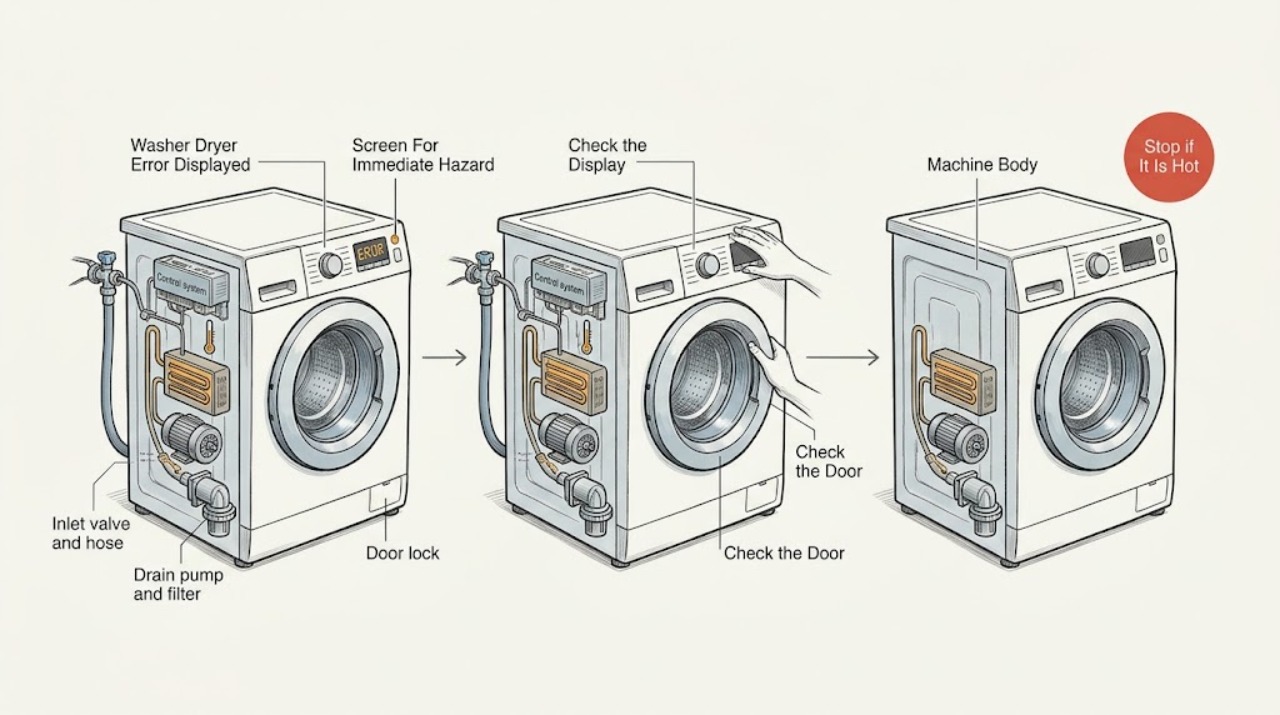
LG Washer Dryer Error Displayed: Identify the Code Before Resetting
Read and photograph the exact code before pressing buttons, because LG says code meanings and recovery steps can vary by model. First stop for smoke, a burning smell, sparking, a hot or damaged plug, water near electrical parts, or a breaker that trips again.
-
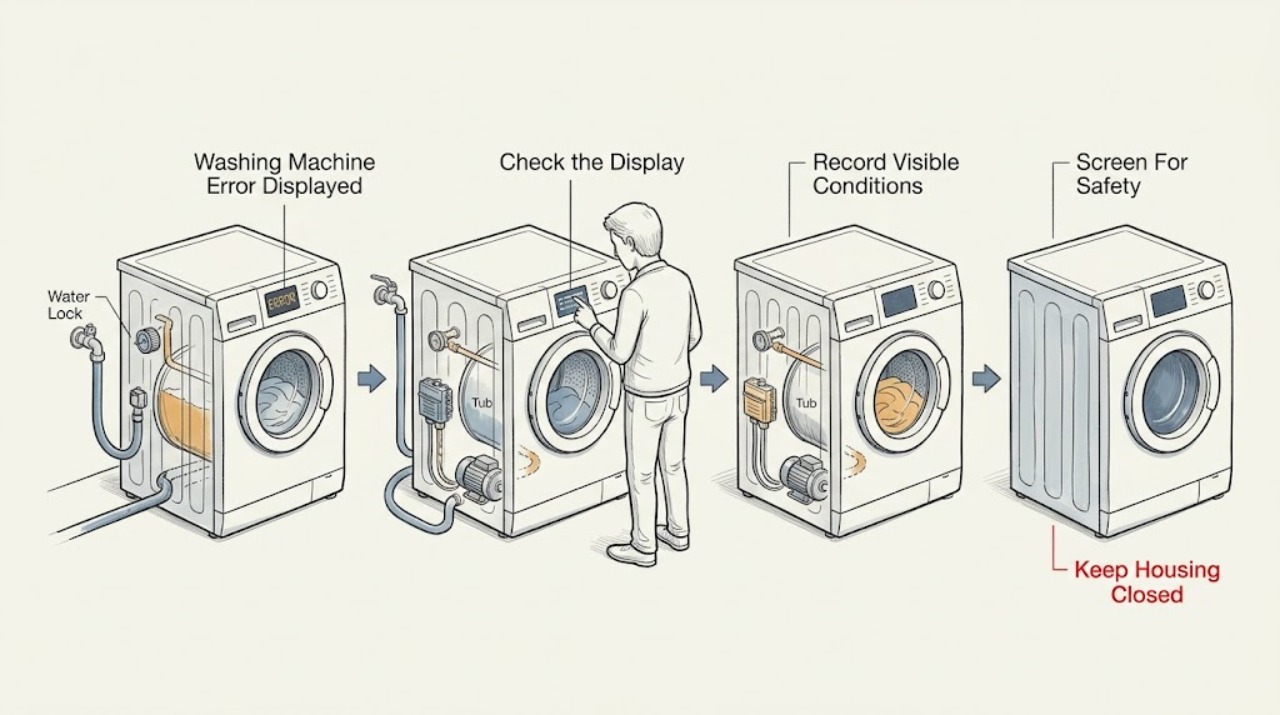
LG Washing Machine Error Displayed
Record the complete LG washer code exactly as shown, the model number, whether the machine is front-load or top-load, and the point in the program when it appeared. LG says notification codes can vary by model, so do not assign a meaning from a different washer.
-
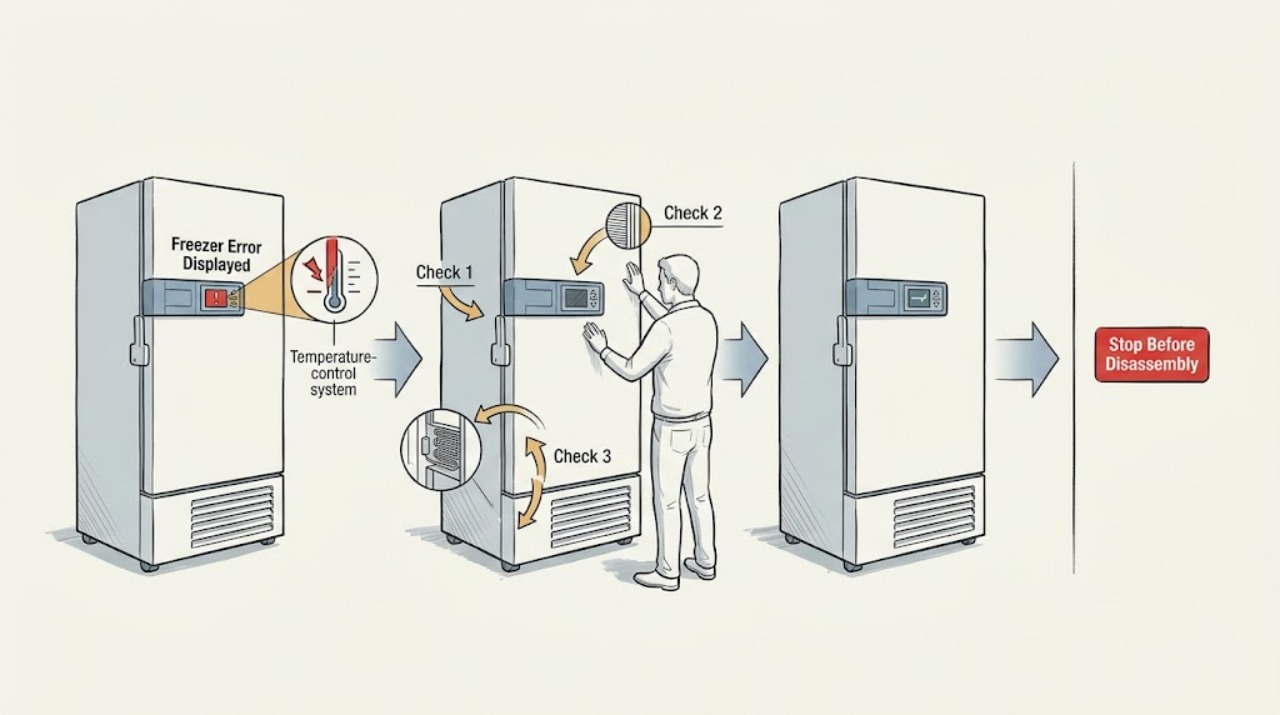
Liebherr Freezer Error Displayed: Identify the Message and Protect the Food
A Liebherr freezer error display is not one universal fault code. First read and record the exact message or code, then decide whether it is a door-open reminder, temperature alarm, power-failure warning, protection mode, network message, or a component error.
-
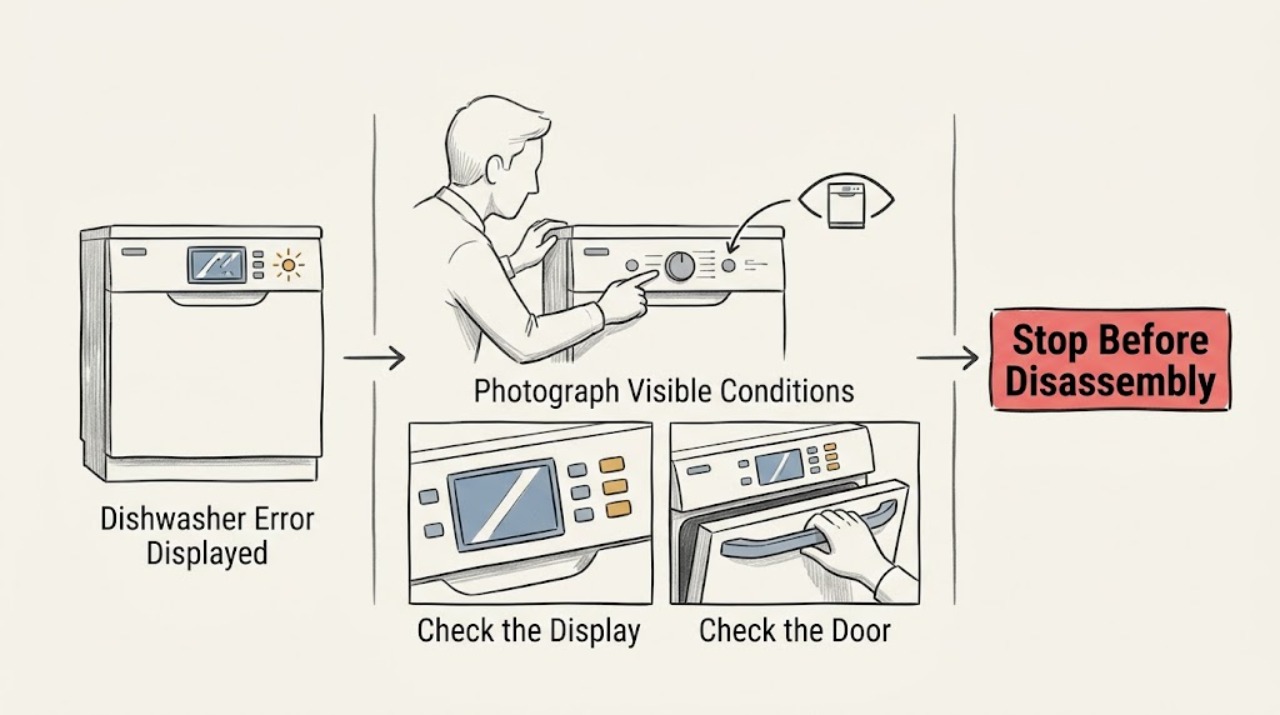
Magic Chef Dishwasher Error Displayed
Photograph or write down the exact Magic Chef dishwasher code, lights, or message before clearing it. Then identify the model, check the matching manual, and observe whether the message returns during a particular stage; a generic reset cannot safely explain an unknown code.
-
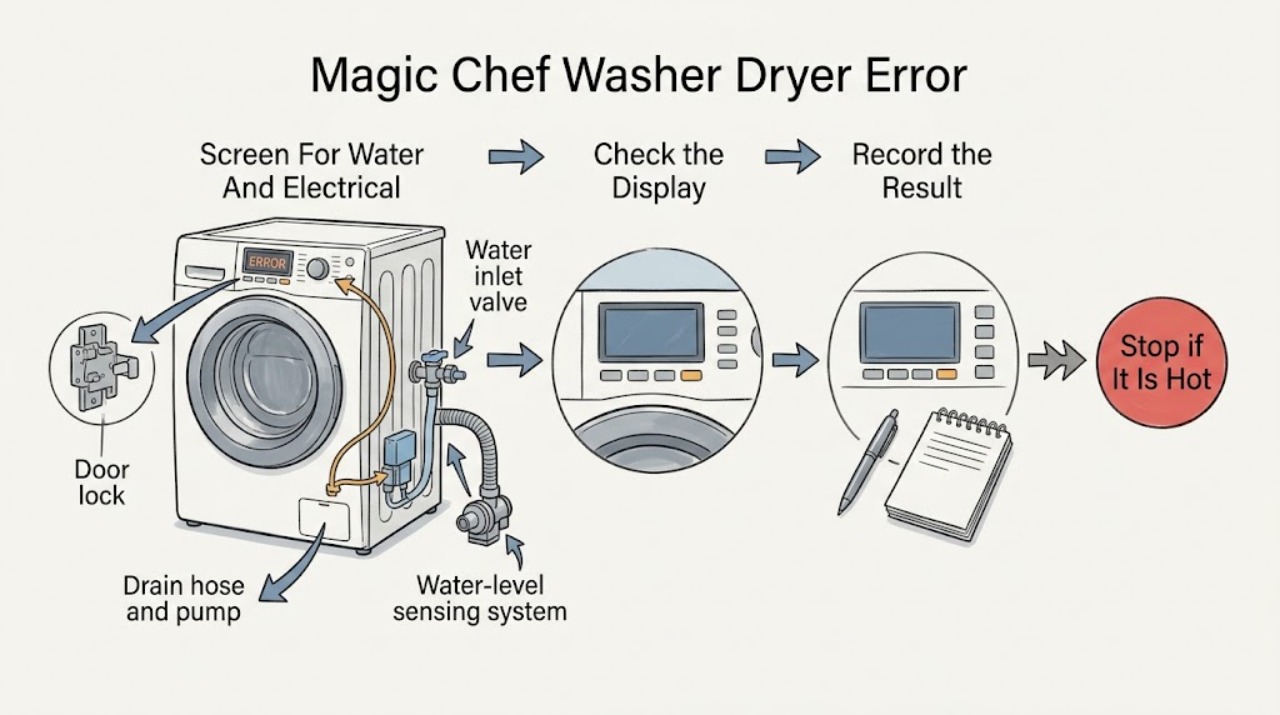
Magic Chef Washer Dryer Error Displayed: Identify the Code Safely
Start by taking a photo of the complete code and noting whether the drum contains water, the door is locked, the washer is filling or draining, or the drying function has stopped.
-
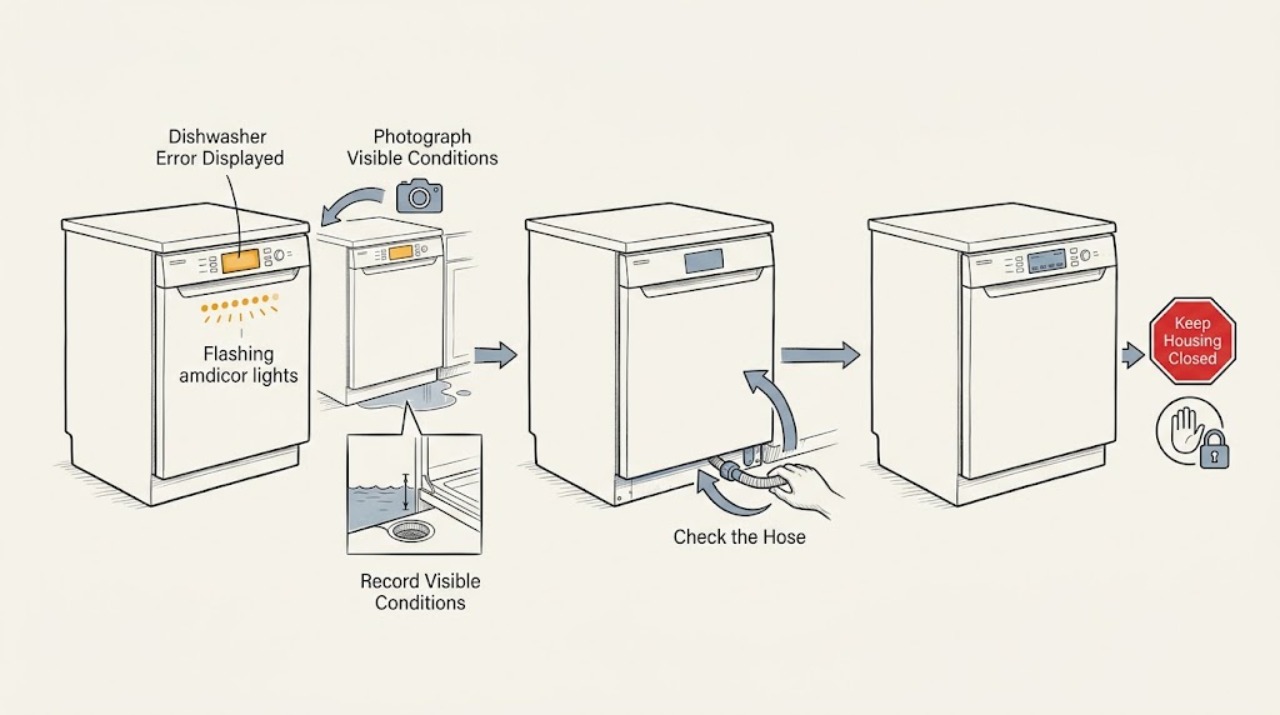
Maytag Dishwasher Error Displayed
Record the exact Maytag dishwasher code or the two groups of flashing lights before clearing it. Digital models commonly show an F#E# format, while supported flashing-light models use the first and second flash groups as the two parts of the code. Use the exact model manual for the meaning; check only the documented external path, and arrange service when the code returns or indicates water, control, or motor trouble.
-
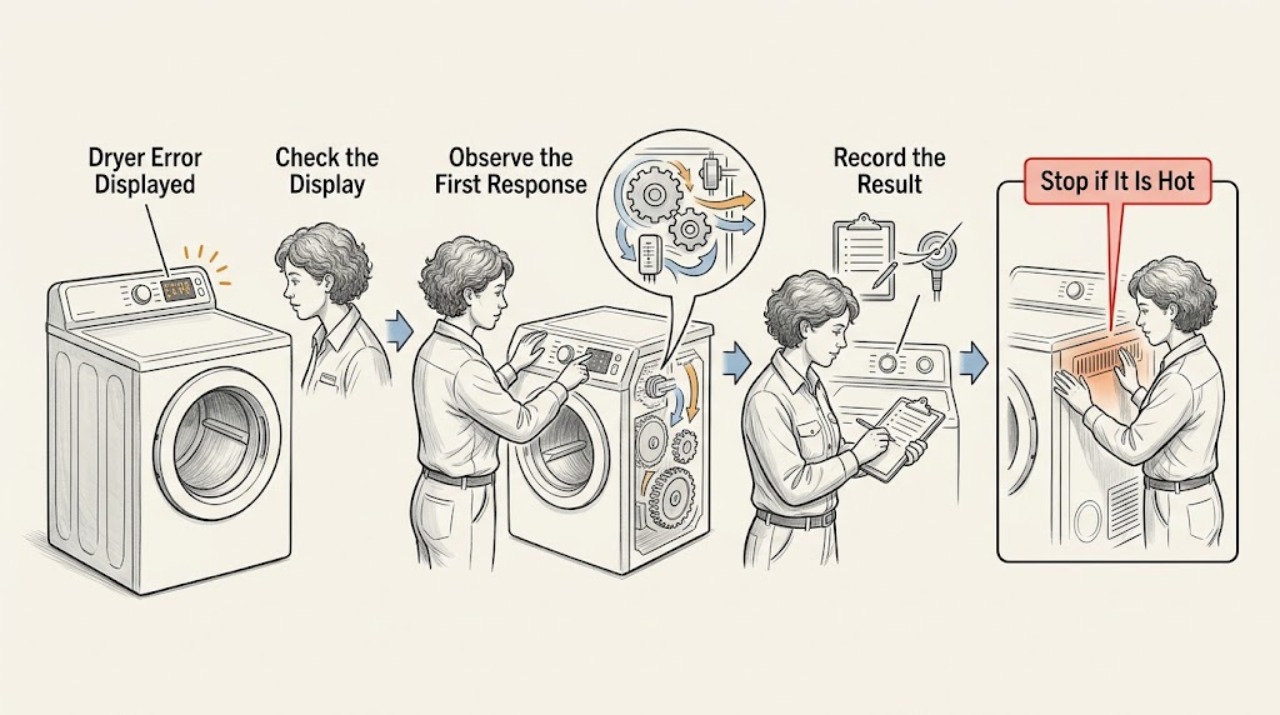
Maytag Dryer Error Displayed: Record the Code Before Resetting
Treat a Maytag dryer error display as model-specific. Photograph the exact code, punctuation, dashes, or letters, record the model number and when the message appears, and note whether the dryer is gas or electric, starts, tumbles, heats, or stops.
-
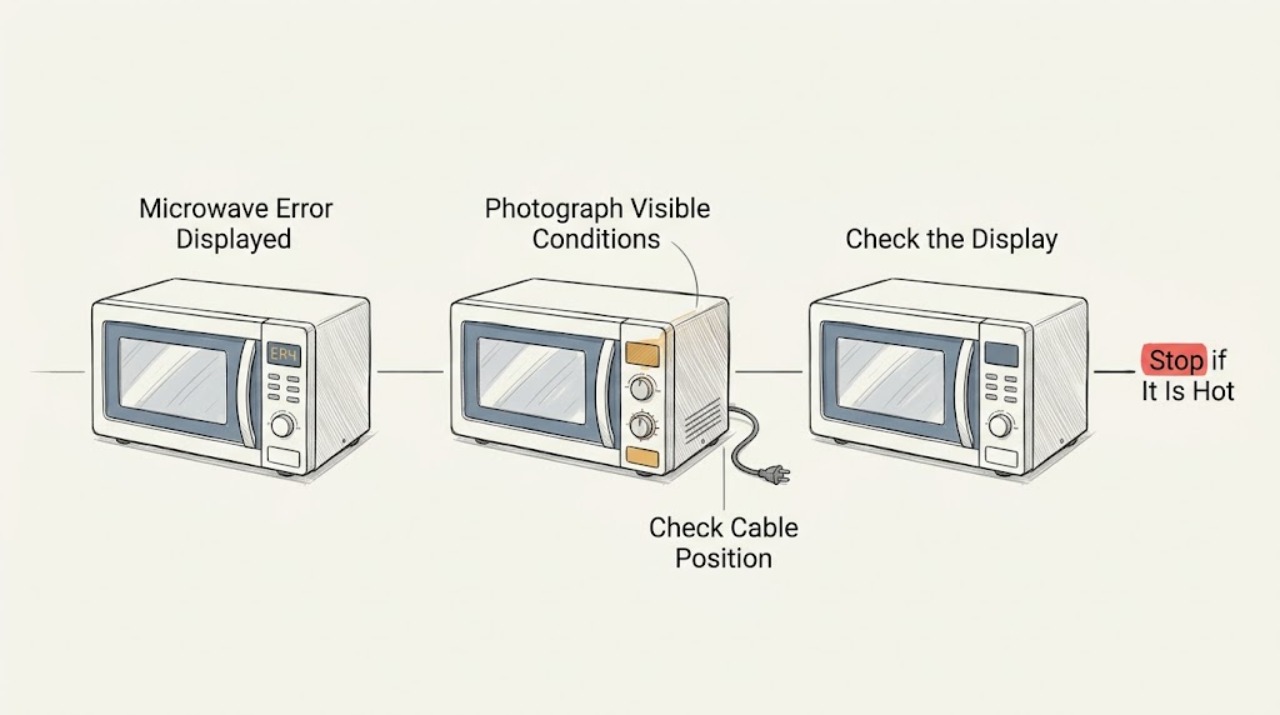
Maytag Microwave Error Displayed: Record the Exact Code Before Resetting
When a Maytag microwave displays an error, photograph or write down the exact code and model number first. Maytag's error-code library is organized by microwave type and model-specific documentation, so a generic reset cannot identify every fault. Perform only a reset or control change that the applicable manual or code page supports; if the code returns, stop using the unit and arrange service.
-
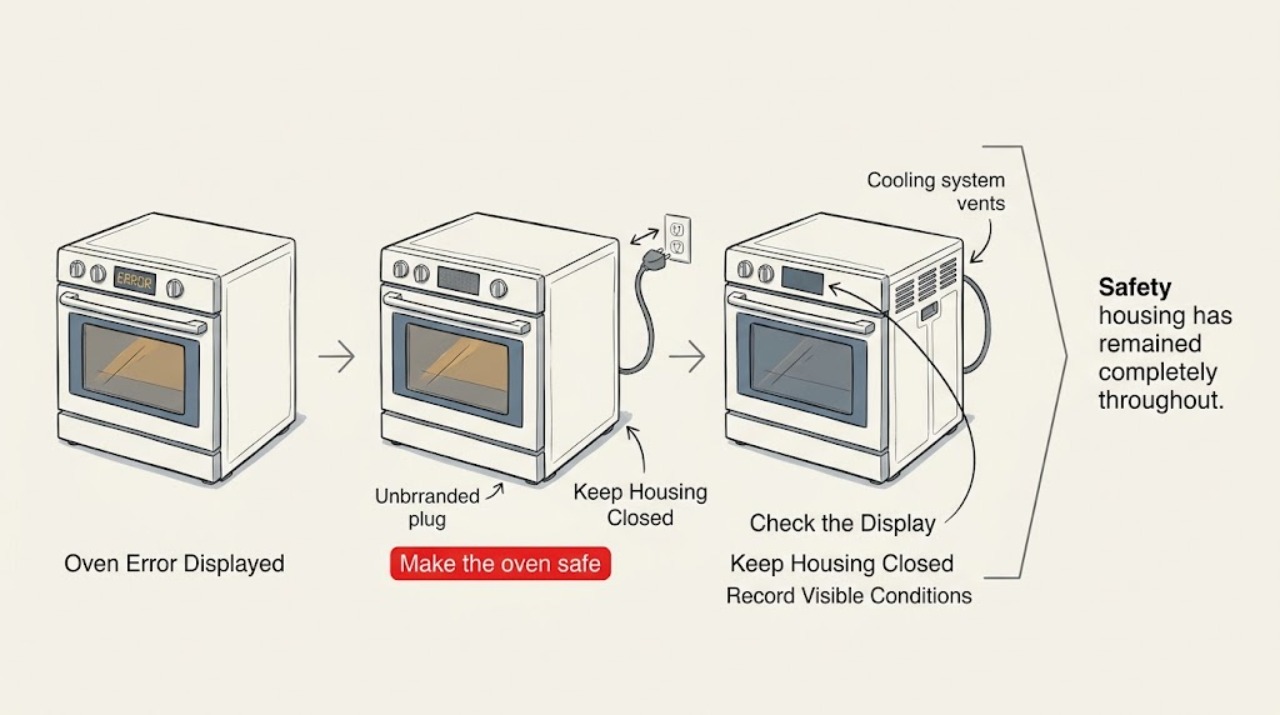
Maytag Oven Error Displayed: Identify the Code Before Resetting
When a Maytag oven displays an error, photograph the complete code exactly as shown, record the model, whether the oven is electric, gas, or dual-fuel, and note whether it appeared at power-up, while heating, during cleaning, or after a power event. Do not interpret an F# E# code from a different model or assume that a blank clock, LOC/Lock, CAL, SAB, or PF display is the same as a component failure.
-
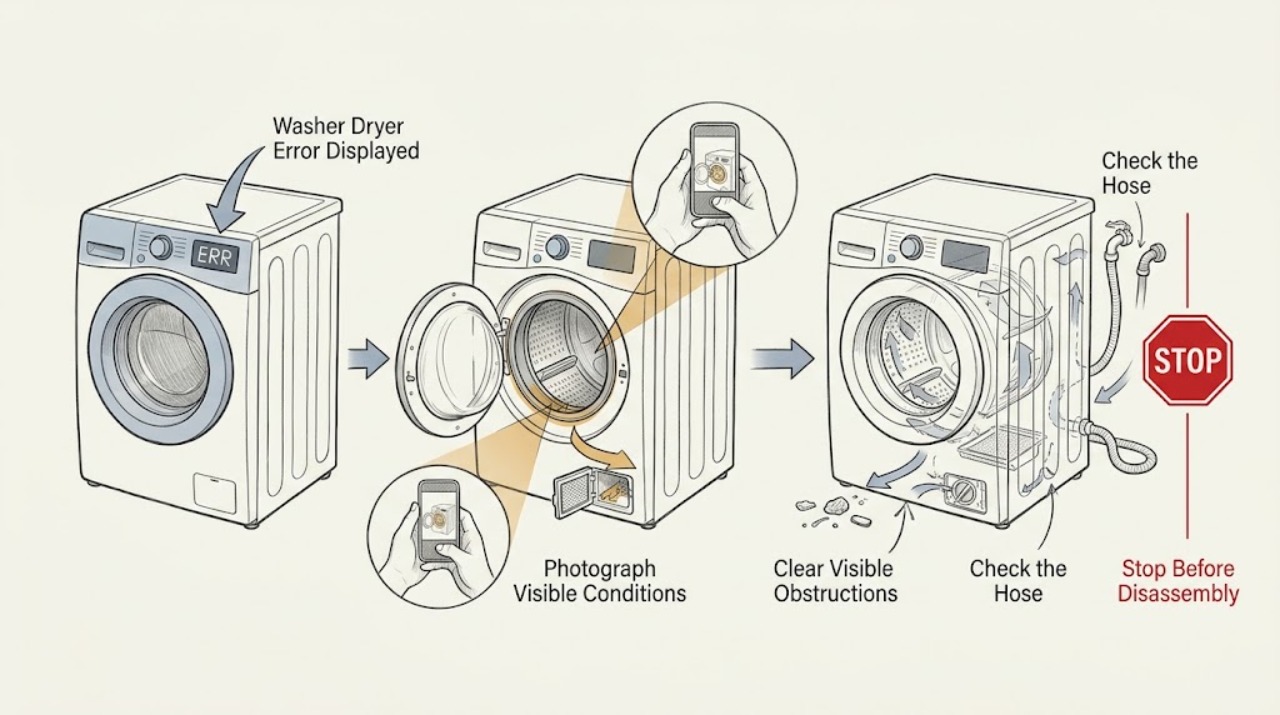
Maytag Washer Dryer Error Displayed
When a Maytag washer dryer displays an error, record the exact characters and identify whether the code is on the washer or dryer before clearing it. Maytag says error lists vary by model, so use the complete model number and its owner's manual; a lock or door message, water or drain message, airflow warning, power-failure notice, and F-E service code lead to different checks.
-
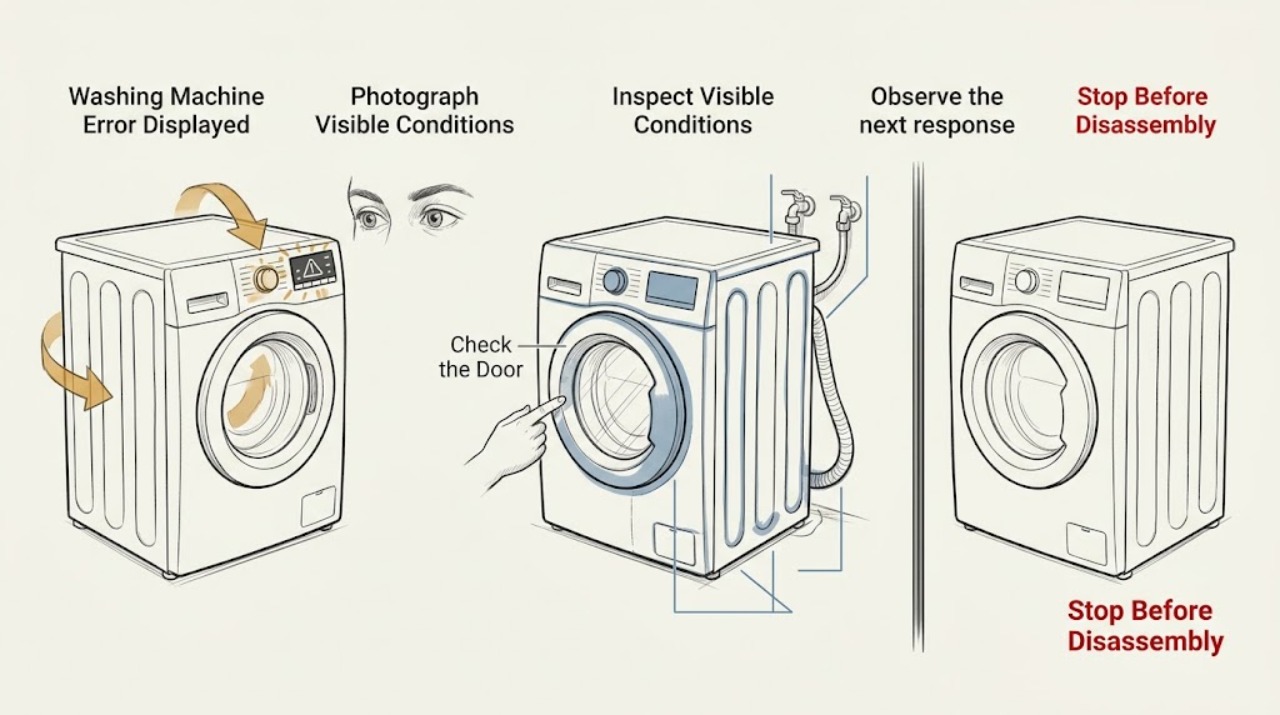
Maytag Washing Machine Error Displayed: Identify the Code Safely
When a Maytag washing machine displays an error, photograph the complete code or light pattern before clearing it, and record the model, top-load or front-load design, and the point in the cycle when it appeared. Maytag says its published code lists may not contain every code for every model, so use the owner's manual for that exact washer.
-
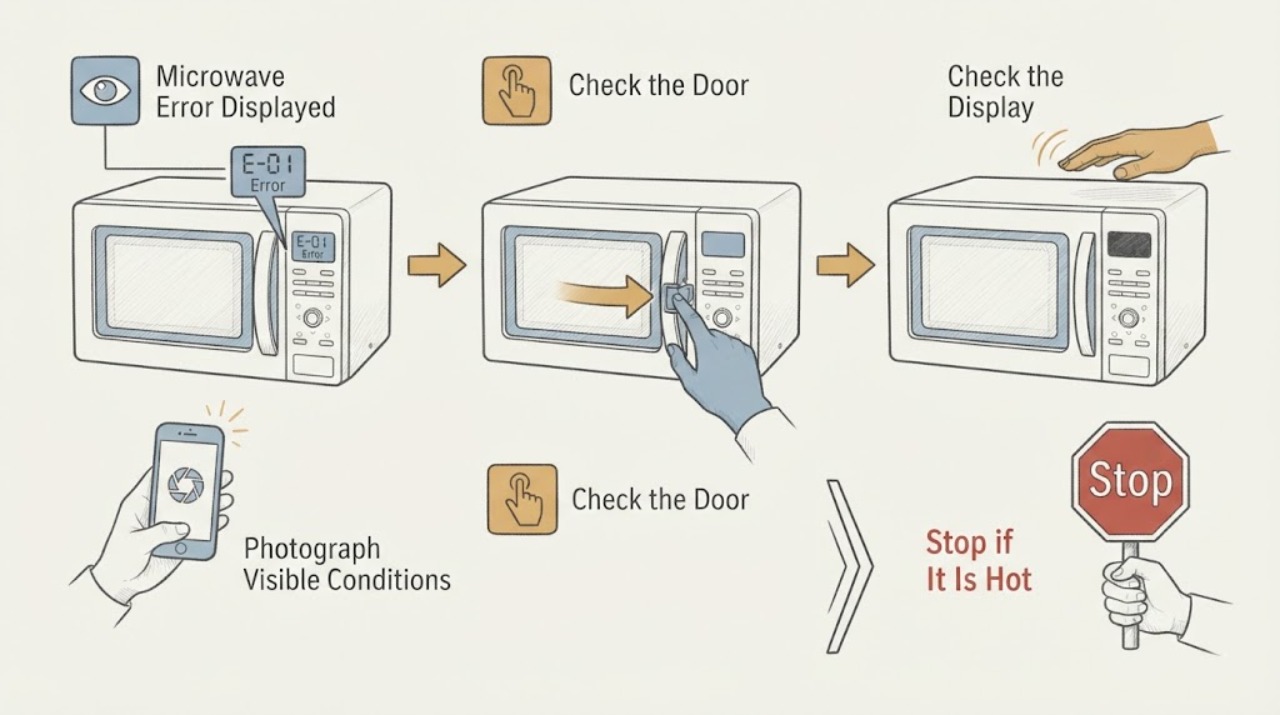
Microwave Error Displayed
Do not guess what a microwave code means from a generic list. Photograph the exact display, record whether it is a code, a flashing colon, PF, LOC/L, or Demo behavior, and identify the model before using its owner manual. A power-related PF/clock display or a documented control lock can have a simple model-specific reset, but an unknown or returning error should be left unused and serviced.
-
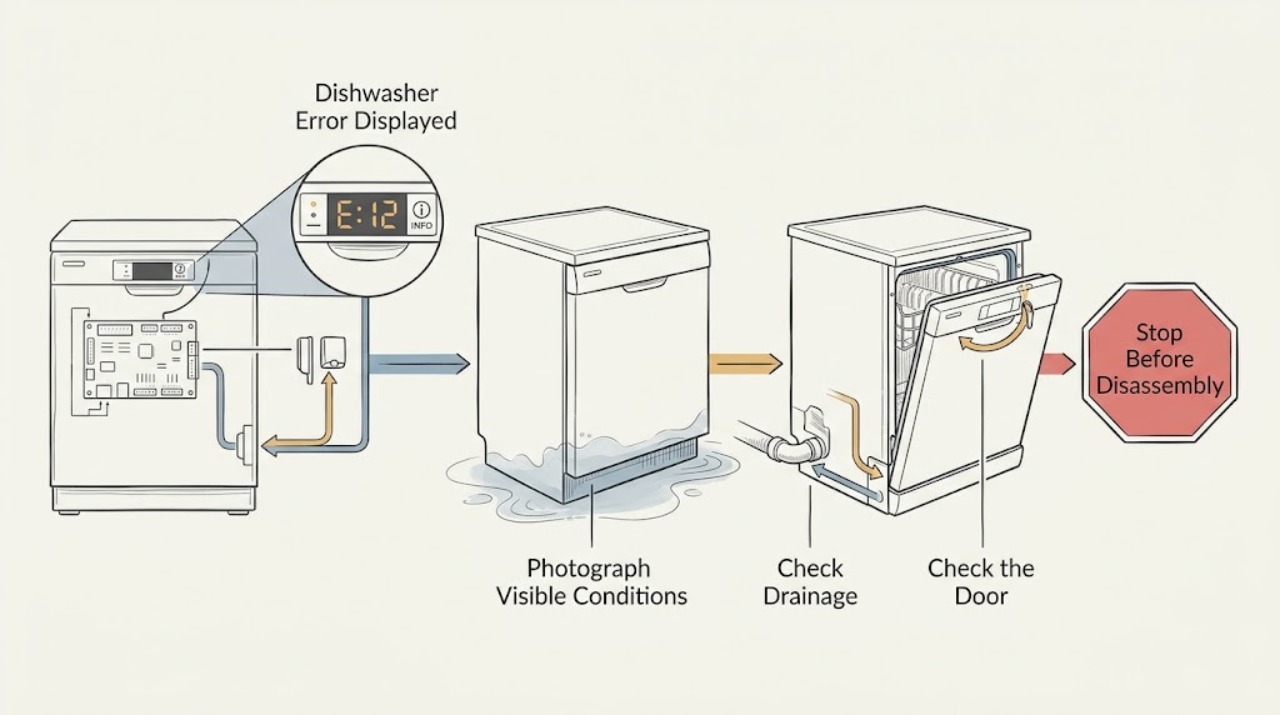
Miele Dishwasher Error Displayed: Record the Code Before Resetting
An error displayed on a Miele dishwasher is not one universal fault. Record the exact F-code or wording, indicator pattern, program stage, and water level before clearing it. Some codes identify technical faults that Miele says are not user-remedied; a drainage message instead directs you to a specific power-off inspection. Without the code and model, do not guess a part.
-
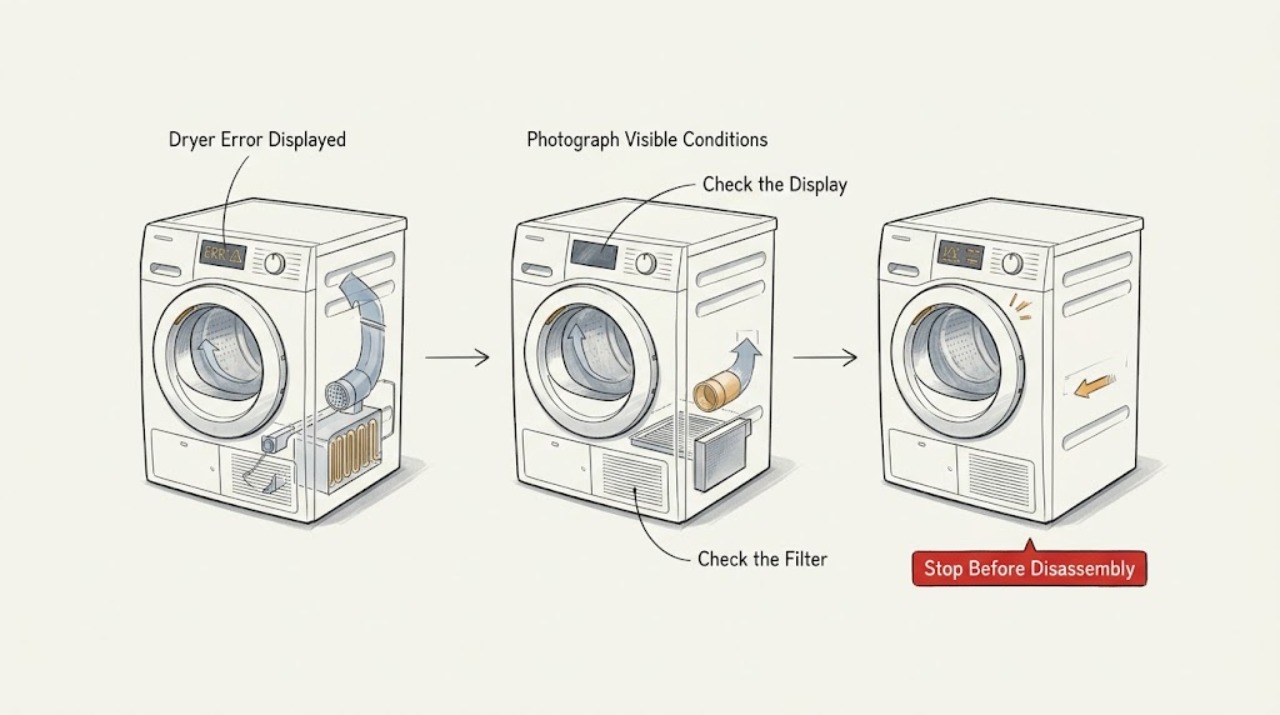
Miele Dryer Error Displayed: Record the Code and Choose the Safe Next Step
Do not diagnose a Miele dryer from a generic error list. Photograph or write down the exact code, symbols, wording, model identifier, program, and point in the cycle when it appeared.
-
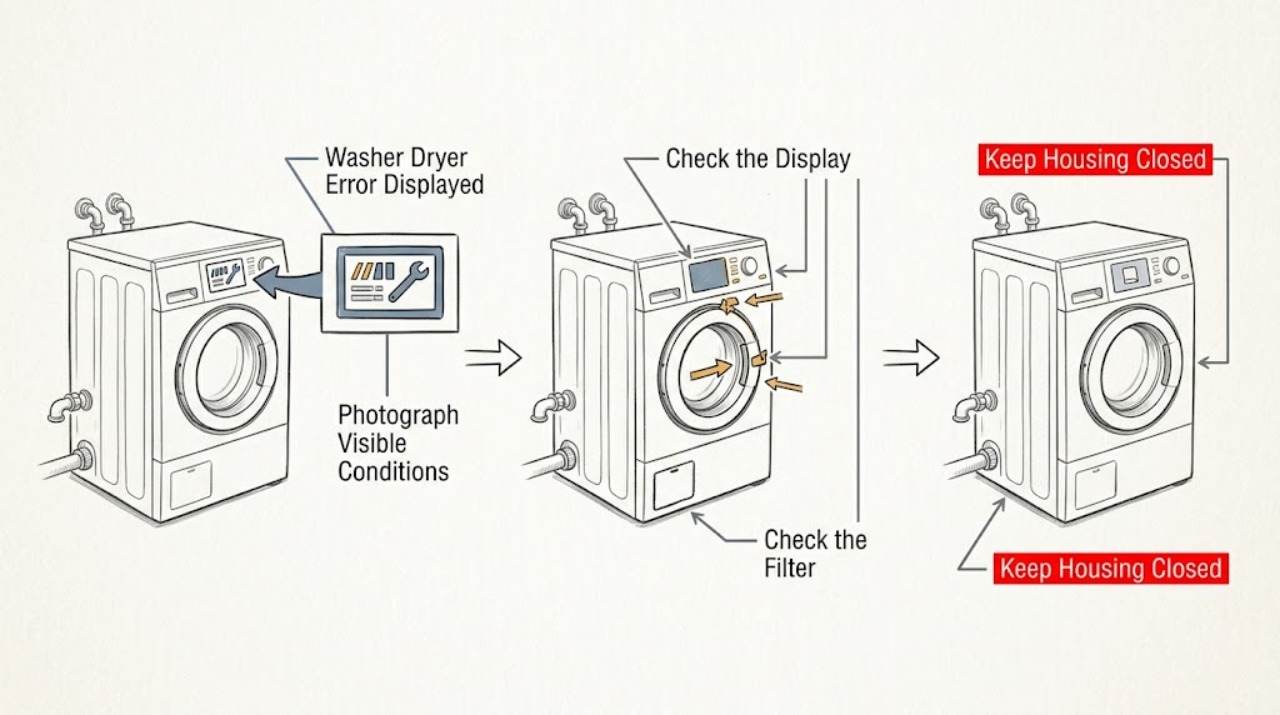
Miele Washer Dryer Error Displayed: Record the Code Before Resetting
When a Miele washer dryer displays an error, record the exact message, code, symbols, active program, and whether water remains before clearing anything. Miele treats some messages as operating states, such as Add laundry or a delayed or paused program, while others point to a restricted water inlet, blocked drain, door-lock problem, leak-protection activation, heating fault, or general technical fault.
-
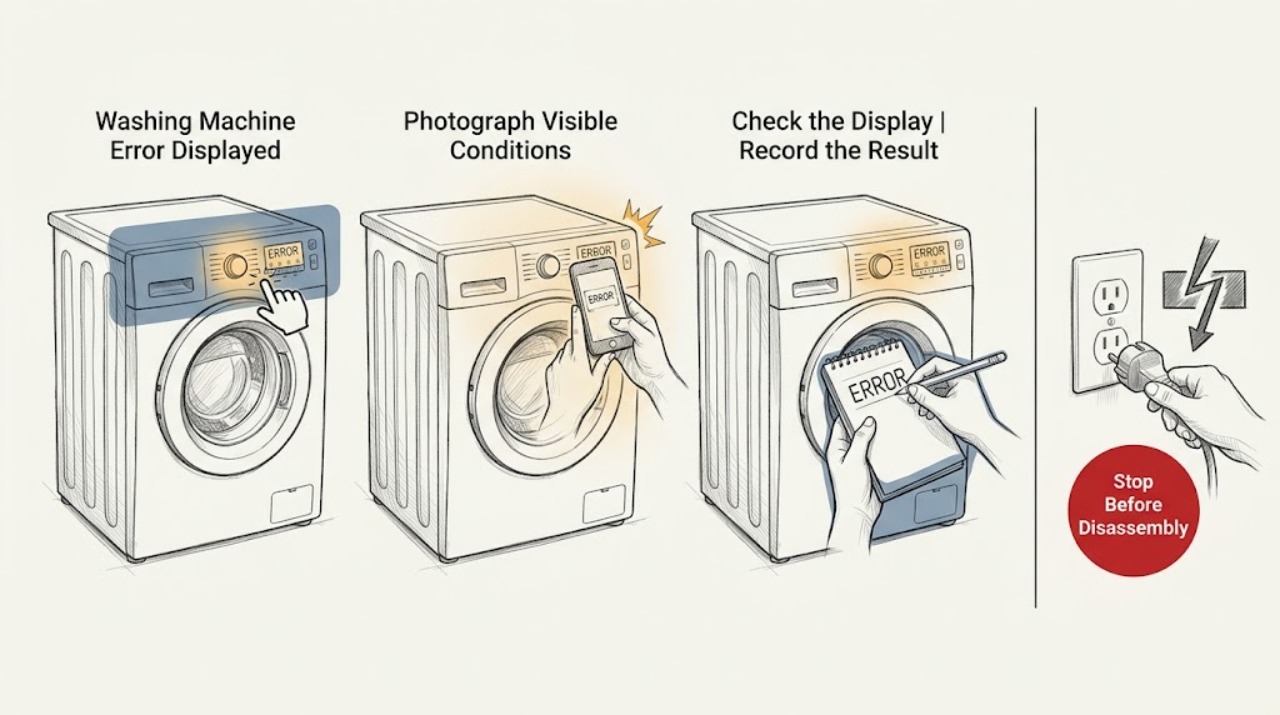
Miele Washing Machine Error Displayed: Identify the Exact Message Safely
A Miele washing-machine error cannot be diagnosed reliably from the word error alone. Record the complete message or code, model number, indicator lights, and the point in the cycle when it appeared, then use the matching Miele manual.
-
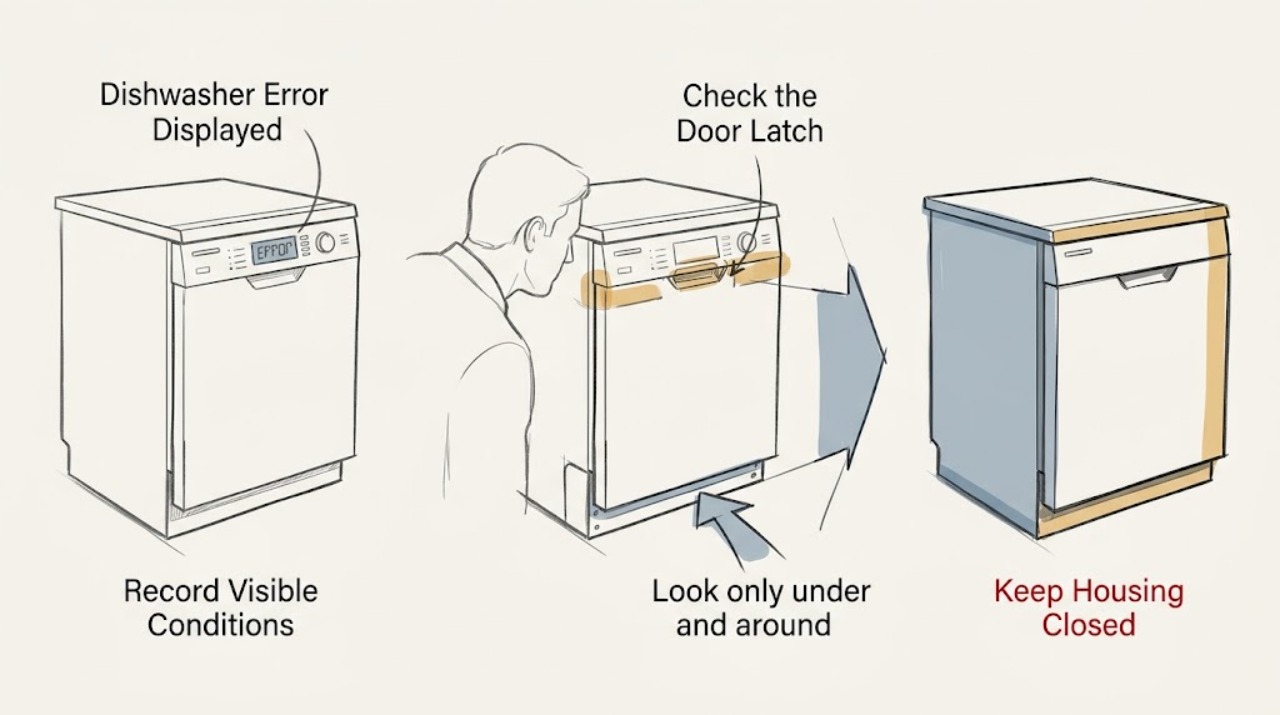
Monogram Dishwasher Error Displayed: Capture the Code Before Clearing It
Do not diagnose a Monogram dishwasher error from the word “error” alone. Record the exact code and whether the dishwasher fills, drains, or stops, then use the manual for the exact model. Monogram support separates error-code help from does-not-run, leak, and noise symptoms; do not open electrical panels or repeatedly restart a machine that leaks or trips protection.
-
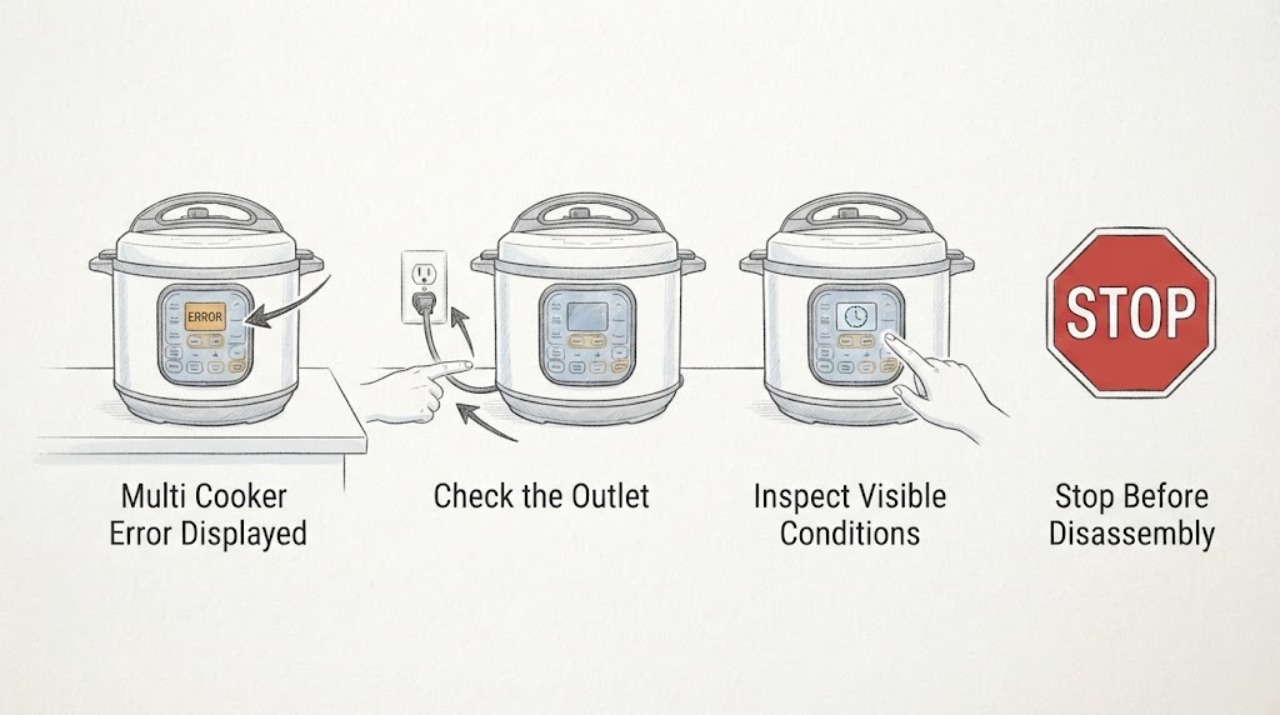
Multi Cooker Error Displayed
Record the exact error and whether the cooker is pressurized, cooling, or in Keep Warm. Use the matching model manual, reseat only cool removable parts, and try one approved reset; repeated codes, a blank panel, or an incomplete cycle require service.
-
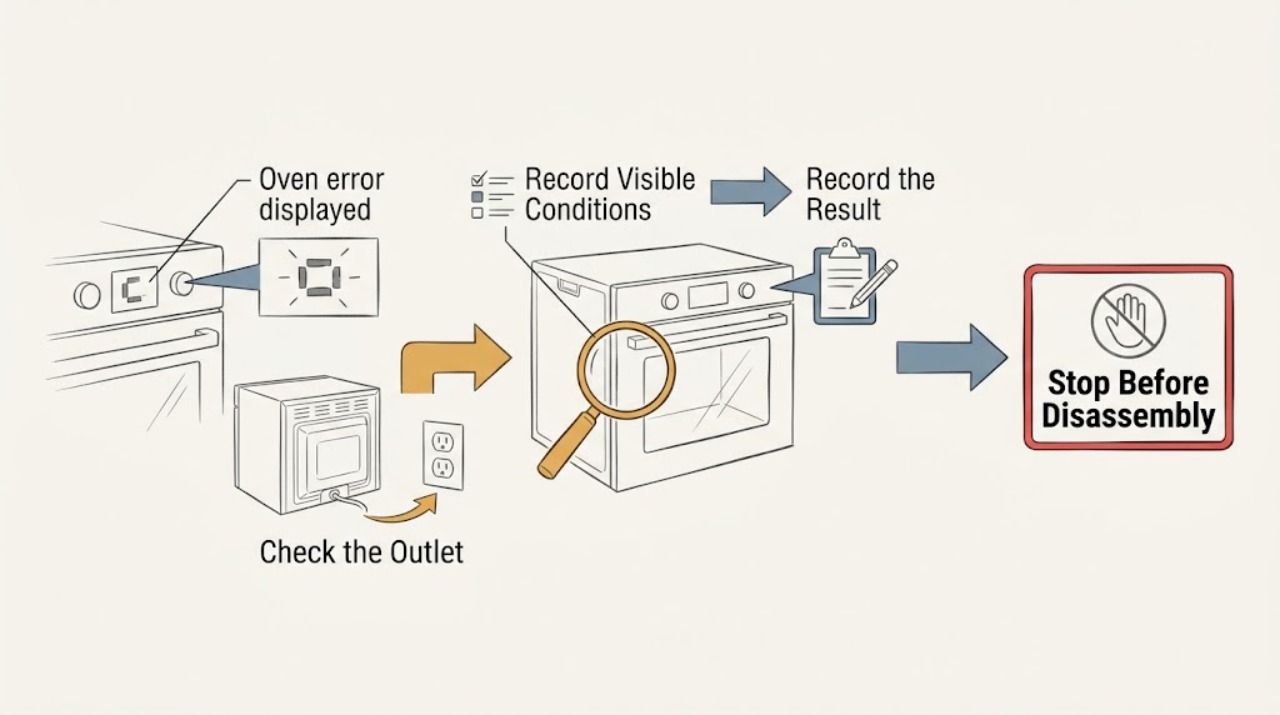
Oven error displayed: record the code before resetting
Do not apply a generic meaning to an oven error display. Photograph or write the complete code, symbols, model, fuel type, operating mode, and moment it appeared before clearing anything.
-
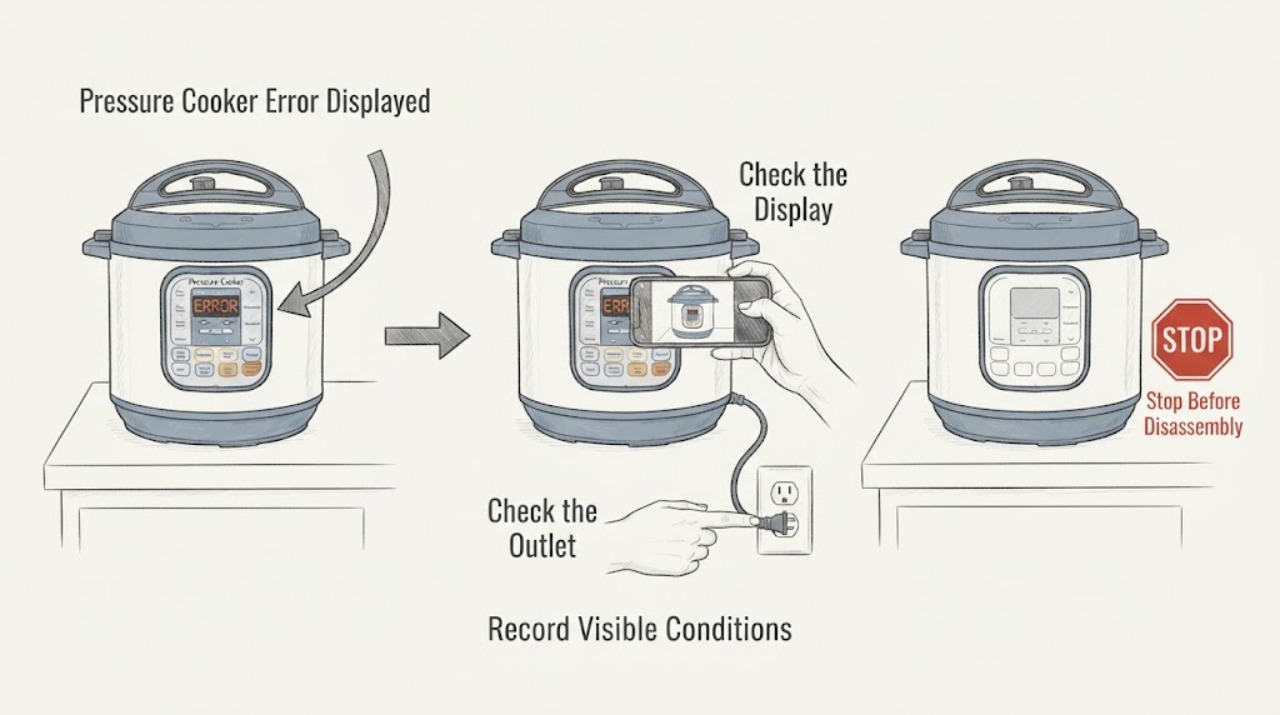
Pressure Cooker Error Displayed
A pressure cooker error display is model-specific, so record the exact code before resetting anything. Instant Pot’s opened FAQ gives a documented path for C6, C6L and C6H involving a dry cooker base and support if the panel remains unresponsive, while pressure must be fully released before opening. Do not assign a part or procedure to an unspecified code.
-
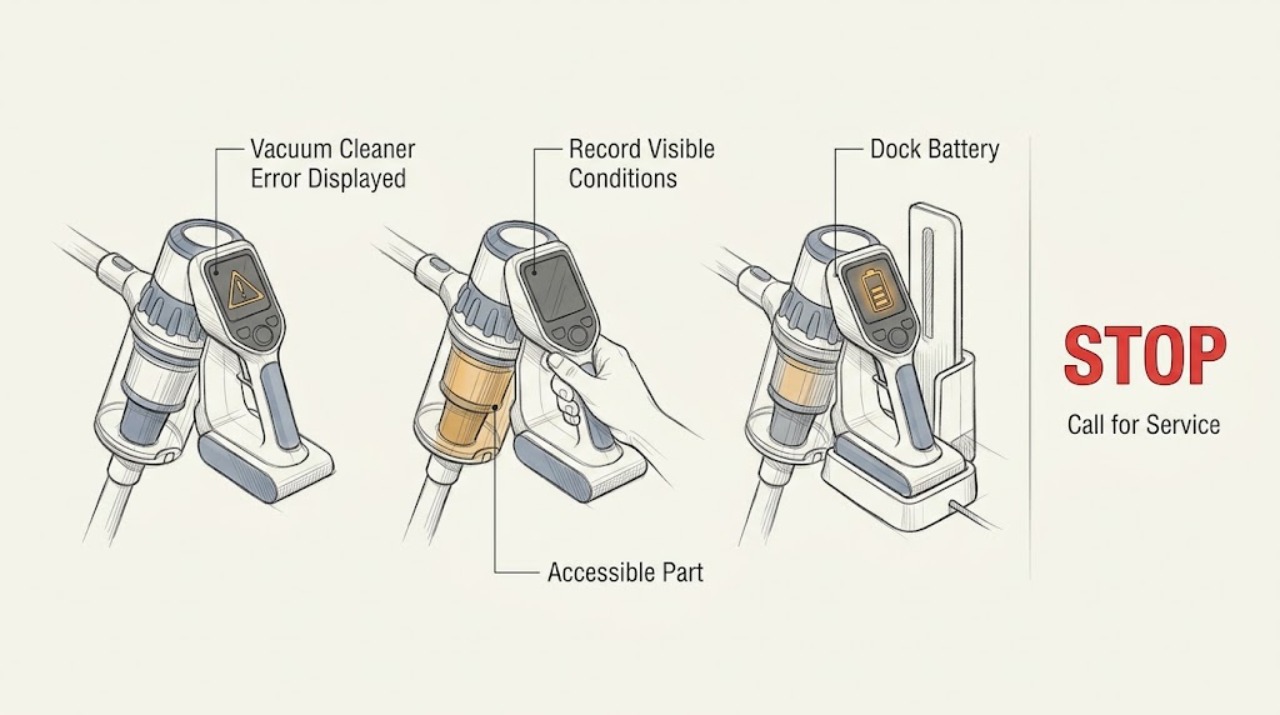
Roomba Vacuum Cleaner Error Displayed: Read the Code Before Cleaning Parts
Record the exact Roomba error number, voice message, light-ring pattern, or app notification before trying a fix. iRobot's error chart maps different messages to a stuck wheel, extractor, bumper, cliff sensor, bin detection, docking, or discharged battery, and the exact chart varies by series. Perform only the indicated accessible check, then contact iRobot if the message returns or the robot has liquid or physical damage.
-
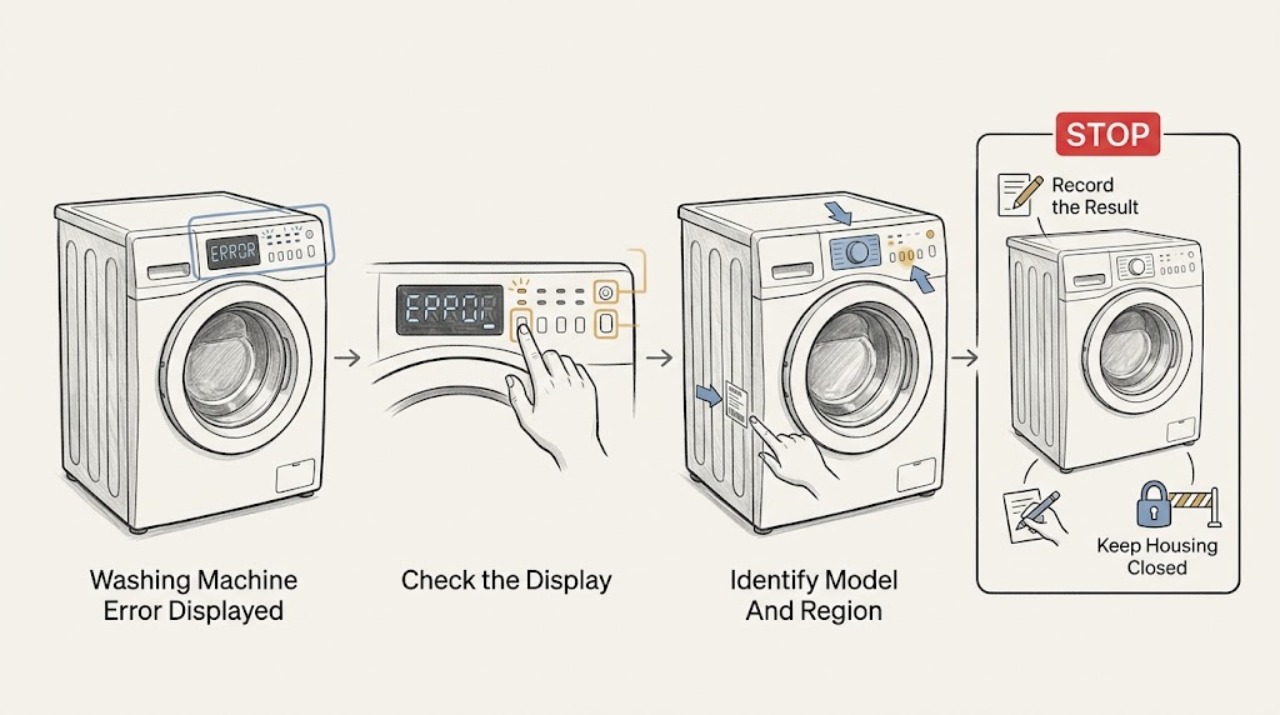
Roper Washing Machine Error Displayed: Record It Before You Reset
Do not diagnose a Roper washer error from the code alone. Photograph the complete code or flashing-light pattern, record the model and serial label, identify whether the washer is a top-load or front-load machine, and note when the code appeared: at power-up, after Start, during fill, drain, spin or after a stop.
-
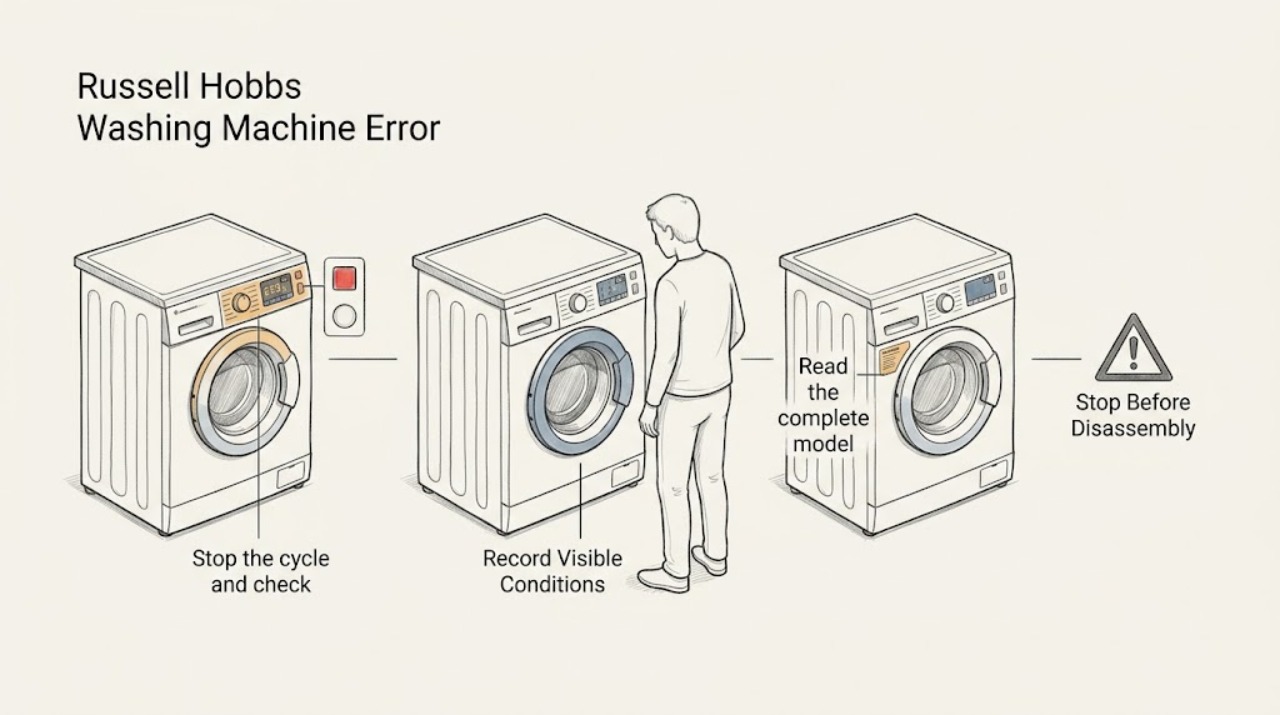
Russell Hobbs Washing Machine Error Displayed: Capture the Code Before Resetting
Do not diagnose a Russell Hobbs washing-machine display from a code list for another model. First make the machine safe, photograph or write down the exact letters, numbers, and flashing lights, and note whether the display appeared during filling, washing, draining, or spinning.
-
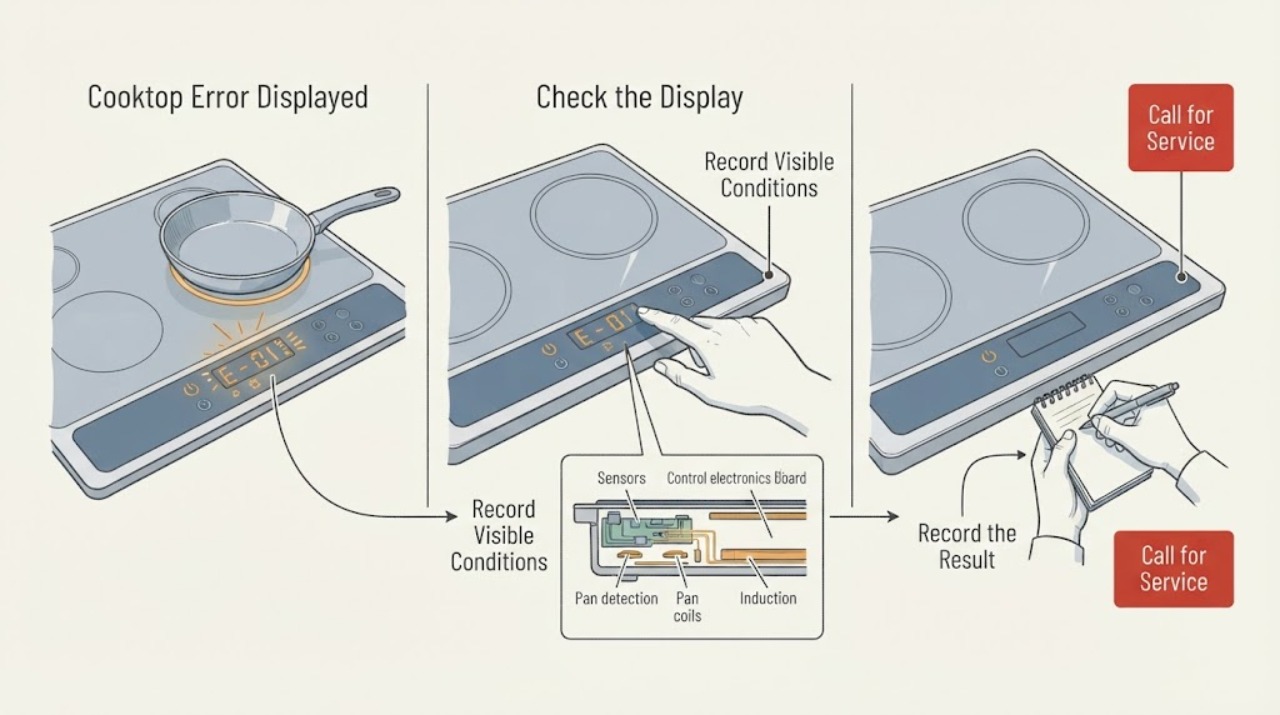
Samsung Cooktop Error Displayed: Identify the Code and Choose the Safe Next Step
Record the exact characters, whether they flash or beep, and whether one zone or the whole cooktop is affected. Samsung's cooktop guide groups common displays into sensor errors, stuck-button errors, communication errors, and an underlined u pan-detection indication.
-
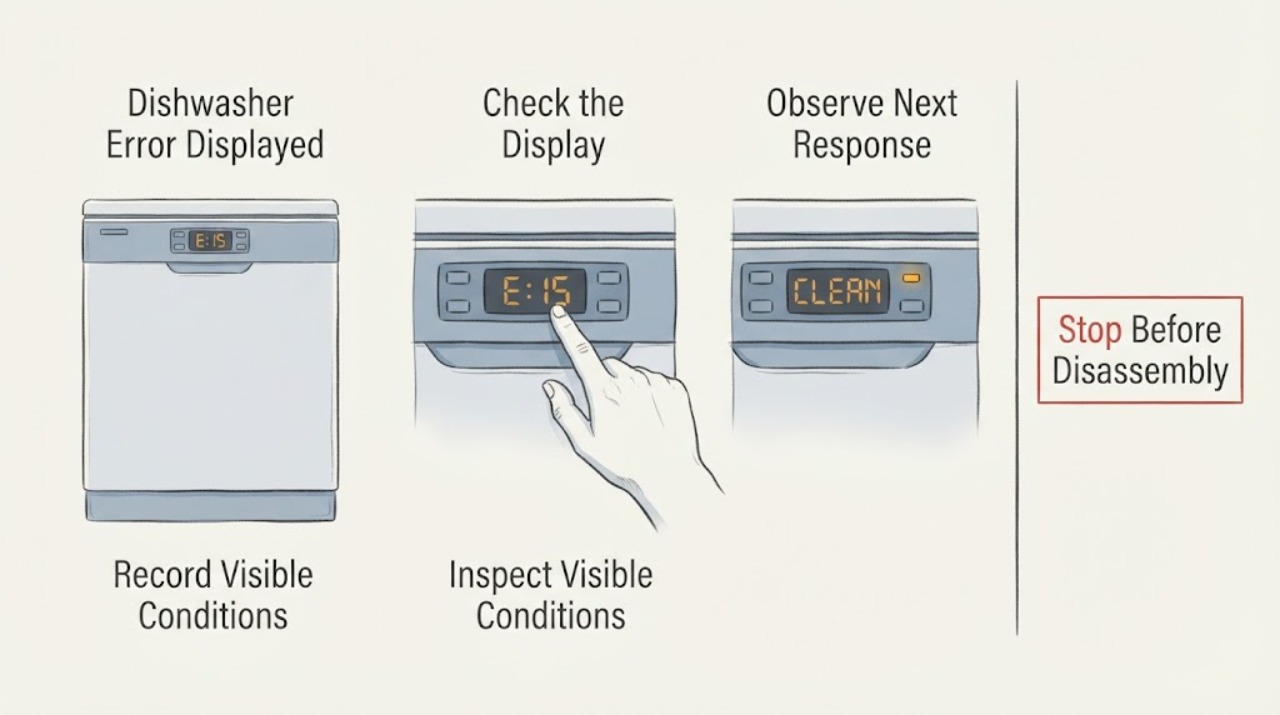
Samsung Dishwasher Error Displayed
Write down the exact Samsung dishwasher code or flashing-light pattern before resetting anything. Codes such as 3C, 4C/4E, 5C/5E, LC/LE, and button or communication codes point to different checks; a model without a digital display may use blinking lights. Follow the matching model guidance and request service when the code returns.
-
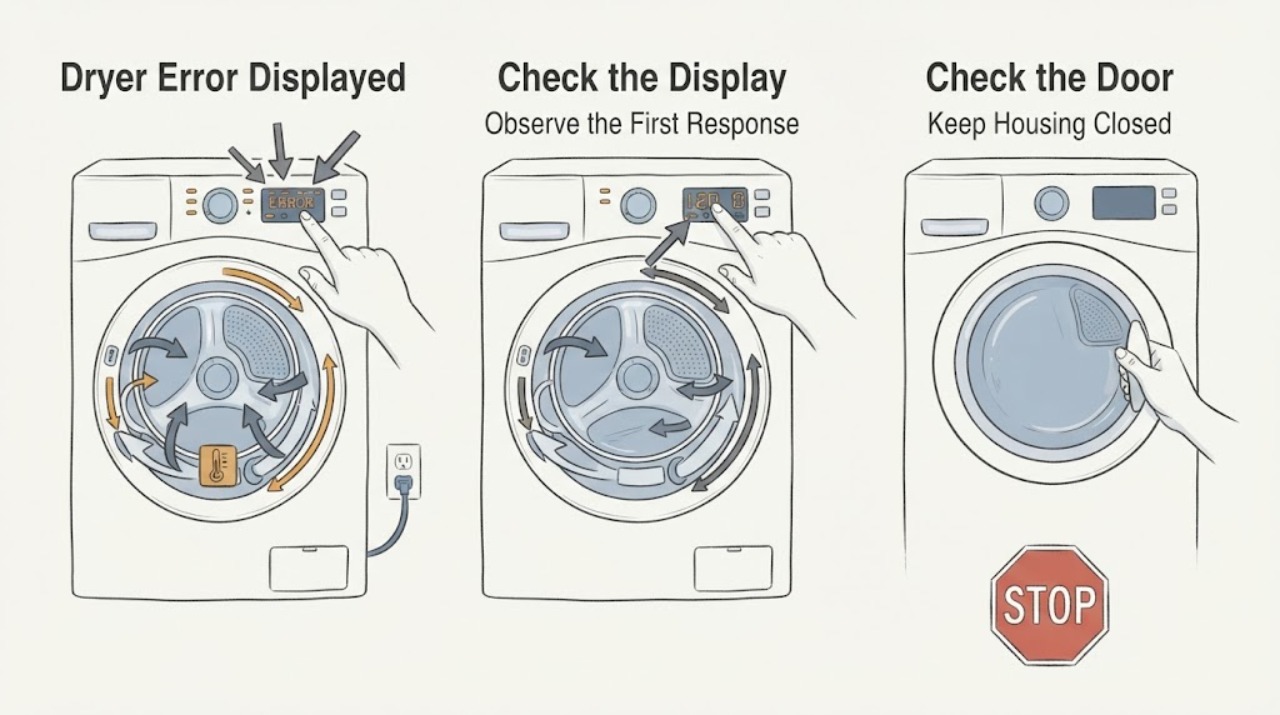
Samsung Dryer Error Displayed: Identify the code before troubleshooting
Do not diagnose a Samsung dryer from a partial character or a code copied from another model. Photograph the complete display or the exact blinking-light pattern, record the model and the programme stage, and first rule out smoke, burning odour, abnormal heat, sparks, gas odour, or a repeated electrical trip.
-
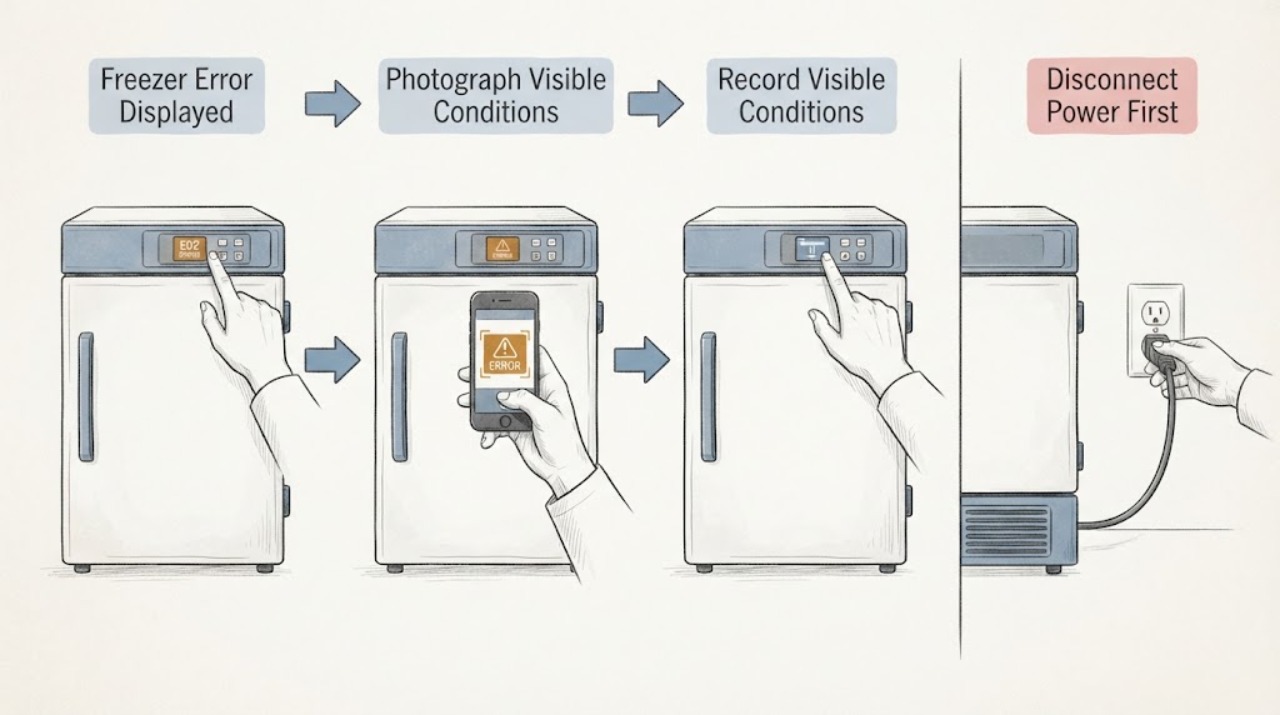
Samsung Freezer Error Displayed
When a Samsung freezer displays an error, do not erase the code before recording it. Photograph the complete display, including letters, numbers, alternating segments, and flashing icons, then identify the exact model.
-
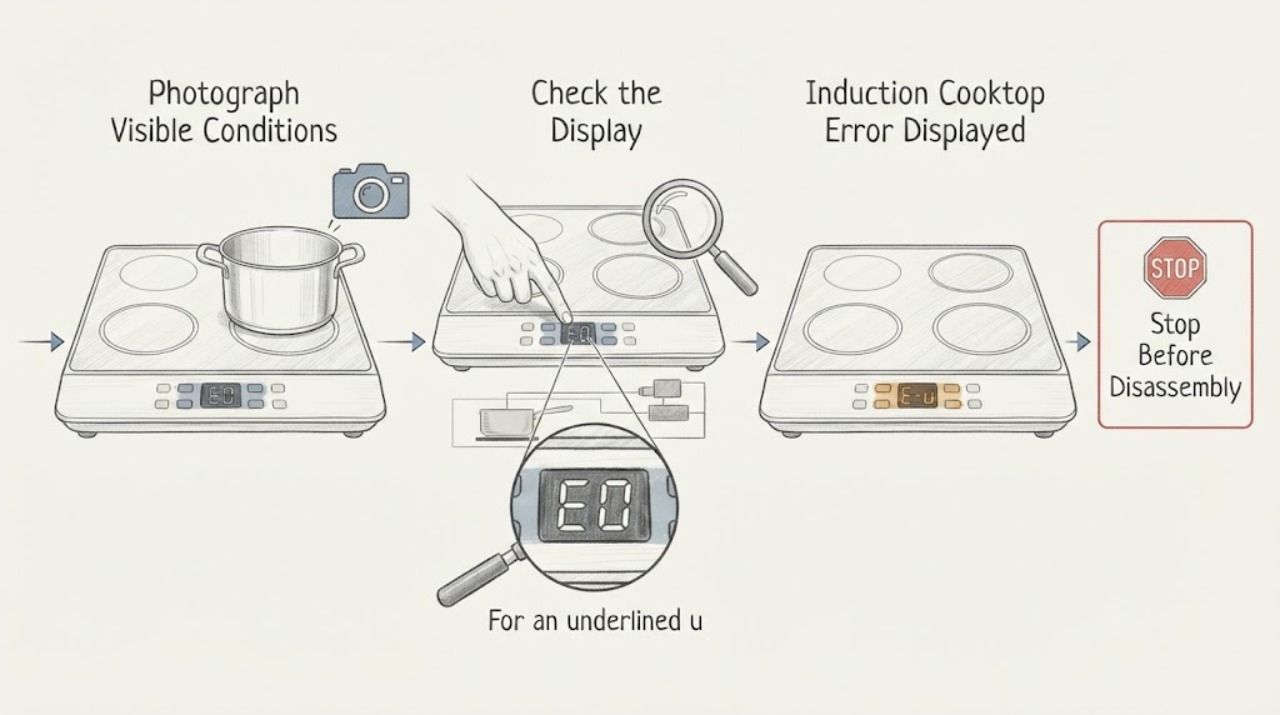
Samsung Induction Cooktop Error Displayed: Decode the Code and Reset Safely
Record the exact code or symbol before touching the controls, because Samsung induction cooktop messages can represent a stuck button, a pan-detection condition, a sensor or communication fault, or a model-specific problem. Turn the cooktop off, keep the surface clear and dry, and use only the model manual's meaning for the displayed code.