
On this page
Start here
Quick answer
Record the exact message and model first. KitchenAid says a fault message may clear after following the display instruction or removing power for one minute. If it returns, stop using the microwave and request service.
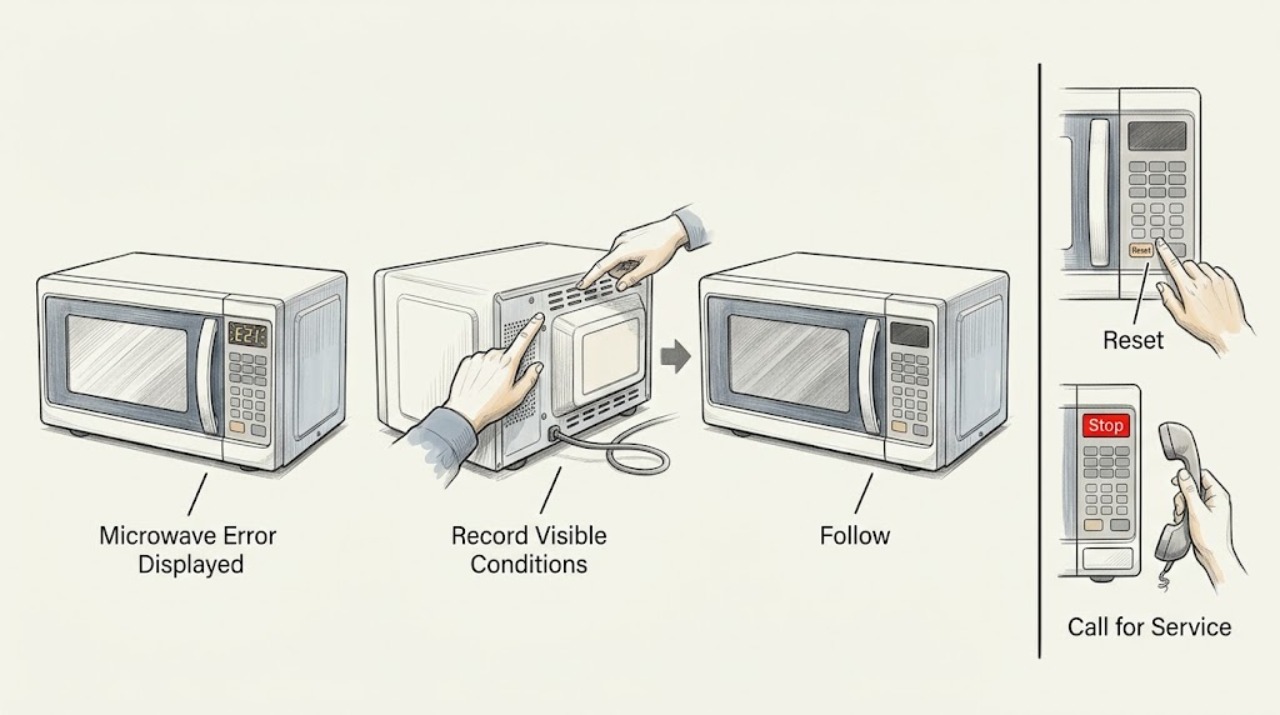
Work through in order
Diagnostic checks
Use only checks that match the exact appliance or system and its official guide.
-
Check 1
Photograph the complete display and record the model, function, and timing without removing a cover.
Expected result: The message is readable and tied to one function, or appears at startup.
Next step: Use the exact model manual and stop if the message returns or the door is damaged.
Why this matters
Why: The message and model determine the correct instruction; an unknown code cannot identify a part.
-
Check 2
Follow only the displayed instruction while keeping the door and controls intact.
Expected result: The message clears, or returns during the attempt.
Next step: Stop testing and give service the code, model, and sequence.
Why this matters
Why: A recurring message indicates the condition remains.
-
Check 3
If the manual permits it, switch off the microwave circuit for one minute, restore power, and observe the display.
Expected result: The display stays clear, or the message reappears.
Next step: Do not repeat resets or open the unit; request service.
Stop if: Never operate with smoke, arcing, a damaged door, or a removed cover.
Why this matters
Why: The documented reset did not correct a recurring condition.
Use your observations
Decision map
Find the observation that best matches what you see, then follow the next safe action.
-
PATH 01Next step
What you see
The message clears and normal controls return.
Do this next
Resume only normal use and request service if it returns.
Why this path and its safety boundary
Why it matters: The fault is not currently displayed.
-
PATH 02Next step
What you see
The message returns after the instruction or reset.
Do this next
Stop using the microwave and request service.
Why this path and its safety boundary
Why it matters: A recurring fault needs professional diagnosis.
When checks do not resolve it
Need a professional?
Call for service when the message returns or any door, smoke, odor, arcing, or abnormal operation is present.
Common questions
FAQ
Should I replace a part when an error appears?
No. Record the exact message and model; a recurring fault should be diagnosed by qualified service.
Read the exact guide
Official sources
- Feature Not Available or Fault Detected - Built-In MicrowaveKitchenAid · KitchenAid built-in microwave fault display; exact model controls procedure
Community feedback
Share a repair observation
Share a plain-text repair observation. Accepted observations are published automatically; this page may take a moment to update.