
On this page
Start here
Quick answer
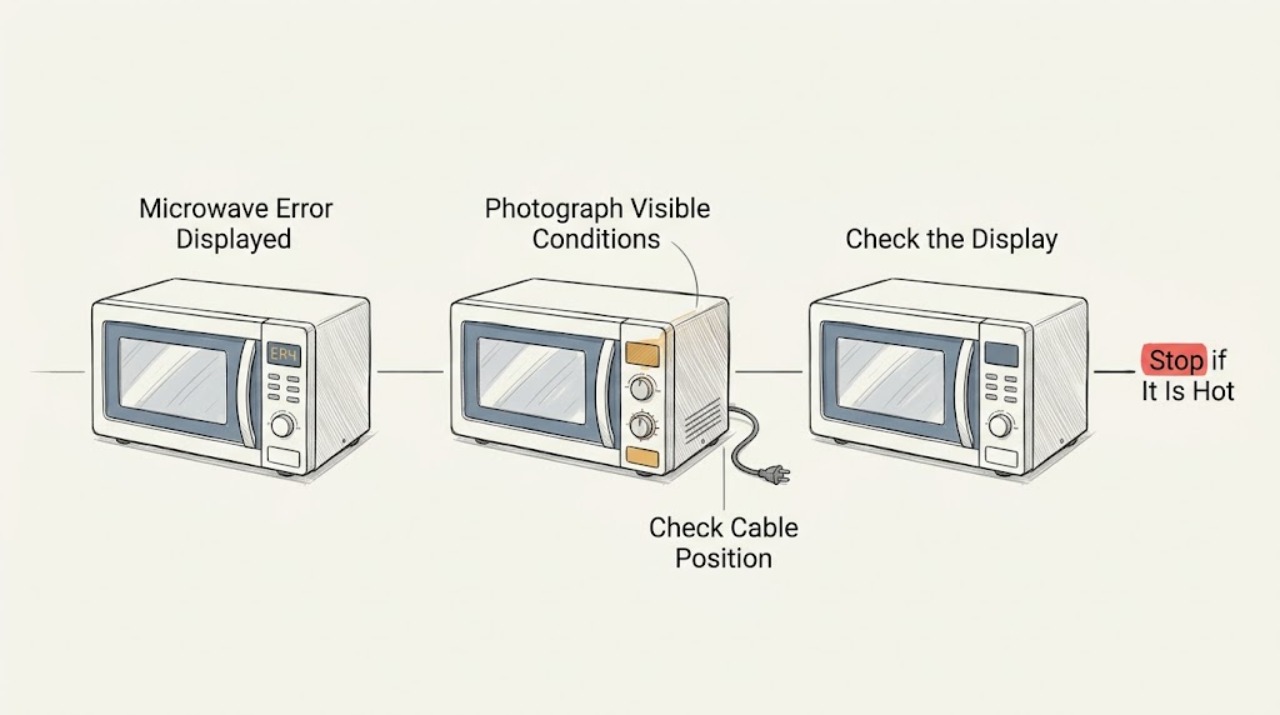
When a Maytag microwave displays an error, photograph or write down the exact code and model number first. Maytag's error-code library is organized by microwave type and model-specific documentation, so a generic reset cannot identify every fault. Perform only a reset or control change that the applicable manual or code page supports; if the code returns, stop using the unit and arrange service.
Work through in order
Diagnostic checks
Use only checks that match the exact appliance or system and its official guide.
-
Check 1
Record the complete error display, photograph it if possible, and locate the microwave model number from the rating label or owner's manual.
Expected result: The code and model are clear, or the display is only a general door, lock, PF, or blank-display symptom.
Next step: Keep the code unchanged in your notes and use the model's Maytag manual or the matching Product Help page. Do not substitute a code from another microwave type.
Why this matters
Why: A precise code can be matched to the correct Maytag appliance type; a general message may require a dedicated door, power, or lock check instead.
-
Check 2
Check whether the message is a control setting or user-facing door message, such as LOC/L/padlock or Door/Open-Close, and follow only the applicable Maytag instructions.
Expected result: The indicator clears after the documented key sequence or after opening and closing the door, or it remains.
Next step: If the message remains, do not bypass the latch or interlock; retain the code and arrange service.
Why this matters
Why: A cleared lock or door message supports a control state or delayed-start safeguard. A persistent message suggests the control is not detecting the expected condition.
-
Check 3
If the code page or manual allows a power reset, disconnect power for the documented interval, restore it, and watch the display without repeatedly cycling the unit.
Expected result: The code clears and the microwave operates normally, or the code returns immediately or the breaker trips.
Next step: Stop using the microwave when the code returns or the breaker trips; request qualified service and provide the exact code.
Why this matters
Why: A one-time reset may clear a transient control state. A returning code or protection trip is evidence that the underlying fault remains.
Use your observations
Decision map
Find the observation that best matches what you see, then follow the next safe action.
-
PATH 01Next step
What you see
The display shows LOC, L, or a padlock and clears with the model's documented sequence
Do this next
Use the microwave normally and retain the model manual for future lock changes.
-
PATH 02Next step
What you see
The display shows Door or Open/Close and clears after the door is opened and closed
Do this next
Start the cycle normally; request service if the message returns with a properly closed door.
-
PATH 03Next step
What you see
A model-specific code returns after the permitted reset or the breaker trips again
Do this next
Leave the microwave disconnected or unused as appropriate and arrange qualified service.
Helpful context
Understand the symptom
The code is the diagnostic identity
Maytag lists different code groups for countertop and over-the-range microwaves. Recording the complete display, including letters, numbers, spaces, or a door/lock message, prevents a plausible-looking but wrong repair path.
When checks do not resolve it
Need a professional?
Arrange qualified service for a recurring or unknown error, a code that returns after its documented reset, a door/interlock message that persists, smoke or burning odor, or a breaker that trips again.
Common questions
FAQ
Why do I need the Maytag microwave model number for an error?
Maytag's error-code resources are separated by microwave type and point users to model-specific manuals. The model number prevents applying a code meaning or button sequence from a different appliance.
Should I keep resetting a Maytag microwave error?
No. Perform only the reset described for the exact code or model, then stop if it returns. Repeated breaker trips or a recurring error should be handled by qualified service.
Read the exact guide
Official sources
- Not Powering On - Over-the-Range MicrowaveMaytag Product Help · Maytag over-the-range microwave power
- "Door" Or "Open/Close" - Error Code - Countertop MicrowaveMaytag Product Help · Maytag countertop microwave door display
- Error CodesMaytag Product Help · Maytag countertop microwave error displays
- LOC or "L" or Padlock Icon - Error Code - Countertop MicrowaveMaytag Product Help · Maytag countertop microwave lock indicators
Community feedback
Share a repair observation
Share a plain-text repair observation. Accepted observations are published automatically; this page may take a moment to update.