
Maytag appliance guidance
Maytag Microwave Repair Guides
Troubleshooting and repair guidance for published Maytag Microwave problems, symptoms, and maintenance questions.
Published Maytag Microwave guides
Choose the guide whose symptom or condition most closely matches what you are seeing.
-
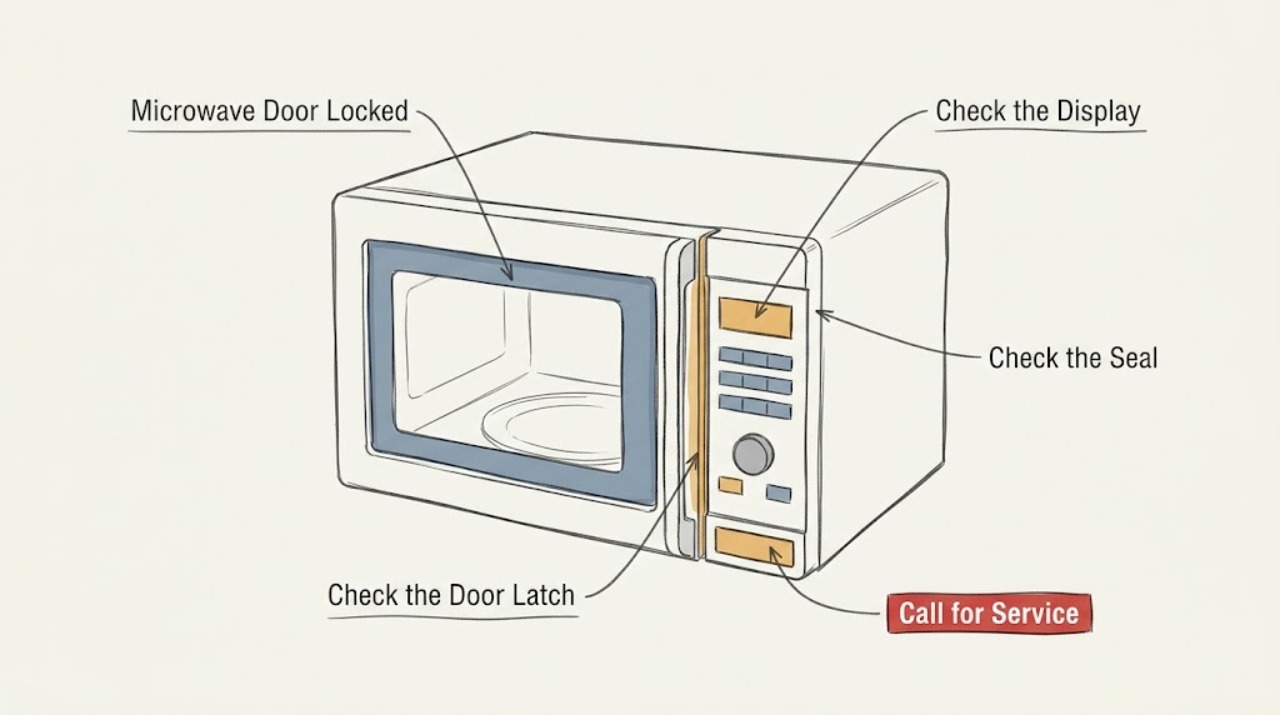
Maytag Microwave Door Locked: Identify the Control Lock or Door-Lock Setting
A Maytag microwave that shows a lock or will not open may have Control Lock enabled, or a model-specific two-step door-opening feature. Check the display symbol and use the button sequence in the owner's manual. Do not pry the door or defeat the interlock; if the release does not work or the latch is damaged, stop using the microwave and arrange service.
-
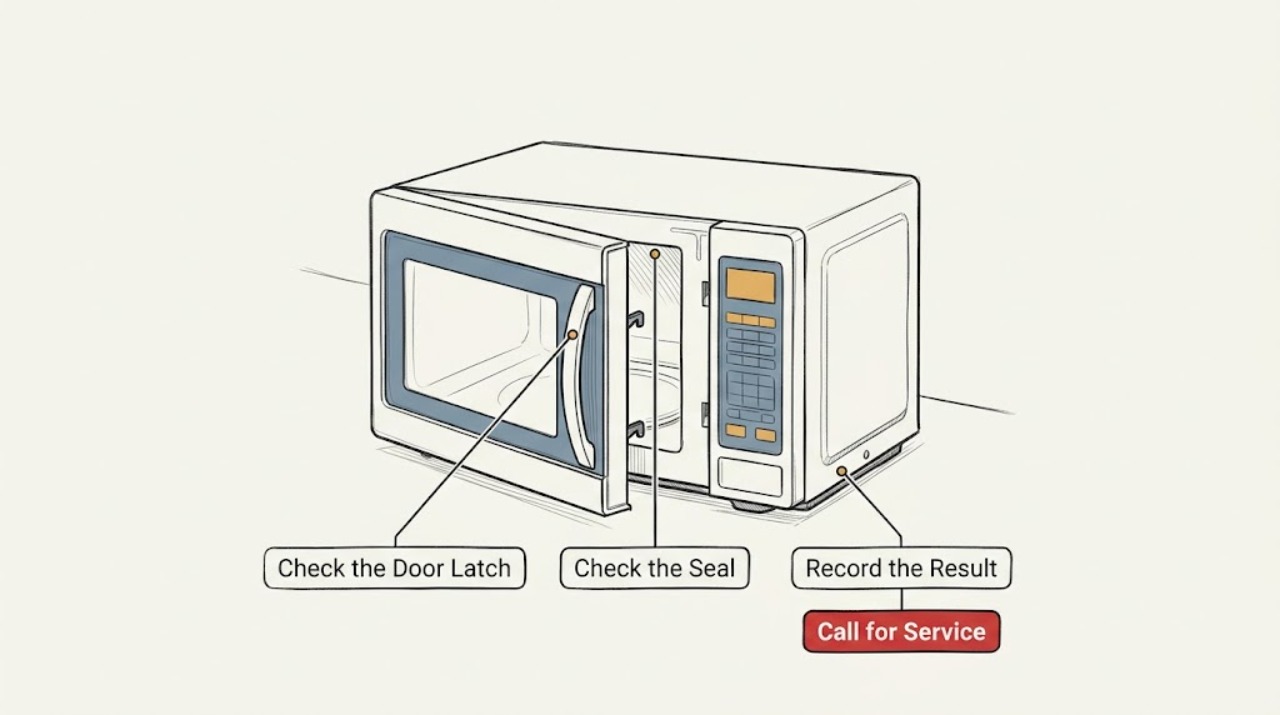
Maytag Microwave Door Not Closing: Clear the Latch Path Before Requesting Service
When a Maytag microwave door will not close, first remove any dish, rack, packaging, or debris blocking the latch path. Then check that the countertop unit is level or the over-the-range unit is installed correctly, and clean the visible door-contact area. Do not operate a microwave whose door will not latch securely; a bent latch or persistent gap requires service.
-
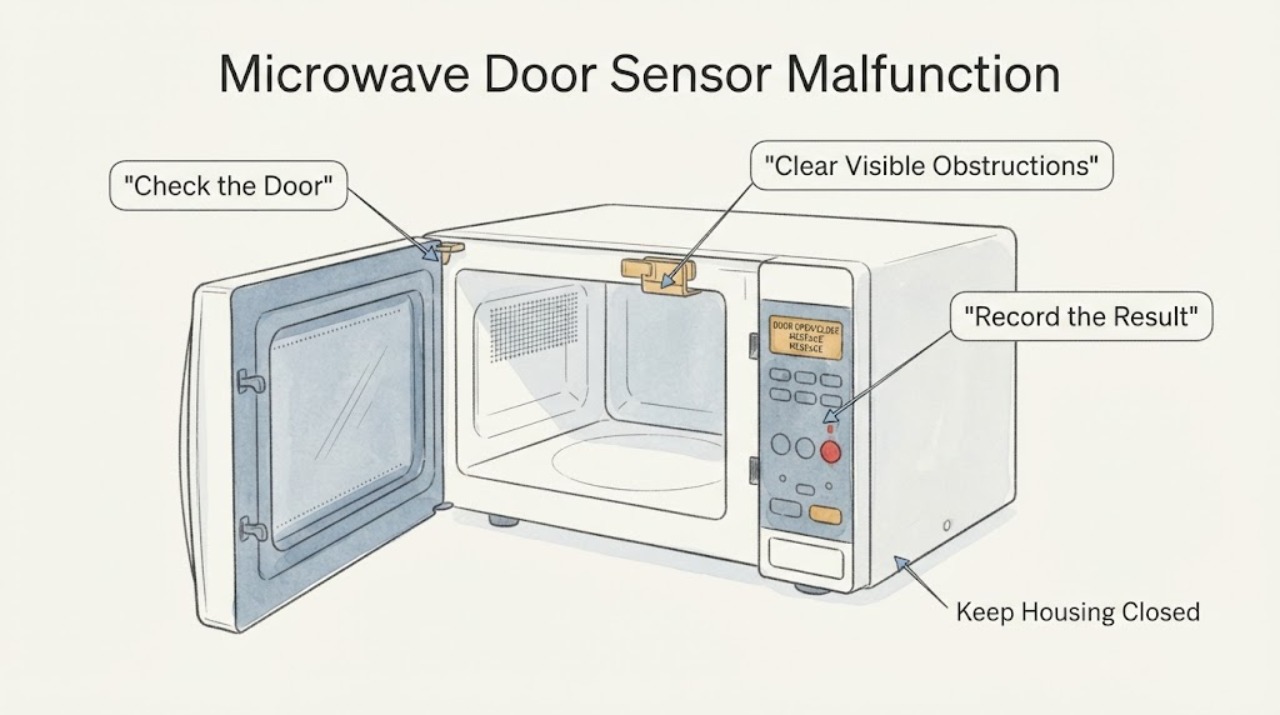
Maytag Microwave Door Sensor Malfunction | Safe Checks
Treat a Maytag microwave door-sensor complaint as a door-closure or safety-interlock issue until the exact model proves otherwise. Maytag says a Door or Open/Close message can appear when the door has been closed for about five minutes without starting; open and close the door, then start the cycle.
-
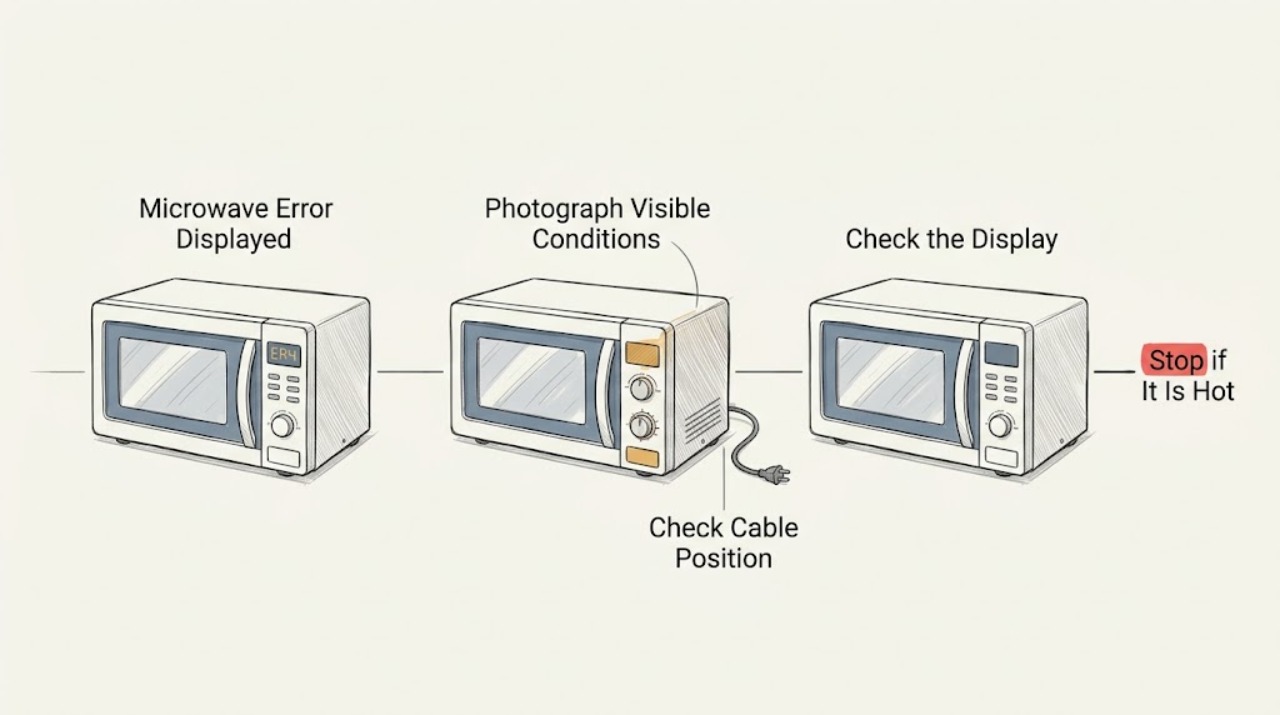
Maytag Microwave Error Displayed: Record the Exact Code Before Resetting
When a Maytag microwave displays an error, photograph or write down the exact code and model number first. Maytag's error-code library is organized by microwave type and model-specific documentation, so a generic reset cannot identify every fault. Perform only a reset or control change that the applicable manual or code page supports; if the code returns, stop using the unit and arrange service.
-
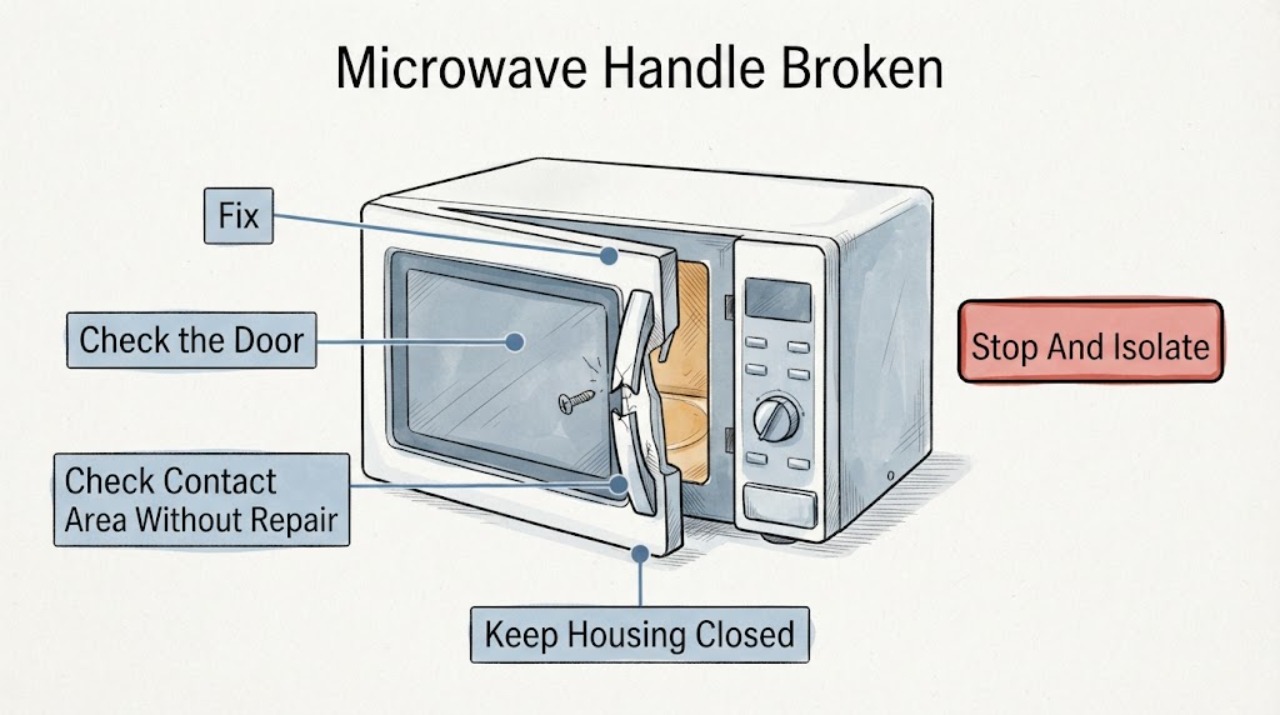
Maytag Microwave Handle Broken | Fix Guide
Stop using the Maytag microwave until the broken handle and the door assembly have been checked. Do not pull on a damaged handle, tape it in place, hold the door shut, or run the microwave to see whether it still works.
-
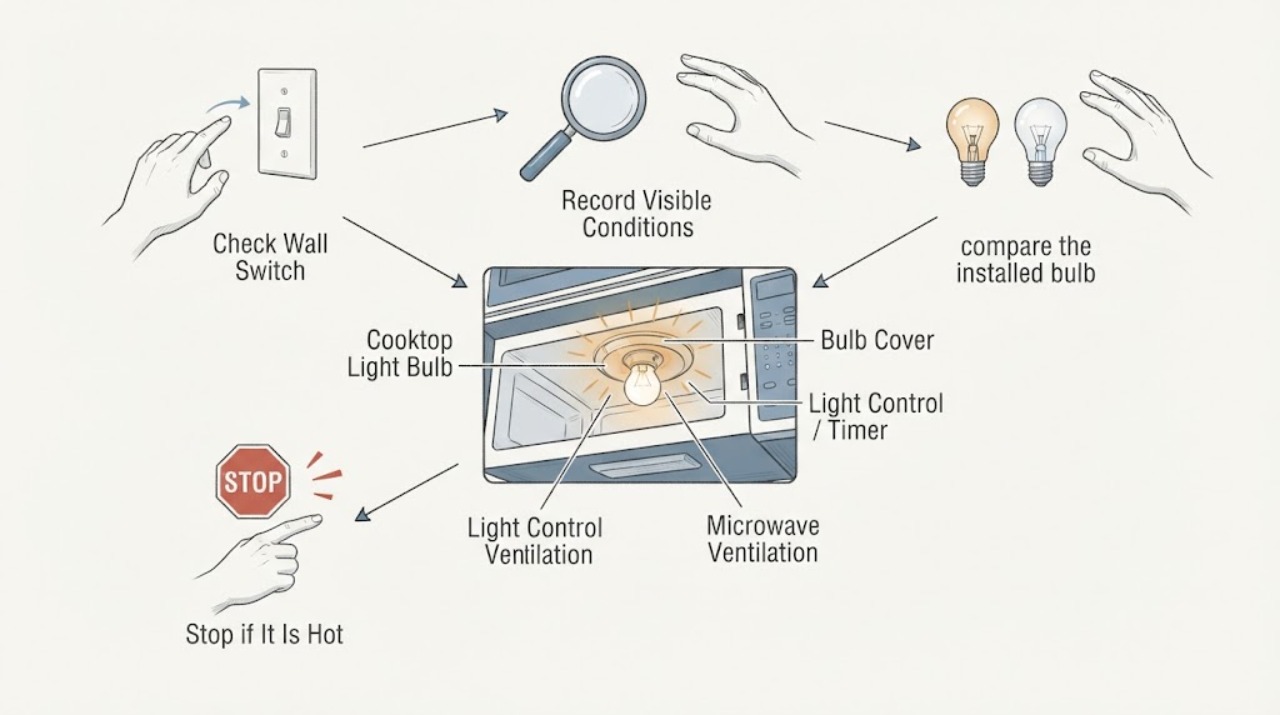
Maytag Microwave Cooktop Light Bulb Overheating When Left on Low
A Maytag over-the-range microwave's cooktop light may have a low setting, and one Maytag owner manual describes low as usable as a night light. That does not make a bulb that is excessively hot, scorching the cover, flickering, staying at one brightness after replacement or producing an odor safe to keep using.
-
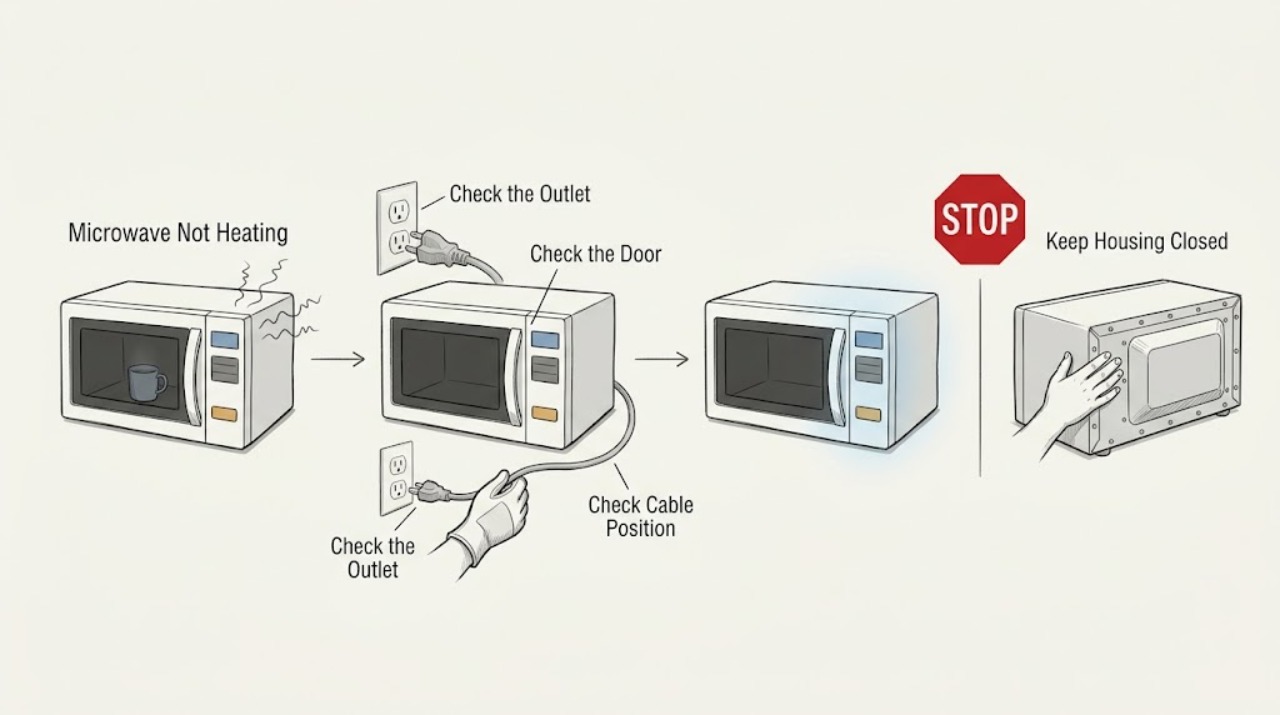
Maytag Microwave Not Heating: Check Power, Door Closure, and Controls
If a Maytag microwave runs but does not heat, first verify the outlet and power path, then make sure the door closes fully and the selected power and time are appropriate. Check for Control Lock, Demo Mode, or a displayed code. Test only with a cup of water as Maytag describes; if it remains cold or the breaker trips, stop and arrange qualified service.
-
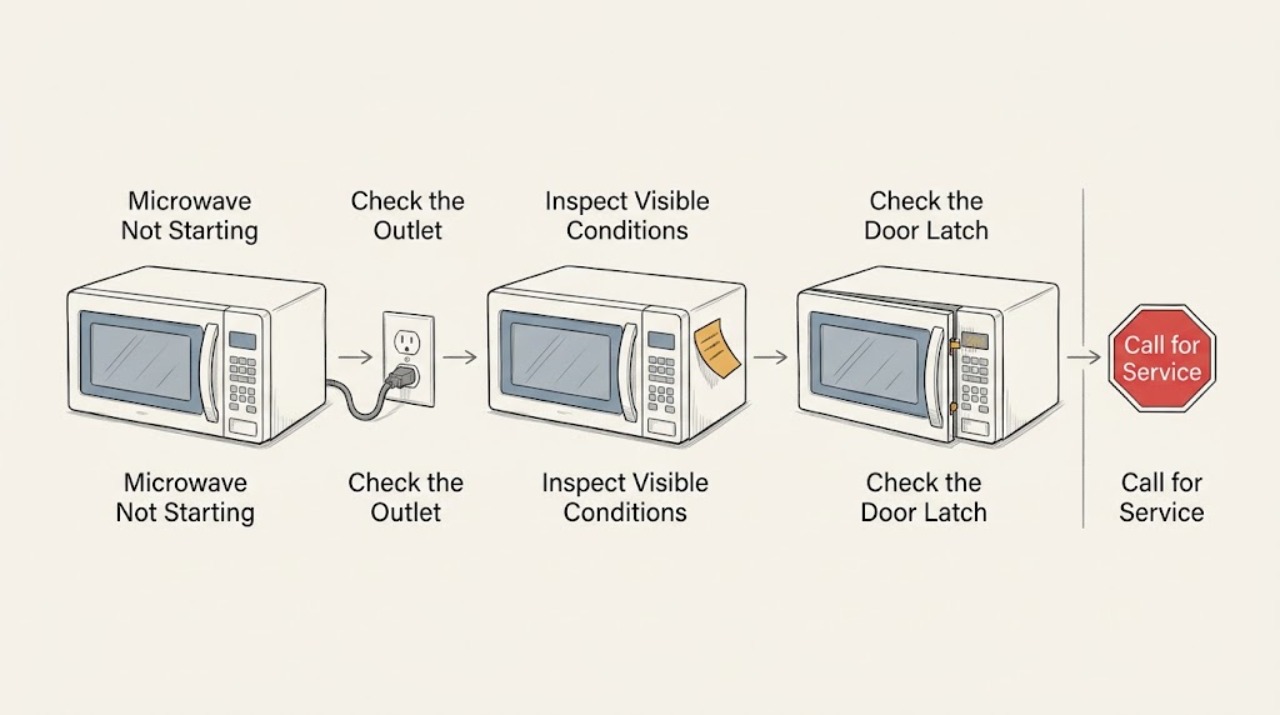
Maytag Microwave Not Starting: Check the Outlet, Lock, Timer, and Door
If a Maytag microwave will not start, verify it is plugged directly into a working wall outlet, then check Control Lock, Timer mode, and complete door closure. Select a cooking function and press Start as the model requires. If the outlet is good but the controls still will not start a cycle, or the breaker trips, stop and arrange qualified service.
-
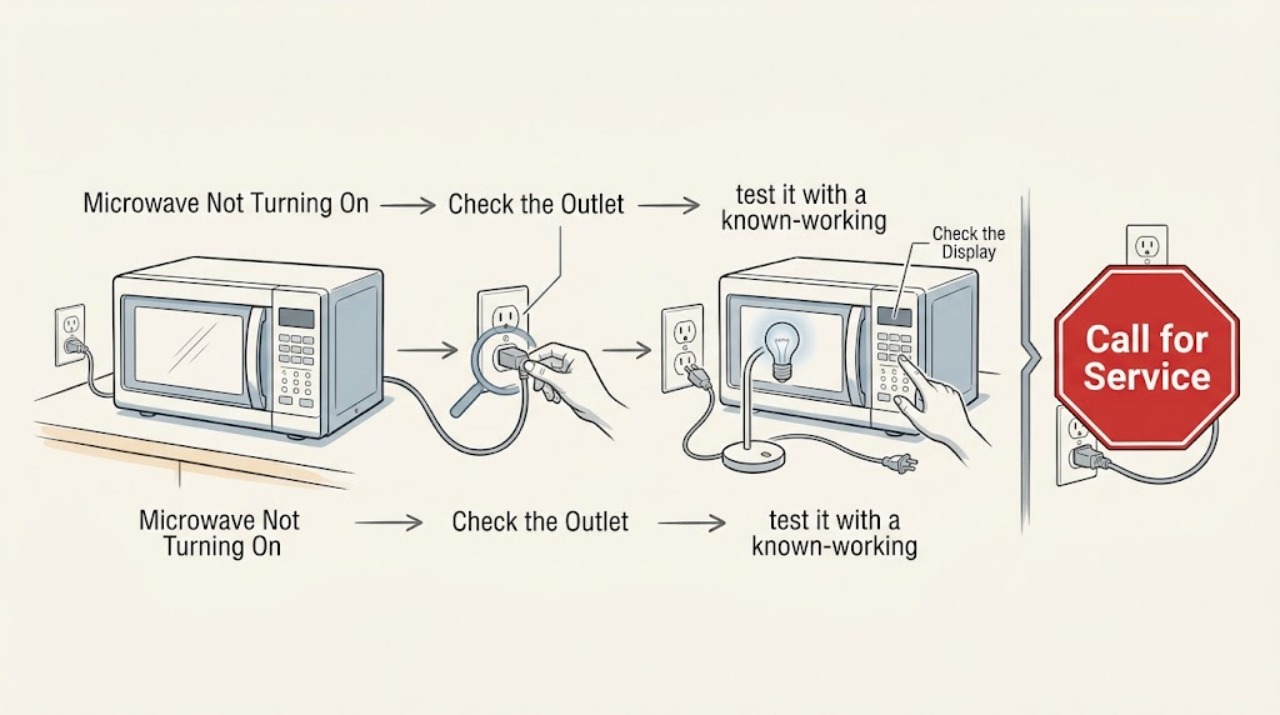
Maytag Microwave Not Turning On: Check the Outlet and Breaker Without Repeated Resets
If a Maytag microwave is completely dark or will not power on, check that its cord is connected to a grounded, working wall outlet and inspect the appliance breaker or fuse. A single safe power reset may be appropriate for the model, but do not keep resetting a breaker that trips again. If the outlet works and the microwave stays dead, arrange qualified service.
-
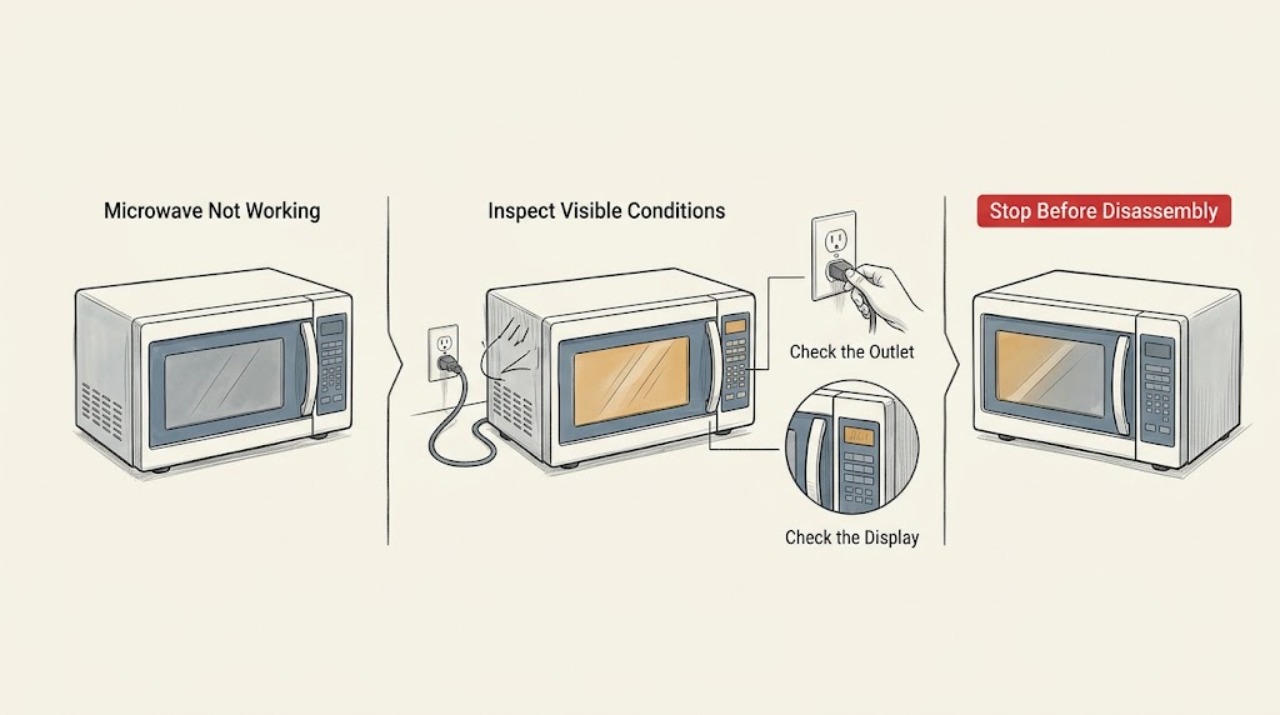
Maytag Microwave Not Working: Separate No Power From a Control or Heating Fault
Maytag microwave ‘not working’ can mean a dead display, a cycle that will not start, or a running cycle that does not heat. Check the outlet and breaker from a safe position, wake the controls and confirm Control Lock or Demo mode is off, close the door fully, then run the model-approved water test. If the breaker trips again, the door is damaged, or the water remains cold after the external checks, stop and arrange qualified service.
-
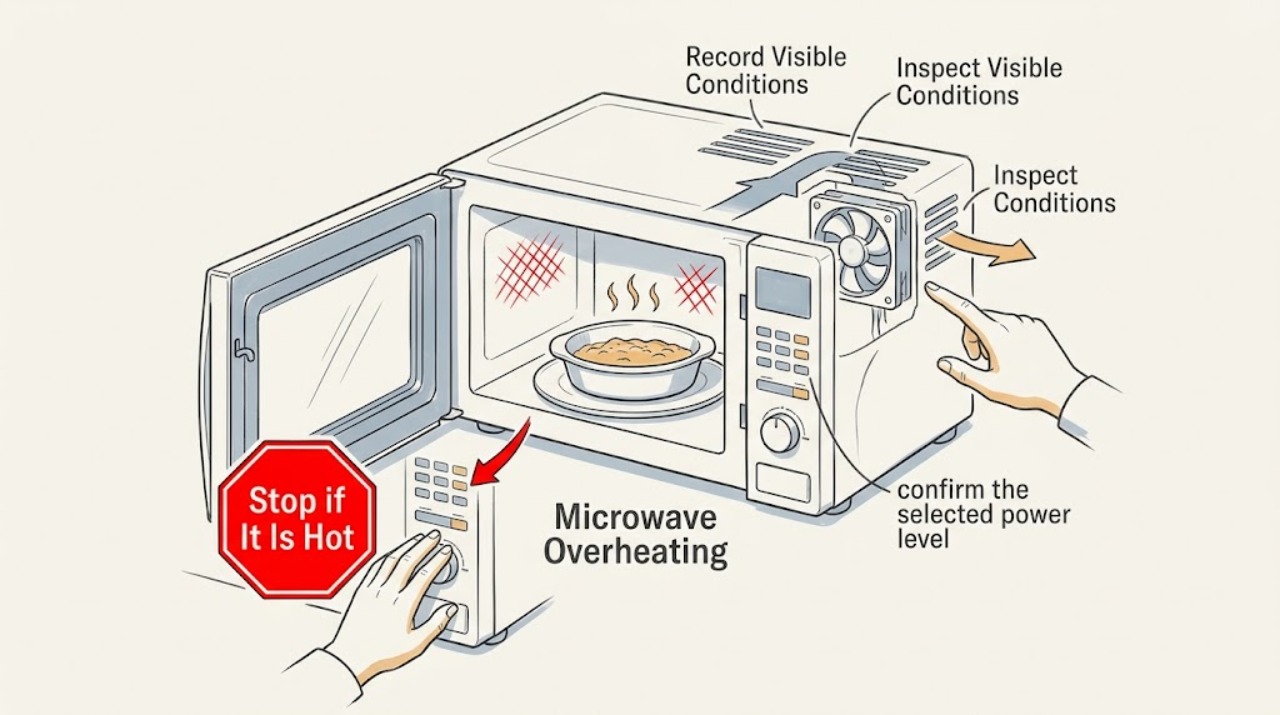
Maytag Microwave Overheating: Tell Normal Cooling From a Safety Stop
‘Overheating’ on a Maytag microwave can describe a cooling fan that runs after cooktop heat, a hot exterior or control area, food or liquid that overheats, or a true appliance fault. Stop if there is smoke, flame, burning odor, damaged cord or door, or blocked openings.
-
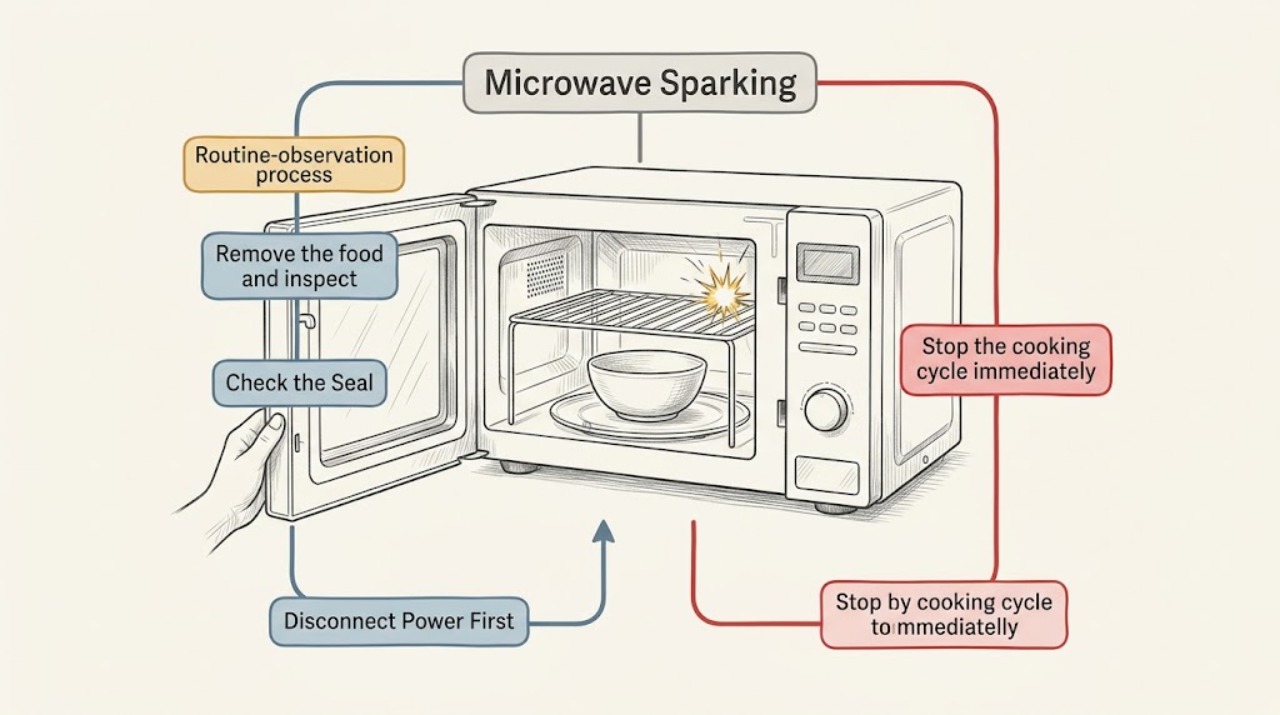
Maytag Microwave Sparking: Stop the Cycle and Remove the Trigger
If a Maytag microwave sparks, stop the cycle immediately and identify whether metal, foil, an accessory touching the cavity, food residue, or a damaged interior surface is involved. Remove only the accessible item after the oven is off and cool, clean residue with the model-approved method, and use only cookware and accessories allowed by the manual.
-
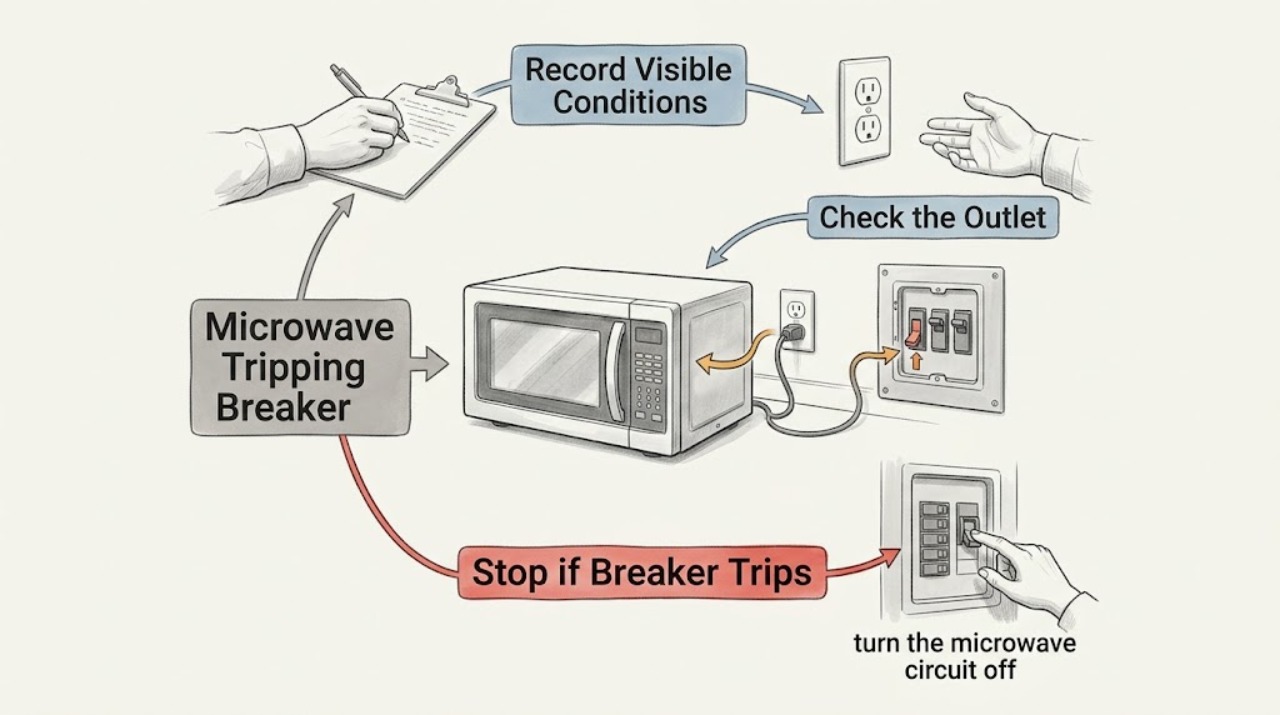
Maytag Microwave Tripping Breaker: Stop Repeated Resets and Check the Circuit
If a Maytag microwave trips the breaker, stop using it and note whether the trip occurs immediately, when cooking starts, or only while the cooktop is heavily used. Check the outlet and cord only from a safe position, reset the circuit once if the installation permits, and monitor briefly. If the breaker or fuse opens again, disconnect power or switch off the circuit when safe and arrange licensed electrical or qualified appliance service instead of repeatedly resetting it.
-
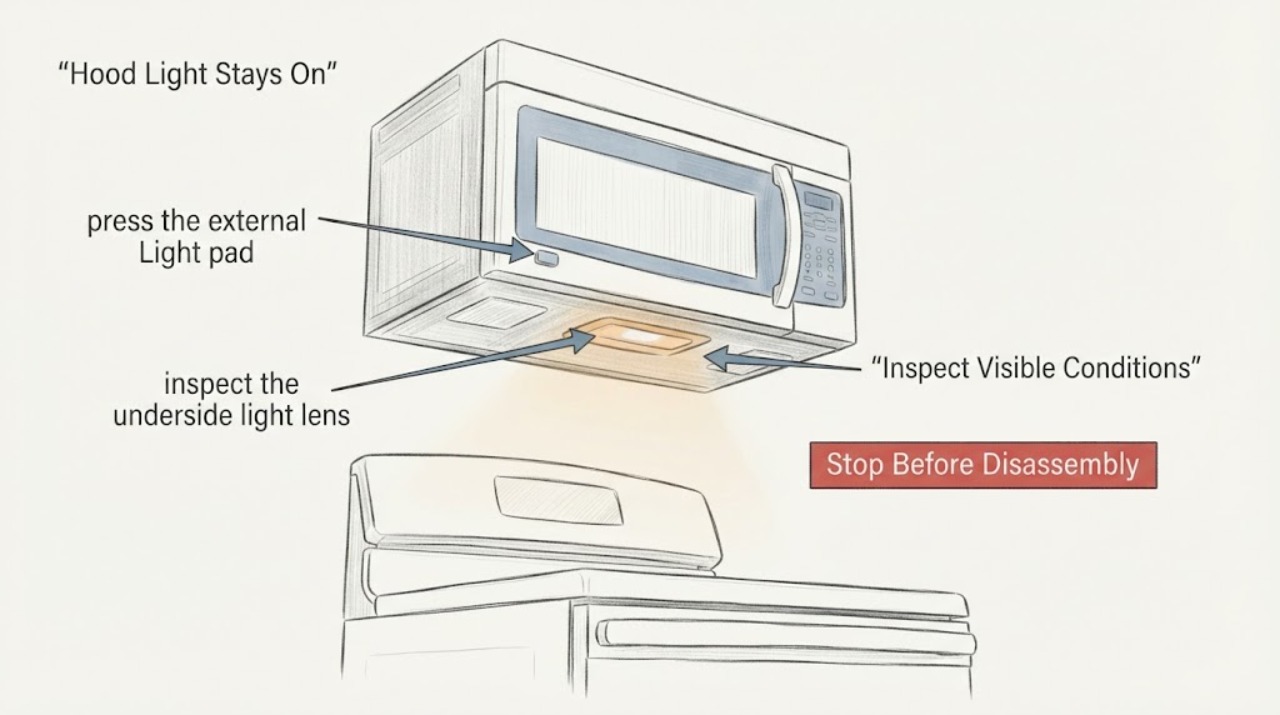
Maytag MMV1174FZ-2 Hood Light Stays On: Safe Checks
On the assigned Maytag MMV1174FZ-2, first use the Light pad to cycle through the available levels and off state, then check whether a Light Timer is enabled. Maytag says the exact number of levels varies by model and that touching the Light pad overrides the timer.
-
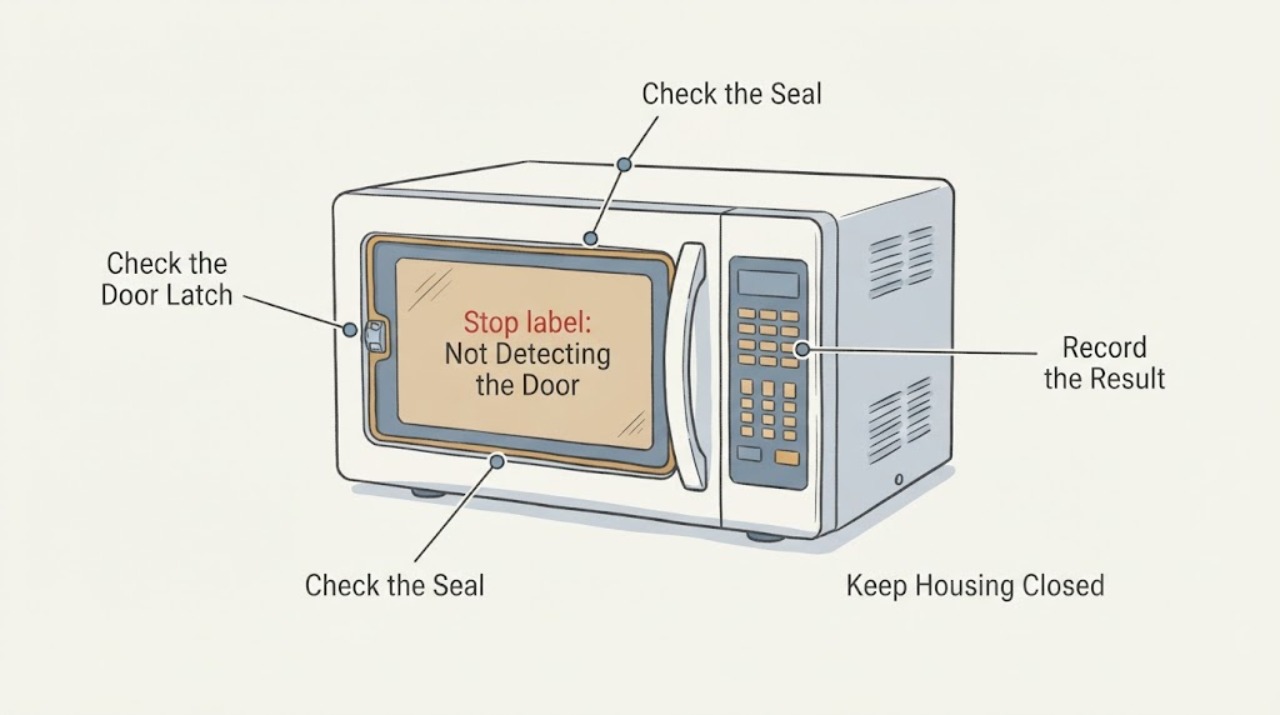
Maytag MMV4205DS Not Detecting the Door: Safe Checks
If the Maytag MMV4205DS says the door is open, will not start, or does not recognize a closed door, stop using it if the door is bent, the latch is loose, the hinge or seal is damaged, the door area sparks, or the unit starts with the door open. With power disconnected and the door open, remove only visible debris from the latch and clean residue from the door contact area; then close the door firmly once.
-
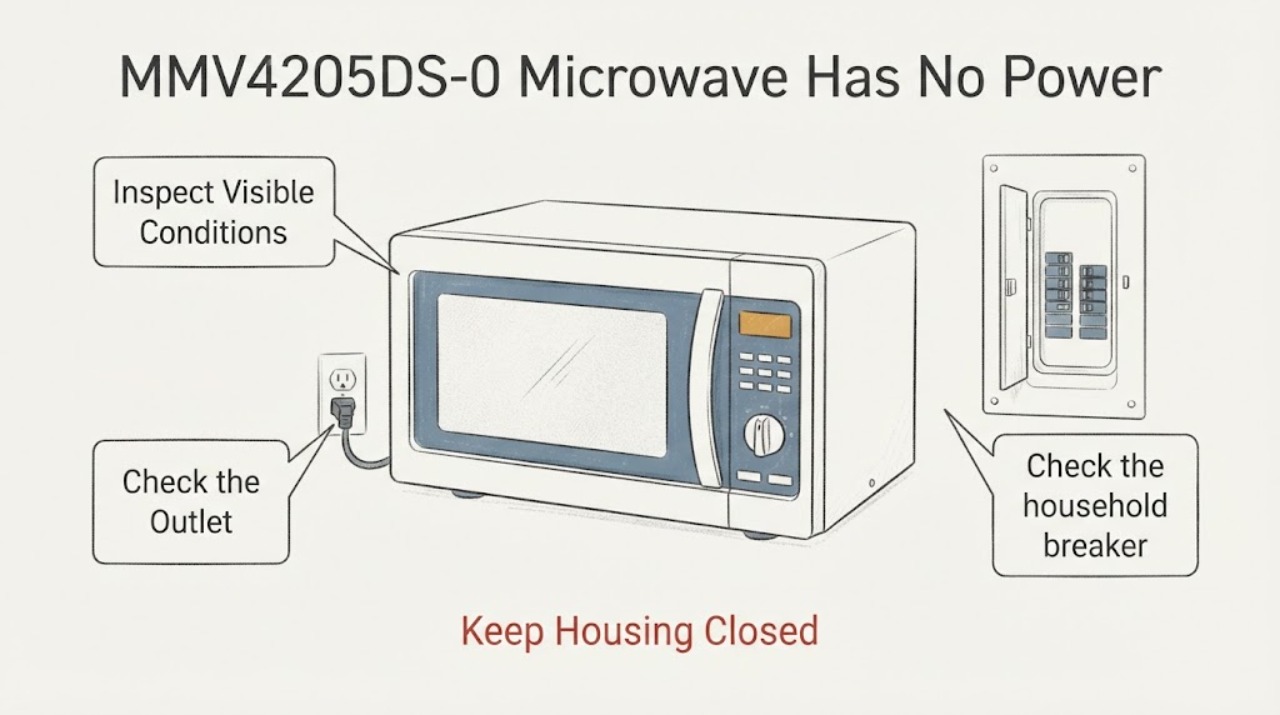
Maytag MMV4205DS-0 Microwave Has No Power: Safe Fuse and No-Start Checks
If the Maytag MMV4205DS-0 microwave has no display or will not power on, check only the external supply and controls from a safe position. Verify the grounded outlet and household breaker or fuse once; if power trips again, disconnect the microwave and arrange service.