
On this page
Start here
Quick answer
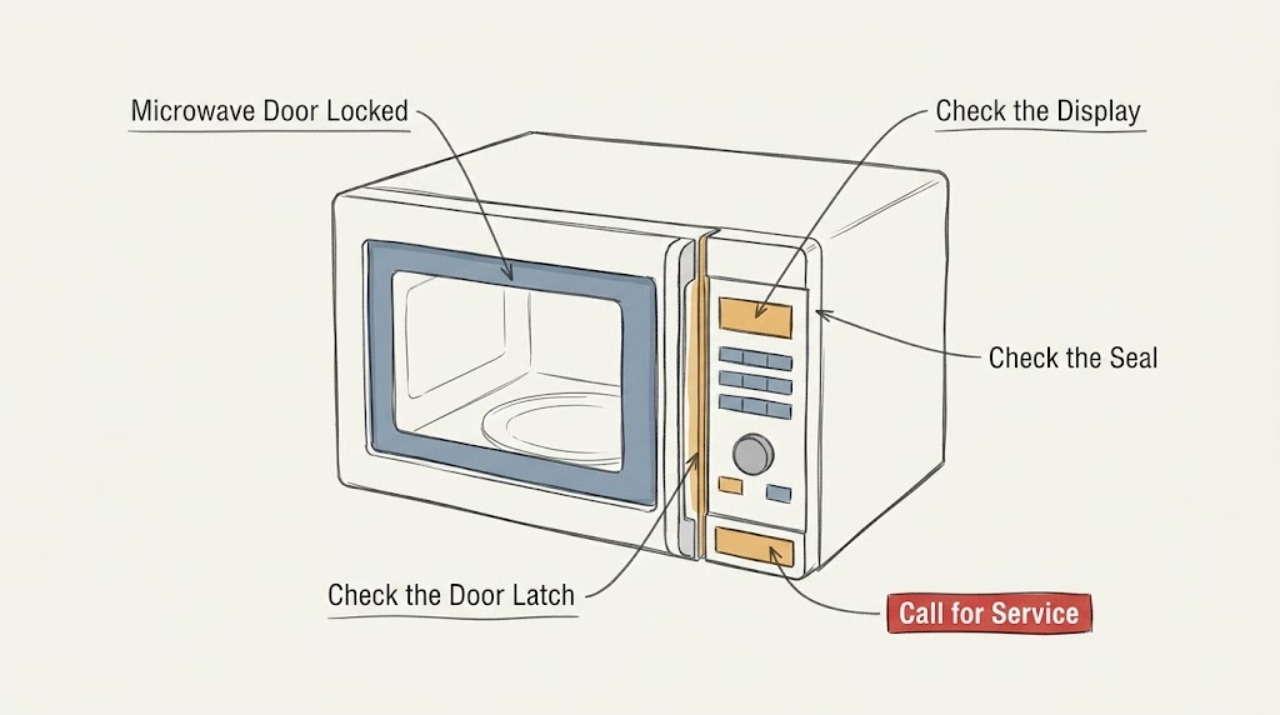
A Maytag microwave that shows a lock or will not open may have Control Lock enabled, or a model-specific two-step door-opening feature. Check the display symbol and use the button sequence in the owner's manual. Do not pry the door or defeat the interlock; if the release does not work or the latch is damaged, stop using the microwave and arrange service.
Work through in order
Diagnostic checks
Use only checks that match the exact appliance or system and its official guide.
-
Check 1
Read the display for LOC, L, a padlock, or a door-lock icon and note whether the microwave is in standby or has a cooking cycle selected.
Expected result: A control-lock or door-lock indicator is present, or no lock indicator appears.
Next step: Use the model's Owner's Manual to identify the intended release sequence; do not guess by pressing unrelated combinations.
Why this matters
Why: A lock indicator points to an enabled control or door-opening feature; no indicator makes a blocked latch, power, or model-specific fault more likely.
-
Check 2
For Control Lock, try the sequence specified for your model; Maytag lists holding Cancel for 3 seconds or Start for 5 seconds on different models. For a two-step door feature, use Stop and Door Release as documented.
Expected result: The lock indicator clears and the door releases, or the lock remains and the buttons do not respond.
Next step: If it does not release, do not pull, pry, or bypass the door safety system; record the model and request service.
Why this matters
Why: A cleared indicator supports a settings lock. A persistent lock after the documented sequence can indicate a model-specific control or latch problem.
-
Check 3
Once the door is open and the unit is cool, inspect the visible latch area for packaging, a dish, rack, or debris preventing normal movement. Do not remove panels or test switches.
Expected result: A visible obstruction is present, or the latch area is clear but the door still locks.
Next step: Remove only an obvious external obstruction, then close the door normally. If the latch is bent, loose, or still locked, stop using the appliance.
Why this matters
Why: Maytag identifies packaging, oversized cookware, and a displaced rack as causes of door interference. A clear area with a persistent lock needs service diagnosis.
Use your observations
Decision map
Find the observation that best matches what you see, then follow the next safe action.
-
PATH 01Next step
What you see
LOC, L, or a padlock clears after the documented key hold
Do this next
Use the microwave normally and keep the model manual available for the exact control sequence.
-
PATH 02Next step
What you see
A door-lock icon remains after Stop and the model-specific release sequence
Do this next
Do not bypass the interlock; arrange qualified Maytag service.
-
PATH 03Next step
What you see
The lock occurs with an obstruction or misaligned rack at the door
Do this next
Remove only the external obstruction and request service if the door does not close and release normally.
Helpful context
Understand the symptom
A lock icon is not automatically a broken latch
Maytag documents both a Control Lock feature and a two-step door-opening feature on some microwave models. The exact buttons vary, so the display and model manual are more reliable than a generic key sequence.
When checks do not resolve it
Need a professional?
Stop using the microwave and arrange qualified service for a lock that persists after the documented release sequence, a bent or loose latch, a door that cannot close normally, or any need to access the interlock or control area.
Common questions
FAQ
How do I unlock a Maytag microwave?
The sequence varies by model. Maytag lists holding Cancel for 3 seconds or Start for 5 seconds for different Control Lock designs; use your model manual rather than assuming one sequence applies.
Can I pry open a Maytag microwave door that is locked?
No. Do not force or bypass the door interlock. Try only the documented release sequence, and arrange service if the lock remains or the latch is damaged.
Read the exact guide
Official sources
- LOC or "L" or Padlock Icon - Error Code - Countertop MicrowaveMaytag Product Help · Maytag countertop microwave lock indicators
- "Door" Or "Open/Close" - Error Code - Countertop MicrowaveMaytag Product Help · Maytag countertop microwave door display
- Door Will Not Close - Countertop MicrowaveMaytag Product Help · Maytag countertop microwave door
Community feedback
Share a repair observation
Share a plain-text repair observation. Accepted observations are published automatically; this page may take a moment to update.