
Repair problem
Door Locked Troubleshooting Guides
Published FixGraph guidance for diagnosing and responding to door locked.
Matching published guides
Choose a guide that matches the service, equipment, and conditions you are seeing.
-
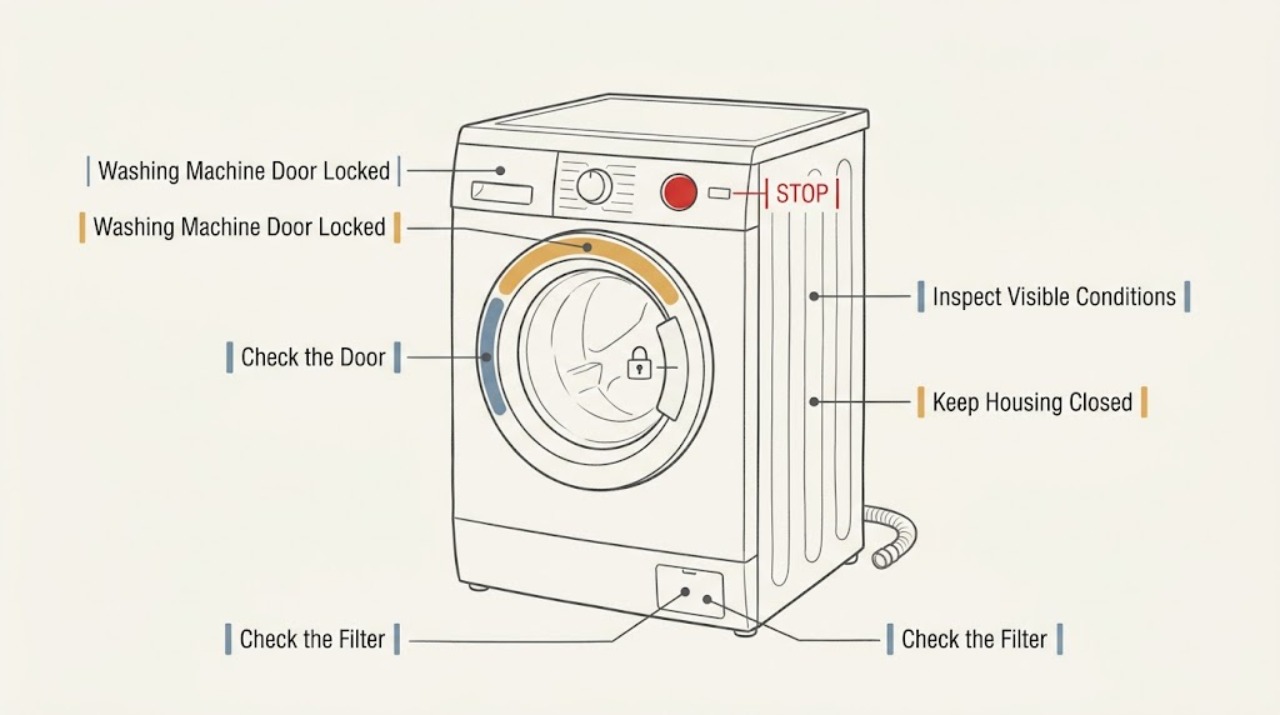
AEG Washing Machine Door Locked: Drain, Cool, and Release It Safely
An AEG washing-machine door can remain locked while a cycle is still hot, the drum is rotating, or water remains inside. Wait for the lock indicator to clear after the programme ends, then check whether water is visible and run the model's drain programme before considering an emergency drain.
-
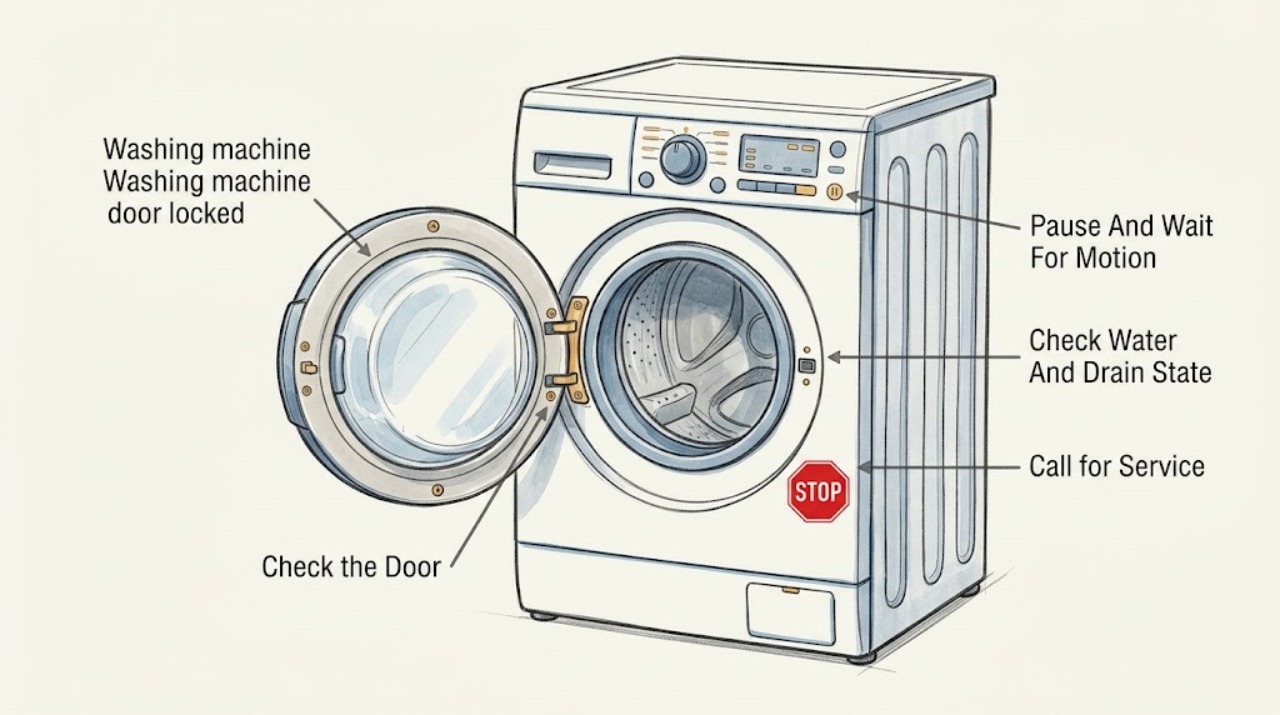
Amana washing machine door locked: safe ways to identify why it will not open
Do not pull or pry an Amana washer door or lid. The lock can be normal while the basket is tumbling or spinning, while water remains, or while a model-specific freshening option is active.
-
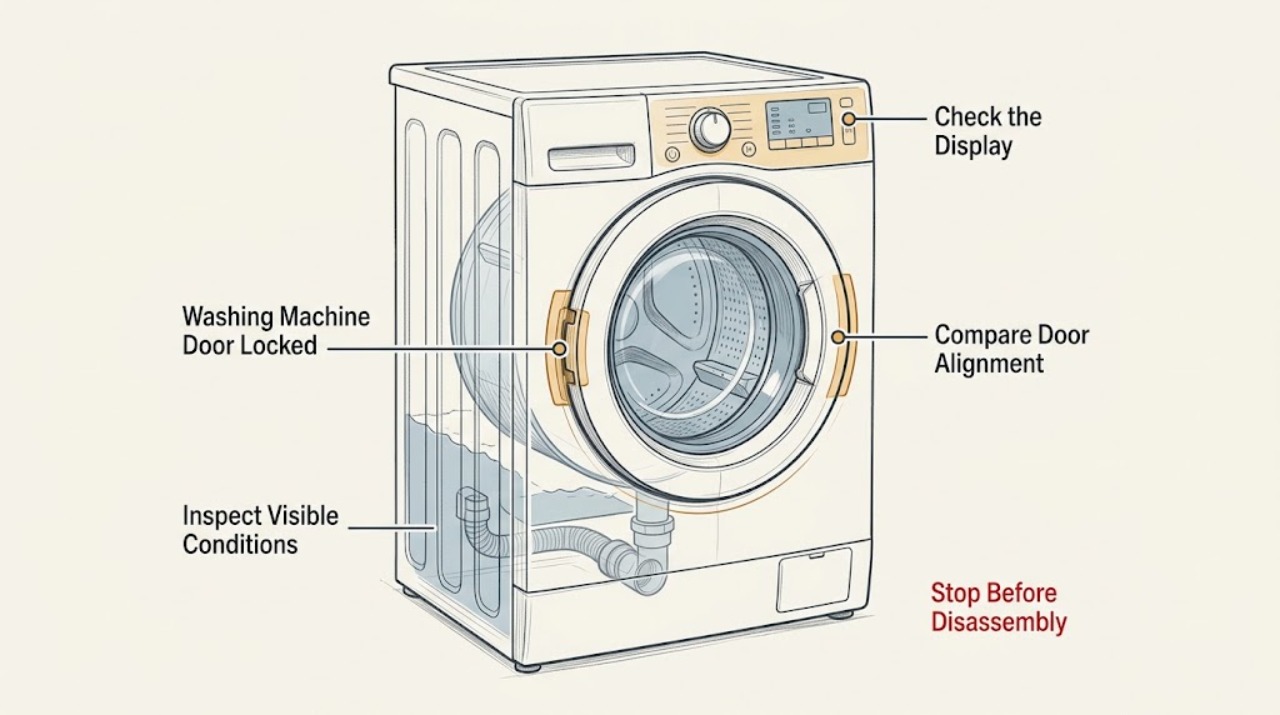
Bauknecht Washing Machine Door Locked: Safe Release Checks
Do not force a locked Bauknecht washing-machine door. First determine whether the program has really ended and allow the model's normal unlock delay to finish; Bauknecht's own door-lock guidance says the door can remain blocked briefly after the cycle ends.
-
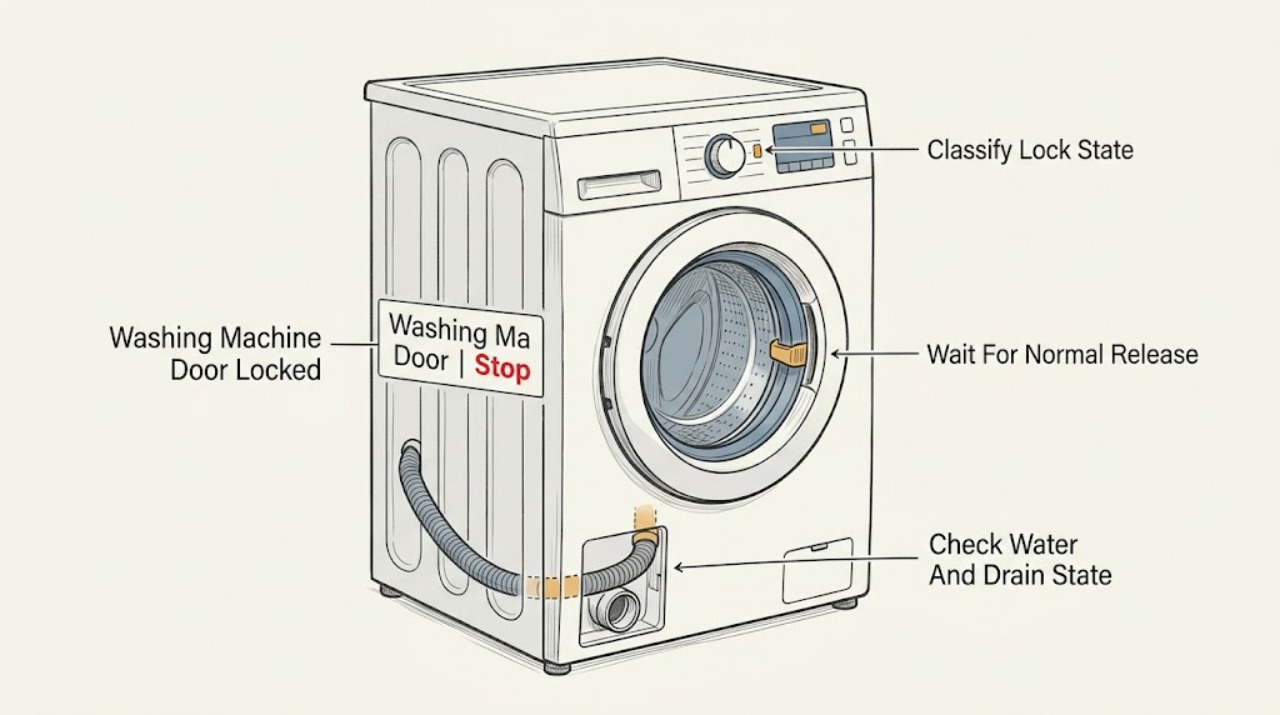
Baumatic Washing Machine Door Locked: Safe Release Checks
Do not force a locked Baumatic washing-machine door. The official Baumatic advice centre says the safety lock can keep the door locked for up to five minutes after a cycle ends; an opened Baumatic manual for the BWMI147D/BWMI148D family says to wait until the door-security light goes out, and to wait about two minutes after the cycle before opening.
-
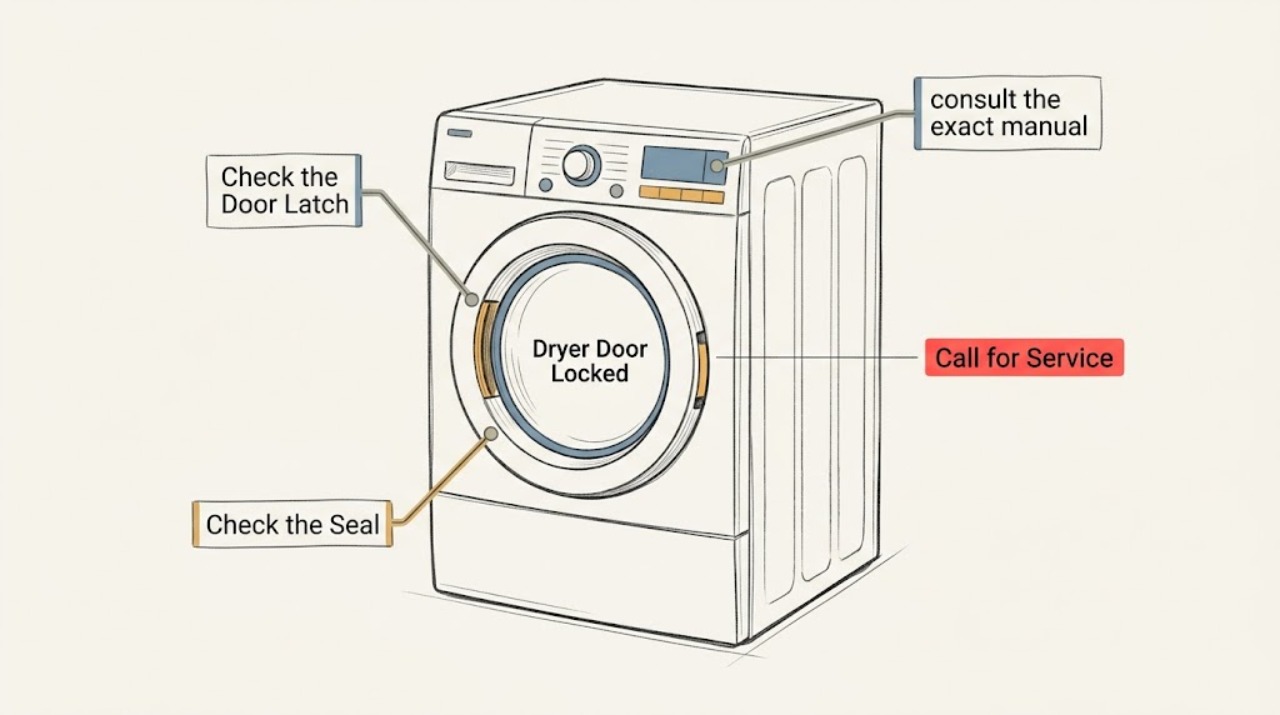
Beko Dryer Door Locked: Safe Checks Before Service
Do not force a Beko dryer door. First identify whether the padlock symbol means the child lock is active, whether laundry is caught in the door seal, whether a program is still running, or whether the dryer has lost power.
-
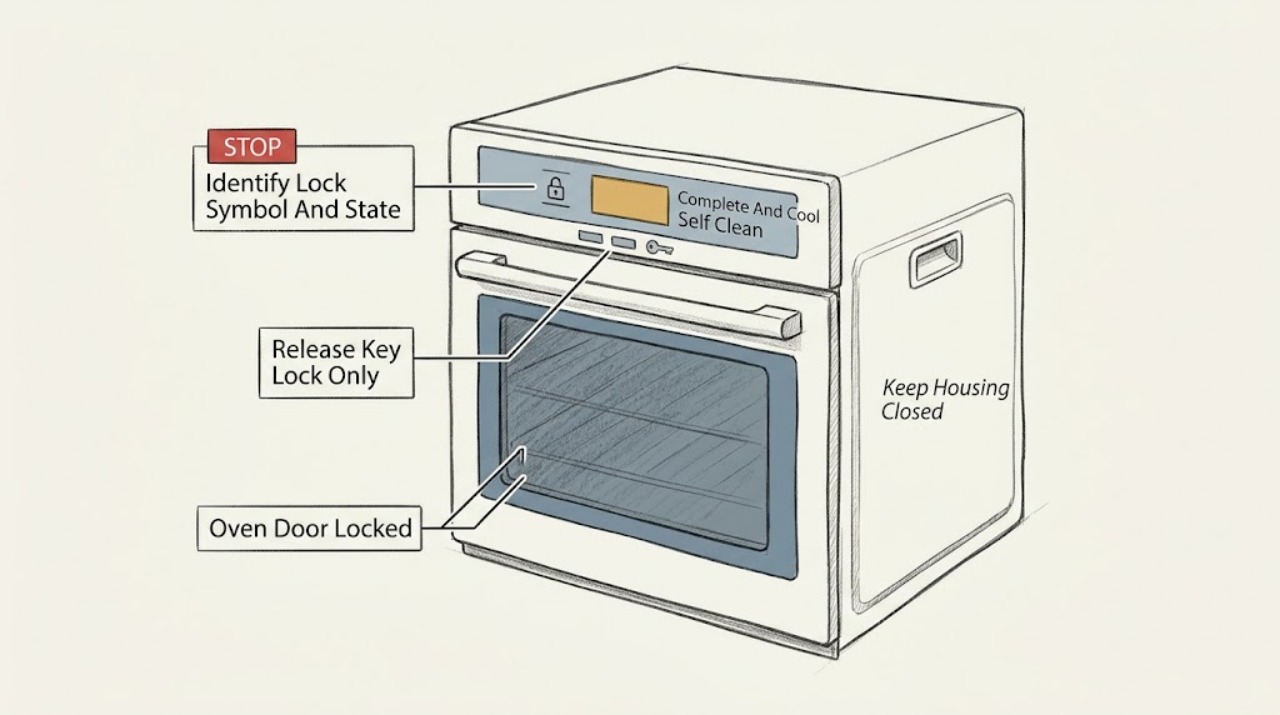
Beko Oven Door Locked: Check self-clean cooling, key lock, and the safe stop point
Do not force a Beko oven door that shows a door-lock symbol or will not open. First identify whether the lock is expected: Beko's high-temperature self-cleaning instructions keep the door locked while the oven is hot and until the lock symbol disappears after the cleaning process; the exact model's manual controls the timing.
-
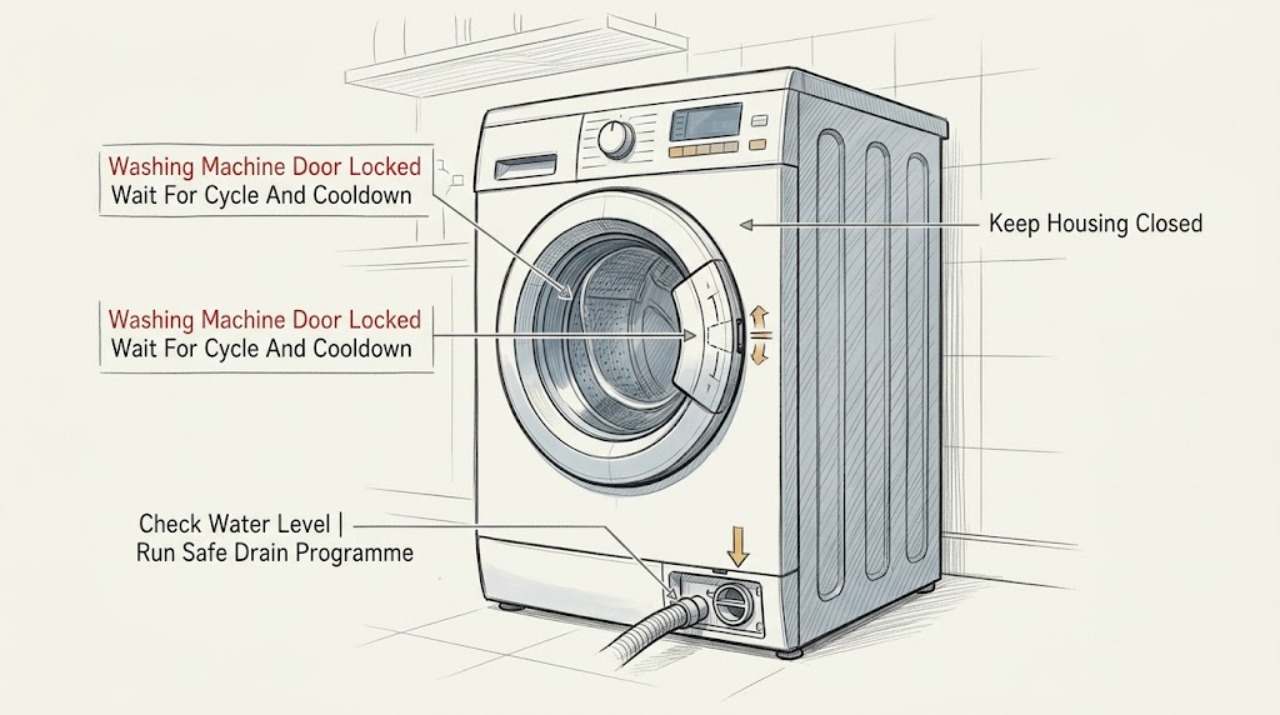
Beko Washing Machine Door Locked: Drain Safely Before Opening
A Beko washing-machine door can remain locked because the cycle is still running, the water is hot or above the safe level, the machine has not finished draining, Remote Start is active on applicable models, or power has failed. First wait for the programme to finish and the lock to release, then check whether water remains in the drum.
-
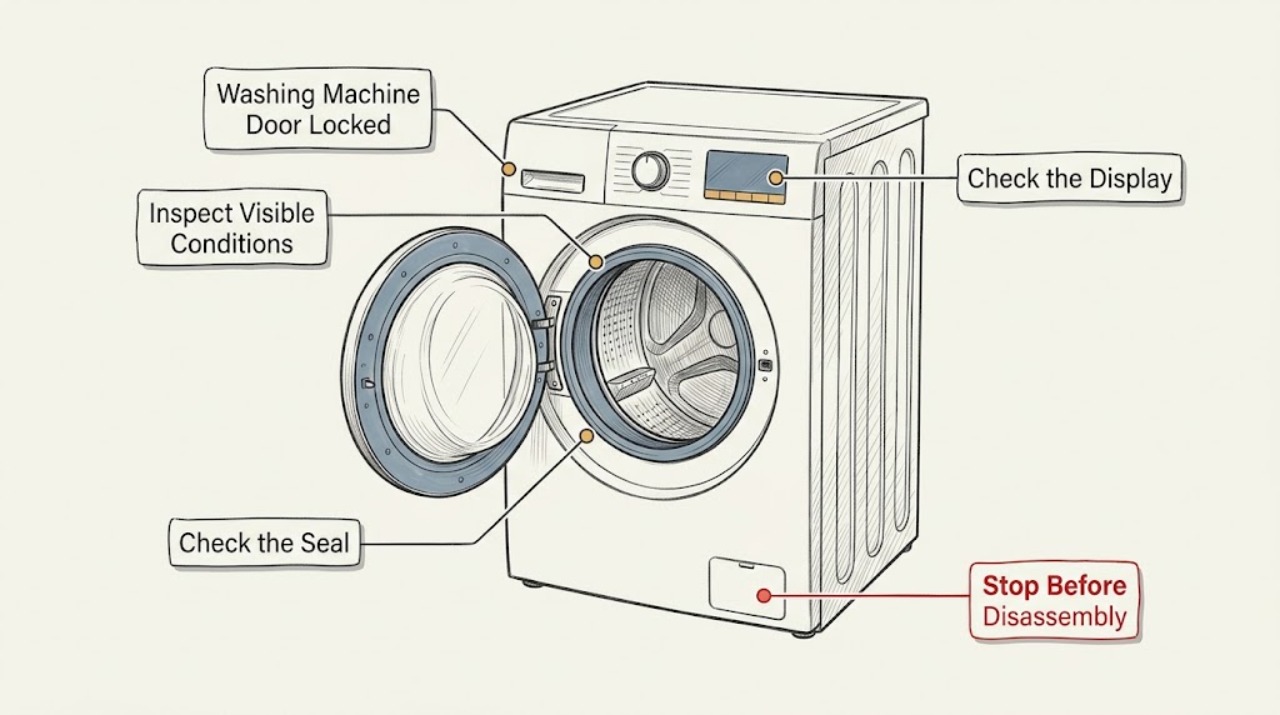
Blomberg Washing Machine Door Locked: Safe Checks Before Service
A Blomberg washing-machine door normally stays locked while a programme is running, while the drum contains water, or briefly after the cycle finishes. Wait for the programme to stop and the lock to release, then check the display and whether water remains in the drum.
-
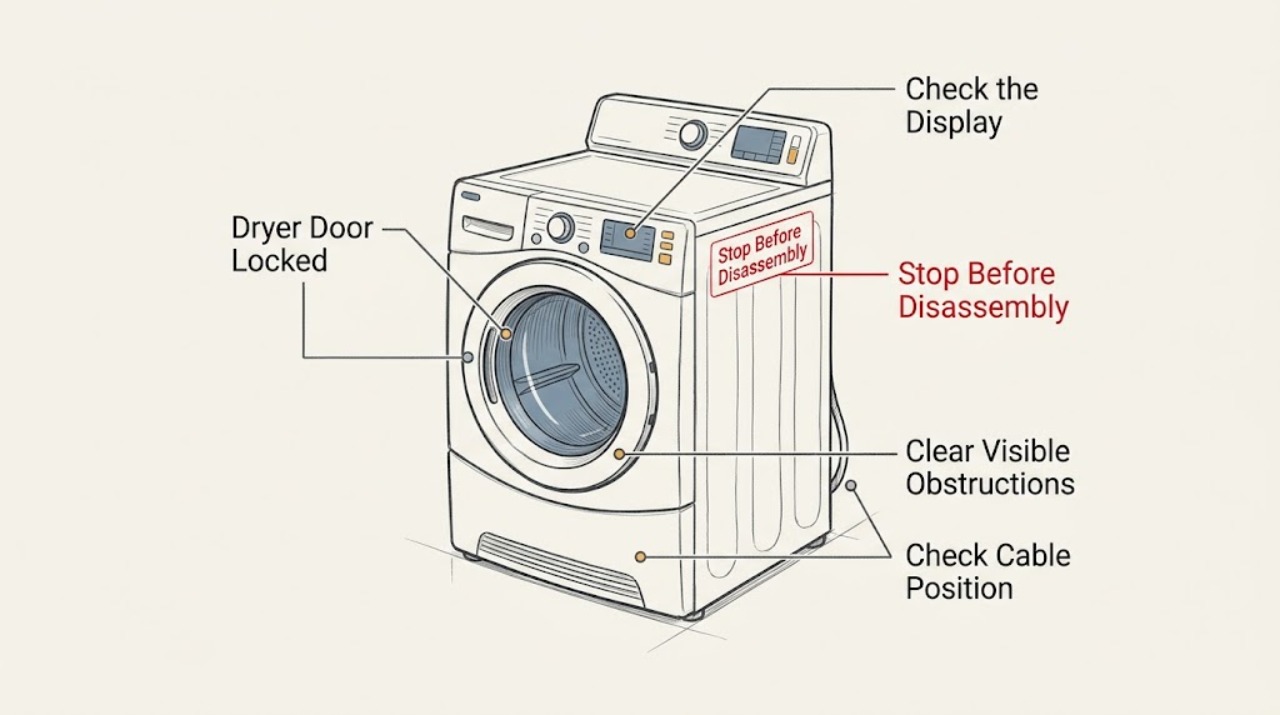
Bosch Dryer Door Locked
If your Bosch dryer door is locked, read the display before trying to open it. A key or lock symbol usually indicates that the child/control lock is active, while DR points to a door-closure or door-switch problem.
-
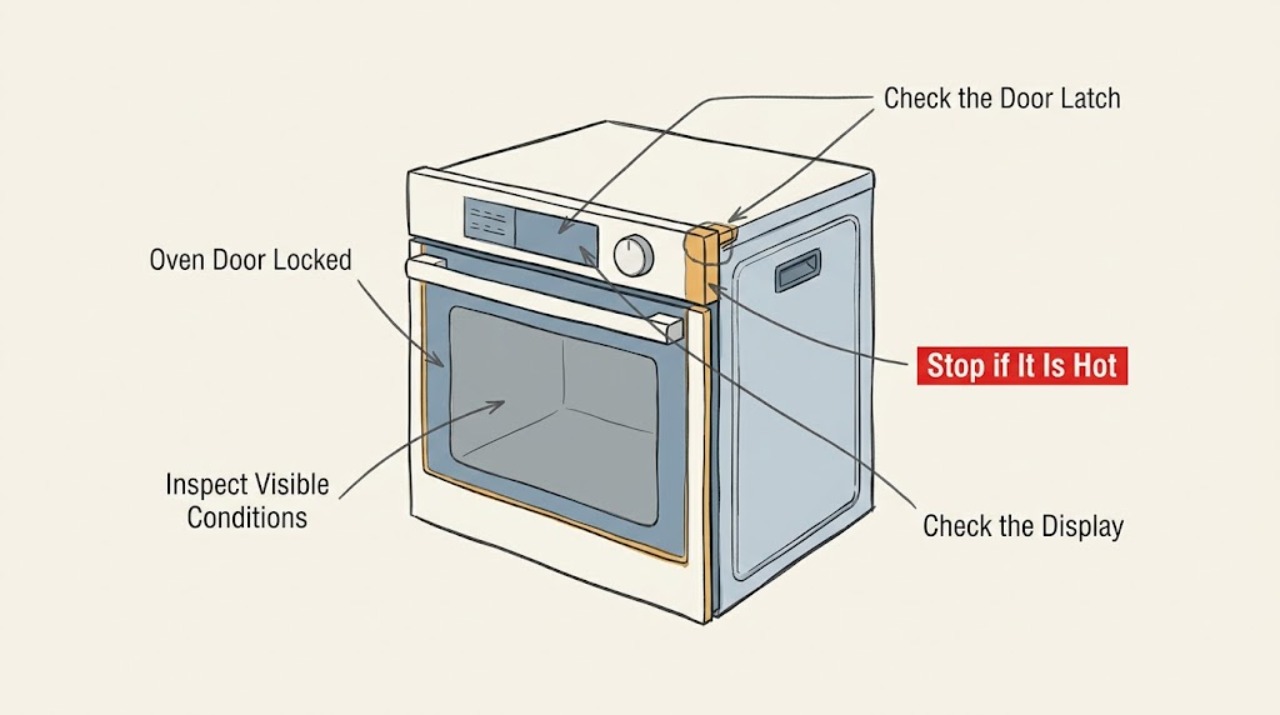
Bosch Oven Door Locked: Safe Checks Before Service
Do not pull or pry a locked Bosch oven door. First check whether the oven is still hot, whether Self Clean is active, and whether a door-lock code is displayed.
-
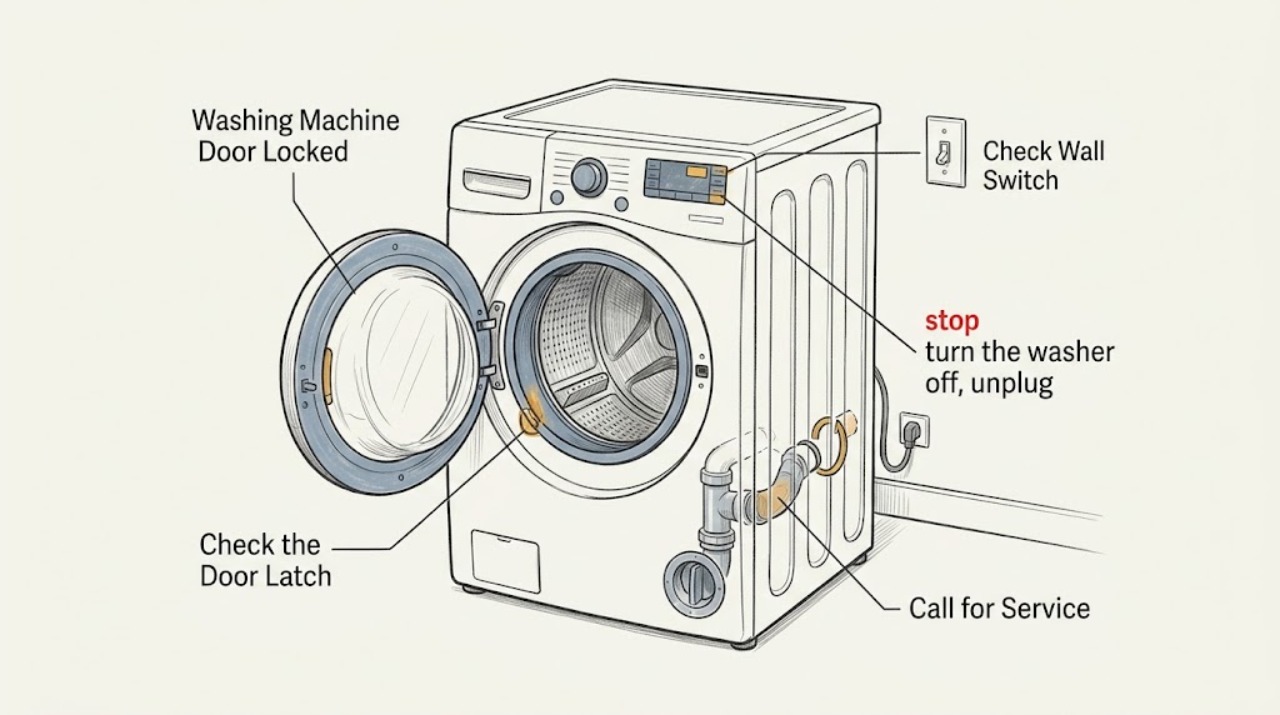
Bosch Washing Machine Door Locked
A Bosch washing-machine door normally stays locked while a cycle is running, the drum is turning, or water is too high or too hot. Wait for the cycle to finish and check the display.
-
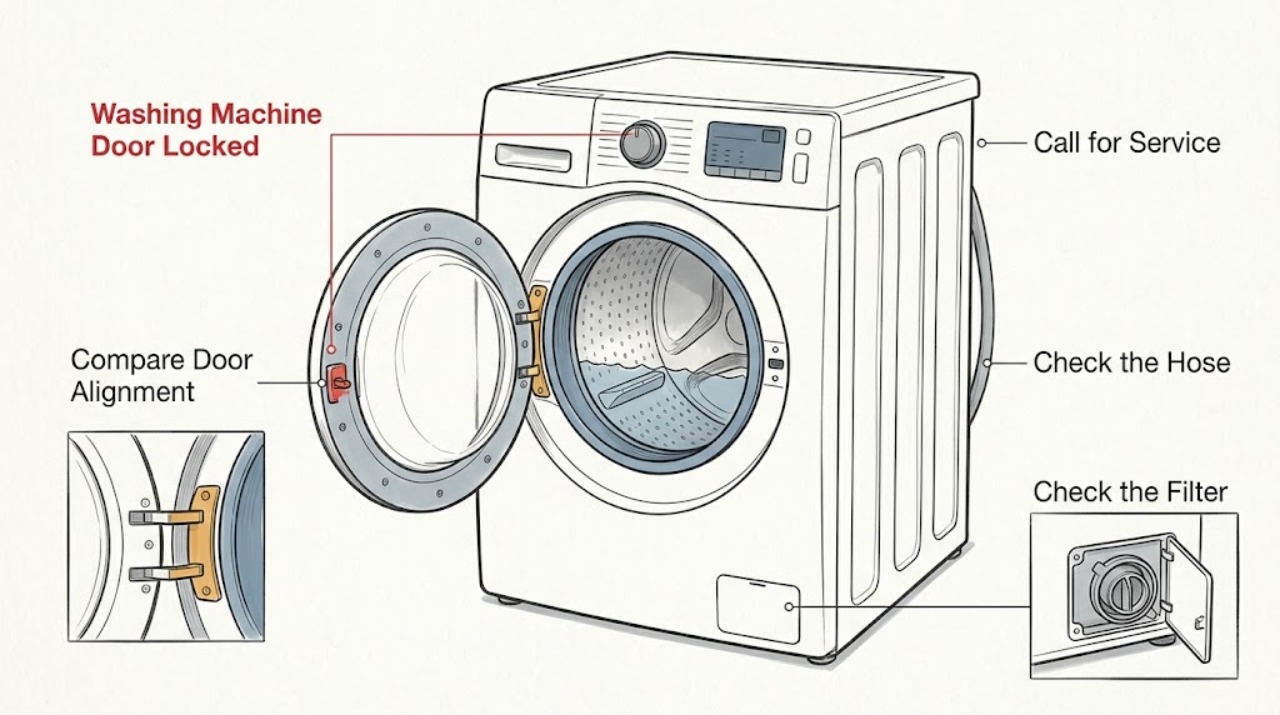
Candy Washing Machine Door Locked
If a Candy washing machine door is locked, do not pull or pry it open. First wait for the programme to finish and the drum to stop, then check whether water remains in the drum, whether the machine is still hot, and whether the display shows a lock or drain warning.
-
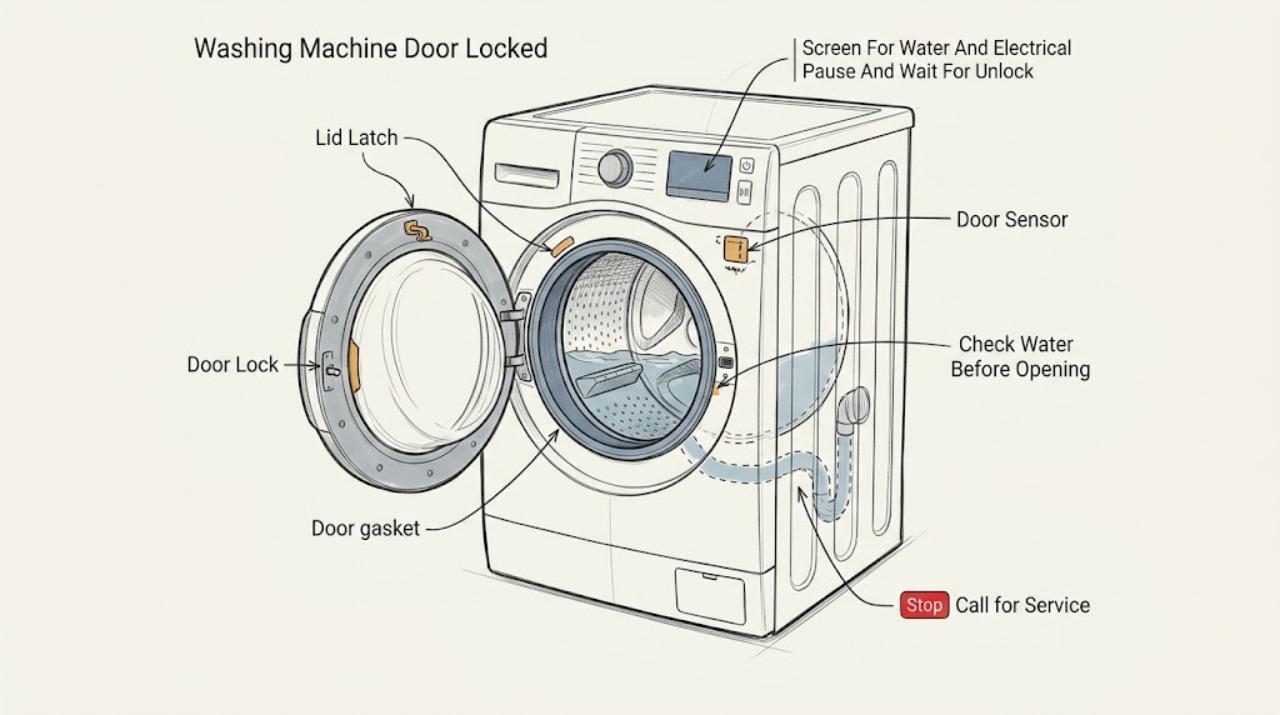
Crosley Washing Machine Door Locked: Check the Cycle, Water Level, and Latch Safely
Do not pull or pry a locked Crosley washer door. A front-load door can remain locked while a cycle is running, while water is in the drum, while the load is still hot or moving, or briefly while the control completes a drain or unlock sequence.
-
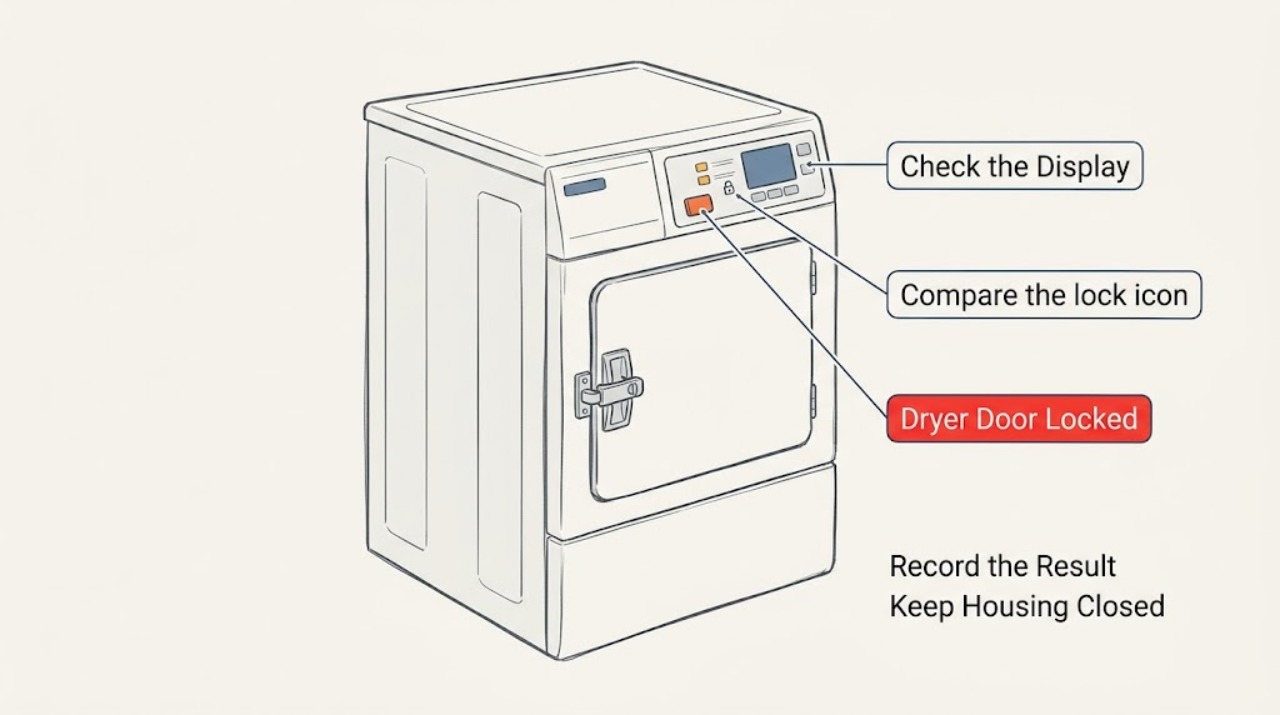
Dryer Door Locked: Identify the Lock Before Forcing Anything
First stop the cycle with the dryer's normal control and wait until the drum is completely stationary and the hot load and door have cooled. Then separate a control or child lock from a physically stuck door: if a lock icon is on but the handle opens, use the exact model manual to turn off the control lock; if the handle will not release after the cycle has ended, do not pry or bypass the latch.
-
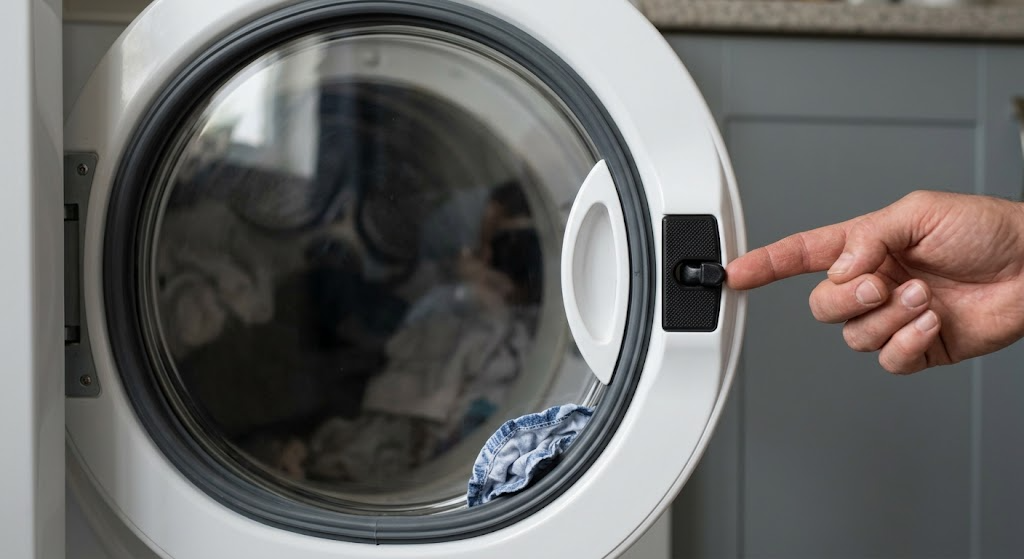
Electrolux Dryer Door Locked: Safe Checks Before Service
If an Electrolux dryer door is locked, stop the cycle using the normal controls and wait until the drum has stopped and the appliance is safe to handle; never pull the door or bypass the interlock. Check the visible door pin or latch, handle, seal, and any laundry caught at the opening.
-
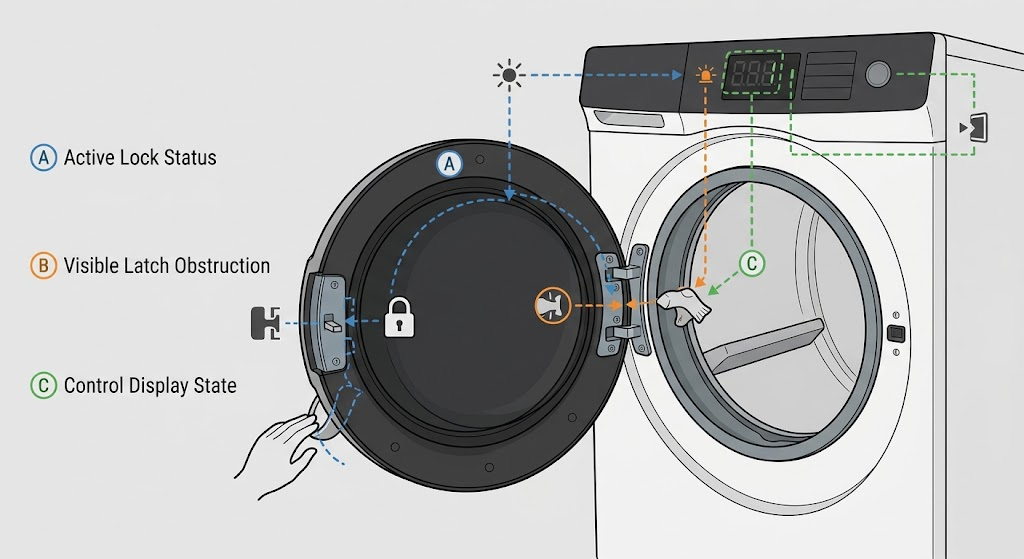
Electrolux Washer-Dryer Door Locked: Safe Checks and Fault Branches
First decide whether the washer-dryer is still running or has water in the drum; a locked door can be a protective state, so do not pull or pry it open. If the display says LOC, Electrolux identifies that as the control lock and directs you to select the control-lock option again to unlock it.
-
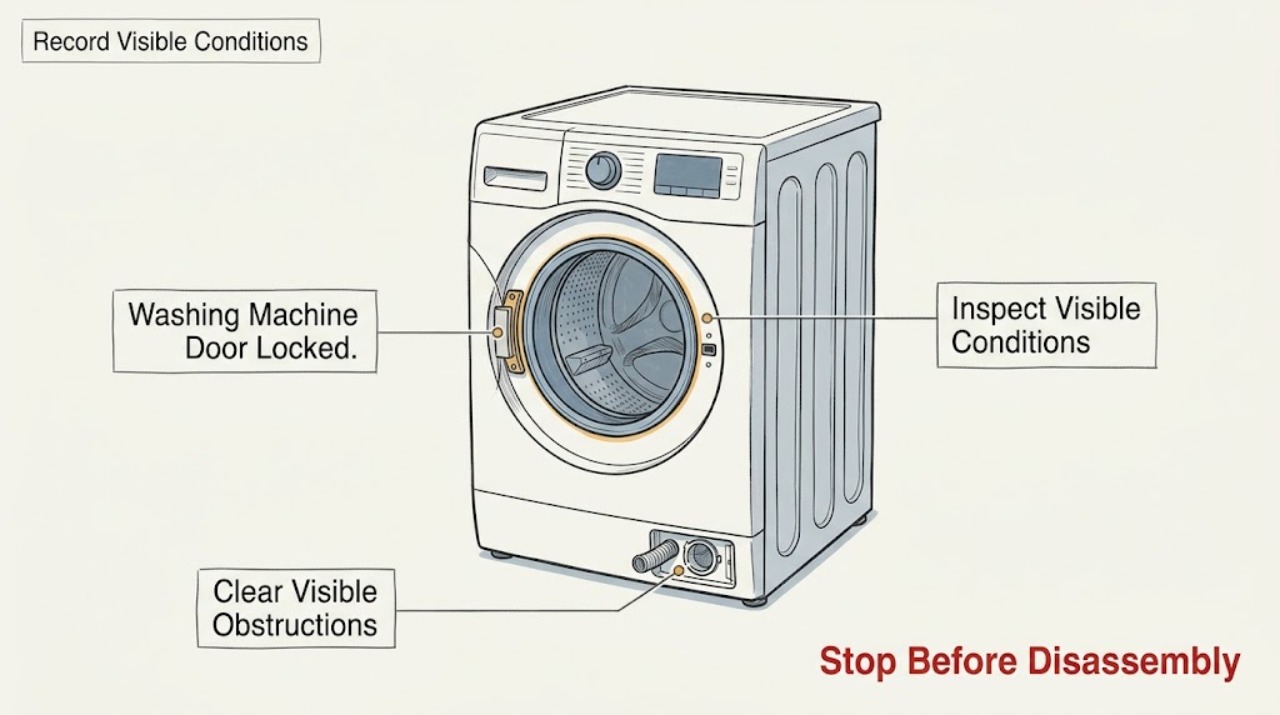
Electrolux Washing Machine Door Locked
An Electrolux washing-machine door can remain locked briefly after a cycle while the lock cools, or it can stay locked because water remains in the drum, the lock icon or child lock is active, the door is obstructed, or the appliance has detected a fault. Wait for the normal post-cycle unlock period, check the display and water level, and use the exact model's drain or reset procedure.
-
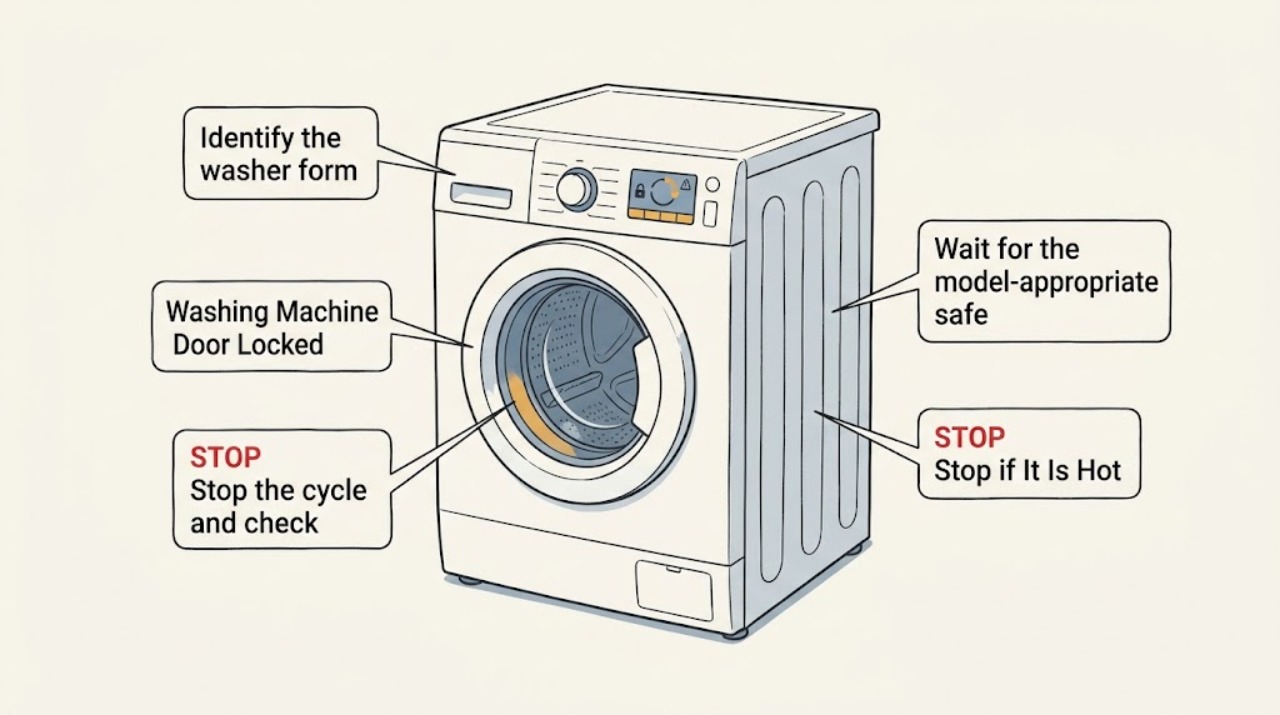
Frigidaire Washing Machine Door Locked: Release It Safely
Do not pull or pry a locked Frigidaire washer door or lid. If this is a top-load washer that was spinning, stop the washer and wait 1–3 minutes for the safety lock to release.
-
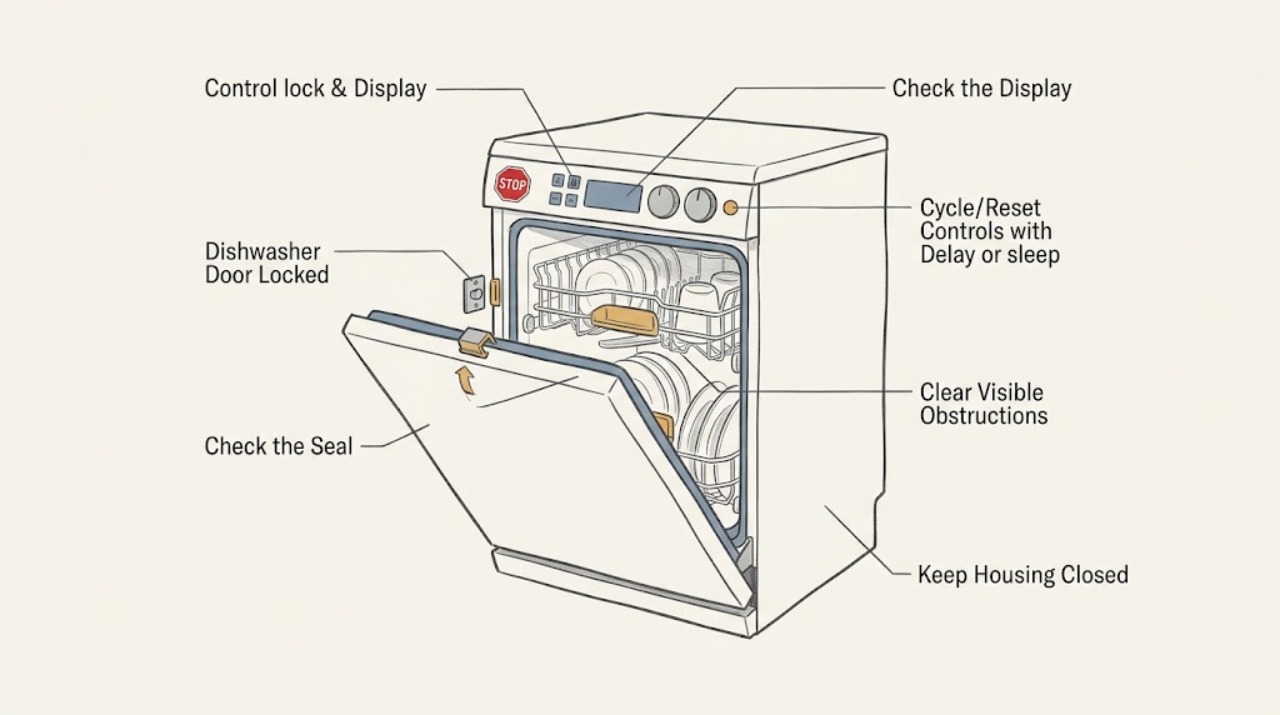
GE Dishwasher Door Locked: Distinguish Control Lock, Cycle State, and a Physical Latch
First distinguish a locked control panel from a door that is physically stuck. If LOCK or LOCKED is displayed and the door itself opens normally, the GE control-lock feature is active: older models commonly use the LOCK pad twice within three seconds, while many newer models use a documented three-second hold on a model-specific pad or pad combination.
-
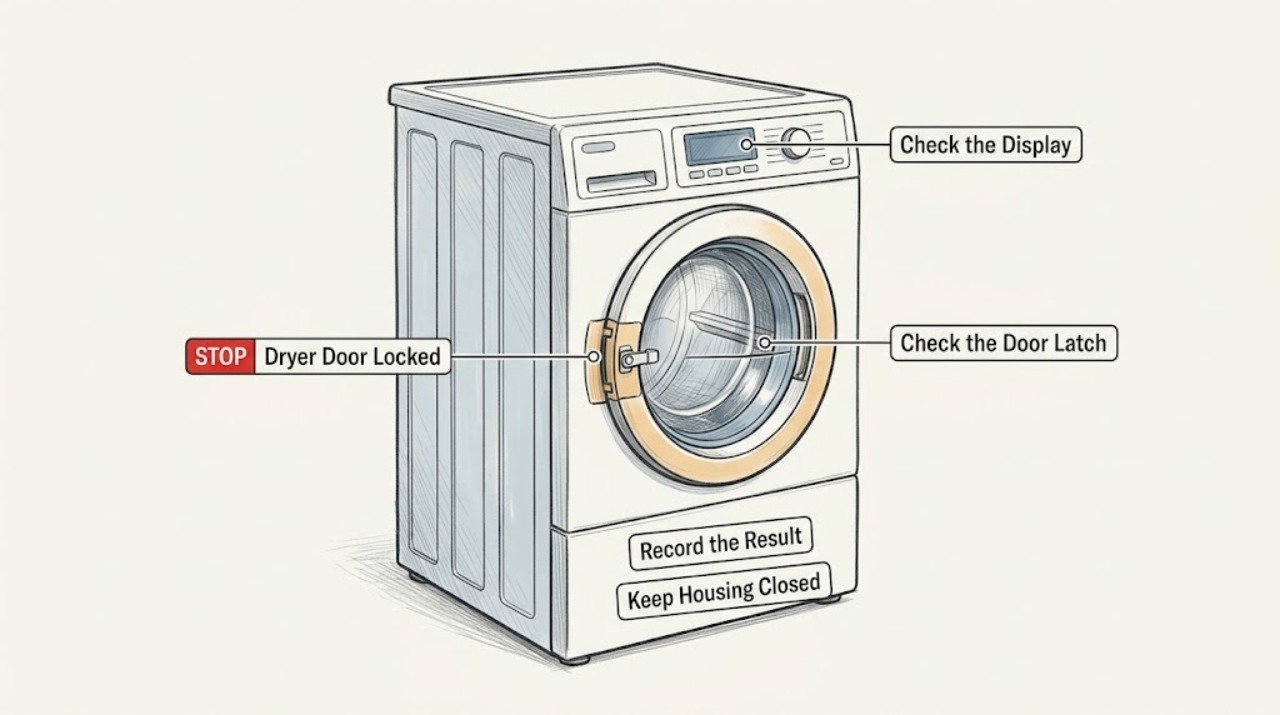
GE Dryer Door Locked: Tell Control Lock from a Stuck Latch
First determine whether the control panel is locked or the dryer door is physically latched. If a control-lock icon is on and the door opens normally, use the exact model manual to unlock the controls; GE lists a few common button combinations, but they vary by model.
-
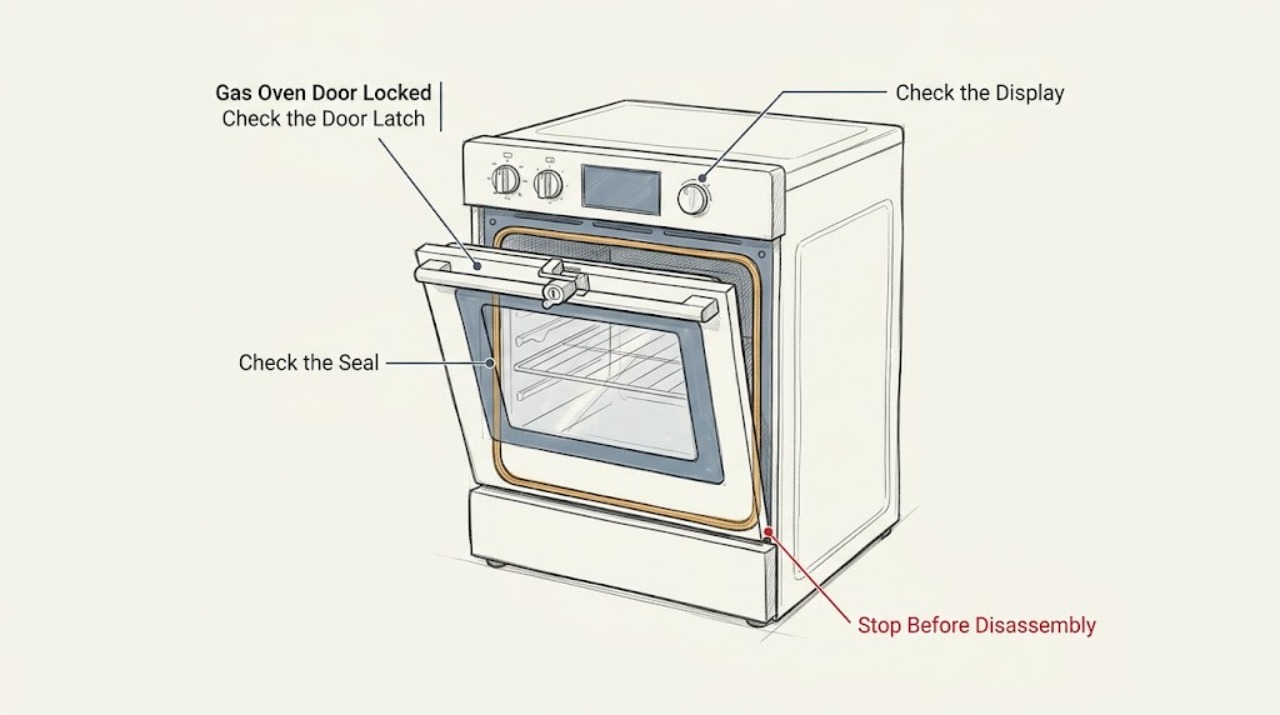
GE Gas Oven Door Locked: Cool It, Reset the Latch, and Know When to Stop
A GE gas oven door can remain locked normally during Self-Clean or while the oven is still hot. Turn the oven off, keep the door closed, and let it cool to room temperature before trying the model's normal unlatch action.
-
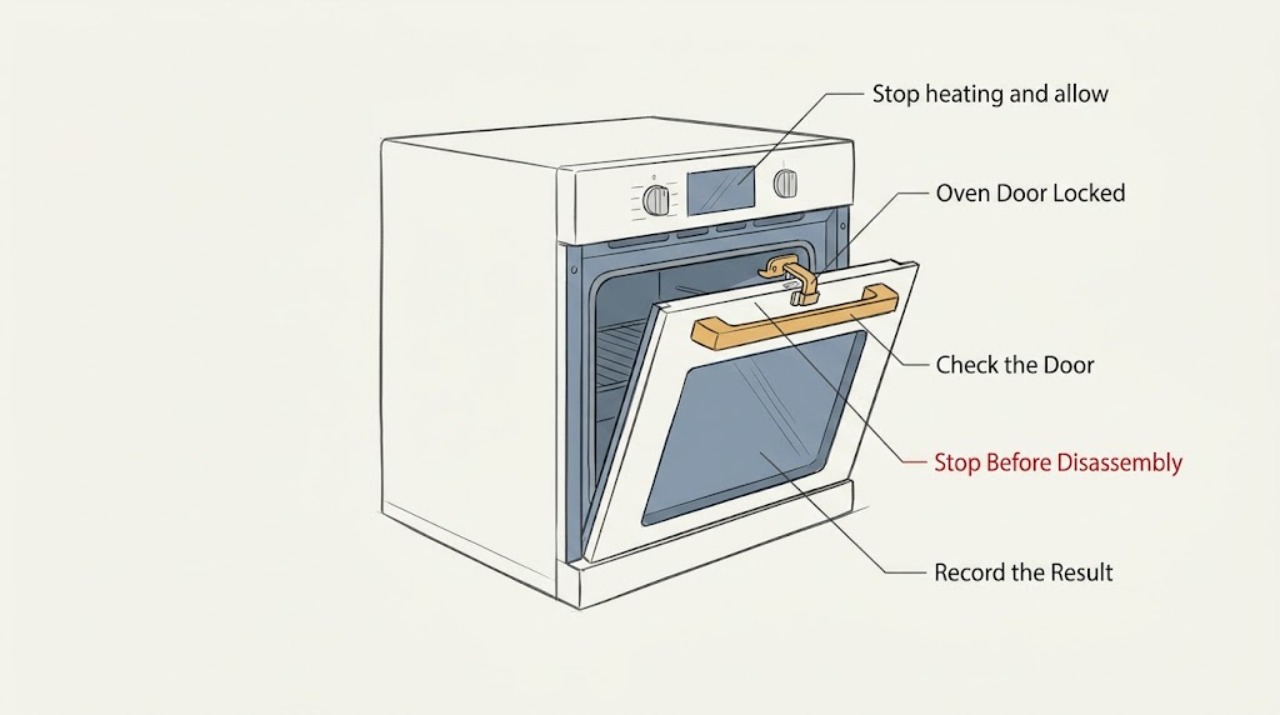
Ge Oven Door Locked
A GE oven door should normally lock only during self-cleaning. Stop the heat, keep the door closed, and let the oven cool completely until the lock indicator goes out. Do not force the handle. If the door was locked during baking, or remains locked after the safe cool-down and a model-appropriate power reset, stop troubleshooting and arrange appliance service.
-
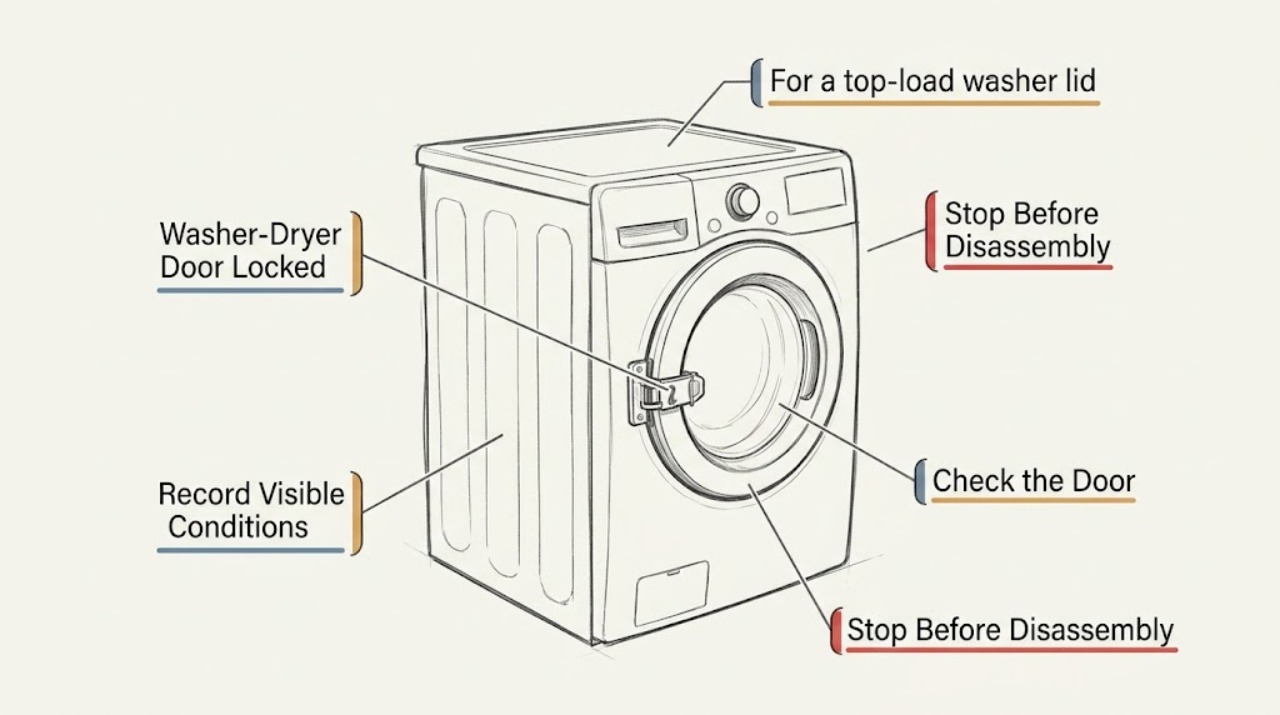
GE Washer-Dryer Door Locked: Release It Without Forcing the Safety Lock
A locked GE washer-dryer door or lid is usually holding because the washer is still running, the basket has not stopped, water must drain first, or a control lock is active; the exact behavior depends on whether the unit is front-load, top-load, or a combo. Press Start/Pause once, wait for the drum or basket to stop and for the lock to release, then check the model-specific control-lock and status message instructions.
-
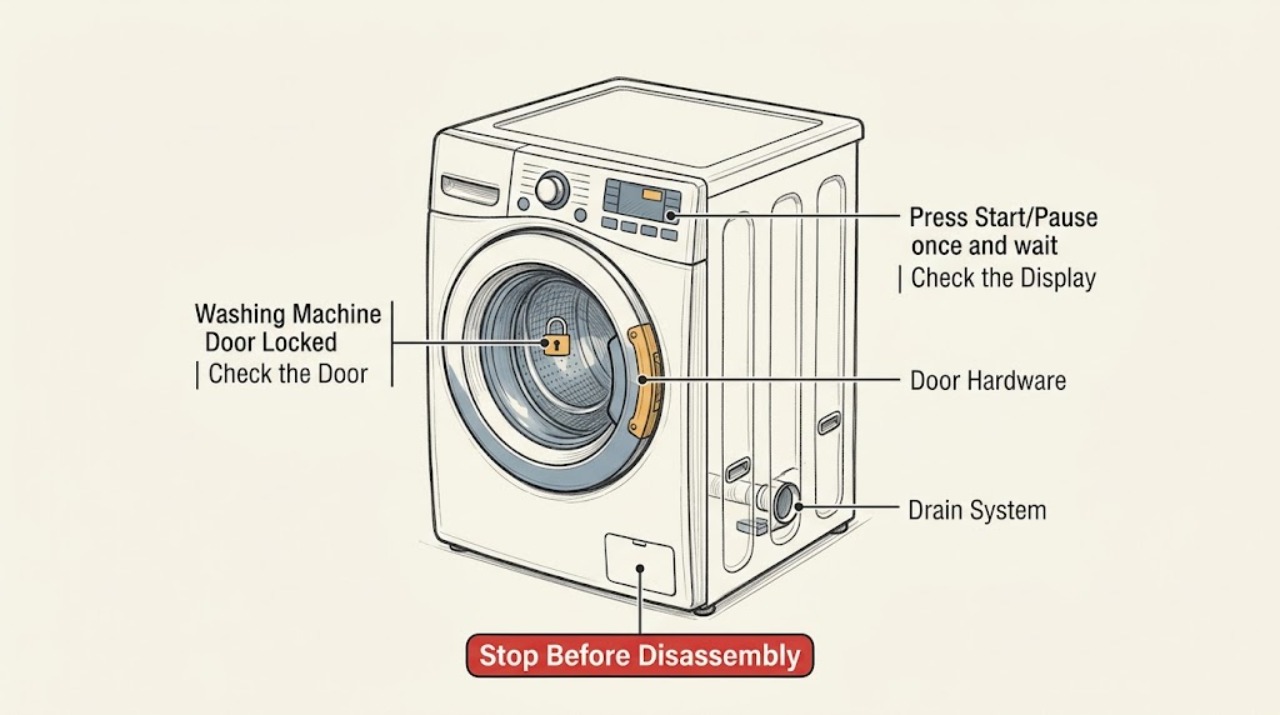
GE Washing Machine Door Locked: Pause Safely, Check Water, and Do Not Force It
A GE washer door or lid normally locks during portions of a cycle for safety. Press Start/Pause once and wait for the basket to stop and the lock to open; a front-load model may drain before opening, while a top-load lid may remain locked briefly after spin.
-
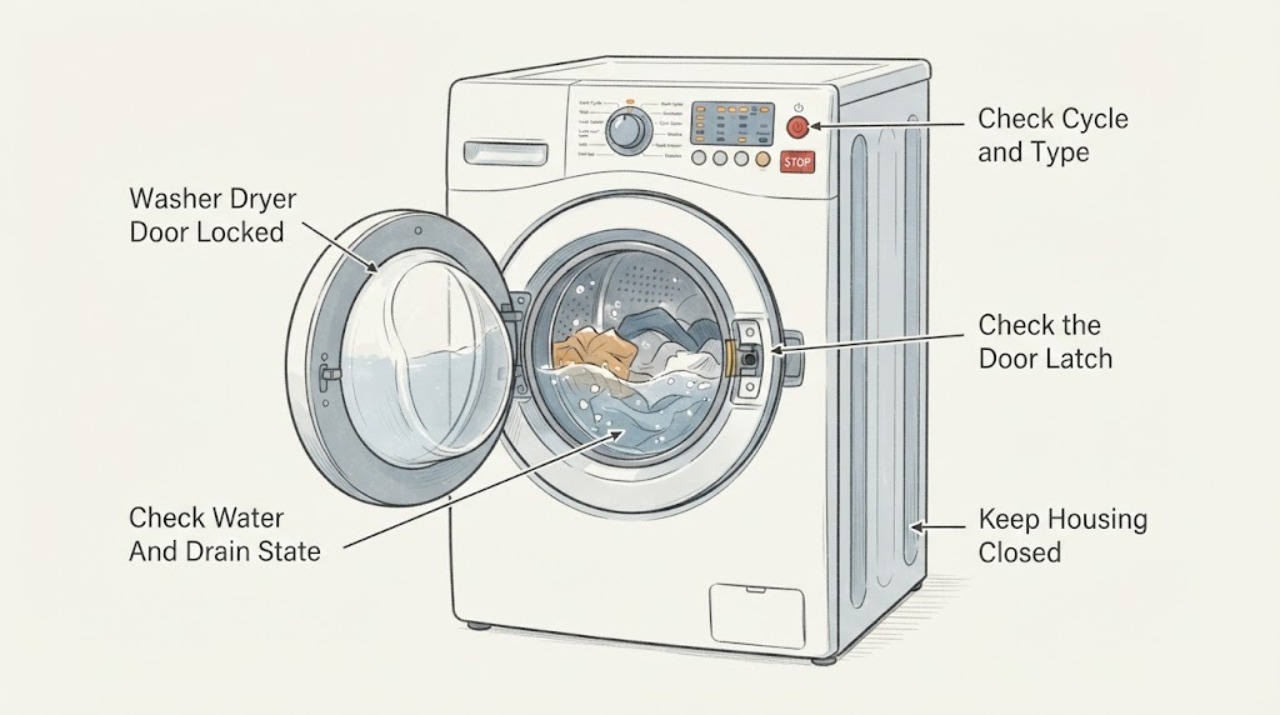
Haier Washer Dryer Door Locked: Release It Safely Without Forcing the Door
A Haier washer-dryer door can remain locked normally while the drum is rolling, the water level or temperature is too high, or a drying cycle is still cooling. Press Pause or cancel the program using the exact model instructions, then wait until the lock indicator clears; do not pull the handle.
-
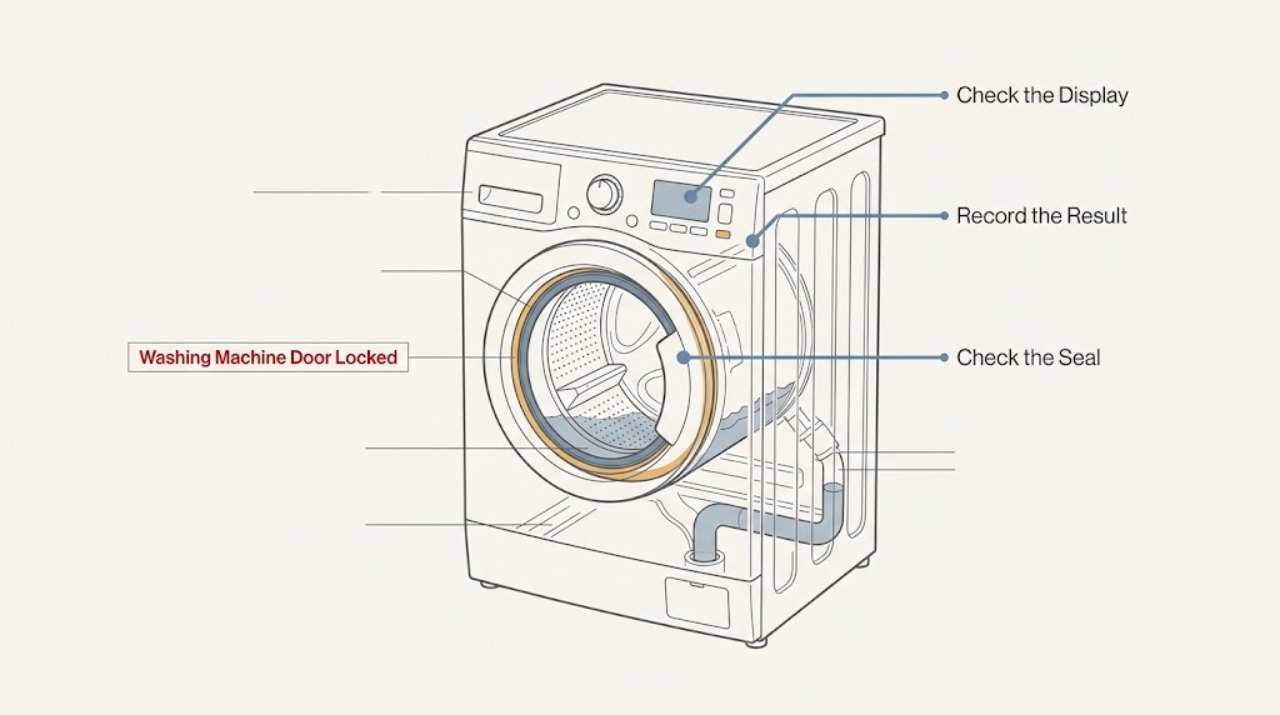
Haier Washing Machine Door Locked: Drain Safely and Check the Lock Conditions
A Haier washing-machine door can remain locked while the drum is moving, water level or temperature is too high, or a cycle has not been cancelled correctly. Do not pull or pry the door.
-
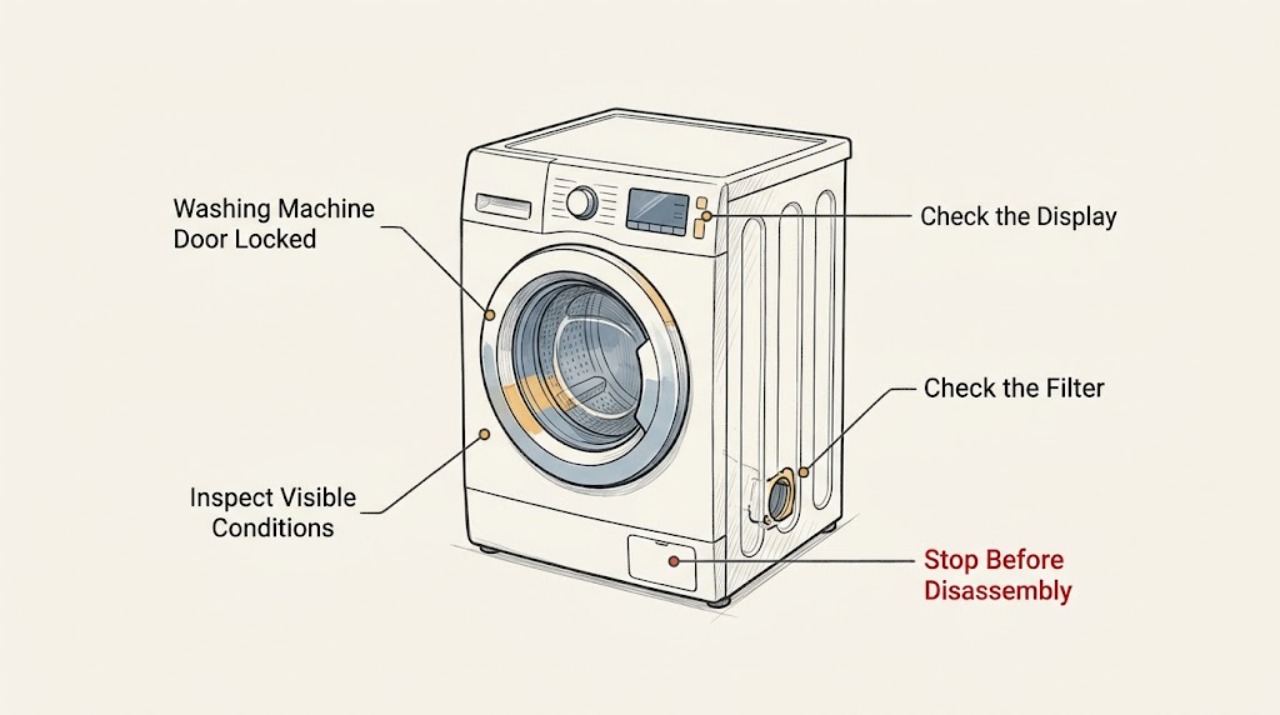
Hisense Washing Machine Door Locked
A locked Hisense washing-machine door is usually held closed because the cycle is active, the drum contains water, the water is still hot, a delay or child-lock state is active, or the door interlock has not completed its release sequence. Press Start/Pause and wait for the machine to finish its safe release process; do not pull, pry or bypass the door.
-
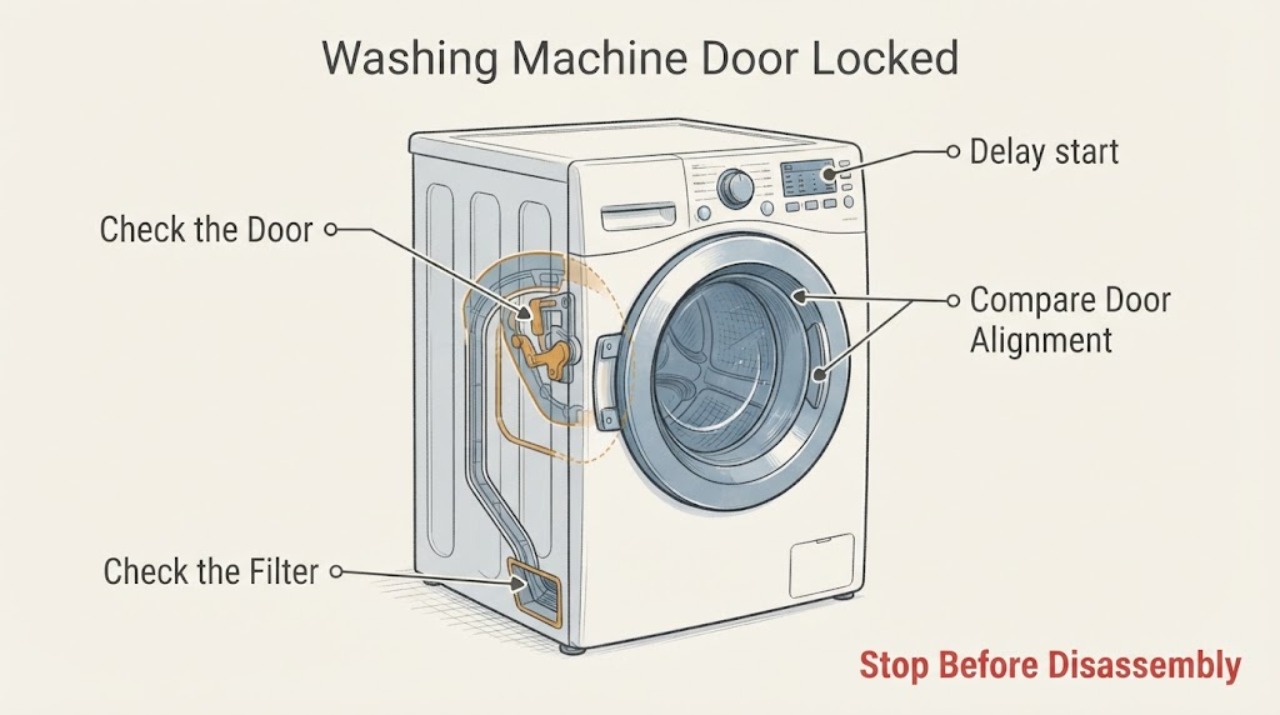
Hoover Washing Machine Door Locked: Safe Checks Before Calling for Help
Do not pry the door open, pull the handle, or bypass the lock. First check through the glass for moving parts, water, steam, or an unsafe temperature, and stop if there is a leak, water near electrical parts, burning smell, smoke, a spark, a hot cord, or a repeated breaker trip.
-
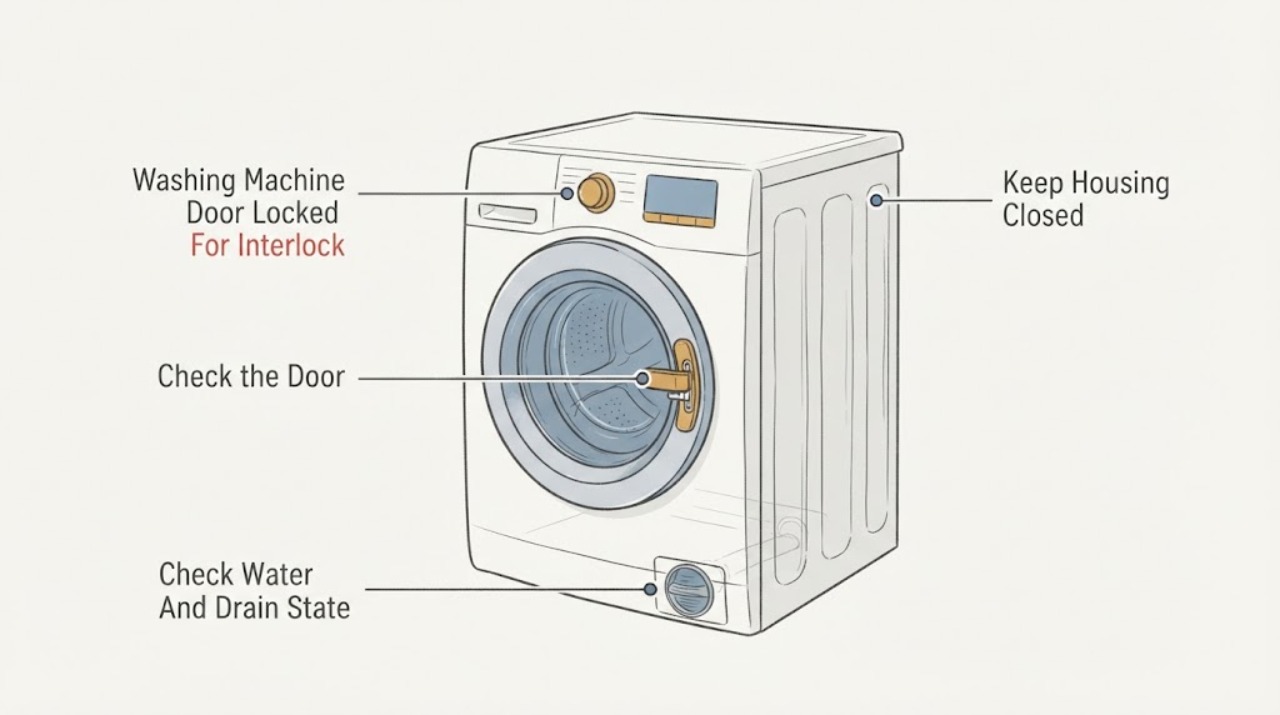
Hotpoint Washing Machine Door Locked: Wait, Drain, and Check the Lock Safely
Do not pull on a locked Hotpoint washing-machine door. First stop or cancel the programme using the normal control and wait for the drum to stop and the lock indicator to clear; a hot or water-filled drum may remain locked for safety.
-
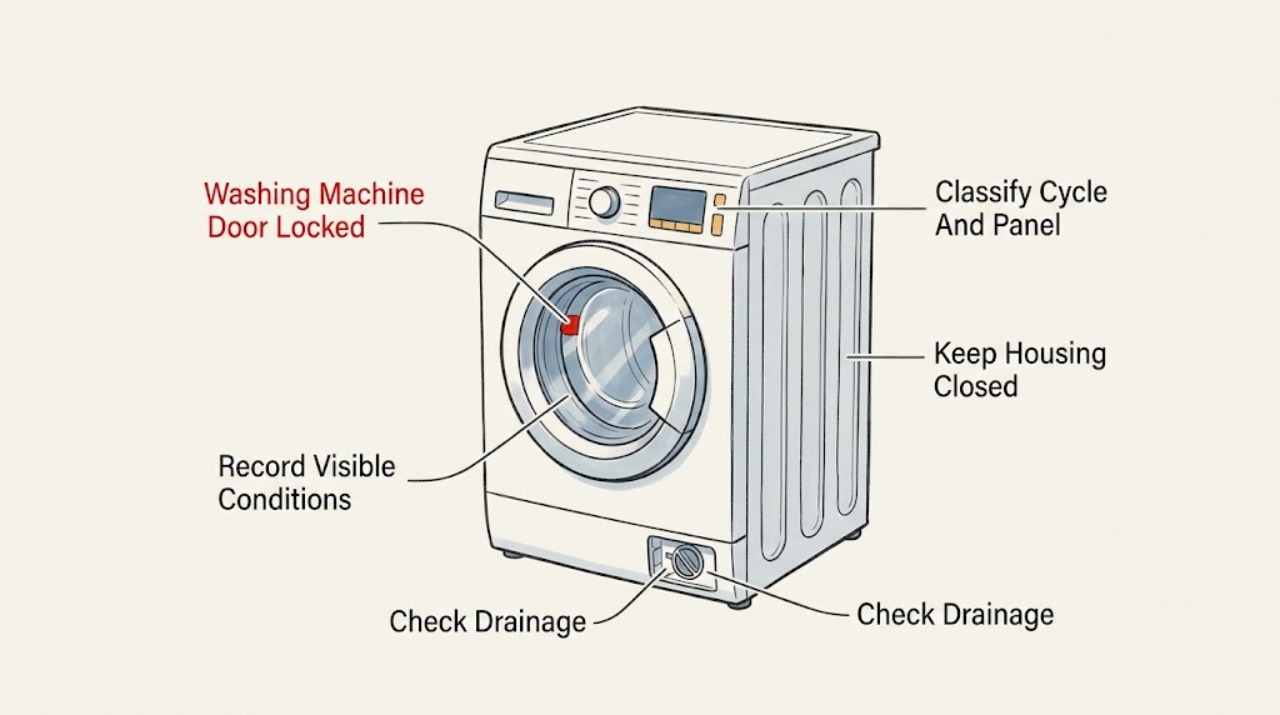
Indesit Washing Machine Door Locked: Check the cycle, water level, and lock safely
An Indesit washing-machine door can stay locked while a programme is running, while the drum still contains water, or when the door interlock or a model-specific fault is active. Do not pull or pry the door.
-
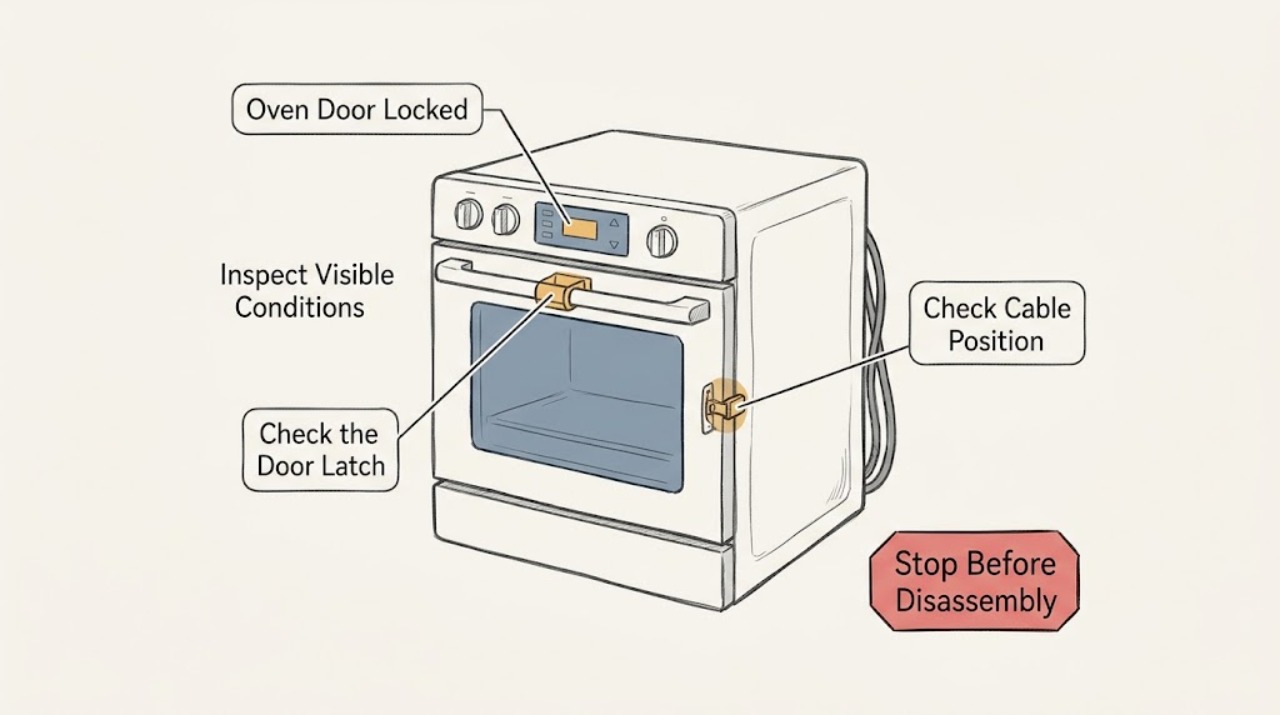
JennAir Oven Door Locked: Safe Unlock and Reset Steps
A JennAir oven door can stay locked during self-cleaning until the oven cools, and a control-lock setting can also disable the controls. First press Cancel or Off once and wait for the latch to reset; do not pry or force the door.
-
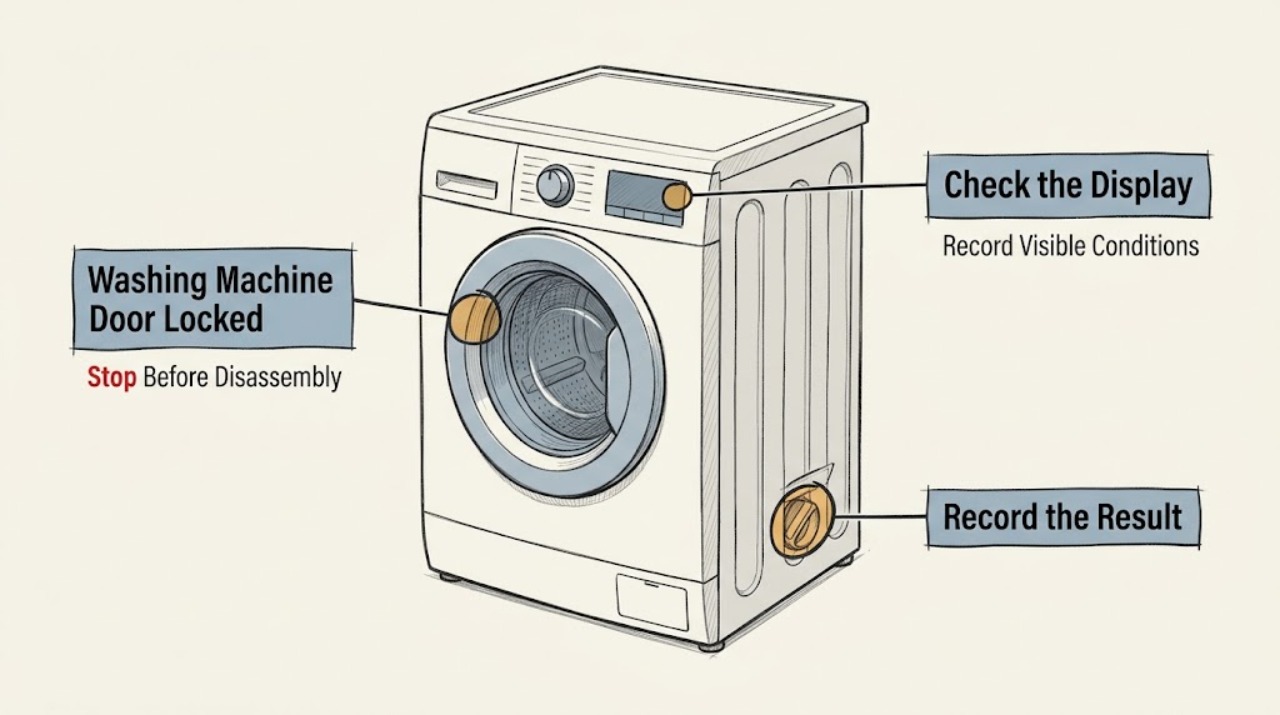
Kenmore Washing Machine Door Locked: Drain Safely and Do Not Force It
A Kenmore washer door or lid normally stays locked while the basket is moving, while water remains in the tub, or while the water is too hot; a brief power interruption or a control-lock state can also leave the controls or lock indicator active. Record the complete model number and any code, press Start/Pause or Cancel only as the Kenmore manual describes, and use Drain or Drain and Spin if the controls respond and the floor is dry.
-
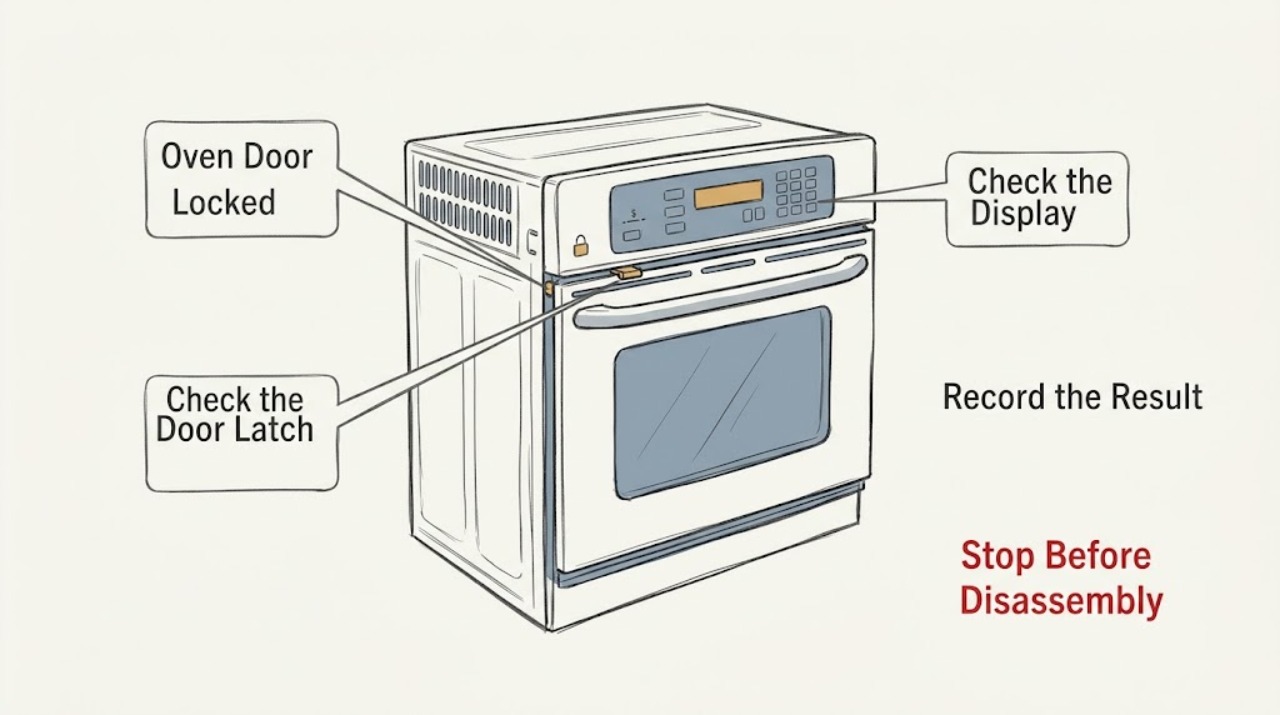
KitchenAid Oven Door Locked: Wait for Cooling, Check Lock State, and Reset Safely
Do not force a KitchenAid oven door. First determine whether Self-Clean is running or recently stopped, whether the oven is still hot, whether the display says Locked/LOC or shows another code, and whether a power interruption occurred.
-
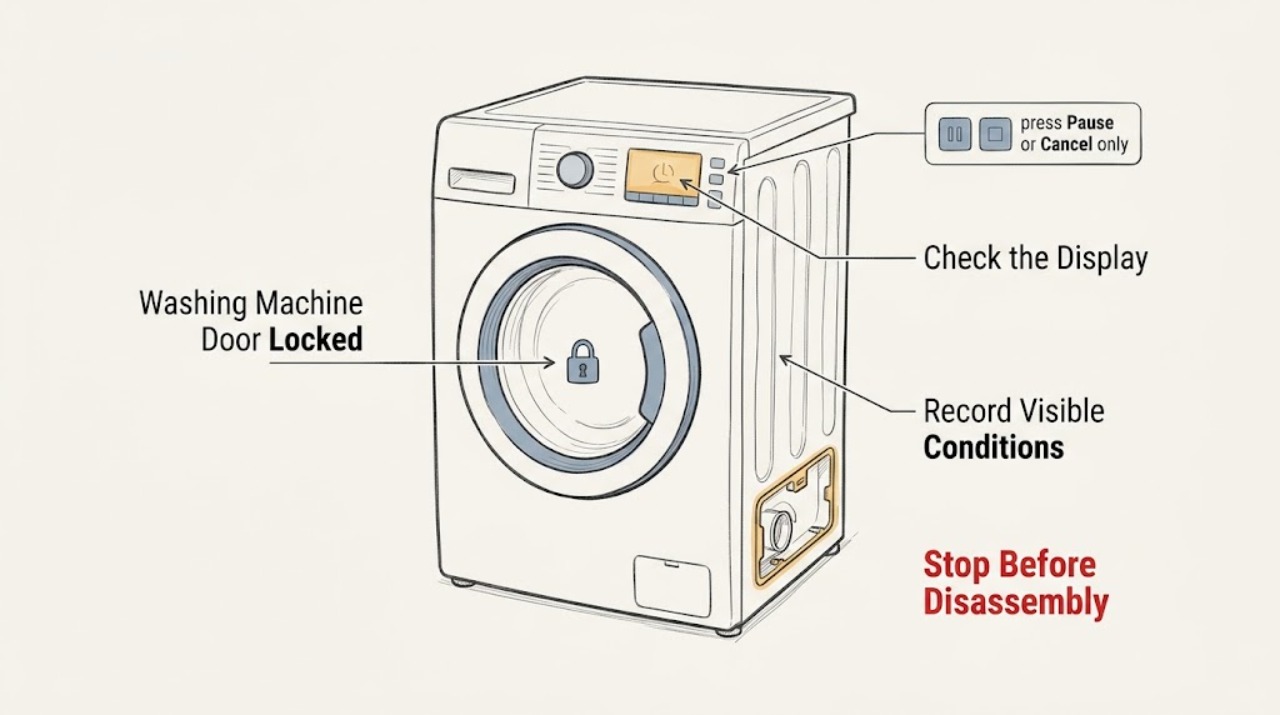
KitchenAid Washing Machine Door Locked: Drain, Cool, and Reset Safely
A KitchenAid washer may keep its door locked while water remains in the tub, the water is too hot, the drum is still spinning, or a model-specific option is tumbling the load. Do not pull, pry, or bypass the lock.
-
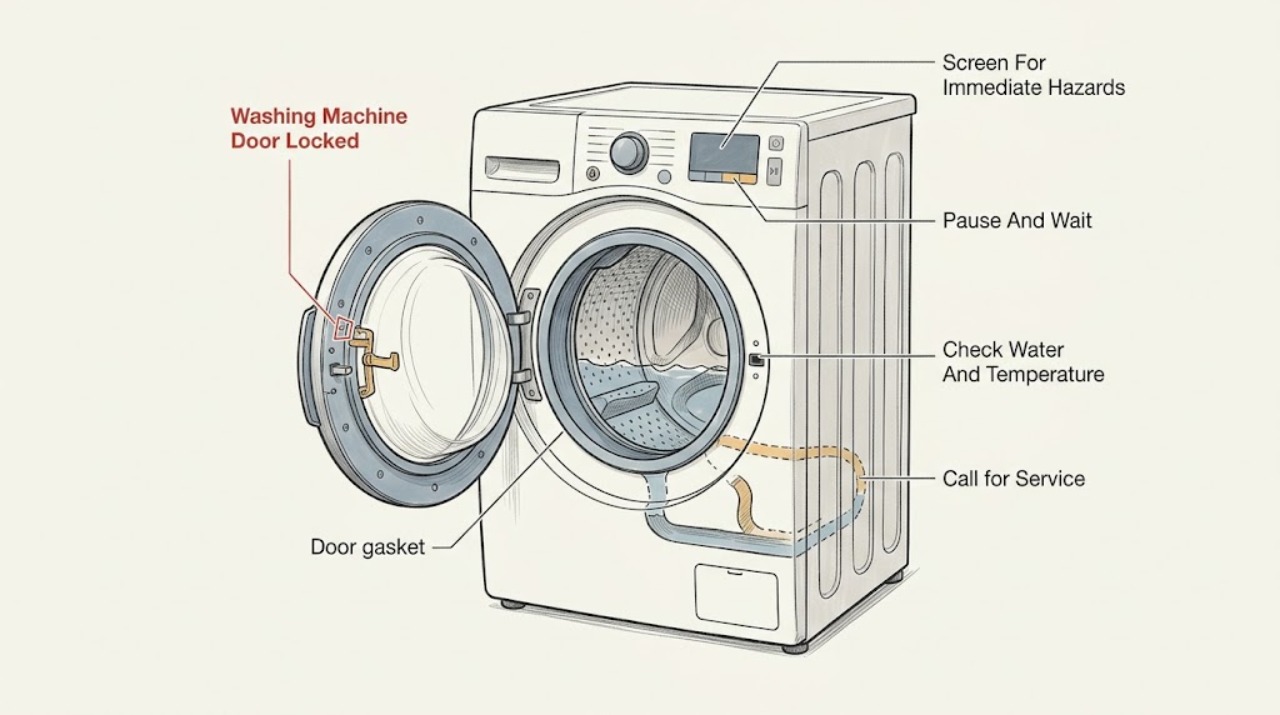
LG Washing Machine Door Locked: Drain, Cool, and Unlock Safely
Do not pull, pry, or bypass a locked LG washer door. The interlock is expected while the drum is moving, while water remains, after a power interruption, or while a hot wash is cooling.
-
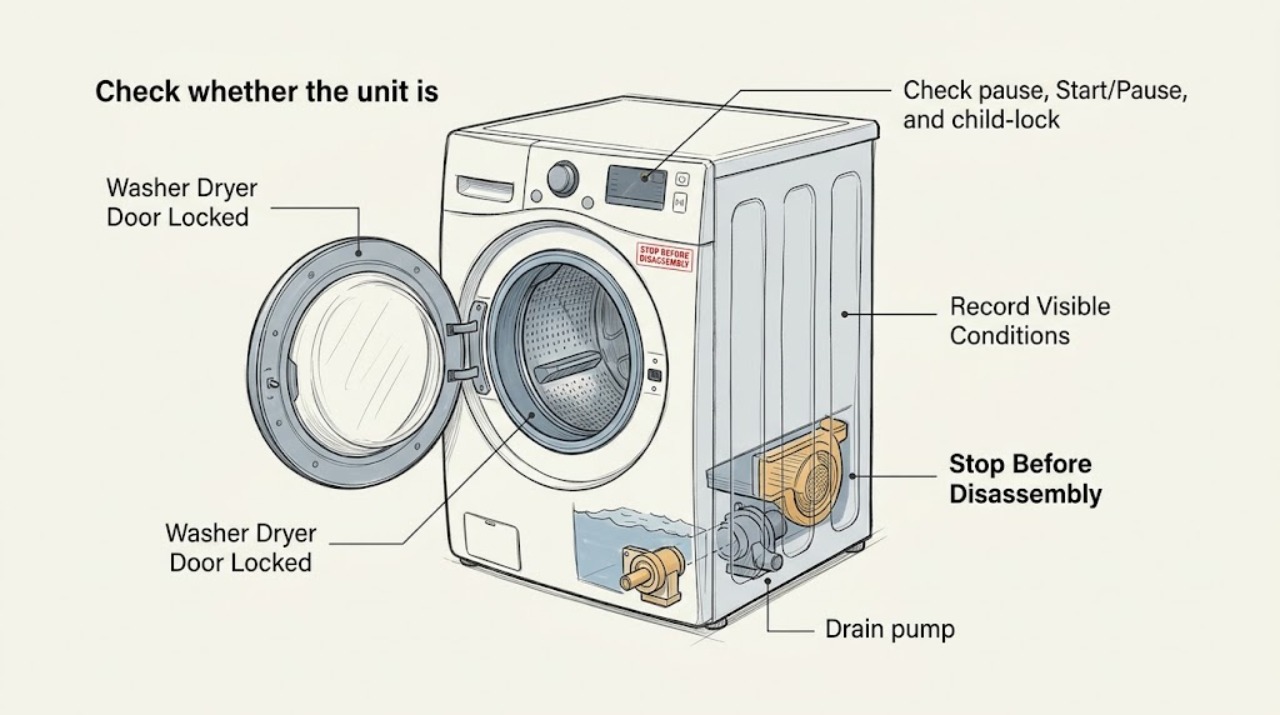
Magic Chef Washer Dryer Door Locked: Safe Cooling, Drain, and Lock Checks
A locked door on a Magic Chef washer-dryer combo is often a safety state, not a broken latch: the door stays locked while the drum is moving, while water is too high or hot, and during ventless drying until the unit reaches a safe temperature. Do not pull the door or bypass the lock.
-
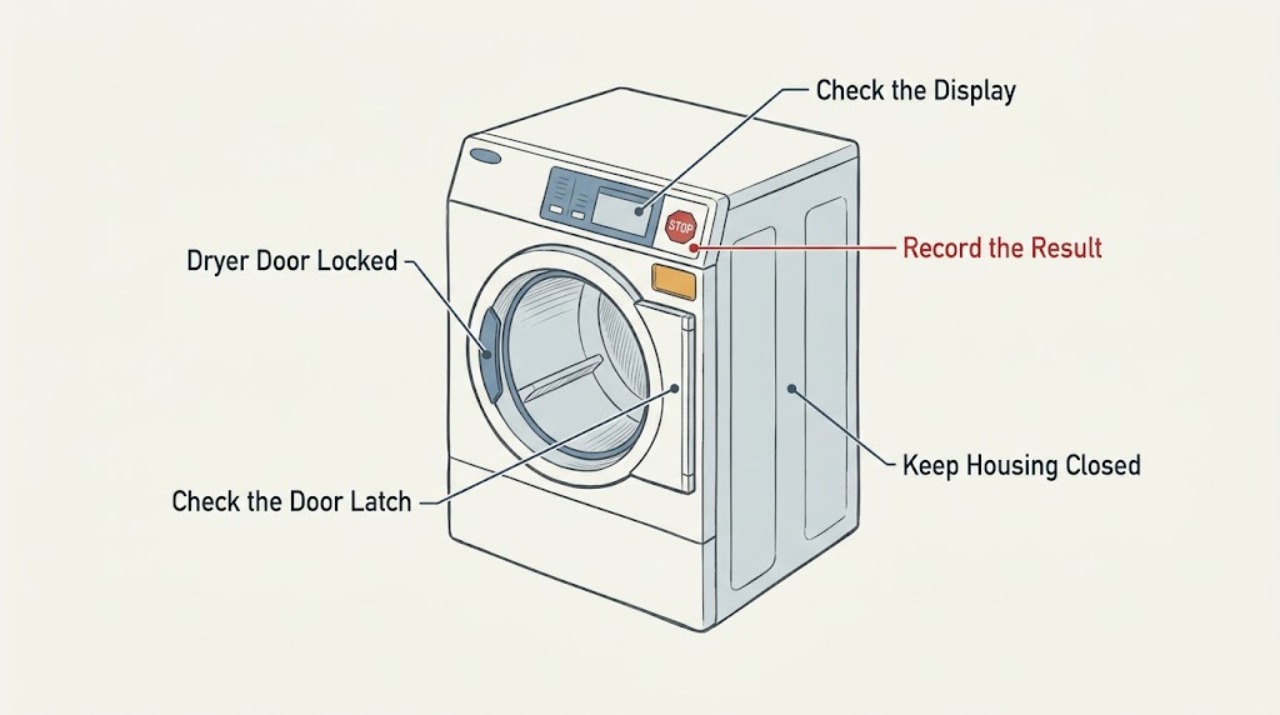
Maytag Dryer Door Locked: Check Control Lock and the Door Latch
On a Maytag dryer, “door locked” may mean the electronic Controls Locked feature is on rather than that the physical door is locked. If the display shows Loc or the Controls Locked light is on, press and hold the model’s Control Lock key for three seconds; the key combination varies by model.
-
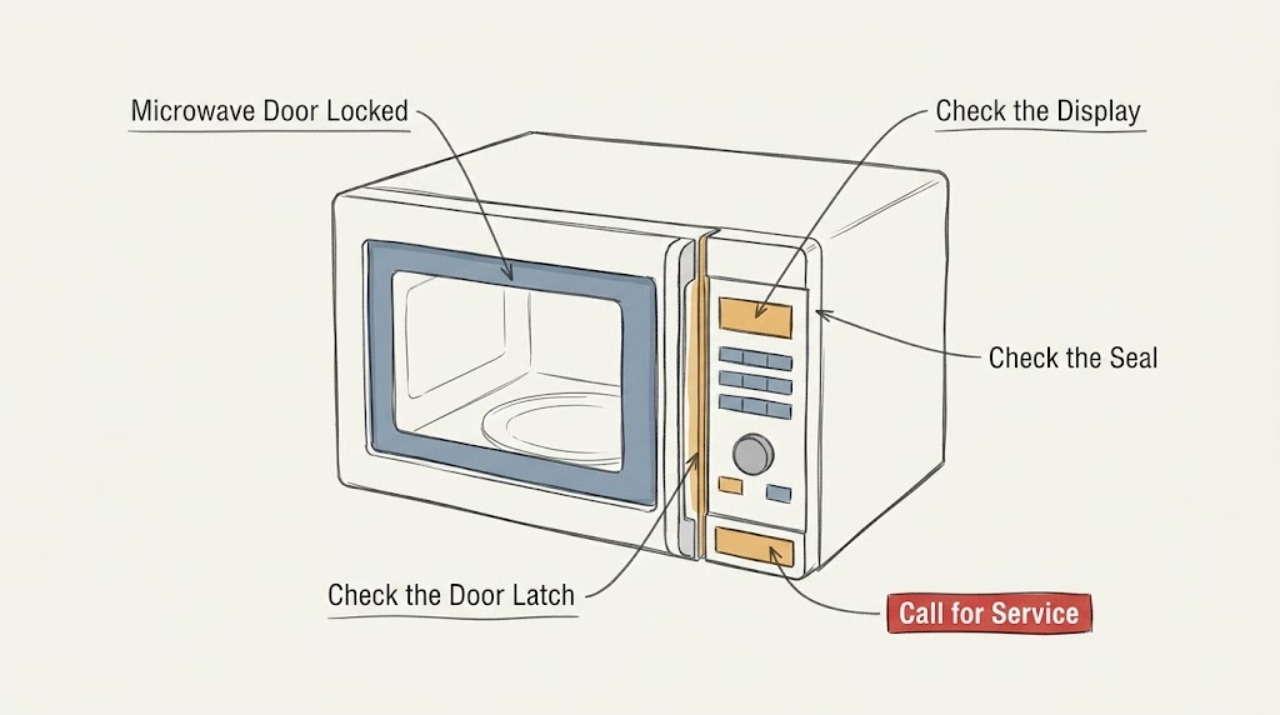
Maytag Microwave Door Locked: Identify the Control Lock or Door-Lock Setting
A Maytag microwave that shows a lock or will not open may have Control Lock enabled, or a model-specific two-step door-opening feature. Check the display symbol and use the button sequence in the owner's manual. Do not pry the door or defeat the interlock; if the release does not work or the latch is damaged, stop using the microwave and arrange service.
-
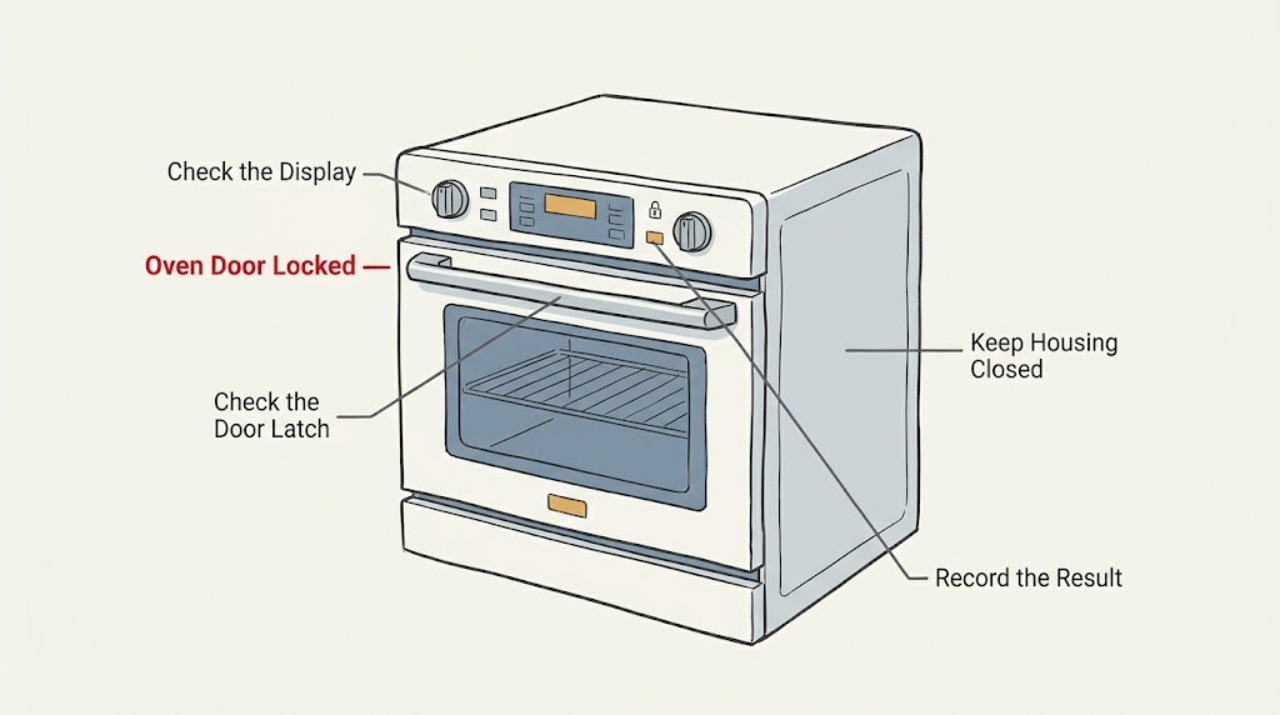
Maytag Oven Door Locked: Safe Cooling, Control Lock, and Reset Checks
A Maytag oven door can stay locked normally during Self-Clean and while the oven is still hot. Do not pull or pry the door.
-
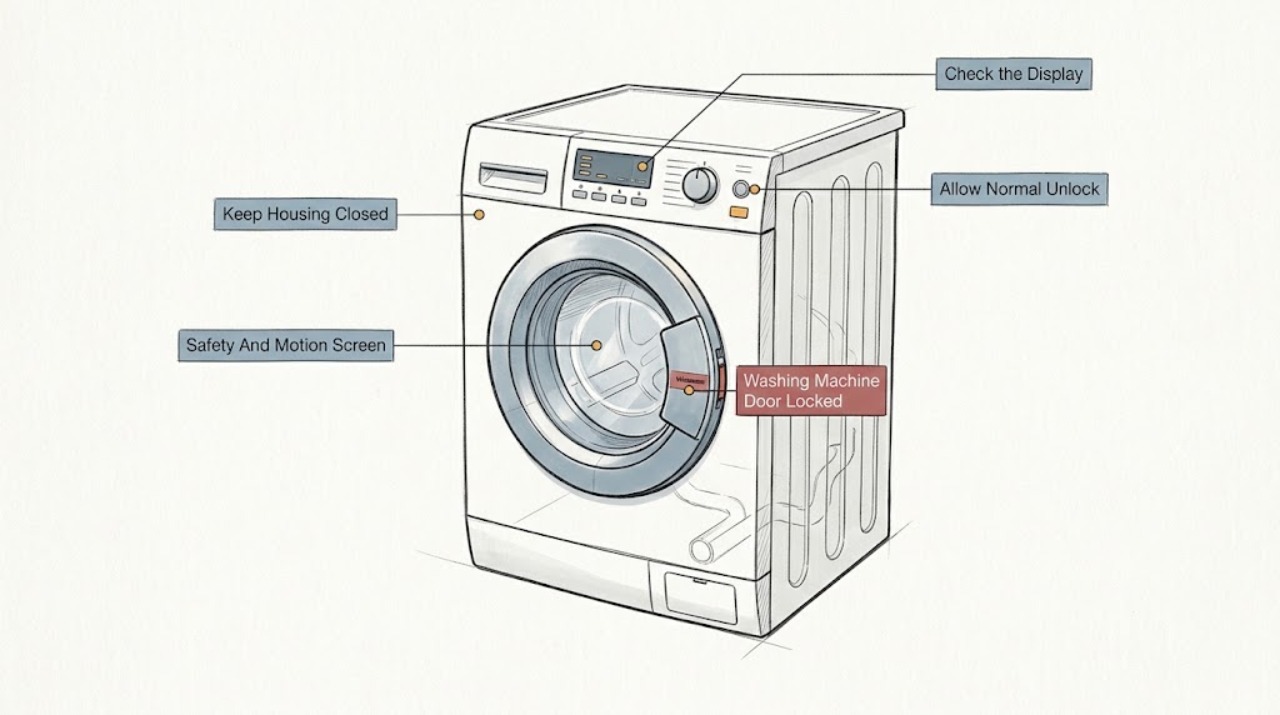
Maytag Washing Machine Door Locked: Safe Checks Before Service
A Maytag washer door or lid can stay locked normally while the tub is moving, water is too hot or too high, a drain routine is still running, or a model option such as Fresh Hold or TumbleFresh is active. Do not pry it open.
-
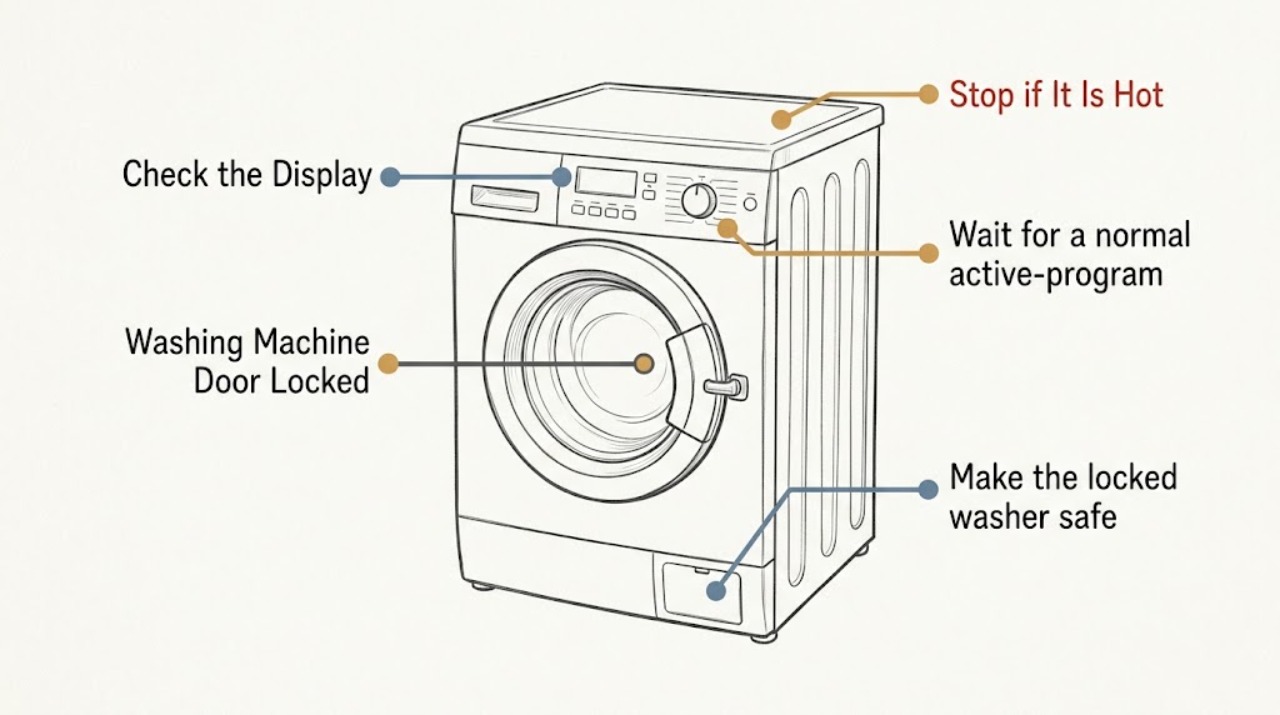
Miele Washing Machine Door Locked: Safe Checks Before Service
A Miele washing-machine door can remain locked normally while a program is active, during the anti-crease phase, or while the water is still too hot. If the drum contains water, the washer may be waiting for a drain step or may have a blocked drain.
-
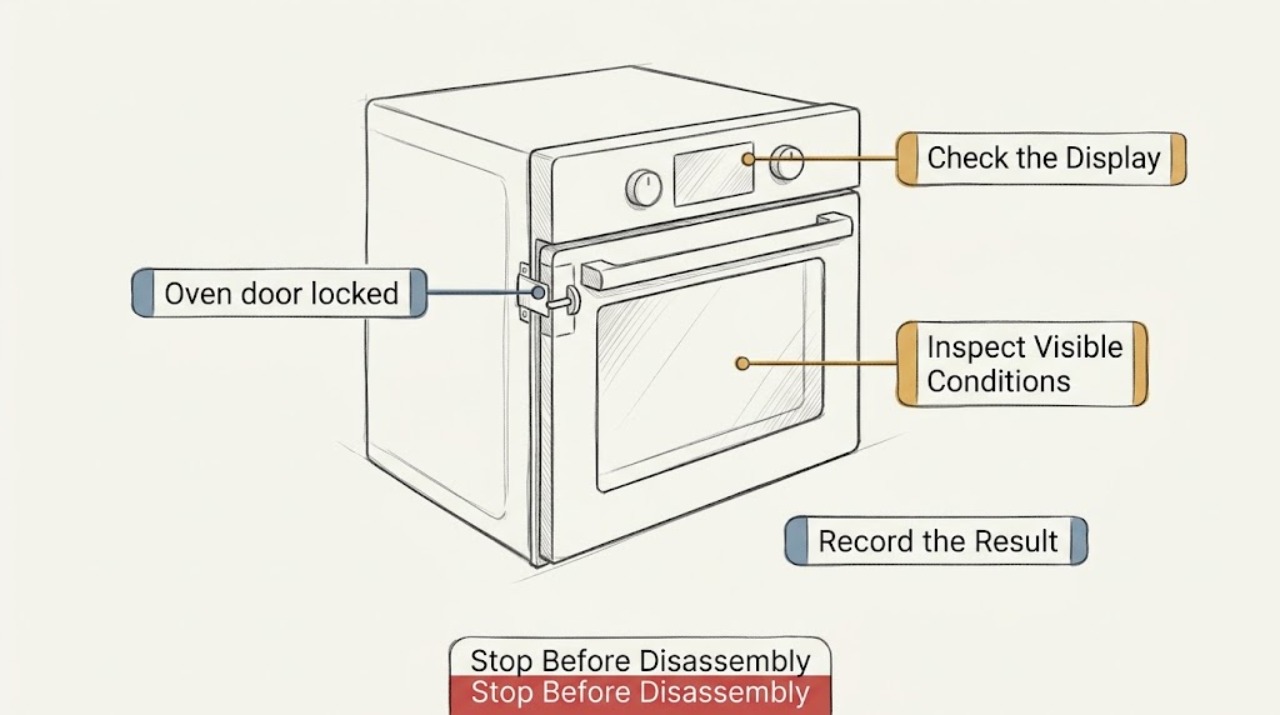
Oven door locked: safe checks before service
An oven door can remain locked normally during a self-clean cycle and while the cavity is still hot. Do not pull, pry, or bypass the latch.
-
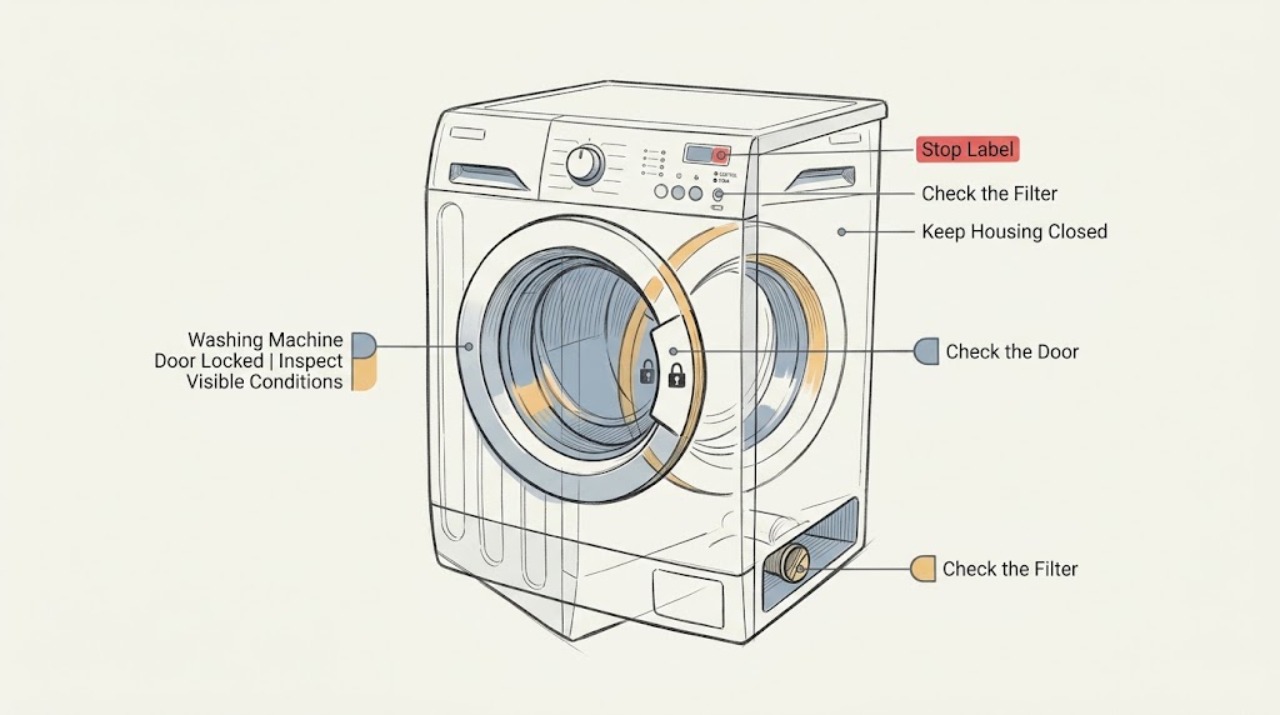
Roper Washing Machine Door Locked: Safe Checks for Water, Cycles, and the Lock
A locked Roper washer door may be normal while a cycle is active, while the tub is still tumbling, while water or hot wash liquid remains, or while a model-specific fresh-air or anti-crease option is running. First wait for motion and heat to end, then note whether water remains and whether the display shows a lock, control-lock, or error message.
-
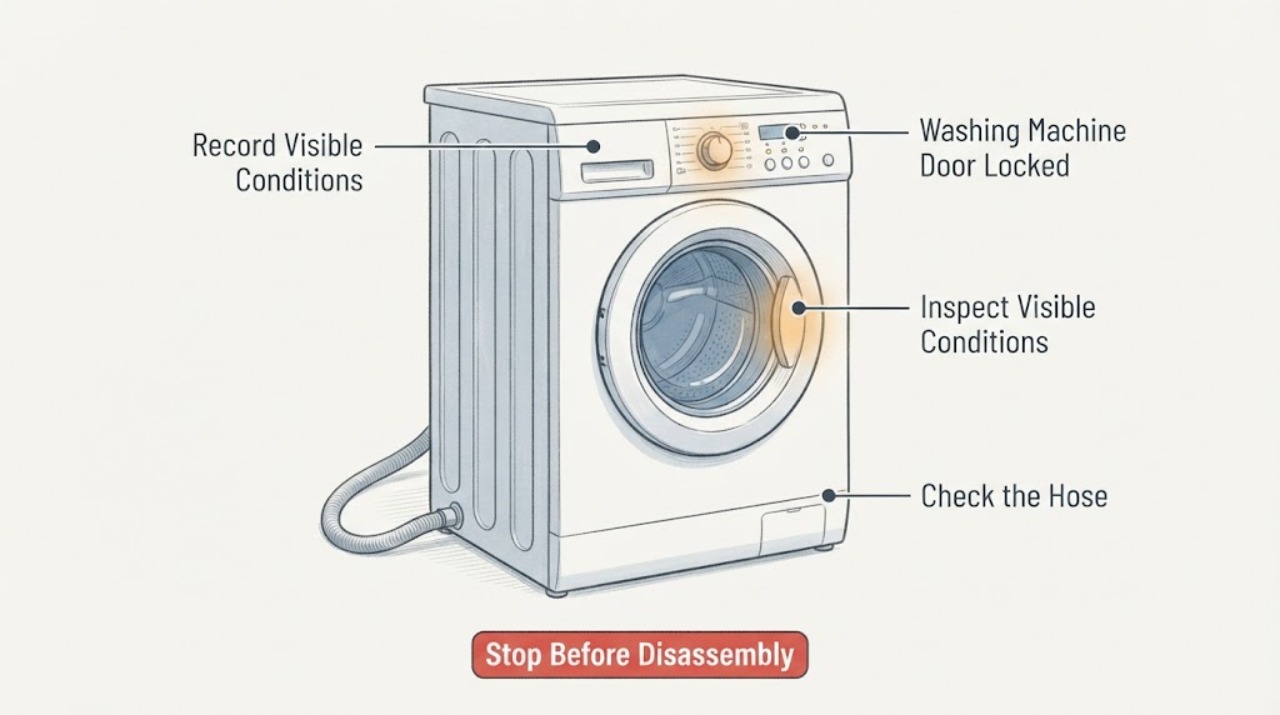
Russell Hobbs Washing Machine Door Locked: Safe Checks Before Service
A Russell Hobbs washing-machine door can stay locked normally while the drum is moving, the water is hot, or water remains in the tub. Do not pull the handle.
-
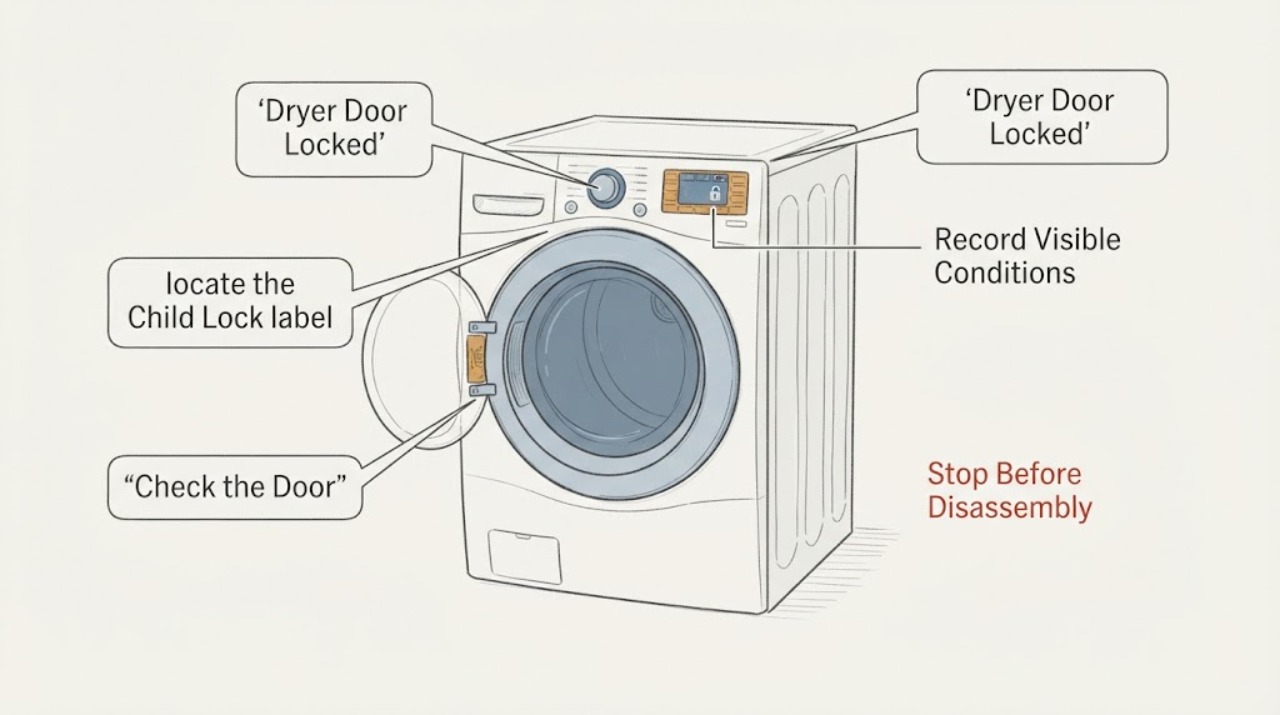
Samsung Dryer Door Locked: Safe Checks Before Service
A Samsung dryer door that will not open may be held by Child Lock on some models, an active or just-finished cycle, a door or latch sensing problem, or a control error. First keep the drum stopped and safe, then note whether the Child Lock icon, CL, or a door-related code is displayed.
-
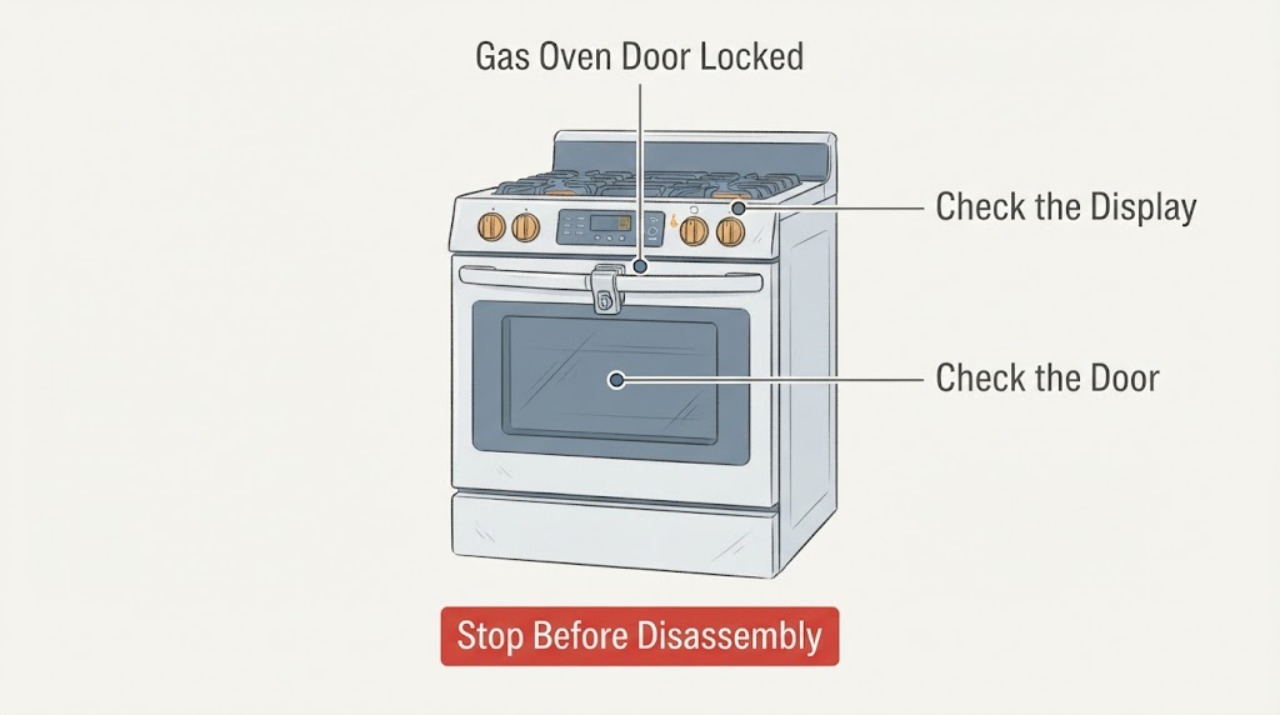
Samsung Gas Oven Door Locked: Cool, Check the Lock State, and Never Force It
A Samsung gas-oven door commonly stays locked because the oven is still too hot after cooking or Self Clean, or because a model-specific control lock or door-latch state is active. First leave the oven off and let it cool; never pull or pry the door.
-
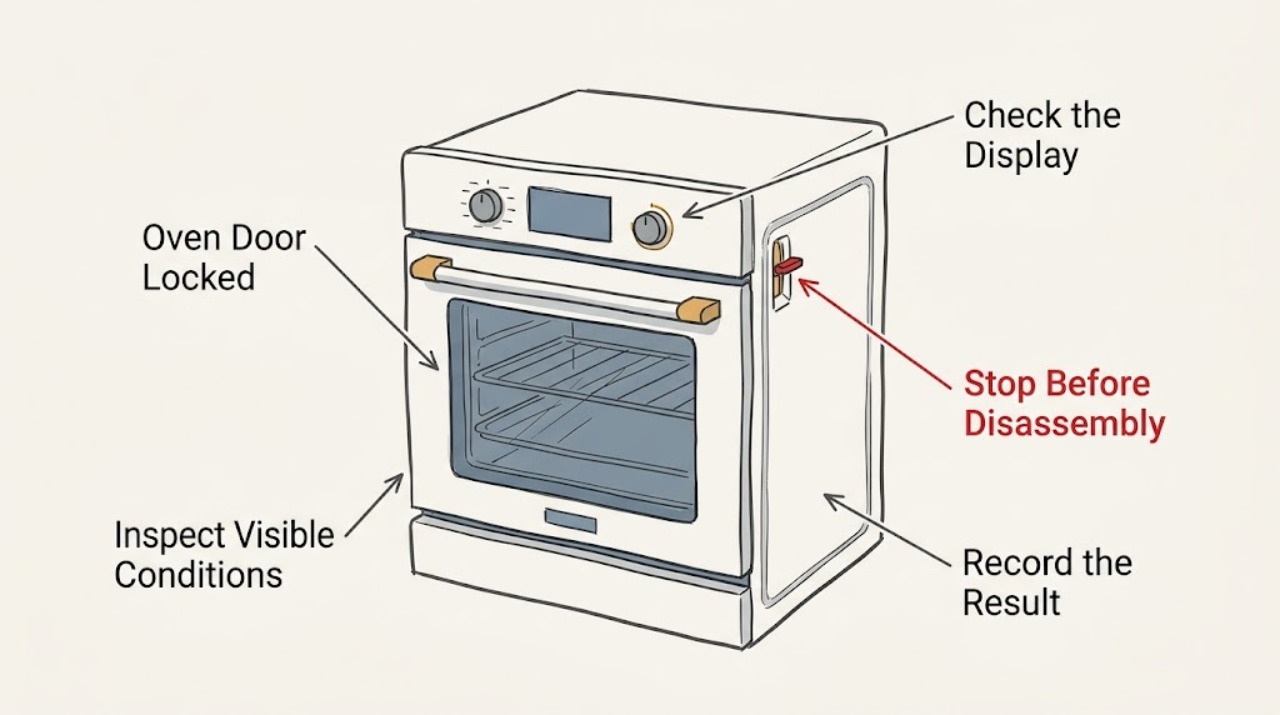
Samsung Oven Door Locked: What to Check Before Calling for Service
A Samsung oven door commonly remains locked because the oven is still hot after Self Clean, the cleaning cycle is still active, Control Lock or Oven Lock is enabled, power was interrupted during a lock condition, or the latch or door is physically out of position. Wait until the oven is fully cool and follow the exact model manual before trying a control reset.
-
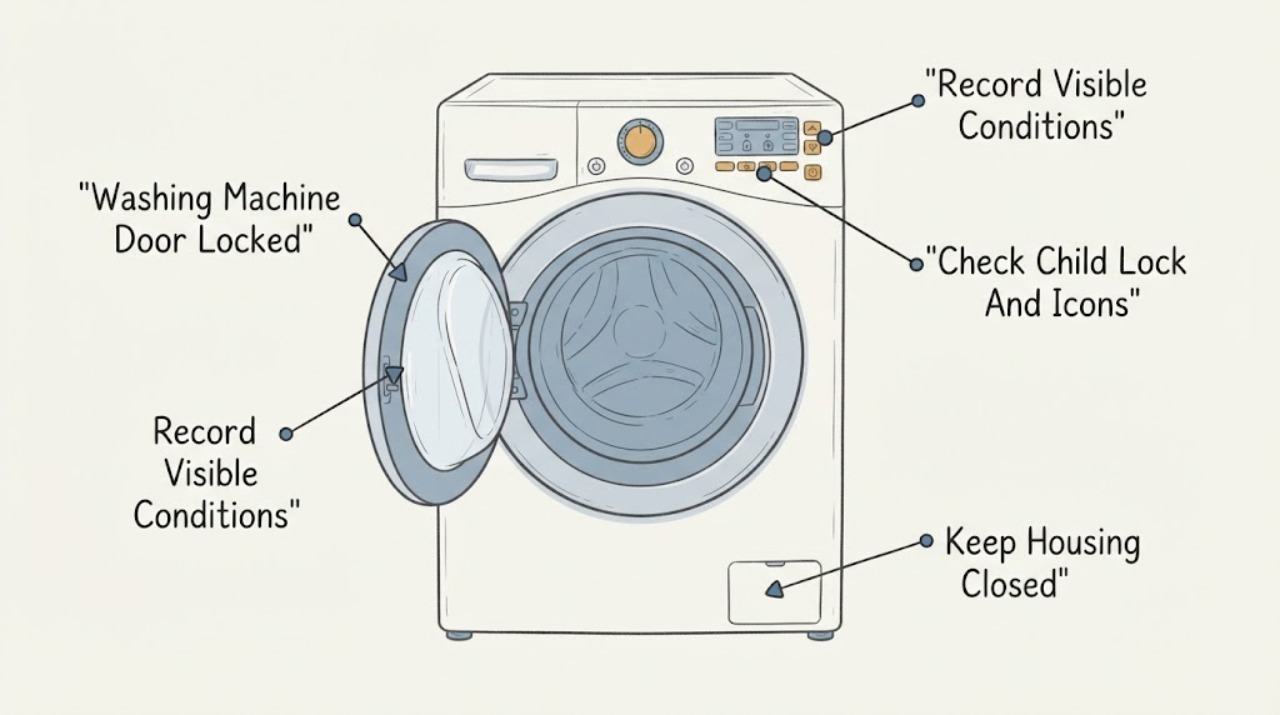
Samsung Washing Machine Door Locked: Drain Safely and Check the Lock State
Do not pull a locked Samsung washer door. The lock normally stays engaged while a cycle is running or while water is detected, because opening it could release water.