
On this page
Start here
Quick answer
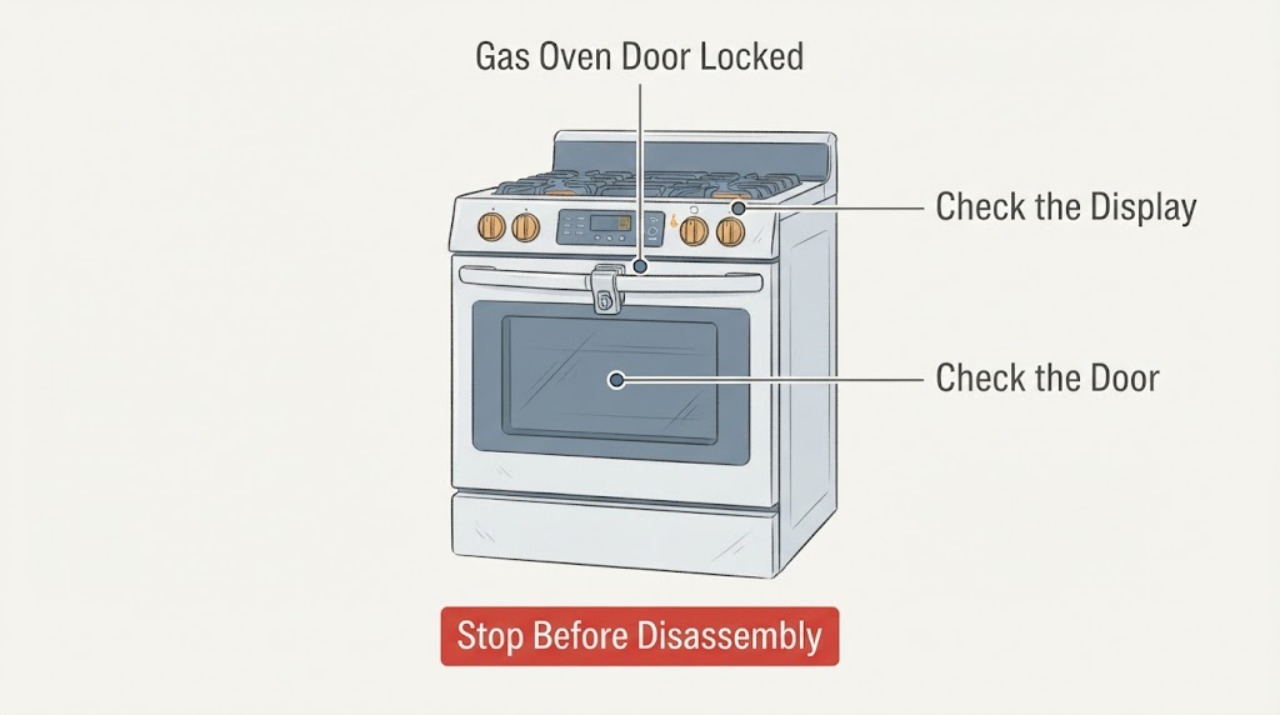
A Samsung gas-oven door commonly stays locked because the oven is still too hot after cooking or Self Clean, or because a model-specific control lock or door-latch state is active. First leave the oven off and let it cool; never pull or pry the door. Record the complete model, display message, and whether Self Clean is running or has just ended. When the oven is cool, turn the range on if the model requires power to release the lock, check the panel for a padlock or Loc indication, and perform only one model-appropriate power cycle. If the lock remains after the documented cool-down and reset, the door does not close or latch normally, or the oven shows smoke, flames, gas odor, abnormal heat, arcing, or a fault, stop using the appliance and arrange qualified service.
Work through in order
Diagnostic checks
Use only checks that match the exact appliance or system and its official guide.
-
Check 1
Stop the oven and look and smell for a gas odor, flames outside the burner area, smoke, a burning or electrical odor, arcing, a cracked door glass, water near controls, or heat that remains uncontrolled. If any is present, keep people away, do not restart the oven, and use the appropriate local gas, emergency, electrical, or appliance-service path from a safe location.
Expected result: There is no hazard sign and the door is simply locked, or there is gas odor, smoke, flame, abnormal heat, electrical damage, liquid near energized parts, or visible door damage.
Next step: Continue only when the oven is cool, dry, intact, and free of abnormal odor or heat. For a hazard, leave the oven out of service and obtain qualified or emergency help without attempting a repair.
Stop if: Stop immediately for gas odor, flame outside the burner, smoke, arcing, burning smell, cracked glass, water at electrical parts, or uncontrolled heating.
Why this matters
Why: A normal thermal lock can be investigated after cooling. Gas, fire, shock, and damaged-door risks make further button presses or a power test unsafe.
-
Check 2
Record the full model number from the rating label, the exact display text or icon, whether the door locked during Self Clean or ordinary cooking, how long ago the oven stopped heating, and whether the control panel responds. Do not assume a code or button sequence from another Samsung range.
Expected result: The display shows a lock icon, Loc, Hot, CLEAN, a door-related error, or no message; the lock began during Self Clean, after cooking, at power-up, or with the oven cool.
Next step: Use the branch matching the exact message and event. If the model cannot be identified, do only the cool-down and external observation steps and request model-specific guidance.
Why this matters
Why: The same physical symptom can be a normal hot-door interlock, Control Lock, a function-incompatibility state, or a latch/sensor fault. The model and timing choose the safe next check.
-
Check 3
If the lock appeared during cooking or Self Clean and there is no hazard, leave the oven off and allow the cavity to cool naturally. Keep the door shut while a lock icon or CLEAN status remains, and stand to the side when it eventually releases because hot air or steam may escape.
Expected result: The lock icon disappears after the documented cool-down, or the oven is cool but the lock remains and the door cannot open normally.
Next step: When the lock releases, open the door carefully and confirm normal closure. If it remains locked after the model's cool-down period, do not pry it; continue to the safe power and service branch.
Stop if: Do not pull the handle, insert a tool, hold a latch open, or defeat an automatic lock while the oven may still be hot.
Why this matters
Why: A locked door during a high-temperature cleaning cycle is a safety function. Failure to release after cooling shifts the diagnosis toward the lock, temperature sensing, control, or latch system.
-
Check 4
With the oven cool, turn the range on if its model requires power for the lock to disengage. Check for a padlock or Loc indicator and use only the Control Lock release shown on the panel or in the exact manual. If Self Clean will not start or the controls do not respond, remove any model-documented probe or partition, turn off the cooktop and warming drawer if present, and clean the panel with a dry soft cloth.
Expected result: The lock clears when power is restored, a padlock or Loc is cleared, a probe or partition was blocking the function, the cooktop or warming drawer was active, or the panel remains unresponsive.
Next step: If the lock clears and the door closes normally, do not start another high-heat cycle until the manual confirms the setup. If the panel remains locked or unresponsive, perform at most one safe power cycle and then arrange service.
Stop if: Do not bypass Control Lock, hold the door switch, remove the console, or use wet cleaner around the panel.
Why this matters
Why: Samsung documents that control availability depends on the selected function and model; Control Lock, a hot panel, a probe, partition, warming drawer, or active cooktop can prevent expected input without a broken door.
-
Check 5
Once the oven is cool and the lock is not actively engaged, check that no rack, divider, pan, or food is protruding into the door path and that the door closes evenly without pressure. Look only at the visible latch and door frame for a bent part, debris, loose glass, or damage; do not remove the door or manipulate a latch that is stuck in the locked position.
Expected result: The door closes and latches normally after an obstruction is removed, the door is misaligned or damaged, the latch remains visibly engaged while open, or the door will not close fully.
Next step: Remove only an obvious cool obstruction. If the latch, hinges, glass, frame, or seal is damaged or the door remains unable to close, keep the gas oven off and request qualified service.
Stop if: Do not force the door, straighten hinges, disassemble the door, or run the oven with a damaged seal, glass, latch, or frame.
Why this matters
Why: An obstruction or closure condition can produce a door error. Misalignment, damaged glass, a stuck latch, or a door that cannot close is a mechanical service issue and can defeat the heat seal or lock interlock.
-
Check 6
Only if the oven is cool, dry, free of gas odor and smoke, and not actively running Self Clean, switch the range's circuit breaker off for the interval stated in the exact Samsung guide, then restore it once. Observe the display and lock without opening panels or repeatedly cycling power.
Expected result: The lock clears and the panel returns normally, a door or other error returns immediately, the breaker trips again, or the oven remains locked and unresponsive.
Next step: If the lock clears, confirm the cool door closes and latches before any normal use. If the fault returns or protection opens, leave the appliance off and provide the exact message and timing to a qualified technician.
Stop if: Do not reset a breaker that trips again, work near wet electrics, or use the gas oven while the lock or fault remains unresolved.
Why this matters
Why: Samsung lists a single breaker power cycle as a possible reset for a cool locked door or unresponsive panel. A returning fault, repeated trip, or persistent lock is not a reason to repeat the reset; it indicates service is needed.
-
Check 7
If the door remains locked after cooling and one documented reset, or if a door error remains with the door fully closed, stop troubleshooting and arrange qualified Samsung appliance service. Give the technician the model, message, cycle stage, temperature or cleaning status, time since shutdown, and any gas, smoke, heat, electrical, or physical-door observations.
Expected result: The lock is repeatable, the control reports a door or temperature fault, the lock motor or sensor is suspected, or the door requires disassembly to access the latch or glass.
Next step: Leave the gas oven out of service until qualified diagnosis confirms that the door, seal, lock, temperature protection, and heating system operate safely.
Stop if: Do not bypass the door interlock, operate with the door ajar, or continue cooking to see whether the lock eventually changes.
Why this matters
Why: A persistent lock can involve the lock mechanism, latch, temperature sensor, wiring, or control board. These parts are tied to heat and gas-oven safety and cannot be confirmed safely from the outside.
Use your observations
Decision map
Find the observation that best matches what you see, then follow the next safe action.
-
PATH 01Next step
What you see
The lock appeared during Self Clean or immediately after a hot cooking cycle, and there is no smoke, gas odor, or other hazard.
Do this next
Leave the door shut and allow the oven to cool fully; open it only after the lock indication releases. Do not force the latch.
-
PATH 02Next step
What you see
The oven is cool but the display shows a padlock or Loc and the controls otherwise work.
Do this next
Clear Control Lock only with the command printed on the panel or in the exact model manual, then confirm the door closes normally.
-
PATH 03Next step
What you see
Self Clean or another function is unavailable while a probe, partition, warming drawer, or cooktop is active.
Do this next
Remove or turn off only the documented conflicting item or function, then follow the model manual; do not interpret a disabled button as permission to bypass an interlock.
-
PATH 04Next step
What you see
The door is cool, unobstructed, and aligned but the latch is visibly stuck, the door will not close, or glass, hinge, seal, or frame is damaged.
Do this next
Do not manipulate the latch or remove the door. Leave the gas oven off and arrange qualified service.
-
PATH 05Next step
What you see
The oven is cool and safe, but the lock remains after the exact cool-down and one documented power cycle.
Do this next
Record the model and message and request qualified service; do not repeat resets or pry the door.
-
PATH 06Next step
What you see
A door-related error continues while the door is closed, or a lock or temperature error returns after reset.
Do this next
Stop using the oven and provide the exact code, cycle stage, and door behavior to qualified service.
-
PATH 07Next step
What you see
Gas odor, unexplained flame, smoke, arcing, burning smell, uncontrolled heat, cracked glass, or water near electrical parts is present.
Do this next
Do not operate the oven or electrical controls near the hazard. Leave the area when required and use the appropriate local emergency, gas, electrical, or appliance response from a safe location.
Helpful context
Understand the symptom
A locked door can be normal, but forcing it is not
Samsung ranges use a temperature-protective lock during and after Self Clean. The lock icon can remain while the cavity cools, and hot air or steam can escape when the door eventually opens. A cool oven with a padlock or Loc display is a different branch from a hot oven. Do not insert a tool, pull harder, or defeat the latch to gain access.
Keep gas and electrical safety ahead of a reset
This is a gas-oven topic, but the lock is still controlled by the range's electrical controls and temperature protection. Do not continue testing if there is a gas smell, flame outside the burner area, smoke that is not clearly limited to an expected cleaning cycle, an electrical smell, sparking, or uncontrolled heat. Leave internal wiring, the lock motor, sensors, gas components, and door repair to qualified service.
Only after diagnosis
Potential parts
- oven door lock or latch assembly
Only consider this category after the exact model still reports a lock or door fault following the documented cool-down, closure, and single reset checks.
Lock and latch designs vary by model; confirm the full model and use qualified diagnosis before ordering or fitting. - door switch or temperature sensor
Only consider this category if qualified diagnosis links a persistent lock or temperature error to the sensor or door-switch circuit.
These are safety-related circuits in a gas oven; do not probe, bypass, or replace them without model-specific service procedures. - oven door seal or glass
Only consider this category when visible damage, an unsafe seal, or a closure problem is confirmed after the oven is cool.
Confirm exact model fit and have door disassembly performed by qualified service when required.
Common questions
FAQ
Why is my Samsung gas-oven door locked after Self Clean?
The lock is normally held while the oven is extremely hot and can remain engaged during cool-down. Wait for the lock indication to clear, then open the door carefully because hot air or steam may escape. Never force the door. If it remains locked after the model's cool-down and one documented power cycle, request qualified service.
What does Loc mean on a Samsung oven?
Loc commonly indicates Control Lock, although the display and release command vary by model. Use the instructions printed on the panel or in the exact user manual. If the panel remains unresponsive after cleaning the dry surface and one safe power reset, stop and arrange service.
Can I pry open a Samsung oven door that is locked?
No. Samsung warns that forcing the door or lock lever can expose you to high temperatures and damage the automatic locking system. Let the oven cool naturally and use only the model's documented release steps. A persistent lock is a service issue.
Why will Self Clean not start on my Samsung gas range?
Depending on the model, an active cooktop, warming drawer, temperature probe, partition, hot panel, Control Lock, or door-position condition can make Self Clean unavailable. Turn off or remove only the item identified by the manual, close the door normally, and retry once. Do not bypass an interlock; a returning door error needs service.
Is smoke during a Samsung gas-oven Self Clean cycle always a failure?
Samsung notes that some smoke and odor can occur during Self Clean, especially with heavy soil or early cleaning cycles, and recommends ventilation and wiping excess grease first. Stop immediately for uncontrolled flames, an unusual burning or electrical odor, gas odor, or smoke that does not fit the expected cycle, and obtain qualified help.
Read the exact guide
Official sources
- Samsung range or wall oven error codesSamsung Support US · Samsung range and wall-oven door, cooktop, partition, temperature, and recurring-error guidance
- Gas Ranges: How Do I Use the Self-Cleaning Oven?Samsung South Africa · Samsung gas-range Self Clean door locking, high-temperature warnings, smoke/odor context, pre-clean checks, and cool-down guidance
- Self Clean or other buttons do not light up or respond, or panel is locked on Samsung ovenSamsung Support US · Samsung oven Control Lock, hot panel, function conflicts, panel cleaning, power reset, and service guidance
- How to clean your Samsung ovenSamsung Support US · Samsung oven Self Clean and Steam Clean operation, door locking, hot-door warnings, accessory removal, and cleaning cautions
- Samsung oven door is lockedSamsung Support US · Samsung range and oven door-lock troubleshooting, cool-down, power-on, power-cycle, and service guidance
- Wall Ovens | Samsung Support USSamsung Support US · Samsung appliance model lookup, manuals, troubleshooting, and repair-support direction
Community feedback
Share a repair observation
Share a plain-text repair observation. Accepted observations are published automatically; this page may take a moment to update.