
Samsung appliance guidance
Samsung Gas Oven Repair Guides
Troubleshooting and repair guidance for published Samsung Gas Oven problems, symptoms, and maintenance questions.
Published Samsung Gas Oven guides
Choose the guide whose symptom or condition most closely matches what you are seeing.
-
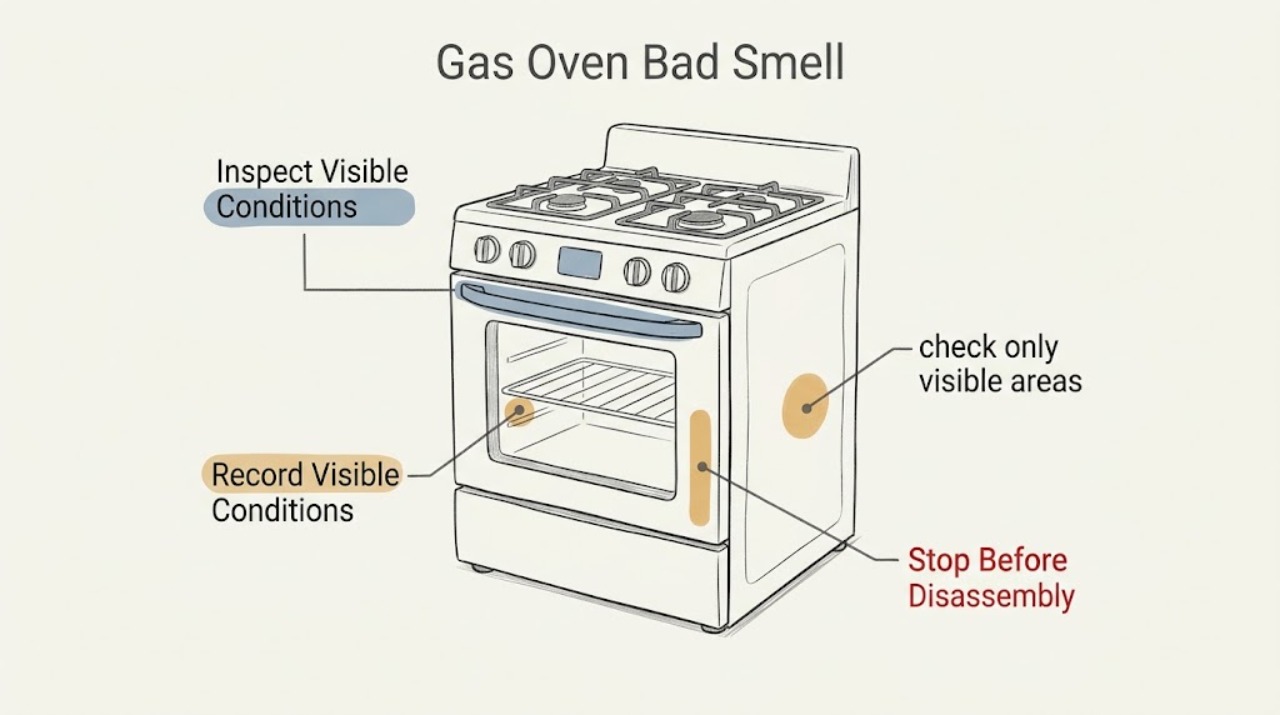
Samsung Gas Oven Bad Smell: Tell Gas, Burnt Residue, and First-Use Odor Apart
Treat a gas-like smell from a Samsung gas oven as a gas-safety question before treating it as an oven-cleaning issue. If the odor is strong, persistent, spreading, accompanied by a hissing sound, abnormal flame, smoke, headache, dizziness, or an alarm, do not operate the range, switches, or flames: leave the area and contact gas or emergency help from a safe location.
-
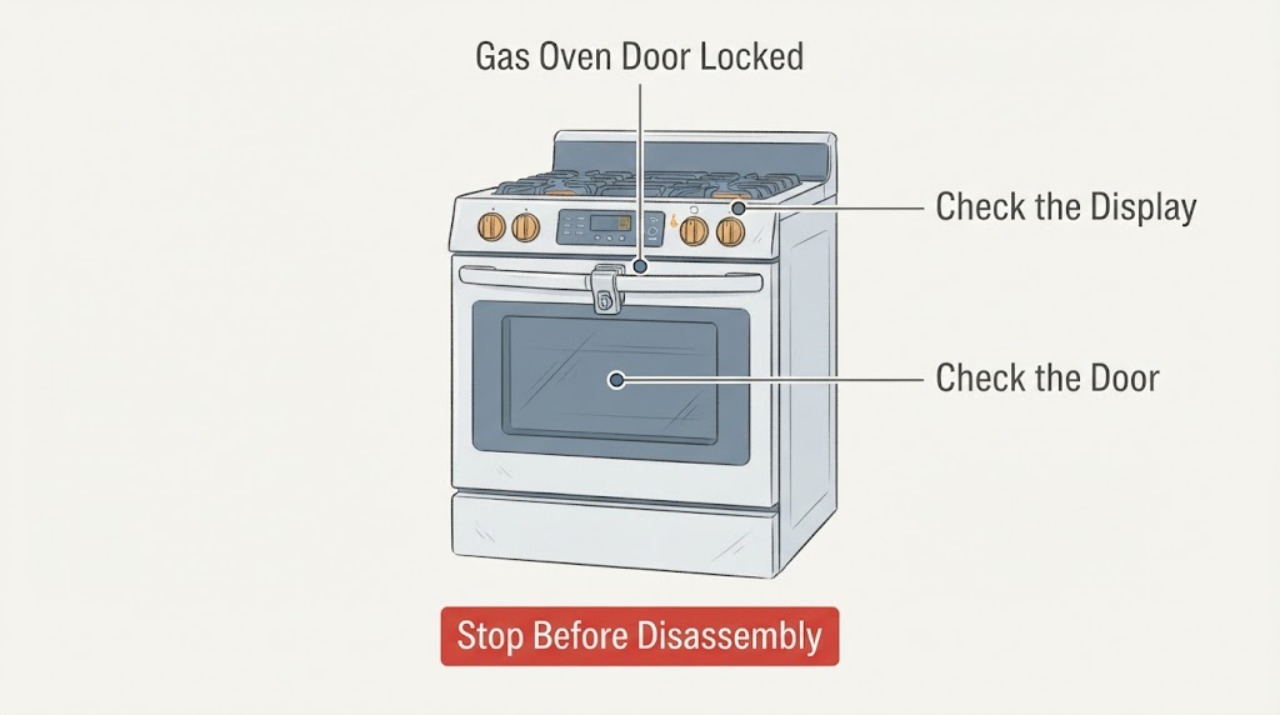
Samsung Gas Oven Door Locked: Cool, Check the Lock State, and Never Force It
A Samsung gas-oven door commonly stays locked because the oven is still too hot after cooking or Self Clean, or because a model-specific control lock or door-latch state is active. First leave the oven off and let it cool; never pull or pry the door.
-
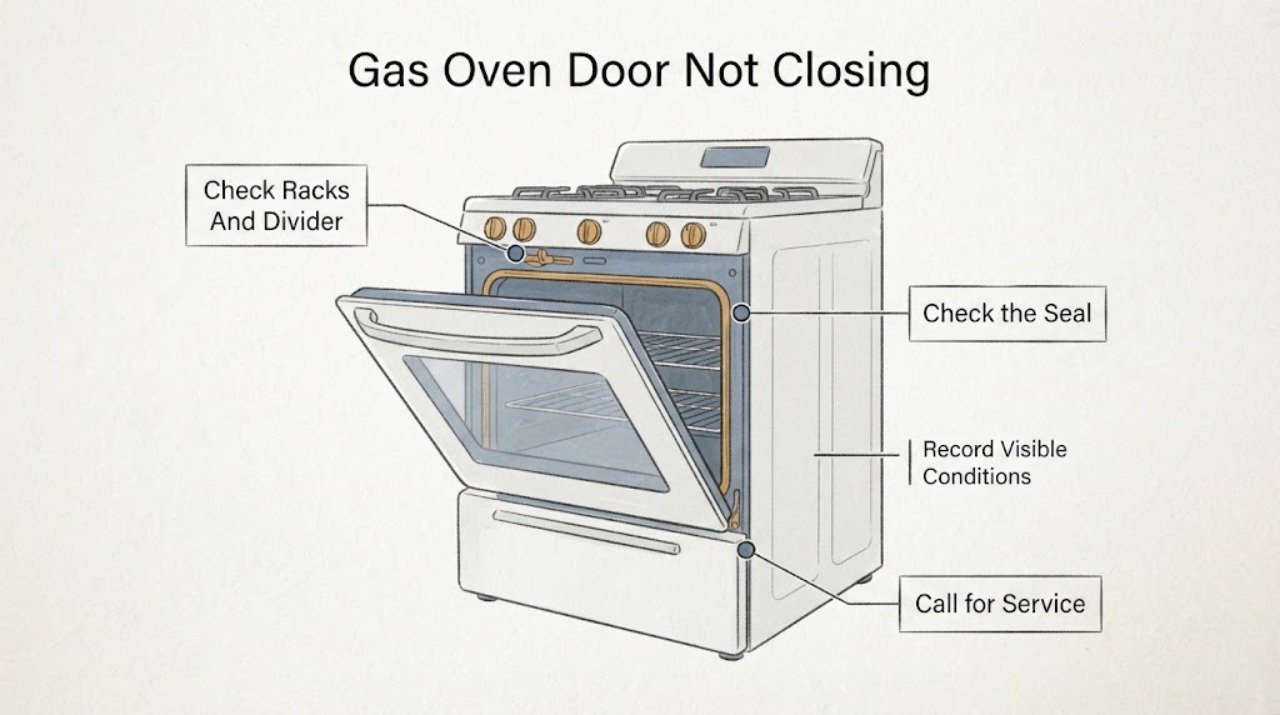
Samsung Gas Oven Door Not Closing: Check Racks, Hinges, and the Lock Safely
A Samsung gas-oven door that will not close is commonly blocked by a rack or divider, mis-seated after removal, held by a latch that is stuck in the locked position, or affected by bent hinges, a damaged gasket, glass, or frame. Let the oven cool completely before touching the door; Samsung says a hot range can lock the door as a safety precaution.
-
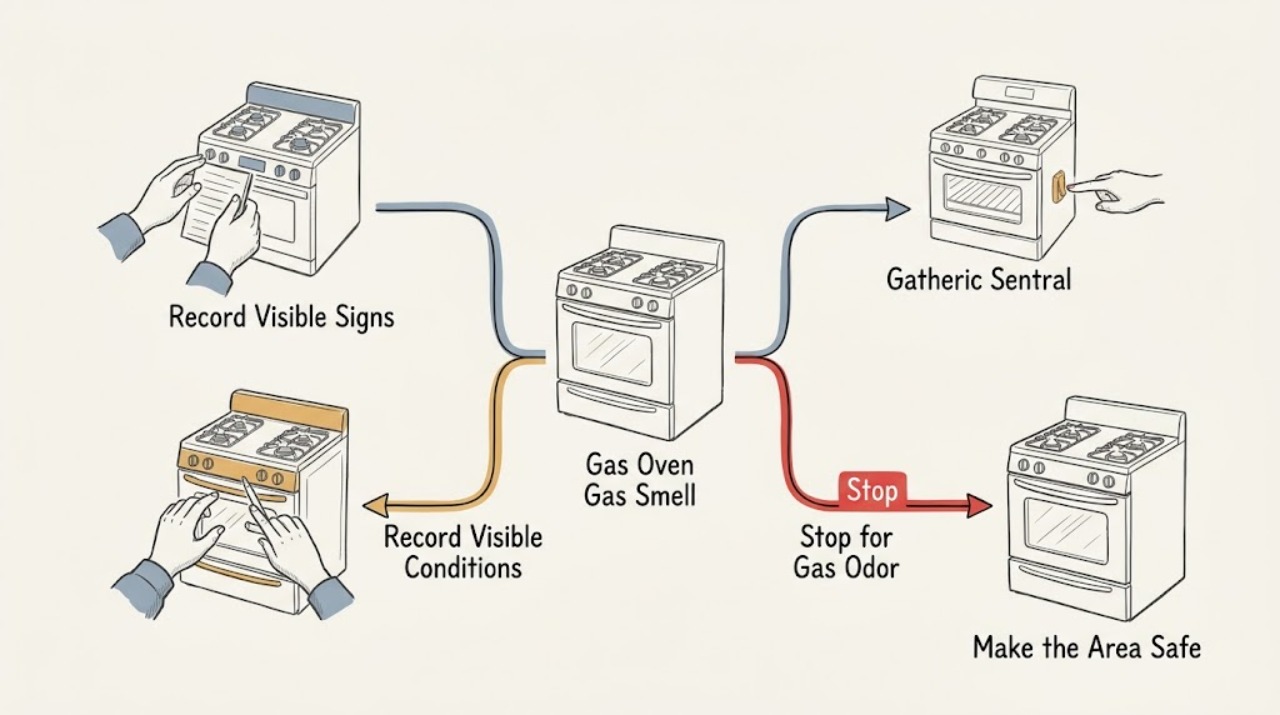
Samsung Gas Oven Gas Smell: Know When to Stop
Treat a persistent, strong, or unexplained gas smell from a Samsung gas oven as a safety event: stop using the oven, do not ignite anything or operate electrical switches, get people away from the area, and follow local gas-emergency guidance. Do not keep trying to ignite the burner or open the door to look for a flame.
-
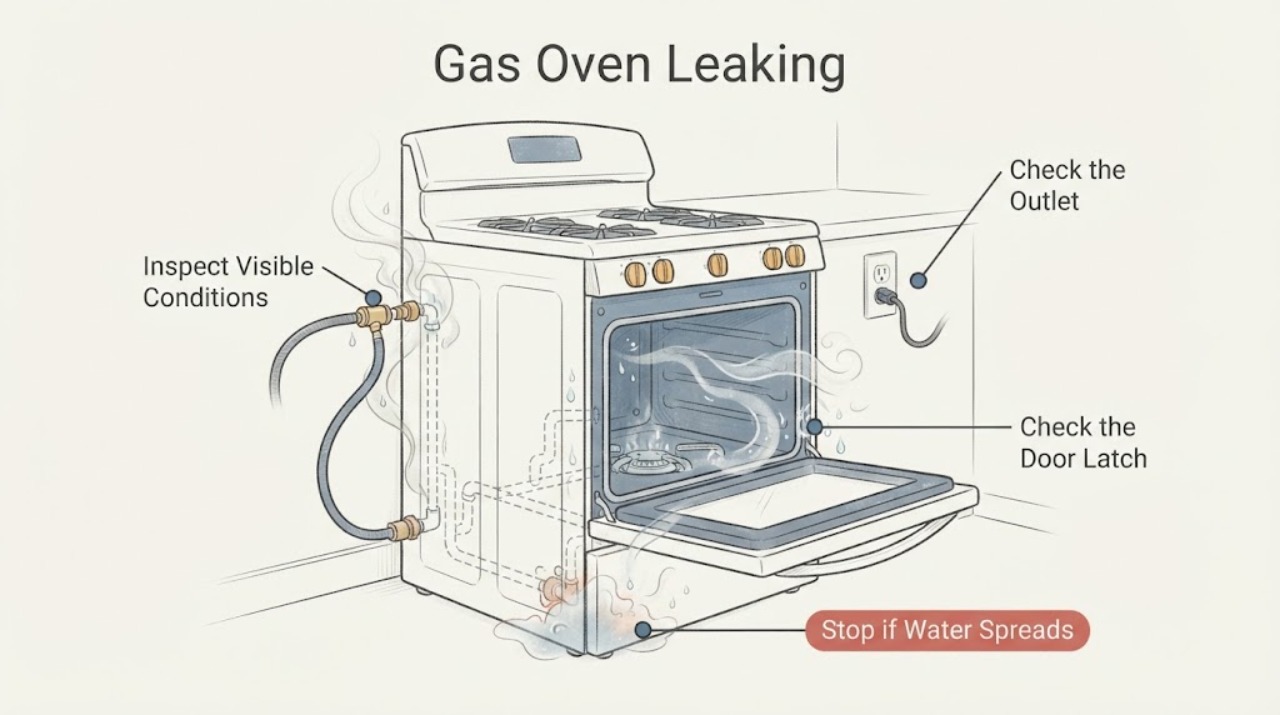
Samsung Gas Oven Leaking: Separate Gas Smell, Water, and Door-Seal Problems
Treat a Samsung gas oven that is leaking as a source-identification problem, not as one generic fault. If you smell gas, hear hissing, or suspect a gas connection or burner leak, stop using the range, leave the area, avoid flames and electrical switches, do not move or test the appliance, and contact the gas supplier or emergency service from a safe location.
-
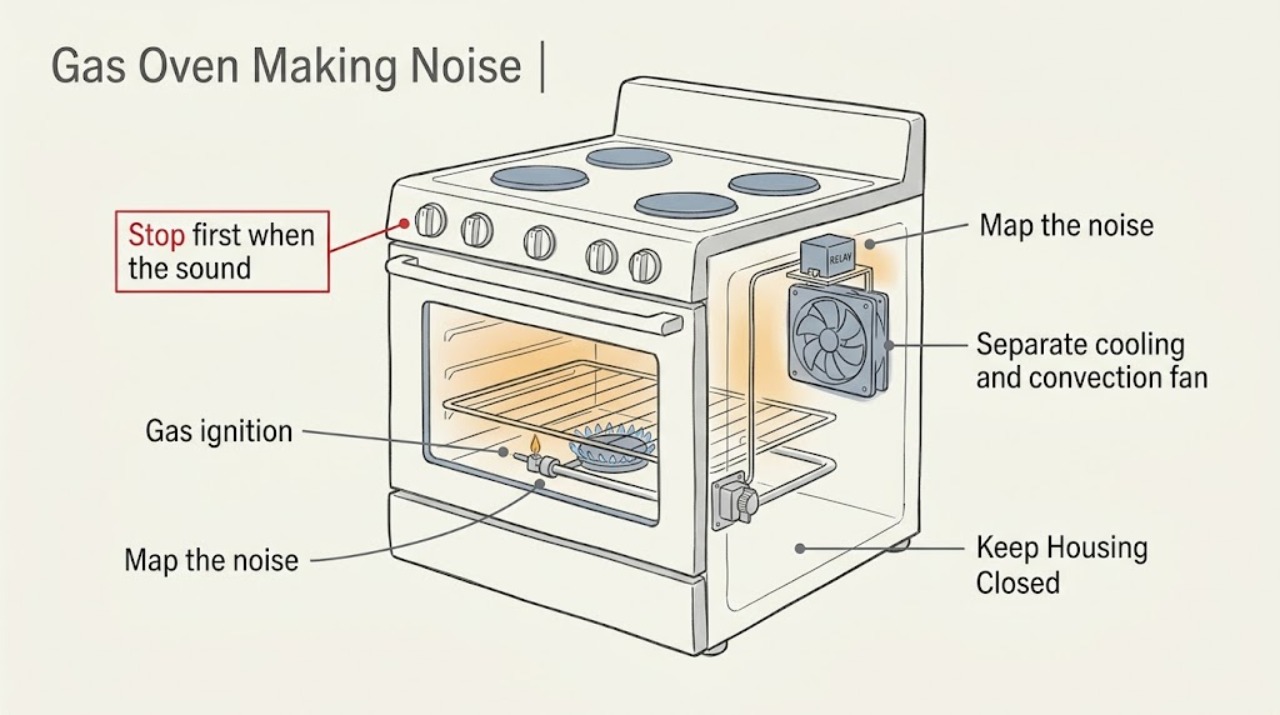
Samsung Gas Oven Making Noise: Separate Normal Sounds from Gas Hazards
A Samsung gas oven can make normal clicking as relays switch, a low fan sound while the cooling or convection fan runs, and occasional thumping as metal expands or contracts. A gas range can also make a soft hiss while gas is flowing.
-
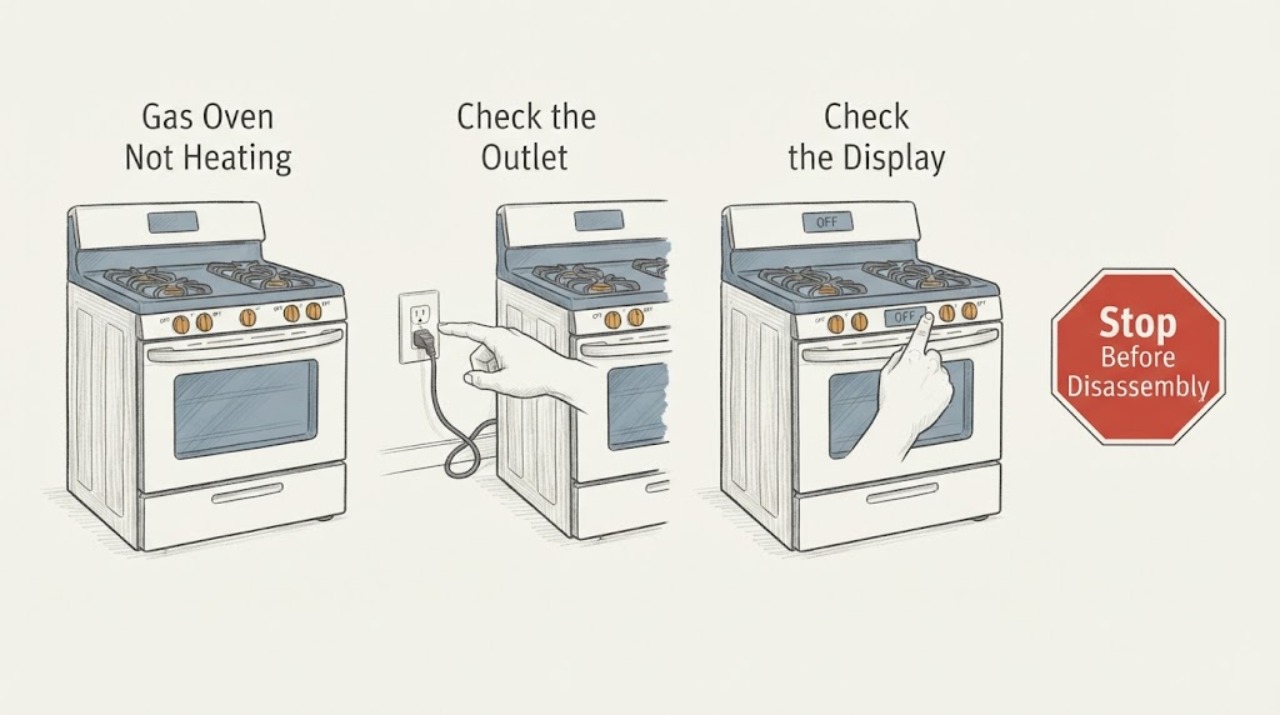
Samsung Gas Oven Not Heating: Check Mode, Gas, and Ignition Safely
If a Samsung gas oven will not heat, first note the exact model, selected mode, display, and whether the cooktop burners ignite normally. Confirm the oven door is closed, Demo mode is off, and a Bake or other supported mode was actually started.
-
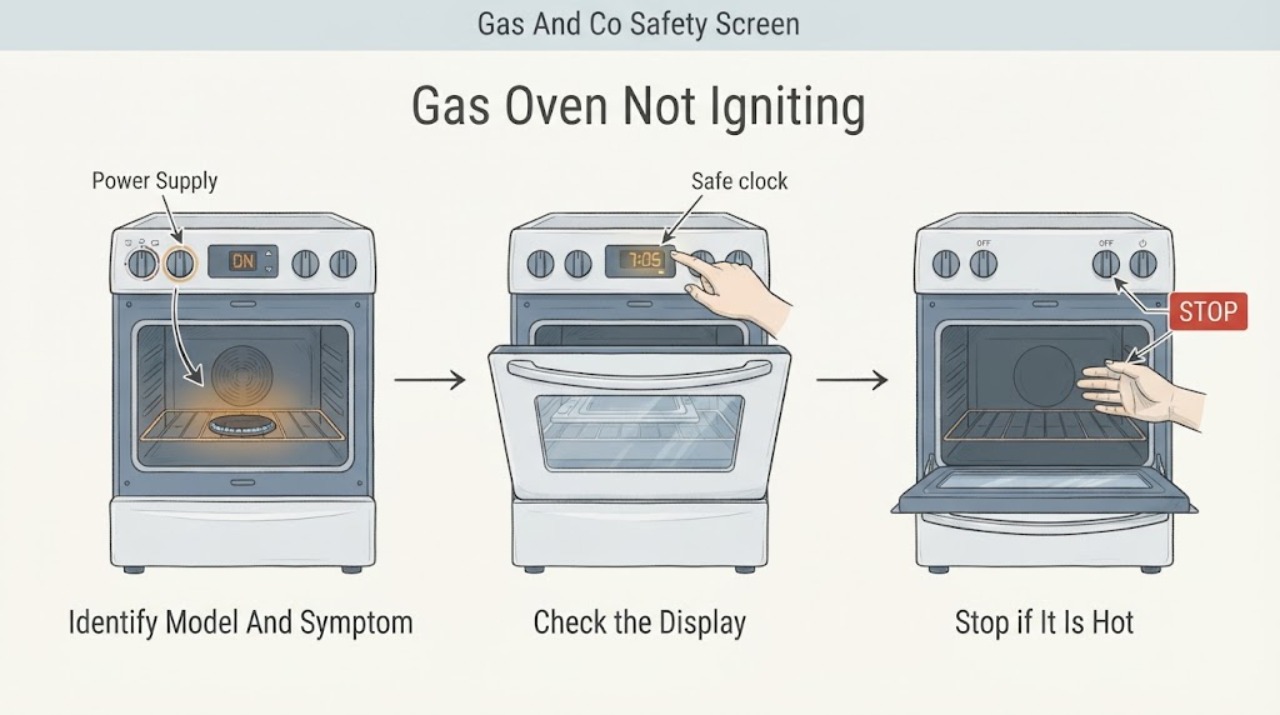
Samsung Gas Oven Not Igniting
First confirm that this is a Samsung gas oven and distinguish a normal ignition sequence from a failed one. With the room free of a gas smell, smoke, or unusual heat, record whether the display works, whether Bake or Broil is accepted, and whether the surface burners ignite.
-
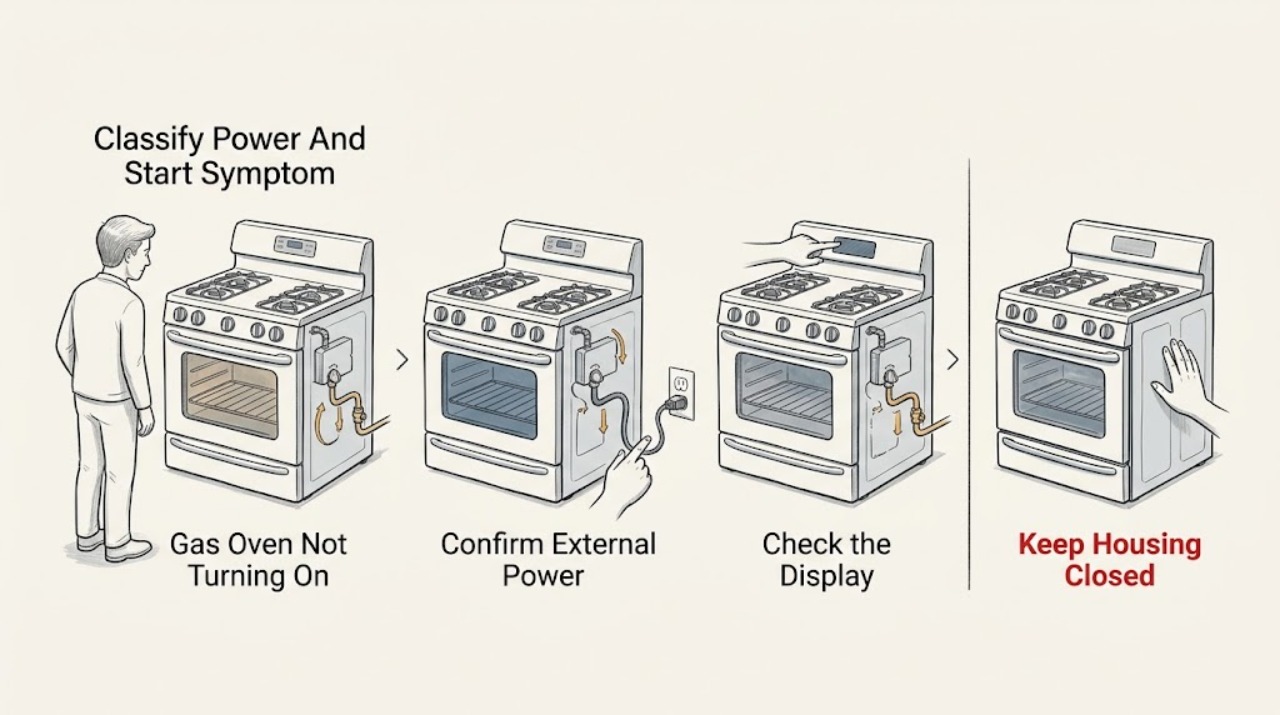
Samsung Gas Oven Not Turning On: Separate Power, Controls, Gas, and Ignition Causes
First decide whether the Samsung gas oven has no display, has a display but will not start, or starts its sequence but does not ignite. Check the range's power connection and display, then look for Control Lock, Demo mode, a required Start or Bake selection, and a displayed code.
-
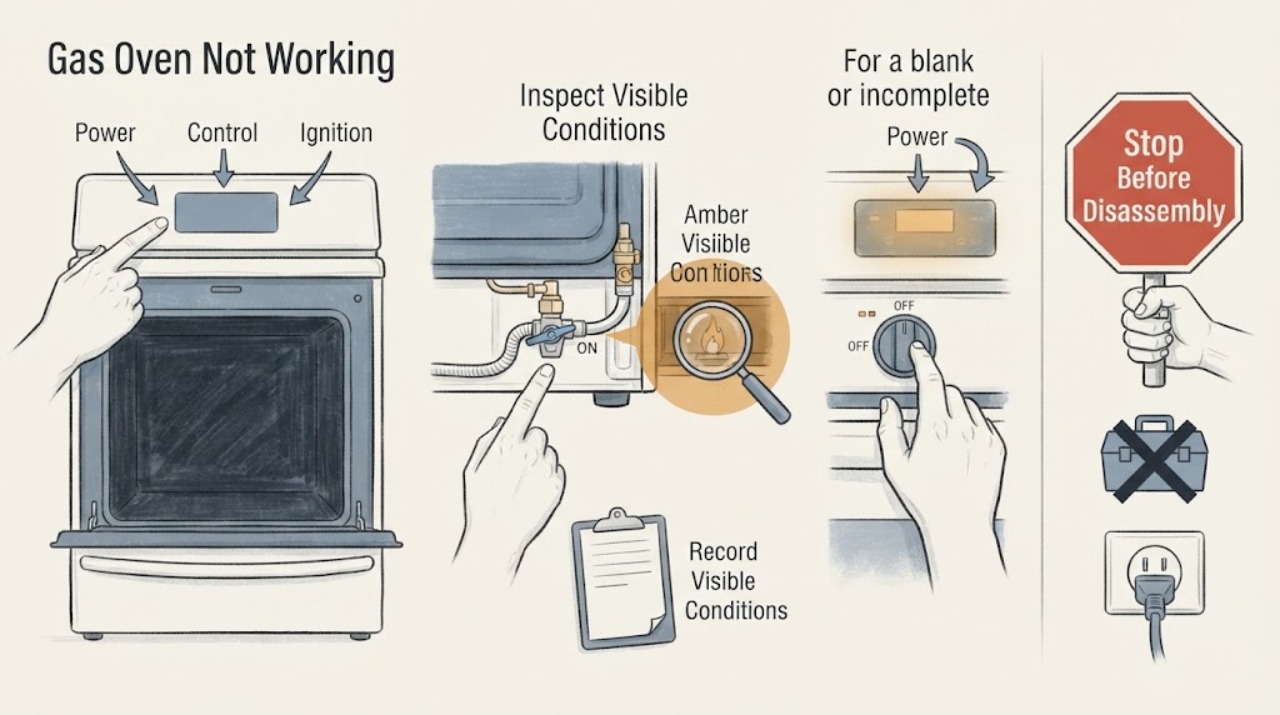
Samsung Gas Oven Not Working: Separate Power, Start, Ignition, and Heat Faults
First decide which failure you actually have: a blank panel means power or display, a lit panel that will not start points to settings, lock, door, or an error, a start with no flame points to gas or ignition, and a flame that does not heat the cavity points to the heating sequence or service. Samsung ranges vary by model and fuel configuration, so record the exact display and use the matching manual.
-
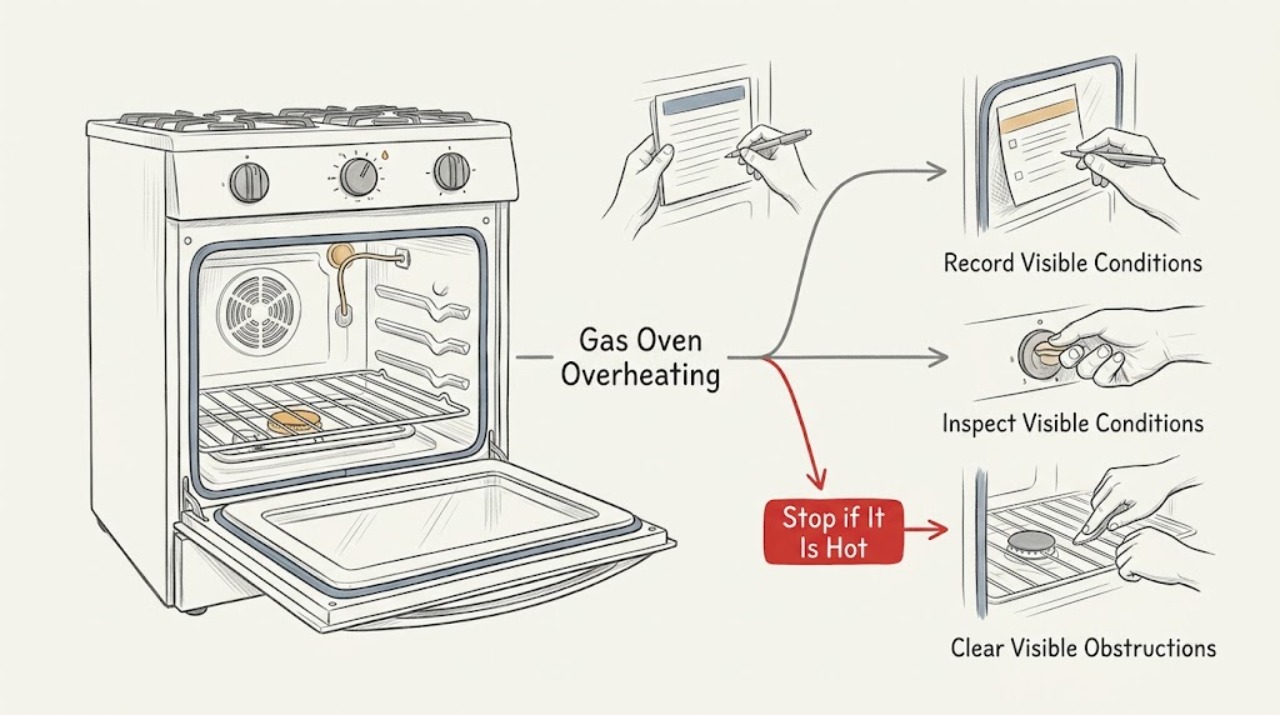
Samsung Gas Oven Overheating: Separate Normal Cycling from a Fault
A Samsung gas oven normally cycles the burner on and off around the selected temperature, so a brief flame change, warm exhaust, or a temperature reading that moves above and below the setting is not automatically overheating. Treat it as a fault when the oven continues heating after it should stop, food burns at normal settings, the display shows a temperature-related code, the door or nearby surfaces become abnormally hot, or the flame is abnormal.
-
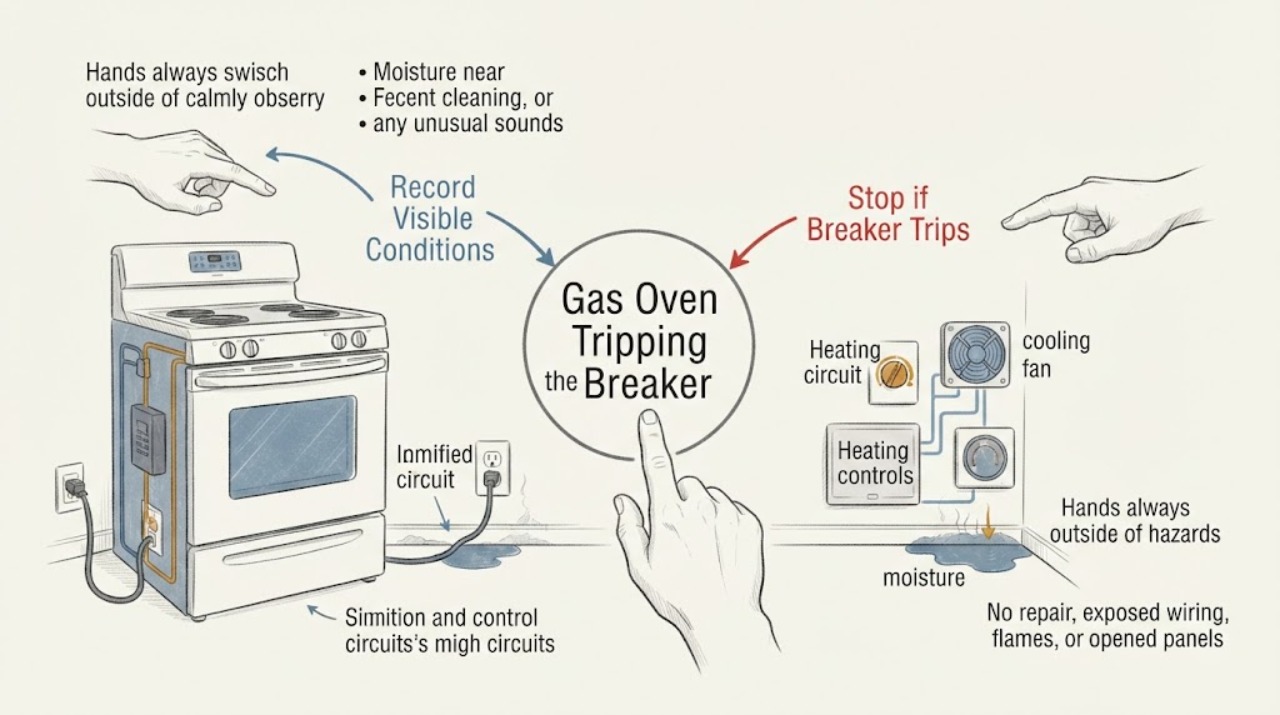
Samsung Gas Oven Tripping the Breaker: Stop Repeated Resets and Isolate the Stage
Treat a Samsung gas oven that trips a breaker as an electrical fault until a qualified person proves otherwise. Do not keep resetting the breaker, use an extension cord, bypass protection, or open the range.
-
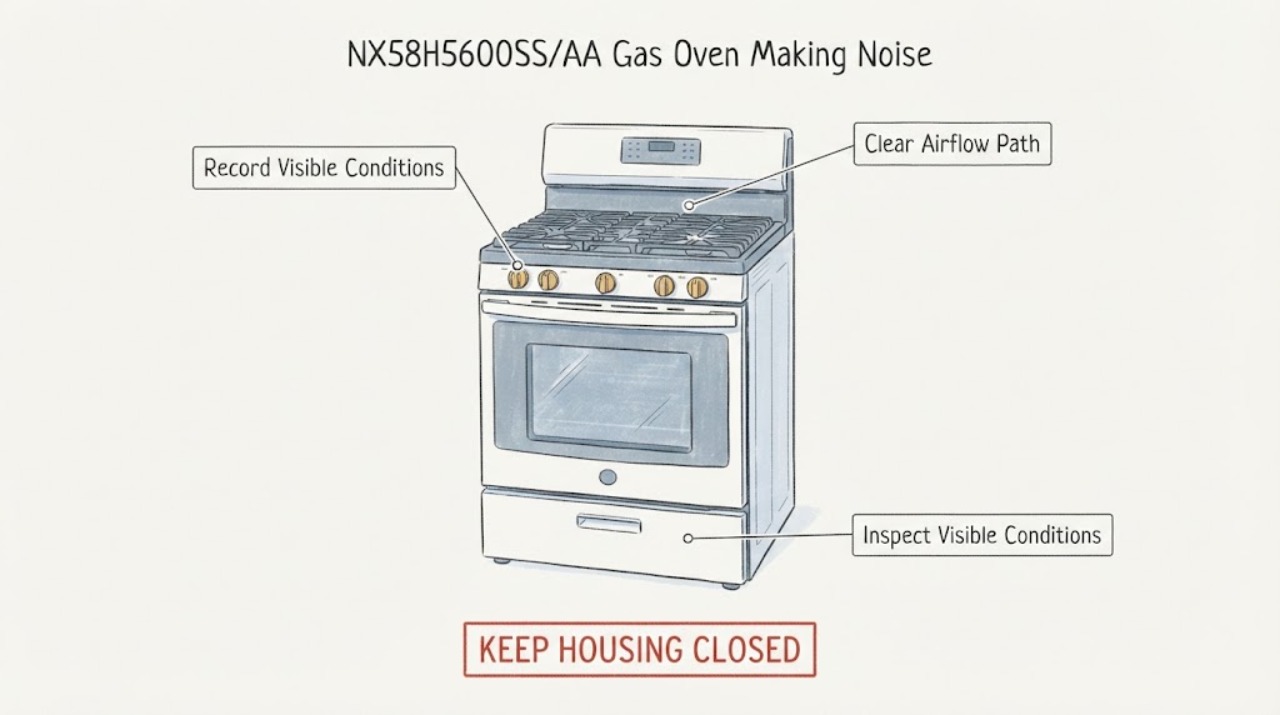
Samsung NX58H5600SS/AA Gas Oven Making Noise After a Cleaning Cycle
On the Samsung NX58H5600SS/AA gas range, a brief ping, pop, or thump while the oven is heating or cooling can be the sound of metal expanding and contracting. A quiet blowing or humming sound can be the cooling fan running while the hot range cools, and a soft hiss is only potentially normal while gas is intentionally flowing.
-
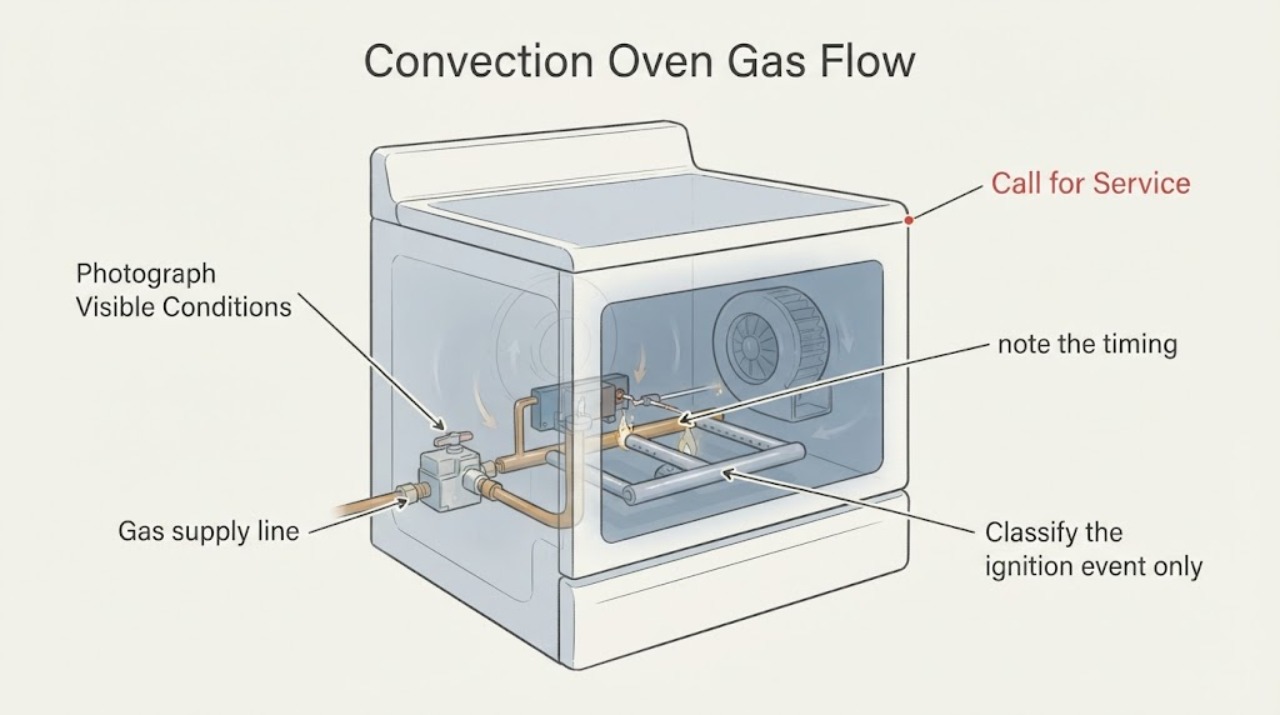
Samsung NX58M6650S Convection Oven Gas Flow: Normal Cycling vs a Gas-Safety Fault
On the Samsung NX58M6650S family, gas flow that appears to stop and restart during convection can be normal temperature control: Samsung says the oven burner ignites and turns off multiple times while cooking to maintain temperature, and its specification identifies this family as a true-convection freestanding gas range. The convection fan also runs in intervals during convection.