
On this page
Start here
Quick answer
A locked Hisense washing-machine door is usually held closed because the cycle is active, the drum contains water, the water is still hot, a delay or child-lock state is active, or the door interlock has not completed its release sequence. Press Start/Pause and wait for the machine to finish its safe release process; do not pull, pry or bypass the door. If water remains, use the model's drain or cancel procedure only from a dry, safe position. Check the exact manual for the icon and button sequence. If the door stays locked after the drum is empty and cool, or there is a leak, smoke, burning smell, damaged cord, wet electrical area or repeated fault, leave the appliance off and arrange qualified service.
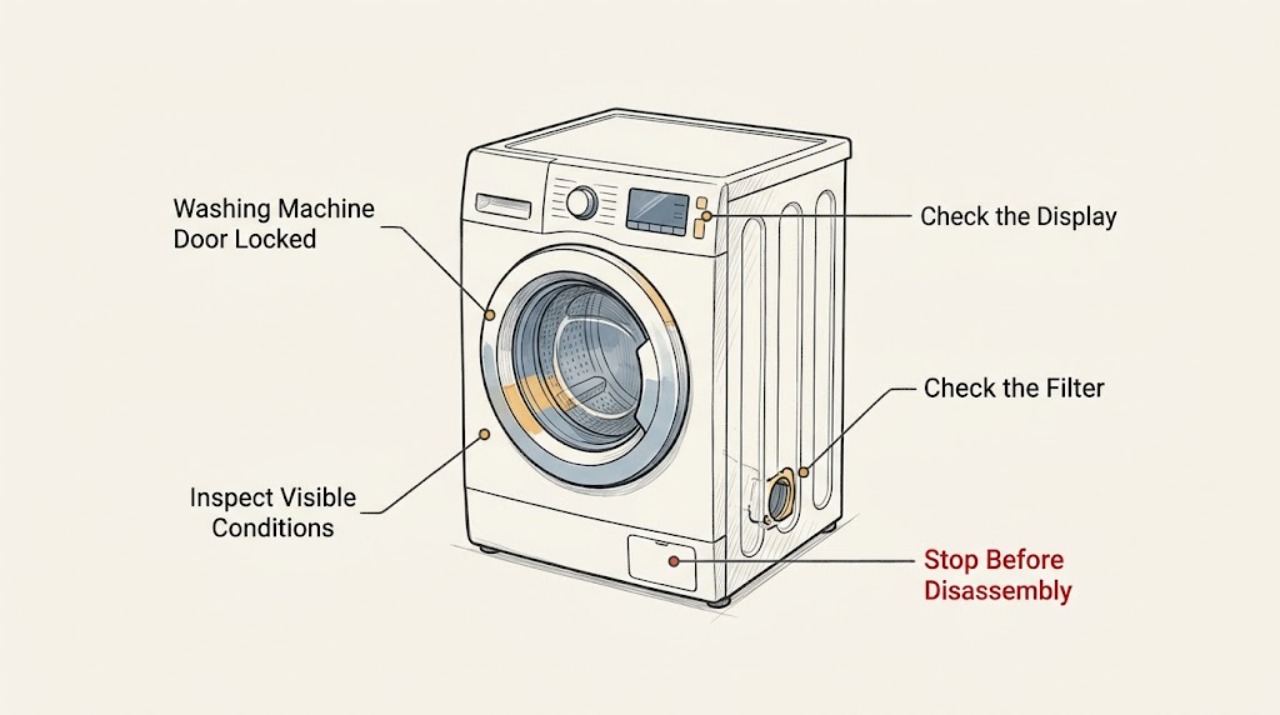
Work through in order
Diagnostic checks
Use only checks that match the exact appliance or system and its official guide.
-
Check 1
Stop touching the door and look at the control panel, floor and door window; identify the lock icon, whether the drum is moving, and whether water is visible or leaking.
Expected result: The cycle is active, the drum is still, water is visible, or the floor and electrical area are dry.
Next step: If there is leaking, smoke, burning smell, damaged wiring or water near electrical parts, keep clear and arrange service. Otherwise continue with the safe release checks.
Why this matters
Why: The lock may be normal during operation or may be holding water and heat inside. Water near electrical parts or an active leak changes this from a simple control check to a safety stop.
-
Check 2
Press Start/Pause once using the control panel and wait without pulling the door while the drum stops and the machine evaluates whether opening conditions are safe.
Expected result: The lock icon goes out, or it remains lit or flashing after the drum stops.
Next step: If the icon remains active, continue to check for water, heat, delay and child-lock states. Do not force the door.
Why this matters
Why: Hisense documentation states that the icon can remain lit when the door cannot yet be opened; a safe pause does not guarantee immediate release.
-
Check 3
Check the door window and display for residual water, a hot-cycle indication or a warning that the program has not drained; do not open a filter or hose unless the exact manual gives a safe, powered-off procedure and the floor is dry.
Expected result: Water or heat remains, the machine reports a drain issue, or the drum is empty and cool.
Next step: Use the model manual's drain or cancel program from the controls. If water will not drain, stop rather than opening the door or dismantling the pump area.
Why this matters
Why: The interlock may correctly remain closed while water or unsafe temperature is present. An empty, cool drum moves the diagnosis toward controls, latch or sensing.
-
Check 4
Check whether a child-lock indicator is active and use only the exact Hisense model sequence to release it; do not repeatedly press random combinations.
Expected result: The child-lock symbol disappears and controls respond, or the symbol remains and controls stay shielded.
Next step: After the documented release, press Start/Pause or cancel as the manual requires. If the symbol will not clear, record the model and seek service.
Why this matters
Why: Hisense manuals document child lock as a state that can shield function buttons; it can make a normal door lock appear unresponsive.
-
Check 5
Check the display for Delay End or reservation timing and cancel it only through the documented standby controls; do not wait indefinitely with water or a safety warning present.
Expected result: A delay or reservation indicator is active, or no delay is shown.
Next step: Cancel the delay using the manual sequence and make one controlled pause or cancel attempt. If the program state will not change, arrange service.
Why this matters
Why: The appliance may be waiting for the scheduled program state rather than completing normally; the door can remain locked until its safe conditions are met.
-
Check 6
With the appliance stopped and the outside of the door visible, check that no clothing or object is trapped at the gasket and that the door is not visibly damaged or misaligned; do not insert a tool into the latch.
Expected result: The gasket and door are clear and aligned, or an object, tear or misalignment is visible.
Next step: Remove only a loose, accessible item after the machine is safe. Do not use the appliance with a damaged seal or door; arrange service.
Why this matters
Why: A trapped item or damaged door can prevent the interlock from proving closed or releasing correctly. A visible defect is not a reason to force the door.
-
Check 7
After confirming the drum is empty or safely drained, the floor is dry and there is no smell, smoke, heat or damage, turn the program selector to Off or use the model's documented cancel control once; wait for the normal release sequence.
Expected result: The lock releases after cancellation, or it remains active with no water, heat or visible obstruction.
Next step: If it remains locked, do not repeat cancellations or bypass the latch. Record the exact display and call qualified Hisense service.
Why this matters
Why: A completed cancel sequence can clear a normal program state. A lock that remains active in a cool, empty drum suggests a latch, drain-sensing or electronic fault.
-
Check 8
Only when the appliance is dry and there is no active leak or electrical warning, perform one model-permitted power reset using the normal power control or breaker, then wait before trying the documented cancel sequence again.
Expected result: The lock clears after the single reset, or it returns immediately or the protective device trips.
Next step: Leave the appliance off after a returning lock, trip, smoke, smell or abnormal heat and arrange qualified service. Never keep cycling power.
Why this matters
Why: A one-time reset can clear a temporary control state, but a returning lock or tripped protective device indicates an unresolved fault.
-
Check 9
Record the Hisense model or serial information, lock icon behavior, cycle, remaining time, error display, water level and any leak before contacting support; do not attempt an emergency mechanical release.
Expected result: The record is complete and the door remains locked, or the door releases and the appliance completes a safe empty test.
Next step: Use the matching Hisense manual and support route. Resume ordinary laundry only if the lock released normally and there is no leak or other warning.
Why this matters
Why: These details let model-specific support distinguish a normal interlock state from a drain, latch, control or water-level fault without unsafe disassembly.
Use your observations
Decision map
Find the observation that best matches what you see, then follow the next safe action.
-
PATH 01Safety boundary
What you see
Water is visible, the floor is wet or water is near electrical parts.
Do this next
Keep clear, stop the appliance from a safe position if possible, and arrange qualified help; do not unplug while standing in water or open the door.
Why this path and its safety boundary
Safety stop: Continue with cycle-state and lock-icon checks.
-
PATH 02Safety boundary
What you see
The drum is moving or a hot cycle has just paused.
Do this next
Press Start/Pause once and wait for the documented safe release; never pull the door.
Why this path and its safety boundary
Safety stop: Check for residual water, delay or child-lock state.
-
PATH 03Safety boundary
What you see
Water remains in the drum or a drain warning is shown.
Do this next
Use the exact model's drain or cancel controls and stop if water will not drain; do not dismantle the pump area.
Why this path and its safety boundary
Safety stop: Continue to control-lock and delay checks.
-
PATH 04Safety boundary
What you see
The child-lock indicator is active.
Do this next
Release it only with the model-specific manual sequence, then make one normal pause or cancel attempt.
Why this path and its safety boundary
Safety stop: Check for Delay End or reservation timing.
-
PATH 05Safety boundary
What you see
Delay End or reservation timing is active.
Do this next
Cancel the delay with the documented standby control and wait for the program state to change.
Why this path and its safety boundary
Safety stop: Check the door, gasket and latch area externally.
-
PATH 06Safety boundary
What you see
The door or gasket is visibly damaged, obstructed or misaligned.
Do this next
Remove only a loose accessible obstruction when safe; do not force, pry or bypass the latch, and arrange service for damage.
Why this path and its safety boundary
Safety stop: Continue to the documented cancel and single-reset path.
-
PATH 07Safety boundary
What you see
The drum is empty and cool but the lock remains after one documented cancel attempt.
Do this next
Do not repeat attempts or use an emergency release; record the display and arrange qualified service.
Why this path and its safety boundary
Safety stop: Resume only if the door releases normally and no warning remains.
-
PATH 08Safety boundary
What you see
A single safe reset clears the lock but it returns or trips the protective device.
Do this next
Leave the appliance off and arrange service; repeated resets are not a repair.
Why this path and its safety boundary
Safety stop: Perform no further release work and follow the manual for normal use.
Helpful context
Understand the symptom
Do not force the door
The lock protects against opening while the drum is moving, hot or full of water. A flashing or illuminated lock icon is not permission to pull harder. Keep hands away from the gap and do not insert tools, defeat the interlock or remove panels. If the floor is wet, do not unplug from a position in standing water; keep clear of electrical parts and use qualified help.
Read the state before choosing a release path
First note whether the cycle is running, paused, delayed, finished or showing an error, and whether water is visible through the door. A pause can still leave the lock active while the drum slows or water drains. Hisense documentation varies by model, so use the E-Nr and the matching manual for the exact Start/Pause, child-lock, delay and cancel sequence.
When the lock is a fault
If the drum is empty and cool but the lock remains active after a documented cancel and one safe reset, the issue may be in the drain, water-level sensing, latch or control circuit. Do not guess a universal release combination. Record the icon, code, cycle and water level for Hisense service.
Only after diagnosis
Potential parts
- door interlock or latch assembly
Only consider this class if qualified diagnosis finds that the drum is empty and cool, the documented controls work, and the interlock still does not release or prove the door state.
Confirm the complete Hisense model identifier and manufacturer fit information; never bypass the safety interlock. - drain pump or drain-path component
Only consider this class when water remains and qualified diagnosis confirms a drain fault after the model's accessible filter and hose checks.
Confirm the model and safe service procedure; do not open a wet pump area or force the door. - water-level sensing component
Only consider this class if qualified diagnosis links a false full-drum state or repeated lock to water-level sensing.
Confirm model-specific fitment and leave internal testing and replacement to trained service personnel.
When checks do not resolve it
Need a professional?
Arrange qualified Hisense service when the door remains locked with an empty, cool drum after the documented pause, drain, child-lock, delay and one-time reset checks, or when the issue involves a drain fault, latch, water-level sensor or control circuit. Stop immediately for leaking water, water near an outlet or electrical control, a damaged cord or door, smoke, burning smell, abnormal heat, repeated breaker trips or any need to pry, bypass, remove panels or perform an emergency mechanical release. Do not resume laundry until the lock releases normally and no warning or leak remains.
Common questions
FAQ
Why is my Hisense washing-machine door locked?
The cycle may still be running, the drum may contain water or heat, or a child-lock, delay or control state may be active. Press Start/Pause once and wait; never force the door.
How long should I wait before opening a locked Hisense washer door?
Wait for the machine's documented safe-release sequence rather than relying on a universal time. The door may stay locked while water, heat or motion remains.
What if there is water inside the drum?
Use the exact manual's drain or cancel controls from a dry, safe position. If water will not drain, do not open the door or dismantle the pump area; arrange service.
Can child lock keep the Hisense door locked?
Child lock can shield function buttons and make the controls appear unresponsive. Use only the model-specific release sequence in the manual.
Can Delay End cause the door-lock icon to stay on?
A delay or reservation state can keep the program from completing immediately. Cancel it using the documented standby controls and do not guess button combinations.
Should I pry open a Hisense washer door?
No. Hisense documentation warns not to force a locked door. Forcing it can cause injury, flooding or damage to the interlock and gasket.
What if the door stays locked after the drum is empty and cool?
Make one documented cancel attempt and, only if the appliance is dry and hazard-free, one model-permitted reset. If the lock remains, leave the appliance off and arrange qualified service.
Read the exact guide
Official sources
- Washing-drying machine WD10514Hisense · Hisense washing-drying machine product support, lockable control panel and overflow protection
- (2465422)X08064122-A-使用说明书-WFQE7514-NVW001-000-澳洲-英语Hisense · Hisense washing-machine door-lock, child-lock, program, drain and safety instructions
- Support LaundryHisense UK · Hisense laundry model identification, manuals, maintenance and support
- (1969967)X08080569-A-快速指南(英语)-WFHM6012Hisense · Hisense washing-machine start, pause, door-lock, child-lock, delay and drain behavior
Community feedback
Share a repair observation
Share a plain-text repair observation. Accepted observations are published automatically; this page may take a moment to update.