
Kitchenaid appliance guidance
Kitchenaid Microwave Repair Guides
Troubleshooting and repair guidance for published Kitchenaid Microwave problems, symptoms, and maintenance questions.
Published Kitchenaid Microwave guides
Choose the guide whose symptom or condition most closely matches what you are seeing.
-
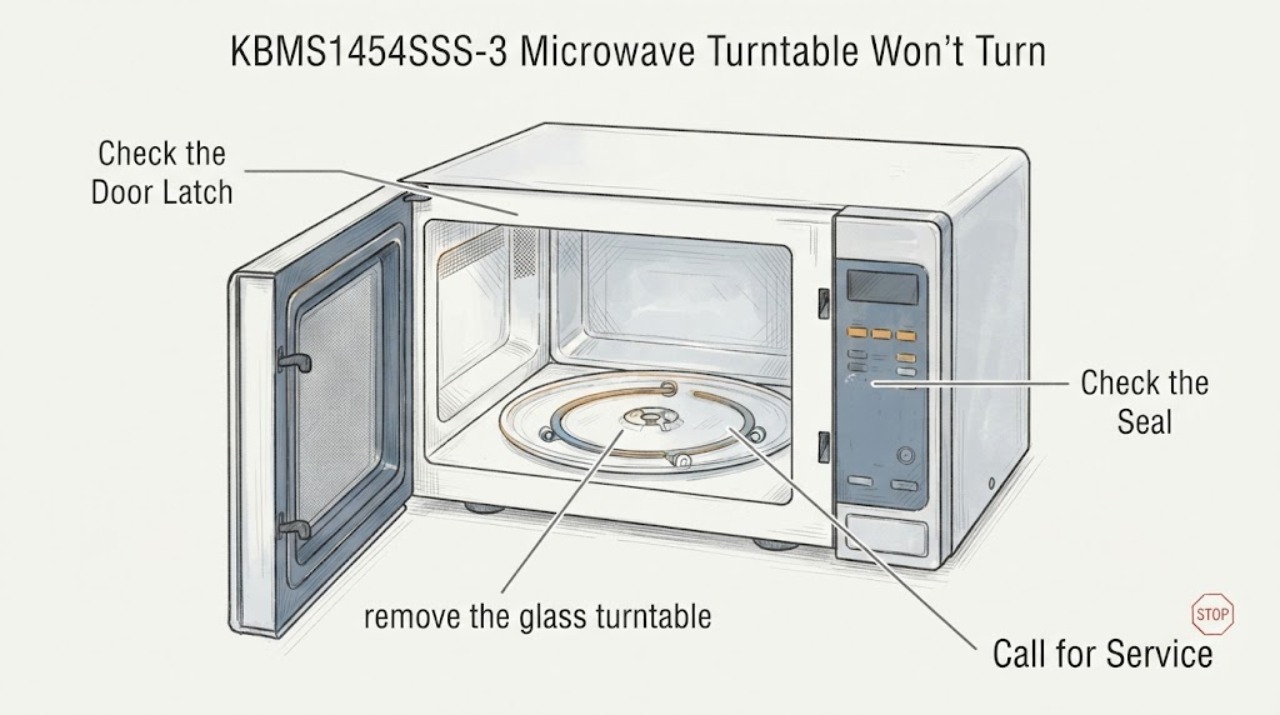
KitchenAid KBMS1454SSS-3 Microwave Turntable Won't Turn
For the KitchenAid KBMS1454SSS-3 built-in microwave, first treat a stationary glass plate as a turntable-support problem that can be checked from the cavity, not as permission to open the microwave. Turn the controls off, let the cavity cool, and make sure the glass is the correct side up and seated securely on the support, hub, and rollers.
-
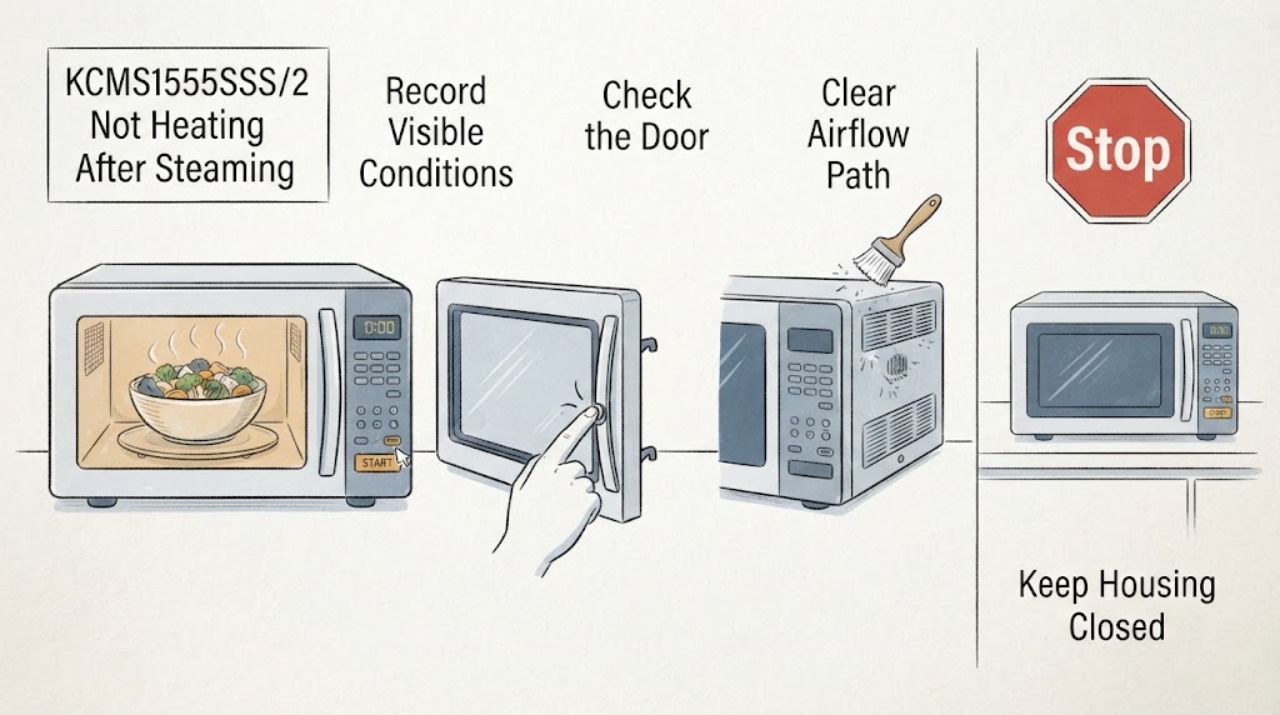
KitchenAid KCMS1555SSS/2 Not Heating After Steaming Vegetables
After steaming vegetables, first separate a sensor or moisture problem from a true no-heat fault on the KitchenAid KCMS1555SSS/2. Steam and condensation can be normal, and a sensor cycle can be affected if the door is opened while it is detecting humidity or if the cavity or container is wet.
-
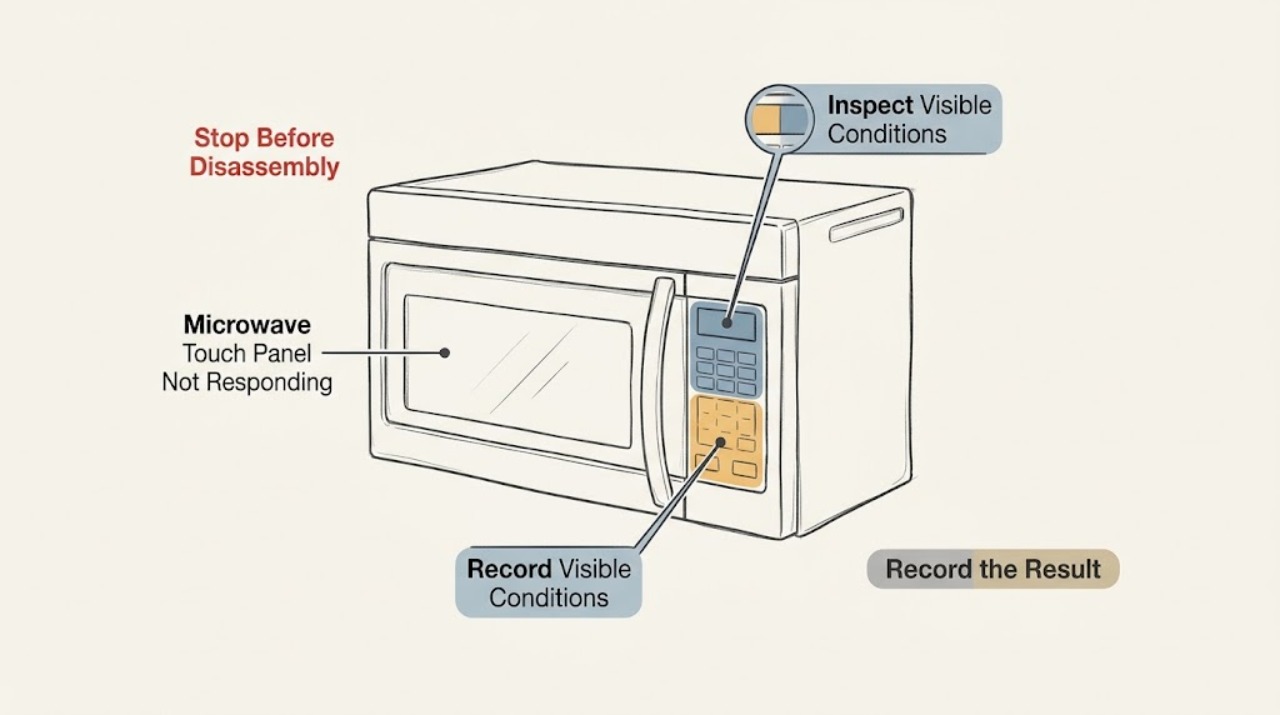
KitchenAid KHMS2040BSS Microwave Touch Panel Not Responding: Which Part Should Be Replaced?
Do not order a control panel from this symptom alone. On the KitchenAid KHMS2040BSS over-the-range microwave, first record whether the display is lit and whether all controls or only a group of touch keys fail.
-
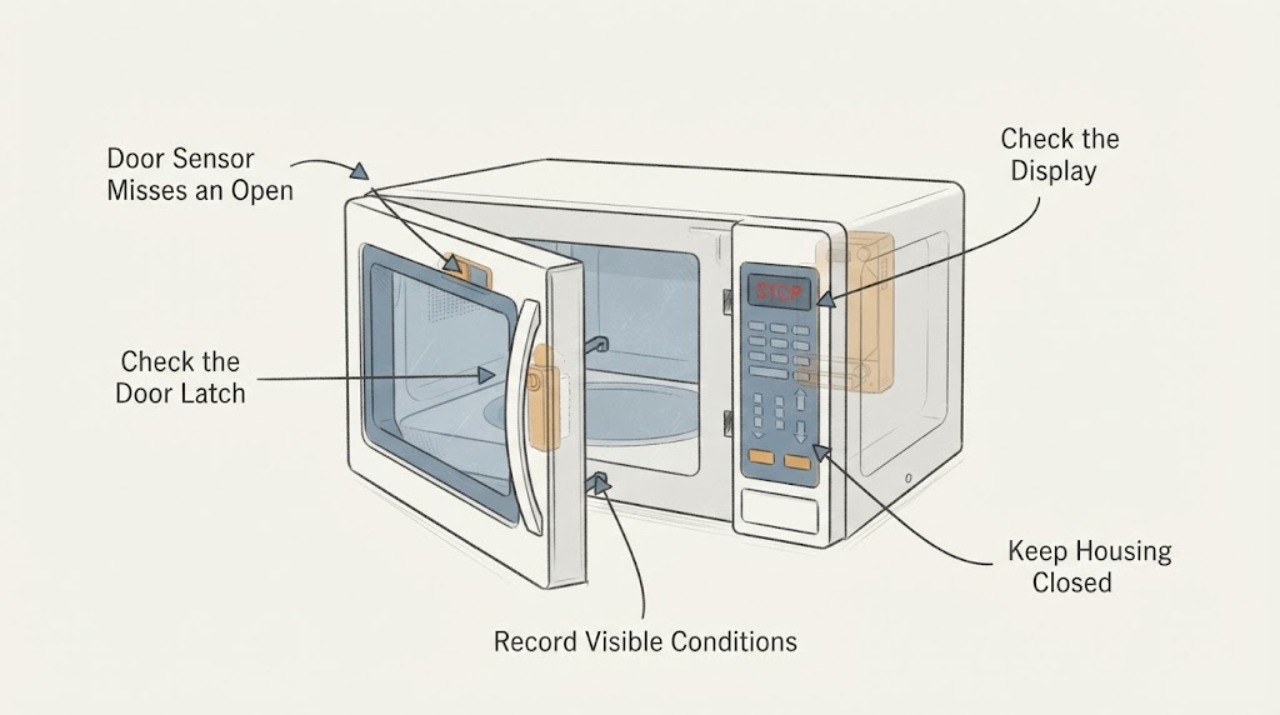
KitchenAid KHMS2040BSS1 Door Sensor Misses an Open Door: Stop Using It Safely
If the KitchenAid KHMS2040BSS1 sometimes fails to recognize that the door is open, stop using the microwave and disconnect power only by a safe, accessible means; do not open the cabinet or keep testing it. The door interlocks are a safety system, so replacing one switch does not prove that the latch, switch holder, wiring or related controls are safe.
-
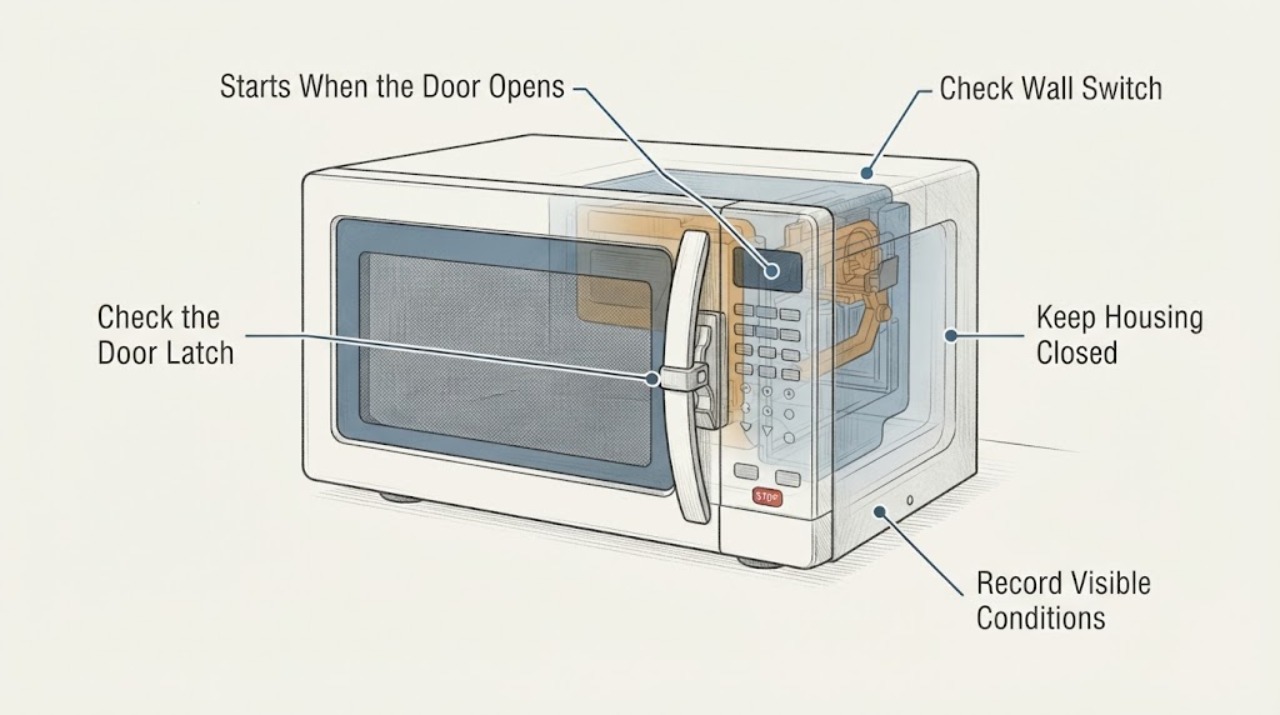
KitchenAid KMCS324PPS Starts When the Door Opens: Stop Using It Safely
KitchenAid's Use & Care Guide for models including KMCS324PPS states that the microwave turns off when the door is opened. If the KMCS324PPS actually starts or continues humming, heating, or turning the turntable as the door opens, stop using it and disconnect power if that can be done safely; do not keep opening the door to reproduce the symptom.
-
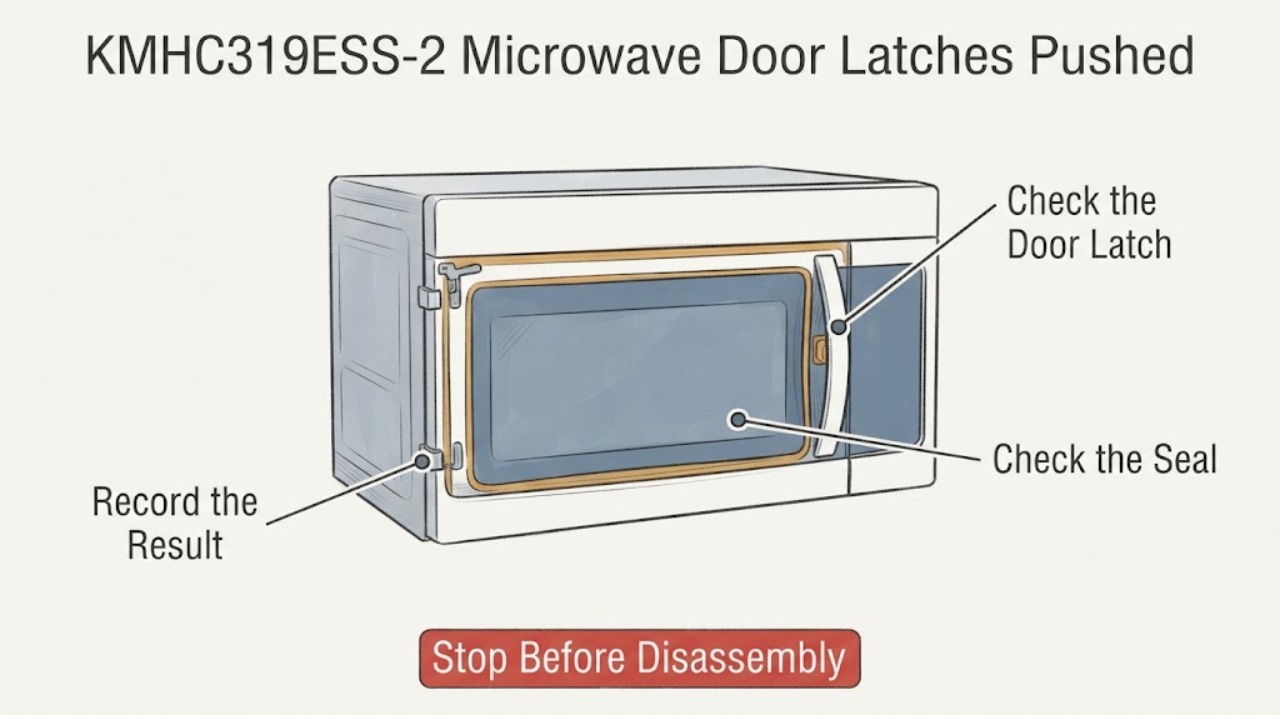
KitchenAid KMHC319ESS-2 Microwave Door Latches Pushed In: Stop and Check the Door Safely
If the KitchenAid KMHC319ESS-2 microwave door latches have been pushed in, recessed, bent, loosened, or no longer engage normally, stop using the microwave and do not force the door closed.
-
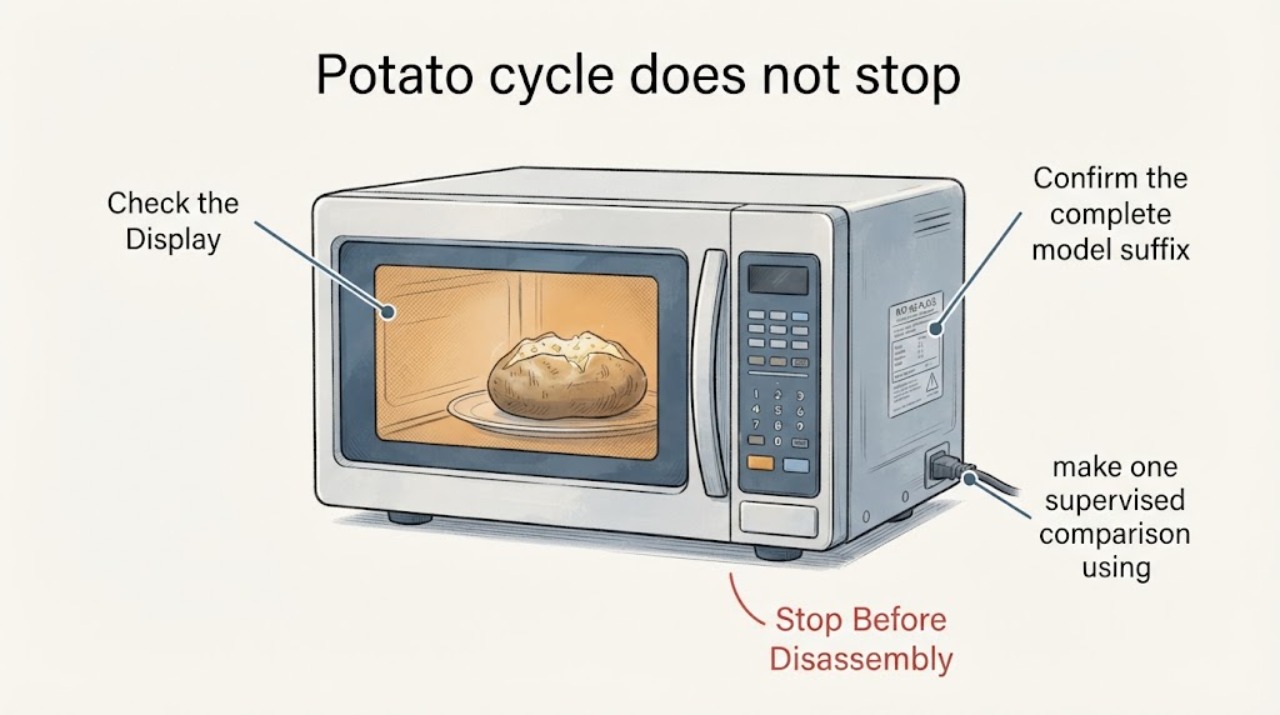
KitchenAid KMHS120 potato cycle does not stop: fan delay or continued cooking?
First confirm the full suffix after KMHS120, because KitchenAid's manuals and support are model-specific. On the KMHS120 quick-reference family, Potato is a preset program: pierce the potato, select the correct small/large size and quantity, and let it stand after cooking.
-
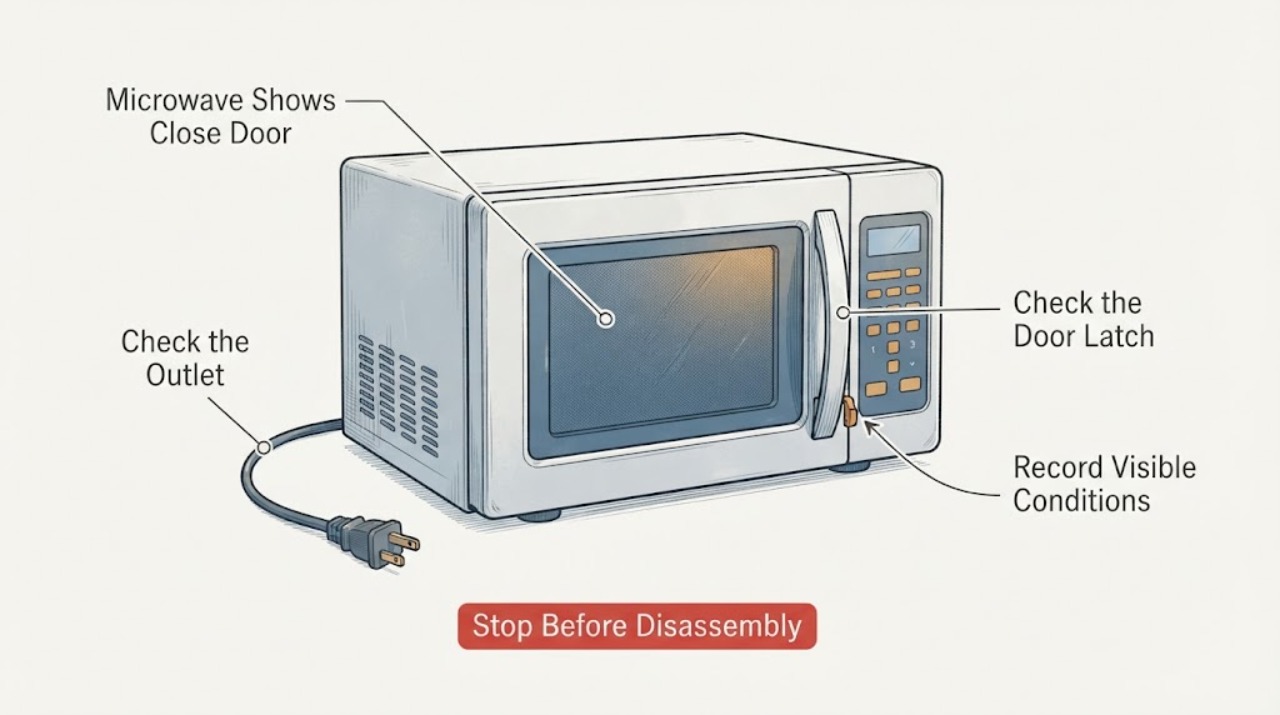
KitchenAid KMHS120ESS 4 Microwave Shows Close Door and Will Not Start After Door-Interlock Replacement
If a KitchenAid KMHS120ESS 4 shows Close Door and will not start after a door-interlock assembly was replaced, first confirm the complete model label, whether the display and cavity light still have power, and whether the door closes squarely without forcing it.
-
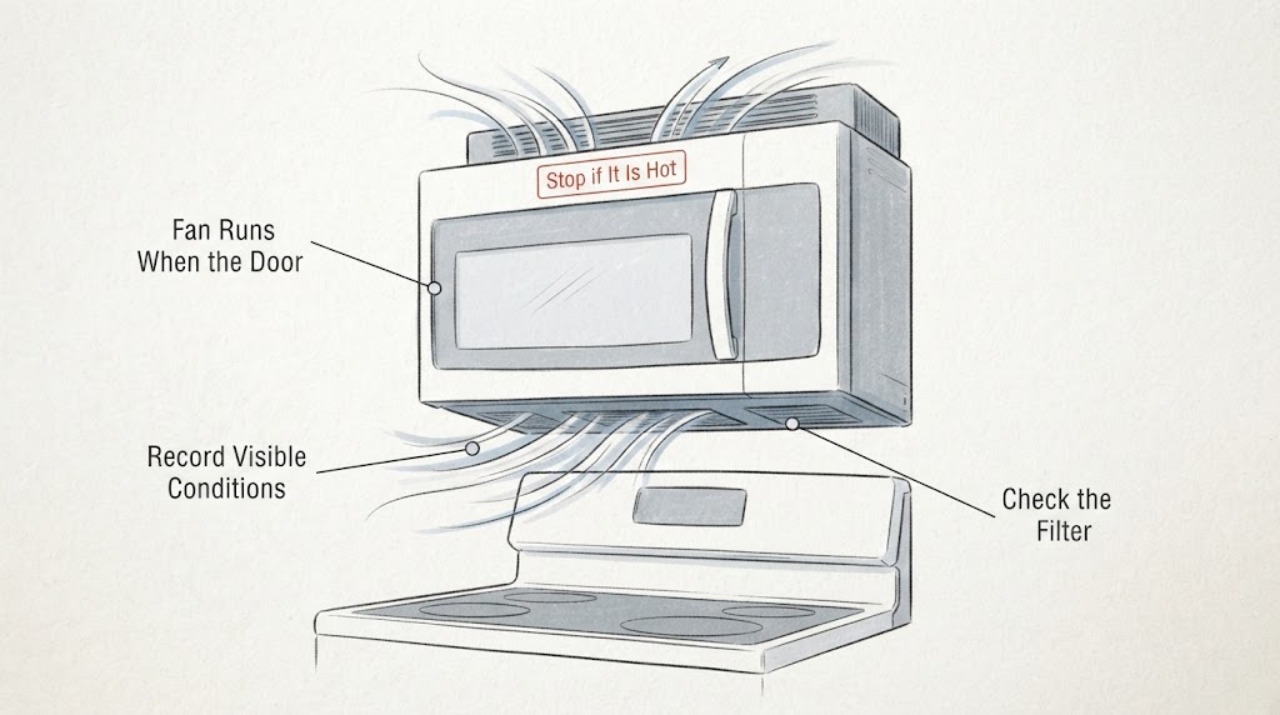
KitchenAid KMHS120ESS Fan Runs When the Door Is Closed
The KitchenAid KMHS120ESS is an over-the-range microwave with a three-speed ventilation system, so a fan can be a hood fan or a cooling fan rather than a microwave-cavity fault. First note whether the cooktop or microwave was recently hot, whether the fan starts only during or after cooking, and whether the display identifies an automatic-fan state.
-
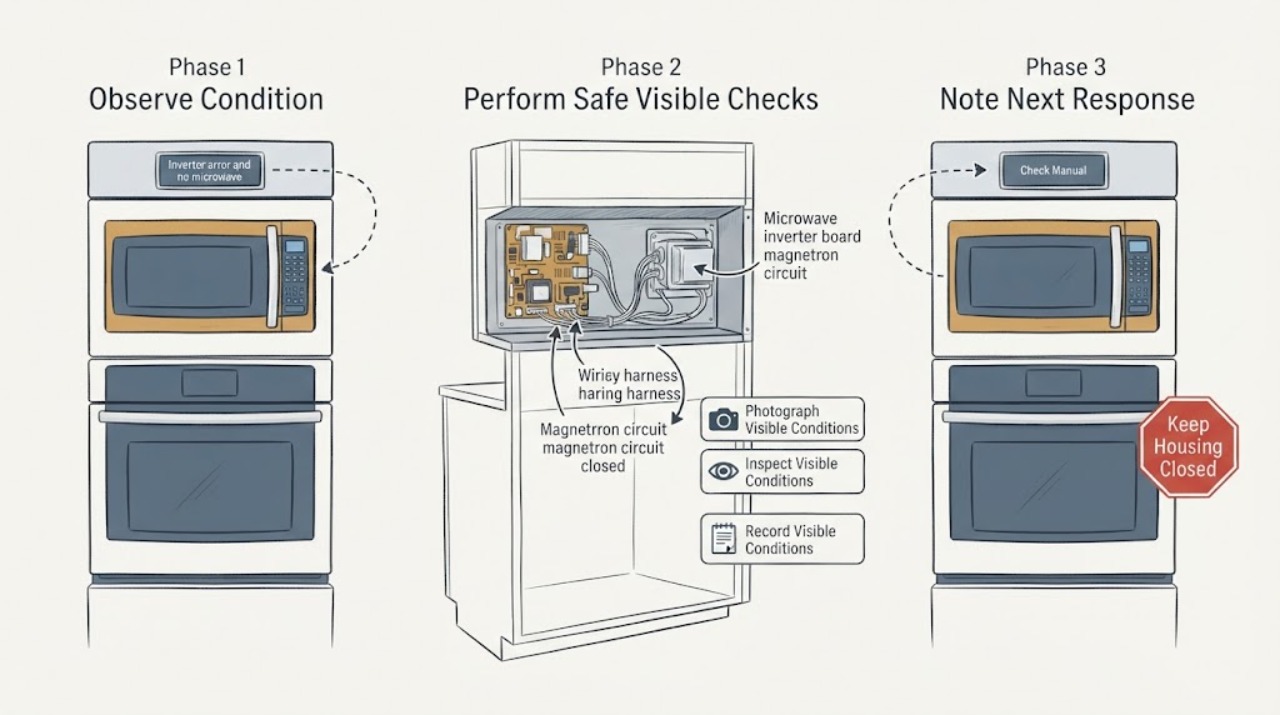
KitchenAid KOCE500EBS inverter error and no microwave heat: why a melted magnetron is not yet confirmed
Stop using the upper microwave on the KitchenAid KOCE500EBS and do not run another heating test if it shows an inverter error, smells burnt, sparks, smokes, or appears to have heat damage. KitchenAid identifies KOCE500EBS as a combination wall oven with microwave-convection cooking in the upper oven and a convection oven below.
-
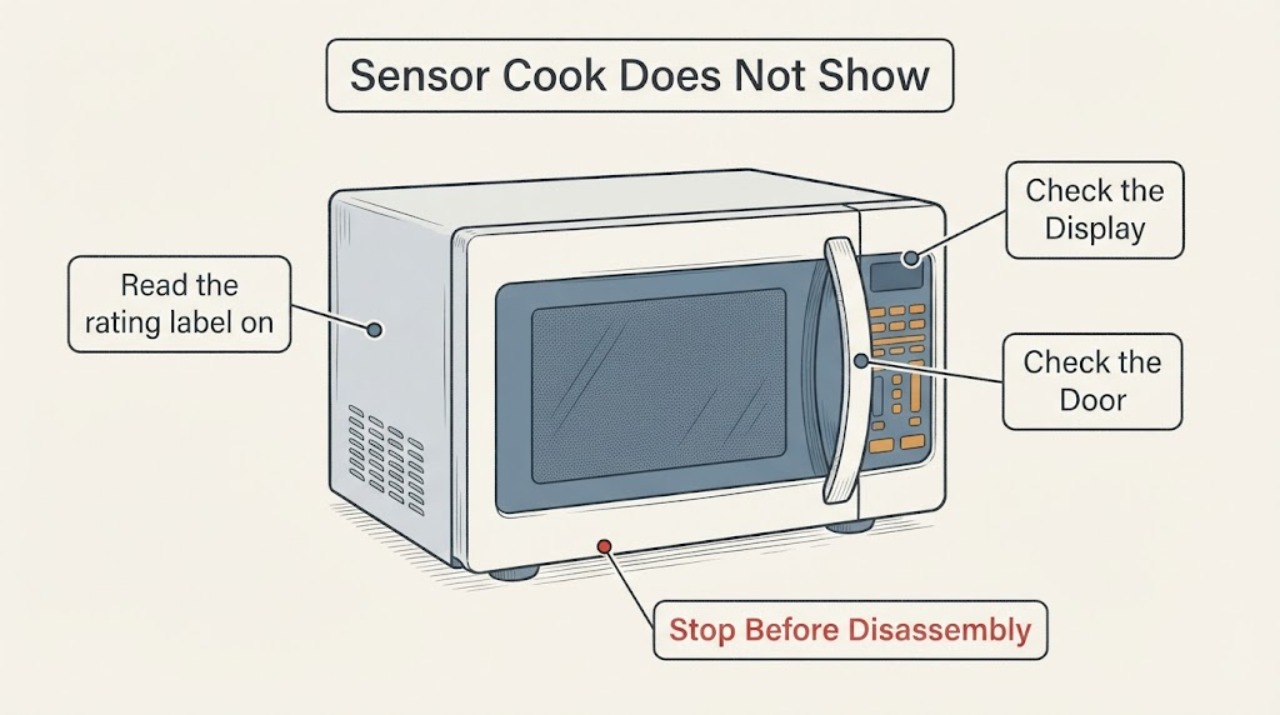
KitchenAid KOCE507ESS Sensor Cook Does Not Show a Cooking Time
On the KitchenAid KOCE507ESS combination wall oven, Sensor Cook is designed to choose the cooking time and power from the food's detected moisture. The exact-model guide says the sensor first shows a maximum remaining time and then begins the countdown after it identifies the duration, so a user cannot set or see a normal fixed countdown immediately.
-
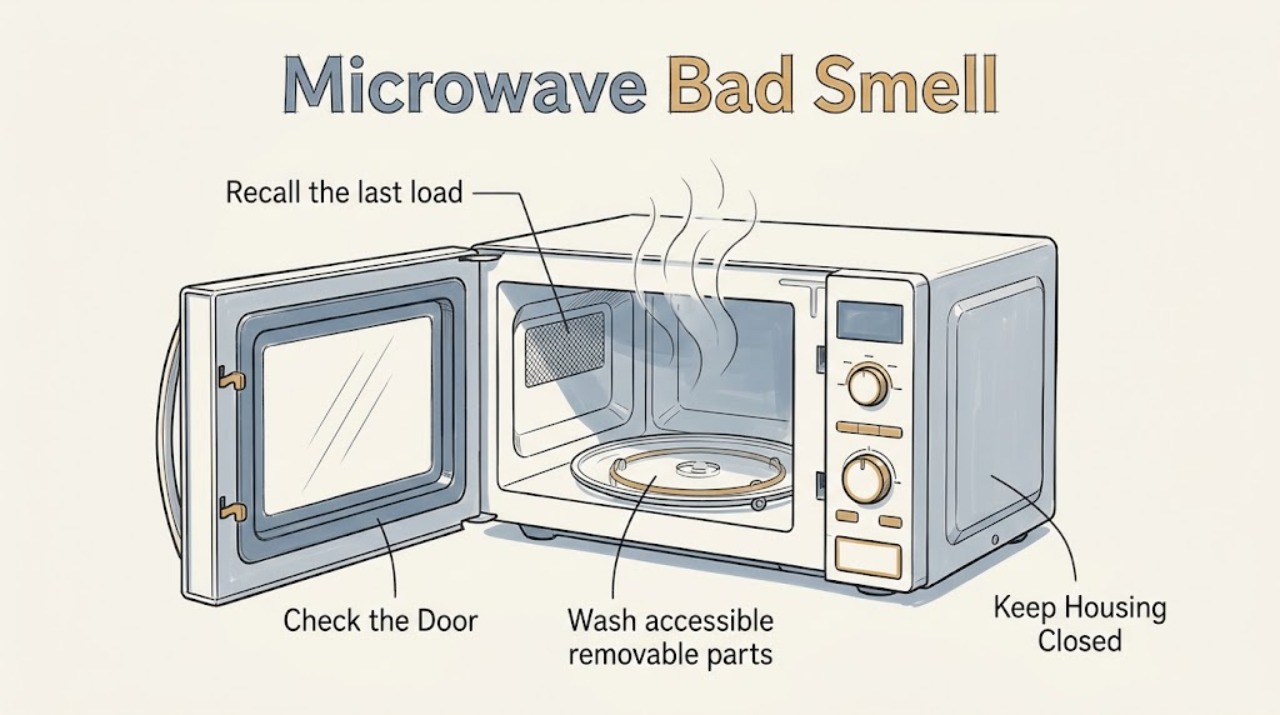
KitchenAid Microwave Bad Smell: Find the Cavity Source
A KitchenAid microwave odor usually starts with food soil or a spill held in the cavity, turntable, or other accessible surface. Let the oven cool, identify whether the smell follows a particular food or appears with smoke/arcing, then clean with mild soap and water before using KitchenAid's one-cup water-and-lemon or vinegar method. A chemical, electrical, burning-plastic, or recurring scorched smell is a reason to stop using the microwave and request service.
-
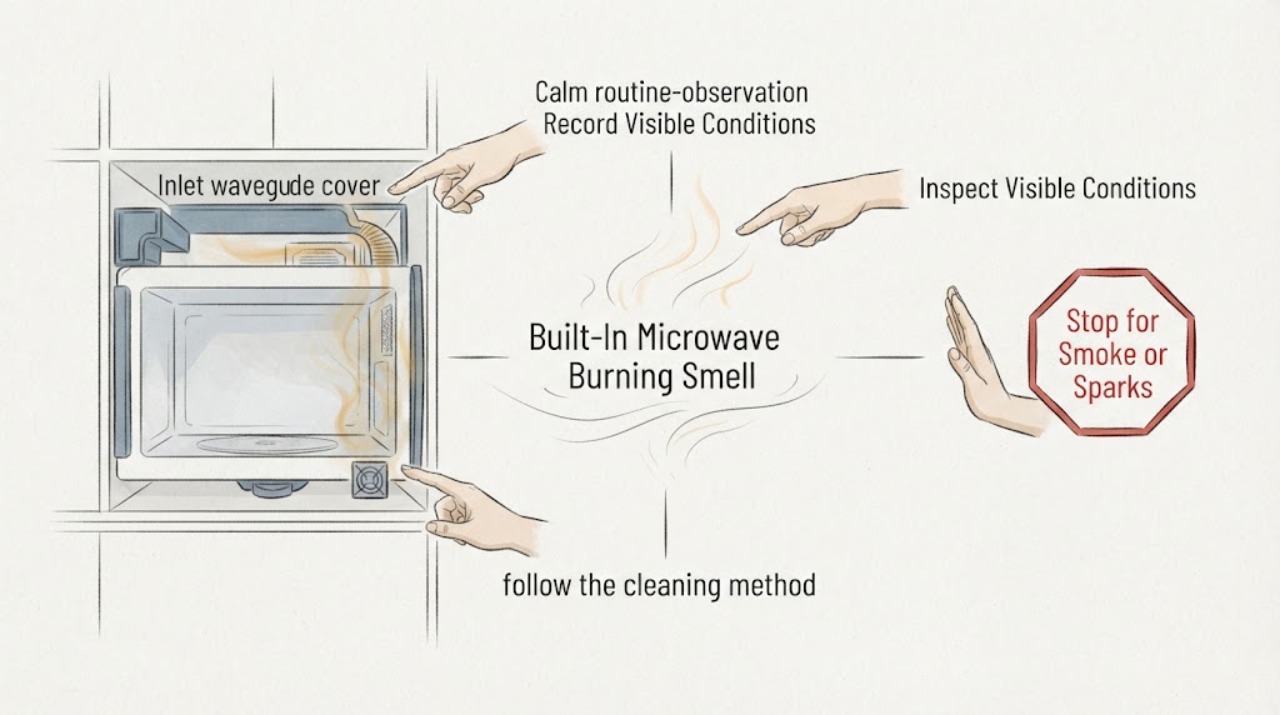
KitchenAid Built-In Microwave Burning Smell: Stop, Inspect Safely, Then Service
Treat a burning smell from a KitchenAid built-in microwave as a stop-and-identify symptom, not as a routine deodorizing job. Turn the microwave off and disconnect power only if you can do so safely; do not pull a built-in unit from the cabinet, remove its metal shroud, or run it empty to reproduce the smell.
-
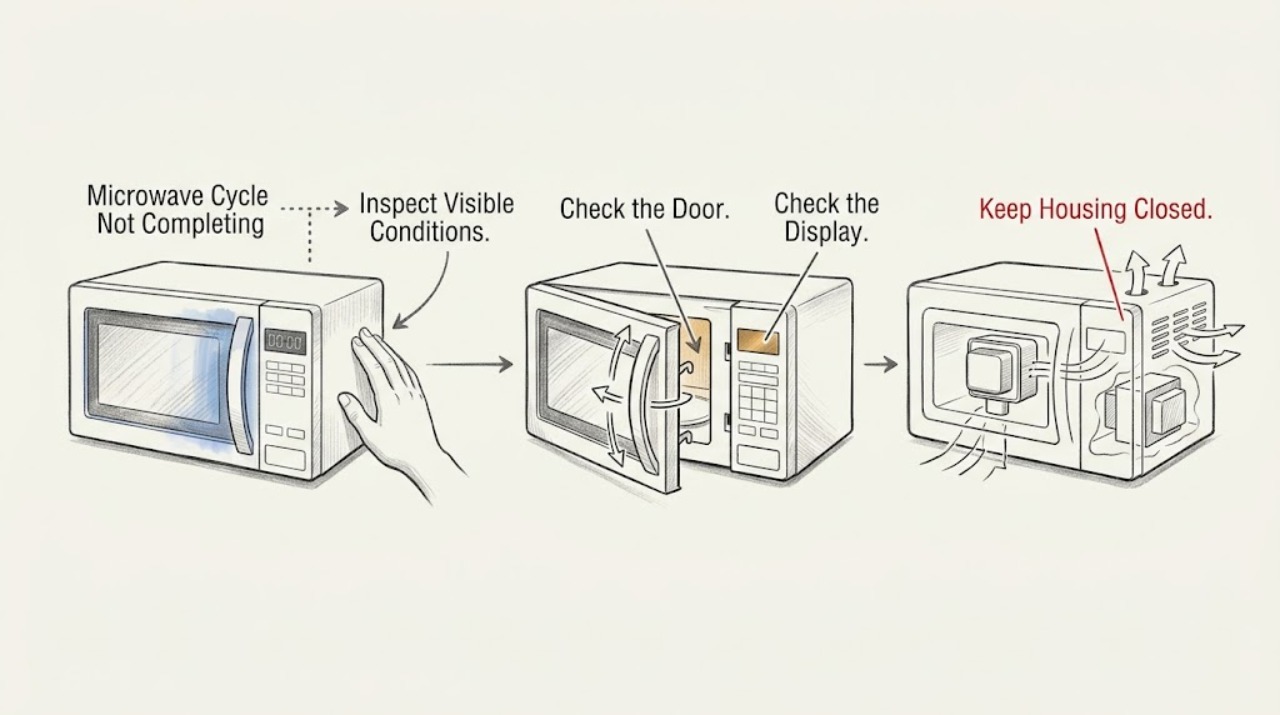
KitchenAid Microwave Cycle Not Completing: Identify the Stop Point
First decide whether the KitchenAid microwave truly stops early or has reached END and is only running its post-cooking fan. If the display countdown stops when the door opens, press Start to resume a non-sensor cycle; if the display shows a timer rather than a cooking cycle, cancel the timer because it does not control cooking. A repeat stop with blocked vents, a returning code, no heat, smoke, or a breaker trip needs qualified service.
-
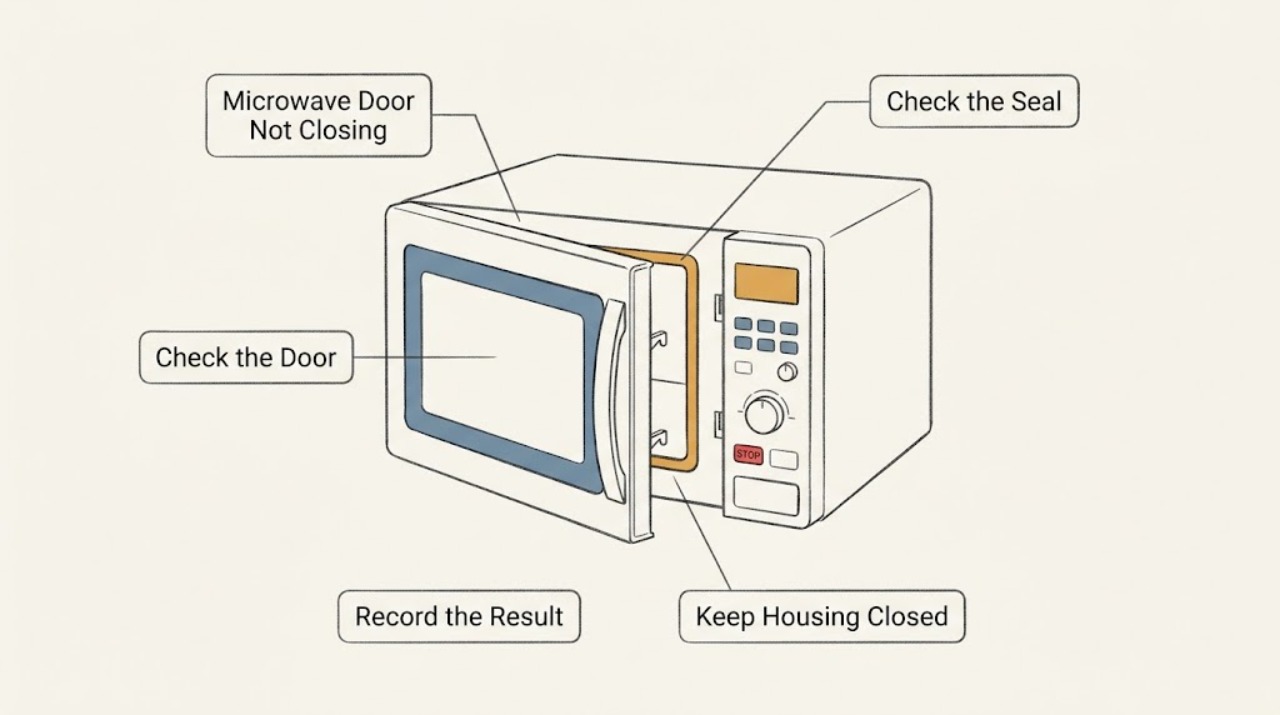
KitchenAid Microwave Door Not Closing
Remove anything obstructing the opening, check that removable accessories are seated, and inspect the visible latch and seal for debris or damage. Never operate a microwave that will not close and latch firmly; a bent door or damaged latch needs qualified service.
-
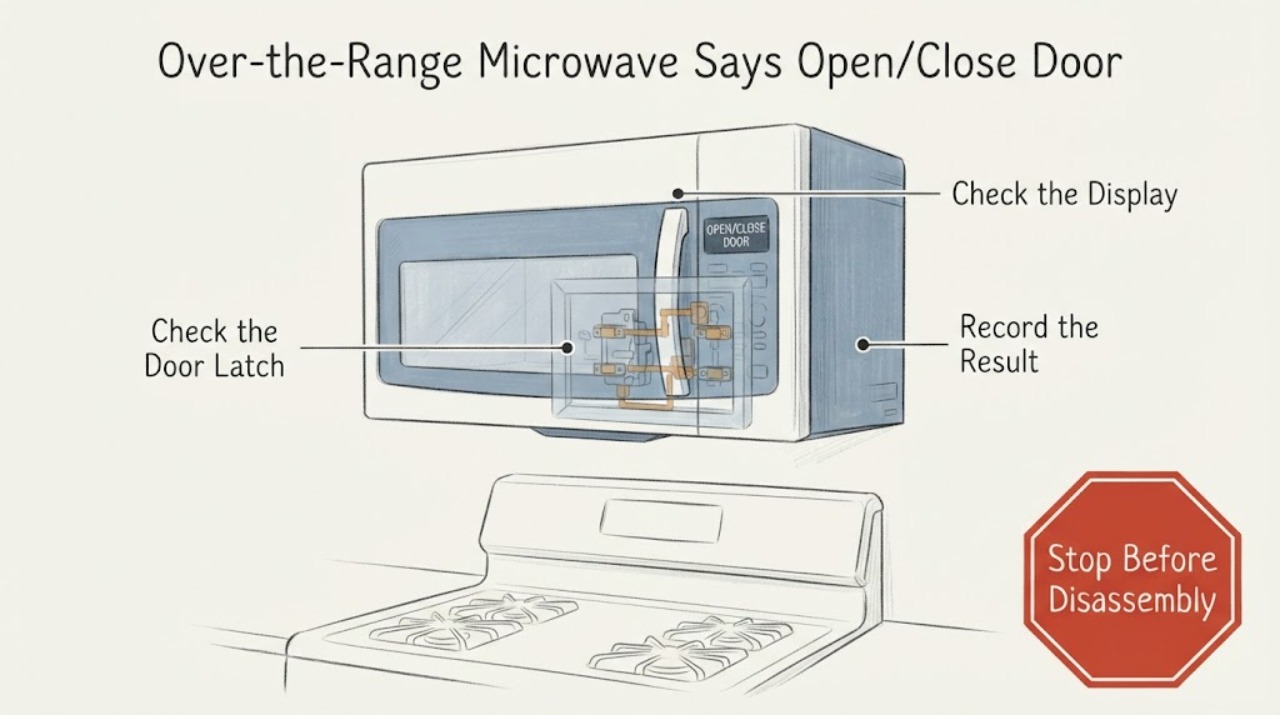
KitchenAid Over-the-Range Microwave Says Open/Close Door: Safe Checks
On a KitchenAid over-the-range microwave, an OPEN/CLOSE DOOR message can be a normal reminder when the door has stayed closed for about five minutes without a cycle starting. Open and close the door once, remove any packing material, make sure nothing is blocking the latch area or rack, and close it firmly.
-
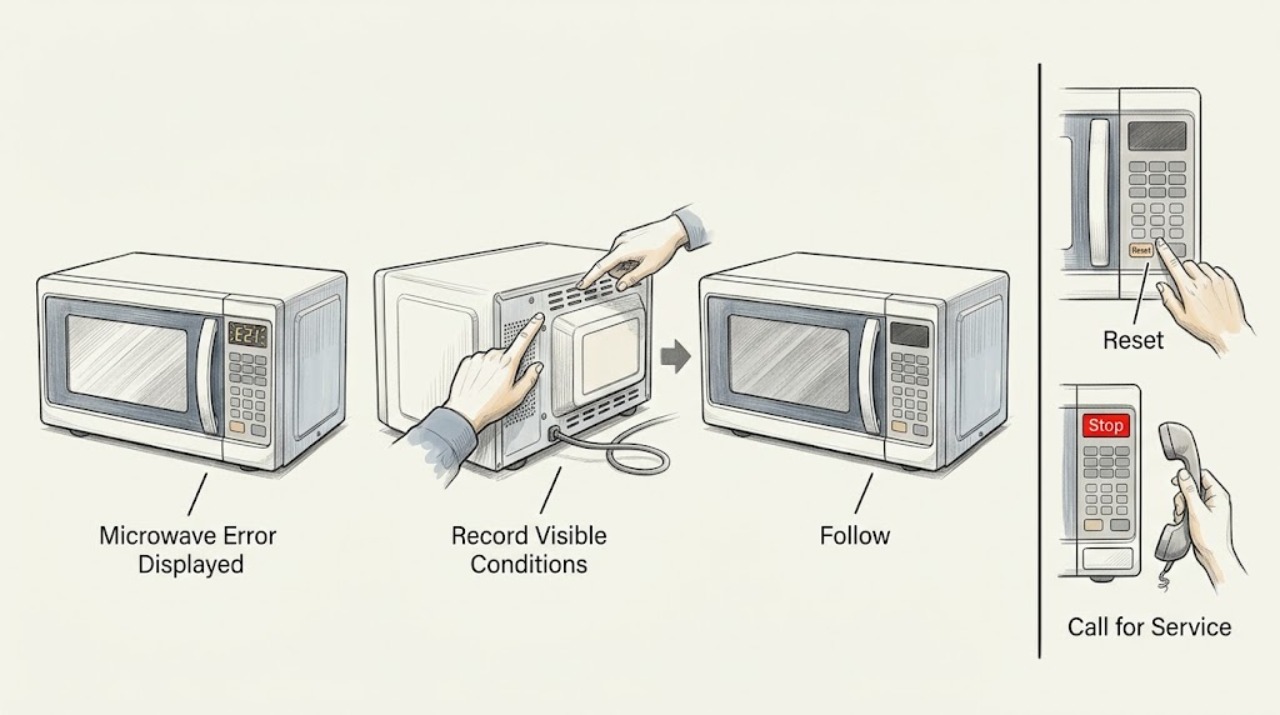
KitchenAid Microwave Error Displayed: Identify the Message Safely
Record the exact message and model first. KitchenAid says a fault message may clear after following the display instruction or removing power for one minute. If it returns, stop using the microwave and request service.
-
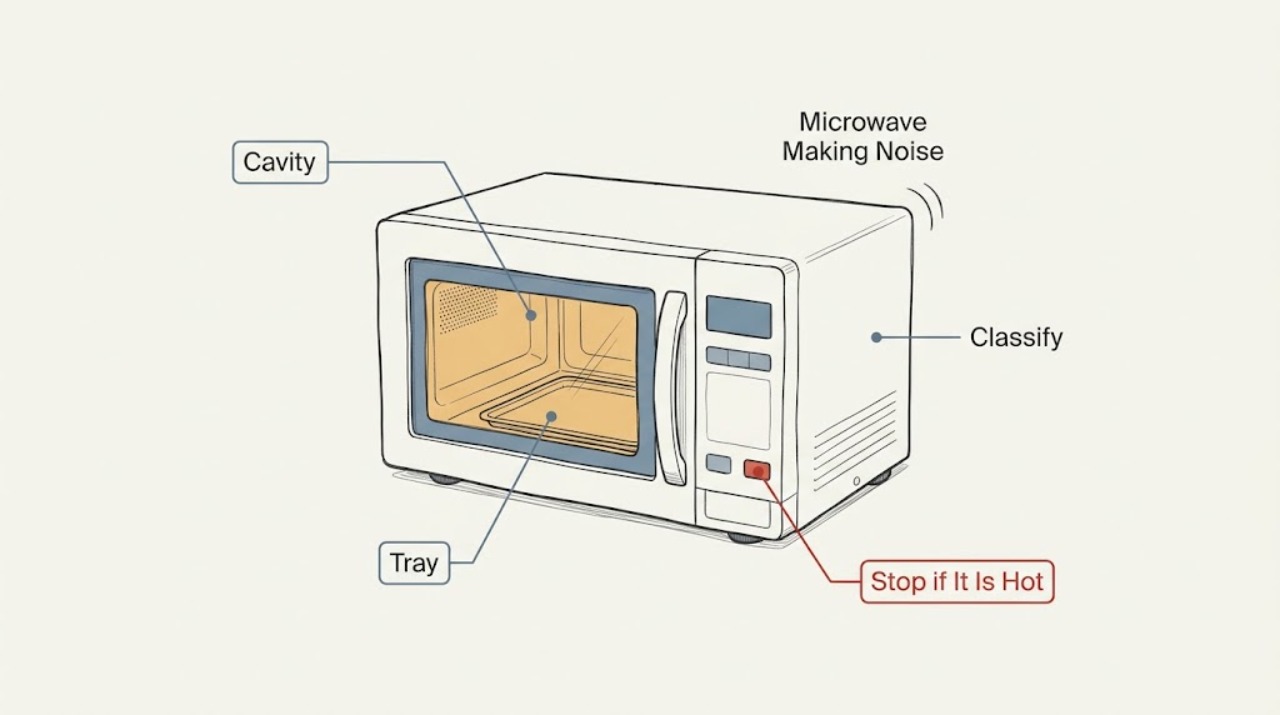
KitchenAid Microwave Making Noise: Separate Normal Sounds from a Fault
Identify the sound and when it occurs. KitchenAid says humming or buzzing during operation can be normal, while a thump or rumble can come from an incorrectly installed turntable or roller support. Stop for grinding, crackling, smoke, arcing, failed heating, or a damaged door and request service.
-
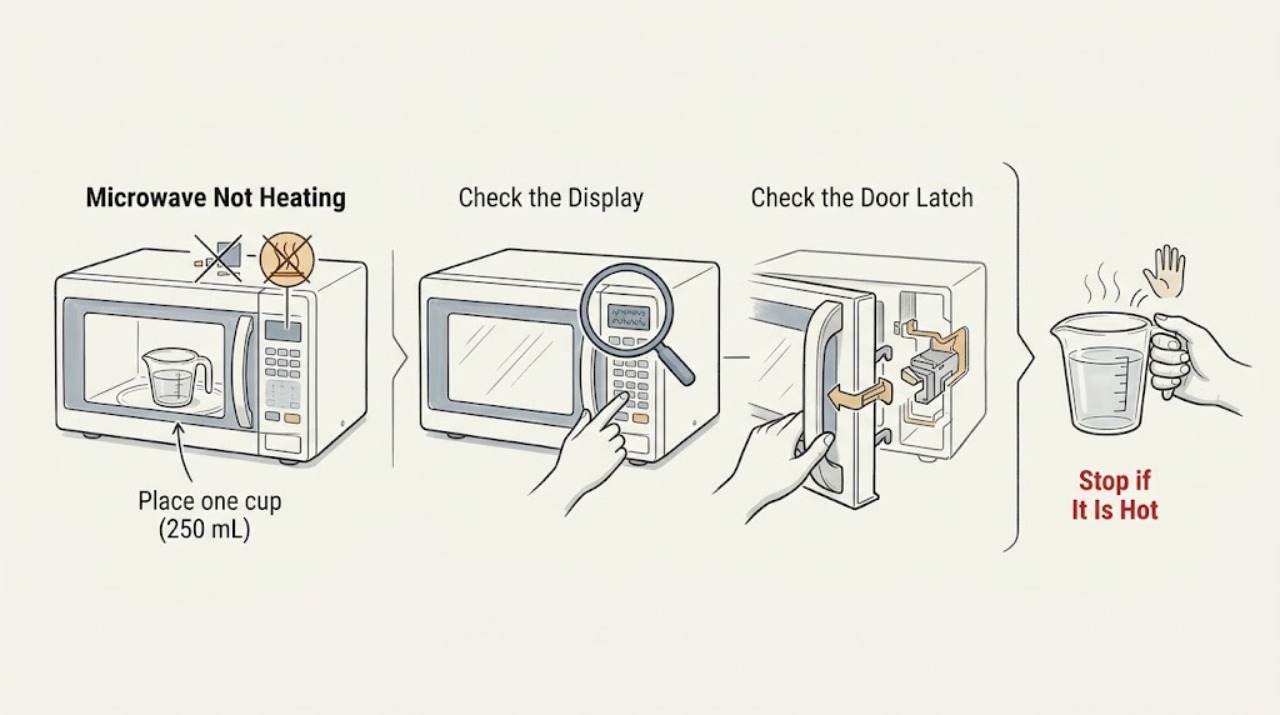
KitchenAid Microwave Not Heating
Run a one-minute, full-power test with one cup of water. If the water stays cold while the light, fan, or turntable operates, stop using the microwave and arrange qualified service; do not remove its cabinet.
-
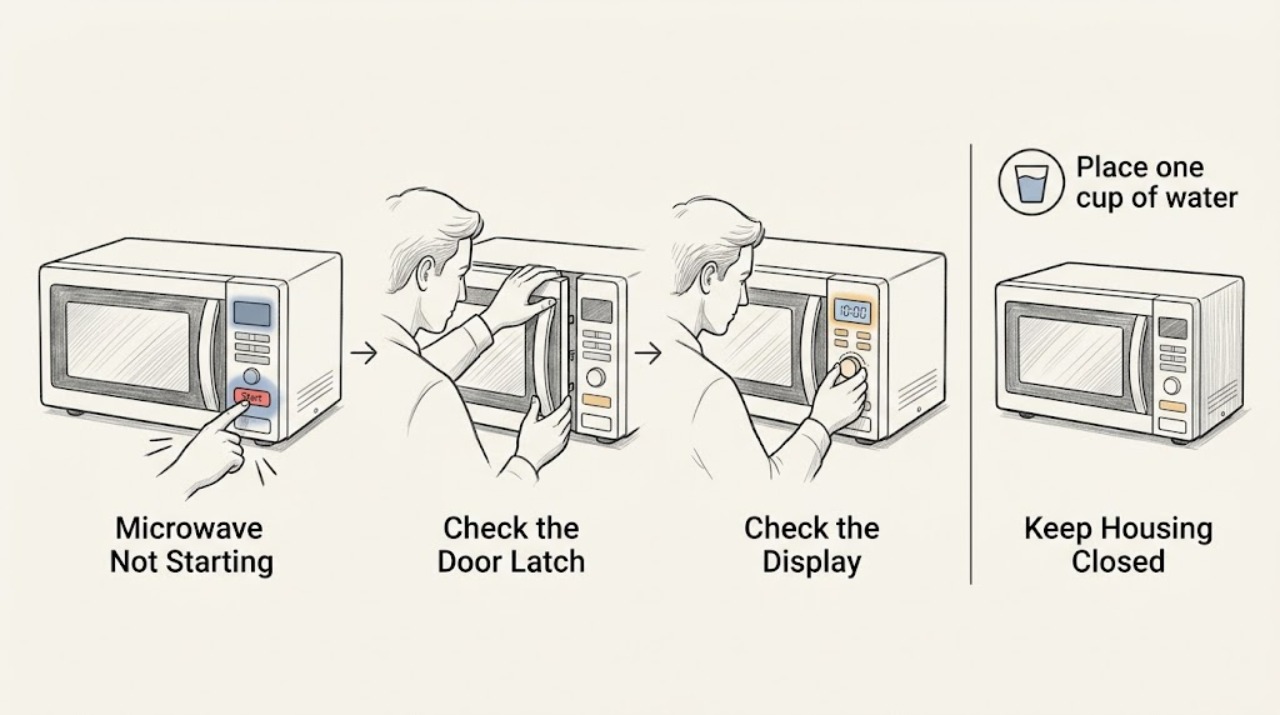
KitchenAid Microwave Not Starting
Firmly close the door, clear any obstruction, turn off Control Lock or Demo mode if enabled, and try a short timed cycle with a cup of water. If the timer runs without heat or the oven stays unresponsive after a power check, stop and request qualified service.
-
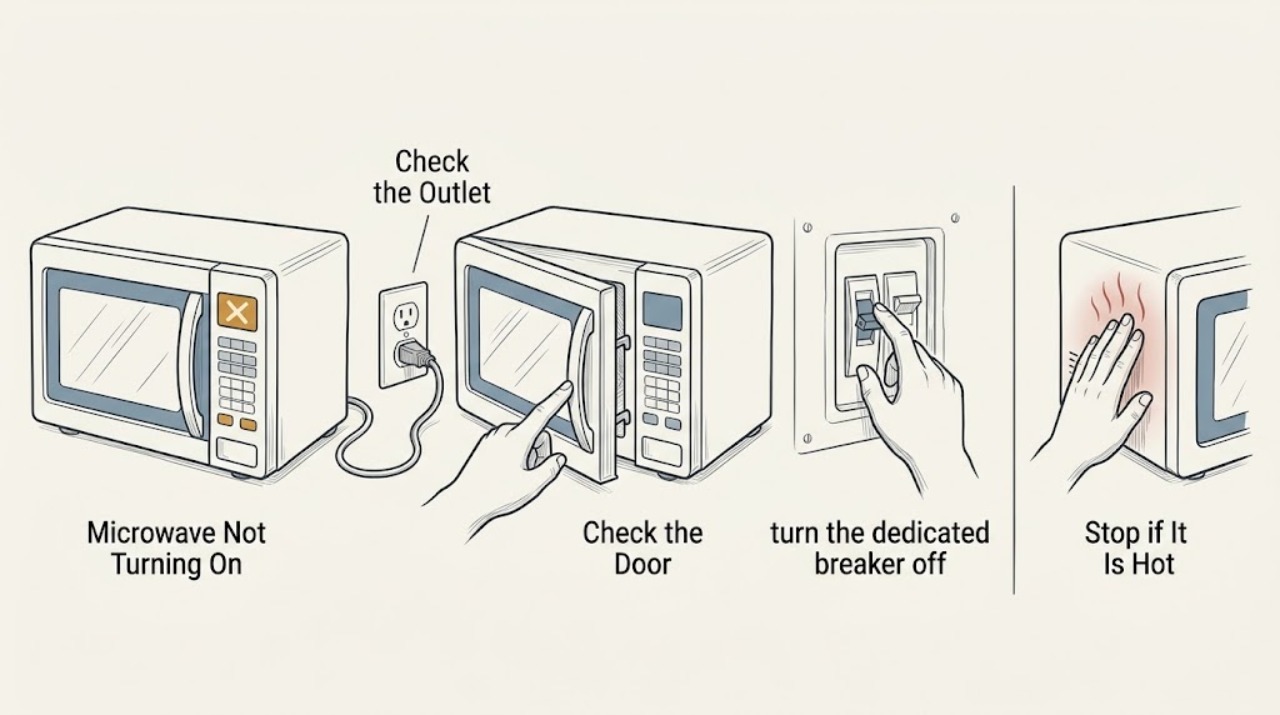
KitchenAid Microwave Not Turning On: Safe Checks
If a KitchenAid microwave is completely dark, verify the outlet and breaker, then check that the door closes and the controls are not locked. Reset power once only if the manual permits. Never open the microwave cabinet; high-voltage components require qualified service.
-
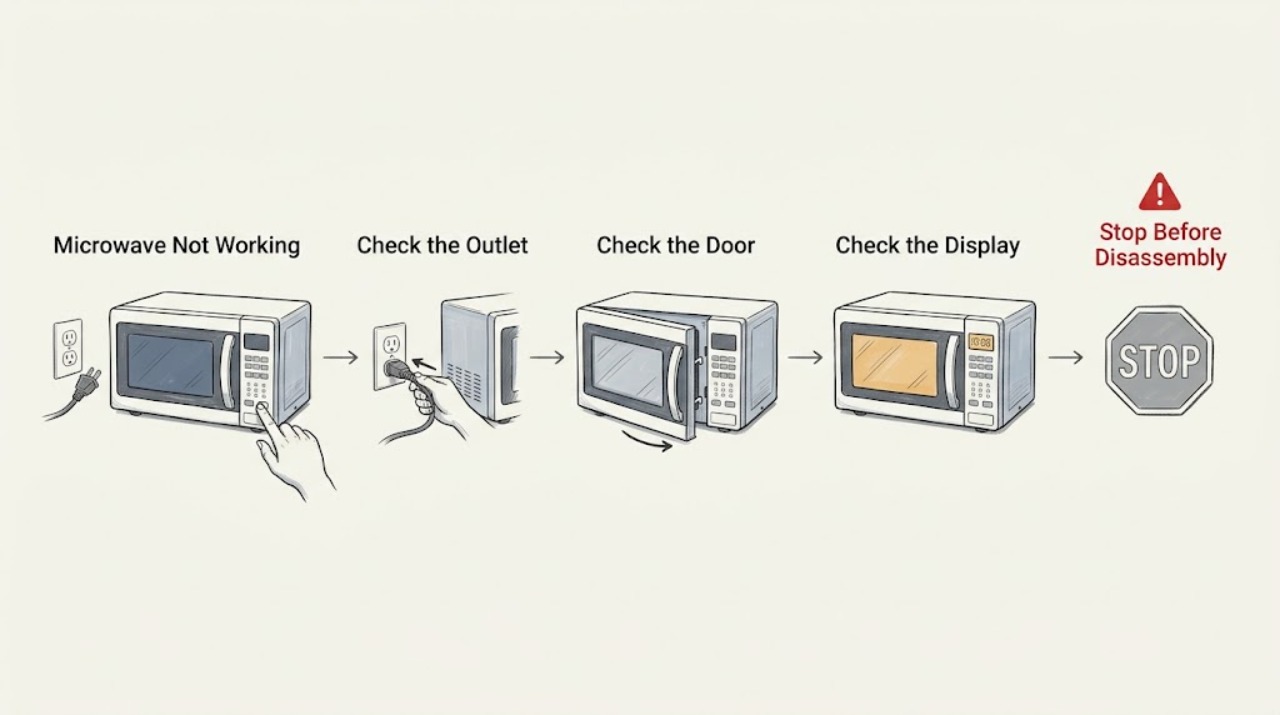
KitchenAid Microwave Not Working
Check household power, the door closure, the control lock, and the selected cooking function before assuming an internal failure. If the oven has power but does not heat a cup of water, stop using it and arrange service; do not remove the microwave cabinet.
-
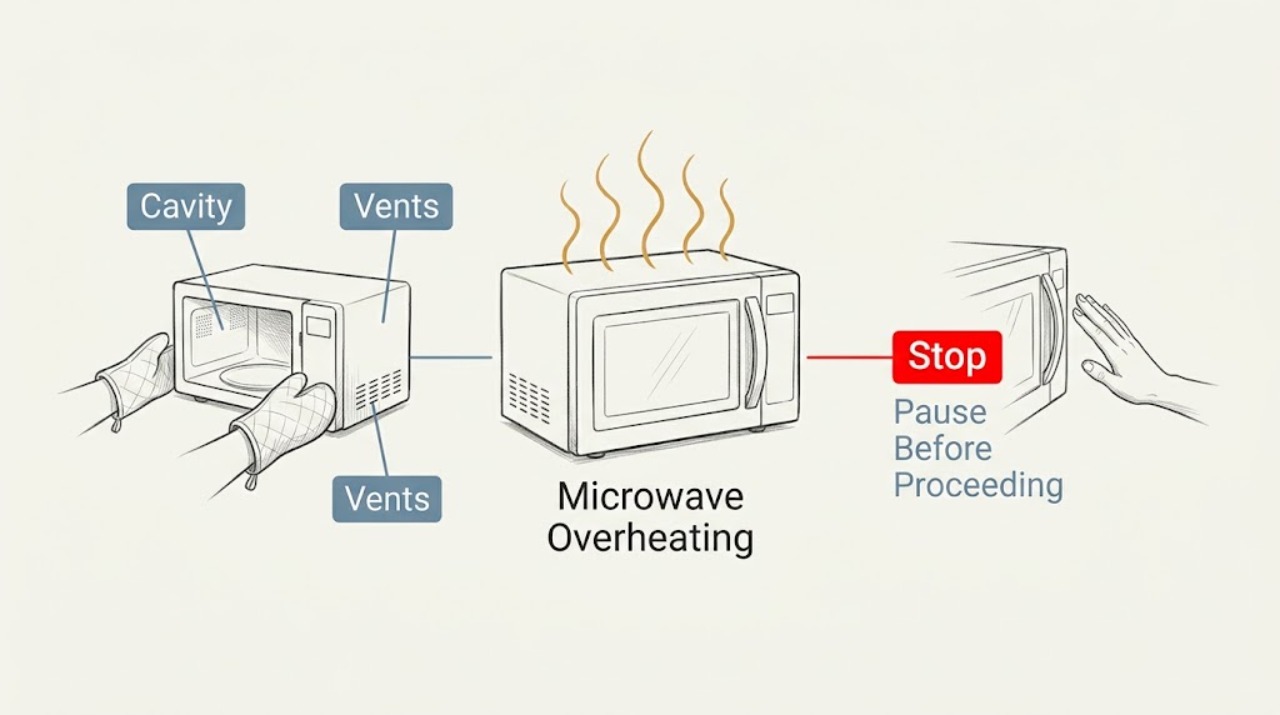
KitchenAid Microwave Overheating: Stop and Check Safely
Stop the cycle for unusual cabinet heat, smoke, odor, or arcing. When fully cool, check only the door, cavity, and external vents using the exact manual. Persistent overheating requires qualified service.
-
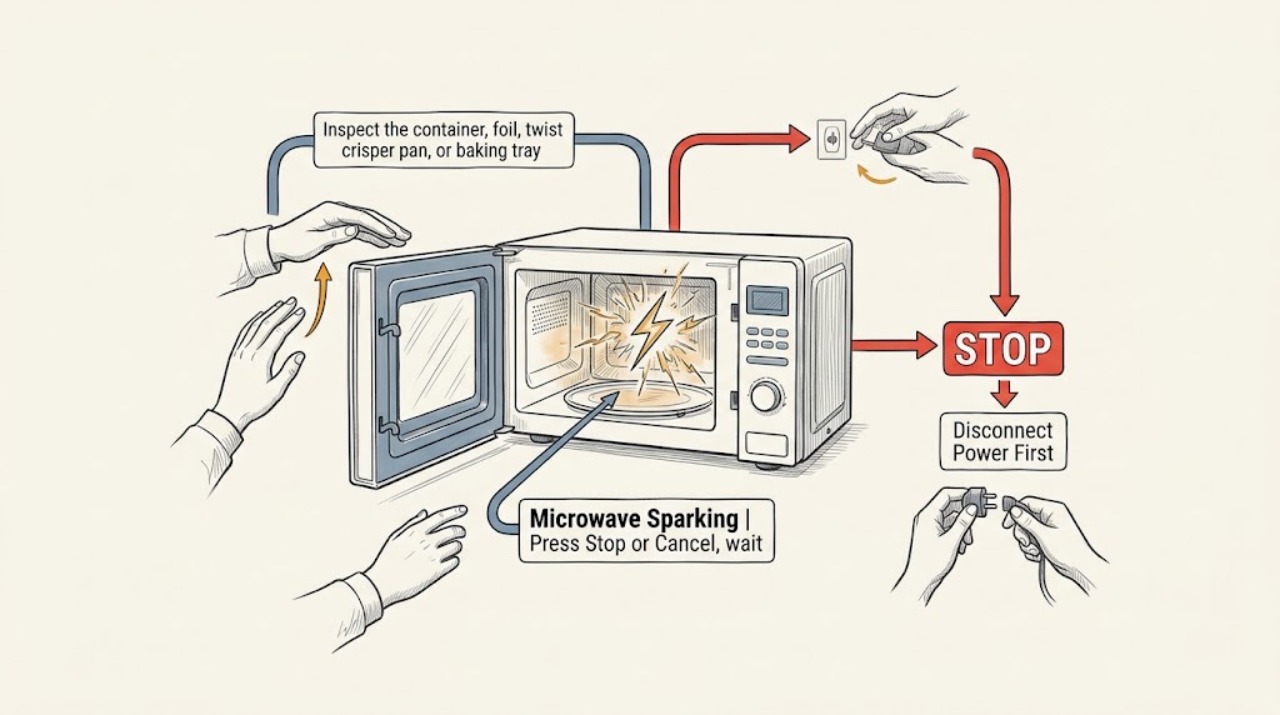
KitchenAid Microwave Sparking
Stop the cycle and remove the food or utensil that is arcing. Check for metal, foil, a rack or tray touching the cavity, and baked-on soil before a brief retest with a microwave-safe container. Persistent arcing, a scorched cavity, or damage near the door requires service.
-
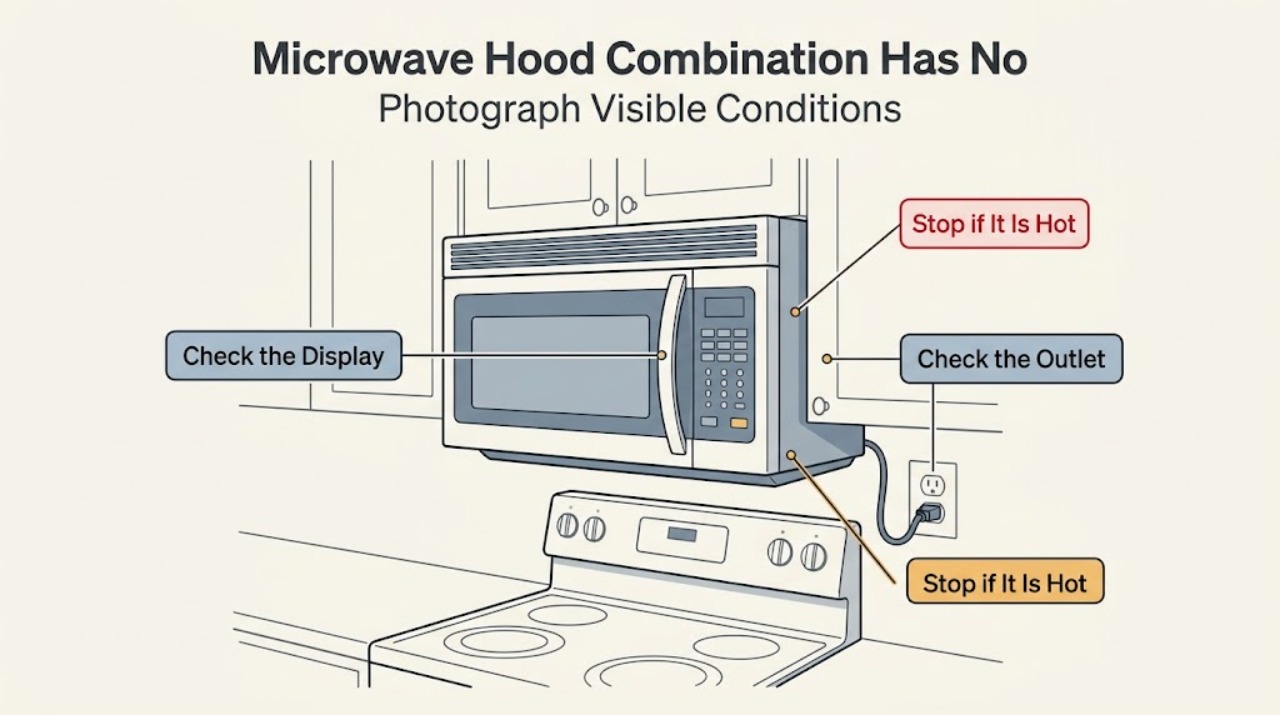
KitchenAid YKHMS147H Microwave Hood Combination Has No Power
Treat a completely dark KitchenAid YKHMS147H as a power-path question first, not as proof of a failed high-voltage part. This is an older microwave hood combination, and KitchenAid's official dimension sheet identifies the related KHMS147H as a microwave hood combination while not listing the Y prefix; confirm the exact rating-label model and market before applying model-specific instructions.