
On this page
Start here
Quick answer
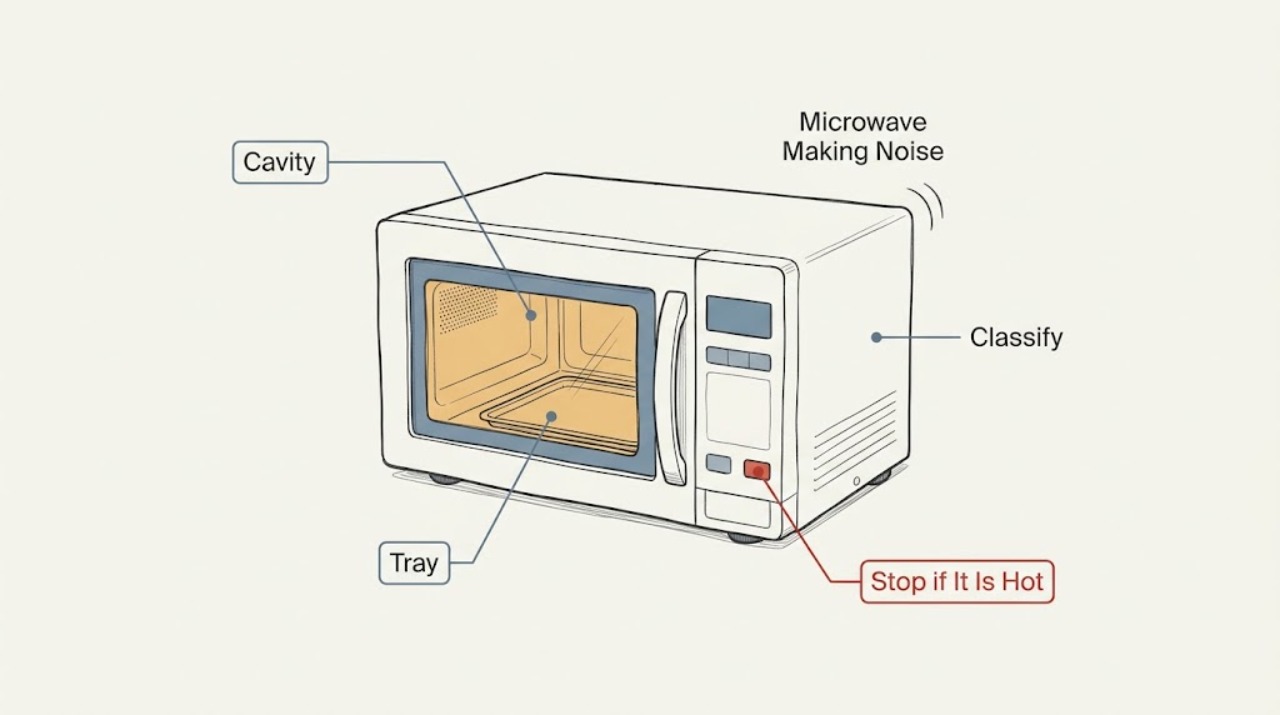
Identify the sound and when it occurs. KitchenAid says humming or buzzing during operation can be normal, while a thump or rumble can come from an incorrectly installed turntable or roller support. Stop for grinding, crackling, smoke, arcing, failed heating, or a damaged door and request service.
Work through in order
Diagnostic checks
Use only checks that match the exact appliance or system and its official guide.
-
Check 1
Note whether the sound is a steady hum, buzz, thump, scrape, grind, or crackle and whether it starts with cooking or rotation.
Expected result: The sound is a steady hum or a new harsh noise.
Next step: Continue only with an external tray check for rotation-linked sound; stop for crackling or arcing.
Why this matters
Why: Some hum and buzz can be normal, but a harsh or new sound needs caution.
-
Check 2
With power disconnected as the model allows, clean and reinstall the glass tray and roller support in their guides.
Expected result: The tray or support was off-center or dirty, or both were seated correctly.
Next step: Run only the model-approved brief check; never run without the tray.
Why this matters
Why: KitchenAid links thumping or rumbling to tray installation or roller support operation.
-
Check 3
Inspect the cavity, door seal, and tray for food residue, loose objects, scorch marks, or visible damage without removing panels.
Expected result: Residue or damage is present, or the cavity looks intact.
Next step: Remove only loose food or cookware after power is off. Stop for scorch marks or damaged seals.
Stop if: Do not open the cabinet or bypass the door interlock.
Why this matters
Why: Loose objects can rattle; residue or damage can create an arcing hazard.
Use your observations
Decision map
Find the observation that best matches what you see, then follow the next safe action.
-
PATH 01Next step
What you see
A steady hum occurs only during operation and heating is normal.
Do this next
Monitor it and use the model manual if its character changes.
Why this path and its safety boundary
Why it matters: KitchenAid identifies this sound as potentially normal.
-
PATH 02Next step
What you see
The sound follows rotation and tray support was mis-seated or dirty.
Do this next
Keep the tray and support seated and clean.
Why this path and its safety boundary
Why it matters: The rotating support path contributed to the noise.
-
PATH 03Next step
What you see
Noise is harsh, electrical, worsening, or paired with failed heating, smoke, or arcing.
Do this next
Stop using the microwave and request service.
Why this path and its safety boundary
Why it matters: Internal diagnosis is required.
When checks do not resolve it
Need a professional?
Request service for grinding, crackling, smoke, arcing, a damaged door, failed heating, or persistent noise.
Common questions
FAQ
Is microwave humming always a failure?
No. KitchenAid says humming or buzzing can be normal. A new harsh sound or failed heating needs service.
Can I run it without the glass tray?
No. KitchenAid says not to operate without the turntable.
Read the exact guide
Official sources
- Thumping or Rumbling Noises - Over-the-Range MicrowaveKitchenAid · KitchenAid over-the-range microwaves; exact model controls details
- Humming Noise - Over-the-Range MicrowaveKitchenAid · KitchenAid over-the-range microwaves; sound varies by model
Community feedback
Share a repair observation
Share a plain-text repair observation. Accepted observations are published automatically; this page may take a moment to update.