
On this page
Start here
Quick answer
Remove anything obstructing the opening, check that removable accessories are seated, and inspect the visible latch and seal for debris or damage. Never operate a microwave that will not close and latch firmly; a bent door or damaged latch needs qualified service.
Before you begin
Safety first
- Never operate with a damaged door or bypass a safety interlock; do not remove the outer cover.
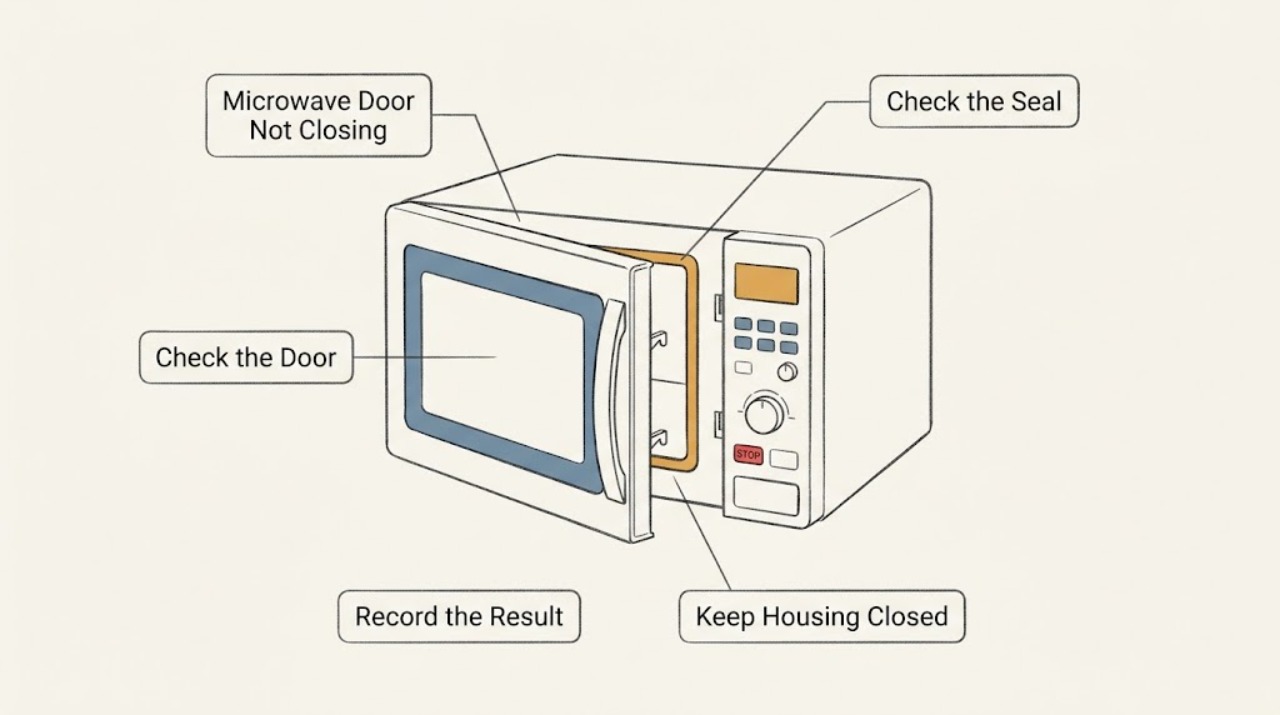
Work through in order
Diagnostic checks
Use only checks that match the exact appliance or system and its official guide.
-
Check 1
Remove cookware, rack, turntable, and packaging from the opening, then close the door gently without forcing it.
Expected result: The door latches or stops against an obstruction.
Next step: Reposition only removable items and retest once; do not operate without a firm latch.
Why this matters
Why: A mispositioned accessory can prevent closure; forcing the door can worsen alignment.
-
Check 2
With the microwave unplugged, inspect the visible gasket, hinges, latch area, and frame for debris, warping, cracks, or loose parts.
Expected result: Debris is present or the door/frame/latch is damaged.
Next step: Clean accessible surfaces only; do not bend, remove, or bypass the latch/interlock.
Why this matters
Why: Debris can block the seal, while visible damage can prevent safe interlock operation.
-
Check 3
After the door closes normally, open and close it once and check whether a door message clears before any brief water test.
Expected result: The display accepts a cycle or the door message remains.
Next step: Stop if the door springs open, remains misaligned, or the message returns.
Why this matters
Why: KitchenAid directs users to open and close the door when a door message appears; a continuing message needs service.
Use your observations
Decision map
Find the observation that best matches what you see, then follow the next safe action.
-
PATH 01Next step
What you see
The door closes after a removable obstruction is repositioned
Do this next
Keep the opening and seal clear.
Why this path and its safety boundary
Why it matters: An accessory or loading obstruction was more likely.
-
PATH 02Next step
What you see
The door will not latch, is damaged, or the message returns
Do this next
Leave the microwave off and request qualified service.
Why this path and its safety boundary
Why it matters: Latch, hinge, alignment, or interlock service is required.
When checks do not resolve it
Need a professional?
Arrange service for a persistent latch or door-message problem.
Safety scope: Never operate with a damaged door or bypass a safety interlock; do not remove the outer cover.
Common questions
FAQ
Can I use a microwave whose door almost closes?
No. It must close and latch firmly; do not operate a damaged or misaligned door.
What if the door message returns?
Stop use and request service after one open-and-close check; a persistent message can indicate a latch or interlock issue.
Read the exact guide
Official sources
- Owner's ManualKitchenAid · KitchenAid microwave ovens
Community feedback
Share a repair observation
Share a plain-text repair observation. Accepted observations are published automatically; this page may take a moment to update.