
Repair problem
Error Displayed Troubleshooting Guides – Page 4
Published FixGraph guidance for diagnosing and responding to error displayed.
Matching published guides
Choose a guide that matches the service, equipment, and conditions you are seeing.
-
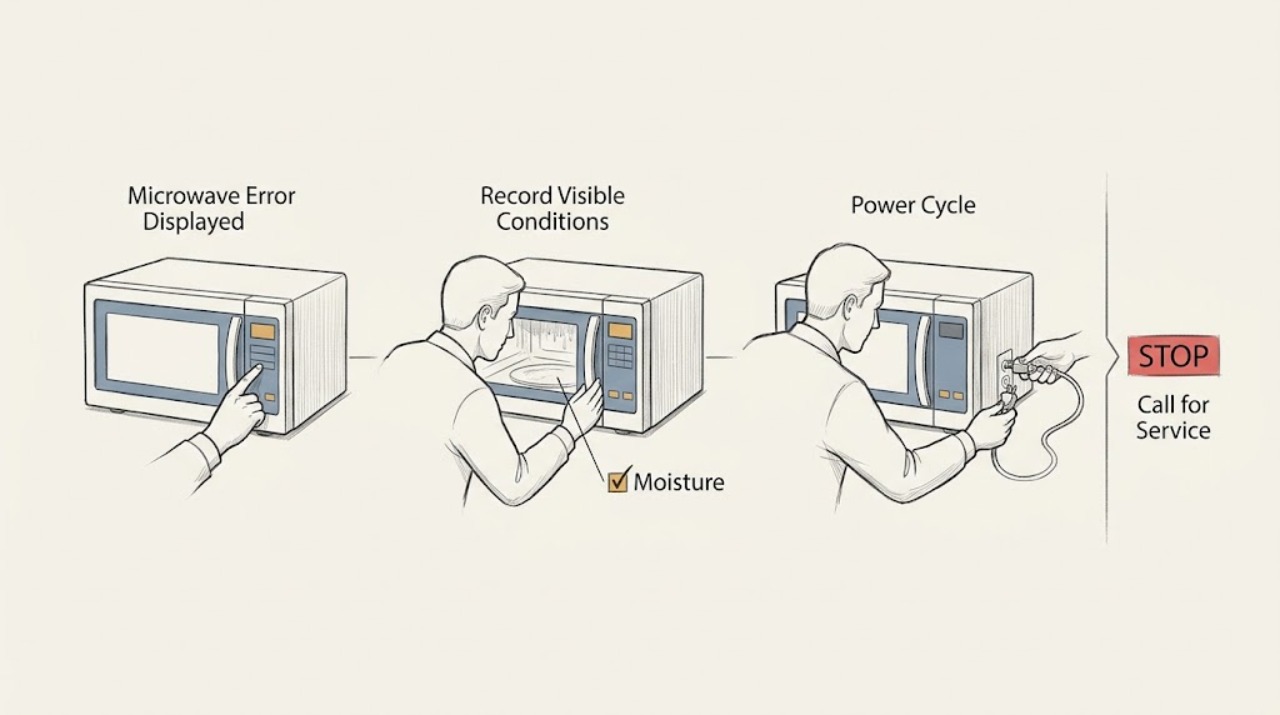
Samsung Microwave Error Displayed: Identify the Code and Reset Safely
Write down the exact code, then switch the Samsung microwave off at its plug or circuit breaker for 60 seconds. If recent steam or a spill reached the controls, let the area dry before restoring power. A code that returns, or a door, sensor, temperature, or communication code that persists, needs Samsung service; do not remove the cabinet or test high-voltage parts.
-
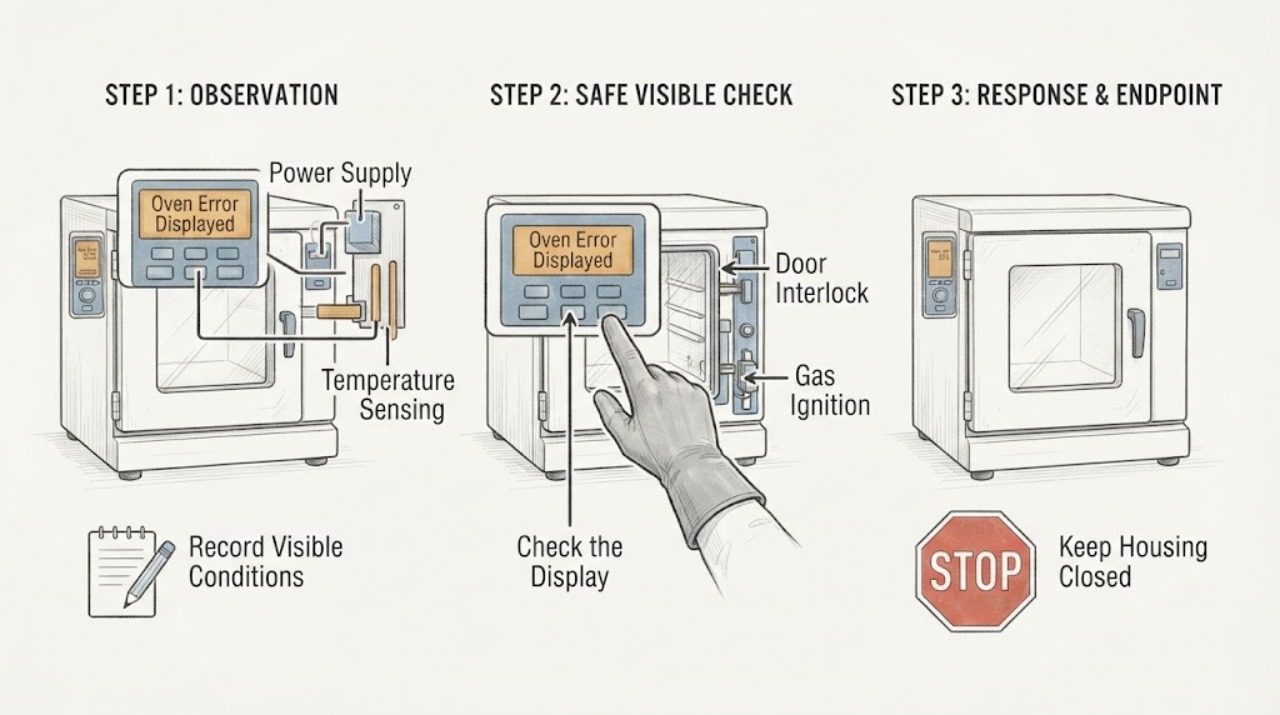
Samsung Oven Error Displayed: Record the Code, Match the Model, and Reset Once
When a Samsung oven displays an error, record the exact characters, model number, fuel type, and what the oven was doing before you try anything.
-
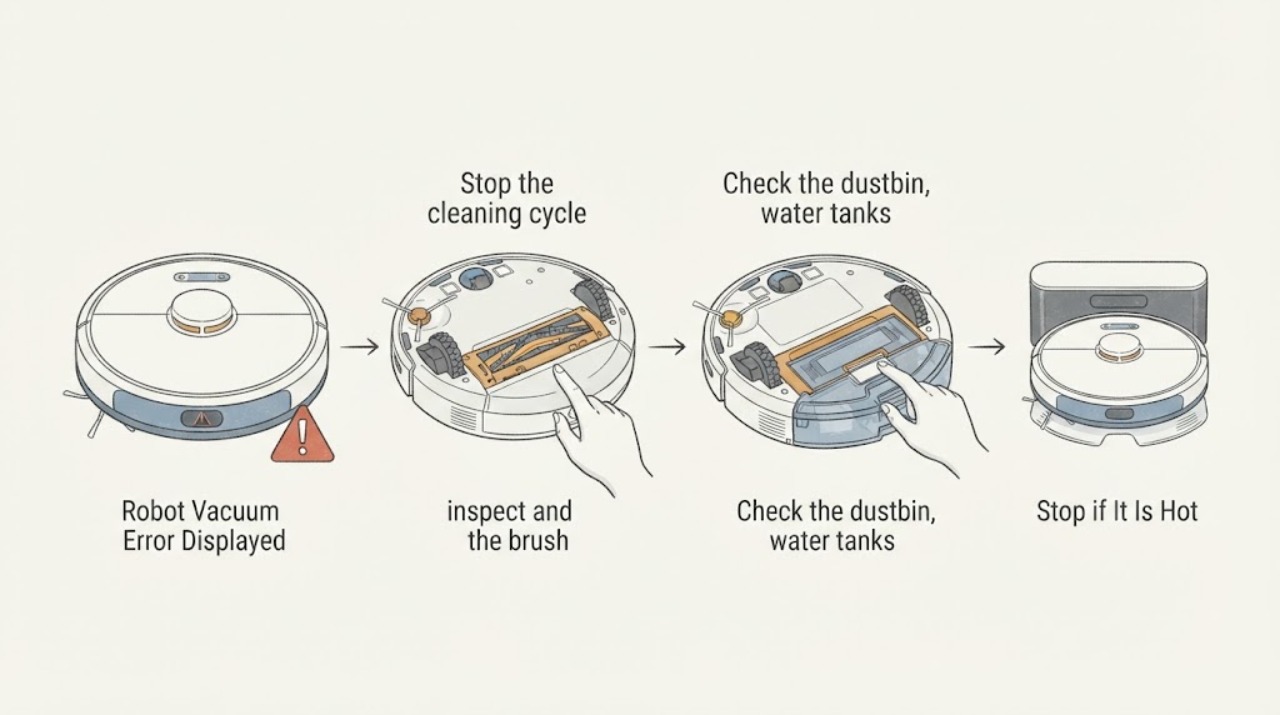
Samsung Robot Vacuum Error Displayed
A Samsung robot vacuum error display should be matched to the message or LED pattern before resetting. Put the robot in its documented safe mode, clear accessible debris from the brush, wheels, sensors, bin, or tanks, and contact service if the same error returns or points to the main system, battery, or sensor.
-
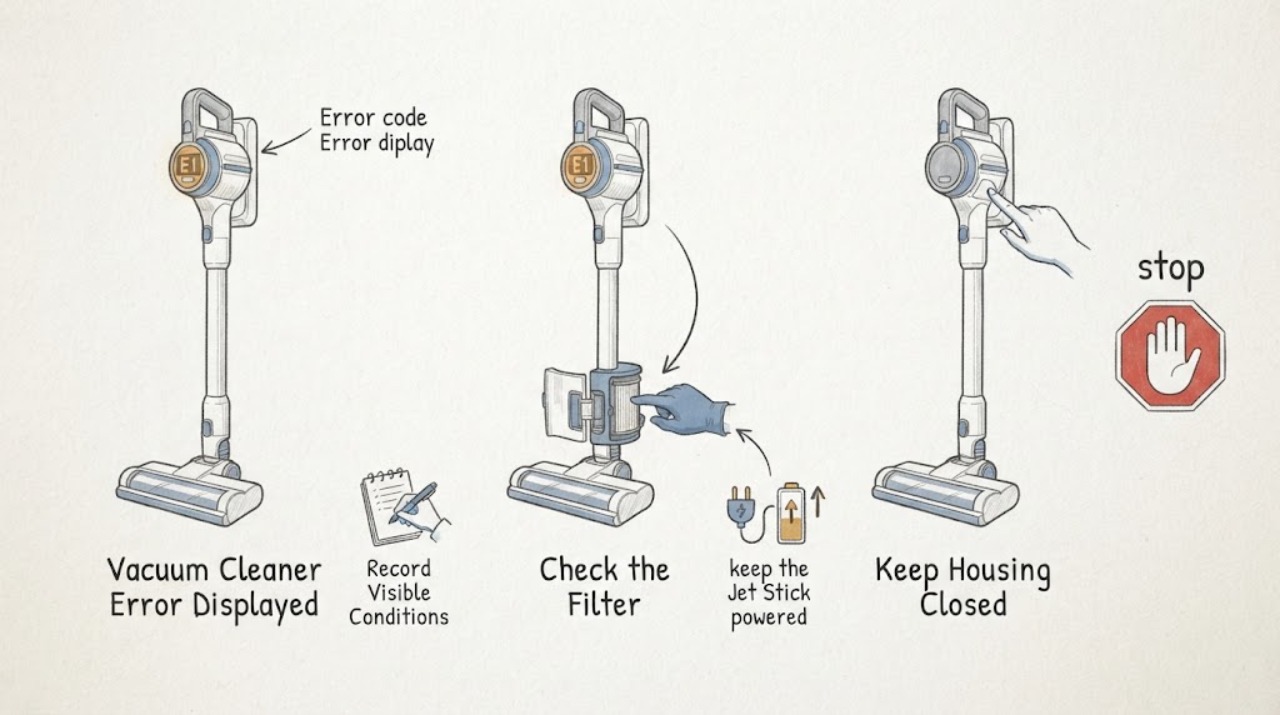
Samsung Vacuum Cleaner Error Displayed: Identify the Alert Safely
Start by recording the exact Samsung vacuum alert: the icon or code, any red light or voice message, and whether the machine is a Jet Stick, Jet Bot, or another family. Do not apply one model's code meanings to another model.
-
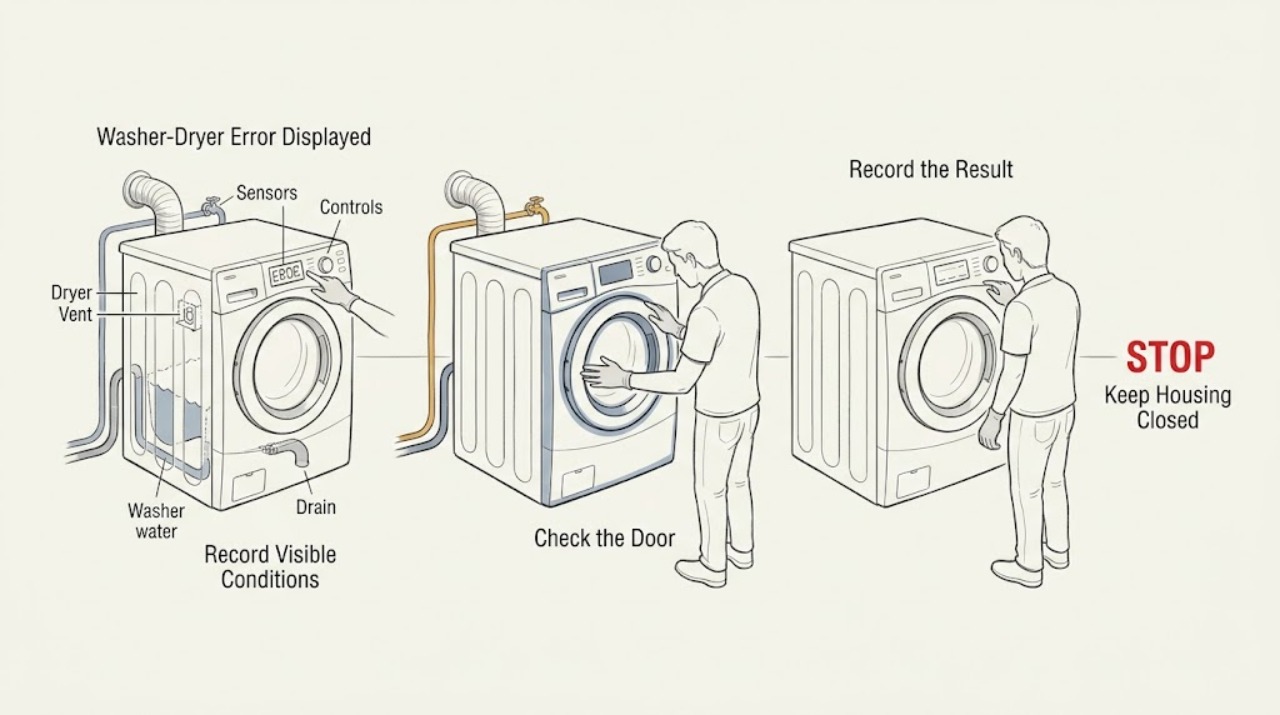
Samsung Washer-Dryer Error Displayed: Identify the Code Safely
Start by photographing the exact Samsung code or blinking-light pattern before switching the appliance off or resetting it, and note whether it appeared on the washer or dryer side. Samsung uses different meanings for codes that can look similar across models, so the model-specific manual is the authority.
-
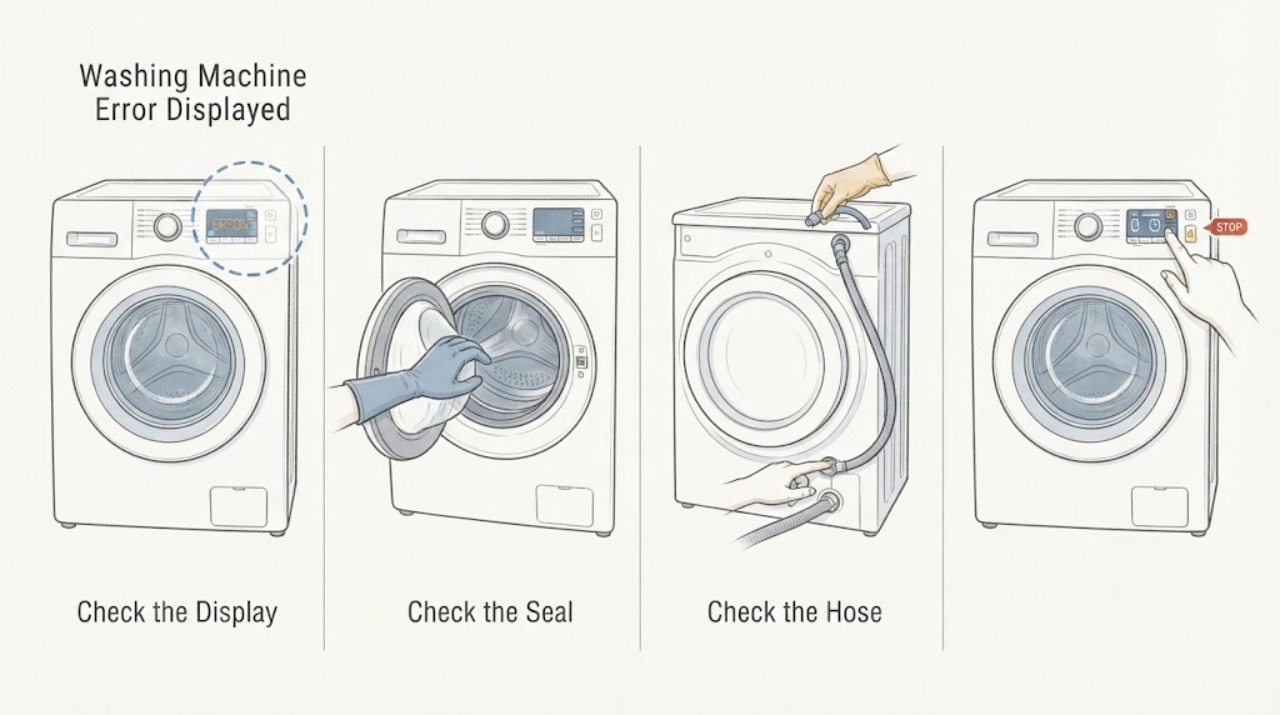
Samsung Washing Machine Error Displayed: Record the Code, Model, and Cycle Stage
Stop trying random button combinations and record the complete code exactly as shown, including letters, numbers, punctuation, alternating displays, or flashing lights. Also record the model, whether the washer is front-load or top-load, and the point in the cycle when the code appeared.
-
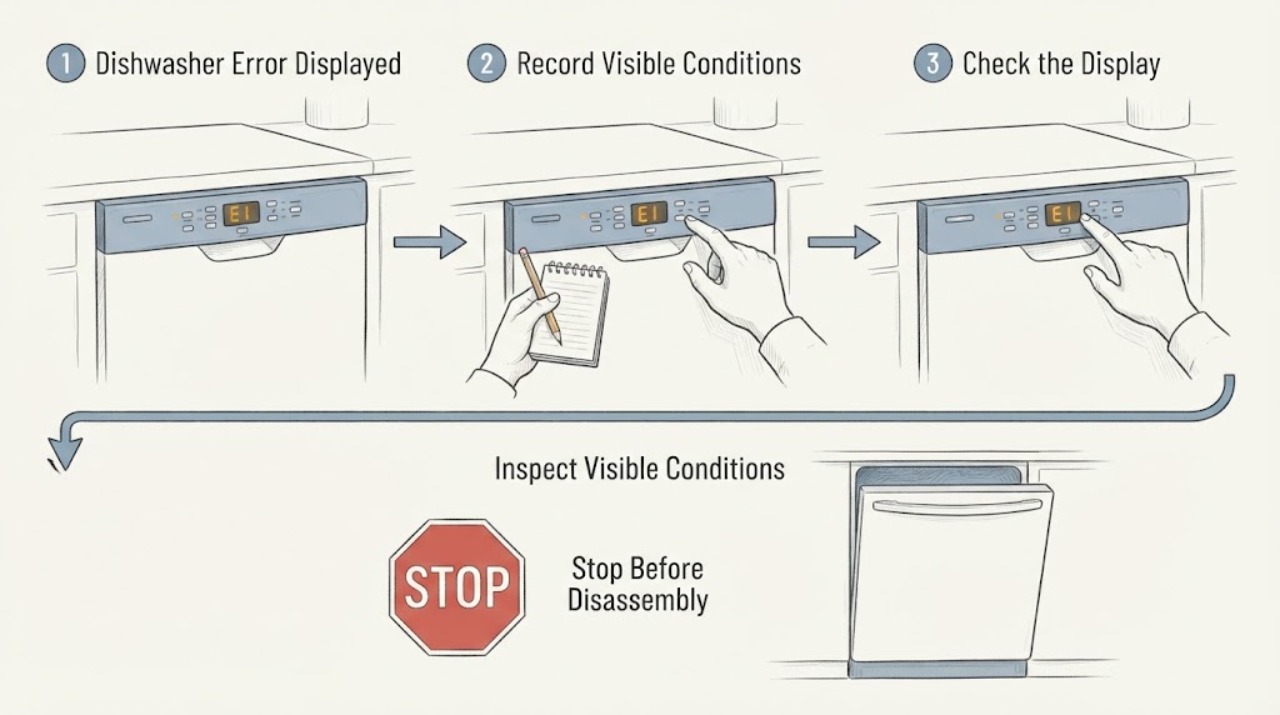
Sharp Dishwasher Error Displayed
For a Sharp dishwasher showing an error, photograph the complete code and use the exact model manual. The opened Sharp manual has a dedicated error-code section, but a code from another model must not be interpreted as a failed part.
-
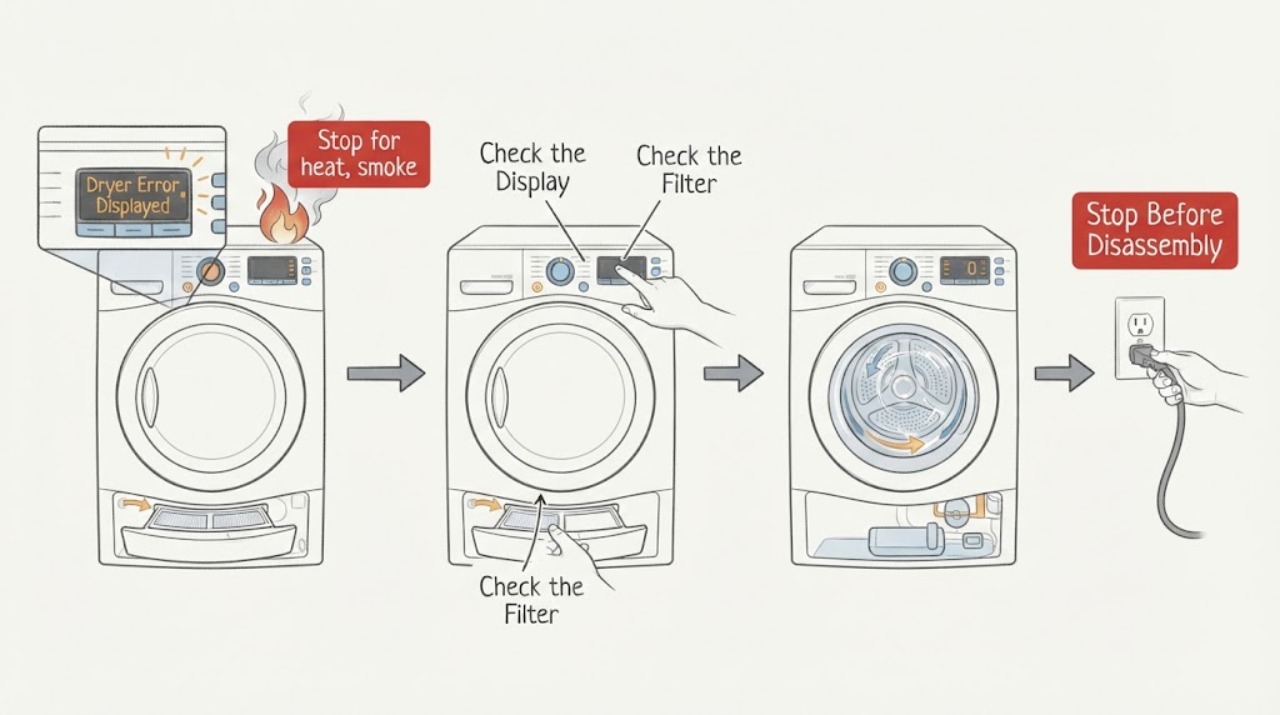
Sharp Dryer Error Displayed: Record the Code Before You Reset
Do not diagnose a Sharp dryer code from the letters alone. Photograph the complete display, record the full model number, programme, load condition, and the moment the code appeared, then match that combination to the exact Sharp manual.
-
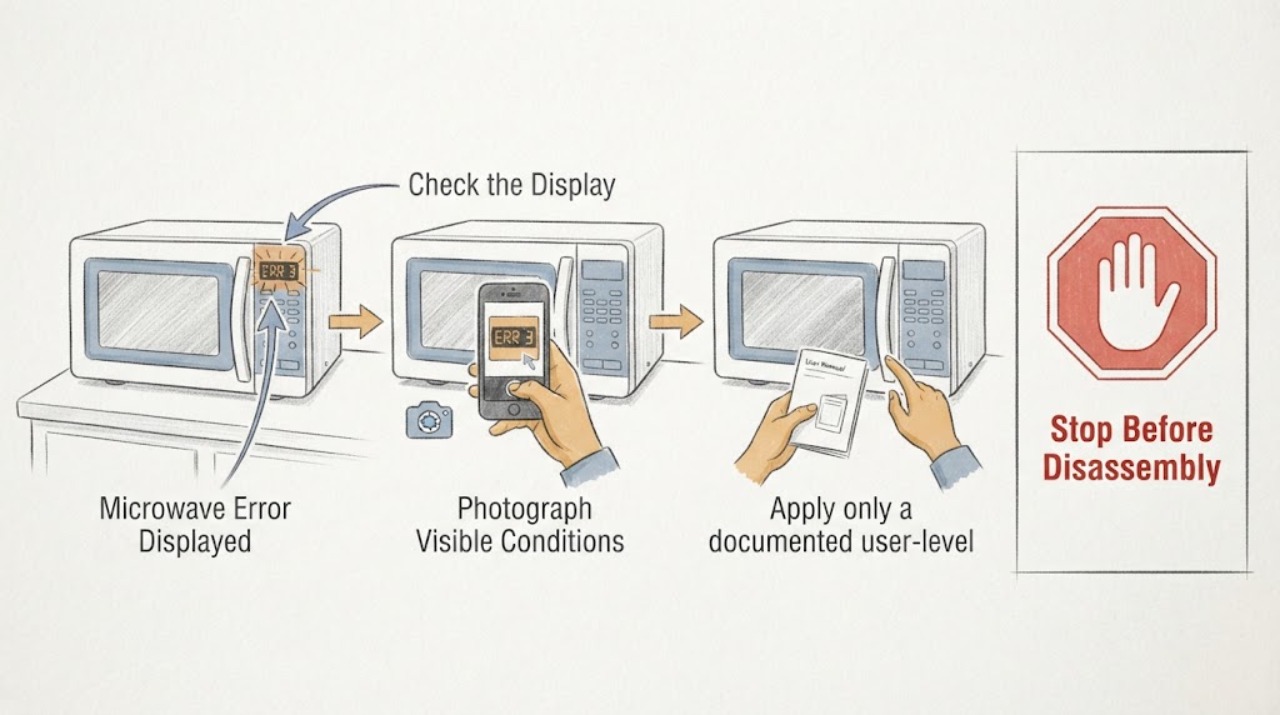
Sharp Microwave Error Displayed
A Sharp microwave error display must be recorded exactly and compared with the exact model manual. The opened Sharp manual supports model-specific operation and safety, but an unlisted code should go to service rather than a guessed part.
-
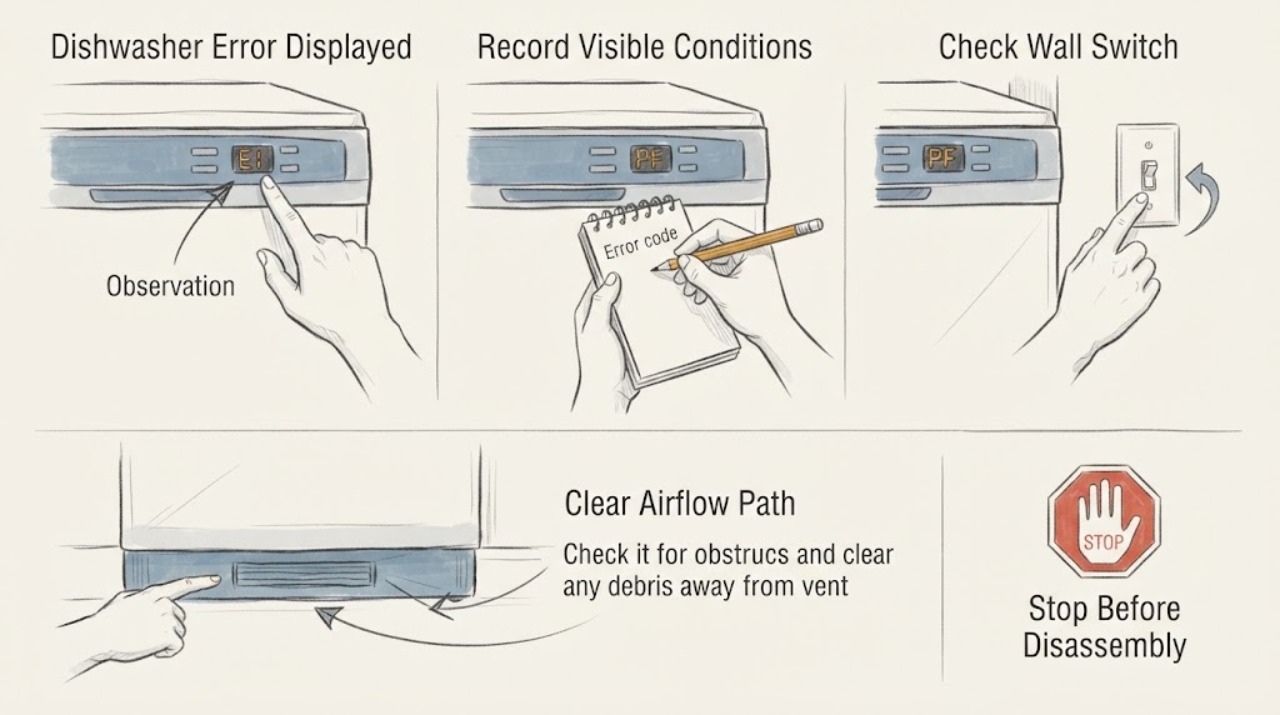
Siemens Dishwasher Error Displayed
Write down the exact E or F code and the dishwasher model before trying anything, because Siemens says codes and recommended actions can differ by model and only appear on models with a digital display. For a general E01–E05 or E01–E30 technical code, switch the dishwasher off, wait a few minutes, and restart once; if it returns, close the water tap, disconnect power when the local instructions permit, and contact Siemens.
-
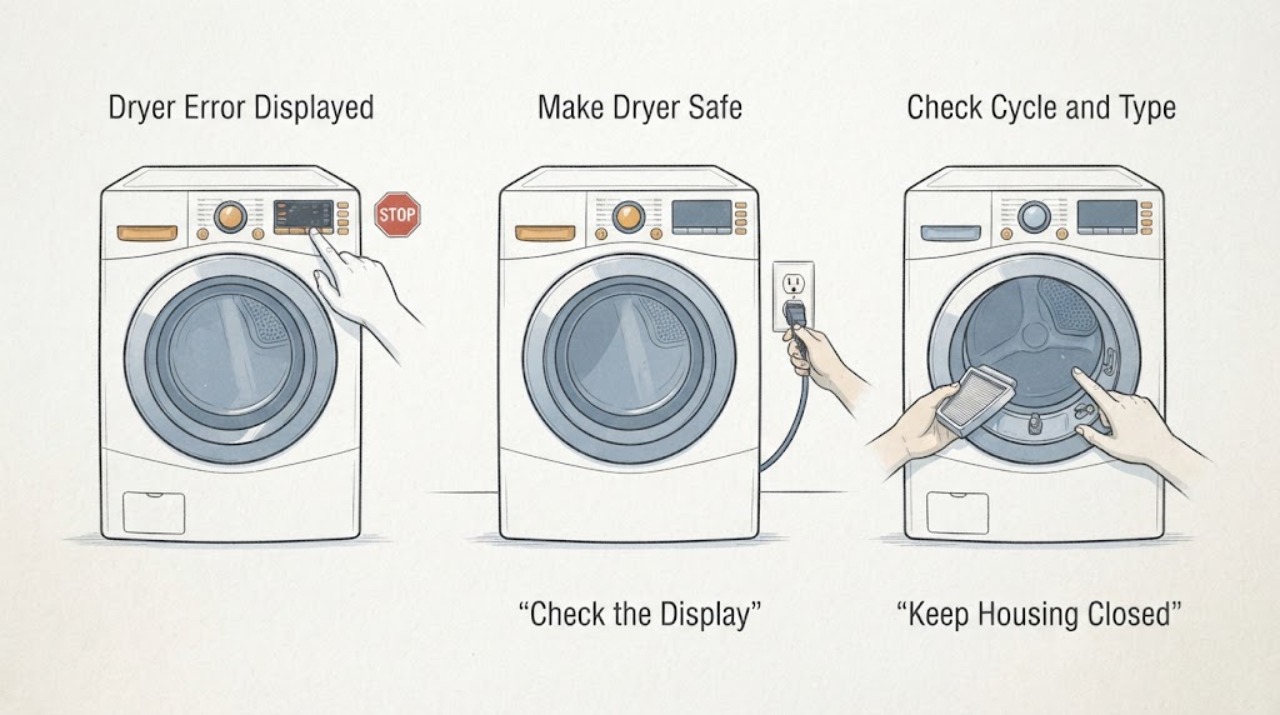
Siemens Dryer Error Displayed
Treat a Siemens dryer error display as model-specific. Photograph the complete code or message, record the E-Nr model number, programme stage, whether the drum is hot or turning, and whether the display returns after a restart; do not assign a code meaning from another Siemens dryer.
-
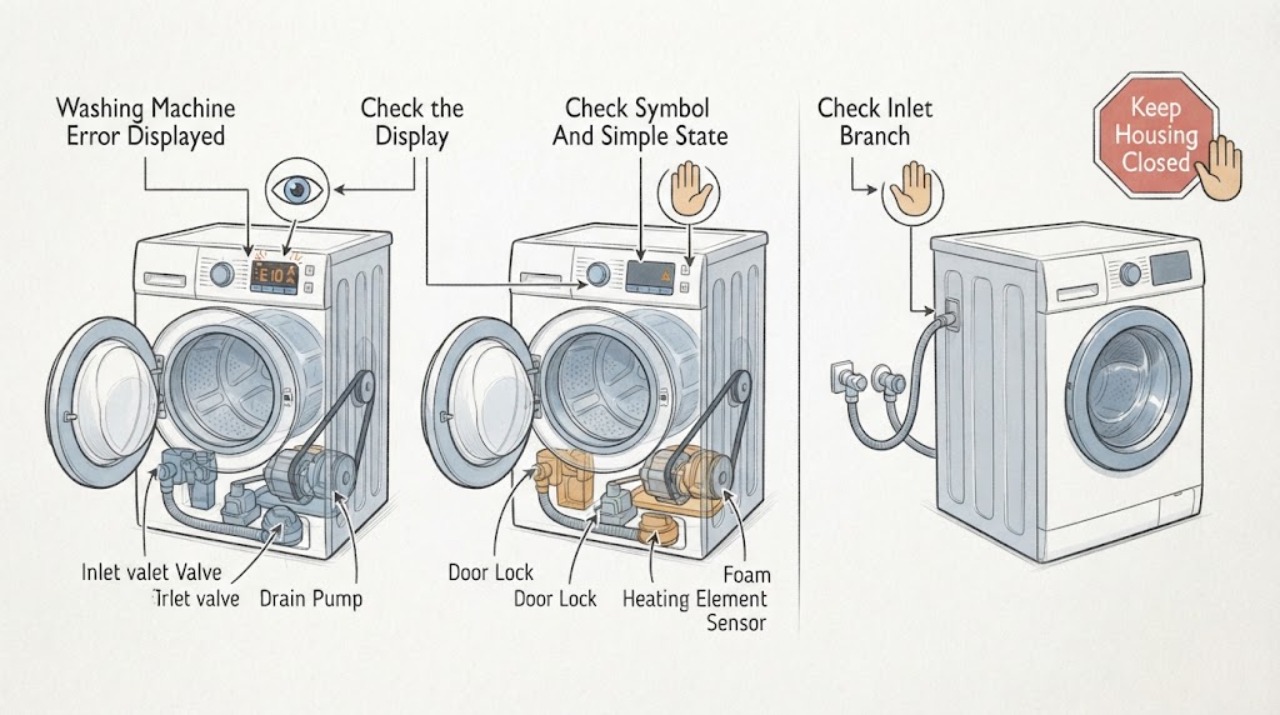
Siemens Washing Machine Error Displayed
Do not diagnose a Siemens washing-machine display from a code found on another model. Photograph or write the complete code or symbol, model number, and the stage when it appeared: before filling, during washing, during heating, during drain, or during spin.
-
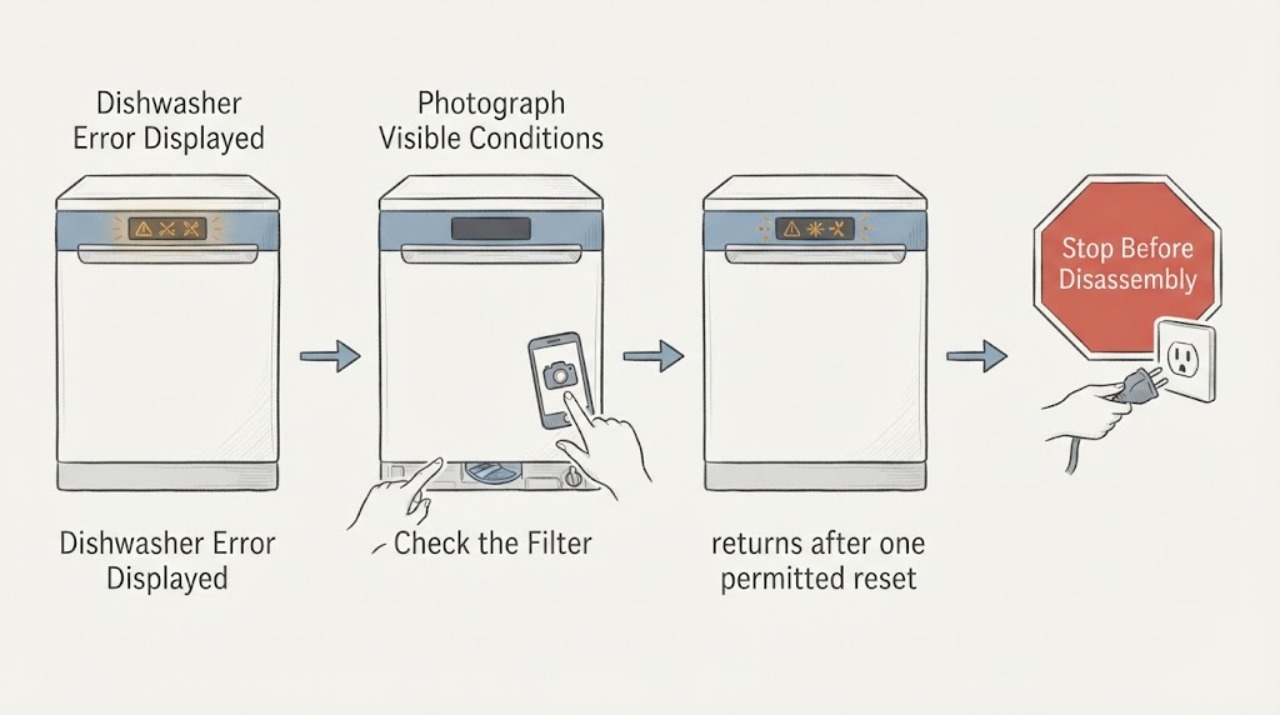
Smeg Dishwasher Error Displayed
A Smeg dishwasher error display must be recorded exactly with the full model and point in the cycle. Codes and reset steps are model-specific; the code alone does not identify a replaceable part.
-
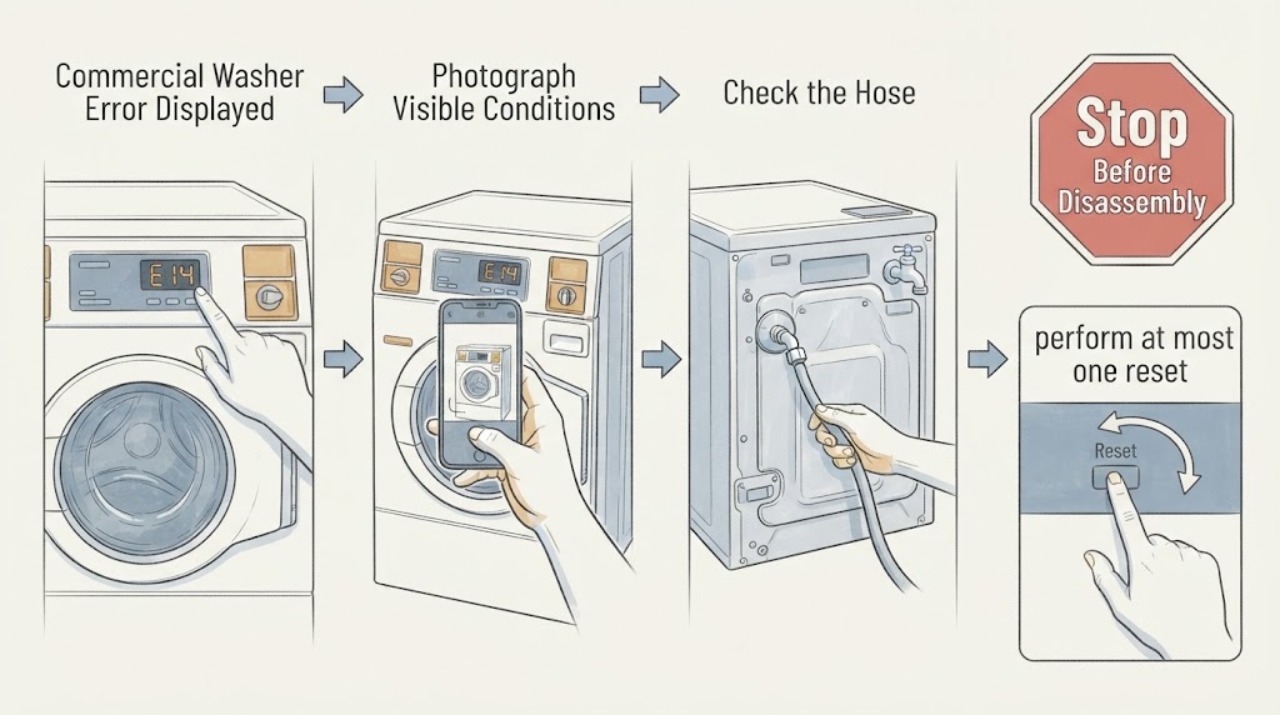
Speed Queen Commercial Washer Error Displayed: Record the Code Before Resetting
When a Speed Queen commercial washer displays an error, record the complete code, door state, water level, and cycle phase before attempting any reset. The opened Speed Queen guide documents distinct door, drain, fill, overflow, and water-level codes; a code that persists after the guide’s limited external checks needs service. Do not clear an unknown code repeatedly or bypass a door or water-level safety.
-
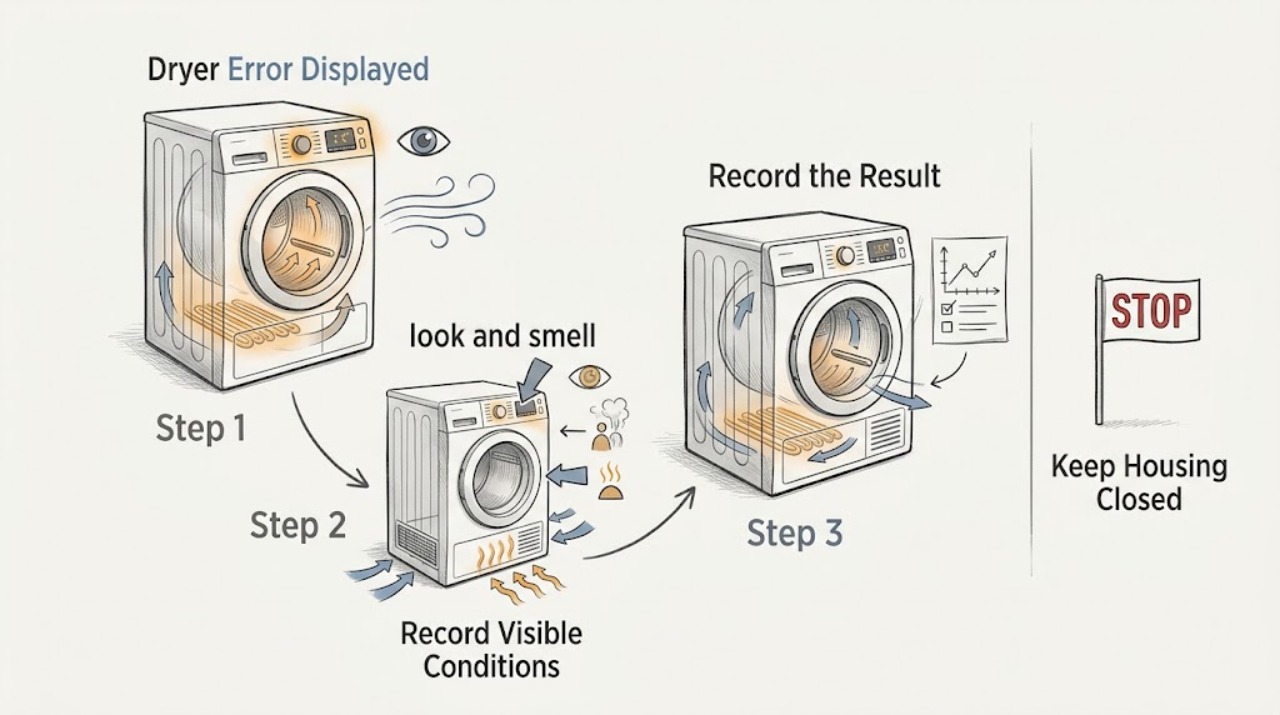
Speed Queen Dryer Error Displayed: Record the Code Before Resetting
When a Speed Queen dryer displays an error, stop guessing from the code alone. Photograph or write the exact characters, note the model and serial number, identify whether the machine is residential or commercial and gas or electric, and record the cycle stage and symptoms.
-
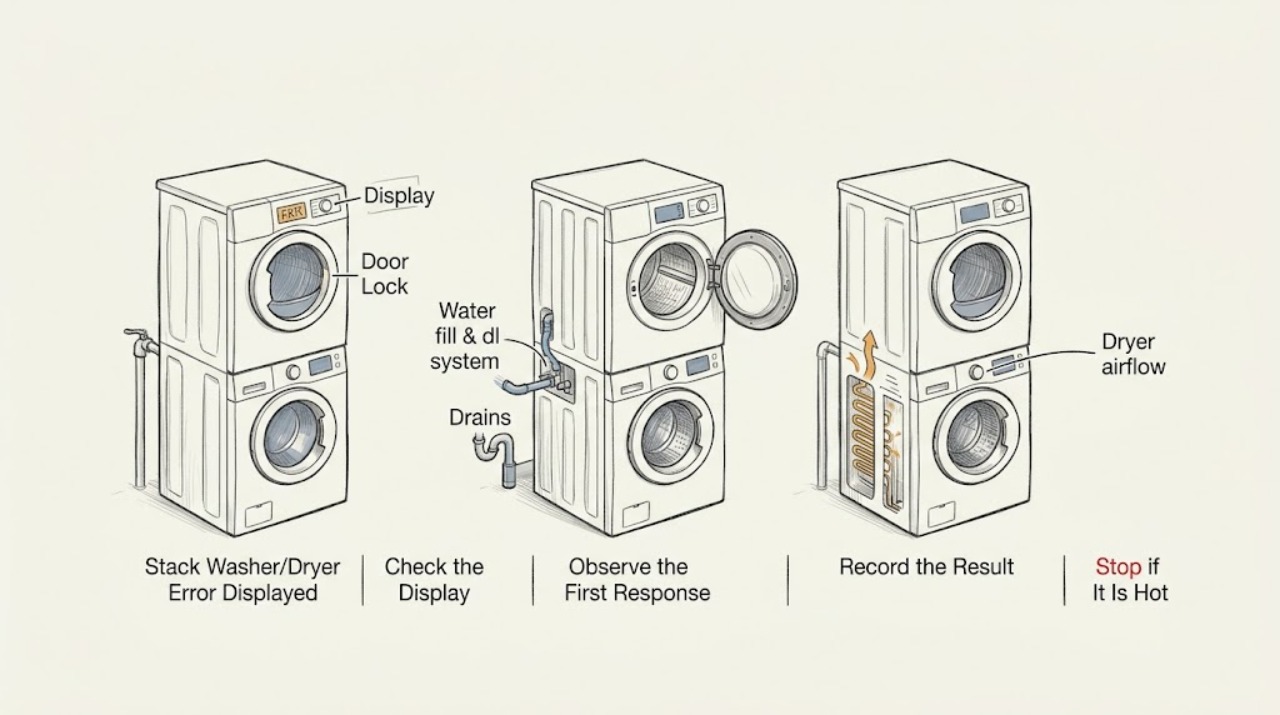
Speed Queen Stack Washer/Dryer Error Displayed: Read the Code and Choose the Safe Next Step
When a Speed Queen stack washer/dryer displays an error, first photograph the exact characters and identify whether the message is on the washer or dryer portion. Use the model-specific guide before clearing the message: Speed Queen's stack-unit guide documents washer codes for door, drain, fill, overflow, water-level sensing, door lock, unbalanced load, power failure, and oversudsing conditions.
-
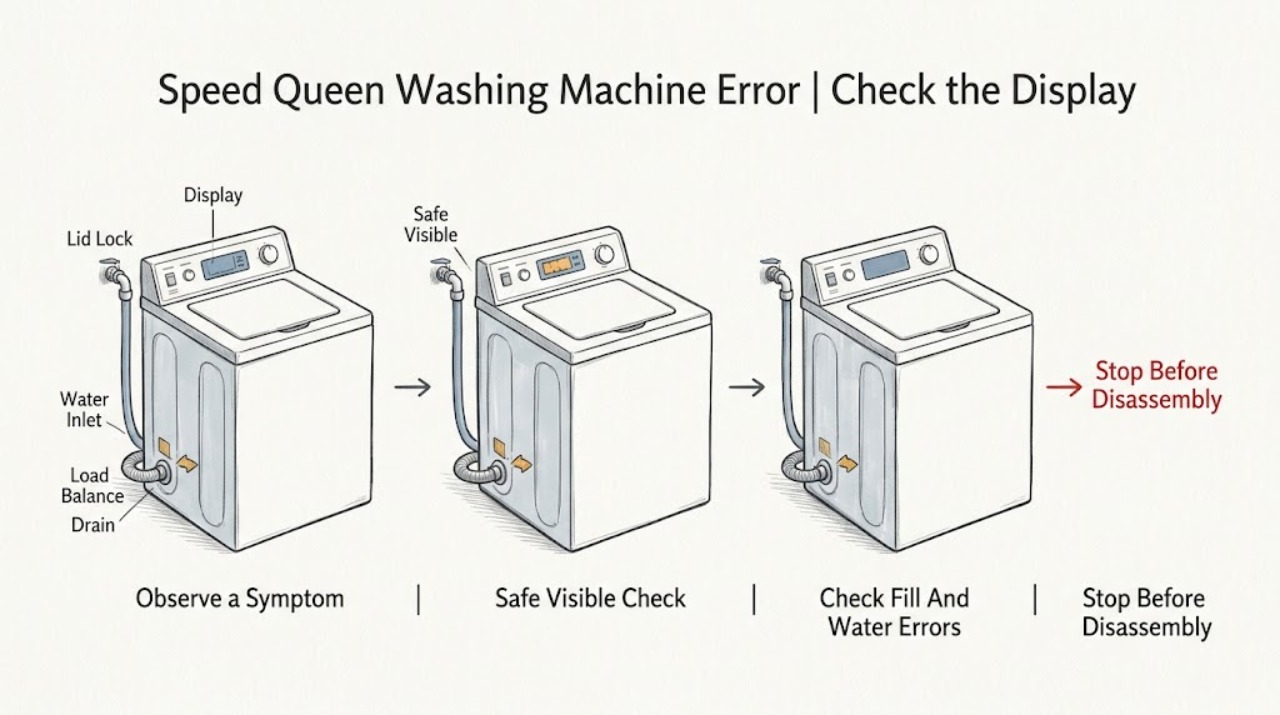
Speed Queen Washing Machine Error Displayed: Identify the Code Before Resetting
Treat a Speed Queen washer error as a model-specific diagnostic message, not as a universal code list. Photograph the complete code or LED pattern, record the model and serial information, and note the cycle stage when it appeared.
-
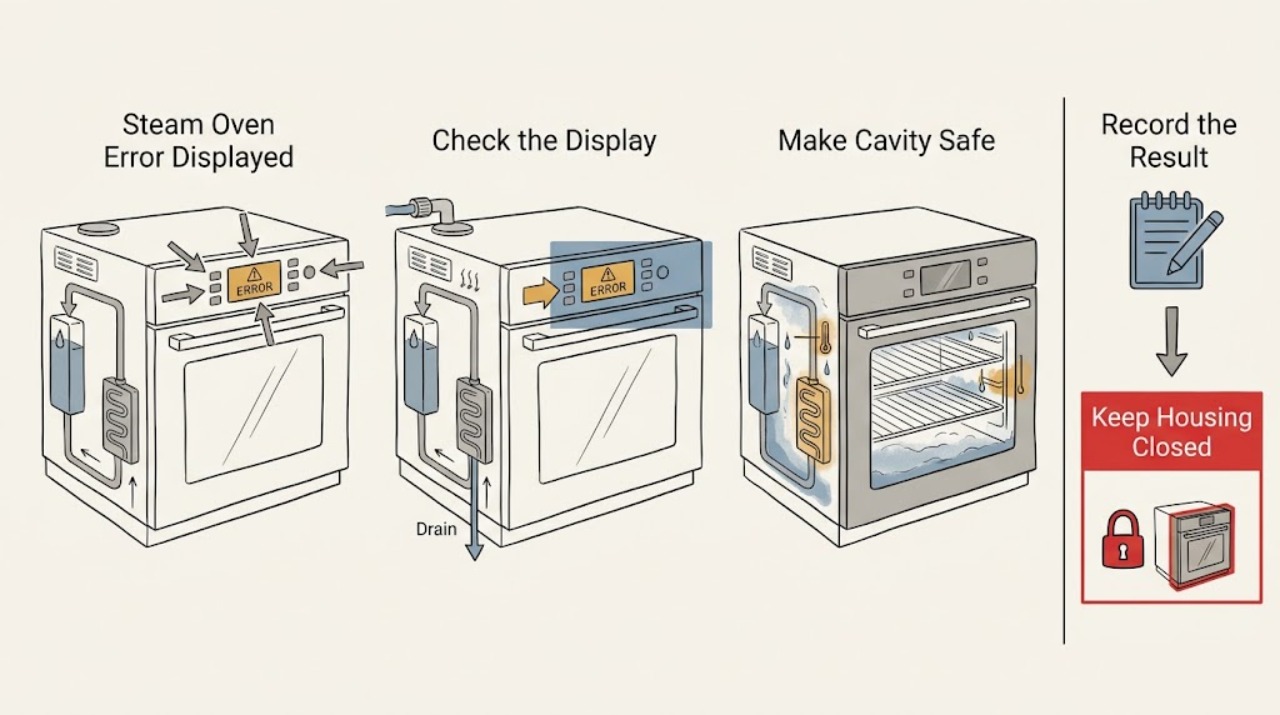
Steam Oven Error Displayed: Record the Code Before Clearing It
A steam oven error message must be interpreted against the exact model, full code, region, and point in the program; do not borrow a meaning from another brand or model. Photograph or transcribe the complete display, note whether the oven is a steam or combi-steam model, and record whether the fault appeared during filling, heating, draining, or after standby.
-
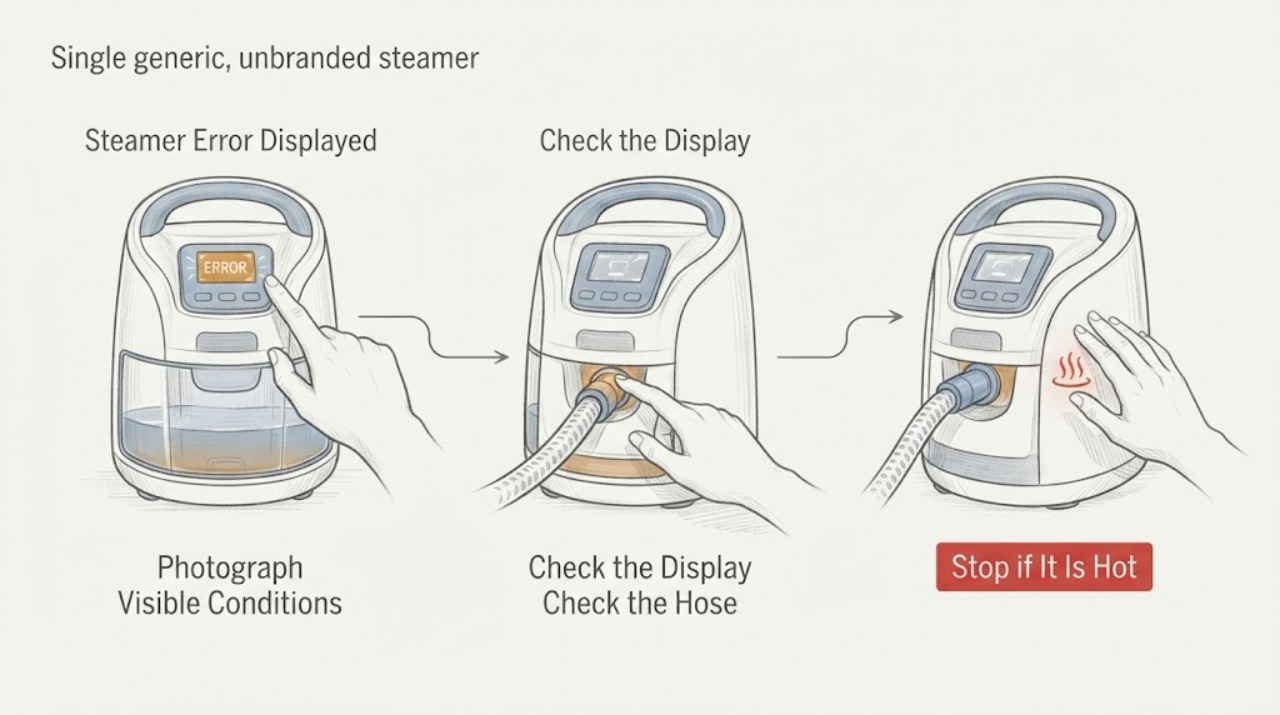
Steamer Error Displayed
An error display on a steamer cannot be decoded safely without the exact characters and model. Photograph the display, identify whether it is a light pattern, symbol, or code, and use the matching manual or official support page. Check only the external power, tank seating, heat-ready state, and approved descaling path; stop using the steamer for leaks, burning smell, damaged cord, or a code that returns after the documented reset.
-
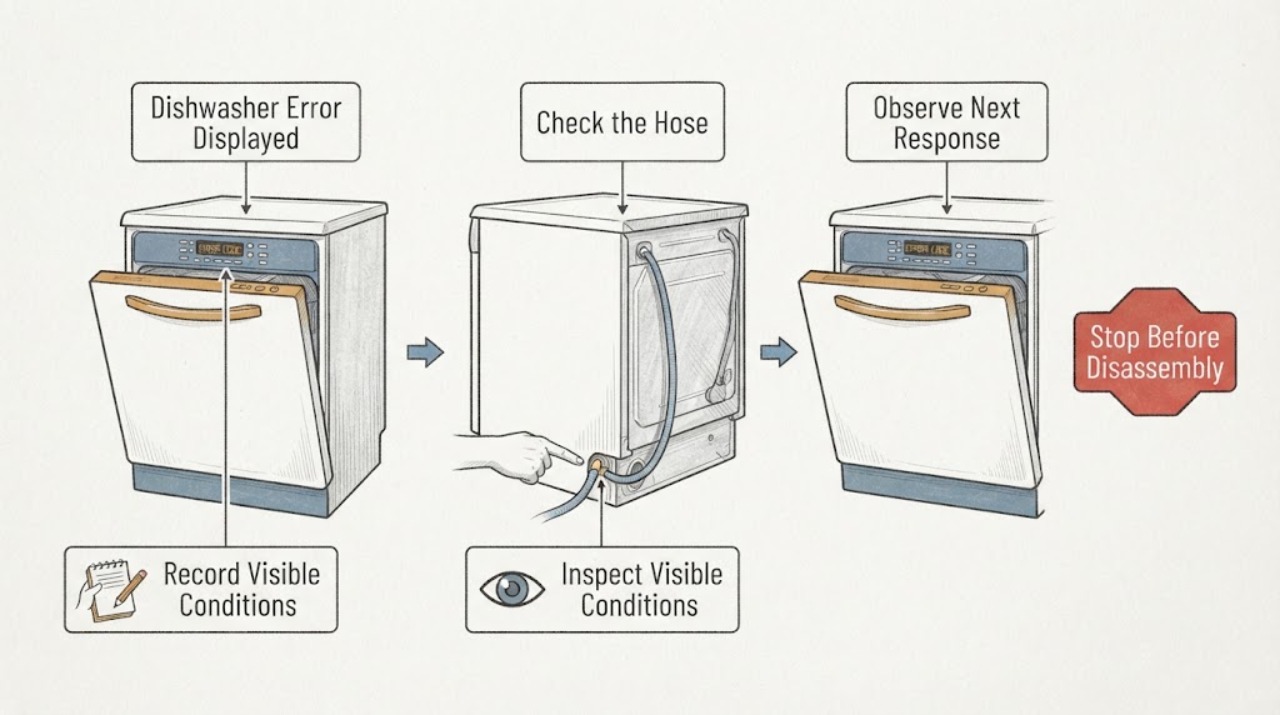
Thermador Dishwasher Error Displayed
A Thermador dishwasher error display must be matched to the exact code and model before you choose a remedy. The official Thermador error-code list includes separate water-flow, heater, heat-pump, drain, voltage, and leak-protection conditions; an unlisted or repeated code belongs with service.
-
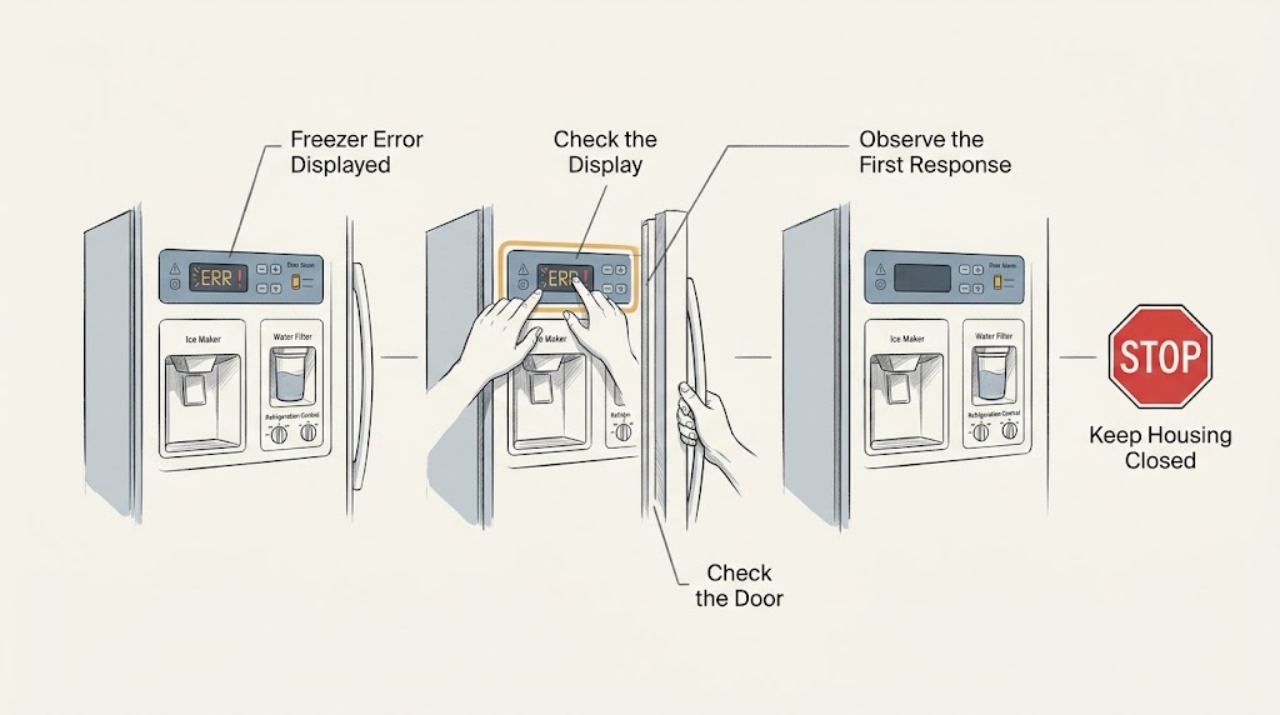
Thermador Freezer Error Displayed: Record the Exact Code Before Resetting
Do not diagnose a Thermador freezer alert from a generic error-code list. First photograph or copy the exact code, symbol, punctuation, model number, alarm timing, and freezer temperature or food condition.
-
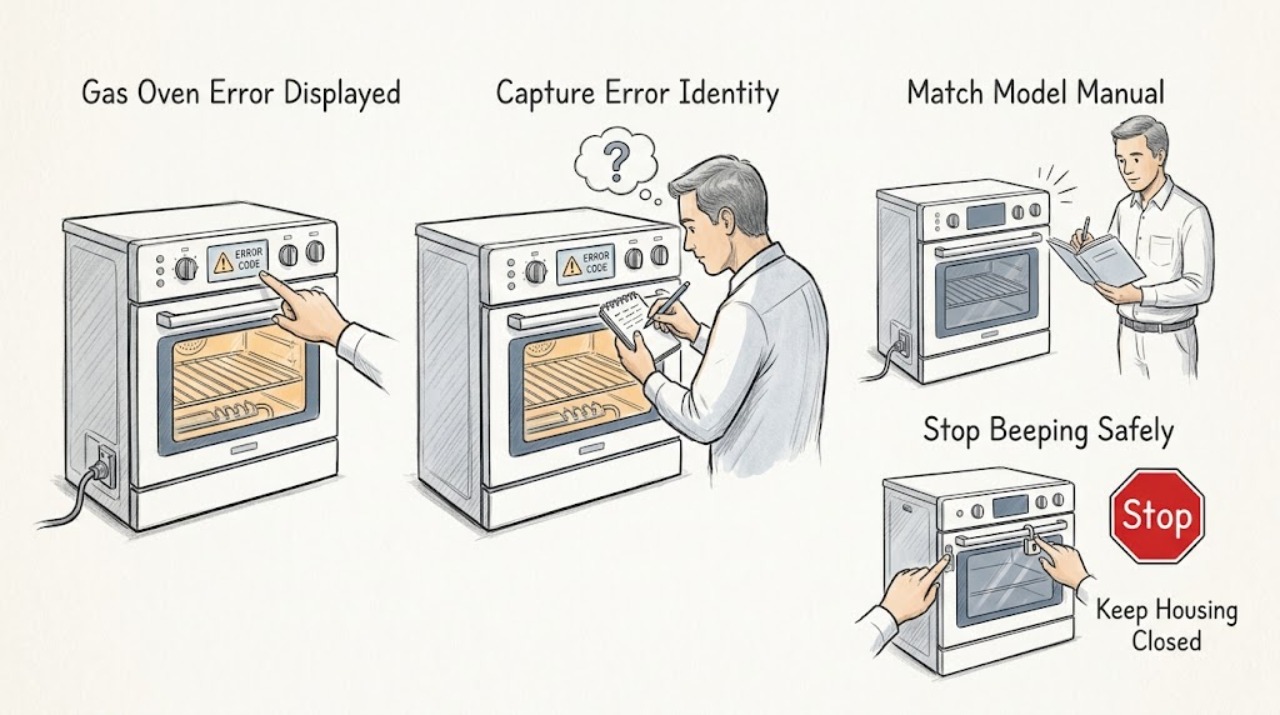
Thermador Gas Oven Error Displayed: Record the Code Before Resetting
When a Thermador gas oven displays an error, photograph or write down the complete code, model, fuel configuration, cooking mode, and stage at which it appeared before clearing anything. Thermador's oven and range support pages describe an E followed by a number with beeping as a fault/error code: press a key to stop the beeping, reset only as the model instructions allow, and turn the oven off and arrange service if the code returns.
-
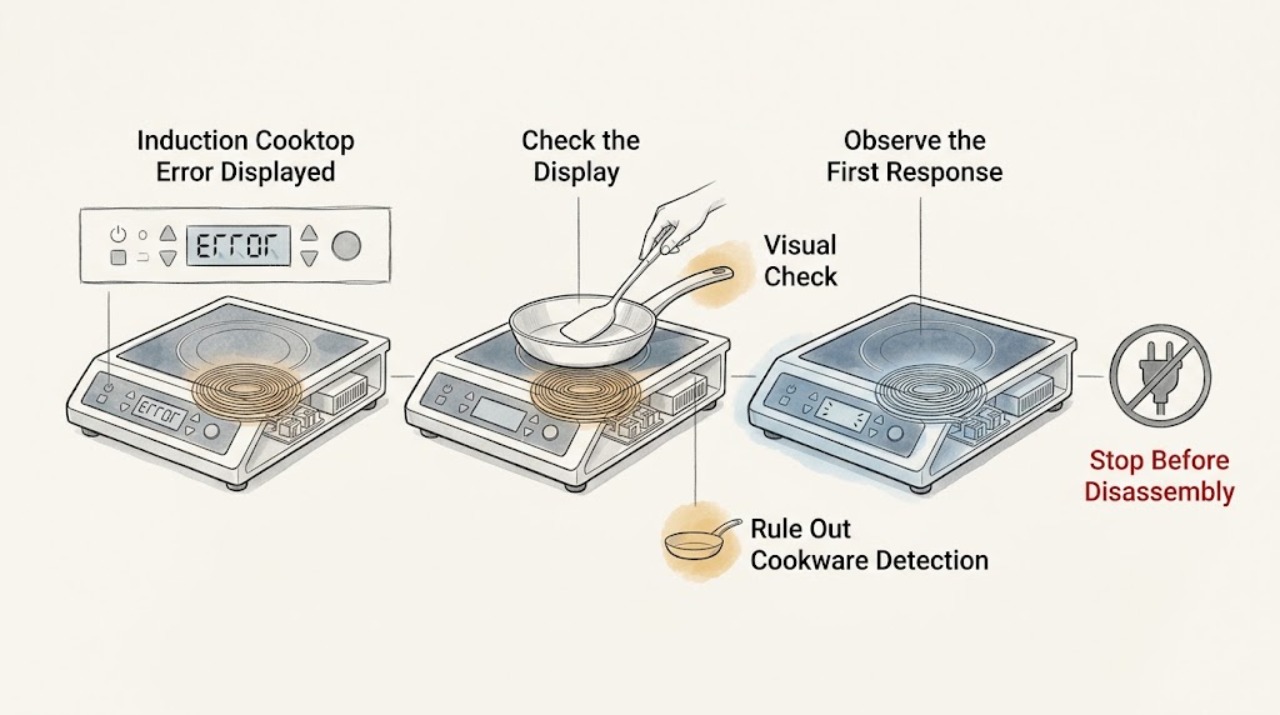
Thermador Induction Cooktop Error Displayed: Decode the Exact Code Safely
Record the complete Thermador display exactly as shown, including capitalization, digits, dE, F0, F1, F2, F4, F5, F6, F8 + H/h, F9, E7010, E7015, E8207, E8208, E9000, E9010, or U400 when applicable; do not substitute a similar-looking code. Thermador says an F plus a number indicates a detected fault and directs the owner to the exact model manual.
-
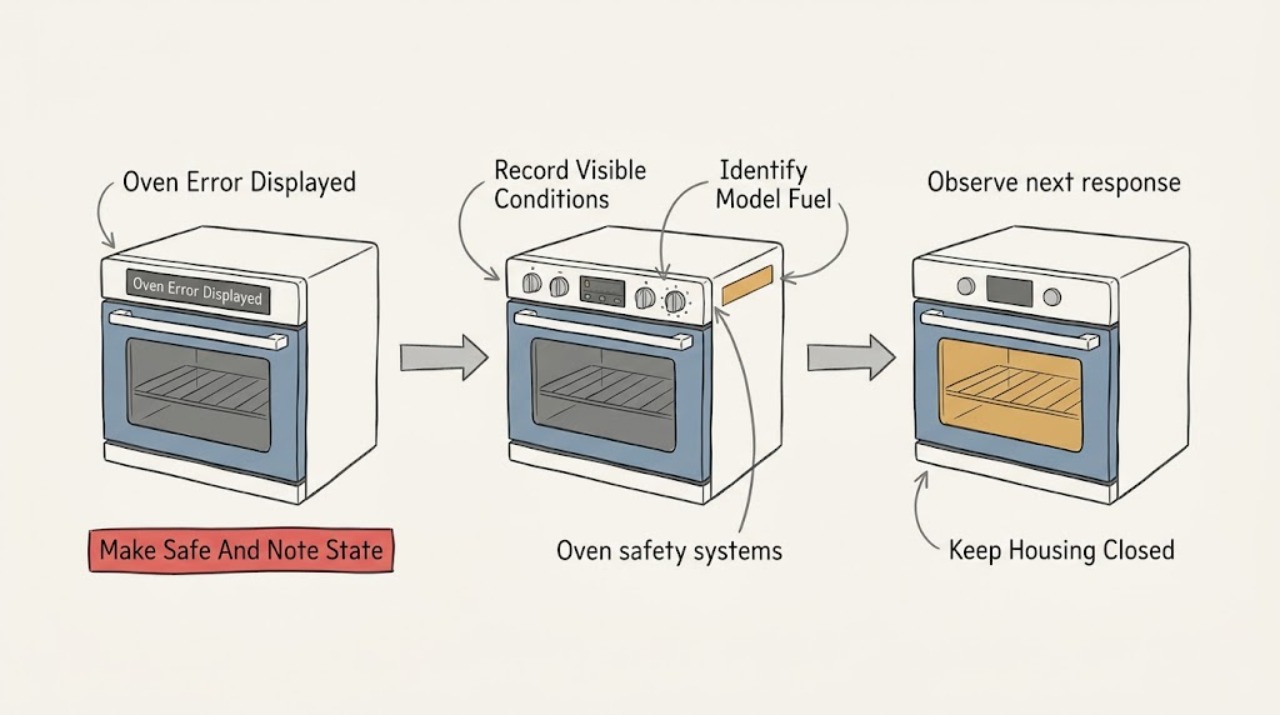
Thermador Oven Error Displayed: Identify the Code Before Resetting
Treat a Thermador oven error display as model-specific until you have recorded the complete code, the oven model, the fuel type, and what the oven was doing when the message appeared. Thermador's oven support page describes an E-number display with beeping as a fault: stop the beeping with a control key, follow the exact owner's manual for any reset, and turn the oven off and arrange Thermador service if the code returns or is not listed.
-
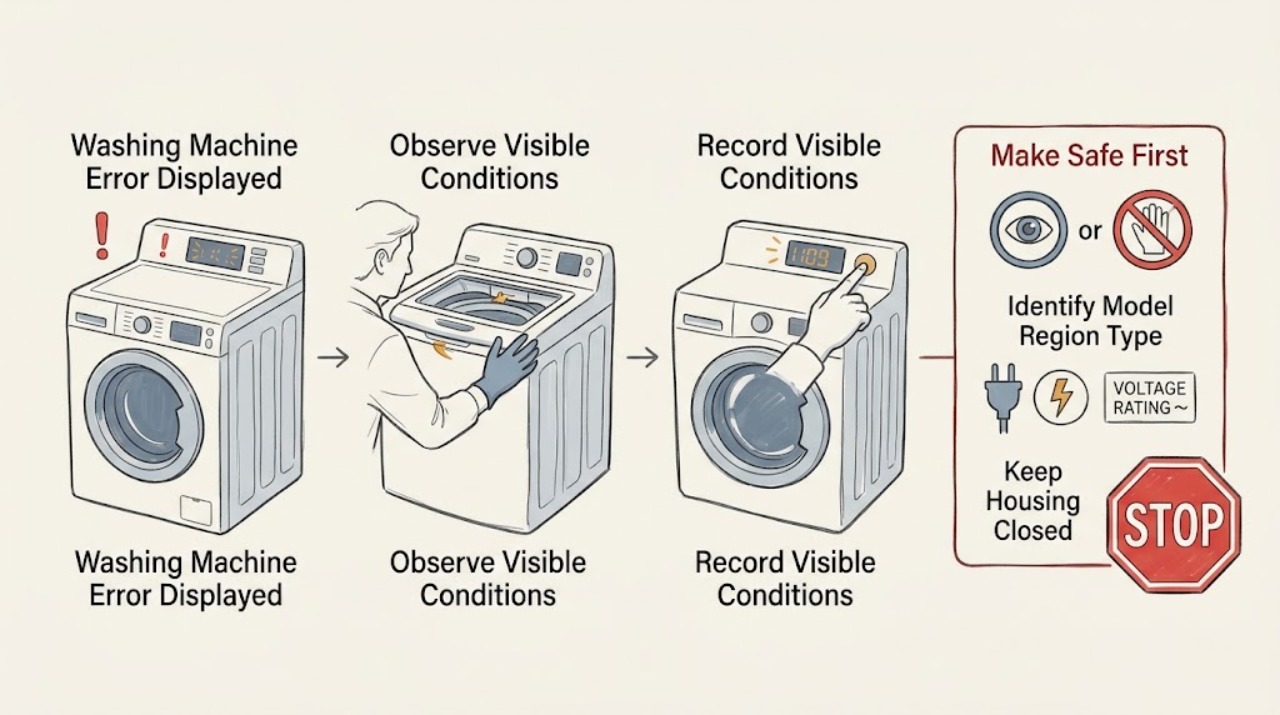
Toshiba Washing Machine Error Displayed: Record the Code Before Resetting
Treat a Toshiba washing-machine error display as model- and region-specific until you record the complete code, model, washer type, and the stage when it appeared. Toshiba's official support explains that C- or E-style displays may indicate a stopped operating condition or a fault, and that an E plus a number should be treated as a fault requiring the appliance to be switched off and service arranged when it persists.
-
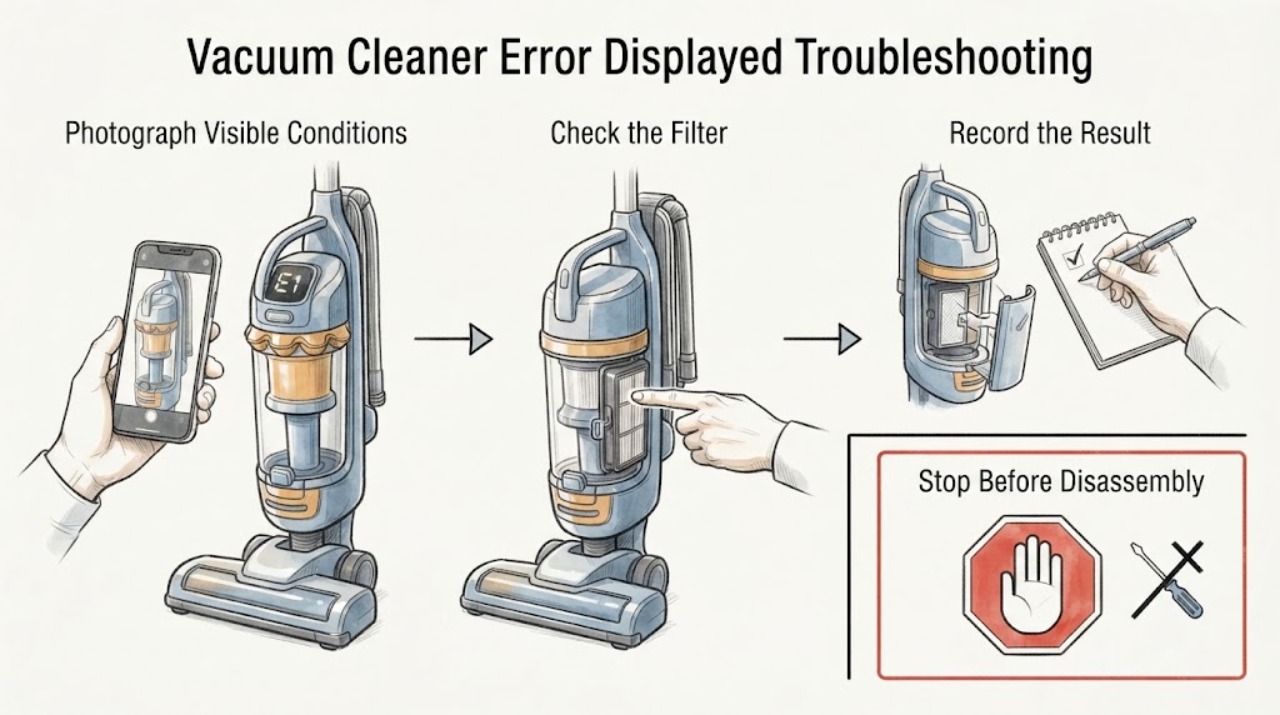
Vacuum Cleaner Error Displayed Troubleshooting Guide
When a vacuum cleaner displays an error, record the exact symbol or light pattern before resetting anything. With the vacuum off and off the charger, check only the accessible wand, head, bin, and filter path using the exact model guide. If the same error returns after the documented correction, or the code cannot be identified, stop repeated testing and contact Dyson or a qualified technician.
-
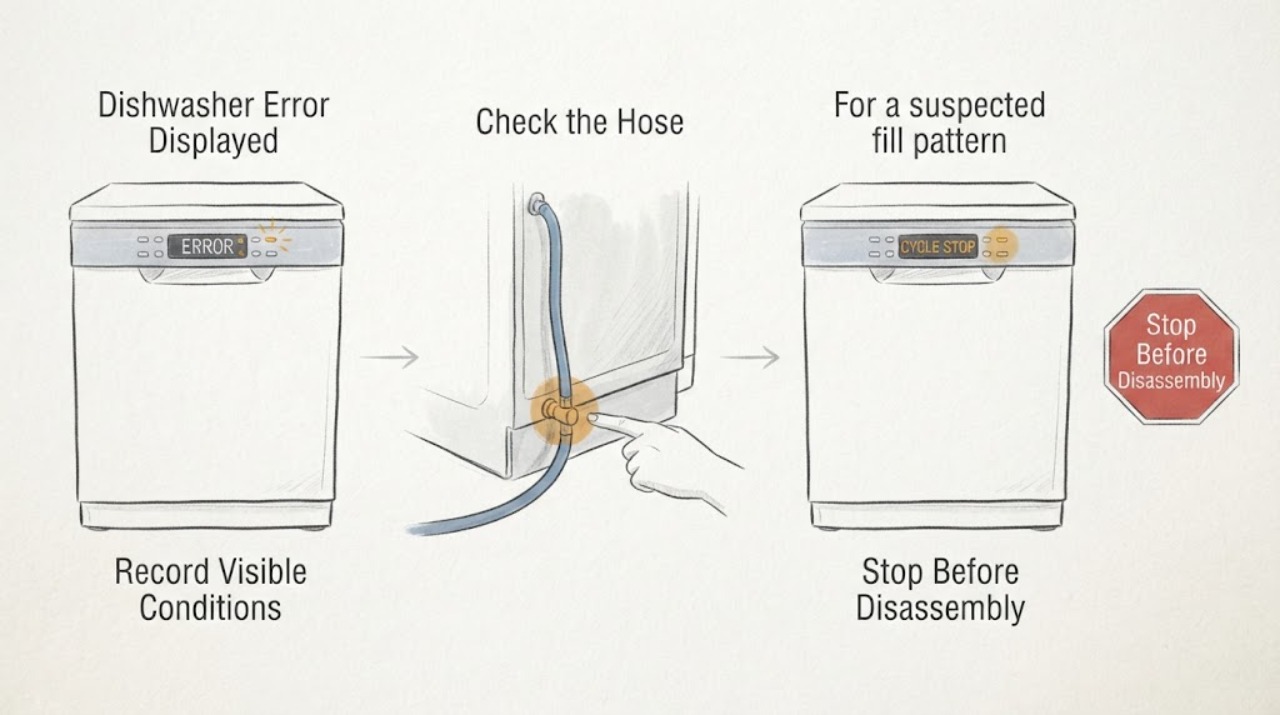
Viking Dishwasher Error Displayed: Read the Fault Pattern Before Resetting
A Viking dishwasher error display or flashing pattern must be recorded before it is cleared. On the opened 451 Series manual, the pattern identifies separate conditions such as drain, fill, motor-control, flood-sensor, and internal errors. Use the documented four-second Start reset only after the matching visible checks, and contact service when the fault returns. Other Viking series use different tables, so do not transfer a flash code between models.
-
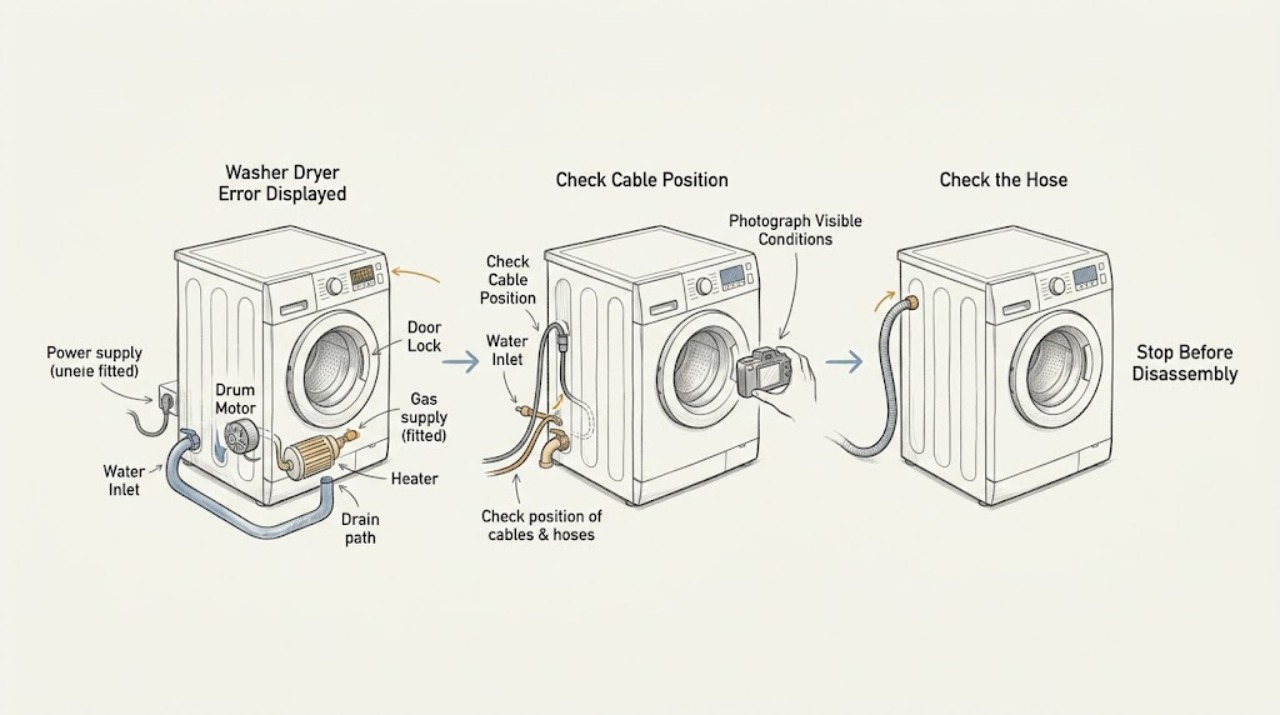
Washer Dryer Error Displayed: Identify the Code Before You Reset Anything
A washer-dryer error display is a clue, not a universal diagnosis. Photograph the complete code exactly as shown, record the appliance model and whether the wash or dry side was running, and note what stopped: filling, draining, locking, spinning, heating, tumbling, or drying.
-
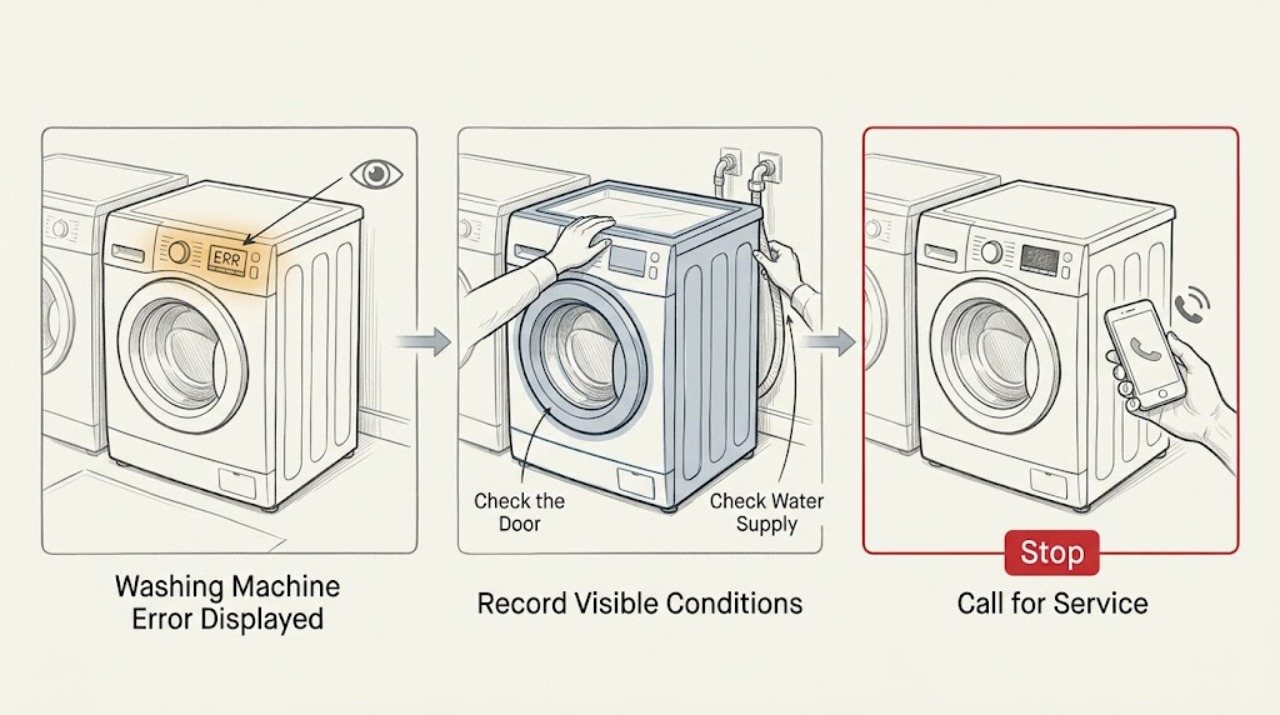
Washing Machine Error Displayed: Read the Code Before Resetting
When a washing machine displays an error, photograph or write down the complete code, flashing-light pattern, model, front- or top-loader layout, programme, and stage before switching anything off. Error codes are not universal: one manufacturer may use a code for draining while another uses it for a door, motor, or power condition.
-
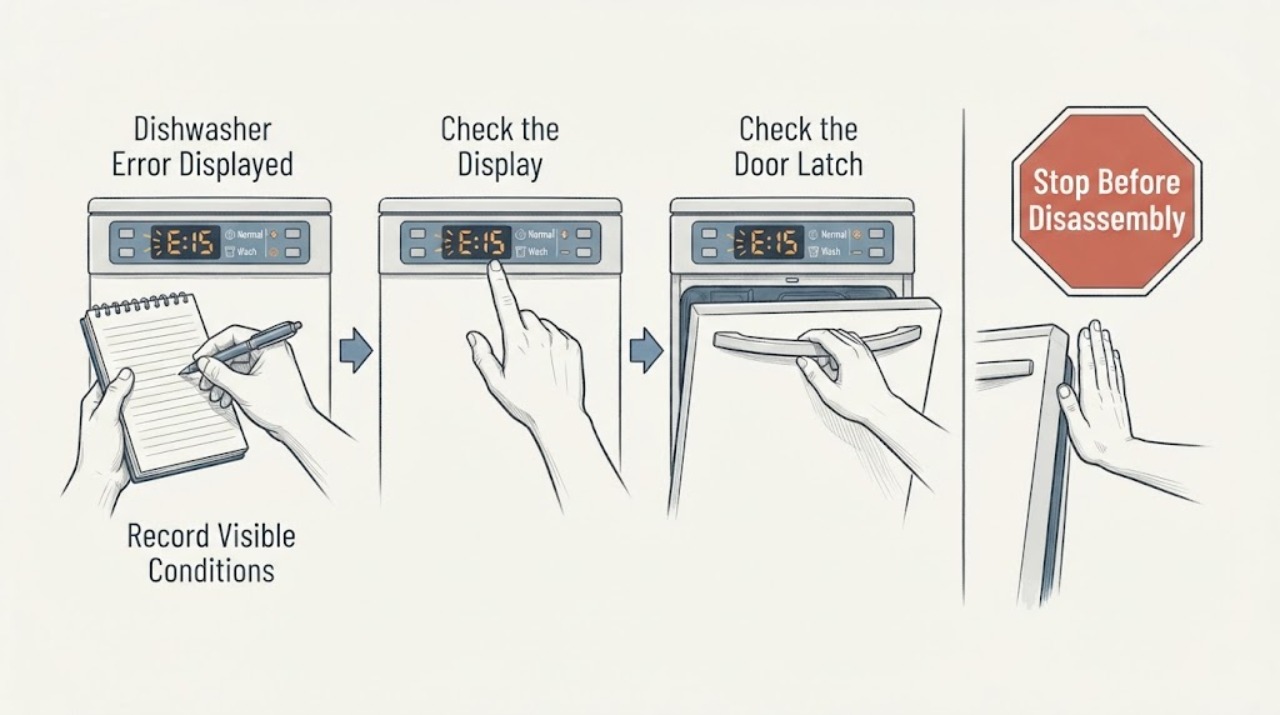
Westinghouse Dishwasher Error Displayed
A Westinghouse dishwasher error display has to be matched to the exact model manual because the code meaning and reset steps are model-specific. Record every letter, number, and flashing-light pattern, check that the door is closed and the visible water and drain path is normal, then follow the manual's documented reset once. If the code returns, the dishwasher leaks, will not fill or drain, or shows a safety or electrical symptom, leave it off and contact qualified service.
-
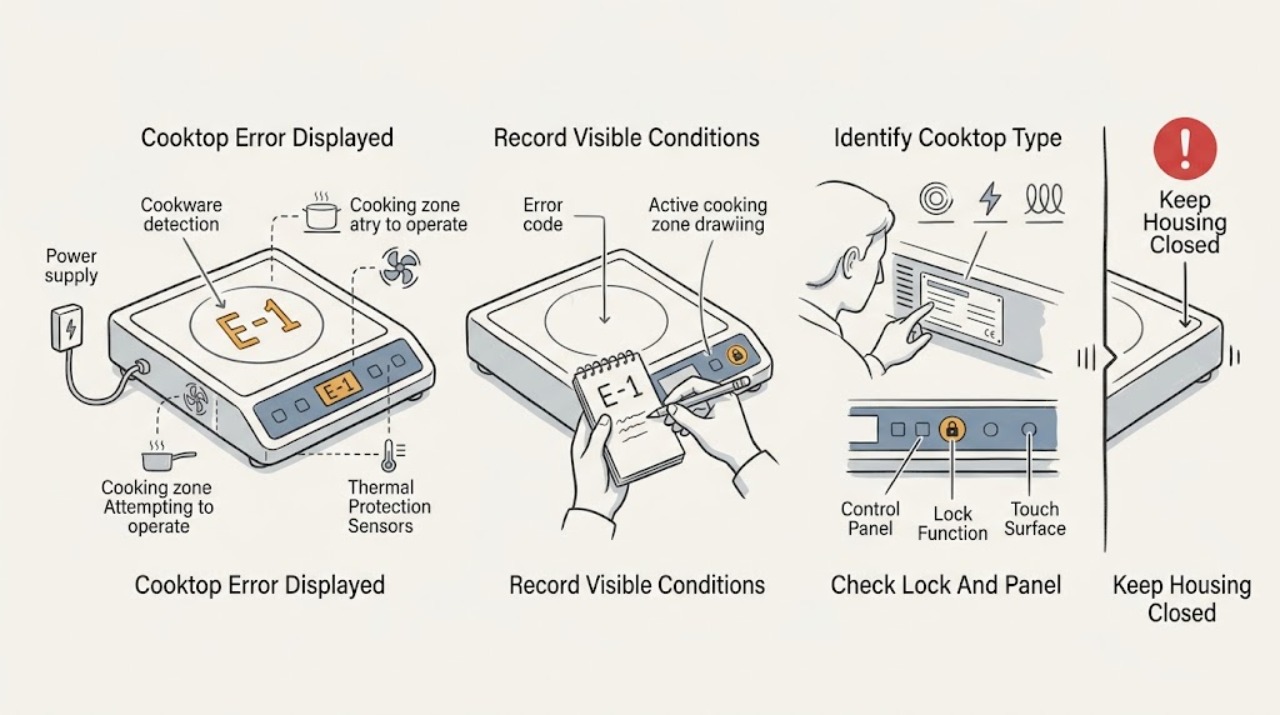
Whirlpool Cooktop Error Displayed: Record the Code, Identify the Type, and Reset Safely
Do not diagnose a Whirlpool cooktop code from a photo or a partial character. Record the exact display, model number, and whether the appliance is gas, radiant electric, or induction before applying any code guidance.
-
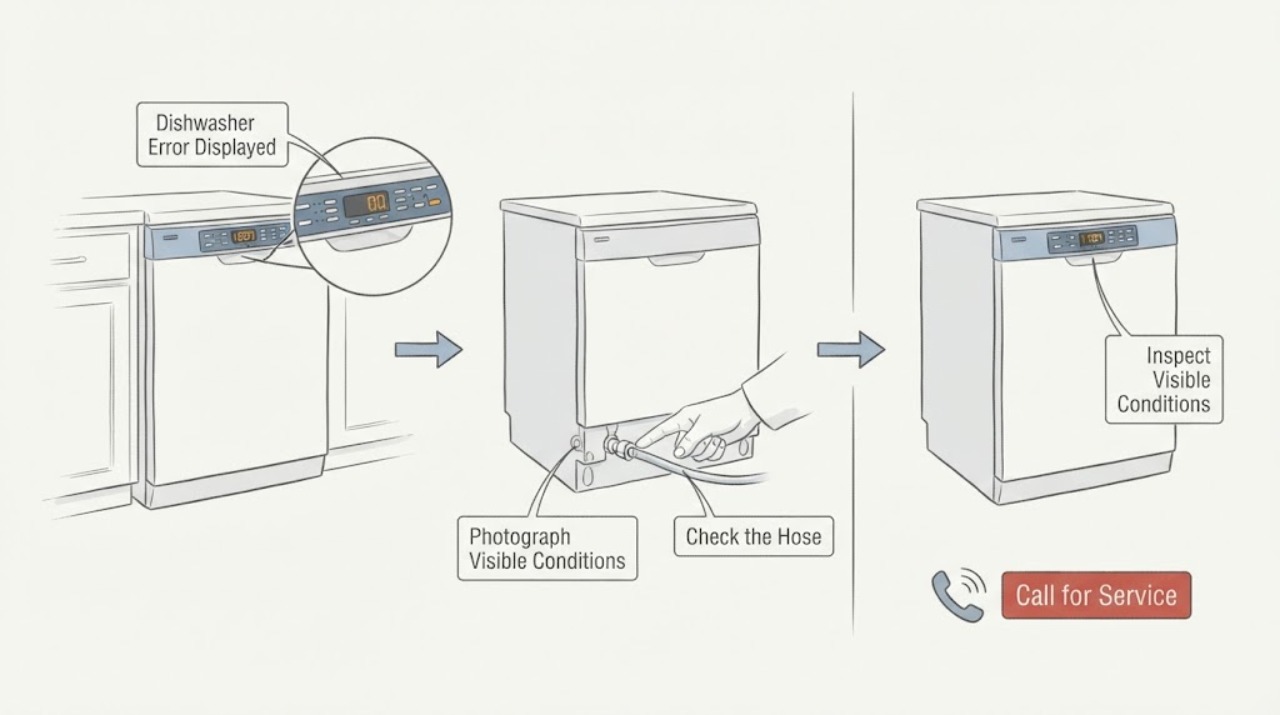
Whirlpool Dishwasher Error Displayed
When a Whirlpool dishwasher displays an error, record the exact F#E# code or two-part light pattern before resetting. Match it to the exact model manual, then follow only the safe external check for that code—such as the filter and drain path for a long-drain indication or a water and leak check for an overfill indication.
-
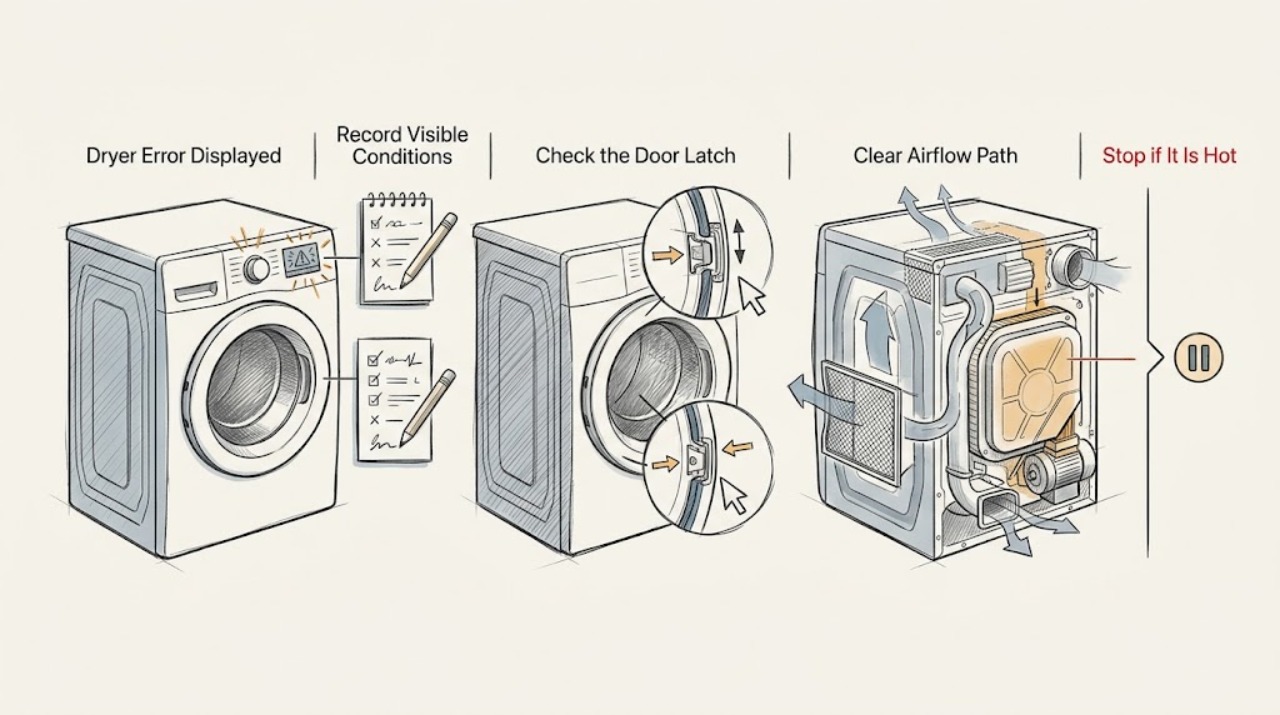
Whirlpool Dryer Error Displayed: Record the Code Before You Reset
Photograph or write the complete Whirlpool dryer code exactly as displayed, including spaces, alternating characters, and any message, then record the model, electric or gas configuration, cycle, and stage. Do not apply the meaning of a code from another dryer family.
-
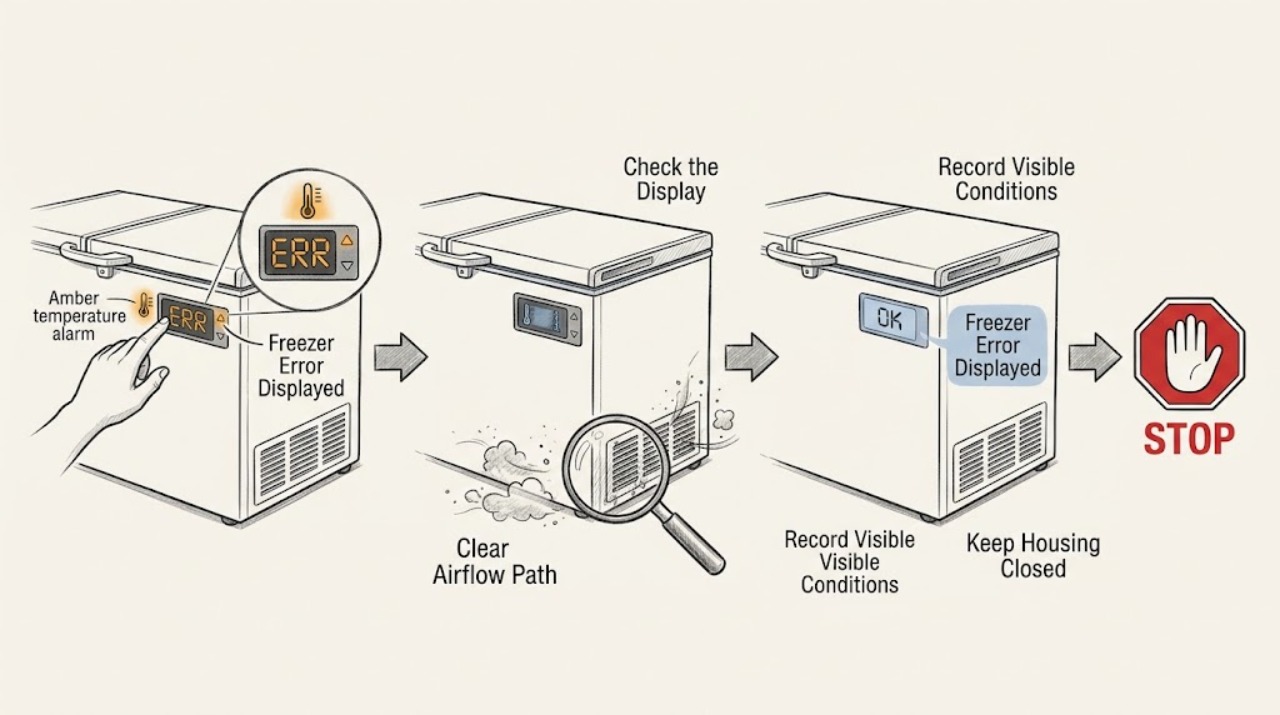
Whirlpool Freezer Error Displayed: Record the Code and Check the Safe Basics
Do not guess what a Whirlpool freezer code means from a different model. Record the exact characters, flashing pattern, indicator color, alarm sound, model number, freezer type and the time or event when it appeared.
-
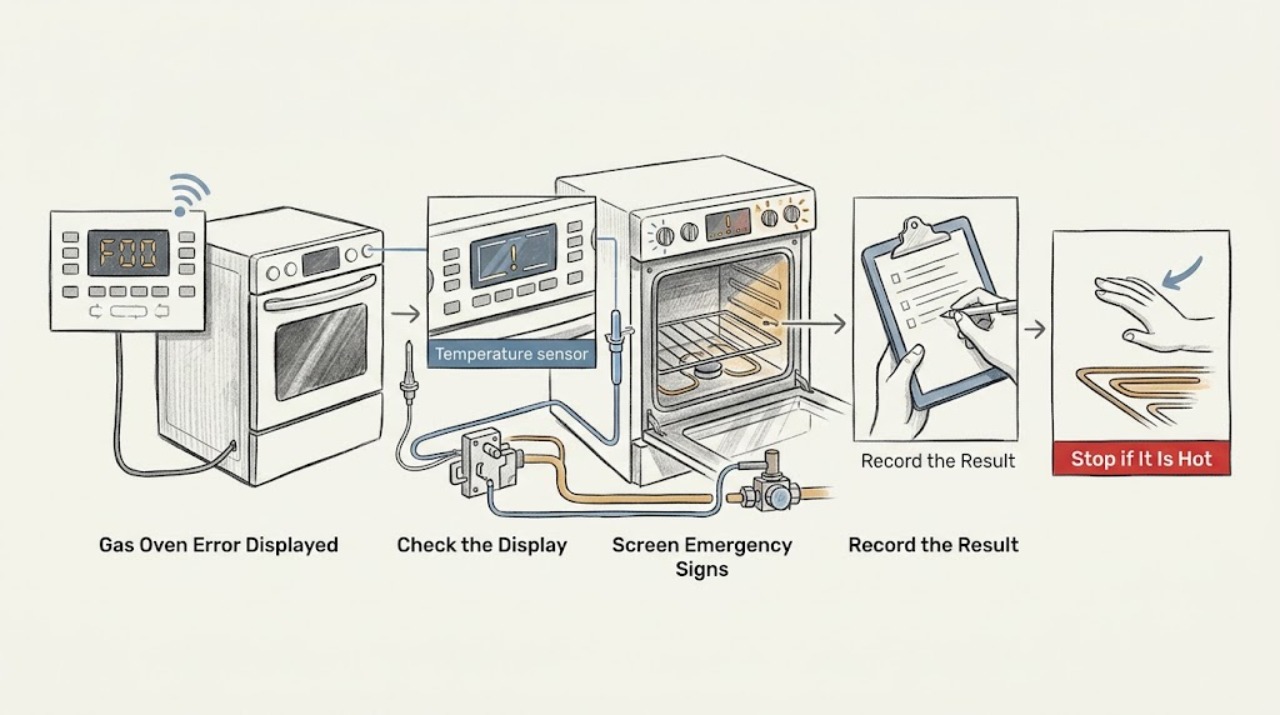
Whirlpool Gas Oven Error Displayed: Record the Code Before Resetting
A Whirlpool gas oven error message is a symptom, not a universal diagnosis. Before clearing it, write down the complete code exactly as shown, the model, oven cavity, fuel configuration, selected mode, and what the oven was doing when it appeared.
-
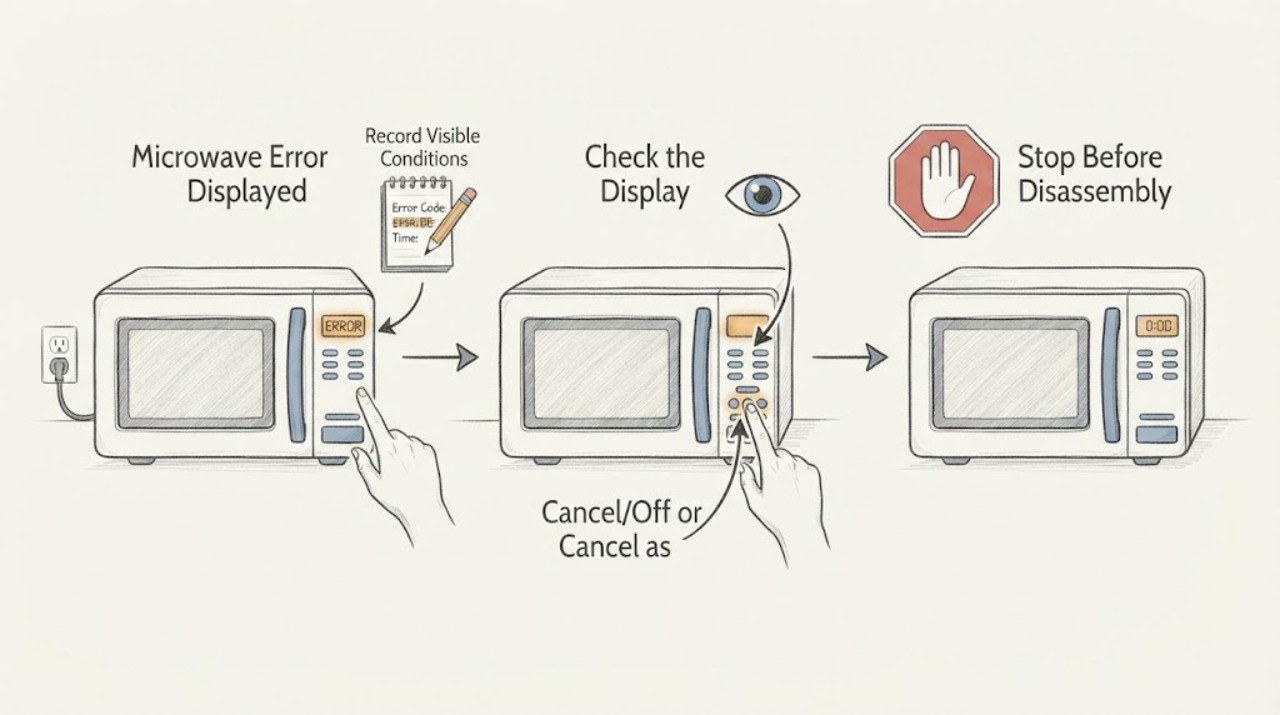
Whirlpool Microwave Error Displayed: Safe Checks
When a Whirlpool microwave displays an error, record the exact code and microwave type before acting. PF or a blinking colon usually indicates a power event, while LOC/L/padlock indicates Control Lock and needs the model-specific unlock sequence. Door messages and other codes require their matching owner guidance. A recurring code, damaged latch, smoke, sparking, or burning odor is a stop-and-service condition.
-
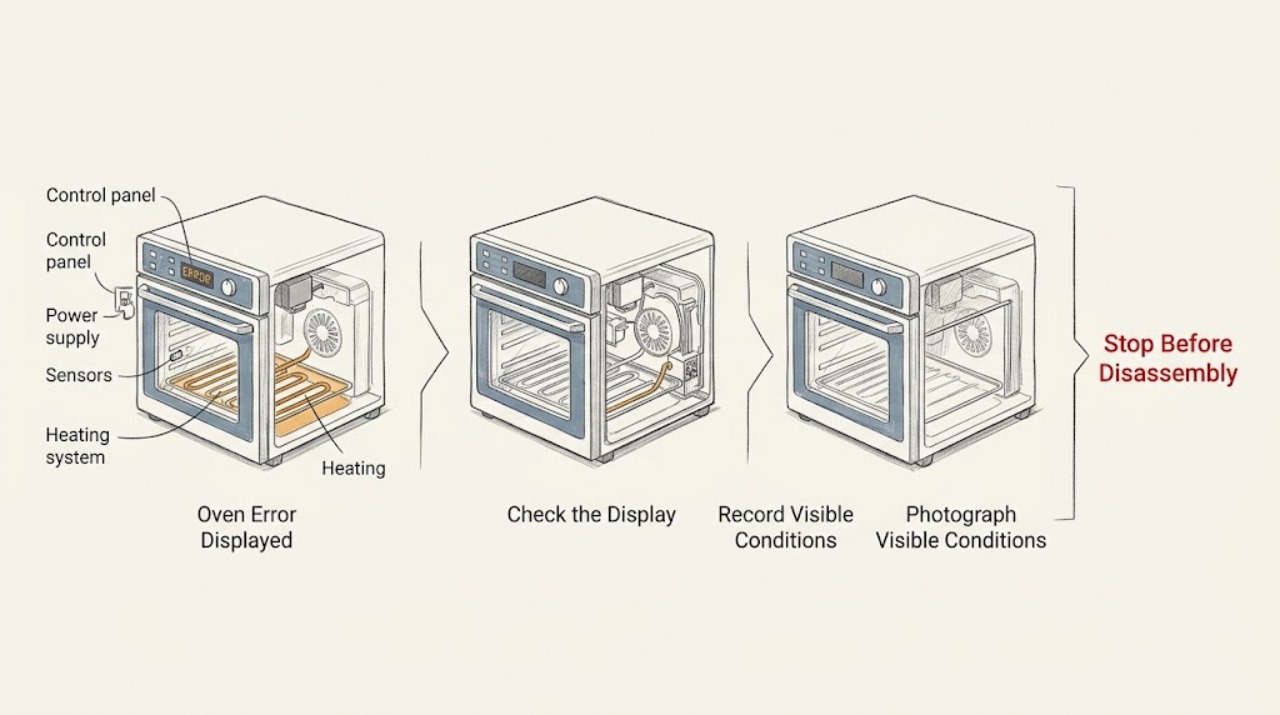
Whirlpool Oven Error Displayed: Record the Code and Choose the Safe Next Step
Do not guess what a Whirlpool oven error means from the letters alone. Record the complete code exactly as shown, the model number, whether the oven is gas or electric, and what the oven was doing when it appeared.
-
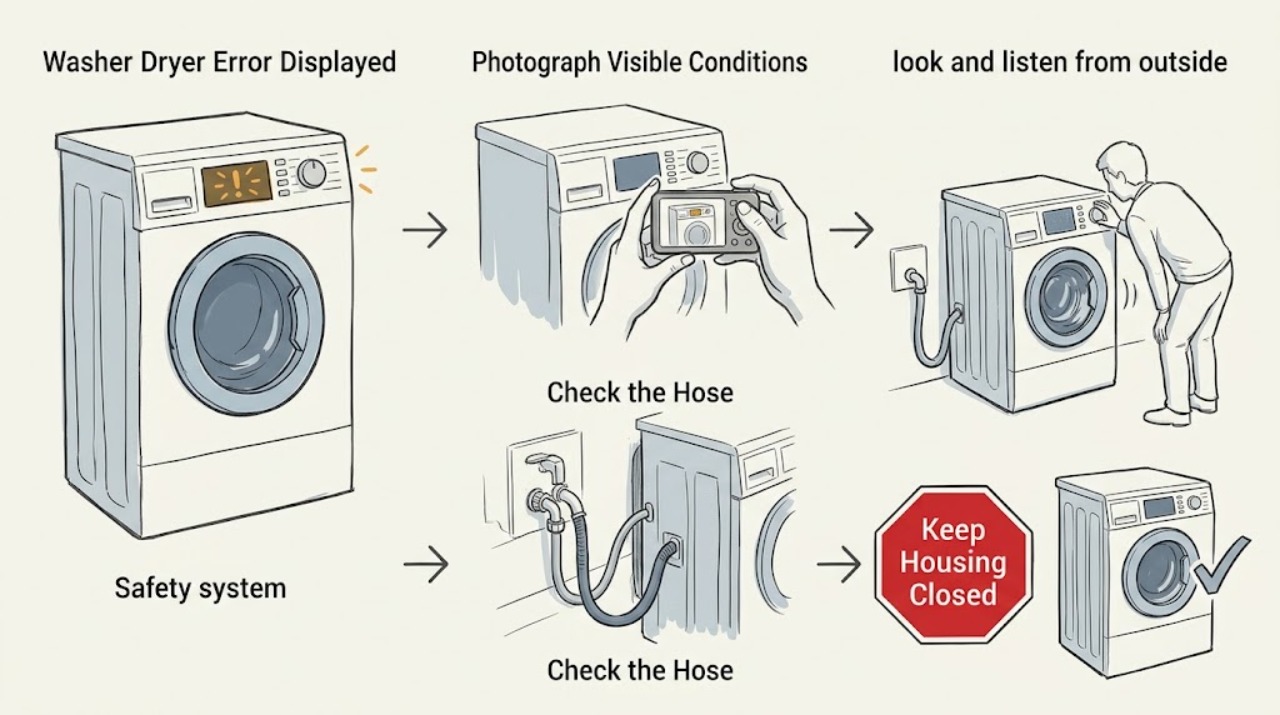
Whirlpool Washer Dryer Error Displayed: Identify the Code Before Resetting
When a Whirlpool washer dryer displays an error, photograph or write down the exact code, the model number, and whether it appeared during washing or drying before clearing anything. Use the owner's manual or Whirlpool's code page for that exact model; do not guess from a similar-looking code.
-
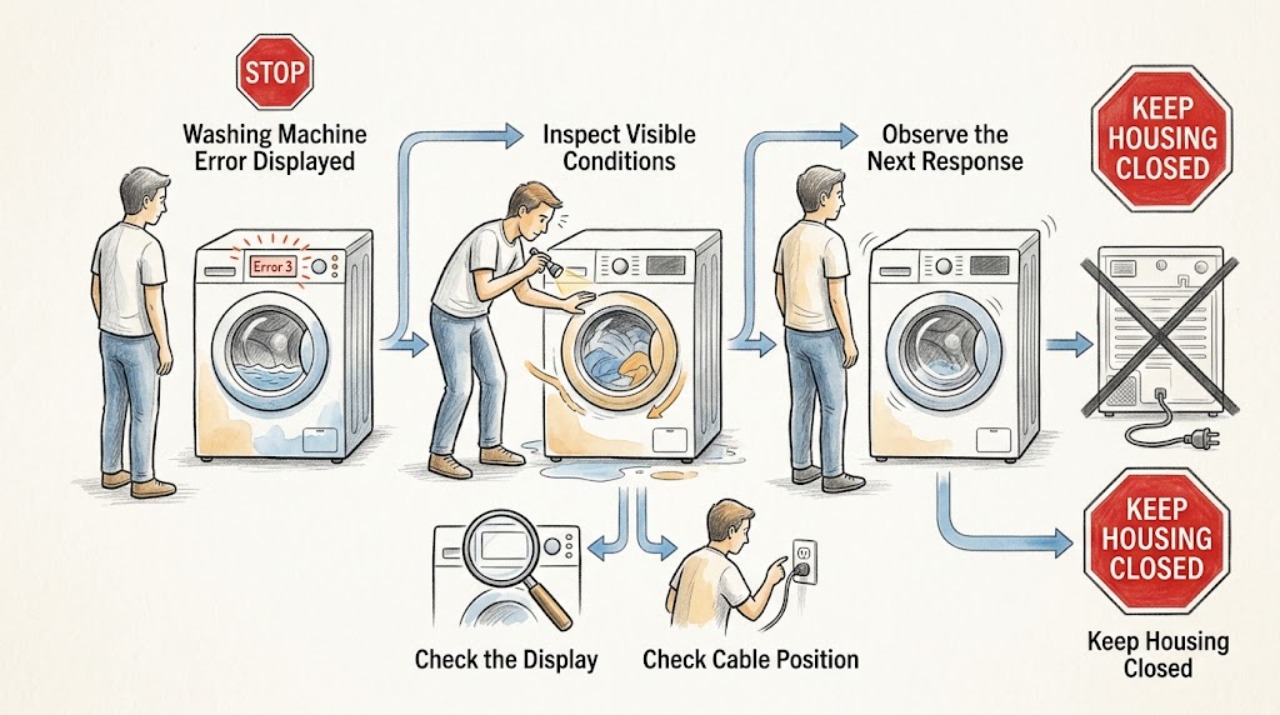
Whirlpool Washing Machine Error Displayed: Identify the Code Before Resetting
Do not interpret a Whirlpool washer code from a partial display or from another model. Photograph or write down the complete code, model number, washer style, cycle stage, water level, and whether the door or lid is locked.
-
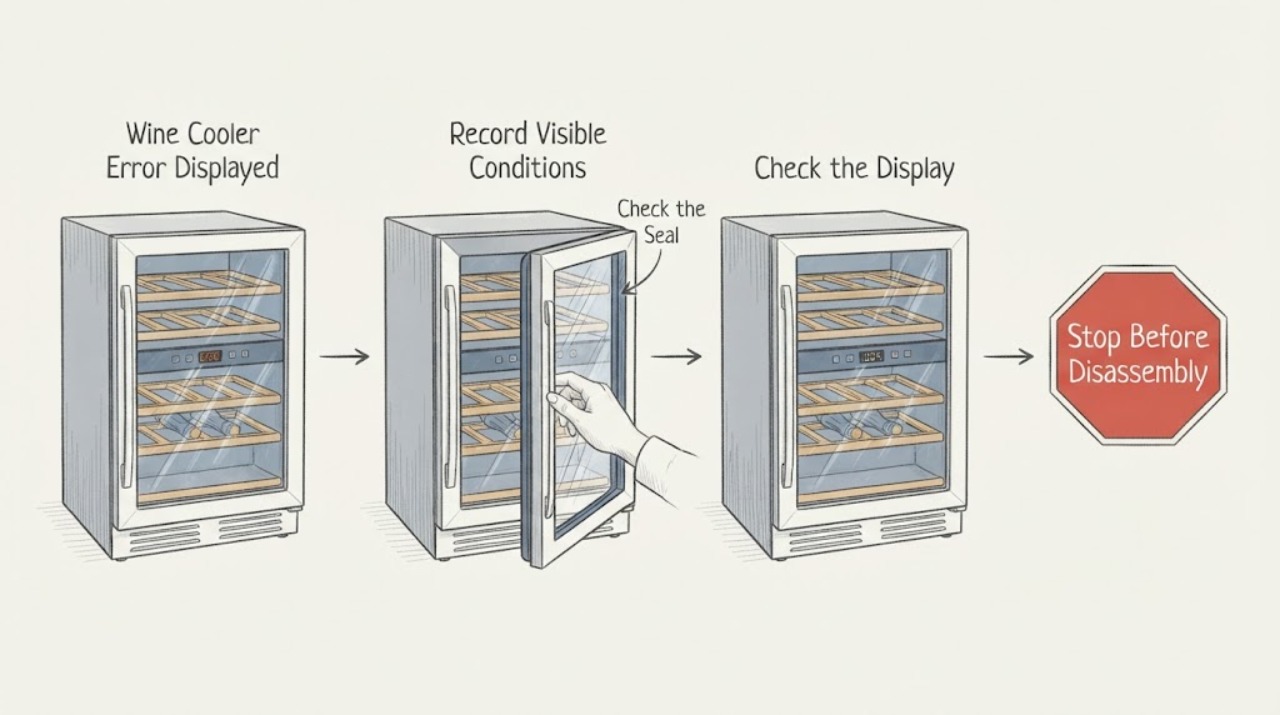
Wine Cooler Error Displayed
Record the exact wine-cooler display before resetting it. Error meanings differ by series, and Haier says a wine cooler showing an error code should be serviced rather than diagnosed from a generic code list. Check only visible door, temperature, and power conditions from the manual.
-
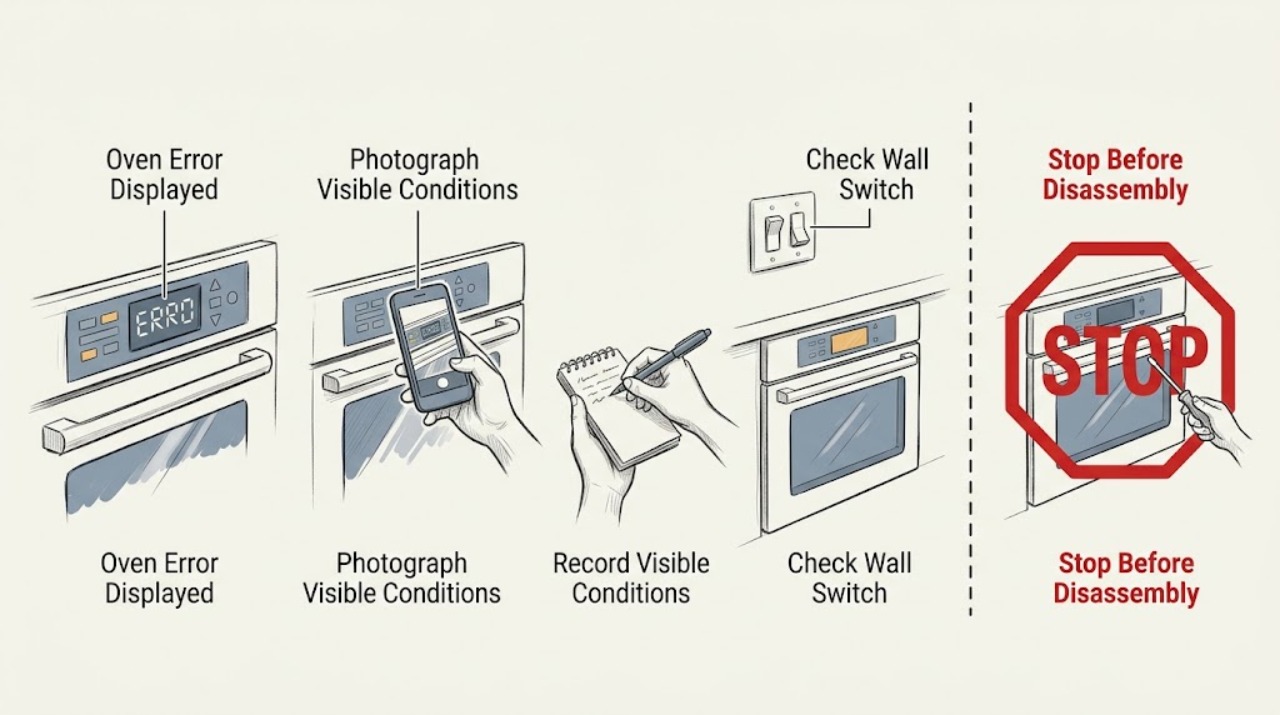
Wolf Oven Error Displayed: Identify the Code Before Resetting
Do not interpret a Wolf oven message from the digits alone. Record the complete display, oven type, model line, operating mode, and what happened just before it appeared.
-
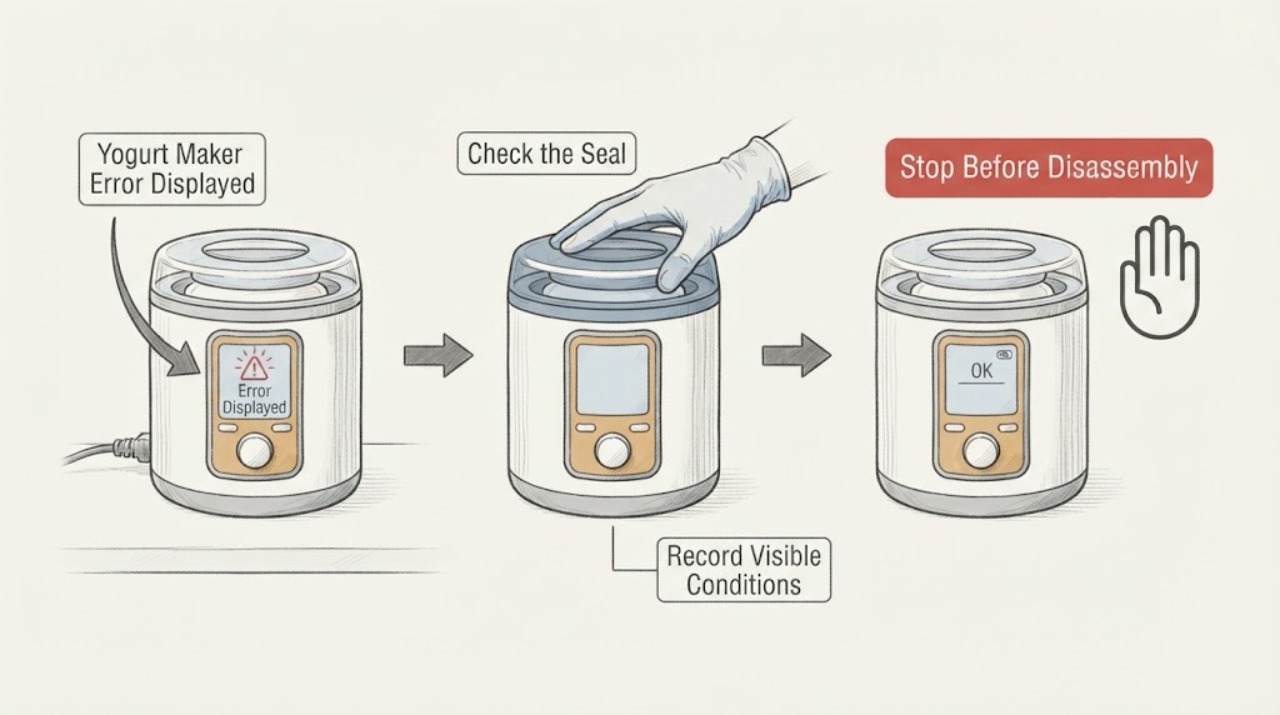
Yogurt Maker Error Displayed
A yogurt maker error display is model-specific, so record the exact code or indicator before resetting. Check the power connection, lid or vessel seating, temperature probe area, and whether the error appears during heating, incubation, or cooling using the exact manual. Perform only one documented reset; discard a batch if temperature control was lost, and stop for a hot cord, smoke, liquid in the base, or repeated error.
-
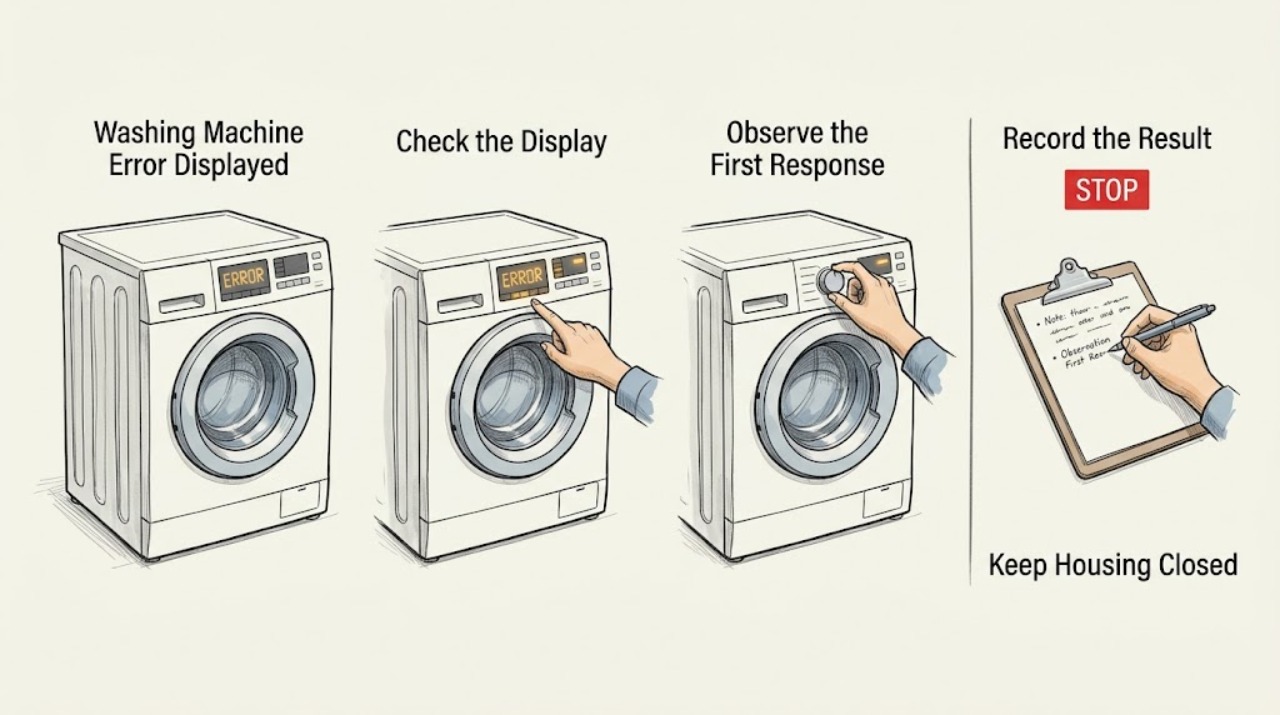
Zanussi Washing Machine Error Displayed: Identify the Code Safely
Treat a Zanussi washing-machine error display as a model- and stage-specific clue, not as a code that can be interpreted across every machine. Write down the exact code or light pattern, full model and PNC details, whether the machine is a front or top loader, and the point in the cycle when it stopped.