
On this page
Start here
Quick answer
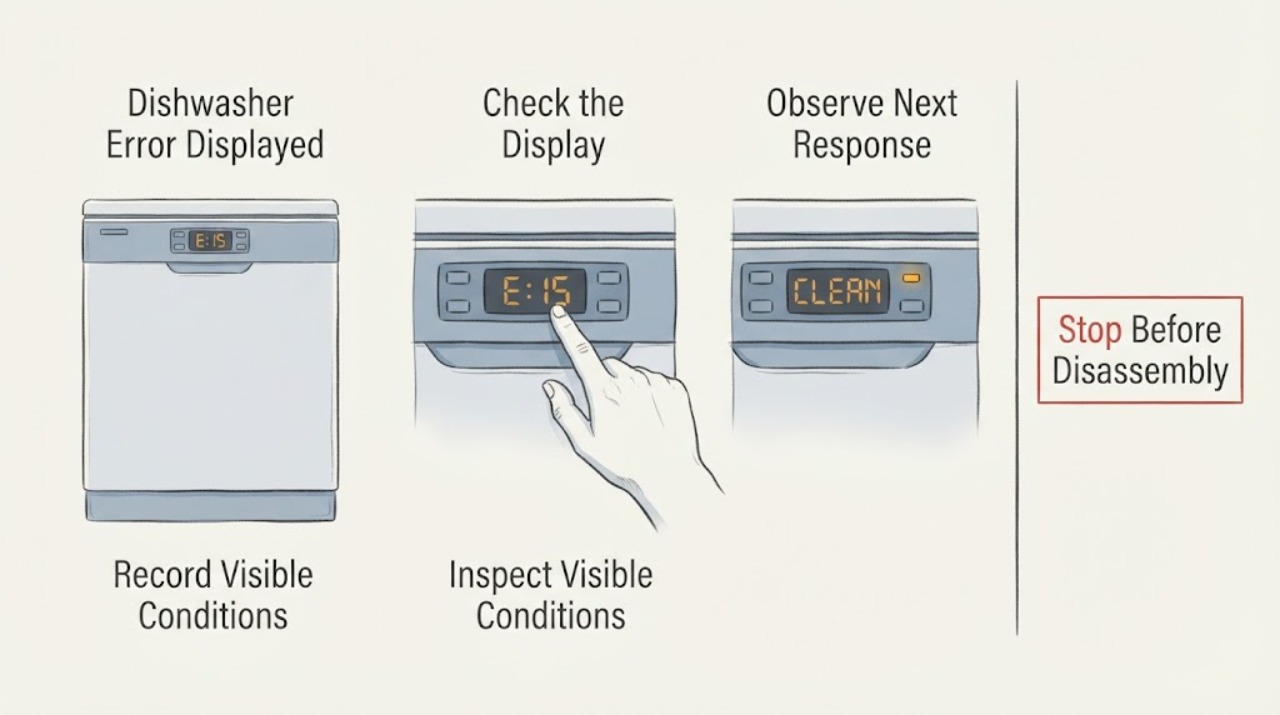
Write down the exact Samsung dishwasher code or flashing-light pattern before resetting anything. Codes such as 3C, 4C/4E, 5C/5E, LC/LE, and button or communication codes point to different checks; a model without a digital display may use blinking lights. Follow the matching model guidance and request service when the code returns.
Work through in order
Diagnostic checks
Use only checks that match the exact appliance or system and its official guide.
-
Check 1
Record every letter/number on the display, or record which cycle lights blink together if there is no digital display.
Expected result: A readable code/pattern is captured, or only ordinary status lights appear while the dishwasher runs normally.
Next step: Use the exact model manual or Samsung's error-code/blinking-light guide before resetting.
Why this matters
Why: A captured code can be mapped to Samsung's model guidance; ordinary status blinking is not automatically an error.
-
Check 2
Match the code to its symptom: 3C pump operation, 4C/4E water supply, 5C/5E drain, LC/LE leakage, or a button/communication code.
Expected result: The code's described symptom matches what the machine is doing, or it does not.
Next step: Perform only the accessible check Samsung lists for that code, such as filter/drain inspection for drain codes or water-supply inspection for fill codes.
Why this matters
Why: A matching symptom narrows the next check; a mismatch means the model manual and exact code take priority.
-
Check 3
After the documented troubleshooting is complete, power-cycle once using the model guidance and observe whether the code returns.
Expected result: The code clears and the next cycle operates, or it returns / the unit remains stopped.
Next step: Stop repeated resets and request Samsung service with the code, light pattern, and observed symptom.
Why this matters
Why: A cleared code may have been transient; a returning code means the underlying condition remains.
Use your observations
Decision map
Find the observation that best matches what you see, then follow the next safe action.
-
PATH 01Next step
What you see
A 5C/5E or related drain indication appears with standing water.
Do this next
Correct only accessible blockage or hose kinks and escalate if draining remains abnormal.
Why this path and its safety boundary
Why it matters: Samsung defines these as drain errors, so sink, drain hose, filter, and drain-area checks take priority.
-
PATH 02Next step
What you see
LC/LE appears, the unit runs its drain pump continuously, or moisture is visible.
Do this next
Turn off water/power as safely possible, inspect for moisture, and arrange service if the condition persists.
Why this path and its safety boundary
Why it matters: The leak sensor is detecting moisture, even when a visible leak is not obvious.
-
PATH 03Next step
What you see
The code returns after its listed check or the code is not in the model's guide.
Do this next
Keep the code and model number and contact Samsung service.
Why this path and its safety boundary
Why it matters: The problem needs model-specific diagnosis rather than a generic reset.
Helpful context
Understand the symptom
Do not treat every light as the same fault
The identity of the code is the first decision. A drain code, leak code, pump code, and stuck-button code cannot be safely solved by one generic reset.
When checks do not resolve it
Need a professional?
Request professional service when an error returns, the control panel is unresponsive, a leak/overflow is present, or the code indicates a pump, heater, sensor, or communication fault. Do not open electrical covers.
Common questions
FAQ
Should I reset a Samsung dishwasher as soon as a code appears?
No. Samsung says to troubleshoot the code first because resetting alone may leave the cause unresolved.
What if my dishwasher has no digital display?
Some Samsung models use combinations of blinking cycle lights. Record the pattern and use the model-specific blinking-light guide.
Read the exact guide
Official sources
- How to reset your Samsung dishwasherSamsung Support US · Samsung dishwasher reset timing and limits
- Samsung dishwasher is displaying an error codeSamsung Support US · Samsung dishwasher information-code meanings and troubleshooting
- Lights are blinking on the Samsung dishwasherSamsung Support US · Samsung dishwasher blinking-light code interpretation
Community feedback
Share a repair observation
Share a plain-text repair observation. Accepted observations are published automatically; this page may take a moment to update.