
Samsung appliance guidance
Samsung Dishwasher Repair Guides
Troubleshooting and repair guidance for published Samsung Dishwasher problems, symptoms, and maintenance questions.
Published Samsung Dishwasher guides
Choose the guide whose symptom or condition most closely matches what you are seeing.
-
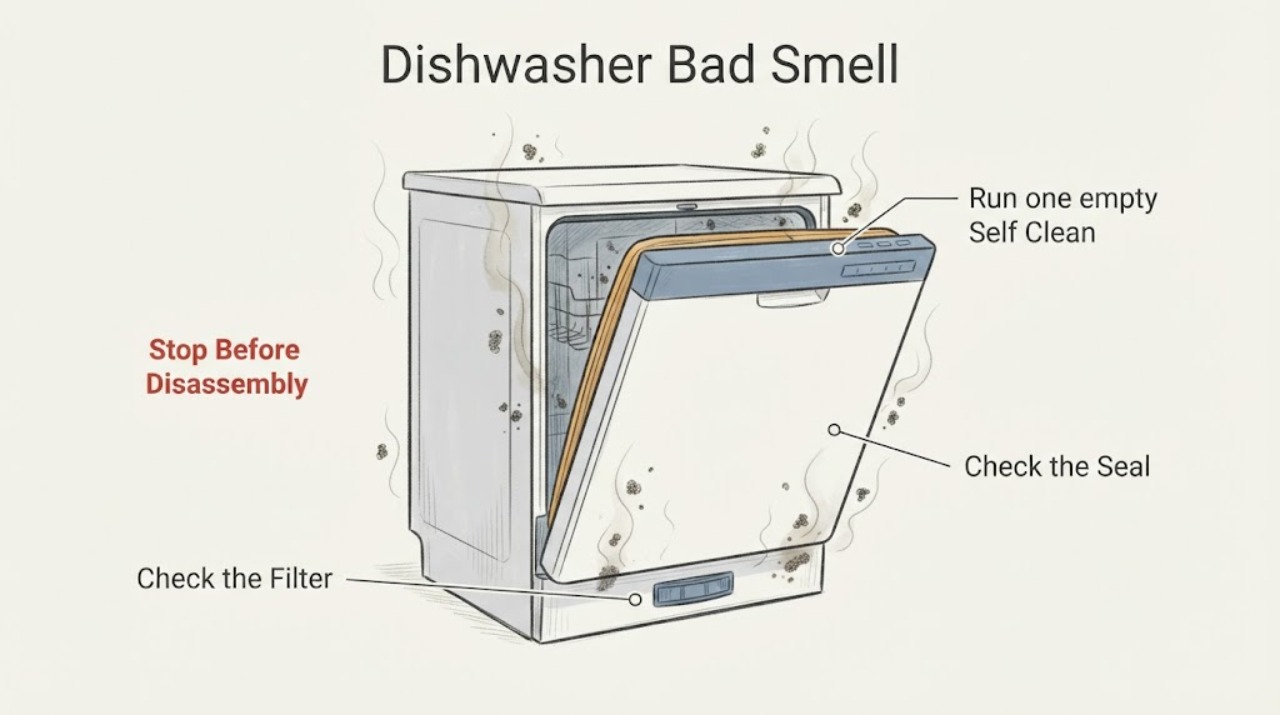
Samsung Dishwasher Bad Smell
Start with the dishwasher's drain area, filter housing, spray nozzles, door seal, and connected sink drain. Samsung links odor to moisture and food residue and warns against bleach in stainless-steel interiors. Clean accessible parts with the model manual, run an appropriate empty cleaning cycle, and escalate if the odor is burning, sewage-like after plumbing checks, or persists.
-
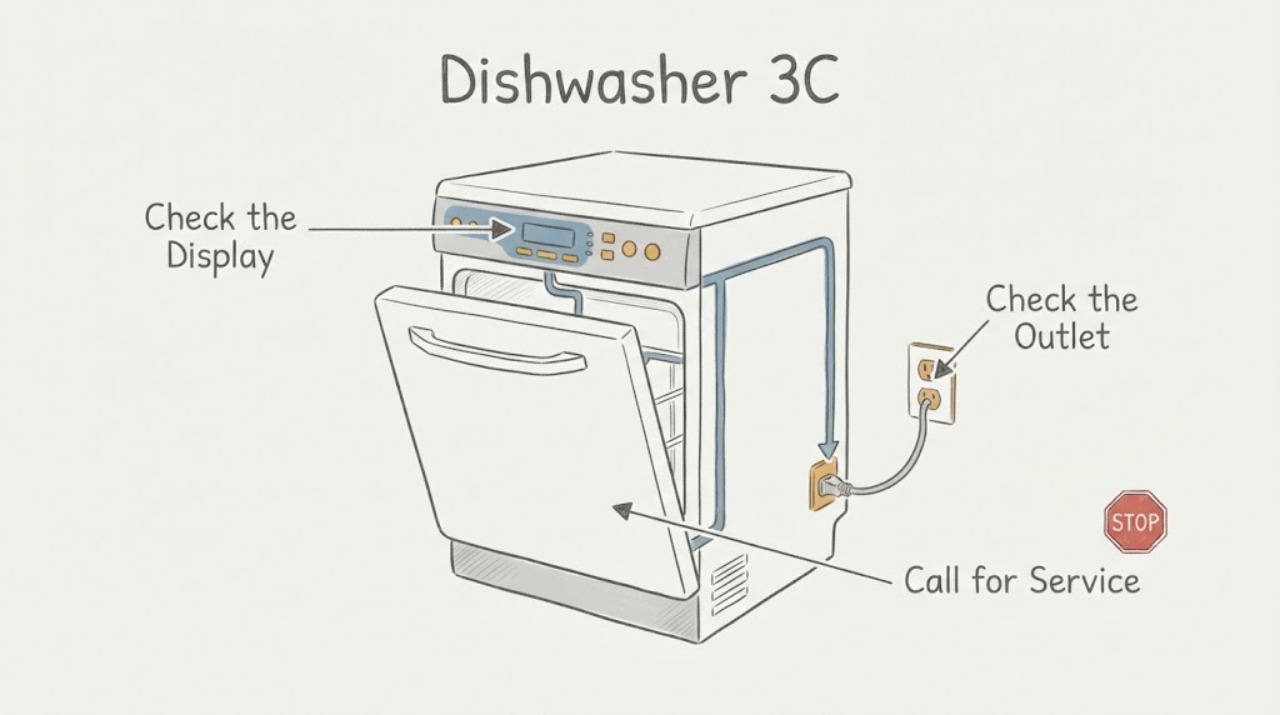
Samsung Dishwasher 3C: Confirm the Code Before Calling It a Circulation Failure
Samsung's US dishwasher code guide labels 3C as a pump operation error, but that does not tell a homeowner which pump, control or other part to replace. First photograph the complete model label and verify that the display is actually 3C, not 3E, PC, 4C/4E, 5C/5E, OC/0C/oE or LC/LE; the meanings and troubleshooting can vary by model and market.
-
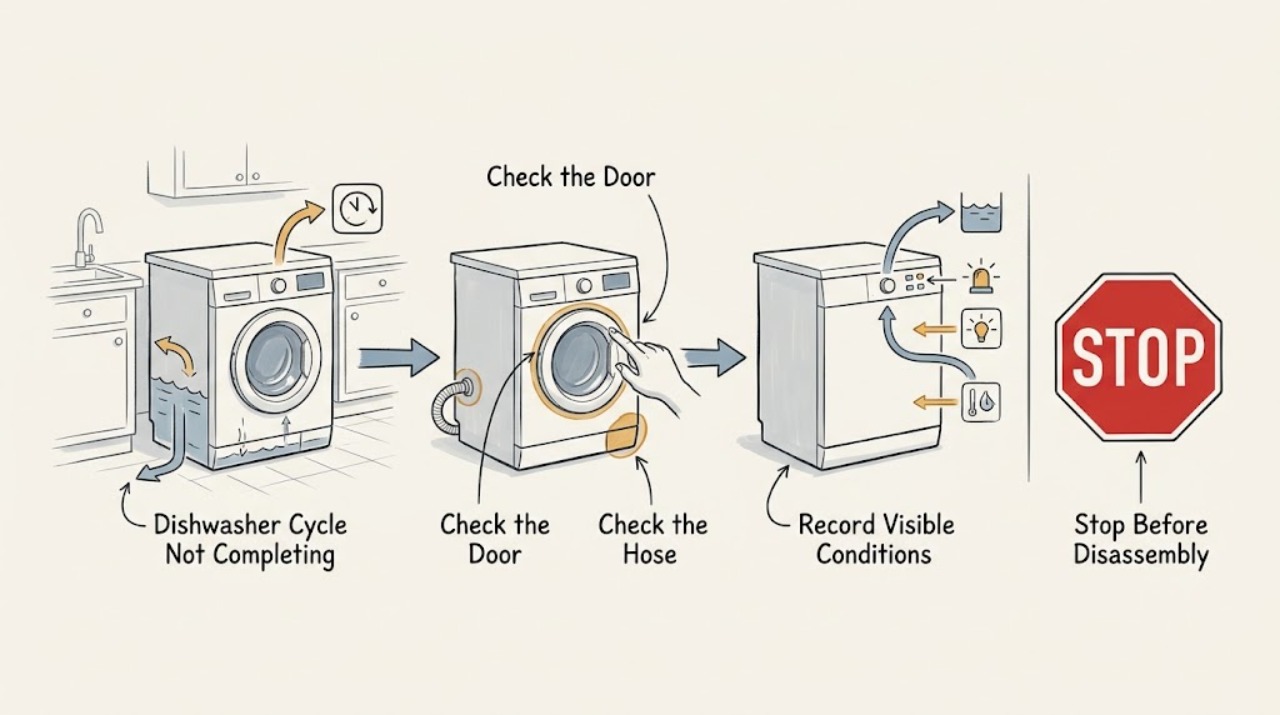
Samsung Dishwasher Cycle Not Completing
A Samsung dishwasher that stops before the end needs its displayed code or blinking lights checked first. Then distinguish a drain problem, water-supply problem, door interruption, or drying-phase issue. Check the sink/drain hose, door and loading, and detergent/filter condition; request service if the same stop repeats or a code returns.
-
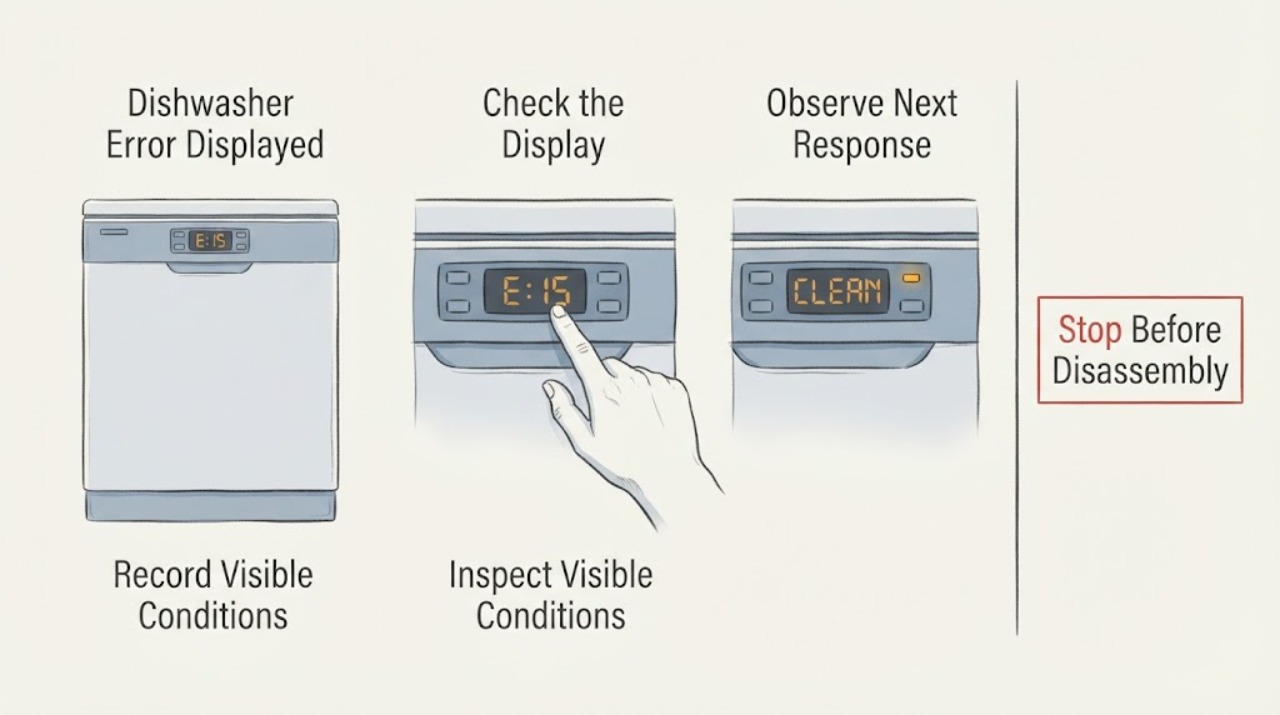
Samsung Dishwasher Error Displayed
Write down the exact Samsung dishwasher code or flashing-light pattern before resetting anything. Codes such as 3C, 4C/4E, 5C/5E, LC/LE, and button or communication codes point to different checks; a model without a digital display may use blinking lights. Follow the matching model guidance and request service when the code returns.
-
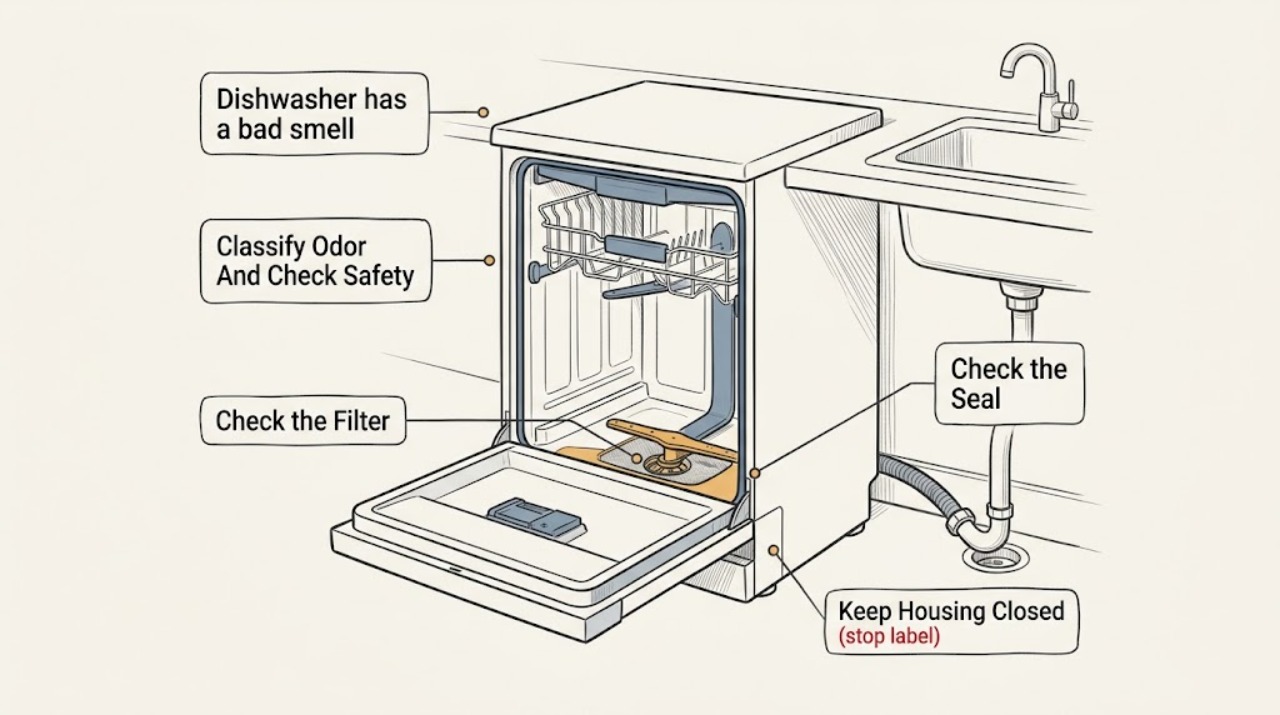
Samsung dishwasher has a bad smell: What to Check and What to Do Next
A Samsung dishwasher's musty or food smell usually comes from moisture and trapped food or grease in the filter, drain area, spray nozzles, door seal, racks, or inner door. Turn the dishwasher off, remove debris carefully, and clean only the model-accessible parts described in the manual.
-
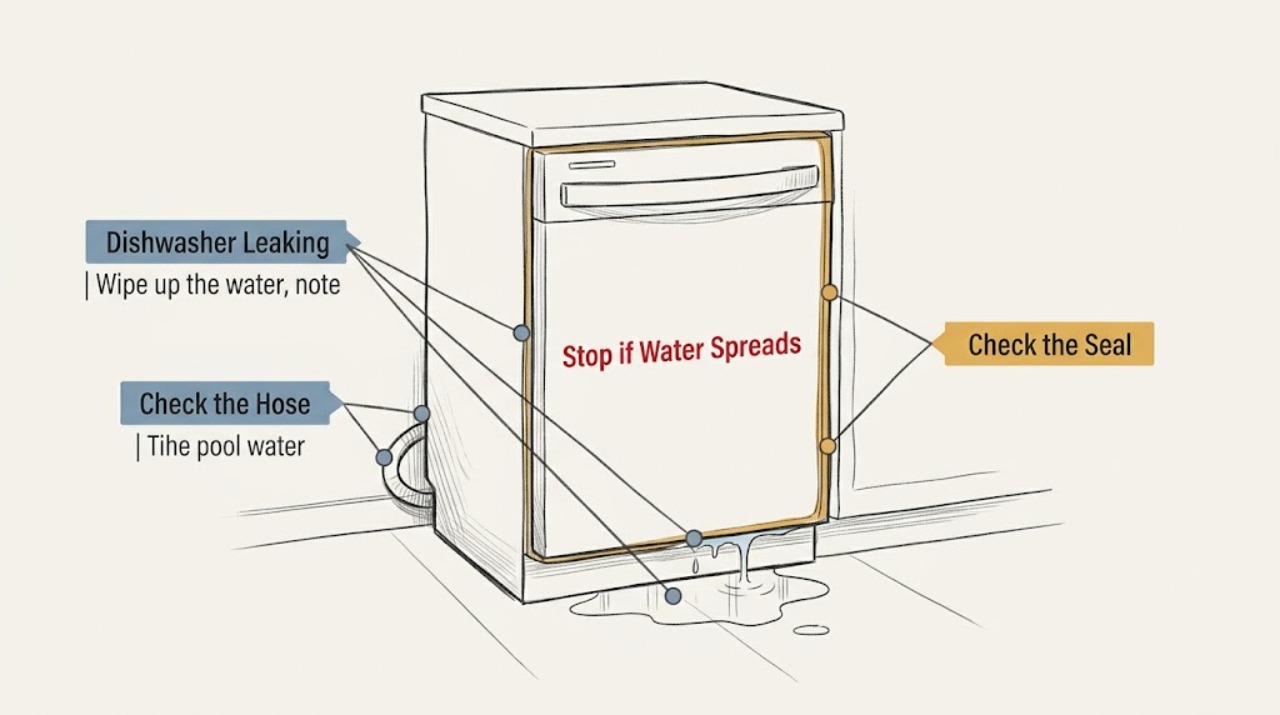
Samsung Dishwasher Leaking
Wipe up the water first and determine whether it returns during a controlled cycle. If it does, stop the dishwasher, inspect the supply and drain-hose connections, door seal, detergent type, level, and spray nozzles. Turn off water for a supply leak and arrange service for a damaged seal, persistent leak, or anything requiring cabinet access.
-
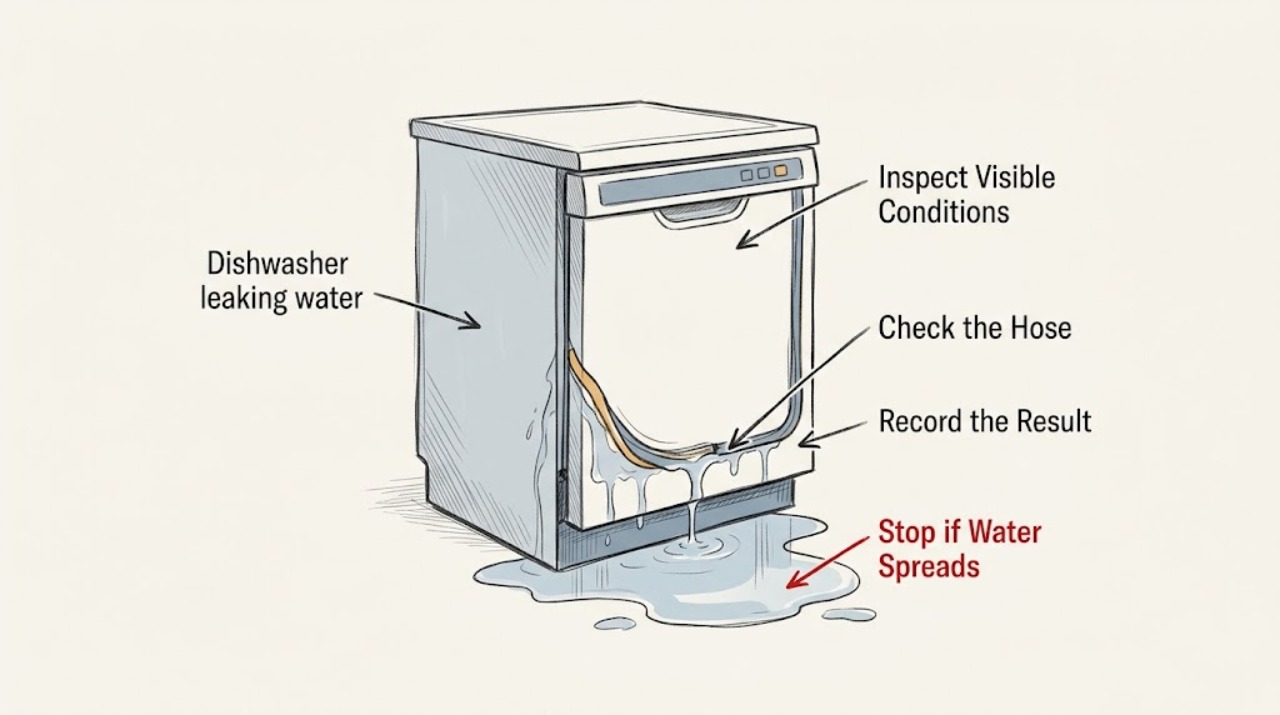
Samsung dishwasher leaking water: What to Check and What to Do Next
First determine whether the water is a spill or returns during operation. If water is actively leaking, a hose is damaged, or the dishwasher shows a leakage warning such as LE or LC, stop the cycle, turn off power at the breaker when safe, and close the water supply.
-
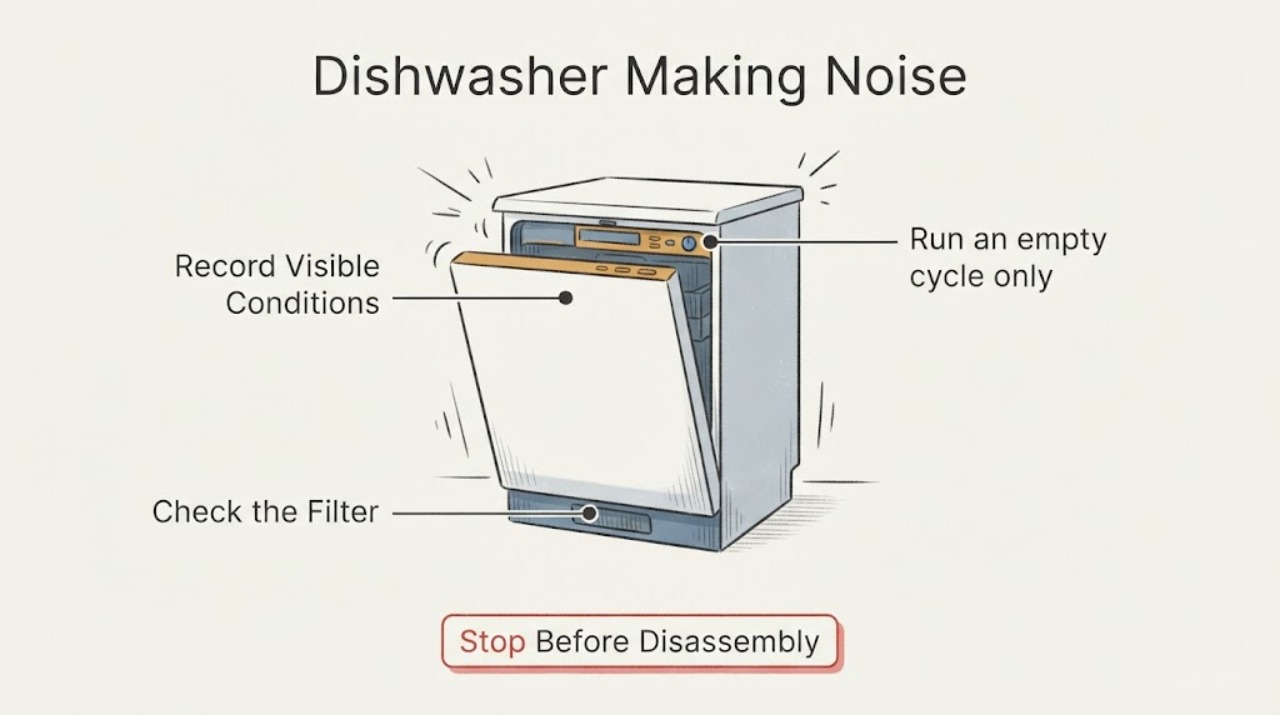
Samsung Dishwasher Making Noise
Some Samsung dishwasher humming, water, or initial-drain sounds are normal, but loud or unusual noise should be localized by sound type and cycle phase. Check for loose dishes or spray-arm contact, clean the accessible filter/pump opening, and record persistent noise. Request service if noise remains during an empty cycle or comes from an inaccessible pump, motor, or electrical area.
-
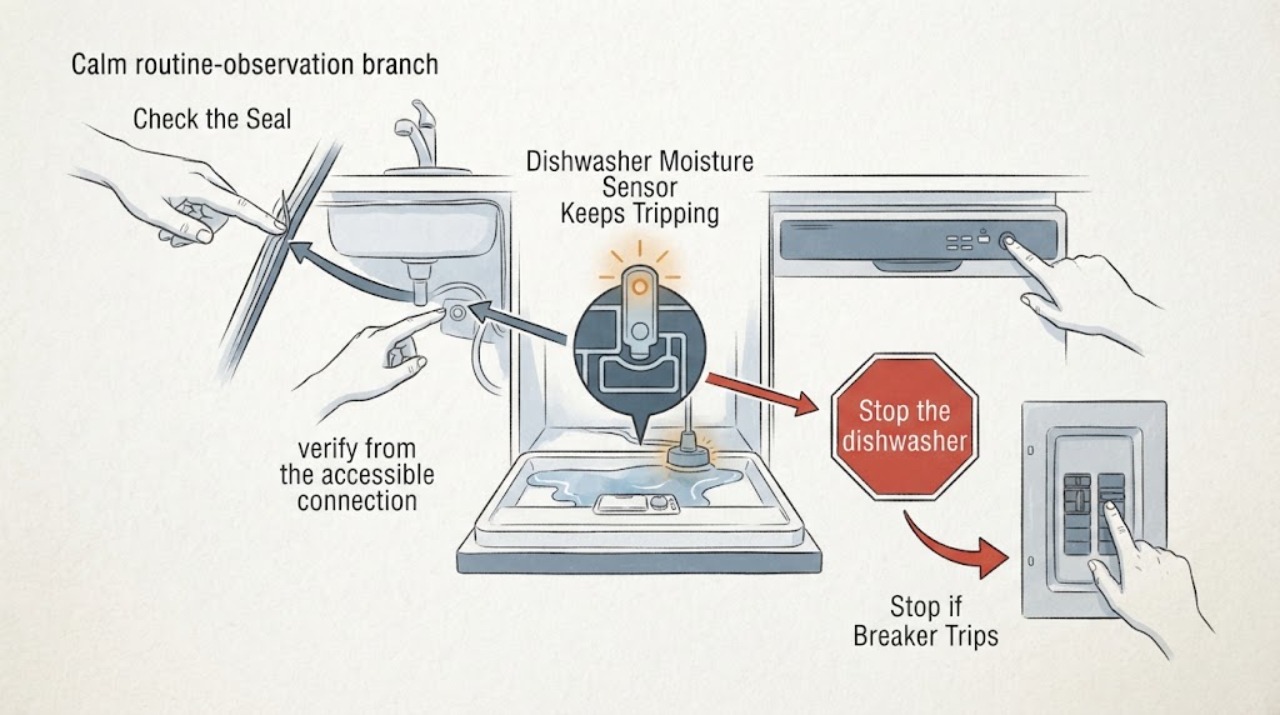
Samsung Dishwasher Moisture Sensor Keeps Tripping: Safe Leak Checks
Treat a Samsung dishwasher that repeatedly triggers its moisture or leak sensor as a possible water or installation problem, not as a harmless reset condition. If there is visible water, stop the dishwasher, disconnect power from a safe dry location, and close the water supply.
-
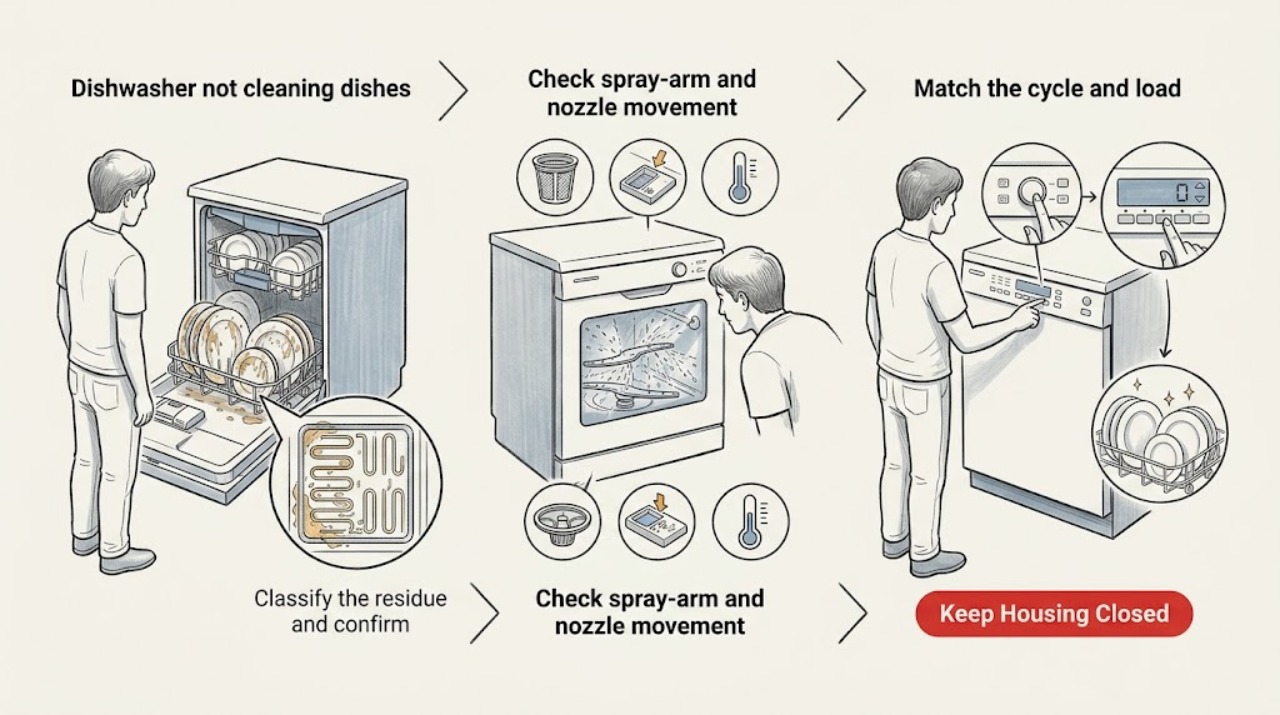
Samsung dishwasher not cleaning dishes: What to Check and What to Do Next
When a Samsung dishwasher finishes with food or film still on the dishes, first separate a cleaning problem from a stopped cycle or an error. Check the exact model's cycle selection, rack loading, spray-arm/nozzle movement, filter, detergent dispenser, rinse aid, and incoming water temperature.
-
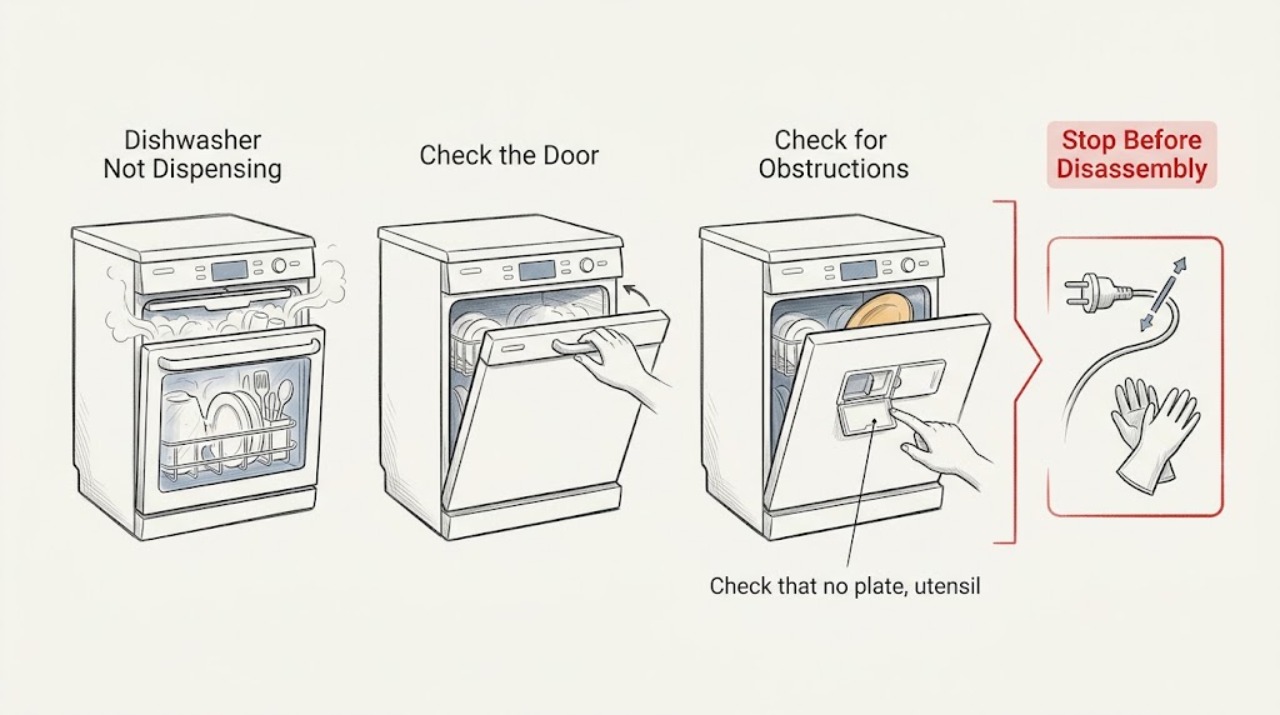
Samsung Dishwasher Not Dispensing
If detergent remains in a Samsung dishwasher, first check the dispenser fill level and residue, then confirm the tablet or door is not blocked by dishes. Verify the incoming water is warm enough for the detergent instructions and run one empty test. If it still does not open or dissolve, request service rather than replacing a part based on the symptom alone.
-
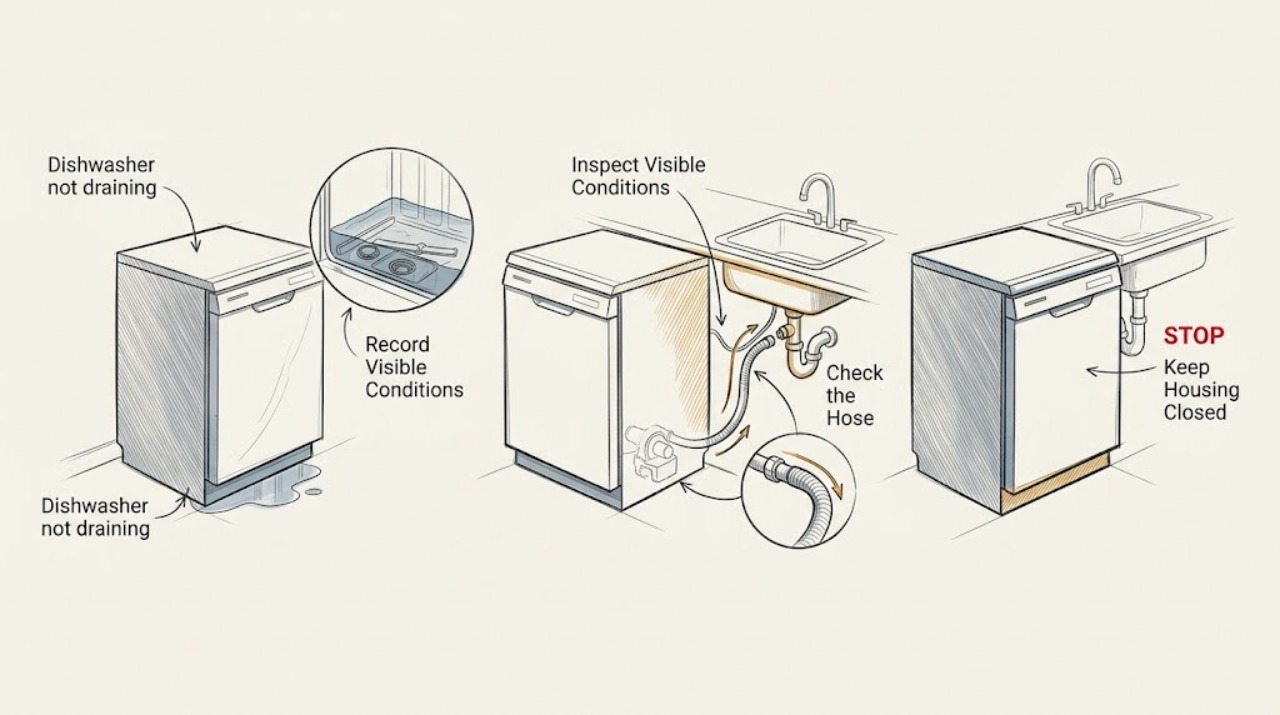
Samsung dishwasher not draining: What to Check and What to Do Next
A Samsung dishwasher that will not drain most often has a blocked sink or garbage-disposal connection, a kinked or poorly routed drain hose, food debris in the filter or drain area, or a pump problem. First note how much water remains, whether the sink drains, whether the hose was recently moved or installed, and whether 5C, 5E, OC, OE, or another code appears.
-
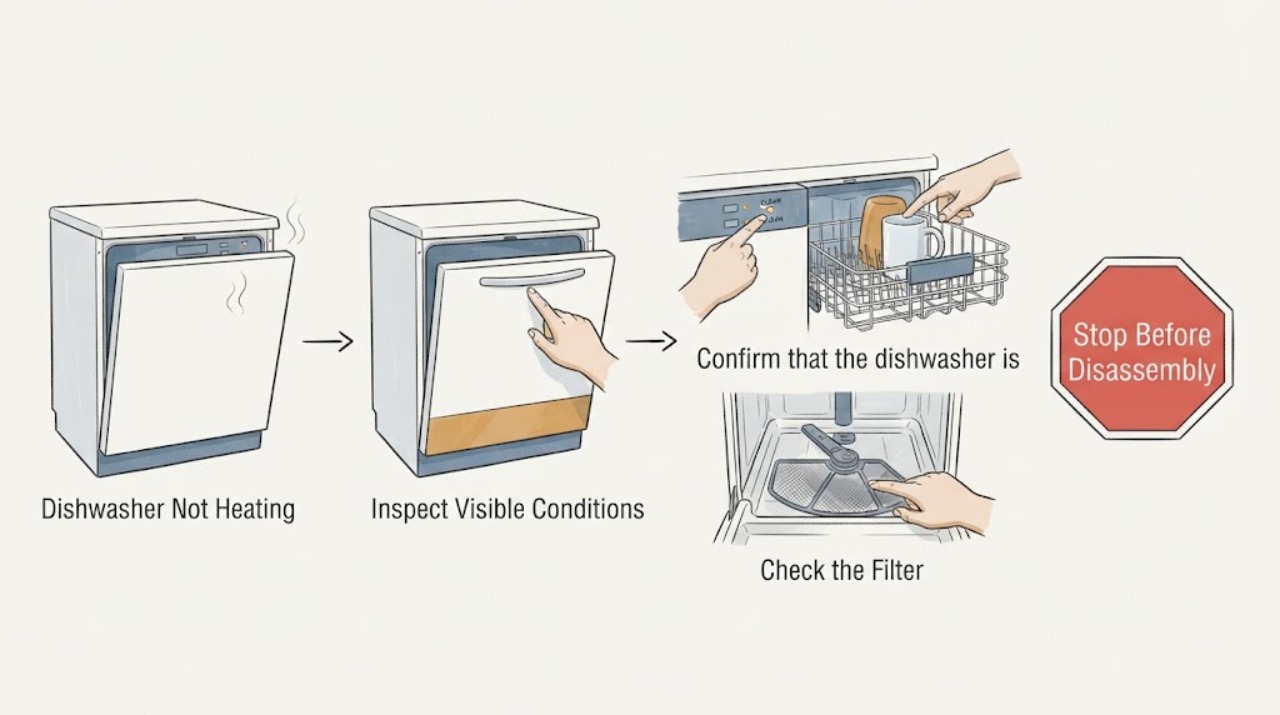
Samsung Dishwasher Not Heating
If a Samsung dishwasher finishes with cold water or damp dishes, first check whether the cycle is actually running and whether a heating-related code appears. A single cool cycle can follow a reset or interrupted program, but repeated cold cycles, a recurring HE-family code, or a cycle that stops mid-run points to a heating-system fault that needs service. Do not open panels or test live wiring.
-
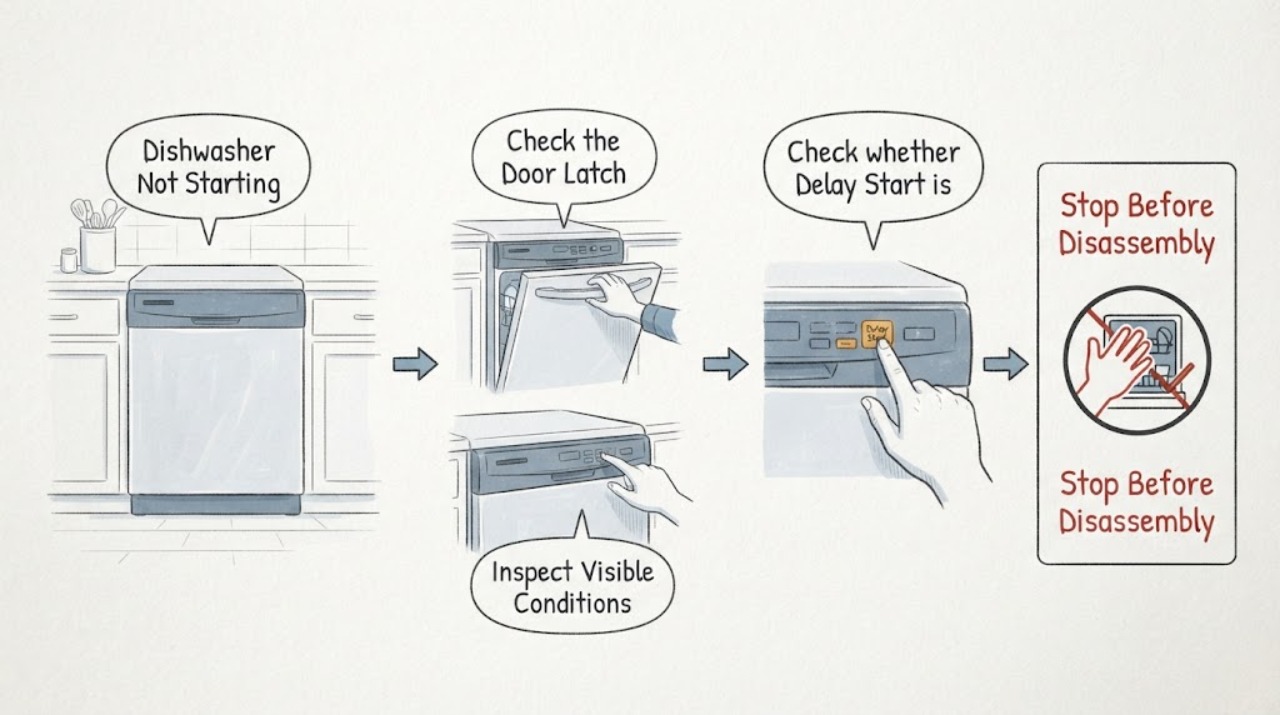
Samsung Dishwasher Not Starting
If a Samsung dishwasher will not start, check the door latch, Control/Child Lock, Delay Start, and whether the first short drain phase is being mistaken for a delay. Press Start briefly rather than holding it, because holding it can cancel the cycle. If the panel is completely dead, use the separate power and breaker checks; if the panel works but the cycle still will not begin, request service.
-
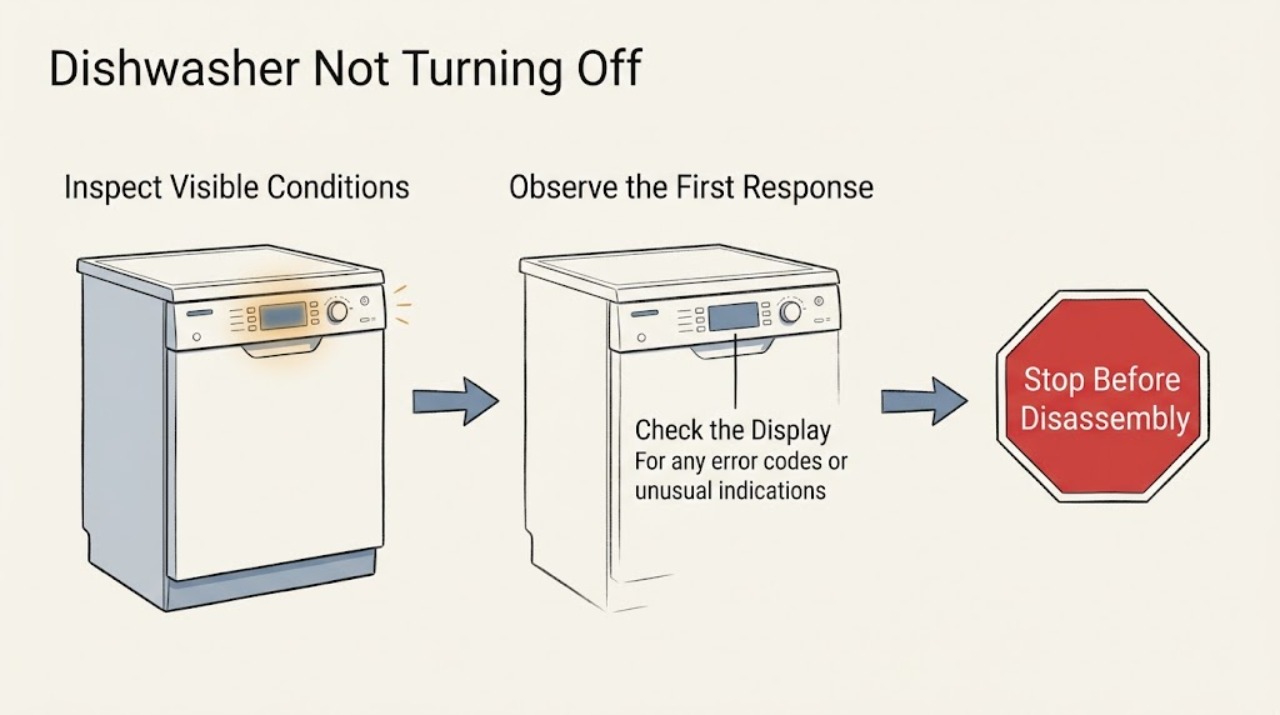
Samsung Dishwasher Not Turning Off
A Samsung dishwasher that keeps running or will not turn off is often reacting to a Sanitize-cycle display behavior or moisture detected by its leak sensor. Open the door after a Sanitize cycle, note any code or blinking lights, and inspect only for accessible water around the door and toe-kick. Continuous draining, a visible leak, or a returning leakage indication requires service; do not bypass the sensor.
-
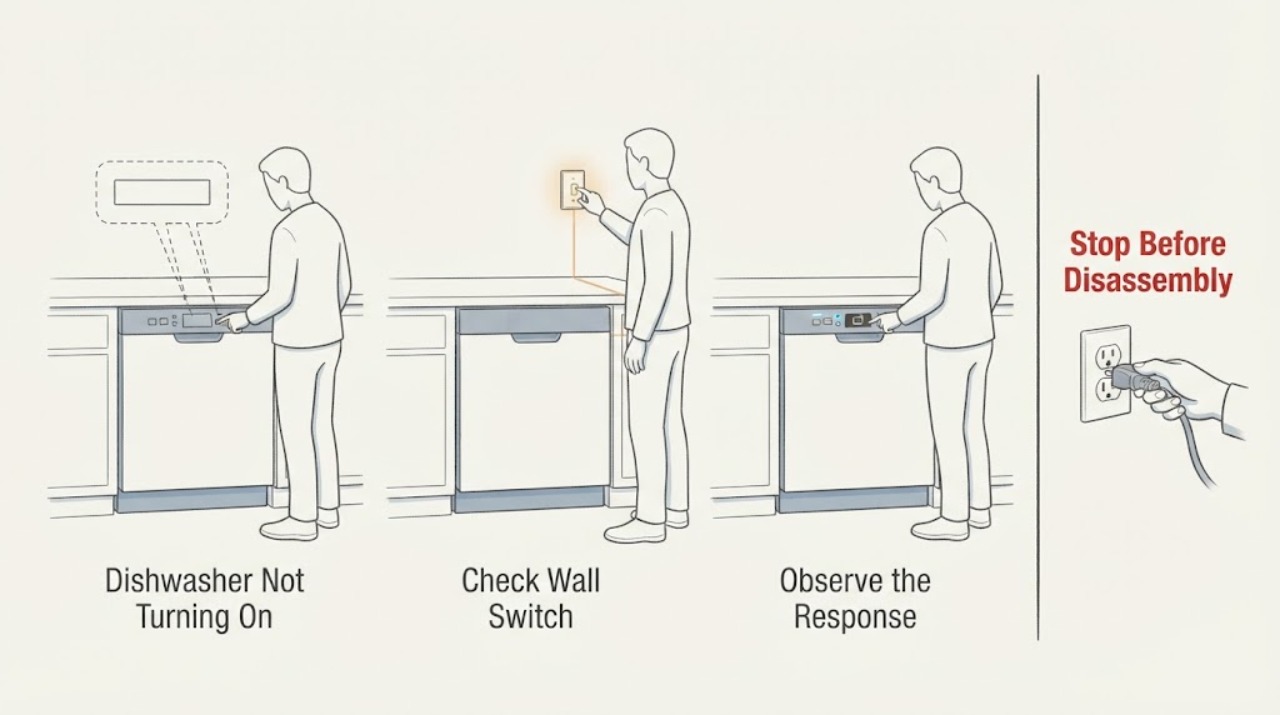
Samsung Dishwasher Not Turning On
If a Samsung dishwasher is completely dark, press a clean Power button with dry hands, check its breaker, and check for a nearby wall switch that supplies the appliance. A dishwasher that powers on but will not accept Start has a different door/control problem. If the breaker trips again or the unit remains dead, stop and use an electrician or qualified service technician.
-
Samsung Dishwasher Not Working
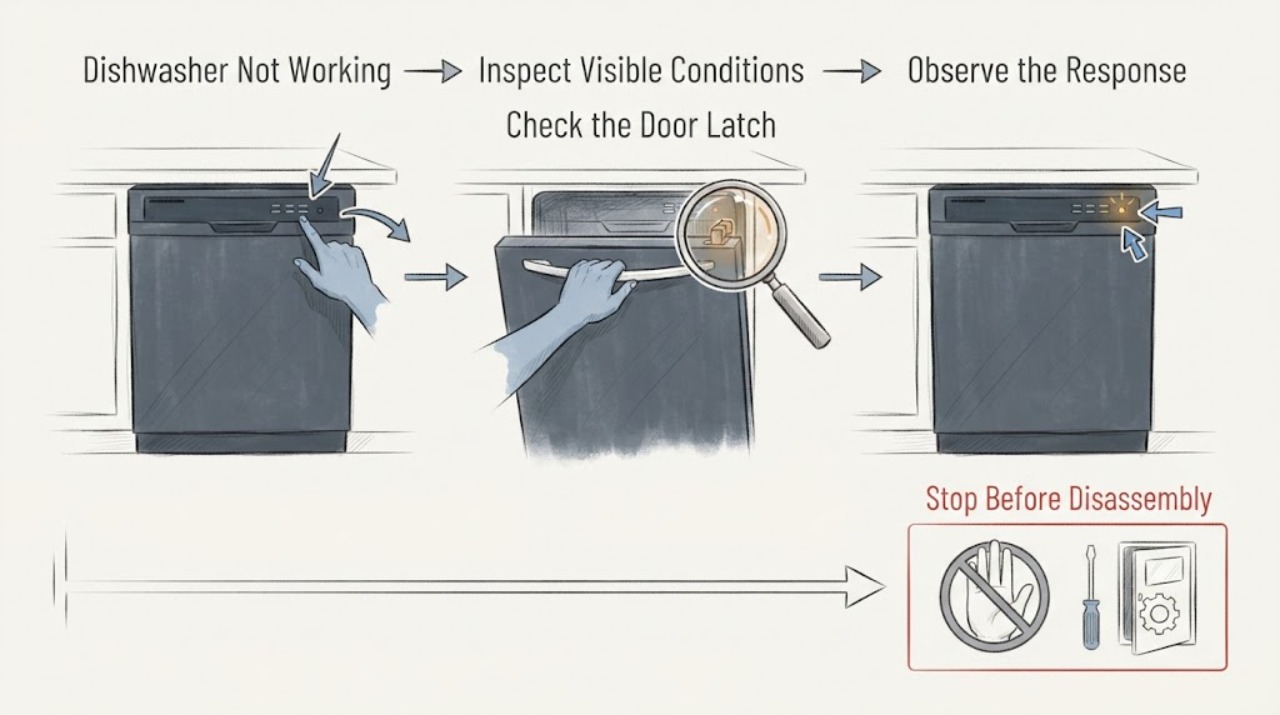
“Not working” can mean a dark panel, a powered panel that will not start, a cycle that stops, or a wash that finishes poorly. Separate those behaviors first: test Power, observe the door and controls, note codes or blinking lights, and check whether it fills, washes, drains, and completes. Use only accessible checks; a recurring fault, leak, burning smell, or repeat breaker trip needs qualified service.
-
Samsung Dishwasher OC Error and Not Draining | Safe Checks
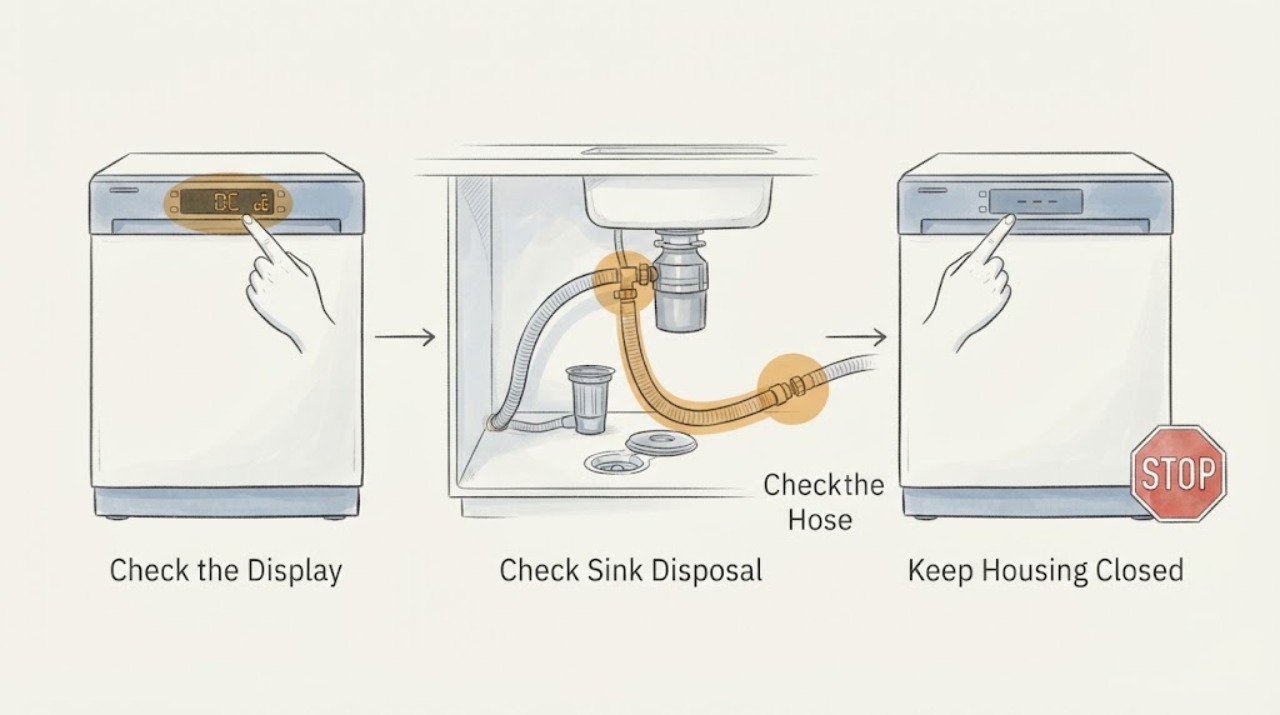
Samsung defines OC, 0C and oE as an over-level water error, while its drain guide includes those codes in the drain and overflow path. Start with the sink drain and garbage disposal, then inspect the visible drain hose for a pinch, kink, bend, damage, missing air gap or missing high loop as required by local rules.
-
Samsung Dishwasher Tripping Breaker
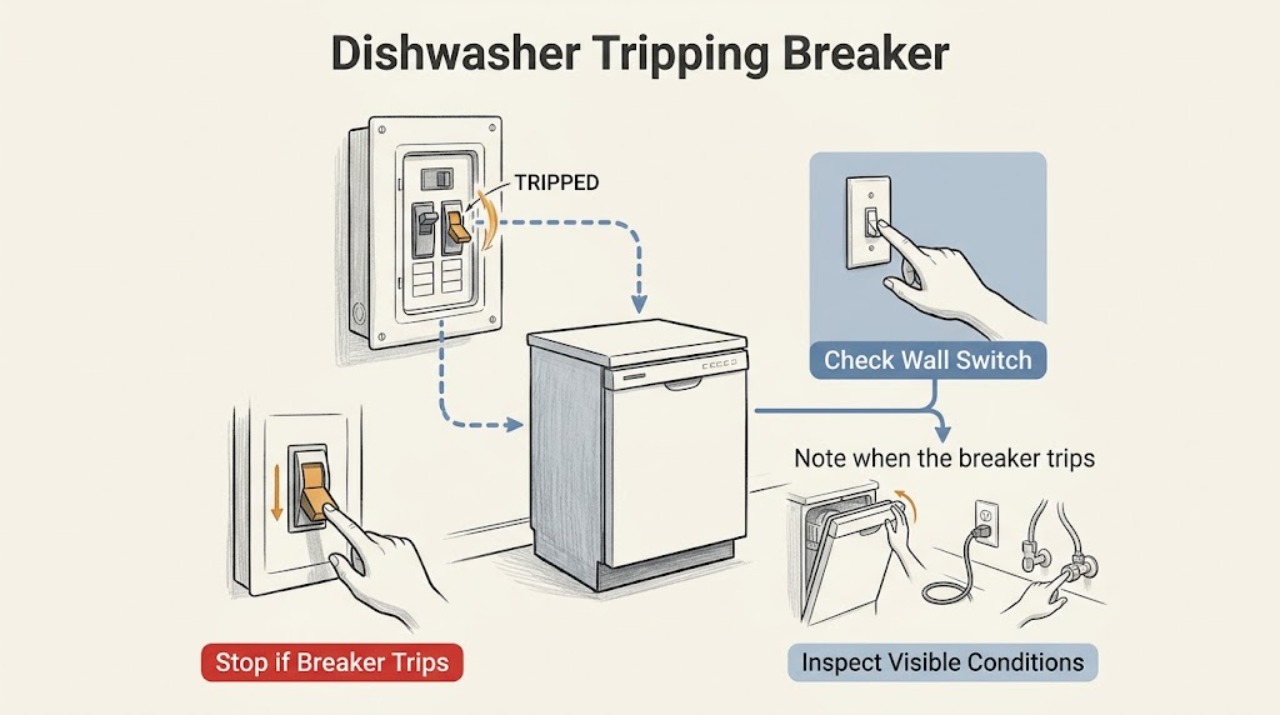
If a Samsung dishwasher trips the breaker, switch the circuit fully off and back on only once if it is safe to do so. If it trips again, leave it off and have an electrician diagnose the circuit or a qualified appliance technician inspect the dishwasher. Do not use an extension cord, bypass the breaker, open energized panels, or keep resetting a circuit that will not hold.
-
Samsung DMT800RHS Dishwasher LE After a Water Spill: Separate Residual Moisture from a Leak
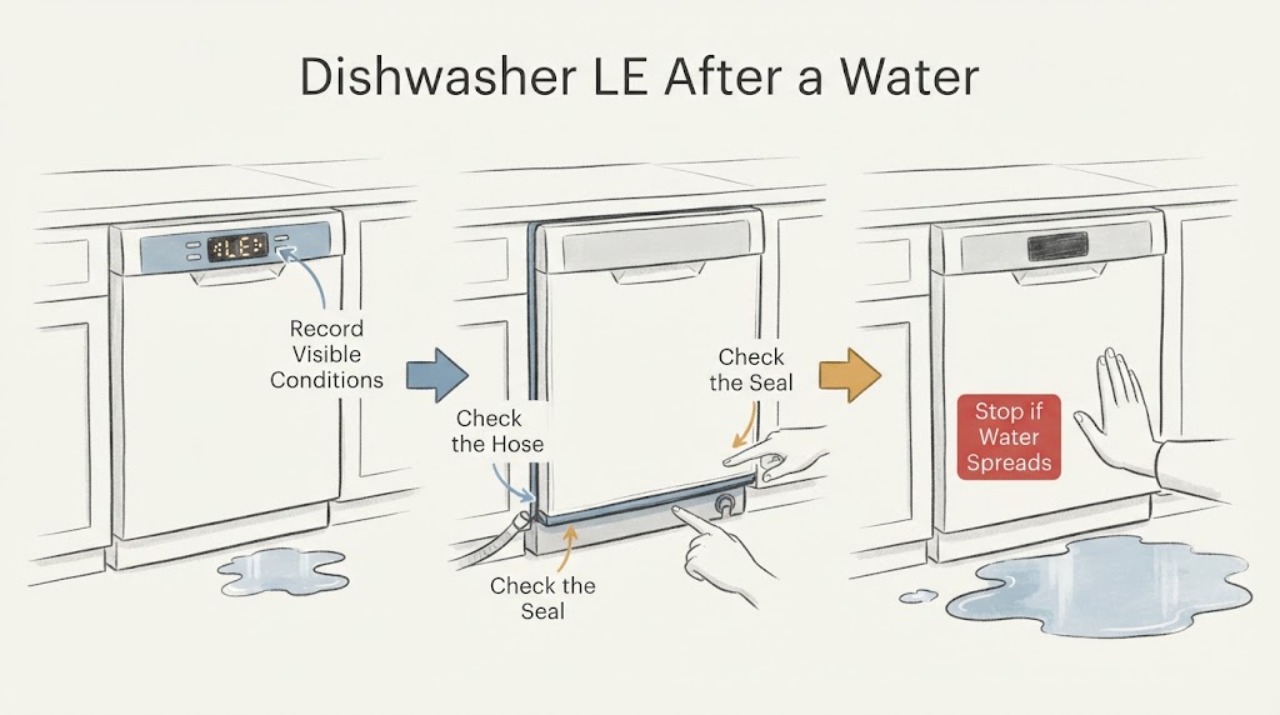
On Samsung dishwashers, LE/LC is a leakage indication: the leak sensor has detected moisture where it should not be, even when no ongoing leak is visible. After cleaning a reservoir and spilling water, residual moisture near the sensor is plausible, but it is not proof that the dishwasher is safe to run.
-
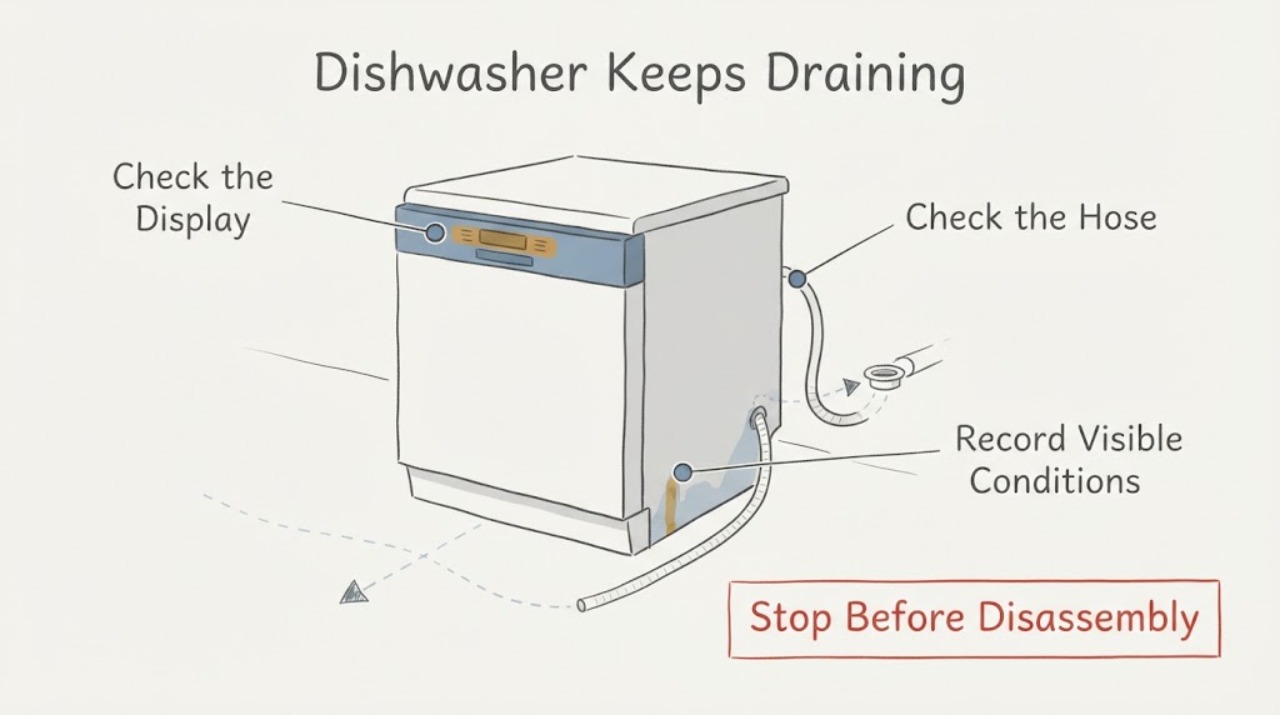
Samsung DW80J3020US Dishwasher Keeps Draining
A Samsung dishwasher that will not stop draining is often responding to moisture detected by its leak-sensor system. Samsung's exact DW80J3020US product sheet identifies a digital water-leakage sensor that detects leaks and shuts off the dishwasher to prevent water damage.
-
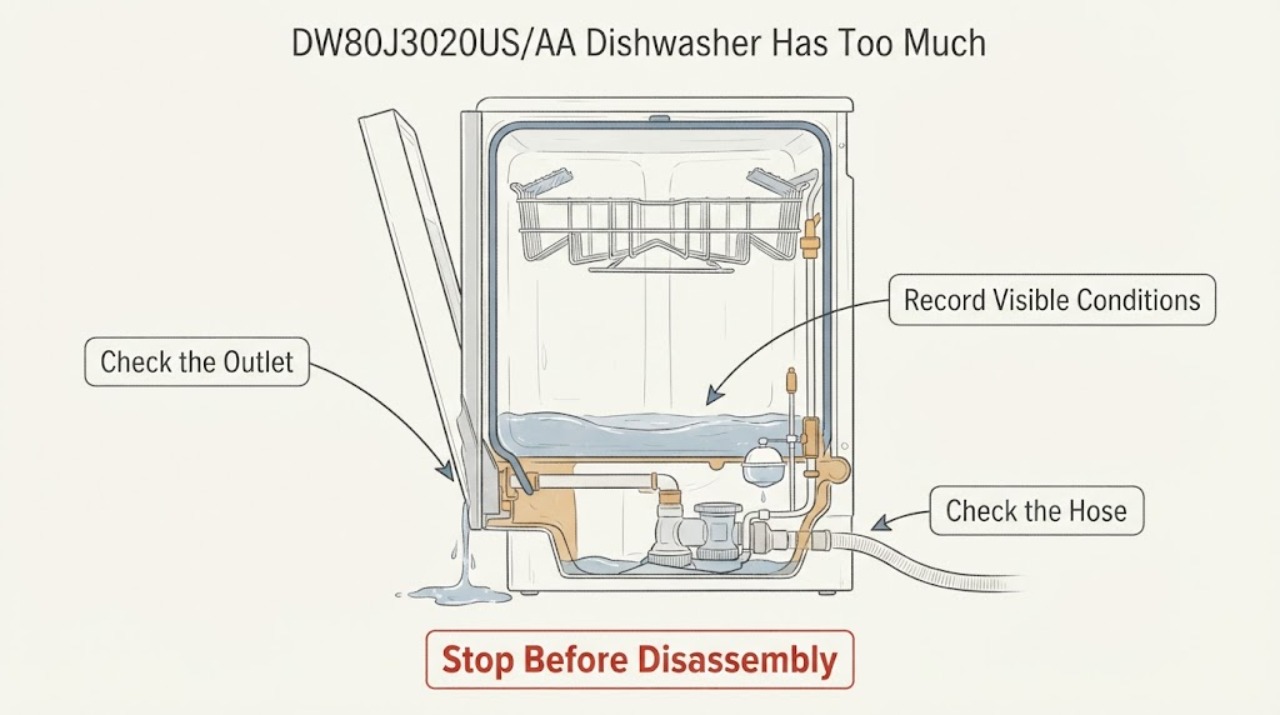
Samsung DW80J3020US/AA Dishwasher Has Too Much Water
For the Samsung DW80J3020US/AA report, separate water that reaches the door or floor during a running cycle from water that remains in the tub after the cycle. Samsung says its over-level codes OC/0C/oE indicate excessive water and often a drainage problem, and directs an external check of the drain connections, hose, filter and sump; its dishwasher light guidance likewise says too much water usually calls for checking the drain hose for a kink or obstruction.
-
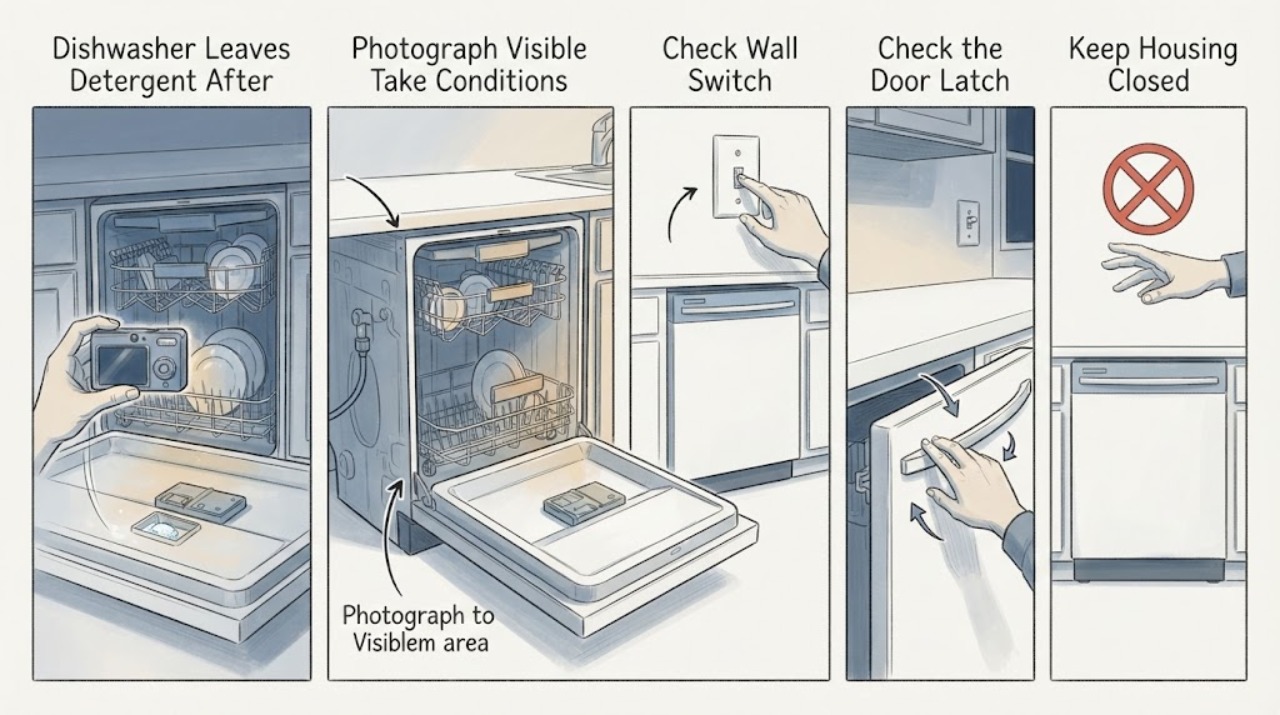
Samsung DW80J3020UW Dishwasher Leaves Detergent After a Cycle and Shows LEB
Treat the display as unconfirmed until you identify the characters from a photo: Samsung's official error lists define LE and LC as leakage indications, but the opened model-specific support and error pages do not establish a separate LEB code. Because this report also includes water in the drip tray and detergent left after the cycle, resolve the possible leak indication first and do not keep running overnight cycles.
-
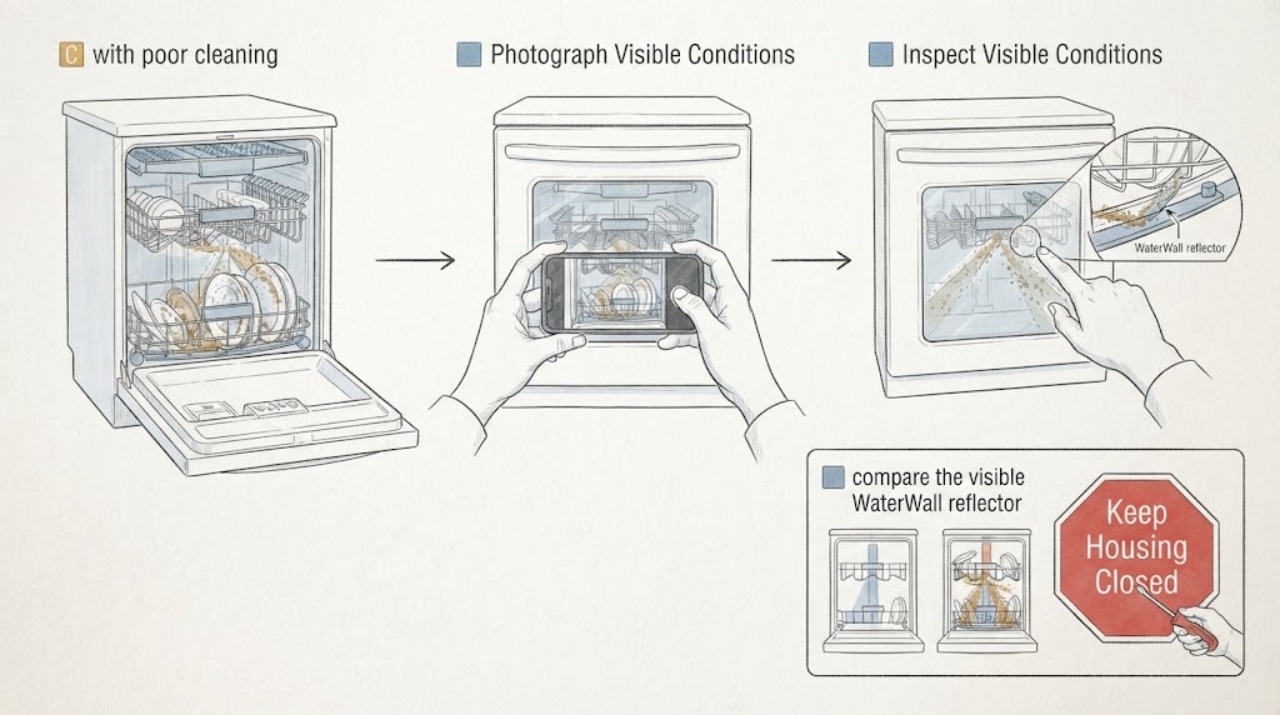
Samsung DW80J7550UG 7C with poor cleaning: inspect the WaterWall path before service
On a Samsung DW80J7550UG WaterWall dishwasher, 7C is not a generic poor-cleaning code: Samsung describes 7C or 7E as a WaterWall reflector error when the moving reflector cannot move, is blocked, or was reattached incorrectly. That can stop the intended spray action and leave dishes poorly cleaned.
-
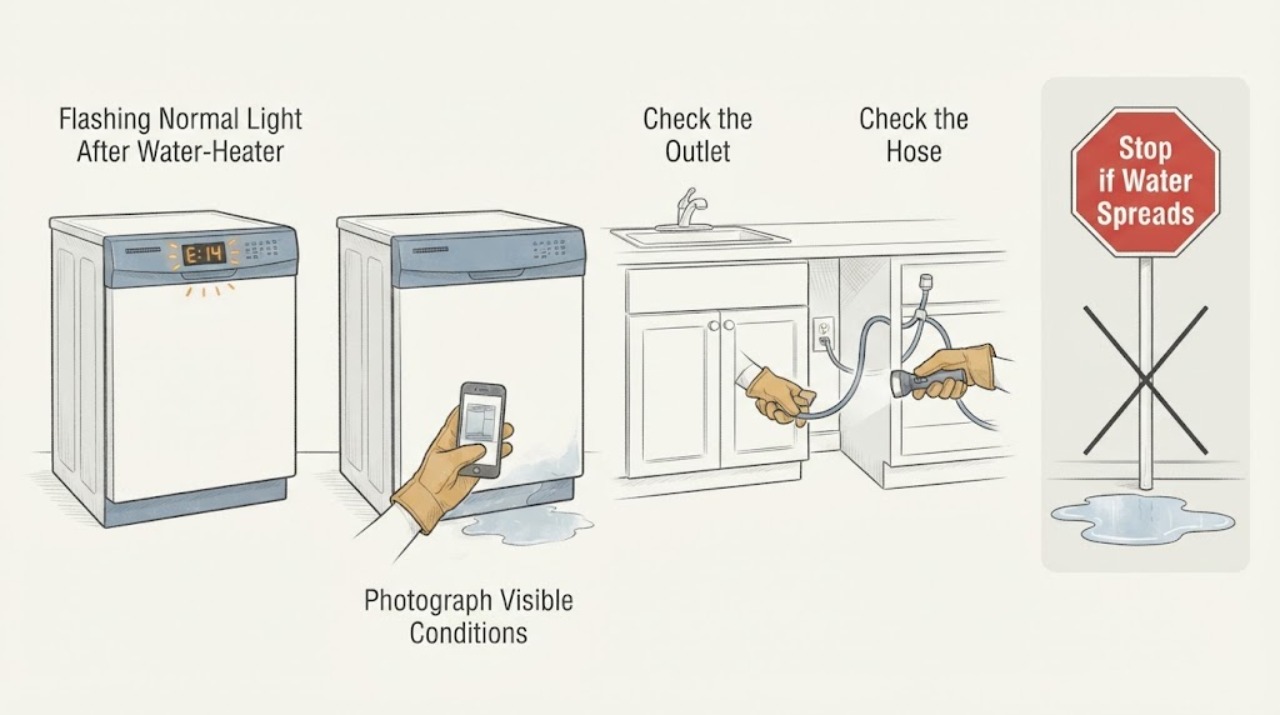
Samsung DW80M2020US/AA-00 Flashing Normal Light After Water-Heater Work
On the Samsung DW80M2020US platform, a flashing Normal light is a moisture-sensor warning rather than proof that flushing a household water heater caused a dishwasher leak. Samsung says the Normal indication can mean the leak sensor detected moisture and that the dishwasher may turn itself on and try to drain.
-
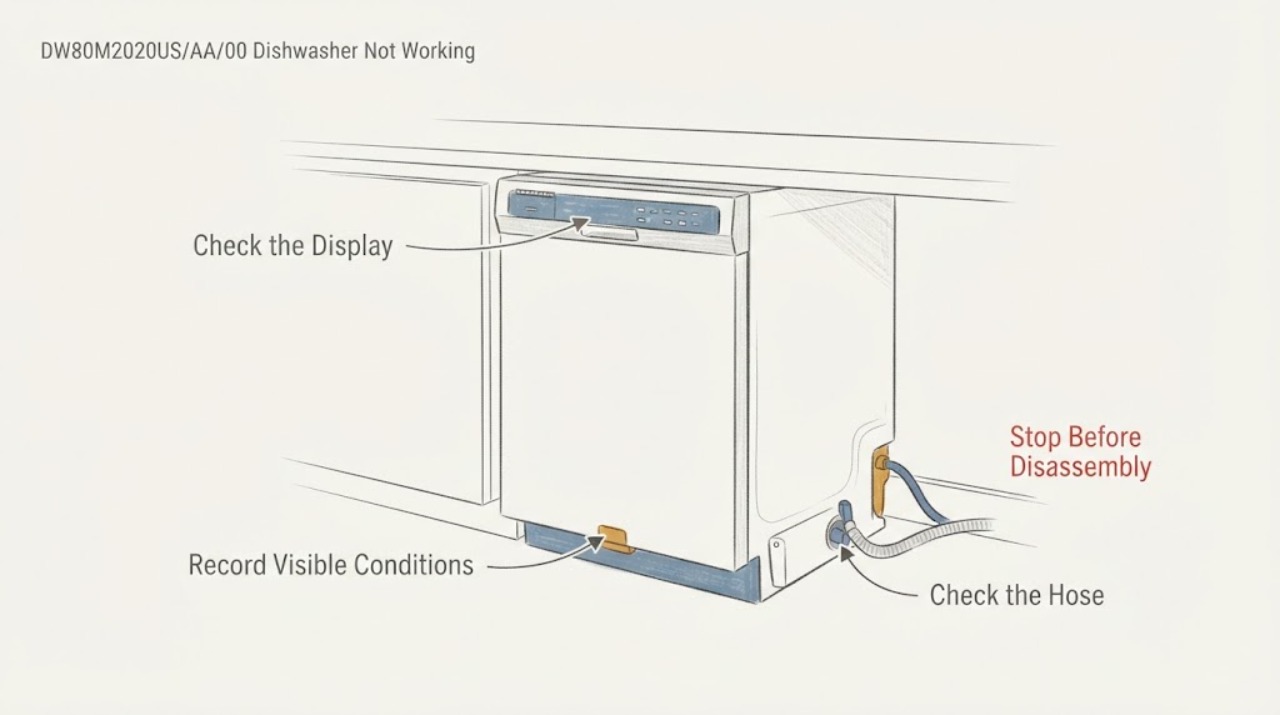
Samsung DW80M2020US/AA/00 Dishwasher Not Working with the Normal Light Blinking
On a Samsung DW80M2020US/AA/00, a blinking Normal light with the dishwasher not working is not proof that flushing the hot-water heater caused a control-board or valve failure. Samsung's US blinking-light guide maps the Normal-only pattern to moisture detected by the leak sensor, and says the dishwasher may turn itself on and keep trying to drain.
-
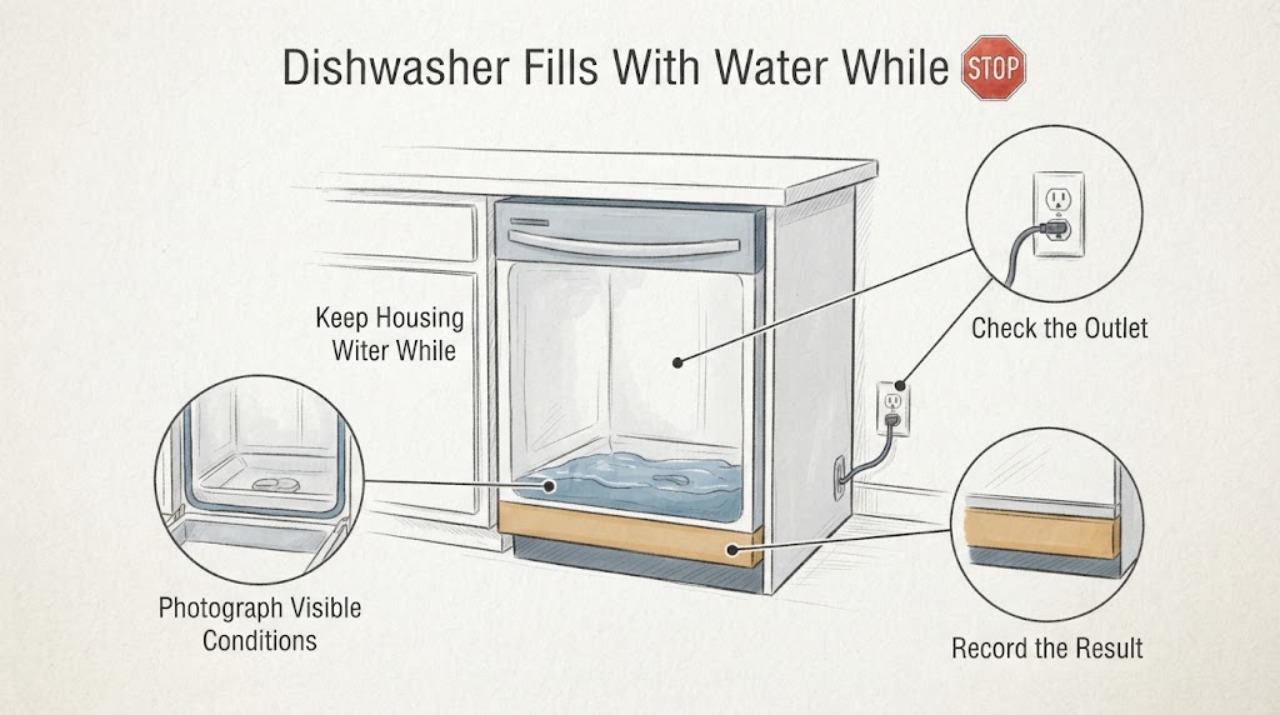
Samsung DW80M2020US Dishwasher Fills With Water While Off: Isolate the Supply Before Testing
If a Samsung DW80M2020US gains water while it is not running, do not start another cycle to test it and do not assume the inlet valve or control board is bad. First photograph or mark the water level, close the dishwasher's accessible water-supply shutoff, and keep power off if water is near wiring or the outlet and it is safe to do so.
-
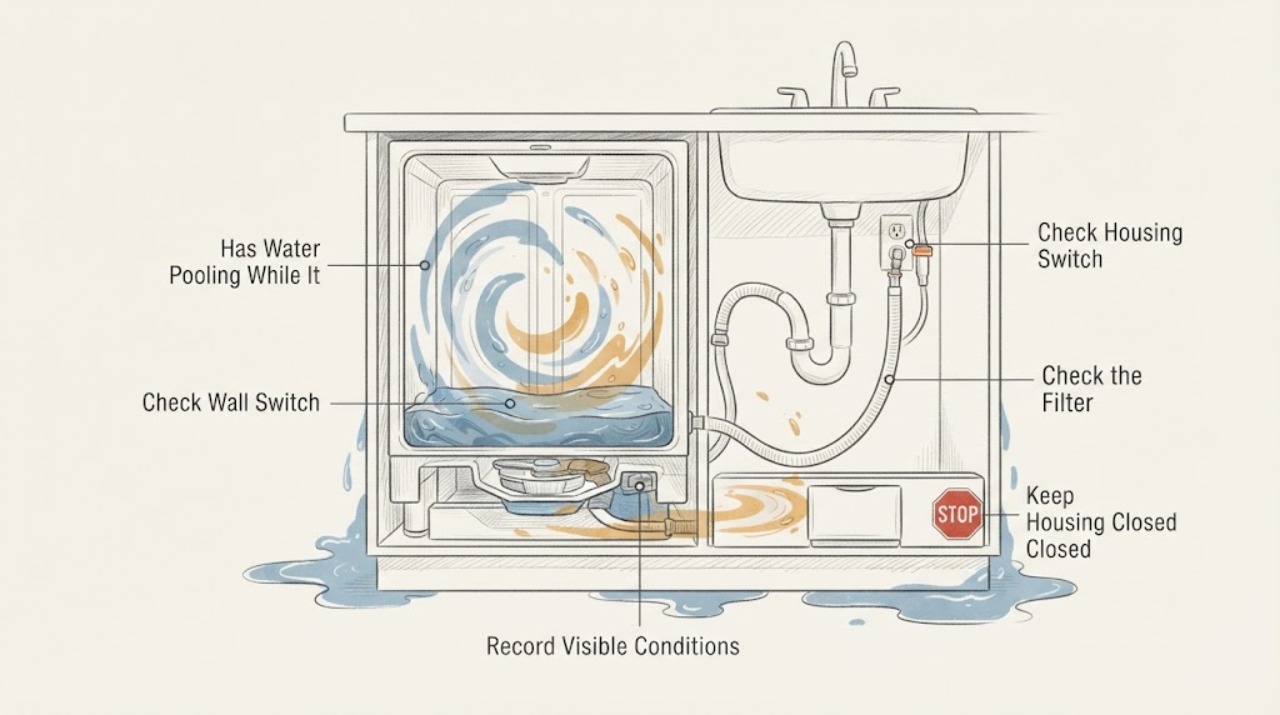
Samsung DW80M2020US Has Water Pooling While It Is Off
For a Samsung DW80M2020US that gains water while switched off, first determine whether you are seeing the small amount of water Samsung considers normal in the sump or a rising/dirty pool. If floodwater or drain water is present around the dishwasher, do not touch the unit: keep hands and feet out of standing water, turn off power at a dry accessible breaker, close the dishwasher water supply, and have the area made safe.
-
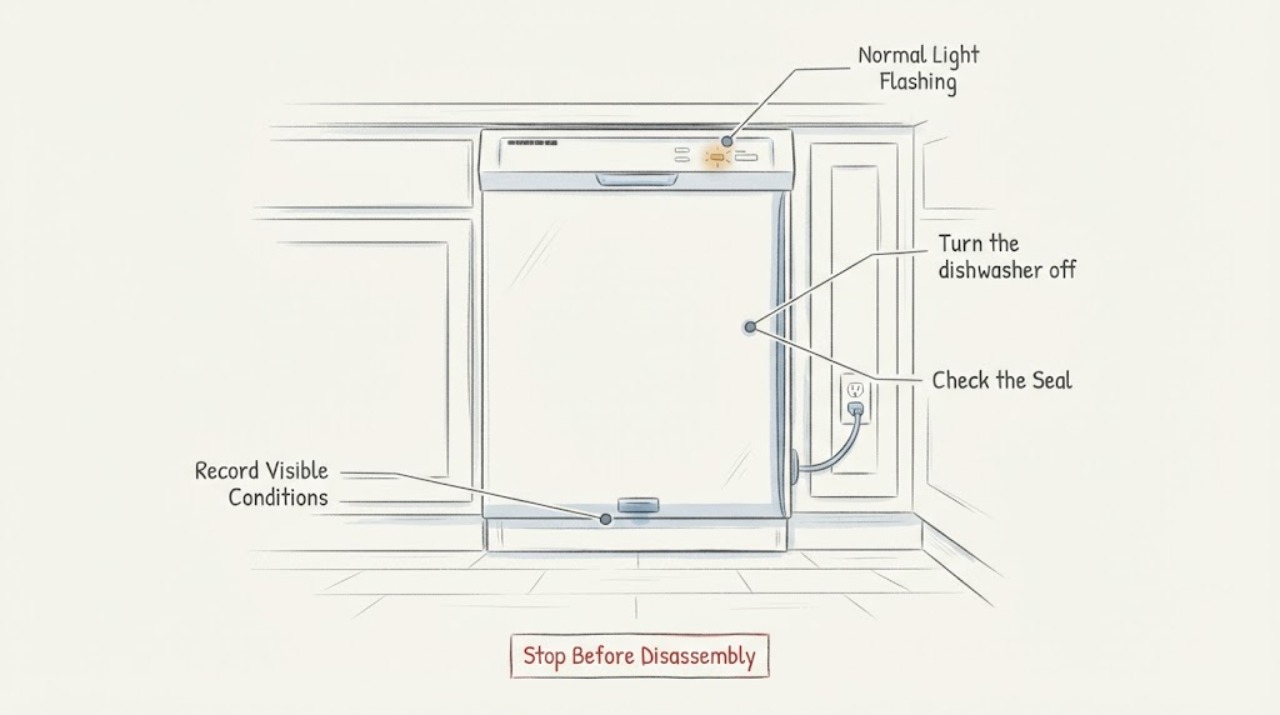
Samsung DW80M2020US Normal Light Flashing
On the Samsung DW80M2020US, verify that the Normal light is the only light flashing. Samsung's official blinking-light guide defines a lone Normal indication as moisture detected by the dishwasher's leak sensor; the dishwasher may turn itself on and keep draining.
-
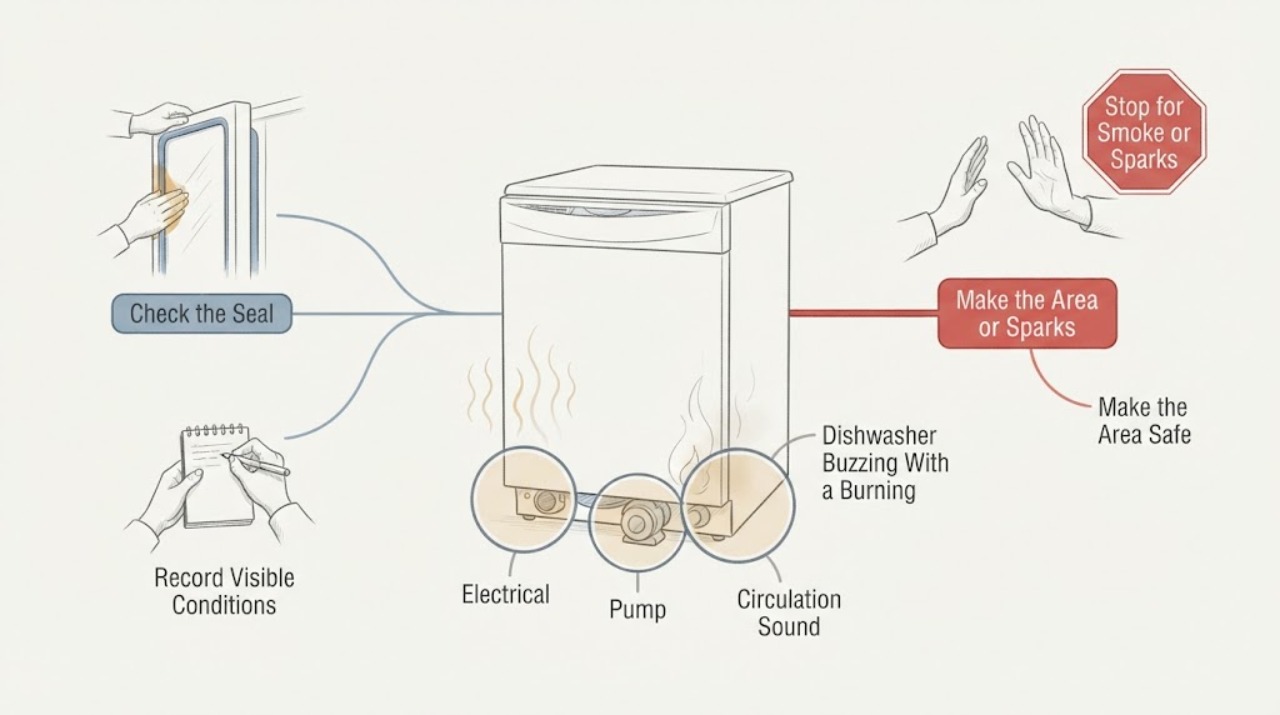
Samsung DW80M3021US Dishwasher Buzzing With a Burning Smell: Stop Before Testing
Stop the Samsung DW80M3021US immediately when a buzzing sound is accompanied by a burning smell. Samsung's appliance safety guidance says to stop use, unplug if it can be done safely and contact a Samsung service center when an appliance produces a strange noise, burning smell or smoke.
-
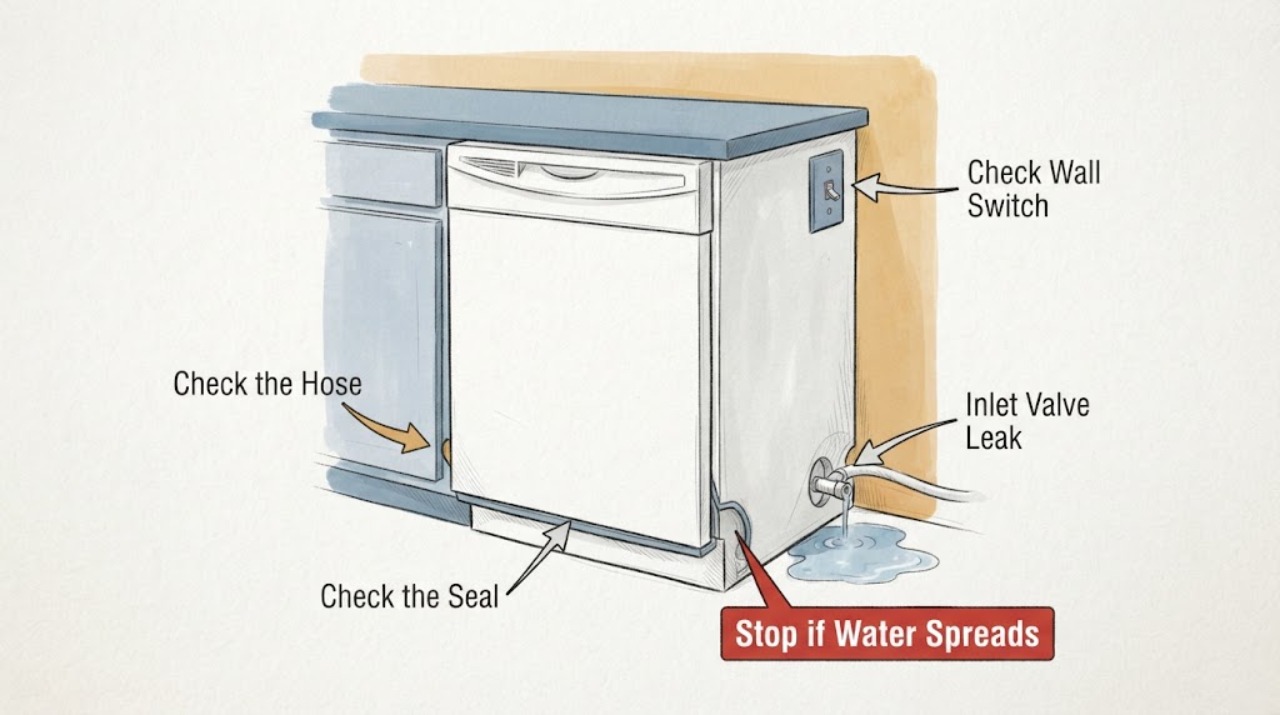
Samsung DW80N3030US Inlet Valve Leak: Shut Off Water and Identify the Source Safely
Treat “inlet valve leaking” as a suspected location, not a confirmed failed part. For a Samsung DW80N3030US/AA dishwasher with visible water, stop the cycle, turn off the dishwasher at the breaker and close the water shutoff before inspecting the accessible supply hose and connections.
-
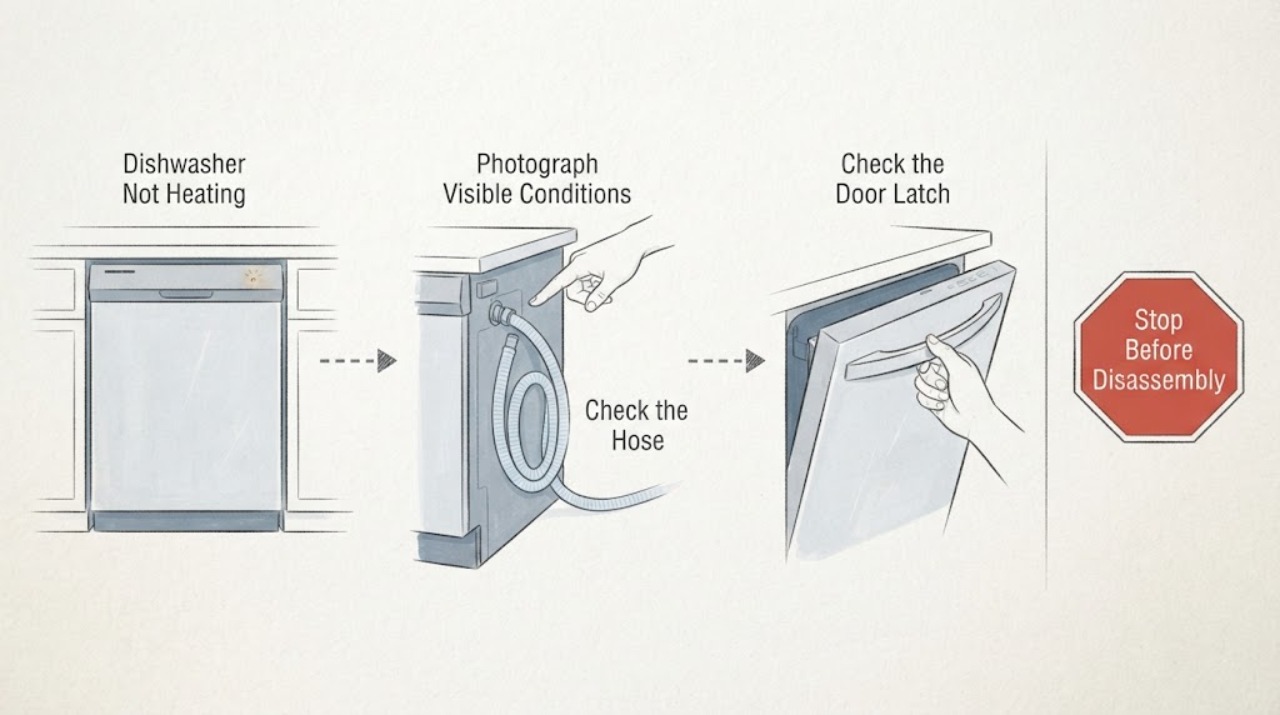
Samsung DW80R2031 Dishwasher Not Heating: What an Express 60 Light Flash Means
Do not treat a single flashing Express 60 light as proof that the heater has failed. Samsung's blinking-light guide says that Express 60 alone means the water pressure or temperature is not correct, while the separate Heavy plus Express 60 combination means the dishwasher is unable to heat; the DW80R2031 series also has several suffix and color variants, so confirm the complete rating-label model and the exact lights before using a code meaning.
-
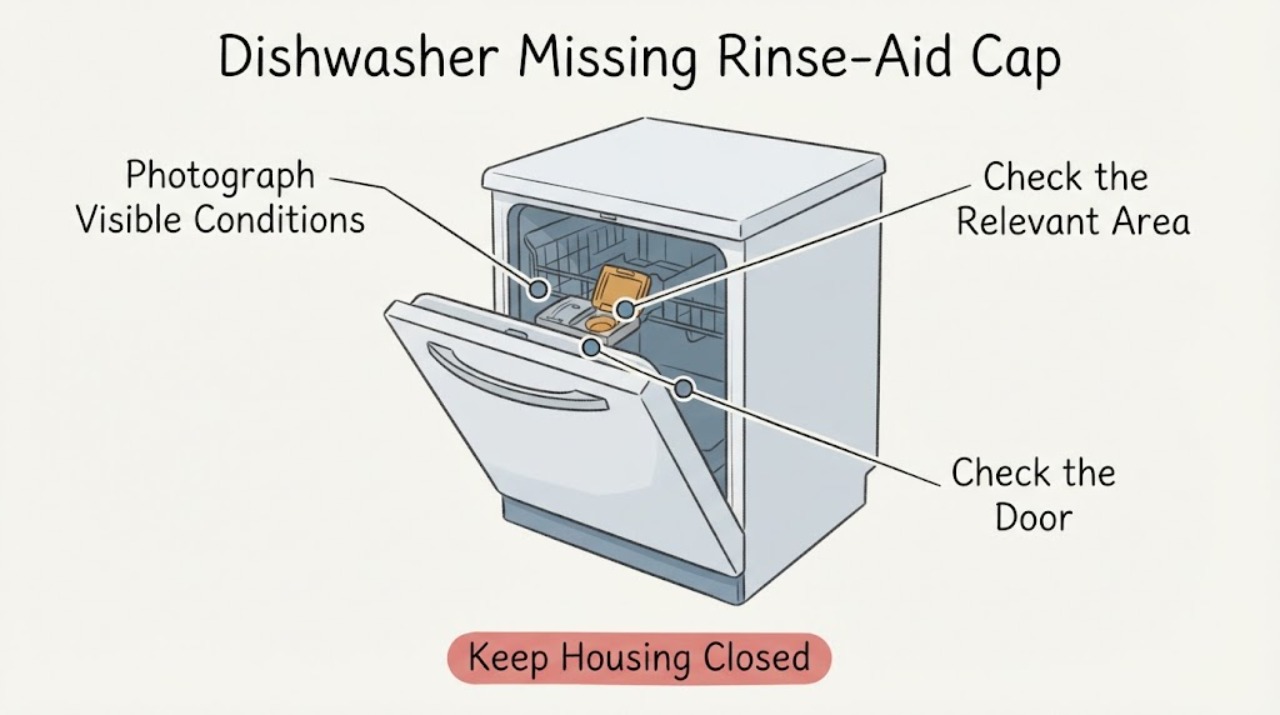
Samsung DW80R5060UG Dishwasher Missing Rinse-Aid Cap: Identify the Part Before Ordering
Do not order a generic Samsung dishwasher cap just because an opening is visible. Samsung's support instructions group DW80R5060 with the DW80R2031 and DW80CG4021 models and show a rinse-aid reservoir with a cap, a viewing window, a fill limit, and a closing step.
-
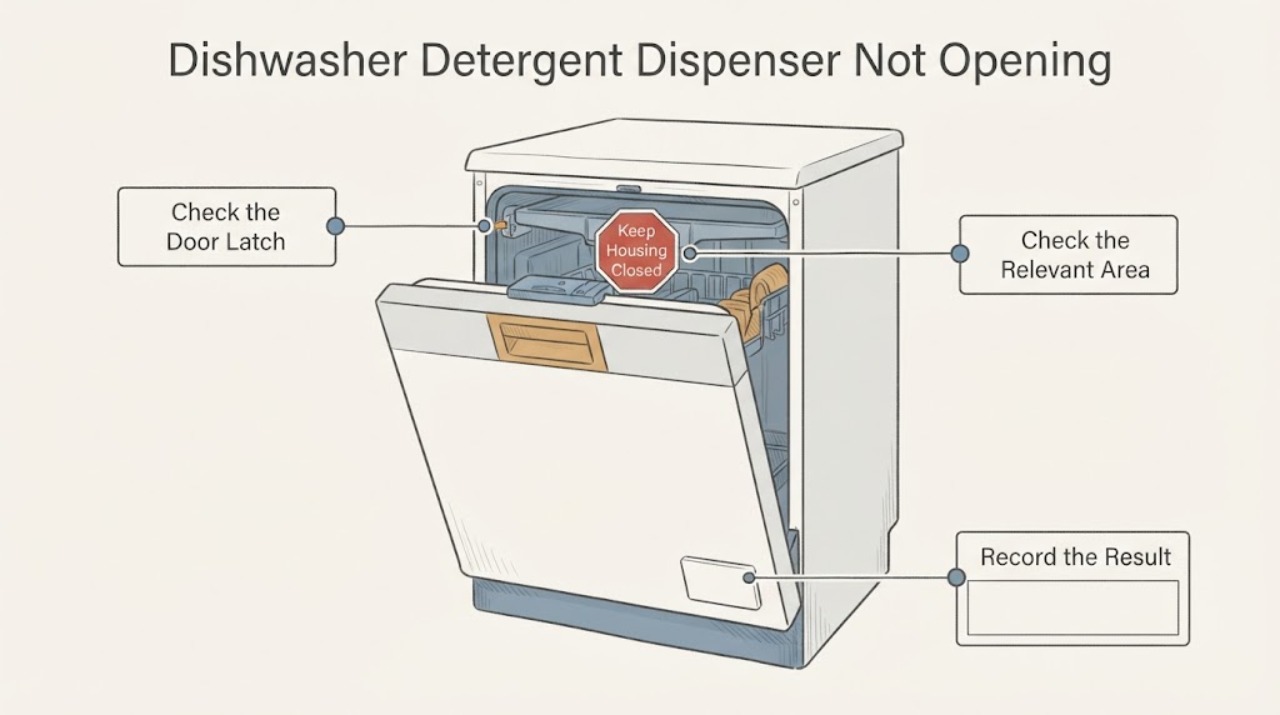
Samsung DW80R5060US Dishwasher Detergent Dispenser Not Opening
Samsung's model-grouped detergent guide includes the DW80R5060 and says its dispenser flap opens automatically at the end of the cycle. Before treating a closed flap as an internal failure, keep detergent at or below the fill line, seat the tablet and flap correctly, remove detergent buildup with the user-level cleaning method, and check that dishes or utensils do not block the dispenser or spray arms.
-
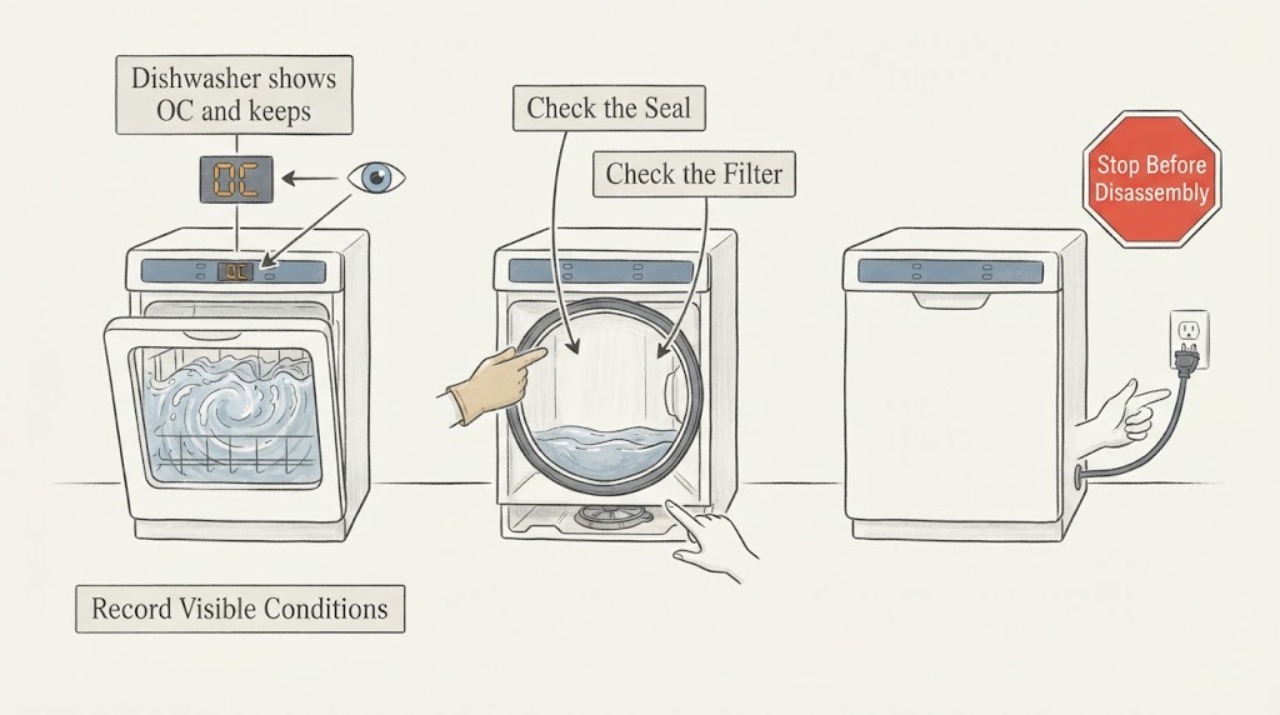
Samsung DW80R5060US dishwasher shows OC and keeps filling or draining
On the Samsung DW80R5060US, OC means the dishwasher has detected more water than it should, not a confirmed failed drain pump. If it continues filling or draining, first stop the cycle; if there is overflow or water around the appliance, close the dishwasher's water-supply valve and disconnect power only from a safe, dry position.
-
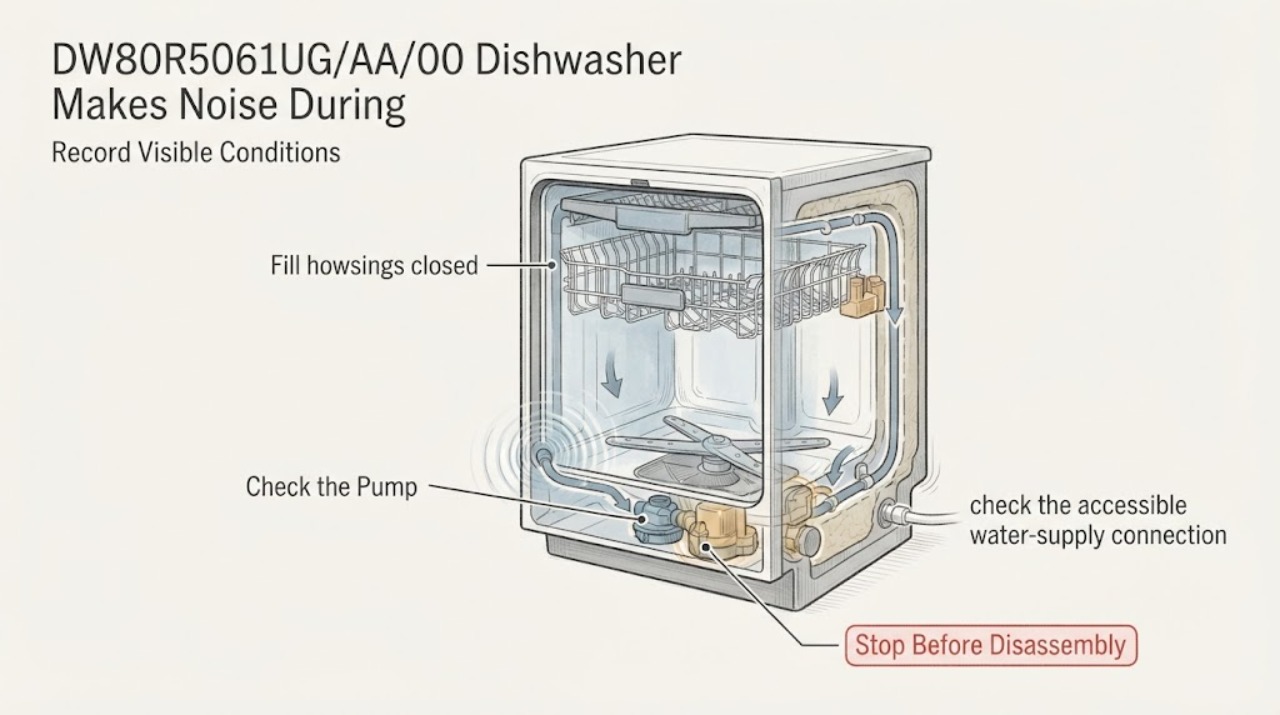
Samsung DW80R5061UG/AA/00 Dishwasher Makes Noise During Water Fill
For the Samsung DW80R5061UG/AA/00, first establish whether the sound occurs during the initial drain or after water actually enters the tub. Samsung says a dishwasher may sound as it clears residual water before filling, and watery spray sounds or a low hum can be normal; a high-pitched whine can also come from water moving through pipes.
-
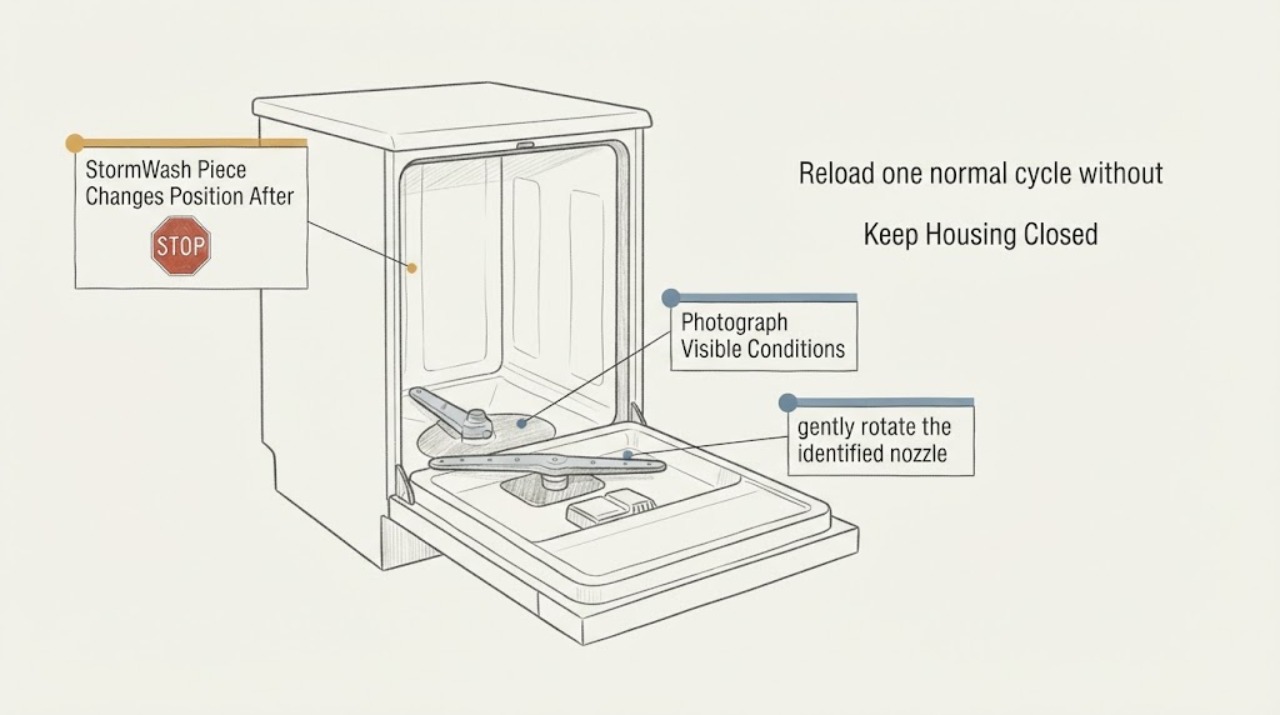
Samsung DW80R7060US StormWash Piece Changes Position After Washing
Samsung identifies the DW80R7060US/AA as a StormWash dishwasher with three spray wash arms. A StormWash piece stopping at a different angle after each cycle is not, by itself, proof of failure: a rotating nozzle can stop wherever the final water movement ends.
-
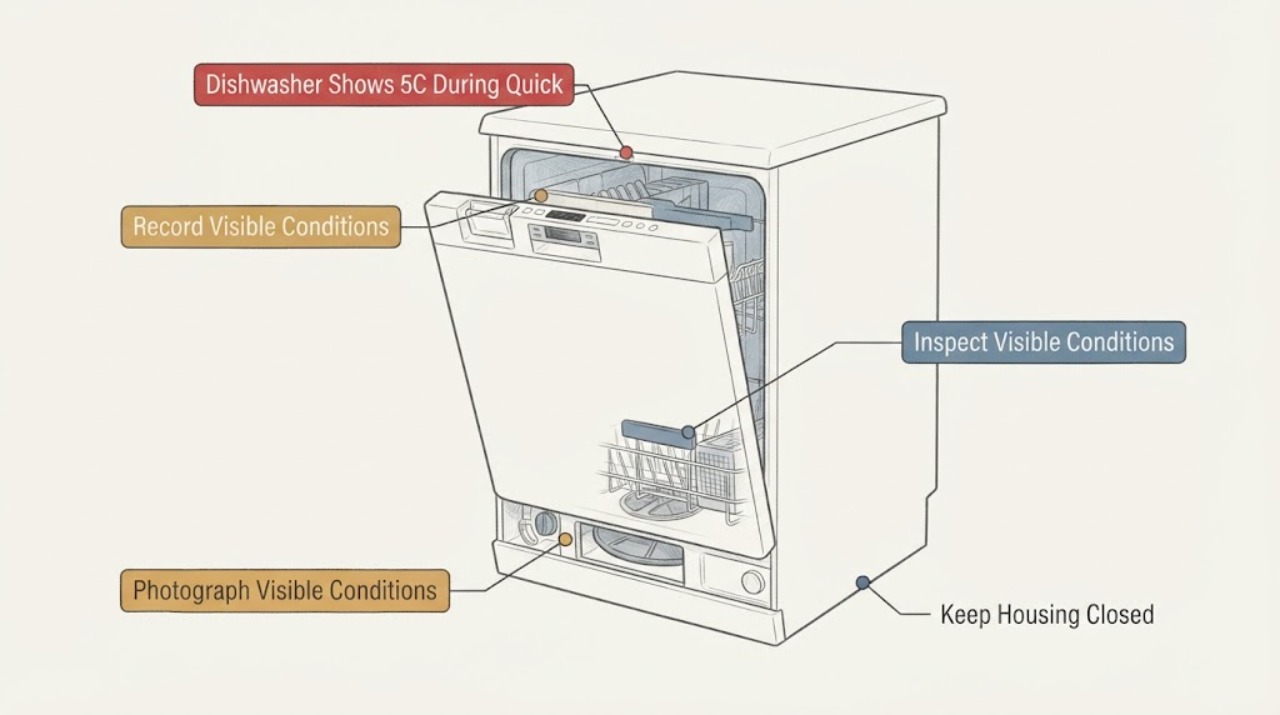
Samsung DW80R7061US Dishwasher Shows 5C During Quick Rinse or Rinse
On the Samsung DW80R7061US, 5C is a drain-related indication, but the short Quick Rinse or Rinse timing does not by itself prove a failed pump or control board. First record whether the code appears before or after water enters, whether water remains in the tub, and whether the sink, air gap, garbage-disposal connection, and visible drain hose are actually blocked, kinked, pinched, or allowing backflow.