
On this page
Start here
Quick answer
If a Samsung DW80M2020US gains water while it is not running, do not start another cycle to test it and do not assume the inlet valve or control board is bad. First photograph or mark the water level, close the dishwasher's accessible water-supply shutoff, and keep power off if water is near wiring or the outlet and it is safe to do so. If the level stops after the supply is isolated, report that observation to qualified appliance service; it narrows the problem to the pressurized supply side or a carryover condition but does not identify a part. If the level continues, the water may be returning through the drain path or an internal leak may be present, so keep the unit unused and arrange appliance or plumbing service. Samsung's exact-model support record identifies DW80M2020US/AC and lists the model manuals; its product specification identifies a digital leakage sensor. Samsung also says LE/LC or certain blinking patterns can cause the dishwasher to turn itself on and drain, which is different from water silently rising while the machine is off. Never disconnect a pressurized hose, move the built-in dishwasher alone, open panels, bypass the leak sensor, or run repeated fill tests.
Before you begin
Safety first
- Do not disconnect a pressurized water or drain hose, move the built-in dishwasher alone, open electrical covers, perform live tests, bypass the leakage sensor, install a generic check valve as a test, or repeatedly restore water/power. Stop for overflow, water near wiring or an outlet, damaged hoses, smoke, arcing, burning odor, or a breaker trip.
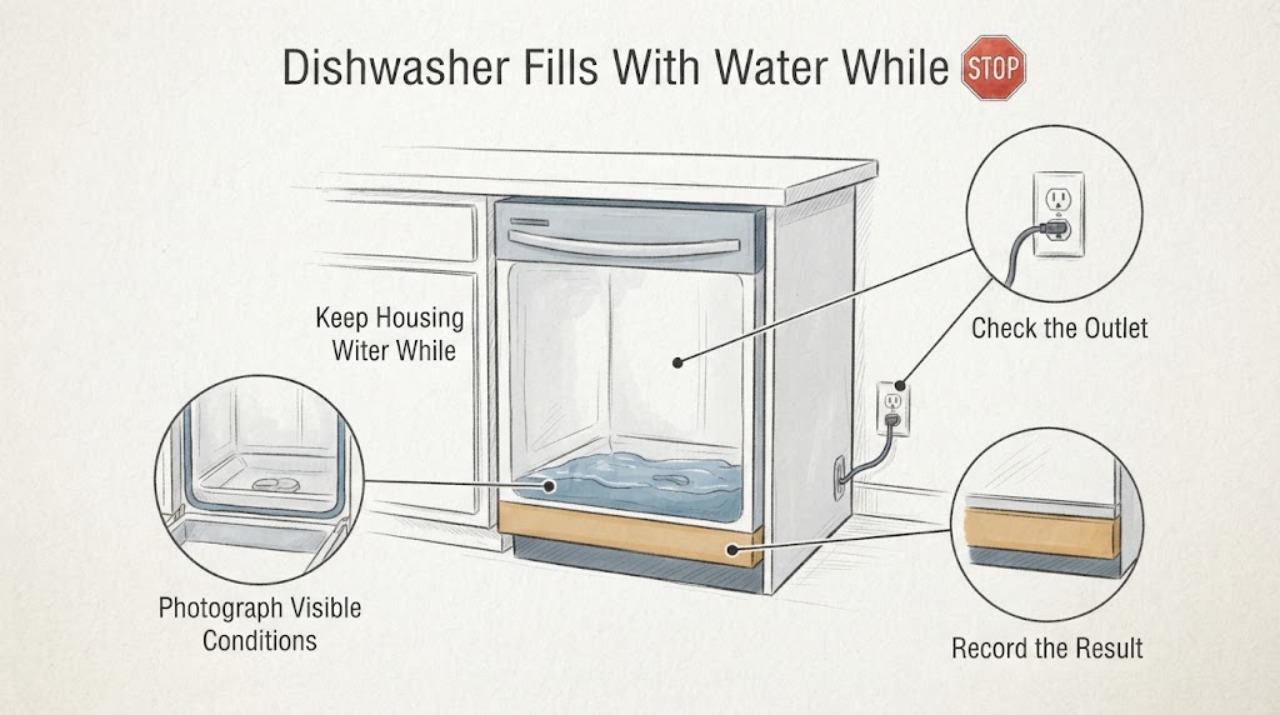
Work through in order
Diagnostic checks
Use only checks that match the exact appliance or system and its official guide.
-
Check 1
Without pressing cycle controls, confirm that the model label reads DW80M2020US and record any full market suffix such as /AA or /AC. Photograph the display and indicator lights from a dry position, note whether the panel is completely off, and photograph the water level without opening electrical covers.
Expected result: The exact model/suffix is confirmed, the panel is off and water is rising, the panel is on or the drain pump is running, or identity/indicator state is unclear.
Next step: Keep the unit unused. If the panel is on or the pump is running, record any LE, LC, or blinking pattern and follow only the matching Samsung support path; if water is silently rising, proceed to safe isolation without starting a cycle.
Stop if: Do not press Start, run a diagnostic, open the toe-kick or control area, or reach into water near electrical parts.
Why this matters
Why: A silent rising level while the panel is off is different from Samsung's leak-sensor behavior, in which moisture can turn the dishwasher on and keep it draining. A model or indicator mismatch means the exact manual and code interpretation are not locked.
-
Check 2
If the water-supply shutoff under the sink is clearly accessible and the floor and your hands are dry, close that valve without loosening any fitting. If water is near wiring, the outlet, or the appliance base, turn off the dishwasher circuit at the breaker only from a dry, safe position; do not reach through water or pull the dishwasher out.
Expected result: The supply valve is closed safely, the breaker is off safely, a connection is visibly wet or damaged, or the shutoff/breaker cannot be reached without contacting water or equipment.
Next step: Leave the dishwasher off and keep the area dry. Notify qualified appliance or plumbing service; if the valve cannot be isolated safely, leave the area and use the appropriate emergency or property-management route.
Stop if: Do not disconnect the water line, remove clamps, test voltage, or move the built-in dishwasher alone.
Why this matters
Why: Isolating the supply prevents an uncommanded fill from continuing while the source is evaluated. A wet or damaged connection is an active leak, not permission to tighten or disconnect a pressurized line. Inaccessible isolation requires professional help.
-
Check 3
After the supply is safely closed and the unit is isolated, photograph or mark the water level at the same location and time. Do not add water or start a cycle. Observe only whether the level remains stable, rises further, or reaches the door/base area.
Expected result: The level stops, continues to rise with the supply closed, or water reaches the floor, wiring, or the door edge.
Next step: Keep the supply and power isolated and provide the level behavior to appliance service. Use a plumber as well if the visible sink/disposer drain connection or household drain is involved; do not reproduce the symptom.
Stop if: Stop immediately for overflow, water near electricity, a wet outlet, smoke, arcing, a burning odor, or a breaker trip.
Why this matters
Why: A stopped level narrows the issue to the pressurized supply side or a prior carryover, but it does not prove a failed inlet valve. Continued rise keeps drain backflow or an internal leak in consideration; floor or wiring contact is an immediate safety branch.
-
Check 4
From under the sink only, inspect the visible dishwasher supply-hose connection, shutoff area, drain-hose connection, and any accessible routing for moisture, damage, a loose-looking joint, a kink, or a sink/disposer backup. Do not disconnect plumbing or pull the dishwasher forward.
Expected result: Moisture is at the supply connection, moisture is at the drain connection or sink/disposer, the visible hoses are dry, or the source cannot be seen without moving the appliance.
Next step: For a visible supply leak, keep the valve closed and arrange appliance/plumbing service. For a drain or sink backup, arrange plumbing help. For a dry or concealed source, request model-specific appliance service rather than selecting a valve, hose, or control part.
Stop if: Do not tighten a pressurized fitting, remove a hose, open panels, or move the appliance without qualified assistance.
Why this matters
Why: Samsung's leak guidance treats supply-hose and drain-hose installation issues as separate visible paths. A dry visible area does not clear the concealed inlet, tub, pump, or sensor path; it only means the source is not externally identified.
-
Check 5
Inspect the dry external control panel for LE, LC, or a blinking-light pattern only after the water and power are safely isolated. Compare the exact display or lights with Samsung's dishwasher guidance; do not clear the warning before recording it.
Expected result: LE/LC or a leakage pattern is present, the panel is on and the unit is trying to drain, another code is present, or no code/indicator is present while the tub gained water.
Next step: Keep power and water isolated while moisture is present and provide the exact code/pattern to service. If the condition began after installation or plumbing work, include that history for the installer; if it developed after normal use, request appliance service.
Stop if: Do not bypass the leakage sensor, repeatedly reset the unit, or restore power while water is near electrical parts.
Why this matters
Why: Samsung says LE/LC or certain blinking patterns indicate moisture detection and can turn the dishwasher on so it attempts to drain. That does not prove the leak sensor itself failed. No code with silent water gain is not a reason to run a cycle; it keeps the supply, drain-backflow, or concealed leak paths open.
-
Check 6
Prepare a service record with the exact model/suffix, whether the display was off, whether the pump ran, the water level before and after the supply was closed, the location and cleanliness of the water, visible hose/drain conditions, any LE/LC or light pattern, and whether the problem began after installation or plumbing work.
Expected result: The water stops with the supply isolated, continues with the supply isolated, the unit repeatedly self-starts/drains, or the source remains hidden.
Next step: Leave the dishwasher unused and arrange qualified Samsung appliance service; involve a plumber for a household drain or supply issue. Ask the provider to trace the model-specific water and drain paths before authorizing a part.
Stop if: Do not run additional cycles, leave the water supply open for observation, or perform live electrical or internal water-path tests.
Why this matters
Why: This history lets the provider separate uncommanded filling from leak-sensor self-draining and from drain-path or installation issues without guessing a component. A recurring condition after the dishwasher previously worked normally is a service case, not a routine user reset.
Use your observations
Decision map
Find the observation that best matches what you see, then follow the next safe action.
-
PATH 01Next step
What you see
The panel is lit or the pump runs, and LE, LC, or a known leakage-light pattern appears instead of silent water accumulation.
Do this next
Keep power off while moisture is present, inspect only visible supply connections and recent installation areas, and request service if the warning returns or the source cannot be identified.
Why this path and its safety boundary
Why it matters: Samsung identifies this as a moisture-detection path that can power the dishwasher and keep it draining. It is not the same observation as water entering while the controls are truly off.
-
PATH 02Next step
What you see
The display is off, no cycle was selected, the water-supply valve is closed, and the tub level stops rising.
Do this next
Keep the valve closed and arrange model-specific appliance service. Do not reopen the valve to see whether the behavior returns and do not order a valve from the symptom alone.
Why this path and its safety boundary
Why it matters: The symptom is narrowed to the pressurized supply side or a one-time carryover, but this observation cannot distinguish an inlet valve, connection, hose, or another internal path.
-
PATH 03Next step
What you see
The level continues to rise after the supply is closed, or water is dirty/smelly and tracks a sink or disposer event.
Do this next
Keep the dishwasher isolated and arrange qualified appliance or plumbing service. Do not disconnect the drain hose or add a generic check valve as a test.
Why this path and its safety boundary
Why it matters: A drain-path return, household plumbing interaction, or concealed water path remains possible. The observation does not prove a failed check valve, drain hose, pump, or control board.
-
PATH 04Next step
What you see
Water reaches the floor, wiring, outlet, door edge, or base, the supply connection is damaged, or a breaker trips.
Do this next
Stop use, isolate water and power only from a dry safe position, and arrange qualified appliance/plumbing service; use the local emergency route for smoke, arcing, fire, or immediate danger.
Why this path and its safety boundary
Why it matters: This is an active water/electrical hazard. The model's digital leakage sensor is a protective feature, not permission to continue testing or bypass it.
Helpful context
Understand the symptom
The first question is not which part to buy; it is whether water is entering the tub while the dishwasher is truly idle, or whether a leak-sensor response has powered the machine and started its drain routine. Samsung says moisture can make a dishwasher turn itself on and keep draining, while a product specification for DW80M2020US lists a digital leakage sensor. Those behaviors can look similar from across the room but require different next steps.
Treat uncommanded water as an active water and electrical hazard. Keep children away, do not touch wet electrical equipment, and do not run a cycle to reproduce the symptom. Only close an accessible shutoff or switch off the dedicated breaker from a dry, safe position; otherwise leave the area and use qualified appliance or plumbing help.
When checks do not resolve it
Need a professional?
Arrange qualified appliance service when the exact model is confirmed but water enters or remains at a rising level while the machine is off, when the supply-isolation observation is unclear, when a leakage warning returns, or when the unit self-starts and drains. Use qualified plumbing service for a sink/disposer backup or household supply/drain connection; use the local gas/electrical emergency route only as applicable to an immediate household hazard.
Safety scope: Do not disconnect a pressurized water or drain hose, move the built-in dishwasher alone, open electrical covers, perform live tests, bypass the leakage sensor, install a generic check valve as a test, or repeatedly restore water/power. Stop for overflow, water near wiring or an outlet, damaged hoses, smoke, arcing, burning odor, or a breaker trip.
Have this ready
- Provide the full DW80M2020US market suffix, panel state, any LE/LC or blinking pattern, whether the pump ran, water level before and after closing the supply valve, whether the water was clean or dirty, visible supply/drain connection observations, and installation or recent plumbing history.
Common questions
FAQ
Why is my Samsung DW80M2020US filling with water when it is off?
The official Samsung material does not support naming one failed component from that symptom. First isolate the water supply and see whether the level still changes. A stopped level narrows the issue to the pressurized supply side or a carryover condition; a continuing level keeps drain return or a concealed leak in consideration. Keep the unit off and arrange service rather than running another cycle.
Could Samsung's leak sensor make the dishwasher turn on by itself?
Yes. Samsung says a leakage error such as LE or LC, or certain blinking-light combinations, can turn the dishwasher on and keep it draining while moisture is detected. That is different from a completely idle dishwasher whose tub silently gains water, so record the panel and pump state before deciding what service is needed.
Should I replace the water inlet valve or add a drain check valve?
Not from the symptom alone. Close the accessible supply and record whether the level stops, inspect only visible connections, and have qualified appliance or plumbing service trace the model-specific path. Do not disconnect hoses, add a generic valve as a test, or claim compatibility from a DW80-series listing.
What should I do if the water reaches the floor or electrical parts?
Stop using the dishwasher. Keep away from wet electrical equipment, close the water supply and switch off the dedicated breaker only from a dry, safe position, and arrange qualified appliance or plumbing service. Do not pull the dishwasher out or touch a wet outlet or connection.
Read the exact guide
Official sources
- Samsung dishwasher will not turn offSamsung · Opened Samsung support guidance. It says moisture can cause continuous draining and recommends inspecting leaks, using professional installation help for installation-related recurrence, and requesting service when a dishwasher that previously worked develops the issue.
- Samsung dishwasher is leaking or has a leakage error codeSamsung · Opened Samsung's leak guidance. It supports power isolation, supply-hose and drain-hose inspection, visible seal/installation checks, and keeping power off while moisture is present. It does not identify a passive-fill component for this exact model.
- Product Specs: DishwashersSamsung · Opened Samsung's official product catalog PDF. The DW80M2020US entry identifies the model as a front-control dishwasher and lists a digital leakage sensor; the catalog is not a diagnosis or a part-compatibility list.
- Lights are blinking on the Samsung dishwasherSamsung · Opened Samsung blinking-light guidance. It explains that some patterns indicate excess water or a leakage sensor and that the dishwasher may turn itself on and drain; the exact DW80M2020US manual remains authoritative for any model-specific pattern.
- DW80M2020US Dish Washer with Hybrid Tub | Samsung Support CASamsung · Opened Samsung's exact-model support page. It identifies DW80M2020US/AC and lists the User Manual and Installation Guide, so the complete market suffix must be confirmed before applying model-specific instructions.
- Samsung dishwasher turns on by itselfSamsung · Opened Samsung support guidance. It says capacitive controls can be touched accidentally, and LE/LC or certain blinking patterns can turn a dishwasher on while it attempts to drain; this supports separating self-start/drain behavior from silent water accumulation.
Community feedback
Share a repair observation
Share a plain-text repair observation. Accepted observations are published automatically; this page may take a moment to update.