
On this page
Start here
Quick answer
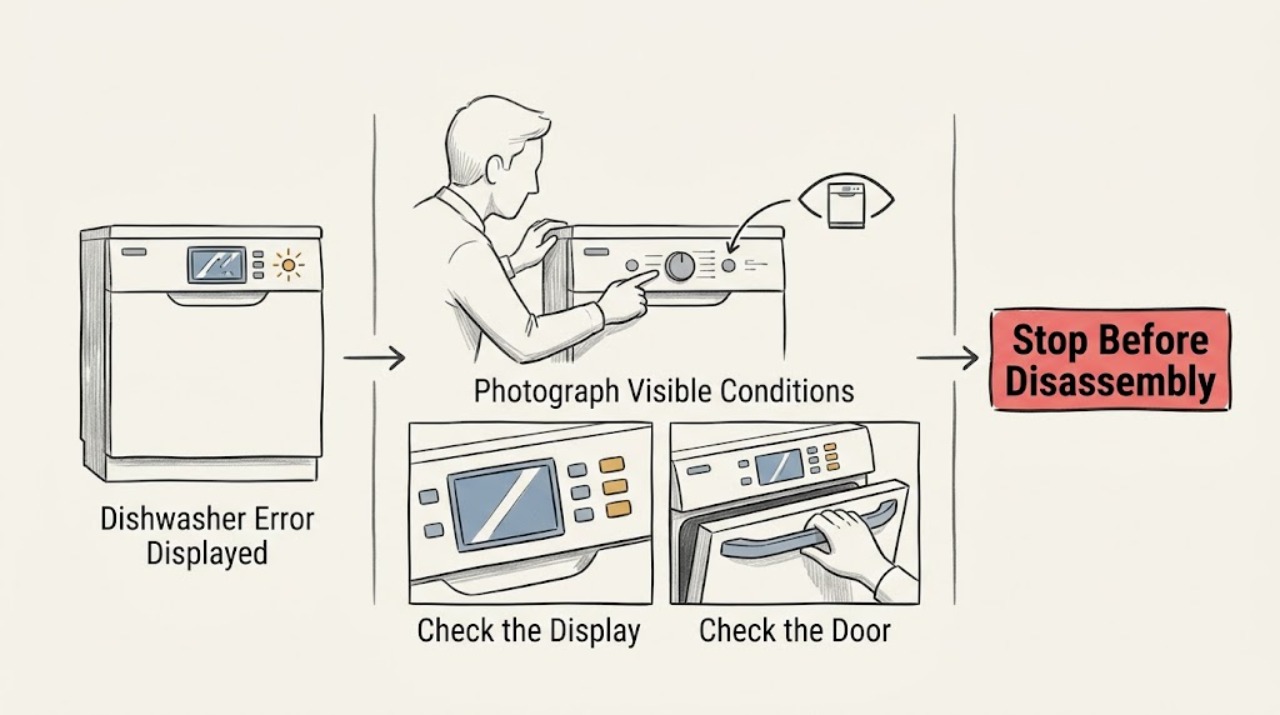
Photograph or write down the exact Magic Chef dishwasher code, lights, or message before clearing it. Then identify the model, check the matching manual, and observe whether the message returns during a particular stage; a generic reset cannot safely explain an unknown code.
Work through in order
Diagnostic checks
Use only checks that match the exact appliance or system and its official guide.
-
Check 1
Record every visible character, blinking pattern, and the point in the cycle when the message appeared. Take a photo before pressing buttons.
Expected result: The same code or pattern repeats at a consistent stage.
Next step: Keep the record with the model number and search the exact Magic Chef manual rather than guessing the code's meaning.
Why this matters
Why: The code may identify a stage-specific condition, while a one-time display may have followed an interrupted cycle or input.
-
Check 2
Check the model and serial label and compare the physical control layout with the manual or Magic Chef support entry. Do not use a code table from another model.
Expected result: The manual does not list the code, the model cannot be confirmed, or the controls differ.
Next step: Pause troubleshooting and contact Magic Chef support with the exact model, code, and observed stage.
Why this matters
Why: The displayed message cannot be interpreted reliably from a generic source.
-
Check 3
If the model manual gives a user-level cancel or power-cycle instruction, follow it once with the door closed and the water area dry; otherwise do not invent a reset sequence.
Expected result: The message clears and the next test cycle completes, or the same message returns.
Next step: For a returning message, stop repeating resets and arrange model-specific service, especially if there is standing water, a leak, smoke, or a burning odor.
Why this matters
Why: A cleared one-time control state differs from a repeatable appliance fault.
Use your observations
Decision map
Find the observation that best matches what you see, then follow the next safe action.
-
PATH 01Next step
What you see
The code appears once after an interruption and the model manual's safe procedure clears it
Do this next
Monitor one normal cycle and keep the code record if it returns.
-
PATH 02Next step
What you see
The code returns at the same stage or is not documented for the confirmed model
Do this next
Leave the dishwasher off if unsafe symptoms are present and contact qualified service.
Helpful context
Understand the symptom
The exact code matters
Magic Chef sells countertop and built-in dishwashers with different controls and cycles. Treat the displayed characters and the model number as one identity, not as a generic dishwasher error.
When checks do not resolve it
Need a professional?
Give Magic Chef support the exact model, code, and cycle stage when an error returns.
Common questions
FAQ
Can I use a code list from another dishwasher brand?
No. Use the exact Magic Chef model manual; control codes are not universal.
What should I do if the code disappears?
Keep the photo and model number, then observe whether the message returns at the same stage. A returning or undocumented message needs model-specific service.
Read the exact guide
Official sources
- SupportMagic Chef · Magic Chef product support and service paths
- Manual DownloadsMagic Chef · Magic Chef model-specific product manuals and code interpretation source
- 24 in. Black Front Control Built-in Stainless Steel Tall Tub DishwasherMagic Chef · Magic Chef dishwasher LED display, controls, cycles, delay, and lock context
Community feedback
Share a repair observation
Share a plain-text repair observation. Accepted observations are published automatically; this page may take a moment to update.