
On this page
Start here
Quick answer
When a freezer displays an error, do not interpret the code from another brand or model. Photograph or write down the exact code, model number, freezer temperature, and when the message appeared. Keep the door closed while you check for a door or temperature alarm, and protect food if the freezer is warming. Check only the manual's model-specific control, power, cooling, and ice-maker instructions; a single permitted reset is reasonable when the cabinet and electrical area are dry. A recurring code, rising temperature, leak near electrics, smoke, overheating, or a tripped breaker needs qualified service.
Before you begin
Safety first
- An error display can signal a warming freezer, power event, door issue, optional ice-maker fault, or internal failure. Keep checks external and model-specific. Protect food while investigating and stop for any electrical, water, overheating, or sharp-ice hazard.
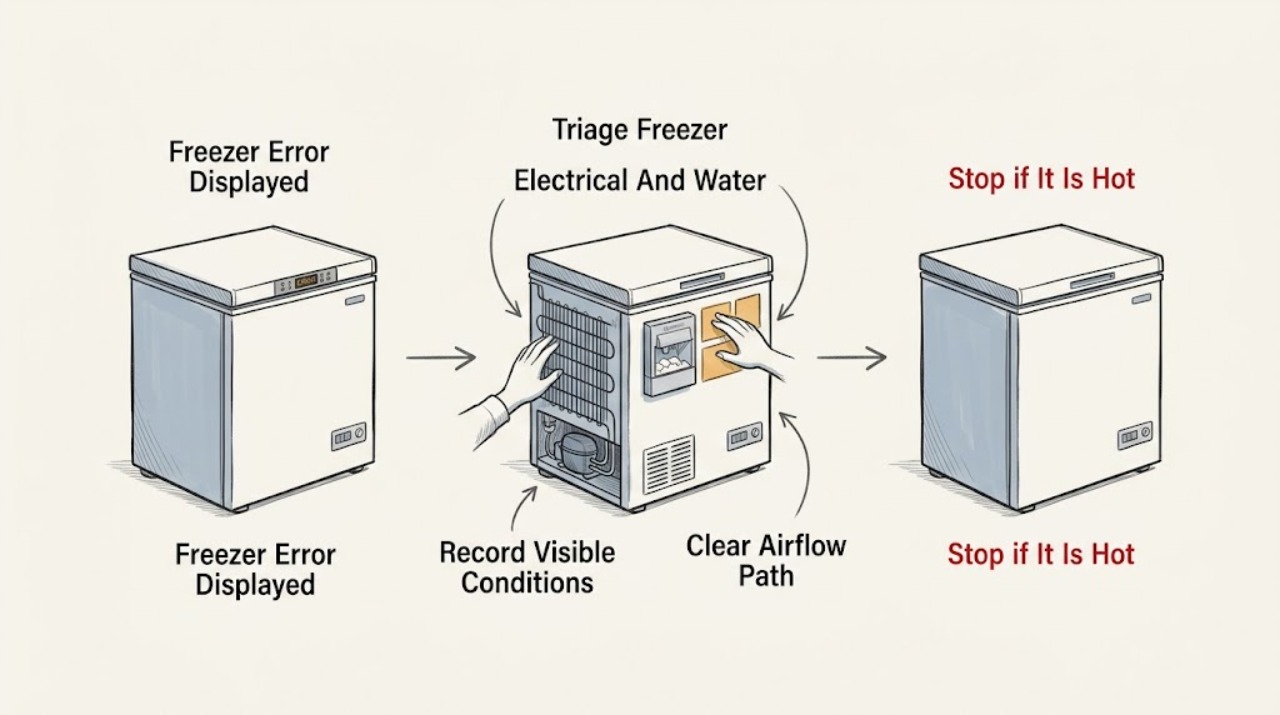
Work through in order
Diagnostic checks
Use only checks that match the exact appliance or system and its official guide.
-
Check 1
From a dry, safe position, look for water near the plug or socket, smoke, a burning smell, sparks, a hot cord or cabinet, damaged wiring, or a breaker that has tripped. Do not touch a wet or energized appliance.
Expected result: A leak reaches electrical parts, smoke or heat is present, wiring is damaged, sparks occur, or the breaker trips again; alternatively the freezer is dry and no hazard is visible.
Next step: If a hazard is present and power or water isolation is safely reachable without touching wet electrics, isolate the appliance and close the water supply if applicable; otherwise leave it alone and obtain qualified help. If no hazard is present, continue without opening the cabinet.
Stop if: Stop immediately for water near electrical parts, smoke, burning odor, sparks, severe heat, damaged wiring, or repeated breaker trips.
Why this matters
Why: An error display with an electrical or water hazard must not be treated as a routine code-reset problem.
-
Check 2
Photograph or write down the exact displayed code, all accompanying icons or lights, the complete model number, the freezer temperature from an appliance thermometer, and what was happening when the code appeared.
Expected result: The code is clear and repeatable, the display is only an alarm or icon, the model number is missing, or the display changes before it can be recorded.
Next step: If the model is missing, locate the rating label without moving or dismantling the freezer and obtain its manual. If the code is repeatable, keep the image for service; do not search for a cross-brand interpretation or erase evidence with repeated resets.
Stop if: Stop if reaching the label would require moving a heavy appliance, touching damaged wiring, or entering a wet area.
Why this matters
Why: The exact identity and trigger determine which manual applies; a partial code or a code borrowed from another brand cannot establish a diagnosis.
-
Check 3
Without forcing the door, inspect the visible gasket for a gap or package obstruction, confirm the door closes, note excessive frost or blocked interior air vents, and compare the thermometer reading with the model's documented temperature or alarm behavior.
Expected result: The door is ajar, the gasket is obstructed or damaged, frost blocks an air path, the measured temperature is rising, or the door and airflow appear normal.
Next step: If a loose package or visible obstruction can be corrected without tools, correct it and keep the door closed while monitoring. Do not chip ice or apply heat; if the temperature continues rising or the gasket is damaged, arrange service and protect food.
Stop if: Stop for cracked glass, a torn gasket that cannot seal, heavy ice requiring tools or heat, or food thawing alongside a fault that will not clear.
Why this matters
Why: Door and airflow conditions can create a temperature alarm even when the displayed code does not identify a failed component. A rising measured temperature also makes food protection more urgent.
-
Check 4
Check the visible power connection, household breaker, and any model-documented cooling-on or demo-mode indicator without opening panels. Listen and observe only from outside for normal cooling activity, unusual clicking, or no operation.
Expected result: The display or interior light is dead, the breaker has operated, cooling is documented as off or in a display mode, unusual clicking repeats, or power and cooling appear normal.
Next step: If the breaker is tripped, reset it once only when the area is dry and there are no heat, odor, or water warnings; if it trips again, leave the freezer isolated and call a qualified electrician or appliance technician. If a model-specific cooling mode is shown, use only the exact manual's correction.
Stop if: Stop for a hot outlet, damaged cord, smoke, odor, sparks, repeated clicking with rising temperature, or another breaker trip.
Why this matters
Why: A power event or a control mode can produce a warning, while repeated clicking, no cooling, or a returning alarm can indicate a fault that needs model-specific diagnosis.
-
Check 5
Only if the freezer has an automatic ice maker or water connection, compare the displayed message with the exact manual and observe the visible ice-bin position, water tubing, and shutoff state without forcing parts or disconnecting a pressurized line.
Expected result: The appliance lacks an ice maker, the bin is visibly blocked, water is leaking, the supply is off, or the ice-maker area appears normal.
Next step: If the manual identifies a safe bin or visible supply correction, make that correction once and monitor the exact code. If the line leaks, the mechanism is frozen, or the code returns, leave the feature off and arrange qualified service.
Stop if: Stop for leaking tubing, water near electrics, a jammed mechanism, frozen parts requiring force, or any need to remove a water connection or panel.
Why this matters
Why: Ice-maker and water messages are feature-dependent and cannot explain a code on a freezer without that equipment. A leak or blockage may also create electrical or food-safety risk.
-
Check 6
After preserving the code and temperature record, use a reset only if the exact manual permits it and the freezer is dry and safe; restore power once and observe whether the code clears, returns immediately, or returns as the temperature changes.
Expected result: The code clears and the freezer returns to stable cooling, the code returns, the temperature continues rising, or the display stays unresponsive.
Next step: If the code returns, the display stays unresponsive, or temperature does not recover, leave the freezer out of service and contact qualified support with the model, code, temperature, and observations. If food is warming, follow official food-safety guidance and move or discard food as appropriate.
Stop if: Do not repeat resets, open the cabinet, probe wiring, chip ice, or keep operating a freezer with smoke, heat, leaks, sparks, or an unresolved rising-temperature alarm.
Why this matters
Why: A one-time reset may clear a transient state but does not prove the freezer is repaired. Recurrence or continued warming requires service and food protection.
Use your observations
Decision map
Find the observation that best matches what you see, then follow the next safe action.
-
PATH 01Next step
What you see
Water is near electrical parts, smoke, burning odor, sparks, severe heat, damaged wiring, or repeated breaker trips appear.
Do this next
Stop testing and isolate power or water only if safely reachable without touching wet electrics. Leave the freezer off and obtain qualified help.
-
PATH 02Next step
What you see
The code or model cannot be recorded exactly.
Do this next
Do not use a cross-brand code chart. Locate the model information safely, use that exact manual, and preserve any display photo for service.
-
PATH 03Next step
What you see
The door does not seal, frost blocks airflow, or the measured temperature rises.
Do this next
Correct only a loose visible obstruction, keep the door closed, protect food, and arrange service if temperature continues rising or the alarm returns.
-
PATH 04Next step
What you see
The exact code points to an ice maker or water feature and the freezer is equipped with one.
Do this next
Follow only that model's visible checks. Do not force the mechanism or disconnect a water line; persistent codes or leaks need service.
-
PATH 05Next step
What you see
The code returns, the display stays unresponsive, or cooling does not recover after one permitted reset.
Do this next
Leave the freezer out of service, protect food using official food-safety guidance, and arrange qualified diagnosis with the exact code and temperature record.
Helpful context
Understand the symptom
An error display is a symptom, not a universal diagnosis
Freezer displays can report a temperature alarm, power interruption, door condition, control state, ice-maker condition, or an internal fault. The same letters or numbers can mean different things on different brands and model families. Record the complete model number, the exact capitalization and punctuation of the code, the freezer temperature, and whether it appeared after a power event, door opening, cleaning, water use, or a change in cooling. Do not copy a reset sequence or code meaning from an unrelated freezer.
Protect food while you investigate
Keep the freezer door closed as much as possible and read an appliance thermometer rather than relying on the display alone. FDA guidance uses 0°F or below as the freezer target. If food has begun to thaw, follow official food-safety guidance for temperature and time; do not taste questionable food. Move food to a safe cold location if the freezer cannot hold temperature and service will be delayed.
Low-risk checks only
You can observe the door seal, visible frost, blocked vents, control setting, power connection, and optional ice-maker water connection without removing panels. Do not chip ice with a sharp tool, use a heater to defrost, open a sealed-system circuit, or probe live wiring. A leak that reaches a socket, a hot cord, smoke, sparks, or repeated breaker trips is a stop condition.
Reset once, then preserve the evidence
Some manufacturer support pages describe a limited power reset for an unresponsive control, but they also direct owners to the exact manual and service when the problem persists. Before resetting, photograph the code and note the temperature. After one model-approved reset, record whether the code clears, returns immediately, or returns after cooling resumes. A cleared display does not prove that the underlying fault is fixed.
When the error involves ice or water
Only freezers equipped with an automatic ice maker or water connection can have ice-maker or inlet-related messages. If the code or manual points there, check only the visible shutoff position, tubing, and ice-bin obstruction described by that exact manual. Do not force a frozen mechanism, remove a water line under pressure, or infer that an ice-maker code applies to a freezer without that feature.
The service handoff
Arrange qualified service when the code recurs, the freezer is not cooling, the display is inconsistent, or the checks would require opening the cabinet. Provide the exact code and model, temperature trend, door and frost observations, recent power event, ice-maker status if applicable, and the result of the one documented reset.
Safety boundary
Stop conditions
- Stop for leaks near electrics, smoke, burning odor, sparks, severe heat, damaged wiring, or repeated breaker trips.
- Keep the door closed and protect food if temperature rises; do not taste questionable food to judge safety.
- Never interpret a code across brands, chip ice, use a heater, open panels, handle refrigerant, or test live wiring.
When checks do not resolve it
Need a professional?
Call qualified appliance service when the exact code recurs, the freezer remains warm, the display is unresponsive, an ice-maker or water fault persists, or diagnosis would require opening panels, handling refrigerant, testing live circuits, forcing a fan or ice maker, or replacing a control or sensor.
Common questions
FAQ
Can I look up a freezer error code online?
Use only the exact model manual or manufacturer support page. The same code can mean something different on another brand or model, so record the code and model before searching.
What temperature should I record when a freezer shows an error?
Use an appliance thermometer and record the actual reading and trend. FDA guidance uses 0°F or below for freezer storage; a rising temperature makes food protection urgent.
Should I reset a freezer after an error appears?
Only if the exact manual permits a reset and the appliance and electrical area are dry and safe. Do it once after photographing the code, then arrange service if it returns or cooling does not recover.
What if the error seems related to the ice maker?
Confirm the freezer actually has that feature, then follow only its exact manual. Do not force an ice maker, disconnect a water line, or apply heat; a leak or recurring code needs service.
What should I do with food while the freezer error is active?
Keep the door closed, monitor with an appliance thermometer, and follow official food-safety guidance. Do not taste questionable food; move or discard food as the measured temperature and time require.
Read the exact guide
Official sources
- Control Panel Not Working - RefrigeratorWhirlpool · Manufacturer guidance on model-specific control states, power events, one-time reset, and service escalation for refrigerator/freezer controls
- How to Cut Food Waste and Maintain Food SafetyU.S. Food and Drug Administration · Freezer temperature monitoring and food-safety decisions during warming or power problems
- Freezers - Product Help | WhirlpoolWhirlpool · General manufacturer freezer support, model manuals, product types, and service routing
Community feedback
Share a repair observation
Share a plain-text repair observation. Accepted observations are published automatically; this page may take a moment to update.