
Repair problem
Not Connecting To Wi-Fi Troubleshooting Guides
Published FixGraph guidance for diagnosing and responding to not connecting to wi-fi.
Matching published guides
Choose a guide that matches the service, equipment, and conditions you are seeing.
-
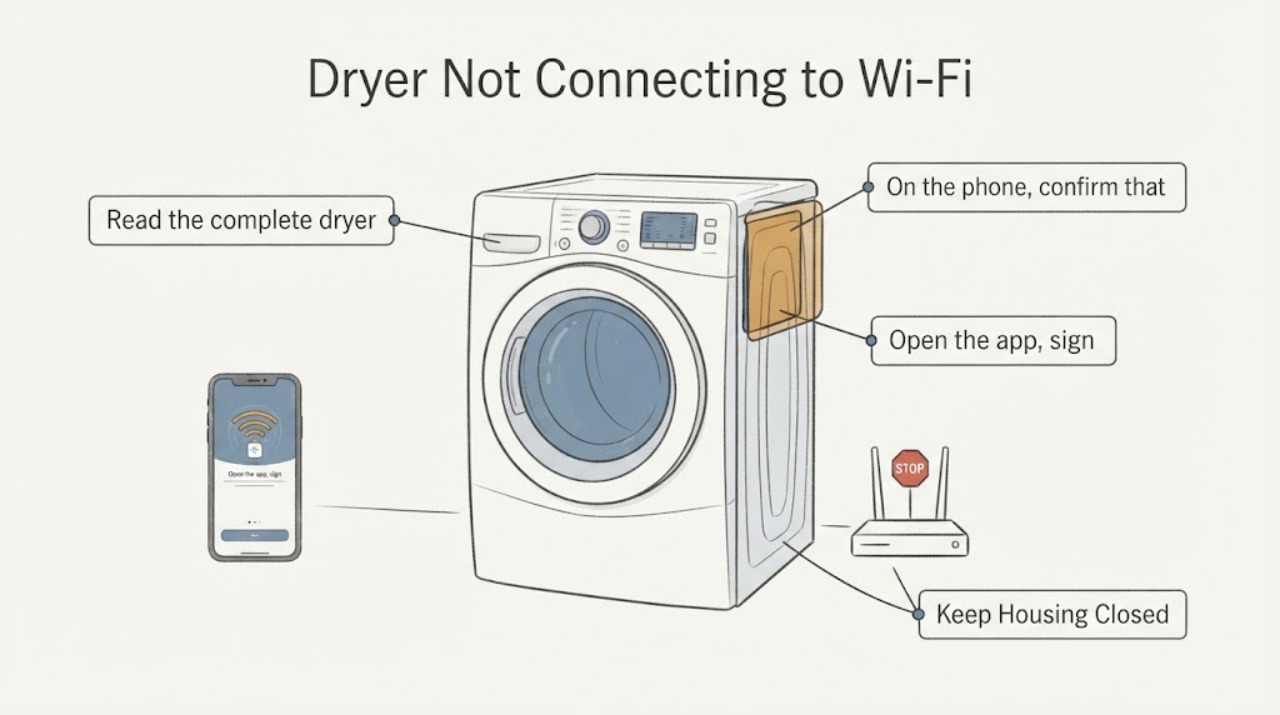
AEG Dryer Not Connecting to Wi‑Fi: Check Model Support, App and Network
First confirm that the AEG dryer is a Wi‑Fi capable model and that you are using the AEG app for the correct country/region. AEG’s connected-appliance guidance applies to dryers and calls for a visible home network, a stable signal at the appliance, a password-protected 2.4 GHz network, and onboarding in both the app and the appliance.
-
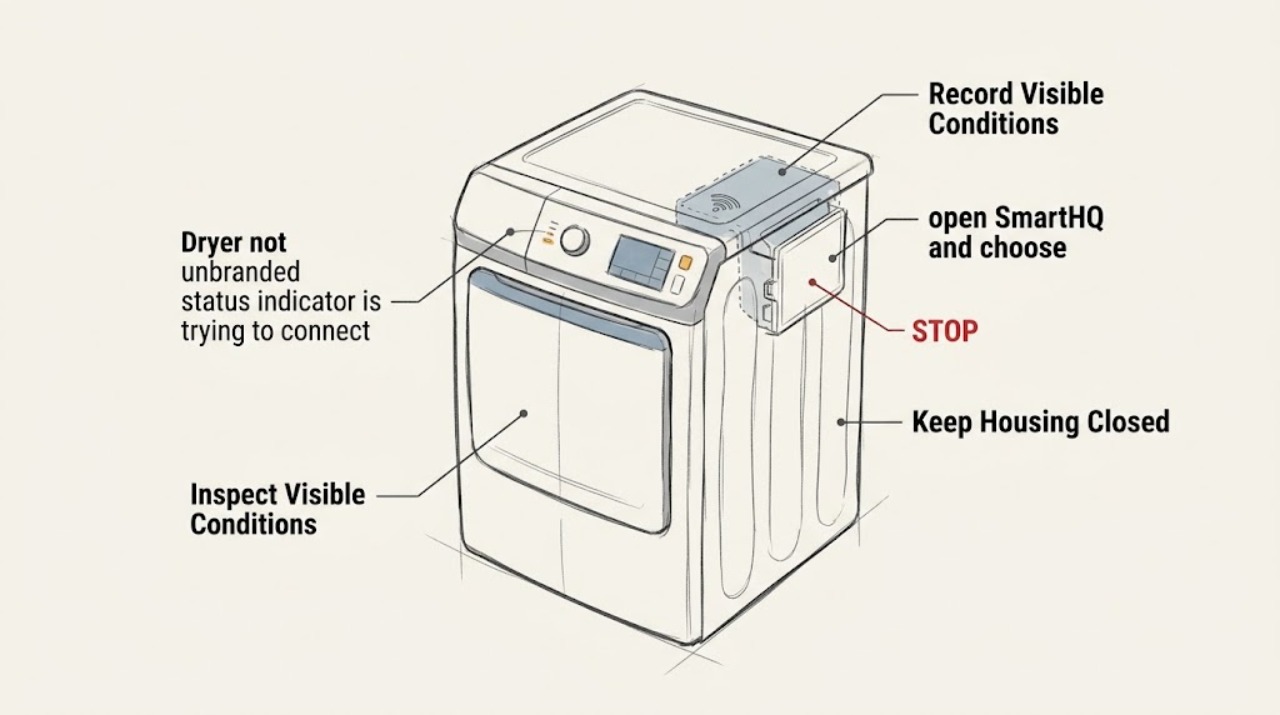
Reconnect GE GTD75GCPLDG Dryer to WiFi After It Disconnects
The GE GTD75GCPLDG is listed by GE as a Smart gas dryer with built-in WiFi powered by SmartHQ, so a lost connection should be handled as a SmartHQ re-pairing problem, not as a vent, heat or dryer-part fault. First confirm that the model label is exactly GTD75GCPLDG and that the dryer's WiFi icon or connection controls are present.
-
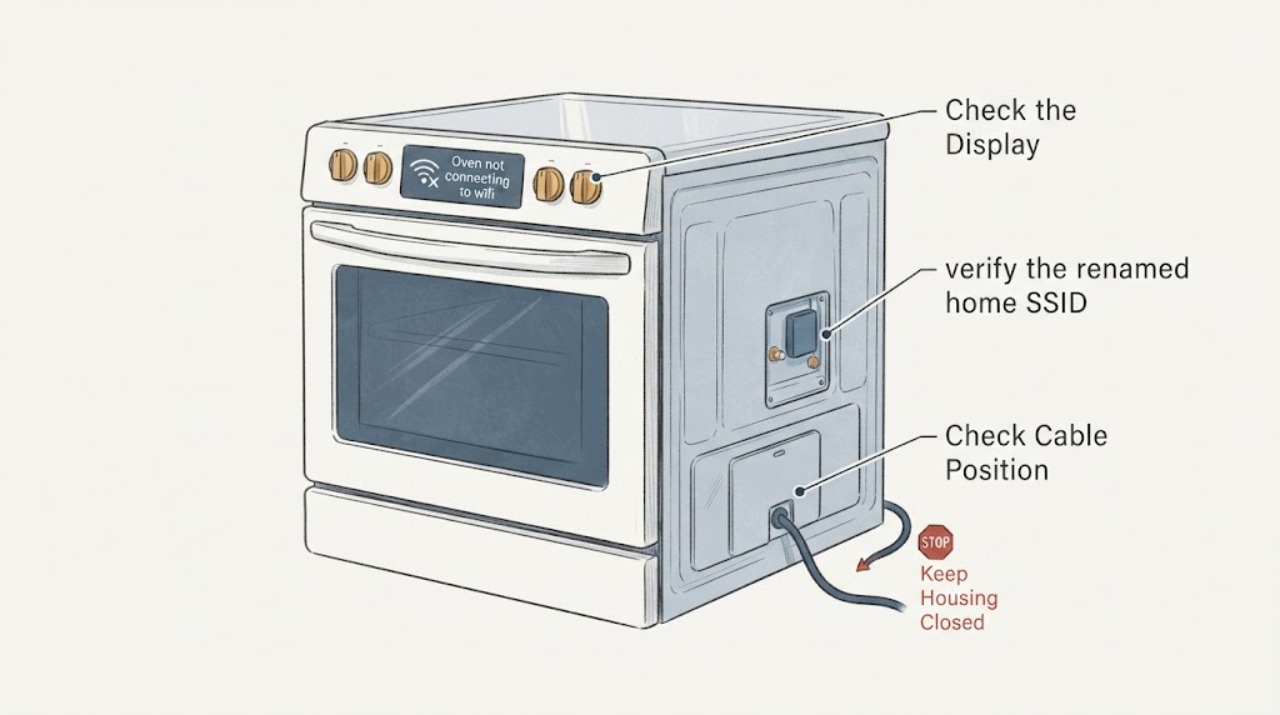
GE Profile PHB920SJ4SS Oven Will Not Reconnect to Wi-Fi After a Network Name Change
Changing the home Wi-Fi name makes the GE Profile PHB920SJ4SS range need a new SmartHQ pairing; it does not by itself indicate a failed Wi-Fi module. GE's exact-model parts listing identifies PHB920SJ4SS, while the GE consumer page identifies this family as a built-in Wi-Fi appliance powered by SmartHQ.