
Repair problem
TV Provider Switch Troubleshooting Guides
Published FixGraph guidance for diagnosing and responding to tv provider switch.
Matching published guides
Choose a guide that matches the service, equipment, and conditions you are seeing.
-
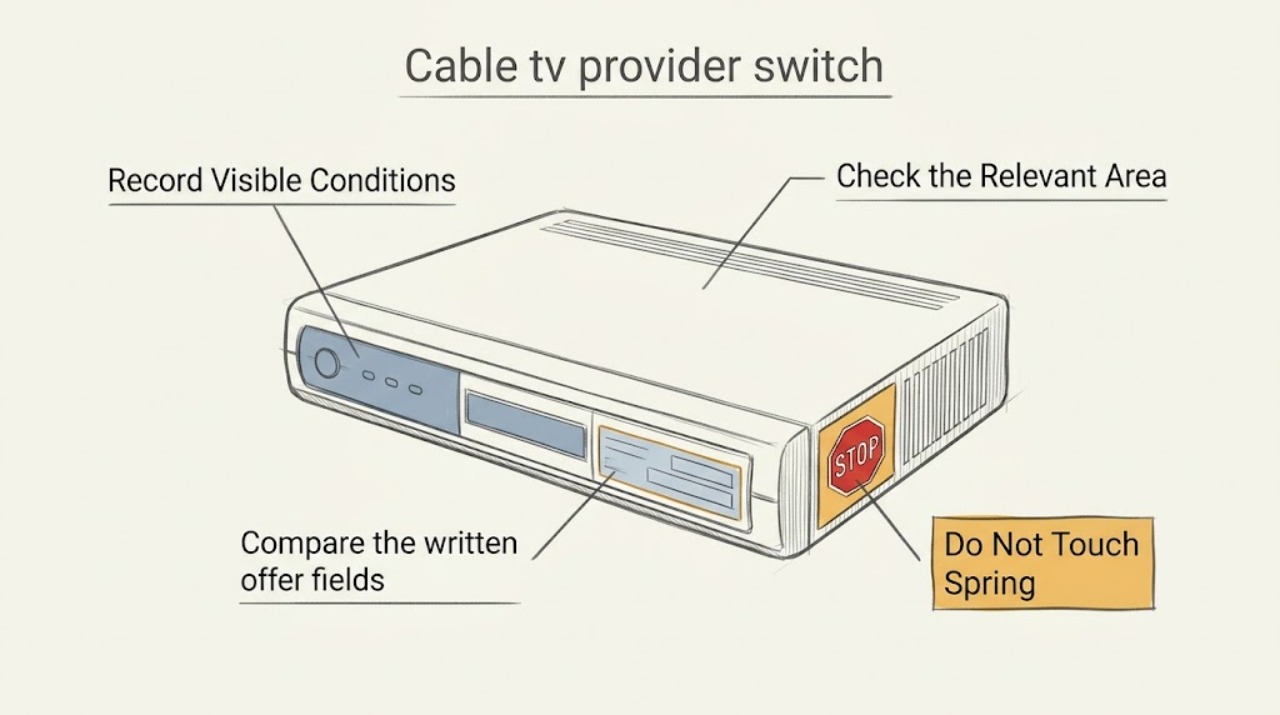
Cable tv provider switch: What to Check and What to Do Next
For a new cable-TV provider, compare the service that will actually be available at your address, the channels and features you use, the complete recurring and one-time charges, and the equipment and installation plan. Start with your address and a short must-have list, then verify the provider's availability and written plan details before scheduling installation.
-
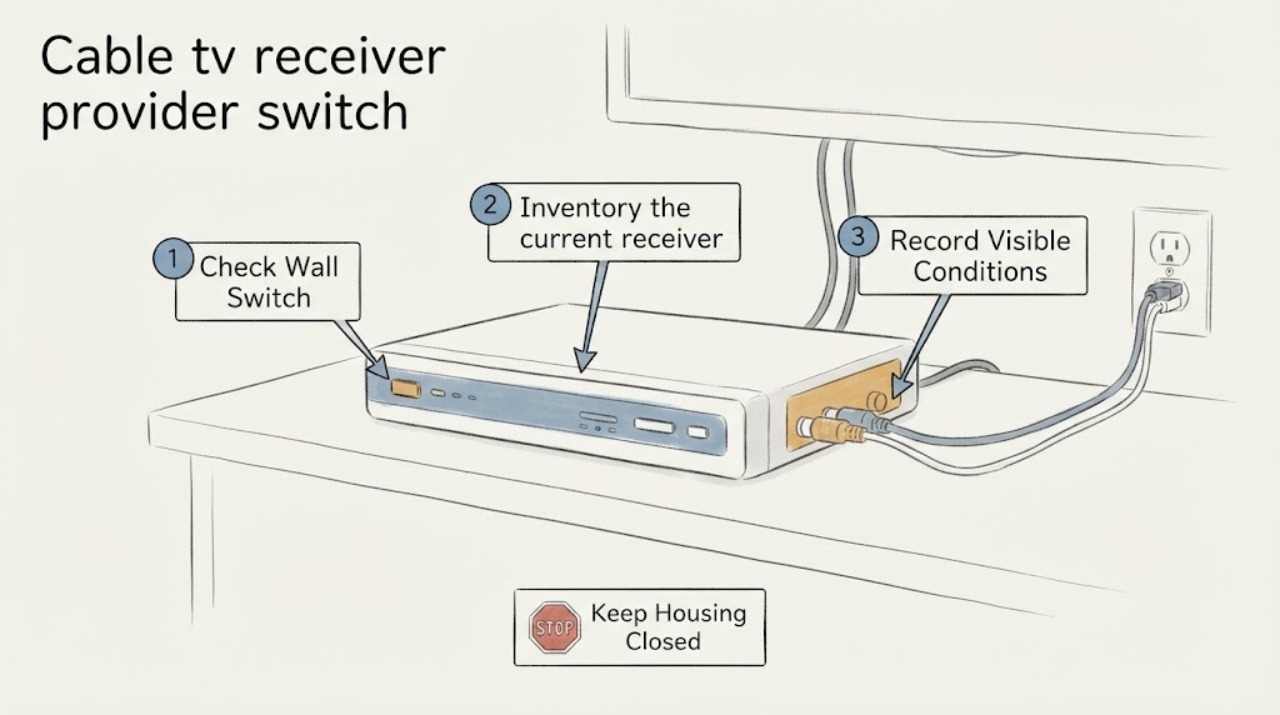
Cable tv receiver provider switch: What to Check and What to Do Next
A cable-TV provider switch is a new-service and equipment-compatibility decision, not a receiver repair. First confirm that the new provider serves the exact address and ask which delivery method and receiver it supports there.
-
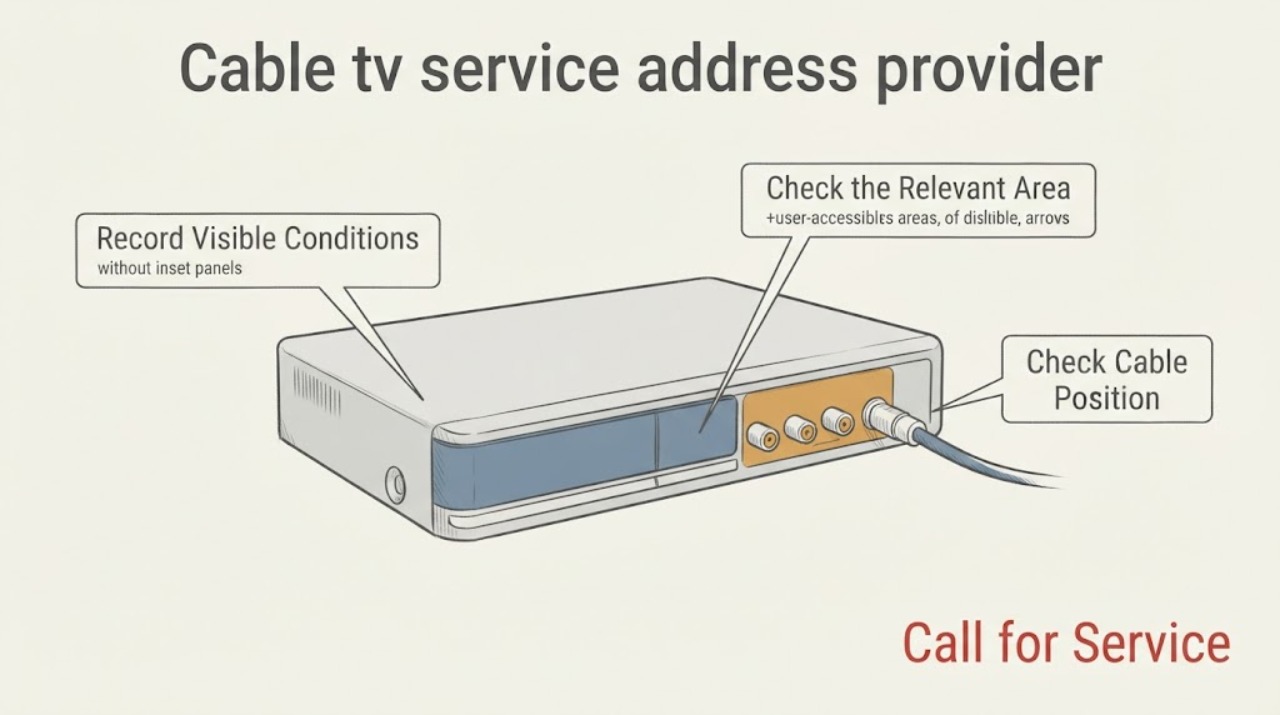
Cable tv service address provider switch: What to Check and What to Do Next
For a new cable-TV provider at a different address, first confirm the exact building and unit, then compare the provider's address qualification with an independent FCC availability view. After that, identify whether the result is cable television, an Internet-and-TV bundle, or an app-based option, inventory the televisions and inputs you will use, and choose the installation path the provider marks as eligible.