
On this page
Start here
Quick answer
For a new cable-TV provider, compare the service that will actually be available at your address, the channels and features you use, the complete recurring and one-time charges, and the equipment and installation plan. Start with your address and a short must-have list, then verify the provider's availability and written plan details before scheduling installation. Do not choose a bundle from an introductory headline alone, and do not treat a provider switch as an outage or billing-support problem. Keep the existing service sequence coordinated until the new installation is working and you have confirmed what equipment must be returned.
Before you begin
Safety first
- Do not alter electrical work, open walls, route inaccessible cable, move heavy displays, or improvise around an unfamiliar power or wiring connection. Request a professional installation when the work exceeds a normal user connection.
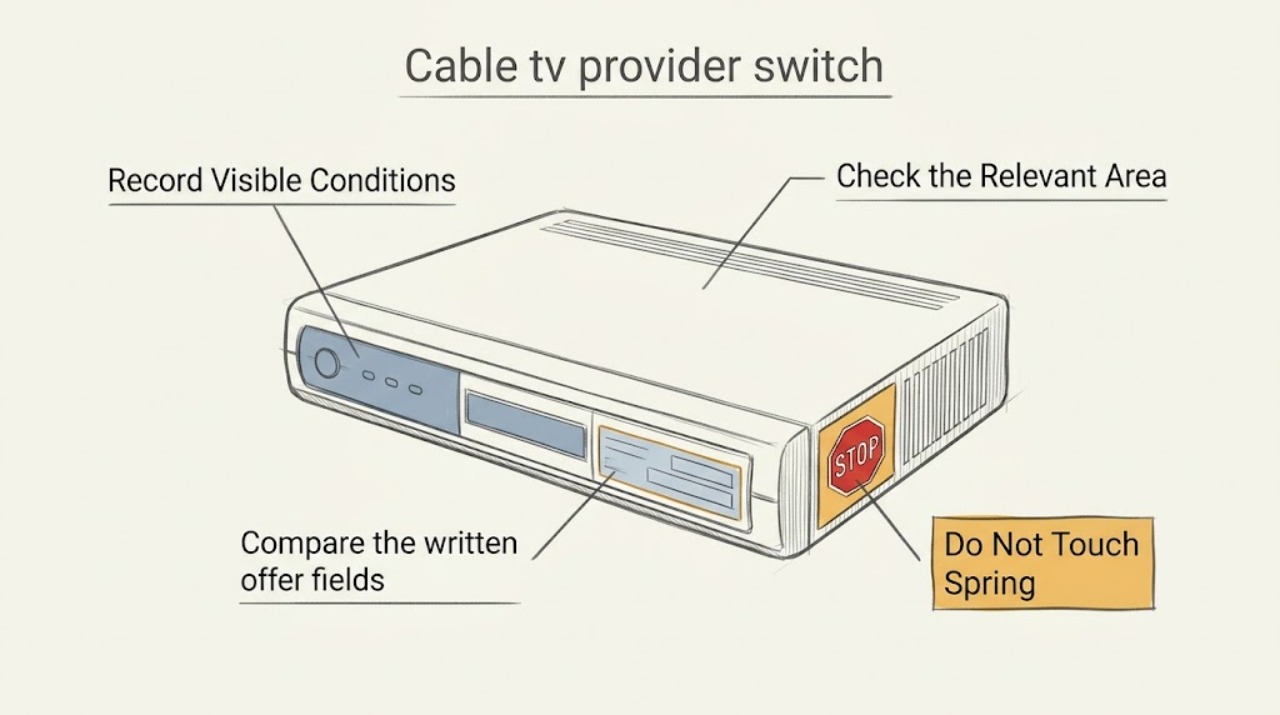
Work through in order
Diagnostic checks
Use only checks that match the exact appliance or system and its official guide.
-
Check 1
Write a one-page requirements list before comparing providers: the address, move-in or desired activation date, must-have local or specialty channels, recording or simultaneous-stream needs, accessibility features, internet activities if bundled, and the TVs or streaming devices that must work.
Expected result: A short must-have list separates essential channels and functions from nice-to-have promotions. If a service cannot state that an essential channel or feature is included in the selected tier, treat it as unconfirmed.
Next step: Use the same list to request or save the plan name, channel lineup, equipment, installation, and performance details for each address-specific option.
Stop if: Stop the comparison if the provider cannot clearly identify the plan, included features, or address-specific availability; do not place an order based only on a headline promotion.
Why this matters
Why: The list gives every provider the same comparison target and prevents a cheaper-looking bundle from winning simply because it omits a feature your household needs.
-
Check 2
Check the exact service address in the FCC National Broadband Map for reported fixed broadband options, then confirm the result with the prospective provider before scheduling. Record each provider's reported technology, advertised speeds, and whether the address is a home, apartment, or other building with access restrictions.
Expected result: The map can show multiple reported providers and technologies at a location, but it is an availability reference rather than a promise that every plan, TV lineup, installation path, or indoor result will be offered to your unit.
Next step: Ask the provider to confirm the unit or serviceable location, installation method, expected activation sequence, and any building or landlord permission requirement. Save the confirmation with the plan details.
Stop if: Do not schedule around an unverified address, especially for a move or apartment installation; pause and resolve the address or building-access mismatch first.
Why this matters
Why: A provider that is not reported at the exact address needs confirmation before it remains in the comparison; a provider shown as available still needs an address-qualified order and installation check.
-
Check 3
Compare the written offer fields side by side: included TV tier and channel lineup, introductory rate and later rate, recurring and one-time charges, data allowance or excess-use policy for broadband, typical upload and download speeds, latency, contract term, equipment charges, and installation conditions.
Expected result: Missing fields, vague bundle language, or a price shown without the post-introductory rate and recurring or one-time charges means the offers are not yet comparable. A channel name in an advertisement does not by itself prove that it is in the selected tier at your address.
Next step: Ask the provider to identify every unclear field in writing before ordering, and retain the version of the lineup and plan that you used to choose.
Stop if: Stop before submitting an order if the provider will not disclose the applicable plan terms, required equipment, or material recurring and one-time charges.
Why this matters
Why: The comparison should use the complete written plan, not a single monthly headline. The FCC broadband label is useful for the broadband portion, while the provider's channel lineup and offer documents control the TV portion.
-
Check 4
Inventory the installation and equipment path: count TVs and intended streaming screens, note available HDMI inputs and existing network equipment, and ask whether the new service uses a set-top box, an app, a gateway, or a combination. Do not move heavy displays, open electrical panels, or alter inaccessible wiring to make the inventory work.
Expected result: A plan that needs more boxes, a compatible app, a different connection, or a professional cable run may have a different installation scope from a simple device swap. An older screen or streaming device may also lack a needed input or supported app.
Next step: Give the installer the TV count, device models if known, room locations, existing connection type, and any accessibility constraints. Ask what the installer supplies and what remains your responsibility.
Stop if: Stop the self-install attempt if a cable must be routed through a wall, a device requires an unfamiliar power connection, or the installation would involve unsafe height, electrical, or building work.
Why this matters
Why: Equipment and installation requirements can change the practical fit even when the channel and broadband comparison looks good.
-
Check 5
At the scheduled installation, verify the handoff from a normal user position: the expected service is active, the selected channels and accessibility features appear, each intended TV or device displays a picture, and the broadband portion reaches the areas where it will be used. Record missing channels, equipment serials, or unfinished work before the installer leaves.
Expected result: A missing channel, unavailable app, unactivated device, or incomplete connection is an installation or plan mismatch to resolve with the provider; it is not evidence that you should buy unrelated equipment or change settings blindly.
Next step: Ask the provider or installer to document the open item and its next step. Keep the saved plan, lineup, installation record, and equipment-return instructions together.
Stop if: Do not dismantle wiring or dispose of the old equipment until the provider has confirmed the handoff and told you what must be returned or retained.
Why this matters
Why: Testing against the original requirements list confirms whether the switch delivered the service that was selected and creates a clear record for any provider follow-up.
Use your observations
Decision map
Find the observation that best matches what you see, then follow the next safe action.
-
PATH 01Next step
What you see
The provider or technology is not reported or confirmed at the exact service address.
Do this next
Pause the order and verify the unit, building access, and installation feasibility with the provider. Compare only options that can be confirmed for that location and activation window.
-
PATH 02Next step
What you see
A must-have channel, feature, or accessibility function is absent from the written tier or cannot be confirmed.
Do this next
Treat the plan as a mismatch and compare another tier or provider. Do not assume that a channel shown in a general advertisement is included at this address.
-
PATH 03Next step
What you see
The offer shows an introductory rate or bundle headline but leaves later charges, recurring fees, one-time fees, contract terms, or data policy unclear.
Do this next
Request the complete written plan and compare the same fields across providers before ordering. If the material terms remain unclear, do not proceed with that offer.
-
PATH 04Next step
What you see
The selected service requires new wiring, inaccessible connections, more equipment than expected, or an installation that is not safe to perform as a self-install.
Do this next
Request a professional installation and provide the room and equipment inventory. Do not alter walls, electrical work, or inaccessible wiring yourself.
-
PATH 05Next step
What you see
Installation is complete but a channel, app, device, or expected broadband function does not match the saved requirements list.
Do this next
Keep the equipment and documentation in place, record the exact mismatch, and ask the provider or installer to correct or explain it before dismantling the old setup.
Helpful context
Understand the symptom
What makes a provider switch a good fit
A provider can look attractive in an advertisement and still be a poor match for a particular address, channel list, viewing routine, or equipment setup. Cable operators can package channels differently, while broadband plans can differ in technology, performance information, data allowances, and fees. The useful comparison is a written, address-specific plan matched to the way your household actually watches and connects devices.
Keep the handoff organized
Before an installation, save the proposed plan, equipment list, appointment window, and any channel or feature promises. Plan the transition so the new service is tested before you make an irreversible change to the old setup. If a provider asks you to use unfamiliar equipment or access wiring that is not safely accessible, ask for an installer rather than improvising.
Only after diagnosis
Potential parts
- HDMI-cable
Only consider a replacement cable if the provider's receiver and the television require a compatible connection and the installer or device documentation identifies the cable as the missing item; changing a cable cannot fix a missing channel entitlement or unavailable service.
Confirm the connector type, required signal capability, device documentation, and available TV input before ordering. The provider or installer should confirm the connection path. - streaming-device
Only consider an additional streaming device when the selected provider confirms that its app supports the intended screen but the existing TV cannot run it or lacks the needed input; it is not a substitute for provider availability or a complete TV tier.
Confirm the provider app's supported device family, required account features, network connection, and accessibility needs before choosing a device.
When checks do not resolve it
Need a professional?
Ask the prospective provider or installer for help when address availability is uncertain, a building or unit needs special access, the installation needs new wiring, the equipment path is unclear, or the installed service does not match the written plan.
Safety scope: Do not alter electrical work, open walls, route inaccessible cable, move heavy displays, or improvise around an unfamiliar power or wiring connection. Request a professional installation when the work exceeds a normal user connection.
Have this ready
- Provide the service address and unit, activation window, must-have channel and feature list, TV and streaming-device inventory, saved plan and lineup, installation appointment details, and a precise list of anything missing after installation.
Common questions
FAQ
What should I compare first when switching cable TV providers?
Start with the exact address and a must-have list of channels, features, accessibility needs, screens, and recording or streaming requirements. Then compare the address-specific lineup, broadband label fields where applicable, equipment, installation, and complete written terms.
Does a provider shown as available on the FCC map guarantee cable TV installation?
No. The map reports broadband availability and technologies at locations. The provider still needs to confirm the exact unit, TV offering, equipment, building access, and installation path.
Why is a channel in an advertisement missing from the plan I was offered?
Cable operators can package channels into different tiers or offer some programming separately. Check the selected tier's written lineup for your address and ask the provider to identify the exact package before ordering.
Should I buy a streaming device before choosing a provider?
Usually not. First confirm that the provider's app supports the intended device and account plan, and determine whether the TV needs a separate device. Buy only after the provider or installer confirms compatibility and the device is the missing piece.
How do I avoid a messy handoff during the switch?
Save the written plan and lineup, confirm the installation sequence, test the new service against your must-have list, and keep equipment and records until the provider confirms what must be returned or retained.
Read the exact guide
Official sources
- Consumer Options for Selecting Cable Channels and the Tier Buy-Through ProhibitionFederal Communications Commission · Used to explain why a channel must be checked in the selected provider tier and why a general advertisement cannot be treated as a universal lineup promise.
- How to Use the FCC's National Broadband MapFederal Communications Commission · Used to frame address-first availability checking and to distinguish reported broadband availability from a provider's final address-qualified TV, equipment, or installation confirmation.
- Broadband Providers Must Prominently Display Accurate Labels for Broadband Services at All Points of SaleFederal Communications Commission · Used only for comparing the broadband portion of a TV-and-internet purchase; TV channel tiers and non-broadband bundle details still require the provider's own written lineup and offer.
Community feedback
Share a repair observation
Share a plain-text repair observation. Accepted observations are published automatically; this page may take a moment to update.