
On this page
Start here
Quick answer
For a new cable TV service, verify the address and installation availability first, then compare the channel needs, equipment, total recurring charge, promotional end date, contract term, and installation conditions in writing. A cable-ready connection or an HDMI cable does not create an active subscription. Use an official provider enrollment channel or a qualified new-service representative; do not treat an unsolicited call or text, an unclear promotional price, or an offer that will not identify its equipment and cancellation terms as a safe order.
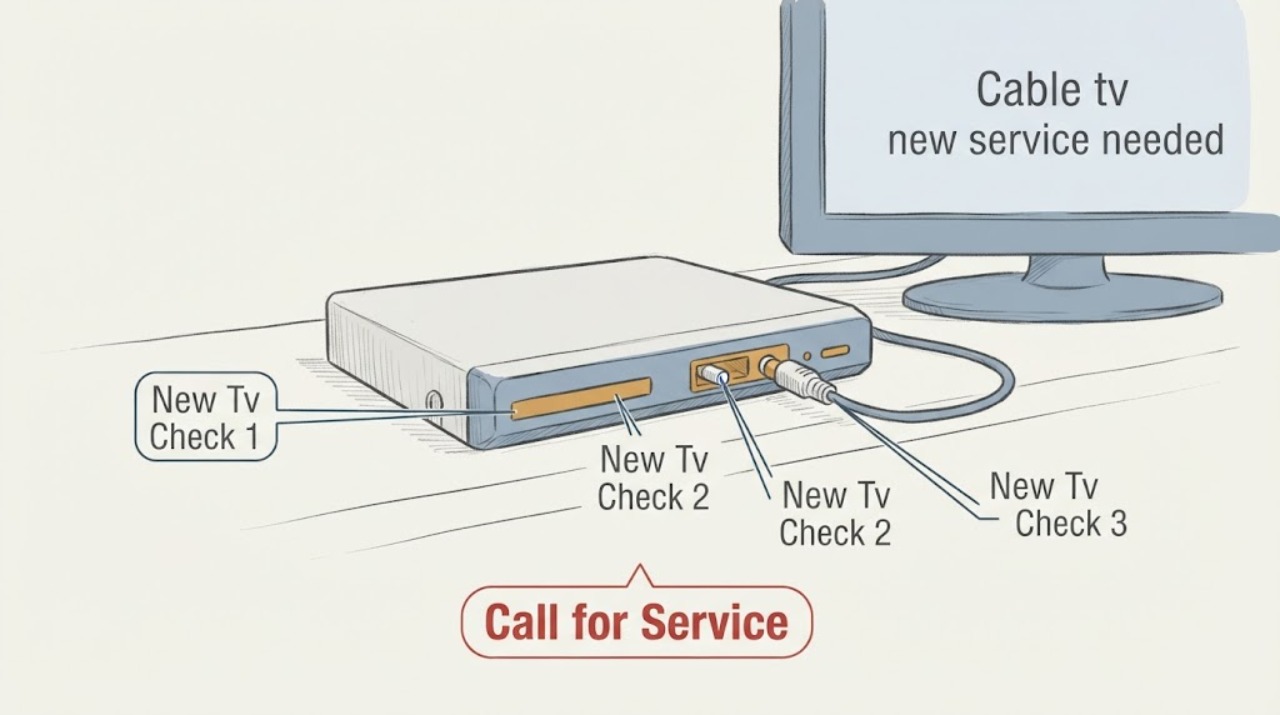
Work through in order
Diagnostic checks
Use only checks that match the exact appliance or system and its official guide.
-
Check 1
Make a short needs list before contacting a new-service representative: the service address, number of TVs, essential channels or programming categories, preferred installation timing, and whether internet is part of the request.
Expected result: If the list names a few must-have channels and the number of viewing locations, the representative can confirm whether the proposed package actually meets the need. If the request is only ‘basic cable’ or ‘the same service as another home,’ the package and equipment may remain ambiguous.
Next step: Use the list in the availability and package check. Keep existing-account troubleshooting, billing disputes, and cancellation requests separate from this new-service decision.
Stop if: Stop and clarify the request if a representative cannot state which service and equipment the offer includes.
Why this matters
Why: A concrete needs list prevents a new-service conversation from drifting into an unsuitable bundle or equipment package and gives you a basis for comparing providers.
-
Check 2
Confirm service availability for the exact address through the provider’s official enrollment process. If the home also needs internet, use the FCC broadband availability map as an additional cross-check for reported fixed cable or other broadband service, while treating the provider as the source for TV-package availability.
Expected result: An address-specific result may show that a provider can serve the location, that an installation or construction step is required, or that the provider does not report service there. A broadband result does not by itself promise that a particular TV package or channel lineup can be ordered.
Next step: If TV service is available, compare the written package and installation terms. If it is unavailable or conditional, ask the new-service representative what alternative service types or construction requirements apply.
Stop if: Stop if the address, unit, or apartment identifier cannot be verified; do not place an order against a neighboring or prior resident’s service location.
Why this matters
Why: Availability is address-specific and the map and provider offer answer different questions. Do not schedule installation or buy equipment until the TV service and any bundle are confirmed for the actual address.
-
Check 3
Ask each shortlisted provider for the complete written offer, including the total recurring video-service charge, required equipment or equipment fees, one-time installation charges, promotional end date, contract term, and the stated cancellation or early-termination conditions.
Expected result: A comparable offer identifies the total charge and the conditions that can change it. An offer that shows only an introductory figure, separates mandatory programming fees, omits equipment, or will not state when the promotion ends cannot be compared reliably.
Next step: Ask the representative to correct or clarify any missing line before accepting. Save the written offer and confirmation for the installation appointment.
Stop if: Do not accept an offer while its total recurring charge, required equipment, promotion end date, or contract conditions are unclear.
Why this matters
Why: The headline price is not the decision. The FCC’s video-service pricing guidance emphasizes clear disclosure of the all-in video-programming charge and related charges so consumers can compare offers and understand later bills.
-
Check 4
Inspect each television’s available input and the room’s existing wall connection from a safe standing position, then count the equipment locations the installation must reach. Do not open a wall, alter wiring, or assume an existing coaxial outlet is connected to the provider network.
Expected result: A TV with a compatible input and a reachable connection point may need only the provider’s approved receiver or a compatible connection supplied during installation. A missing connection, unusual wiring path, multiple floors, or a television without the expected input should be noted for the installer.
Next step: Give the representative the room count, TV locations, visible connection points, and any access limitation. Consider an HDMI cable or streaming device only if the confirmed service and equipment instructions call for it.
Stop if: Stop the self-check if wiring is hidden, damaged, exposed to moisture, or requires opening a wall; request professional installation guidance.
Why this matters
Why: Physical readiness affects installation planning but does not prove service availability. The provider or installer must confirm the connection path and equipment requirements.
Use your observations
Decision map
Find the observation that best matches what you see, then follow the next safe action.
-
PATH 01Next step
What you see
The exact address is serviceable and the written offer includes the required channels, equipment, total charge, and terms
Do this next
Proceed with a new-service order through the provider’s official enrollment route and keep the confirmation for installation.
-
PATH 02Next step
What you see
The offer arrives through an unexpected call, text, or email asking for immediate payment or personal information
Do this next
End the contact and start again through a provider channel that you locate independently; never use an unverified payment instruction.
-
PATH 03Next step
What you see
The service requires construction, unusual wiring, or an installation appointment that cannot be confirmed
Do this next
Ask the new-service representative to explain the next step, timing, and responsibility in writing before committing.
Helpful context
Understand the symptom
Separate the connection from the service
A new home may have a coaxial wall outlet, an existing cable drop, or an HDMI cable already connected, but those physical items do not confirm that TV service is available or active. The address, provider network, chosen video package, equipment, and installation appointment all have to line up. Start with the service decision rather than troubleshooting an outage or an existing account.
What to compare before ordering
Write down the channels or types of programming that matter, how many televisions need service, whether you want provider equipment or your own compatible device, and whether you need a bundle. Then compare offers using the total video-service charge and the written terms—not only the large introductory number in an advertisement.
Safety boundary
Stop conditions
- Do not accept a new TV service order until address availability, the channel or programming package, required equipment, total recurring charge, promotional end date, and contract conditions are clear.
- End an unsolicited call or message that demands gift cards, an unexpected prepayment, account credentials, or personal information to unlock a TV offer.
- Stop the physical self-check if wiring is hidden, damaged, wet, or requires opening a wall; ask the provider or installer to handle it.
Only after diagnosis
Potential parts
- HDMI cable
Only consider this if the confirmed receiver and television both use an HDMI connection and the installation does not include a suitable cable.
Confirm the connector type and the equipment instructions before ordering; a cable does not provide TV service or prove compatibility with every feature. - Streaming device
Only consider this if the chosen service explicitly supports an approved streaming app or device and the home has compatible internet service.
Verify the service’s supported device list and account requirements first; do not substitute a device for an unavailable cable TV package.
When checks do not resolve it
Need a professional?
Contact a new-service representative when you have the exact address, programming needs, number of TVs, bundle preference, and visible room constraints ready. Ask for written availability, the complete offer, equipment list, installation requirements, and cancellation or contract terms. This page is for a new service purchase; existing outages, billing disputes, cancellations, and account support need the provider’s separate support path.
Have this ready
- Provide the exact service address, unit identifier if applicable, number and locations of TVs, must-have programming, whether internet is also requested, visible wall connection points, and any access or construction concern.
Common questions
FAQ
How do I know which cable TV service is available at a new address?
Use the exact address through each provider’s official enrollment process. If a bundle includes internet, the FCC broadband map can provide an additional reported-availability check, but only the provider can confirm the TV package, channels, equipment, and installation conditions for that address.
What should I compare besides the advertised TV price?
Compare the total recurring video-service charge, required equipment and related charges, installation conditions, promotion end date, contract term, cancellation or early-termination conditions, and the channels or programming you actually need.
Is an existing coax outlet enough to start cable TV?
No. It is only a physical connection point. The provider must confirm that the address is serviceable, the package is available, and the installation or approved equipment can activate the service.
How can I avoid a fake new-service offer?
End unexpected calls or messages that demand immediate payment, gift cards, account credentials, or personal information. Start the order through a provider channel you locate independently and keep the written offer and confirmation.
Read the exact guide
Official sources
- How to Use the FCC’s National Broadband MapFederal Communications Commission Broadband Data Collection · Official FCC instructions used only as an additional address-level check for cable or other fixed broadband when a TV bundle also includes internet; it does not replace provider confirmation of TV package availability.
- Scammers are posing as your TV and internet companyFederal Trade Commission · Official FTC consumer alert used for recognizing unsolicited TV-service contacts that demand payment or personal information and for choosing an independently verified enrollment route.
- All-In Pricing for Cable and Satellite Television ServiceFederal Communications Commission · Official FCC order used for comparing total video-service charges, related fees, equipment charges, promotional terms, and bundled-service disclosures.
Community feedback
Share a repair observation
Share a plain-text repair observation. Accepted observations are published automatically; this page may take a moment to update.