
Repair service
TV Internet Guides
TV, internet, and home connectivity guidance.
Published tv internet guides
Choose the guide that best matches the service and problem you are seeing.
-
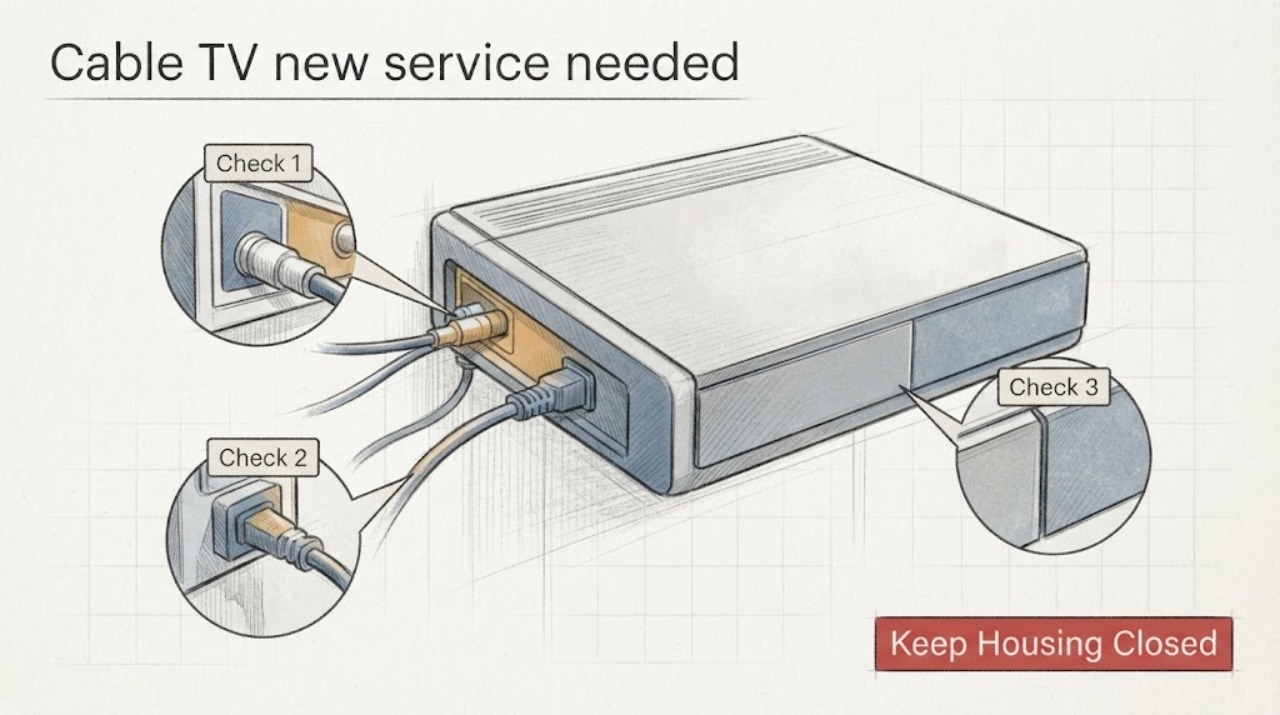
Cable TV new service needed when moving: What to Check and What to Do Next
When you need cable TV service at a new home, start with the exact new address, including the unit number, and ask the provider whether service can be transferred or must be opened as a new order. Confirm the stop date at the old address, the start or installation date at the new one, equipment ownership and compatibility, and every fee or credit before you disconnect anything.
-
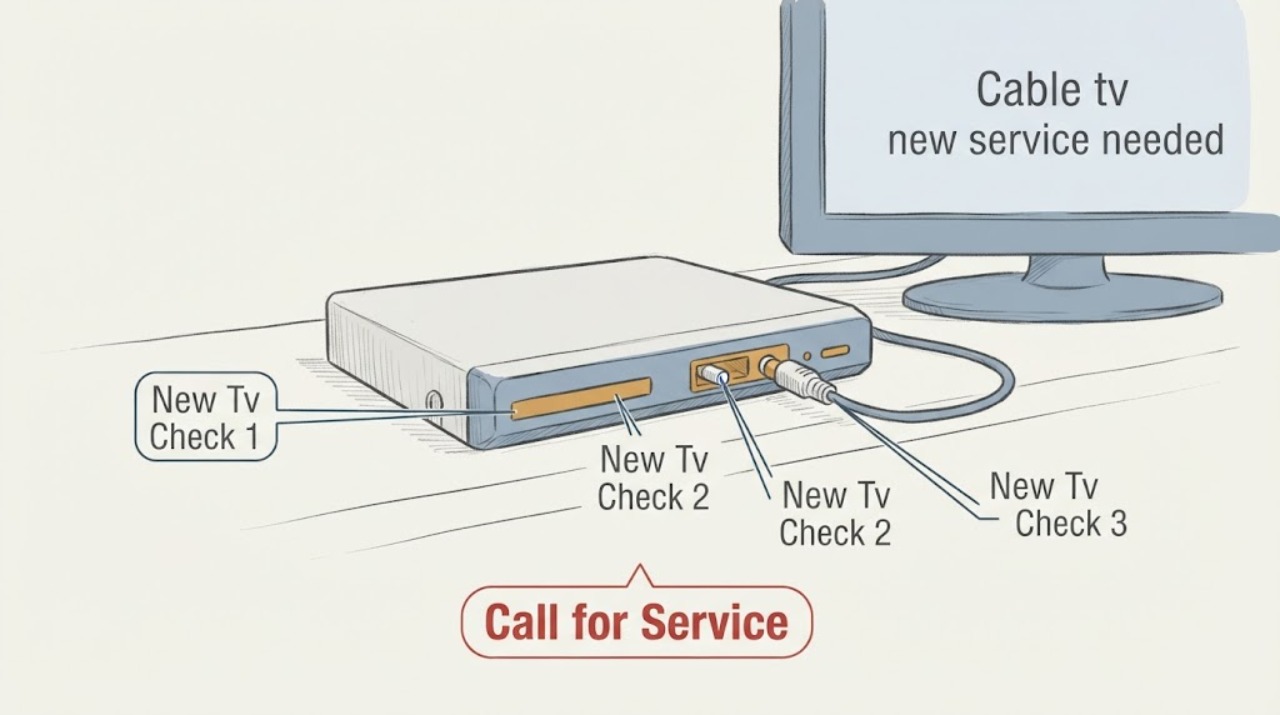
Cable tv new service needed: What to Check and What to Do Next
For a new cable TV service, verify the address and installation availability first, then compare the channel needs, equipment, total recurring charge, promotional end date, contract term, and installation conditions in writing. A cable-ready connection or an HDMI cable does not create an active subscription.
-
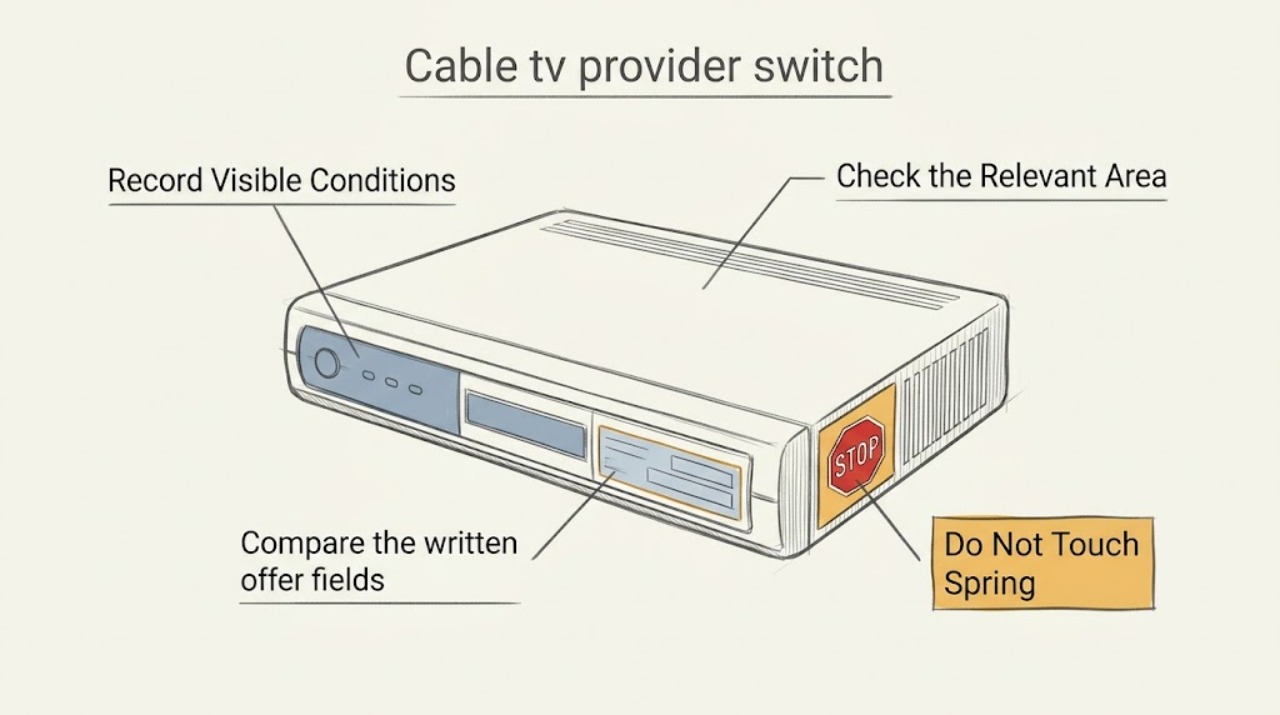
Cable tv provider switch: What to Check and What to Do Next
For a new cable-TV provider, compare the service that will actually be available at your address, the channels and features you use, the complete recurring and one-time charges, and the equipment and installation plan. Start with your address and a short must-have list, then verify the provider's availability and written plan details before scheduling installation.
-
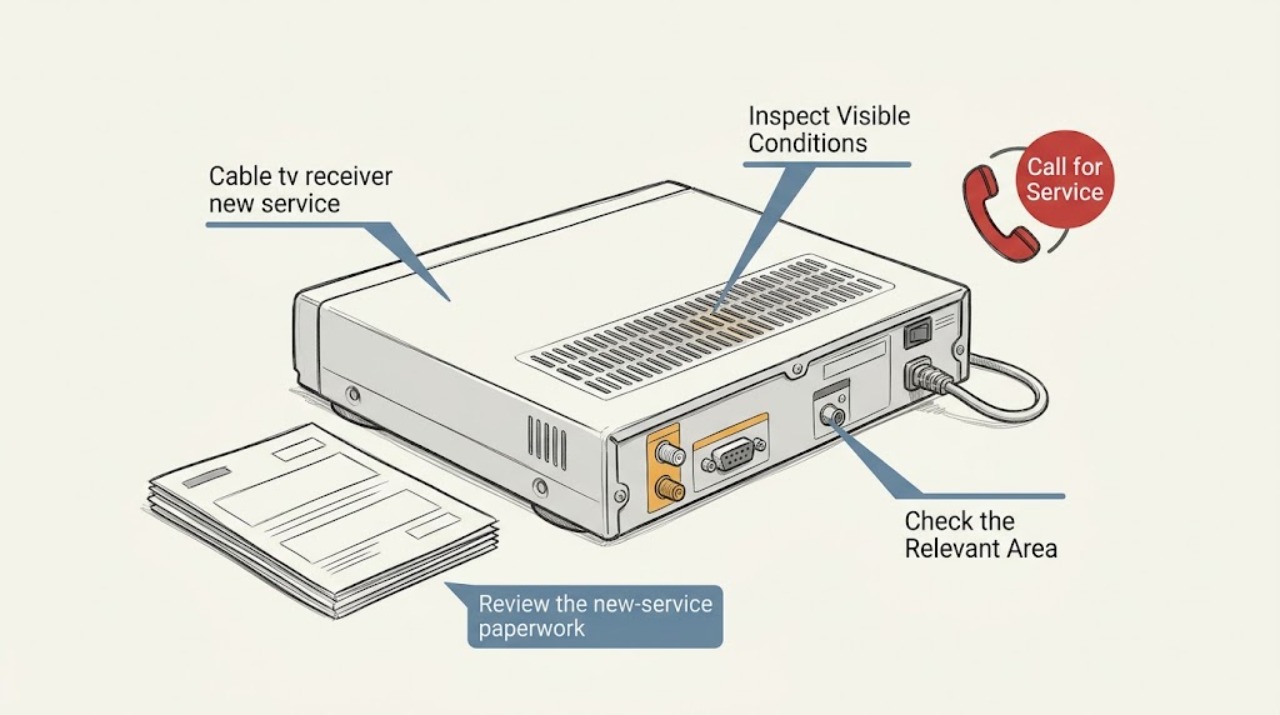
Cable tv receiver new service needed: What to Check and What to Do Next
A cable TV receiver that says new service is needed usually has power and a TV connection but does not have an active service authorization for the receiver, address, or provider. Check the exact on-screen wording, the receiver's visible status light, the TV input, and the accessible cable and HDMI connections without opening equipment or changing wall wiring.
-
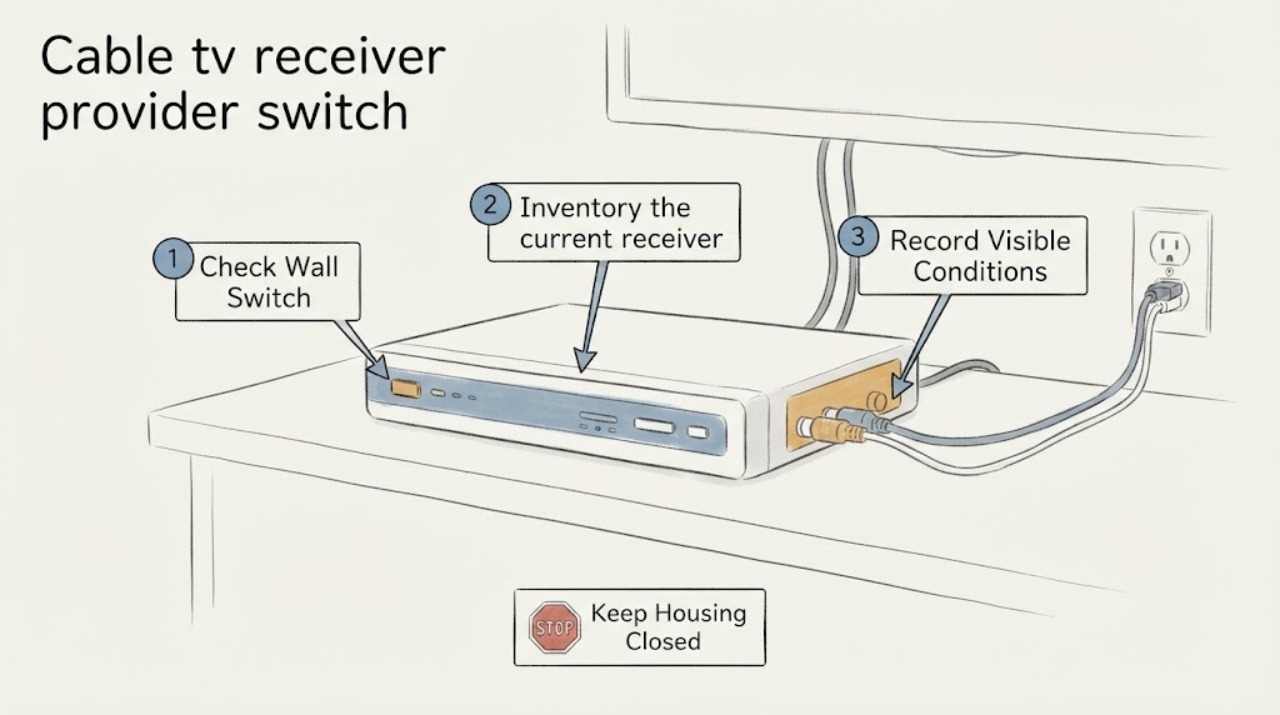
Cable tv receiver provider switch: What to Check and What to Do Next
A cable-TV provider switch is a new-service and equipment-compatibility decision, not a receiver repair. First confirm that the new provider serves the exact address and ask which delivery method and receiver it supports there.
-
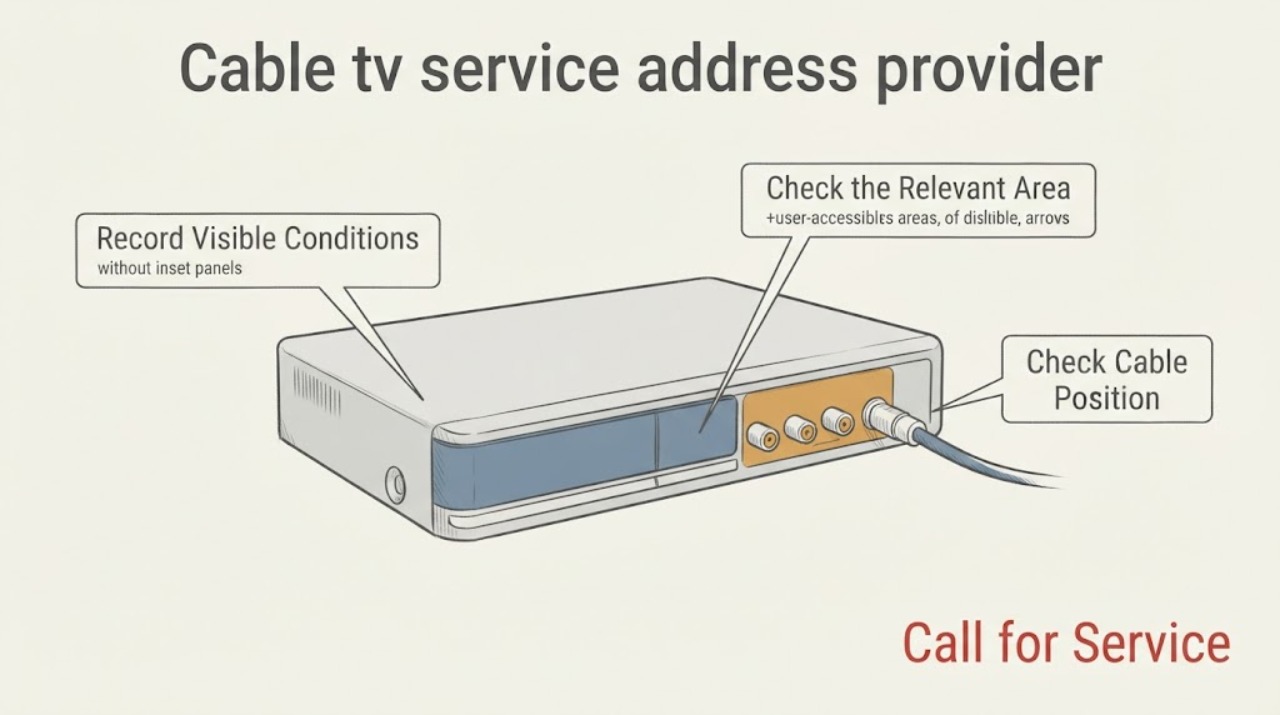
Cable tv service address provider switch: What to Check and What to Do Next
For a new cable-TV provider at a different address, first confirm the exact building and unit, then compare the provider's address qualification with an independent FCC availability view. After that, identify whether the result is cable television, an Internet-and-TV bundle, or an app-based option, inventory the televisions and inputs you will use, and choose the installation path the provider marks as eligible.
-
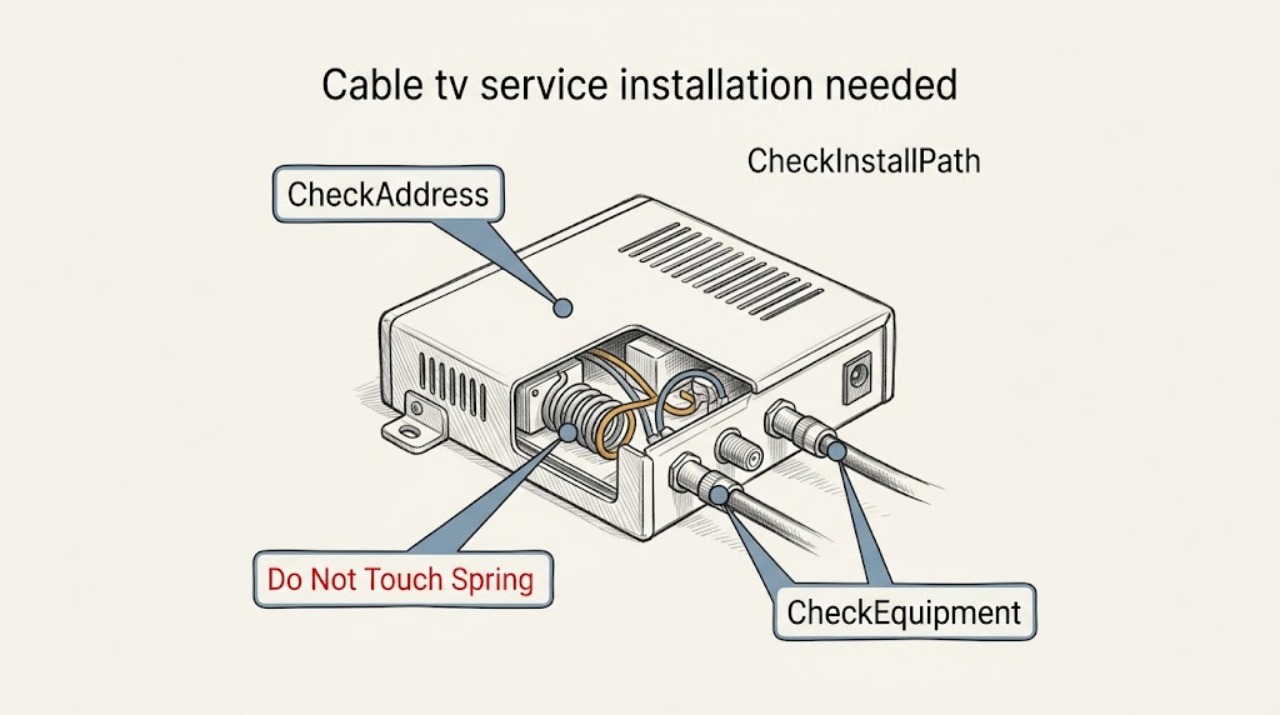
Cable tv service installation needed new address: What to Check and What to Do Next
At a new address, a request for cable TV installation is mainly an address-serviceability, appointment, and equipment-compatibility question—not a television repair. Give the provider the complete address and unit, move-in date, and rooms where service is wanted.
-
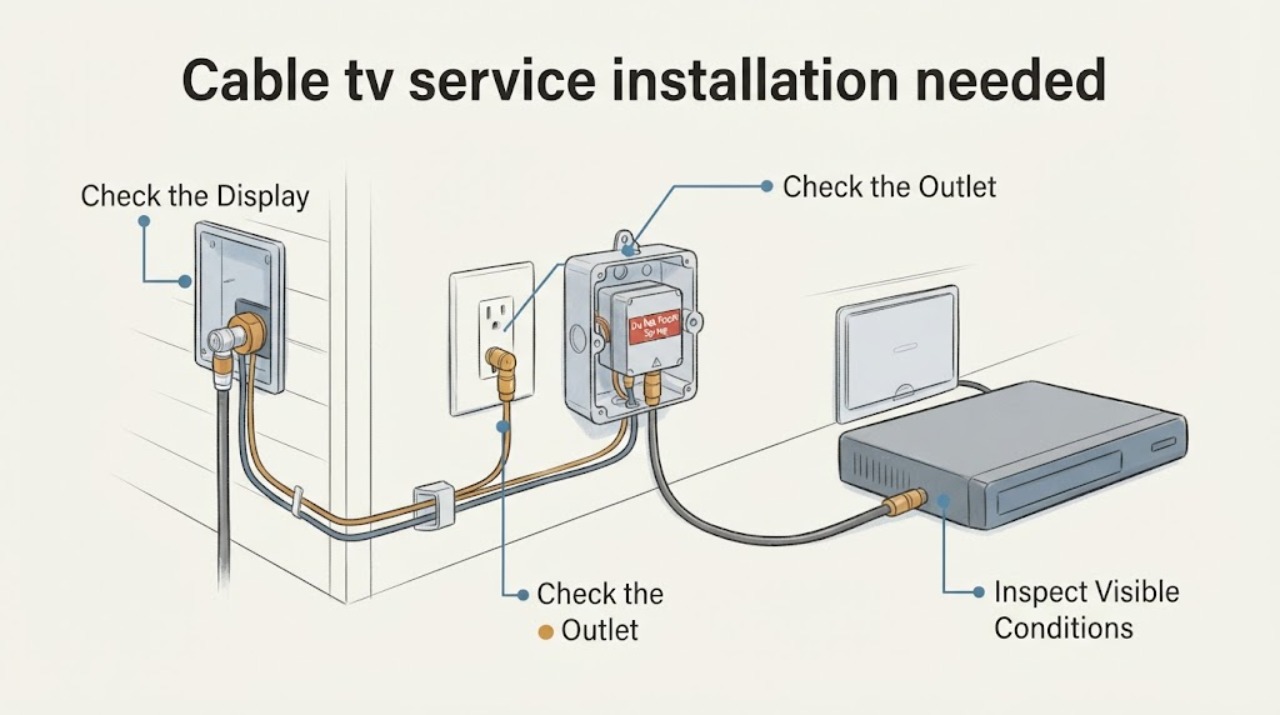
Cable tv service installation needed: What to Check and What to Do Next
For a new cable TV installation, first confirm that the provider can serve the exact address, then check the visible utility entry, coax outlets, TV locations, safe access, and any landlord or building permission. Prepare a grounded outlet and an adult who can provide access during the appointment window.
-
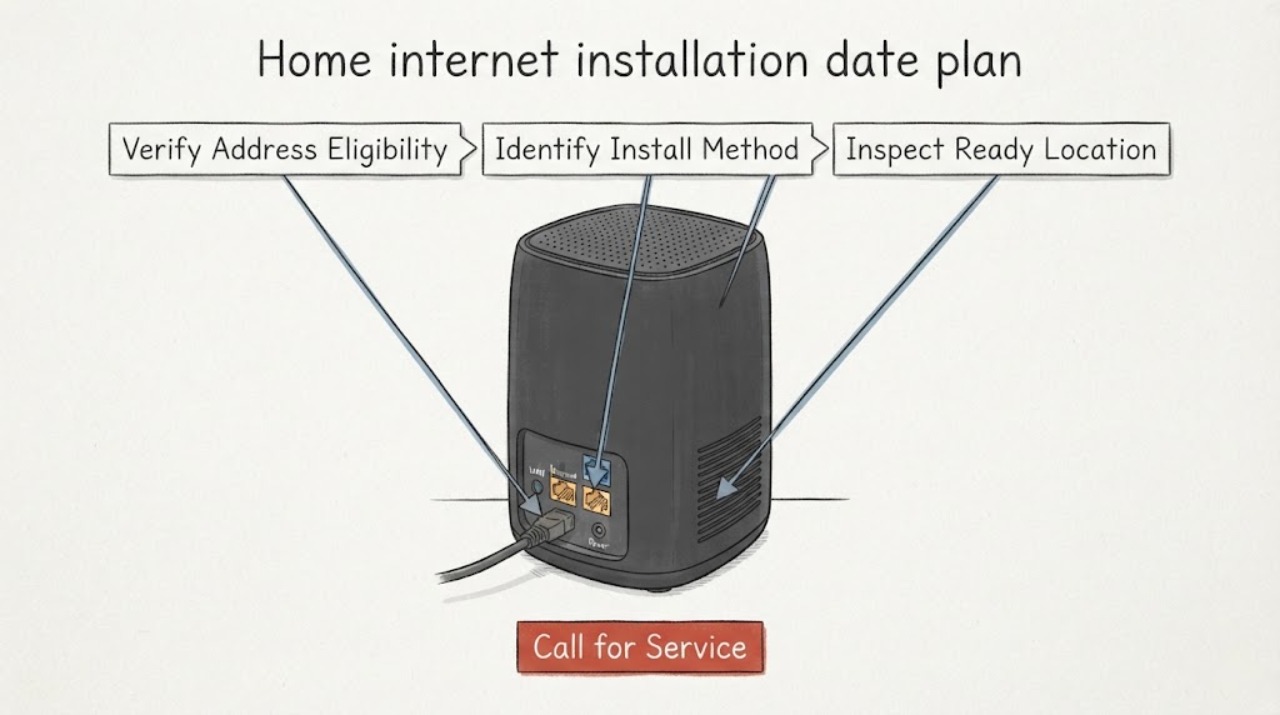
Home internet installation date plan switch: What to Check and What to Do Next
Before switching a home internet plan, confirm the exact service address is eligible, record whether the new provider offers self-installation or a technician window, and keep the current connection active until the new service is installed and tested. Compare the order's equipment and activation date with the appointment details, then schedule the old service to end only after the new connection works.
-
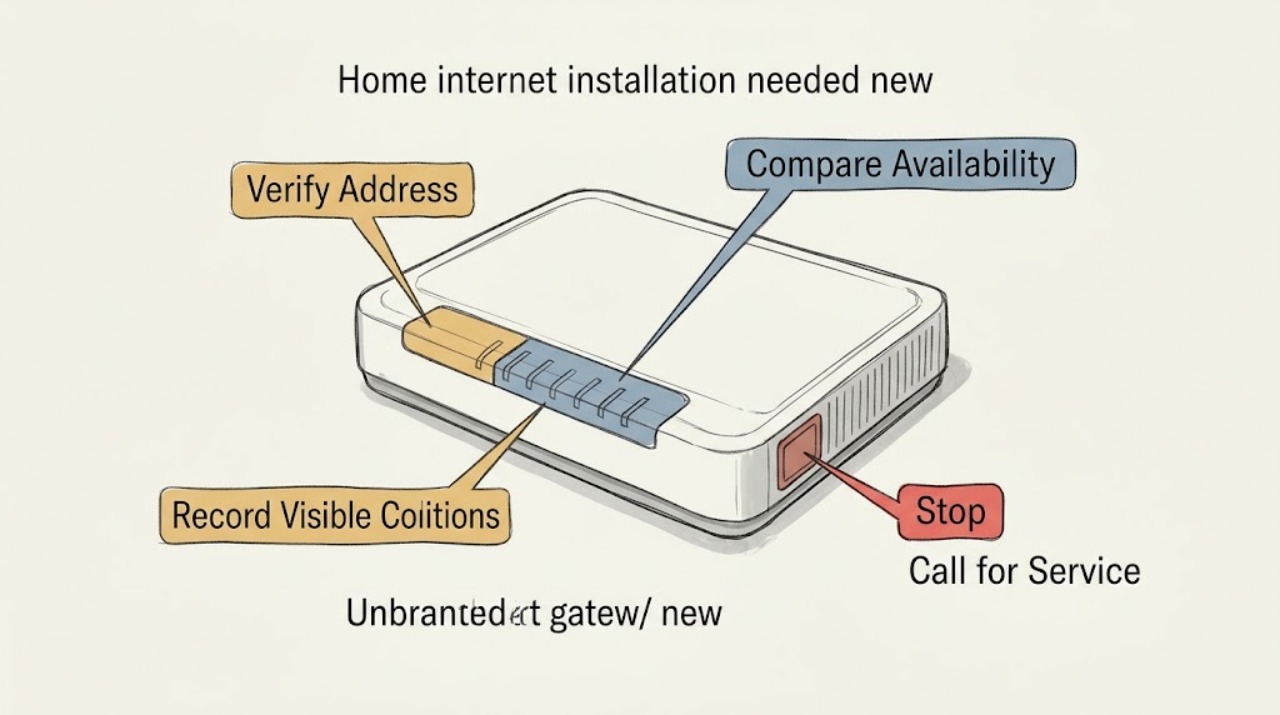
Home internet installation needed new address: What to Check and What to Do Next
For a new address, first confirm that the location is represented correctly and compare reported fixed-service availability before scheduling installation. Gather the complete address or unit details, note provider availability and installation constraints, and keep a record of requested dates.
-
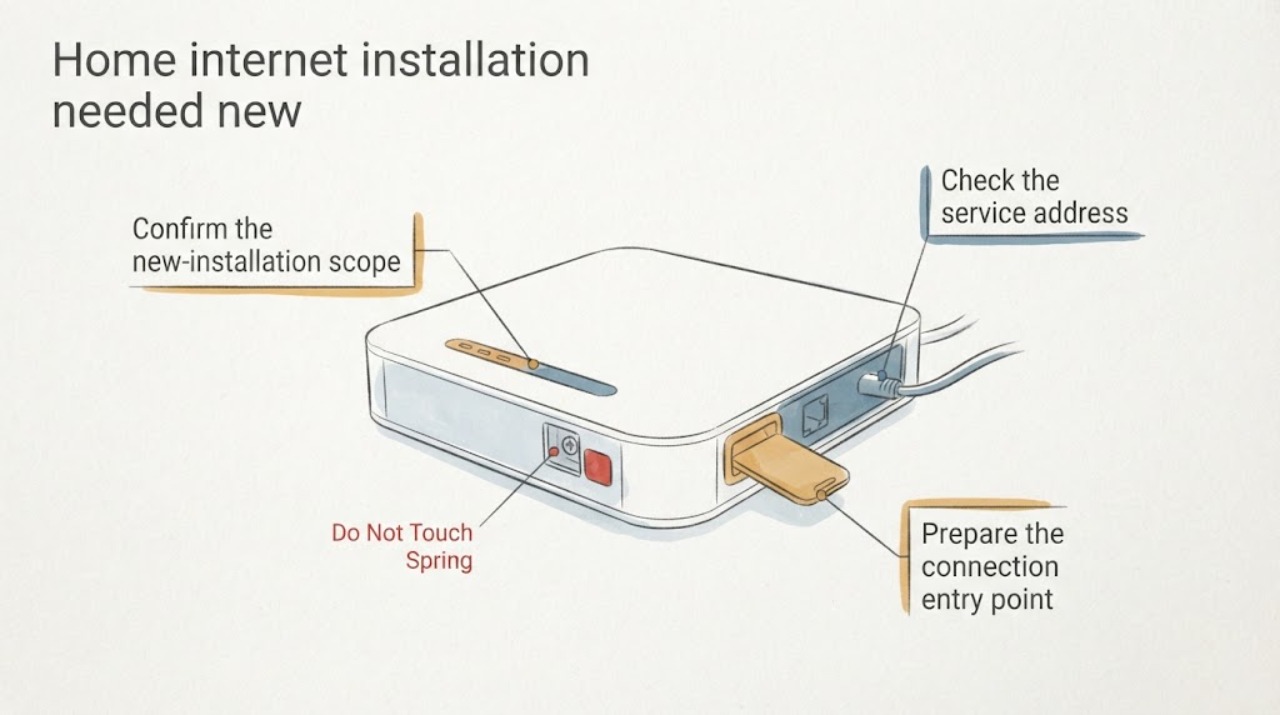
Home internet installation needed new service: What to Check and What to Do Next
For a new home-internet installation, start with the correct service address and unit, then confirm reported availability, a safe building entry point, equipment placement near a usable outlet, a practical in-home cable route, and appointment access or permission. The FCC map can help check the address record, but the installer must confirm the actual route and site requirements.
-
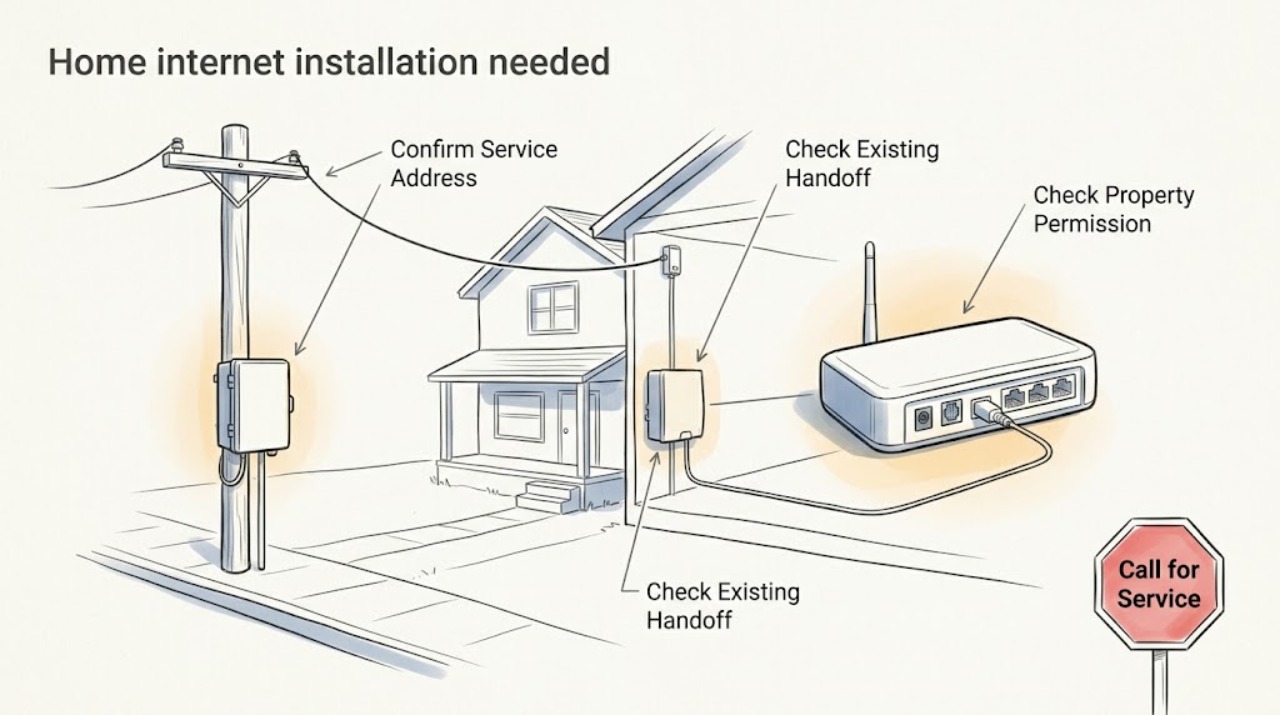
Home internet installation needed: What to Check and What to Do Next
Treat an installation-needed message as a new-service readiness question, not as an outage or billing problem. First confirm the exact service address and unit, then check whether service is reported at that location and whether the home already has the provider's network handoff or wall plate.
-
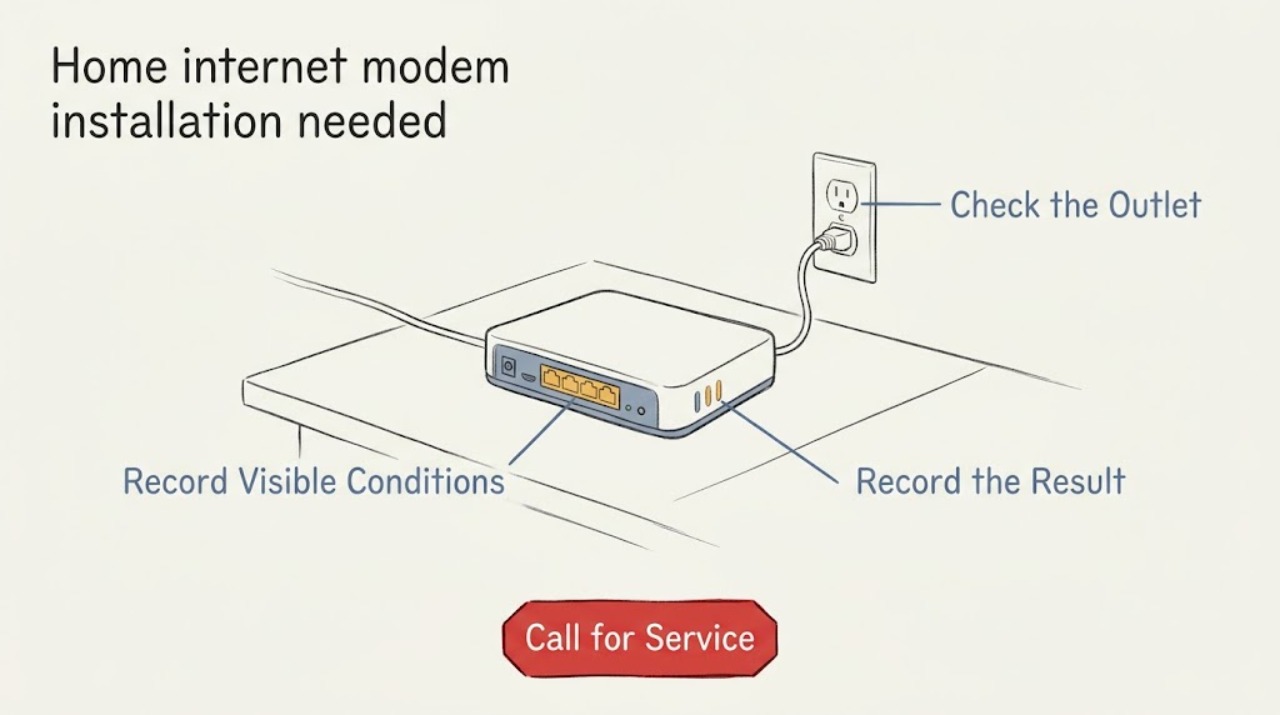
Home internet modem installation needed: What to Check and What to Do Next
For a new home-internet modem installation, first confirm that service can be ordered at the exact property and identify the provider's incoming line or wall jack. Then gather the modem or gateway details, a compatible Ethernet cable and router if needed, a safe powered location, and any provider or building access requirements.
-
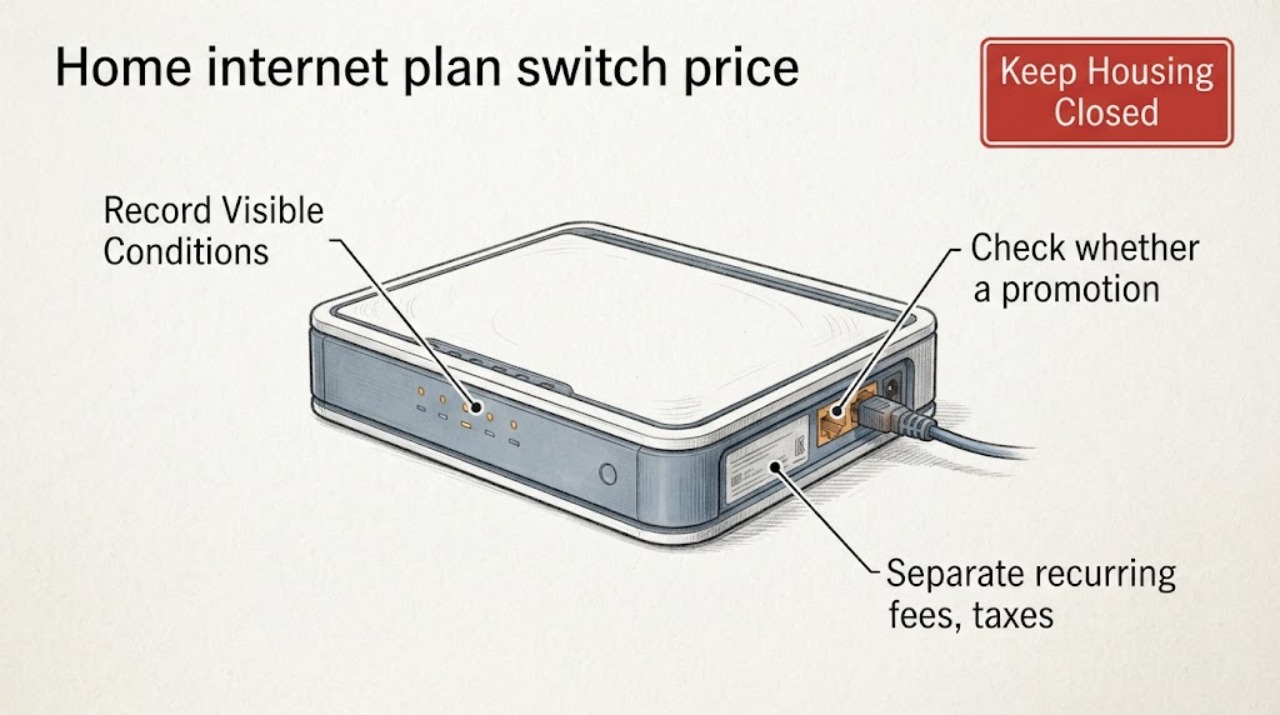
Home internet plan switch price change: What to Check and What to Do Next
Treat a price change as a plan-comparison problem before treating it as an internet fault. Put the current bill, the renewal or promotion notice, and the proposed plan side by side.
-
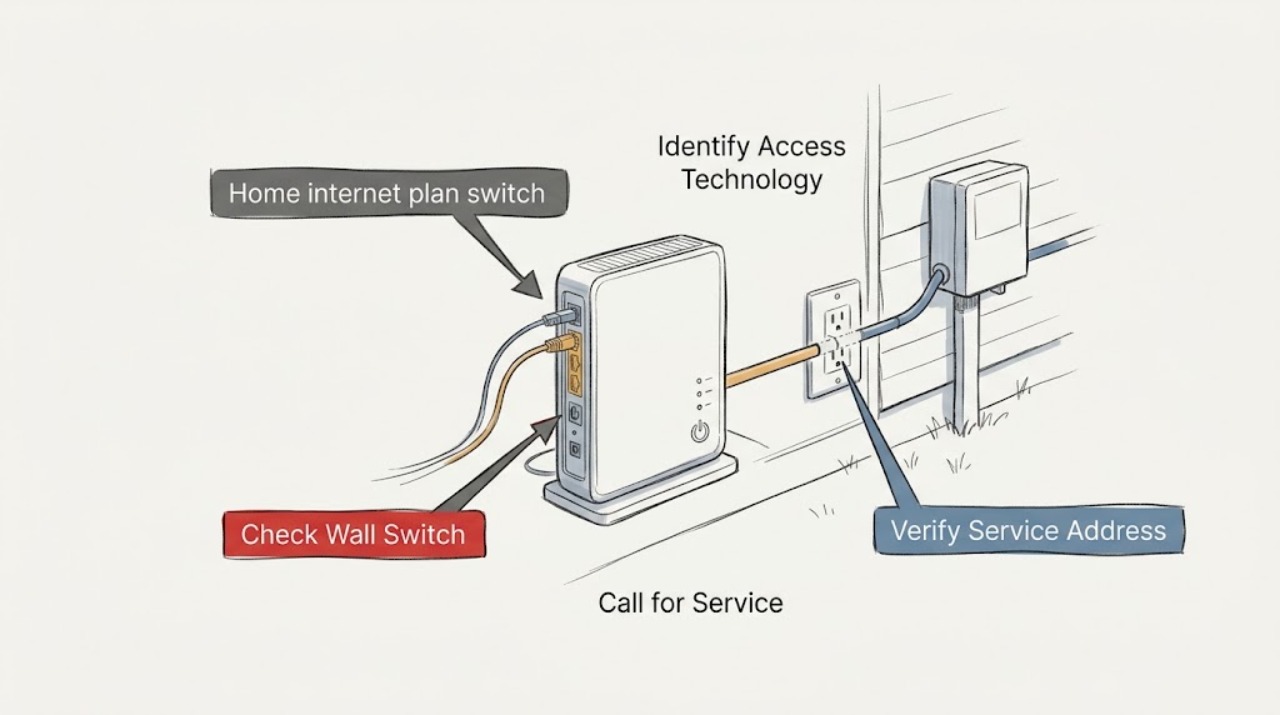
Home internet plan switch: What to Check and What to Do Next
Treat a home internet plan switch as a new-service eligibility and installation decision, not as an outage fix. First verify the exact service address and unit, then confirm which fixed technologies and plan tiers can actually be ordered there.
-
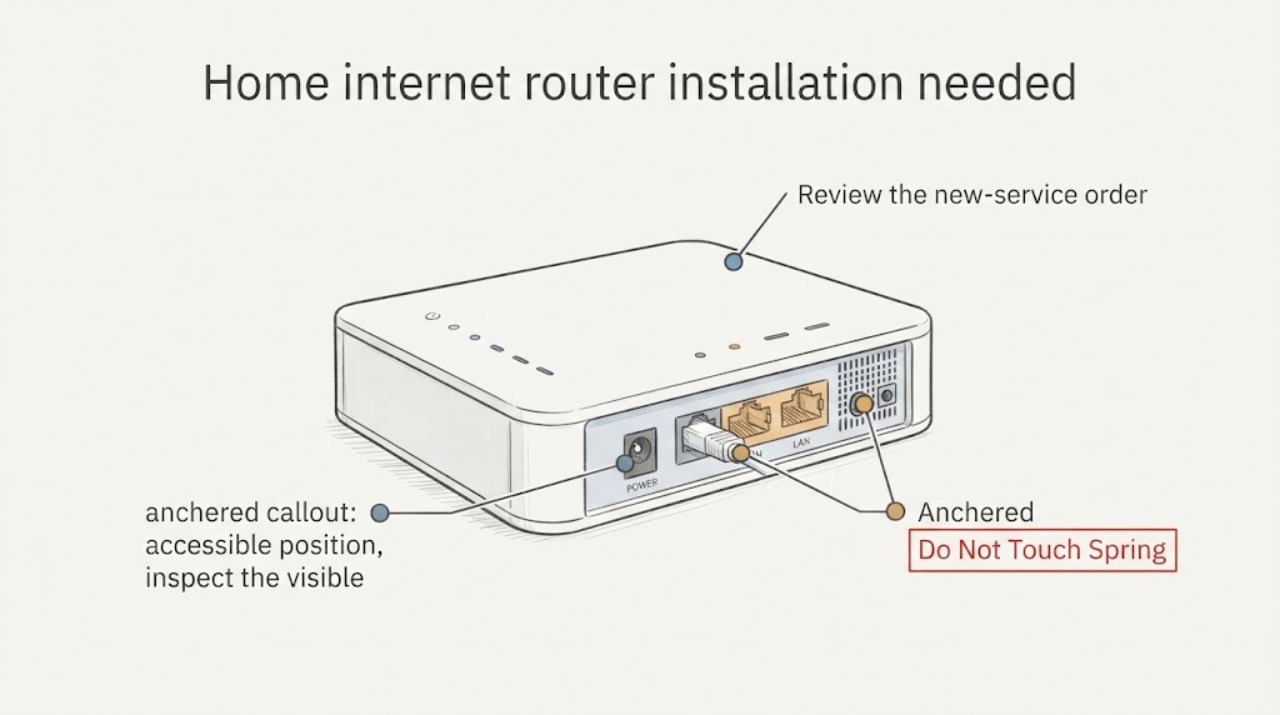
Home internet router installation needed: What to Check and What to Do Next
A new home-internet router installation is ready when the provider confirms service at the exact address, the service handoff is present and active, the router is compatible with that handoff, and there is a safe location with power and a suitable Ethernet path. First identify whether the handoff is a cable or DSL modem, a fiber ONT or Fiber Jack, or another provider device; then record its visible labels and status without opening or repairing it.
-
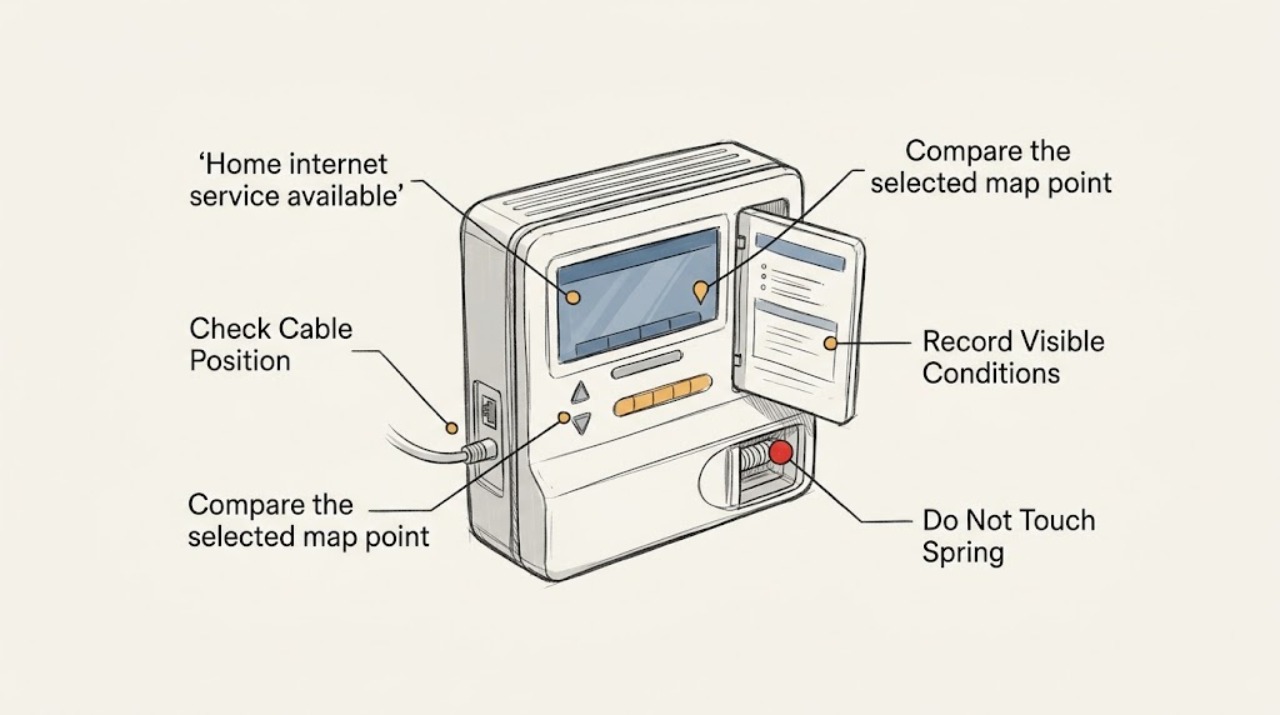
Home internet service available: What to Check and What to Do Next
For a new home-internet setup, start with the exact service address, not a nearby address or a general neighborhood map. Check whether the location point matches the actual habitable home, record the fixed technology shown, and then ask an internet provider to confirm new-customer serviceability and installation readiness at that address.
-
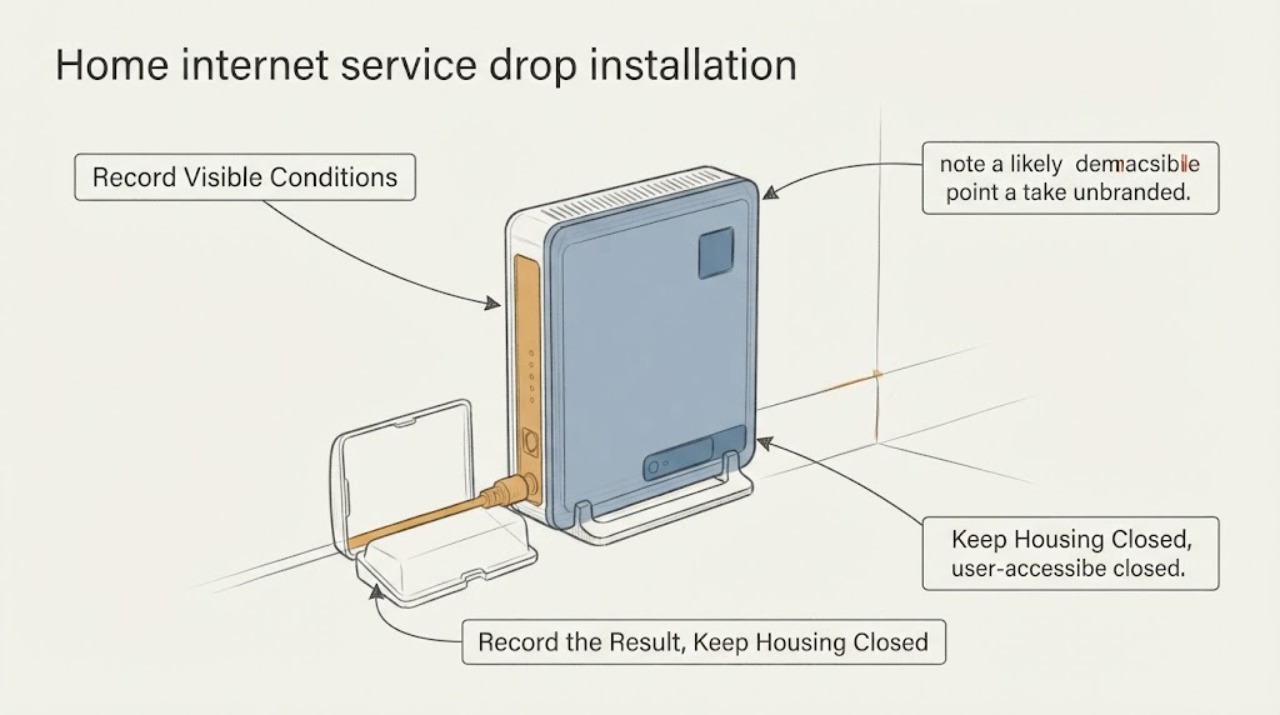
Home internet service drop installation needed: What to Check and What to Do Next
For a new home-internet service drop, first confirm that the exact home is recognized as a serviceable location and note whether the likely technology is fiber, cable, DSL, fixed wireless, or another option. Then make a safe route record from the street, pole or underground utility area, and property boundary toward the likely demarcation point or ONT—without touching lines, opening utility equipment, climbing, or digging.
-
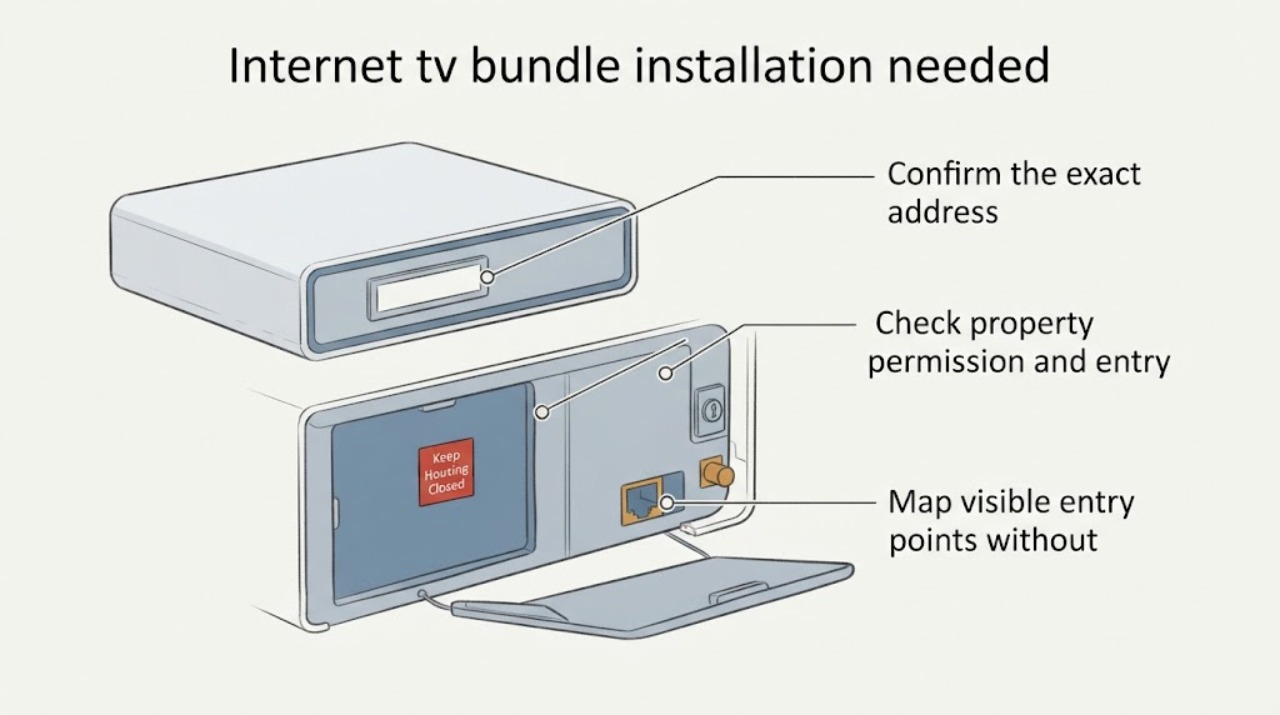
Internet tv bundle installation needed: What to Check and What to Do Next
For a new internet-and-TV bundle, first confirm that the exact address and unit are serviceable, then verify property permission and installer access. From safe, accessible areas, note existing coax or network entry points, suitable dry equipment locations, TV locations, and power availability.
-
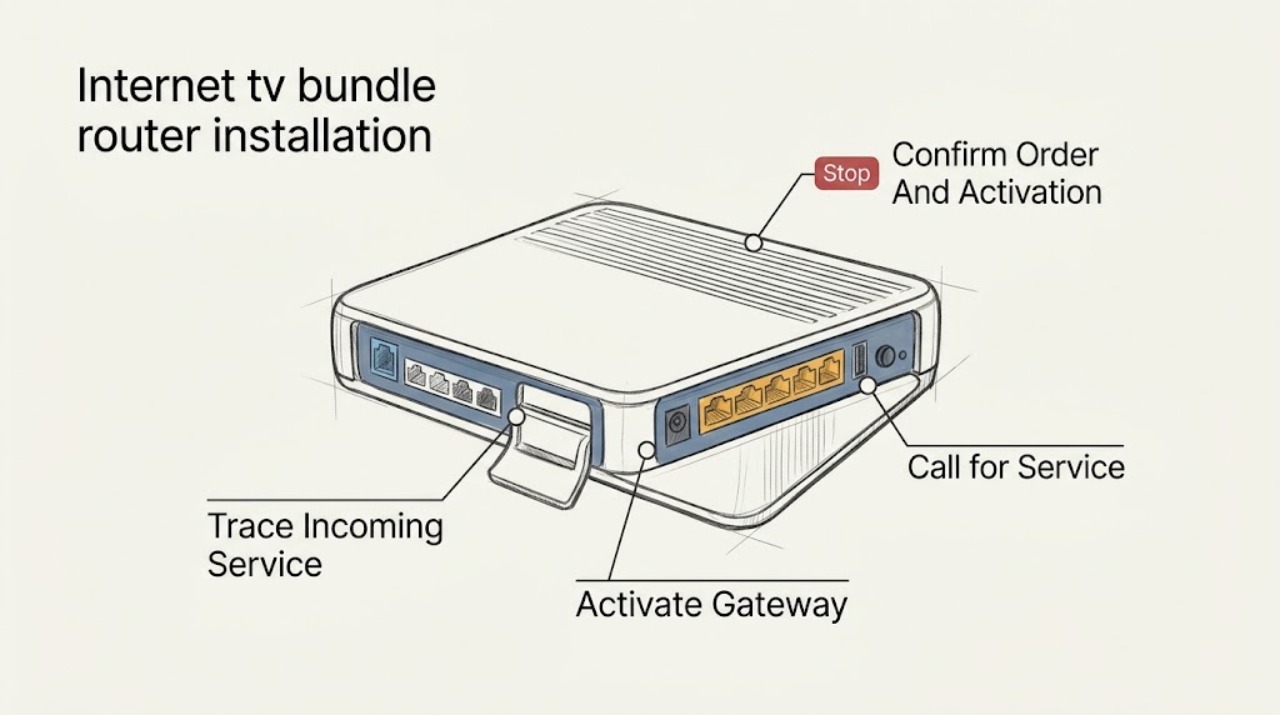
Internet tv bundle router installation needed: What to Check and What to Do Next
An internet-and-TV bundle that says installation is needed is usually waiting for account activation, the provider's incoming connection, or the TV equipment setup; the message alone does not identify a failed router. Confirm the order and activation window first, then connect the provider-approved incoming line to the router's WAN or Internet path, power it with the supplied adapter, and complete the provider's activation flow.