
On this page
Start here
Quick answer
For a new home-internet setup, start with the exact service address, not a nearby address or a general neighborhood map. Check whether the location point matches the actual habitable home, record the fixed technology shown, and then ask an internet provider to confirm new-customer serviceability and installation readiness at that address. A map result is an availability report, not a promise that an appointment or construction path is ready. Do not drill, dig, open utility equipment, touch service lines, or troubleshoot an outage or existing account here.
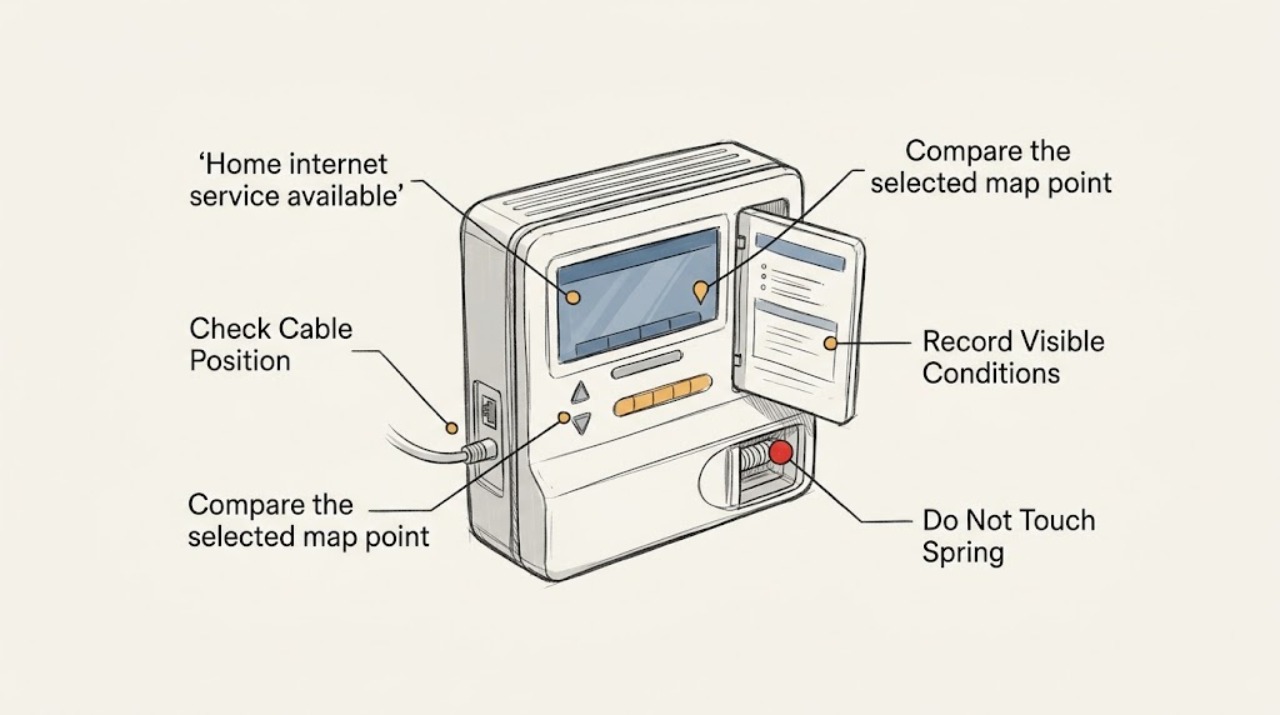
Work through in order
Diagnostic checks
Use only checks that match the exact appliance or system and its official guide.
-
Check 1
Enter the complete street address, including the correct city, state, ZIP code, and unit or apartment information when applicable, into the FCC National Broadband Map address search.
Expected result: Record whether the exact address is recognized, whether a location point appears at the home, and whether the point is shown as served, unserved, or otherwise unclear.
Next step: Save a screenshot or written record of the exact address result and use it when asking a provider about new-customer service.
Stop if: Stop if the map selects a neighbor, a different building, or a sensitive location; do not submit someone else's address or personal information.
Why this matters
Why: A recognized location gives the availability record a specific building to evaluate; a missing or mismatched point means an address or location-data issue may need correction before a result can be trusted.
-
Check 2
Compare the selected map point with the property you intend to connect, using the building footprint, street position, and unit or building information without entering private property or changing the map location by guesswork.
Expected result: Classify the location as the main home, an apartment or condo building, a separate ADU or outbuilding, an empty lot, or a home under construction or not yet habitable.
Next step: Give the provider the building type, unit count or unit identifier, and any separate address information already assigned to the dwelling.
Stop if: Stop if confirming the location would require surveying, entering a restricted area, opening a utility enclosure, or working near service equipment.
Why this matters
Why: The FCC describes serviceable locations as structures where mass-market fixed service is or could be installed; an address by itself does not establish that the intended building is represented.
-
Check 3
On the fixed-broadband result for the exact location, record the technology categories reported for the home and whether the result is for a residential location rather than mobile coverage.
Expected result: Note the listed fixed technology or technologies, such as fiber, cable, DSL, fixed wireless, or satellite, and whether the map is displaying fixed or mobile information.
Next step: Ask the provider to confirm which reported technology is actually orderable for the exact address and what ordinary installation steps apply.
Stop if: Stop if the result is only a broad area or mobile-coverage view; do not treat a neighborhood shade or mobile signal as a fixed home-service confirmation.
Why this matters
Why: Technology is part of serviceability: a fixed-service listing describes a reported option for the location, while mobile coverage is a different map view and does not establish indoor fixed installation readiness.
-
Check 4
From a safe standing position and existing home records, note installation-readiness facts that can be shared without touching equipment: whether the home is habitable, whether the address is posted, whether the unit is occupied or ready for access, and whether an exterior service entry or provider demarcation is plainly visible.
Expected result: Record the result as ready-to-access home, new construction, empty or unfinished structure, multi-unit property needing unit clarification, or no visible service entry; do not open, move, or alter any box, conduit, line, or utility equipment.
Next step: Tell the provider only the safe, visible facts and ask whether a standard installation or a site review is required.
Stop if: Stop if readiness checking would require drilling, digging, climbing, moving utility equipment, opening a panel, or contacting a cable, fiber, electrical, or gas line.
Why this matters
Why: A provider may need to distinguish a completed dwelling from a lot or secondary structure and may need site-specific information; a visible box or line is not proof that a new service order is available.
-
Check 5
Make a new-customer availability inquiry for the exact address and compare the provider's response with the map record, without discussing an outage, billing, cancellation, or an existing account.
Expected result: Record whether the provider accepts the address for a standard order, requests a unit or address correction, requires manual review, reports a different technology, or says the location is not currently orderable.
Next step: Ask what documentation or site-readiness information is needed and keep the provider's written response for a possible FCC location or availability correction.
Stop if: Stop when the conversation shifts to an existing-account, outage, billing, cancellation, or construction-work request; route those to the appropriate separate support path.
Why this matters
Why: A provider's address-level order response is the practical next check; a disagreement with the map can reflect updated data, a location mismatch, a technology difference, or a non-standard installation condition.
Use your observations
Decision map
Find the observation that best matches what you see, then follow the next safe action.
-
PATH 01Next step
What you see
The exact address maps to the intended habitable home and a fixed technology is listed.
Do this next
Request new-customer service confirmation for that exact address and ask which standard installation-readiness details must be supplied.
-
PATH 02Next step
What you see
The map selects a neighbor, omits the home, shows the wrong unit, or places the point on an empty lot or secondary structure.
Do this next
Clarify the official address and unit with the provider and consider the FCC location-correction process; do not use a nearby address as a substitute.
-
PATH 03Next step
What you see
The map reports a fixed technology, but the provider cannot order it at the exact location or requests manual review.
Do this next
Ask the provider to identify the discrepancy and whether a standard site review or location correction is appropriate; do not perform construction or utility work yourself.
-
PATH 04Next step
What you see
The home is under construction, unfinished, uninhabitable, or not yet associated with a clear dwelling address.
Do this next
Ask the provider what completed-address and access information is required before a new-customer order can be evaluated.
-
PATH 05Next step
What you see
The only result is mobile coverage or a broad area-level indication.
Do this next
Return to the fixed, exact-location view and request a new-customer fixed-service confirmation; do not infer indoor home installation from mobile coverage.
Helpful context
Understand the symptom
The FCC's National Broadband Map reports fixed broadband availability at location points and can show the technology types that providers report for a selected location. It distinguishes a structure from an address alone: an address on an empty lot, an outbuilding, or a non-habitable structure may not represent a serviceable residential location. That is why a precise address and building identity matter when starting new service.
This check is for a new-customer availability question. It does not diagnose an outage, compare plans or prices, change an account, cancel service, or authorize drilling, utility work, or construction. Keep records of the address result and ask the provider what ordinary installation path applies.
When checks do not resolve it
Need a professional?
Contact an internet provider for a new-customer availability inquiry when the exact address is recognized, the map and provider response disagree, the unit or building is unclear, the home is new or under construction, or a manual site-readiness review is requested.
Have this ready
- Provide the complete service address, unit or apartment identifier, building type, whether the home is habitable and ready for access, the FCC map result, the fixed technology shown, and any safe written response from the provider. Keep the inquiry limited to new-customer availability and installation readiness.
Common questions
FAQ
Why does a nearby address show service when my new home does not?
Availability is tied to location records and building identity, not just a neighborhood. Check the exact address, unit, and intended structure, then ask the provider to review a mismatch rather than using the nearby address.
Does a fiber, cable, or other line near the property prove service is available?
No. A visible line, box, or neighboring connection is not an address-level order confirmation. Ask the provider to verify the exact dwelling, technology, and ordinary installation path.
Is the FCC map a guarantee that I can schedule internet installation?
No. It is a location-level report of provider-reported availability. Use it to identify the exact location and technology, then obtain a new-customer confirmation from the provider.
What if the home is new construction or still unfinished?
Tell the provider the structure's status and exact address. An address on an empty lot or an unfinished, non-habitable structure may not be represented as a serviceable residential location, and the provider can explain what completed-address or access information is needed.
Read the exact guide
Official sources
- How to Submit an Availability ChallengeFederal Communications Commission · Supports treating map information as provider-reported availability, checking the exact technology and location, and preserving evidence when a provider response disagrees.
- About the Fabric: What a Broadband Serviceable Location (BSL) Is and Is NotFederal Communications Commission · Supports distinguishing a habitable residential structure from an address alone, empty lot, outbuilding, or unfinished structure when checking new-service availability.
- How to Use the FCC's National Broadband MapFederal Communications Commission · Supports entering an exact address, checking the location point and fixed technology, and distinguishing fixed availability from mobile coverage.
Community feedback
Share a repair observation
Share a plain-text repair observation. Accepted observations are published automatically; this page may take a moment to update.