
On this page
Start here
Quick answer
For a new address, first confirm that the location is represented correctly and compare reported fixed-service availability before scheduling installation. Gather the complete address or unit details, note provider availability and installation constraints, and keep a record of requested dates. The FCC map is a planning reference rather than a guarantee of an install appointment; resolve address mismatches or missed appointments with the provider and use the FCC challenge process when map data is wrong.
Before you begin
Safety first
- This guide covers address and installation-readiness observations. Providers handle serviceability, equipment, construction, appointment work, and account-specific resolution.
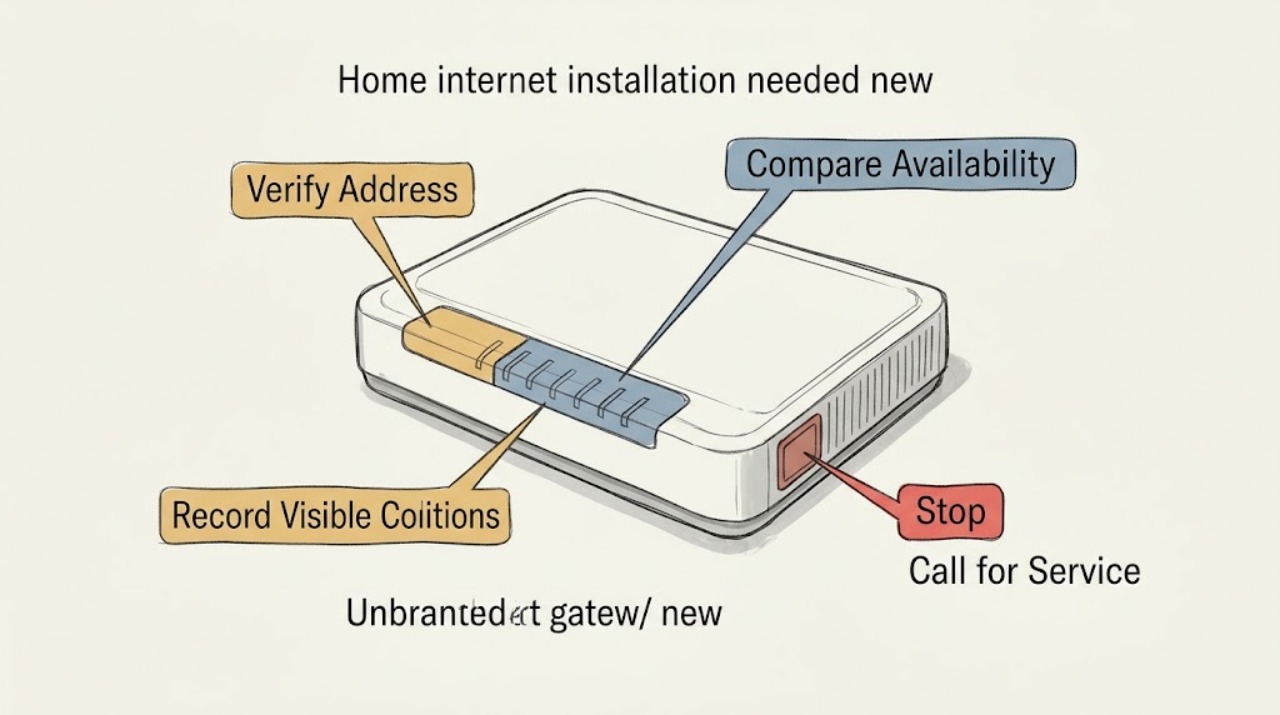
Work through in order
Diagnostic checks
Use only checks that match the exact appliance or system and its official guide.
-
Check 1
Enter the complete new street address in the FCC National Broadband Map and check whether the returned location matches the home, apartment, or unit; do not publish personal details in a public record.
Expected result: The exact location appears; a nearby or wrong structure appears; the address is missing; or the unit count is wrong.
Next step: Save the map result privately and gather the correct unit or location details for the provider and, if needed, an FCC location challenge.
Stop if: Stop using a nearby location as a substitute for the new address.
Why this matters
Why: A mismatched or missing location can make availability results unreliable and should be corrected before treating the address as serviceable.
-
Check 2
Review the fixed-broadband providers and reported technologies at the matched location, noting whether the result is green, red, or unavailable under the selected filters; do not assume a reported speed is a guaranteed installation outcome.
Expected result: One or more fixed providers are reported; no provider is reported; only mobile coverage appears; or filters hide relevant results.
Next step: Ask the selected provider to verify serviceability, equipment, construction needs, and the appointment process for the exact unit.
Stop if: Do not treat mobile coverage or a nearby result as proof of fixed installation.
Why this matters
Why: The map can identify reported options and technology types, but provider data and site conditions still need confirmation during ordering.
-
Check 3
Record the provider request date, promised appointment window, service address, unit, access instructions, and any statement about construction or nonstandard equipment; keep the confirmation accessible.
Expected result: An appointment is confirmed; the request is pending; installation requires construction or special equipment; or no clear confirmation exists.
Next step: Ask the provider for the next concrete milestone and retain the request record.
Stop if: Stop relying on an unverified date or an incomplete address.
Why this matters
Why: A confirmed appointment differs from a pending feasibility review. Construction or special equipment can change timing and scope, while missing confirmation leaves the request unresolved.
-
Check 4
Compare the provider's serviceability response with the FCC location and availability result, noting any missing location, incorrect unit count, unavailable reported service, or install date that was not honored.
Expected result: The records agree; the map appears wrong; the provider cannot serve the address; or an agreed installation did not occur.
Next step: Keep the evidence and use the FCC correction or complaint route when the issue remains unresolved.
Stop if: Do not submit personal or account information in the article or public notes.
Why this matters
Why: Agreement supports normal follow-up, while a location or availability mismatch may support an FCC challenge. A missed install should first be documented with the provider and then escalated through the appropriate consumer process.
Use your observations
Decision map
Find the observation that best matches what you see, then follow the next safe action.
-
PATH 01Safety boundary
What you see
Does the FCC map match the exact home, unit, or new structure?
Do this next
Continue to compare reported fixed providers and request serviceability confirmation.
Why this path and its safety boundary
Safety stop: Do not order against a neighboring structure.
-
PATH 02Safety boundary
What you see
Is fixed broadband reported at the matched location?
Do this next
Ask the provider to confirm current serviceability, equipment, access, and installation timing.
Why this path and its safety boundary
Safety stop: Do not treat a map result as an appointment guarantee.
-
PATH 03Safety boundary
What you see
Was an installation date or window actually confirmed?
Do this next
Keep the confirmation and access instructions for the appointment.
Why this path and its safety boundary
Safety stop: Do not disclose account details in public notes.
-
PATH 04Safety boundary
What you see
Does map data remain wrong or did the provider miss an agreed installation?
Do this next
Retain the address, unit, response, and date record and use the FCC challenge or complaint path as appropriate.
Why this path and its safety boundary
Safety stop: Do not submit inaccurate location or service claims.
Helpful context
Understand the symptom
Start with the serviceable location
The FCC National Broadband Map lets a user search an address, view reported providers and technologies, and inspect the location point. A new construction, apartment unit, rural parcel, or recently changed address may be missing or represented incorrectly, so verify the exact location before comparing plans.
Separate availability from installation scheduling
A map result reports provider data for a location; it does not itself book an install or confirm the provider's current appointment capacity. Keep the address, unit, requested date, confirmation, and any construction or access note together for the service request.
When checks do not resolve it
Need a professional?
Contact the internet provider for exact-address serviceability, equipment, access, construction needs, appointment scheduling, or a missed installation. Use the FCC correction or consumer process when location or availability data is inaccurate or a documented provider issue remains unresolved.
Safety scope: This guide covers address and installation-readiness observations. Providers handle serviceability, equipment, construction, appointment work, and account-specific resolution.
Have this ready
- Complete service address and unit or location details
- FCC map location and fixed-service observations
- Provider request record, confirmation, and requested date
- Access, construction, equipment, or new-structure notes
- Any mismatch, unavailable result, or missed appointment record
Common questions
FAQ
What should I check before ordering internet at a new address?
Verify the complete address and unit on the FCC map, review reported fixed providers and technologies, and ask the provider to confirm current serviceability, equipment, access, and installation timing.
What if the new home is missing from the FCC map?
Gather the correct location and unit details, ask the provider to verify serviceability, and use the FCC location-correction process when the map point is missing or wrong.
Does a green map point guarantee installation?
No. The map reports provider-submitted availability. The provider must still confirm the exact location, equipment, access, construction needs, and appointment.
What if an agreed installation was missed?
Keep the request and appointment record, ask the provider for resolution, and use the appropriate FCC consumer process if the documented issue remains unresolved.
Read the exact guide
Official sources
- How to Use the FCC’s National Broadband MapFederal Communications Commission · Supports checking an exact new address, reported providers and technologies, location points, and fixed versus mobile results.
- How to Submit a Location ChallengeFederal Communications Commission · Supports correcting a missing or inaccurate new address, structure, or unit representation.
Community feedback
Share a repair observation
Share a plain-text repair observation. Accepted observations are published automatically; this page may take a moment to update.