
Repair problem
Internet Installation Needed Troubleshooting Guides
Published FixGraph guidance for diagnosing and responding to internet installation needed.
Matching published guides
Choose a guide that matches the service, equipment, and conditions you are seeing.
-
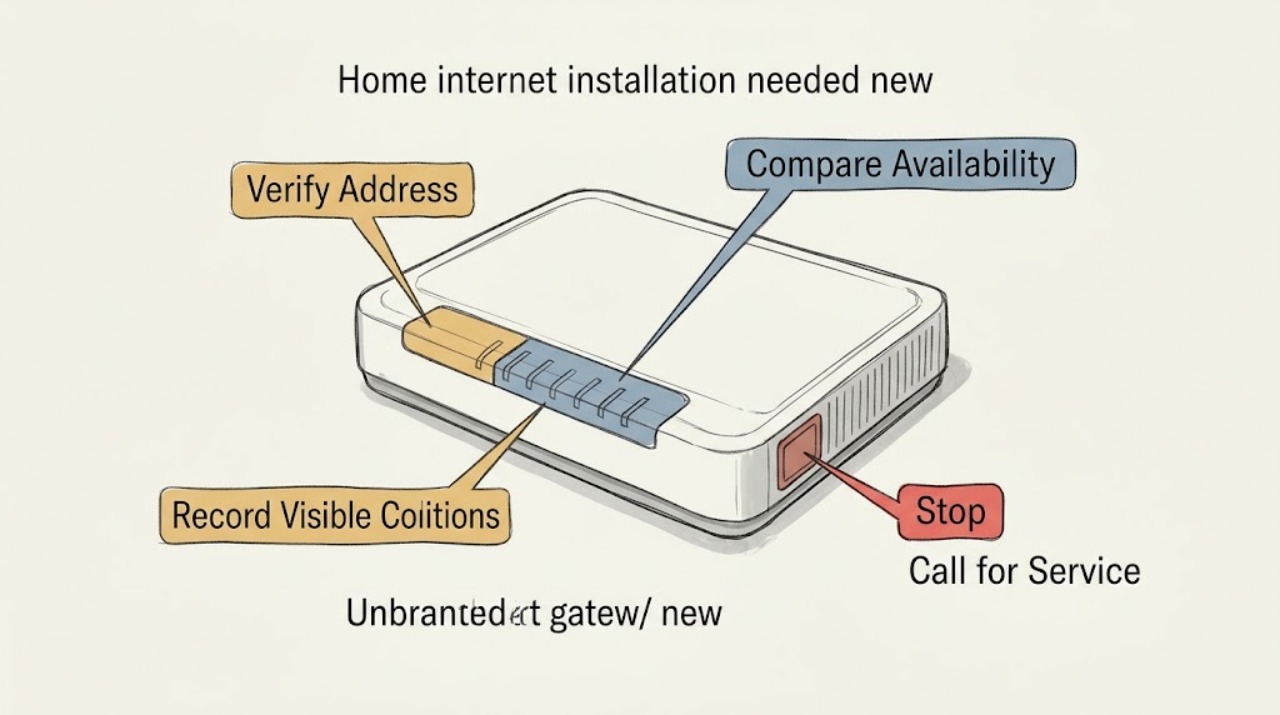
Home internet installation needed new address: What to Check and What to Do Next
For a new address, first confirm that the location is represented correctly and compare reported fixed-service availability before scheduling installation. Gather the complete address or unit details, note provider availability and installation constraints, and keep a record of requested dates.
-
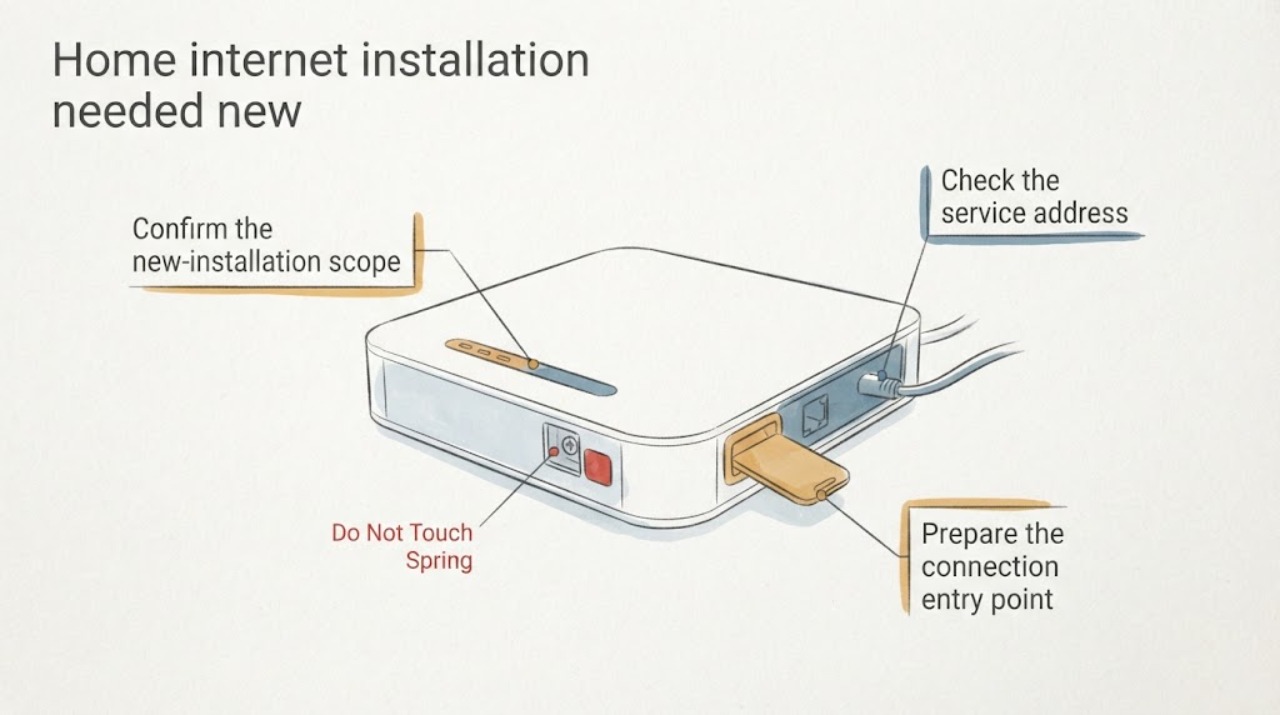
Home internet installation needed new service: What to Check and What to Do Next
For a new home-internet installation, start with the correct service address and unit, then confirm reported availability, a safe building entry point, equipment placement near a usable outlet, a practical in-home cable route, and appointment access or permission. The FCC map can help check the address record, but the installer must confirm the actual route and site requirements.
-
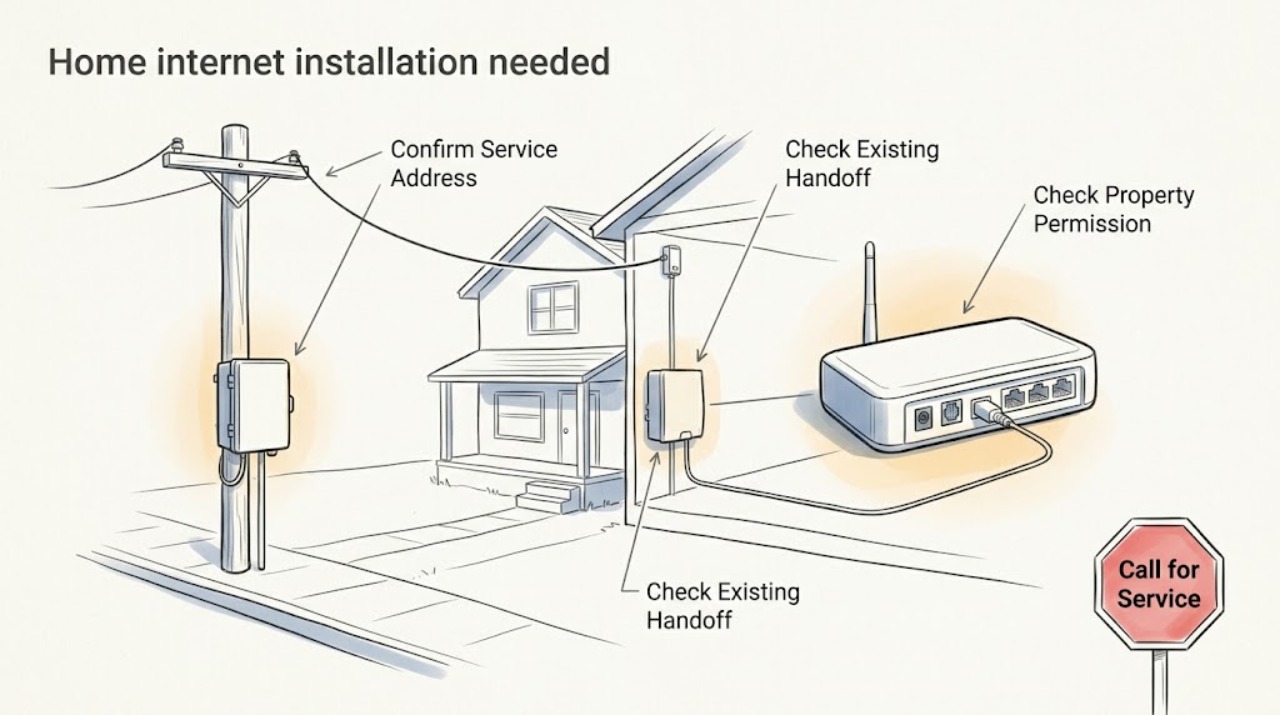
Home internet installation needed: What to Check and What to Do Next
Treat an installation-needed message as a new-service readiness question, not as an outage or billing problem. First confirm the exact service address and unit, then check whether service is reported at that location and whether the home already has the provider's network handoff or wall plate.
-
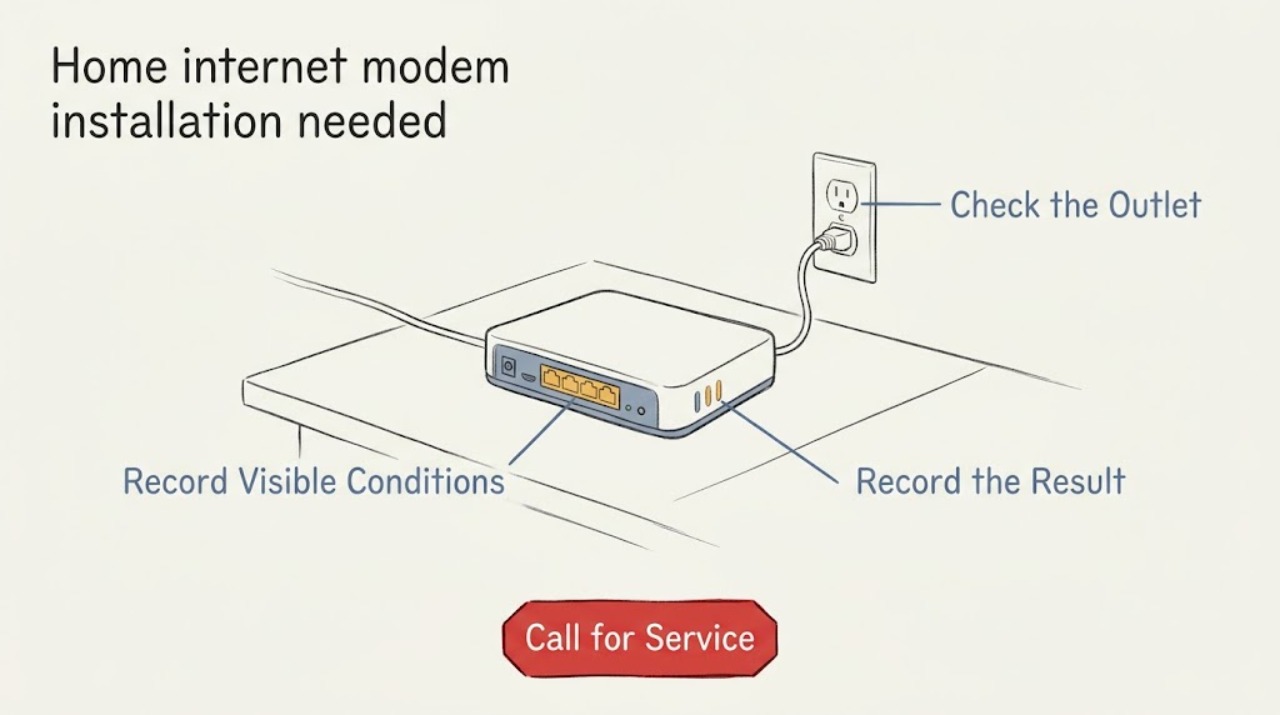
Home internet modem installation needed: What to Check and What to Do Next
For a new home-internet modem installation, first confirm that service can be ordered at the exact property and identify the provider's incoming line or wall jack. Then gather the modem or gateway details, a compatible Ethernet cable and router if needed, a safe powered location, and any provider or building access requirements.
-
Home internet router installation needed: What to Check and What to Do Next
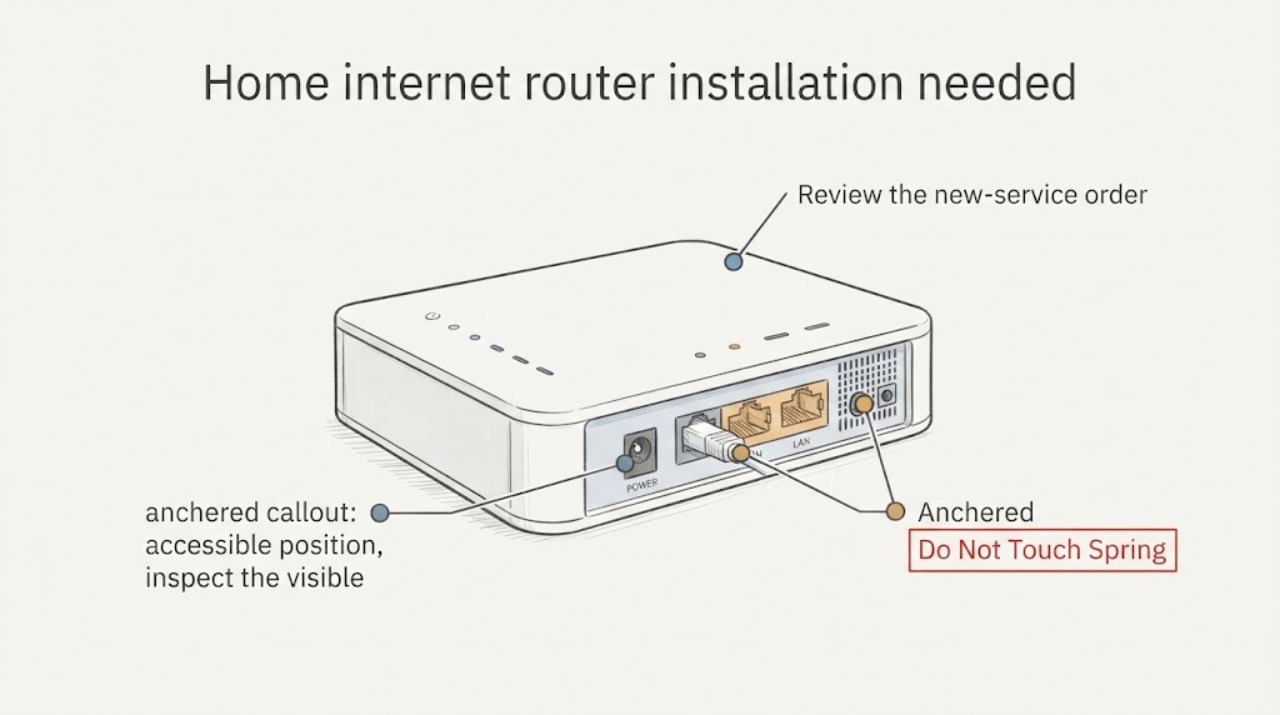
A new home-internet router installation is ready when the provider confirms service at the exact address, the service handoff is present and active, the router is compatible with that handoff, and there is a safe location with power and a suitable Ethernet path. First identify whether the handoff is a cable or DSL modem, a fiber ONT or Fiber Jack, or another provider device; then record its visible labels and status without opening or repairing it.
-
Home internet service drop installation needed: What to Check and What to Do Next
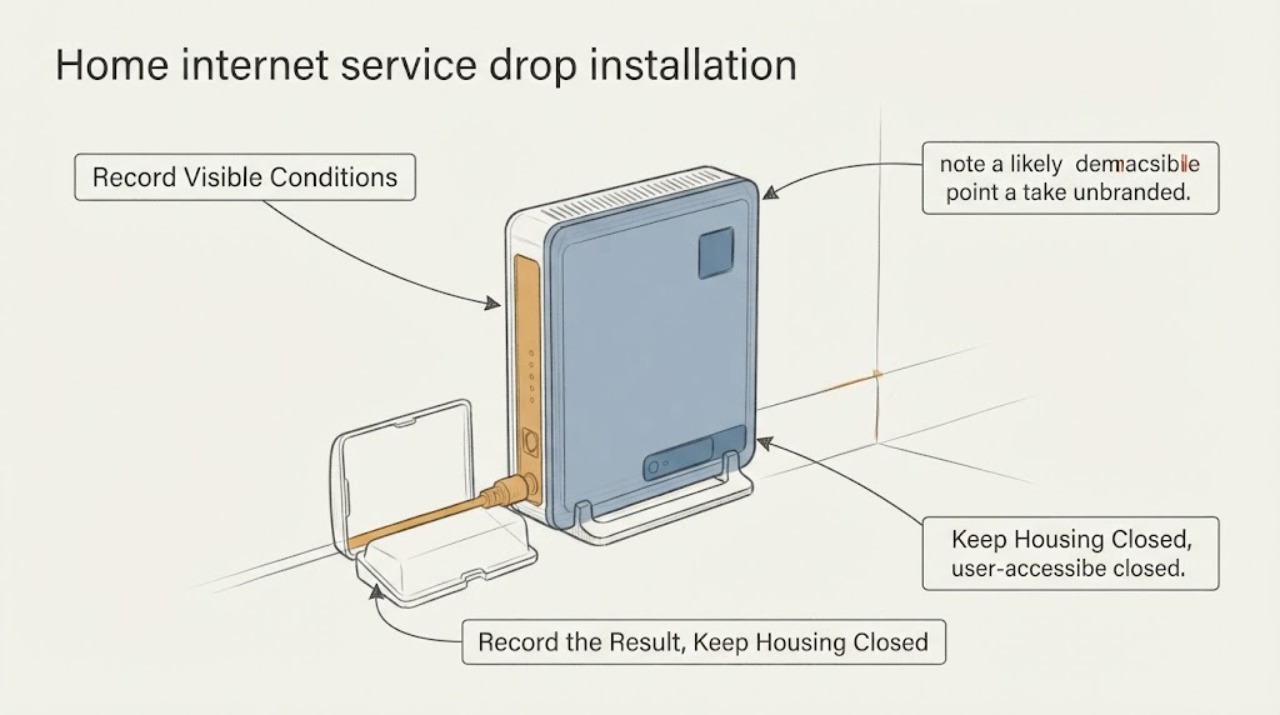
For a new home-internet service drop, first confirm that the exact home is recognized as a serviceable location and note whether the likely technology is fiber, cable, DSL, fixed wireless, or another option. Then make a safe route record from the street, pole or underground utility area, and property boundary toward the likely demarcation point or ONT—without touching lines, opening utility equipment, climbing, or digging.