
On this page
Start here
Quick answer
A fan that continues briefly after a Panasonic microwave finishes cooking can be a normal cooling cycle, and Panasonic says the duration varies by model and use. That is different from the oven continuing to cook, with the light or turntable operating unexpectedly, or from a fan that runs when the microwave is not in use. Do not open the cabinet, defeat the door interlock, or keep testing an apparent heating fault: stop use, disconnect power from a safe dry location, and arrange Panasonic-authorized service.
Before you begin
Safety first
- Do not open the microwave cabinet, touch high-voltage parts, bypass or defeat the door interlock, repeatedly run a cycle to test it, or replace a relay, fuse, magnetron, control board or latch without qualified service instructions.
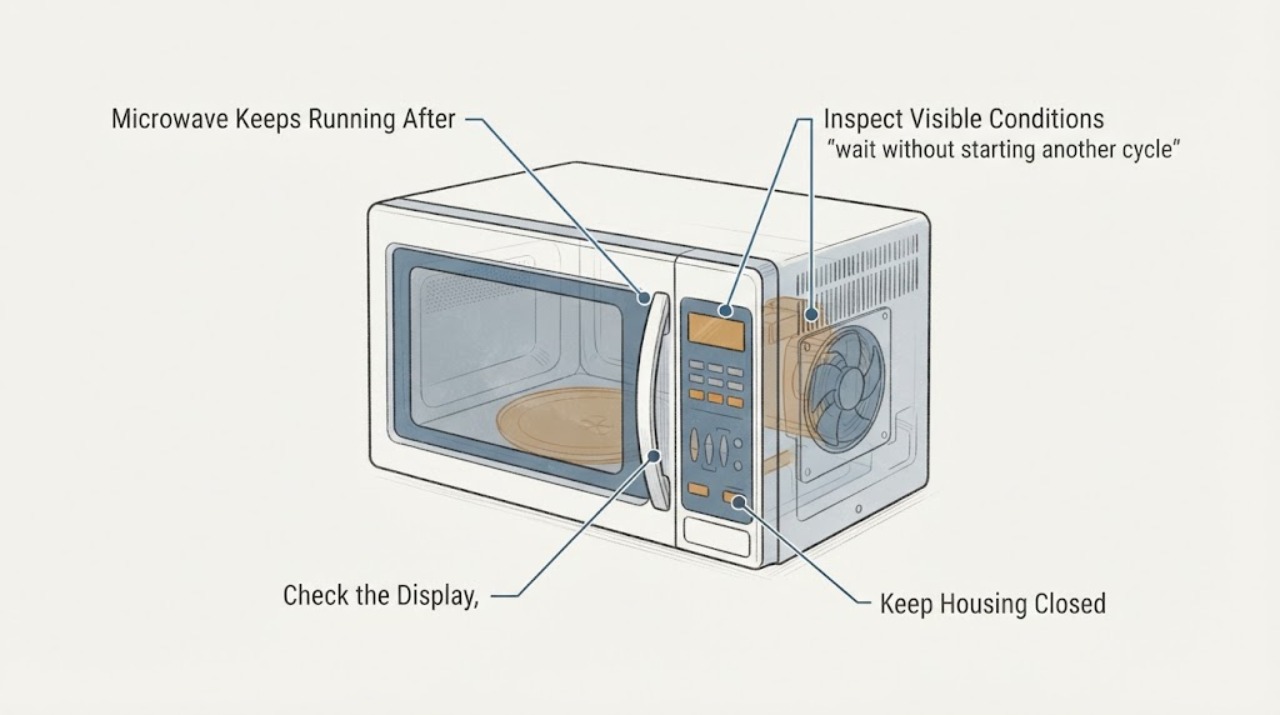
Work through in order
Diagnostic checks
Use only checks that match the exact appliance or system and its official guide.
-
Check 1
Without opening the cabinet or touching the door safety mechanism, observe the display and exterior controls after the programmed cycle ends. Note whether the display says COOLING, whether only a fan can be heard, and whether the light or turntable is still visibly operating.
Expected result: Only the fan remains after cooking, or the display/ light/turntable indicates that an active cooking operation continues.
Next step: Use the cooling-fan branch for fan-only operation; use the stop-use branch for any apparent heating or unexpected light/turntable activity.
Why this matters
Why: Panasonic documents post-cooking fan operation as a cooling function, while continuing operation when not in use or other active-cooking signs require service evaluation.
-
Check 2
If the only activity is the fan after a completed cycle, wait without starting another cycle and compare the duration with the exact Panasonic operating manual for the model.
Expected result: The fan stops within the model's documented cooling behavior, or it continues long after the appliance is cool or when no cooking cycle has occurred.
Next step: If the fan does not stop as expected, stop using the microwave, disconnect power safely, and arrange service rather than repeatedly cycling it.
Why this matters
Why: A short post-cycle fan period can be normal; a fan that runs when the microwave is not in use is treated by Panasonic as an operating problem.
-
Check 3
From a safe dry location, press Stop/Reset once only if the controls respond normally; do not test by forcing the door, opening the cabinet, bypassing an interlock, or putting food in the oven.
Expected result: The normal control stops the programmed operation, or the microwave remains active/unresponsive.
Next step: If operation does not stop or the unit appears to keep heating, disconnect power from the plug or breaker if safe and leave the appliance unused for professional service.
Why this matters
Why: A responsive Stop/Reset control helps distinguish a completed cycle with cooling from an operating control fault, but it does not prove which internal part failed.
-
Check 4
With power disconnected and the appliance cool, inspect only the visible door edge, latch area and surrounding surfaces for food debris, damage, misalignment or a door that does not close normally; do not adjust or disassemble the latch.
Expected result: The door closes normally with no visible damage, or it is bent, loose, obstructed or fails to close securely.
Next step: Remove only loose surface debris if the manual permits; stop use and arrange service for a damaged or misaligned door/latch.
Why this matters
Why: Panasonic identifies door/latch condition as a safety-relevant observation, but a visual check cannot certify the interlock or microwave leakage protection.
-
Check 5
Record the exact model, display message, cooking mode, cycle end time, fan/light/turntable behavior, odor or smoke, plug temperature, and door-latch condition for the service request.
Expected result: The record shows a model-dependent cooling cycle, or it shows a persistent unexpected operation or a safety symptom.
Next step: Use the model-specific Panasonic manual for normal cooling behavior and obtain authorized service for any persistent or unsafe operation.
Why this matters
Why: Model and symptom details are needed to select the correct operating manual; a generic reset or internal-part diagnosis would be unsupported.
Use your observations
Decision map
Find the observation that best matches what you see, then follow the next safe action.
-
PATH 01Next step
What you see
The cooking cycle has ended, only the cooling fan is audible, the display indicates cooling or the model manual describes a cooling period, and no heating signs remain.
Do this next
Allow the model-specific cooling period to finish without starting another cycle. Keep the oven plugged in only as the applicable manual directs.
Why this path and its safety boundary
Why it matters: This matches Panasonic's documented cooling-fan behavior and does not by itself indicate that the microwave is still cooking.
-
PATH 02Next step
What you see
The fan runs when no cycle has occurred, continues far beyond the model's documented cooling behavior, or the user cannot distinguish fan noise from active cooking.
Do this next
Stop using the unit, disconnect power from a safe dry location, and arrange Panasonic-authorized service. Do not open the door repeatedly to test it or open the cabinet.
Why this path and its safety boundary
Why it matters: Panasonic treats a fan operating when the microwave is not in use as an operating problem; the symptom cannot be safely reduced to a normal cooling cycle.
-
PATH 03Next step
What you see
The light, turntable, heating, or other cooking activity continues after Stop/Reset or appears to continue with the door closed as though a cycle is still active.
Do this next
Stop use and disconnect power safely. Do not open the cabinet, defeat the interlock, or continue testing; obtain qualified microwave service.
Why this path and its safety boundary
Why it matters: This is not established as a cooling-only condition and may involve a control or door-safety fault; the internal cause is not user-diagnosable from the supplied identity.
-
PATH 04Next step
What you see
There is a burning smell, smoke, abnormal sound, abnormally hot plug, electrical shock, damaged latch, or a door that does not close securely.
Do this next
Stop using the microwave immediately and disconnect power only from a safe, dry location; leave internal diagnosis and repair to qualified service.
Why this path and its safety boundary
Why it matters: Panasonic identifies these as stop-use safety conditions rather than routine fan behavior.
Helpful context
Understand the symptom
“It does not stop when the door is closed” needs one distinction before any diagnosis: is the sound only a cooling fan after cooking, or is the oven still performing a cooking cycle? Panasonic says the cooling fan can continue after the cycle to cool electrical components. A fan sound alone is not proof that the magnetron is still producing microwave energy.
Do not create a test by opening and closing the door repeatedly, placing food inside, or trying to defeat a latch. Observe the display, cycle state, interior light and turntable from outside. If the display says COOLING or the only remaining activity is the fan after a completed cycle, follow the model manual and allow the cooling period to finish.
Panasonic also says that a fan operating when the microwave is not in use indicates a problem and instructs owners to stop using the microwave and unplug it. If the oven seems to keep heating, the light or turntable keeps operating unexpectedly, or a cycle does not respond to Stop/Reset, treat it as an unsafe operating fault rather than a normal fan cycle.
The exact cooling interval and control behavior vary by Panasonic model. Record the model number, whether the display shows COOLING, what continues to operate, when the programmed cycle ended, and whether the oven was used repeatedly or on a convection/combination mode. Use that information with the model's operating manual or authorized service.
If there is a burning smell, smoke, abnormal sound, hot plug, damaged door latch, shock, or a door that does not close correctly, stop using the microwave immediately. Do not open the cabinet or attempt to repair a relay, fuse, interlock, magnetron or control board; microwave high-voltage and door-safety work belongs to qualified service.
When checks do not resolve it
Need a professional?
Use Panasonic-authorized service if the fan runs when the microwave is not in use, the fan does not stop as the exact manual describes, the unit appears to keep heating, Stop/Reset does not stop operation, or any electrical, smoke, odor, plug or door-latch safety symptom is present.
Safety scope: Do not open the microwave cabinet, touch high-voltage parts, bypass or defeat the door interlock, repeatedly run a cycle to test it, or replace a relay, fuse, magnetron, control board or latch without qualified service instructions.
Have this ready
- Exact model number, display text, cooking mode, whether the cycle ended, fan/light/turntable behavior, duration after completion, Stop/Reset response, door/latch observations, and any smell, smoke, heat or shock.
Common questions
FAQ
Is it normal for a Panasonic microwave fan to run after the door is opened?
Often yes after a completed cooking cycle. Panasonic says the cooling fan may run for about 1–3 minutes, and some older convection models may run 2–15 minutes; another Panasonic support page describes cooling until the oven is below its model-dependent temperature threshold. Check the exact manual.
How do I know whether the microwave is still heating?
Do not open the cabinet or create repeated door tests. Observe the display and exterior signs: a completed cycle with fan-only cooling is different from an active light, turntable, unresponsive Stop/Reset, or apparent cooking operation. If heating seems to continue, stop use and disconnect power safely for service.
Can I keep using a Panasonic microwave whose fan runs when it is not in use?
No. Panasonic's troubleshooting guidance treats a fan operating when the microwave is not in use as an operation problem and instructs owners to stop use and unplug the unit.
What should I do if the microwave has a hot plug, smoke, odor or damaged latch?
Stop using it immediately and disconnect power only from a safe, dry location. Panasonic lists abnormal smells or sounds, an abnormally hot plug, worn latches, an improperly closing door and electrical shock as reasons to stop using the microwave.
Read the exact guide
Official sources
- Panasonic - Troubleshooting Questions for Safe Usage and Operation of Microwave OvensPanasonic · Official Panasonic North America safety guidance; it supports family-level safety boundaries and directs owners to the exact operating manual for model-specific behavior.
- Panasonic - Troubleshooting - Cooling fan continues to run after oven is turned off.Panasonic · Official Panasonic support page documenting normal cooling behavior; exact timing and display behavior may vary by microwave model.
- Panasonic - Troubleshooting - Microwave power, fan or motor problems.Panasonic · Official Panasonic North America support page for Panasonic microwave families; exact fan duration and controls remain model-specific.
Community feedback
Share a repair observation
Share a plain-text repair observation. Accepted observations are published automatically; this page may take a moment to update.