
Panasonic appliance guidance
Panasonic Microwave Repair Guides
Troubleshooting and repair guidance for published Panasonic Microwave problems, symptoms, and maintenance questions.
Published Panasonic Microwave guides
Choose the guide whose symptom or condition most closely matches what you are seeing.
-
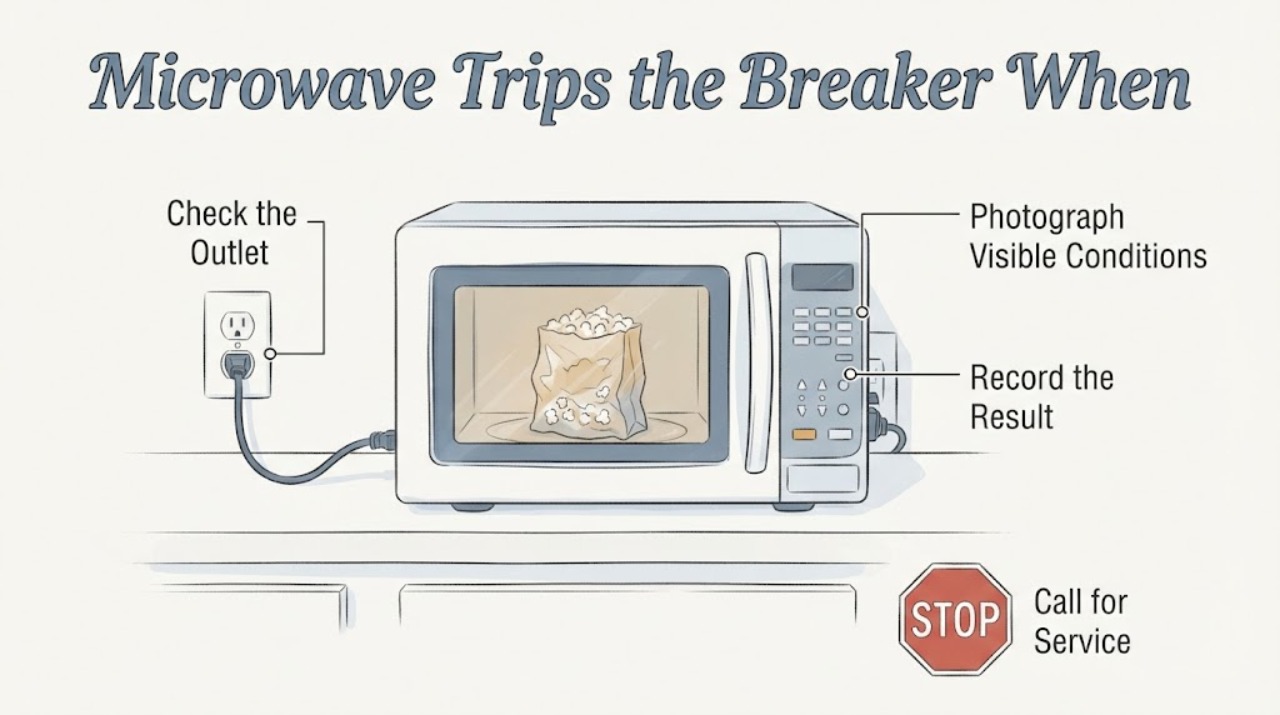
Panasonic Genius 1200W Microwave Trips the Breaker When Plugged In
If a Panasonic microwave described only as a Genius 1200W trips the household breaker as soon as it is plugged in, stop trying to power it and do not start the popcorn cycle. The supplied label is not a complete model number: Panasonic's manual lookup requires the model number, and its official product page shows that Genius Sensor 1200W branding is used on a specific model, so do not borrow that model's manual or electrical rating.
-
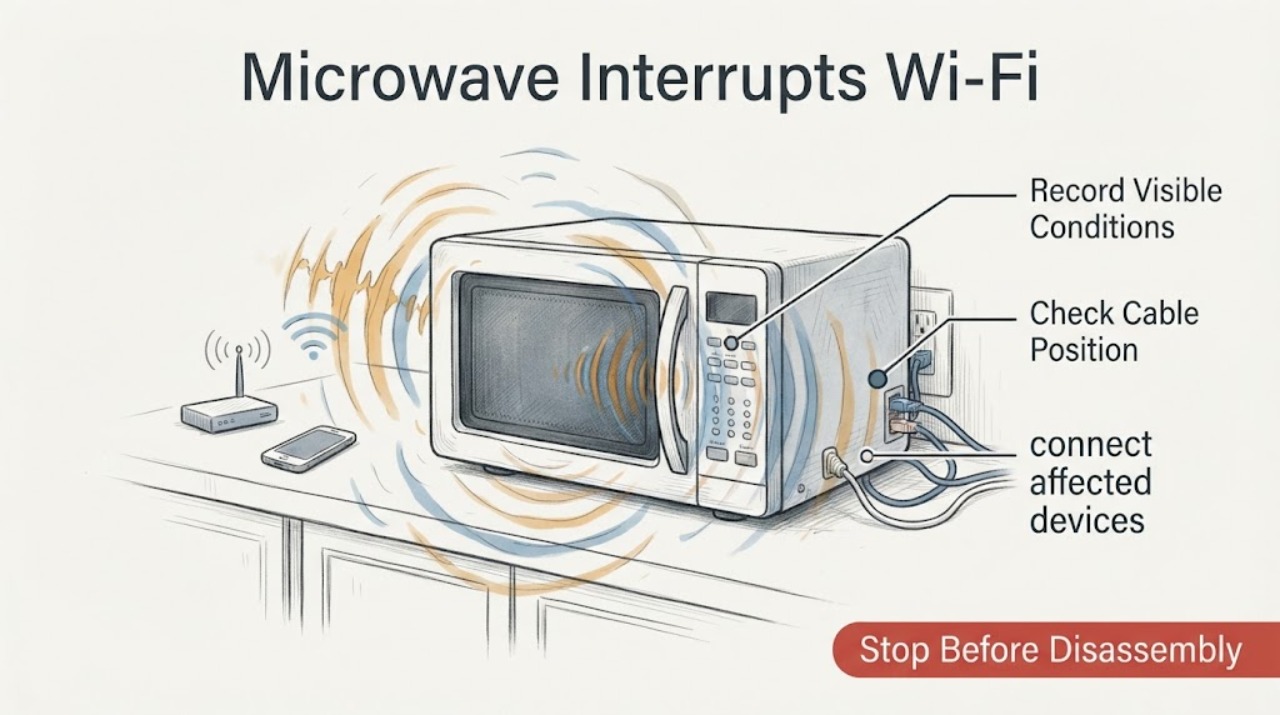
Panasonic Inverter Microwave Interrupts Wi-Fi: Separate Interference From a Microwave Fault
A Panasonic microwave can interfere with nearby Wi-Fi or other wireless devices while it is operating, especially on the 2.4 GHz band. That timing alone does not prove a microwave defect or radiation leak.
-
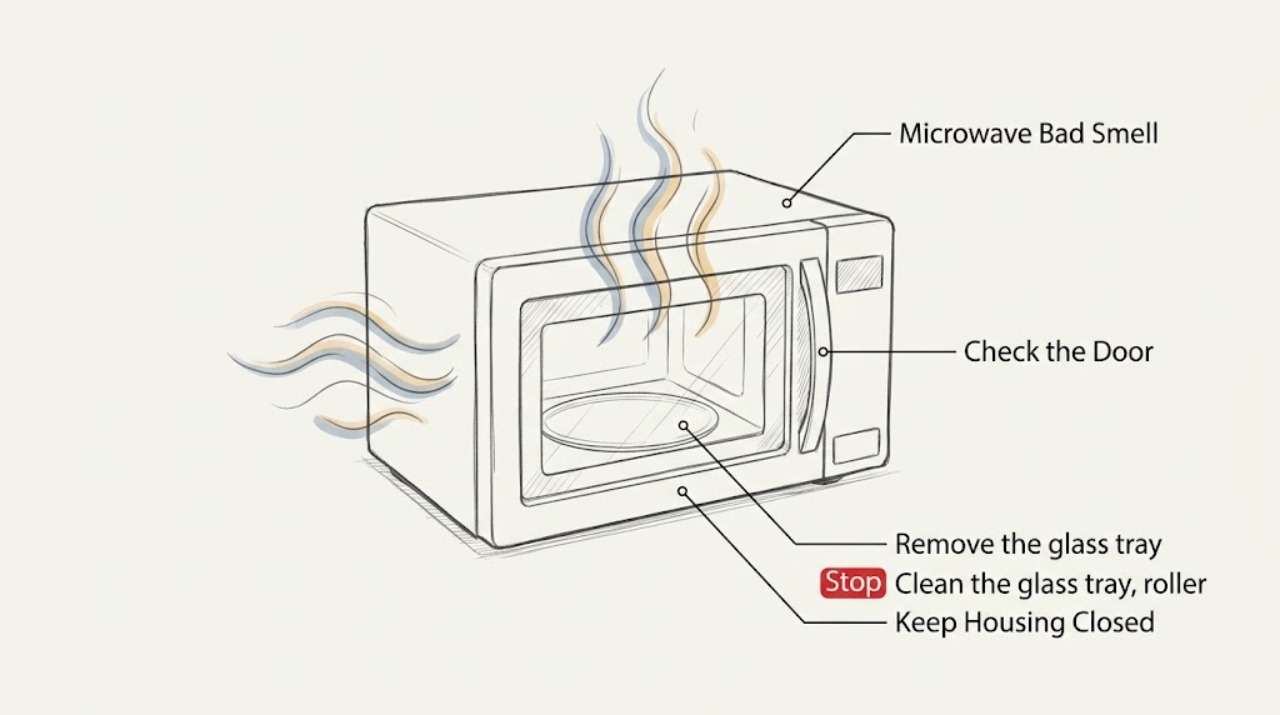
Panasonic Microwave Bad Smell
A Panasonic microwave bad smell is usually retained food residue or a spill that overheated. Unplug the oven before cleaning, remove loose debris, steam the cavity with a microwave-safe water solution, and wipe and dry it. Stop using the oven for smoke, arcing, a damaged cavity or waveguide cover, or an odor that returns with operation.
-
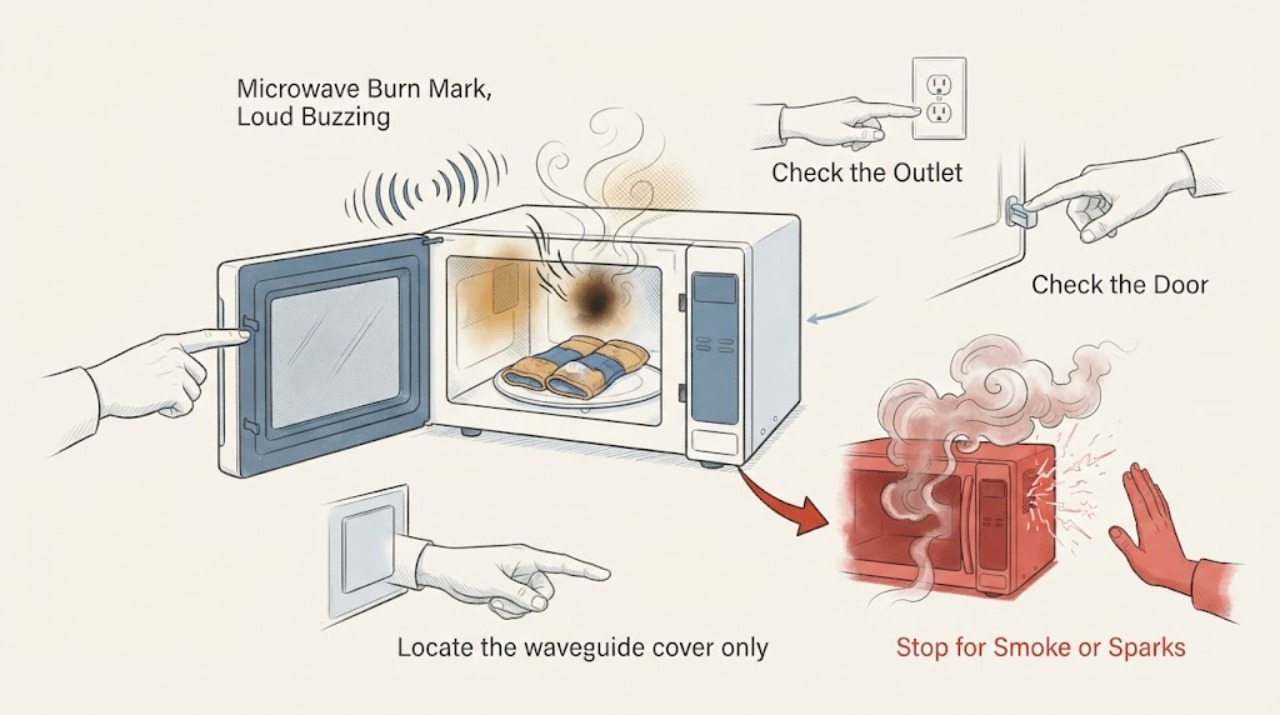
Panasonic Microwave Burn Mark, Loud Buzzing, and Burning Smell After Heating a Salt Knee Warmer
Stop using the Panasonic microwave after a burn mark, loud buzzing, or burning smell, and do not run the salt-filled knee warmer again as a test. Panasonic says it does not recommend heating non-food therapeutic bags because overheating can make them smoke or catch fire; its microwave support guidance says to unplug the oven when there is smoke, fire, or a burning smell.
-
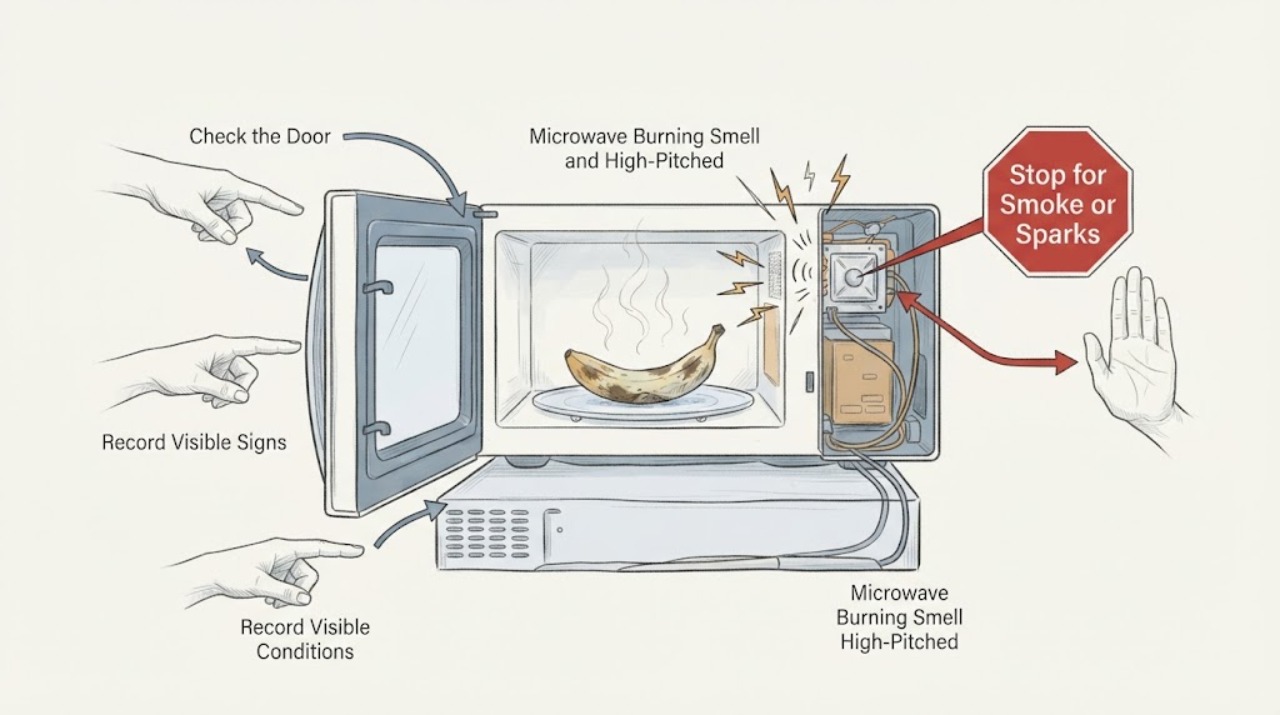
Panasonic Microwave Burning Smell and High-Pitched Sound While Defrosting Bananas
A burning smell together with an unusual high-pitched sound during defrosting is a stop-use symptom, even when the food is the only item being heated. Panasonic says to unplug a microwave when there is a burning smell, smoke or fire; after it is disconnected and cool, you may inspect and clean only visible food residue, spills, the glass tray and roller ring.
-
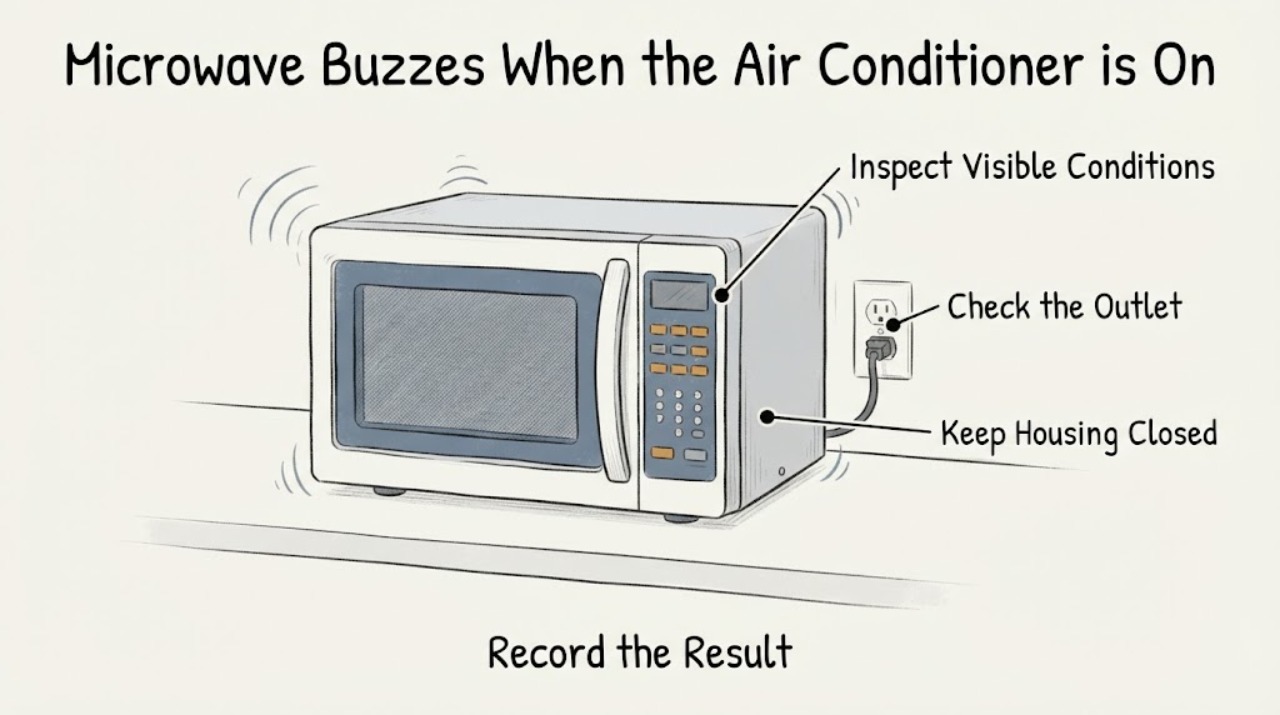
Panasonic Microwave Buzzes When the Air Conditioner Starts
A Panasonic microwave that begins a loud or high-pitched buzz exactly when an air conditioner starts should be treated first as a power-supply, shared-circuit, interference or appliance-fault question—not as proof of a bad magnetron or inverter. Stop both appliances and note whether the sound stops with the microwave unplugged.
-
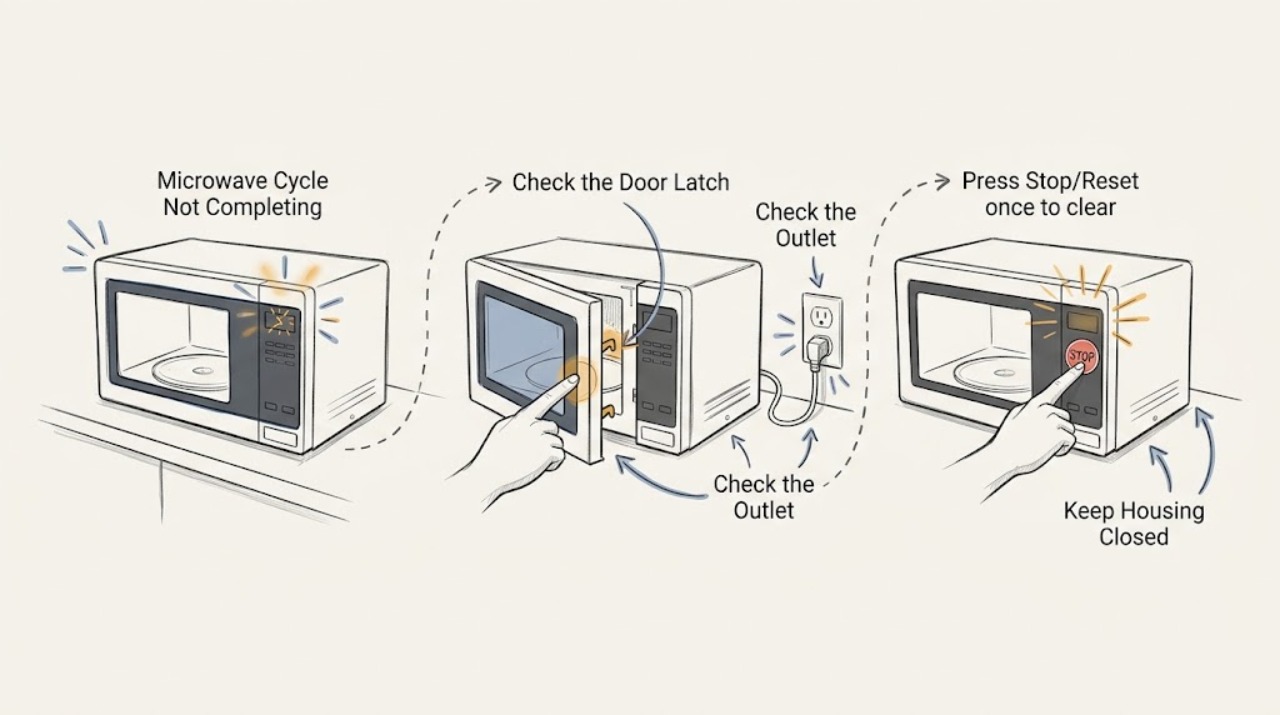
Panasonic Microwave Cycle Not Completing
If a Panasonic microwave stops before its programmed cycle ends, check whether the door was opened, Stop/Reset was pressed, another programme is stored, or the oven entered standby or demo mode. Confirm the power connection and restart the exact model programme once. A recurring stop, frozen display, or operation with the door open needs service.
-
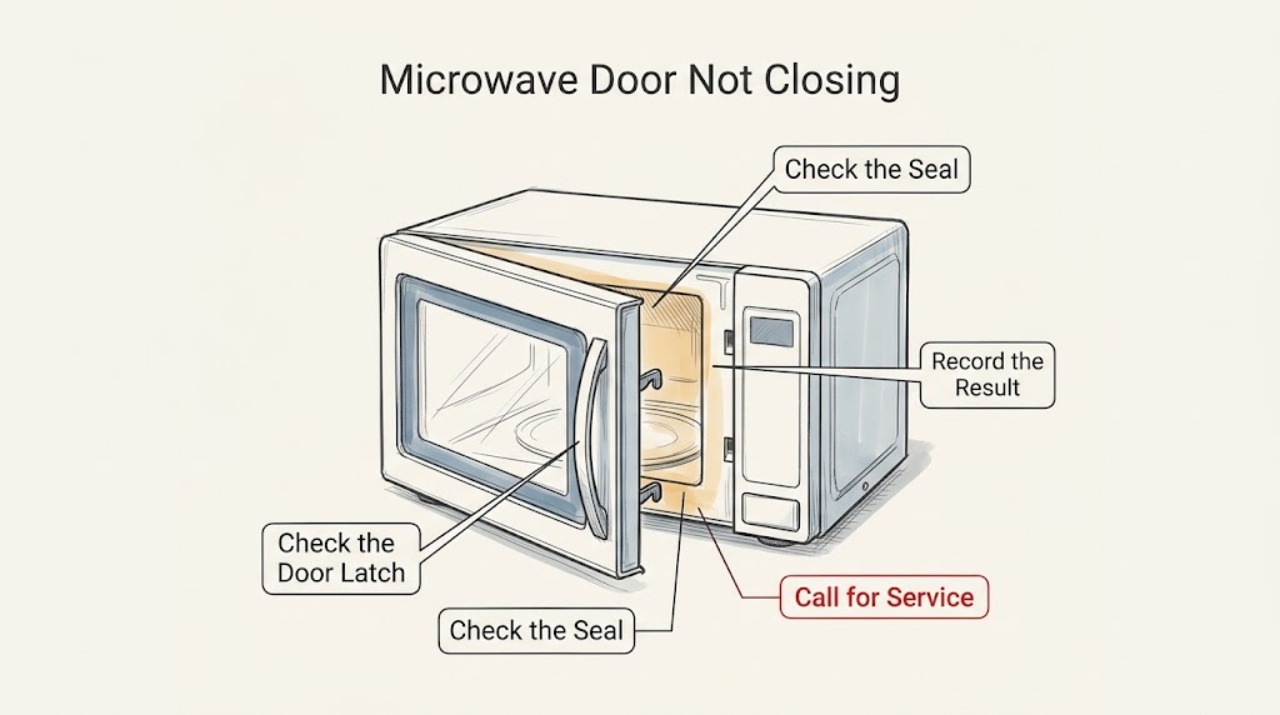
Panasonic Microwave Door Not Closing
A Panasonic microwave door that will not close should not be forced or operated. With power disconnected, check for debris around the hooks and latch, confirm the door is aligned, and look for visible damage. If the problem remains, stop using the microwave and request Panasonic service because the door interlock and sealing surfaces are safety-critical.
-
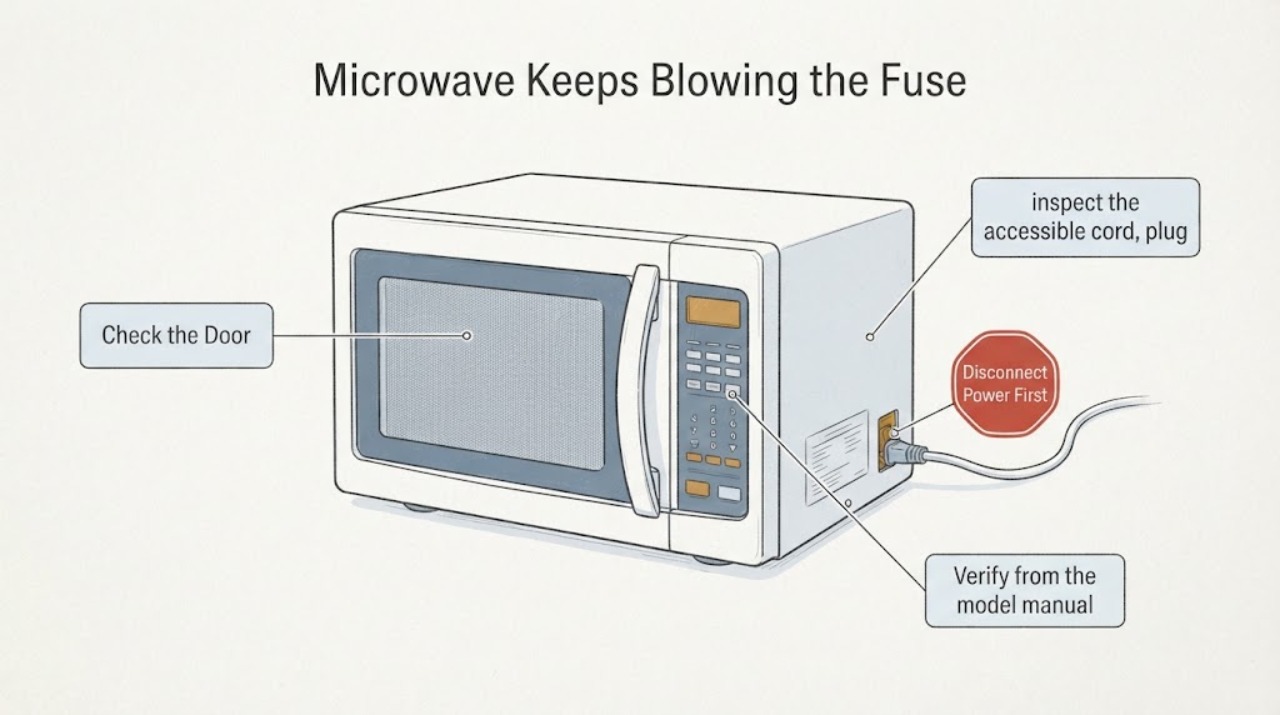
Panasonic Microwave Keeps Blowing the Fuse: Stop and Service Safely
Stop using a Panasonic microwave that repeatedly blows a fuse or trips its circuit. Unplug it only if the plug and outlet are dry, cool, and safe to touch; do not keep replacing a fuse, install a higher-rated fuse, use an adapter or extension cord, bypass the ground, open the cabinet, or test the high-voltage circuit.
-
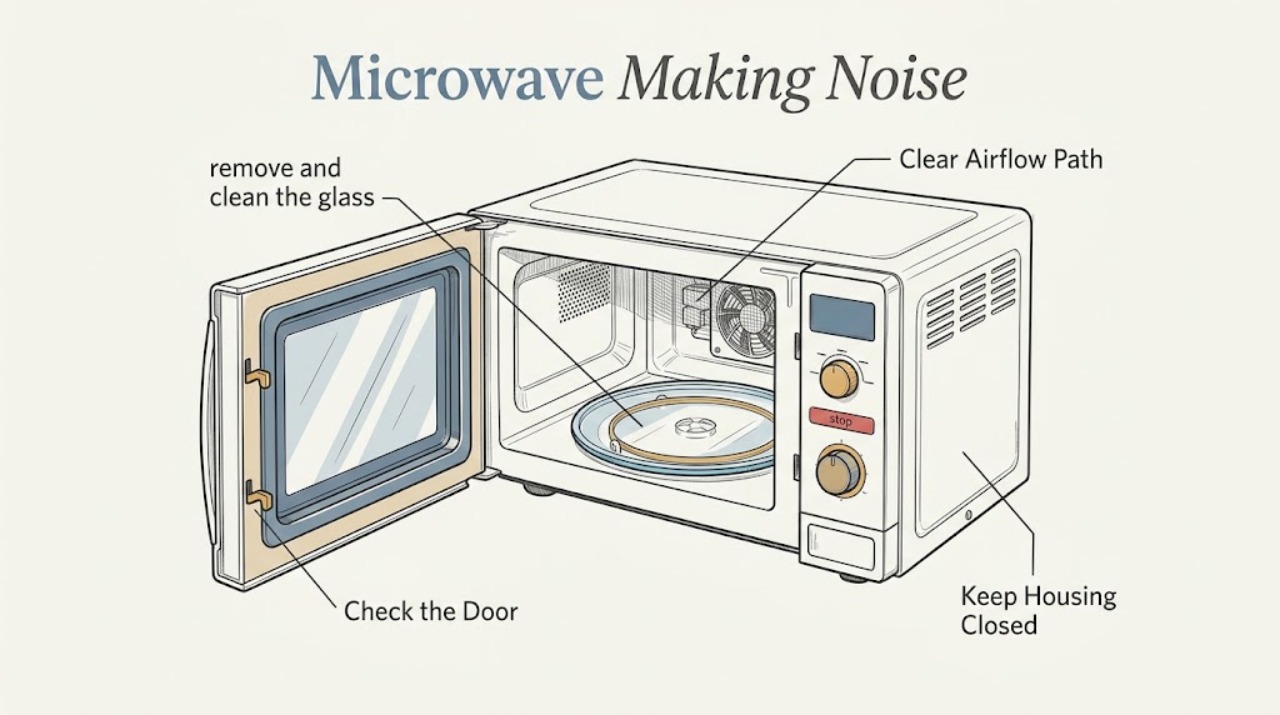
Panasonic Microwave Making Noise
Some Panasonic microwave sounds come from the turntable, roller ring, cooling fan, or normal airflow. Clean and reseat the tray and roller ring, keep food and cookware from touching the cavity, and identify whether the sound is a brief operating sound or a loud buzz. Stop using the oven for a persistent loud buzz, arcing, smoke, or a fan that fails to run.
-
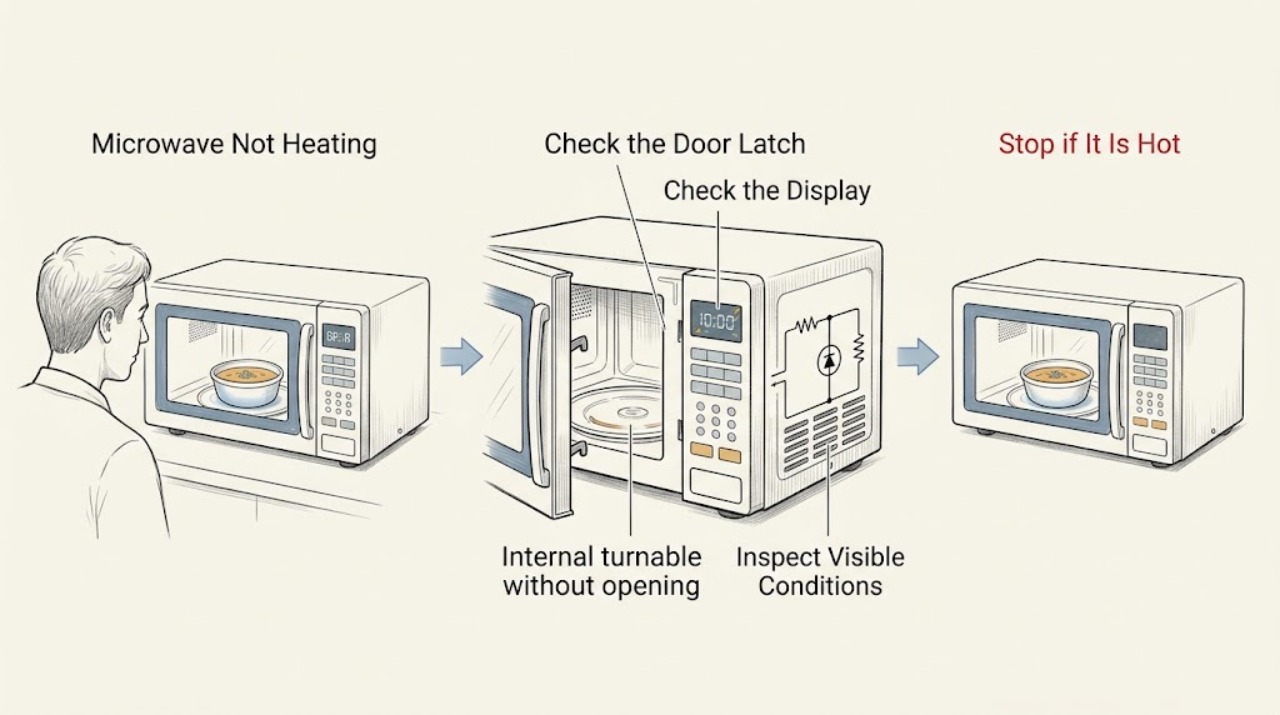
Panasonic Microwave Not Heating
If a Panasonic microwave runs but does not heat, verify the door closes securely, the power level is appropriate, and the turntable and interior are intact. Test with a microwave-safe cup of water and check for an error or demo indication. A returning error, no heat after these checks, smoke, or arcing requires authorized service.
-
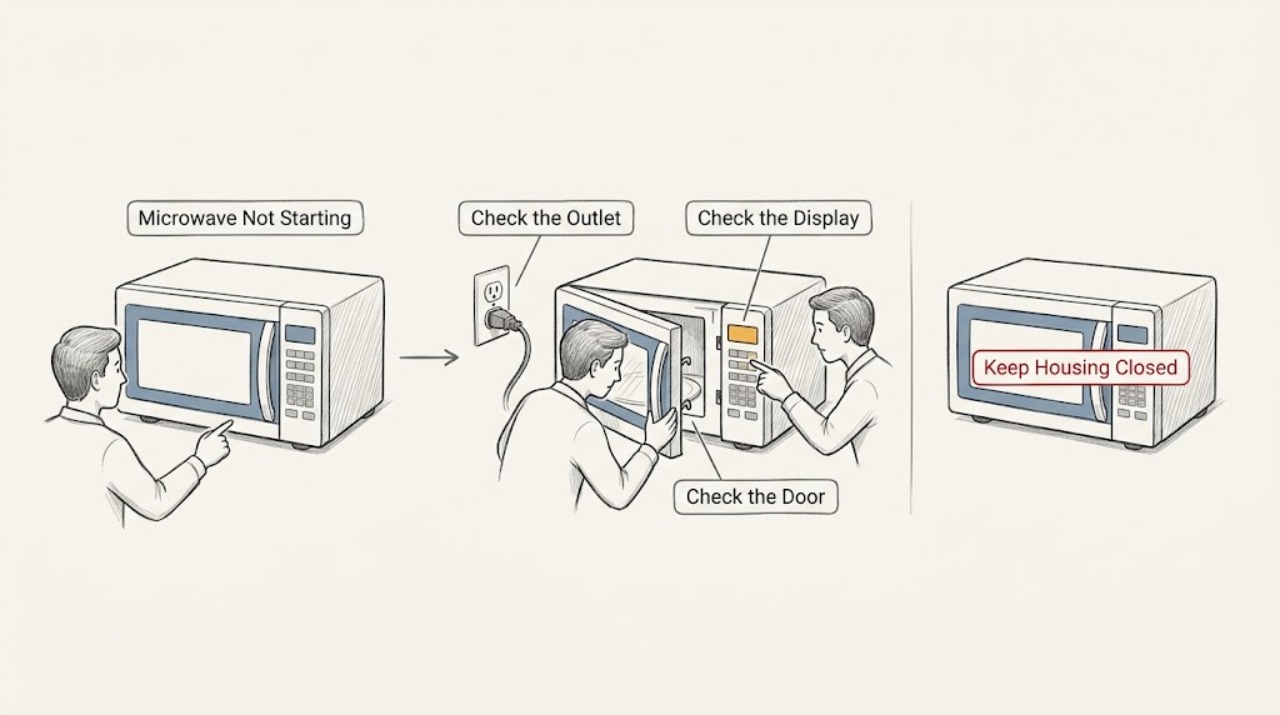
Panasonic Microwave Not Starting
For a Panasonic microwave that will not start, check the outlet and breaker, wake the display if it is in standby, close the door securely, and press Start after entering the programme. Clear a stored programme with Stop/Reset once. If the display, keypad, or timer remains unresponsive, or the breaker trips, stop and arrange service.
-
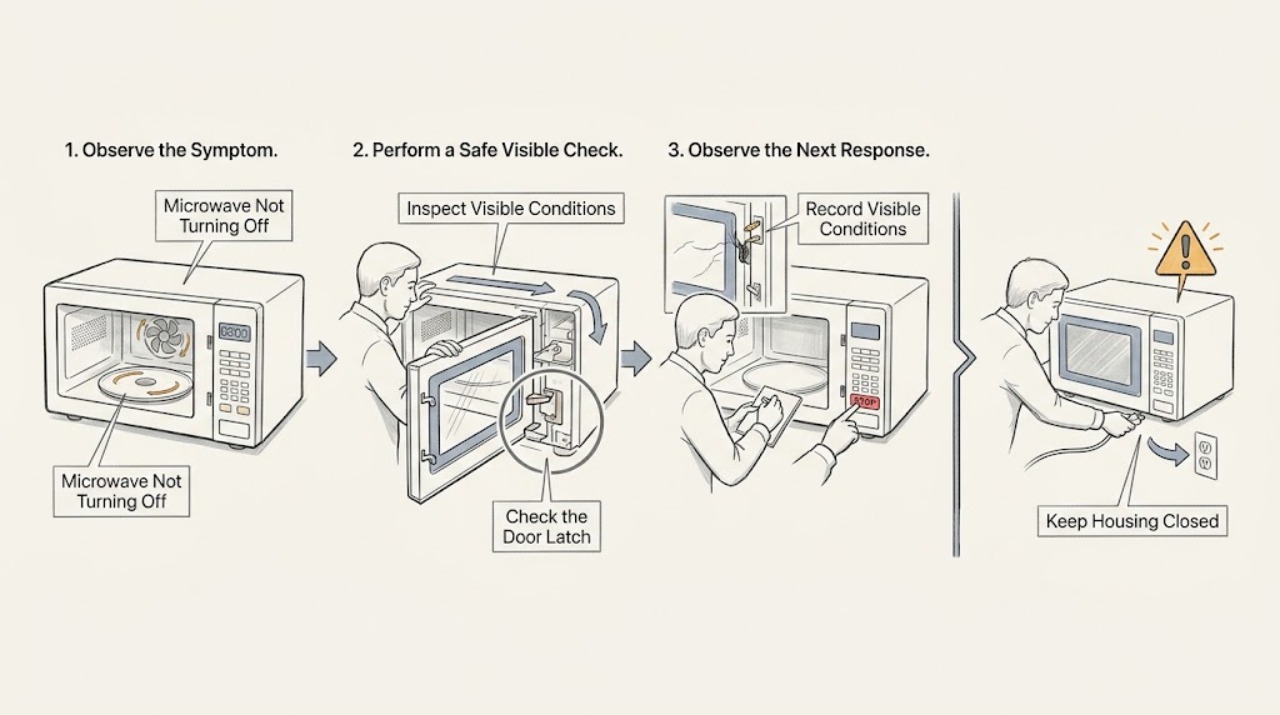
Panasonic Microwave Not Turning Off: Stop First, Then Check the Door and Mode
If a Panasonic microwave continues heating, sparking, or producing microwave-related activity after Stop/Reset, stop using it and disconnect power only if you can do so safely. A fan or light may have a model-specific after-run behavior, but operation with the door open is not normal. Check the door and controls externally; do not open the cabinet.
-
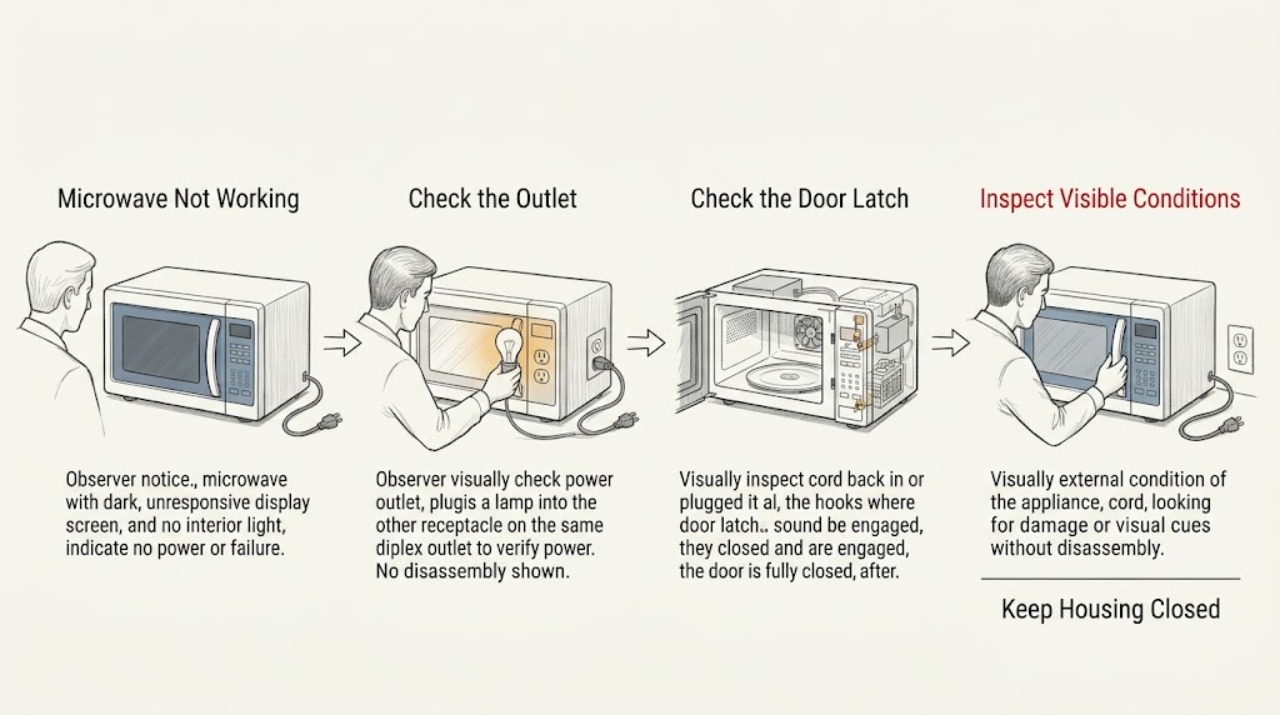
Panasonic Microwave Not Working: Check Power, Controls, and the Door Safely
First determine whether the display is blank, the controls respond but cooking will not start, or the oven runs with an unsafe symptom. Panasonic recommends a direct suitable outlet, a fully closed door, cancelling an old program, and checking for Demo mode where applicable. Stop using the oven for arcing, a fan or turntable that runs with the door open, repeated breaker trips, or an error code; do not open the cabinet.
-
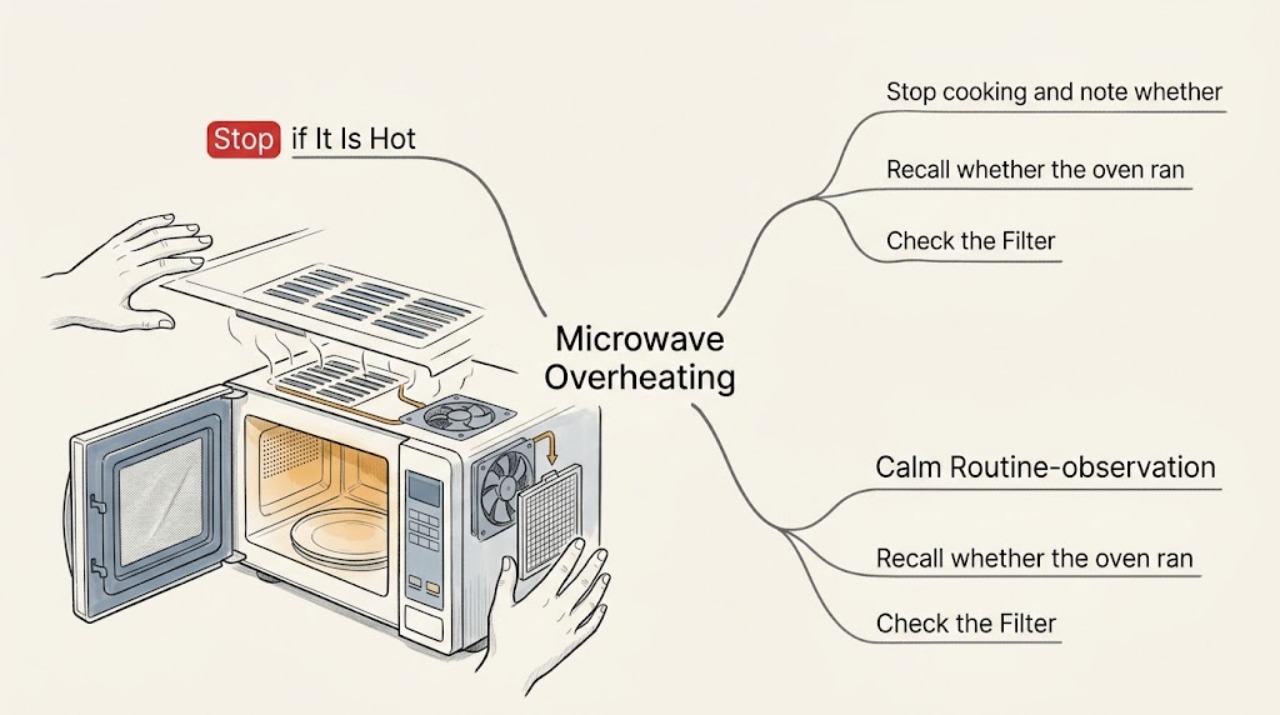
Panasonic Microwave Overheating: Check Food, Airflow, and Empty-Cavity Use
Stop the Panasonic microwave if the cabinet, food, or cavity becomes abnormally hot, smoke appears, or the fan does not run. After it is cool and safe, check whether it was operated empty, whether vents or filters are blocked, and whether cookware or food caused the symptom. Do not remove panels; recurring overheating requires authorized service.
-
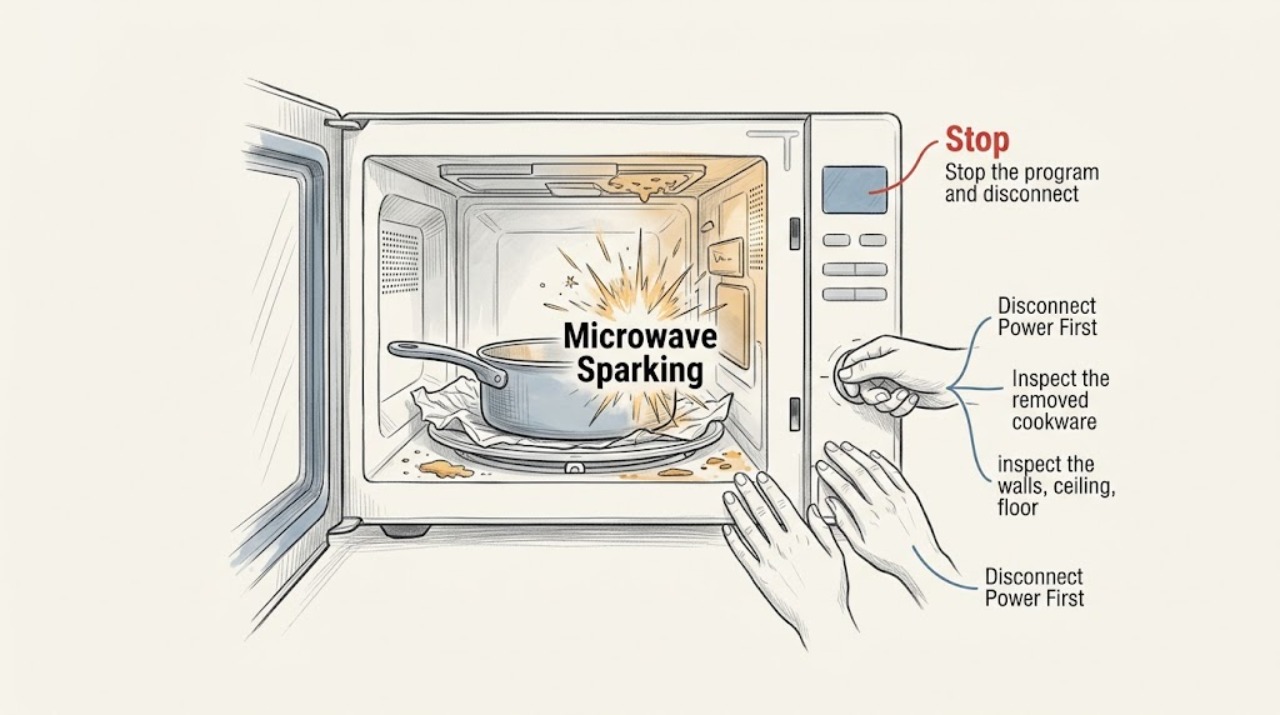
Panasonic Microwave Sparking: Remove Metal and Stop if Arcing Continues
Stop the Panasonic microwave immediately when sparks appear. After it is safe and cool, remove metal containers, foil, twist ties, metal trim, and damaged cookware; inspect and clean visible food residue. If sparking returns with microwave-safe cookware or an empty clean cavity, leave the unit out of service and contact authorized Panasonic support.
-
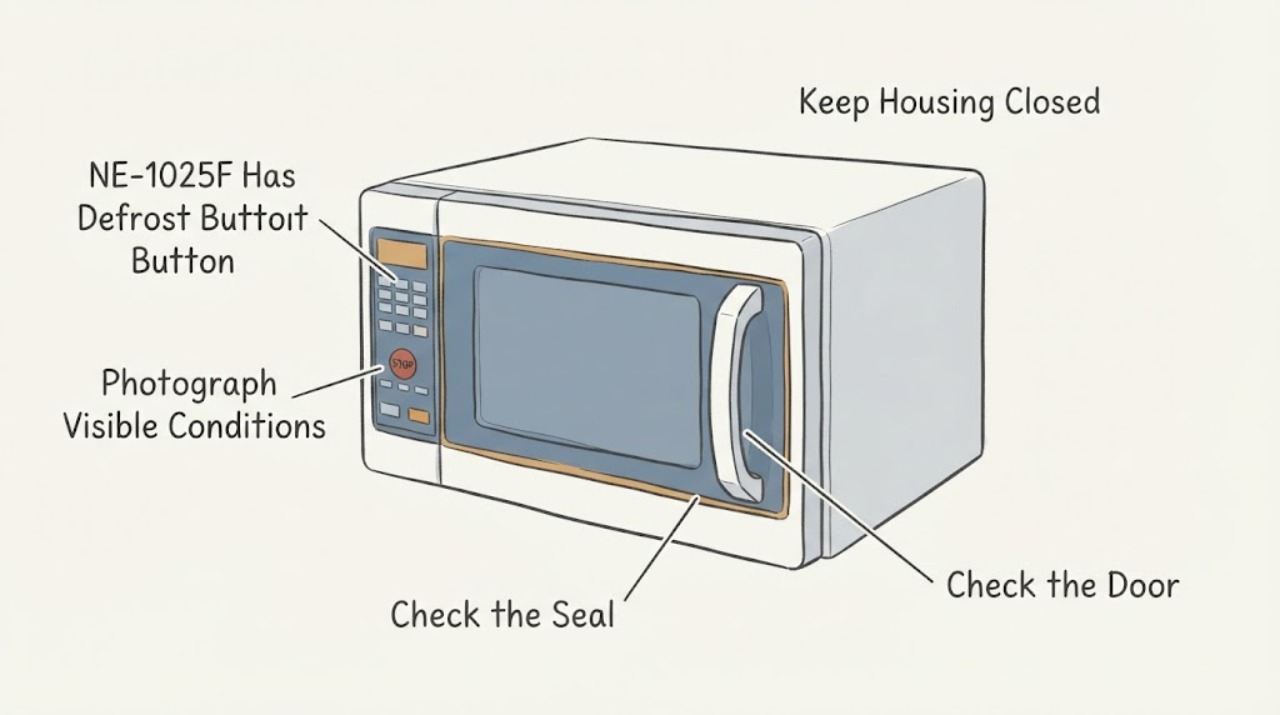
Panasonic NE-1025F Has No Defrost Button: Use Its Timer-Only Commercial Design Safely
The Panasonic NE-1025F is a light-duty commercial, dial-control microwave, not a consumer touch-panel model with a universal Defrost menu. Its opened owner manual identifies a timer, control panel, door safety lock, and air vents, and its operating instructions tell the operator to place food inside, close the door, and set a heating time; the manual does not provide a Defrost button or a user-selectable power-level sequence.
-
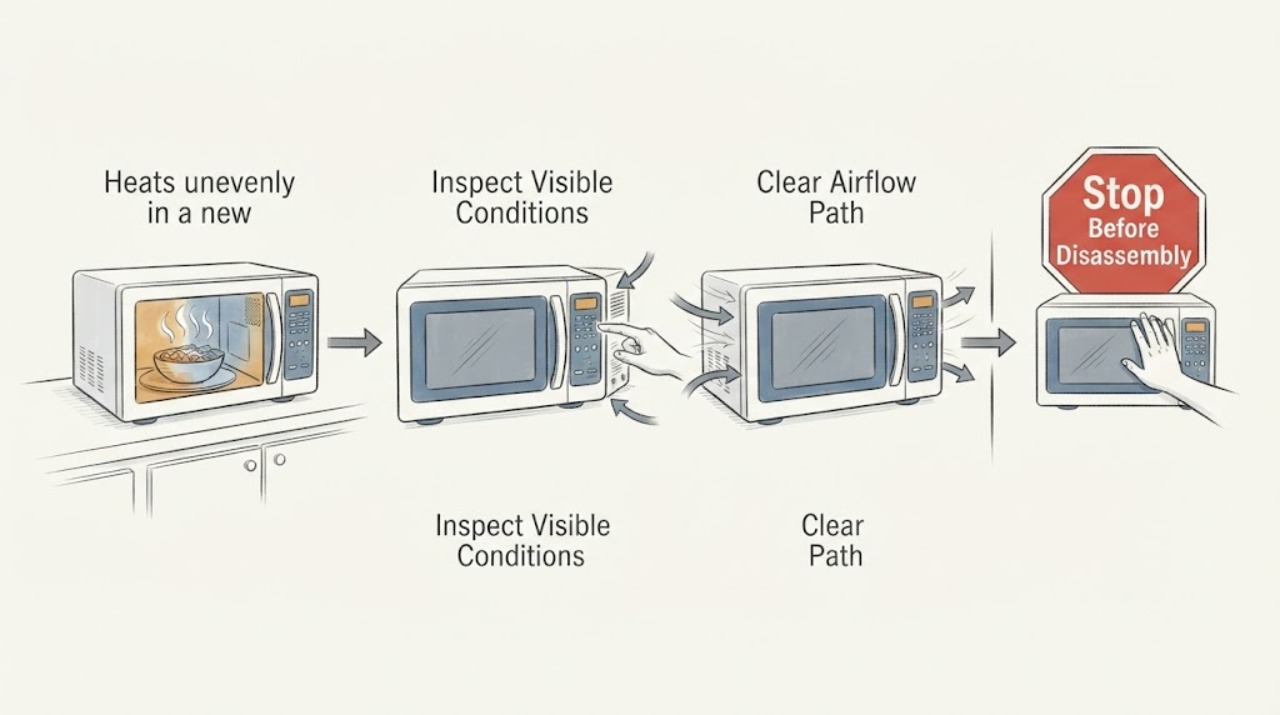
Panasonic NN-SD671S heats unevenly in a new apartment: separate food pattern from a no-heat fault
With a Panasonic NN-SD671S that heats one part of a dish more than another, first separate a food-distribution or turntable problem from a true no-heat problem. Confirm the new-apartment installation is stable, ventilated, grounded, and on the required separate circuit; verify the glass tray and roller ring; then use one supervised microwave-safe cup-of-water test at the intended high setting.
-
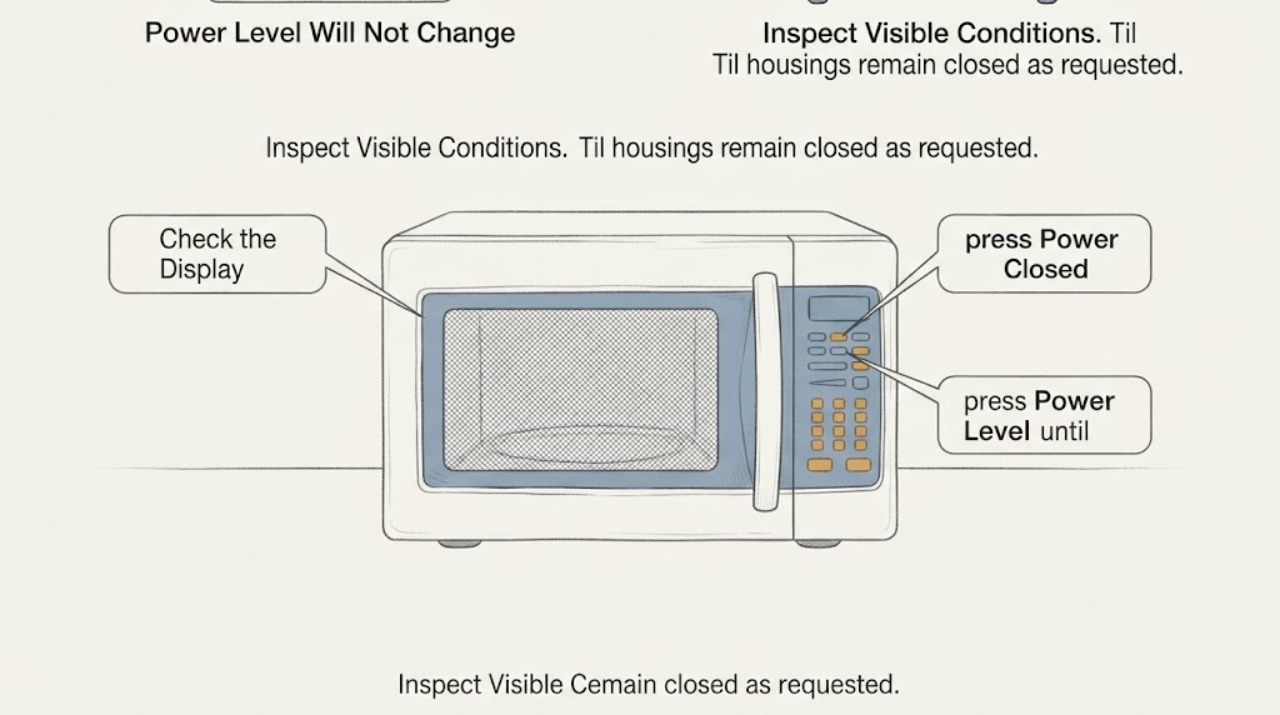
Panasonic NN-SN67HS Power Level Will Not Change During Defrost
On the Panasonic NN-SN67HS, Power Level is a manual-cooking control; it is not a setting that the automatic Turbo Defrost routine asks you to change. Turbo Defrost uses the food weight and Start, so the Power Level pad may appear to do nothing while that routine is being entered.
-
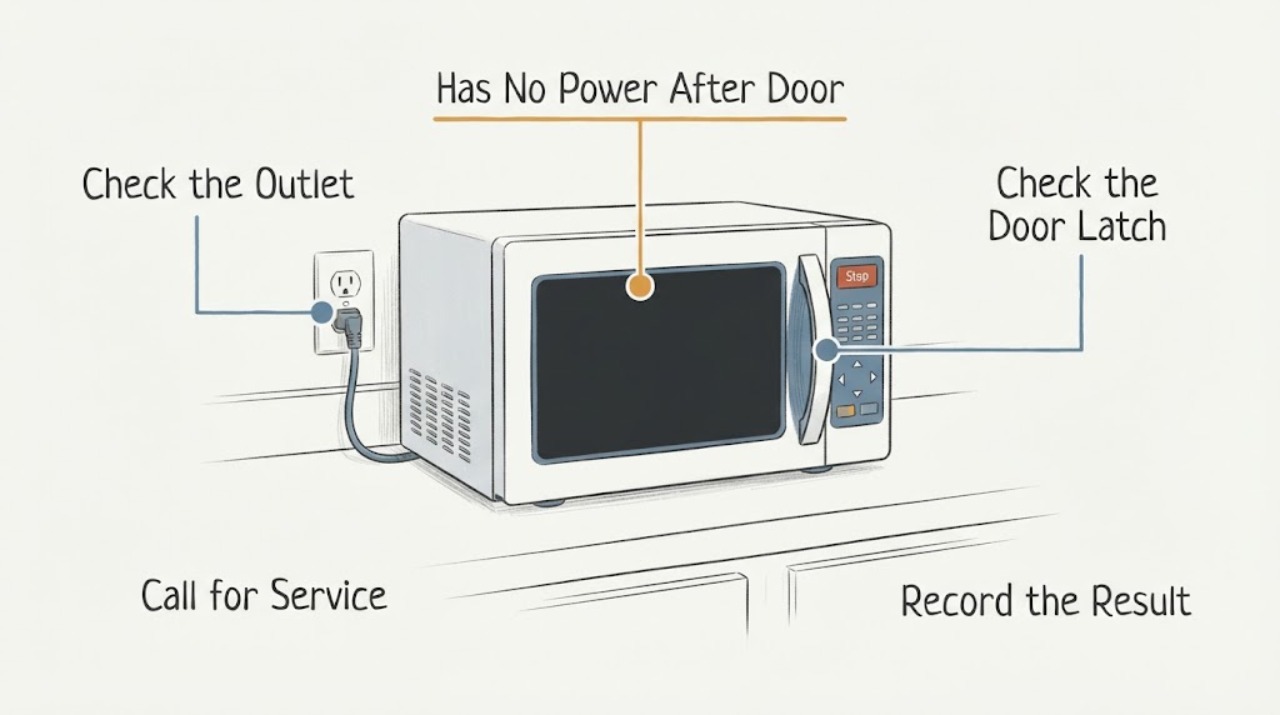
Panasonic NN-SN73S Has No Power After Door Repair
If a Panasonic NN-SN73S went completely dead after door work, separate an external power problem from a door-related safety problem before assuming an internal part failed. With the microwave unplugged or switched off only from a safe accessible wall position, confirm the cord and dedicated outlet, check the breaker without repeatedly resetting it, and inspect the closed door, latch, hinges, and sealing surfaces for visible damage or obstruction.
-
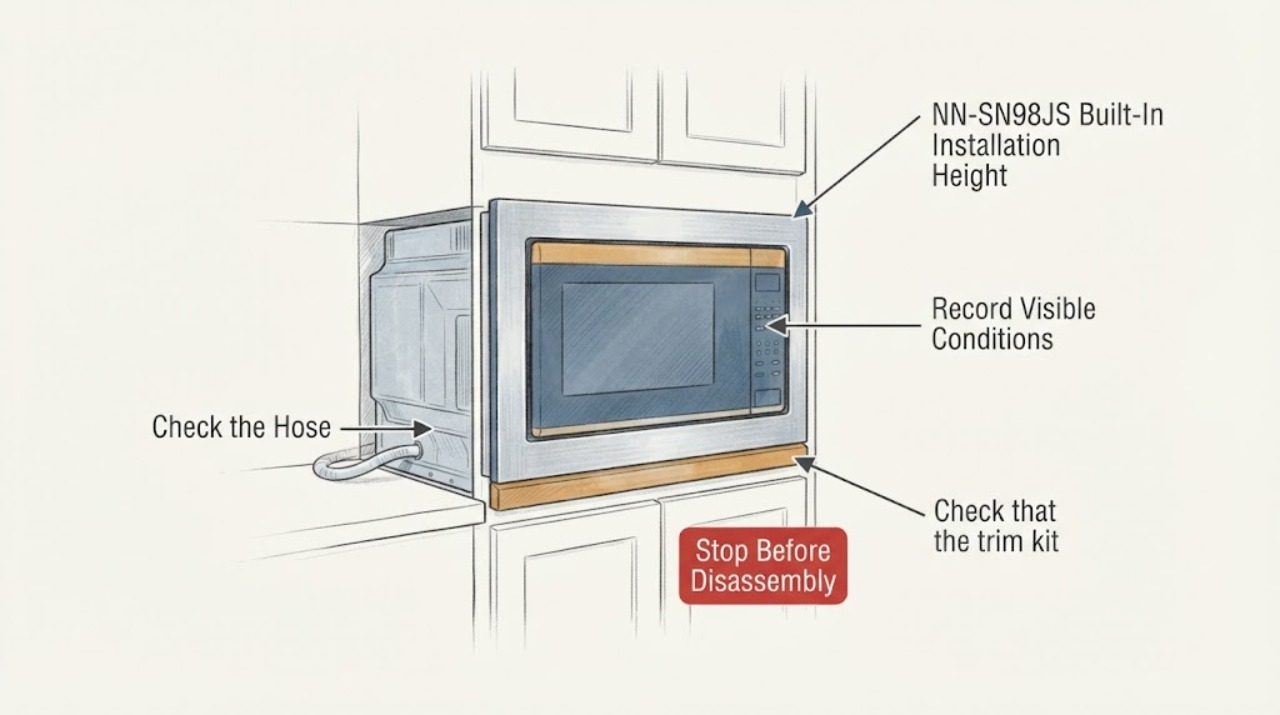
Panasonic NN-SN98JS Built-In Installation Height and Trim-Kit Requirements
The Panasonic NN-SN98JS is sold by Panasonic as a countertop microwave, so the oven alone does not establish approval for a built-in cabinet installation. Built-in use depends on a trim kit that is designated for the microwave and on that kit's own cabinet, ventilation and height instructions.
-
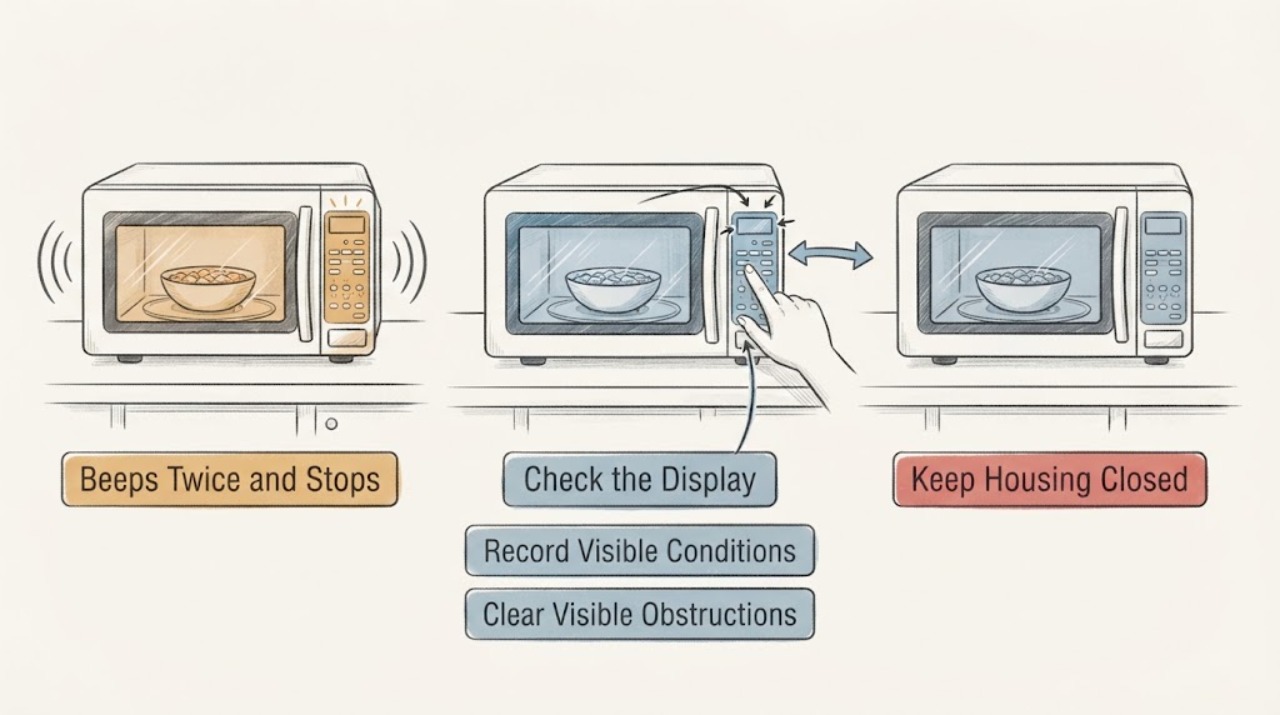
Panasonic NN-ST676S Beeps Twice and Stops: Read the Display Before Calling It a No-Heat Fault
Two beeps immediately after starting a Panasonic NN-ST676S do not by themselves prove a failed high-voltage part. Panasonic's opened NN-ST676S instructions document two beeps between programmed stages, and its Genius Sensor guidance says two beeps can occur when steam is detected before the remaining cooking time appears.
-
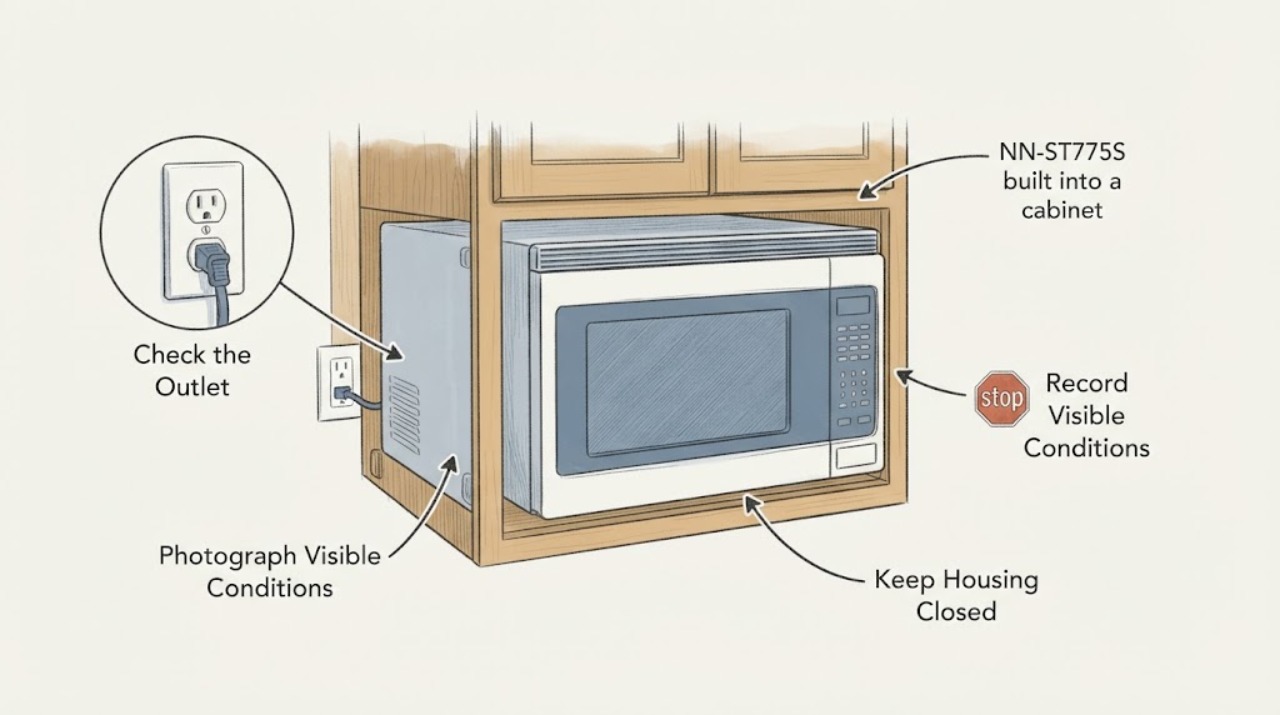
Panasonic NN-ST775S built into a cabinet: safe checks before removing the trim
Do not pry the trim or remove the microwave's outer case just because a Panasonic NN-ST775S has stopped working. First identify whether the display is dead, the controls will not start, the door will not close, the turntable or fan behaves abnormally, or the oven runs without heating.
-
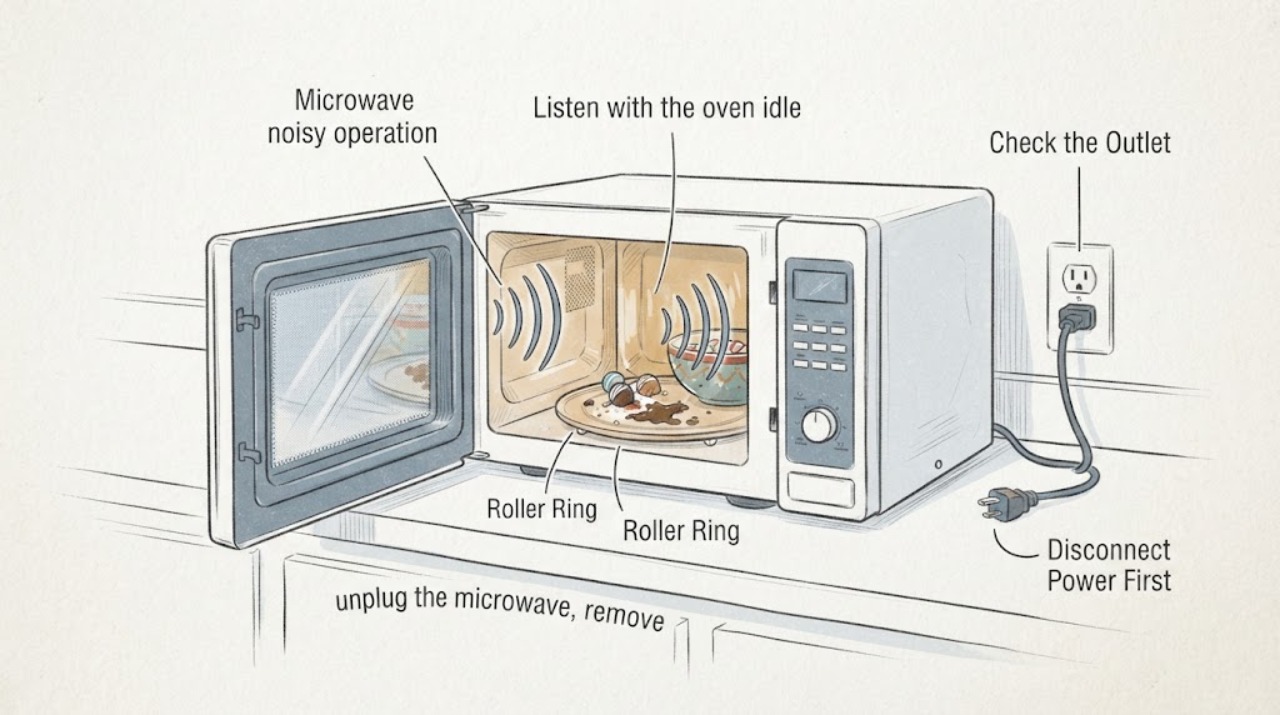
How to Silence Beeps on a Panasonic NN-SU686S Microwave
The supplied question is about an older Panasonic NN-SU686S that still works but is loud, and the matching Panasonic setup guidance identifies that sound as the selectable beep mode rather than a reason to alter the microwave. The official setup page groups NN-SU686 with the NN-SU676/NN-SU696 family: with the oven unplugged and then reconnected to a properly grounded outlet, press Function six times, press 2 for Beep Off, and leave the setup with Stop/Reset.
-
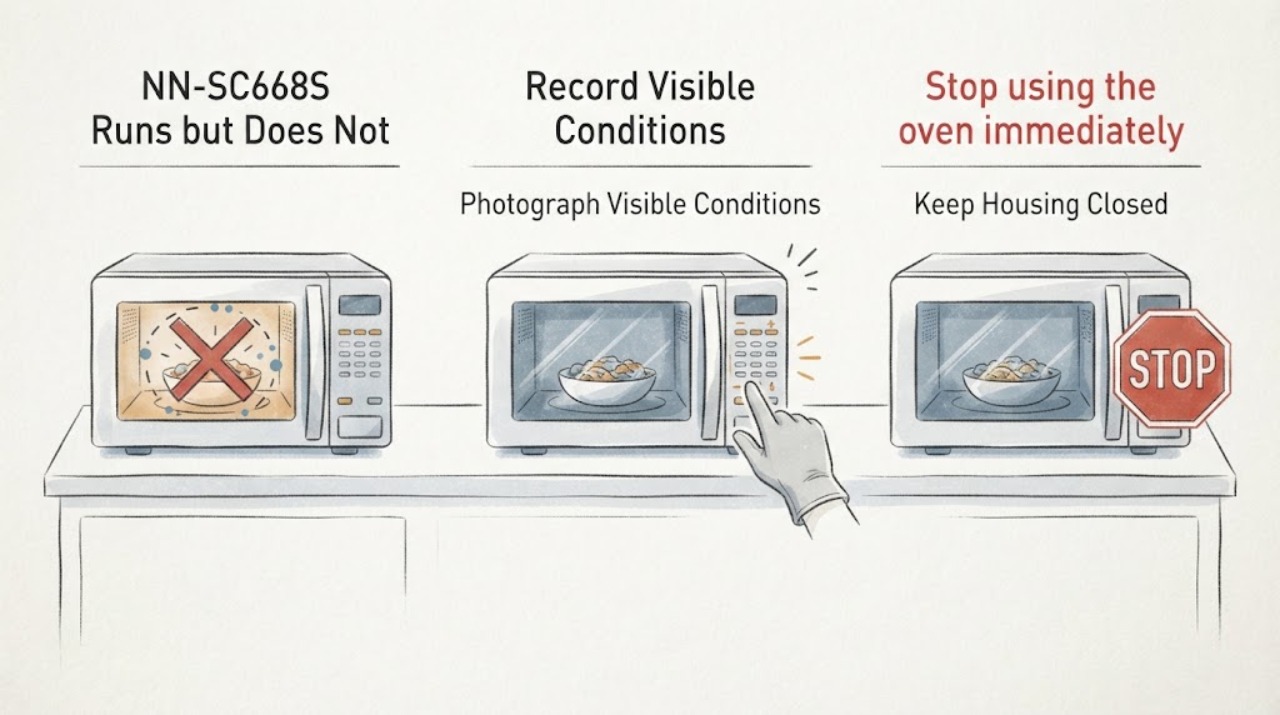
Panasonic NN-SC668S Runs but Does Not Heat After Being Tapped
Do not tap, shake, or keep using a Panasonic NN-SC668S that starts heating only after the cabinet is struck. That is an intermittent symptom, not a repair, and it can indicate an unsafe door/latch or electrical connection condition that cannot be identified from the outside.
-
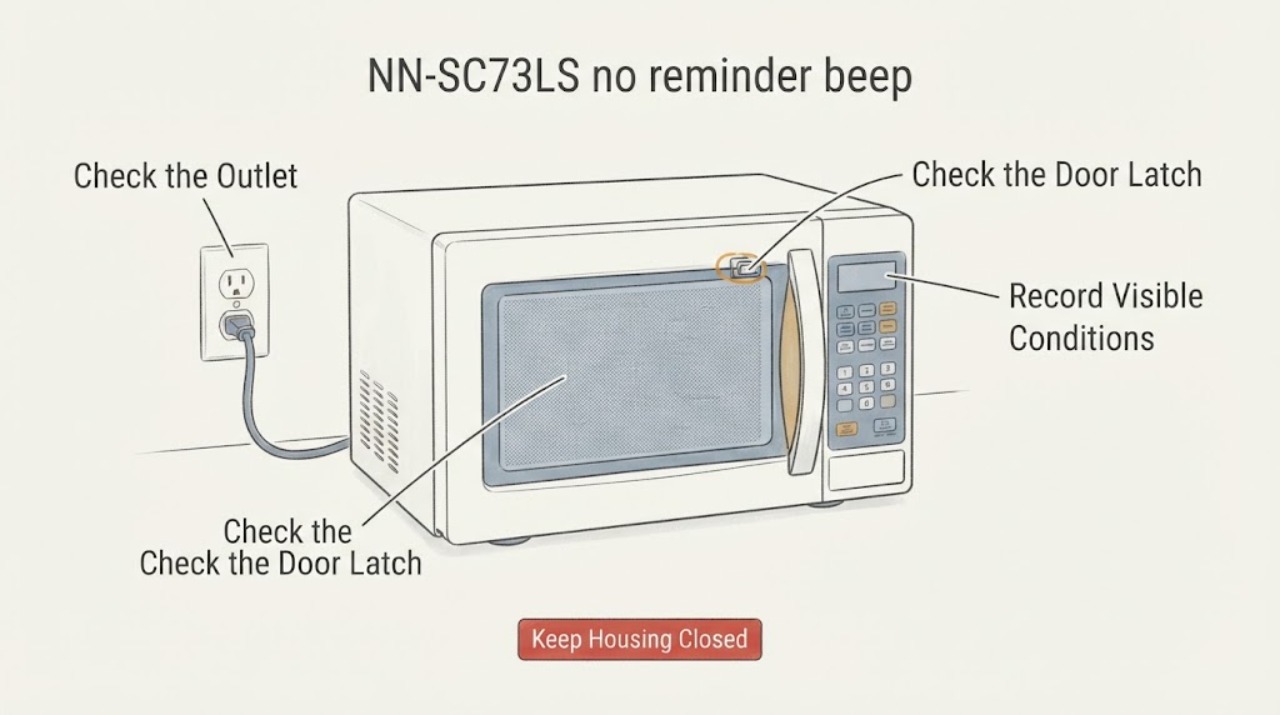
Panasonic NN-SC73LS no reminder beep: check the beep mode and expected alerts
The Panasonic NN-SC73LS documents a Beep On/Off setting, but its official manual describes keypad beeps, two beeps between programmed stages, and five beeps at the end of a complete program, standing time, Keep Warm, or the kitchen timer. It does not document a repeating reminder beep after the end of cooking.
-
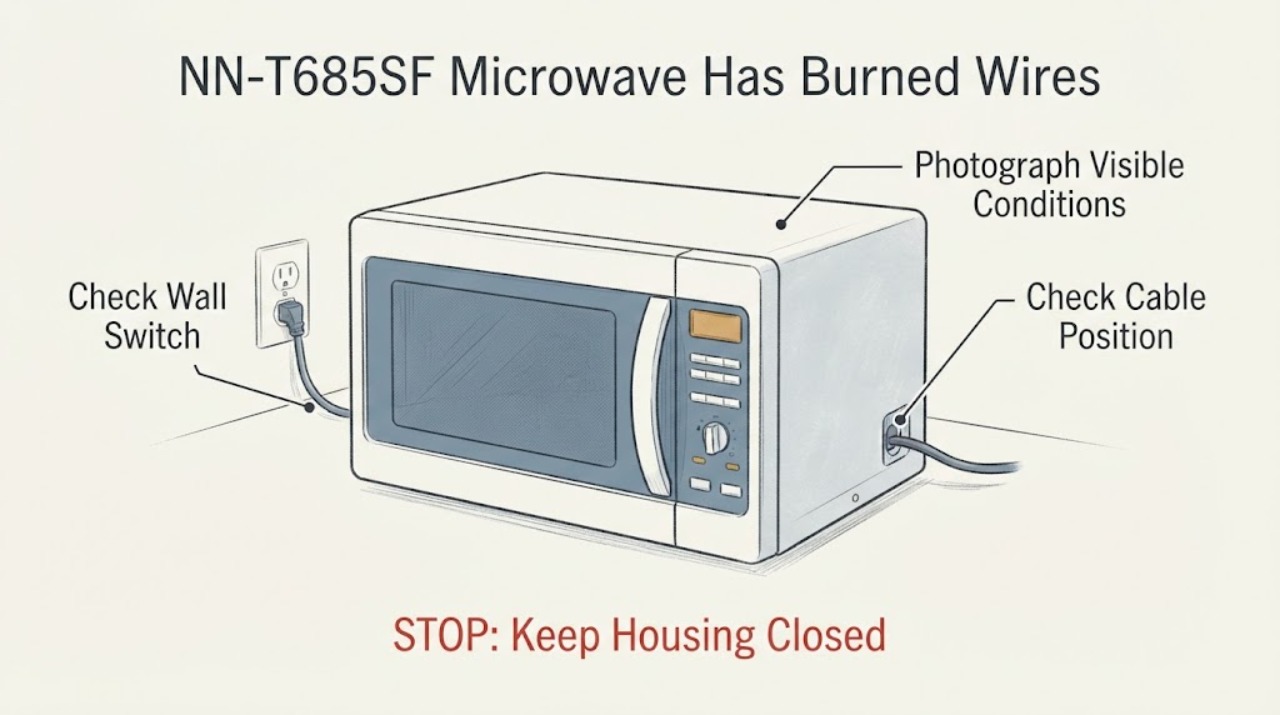
Panasonic NN-T685SF Microwave Has Burned Wires
Do not use a Panasonic NN-T685SF microwave after seeing burned wires, a burning smell, smoke, abnormal heat, or a hot plug. If it is safe to reach, unplug it; if there is active smoke or fire, keep the door closed and cut power from a safe location.