
Repair problem
Battery Not Charging Troubleshooting Guides
Published FixGraph guidance for diagnosing and responding to battery not charging.
Matching published guides
Choose a guide that matches the service, equipment, and conditions you are seeing.
-
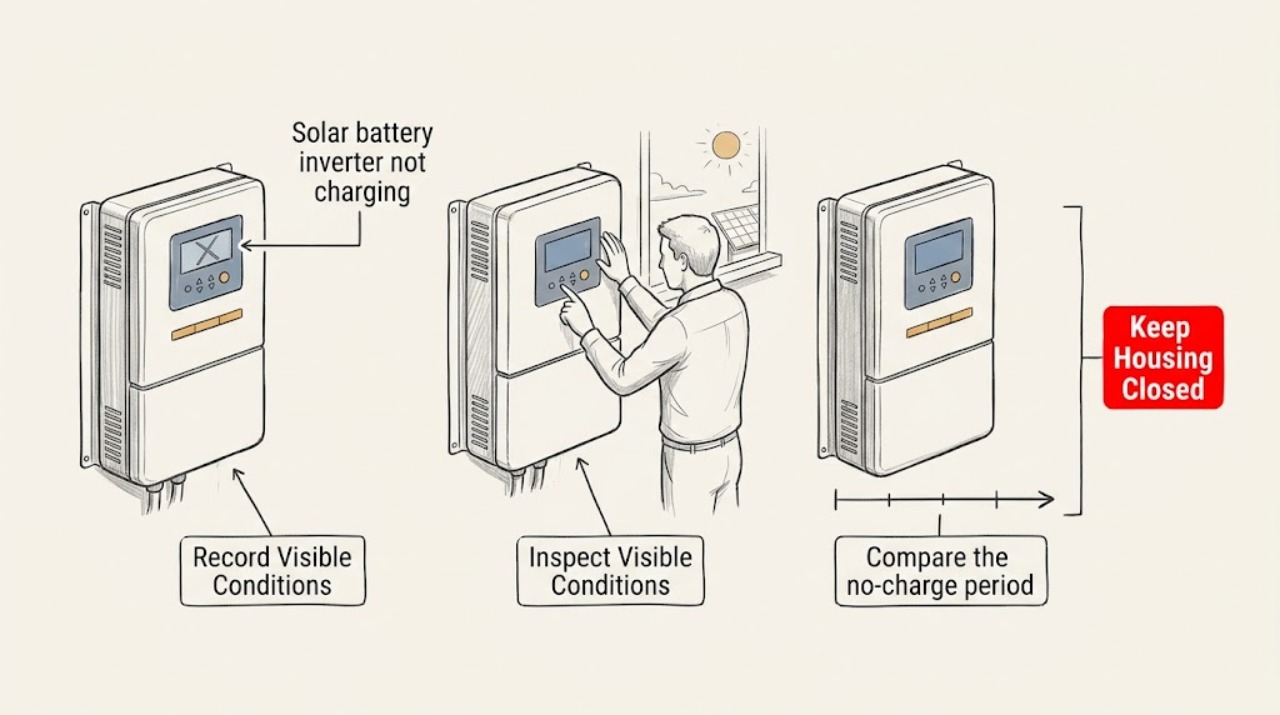
Solar battery inverter not charging: What to Check and What to Do Next
Start with the monitoring app or visible system status, not the battery or inverter enclosure. Record the battery state of energy, charge status, solar or grid power flow, reserve setting, alerts, and the time the problem began.
-
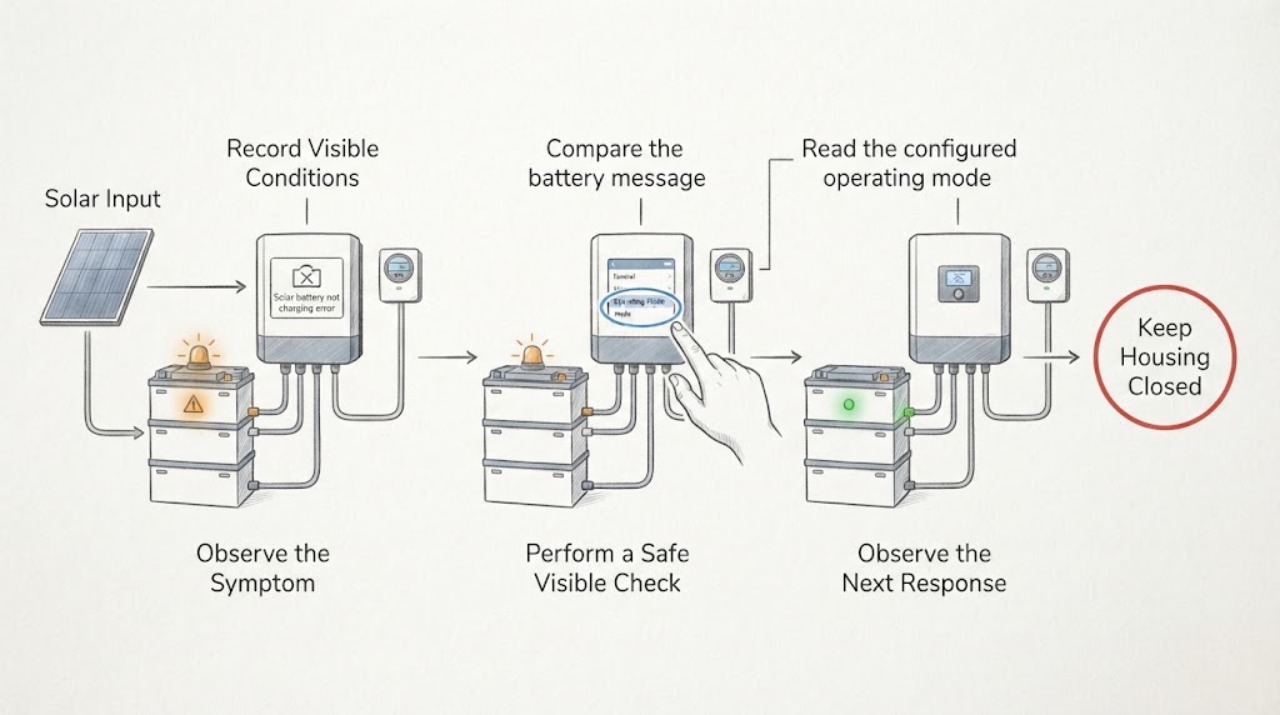
Solar battery not charging error message: What to Check and What to Do Next
When a solar battery says it is not charging, save the exact error text and the time, then compare the battery state with solar production, state of charge, operating mode, and the local status indicator from a safe location. A full reserve, no excess solar, low-temperature startup, calibration, overload, stale app telemetry, an open system path, or a real equipment fault can look similar; the exact message and model manual decide which path applies.
-
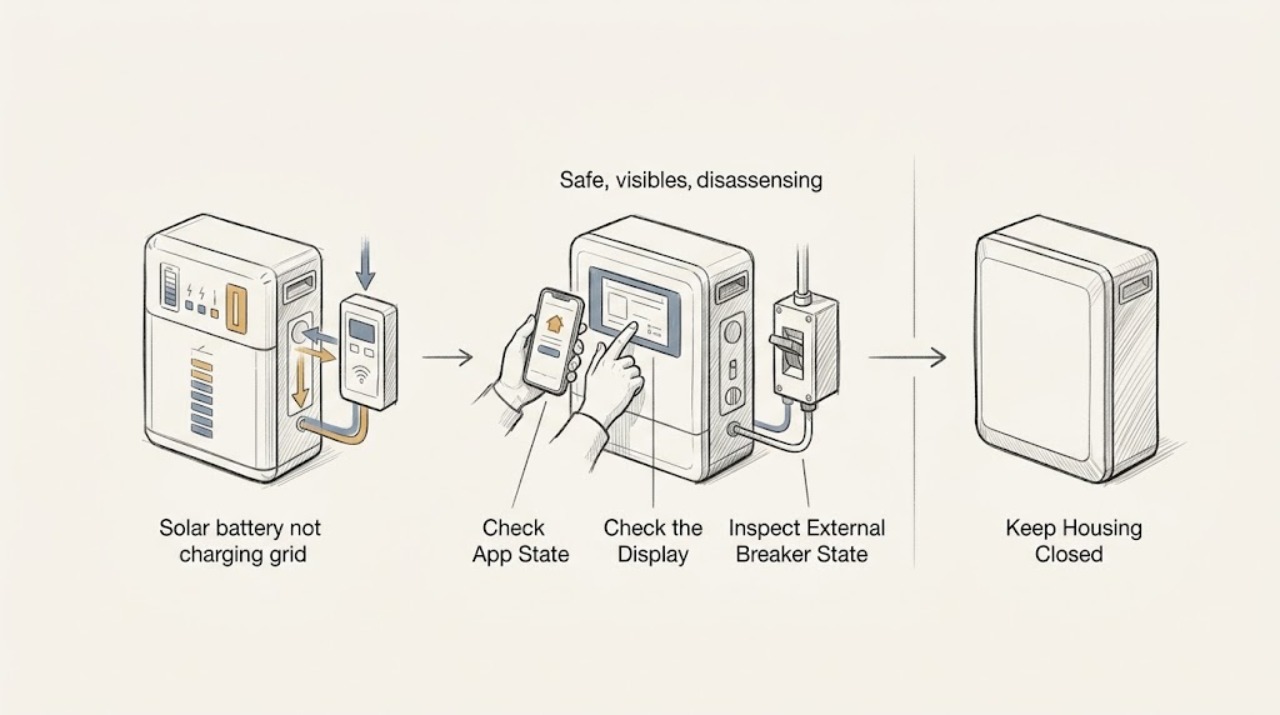
Solar battery not charging grid available: What to Check and What to Do Next
When a solar battery is not charging while grid power is available, first confirm the operating state rather than assuming a failed battery. Use the app or display to record battery state of charge, backup-reserve status, schedule or operating mode, alerts, and last communication; view status lights and breaker indicators only from outside.
-
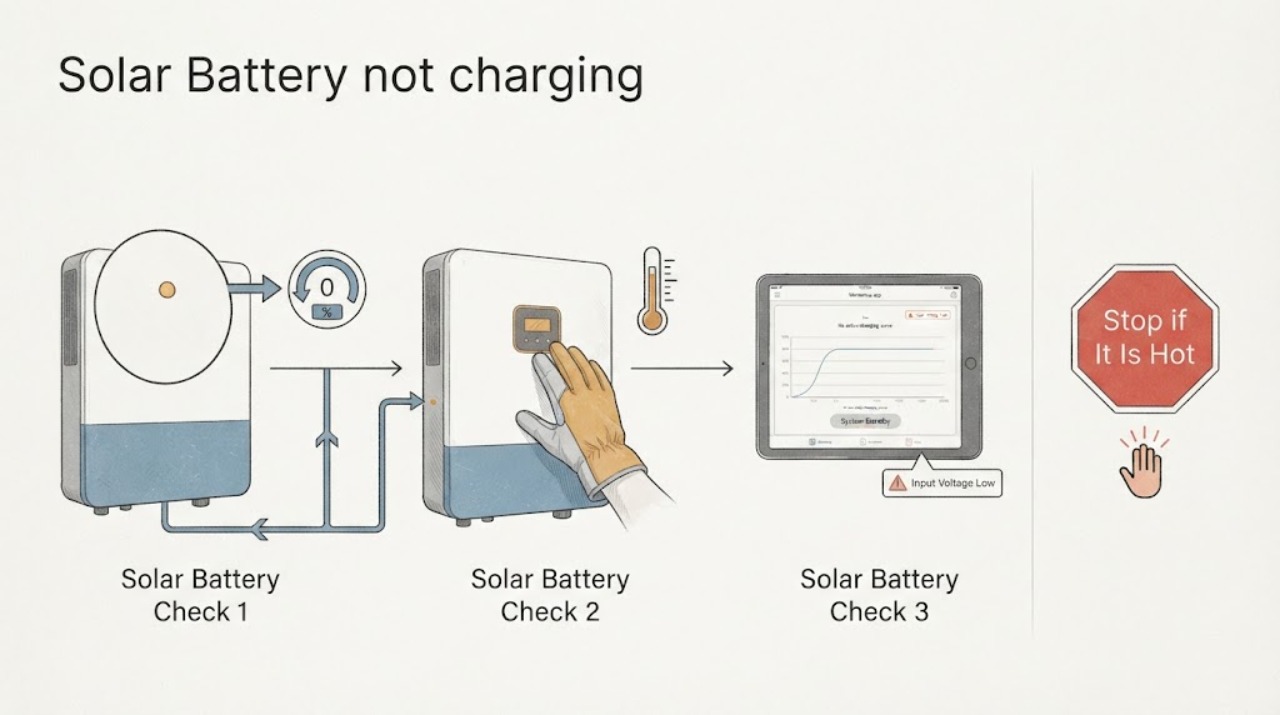
Solar battery not charging: What to Check and What to Do Next
Start with the monitoring app and the visible system status, not the battery enclosure. Record whether the app shows charging, waiting for solar, an outage, a communication fault, or a service-required alert; compare that with current daylight, weather, grid status, and the solar-production indicator.