
Repair problem
Solar Monitoring Offline Troubleshooting Guides
Published FixGraph guidance for diagnosing and responding to solar monitoring offline.
Matching published guides
Choose a guide that matches the service, equipment, and conditions you are seeing.
-
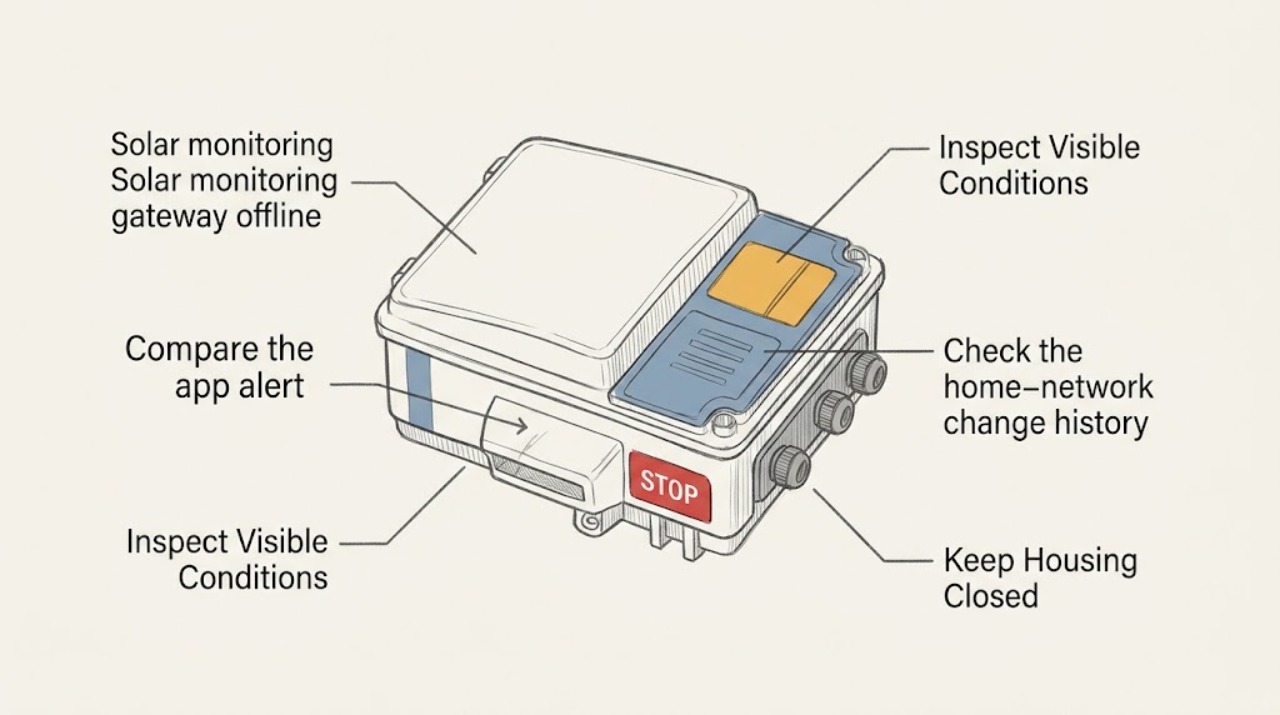
Solar monitoring gateway offline: What to Check and What to Do Next
A solar monitoring gateway marked offline usually means the monitoring path has lost power, home-network connectivity, gateway-to-inverter communication, or the service connection, and it does not by itself prove that the solar array has stopped producing. Compare the app's offline message with the inverter's externally visible status, the gateway's visible power or status indicator, the home router's normal status, and the time the data stopped updating.
-
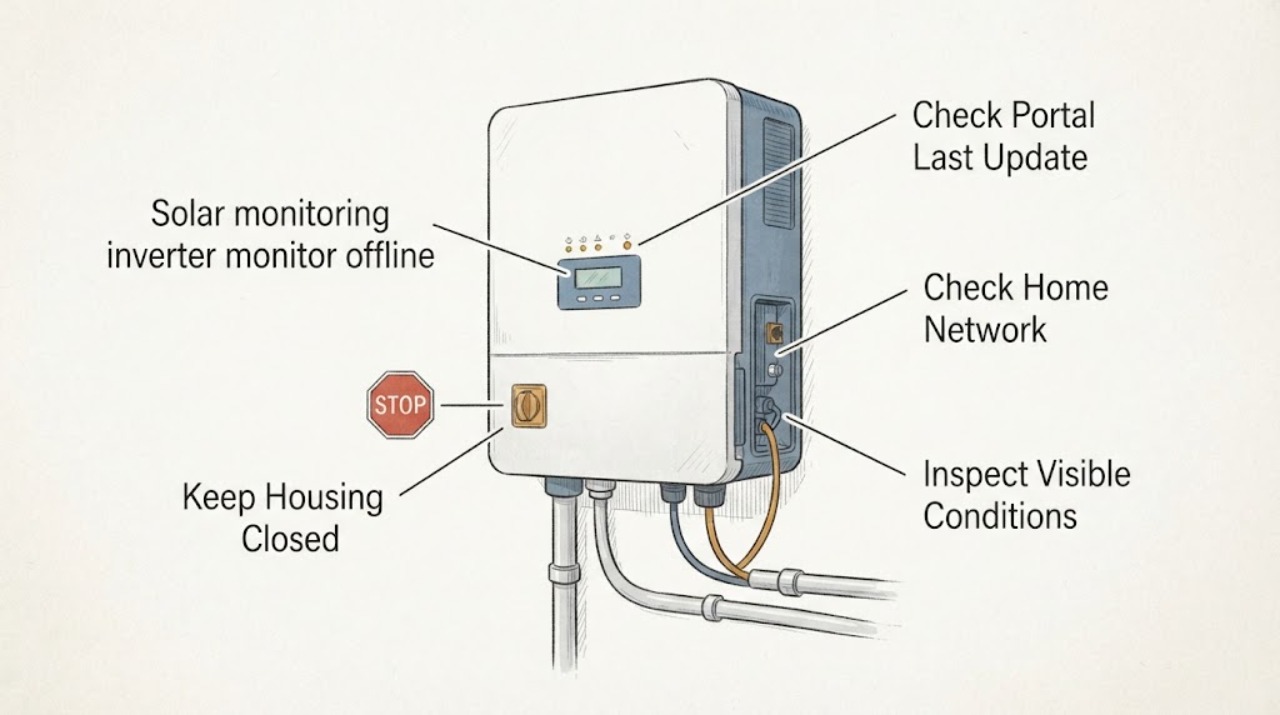
Solar monitoring inverter monitor offline: What to Check and What to Do Next
An offline solar monitor does not by itself prove that the inverter or panels have stopped producing. Separate a portal or app outage from a home-network or communication-device problem, then compare the app's last-update time with the inverter's visible external status display or lights.
-
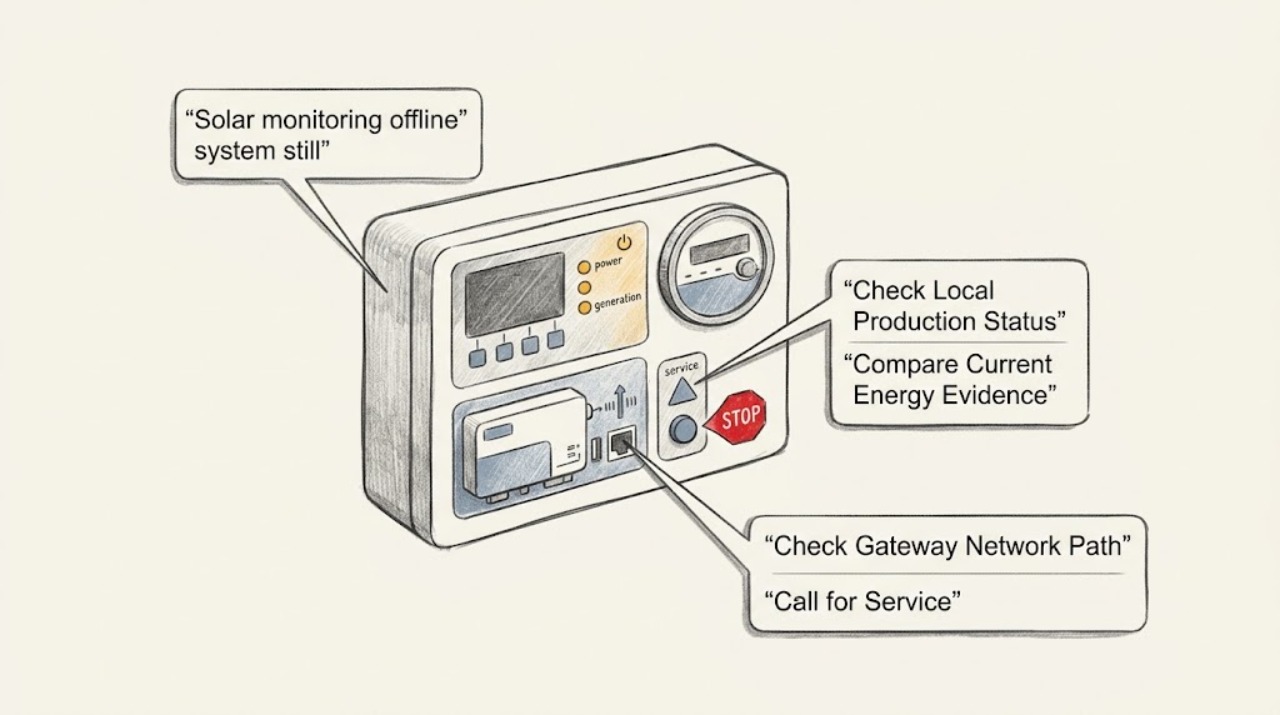
Solar monitoring offline system still running: What to Check and What to Do Next
An offline solar-monitoring alert does not automatically mean the array stopped producing. A monitoring platform may lose the internet, gateway, meter, or cloud path while the inverter continues converting power; production and communication are separate functions on many systems.
-
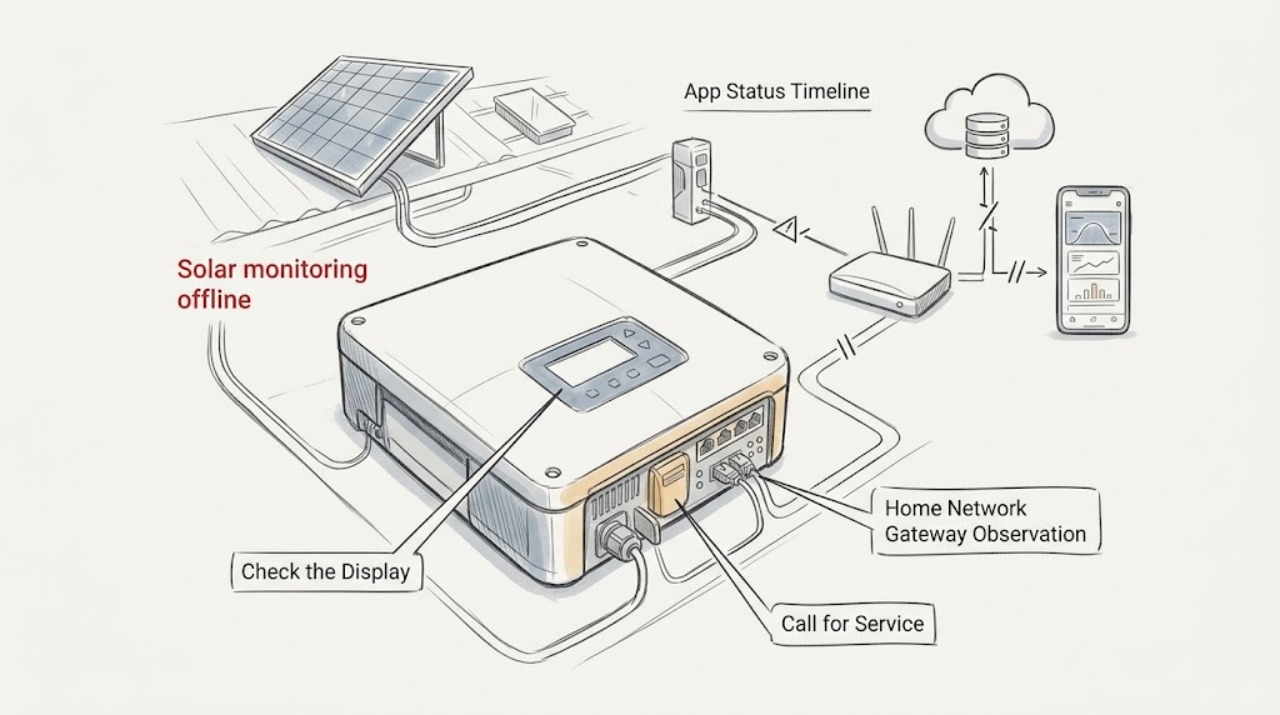
Solar monitoring offline: What to Check and What to Do Next
An offline monitoring message does not by itself prove that the panels stopped generating. It can mean the app account, home internet path, gateway, inverter communication, or cloud data is unavailable.