
Repair problem
Solar Panel Hot Spot Troubleshooting Guides
Published FixGraph guidance for diagnosing and responding to solar panel hot spot.
Matching published guides
Choose a guide that matches the service, equipment, and conditions you are seeing.
-
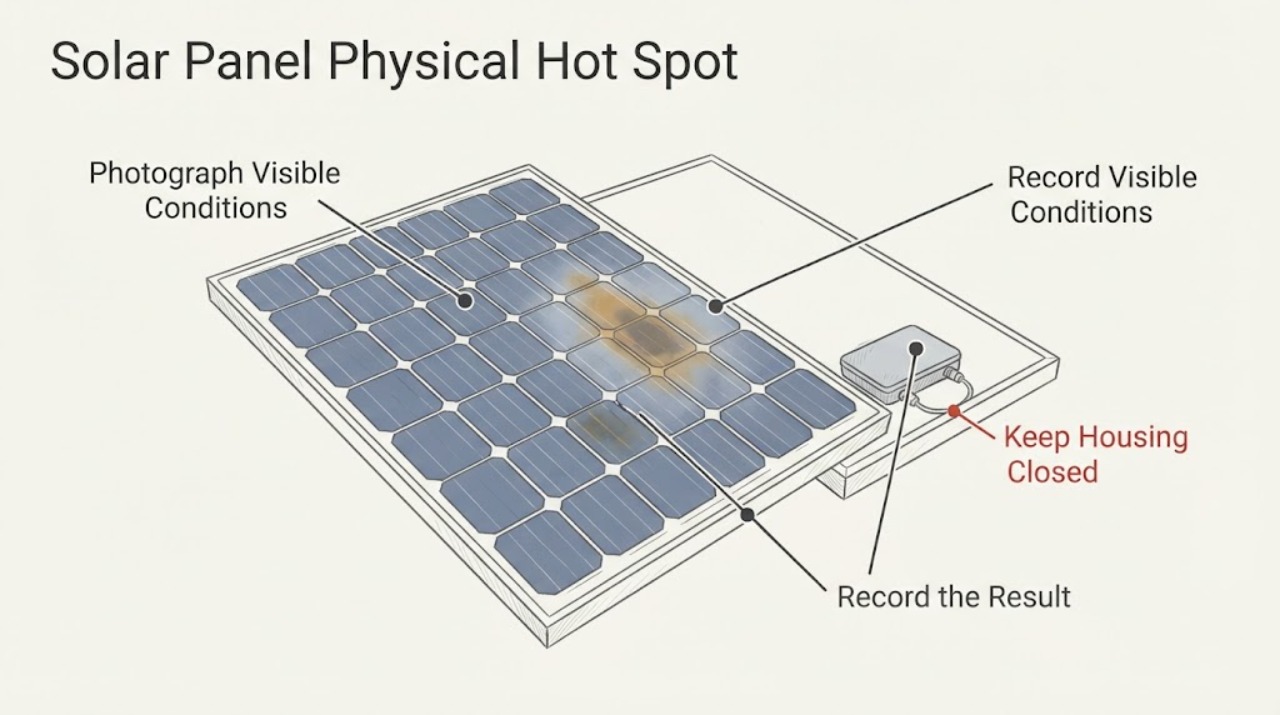
Solar Panel Physical Hot Spot Localized Discoloration: What to Check and What to Do Next
A brown, yellow, gray, or black patch on one solar panel is not enough to prove a thermal hot spot: it may be surface soiling, laminate or encapsulant aging, storm damage, or an electrical defect. Treat a localized mark as a condition to document and investigate, not as permission to touch, clean aggressively, walk on, or remove the module.
-
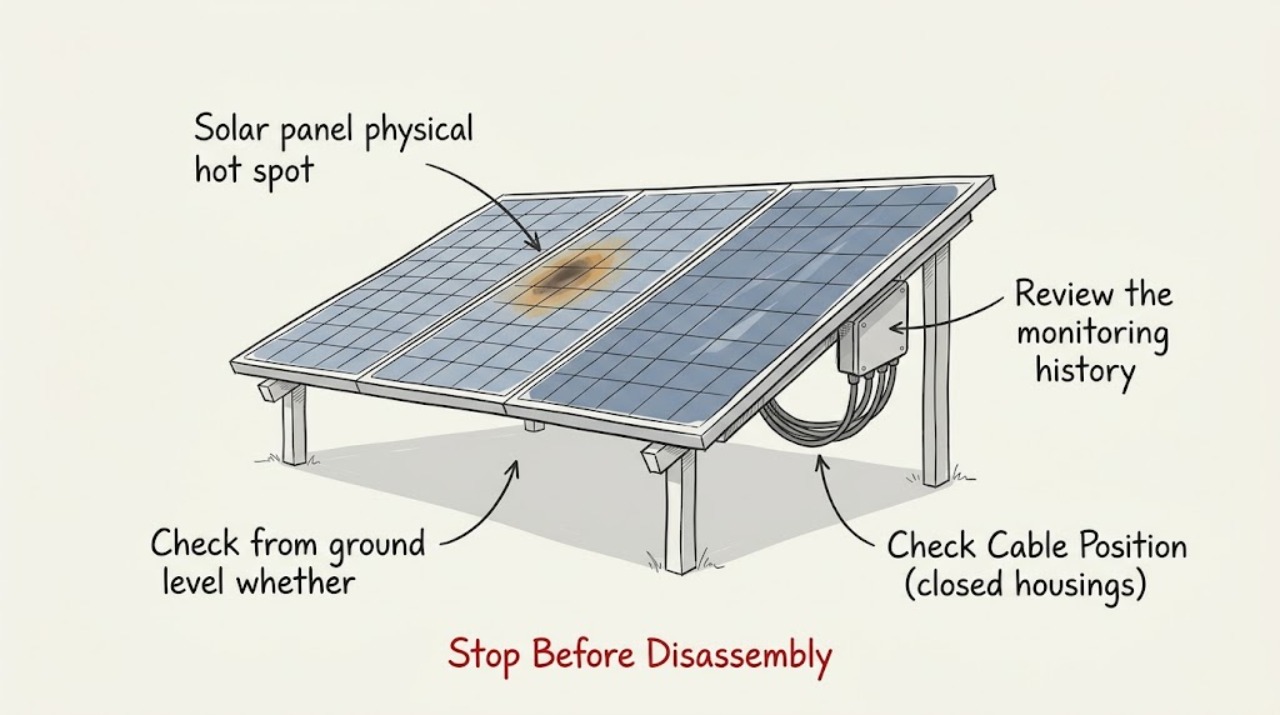
Solar panel physical hot spot production drop: What to Check and What to Do Next
A visible or thermally confirmed hot spot together with a production drop should be treated as possible module damage, not as ordinary dirt or a normal cold-weather effect. First compare the affected panel or string with its own expected output and check for temporary shade, snow, or debris from the ground.
-
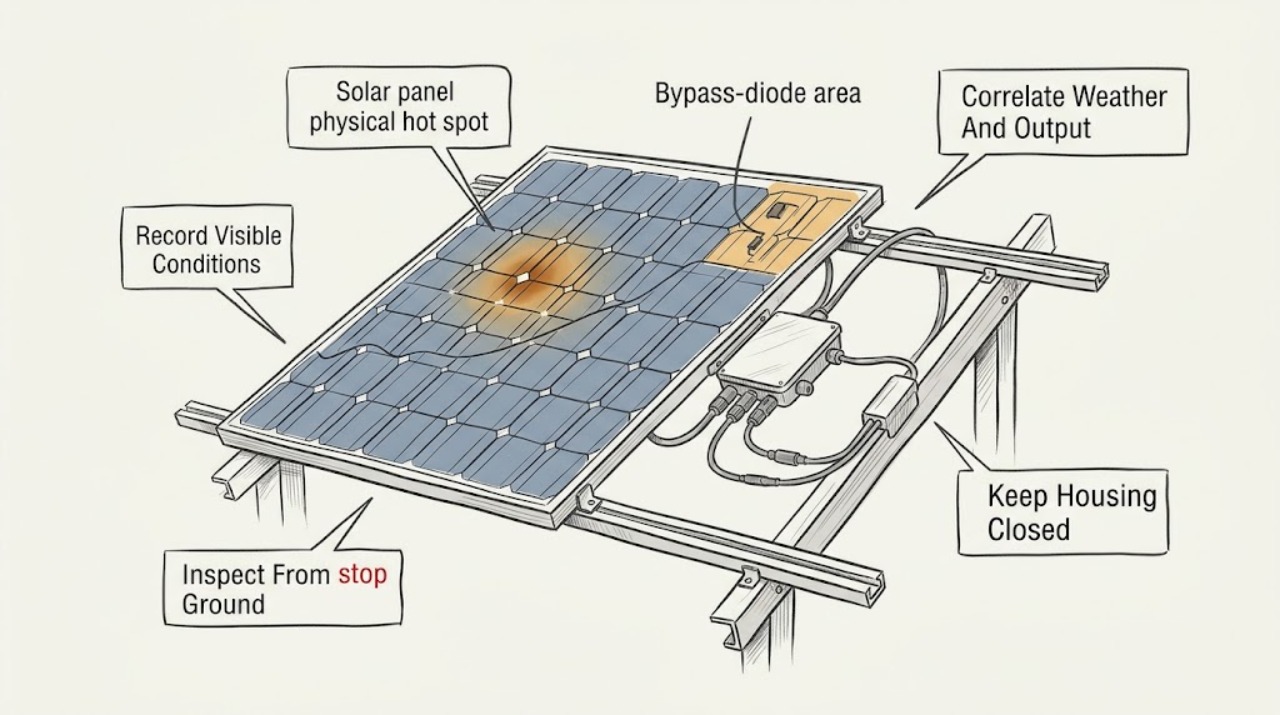
Solar panel physical hot spot thermal warning: What to Check and What to Do Next
Treat a solar-panel hot-spot or thermal warning as a diagnostic and electrical-safety issue, not as a cue to touch, wash, shade, or open the panel. From ordinary safe access, save the inverter or monitoring warning, time, weather, output change, and ground-visible damage; keep people away from a damaged array.
-
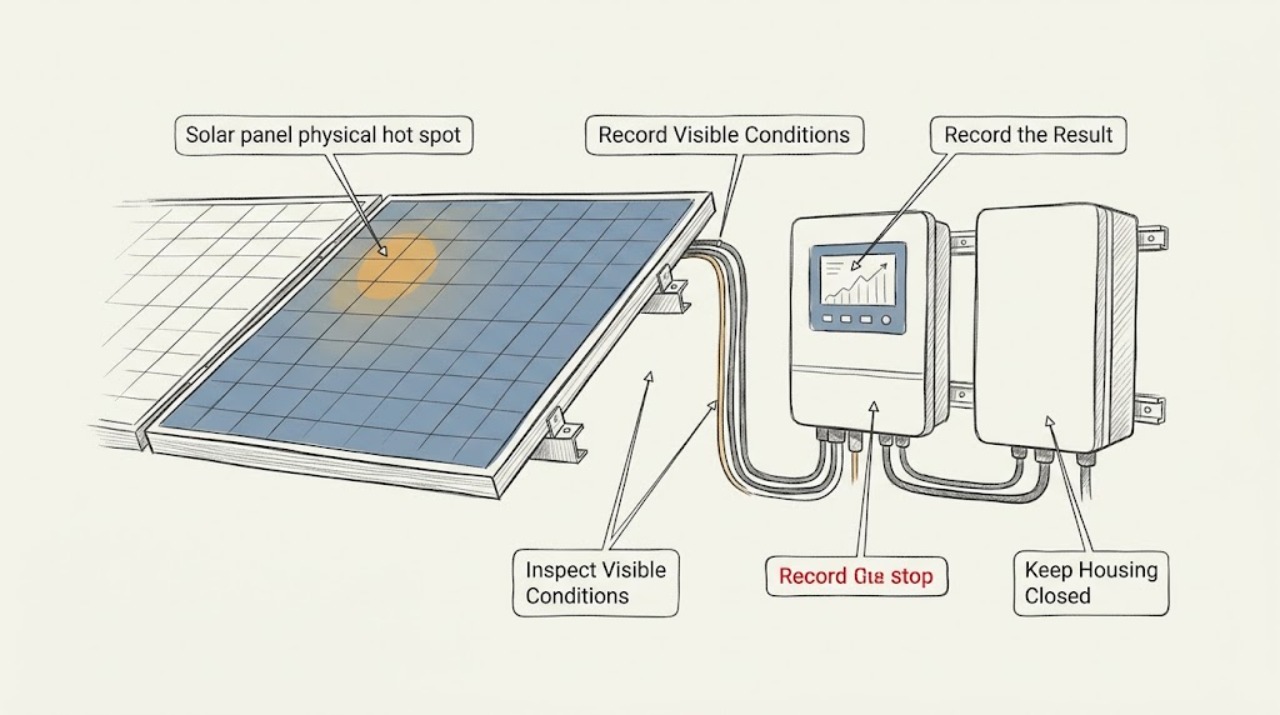
Solar panel physical hot spot: What to Check and What to Do Next
Treat a physical solar-panel hot spot as a professional inspection issue, not a cleaning or repair project. From a safe ground-level viewpoint or the monitoring interface, record the apparent panel or array location, visible dark or discolored areas, cracks or delamination, recent hail or storm exposure, and the time and pattern of any production change.