
On this page
Start here
Quick answer
An ASKO dishwasher that is not working may be waiting for the correct start-and-close-door sequence, a delayed start, or a door that is not fully closed; it may also have lost power, be blocked by an inlet or drain problem, or have stopped on a fault. First note whether the controls or display respond, then check the safe external items in order: household power, the Start/Stop sequence and door, delayed start or child lock, the water shutoff valve and any displayed code, and finally filters and the drain path. ASKO says to turn off both power and water and contact service if the drain pump runs continuously. Do not open the appliance cabinet, test live wiring, bypass a door lock, or force a repair.
Before you begin
Safety first
- This article covers ordinary controls and safe external observations only. Electrical, water, drainage, cabinet, door-lock, pump, and internal control work belongs to a qualified professional.
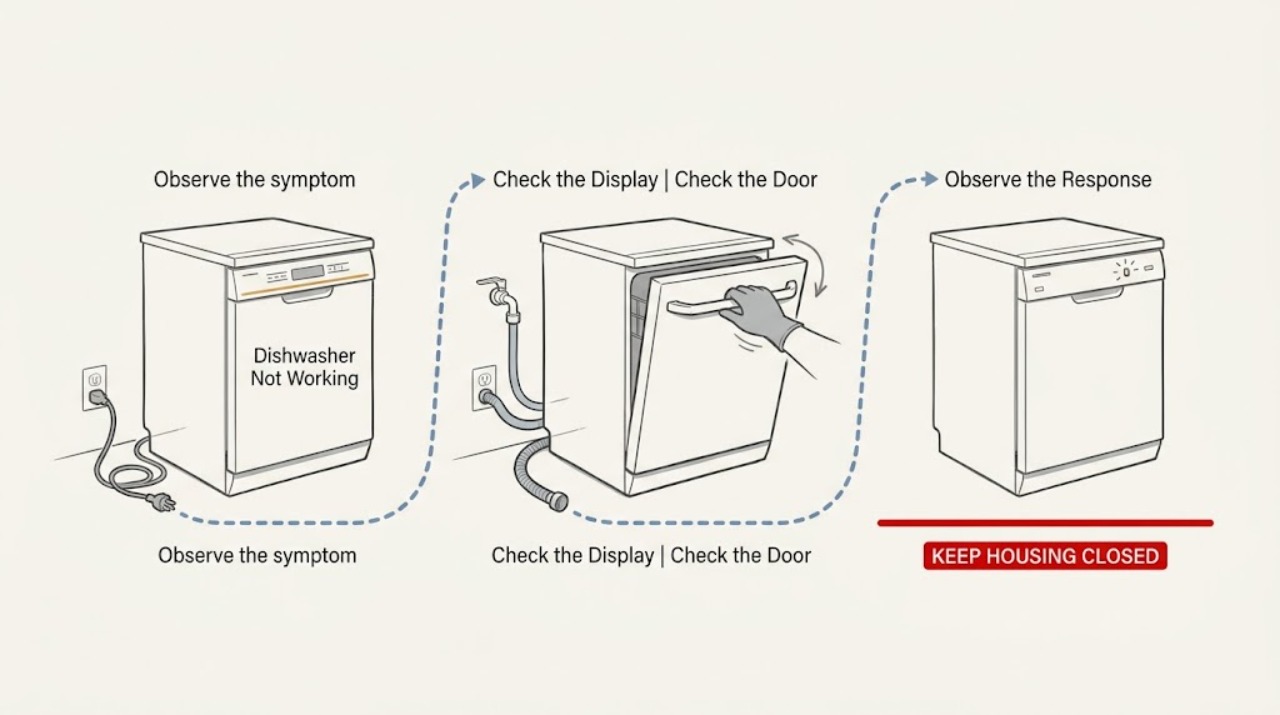
Work through in order
Diagnostic checks
Use only checks that match the exact appliance or system and its official guide.
-
Check 1
From a dry position, check whether the ASKO dishwasher's display, indicator lights, or control response appears at all; verify the plug is seated if it is safely accessible without moving the appliance, and check whether the household breaker has tripped without opening the appliance or electrical box.
Expected result: Record whether the display is completely blank, some indicators respond, the breaker is tripped, or the breaker trips again when the dishwasher is selected.
Next step: If the display responds normally, continue to the start-and-door check. If it remains blank after the safe external power check, document the result and arrange qualified service.
Stop if: Do not remove panels, test live voltage, use an extension cord, touch wet electrical parts, or keep resetting a breaker that trips again.
Why this matters
Why: A blank display makes an external power or control-supply issue more likely than a drain blockage. A breaker that trips again, a hot or damaged cord or outlet, or any sign of water near electrical equipment requires electrical or appliance service rather than repeated resets.
-
Check 2
Select a normal wash program, press and hold Start/Stop until the machine indicates that the program has started, then close the door fully within four seconds; if the door was opened during a cycle, press Start/Stop again and close it within the same interval.
Expected result: Note whether a start message or countdown appears, the door closes and latches, the dishwasher begins filling or washing, or the display returns to the selected program without starting.
Next step: Remove only an obvious dish or rack obstruction that prevents the door from closing, then retry once. If the door still will not close or latch, stop and request model-specific service.
Stop if: Do not slam, wedge, bypass, or disassemble the door lock, and do not hold the interlock closed by hand while the machine runs.
Why this matters
Why: A start message followed by operation means the earlier problem was likely the required start-and-close-door sequence. A display that returns to the program, a door that will not latch, or a door that must be pressed or lifted to run makes door closure, the latch, or the model-specific start procedure more likely.
-
Check 3
If the display is on but the controls seem inactive or the cycle is waiting, inspect the display for a delayed-start indication, press each intended key deliberately for about one second, clean the control surface with a damp cloth while the machine is off, and check the model guide for a child-lock indication.
Expected result: Record whether a delay countdown is shown, the keys respond after a deliberate press, the controls respond after cleaning and a complete door close-and-open, or the child-lock indication remains.
Next step: Cancel the delayed start only with the model's documented control sequence. If the child lock or unresponsive controls persist, record the display state and use the exact model manual or arrange service.
Stop if: Do not spray cleaner directly on the panel, flood the controls, pry keys, or remove the console.
Why this matters
Why: A delay countdown explains why a healthy machine has not begun immediately. A response after deliberate key presses or cleaning suggests an input or surface issue; controls that remain locked or unresponsive point to a model-specific lock or control fault rather than a need to press harder.
-
Check 4
When the dishwasher powers up but does not fill, inspect the user-accessible water shutoff valve under the sink or at the appliance and read any code on the display; do not disconnect the inlet hose or attempt a pressure measurement yourself.
Expected result: Record whether the shutoff valve is open, the machine is silent or trying to fill, and whether a code such as F4 appears and returns after the documented reset procedure.
Next step: Open a closed valve only if it is plainly the dishwasher's accessible shutoff and there is no leak, then retry once. If the code returns, water is absent, or a connection leaks, turn off the water supply and arrange qualified service or plumbing assessment.
Stop if: Do not loosen water connections, exceed the model's documented supply requirements, or work on plumbing while the machine is energized or leaking.
Why this matters
Why: A closed valve can explain a no-water symptom. A recurring inlet code after the model-appropriate reset means the fault is not resolved by the valve check and may involve water supply or an appliance inlet system; the code and model are needed for service diagnosis.
-
Check 5
If water remains in the tub or the dishwasher stops after draining, turn the machine off and inspect the accessible filters and visible drain area for food or foreign debris; check the visible drain hose for a kink without pulling the built-in unit out, then use the documented Start/Stop hold to initiate a manual drain if your model supports it.
Expected result: Record whether filters are blocked, the visible drain path is obstructed, water drains after cleaning, or the drain pump continues to run without clearing the water.
Next step: Clean and reinstall only the accessible filters as described by the model guide, then run one short observation cycle. If water remains or the pump runs continuously, turn off both water and power as safely accessible and contact service.
Stop if: Do not reach into moving pump parts, use drain chemicals, dismantle the pump, or continue operating with a leak or continuously running pump.
Why this matters
Why: Blocked filters or a visible drain obstruction can explain standing water and a cycle that will not proceed. Water that remains after the accessible check or a pump that runs continuously points to a drain, leak-protection, or pump fault that should not be diagnosed by cabinet disassembly.
-
Check 6
If the dishwasher starts but stops partway through, note the selected program and exactly when it stops, then check from outside whether the plug remains seated, the display shows a code, filters are clean, and the visible drain area is free of debris.
Expected result: Record whether it stops immediately, after filling, during washing, or while draining; whether power disappears; and whether the same point repeats on a second observation run.
Next step: Save the program, timing, code, and before-and-after observations for the technician. Do not keep rerunning a machine that leaks, trips power, overheats, or leaves the drain pump running.
Stop if: Stop immediately for smoke, burning odor, water near electrical equipment, an active leak, repeated breaker trips, or any need to open the cabinet.
Why this matters
Why: A repeatable stop after filling or draining makes an inlet or drain condition more likely, while a blank display or tripped breaker points back to power. A repeatable stop with clean accessible filters and no external power issue needs model-specific service rather than a guessed part.
Use your observations
Decision map
Find the observation that best matches what you see, then follow the next safe action.
-
PATH 01Safety boundary
What you see
The display and indicators remain blank, or the breaker trips again when the dishwasher is selected.
Do this next
Leave the appliance off, record the breaker and outlet symptoms, and arrange qualified appliance or electrical service.
Why this path and its safety boundary
Why it matters: The symptom is more consistent with the external power path or an electrical/control fault than with the dishwasher's filter or water path.
Safety stop: Do not reset a repeatedly tripping breaker, test live wiring, use an extension cord, or touch wet electrical equipment.
-
PATH 02Next step
What you see
The display responds, but the machine returns to the selected program or does not run after Start/Stop and closing the door.
Do this next
Repeat the documented start-and-close-door sequence once, cancel any delay using the model guide, and stop for a door that will not latch or needs force.
Why this path and its safety boundary
Why it matters: The required start sequence, delayed start, door closure, or latch is more likely than a total power loss.
-
PATH 03Next step
What you see
The display is on but keys do not respond, a delay countdown is present, or a child-lock indication remains.
Do this next
Use the exact model manual to cancel the delay or release the lock. If the controls remain unresponsive after the accessible cleaning and door check, request service.
Why this path and its safety boundary
Why it matters: The dishwasher may be waiting for a programmed delay or lock release, or the control input may have a fault; pressing harder will not distinguish those causes safely.
-
PATH 04Next step
What you see
The dishwasher powers up but does not fill, the shutoff valve is closed, or an inlet-related code such as F4 appears and returns.
Do this next
Open only the plainly accessible shutoff when there is no leak, retry once, then provide the model and code to qualified service if the fault returns.
Why this path and its safety boundary
Why it matters: A closed valve may be a simple supply cause, but a returning code or absent water requires a water-supply or appliance-inlet assessment.
-
PATH 05Next step
What you see
Water remains after a cycle, the dishwasher will not move past draining, or the drain pump runs continuously.
Do this next
Clean only the accessible filters and visible debris, then stop. Turn off water and power as safely accessible and contact service if the pump continues or water remains.
Why this path and its safety boundary
Why it matters: Accessible filters or the visible drain path may be obstructed, but persistent water or a continuously running pump can indicate a drain or leak-protection fault.
-
PATH 06Next step
What you see
The dishwasher starts but stops at the same stage after the accessible power, door, inlet, and drain observations are normal.
Do this next
Arrange model-specific ASKO or qualified appliance service and provide the exact program, timing, code, and observed sequence.
Why this path and its safety boundary
Why it matters: A repeatable internal fault is more likely than an incorrect button sequence, and a generic replacement part cannot be selected safely from this symptom alone.
Helpful context
Understand the symptom
Use the symptom to choose the first check
“Not working” can mean a blank display, controls that do not respond, a cycle that never starts, a cycle that stops, or water left inside. Separate those symptoms before changing anything. A blank display points first toward the external power path; a lit display with no cycle points toward the start, door, or delay sequence; and a running drain pump or standing water calls for a drain and leak-safety check. ASKO's guide directs you to the product use-and-care guide for model-specific details, so record the model and any displayed code before requesting service.
Keep electrical, water, and cabinet work outside ordinary troubleshooting
The checks below are limited to normal controls and accessible external observations. ASKO's installation instructions say that electricity, water, and drainage connections are to be performed by a qualified professional and warn against using an extension cord. Do not remove panels, reach into wiring, defeat the door interlock, pull out a built-in machine to inspect connections, or continue operating when water is escaping.
Treat a recurring code or repeated failure as diagnostic information
A reset can make a symptom disappear without fixing its cause. Note whether the machine is silent, beeps, shows a code, fills and stops, leaves water, or runs the drain pump continuously. If the same condition returns after the accessible checks, give ASKO or a qualified appliance technician the exact model, code, selected program, and observed sequence instead of repeatedly resetting or ordering a part from a generic description.
Safety boundary
Stop conditions
- Do not open the appliance cabinet, test live wiring, bypass the door interlock, or pull out a built-in dishwasher to inspect connections.
- Stop for smoke, burning odor, a hot or damaged cord or outlet, repeated breaker trips, water near electrical equipment, or an active leak.
- Do not use drain chemicals, reach into moving pump parts, dismantle a pump, or force the door or latch.
- If the drain pump runs continuously, turn off both the water and power as safely accessible and contact qualified service.
- Do not keep rerunning a cycle that stops repeatedly, leaves water, or displays a returning fault code.
When checks do not resolve it
Need a professional?
Arrange ASKO or qualified appliance service when the display stays blank after the safe external power check, a breaker trips again, the door will not latch, controls remain locked or unresponsive, an inlet code returns, water remains after the accessible drain check, the drain pump runs continuously, the machine leaks, or a cycle repeatedly stops. Use a qualified electrician or plumber for electrical, water-supply, or drainage connections rather than opening the dishwasher cabinet.
Safety scope: This article covers ordinary controls and safe external observations only. Electrical, water, drainage, cabinet, door-lock, pump, and internal control work belongs to a qualified professional.
Common questions
FAQ
Why does my ASKO dishwasher have power but not start?
Select a program, press and hold Start/Stop until the start indication appears, and close the door fully within four seconds. Also check for delayed start and an unlatched or obstructed door. If it still returns to the selected program, record the model and request service rather than bypassing the latch.
What should I check if my ASKO dishwasher has no display?
From a dry position, note whether the plug is safely seated and whether the household breaker has tripped. If the breaker trips again, the cord or outlet is hot or damaged, or the display stays blank, leave the dishwasher off and arrange qualified appliance or electrical service. Do not open the cabinet or test live wiring.
What does an ASKO dishwasher F4 code mean for troubleshooting?
ASKO's dishwasher cleaning guide places F4 under the no-water troubleshooting path. Record the code, check the accessible water shutoff valve, and follow the model's documented reset procedure. If the code returns, contact service; do not disconnect the inlet hose or guess at a replacement valve.
Why is my ASKO dishwasher running the drain pump continuously?
Check only the accessible filters and visible drain area for debris. ASKO's guide says to turn power and water off and contact Customer Care when the drain pump runs continuously. Do not dismantle the pump or continue operating a leaking appliance.
Should I replace a part if my ASKO dishwasher stops during a cycle?
Not from that symptom alone. First record whether it stops after filling, washing, or draining, and check the safe external power, door, displayed-code, filter, and visible-drain observations. A repeatable stop with those checks normal needs model-specific diagnosis before any part is selected.
Read the exact guide
Official sources
- Installation instructionsASKO · ASKO DOD651PHXXLS installation instructions used for safety boundaries and external connection context; the installed model's instructions control exact requirements.
- Dishwasher CleaningASKO · ASKO's U.S. dishwasher cleaning guide; model-specific use-and-care instructions control where they differ.
Community feedback
Share a repair observation
Share a plain-text repair observation. Accepted observations are published automatically; this page may take a moment to update.