
On this page
Start here
Quick answer
A battery charger making noise may have a normal relay or fan sound, but rapid clicking, loud buzz, heat, smell or sparks is abnormal. Identify the sound, check the battery and leads with power off, keep the unit ventilated, and stop if the cause is uncertain.
Work through in order
Diagnostic checks
Use only checks that match the exact appliance or system and its official guide.
-
Check 1
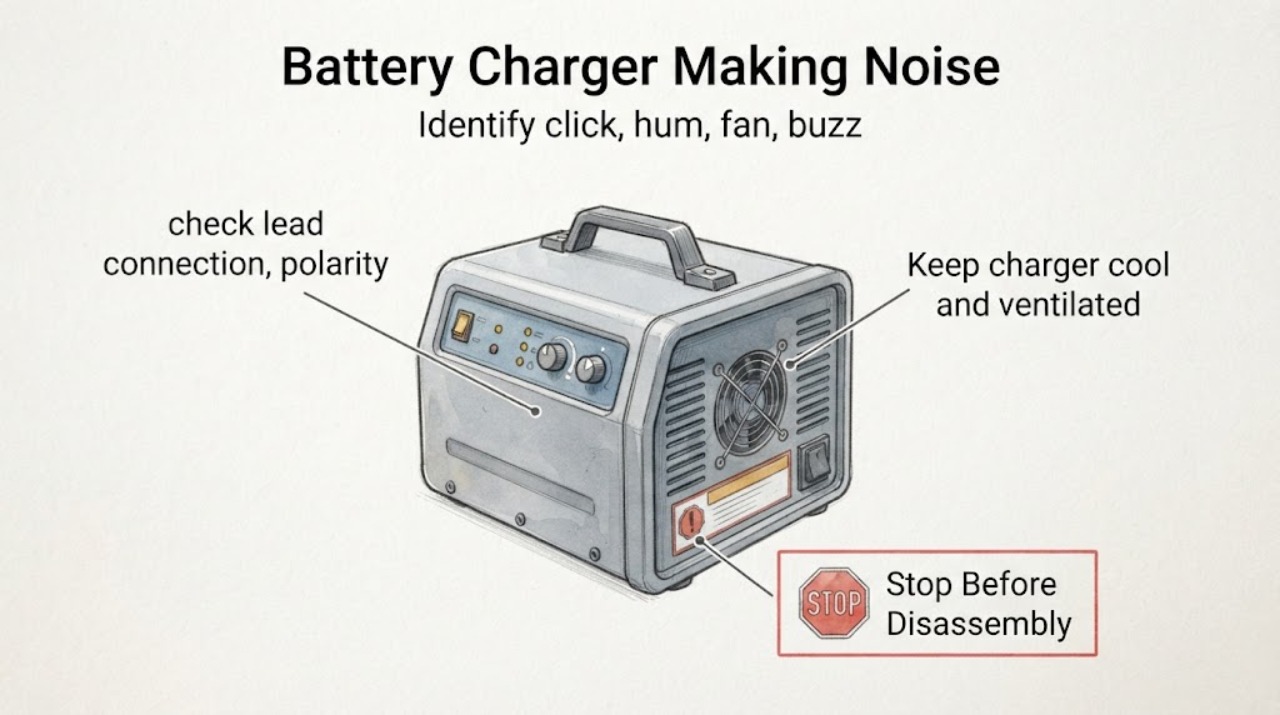
Identify click, hum, fan, buzz or crackle and when it occurs.
Expected result: An occasional relay click can be normal for the cited model; noise alone is not diagnosis.
Next step: Compare exact model documentation and stop for electrical warning signs.
Why this matters
Why: Compare exact model documentation and stop for electrical warning signs.
-
Check 2
With power off, check lead connection, polarity and supported battery type.
Expected result: Loose/incorrect setup can cause repeated charge-state changes.
Next step: Do not probe live terminals or use unsupported mode.
Why this matters
Why: Do not probe live terminals or use unsupported mode.
-
Check 3
Keep charger cool and ventilated.
Expected result: The cited charger can get warm, but excessive heat, odor or damage is abnormal.
Next step: Unplug for smell, smoke, sparks or rapid overheating.
Why this matters
Why: Unplug for smell, smoke, sparks or rapid overheating.
Use your observations
Decision map
Find the observation that best matches what you see, then follow the next safe action.
-
PATH 01Next step
What you see
Occasional click during charge and unit remains normally cool.
Do this next
Monitor under exact model instructions.
Why this path and its safety boundary
Why it matters: For cited CTEK model this can be relay operation.
-
PATH 02Next step
What you see
Rapid clicking/loud buzz with loose or incorrect setup.
Do this next
Disconnect, correct setup and use support if it returns.
Why this path and its safety boundary
Why it matters: Protection or charge-state cycling is possible.
-
PATH 03Next step
What you see
Crackle, odor, smoke, sparks, swollen battery or rapid heat.
Do this next
Stop charging and obtain qualified advice.
Why this path and its safety boundary
Why it matters: Electrical/battery safety fault.
Helpful context
Understand the symptom
Follow the first check
Identify click, hum, fan, buzz or crackle and when it occurs.
Check the related path
With power off, check lead connection, polarity and supported battery type.
Test once and interpret
Keep charger cool and ventilated.
Only after diagnosis
Potential parts
- battery charger lead or unit
Only after power-off inspection and model-specific diagnosis identify a damaged lead or charger.
Match chemistry, voltage, polarity and model.
When checks do not resolve it
Need a professional?
Stop for crackling, smoke, sparks, burning odor, damaged insulation, swollen battery, or rapid heating.
Common questions
FAQ
Is a charger click always a fault?
No. CTEK says a relay click can occur while the cited charger checks the battery; compare the exact model.
How should I place a noisy charger?
Use a cool, dry, well-ventilated surface and stop for abnormal heat or electrical signs.
Read the exact guide
Official sources
- FAQ - NA - MUS7002CTEK · Cited CTEK charger relay noise
- Warranty Inspection, Sheet A4CTEK · CTEK charger noise assessment
Community feedback
Share a repair observation
Share a plain-text repair observation. Accepted observations are published automatically; this page may take a moment to update.