
On this page
Start here
Quick answer
Do not pull on or pry an Electrolux oven door and do not bypass its lock. First determine whether the oven is still hot or has recently run Self Clean: Electrolux says a Self Clean door remains locked until the oven cools, then unlocks automatically. If the display shows a lock feature, the control sequence varies by model; use the exact Owner's Manual. Electrolux's general oven error guide supports pressing an on-screen UNLOCK control when a documented F90–F94 door-lock error is present, and a power reset of up to 30 seconds, but that code path is not a universal procedure. If the lock remains after cooling and the model-specific unlock/reset, or the display shows an error, arrange service. Never force the door, operate the latch by hand or bypass a safety interlock.
Before you begin
Safety first
- Do not pry the door, manually operate the latch, bypass the interlock, remove panels or perform live electrical tests. Keep the oven closed while hot and use qualified service for a persistent or abnormal lock.
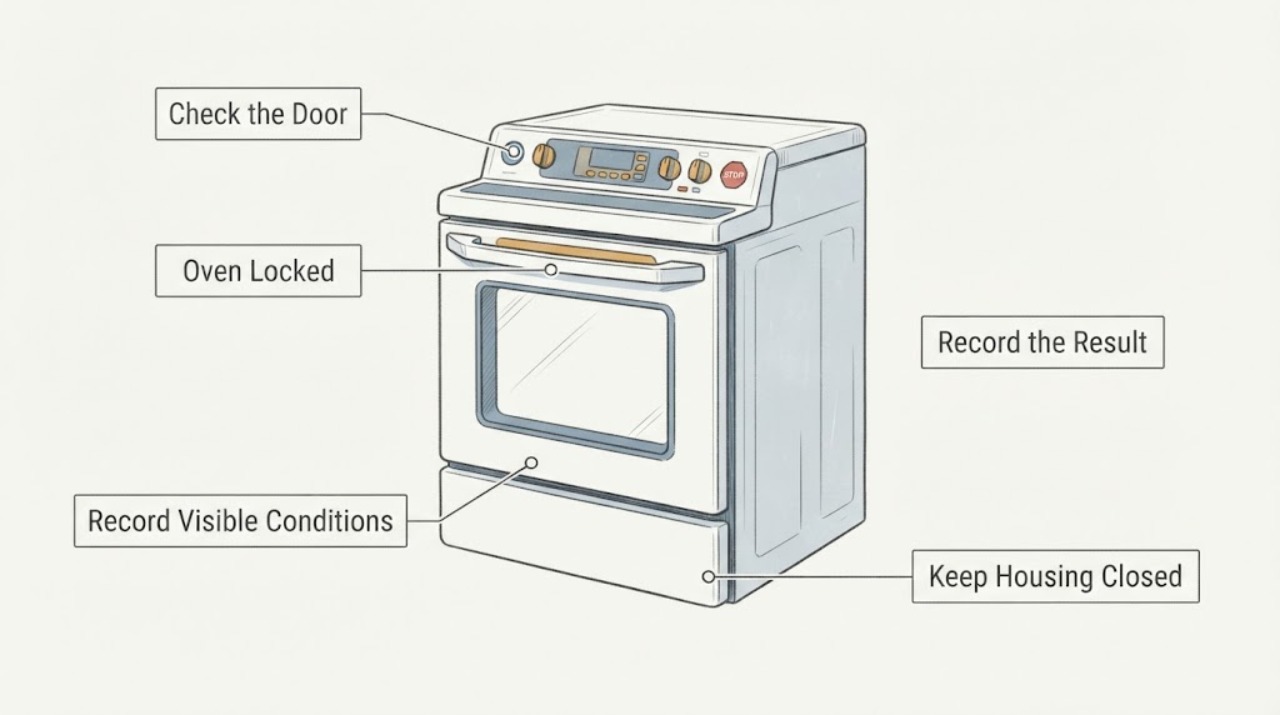
Work through in order
Diagnostic checks
Use only checks that match the exact appliance or system and its official guide.
-
Check 1
Determine whether the oven is still hot or whether Self Clean or another high-temperature cycle has recently ended; keep the door closed while it cools.
Expected result: The oven is hot or recently completed Self Clean, or it is cool and has not recently run a cleaning cycle.
Next step: For a hot or recently self-cleaned oven, wait for natural cooling without forcing the door. If cool with no cleaning explanation, continue to the model and display checks.
Why this matters
Why: Electrolux says a Self Clean door remains locked until the oven cools sufficiently and then unlocks automatically; a hot lock is a safety state, not proof of latch failure.
-
Check 2
Record the exact display wording or code, whether the controls respond, and the full Electrolux model number before trying a lock command.
Expected result: A lock symbol or Lock message is present, the controls are locked in Sabbath mode, F90–F94 is shown, or the display shows another state.
Next step: Use only the matching Owner's Manual or official error page. Do not apply the generic range sequence to an unspecified wall oven and do not bypass the latch.
Why this matters
Why: Electrolux publishes separate paths for the general Lock feature, Sabbath Mode and F90–F94 door-lock errors; similar lock wording does not establish the same cause.
-
Check 3
For a cool oven with a documented Lock or Sabbath state, follow the exact model manual's control sequence; do not press random combinations or touch the door latch.
Expected result: The manual-specific sequence clears the lock, or the controls remain locked and the door does not release.
Next step: If the sequence fails, stop trying combinations and schedule service. Do not force the door, remove panels or defeat the interlock.
Why this matters
Why: Electrolux says lock and Sabbath instructions vary by model. A successful control unlock supports a mode explanation; failure leaves the cause unresolved.
-
Check 4
Only when the display exactly matches F90, F91, F92, F93 or F94 and the oven is cool, follow the on-screen UNLOCK direction and, if still locked, disconnect power for up to 30 seconds as Electrolux documents.
Expected result: The documented code clears and the door/control returns to normal, or the code/lock returns or the appliance will not unlock.
Next step: If unresolved or recurring, keep the oven out of service and arrange qualified repair. Do not repeat resets indefinitely or open the control area.
Why this matters
Why: Electrolux provides the UNLOCK and short power-reset path for this error family, but it does not identify a failed latch or authorize a bypass.
-
Check 5
Give service the full model, exact lock/code message, whether Self Clean ran, approximate cooling time, control response and any unusual heat, odor or electrical symptom.
Expected result: The lock persists after cooling and model-specific instructions, the code returns or the door/control behaves abnormally.
Next step: Arrange qualified Electrolux service. Do not pry the door, manually move the latch, bypass the interlock or perform live electrical testing.
Why this matters
Why: The no-model topic does not distinguish a normal thermal lock, control mode, latch sensor or other internal condition.
Use your observations
Decision map
Find the observation that best matches what you see, then follow the next safe action.
-
PATH 01Next step
What you see
Self Clean or another high-temperature cycle recently ended and the oven is still warm.
Do this next
Wait for natural cooling with the door closed. Do not force or bypass the lock; service is needed only if it remains locked after the documented cool-down state.
Why this path and its safety boundary
Why it matters: The locked door may be the normal safety state Electrolux documents during cooling.
-
PATH 02Next step
What you see
The oven is cool, the door is not physically obstructed and the display shows a lock or controls are inactive in Sabbath Mode.
Do this next
Use the exact Owner's Manual for that model. Do not transfer the generic range Lock sequence to a wall oven or bypass the lock.
Why this path and its safety boundary
Why it matters: A model-specific control mode is plausible, but Electrolux says the sequence varies by model.
-
PATH 03Next step
What you see
The cool oven displays F90, F91, F92, F93 or F94.
Do this next
Follow the matching on-screen UNLOCK and one documented reset. If it returns or fails, schedule service rather than opening or bypassing the lock.
Why this path and its safety boundary
Why it matters: Electrolux classifies these as a door-lock issue and provides an on-screen UNLOCK path plus a short power reset.
-
PATH 04Next step
What you see
The oven is cool, no matching mode or code is established, and the door remains locked or the controls behave abnormally.
Do this next
Keep the appliance out of service and arrange qualified Electrolux repair. Do not pry, remove panels or bypass the interlock.
Why this path and its safety boundary
Why it matters: The no-model evidence cannot distinguish a latch, sensor, control or other internal fault.
Helpful context
Understand the symptom
“Locked” can describe a normal hot-door state after Self Clean, a model-specific control lock, Sabbath mode, or a door-lock error. The same display word does not identify the cause. Establish whether the oven is hot, whether a cleaning cycle just ended, whether controls still respond and whether an error code is present before choosing any action.
Wait for a hot oven to cool
If Self Clean recently ran, leave the door closed and allow the oven to cool naturally. Electrolux states that the door remains locked for safety until the oven cools sufficiently and then unlocks automatically. Do not pull the door, insert tools, touch the latch or start another heating cycle to test it.
Identify a control lock or mode
If the oven is cool but the display shows a lock and the door is not physically jammed, recover the model number and use its Owner's Manual. Electrolux says the Lock feature instructions vary by model; its separate Sabbath Mode page also says controls are locked during that mode and that activation and cancellation vary by model. A six-second Off instruction shown on the generic Ranges page is not a universal wall-oven sequence.
Use an error-specific unlock path only when the display matches
If the display shows F90, F91, F92, F93 or F94, Electrolux's oven error guide says to press UNLOCK and follow the on-screen directions, then try disconnecting power for up to 30 seconds. A separate electric-range page also recommends a 30-second reset. These instructions are limited to the documented error/family path; do not apply them to a different display or keep resetting a door that remains hot.
Stop when the lock does not release safely
If the oven is cool, the exact model instructions do not release the lock, an error returns, or the door or controls behave abnormally, arrange qualified service. Do not remove the door, defeat the latch, probe the interlock or open the control panel. Provide the model, display message, recent cleaning cycle and cooling time so service can distinguish a normal state from a lock fault.
When checks do not resolve it
Need a professional?
Arrange qualified service when the door remains locked after the oven is cool and the exact model procedure or documented error path fails, when an error returns, or when the lock is accompanied by abnormal heat, odor or electrical symptoms.
Safety scope: Do not pry the door, manually operate the latch, bypass the interlock, remove panels or perform live electrical tests. Keep the oven closed while hot and use qualified service for a persistent or abnormal lock.
Have this ready
- Full model number, display wording/code, recent Self Clean or high-temperature cycle, cooling time, control response, exact manual sequence attempted and any heat, odor or electrical symptom.
Common questions
FAQ
Why is my Electrolux oven door still locked after Self Clean?
Electrolux says the door remains locked for safety until the oven cools sufficiently and then unlocks automatically. Keep it closed while hot; do not pry the door or operate the latch by hand.
Can I use the six-second Off lock sequence on any Electrolux oven?
No. Electrolux publishes that sequence under its Ranges Lock feature page and explicitly says instructions may vary by model. Use the exact Owner's Manual, especially for a wall oven.
What should I do if F90–F94 appears with the door locked?
Electrolux's oven error guide says to use the on-screen UNLOCK direction and, if needed, disconnect power for up to 30 seconds. If the error returns or the door remains locked, arrange service; do not bypass the latch.
Read the exact guide
Official sources
- Oven Error Codes and Alarms GuideElectrolux Owner Support · Opened the official Electrolux oven error guide. It supports the F90–F94 on-screen UNLOCK path and up-to-30-second power reset, and separately warns that the exact use/care guide controls model-specific behavior. It is not used to diagnose a latch or authorize bypassing the lock.
- Range Error Code F90 / F91 / F92 / F93 / F94 - Door Lock IssueElectrolux Owner Support · Opened the official Electrolux Electric Range page. It supports only the family-specific 30-second power reset and service routing for F90–F94; it is used to corroborate the reset boundary, not to transfer range behavior to every oven.
- Ovens - What is Sabbath mode and how do I use it?Electrolux Owner Support · Opened the official Electrolux oven page. It states Sabbath Mode is not present on all models, locks oven controls and requires the Owner's Manual because activation/cancellation varies by model.
- Ovens - How do I set my oven or range to self-clean?Electrolux Owner Support · Opened the official Electrolux support article for ovens. It states that Self Clean availability varies by model and that the door remains locked until the oven cools, then unlocks automatically. It is used only for thermal-lock behavior, not for a universal unlock sequence.
- Ranges - What does the Lock feature do and how can I activate it?Electrolux Owner Support · Opened the official Electrolux Ranges page. It says the lock feature can lock the oven door and display controls, gives a six-second Off example, and explicitly warns that instructions vary by model. It is cited as a narrow range-family reference and is not applied universally to wall ovens.
Community feedback
Share a repair observation
Share a plain-text repair observation. Accepted observations are published automatically; this page may take a moment to update.