
On this page
Start here
Quick answer
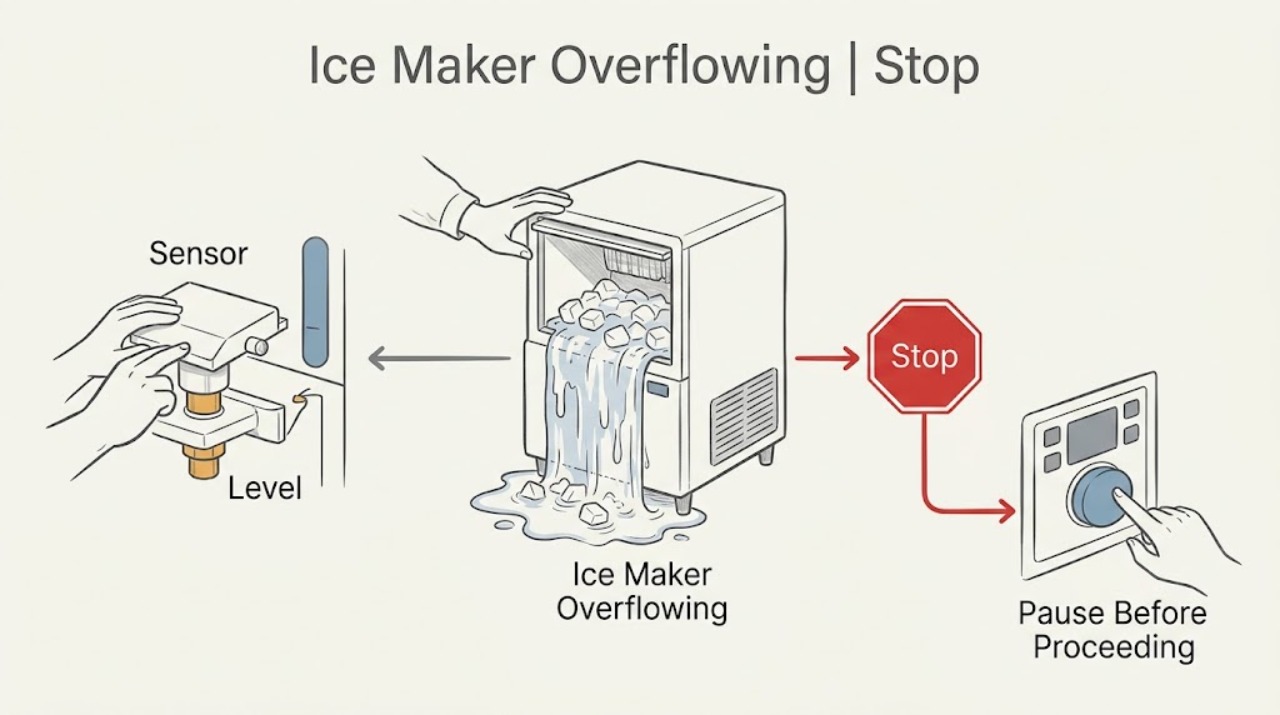
Turn the ice maker off and stop the water supply if water continues entering. KitchenAid says to check level, a blocked or dirty bin sensor, and accelerated-ice settings. If water still overflows, keep it off and request service.
Work through in order
Diagnostic checks
Use only checks that match the exact appliance or system and its official guide.
-
Check 1
Turn the ice maker off and close its appliance water shutoff if water continues to enter; wipe standing water safely.
Expected result: Water stops, or continues after the ice maker is off.
Next step: Keep water off and request service if flow continues.
Why this matters
Why: Continued filling points to the supply or valve path.
-
Check 2
Visually check that the ice maker or refrigerator is level without bending the tray or adjusting hidden parts.
Expected result: The unit is tilted, or appears level.
Next step: Correct leveling only by the exact model instructions; continue if level.
Why this matters
Why: KitchenAid says level installation is needed for proper ice-maker operation.
-
Check 3
Remove only loose ice or the supplied scoop blocking the bin sensor, then clean visible residue with a soft cloth and dry it.
Expected result: The sensor path clears, or remains blocked.
Next step: Allow a normal cycle after clearing; request service if inaccessible.
Stop if: Do not open or bypass the mechanism.
Why this matters
Why: A blocked or dirty sensor can cause too much ice.
Use your observations
Decision map
Find the observation that best matches what you see, then follow the next safe action.
-
PATH 01Next step
What you see
The bin sensor is blocked or dirty and ice is excessive.
Do this next
Keep the bin free of stored objects and monitor production.
Why this path and its safety boundary
Why it matters: The sensor could not see the ice level.
-
PATH 02Next step
What you see
Water spills from the tray after level and sensor checks.
Do this next
Keep the ice maker and water supply off and request service.
Why this path and its safety boundary
Why it matters: A fill valve, pressure, or model-specific fault needs service.
When checks do not resolve it
Need a professional?
Request service if water continues to enter or tray overflow returns after leveling and sensor checks.
Common questions
FAQ
What if water keeps entering after the ice maker is off?
Close the appliance water shutoff if safe, keep the unit off, and request service.
Read the exact guide
Official sources
- Making Too Much IceKitchenAid · KitchenAid ice makers; exact model controls feature names
- Owner's Manual: TroubleshootingKitchenAid · KitchenAid refrigerator manual family; verify exact model
Community feedback
Share a repair observation
Share a plain-text repair observation. Accepted observations are published automatically; this page may take a moment to update.