
On this page
Start here
Quick answer
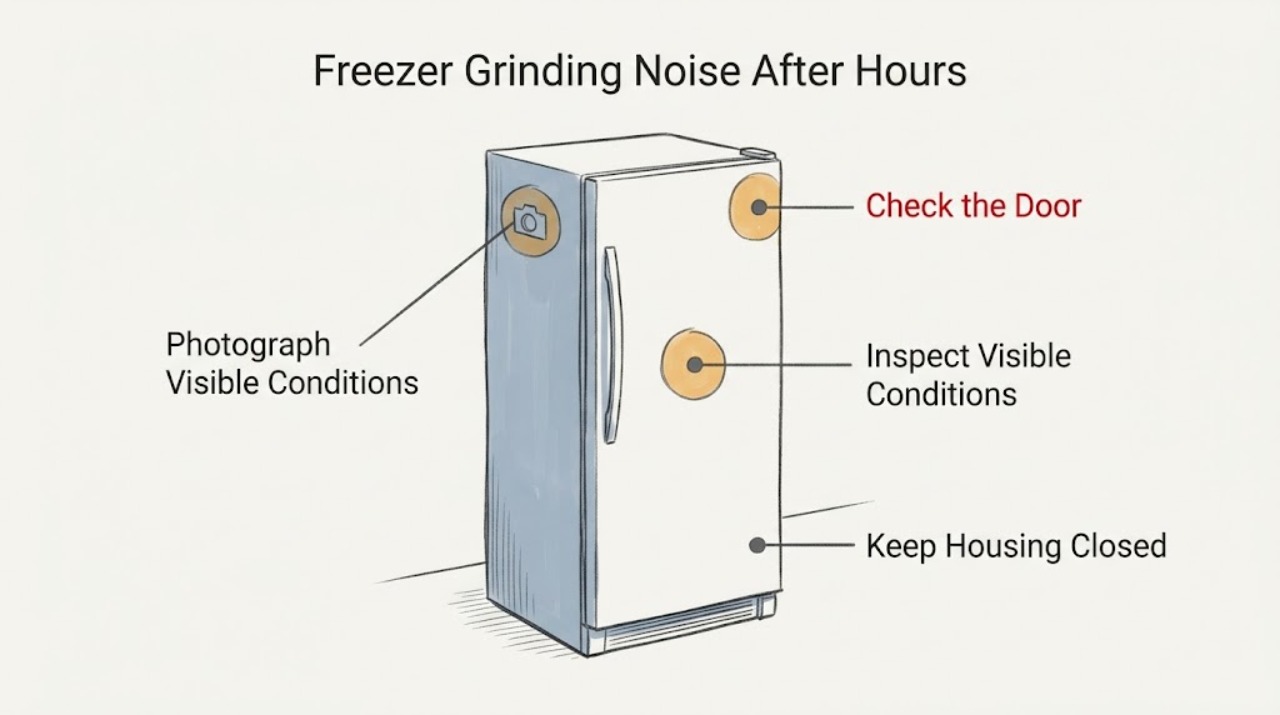
Do not assume that an LG freezer making a grinding sound after several hours is showing an ice-maker-fan code. LG's official refrigerator list names the ice-maker-fan entries as IF or F1, not a literal 1F, and the opened noise guidance says a fan can make clattering or zinging sounds when it is obstructed or frozen. First photograph the display and distinguish IF, F1, 1F, or no code from a sound-only complaint. Then, without touching a fan or removing a cover, note whether the noise changes when a door is opened, whether visible frost blocks vents or affects a door gasket, and whether the sound follows an ice-maker cycle. If a confirmed IF/F1 pattern, heavy frost, warming food, persistent grinding, smoke, burning odor, or electrical problem is present, keep the freezer out of service and use the exact model manual or qualified LG service; do not use hot air, dismantle the fan path, or identify a compressor or fan part from the sound alone.
Before you begin
Safety first
- Owner checks stop at photographing the display, recording sound timing from outside, inspecting visible frost/gasket/vent conditions, and protecting food. Do not touch or hand-turn a fan, remove fan or freezer panels, use hot air or sharp tools on ice, access defrost wiring, probe live circuits, or identify a compressor, fan, or control part solely from a grinding sound or unverified 1F display.
Work through in order
Diagnostic checks
Use only checks that match the exact appliance or system and its official guide.
-
Check 1
Photograph the control display before resetting or changing settings. Write the characters exactly as shown, including whether the display says IF, F1, 1F, Er IF, another code, or nothing at all, and note whether the grinding sound occurs with the code or without any display change.
Expected result: The display clearly reads IF or F1, literally reads 1F, shows another code, or there is no code and only a grinding noise.
Next step: Keep the photograph and full rating-label model for the exact manual lookup. If the display is not clearly IF or F1, continue with symptom observation only and do not start a code-specific defrost or part search.
Why this matters
Why: LG's official list assigns IF or F1 to an ice-maker-fan problem and separately lists other fan and defrost patterns. A literal 1F or a sound-only complaint is not enough to borrow the IF/F1 meaning, especially without a complete model.
-
Check 2
From outside the appliance, note the timing and location of the sound without reaching into vents or fan openings: does it begin only after the freezer has run for hours, occur periodically with ice-making, stop when a door is opened and return when it closes, or continue regardless of door position? Do not open panels or use a hand to slow or turn a fan.
Expected result: The sound follows an ice-maker event, changes immediately with door position, is a steady fan-like hum, or is a harsh/irregular grind that does not match an identifiable cycle.
Next step: Record the timing with the display photograph. Use the normal-sound branch only when the sound clearly matches the documented ice-maker event; for door-sensitive, harsh, or recurring noise, keep the appliance safe for service and do not attempt an internal listening test.
Stop if: Do not repeatedly open and close the door to provoke the sound, run a cycle with an exposed fan, or touch moving parts.
Why this matters
Why: LG describes ice dropping and periodic ice-maker operation as possible normal sounds, and says a fan-related sound may stop with the doors open and return when they close. A harsh or unexplained grind is not identified as a specific failed motor or compressor from listening alone.
-
Check 3
Inspect only the visible freezer interior: look for heavy frost on the accessible walls, around vents, or along a visible door gasket; check that food is not visibly blocking an air outlet and that the door closes without an obvious gap. Do not remove a fan cover, scrape ice, insert a tool, or use a hair dryer or other hot air.
Expected result: Heavy frost or a damaged/poorly closing gasket is visible, the accessible vents are blocked by food, or the interior looks clear and the door seals normally.
Next step: Move only food that plainly blocks a visible vent and document the frost/gasket pattern. If frost is heavy or recurs, use only the exact model's natural-defrost instructions or arrange service; do not heat, chip, or dismantle the fan area.
Stop if: Do not use a hair dryer, heat gun, knife, scraper, or improvised tool to clear ice, and do not remove interior panels.
Why this matters
Why: LG links IF/F1 fan indications with possible frost or ice around the ice-maker fan and notes that door alignment or gasket problems can contribute to frost. A clear visible interior does not prove that an internal fan, motor, wiring, or control is healthy.
-
Check 4
Check the freezer's external temperature indication and food condition without guessing a hidden component. Note whether food remains solid, is softening, or the compartment is clearly warming; also note any water from melting frost, smoke, burning/electrical odor, hot plug, or repeated breaker operation.
Expected result: Cooling and food condition remain normal, or food is softening/the freezer is warm, water is leaking, the noise is persistent, or an electrical warning is present.
Next step: Protect perishable food if temperatures are unsafe. For persistent noise, warming, leakage, or any electrical warning, stop normal use, isolate power only if safe, and request qualified LG appliance service.
Stop if: Do not keep the freezer running to see whether food warms further when there is smoke, burning odor, hot wiring, arcing, a damaged cord, or repeated breaker action.
Why this matters
Why: Normal cooling makes an immediate cooling-loss emergency less likely but does not explain a new grinding sound. Warming food or an electrical symptom raises the urgency beyond a normal-sound check and makes a fan/defrost/control diagnosis a professional task.
-
Check 5
Prepare a service handoff instead of a part diagnosis. Provide the complete model and market, the display photograph, the exact sound description and timing, door-open/door-closed behavior, frost and gasket observations, cooling/food condition, and whether an ice-maker cycle or water supply event coincided with the noise.
Expected result: The model remains incomplete, the display is a literal 1F or another unverified pattern, IF/F1 recurs, or the grinding remains after visible checks.
Next step: Use the exact model manual or request qualified LG service for a model-matched diagnosis. Tell the provider that 1F was not assumed to mean IF/F1 and that no fan cover, defrost circuit, or internal part was disturbed.
Stop if: Do not order a freezer fan, ice-maker fan, compressor, or control board from the display text or sound alone.
Why this matters
Why: The opened LG sources support a distinction between code identity, normal ice-maker sounds, and possible fan interference, but they do not prove a replaceable fan, compressor, or control part for an unidentified model.
Use your observations
Decision map
Find the observation that best matches what you see, then follow the next safe action.
-
PATH 01Next step
What you see
The display is clearly IF or F1, visible frost is obstructing the relevant airflow area, and the grinding or clattering is worse with the doors closed.
Do this next
Protect food and follow only the exact model's documented natural-defrost path, or request LG service if the model is unavailable, frost is extensive, or the sound returns. Never use hot air or reach into the fan area.
Why this path and its safety boundary
Why it matters: LG's code list associates IF/F1 with the ice-maker fan and possible frost/ice buildup, while its noise guidance says a door-sensitive sound can indicate fan noise. This still does not identify a fan motor or authorize panel removal.
-
PATH 02Next step
What you see
There is no confirmed IF/F1 display; the sound is periodic and coincides with ice dropping, water supply, or the ice-maker's documented operating interval, while cooling and food condition remain normal.
Do this next
Record the event and use the exact model's ice-maker instructions. If the sound becomes harsh, changes character, repeats outside the cycle, or cooling changes, stop normal use and arrange service.
Why this path and its safety boundary
Why it matters: LG documents ice dropping and a drilling-like ice-maker operation as possible normal sounds. That timing makes an ice-maker event more plausible than a code-confirmed fan fault, but an unusually harsh grinding sound is not cleared by timing alone.
-
PATH 03Next step
What you see
The display literally shows 1F, another code, or no code at all, and the grinding sound is persistent, irregular, or not tied to a documented ice-maker event.
Do this next
Do not perform IF/F1 defrost steps or order a part. Keep the sound timeline, complete model information, and external observations for qualified LG service; stop if cooling or safety changes.
Why this path and its safety boundary
Why it matters: The opened LG list does not establish 1F as the same code as IF or F1, and a sound-only report cannot name a fan or compressor. The code and noise must remain separate until the exact model and display are verified.
-
PATH 04Safety boundary
What you see
The freezer is warming, food is softening, heavy frost is spreading, water is leaking, or the noise is accompanied by smoke, burning/electrical odor, abnormal heat, a hot connection, or repeated breaker operation.
Do this next
Protect food, stop normal use, and isolate power only from a safe accessible point when an electrical hazard is suspected. Request qualified LG appliance service and do not dismantle or heat the freezer interior.
Why this path and its safety boundary
Why it matters: This is no longer a normal-noise identification question. Cooling loss, frost recurrence, or an electrical warning can require professional fan, defrost, control, or power assessment, and food safety takes priority.
Safety stop: Leave the appliance out of service for smoke, arcing, burning odor, exposed or hot wiring, repeated breaker trips, or any unsafe door/cord condition.
Helpful context
Understand the symptom
The first question is whether 1F is actually on the display. LG's opened error-code page lists IF or F1 as an ice-maker-fan problem and says frost or ice around that fan can contribute; it does not establish a literal 1F entry. A grinding sound by itself is not a code, so do not merge the display interpretation with the acoustic symptom until both are observed.
LG also documents several normal refrigerator and ice-maker sounds, including ice dropping and a drilling-like ice-maker operation that can recur about every 1½ to 2 hours. A harsh grinding sound, a sound that changes with door position, visible frost, or any loss of cooling needs a different service decision. Because no complete model is supplied, the exact fan location and any defrost or ice-maker control procedure remain model-dependent.
When checks do not resolve it
Need a professional?
Request LG or qualified refrigeration service for persistent grinding, recurring frost, warming food, a confirmed recurring IF/F1 indication, an unverified literal 1F that persists, or any door, cord, water, smoke, odor, or breaker safety concern.
Safety scope: Owner checks stop at photographing the display, recording sound timing from outside, inspecting visible frost/gasket/vent conditions, and protecting food. Do not touch or hand-turn a fan, remove fan or freezer panels, use hot air or sharp tools on ice, access defrost wiring, probe live circuits, or identify a compressor, fan, or control part solely from a grinding sound or unverified 1F display.
Have this ready
- Provide the complete model and market from the rating label, display photograph, exact characters and timing, sound location and whether it changes with door position, frost/gasket/vent observations, ice-maker timing, temperature or food condition, and any water, odor, heat, or electrical event.
Common questions
FAQ
Does 1F mean the LG freezer ice-maker fan is bad?
Not necessarily. LG's opened error list names IF or F1 for an ice-maker-fan problem; it does not establish that a literal 1F is the same display. Photograph the exact characters and confirm the complete model before using a code-specific interpretation.
Why does the grinding sound start only after the LG freezer has run for hours?
A delayed sound can coincide with an ice-maker event, fan operation, or frost interference, but timing alone cannot distinguish them. LG documents periodic ice-maker sounds and says a fan can make clattering or zinging sounds when obstructed or frozen. Record whether the sound changes with door position and whether visible frost or cooling loss appears.
Can I use a hair dryer to stop the LG freezer grinding noise?
No. Do not use hot air, chip ice, or remove a fan cover. If the exact model manual documents a natural defrost, follow only that model-specific boundary after protecting food; otherwise arrange service, especially when an IF/F1 indication or heavy frost returns.
Can I keep using the freezer if the sound stops when I open the door?
That door-sensitive pattern can make fan noise more plausible, but it does not prove that the fan is safe or identify a part. Keep the observation, avoid repeated door testing, and request service if the sound is harsh, returns, frost develops, or food temperature changes.
Read the exact guide
Official sources
- [LG refrigerator - noise] A noise is heard during operation.LG USA Support · Opened LG guidance for refrigerator clattering, zinging, humming, and buzzing. It describes fan interference or a fan/motor frozen by cold as possible causes and directs service when the noise is concerning; it does not identify a part for an unidentified model.
- LG Refrigerator – Error Code ListLG USA Support · Opened LG USA refrigerator code guidance. It lists IF or F1 as an ice-maker-fan problem with possible frost/ice buildup and provides model-dependent defrost/service guidance; it does not list a literal 1F entry.
- LG Refrigerator - Troubleshooting Ice Maker Noises On My LG RefrigeratorLG USA Support · Opened LG ice-maker noise guidance. It distinguishes normal ice drop, water/thermal sounds, periodic ice-maker operation, and fan-like noise; it states that a noise stopping with doors open and returning closed may require service.
Community feedback
Share a repair observation
Share a plain-text repair observation. Accepted observations are published automatically; this page may take a moment to update.