
On this page
Start here
Quick answer
If a Roper dryer will not spin, stop immediately for smoke, a burning smell, severe heat, sparks, damaged wiring, a loud metal-on-metal sound, or a breaker that trips again. If it is safe, check that the door is latched, the correct dry cycle is selected, the Start control is held as the model requires, and the external power supply is present. With power isolated and the drum empty, an unusual resistance or scraping sound during a gentle hand check can point toward a mechanical problem, but a belt, motor, idler, roller, blower, or control diagnosis belongs to a qualified technician. Do not keep heating clothes in a drum that does not tumble.
Before you begin
Safety first
- A dryer that heats without tumbling can damage clothing and components and can create a hot-spot or fire risk. Keep checks external and low risk, isolate power only with dry safe access, and leave belt, motor, roller, idler, blower, thermal, and control diagnosis to a qualified professional.
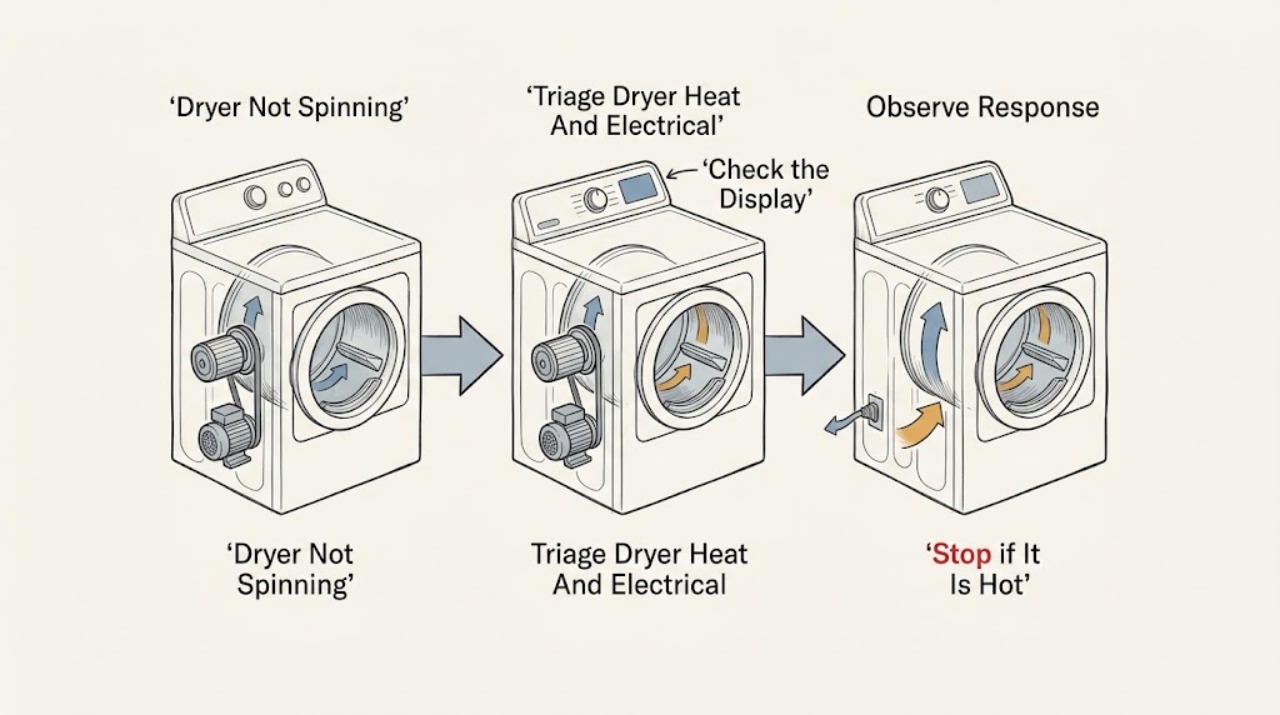
Work through in order
Diagnostic checks
Use only checks that match the exact appliance or system and its official guide.
-
Check 1
Stop the dryer and look from a safe position for smoke, a burning or melted-plastic smell, unusually hot cabinet or plug, sparks, damaged cord, lint around a hot area, or a breaker that has tripped. Do not touch a wet appliance or a hot or damaged connection.
Expected result: A high-heat, fire, electrical, or lint warning is present; alternatively the dryer is cool, dry, and free of those signs.
Next step: If a warning is present, isolate power only when safely reachable and leave the dryer out of service; arrange qualified appliance or electrical help. If no warning is present, continue with the external control and power checks.
Stop if: Stop immediately for smoke, burning odor, sparks, severe heat, damaged wiring, wet electrical access, or repeated breaker trips.
Why this matters
Why: A no-spin dryer may still produce heat, and continuing to run it can damage clothes and components or increase fire and shock risk.
-
Check 2
With the drum empty, close the door until the model's latch engages, confirm the correct Automatic or Timed Dry cycle rather than an option that does not tumble, check for a Control Lock indicator, and use the exact manual's Start or Hold-to-Start instruction once.
Expected result: The cycle starts and the drum tumbles, the door or lock indicator does not register, the selected cycle is not a tumbling cycle, or the Start command is ignored.
Next step: If a documented door, lock, or cycle correction restores tumbling, monitor an empty cycle and then stop if the symptom returns. If the door will not latch or the command is still ignored, continue to the power check and prepare for service.
Stop if: Stop if the latch is damaged, the door glass is broken, the control behaves erratically, or starting would require bypassing a safety switch.
Why this matters
Why: A door interlock, Control Lock, wrong cycle, or insufficient Start input can prevent tumbling without a failed motor or belt.
-
Check 3
Check the plug and visible cord for secure, undamaged connection and confirm the household dryer breaker or fuse has not operated, without removing a panel or testing live terminals. If the appliance has a control or drum light, note whether it is lit.
Expected result: The control and drum light are dead, a breaker or fuse has operated, power is intermittent, or the dryer has normal power but still does not tumble.
Next step: If a breaker has operated, reset it only once when the dryer and area are dry and there are no warning signs; if it trips again, leave the dryer isolated and call an electrician or appliance technician. If power is normal, continue to the empty-drum mechanical observation.
Stop if: Stop for a hot outlet, damaged cord, loose plug, moisture, arcing, or any breaker that trips again; do not substitute an extension cord.
Why this matters
Why: A missing or partial supply can prevent the motor from operating. A working supply with no tumbling shifts the diagnosis toward the dryer rather than the outlet, but the supply rating and wiring still require qualified electrical help if uncertain.
-
Check 4
After disconnecting power and confirming the drum is empty, gently rotate the drum only as far as the model manual permits and look at the accessible front and rear drum edges for a coin, button, or other visible object. Do not remove panels or reach into a blower or belt area.
Expected result: The drum turns smoothly and quietly, turns with marked resistance, scrapes or wobbles, or a visible object is trapped at an accessible edge.
Next step: Remove only a loose, accessible object without tools if the manual permits and then reassess with power restored only when safe. For resistance, scraping, wobble, or a suspected belt, roller, idler, blower, or motor issue, leave the dryer off and arrange service.
Stop if: Stop for sharp edges, trapped clothing, a seized or scraping drum, a loose drum, or any need to open the cabinet or blower housing.
Why this matters
Why: Smooth motion makes a seized drum less likely; resistance, scraping, wobble, or an object can indicate a mechanical obstruction or worn drive support. A drum that turns unusually easily while the motor runs can also be consistent with a disconnected drive, but this is not a part diagnosis.
-
Check 5
Clean the lint screen and inspect only accessible vent sections and the outside outlet for crushing, lint buildup, or weak airflow; note whether the dryer had been heating while the drum was still. Do not move the dryer or dismantle the vent while powered.
Expected result: The screen or vent is restricted, airflow is weak, the cabinet was unusually hot, or there is no airflow or heat symptom.
Next step: If airflow is restricted, leave the dryer off and clean or have the vent professionally assessed according to the installation instructions. If the dryer heated without tumbling, do not run another cycle; provide that fact to the technician.
Stop if: Stop for smoke, burning smell, severe heat, lint at a hot area, a blocked inaccessible vent, or any need to move the appliance unsafely.
Why this matters
Why: Restricted airflow can raise temperature and create a fire hazard, while heat without tumbling means the dryer should not be operated until the no-spin fault is fixed. Airflow findings do not prove a belt or motor fault.
-
Check 6
If the Roper dryer still does not tumble after the documented door, cycle, Start, power, and safe external checks, record whether the motor hums, clicks, or is silent, whether the drum turns freely with power off, whether heat was present, and any noise, odor, or code.
Expected result: The dryer remains unable to tumble, or an approved control correction restored stable tumbling.
Next step: If unresolved, leave the dryer out of service and contact Roper Owner Support or a qualified appliance technician with the model and observations. Do not replace a drive part from the symptom alone or run the dryer to see whether it improves.
Stop if: Stop all testing for heat without tumbling, smoke, burning odor, sparks, severe vibration, scraping, or repeated power trips.
Why this matters
Why: Persistent no-spin behavior can involve the belt, motor, idler, rollers, blower, thermal protection, or control path. Overlapping symptoms make model-specific diagnosis necessary.
Use your observations
Decision map
Find the observation that best matches what you see, then follow the next safe action.
-
PATH 01Next step
What you see
The dryer heats but the drum does not spin, or smoke, burning odor, severe heat, sparks, or a repeated breaker trip occurs.
Do this next
Stop using the dryer, isolate power only when safely reachable, and arrange qualified appliance or electrical service. Do not run another cycle.
-
PATH 02Next step
What you see
The door is not latching, Control Lock is active, the cycle does not tumble, or Start is not being accepted.
Do this next
Use the exact Roper manual to correct the door, lock, cycle, or Start sequence once. Persistent failure needs service; never bypass the door switch.
-
PATH 03Next step
What you see
The control or drum light is dead, the breaker or fuse has operated, or power is intermittent.
Do this next
Check only the external plug, switch, and household protection. Reset a breaker once only when safe; if it trips again, leave the dryer off and call a qualified electrician or technician.
-
PATH 04Next step
What you see
The drum is hard to turn, scrapes, wobbles, or turns unusually freely while the motor runs.
Do this next
Leave power isolated and arrange service for a possible obstruction or drive-support fault. Do not remove panels or order a belt, roller, idler, or motor without diagnosis.
-
PATH 05Next step
What you see
The lint screen or accessible vent is restricted, airflow is weak, or the dryer cabinet becomes unusually hot.
Do this next
Leave the dryer off and clean or have the vent assessed according to the installation instructions. Treat heat without tumbling as a no-use condition.
Helpful context
Understand the symptom
First decide whether the drum is actually tumbling
A dryer can hum, heat, or show a lit panel without the drum rotating. Start with an empty drum and observe through the closed door only: does the motor sound begin, does the drum move, and does the cycle stop immediately? Roper and Whirlpool both direct owners to model documentation for controls and installation details. Record the complete Roper model number from the label inside the door before using a repair instruction or considering a component.
Safety and heat boundary
Do not run a dryer that heats while the drum stays still. Tumbling distributes clothes and allows heated air to move through the load; continuing without it can damage the dryer and create a hot spot. Stop for smoke, burning odor, excessive cabinet heat, sparks, damaged wiring, or a breaker that trips again. Isolate power only from a dry, safe location with the plug or disconnect safely reachable, and never work on live wiring.
Simple controls can imitate a drive failure
A door that looks closed may not have latched, a Control Lock may block input, or a cycle may require a firm or held Start command. Some models also have non-tumbling or wrinkle-prevention options. Do not assume the setting from another Roper model. Use the exact manual and change one low-risk setting at a time.
What the drum and motor sounds mean
With the dryer empty and power isolated, a gentle manual movement can distinguish a drum that turns smoothly from one that is seized or scraping. If the motor runs but the drum does not move, a drive connection or belt may be involved; if the motor only hums or clicks, an obstruction, motor, or control issue is possible. These observations narrow the service call; they do not authorize cabinet removal or part replacement.
Keep lint and airflow in the decision
Clean the lint screen and look at the accessible vent outlet for weak airflow, crushed flexible hose, or visible lint without moving the dryer into an unsafe position. Restricted airflow is mainly a heating and fire-risk clue, but an overheated dryer may stop or damage drive components. Use only the installation and use-and-care instructions for vent access; hire a professional when the full vent path is inaccessible.
When a part may be involved
Roper and Whirlpool identify several possible drive components, but no one part can be selected safely from “not spinning” alone. A belt, idler, roller, motor, blower obstruction, thermal protection device, or control can produce overlapping symptoms. Give the technician the model, whether the motor hums, whether the drum turns freely with power off, whether heat was present, and any noise or odor.
Safety boundary
Stop conditions
- Stop for smoke, burning odor, sparks, severe heat, heat without tumbling, damaged wiring, severe vibration, scraping, or repeated breaker trips.
- Do not run a heated cycle when the drum does not spin; do not move the appliance or work on live wiring.
- Never bypass the door switch or order a drive component from the symptom alone.
Only after diagnosis
Potential parts
- dryer drive belt
Consider only if qualified diagnosis finds a broken, stretched, or disconnected belt after the drum and motor symptoms are separated.
Confirm the complete model number and official fit information; do not infer belt failure from a no-spin symptom alone. - dryer drum support or idler component
Consider only if qualified diagnosis confirms resistance, scraping, wobble, or a support component that prevents the drum from rotating.
Support components vary by model and may require paired replacement or professional installation. - dryer drive motor
Consider only after power, door, controls, drum obstruction, belt, and support checks establish a motor or motor-control fault.
Verify the exact model and electrical fitment with a qualified technician before replacement.
When checks do not resolve it
Need a professional?
Call Roper Owner Support, a qualified appliance technician, or an electrician when the dryer still will not tumble after the model-specific door, cycle, Start, power, and safe external checks; when a breaker trips again; or when diagnosis would require opening the cabinet, testing live wiring, or replacing a belt, roller, idler, motor, blower, thermal device, or control.
Common questions
FAQ
Can I keep using a Roper dryer if it heats but the drum does not spin?
No. Stop using it. Heat without tumbling can damage clothes and components and can create an unsafe hot spot; arrange qualified service.
What should I check first when my Roper dryer will not spin?
Check for safety warnings, then the door latch, correct tumbling cycle, Control Lock, Start instruction, and external power. Use the exact model manual because controls vary.
How can I tell whether the Roper dryer belt is broken?
A motor that runs with a drum that does not move can be consistent with a drive problem, but it does not prove belt failure. Leave power isolated and have a technician diagnose the belt, motor, idler, rollers, and control together.
Is it safe to turn the dryer drum by hand?
Only with the dryer empty and power disconnected, and only as far as the model manual permits. Stop for resistance, scraping, wobble, sharp edges, or any need to open the cabinet.
Can a clogged vent cause a dryer not to spin?
Restricted airflow is primarily a heat and fire-risk problem, but overheating can stop or damage components. Clean accessible lint safely and leave the dryer off if it heats without tumbling or becomes unusually hot.
Read the exact guide
Official sources
- 10 Reasons Your Dryer Won’t Spin & How to Fix ItWhirlpool · Manufacturer guidance on dryer power, door, controls, drive, drum, rollers, motor, and professional service
- Owner Support | Roper® AppliancesRoper Appliances · Roper manuals, model resources, factory-authorized service, and replacement-part support
- Manuals & Guides | Roper® AppliancesRoper Appliances · Roper model manual lookup and dryer model-number location
- How does a Dryer Dry Clothing? - Product Help | WhirlpoolWhirlpool · Dryer heat, tumbling, airflow, lint, venting, and fire-risk context
Community feedback
Share a repair observation
Share a plain-text repair observation. Accepted observations are published automatically; this page may take a moment to update.