
On this page
Start here
Quick answer
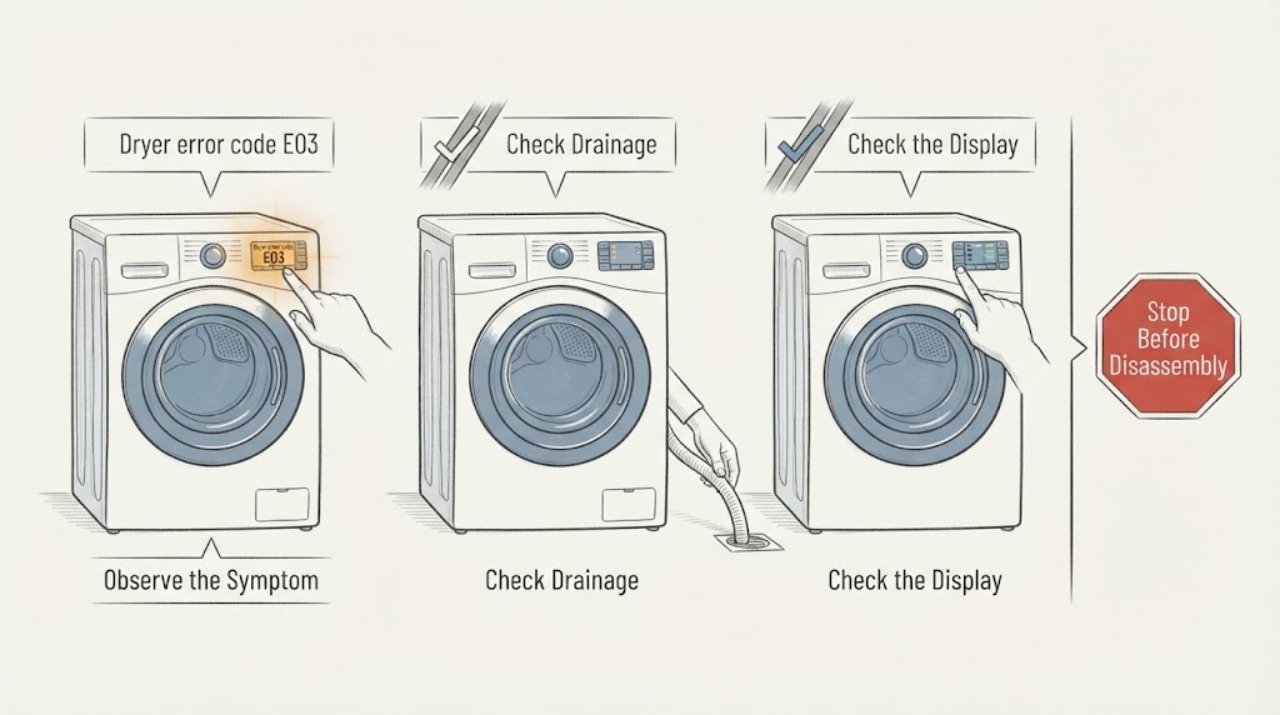
Sharp's E03 meaning is model- and market-specific. In the opened official manual for the Sharp KD-HD9S7GW-B tumble dryer, E03 with the water-tank indication means to empty the water tank; if the problem remains, the manual directs the owner to an authorised service agent. Do not apply that meaning to an unknown Sharp dryer until the complete model and display format match. Photograph E03, record the model and programme stage, turn the dryer off and let it cool, then perform only the exact manual's accessible water-tank or filter check. If E03 returns, the tank is not the documented cause, or there is smoke, burning odor, abnormal heat, water near power, a damaged cord, or a repeated trip, stop using the dryer and arrange qualified service.
Work through in order
Diagnostic checks
Use only checks that match the exact appliance or system and its official guide.
-
Check 1
Stop the dryer and photograph the complete display, including any water-tank icon or flashing-light pattern. Record whether it is E03, E3, E08, a symbol, or a longer message, and note the programme stage, whether the load is hot, and whether the code appeared after a power or drainage event.
Expected result: The code is clearly E03 with a water-tank indication, the display uses another format, or the indication is ambiguous.
Next step: Keep the photo. If the display is not a clear E03, stop code-specific troubleshooting until the exact model manual is found; do not substitute E03 guidance from another Sharp appliance.
Stop if: Do not repeatedly restart the dryer to reproduce the code.
Why this matters
Why: The Sharp manual's E03 water-tank meaning is tied to one exact display and model. A visually similar code or lamp pattern cannot safely select the same procedure.
-
Check 2
Read the rating plate from a safe standing position and record the complete Sharp model number, serial information, product market, and whether the appliance is a tumble dryer or a washer-dryer. Do not move a stacked or built-in appliance or remove a panel to find the label.
Expected result: The full model matches KD-HD9S7GW-B, a different model is shown, or the model cannot be confirmed.
Next step: Use Sharp's country and model support route to retrieve the exact manual. If the model is unavailable or the manual does not list E03, preserve the evidence and arrange model-specific service instead of guessing.
Stop if: Do not pull out a stacked appliance, remove trim, or expose wiring to read the label.
Why this matters
Why: Sharp publishes support by country and model. Only the matched KD-HD9S7GW-B manual establishes the E03 water-tank meaning used in this article; a different or unknown model remains unresolved.
-
Check 3
Only when the confirmed model is KD-HD9S7GW-B or its exact manual gives the same water-tank procedure, turn the dryer off, let it cool, and remove and empty the water tank as the manual shows. Refit it fully before observing the display; do not remove the tank while a programme is running.
Expected result: The tank is full, the tank is empty but E03 remains, the tank cannot be removed or refitted normally, or water spills or leaks.
Next step: If the tank was full and E03 clears, monitor within the manual's limits. If E03 remains, the tank does not seat, or water leaks, keep the dryer off and contact an authorised service agent.
Stop if: Do not remove the tank during a programme, tip the dryer to drain it, or reconnect power around spilled water.
Why this matters
Why: For KD-HD9S7GW-B, E03 is paired with the water-tank indication and emptying the tank is the documented user step. A persistent code after that check points to service, not a reason to open the pump or sensor system.
-
Check 4
With the dryer stopped and cool, inspect the owner-accessible lint-filter area and visible water-discharge hose or tank seat only as the exact manual permits. Clean or refit only the documented external item; do not reach into the heat exchanger, fan, wiring, or refrigerant circuit.
Expected result: The filter is blocked, the tank seat or discharge hose is visibly displaced, the accessible path is normal, or a component is damaged or inaccessible.
Next step: Correct only a clear, manual-permitted external condition and record whether E03 returns. For damage, an inaccessible part, or a continuing code, arrange authorised service.
Stop if: Do not use sharp tools, spray water or chemicals into the dryer, remove heat-exchanger covers unless the exact manual permits it, or operate without the required filter.
Why this matters
Why: Sharp's manual describes filter and water-tank maintenance as separate user tasks. A clean filter or correctly seated tank does not prove that E03 has been resolved if the code persists.
-
Check 5
After the exact manual's tank or filter check, observe one normal standby or programme response without forcing the controls. Note whether E03 clears, returns immediately, returns at the same stage, or is accompanied by no tumble, no heat, unusual noise, abnormal heat, or moisture.
Expected result: E03 clears and does not return, E03 returns, the dryer will not start or tumble, or another performance or safety symptom appears.
Next step: Stop using the dryer for recurrence or abnormal operation and provide the model, code photo, tank/filter result, programme stage, and symptoms to an authorised service agent.
Stop if: Do not run repeated loads to test the code or attempt internal electrical, thermal, motor, pump, or refrigeration repairs.
Why this matters
Why: A cleared display after the documented tank condition supports that model-scoped branch, but recurrence means the underlying condition is unresolved. The code alone cannot identify a pump, sensor, heater, motor, control, or sealed-system part.
-
Check 6
Inspect only the accessible cord, plug, dry outlet area, cabinet exterior, floor, and door for smoke, burning odor, abnormal heat, sparking, water near power, or visible damage. Record any breaker or residual-current-device trip without touching wet electrical parts.
Expected result: A safety symptom is present, the dryer cannot be stopped normally, or no immediate hazard is visible.
Next step: For smoke, sparks, burning odor, flooding, hot or damaged electrical parts, or a repeat trip, stop use and isolate power only from a dry safe location if possible; obtain qualified appliance or electrical help. Otherwise complete the model-specific service handoff.
Stop if: Do not operate through smoke, a leak, damaged wiring, abnormal heat, or a repeated electrical trip.
Why this matters
Why: The Sharp manual warns that installation and repair should be performed by an authorised agent and that a nonfunctional product should not be repaired by the owner. Safety symptoms override the E03 water-tank branch.
Use your observations
Decision map
Find the observation that best matches what you see, then follow the next safe action.
-
PATH 01Next step
What you see
The label and display match Sharp KD-HD9S7GW-B, E03 is paired with the water-tank indication, and the tank can be emptied and refitted safely while the dryer is stopped and cool.
Do this next
Observe one normal response within the manual's limits. If E03 remains or returns, contact an authorised service agent with the code and model evidence.
Why this path and its safety boundary
Why it matters: On this documented Sharp tumble-dryer platform, E03 indicates the water-tank branch. Emptying the tank is the specified user check, not proof that an internal pump or sensor is serviceable.
-
PATH 02Next step
What you see
The dryer is a different Sharp model, the display is not the KD-HD9S7GW-B E03 format, or the exact manual does not document E03.
Do this next
Stop code-specific work, use Sharp's country/model manual route, and request model-specific service if the code remains undocumented.
Why this path and its safety boundary
Why it matters: The water-tank interpretation is not established for that appliance. Applying it could lead to the wrong drain, sensor, or control procedure.
-
PATH 03Next step
What you see
E03 persists after the exact model's documented tank and accessible filter checks, or the dryer will not start, tumble, heat, or complete its programme normally.
Do this next
Keep the dryer out of service and arrange an authorised Sharp repair, providing the complete model, code photo, programme stage, and check results.
Why this path and its safety boundary
Why it matters: The documented user-level condition did not resolve the fault. An internal pump, sensor, heater, motor, control, or other component may require diagnosis, but E03 alone does not select a part.
-
PATH 04Next step
What you see
Smoke, burning odor, sparks, abnormal heat, water near power, a damaged cord, flooding, or a repeated breaker trip occurs.
Do this next
Stop use, isolate power only when dry and safe, keep clear of the appliance, and obtain qualified appliance or electrical help.
Why this path and its safety boundary
Why it matters: This is an electrical, fire, water, or overheating safety event, not a normal E03 reset branch.
Helpful context
Understand the symptom
E03 has a documented meaning on one exact Sharp dryer platform
The opened Sharp KD-HD9S7GW-B tumble-dryer manual lists E03 with the water-tank icon and instructs the owner to empty the water tank; if that does not solve the problem, it says to contact an authorised service agent. The same manual identifies the product as a Sharp tumble dryer. Because the task does not supply a model, use that interpretation only if the label and display match KD-HD9S7GW-B.
Do not borrow E03 meanings across Sharp laundry products
Sharp Global's support page directs owners to the country site and the model number for manuals, and notes that manuals are available only for limited models and markets. The exact model therefore decides whether E03 is a water-tank prompt, another fault, or an indication not covered by the available documentation.
When checks do not resolve it
Need a professional?
Call an authorised Sharp service agent when E03 remains or returns after the exact model's documented water-tank or filter check, the model manual does not list E03, the tank cannot be safely emptied or refitted, or the dryer will not start, tumble, heat, or complete its programme. Stop immediately for smoke, burning odor, sparks, abnormal heat, flooding, water near power, damaged cord or wiring, or a repeated breaker trip. Do not open the cabinet, reach into the fan or heat exchanger, or perform internal electrical, motor, pump, or refrigerant work.
Common questions
FAQ
What does E03 mean on a Sharp dryer?
On the opened official Sharp KD-HD9S7GW-B tumble-dryer manual, E03 with the water-tank indication means to empty the water tank. That meaning is model-scoped; Sharp's global support directs owners to the correct country and model manual, so do not apply it to an unknown Sharp dryer.
Can I clear Sharp dryer E03 by emptying the tank?
Only when the exact model manual gives that procedure. For KD-HD9S7GW-B, empty and refit the tank while the dryer is stopped and cool. If E03 remains, the manual directs the owner to an authorised service agent; do not keep restarting or open the machine.
Should I replace the pump or water sensor for E03?
No. E03 alone does not identify a compatible part. First confirm the model and perform only its documented external tank or filter check; persistent E03 needs authorised diagnosis.
Read the exact guide
Official sources
- Home Appliances - KD-HD9S7GW-B Tumble Dryer User ManualSharp Singapore · Opened official Sharp Singapore PDF for the exact KD-HD9S7GW-B tumble dryer; its automatic fault table lists E03 with the water-tank procedure.
- Sharp Corporation - Sharp Global SupportSharp Corporation · Opened official Sharp Global support page; it routes owners by market and model and warns that manuals are available only for limited models and countries.
Community feedback
Share a repair observation
Share a plain-text repair observation. Accepted observations are published automatically; this page may take a moment to update.