
Repair problem
Error Code Displayed Troubleshooting Guides
Published FixGraph guidance for diagnosing and responding to error code displayed.
Matching published guides
Choose a guide that matches the service, equipment, and conditions you are seeing.
-
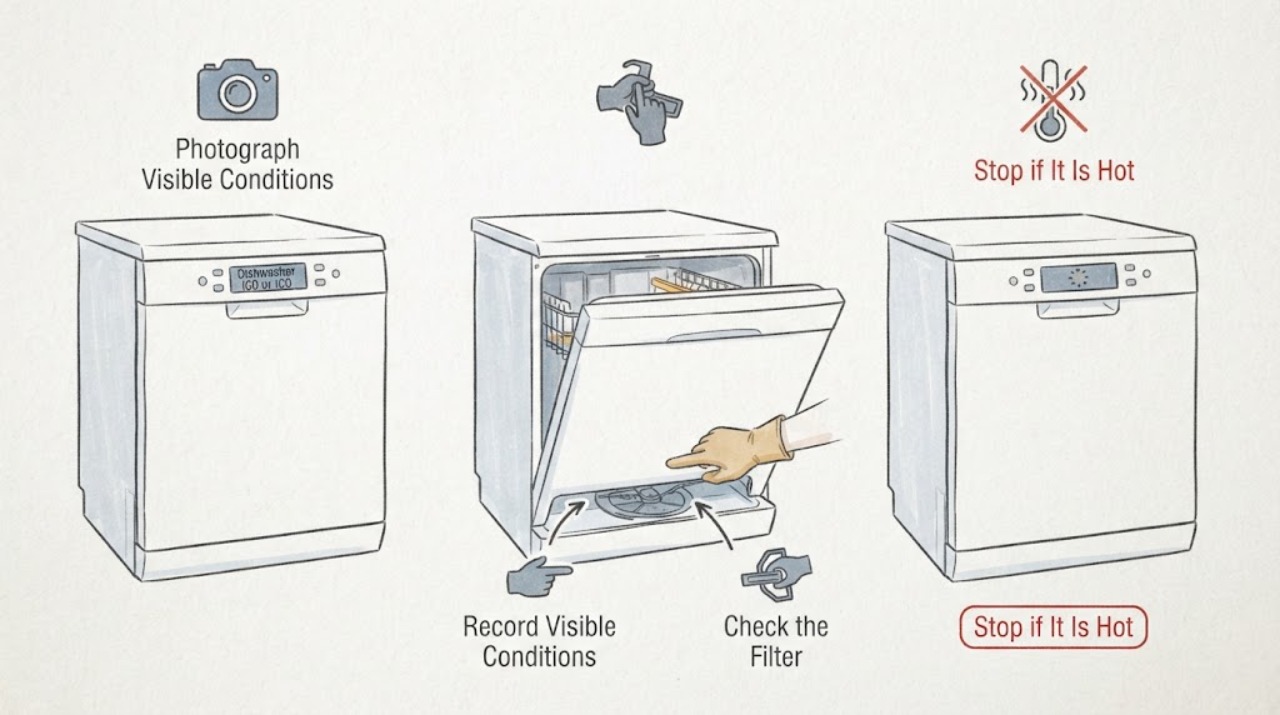
AEG dishwasher iC0 or IC0: what to check when it will not work
AEG's opened UK support article groups iC0, iCo, iC1, iC2, and iC3 as a technical malfunction family for both integrated and freestanding dishwashers. Because the model and region are missing here, do not borrow a code meaning or button sequence from an Electrolux or another AEG machine.
-
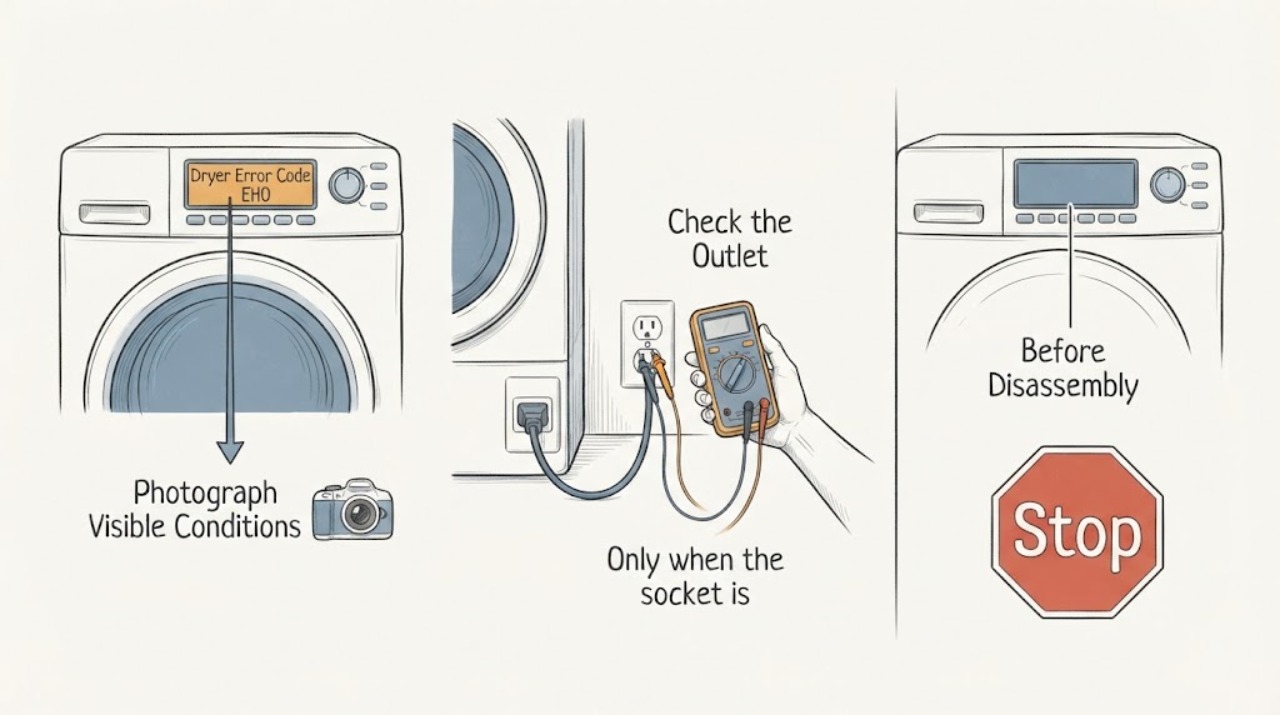
AEG Dryer Error Code EH0
AEG's dryer guidance treats EHO/EH0 as a possible power-supply problem, including low, high, or unstable voltage. Because the task has no complete model or region, first photograph the display and nameplate and confirm whether the final character is the letter O or zero.
-
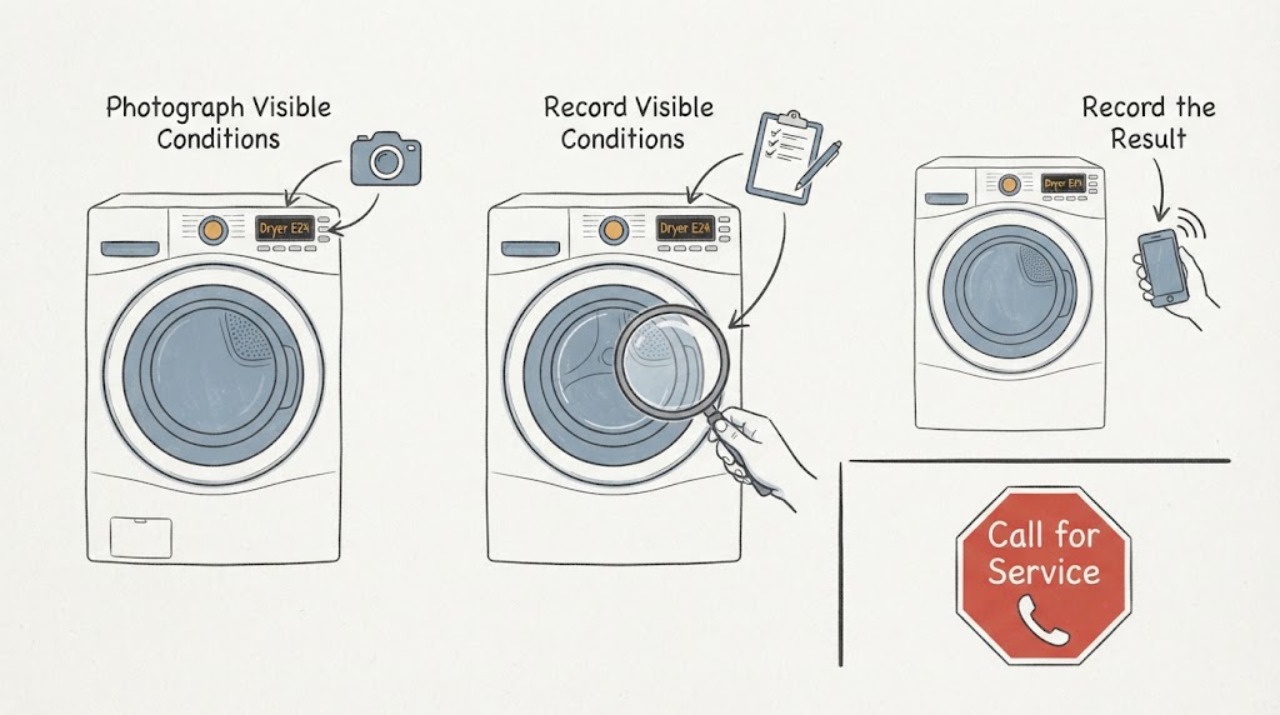
Bosch dryer E24: electronics fault and the safe next step
Bosch's opened US dryer error page lists E24 with E08, E09, E25, E28 and E90 as an electronics fault that can only be eliminated by an authorized technician. Bosch's opened Germany and Egypt E24 dryer pages give the same service boundary, with the German page also mentioning a device-electronics or sensor fault.
-
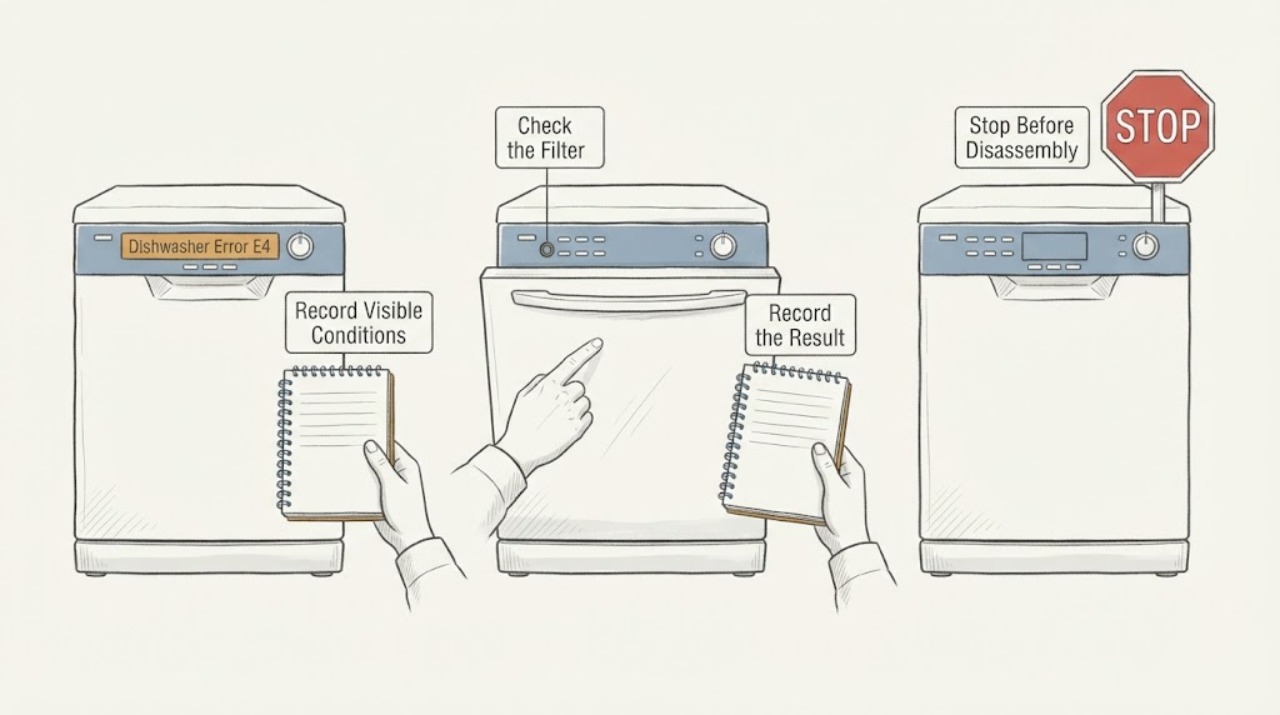
Crosley Dishwasher Error E4: Check for Overflow or a Leak
Crosley E4 is a water-related warning, but its exact wording depends on the dishwasher model. Official Crosley manuals describe E4 as an overflow or leak-sensor condition on one model and water overflow into the motor compartment on another.
-
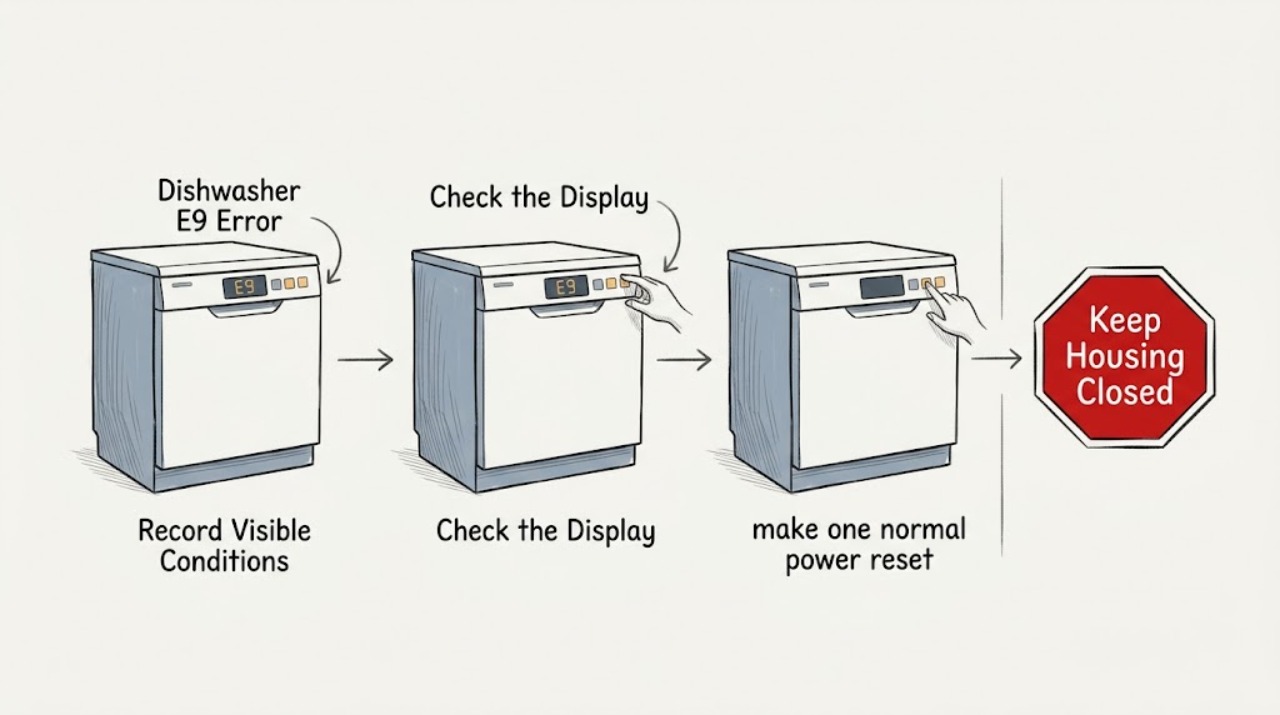
Crosley Dishwasher E9 Error: Control Button or Water Safety Check
Do not apply E9 to every Crosley dishwasher without checking the complete model. In the opened official Crosley ZDM6502AS manual, E9 means a control button has been continuously contacted for more than 30 seconds, with water or another object on the buttons listed as a possible cause.
-
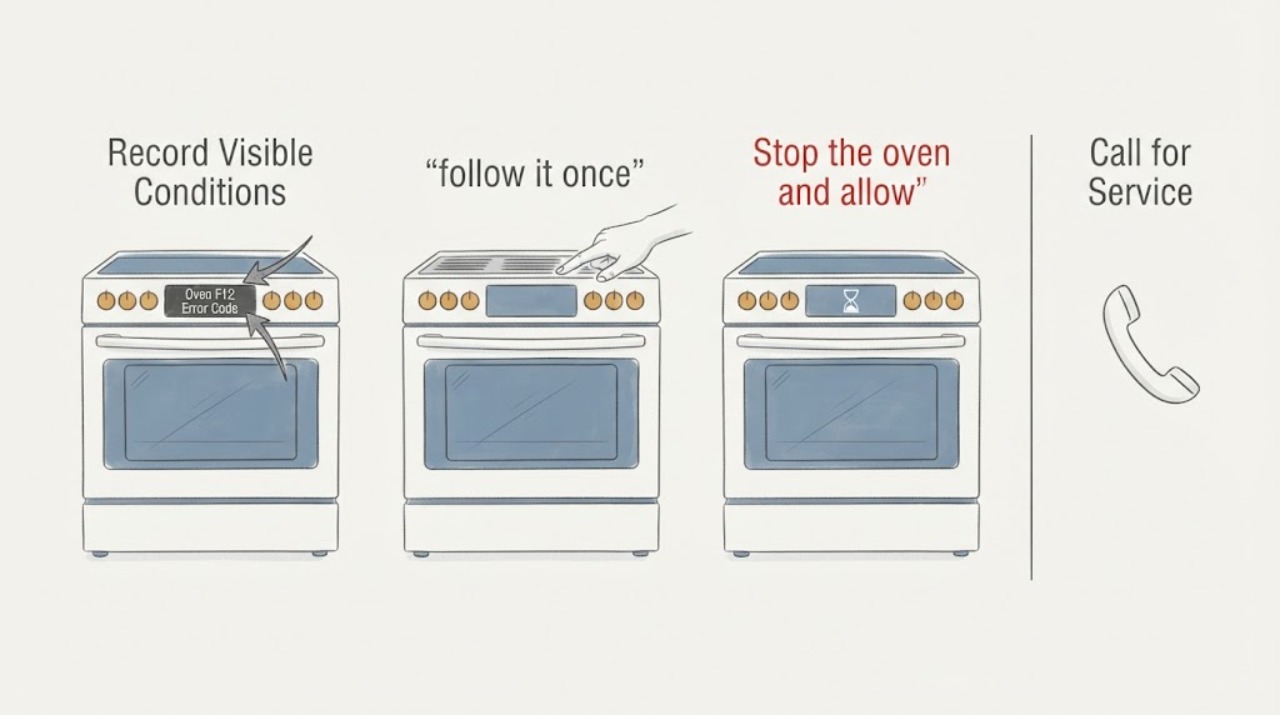
De'Longhi Oven F12 Error Code: Confirm the Model Before Resetting
Treat F12 on a De'Longhi oven as a model-specific fault code, not as proof of a particular failed part. The De'Longhi oven alert guidance reviewed here says an F-number is a fault code and directs the owner to an approved service centre; a separate official compact-oven manual says to record an ERR message, use its documented START/STOP reset, and disconnect the plug before consulting troubleshooting.
-
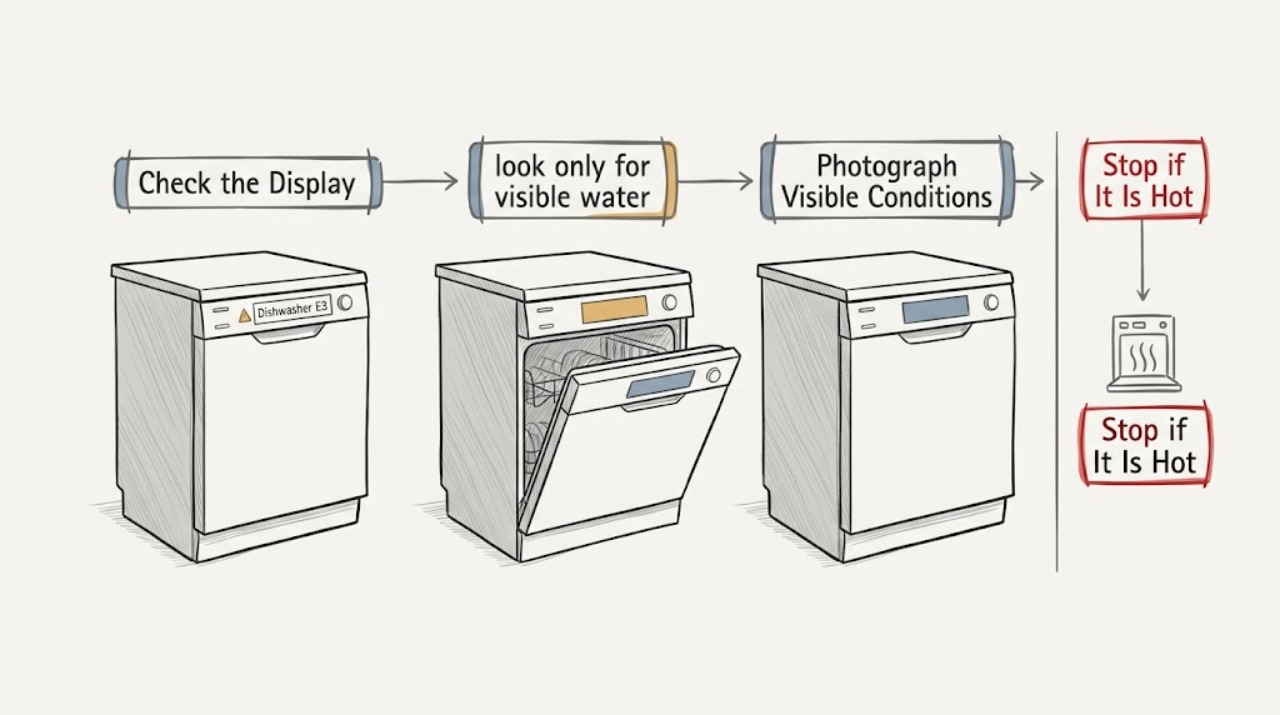
Electrolux dishwasher E3: identify the compact model type before acting
Do not apply one universal meaning to E3 on an Electrolux dishwasher. The opened Electrolux UK support article covers compact dishwashers and gives different meanings by physical type: E3 on an integrated compact dishwasher indicates too much inlet water and/or a leak, while E3 on a free-standing compact dishwasher indicates a heating-element malfunction.
-
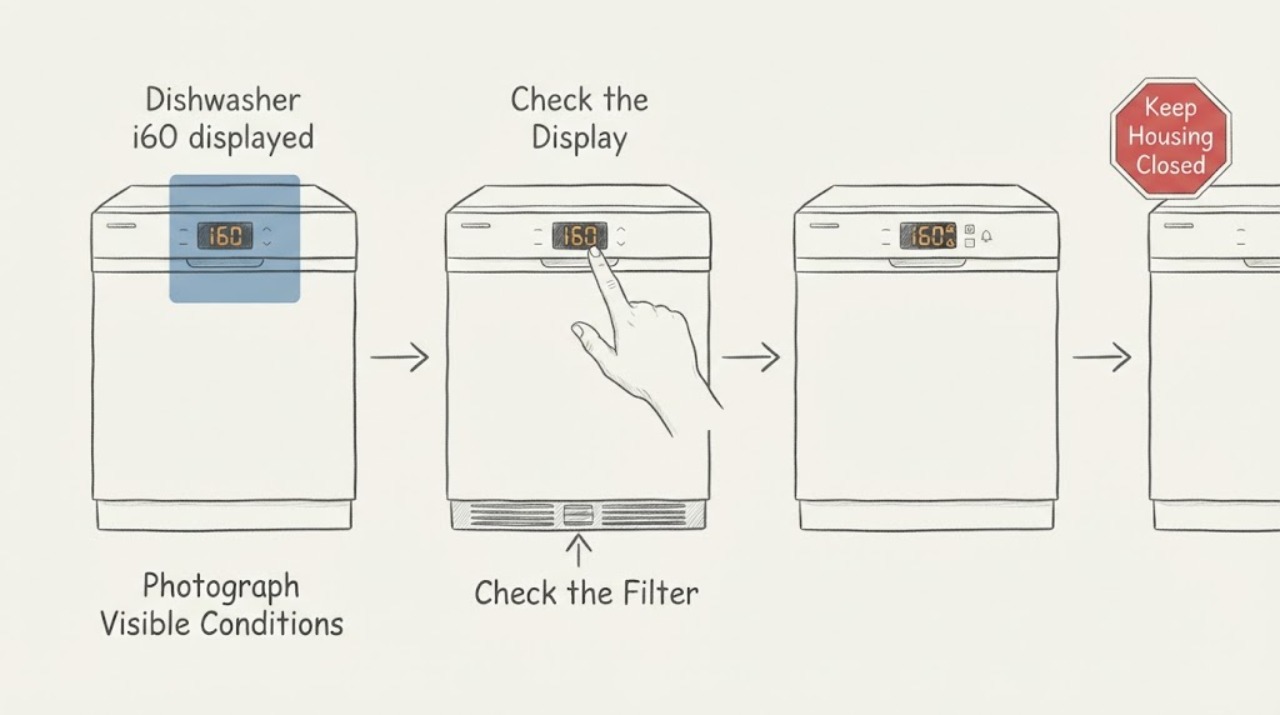
Electrolux dishwasher i60 displayed: check the heating-related conditions without guessing a part
Electrolux's opened dishwasher support pages group i60 with a dishwasher that is not heating or drying. The published i60 guidance is for dishwashers, but the task has no model or market, so do not infer a heater, temperature sensor, or control-board failure and do not copy a reset or subcode procedure from another platform.
-
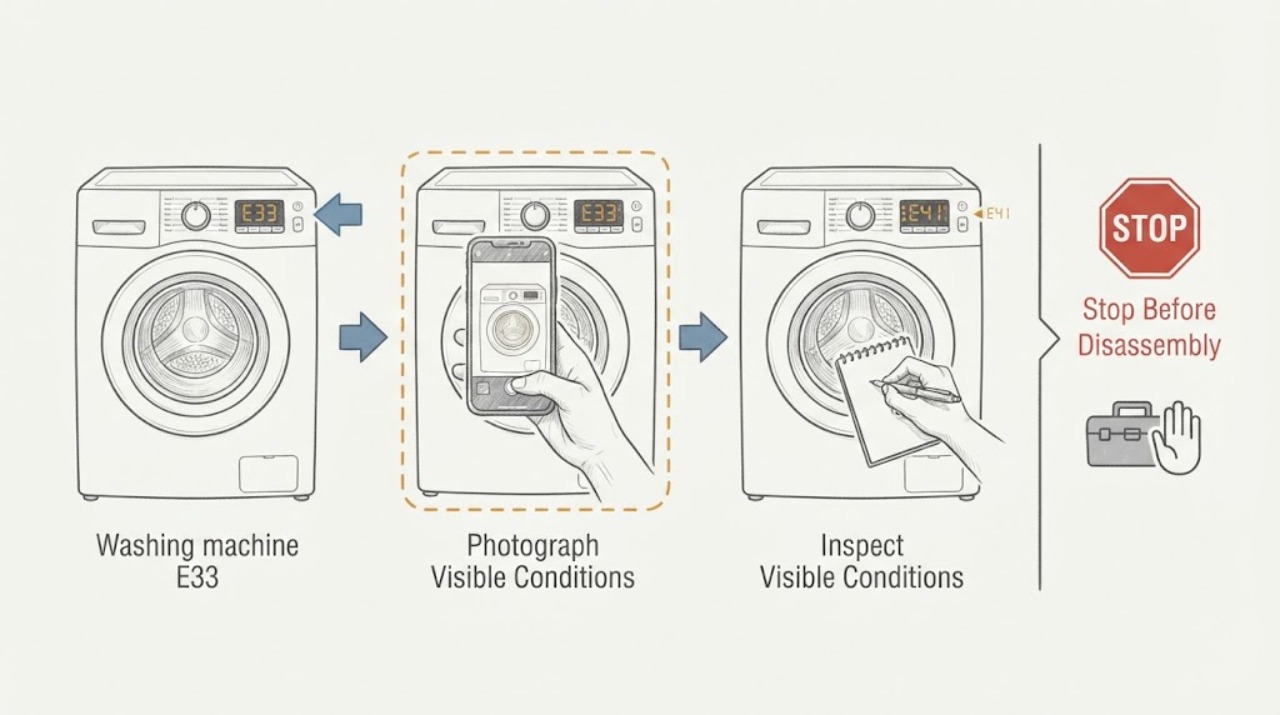
Electrolux washing machine E33: identify the platform before troubleshooting
Do not treat E33 as a universal Electrolux washer diagnosis. An opened Electrolux technical alarm guide lists E33 on specific EWM1000-family platforms as an inconsistency between pressure-level information and the anti-boiling pressure switch, with a safety-drain response; the exact table and display method depend on the platform.
-
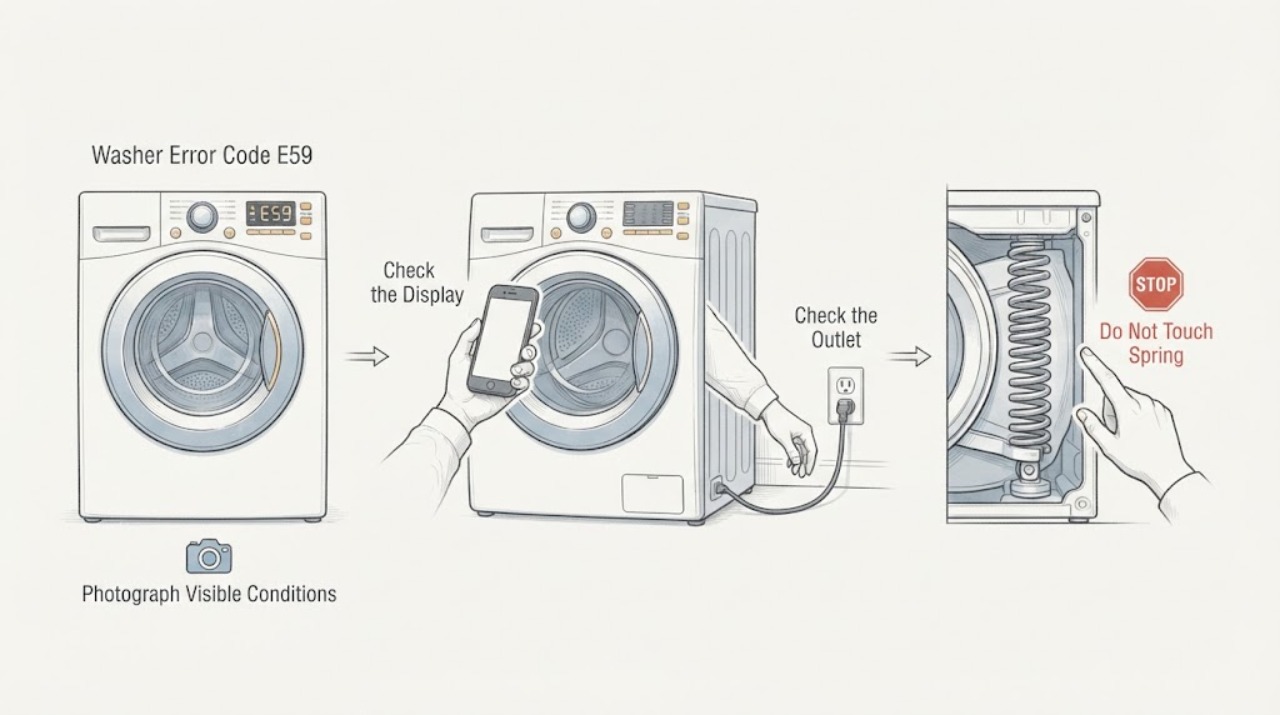
Electrolux Washer Error Code E59: Stop Use and Confirm the Exact Platform
If an Electrolux washer displays E59, stop using it rather than choosing a motor, inverter, or control-board part from the code alone. Electrolux UK's opened support article groups E59 with E50, C9, and F9 and describes a motor fault for the applicable washing-machine and washer-dryer platforms; it says to stop using the appliance, unplug it, turn off the tap, and arrange service.
-
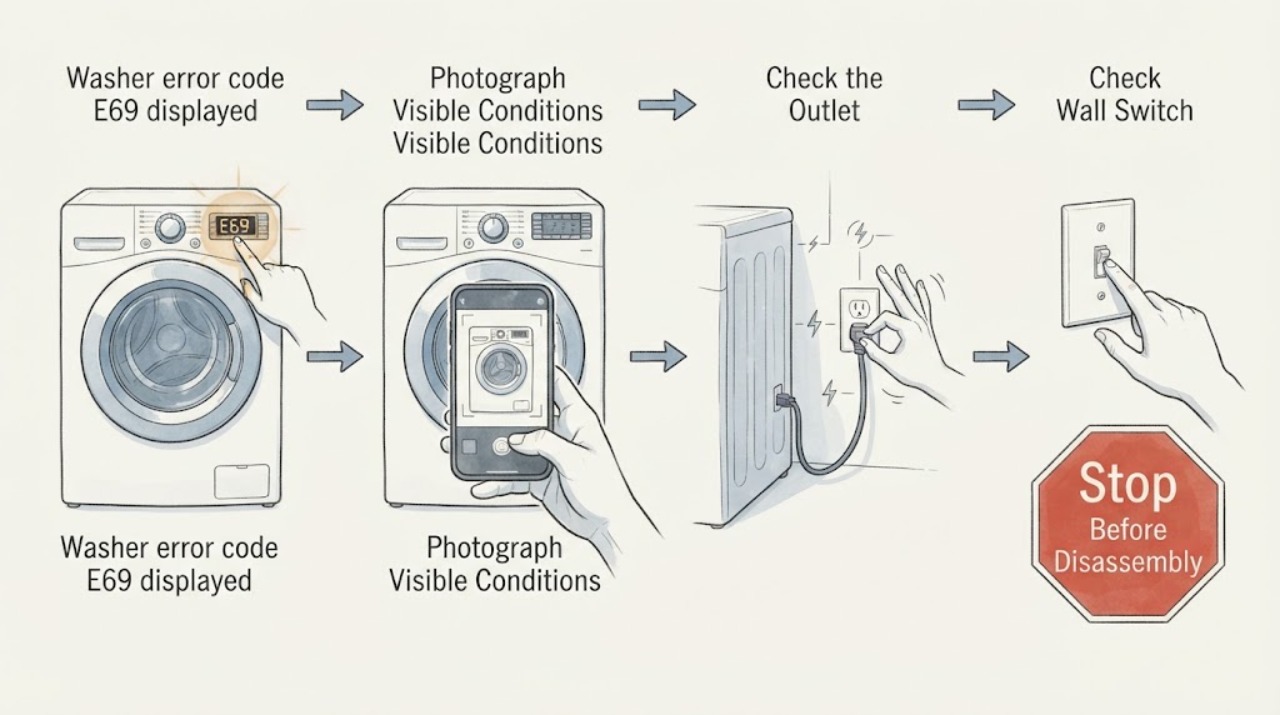
Electrolux washer error code E69 displayed | Fix Guide
On Electrolux washing machines, E69 is included in the E6 family, which Electrolux describes as generally referring to a heating problem. That grouping does not prove that the heating element, sensor, wiring, or control board is the failed part.
-
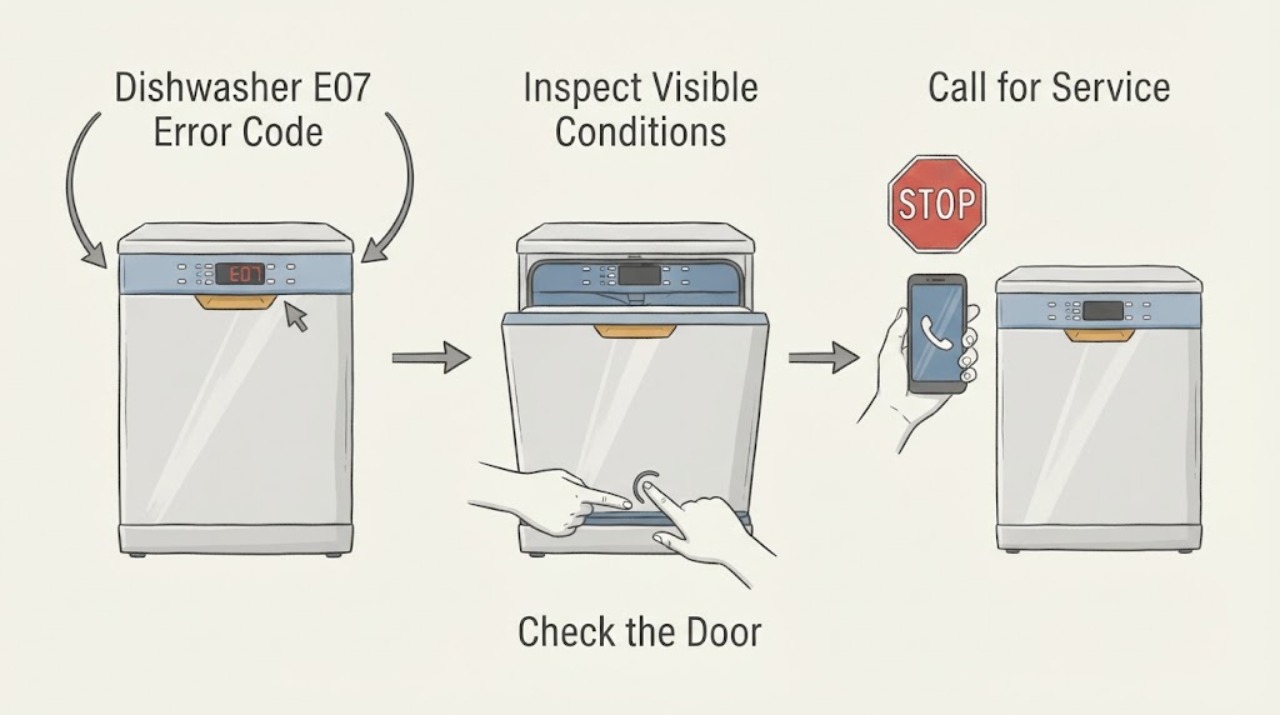
Gaggenau Dishwasher E07 Error Code: Check the Intake Opening
On the Gaggenau dishwasher manual reviewed for this topic, E:07 means utensils are covering the intake opening on the right inside of the appliance. Stop loading the dishwasher, open the door normally, and rearrange only the dishes that block that opening.
-
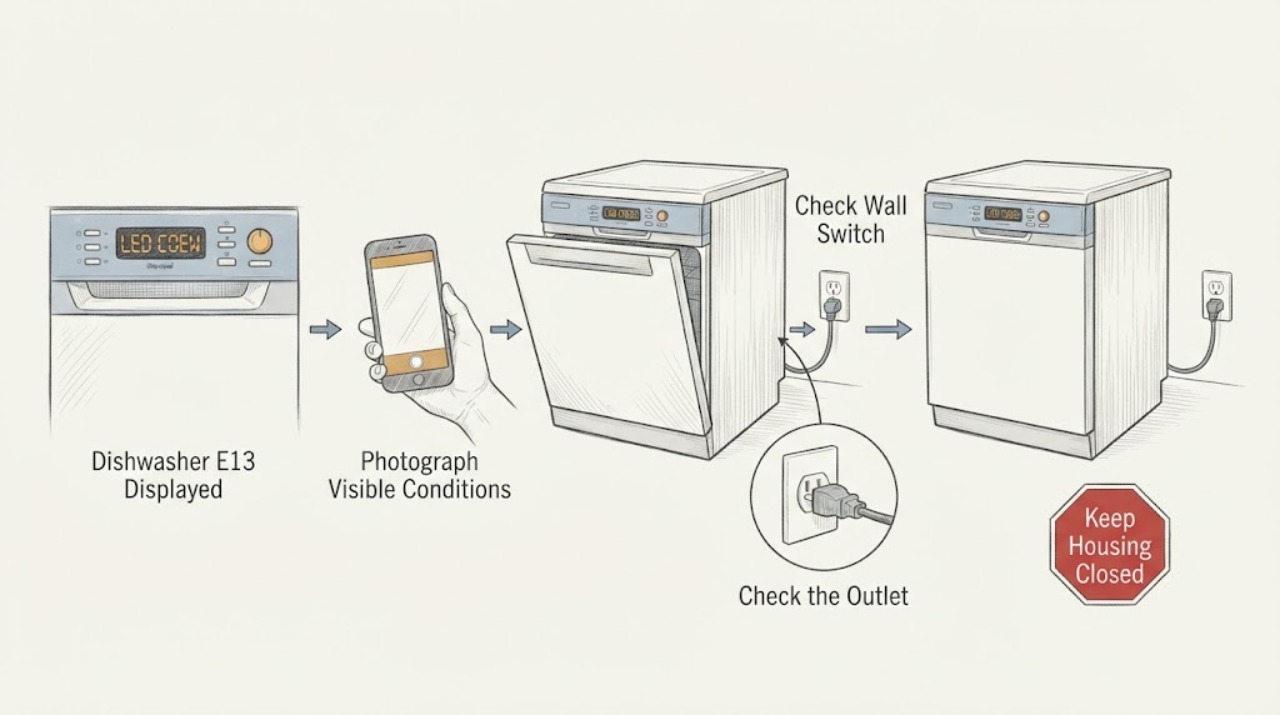
Gaggenau Dishwasher E13 Displayed: Match the Model Before Resetting
Treat a Gaggenau dishwasher display of E13 or E:13 as a model-specific fault, not as proof of one universal failed part. First photograph the complete display and read the exact E-Nr/model and market from the rating label or paperwork.
-
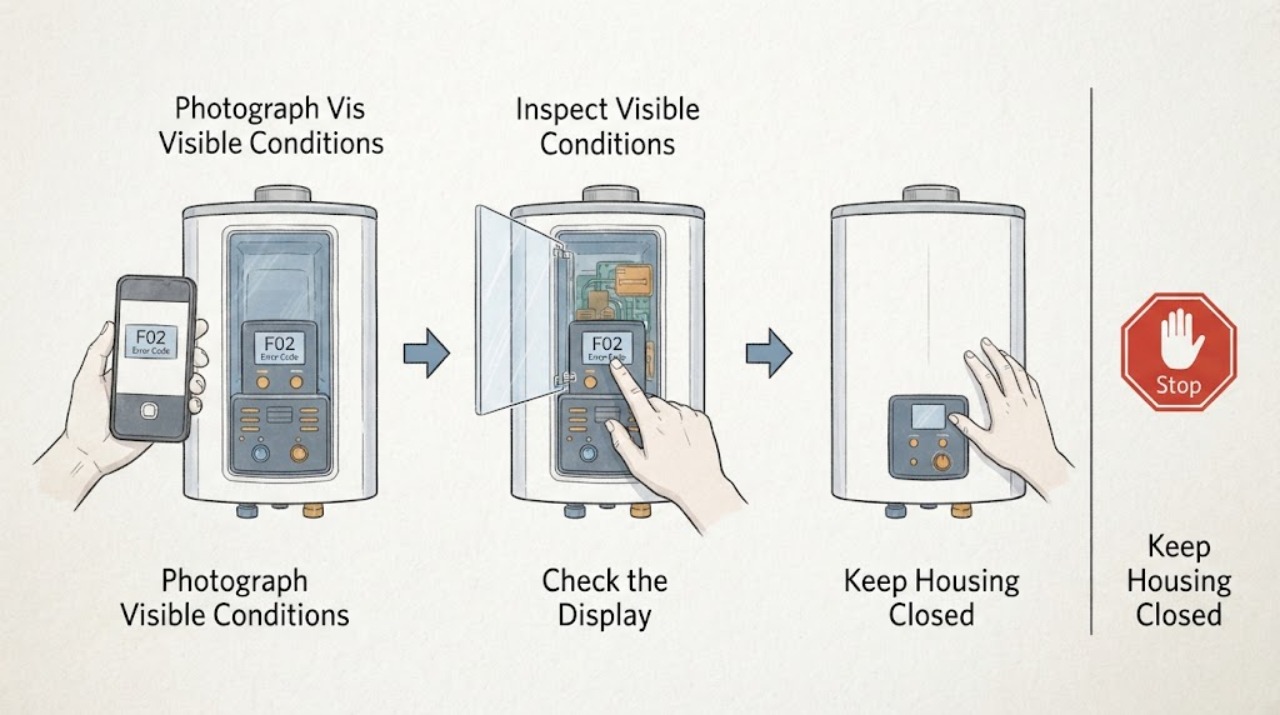
GE Water Heater F02 Error Code: Identify the Model Before Resetting
GE does not publish one universal F02 meaning for every water heater. The code system depends on the exact product, and GE says current GeoSpring fault meanings are in the matching Owner's Manual; for other water heaters, GE asks you to provide the model, serial number, problem description, and fault code to support.
-
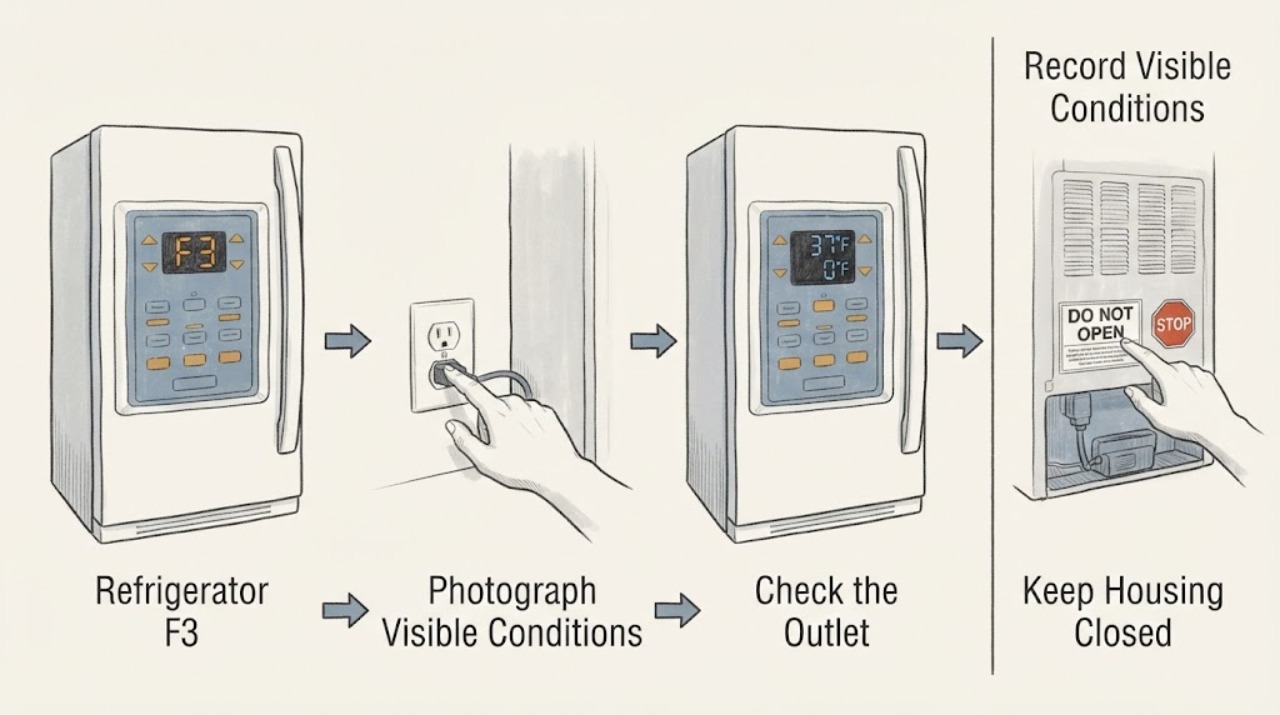
Haier refrigerator F3: sensor-error scope and model check
Do not treat Haier refrigerator F3 as a universal code. Haier India, Saudi Arabia, and Bangladesh refrigerator support pages place F3 in a group of F1-F9 sensor errors, but each page also warns that different series display different codes and directs owners to service rather than user repair.
-
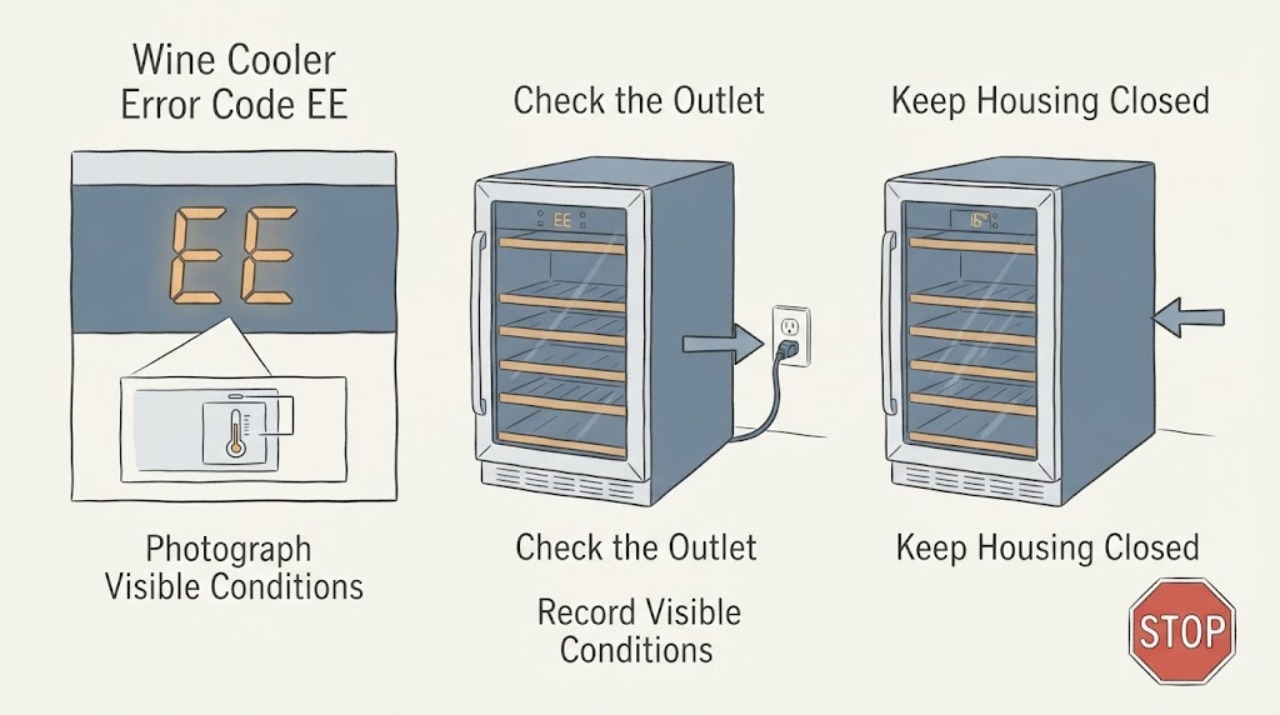
Haier Wine Cooler Error Code EE Displayed
Haier's opened regional support tables list EE among wine-cellar error codes and group it with sensor or sensor-temperature errors, but Haier also warns that different series display different codes. Confirm the cooler's exact model, market, and complete display before applying the meaning.
-
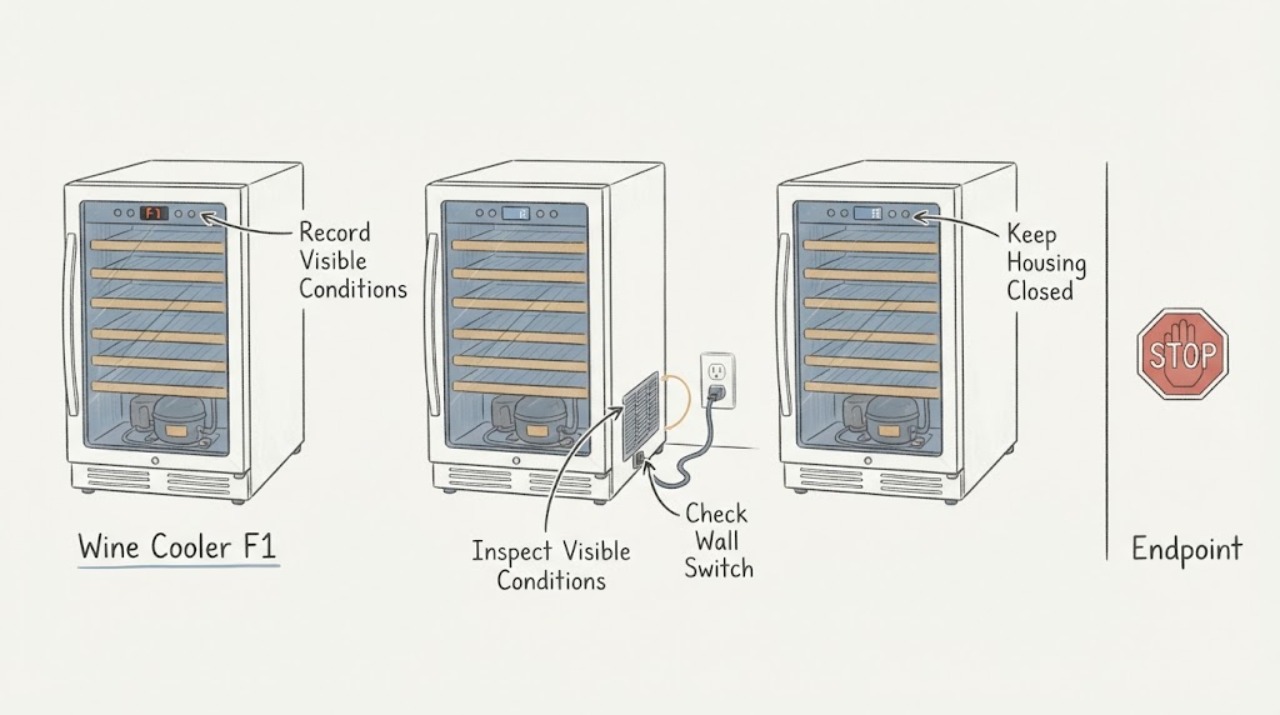
Haier Wine Cooler F1: Compressor Runs Too Long
On Haier wine cellars, the official F1/F4 error-code page says F1 means the compressor has been running continuously for more than three hours and directs the owner to service. Pressing the set or light button can silence the alarm, but it does not clear the code or fix the condition.
-
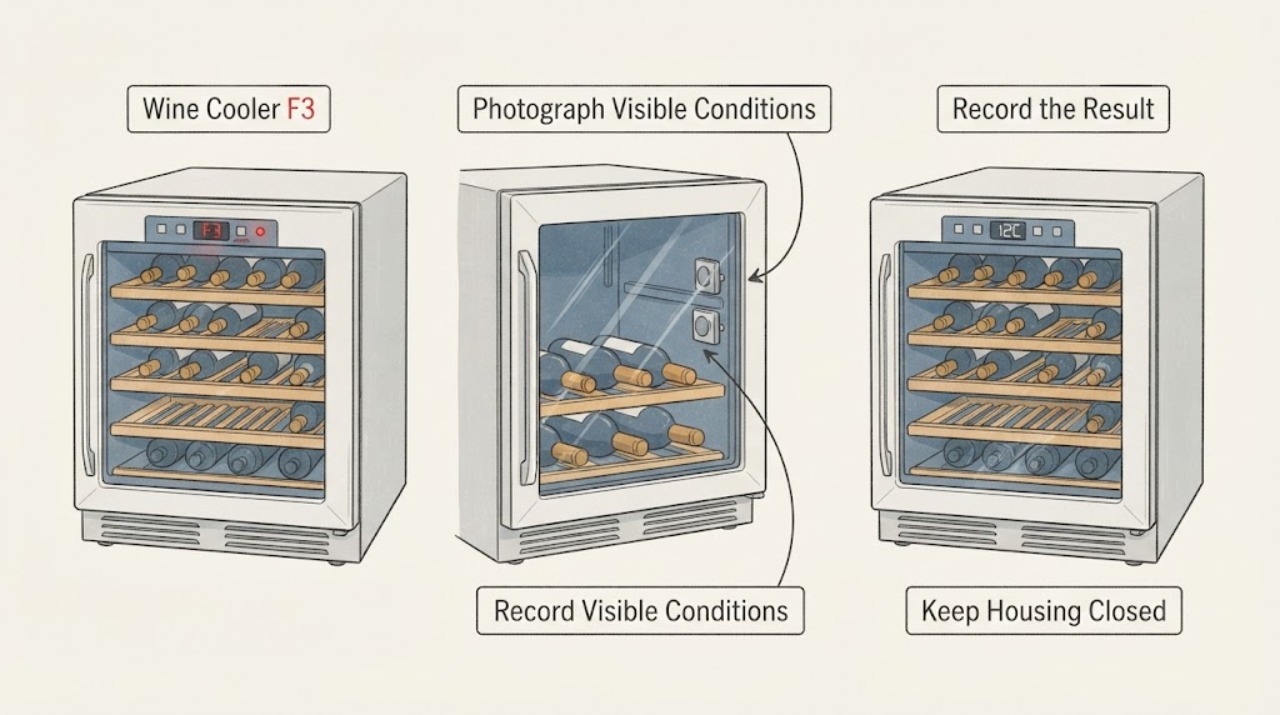
Haier Wine Cooler F3: Both Temperature Sensors Reported Failed
In Haier Appliances' official Wine Cellar Error Codes chart, F3 with the red indicator and buzzing alarm means both sensors have failed, and the stated solution is service. That is a model- and market-scoped service diagnosis, not permission to replace sensors or open the cabinet.
-
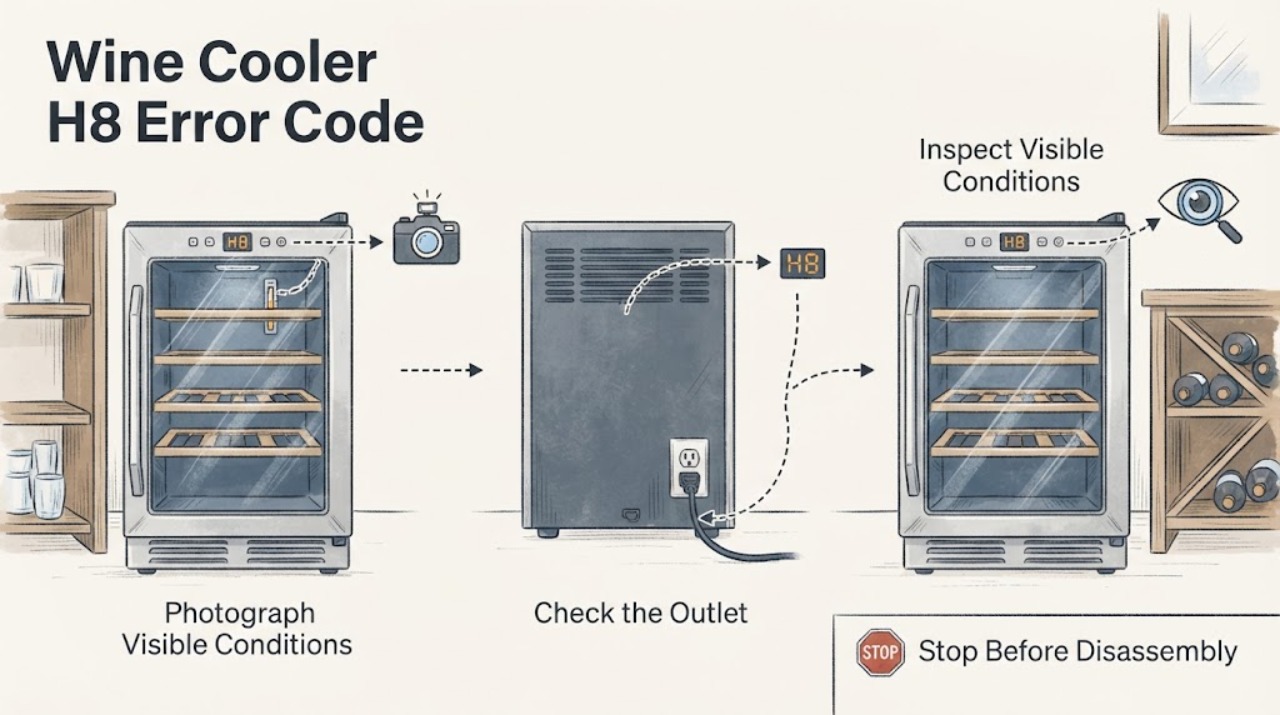
Haier Wine Cooler H8 Error Code: What the Display Means
Haier India lists H8 for a wine cellar as a display-panel error, but Haier also says different series can use different error-code sets; the opened U.S. and Philippines wine-cellar pages do not define H8.
-
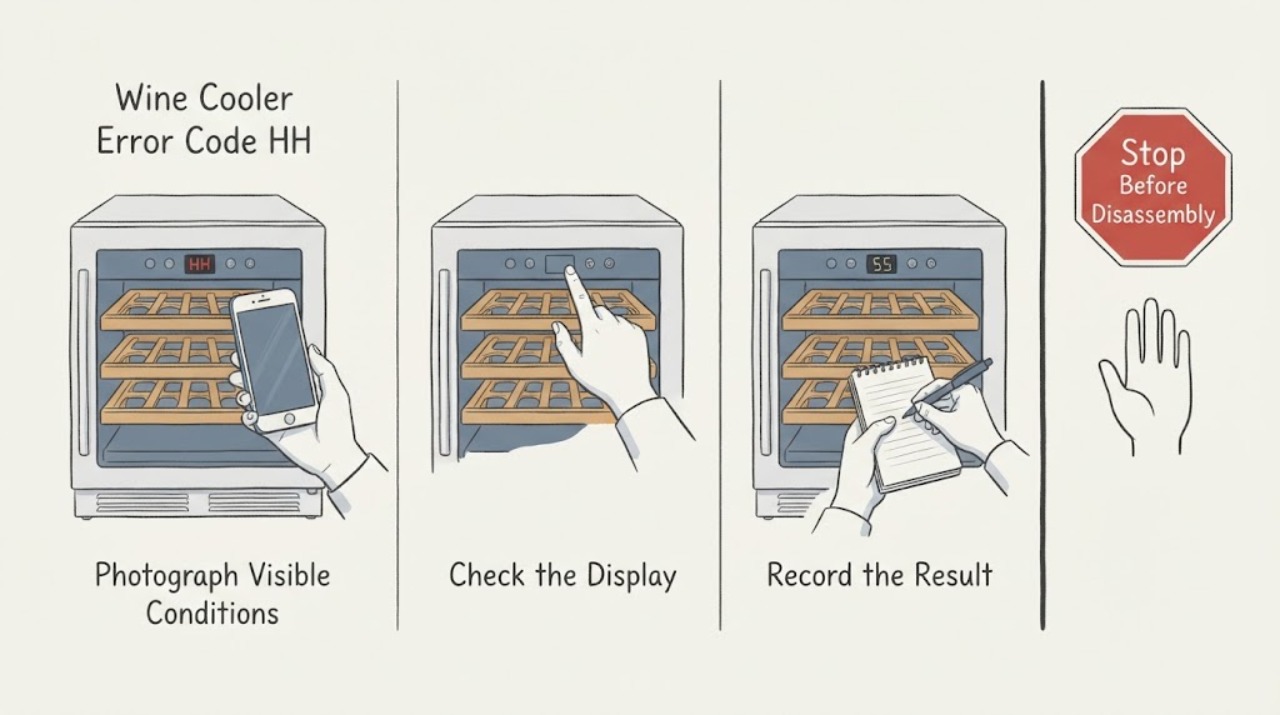
Haier Wine Cooler Error Code HH: Identify the Series Before Service
Haier’s opened support page lists HH among wine-cooler error codes but states that different series use different code sets and directs owners to service. Record the exact model, complete display, affected zone, temperature, and recent power or movement history. Check only visible door and external power conditions. Do not assign a universal HH meaning or open the sealed system; arrange Haier service if the code persists or cooling or electrical symptoms appear.
-
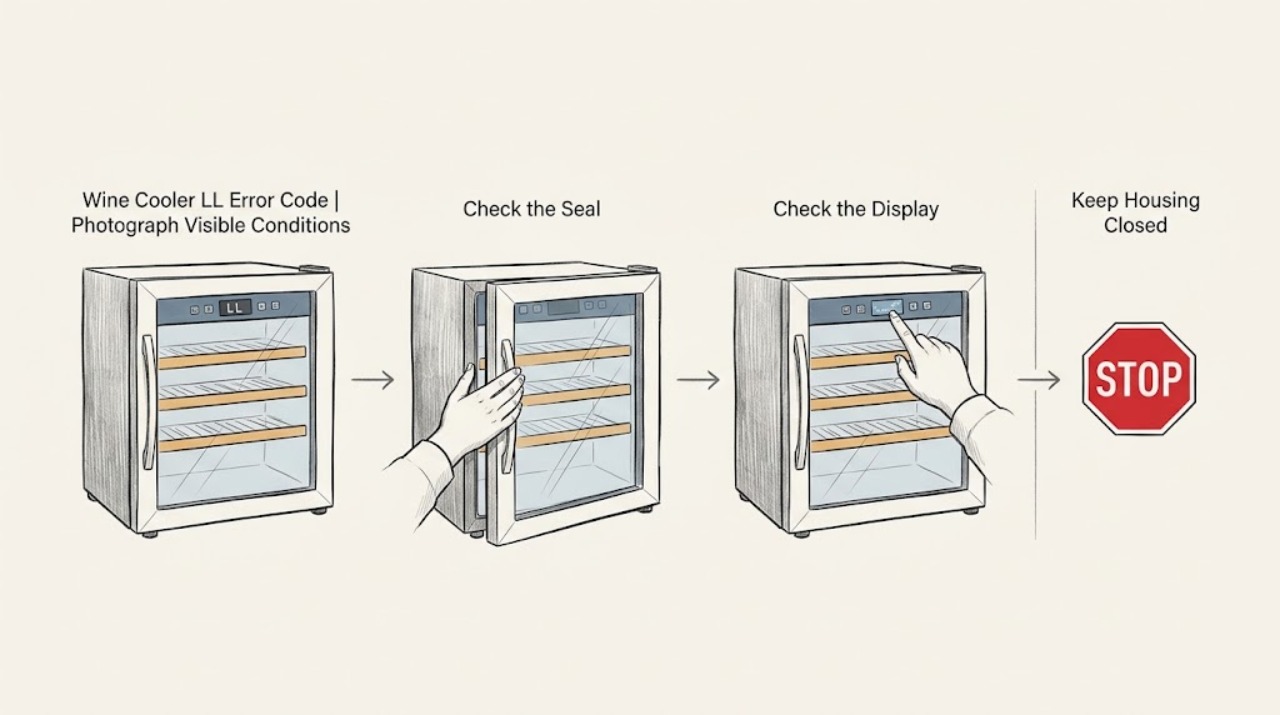
Haier Wine Cooler LL Error Code: Check for an Over-Cold Compartment Before Service
On Haier wine coolers, LL is model- and market-sensitive. Haier Appliances' opened wine-cellar chart says a flashing LL with a buzzing alarm means the related compartment is below 23°F, and tells the owner to stop running the wine cooler until the ambient temperature rises; the code can remain after the alarm is silenced.
-
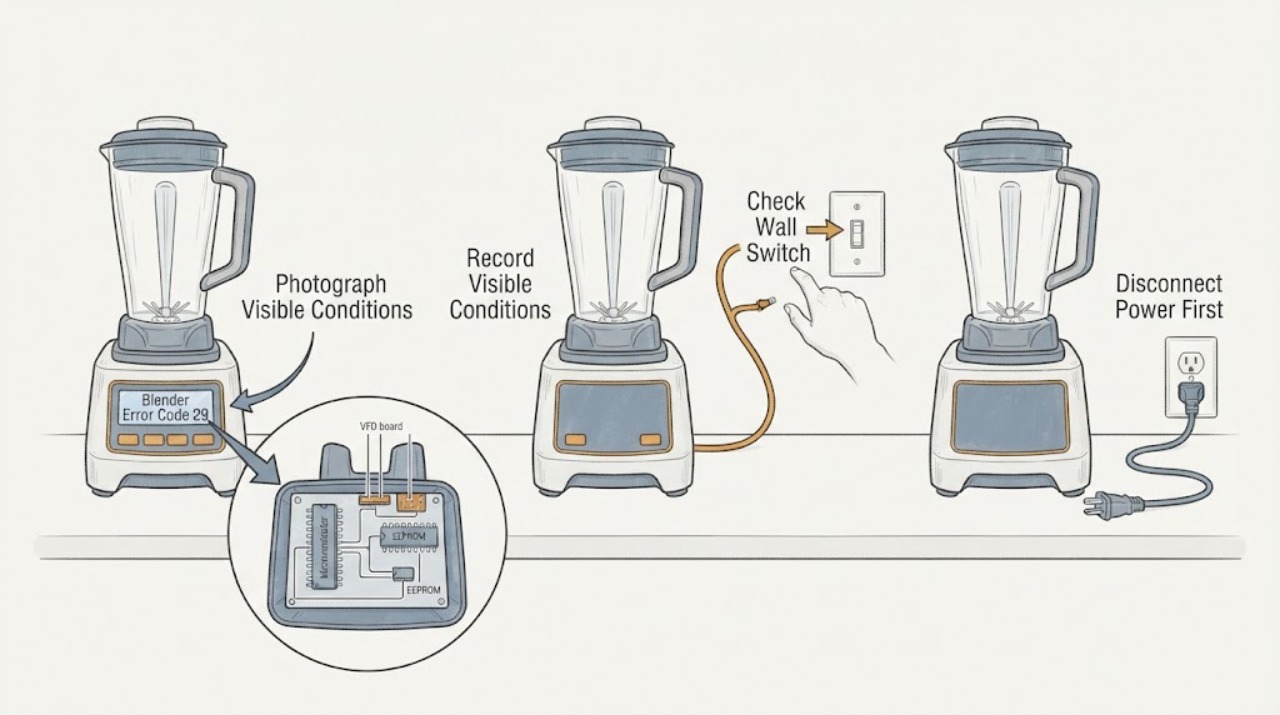
Hamilton Beach Blender Error Code 29: Check the Model Before Service
Do not treat 29 as a universal Hamilton Beach blender code. The opened Hamilton Beach technical document is specifically for the HBH850-230V Blender, Series A-N, and lists error #29 with #30, #42, #100, and #103 as a communication malfunction between the microcontroller and EEPROM; it directs replacement of the VFD board and display.
-
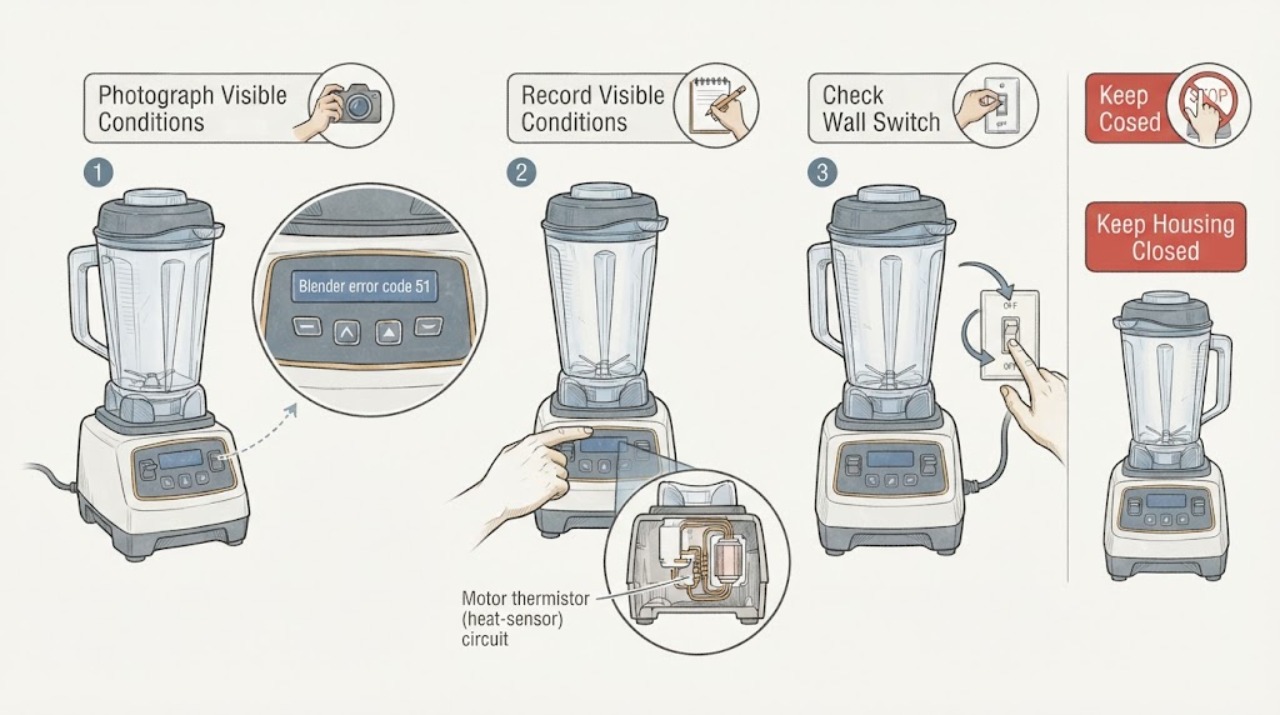
Hamilton Beach blender error code 51 displayed
Hamilton Beach's opened technical document identifies error #51 on the HBH850-230V Blender Technical Information Series A-N as a motor thermistor, or heat-sensor, connection that has been lost or is not working. That document is not a universal code table for every Hamilton Beach blender: verify the rating label, including HBH850 and the 230V variant, before applying it.
-
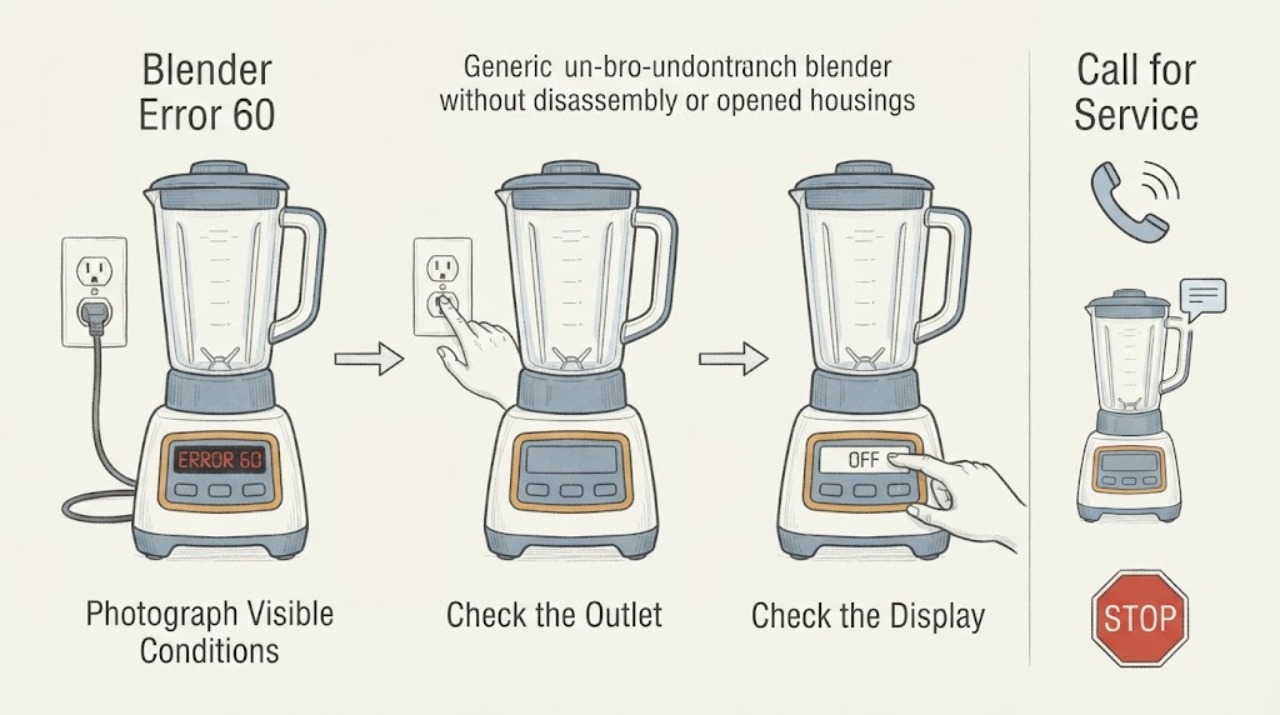
Hamilton Beach Blender Error 60: Model Check and Service Steps
Hamilton Beach error 60 is documented in the manufacturer's HBH850 Series M+ technical sheet, where display error 60 or 62 is associated with defective or corrupt EEPROM data and routed to board and display repair. First verify that the blender is an HBH850 Series M+ and that the complete display really shows 60.
-
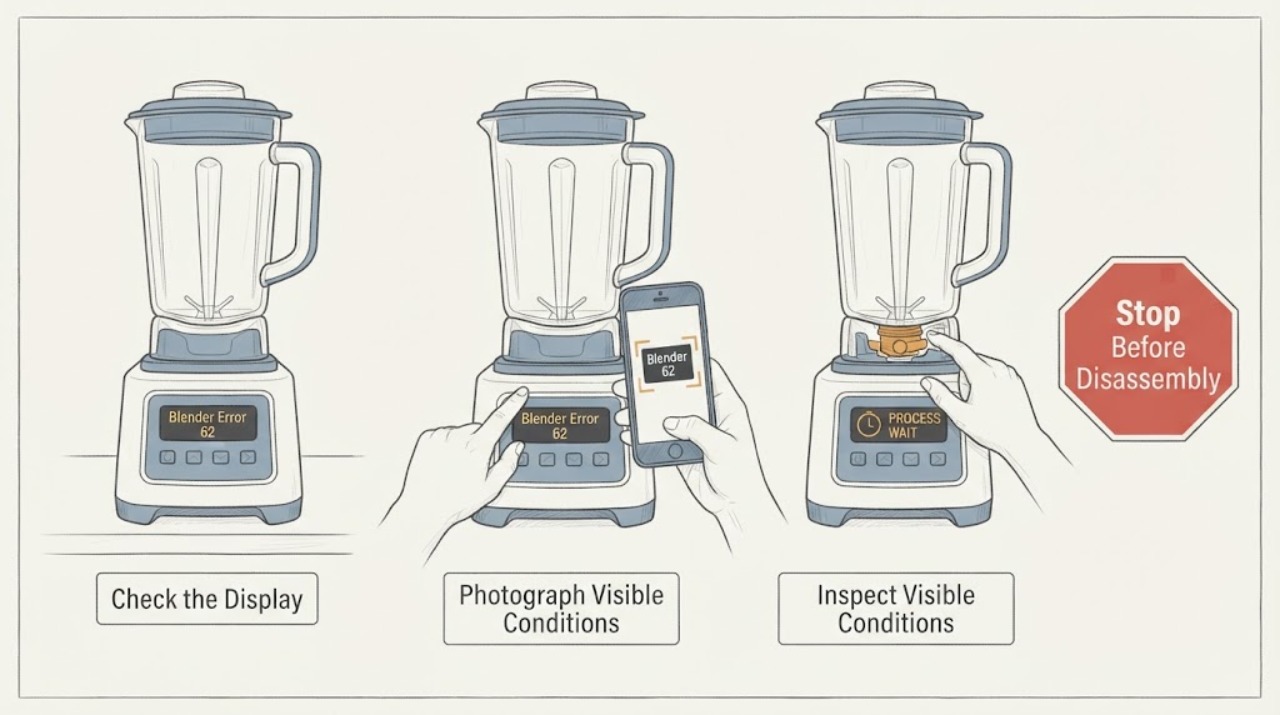
Hamilton Beach Blender Error 62: Identify the Model Before Service
Do not treat Hamilton Beach error 62 as a universal code for every blender. First record the exact model, type, and series from the rating label and the complete display pattern.
-
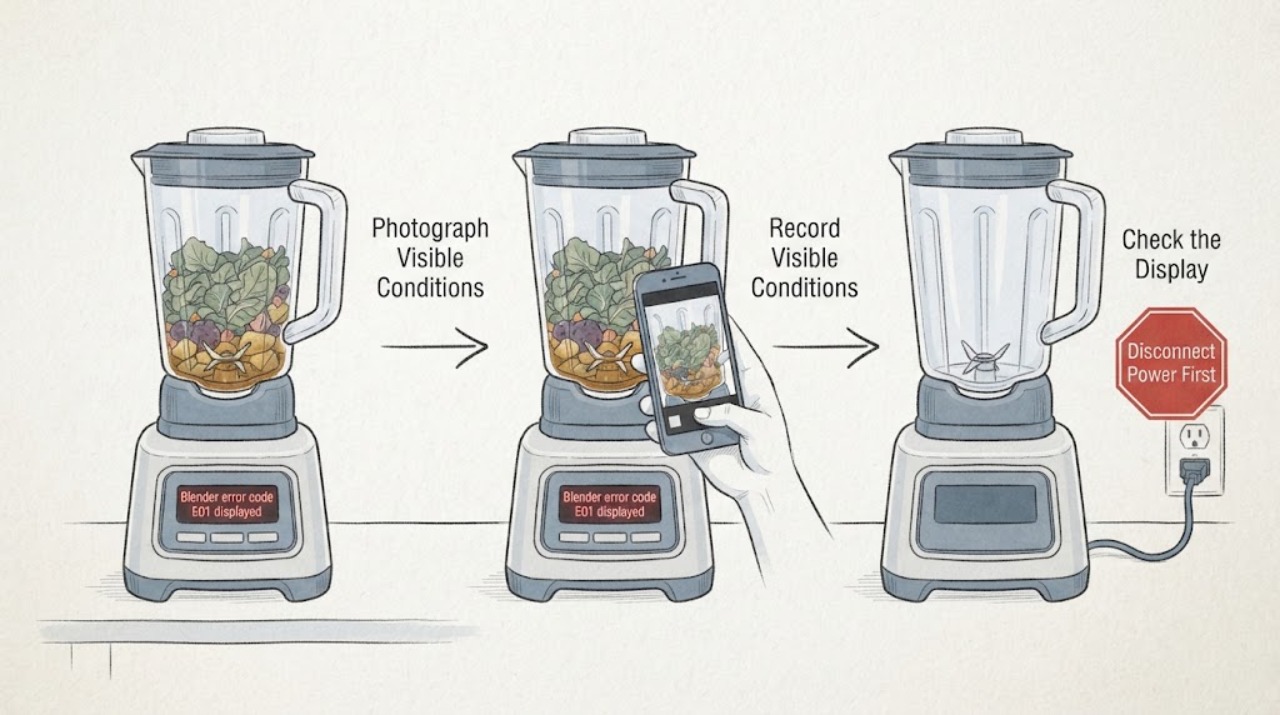
Hamilton Beach Blender error code E01 displayed
Hamilton Beach's opened 58770-IN Professional Juicer Mixer Grinder guide assigns display error E01 to food jamming the blade. That is model-specific, not a universal Hamilton Beach blender code.
-
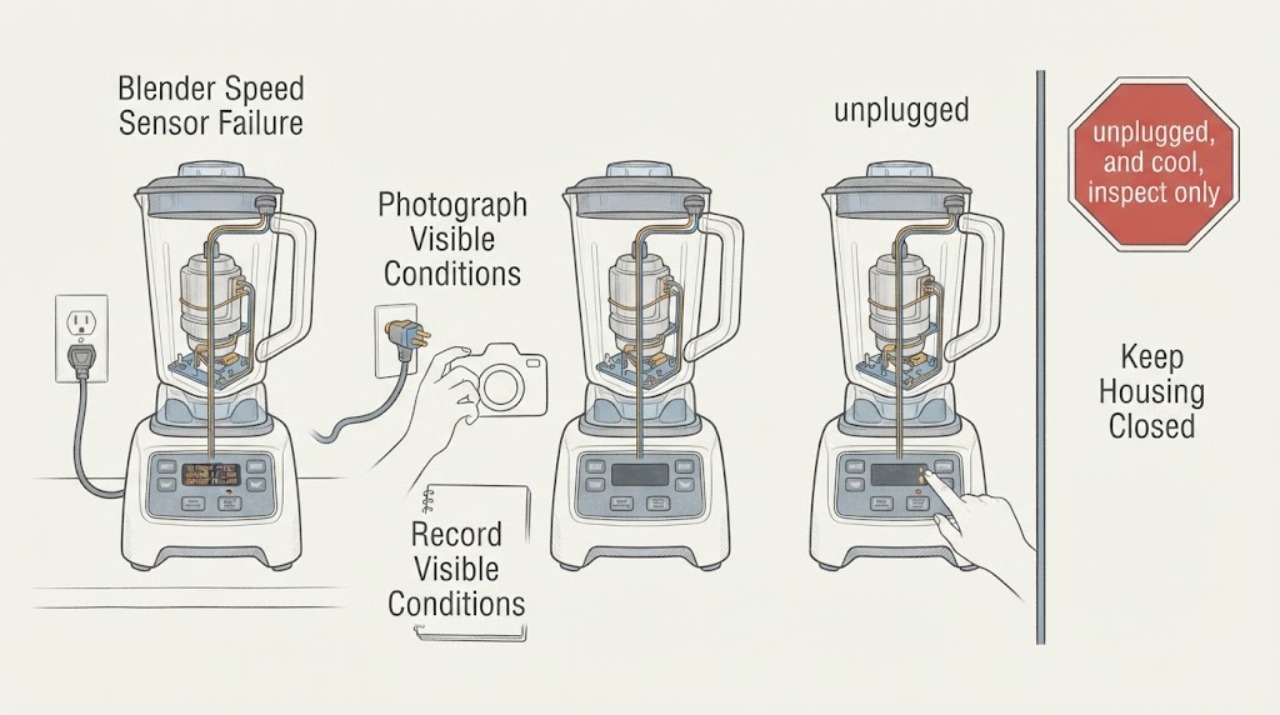
Hamilton Beach Blender Speed Sensor Failure: Check the Exact Commercial Model Before Service
On the Hamilton Beach commercial blender platforms covered by the opened guides, SPEED SENSOR FAILURE or Speed Sensor Error means the control is not detecting expected blender-motor rotation. It is not a universal code for every Hamilton Beach blender: the official sources cover the Revolution Series Ice Shaver/Blender and an HBH850-230V technical platform, so first photograph the complete message and confirm the exact model, series, and voltage.
-
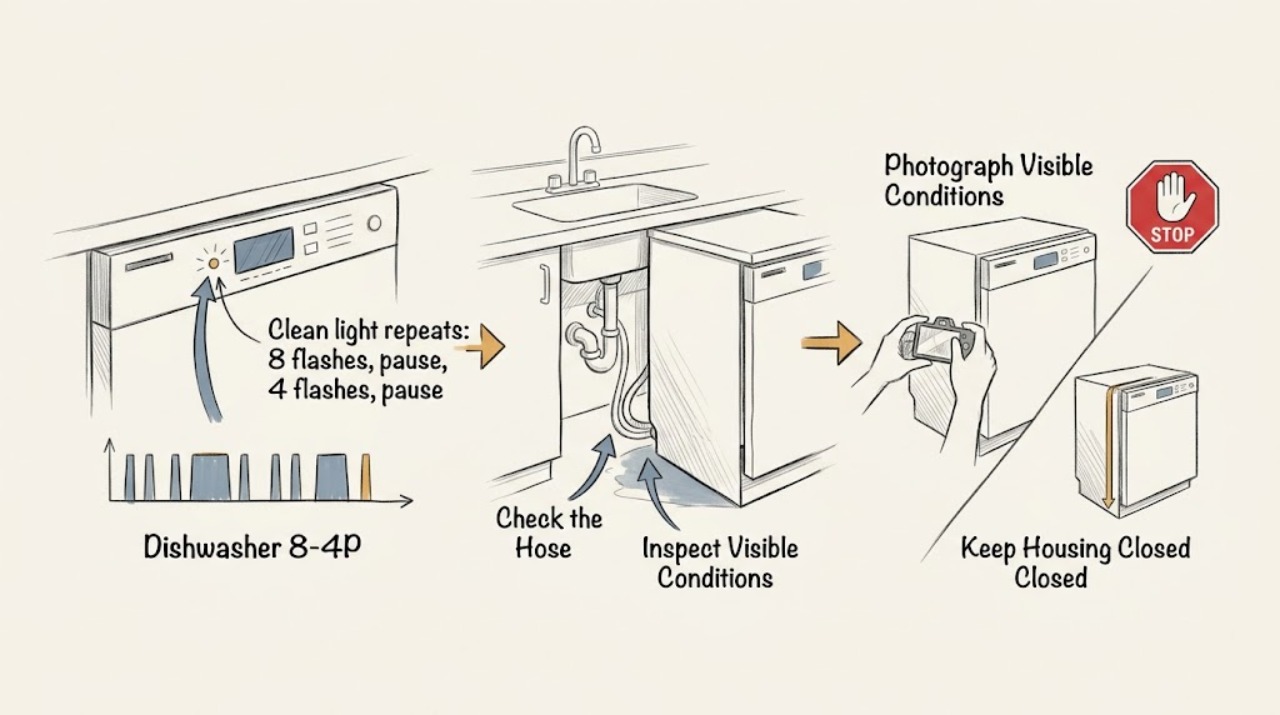
KitchenAid dishwasher 8-4P: read it as 8 Pause 4 Pause and check for F8E4 overfill
KitchenAid's official Product Help page labels this pattern “8 Pause 4 Pause,” not a separate alphanumeric 8-4P code. On the applicable KitchenAid dishwasher platform, it corresponds to F8E4: water detected in the drip tray/overfill protection, and operation may be prevented.
-
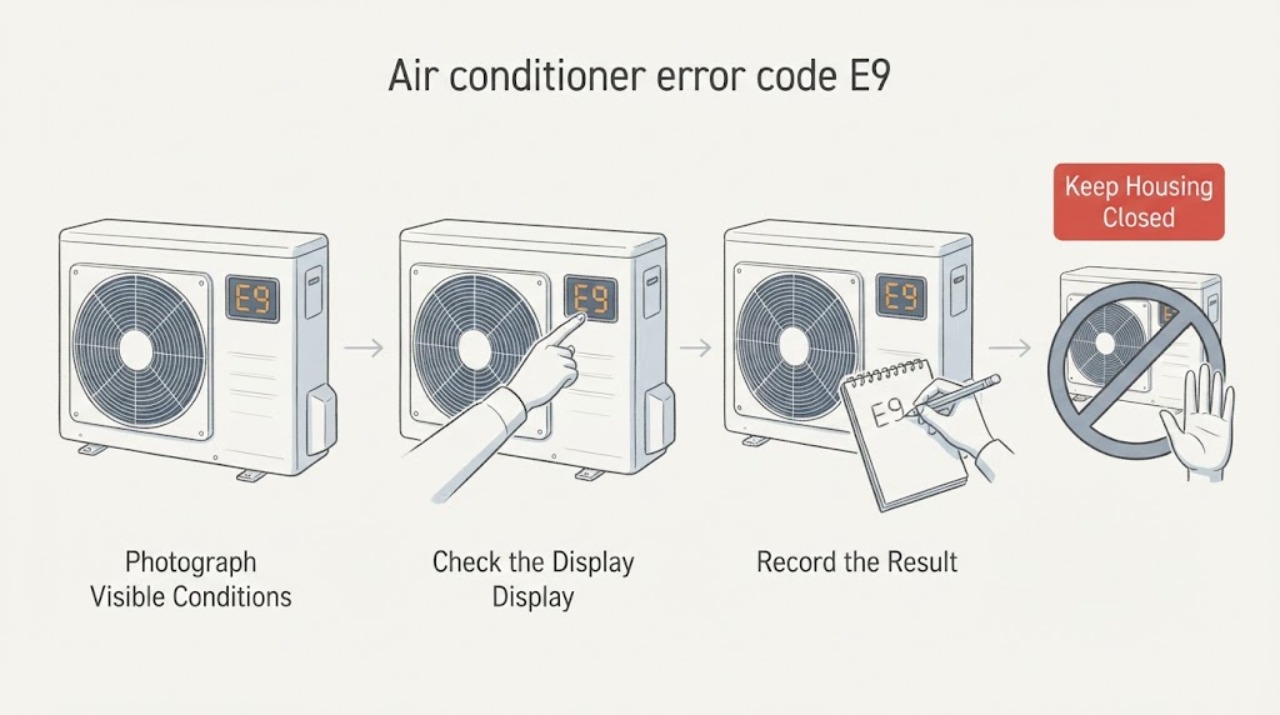
LG air conditioner error code E9 displayed
On LG's UAE troubleshooting guide for supported Multi Split, Multi V, Single Split, and ventilation products, E9 is grouped with faults involving the outdoor-unit compressor or its control circuits. LG says to record the code, reset power once, and request service if E9 returns. LG also says air-conditioner codes and their display method vary by model and product type, so do not apply this meaning to an unconfirmed model or market.
-
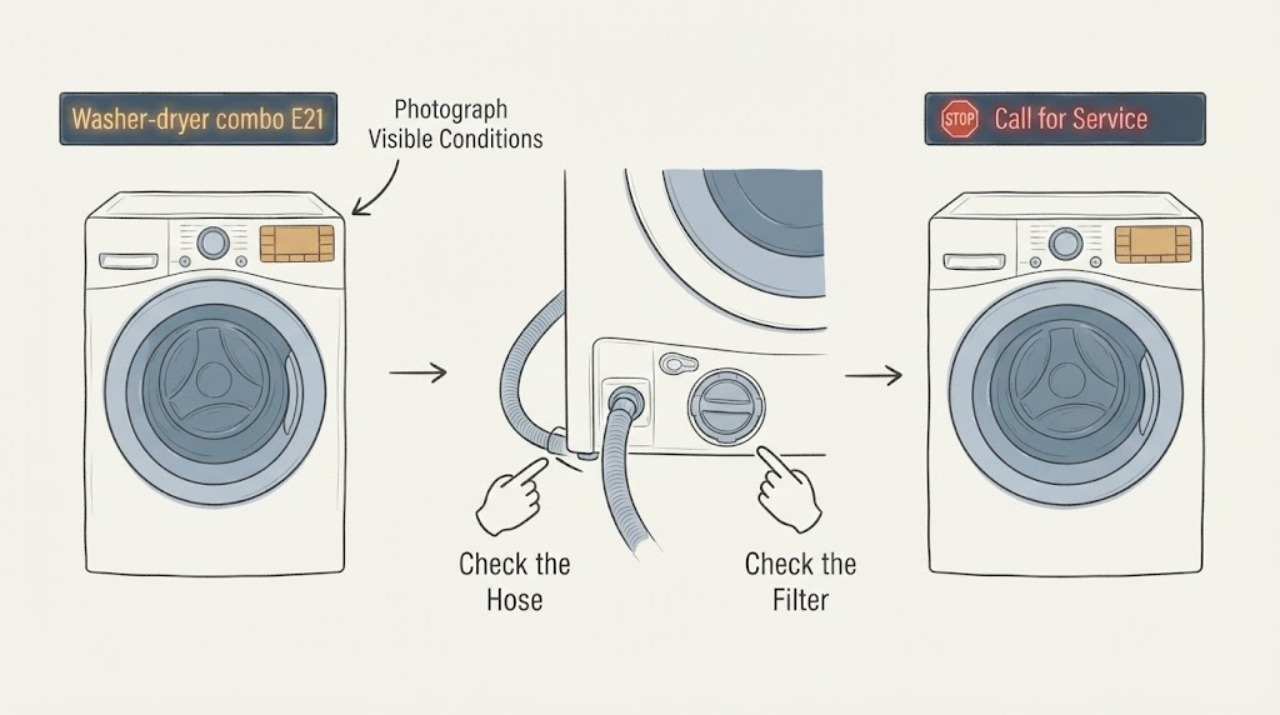
Magic Chef washer-dryer combo E21: check the drain path before service
On the Magic Chef 24-inch washer-dryer combo family covered by the opened MCSCWD27W5/MCSCWD27S5 user manual, E21 means water is taking too long to drain. First photograph the complete code and confirm the exact combo model and U.S.
-
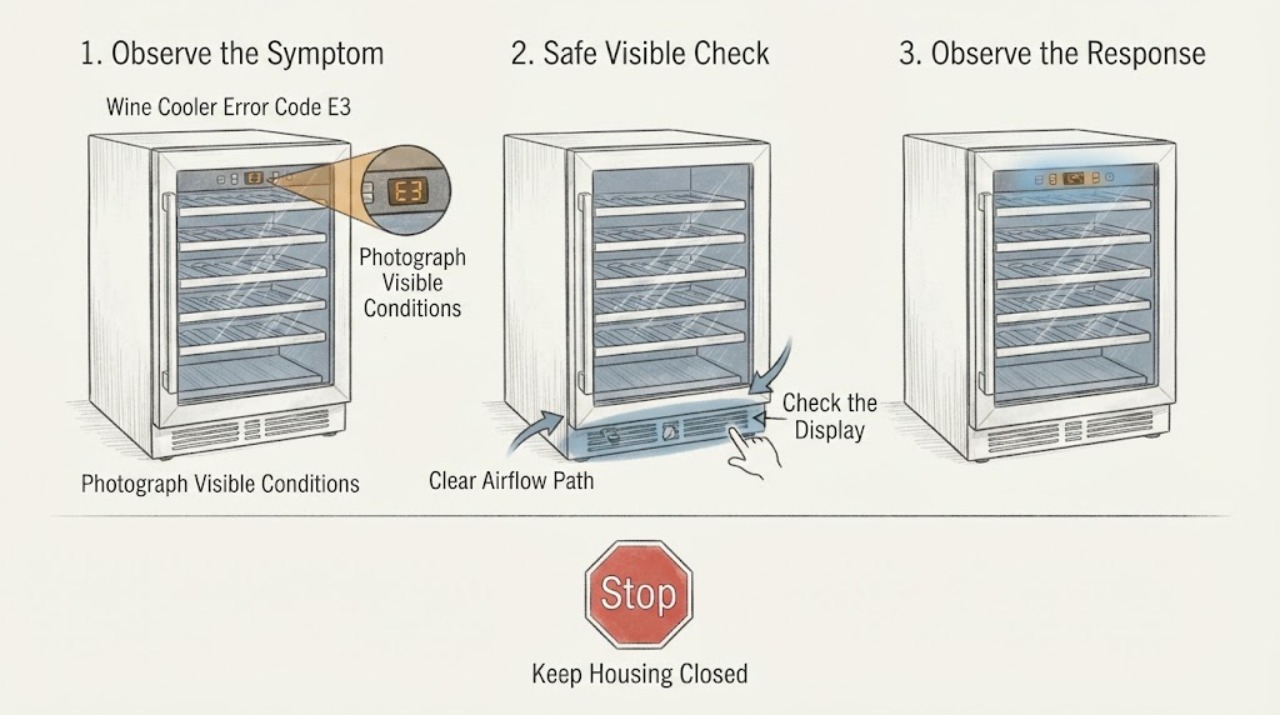
Magic Chef Wine Cooler Error Code E3: Fan Check and Service Boundaries
On the opened Magic Chef MCWBC77DZC wine-and-beverage-cooler manual, E3 means a DC electric fan error for the upper zone. The exact code map is model-specific, so first match the cooler's model and confirm which zone shows E3. Check only the external ventilation and loading areas with power off; do not open the cabinet or attempt a fan repair. The manual directs owners to contact customer service for E3 and says not to repair the unit themselves.
-
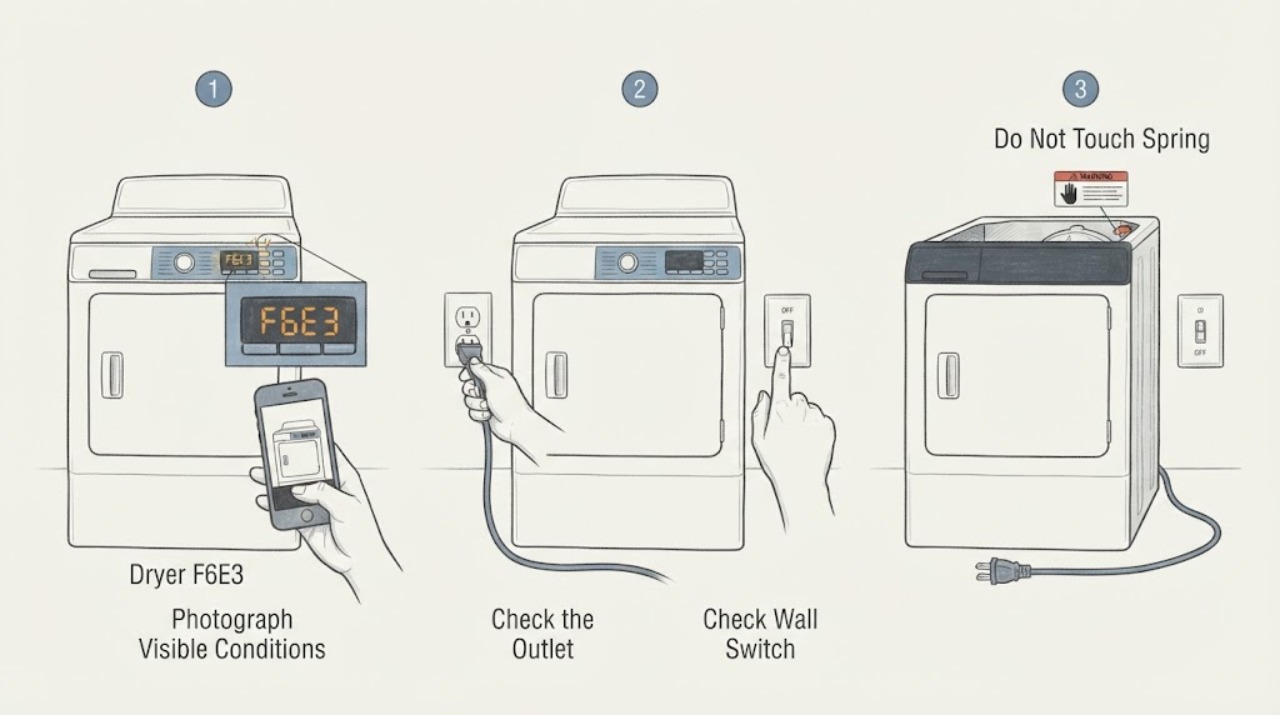
Maytag dryer F6E3: use the model-scoped reset, then stop if it returns
Maytag's opened dryer-specific F6E3 guidance covers the U.S. and Canada and does not identify a user-replaceable part.
-
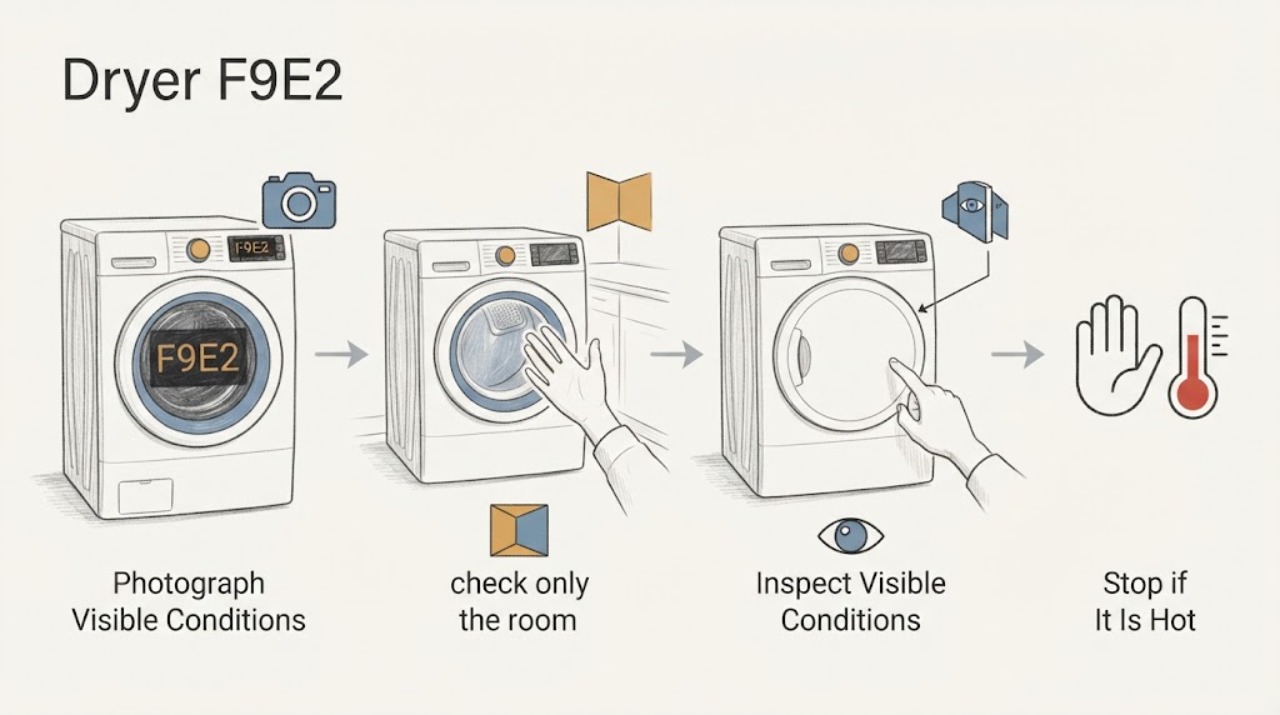
Maytag dryer F9E2: safe reset and service decision
Maytag has a dryer-specific Product Help page for F9 E2. It allows one controlled check: turn the dryer circuit breaker(s) off for 5 minutes, restore power, run a Timed Dry cycle, and watch for the code for 5 minutes.
-
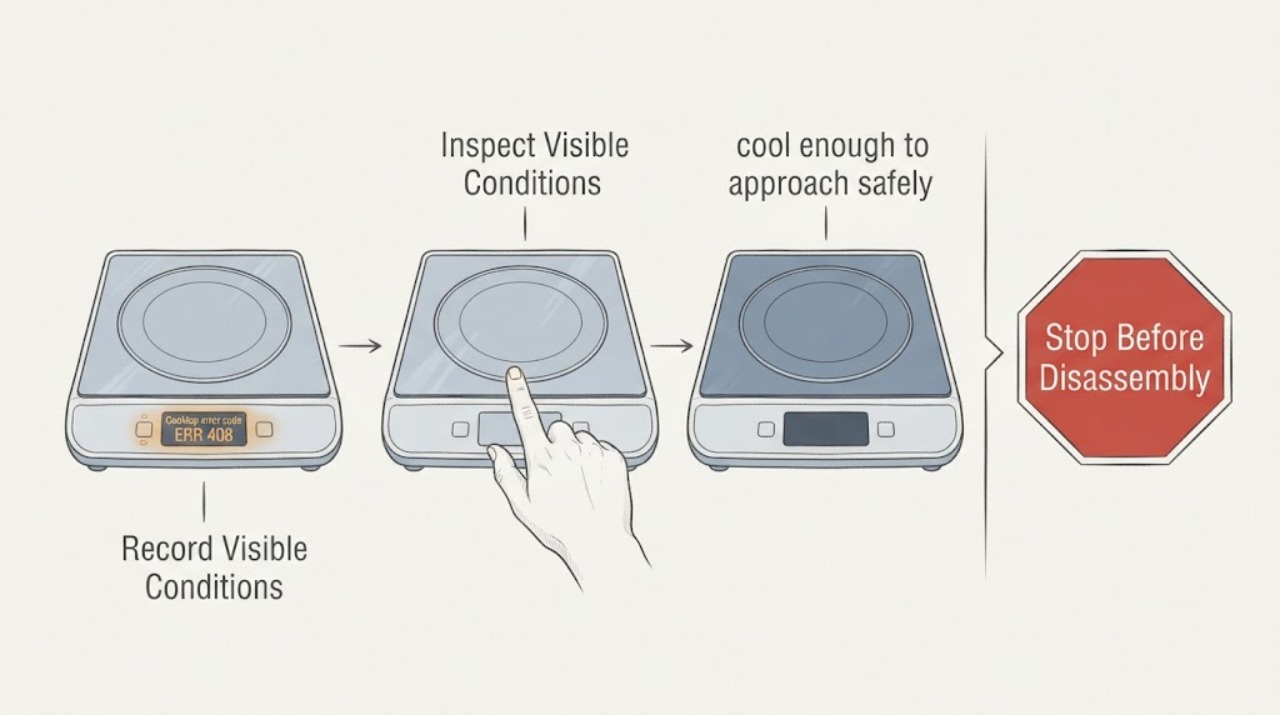
Miele cooktop error code ERR 408 displayed
On Miele cooktops covered by Miele's official support article, `Err` alternating with `408` in the timer display indicates an electronic fault. Miele's user-level instruction is to disconnect the cooktop from its power supply for about one minute, then check whether the fault clears.
-
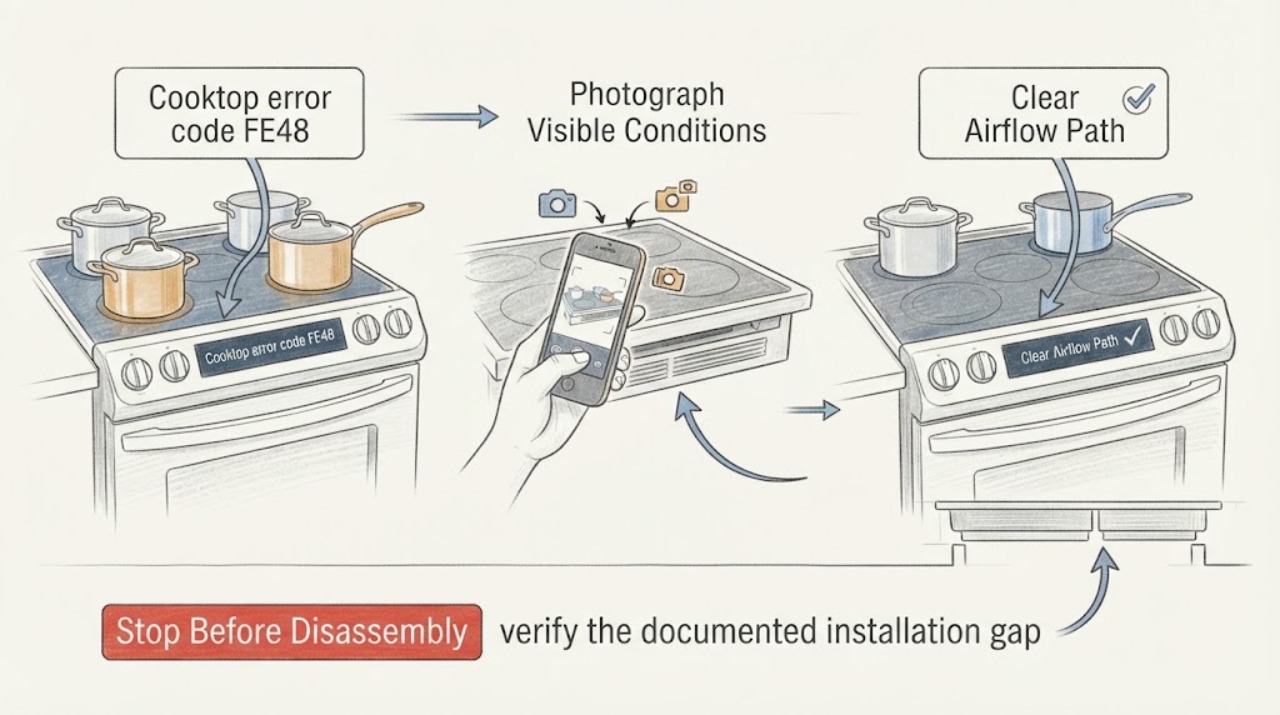
Miele cooktop error code FE48: safe checks for fan and ventilation faults
On a Miele induction cooktop, FE48 means the cooling path needs attention: Miele identifies a blocked fan or insufficient ventilation. Stop heating and, once the cooktop is safe to approach, remove only accessible objects or dust blocking the underside airflow.
-
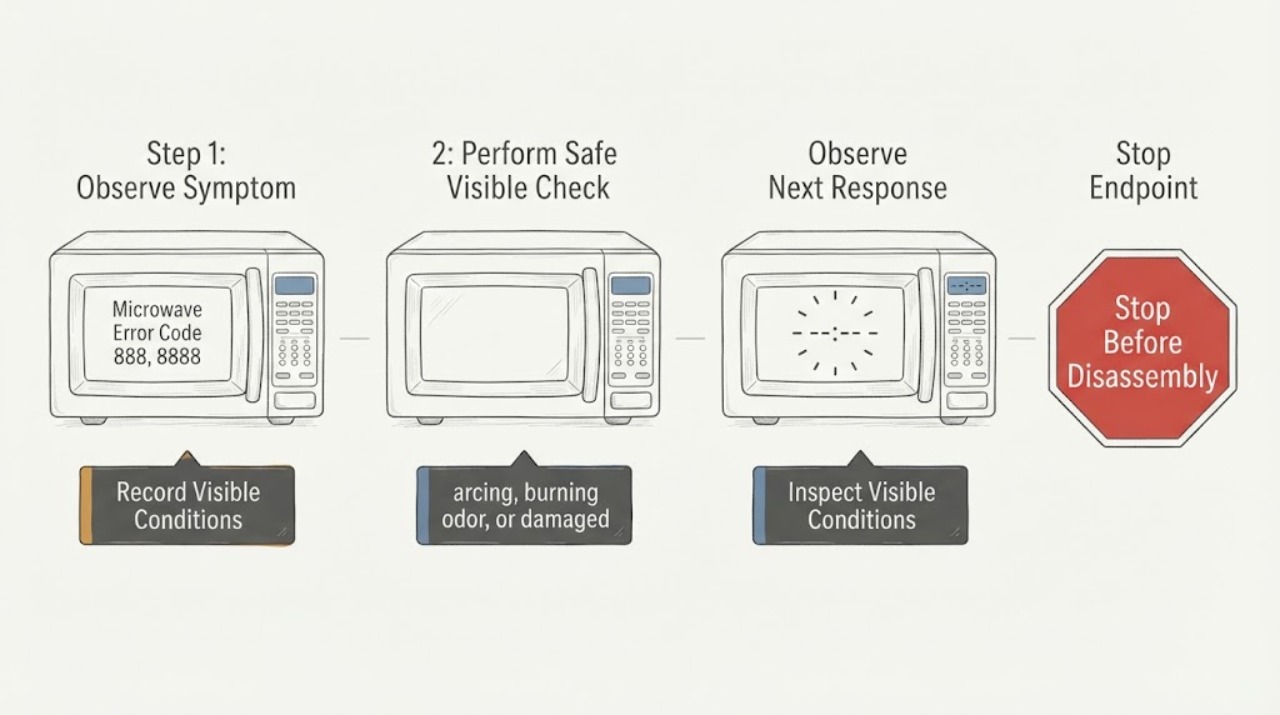
Monogram Microwave Error Code 888, 8888, or PF: Power-Failure Check
On Monogram microwave models covered by GE Appliances’ opened support guidance, PF, 888, or 8888 after power was interrupted indicates a power-failure display. Touch CLEAR or CLEAR/OFF once, then reset the clock if needed. If the message persists or returns without another power event, or if there is arcing, smoke, or burning odor, stop using the microwave and arrange qualified service.
-
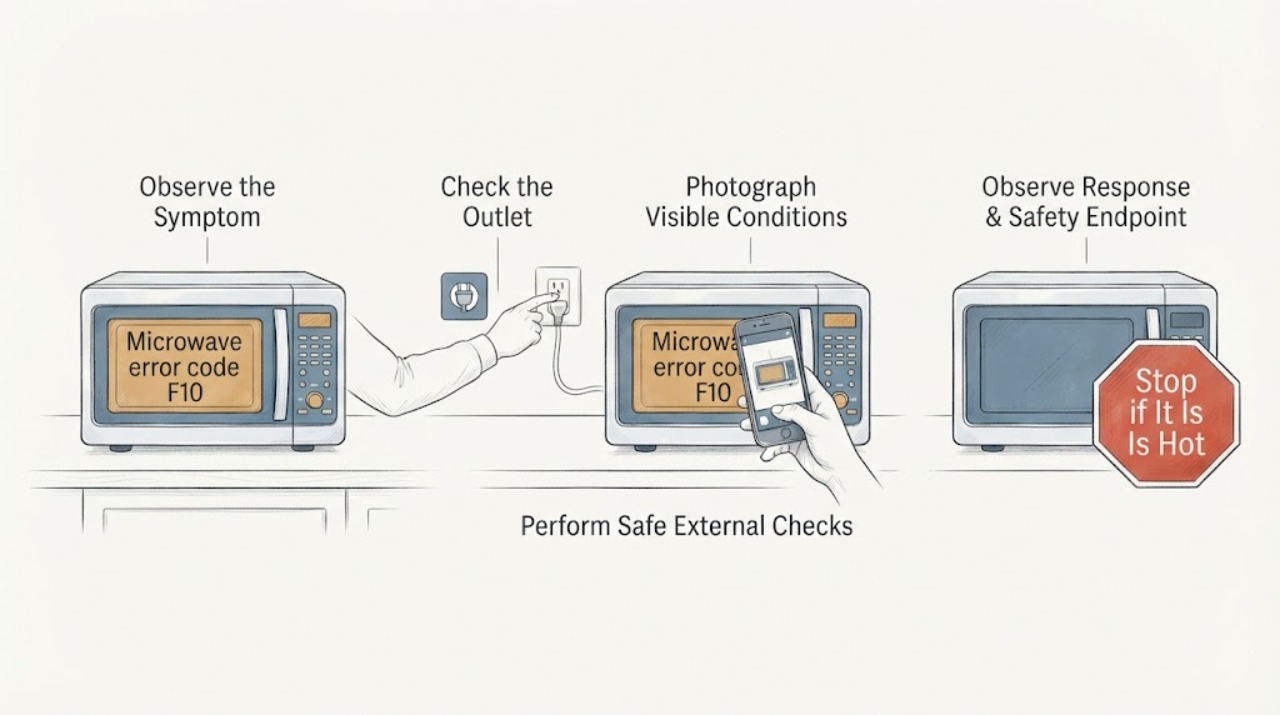
Monogram microwave error code F10: safe checks and when to call service
GE Appliances' microwave fault-code table lists F10 as a shorted touch screen, but Monogram microwave platforms can vary, so confirm the full model before applying that interpretation. If there are no sparks, smoke, burning odor, damaged door, hot plug, or repeat breaker trips, press Stop/Cancel once, then remove power at the microwave's outlet or supplying breaker for 30 seconds and restore it once.
-
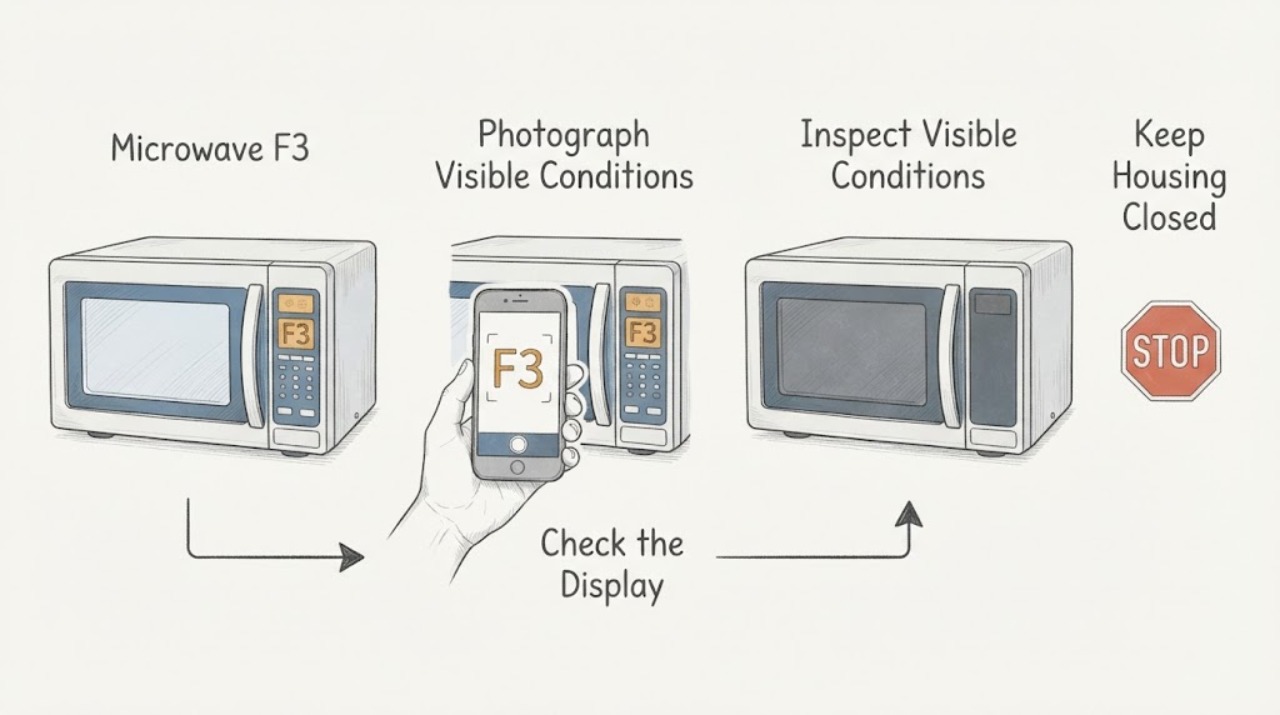
Monogram Microwave F3: What It Means and What to Do
In the official Monogram owner manual for the ZES1227 and ZEB1227 microwave models, F3 means a key has been activated for more than 60 seconds; liquid on the control panel can cause it. Press Cancel/Off once to clear the display, then dry the panel thoroughly with the microwave stopped.
-
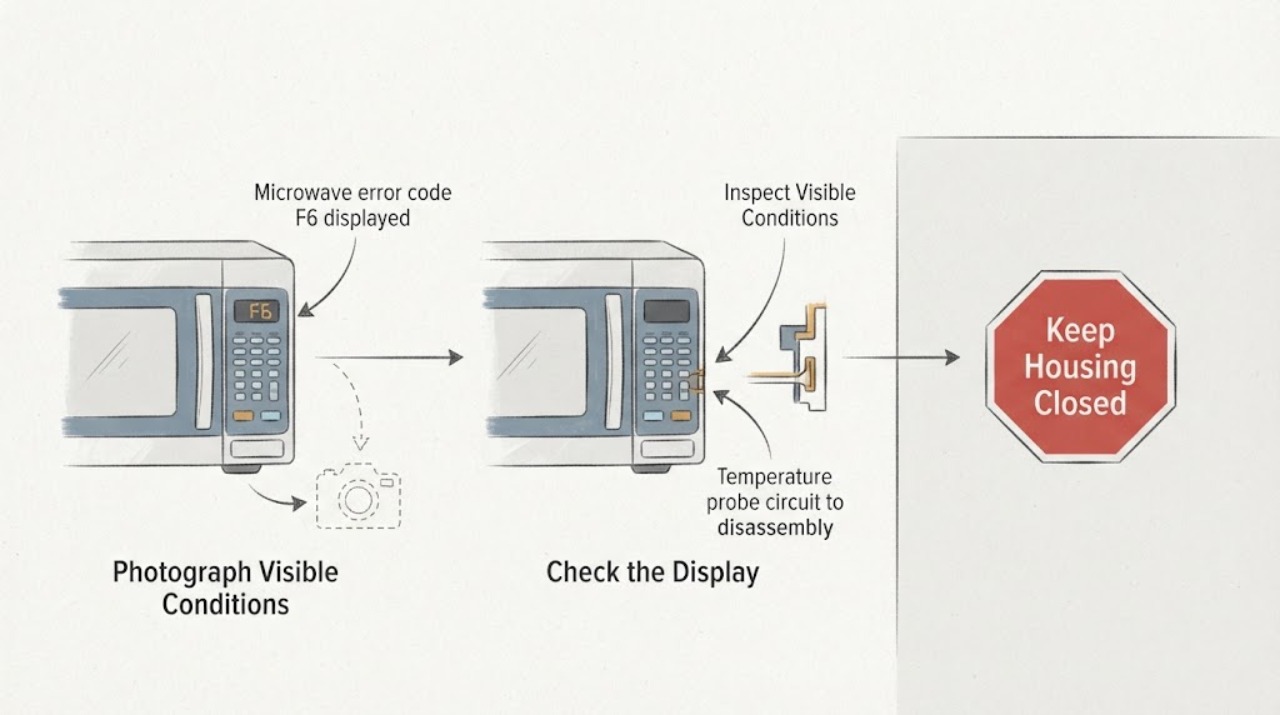
Monogram microwave error code F6 displayed
For the GE Appliances microwave fault-code family used in official support for Monogram models, F6 means a shorted temperature probe. The support page says microwave fault codes should be diagnosed by a trained service technician and notes that switching off the microwave's supplying breaker or fuse for 30 seconds may clear a code in some cases.
-
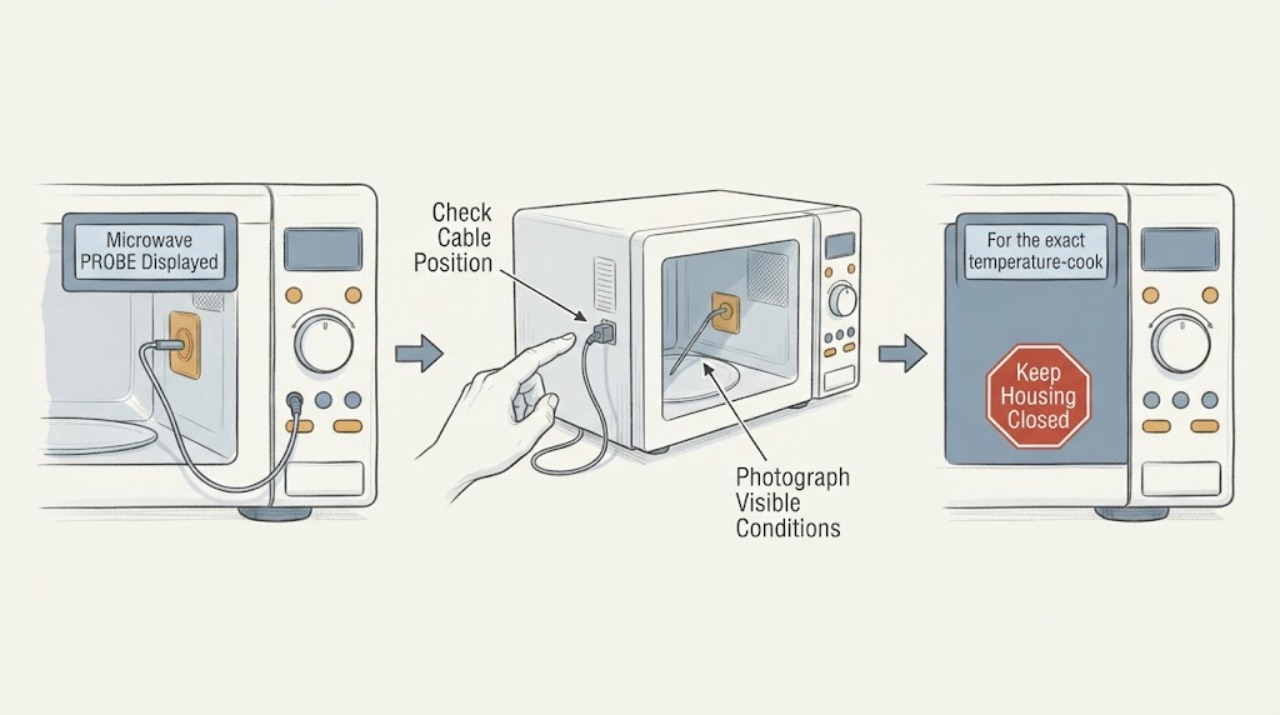
Monogram Microwave PROBE Displayed: Check the Temperature Probe Safely
On Monogram microwave models that use a temperature probe, a PROBE prompt generally means the control does not detect the probe correctly during a temperature-based cooking function. Stop the program, let the food and probe cool enough to handle, and check that the probe plug is fully seated in the microwave wall receptacle and that the probe tip is placed in the food as the cooking guide specifies.
-
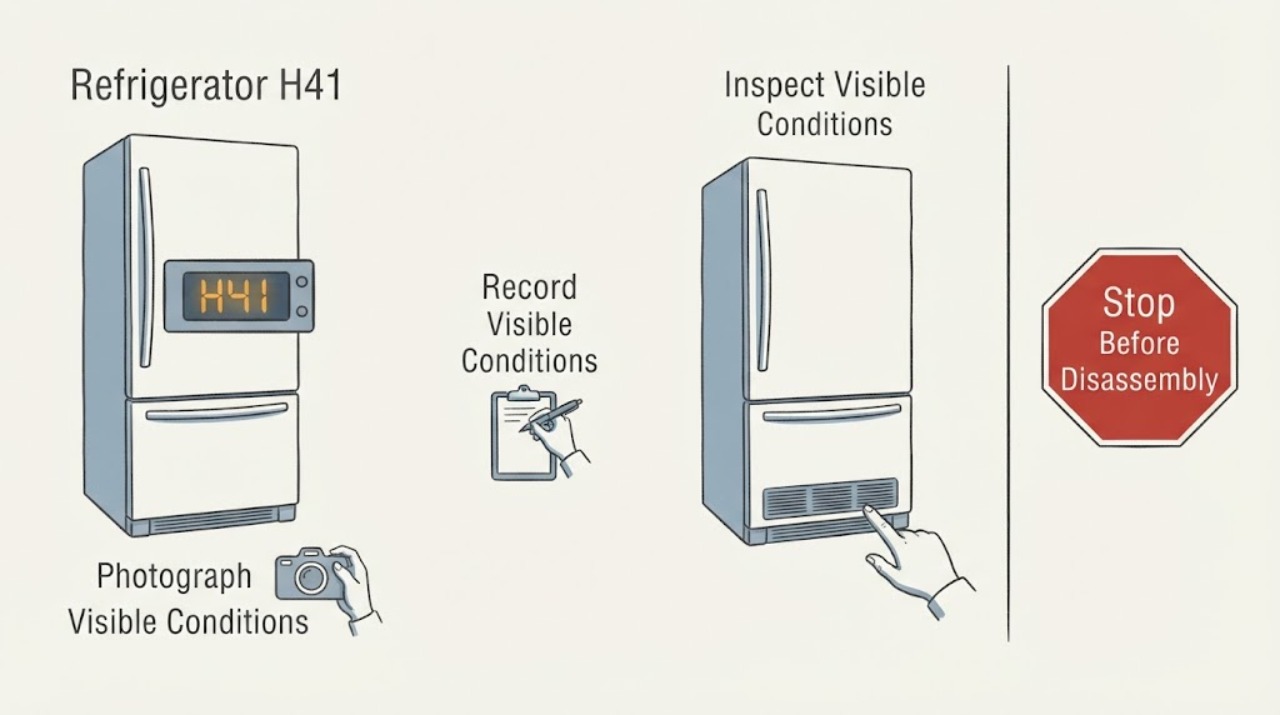
Panasonic refrigerator H41: verify the model before treating it as low-voltage protection
Do not assume H41 has one universal meaning across Panasonic refrigerators. Panasonic's refrigerator FAQ says an H-code is likely a fault that the owner cannot correct and asks for the displayed code when requesting inspection.
-
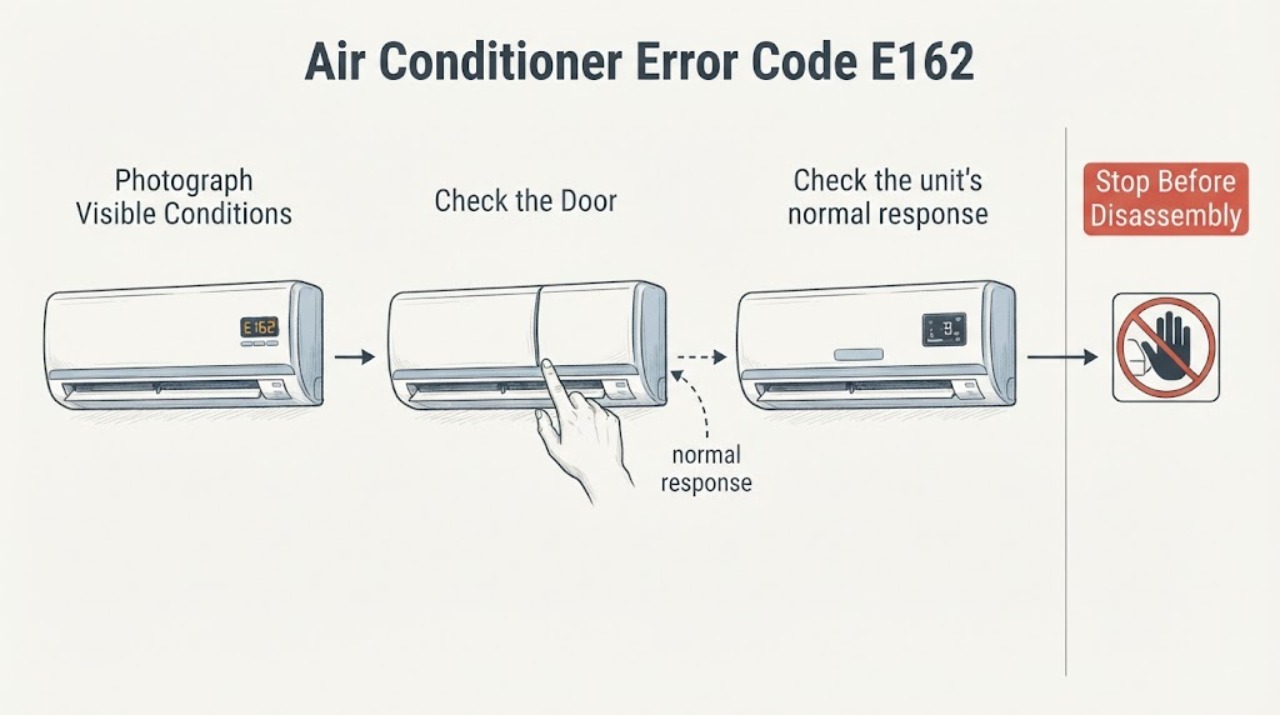
Samsung Air Conditioner Error Code E162: EEPROM Error
Samsung's official air-conditioner error-code guide identifies E162 as an indoor EEPROM error. The code is a control-electronics or stored-data fault category, not a diagnosis of a user-replaceable part.
-
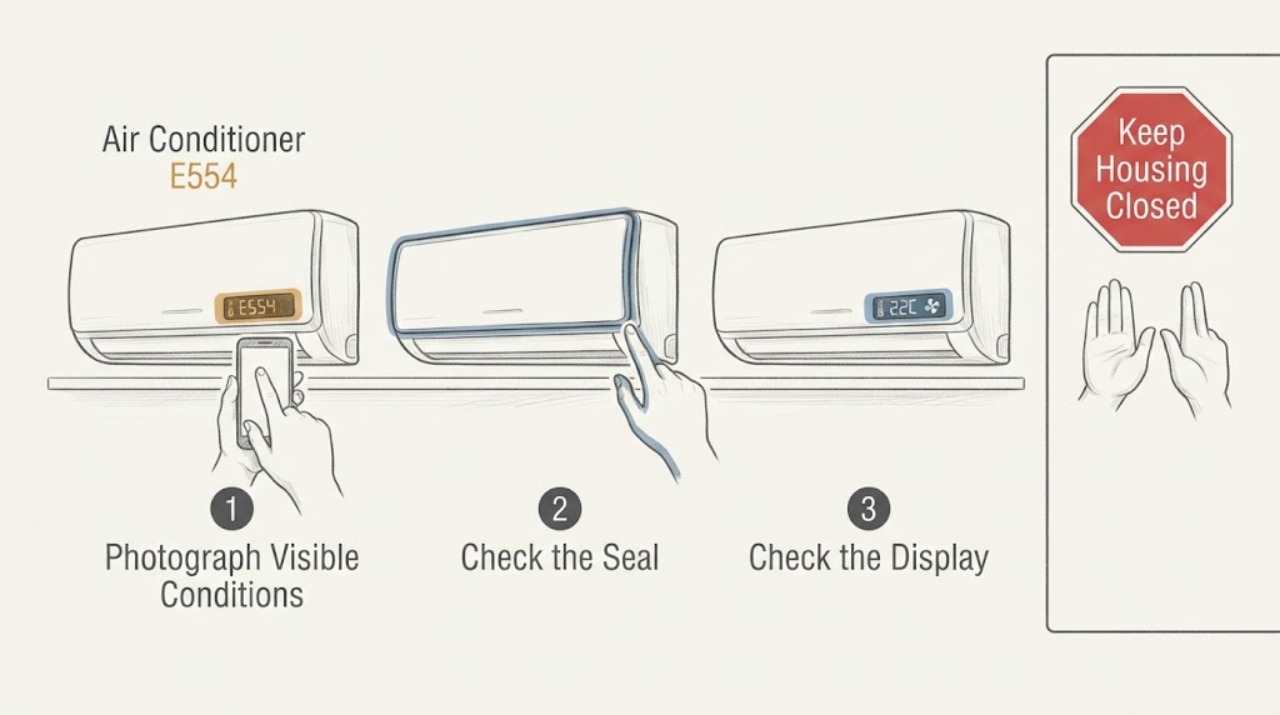
Samsung Air Conditioner E554: Check Refrigerant Status and Service Needs
Samsung uses E554 for an air-conditioner refrigerant or gas-leak related condition in its published code tables; some Samsung service material describes the related E554/C554/SC family as possible partial refrigerant shortage. Do not open the refrigerant circuit, adjust service valves, or add refrigerant yourself.
-
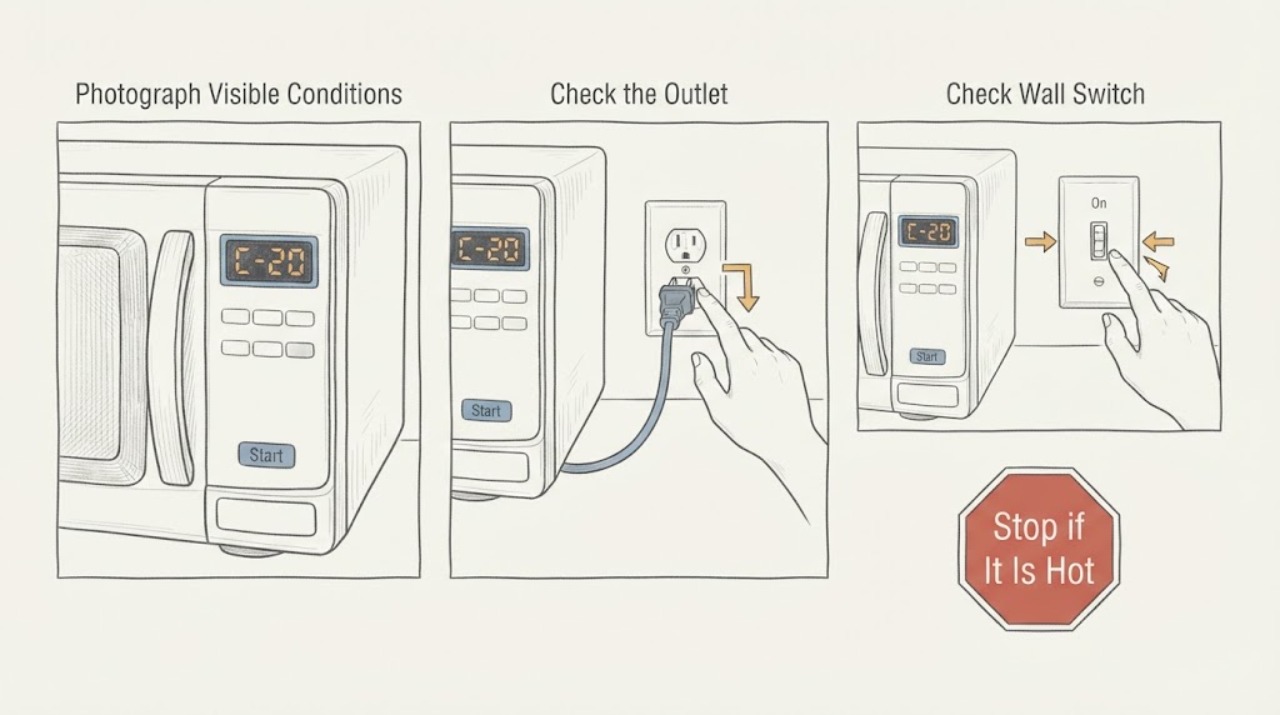
Samsung microwave C-20: temperature-sensor error and safe service boundary
Confirm the complete Samsung microwave model, market, and every character of the display before treating C-20 as a diagnosis. Samsung's US, Canada, and Philippines support pages group C-20 with a temperature-sensor error; the Philippines page further describes the sensor as open or short.
-
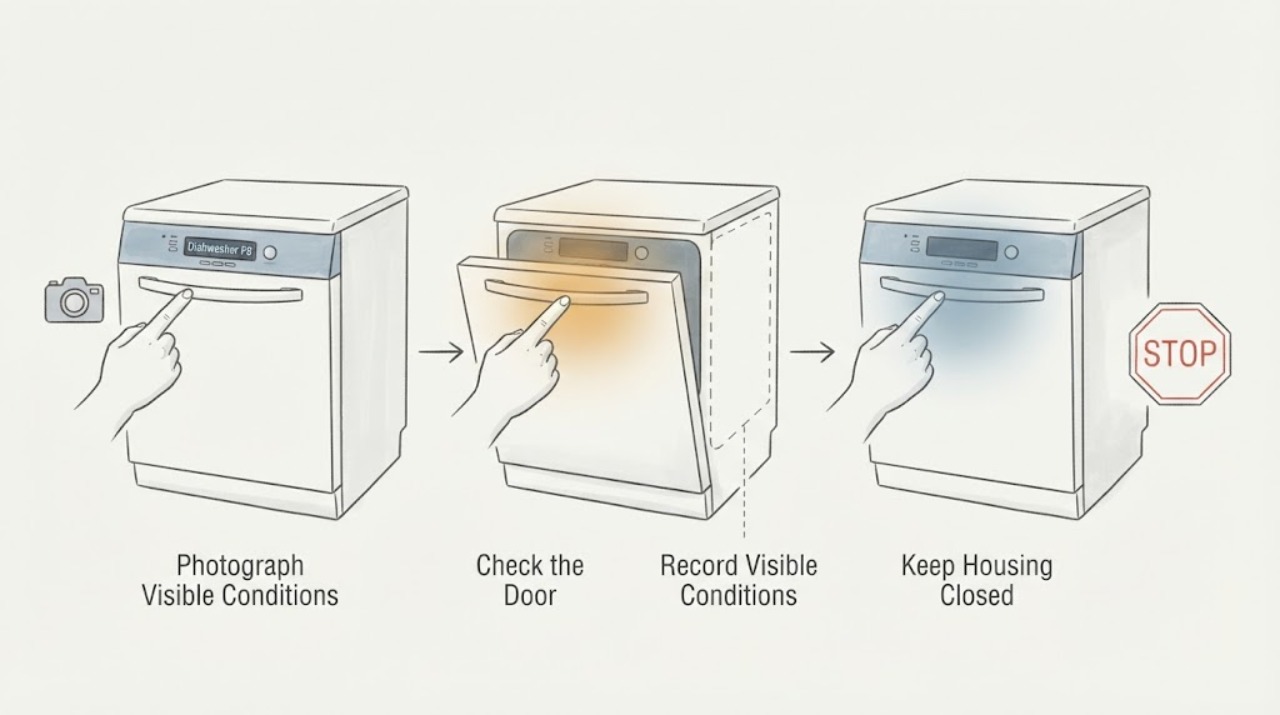
Sharp Dishwasher F8: Verify the Model Before Treating It as a Heater Error
Do not treat F8 as a universal Sharp dishwasher code. An opened Sharp Home EU manual for the exact QW-NI1EI45EX model lists F8 as a heater error and says to contact service, but that definition is limited to that manual family.
-
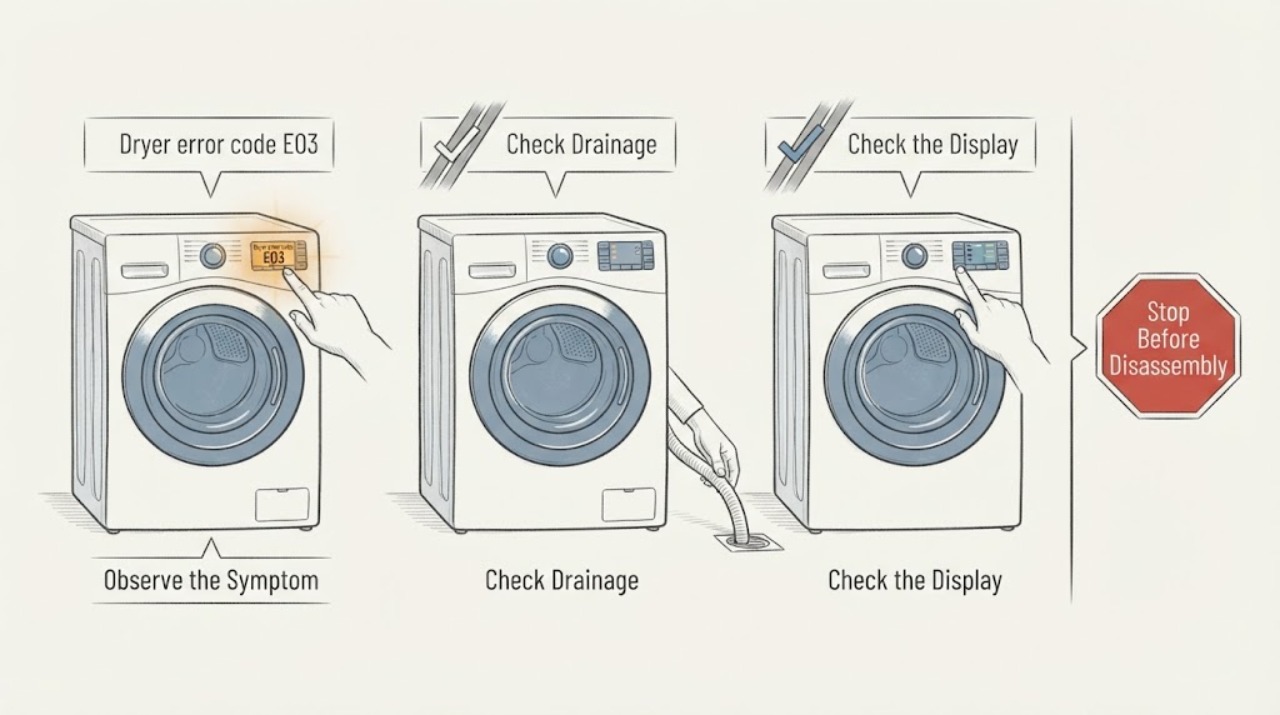
Sharp dryer error code E03: check the model and water-tank branch
Sharp's E03 meaning is model- and market-specific. In the opened official manual for the Sharp KD-HD9S7GW-B tumble dryer, E03 with the water-tank indication means to empty the water tank; if the problem remains, the manual directs the owner to an authorised service agent.
-
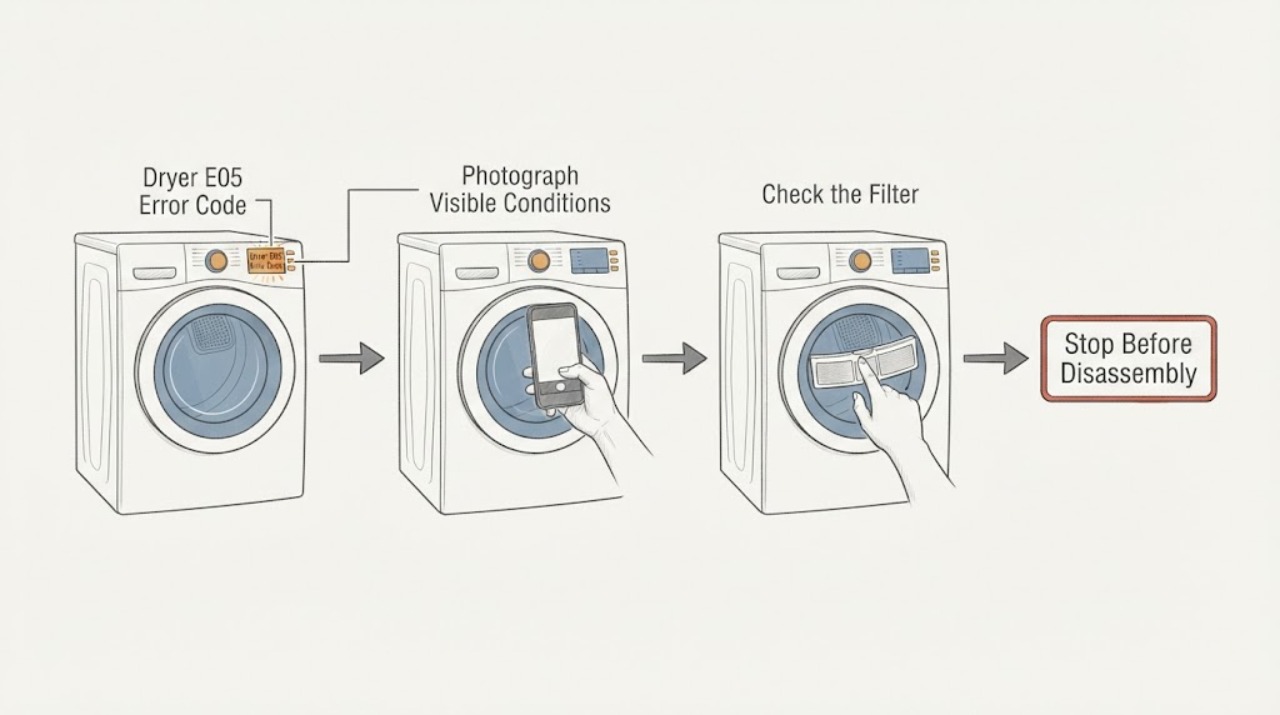
Sharp Dryer E05 Error Code: Safe Checks and Service Next Steps
Treat E05 on a Sharp dryer as a model-specific service indication until the complete model and manual confirm otherwise. Photograph the display, record the full model and serial information, and note whether E05 appears at startup or during a programme.
-
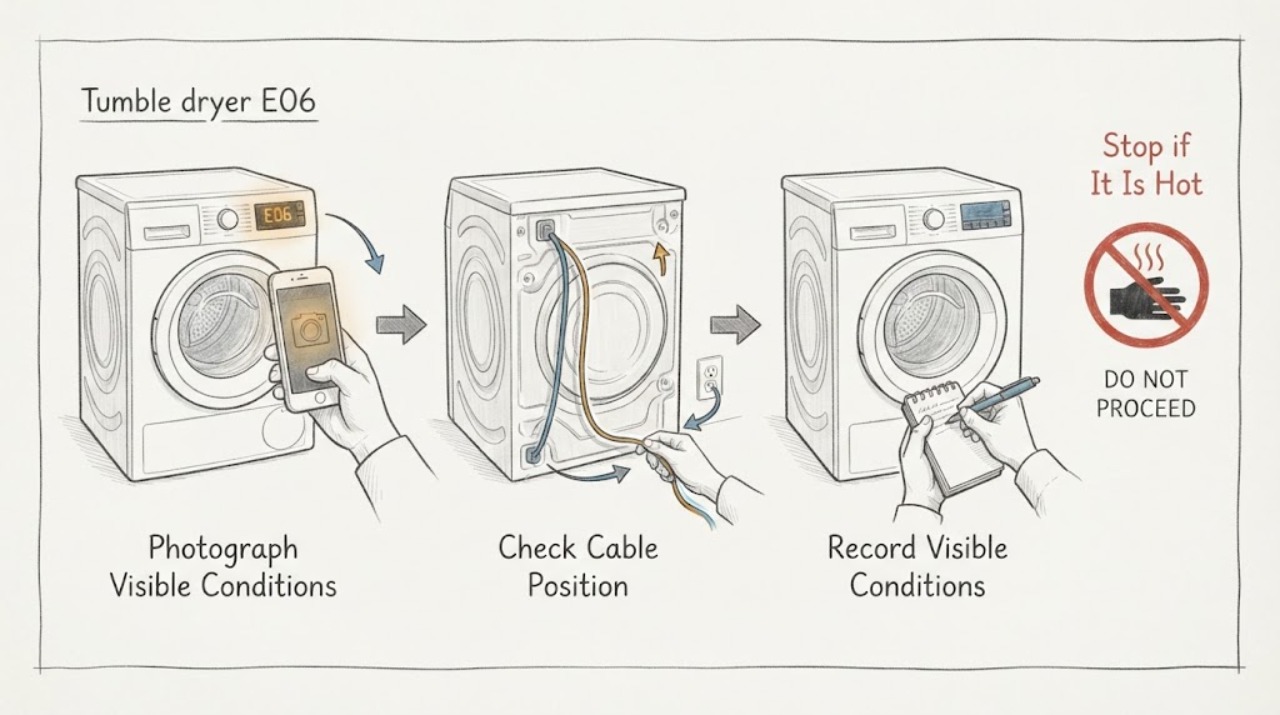
Sharp tumble dryer E06: verify the model, then arrange authorized service
On the Sharp tumble-dryer manuals opened for the KD-NCB9S7PW9-EN and KD-NCB7S7PW9-BX models, E06 is listed in the automatic fault-warning table with the same instruction: contact an authorized service agent. It is not mapped to a user-cleanable filter, condenser, water tank, or a named replacement part.